
MindVideo AI
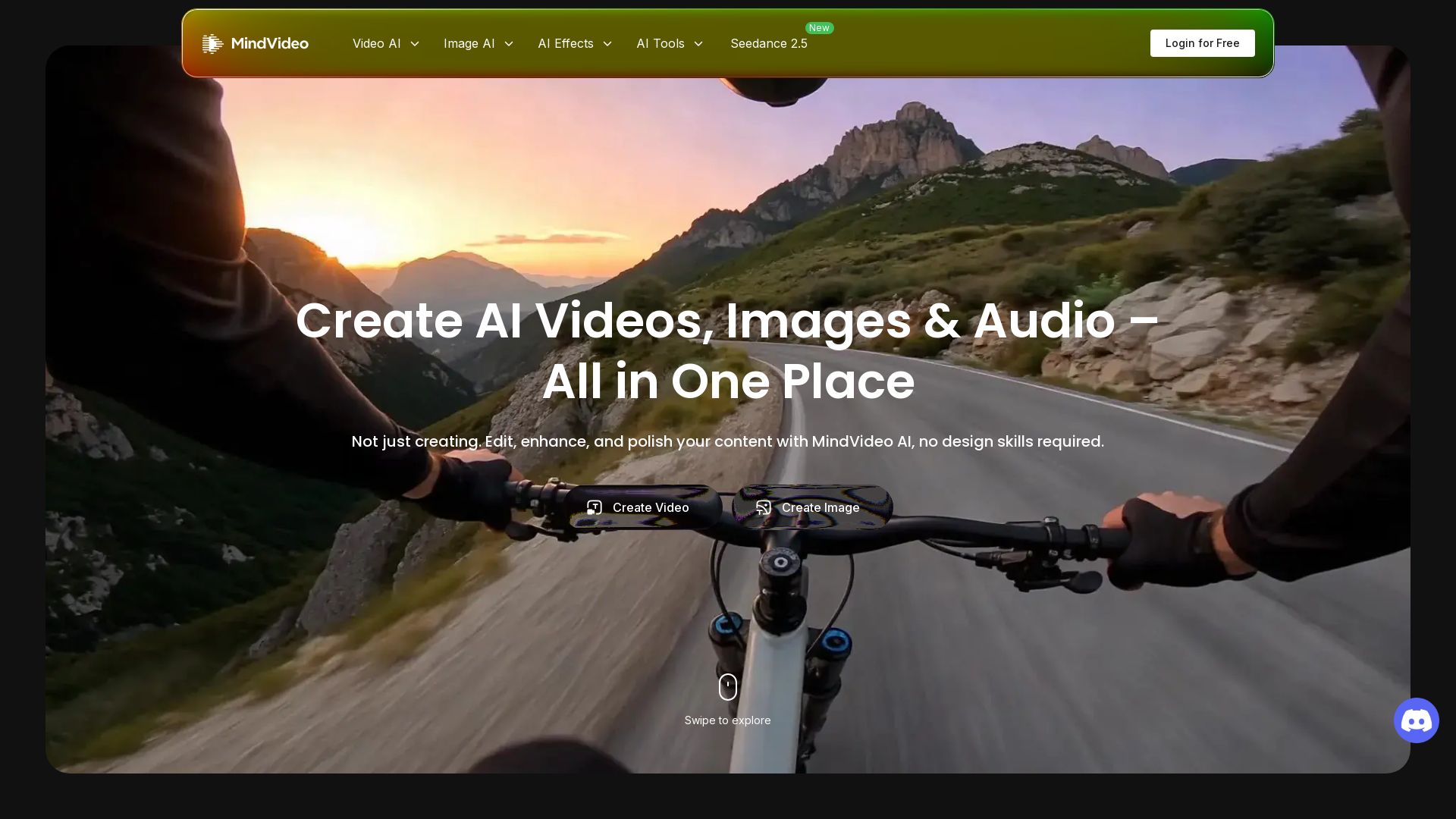
Create, edit, and enhance AI videos, images, and music in one platform. No design skills needed. Start for free!

Editor's Verdict
Key Takeaways
- AI Video Generator
- AI Image Generator
- AI Music Generator
- AI Video Editor
In-Depth Review: What is MindVideo AI?
MindVideo AI is a comprehensive AI creative suite that lets you generate videos from text or images, create stunning artwork, and compose royalty-free music—all in one place. With advanced AI tools for editing, upscaling, and applying trendy effects, you can produce professional content for social media, marketing, and more. No design or editing skills required. Join millions of creators and start creating today.
Core Features
AI Video Generator
Create AI videos from text or images in minutes, perfect for ads, social posts, or storytelling.
AI Image Generator
Generate stunning artwork, realistic photos, or anime characters from text or reference images.
AI Music Generator
Compose studio-quality, royalty-free music from lyrics or mood descriptions for any project.
AI Video Editor
Remove objects, change backgrounds, or adjust scenes using simple text instructions.
AI Video Enhancer & Upscaler
Improve video quality up to 4K, reduce noise, and adjust color and sharpness automatically.
AI Video Extender
Extend videos by generating new frames that blend naturally with the original clip.
Trendy AI Effects
Apply effects like AI Dance, Anime, Ghibli, Muscle, Hug, and 3D Polaroid to transform footage.
All-in-One Workflow
Generate, edit, enhance, and download videos, images, and audio in one platform without switching tools.
Pricing
Free
- Access to basic AI video generation
- Limited AI image generation
- AI music generation with watermarks
- Standard video quality
Pros and Cons
Pros
- All-in-One PlatformCombines video, image, and audio creation in one place, eliminating the need for multiple subscriptions.
- Easy to UseNo design or editing skills required; simple text prompts and intuitive tools for everyone.
- Trendy AI EffectsAccess to popular effects like AI Dance, Ghibli, and Anime that make content stand out.
- Royalty-Free MusicGenerate original music tracks safe for commercial use without copyright issues.
- Time-SavingQuickly generate and edit content, reducing production time from hours to minutes.
Cons
- Limited Free TierThe free plan may have restrictions on video length, resolution, or number of generations.
- No Offline ModeRequires internet connection for all AI processing; no desktop app available.
- Potential Quality VarianceAI-generated content may sometimes produce inconsistent results or errors.
- Lack of Advanced Manual ControlsFocus is on simplicity, so professional editors may miss fine-grained manual editing options.
- Dependence on Third-Party ModelsRelies on external AI models like Hailuo, Veo, etc., which may have usage limits.
Use Cases & Recommended Professions
Social Media Influencer→ View Toolkit
Create short, engaging videos for TikTok, Instagram, and YouTube with trendy AI effects and animations.
Content Creator→ View Toolkit
Generate new video concepts, extend clips, and add royalty-free music to maintain a steady content pipeline.
Marketer & Brand Manager→ View Toolkit
Launch campaigns faster by creating ads, product demos, and branded videos without a large team.
Video Editor & Creator→ View Toolkit
Speed up repetitive tasks like enhancements, background removal, and effects application for professional results.
Musician or Podcaster→ View Toolkit
Compose royalty-free background music for videos, podcasts, or social content without licensing fees.
Small Business Owner→ View Toolkit
Produce promotional videos and images in-house, reducing outsourcing costs and turnaround time.
Frequently Asked Questions
Alternative AI Tools
View Detailed Comparison →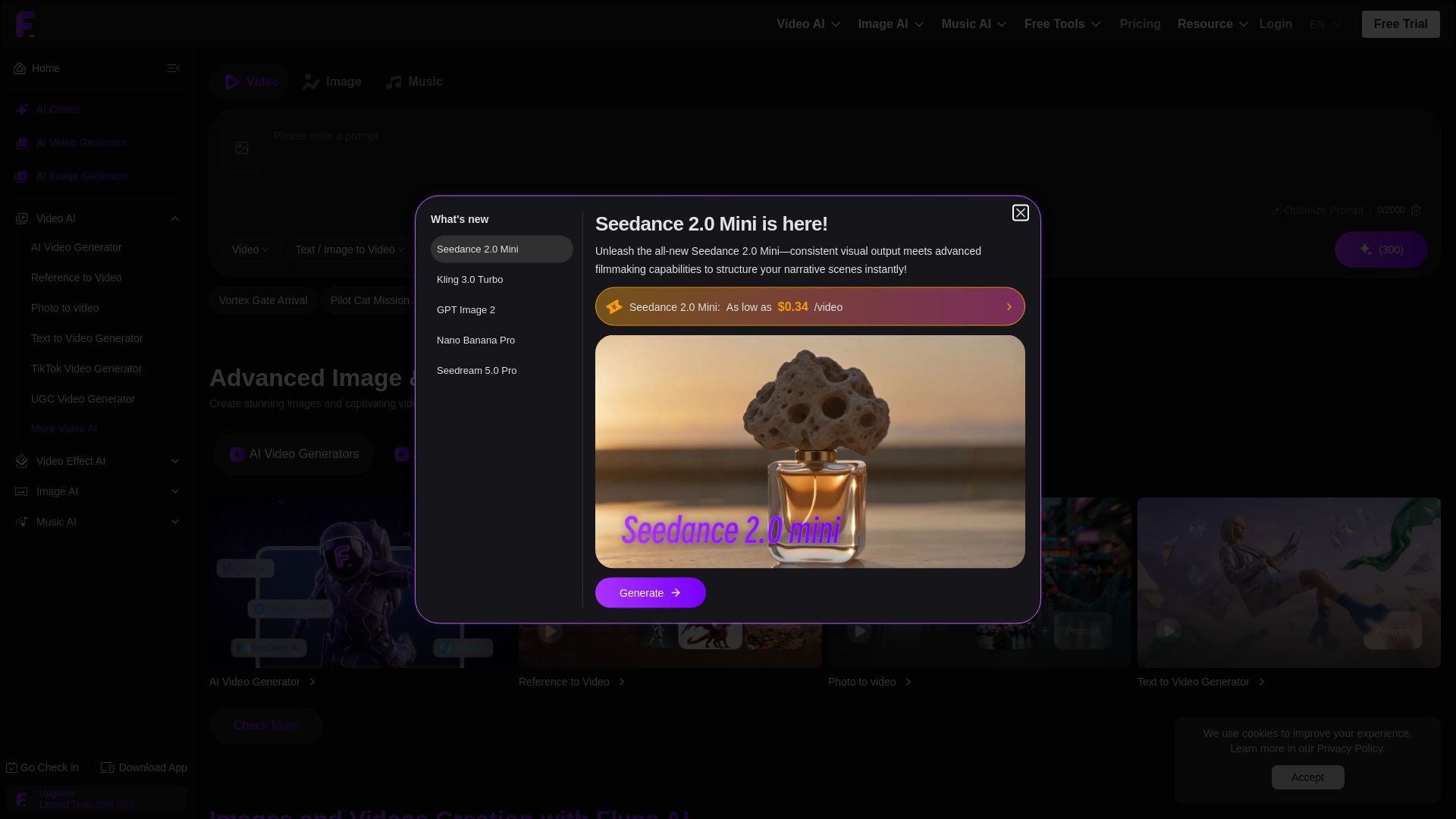
Flyne AI
Create stunning AI images and videos with Flyne AI. Free tools, cutting-edge models like Veo 3.1, Kling 3.0, and Seedance 2.0. Start free!


Gen AI Video Generator
Create stunning AI videos and images with 90+ models including Google VEO 3, Sora 2, Seedance 2.0. Text-to-video, image-to-video, photo editing on iOS.

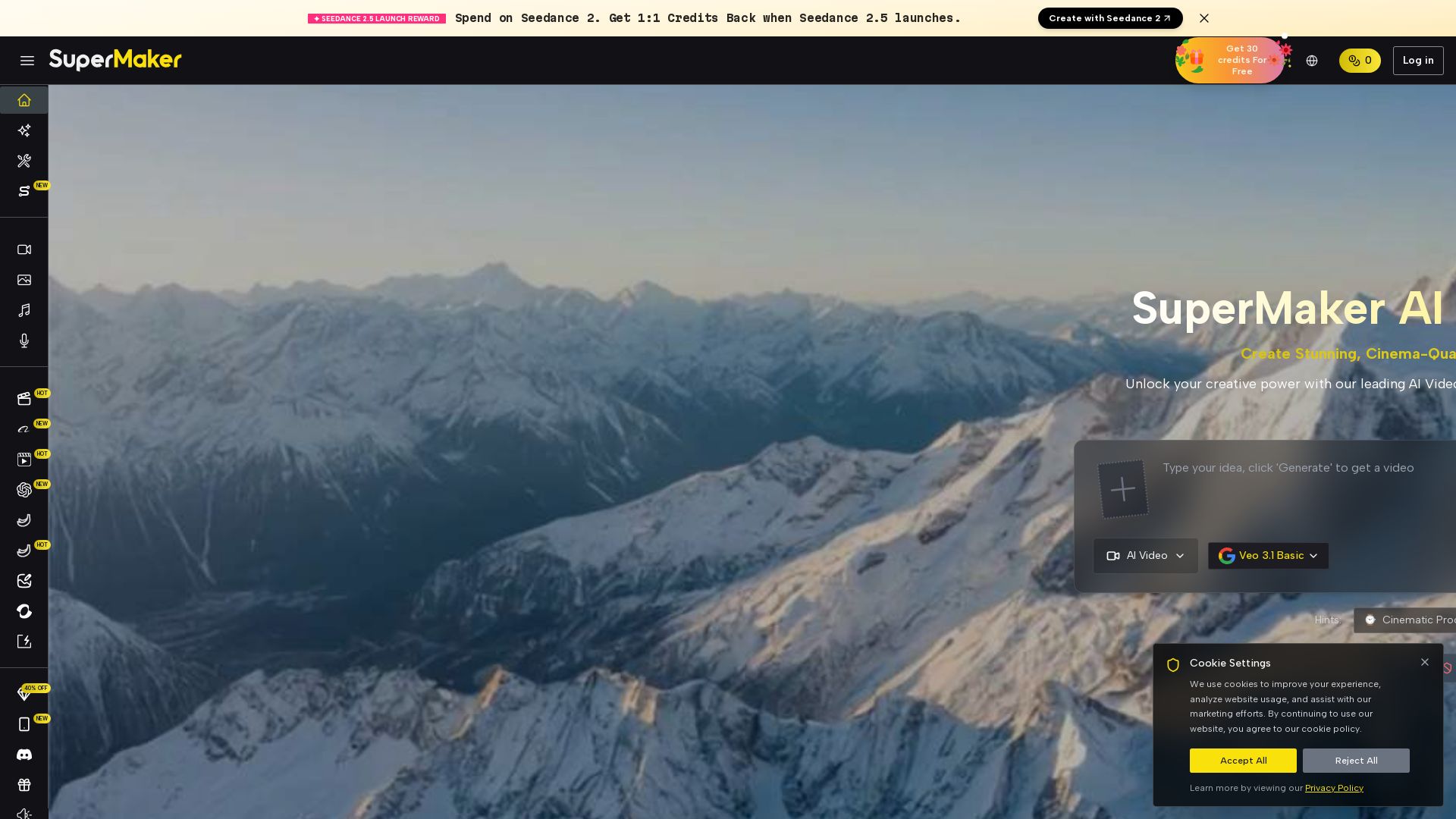
SuperMaker AI
Create stunning cinema-quality videos with SuperMaker's AI Video Generator. All-in-one suite for video, image, music, and voice. Start free.


SeaArt AI
Turn ideas into stunning images and cinematic videos with SeaArt AI. Free tools, community, and advanced models like Seedance 2.0.


Pixlr
Edit, generate, and design with Pixlr's free AI photo editor. Transform photos, create images from text, and more – all in your browser. No download needed.

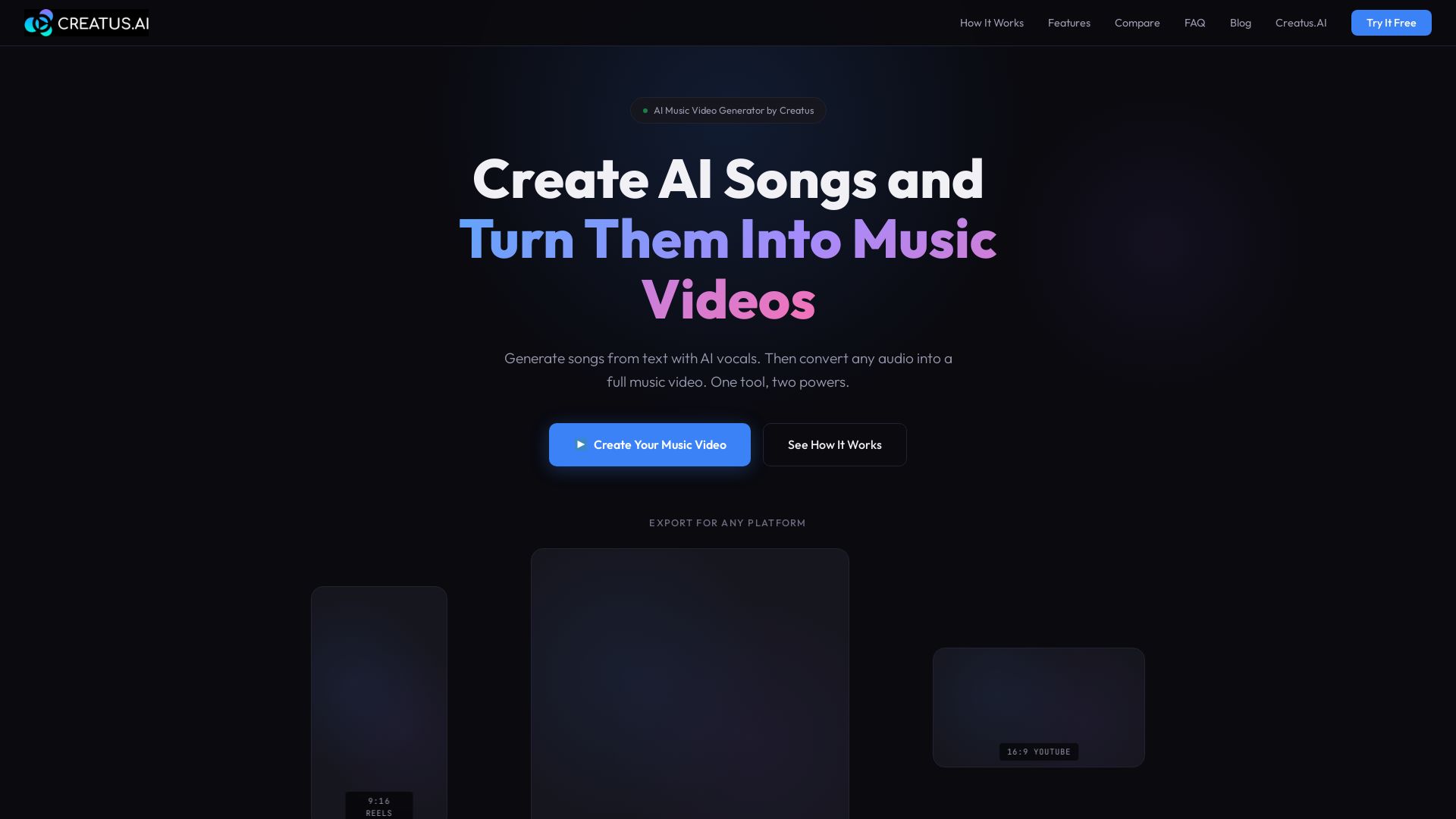
Free Plans to Pro Tiers - AI Music Video Generator Pricing
Turn text into songs with AI vocals, then convert audio into music videos. One tool for AI music and video generation. Try free.

AI Music Generator
Generate custom AI music, lyrics, and videos online. Free, no signup! Text-to-music AI, vocal remover, and more.

VideoAny
Generate cinematic AI videos, images, and audio with uncensored models. No filters, full creative freedom. Try Seedance 2.0, Wan 2.7 & more.

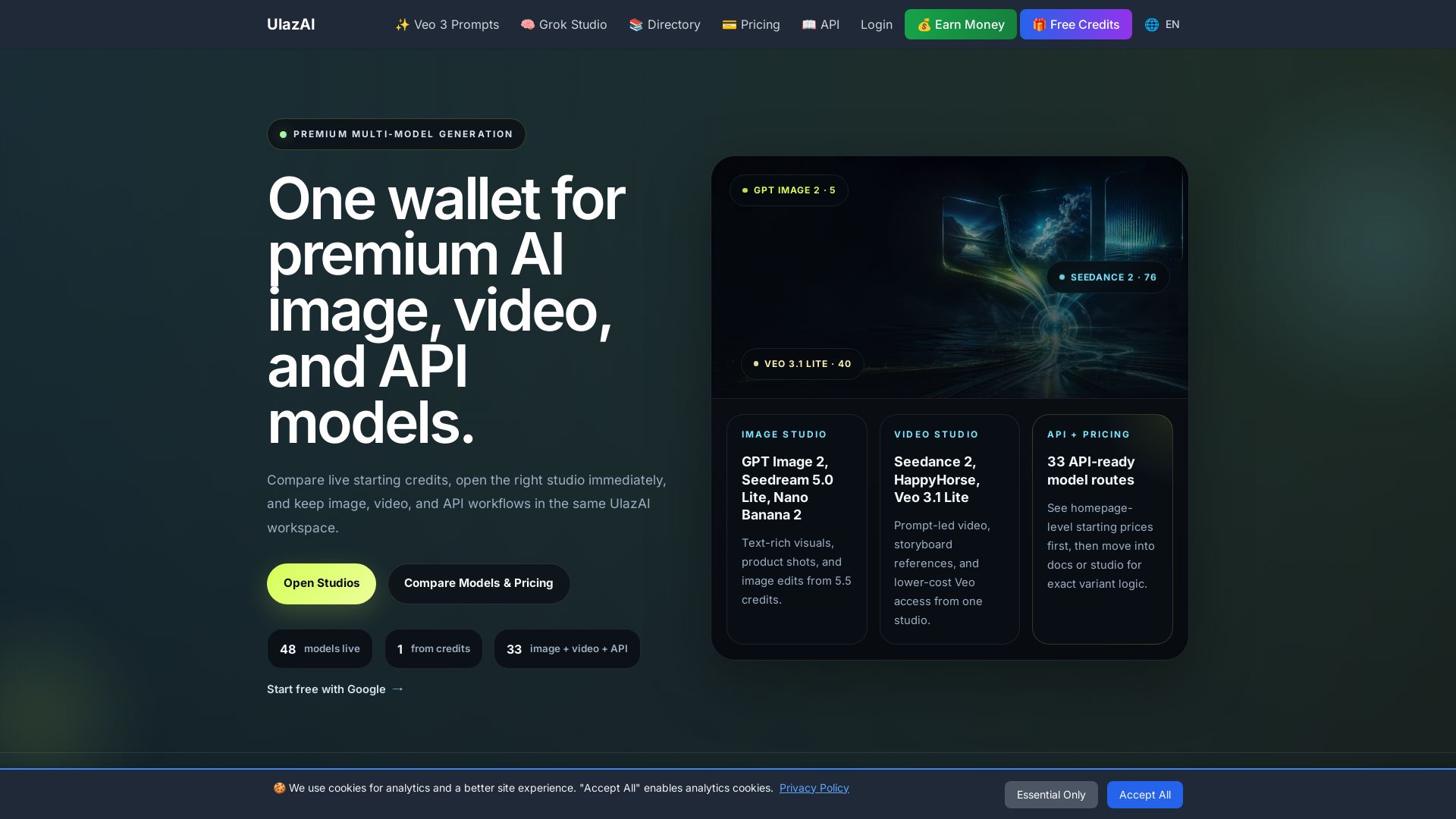
ULAZAI
Generate stunning images and videos with 48 premium AI models. One credit wallet for Image Studio, Video Studio, and API. Start free from 1 credit.

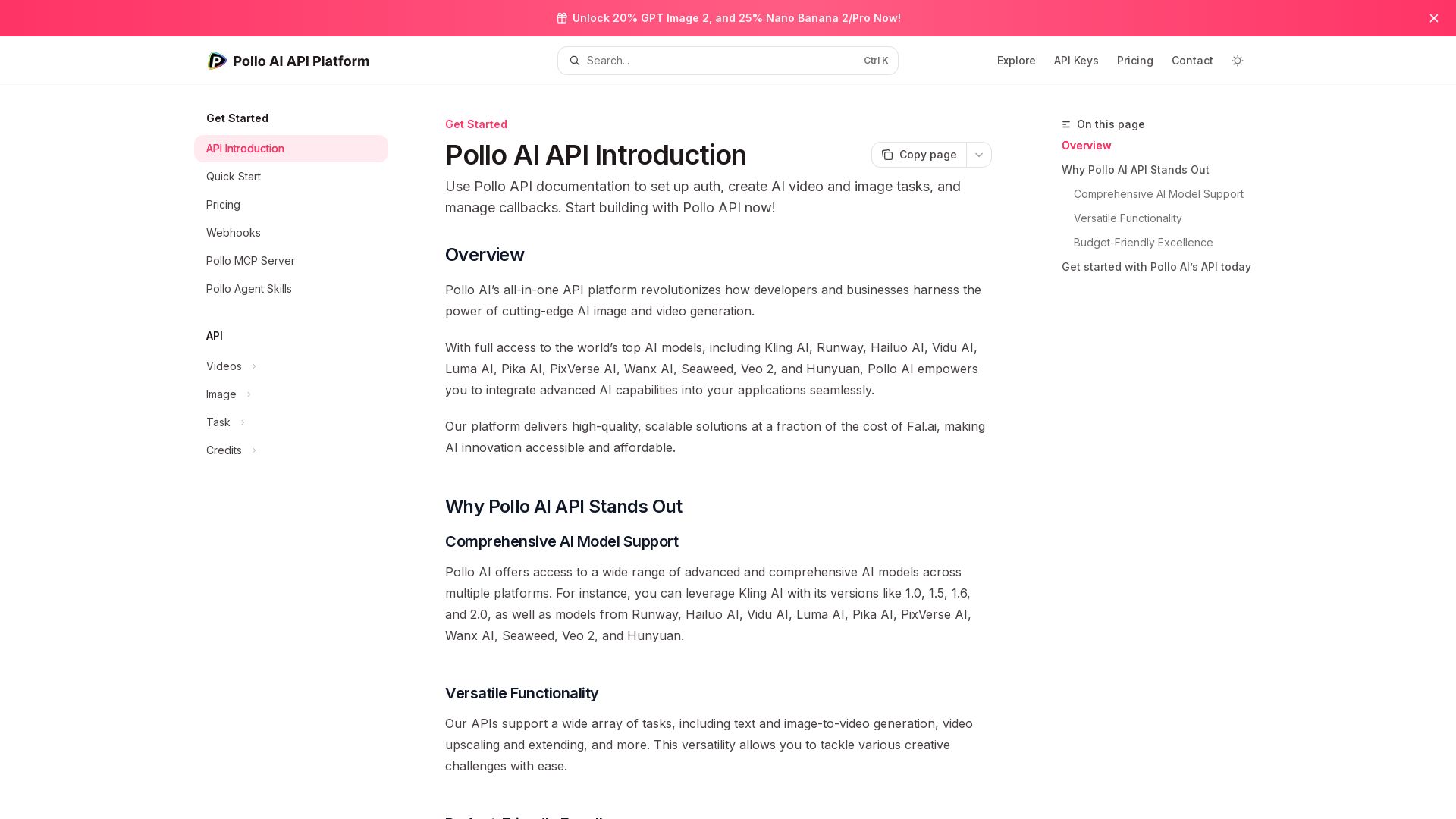
Pollo API
Integrate cutting-edge AI video and image generation with Pollo AI API. Access Kling, Runway, Hailuo, and more. Budget-friendly, high quality.

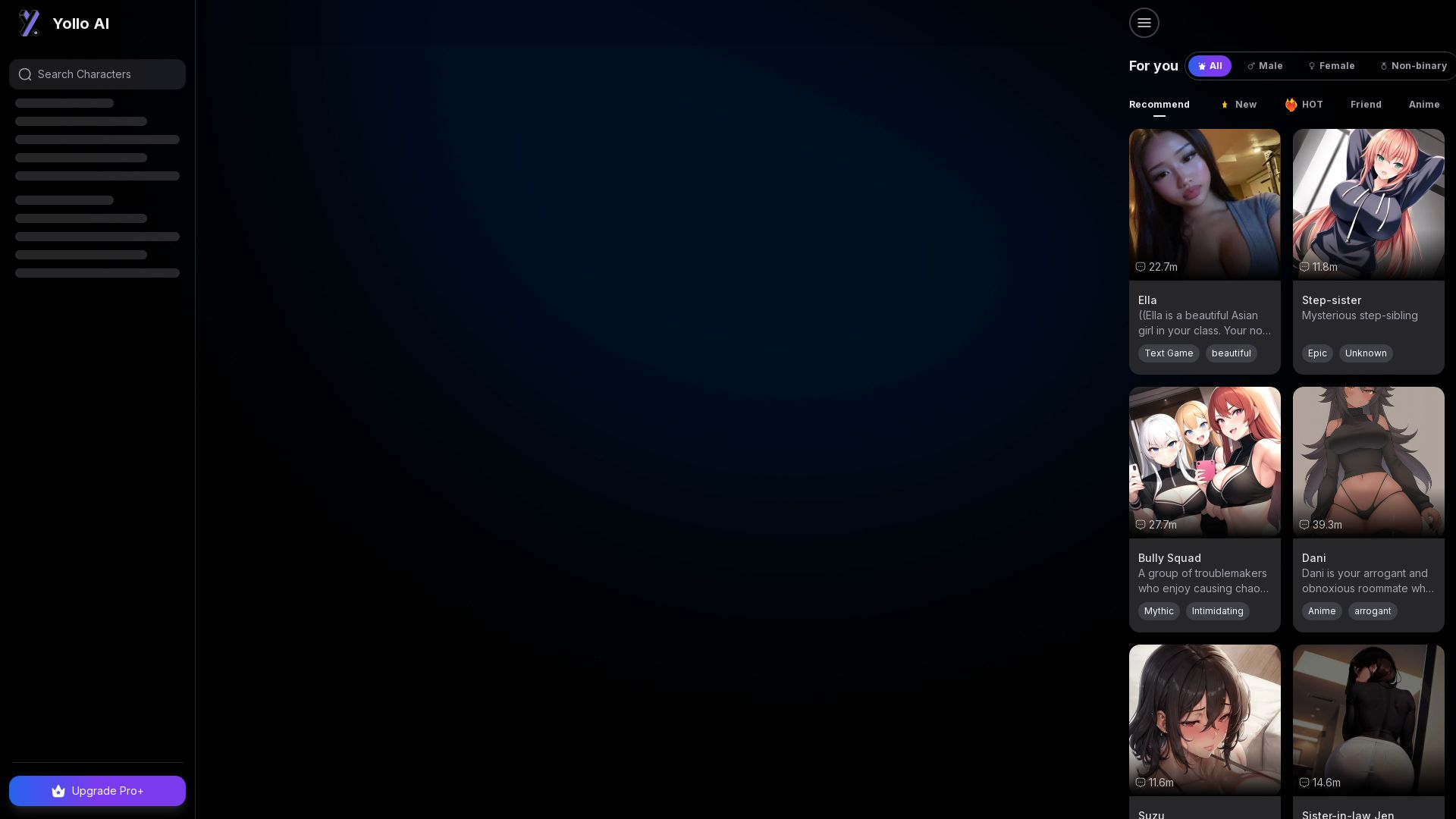
Yollo AI
Free, no sign-up. Chat with 200K+ characters, create NSFW AI art & videos. Ultimate creative freedom.

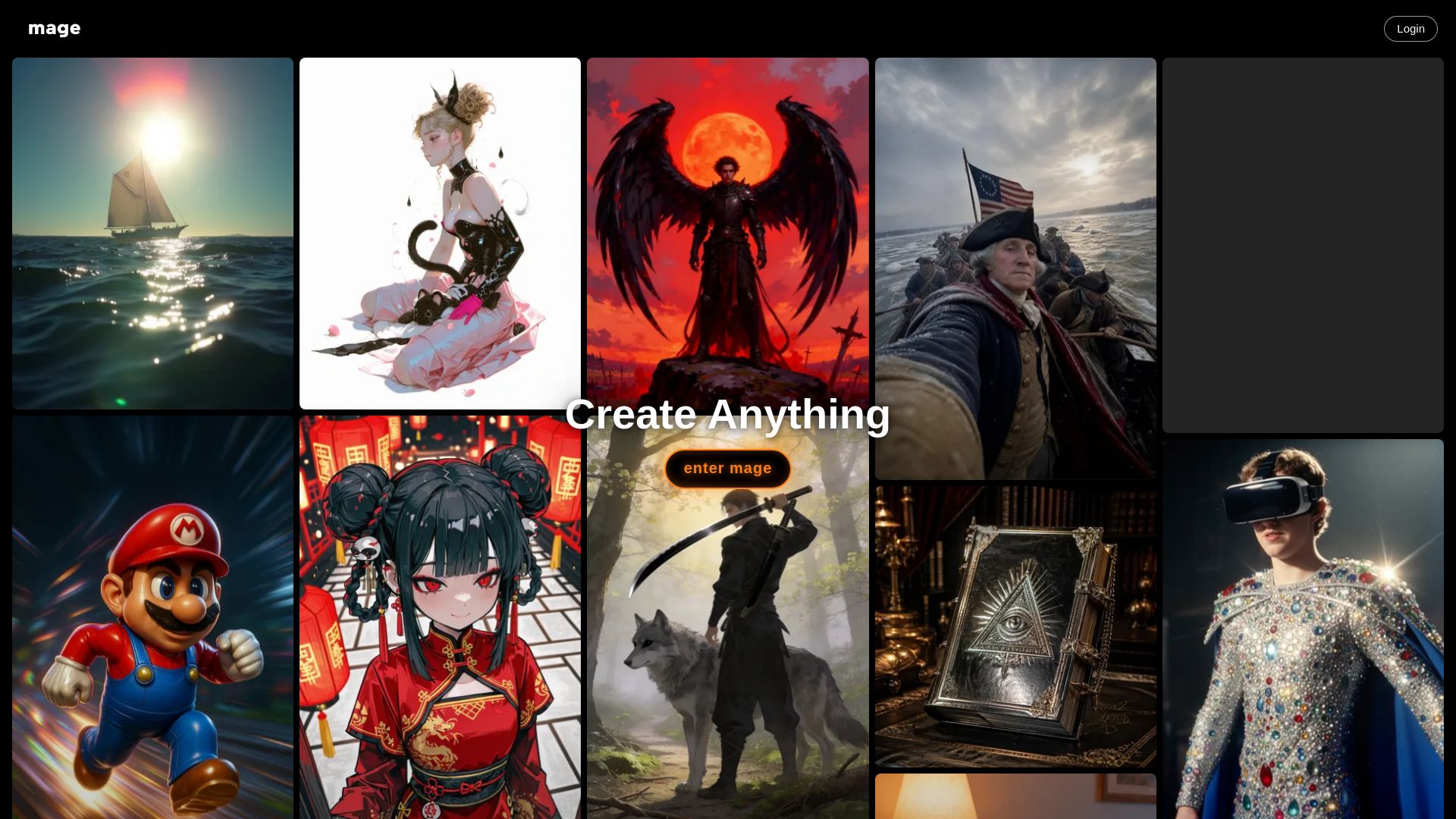
Mage
Create anything with Mage. Free AI image and video generator. Unlimited, private, NSFW allowed. Use Stable Diffusion, Flux, Wan, and more.

ℹ️ Curation Disclosure: The overview and features of MindVideo AI were synthesized using AI and fact-checked by our curation team to ensure accuracy.
