
MindMap AI
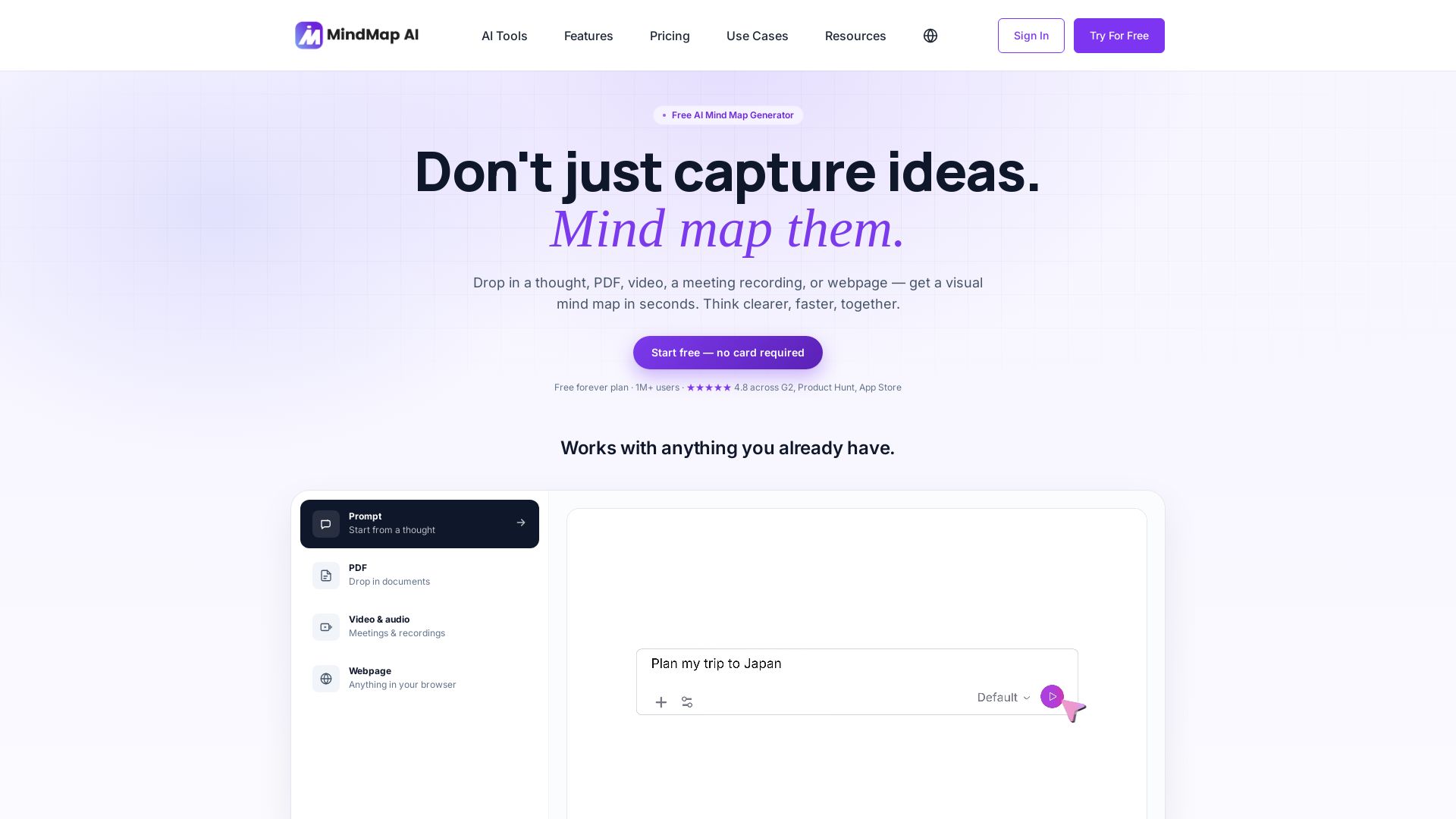
Turn prompts, PDFs, videos, and webpages into editable mind maps in seconds. Free forever plan. No card required.



Editor's Verdict
Key Takeaways
- AI Mind Map Generation
- Chat with Mind Map
- Multi-language Support
- AI Expand & Summarize
In-Depth Review: What is MindMap AI?
Mapify is a free AI mind map generator that instantly transforms any idea, document, video, meeting recording, or webpage into a visual mind map. Chat with your map to expand ideas, summarize sections, or reorganize branches. Edit manually or with AI in 29+ languages. No credit card required to start. Trusted by 1,000,000+ users worldwide.
Core Features
AI Mind Map Generation
Generate a visual mind map in seconds from a typed thought, PDF, video, audio, or webpage.
Chat with Mind Map
Ask AI to expand branches, reorganize sections, or explain concepts directly on the canvas.
Multi-language Support
Create and edit mind maps in 29+ languages, including right-to-left scripts like Arabic and Hebrew.
AI Expand & Summarize
Grow ideas from any node in one click or condense any branch into a concise summary.
Advanced Document Analysis
Analyze long documents and compare multiple sources together to extract key insights.
Media Input
Turn PDFs, images, audio, and video into structured mind maps automatically.
Unlimited Workspace
Unlimited projects, nodes, images, storage, and imports with no archiving or cleanup required.
Import from Other Tools
Seamlessly import maps from XMind, MindManager, Mapify, Coggle, FreeMind, Freeplane, and SimpleMind.
Export Options
Export maps to PDF, PNG, SVG, Markdown, CSV, and native project files for sharing or backup.
Team Collaboration
Shared workspaces, real-time synced updates, email sharing, and public/private link sharing.
Manual Editing Tools
Drag-and-drop, undo/redo, collapse/expand, keyboard navigation, and shortcut keys for fast editing.
Customization & Themes
Apply themes, customize node shapes and colors, add images, widgets, tags, and symbols.
Pricing
Free
- 50 AI credits / month
- Unlimited projects, manual edits & file storage
- All layouts, themes, nodes & widgets
- Export to PDF, PNG, Markdown & project file
- Import from other mind-mapping tools
- Web, iOS, Android & browser extensions
- Publish maps via public link or iframe embed
- Share via email for real-time viewing
- Community support forum
Basic
- Everything in Free
- 2,000 AI credits / month
- On-demand top-up: 1,000 credits for $5
- Full AI toolkit — chat, expand & 29+ languages
- Summarize PDFs (30 MB), images (10 MB), audio (50 MB) & video (70 MB)
- Summarize YouTube videos via extension
- Timestamped transcripts from audio & video
- Thinking Mode reasoning
- No watermark on downloads
- Export to SVG, HTML, CSV
- Basic email support
Basic
- Everything in Free
- 2,000 AI credits / month
- On-demand top-up: 1,000 credits for $5
- Full AI toolkit — chat, expand & 29+ languages
- Summarize PDFs (30 MB), images (10 MB), audio (50 MB) & video (70 MB)
- Summarize YouTube videos via extension
- Timestamped transcripts from audio & video
- Thinking Mode reasoning
- No watermark on downloads
- Export to SVG, HTML, CSV
- Basic email support
Pro
- Everything in Basic
- 5,000 AI credits / month
- On-demand top-up: 1,000 credits for $5
- Summarize PDFs (50 MB), images (10 MB), audio (100 MB) & video (150 MB)
- Priority access to new features
- Priority email support
- 7 day money back guarantee
Pro
- Everything in Basic
- 5,000 AI credits / month
- On-demand top-up: 1,000 credits for $5
- Summarize PDFs (50 MB), images (10 MB), audio (100 MB) & video (150 MB)
- Priority access to new features
- Priority email support
- 7 day money back guarantee
Team
- Starts at 2 seats, scales up to 100
- Centralized billing
- Each seat gets their own credits
- Projects shareable across team workspace
Pros and Cons
Pros
- AI-Powered GenerationQuickly turn prompts, documents, videos, and other content into structured mind maps, saving significant time.
- Free Forever PlanThe Free plan includes unlimited manual editing and 50 monthly AI credits with no credit card required.
- Multi-Language SupportSupports 29+ languages including right-to-left scripts, making it accessible globally.
- Extensive Import/ExportImport from popular mind-mapping tools and export to multiple formats like PDF, PNG, SVG, and Markdown.
- Flexible CollaborationReal-time syncing, shared workspaces, and versatile sharing options facilitate teamwork.
Cons
- Limited AI Credits on Free PlanThe 50 monthly credits may be insufficient for heavy AI usage, requiring an upgrade for more.
- Advanced AI Features Are PaidFeatures like Thinking Mode and larger file uploads are only available on Basic and Pro plans.
- Team Collaboration Requires Paid PlanShared workspaces and team billing are only available on Team plans, not for individual free users.
- Credit Consumption VariesLarger maps and media files consume more credits, making cost predictions less straightforward.
- Steep Learning CurveWith many customization options and AI features, new users may need time to explore all capabilities.
Use Cases & Recommended Professions
Product Manager→ View Toolkit
Organize feature roadmaps, user feedback, and team ideas into visual mind maps to drive alignment and planning.
Researcher→ View Toolkit
Summarize long papers, conduct literature reviews, and map out research findings efficiently.
Educator→ View Toolkit
Create engaging lesson plans, explain complex concepts, and help students visualize information.
Strategy Consultant→ View Toolkit
Structure client data, brainstorm strategic options, and present clear visual frameworks.
Student→ View Toolkit
Take structured notes, study for exams, and break down dense topics into easy-to-understand maps.
Content Creator→ View Toolkit
Brainstorm ideas, outline articles or videos, and organize research for content production.
Frequently Asked Questions
Alternative AI Tools
View Detailed Comparison →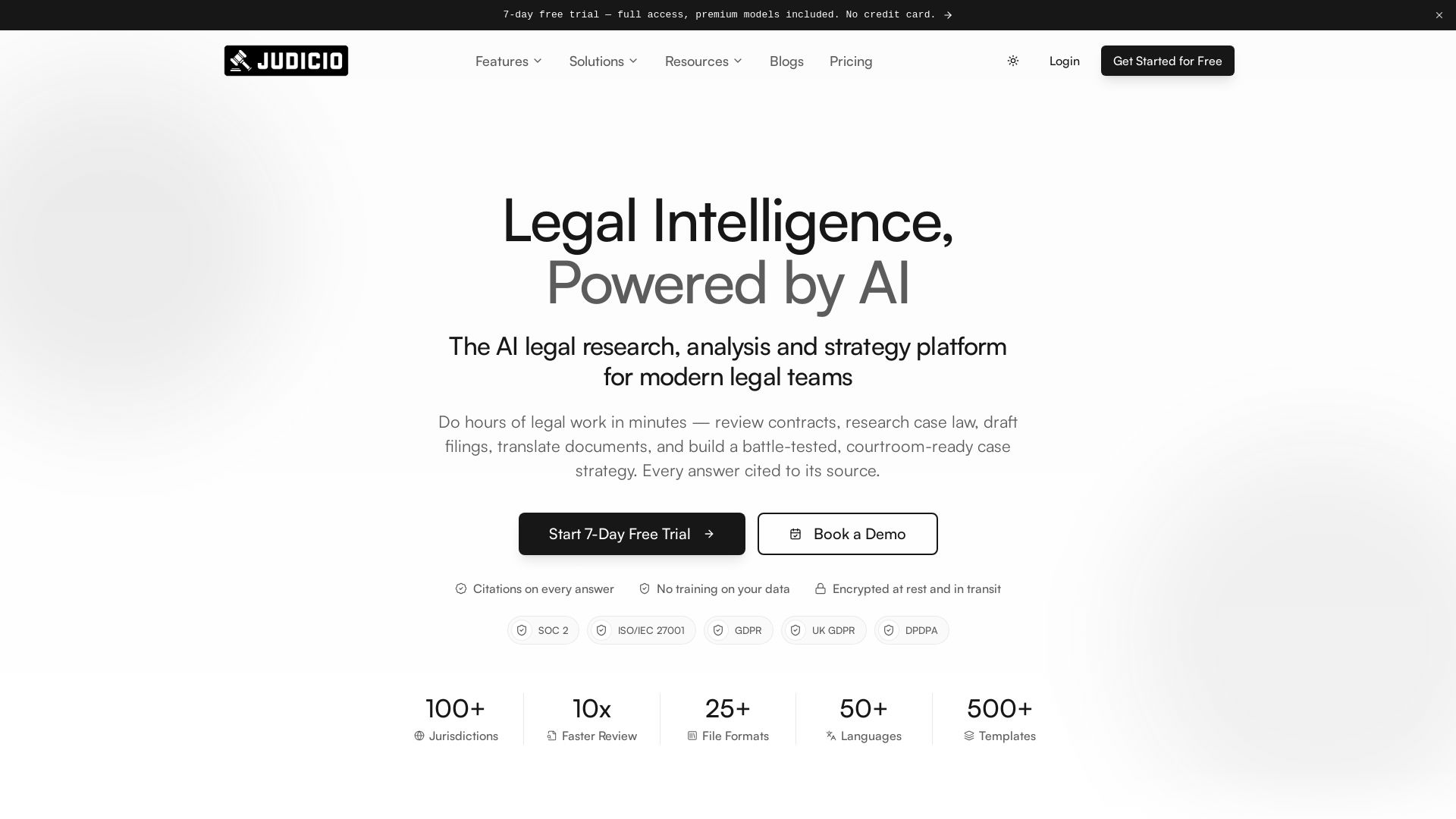
Judicio
AI-powered legal research and document analysis for modern legal teams. Review contracts, research case law, draft filings, and more — every answer cited.


HIX AI
HIX AI is an AI agent workspace that lets you research, create slides, videos, images, and more with one tool. Boost productivity with deep research and automated content creation.


Figr
Ship better UX faster. Figr builds a living understanding of your product, maps flows, finds edge cases, and generates high-fidelity prototypes from your actual design system.

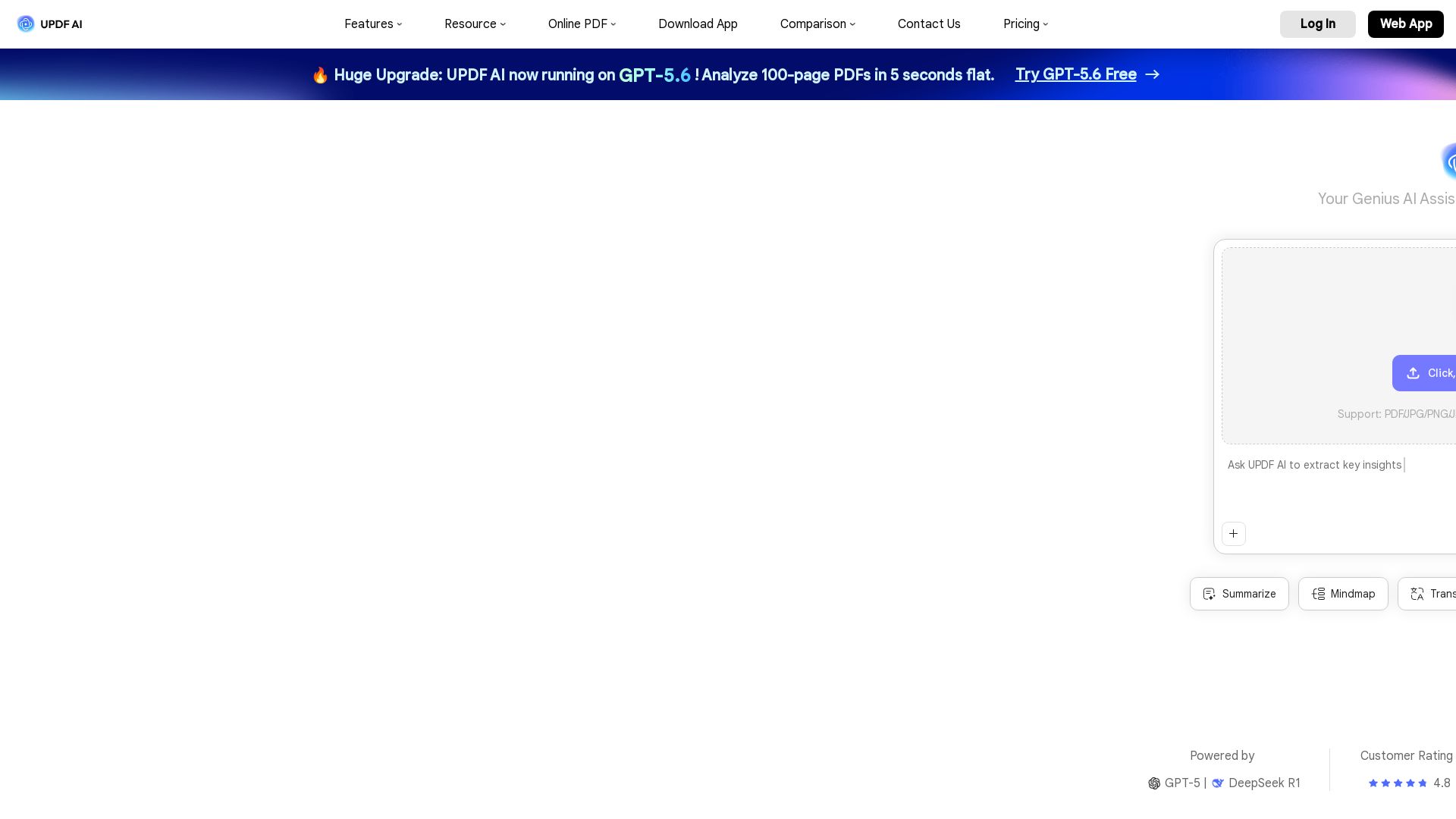
UPDF AI
Boost productivity with UPDF AI. Chat, summarize, translate PDFs, and create mind maps. Powered by GPT-5 & DeepSeek R1. Try free!

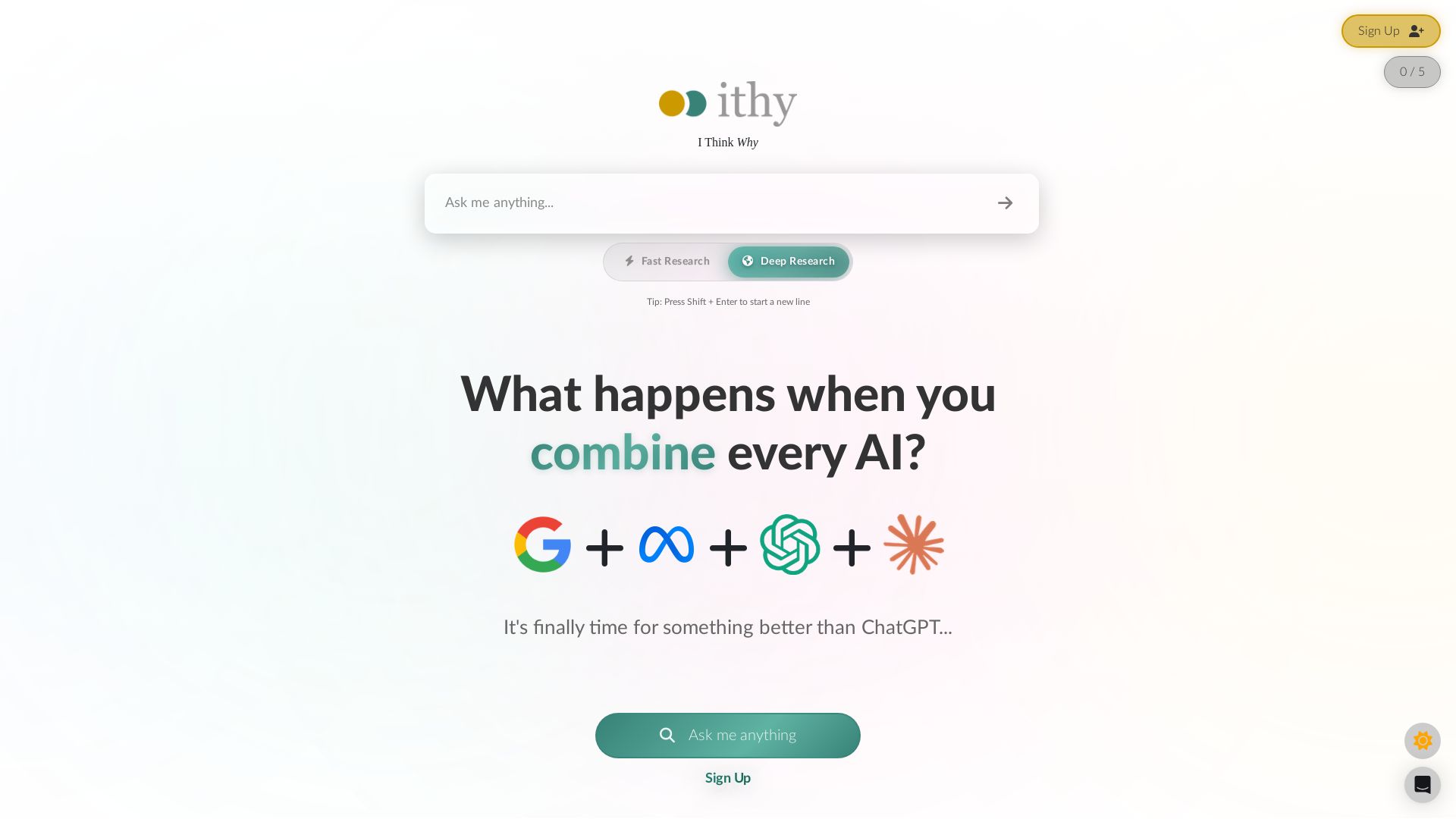
Ithy
Ithy aggregates top AIs (ChatGPT, Gemini, Perplexity) for 1-minute deep research. Interactive articles, rewards, #1 GPQA score. Try free.


Cassandra Research
Australia's leading AI-powered tax and legal research platform. Instant analysis of ITAA 1997, ATO rulings, and case law for professionals.

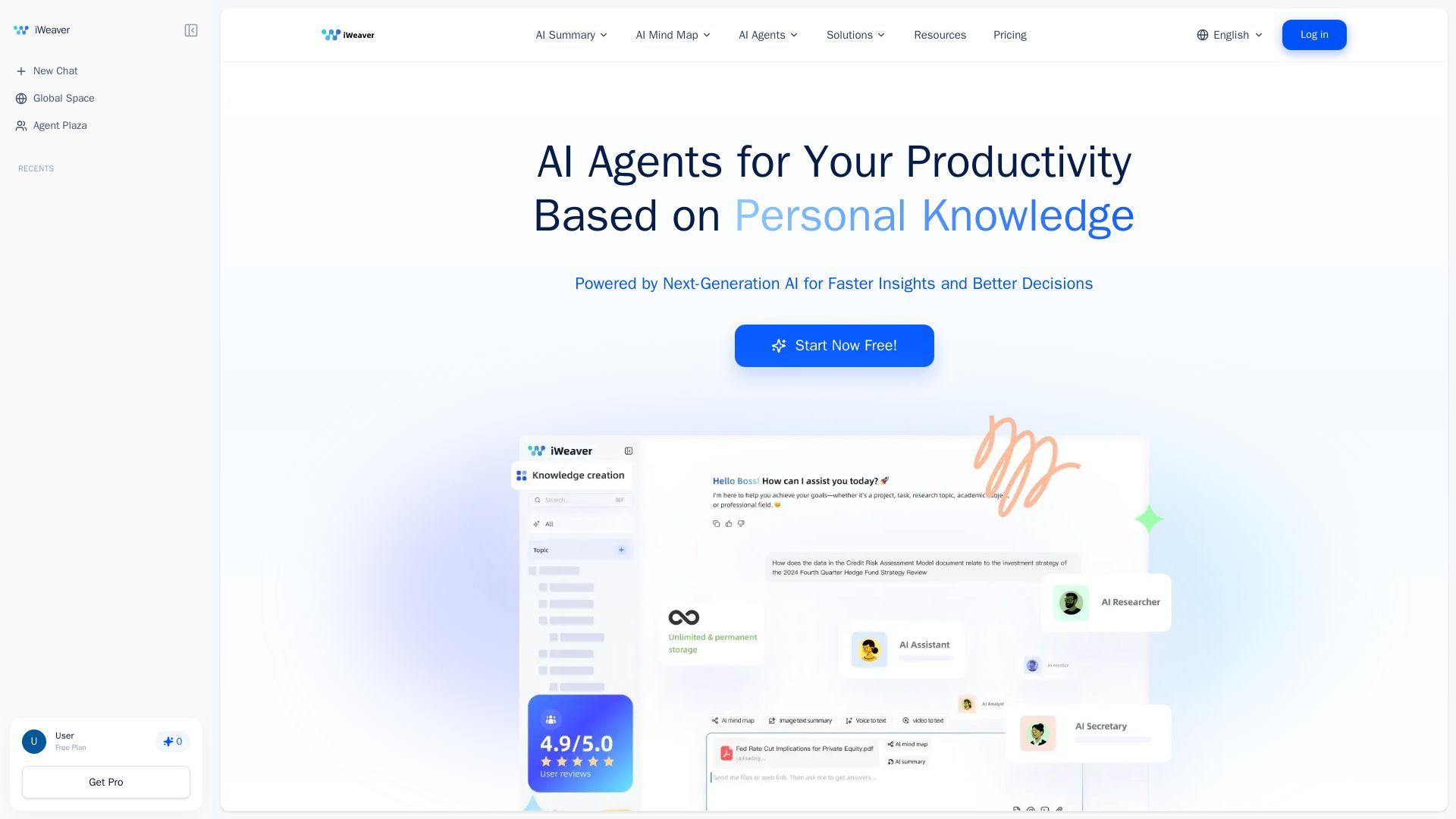
iWeaver AI
iWeaver automates 70% of tasks with AI agents, summarizes documents, creates mind maps, and analyzes multiple formats. Boost your productivity with your personal knowledge base.

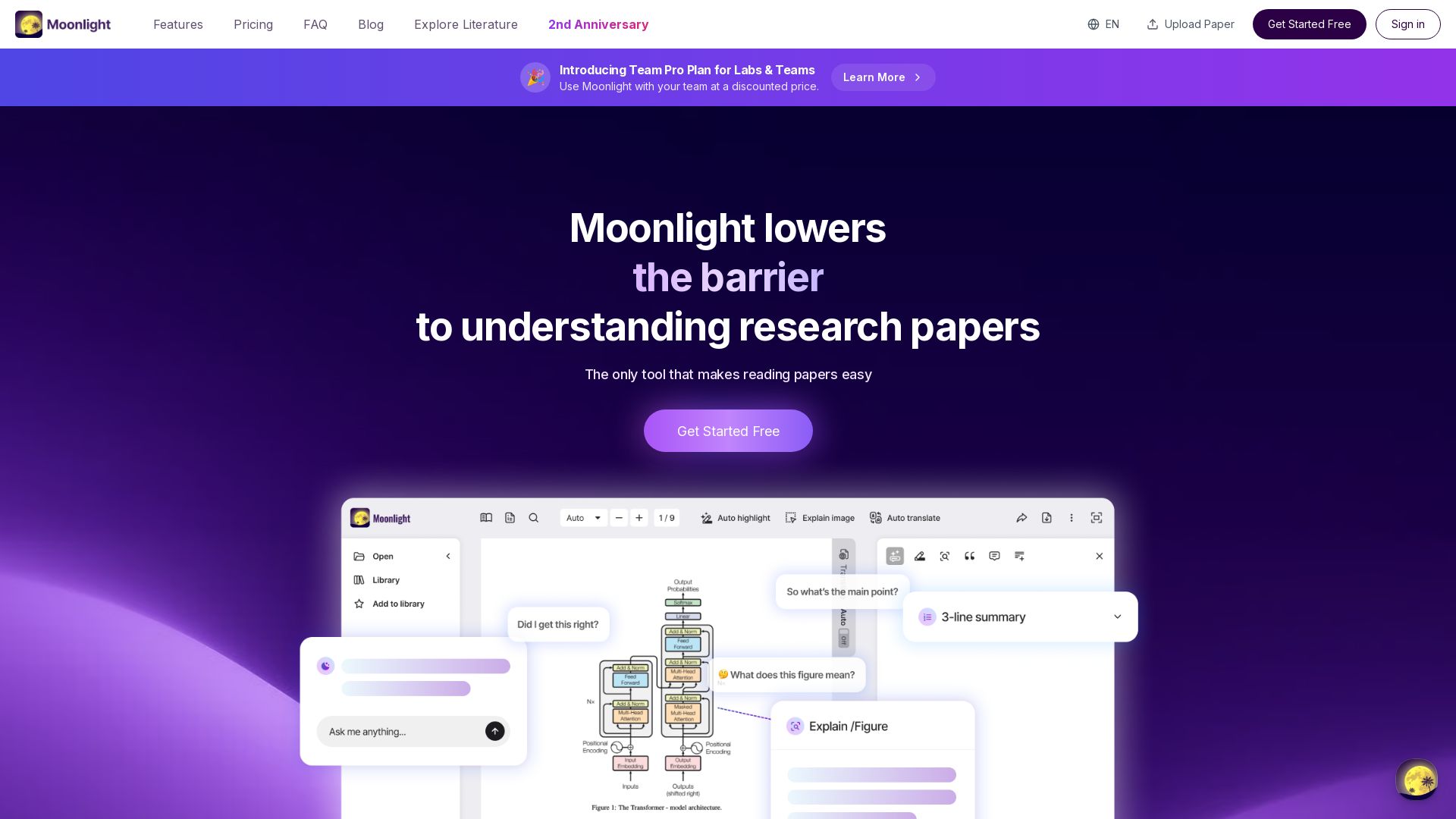


CoWriter AI
Think and learn faster. Accomplish research in hours instead of months. AI detection proof, instant citations, plagiarism proof. Loved by 100K+ students.

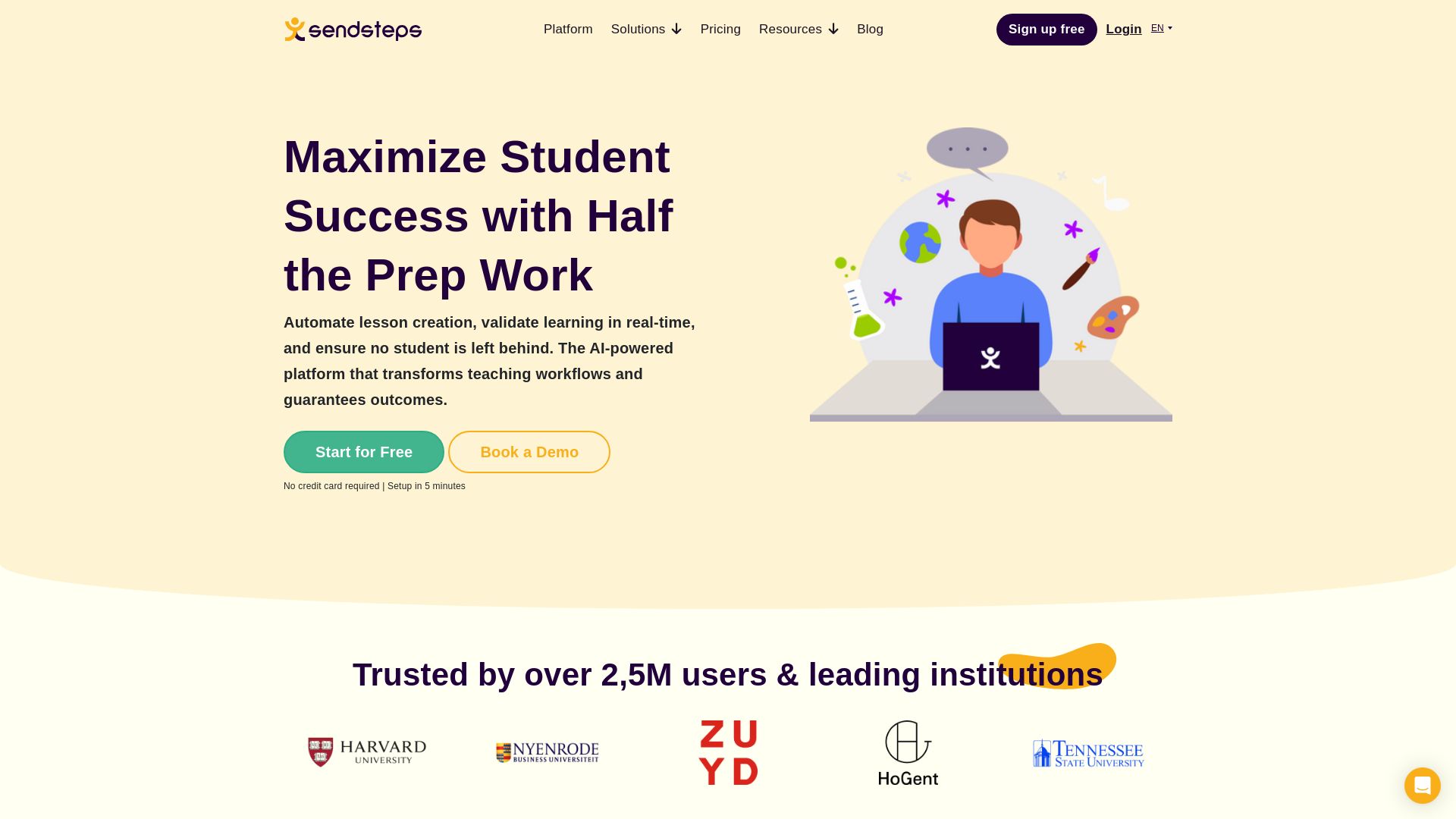
Sendsteps
Automate lesson creation, validate learning in real-time, and ensure no student is left behind. Trusted by 2.5M+ users. Start for free.


ChatGPT
ChatGPT is an AI assistant that lets you chat, generate images, do deep research, and more. Sign up for free.

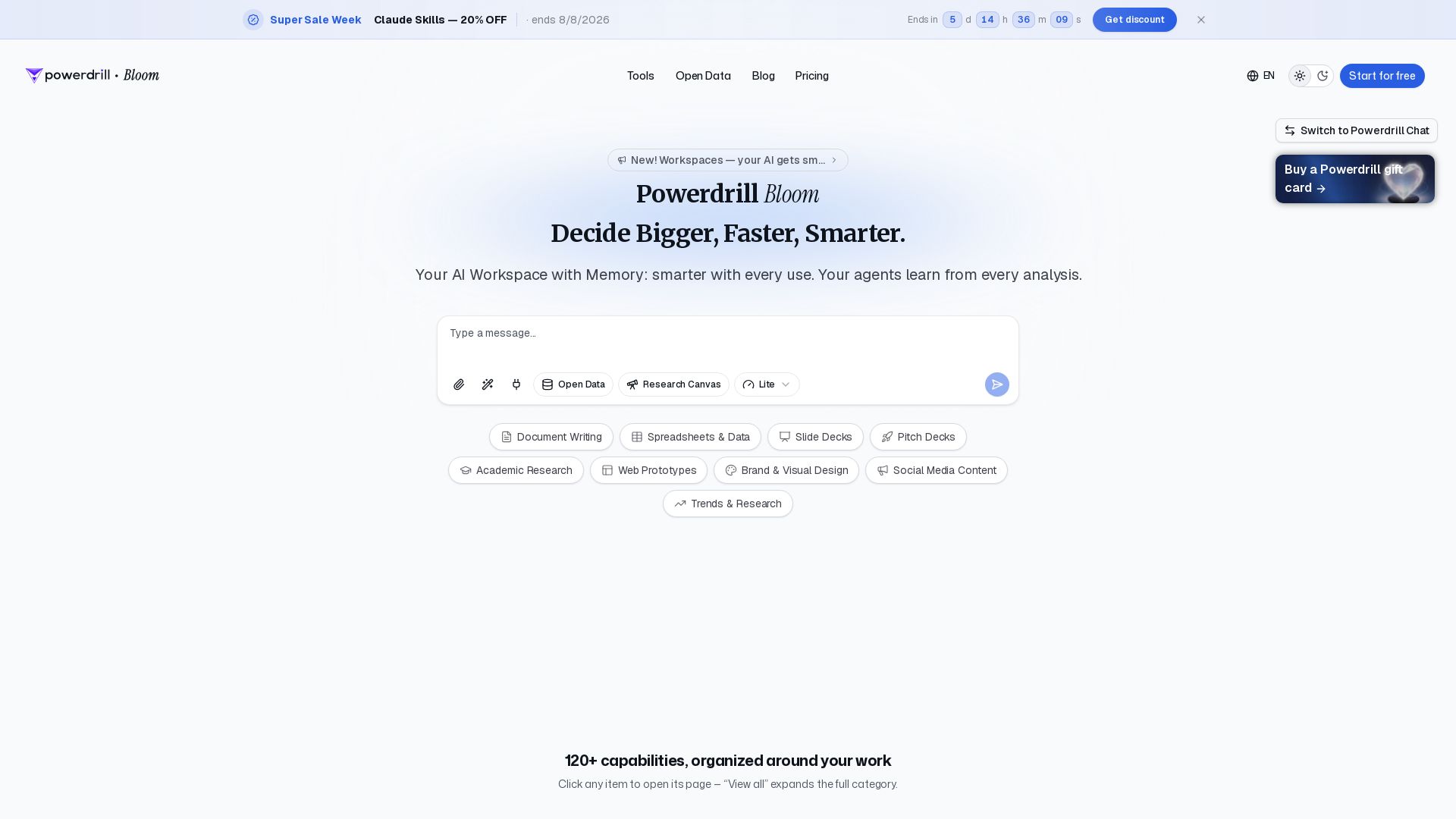
Powerdrill Bloom
Powerdrill Bloom: AI workspace with memory for data analysis, docs, research & more. Smarter with every use. Start free.

ℹ️ Curation Disclosure: The overview and features of MindMap AI were synthesized using AI and fact-checked by our curation team to ensure accuracy.