
Jamie
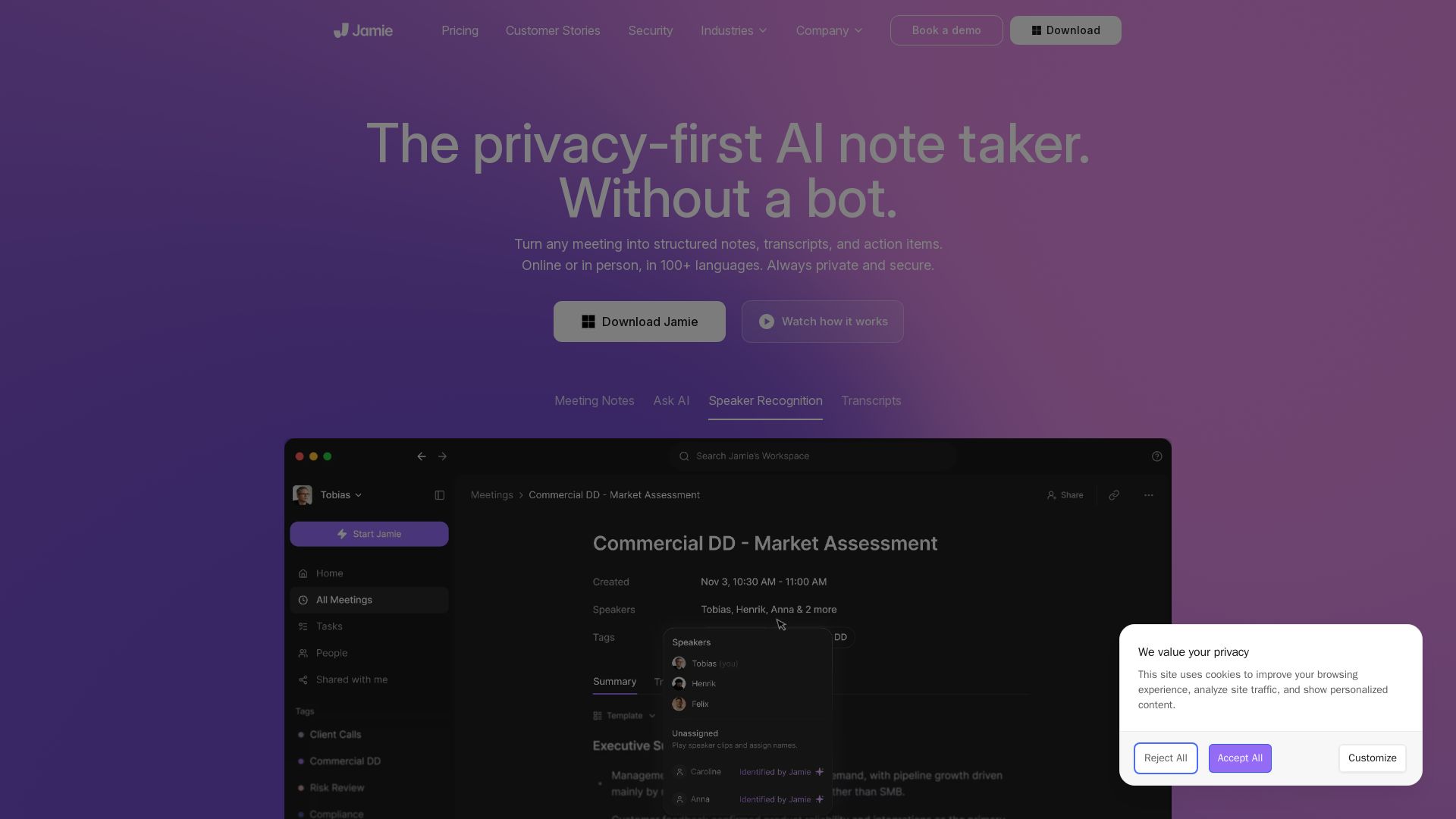
The privacy-first AI note taker that works without a bot. Get human-like summaries, speaker recognition, and GDPR-compliant security.

Editor's Verdict
Key Takeaways
- Privacy-first, no bot
- Automatic meeting notes
- Speaker recognition and memory
- Ask Jamie (Chat)
In-Depth Review: What is Jamie?
Jamie is an AI note taker that automatically captures structured notes, transcripts, and action items from any meeting—online, hybrid, or in-person—without a bot joining your calls. It supports 100+ languages, offers speaker recognition and memory, and integrates with tools like Notion, Google Docs, and HubSpot. Jamie prioritizes privacy: EU-hosted, GDPR-compliant, audio deleted after transcription, no model training on your data.
Core Features
Privacy-first, no bot
Jamie does not join meetings as a bot. It runs locally on your device, ensuring no interruptions and maximum privacy.
Automatic meeting notes
Generates structured notes, transcripts, and action items from any meeting, online or in person, in 100+ languages.
Speaker recognition and memory
Automatically labels speakers and remembers their names across meetings for accurate attribution.
Ask Jamie (Chat)
Ask questions about past meetings, find specific details, or identify patterns across conversations.
Integrations
Sync notes and transcripts with Notion, Google Docs, OneNote, HubSpot, Salesforce, and more.
GDPR compliance and EU hosting
Data is stored and processed in the EU, audio is deleted after transcription, and customer data is never used for model training.
Pricing
Free
- 10 meetings per month
- 30 min meeting duration limit
- Notion, Google Docs, OneNote integrations
- Speaker recognition and memory
- Task detection
- All online platforms
- In-person meetings
- Notes and transcripts in 99+ languages
- Custom vocabulary terms: 50
- Custom templates: 1
Plus
- 20 meetings per month
- 2h meeting duration limit
- Notion, Google Docs, OneNote integrations
- Speaker recognition and memory
- Task detection
- All online platforms
- In-person meetings
- Notes and transcripts in 99+ languages
- Custom vocabulary terms: 50
- Custom templates: 1
- Ask Jamie (Chat)
Pro
- Unlimited meetings
- 3h meeting duration limit
- Salesforce, Hubspot, Asana integrations
- MCP for AI tools
- Custom vocabulary terms: 50
- Custom templates: unlimited
- Advanced integrations
- All features from Plus
Team
- Unlimited meetings
- 3h meeting duration limit
- Custom vocabulary terms: 100
- Custom templates: unlimited
- Shared/Team Workspace and Tags
- User management and admin controls
- User analytics
- All features from Pro
Enterprise
- Unlimited meetings
- 3h meeting duration limit
- Custom vocabulary terms: 250
- SAML SSO and enterprise security
- SCIM user provisioning
- Audit logs
- Custom data retention policies
- IP allowlist
- Priority support
- Dedicated account manager
- All features from Team
Pros and Cons
Pros
- Privacy-first designNo bot joins meetings, audio is deleted after transcription, data is hosted in EU, and customer data is never used for model training.
- Works across all scenariosSupports online, hybrid, and in-person meetings in over 99 languages with automatic speaker labeling.
- Actionable summariesGenerates human-like summaries with action items, making follow-up easy and efficient.
- Seamless integrationsSyncs with popular tools like Notion, Google Docs, OneNote, HubSpot, Salesforce, and more.
- User-friendly and invisibleAllows users to stay fully present in meetings without the distraction of note-taking.
Cons
- Free tier limitedFree plan only allows 10 meetings per month with a 30-minute duration cap, which may not suffice for heavy users.
- Meeting duration cap on paid plansEven paid plans have a 3-hour meeting duration limit, which may not cover very long sessions.
- No on-premise deploymentEnterprise plan is cloud-based with EU hosting; on-premise option is not mentioned.
- Dependency on AI accuracyAs with any AI, note quality may vary depending on audio quality, accents, or complex terminology.
- Mobile app limitationsWhile available on iOS and Android, some advanced features may be desktop-focused.
Use Cases & Recommended Professions
CEO / Founder→ View Toolkit
To capture every detail in meetings without distraction and ensure nothing falls through the cracks.
Product Manager→ View Toolkit
To track decisions, action items, and customer feedback across numerous meetings.
Sales Representative→ View Toolkit
To remember client preferences and pain points, and follow up effectively.
Consultant→ View Toolkit
To summarize client meetings and identify key insights across engagements.
Project Manager→ View Toolkit
To keep team aligned by sharing accurate meeting notes and action items.
Researcher→ View Toolkit
To transcribe and analyze interviews or focus group discussions in multiple languages.
Frequently Asked Questions
Alternative AI Tools
View Detailed Comparison →
PrometAI
Generate investor-ready business plans in minutes with PrometAI's AI. Trusted by 100,000+ founders. Start for free, no guesswork.

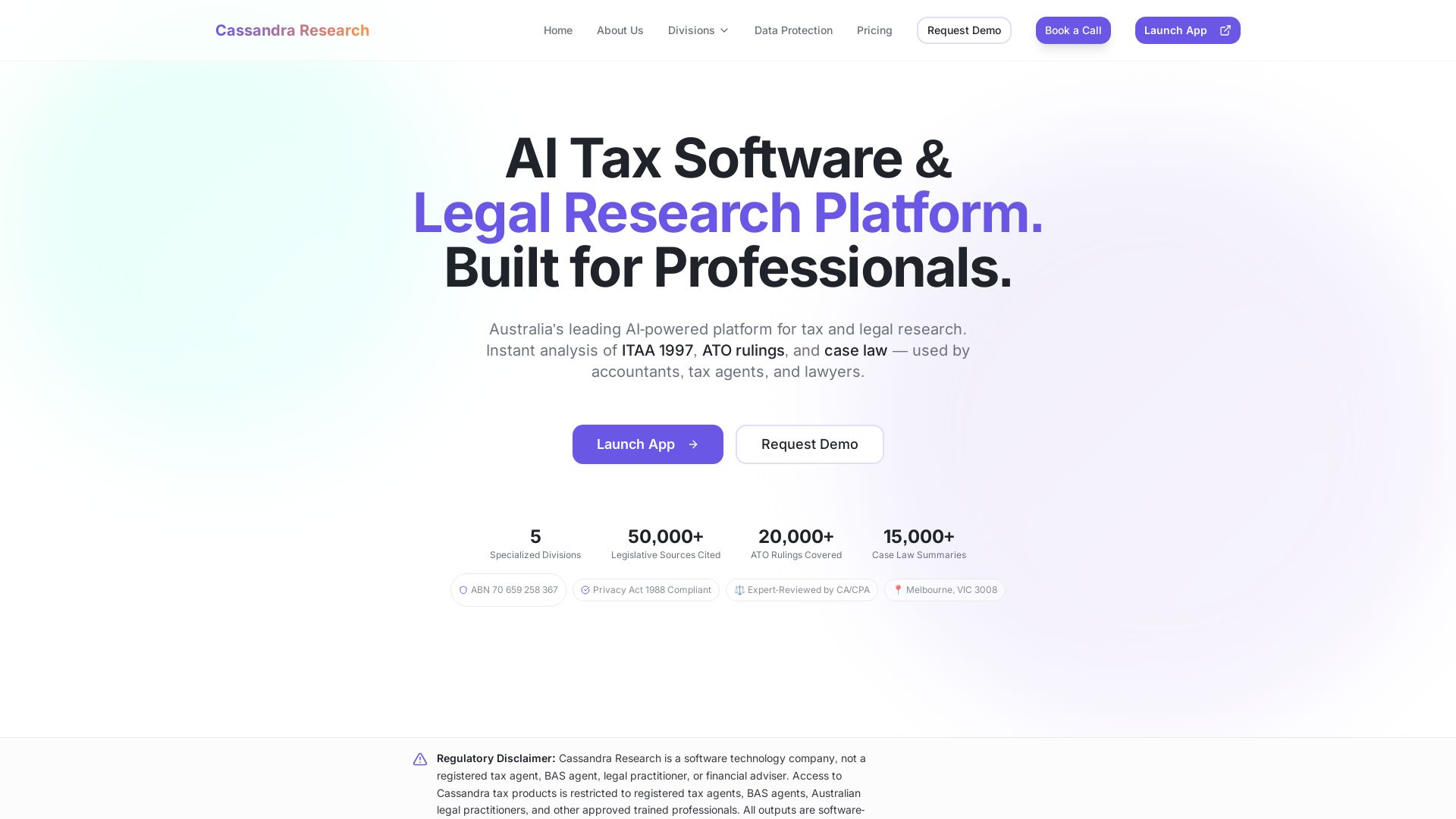
Cassandra Research
Australia's leading AI-powered tax and legal research platform. Instant analysis of ITAA 1997, ATO rulings, and case law for professionals.

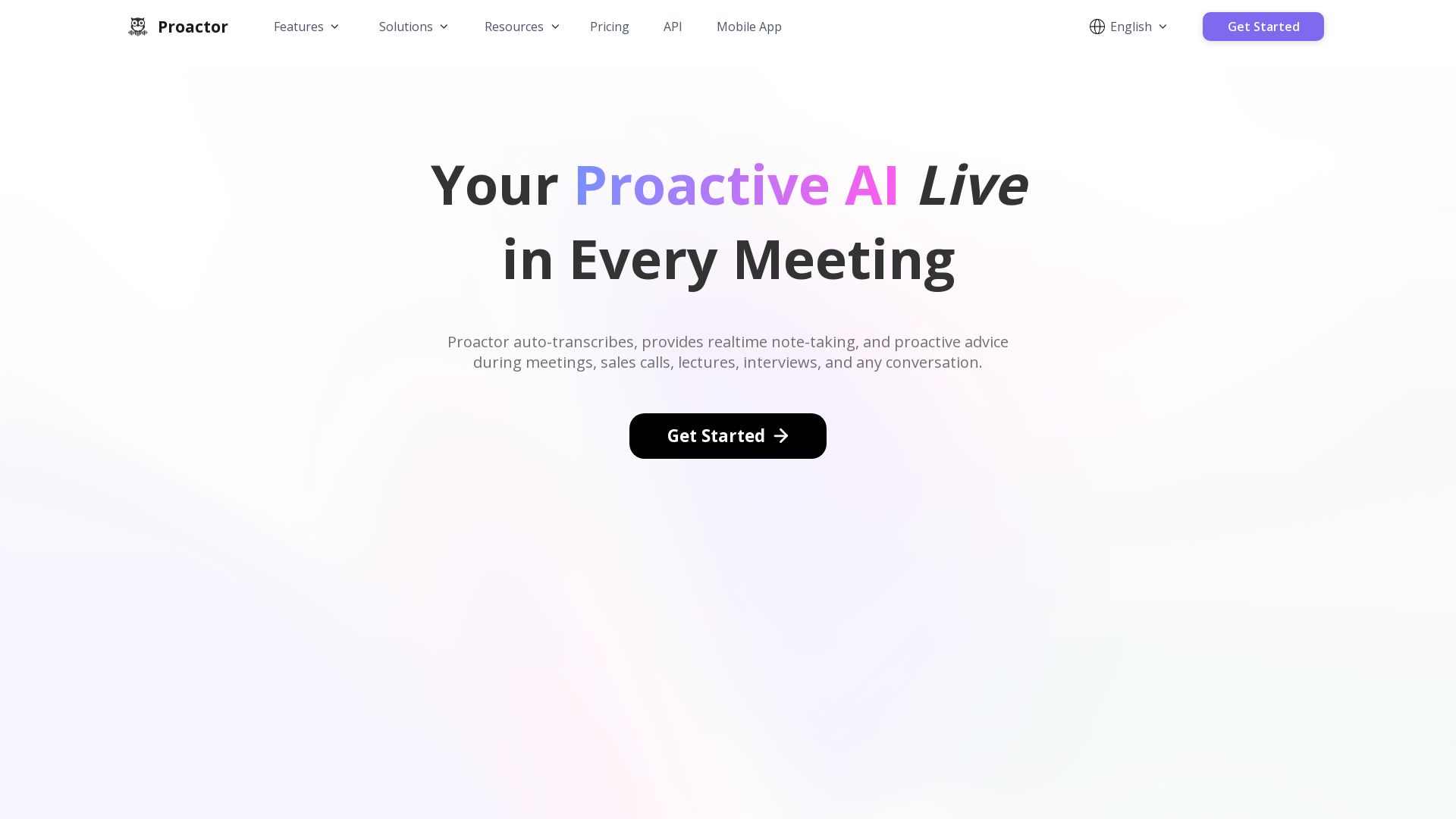
Proactor AI
Proactor offers real-time transcription, note-taking, and proactive advice for meetings, sales calls, lectures, and interviews. Boost your productivity today.


HIX AI
HIX AI is an AI agent workspace that lets you research, create slides, videos, images, and more with one tool. Boost productivity with deep research and automated content creation.

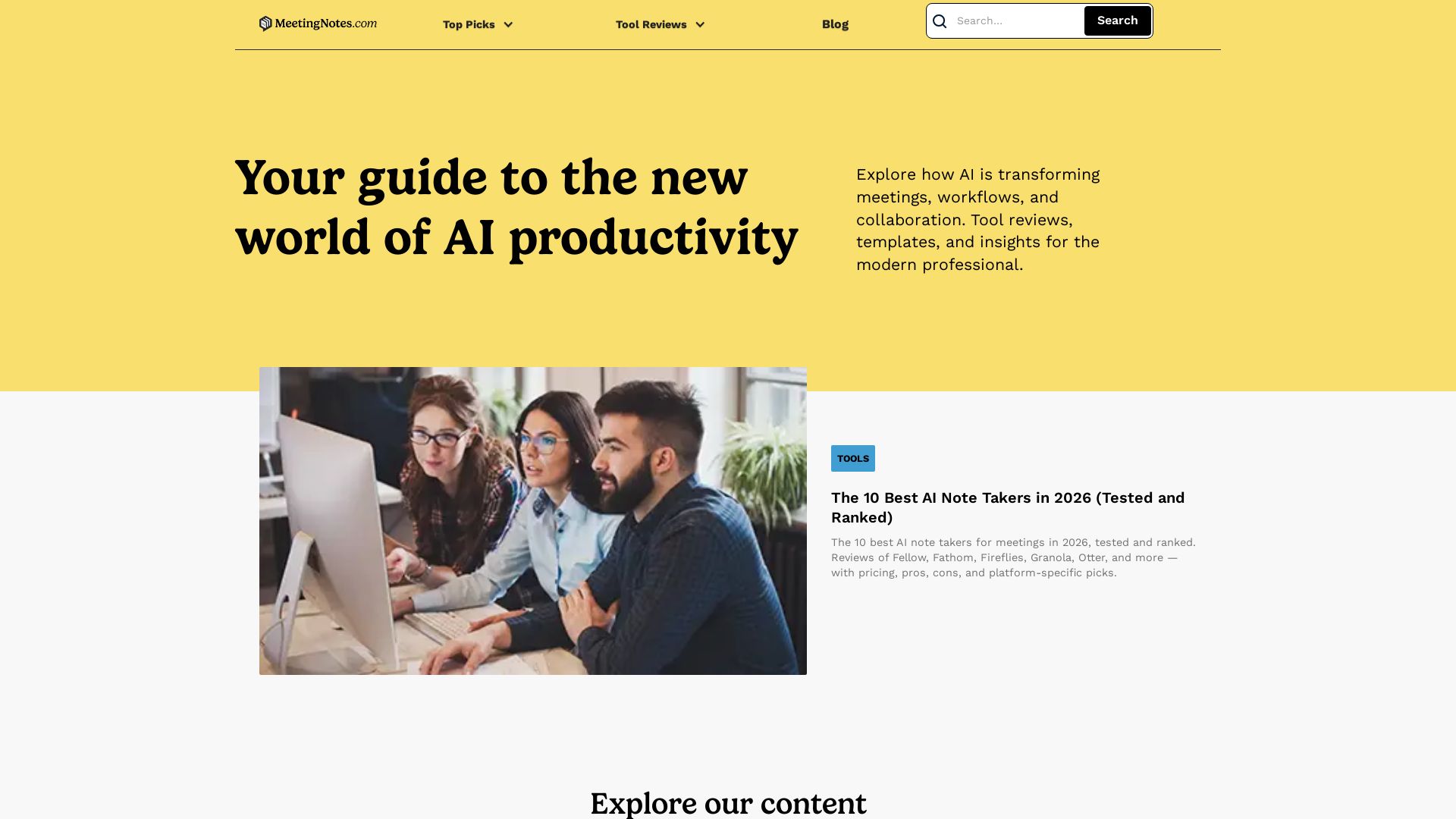
Meeting Notes
In-depth reviews of the best AI note takers, scheduling tools, and productivity apps. Tested and ranked for professionals. Updated for 2026.

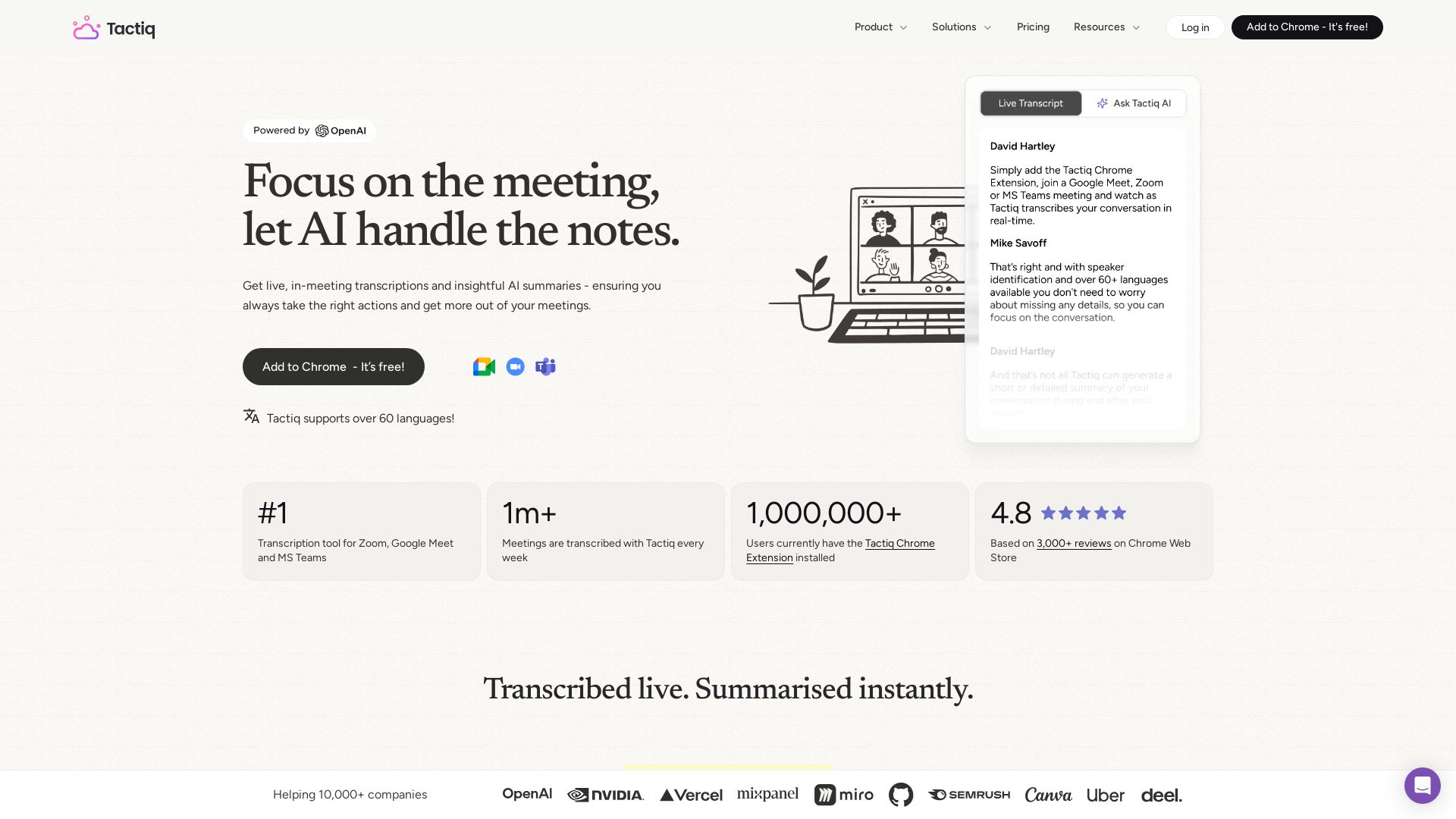
Tactiq
Get live transcriptions, AI summaries, and action items from meetings. No bot joins. Supports 60+ languages. Trusted by 1M+ users.


Figr
Ship better UX faster. Figr builds a living understanding of your product, maps flows, finds edge cases, and generates high-fidelity prototypes from your actual design system.


mymeet.ai
AI that joins your calls, provides accurate transcripts, summaries, and action items. Integrates with video platforms, CRM, and calendars. Free tier available. Trusted by teams. Get structured reports with AI templates.

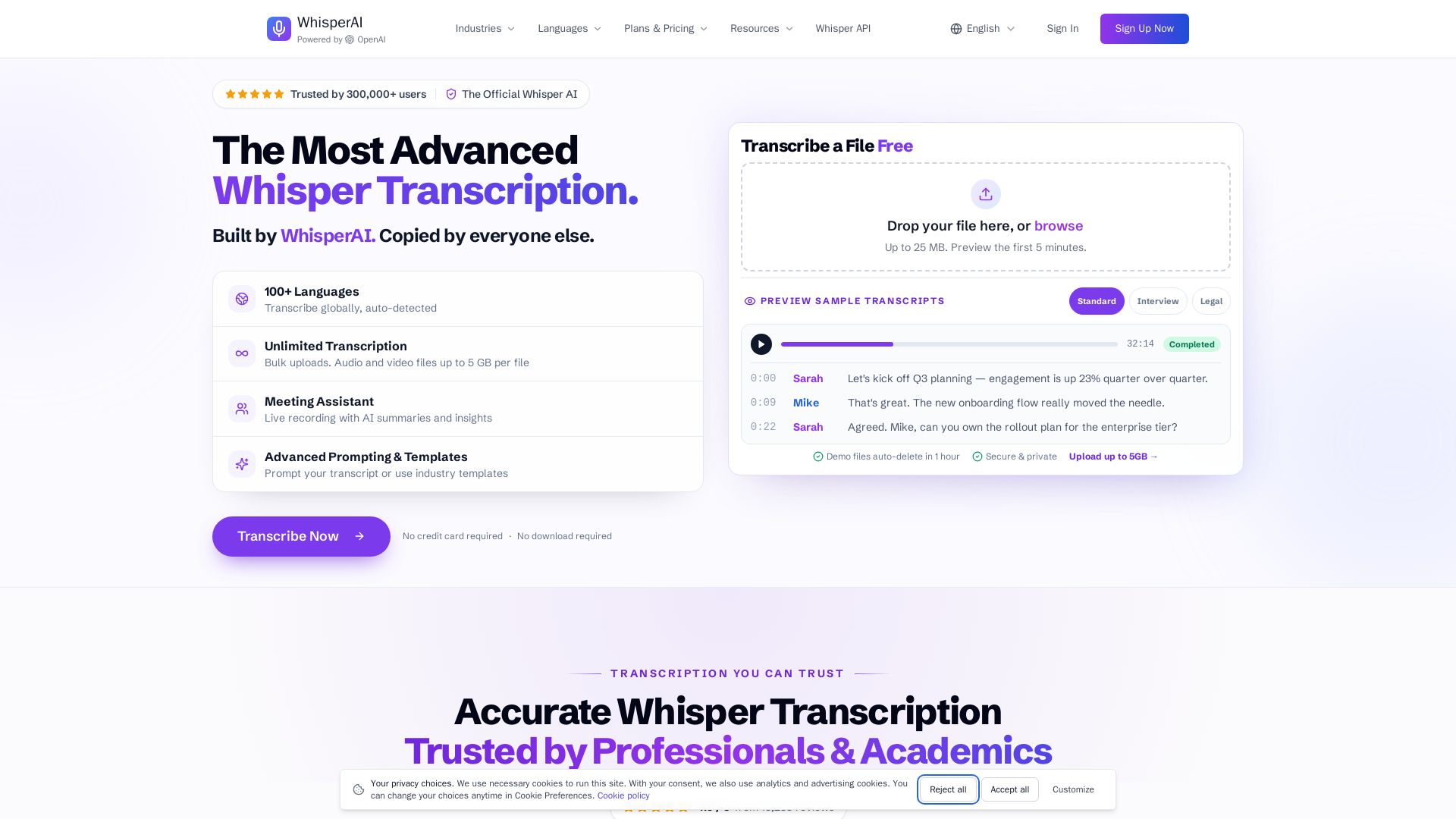
Whisper AI
Transcribe audio & video to text in 100+ languages. Unlimited transcription, live recording, speaker labels, and 5GB uploads. No credit card required.


AIGenerator
Plan, launch, and grow your business with AI. Generate business plans, ads, and content in minutes. Free to start.

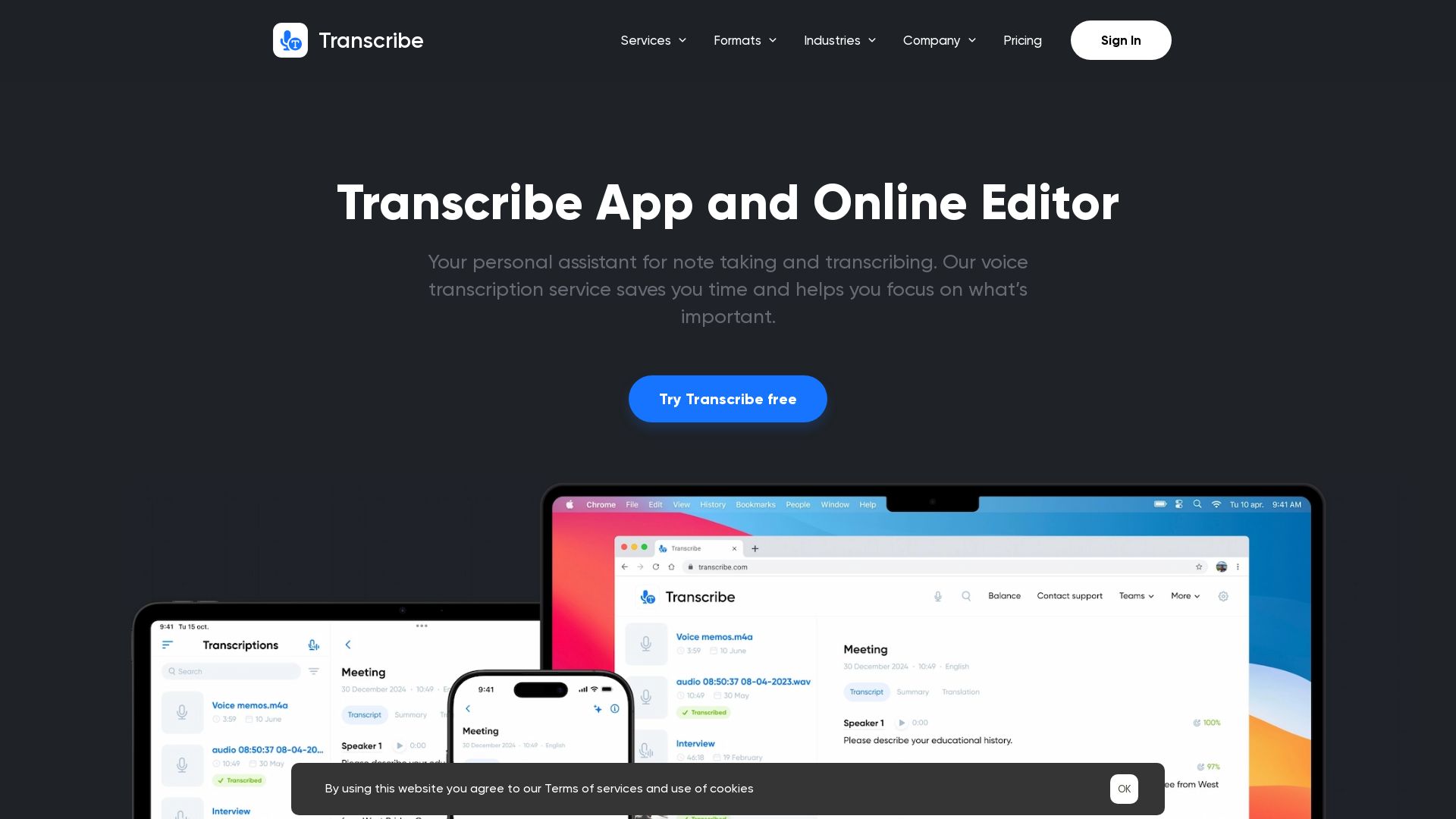
Transcribe
Automatically transcribe audio/video to text in 120+ languages. Save time with Zoom integration, collaboration tools, and dark mode. Try free!

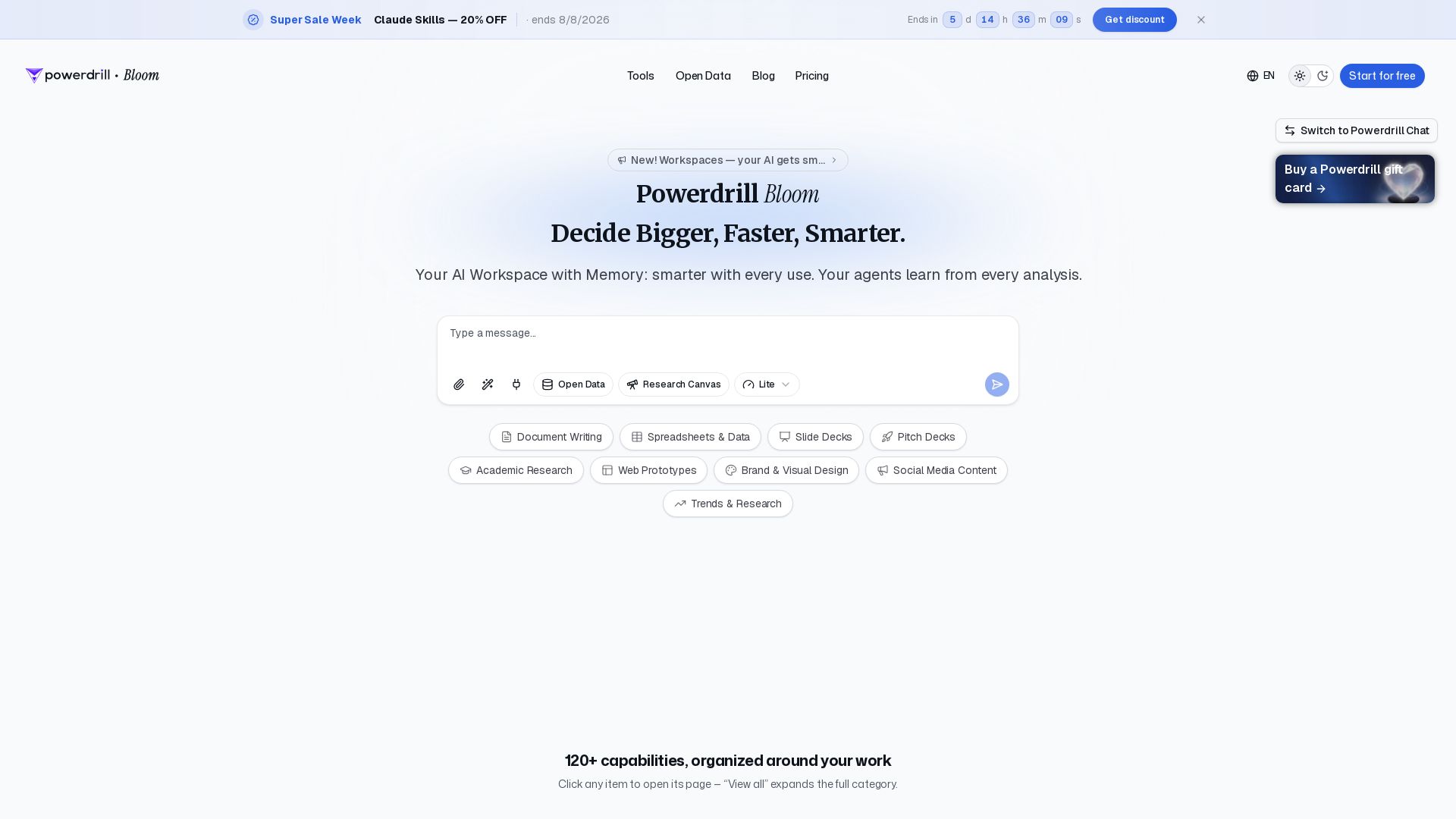
Powerdrill Bloom
Powerdrill Bloom: AI workspace with memory for data analysis, docs, research & more. Smarter with every use. Start free.

ℹ️ Curation Disclosure: The overview and features of Jamie were synthesized using AI and fact-checked by our curation team to ensure accuracy.
