
Transcribe
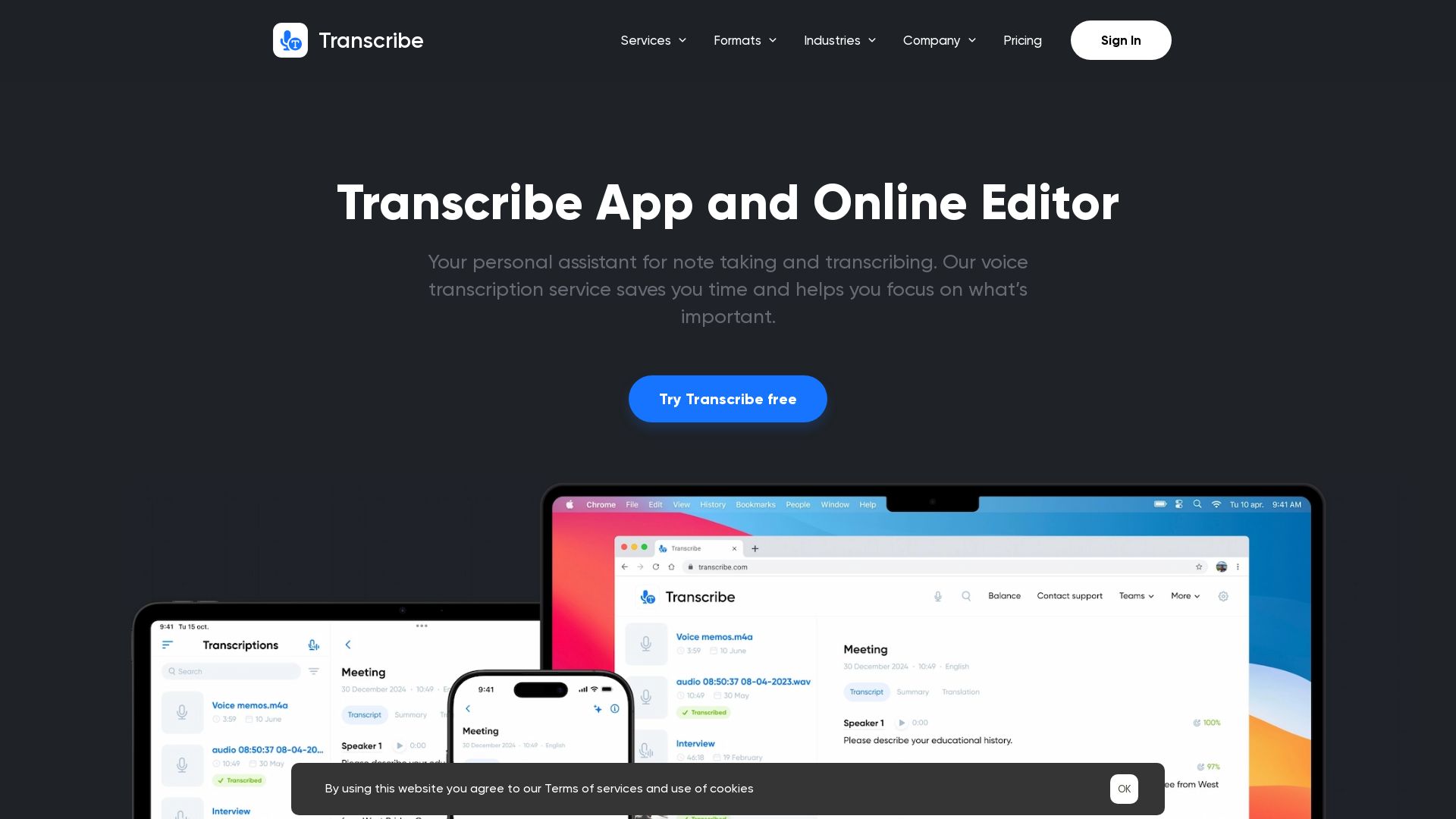
Automatically transcribe audio/video to text in 120+ languages. Save time with Zoom integration, collaboration tools, and dark mode. Try free!
Editor's Verdict
Key Takeaways
- Automatic Transcription
- 120+ Languages
- Multiple Input Formats
- Document Export
In-Depth Review: What is Transcribe?
Transcribe is an AI-driven speech-to-text service that converts audio and video files into searchable, editable text. Supporting over 120 languages and various formats (mp3, wav, mp4, etc.), it offers automatic transcription, live recording, Zoom integration, and collaboration features. Designed for podcasters, journalists, academics, students, and businesses, Transcribe helps users focus on what matters by eliminating manual transcription. Available on web, iPhone, iPad, and MacOS.
Core Features
Automatic Transcription
AI-powered speech-to-text service that automatically generates notes from meetings, interviews, videos, and more.
120+ Languages
Supports transcription in over 120 languages and dialects including US English, UK English, German, Italian, Portuguese, Russian, French, Spanish, Indonesian, Turkish, Traditional Chinese, Dutch, and others.
Multiple Input Formats
Import audio and video files from any app or cloud storage, supporting mp3, m4a, wav, m4v, mp4, mov, avi, and more.
Document Export
Export transcribed text to PDF, Microsoft Word (DOCX), TXT, SRT, and other formats with timestamps for easy editing.
Zoom Integration
Record Zoom calls and get meeting notes almost instantly with integrated transcription.
Live Voice Recording
Record and review conversations in real time with live transcription service.
Dark Mode
Dim the lights when working late to reduce eye strain with a dark interface.
Collaboration Tools
Collaborate with colleagues by exporting voice notes or using the Teams feature for shared projects.
Cloud Storage & Sync
Back up and synchronize up to 500 (Pro) or 1000 (Business) audio files across devices (iPhone, iPad, Mac, web browser).
Priority Support
Faster replies and dedicated help for Pro and Business subscribers.
Pricing
Free
- 30 minute free trial
- 200 files storage
- Limited export formats
- Web browser transcription editor
- 2 weeks trial period
Pro
- 5 hours file transcriptions monthly
- All export formats (PDF, DOCX, SRT, etc.)
- 500 files audio storage
- Web browser transcription editor
- Synchronization
- Priority support
- Unlimited live transcription
- Bulk import
- Zapier integration
- Additional credits: $5/hour or 10 hours for $30
Business
- 30 hours file transcriptions monthly
- All Pro features
- 1000 files audio storage
- Powerful collaboration (up to 5 teams)
- Team audios available anytime on any device
- Unlimited live transcription
- Bulk import
- Zapier integration
- Priority support
Pros and Cons
Pros
- Saves Hours of Manual WorkAutomated transcription replaces manual typing, reducing hours of work to minutes for interviews, meetings, and lectures.
- Broad Language SupportTranscribes audio in over 120 languages, making it suitable for global users and multilingual projects.
- High AccuracyUsers report near-perfect transcription even with background noise and mumbling, with intelligent cleanup of filler words.
- Flexible IntegrationsIntegrates with Zoom, Zapier, n8n, and supports cloud storage imports for seamless workflow.
- Cross-Platform AccessibilityAvailable on iPhone, iPad, macOS, and web browsers with synchronization across devices.
Cons
- Free Trial LimitedOnly 30 minutes of free transcription; additional usage requires purchasing credits or a subscription.
- Storage Limits on Free PlanFree plan caps storage at 200 files; Pro and Business offer higher limits but still finite.
- No Offline ModeTranscription requires internet connectivity; no offline processing option is mentioned.
- Annual Commitment for Best ValueYearly billing offers savings but requires upfront payment; monthly billing is more expensive per hour.
- Potential Privacy ConcernsAudio files are processed in the cloud; users with strict data privacy may need to review security policies.
Use Cases & Recommended Professions
Podcaster→ View Toolkit
Transcribe podcast episodes into written notes for show notes, transcripts, and repurposing content.
Business Professional→ View Toolkit
Get instant meeting notes from recorded calls and conferences, improving productivity and record-keeping.
Journalist→ View Toolkit
Rapidly transcribe interviews to publish news articles faster without manual typing.
Academic Researcher→ View Toolkit
Save time transcribing interviews, lectures, and focus groups for qualitative research.
Student→ View Toolkit
Transcribe lectures and seminars for efficient studying and note-taking.
Freelance Writer→ View Toolkit
Convert voice memos from interviews into text, freeing up time to focus on writing the article.
Frequently Asked Questions
Alternative AI Tools
View Detailed Comparison →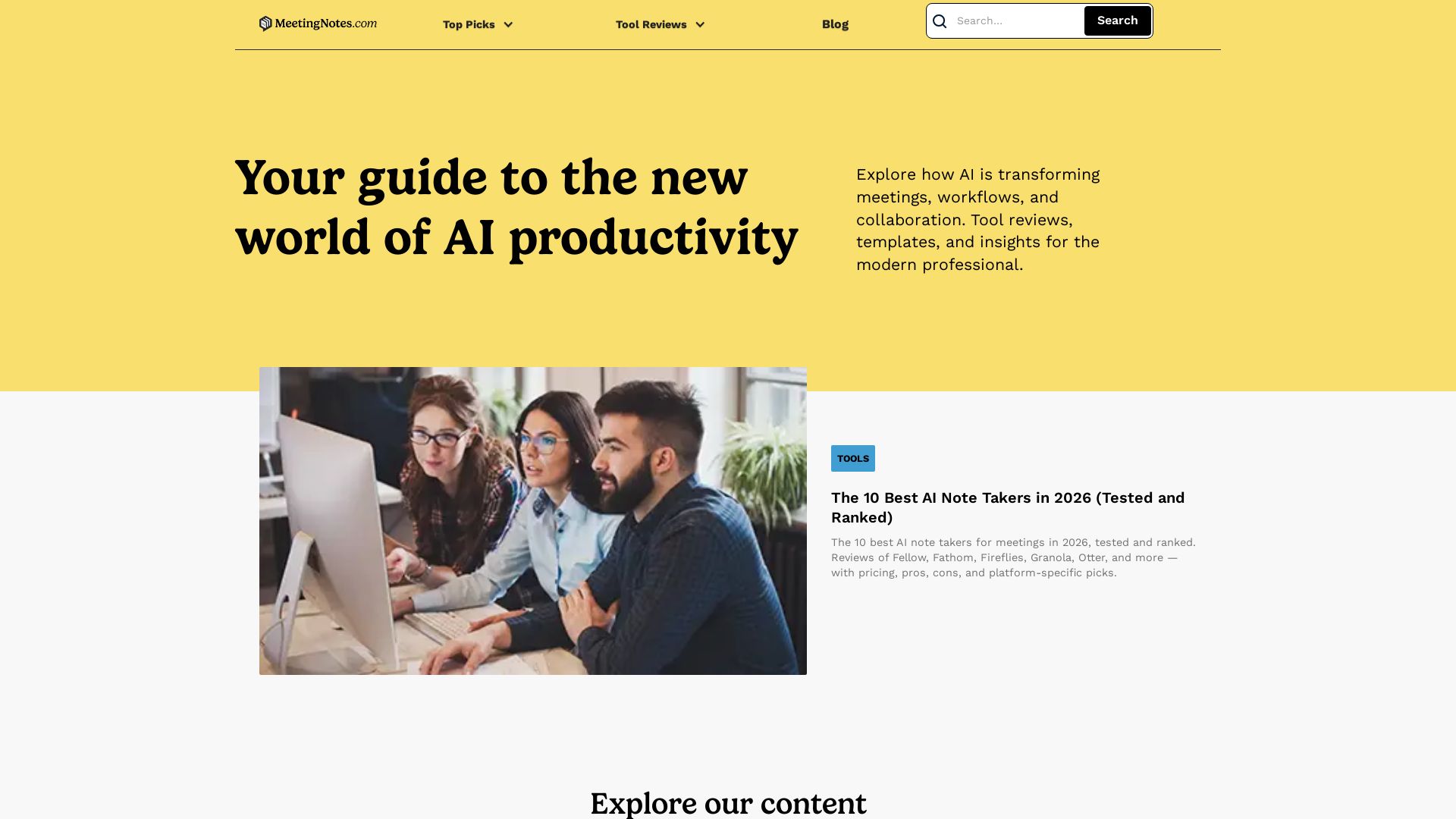
Meeting Notes
In-depth reviews of the best AI note takers, scheduling tools, and productivity apps. Tested and ranked for professionals. Updated for 2026.

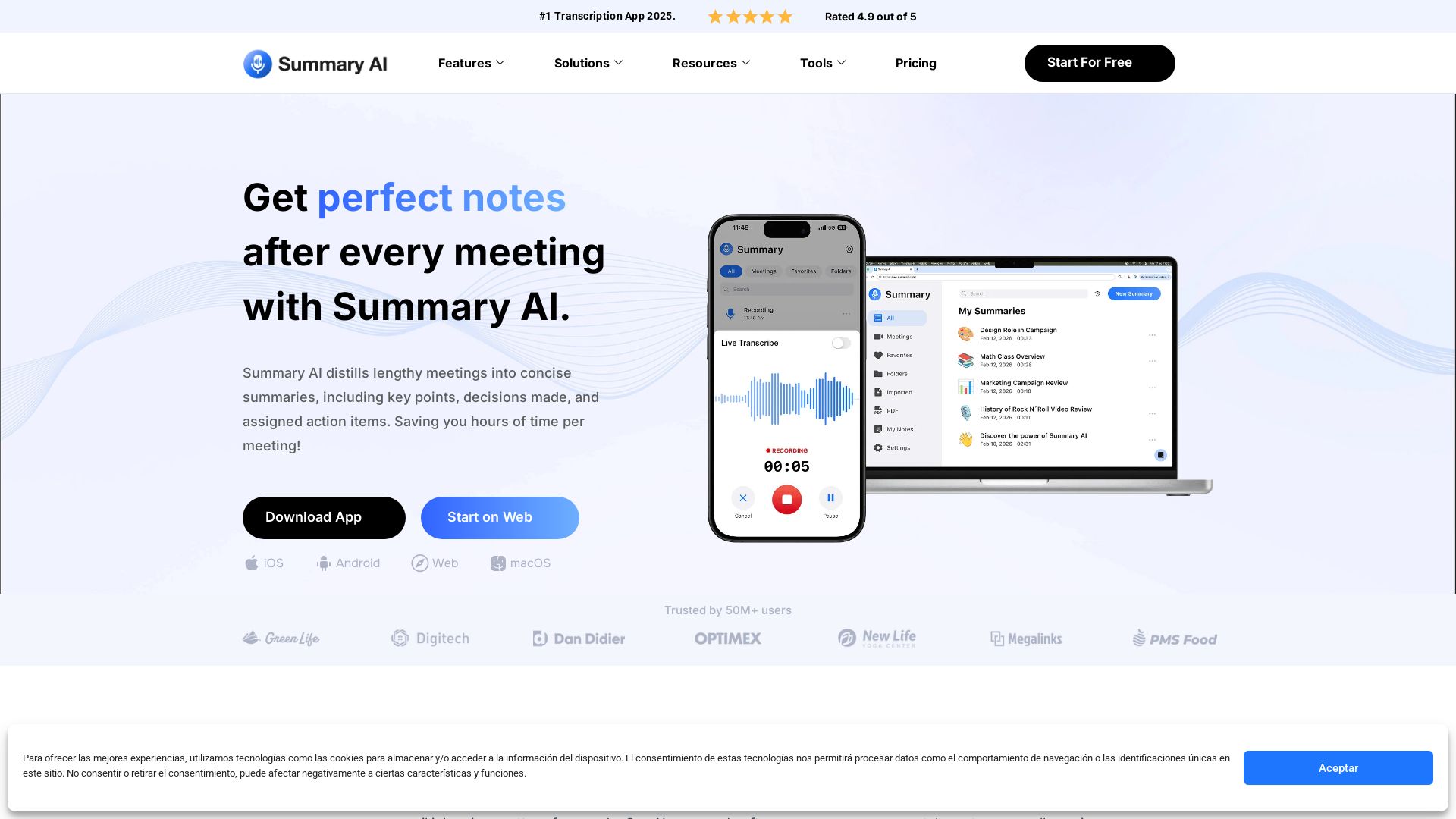
Summary AI
Automatically transcribe, summarize, and translate meetings with Summary AI. Save hours, get perfect notes, and boost productivity. Trusted by 50M+ users.


Making AI think and act: my approach to the Hugging Face AI ...
Experienced AI engineer specializing in medical imaging and LLM-powered agents. Built globally deployed radiology AI at AZmed. Now building AI agents at Matrix One.


Section AI
Turn AI investment into workforce transformation with Section. Command center, coaching, and strategic support to drive measurable ROI.


Cequence AI Gateway
Safely connect AI agents to business apps with enterprise-grade security, OAuth 2.1, and MCP. Unlock agentic AI productivity.


SF AI Labs
End-to-end AI services from strategy to launch. Proven delivery framework, expert network in San Francisco. Maximize ROI with custom AI solutions for modern companies.

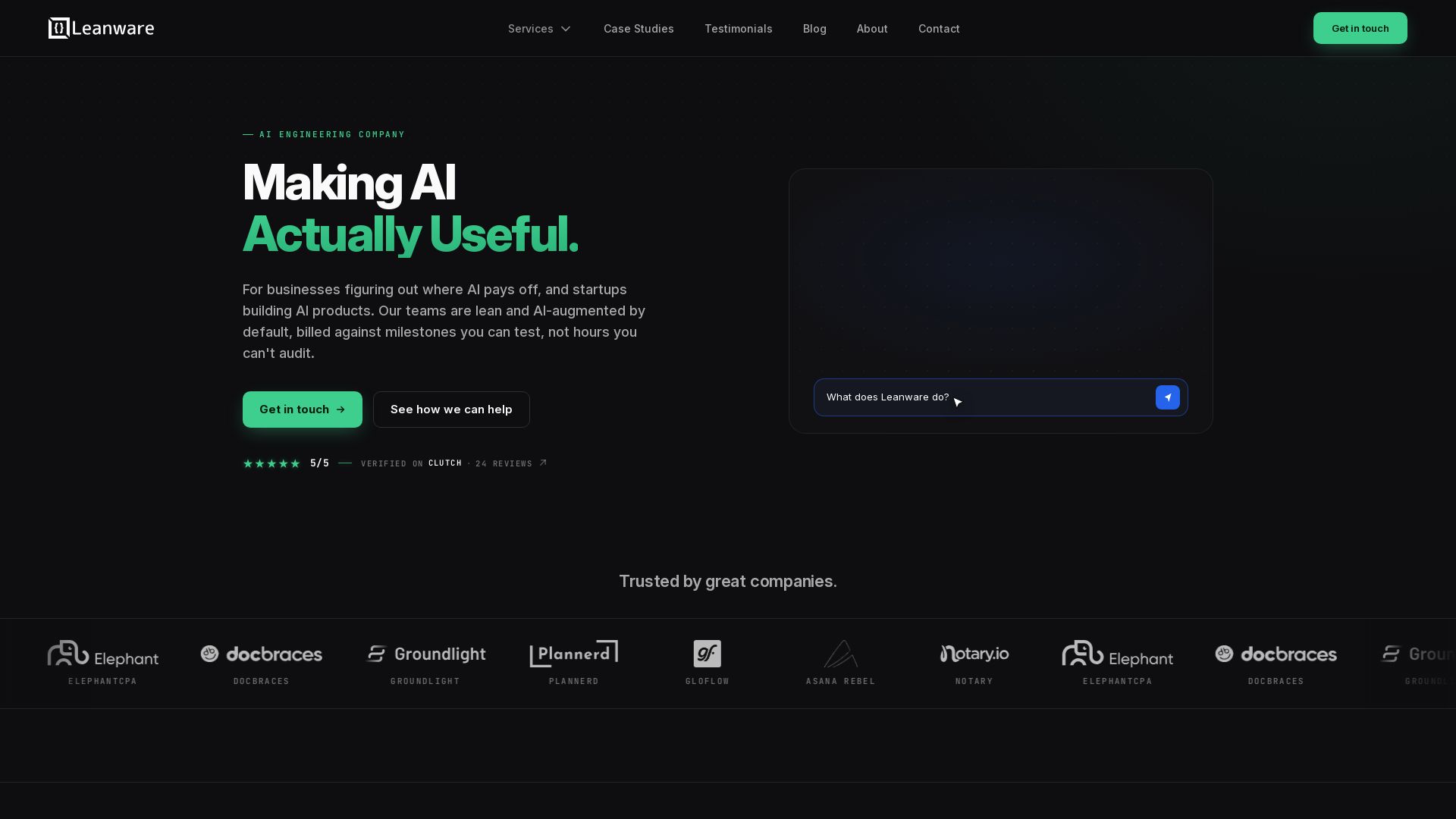
Leanware
We build custom AI agents, ship AI products, and assess AI ROI. Milestone-billed, lean teams, no handoffs. Trusted by startups and businesses.

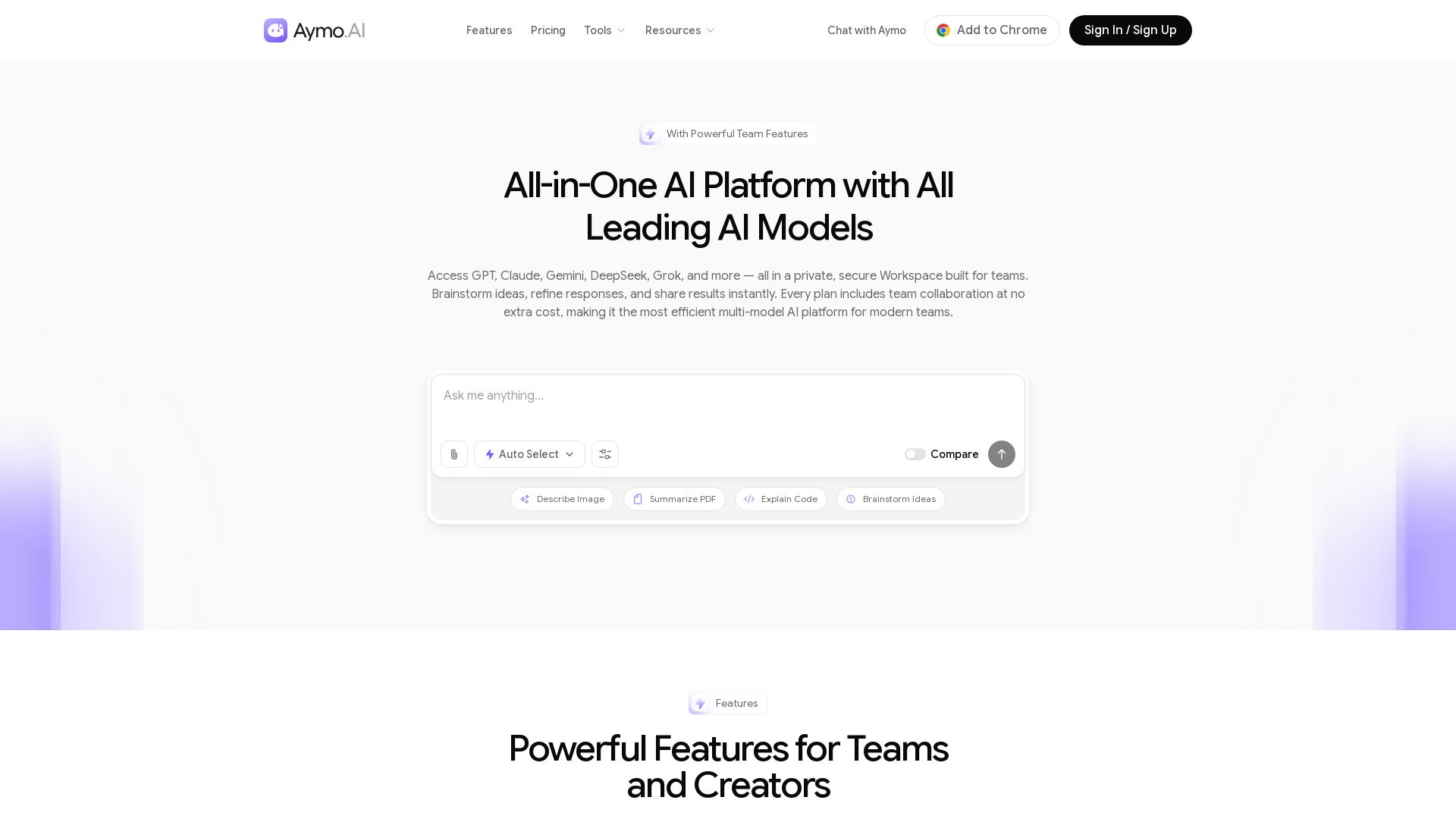
Aymo AI
Access GPT, Claude, Gemini, DeepSeek, Grok & more in one workspace. Save 90% on subscriptions. Built-in team tools. Try free!

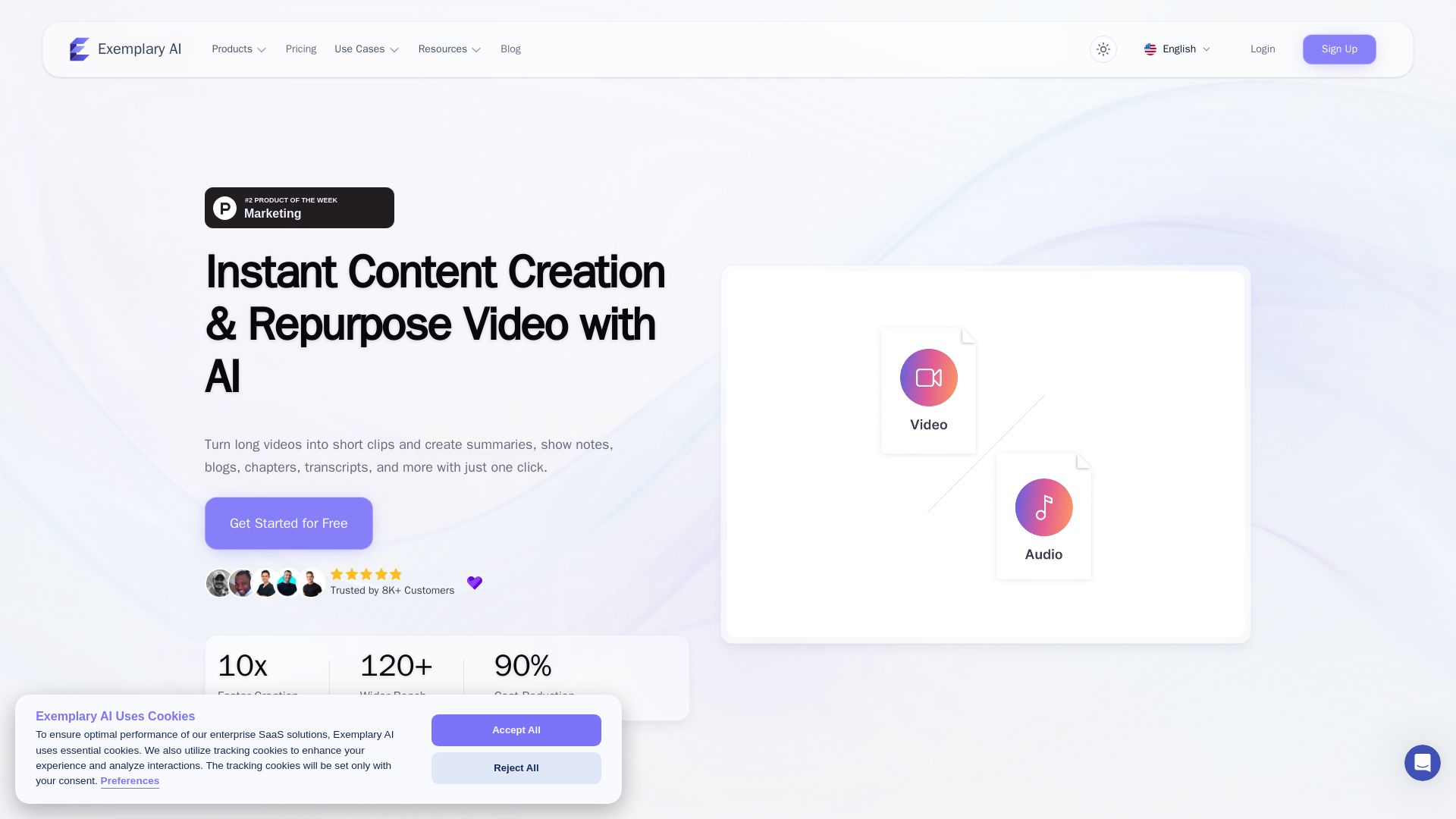
AI translation for audio and video - Exemplary AI
Turn long videos into short clips, summaries, blogs, transcripts & subtitles in 120+ languages with AI. Get started free.

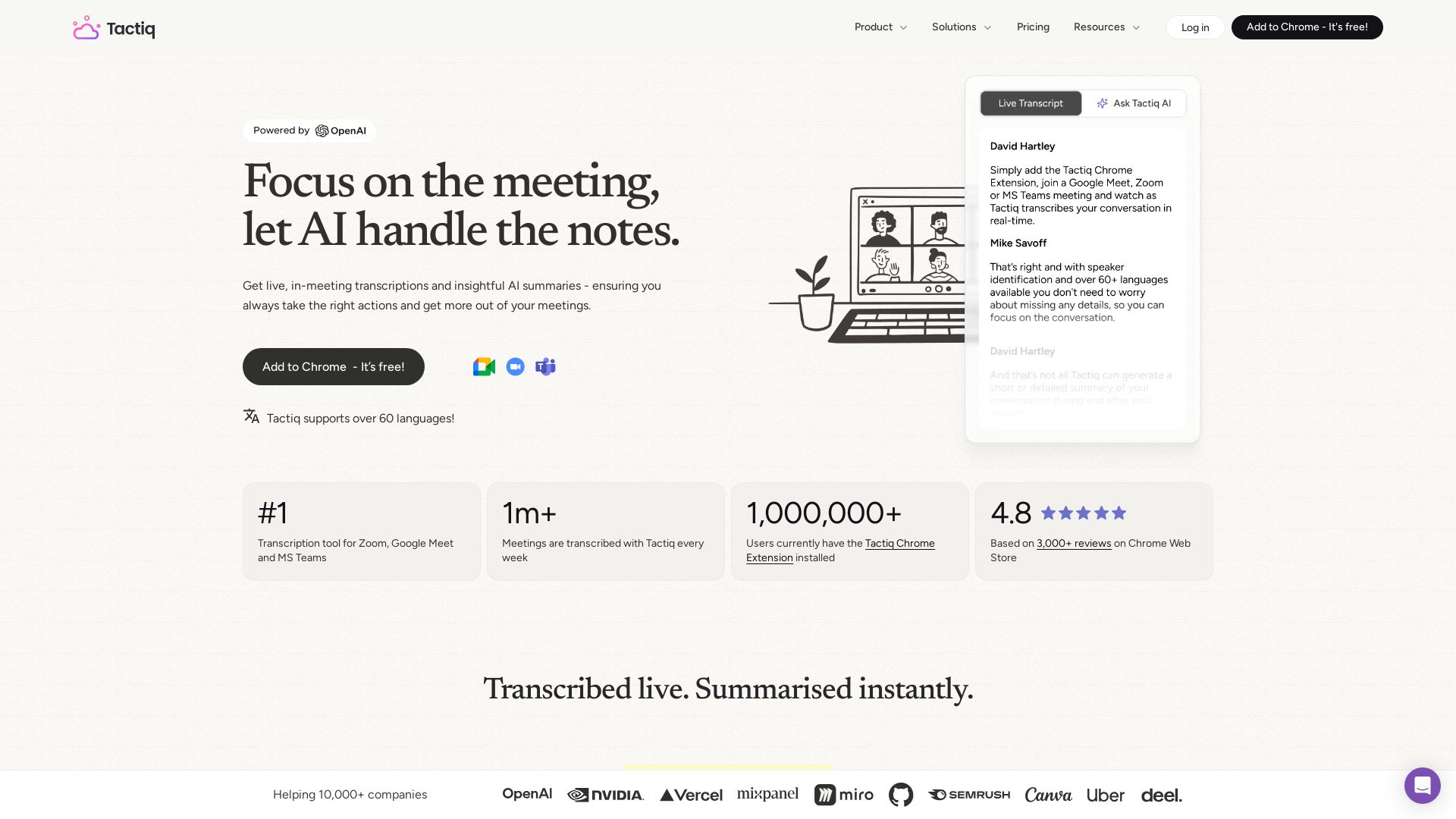
Tactiq
Get live transcriptions, AI summaries, and action items from meetings. No bot joins. Supports 60+ languages. Trusted by 1M+ users.

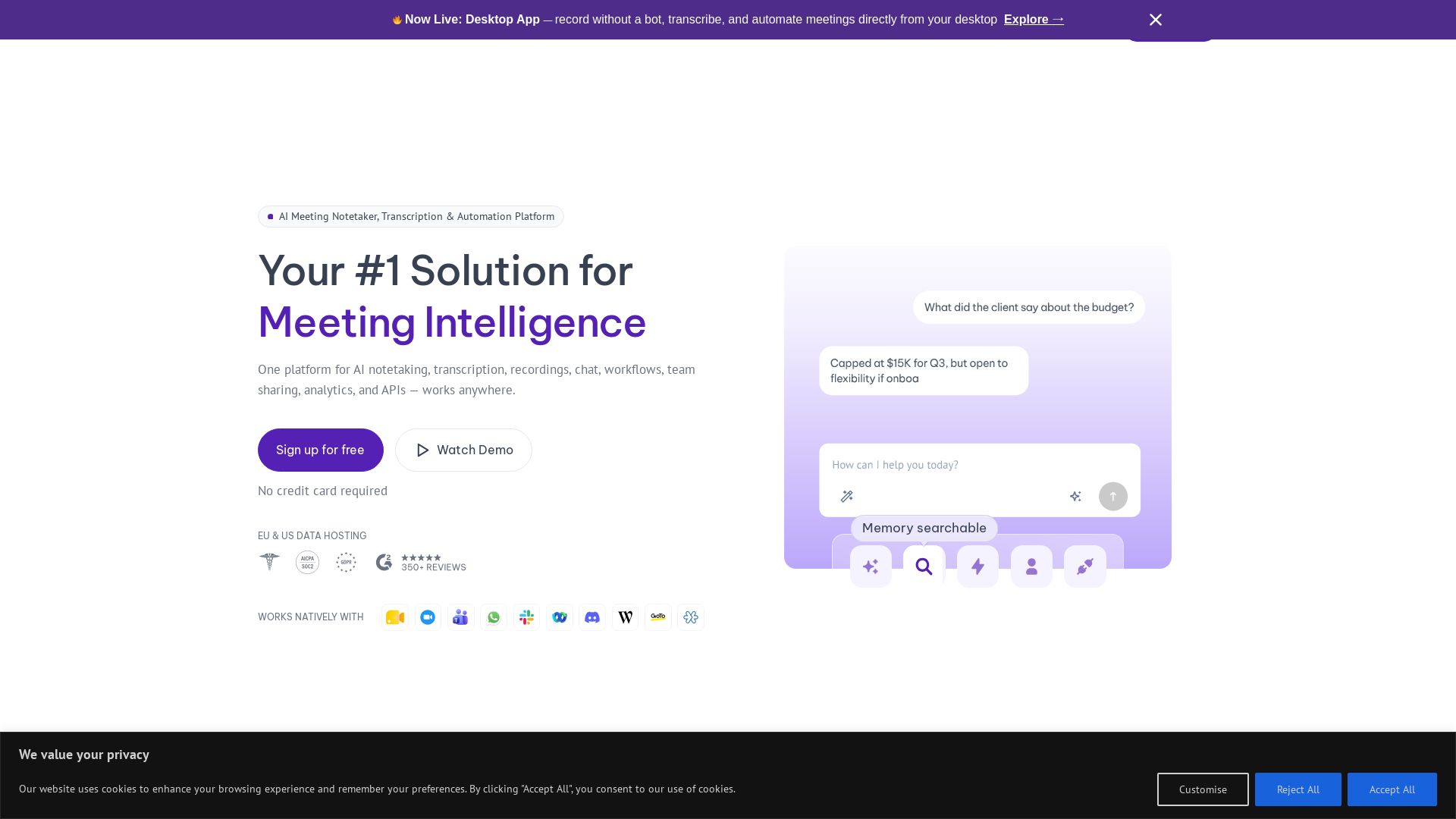
MeetGeek
Capture, transcribe, and summarize every meeting automatically. Works with any platform. Boost productivity with AI insights.


Scuti AI
We specialize in generative AI, AI-OCR, RAG, and offshore development. Combining Vietnam's speed with Japan's quality to automate tasks and boost business.

ℹ️ Curation Disclosure: The overview and features of Transcribe were synthesized using AI and fact-checked by our curation team to ensure accuracy.
