
MCPVault
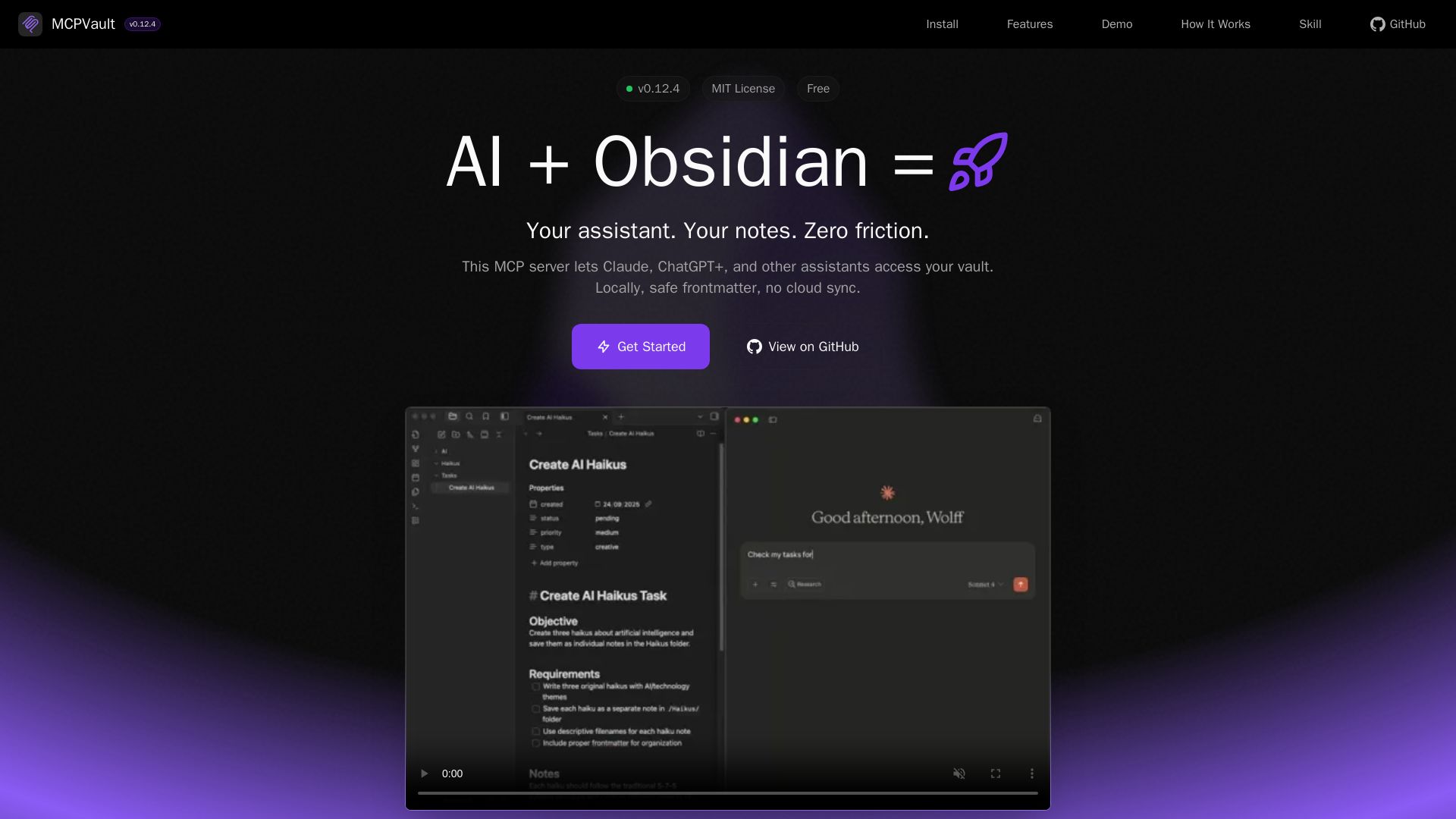
Give Claude, ChatGPT+ safe local access to your Obsidian vault. Zero cloud sync, frontmatter-aware tools for seamless AI note management.
Editor's Verdict
Key Takeaways
- Powerful Search
- Safe Frontmatter Handling
- File Operations
- Security First
In-Depth Review: What is MCPVault?
MCPVault is a free, open-source MCP server that connects AI assistants like Claude and ChatGPT+ directly to your Obsidian vault — locally, without any cloud sync. It provides a rich set of tools for reading, searching, creating, and updating notes while respecting your vault's structure and security. Features include wiki link resolution, full-text search, frontmatter-preserving edits, and safe handling of restricted directories. Built for privacy and productivity, MCPVault gives you the power of AI without compromising your data.
Core Features
Powerful Search
Fast full-text search with multi-word matching and BM25 relevance ranking. AI can locate notes by content, tags, or metadata instantly.
Safe Frontmatter Handling
AST-aware YAML updates preserve raw formatting for unmodified fields. Dates, quotes, and time values keep their original form while only changed keys are rewritten.
File Operations
Read, write, and manage notes safely. Create, update, and organize your vault with AI assistance.
Security First
Path traversal protection and safe file operations. Controlled AI access through MCP protocol.
Node.js Compatible
Built with Node.js for broad compatibility and ecosystem support.
Token Optimized
Minified JSON field names and compact responses. Less token usage means faster, cheaper API calls.
TypeScript
Fully typed for excellent developer experience.
Open Source
MIT licensed and community driven.
Complete Toolkit
15 MCP tools for vault management: read/write/patch/move files, search content, manage tags, update frontmatter, vault stats, and more. Built for AI assistant integration.
Multi-Platform
Works with Claude Desktop, ChatGPT+ Desktop, OpenCode, Gemini CLI, OpenAI Codex, Cursor, Windsurf, IntelliJ, and other MCP-compatible AI platforms.
Pricing
Free
- Access to all 15 MCP tools
- Direct file system access to your vault
- AST-aware frontmatter updates
- Full-text search with BM25 ranking
- Security features including path traversal protection
- Works with multiple AI platforms
Pros and Cons
Pros
- No Obsidian RequiredWorks with Obsidian closed, providing direct file access without needing the Obsidian app or any plugins.
- Data PrivacyYour data stays on your computer; no cloud sync or external data transmission.
- Frontmatter SafetyAST-aware YAML updates preserve original formatting for unmodified fields, preventing corruption.
- Multi-Platform SupportCompatible with Claude Desktop, ChatGPT+, OpenCode, Gemini CLI, OpenAI Codex, Cursor, and more.
- Open Source & FreeMIT licensed and completely free to use, with community contributions welcomed.
Cons
- Requires Node.jsBuilt with Node.js, so users need Node.js installed to run the server.
- Limited to MCP ClientsOnly works with AI assistants that support the MCP protocol, limiting the range of compatible tools.
- No Semantic SearchSearch is based on BM25 relevance ranking, not AI-powered semantic understanding.
- No Built-in Link ManagementWhile moves preserve note content, the tool does not manage inter-note links automatically.
- Single Vault at a TimeAlthough multiple vaults can be used via separate configurations, the server is designed for one vault instance per process.
Use Cases & Recommended Professions
Knowledge Worker→ View Toolkit
Manages a large Obsidian vault of notes and wants AI to assist with retrieval, summarization, and organization without leaving the vault.
Software Developer→ View Toolkit
Uses Obsidian for documentation and code notes; needs AI integration to quickly search and update technical notes.
Researcher→ View Toolkit
Maintains a research vault with many references; benefits from AI-powered search and frontmatter handling for metadata.
Writer→ View Toolkit
Writes articles or books in Obsidian; uses AI to draft, edit, and manage note connections securely.
Product Manager→ View Toolkit
Organizes product requirements and meeting notes in Obsidian; leverages AI to extract insights and update project statuses.
Student→ View Toolkit
Takes extensive notes in Obsidian and wants AI to help study, summarize, and retrieve information efficiently.
Frequently Asked Questions
Alternative AI Tools
View Detailed Comparison →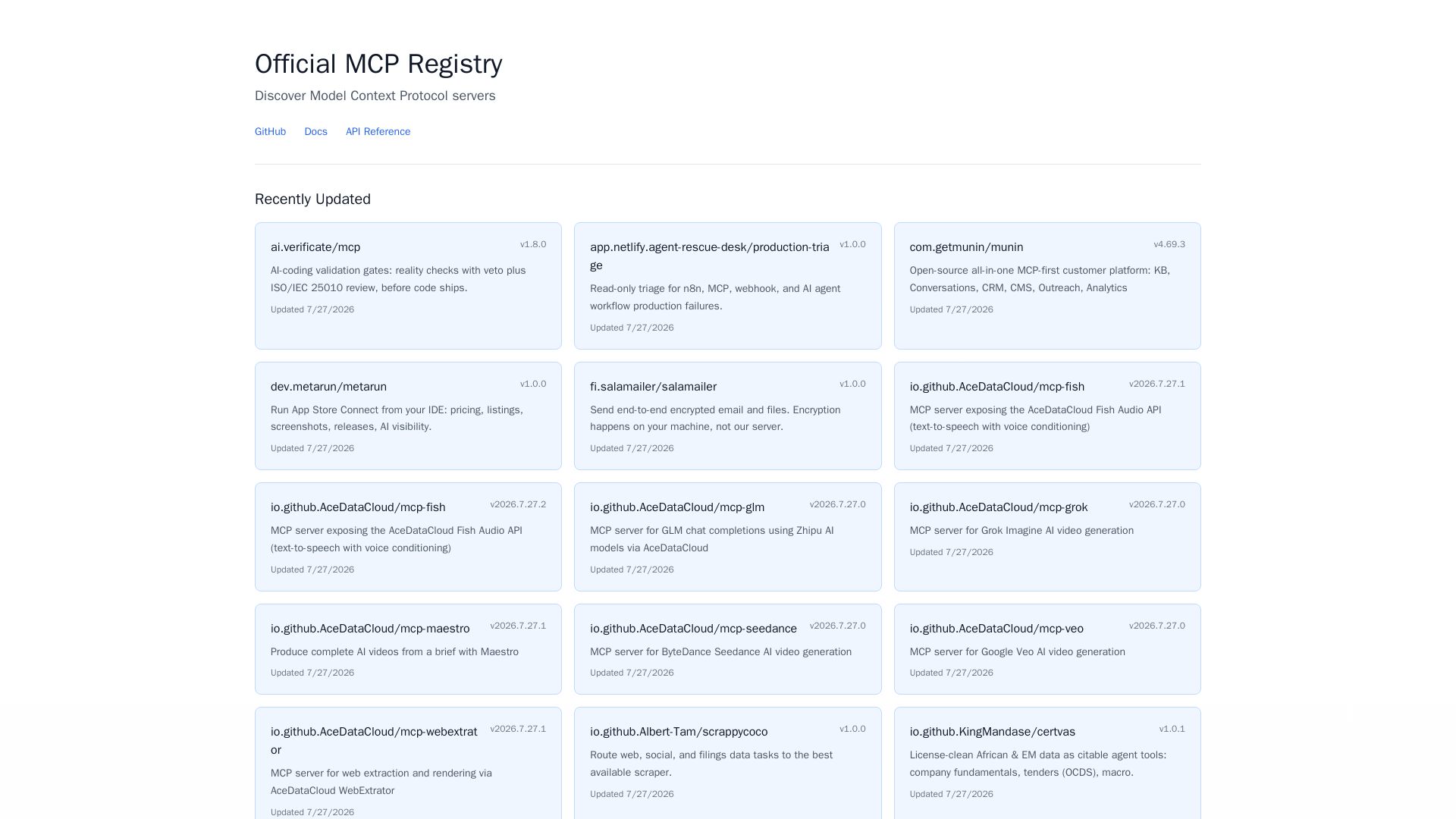
MCP Registry
Explore the official directory of MCP servers for AI integration, data processing, automation, and more. Find vetted servers with descriptions and updates.

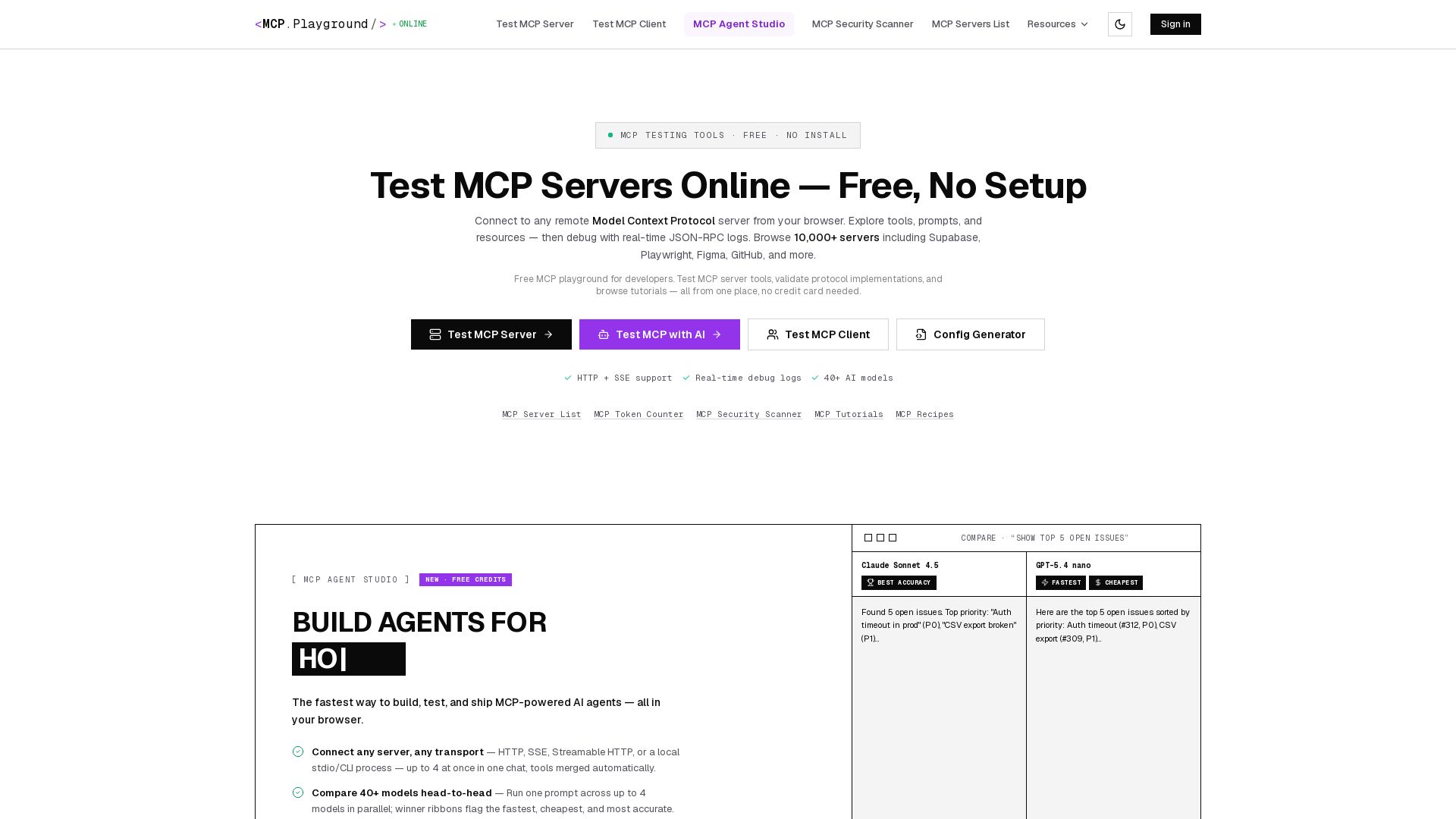
MCP Playground Online
Free browser-based MCP testing tool. Connect to any server, browse tools, execute commands, and view live JSON-RPC logs. No install required.

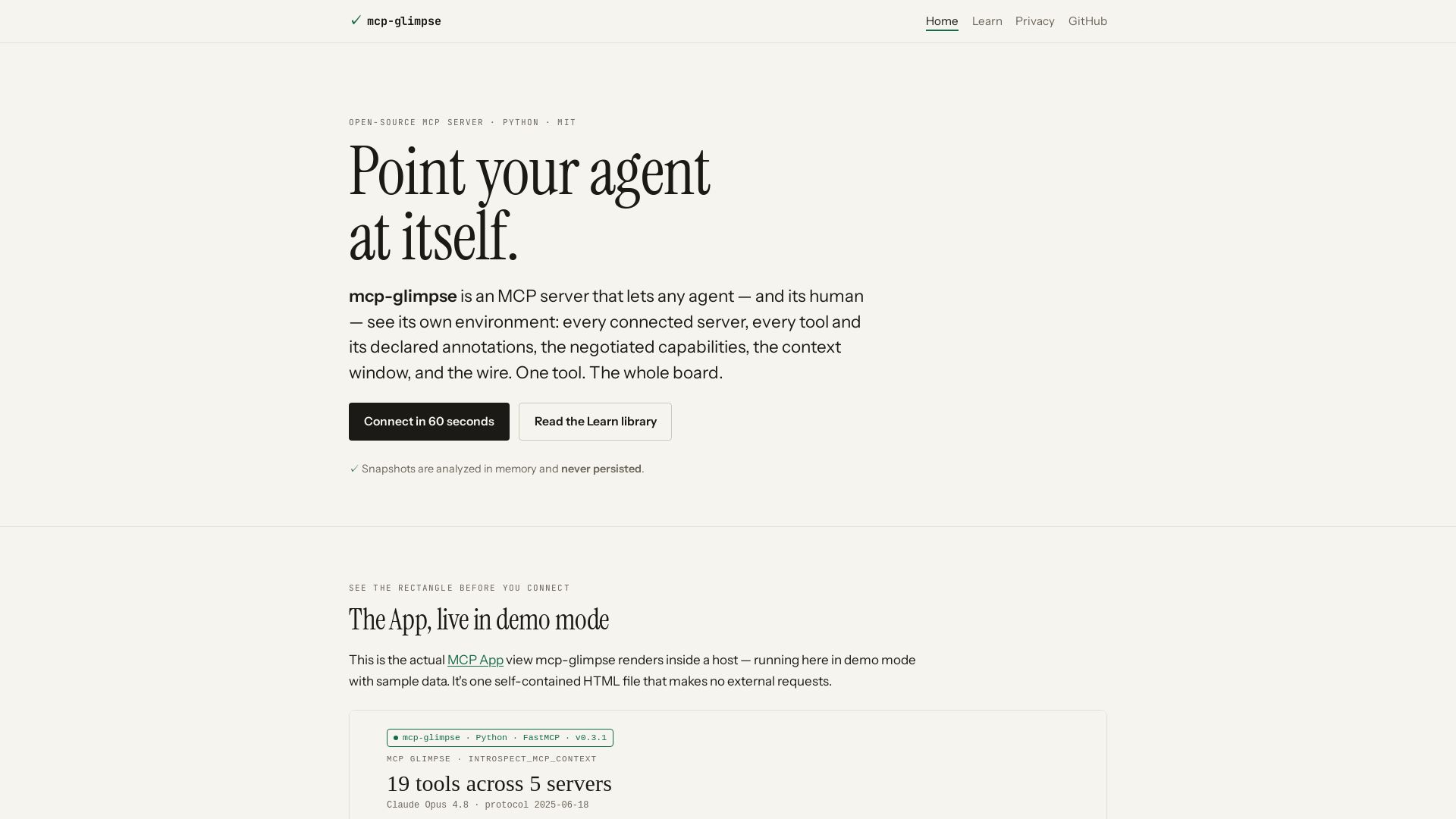
mcp-glimpse
Open-source MCP server that lets agents and humans introspect every tool, capability, and context. Privacy-first, no persistence.

Obot
Secure, manage, and govern MCP servers and AI skills with an open-source gateway. OAuth, access control, audit logs, and discovery.


Figr
Ship better UX faster. Figr builds a living understanding of your product, maps flows, finds edge cases, and generates high-fidelity prototypes from your actual design system.

MCP-UI
Build rich, dynamic interfaces for AI tools with MCP Apps. Secure sandboxed execution, HTML support, client & server SDKs.

Gopher-MCP
Deploy secure MCP servers in minutes with 4D security: deep inspection, zero-trust access, granular policies, and post-quantum encryption.

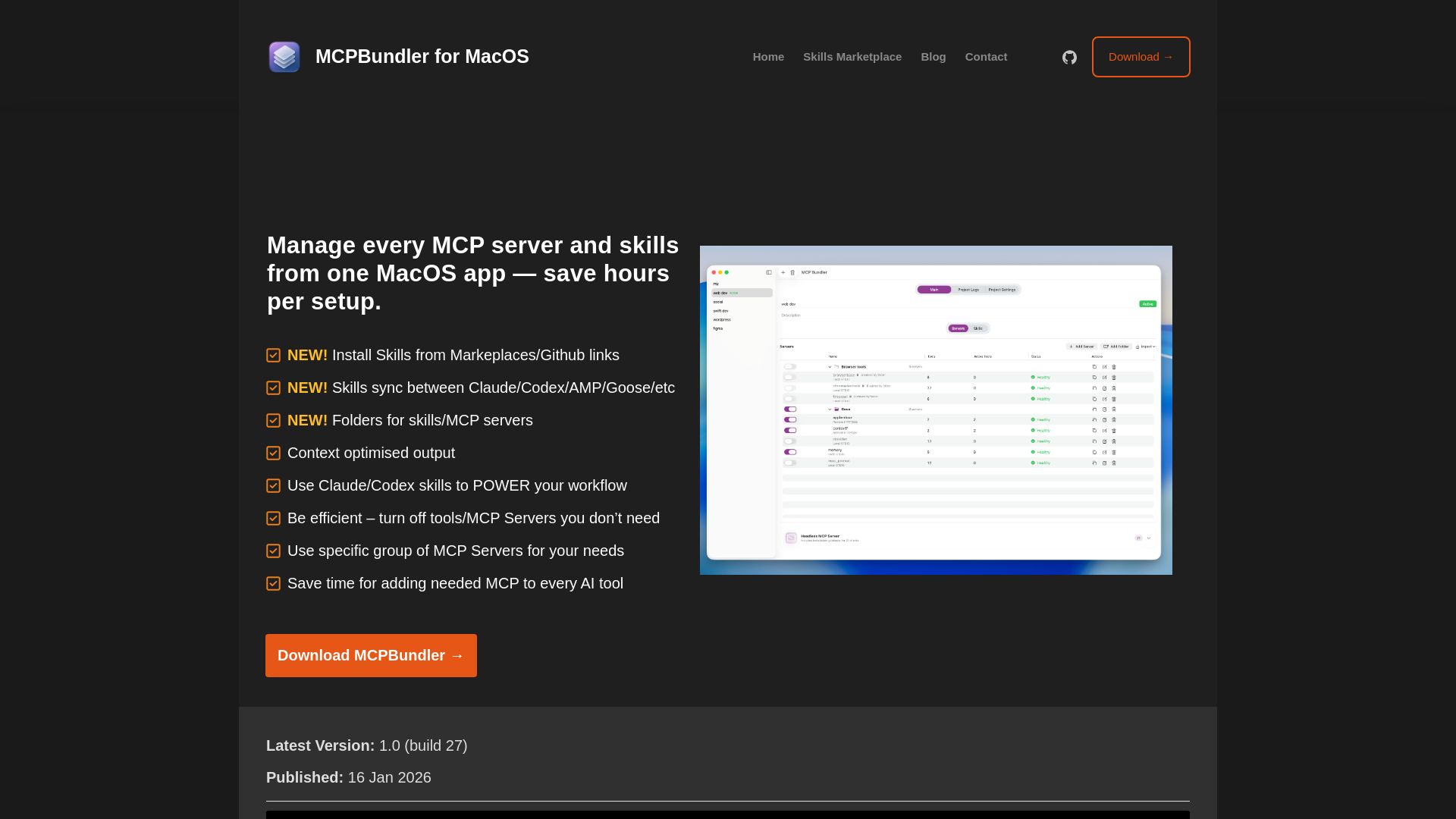
MCPBundler
Manage all MCP servers and AI skills from one macOS app. Toggle, group, import, and sync across tools. Now free and open source!

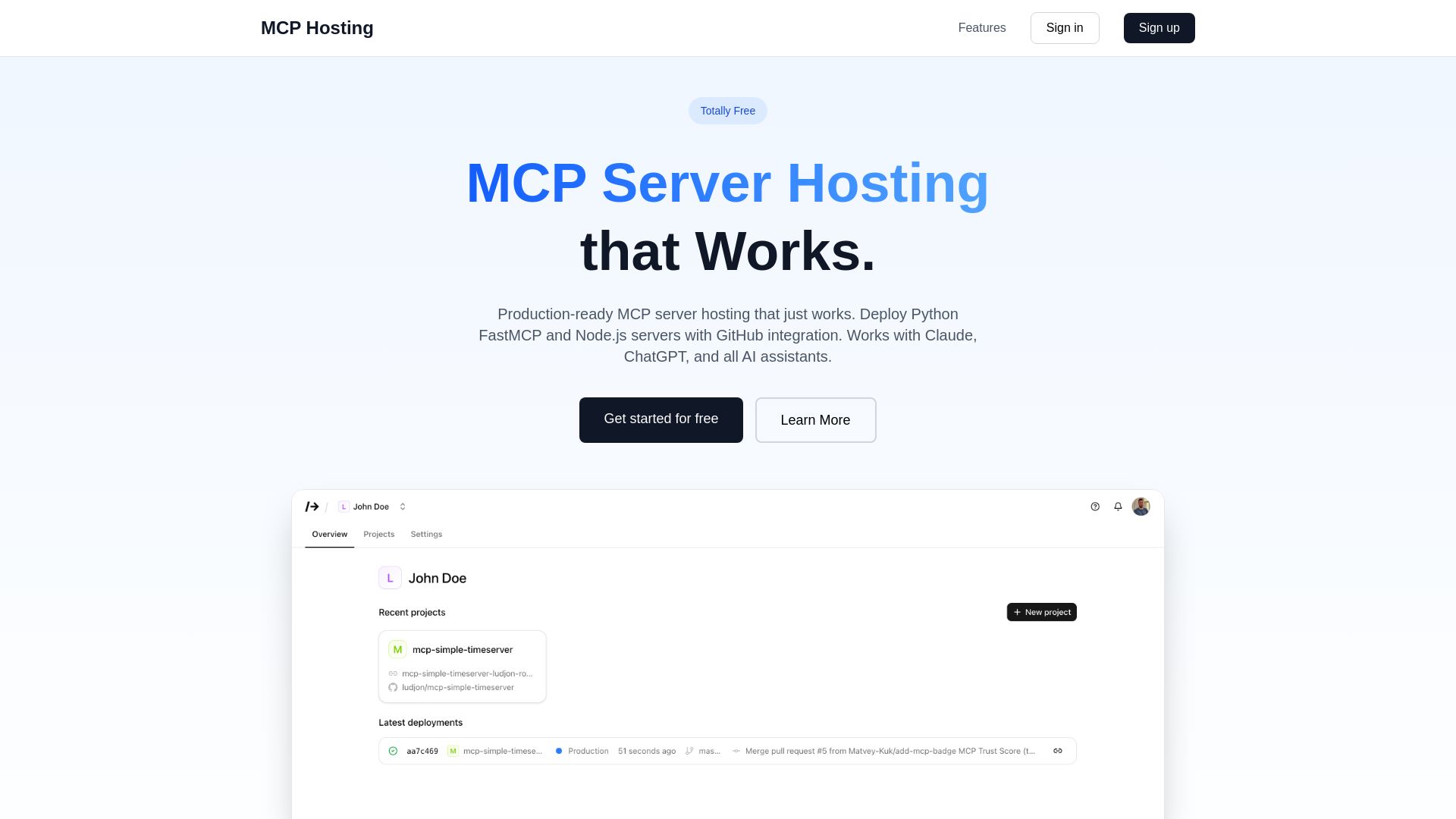
MCP Hosting
Production-ready MCP server hosting with GitHub integration. Deploy Python FastMCP & Node.js servers instantly. Free tier available. Works with Claude, ChatGPT, and all AI assistants.
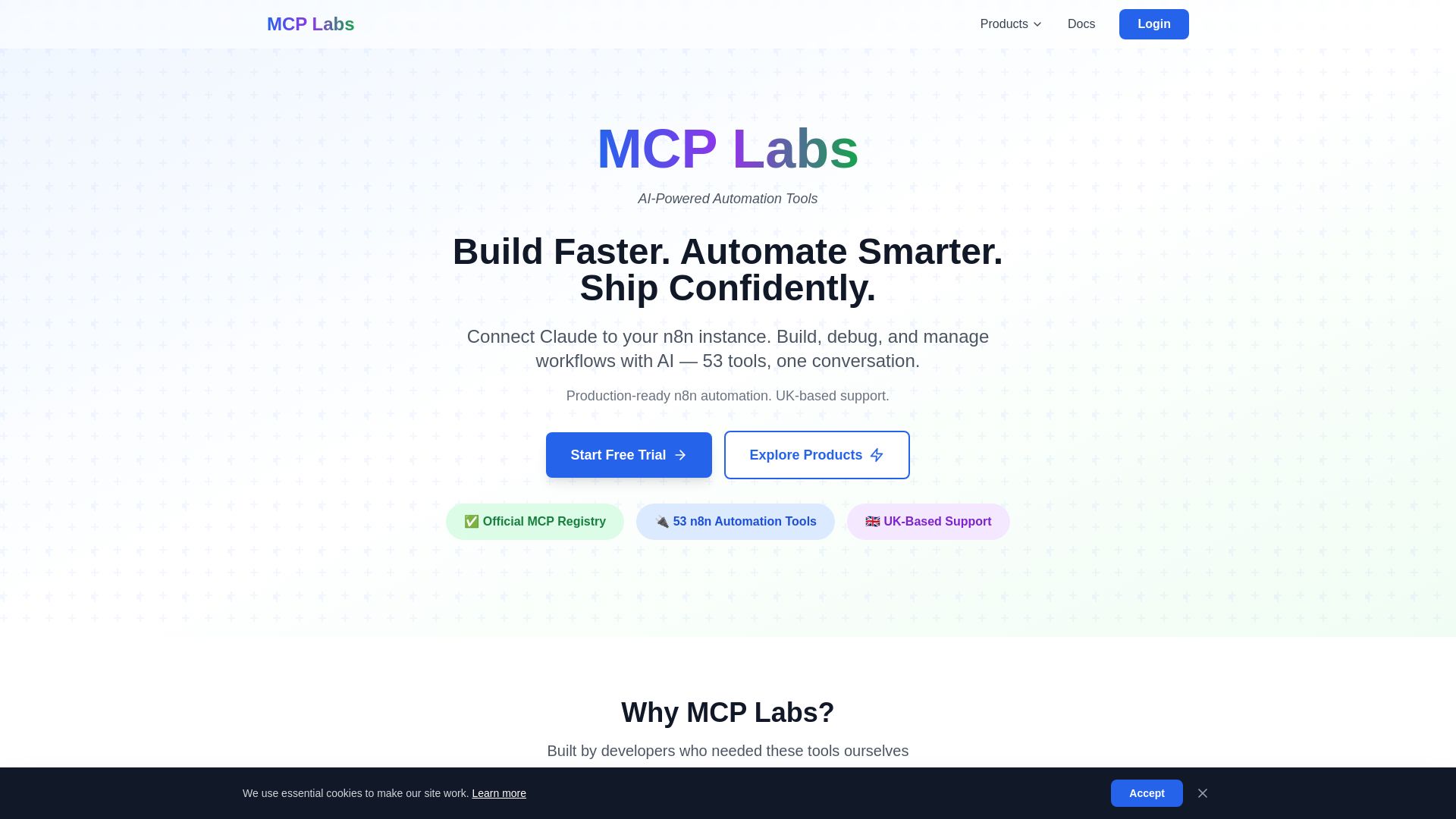
MCP Labs
Connect Claude to n8n & GitHub. 165+ automation tools. 98% token reduction. UK support. Official MCP Registry. Start free trial.
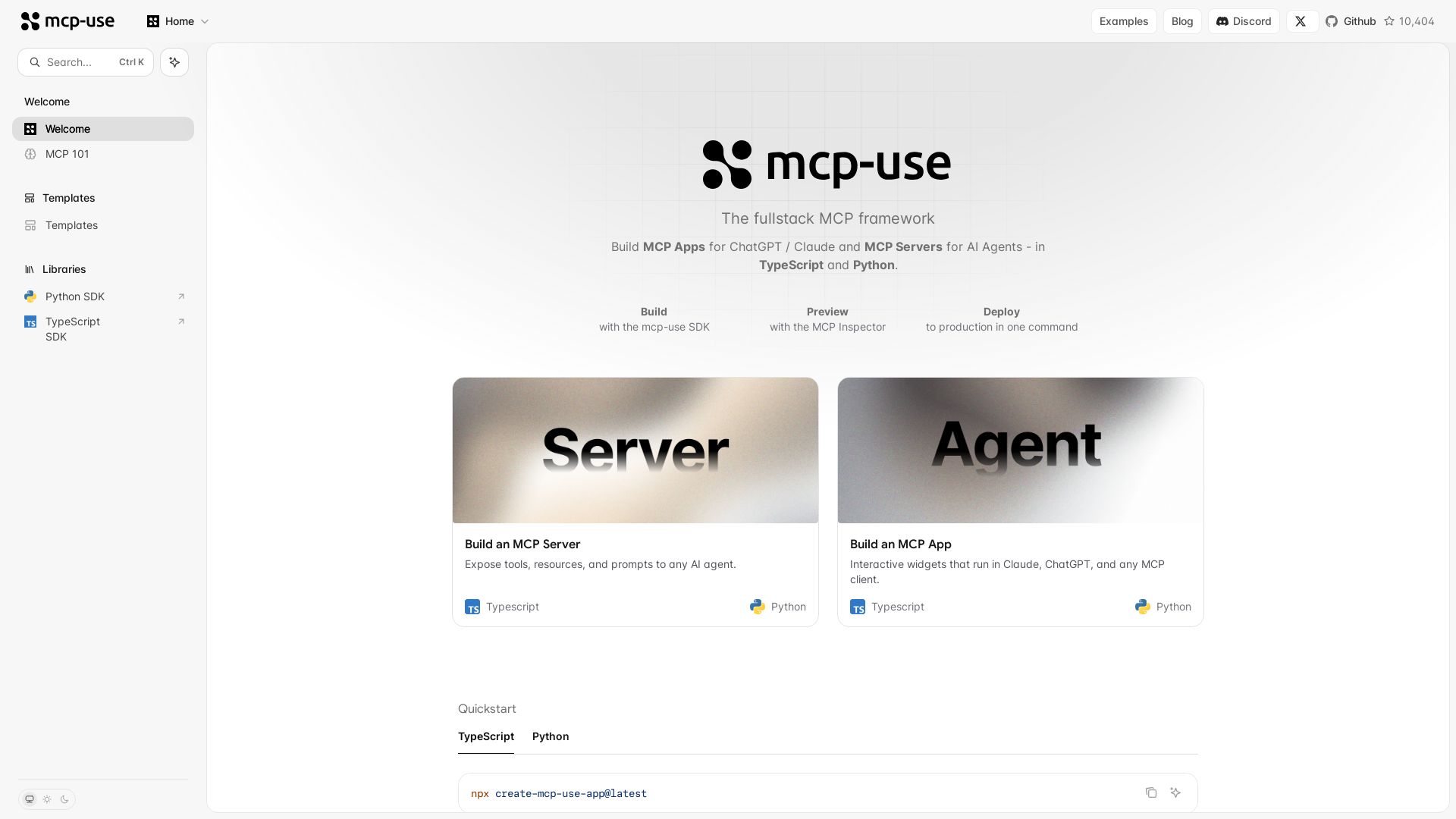
mcp-use
Build MCP apps for ChatGPT/Claude and MCP servers for AI agents. TypeScript & Python. Deploy in one command.

v0
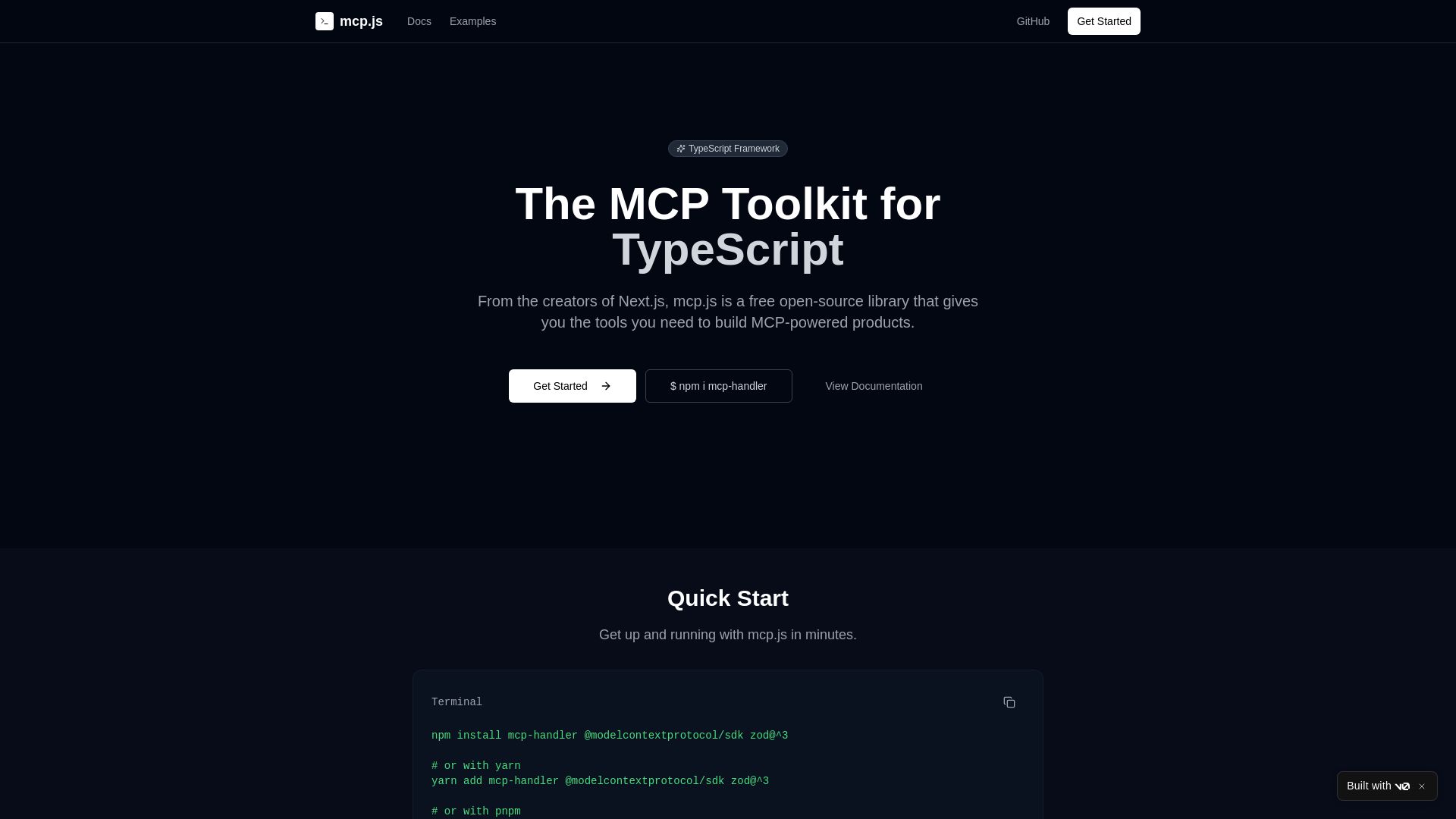
Build type-safe MCP servers with ease. From Next.js creators, mcp.js is a free, open-source library for robust, production-ready MCP applications.
ℹ️ Curation Disclosure: The overview and features of MCPVault were synthesized using AI and fact-checked by our curation team to ensure accuracy.
