Magai
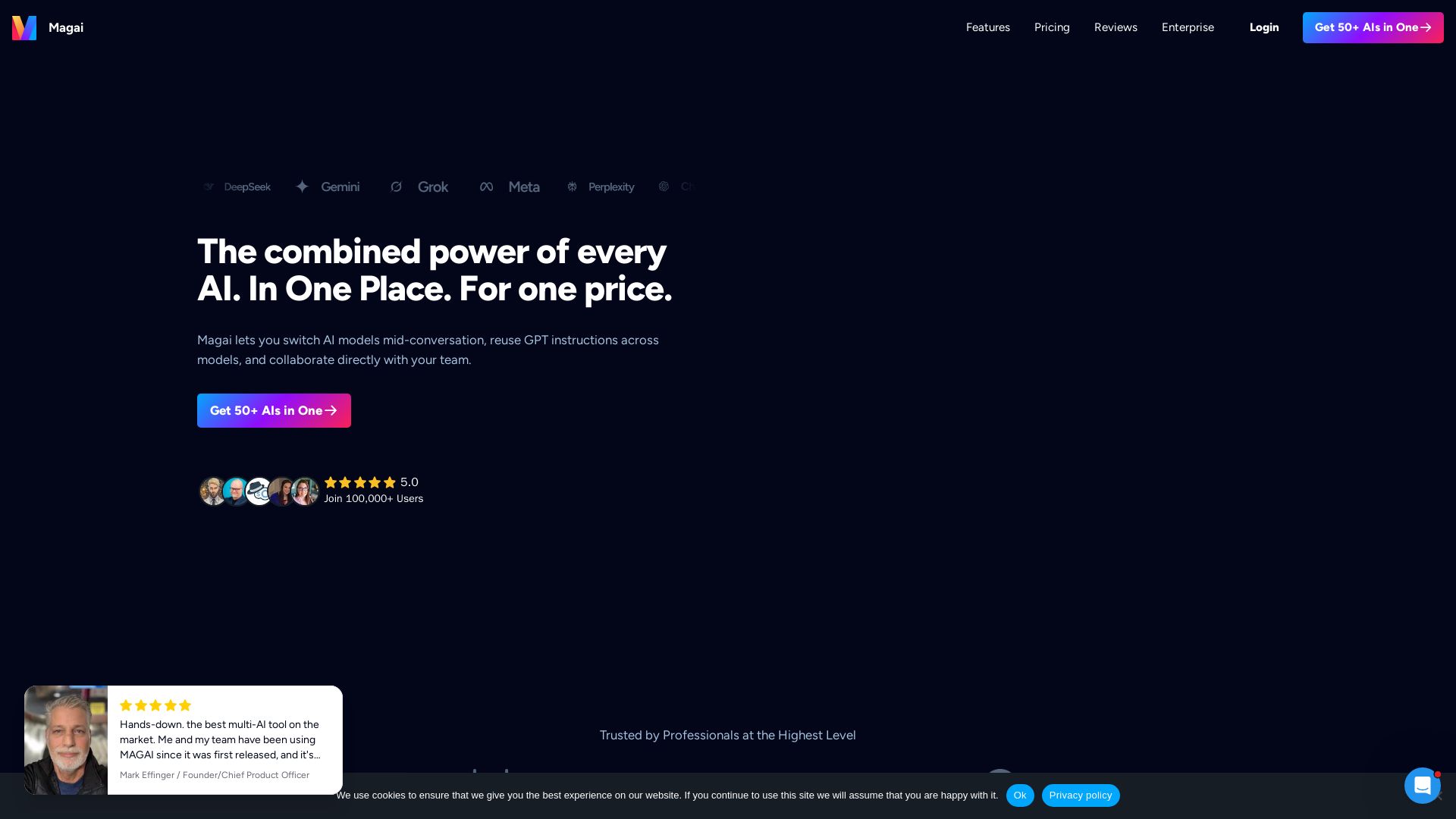
Access 50+ premium AI models in one place. Switch between ChatGPT, Claude, Gemini without losing context. No rate limits. Team collaboration. Start at $20/mo

Editor's Verdict
Key Takeaways
- Multi-Model Chat
- 130+ Integrations
- Scheduled Tasks
- Auto Model Selection
In-Depth Review: What is Magai?
Magai is an all-in-one AI platform that brings together 50+ leading AI models (ChatGPT, Claude, Gemini, DeepSeek, Perplexity, and more) into a single chat interface. You can switch between models mid-conversation without losing any context, reuse custom personas across all models, and collaborate with your team in real time. With 130+ integrations, scheduled tasks, and no rate limits, Magai streamlines content creation, research, and automation—all for a flat monthly price starting at $20.
Core Features
Multi-Model Chat
Switch between 50+ AI models (ChatGPT, Claude, Gemini, DeepSeek, Perplexity) in a single conversation without losing context.
130+ Integrations
Connect your apps once (Stripe, Slack, etc.) and command AI across all of them from one chat.
Scheduled Tasks
Automate AI workflows on a one-off or recurring schedule across all integrations, zero code required.
Auto Model Selection
Magai's 'Auto' model picks the best AI model for your prompt automatically.
Unlimited Personas
Create custom AI instructions once and reuse them across any AI model. Pre-built personas available.
No Rate Limits
No cooldowns or rate limits; keep generating content indefinitely. Instant top-ups if needed.
Document Editor
A beautiful writing canvas inside chat to draft, edit, and export as PDF or DOCX.
Prompt Enhancer
Automatically upgrades vague prompts into structured, high-quality inputs.
Real-Time Edits
Edit both your input and the AI's output mid-chat without restarting.
Prompt Library
Save and reuse your best prompts, organized and searchable.
Team Collaboration
Invite teammates into live chats, share view-only links, and use unified files.
Import ChatGPT & Claude
Import all your conversations from ChatGPT or Claude in under 5 minutes with a 3-step process.
Image & Video Generation
Generate images and videos using top AI models, all within the chat.
Smart Context Management
Manage context files and condense context when needed.
Image References
Upload a reference image once and reuse it anytime by mentioning it in chat.
Data Privacy
Conversations never train AI models; data is securely sent to providers and deleted after processing.
Pricing
Standard
- All Premium Models + Tools
- 130+ Integrations
- Standard Usage
- Add Users $20/ea
Pro
- All Premium Models + Tools
- 130+ Integrations
- 3x Standard Usage
- Add Users $20/ea
Ultra
- All Premium Models + Tools
- 130+ Integrations
- 15x Standard Usage
- Add Users at Custom Rates
Pros and Cons
Pros
- Multi-Model FlexibilityAccess 50+ AI models in one chat with seamless switching and context preservation.
- No Rate LimitsUninterrupted generation with no cooldowns or locks, plus instant top-ups.
- Team CollaborationInvite teammates, share chats, and use unified files for efficient teamwork.
- Data PrivacyYour conversations are never used for training and are securely processed.
- Extensive Integrations130+ integrations allow AI to work across your entire stack.
Cons
- No Free PlanNo permanent free tier; only a paid subscription starting at $20/month.
- Usage Caps on Lower PlansStandard plan has limited usage; heavy users need Pro or Ultra.
- Add-On Costs for Team MembersAdditional users cost extra ($20/ea on Standard/Pro, custom on Ultra).
- Limited Model ControlThe 'Auto' model selection may not always pick the best model for every task.
- Dependence on Third-Party ModelsModel availability and performance rely on external providers like OpenAI, Google, etc.
Use Cases & Recommended Professions
Content Creator→ View Toolkit
Create, edit, and export content using multiple AI models without tool switching, and generate images/videos.
Software Developer→ View Toolkit
Debug code with Gemini, use ChatGPT for outlining, and automate tasks with scheduled AI workflows.
Marketing Professional→ View Toolkit
Write landing pages, email sequences, and social media posts with personas, and integrate with CRM tools.
Agency Owner→ View Toolkit
Collaborate with team in real-time, reuse custom GPT instructions across projects, and manage multiple clients.
Researcher/Analyst→ View Toolkit
Summarize research using Perplexity, simplify complex topics with Claude, and keep context across conversations.
Project Manager→ View Toolkit
Automate reporting via scheduled tasks, integrate with project management tools, and share chat threads with stakeholders.
Frequently Asked Questions
Alternative AI Tools
View Detailed Comparison →
Agentic Workers
Automate tasks with 100+ pre-built AI workflows. Connect 800+ tools, save 10+ hours/week. No coding needed. Join 13,000+ professionals.


Zapier
Connect AI to 9,000+ apps. Build AI agents, chatbots, and workflows without code. Trusted by Fortune 500. Start free.

Automation Anywhere
Automate mission-critical processes with agentic AI. Trusted by global leaders. Boost efficiency, ensure compliance. Request a demo.

Leiga
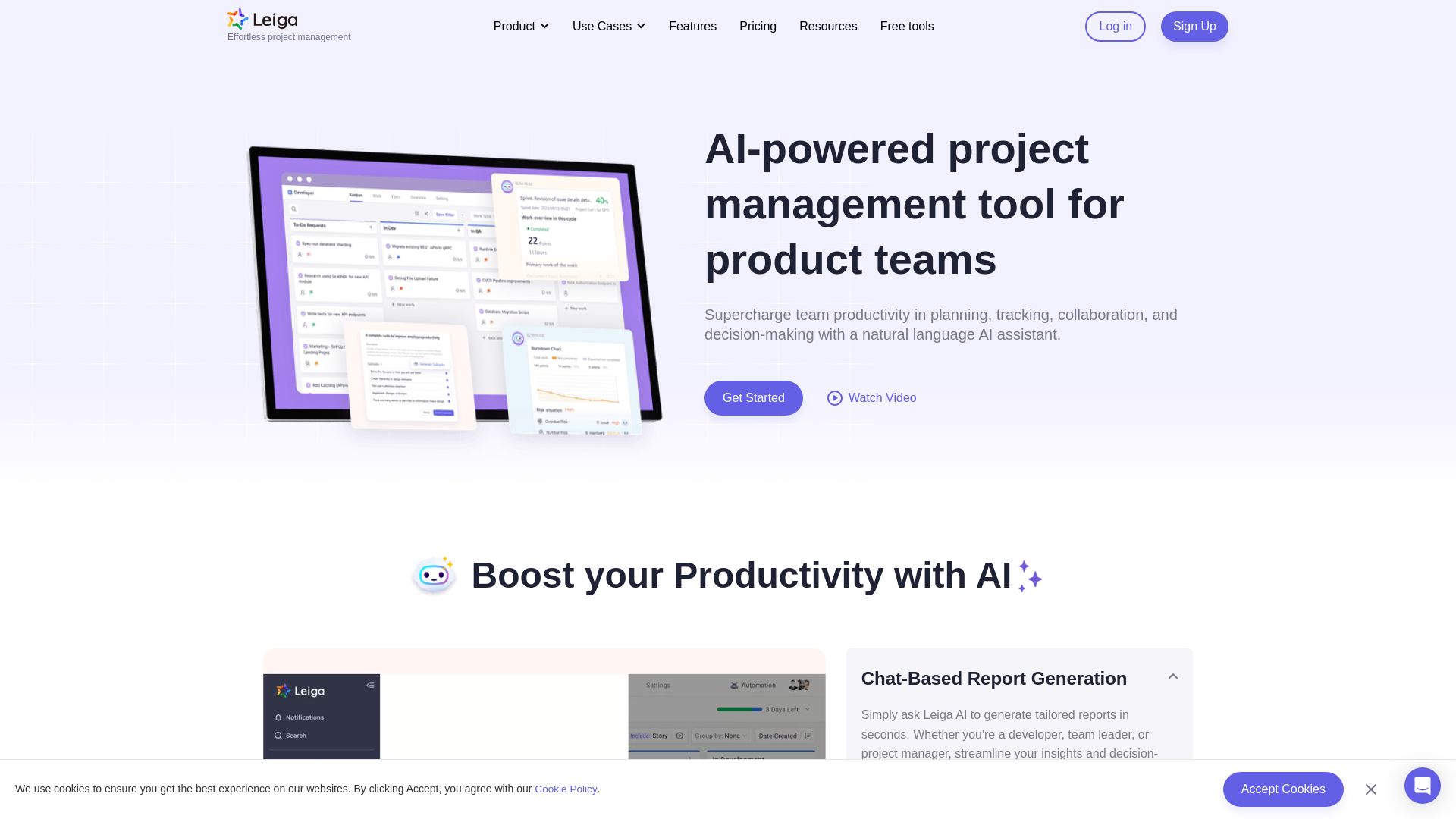
Supercharge team productivity with AI-driven planning, tracking, and collaboration. Chat-based reports, automated workflows, and risk warnings. Free forever.


Figr
Ship better UX faster. Figr builds a living understanding of your product, maps flows, finds edge cases, and generates high-fidelity prototypes from your actual design system.

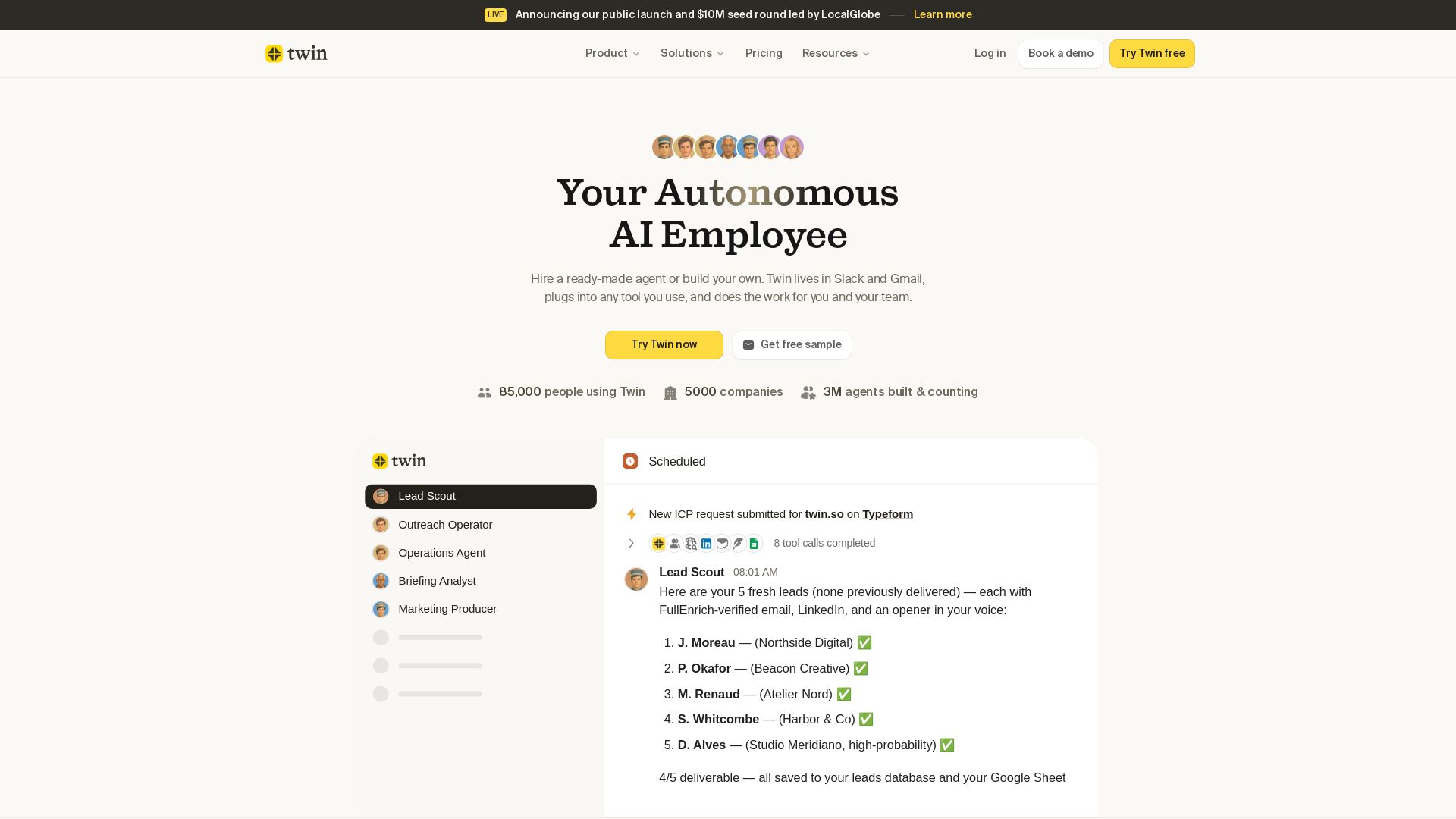
Twin
Twin: ready-made AI agents that work in Slack & Gmail. Automate prospecting, outreach, and more. Trusted by 85,000 users. Start free.

Odin AI
Automate tasks, document summarization, and collaboration with Odin AI's no-code platform. Boost productivity with intelligent AI agents.

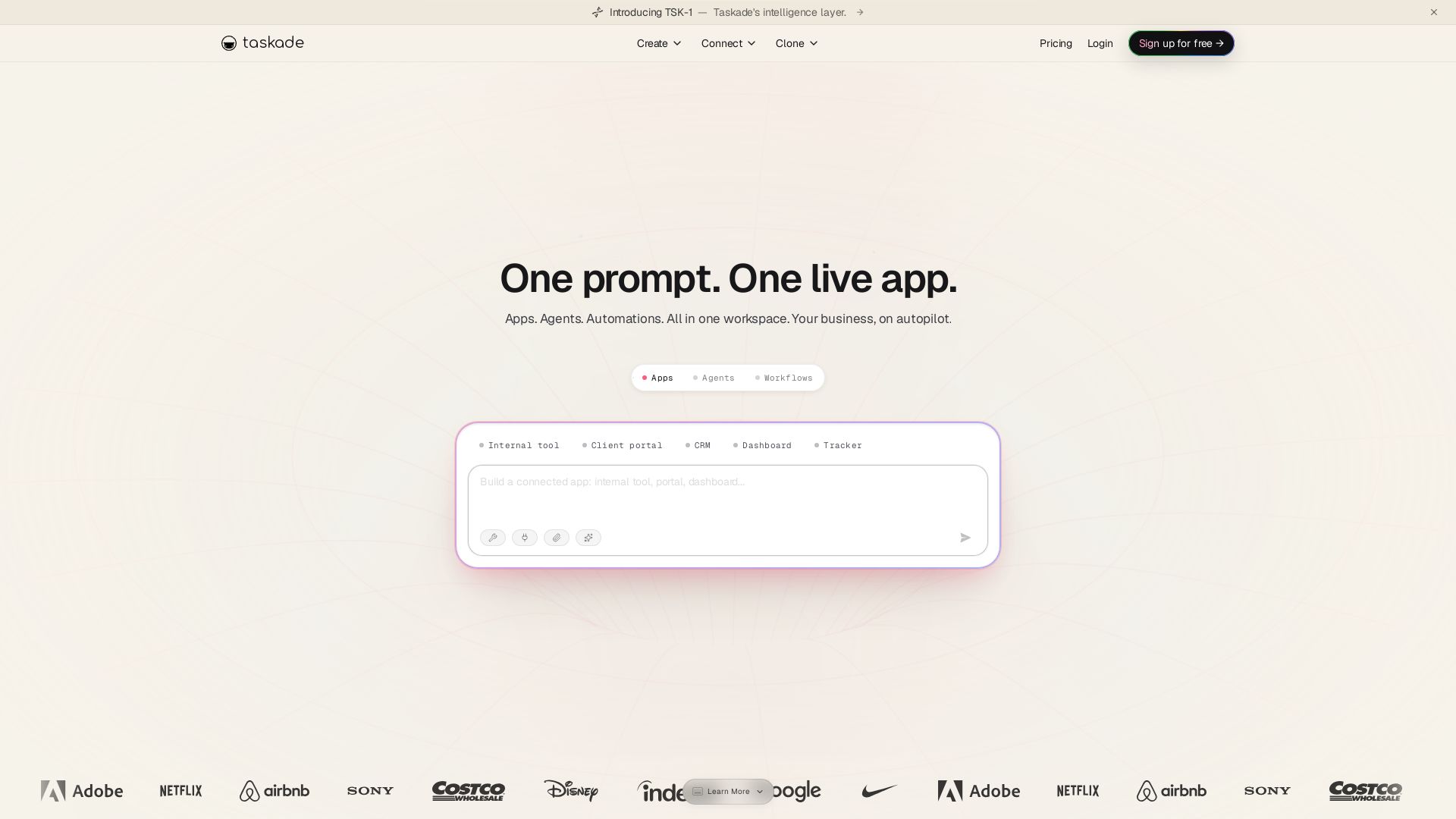
Taskade
Turn one prompt into living apps with AI agents and automations. Clone CRMs, dashboards, portals. No code. Your business on autopilot.

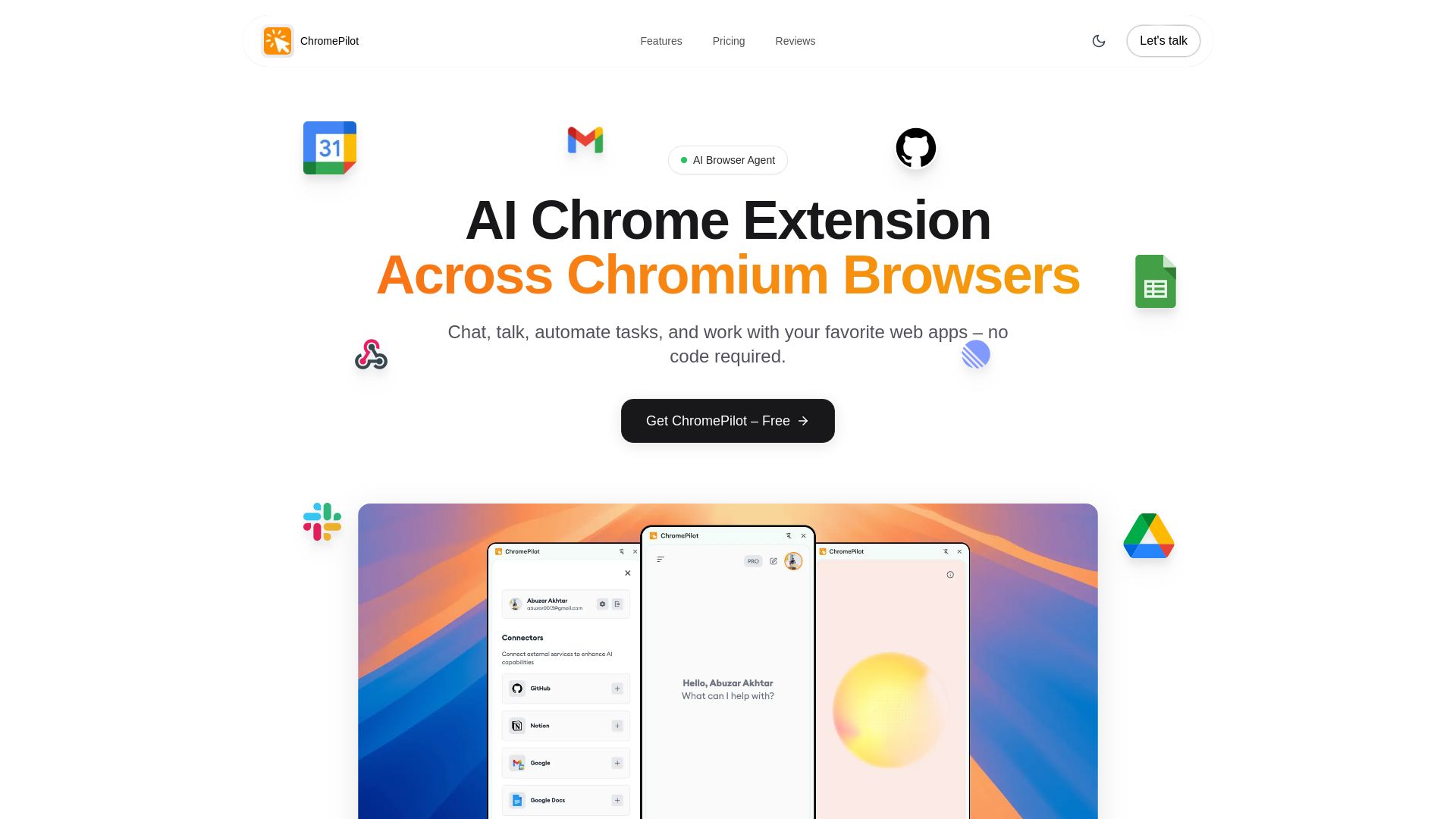
ChromePilot
Free AI browser extension for task automation, voice commands, form filling, PDF chat & more. Works on Chrome, Edge, Brave. $9 lifetime upgrade.

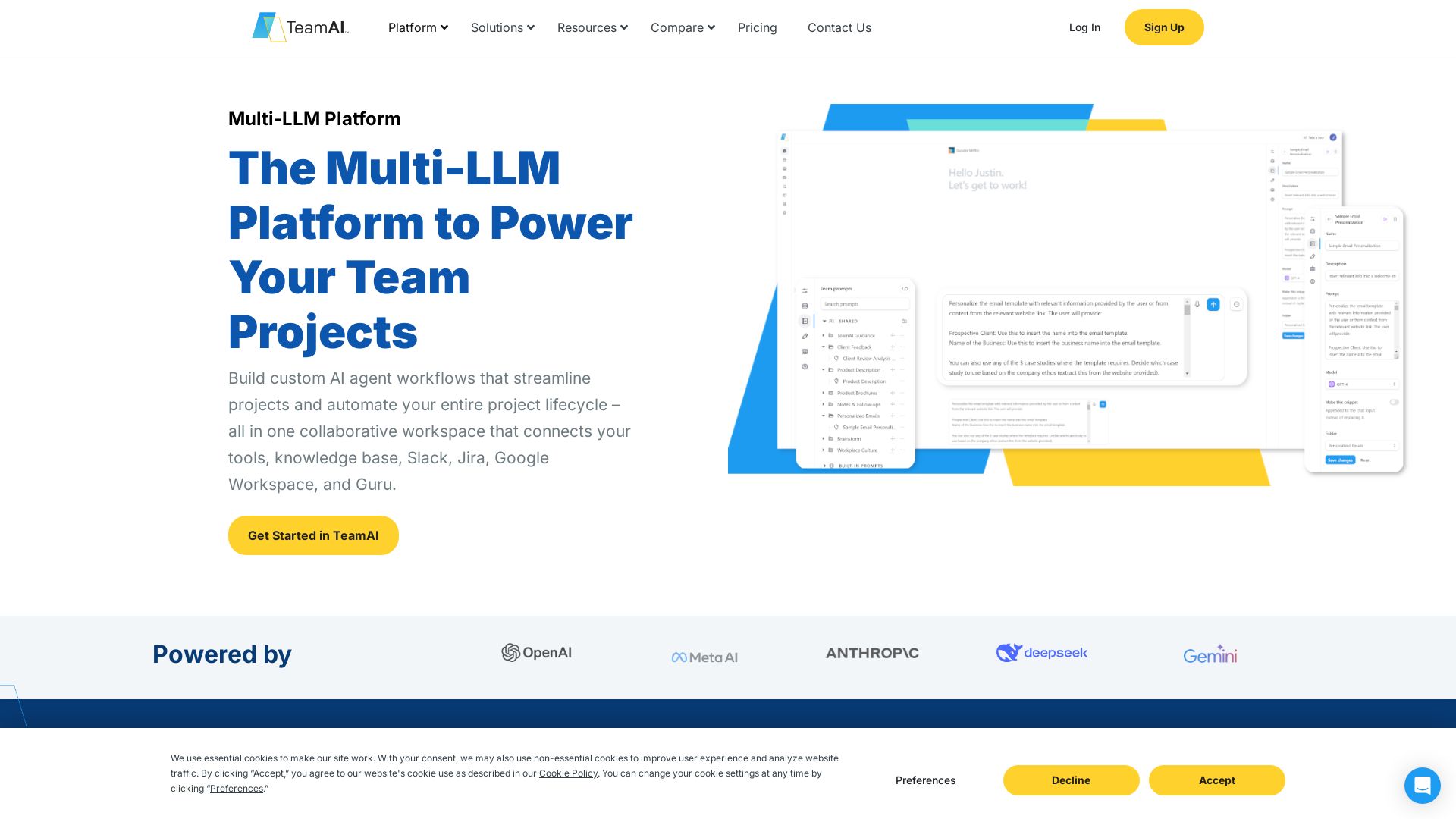
TeamAI
Build custom AI agents, automate workflows, and collaborate with top models in one workspace. Trusted by 1000+ businesses. Start free!

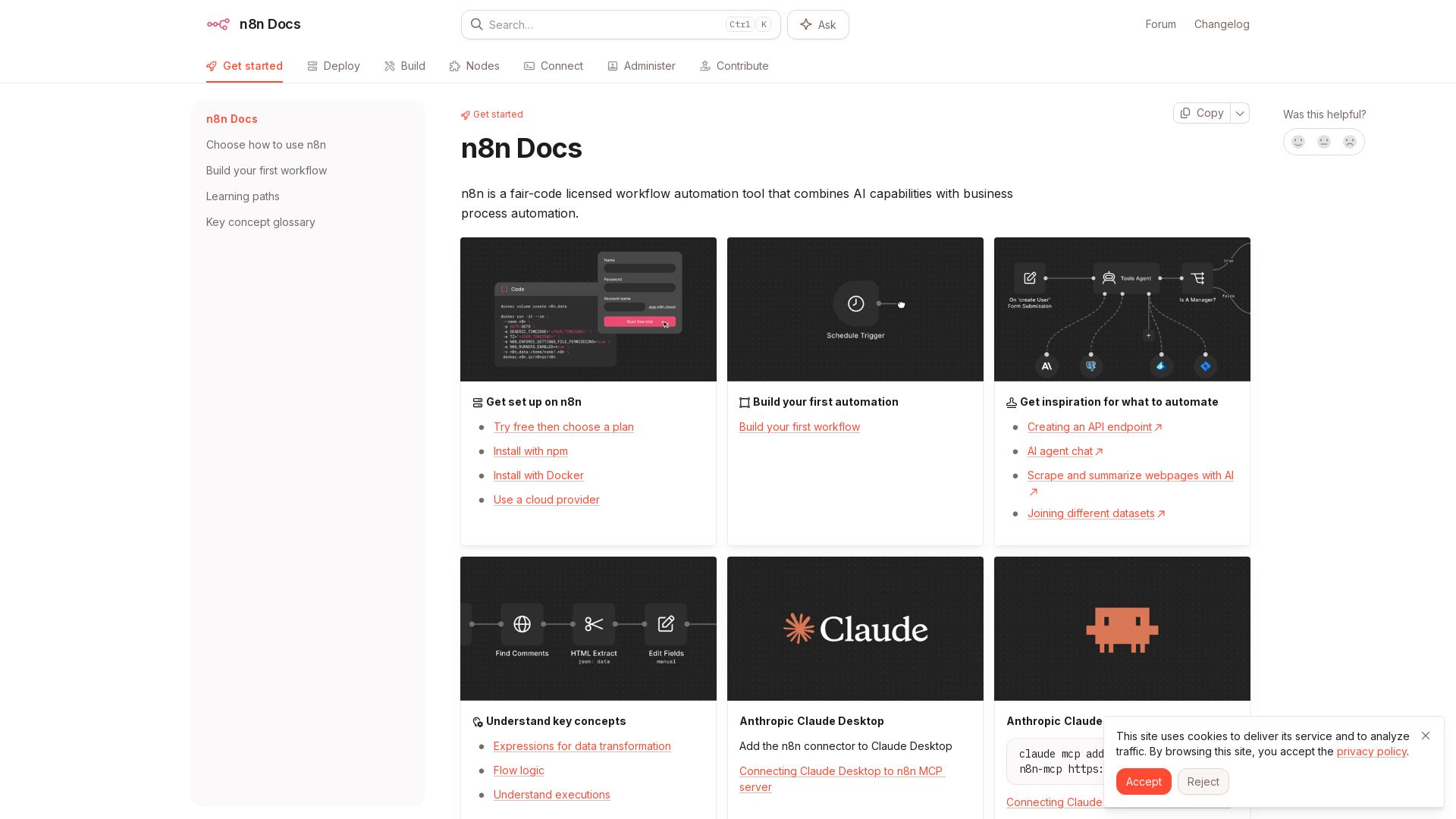
n8n
n8n is a fair-code licensed workflow automation tool that combines AI capabilities with business process automation. Get started with npm, Docker, or cloud.

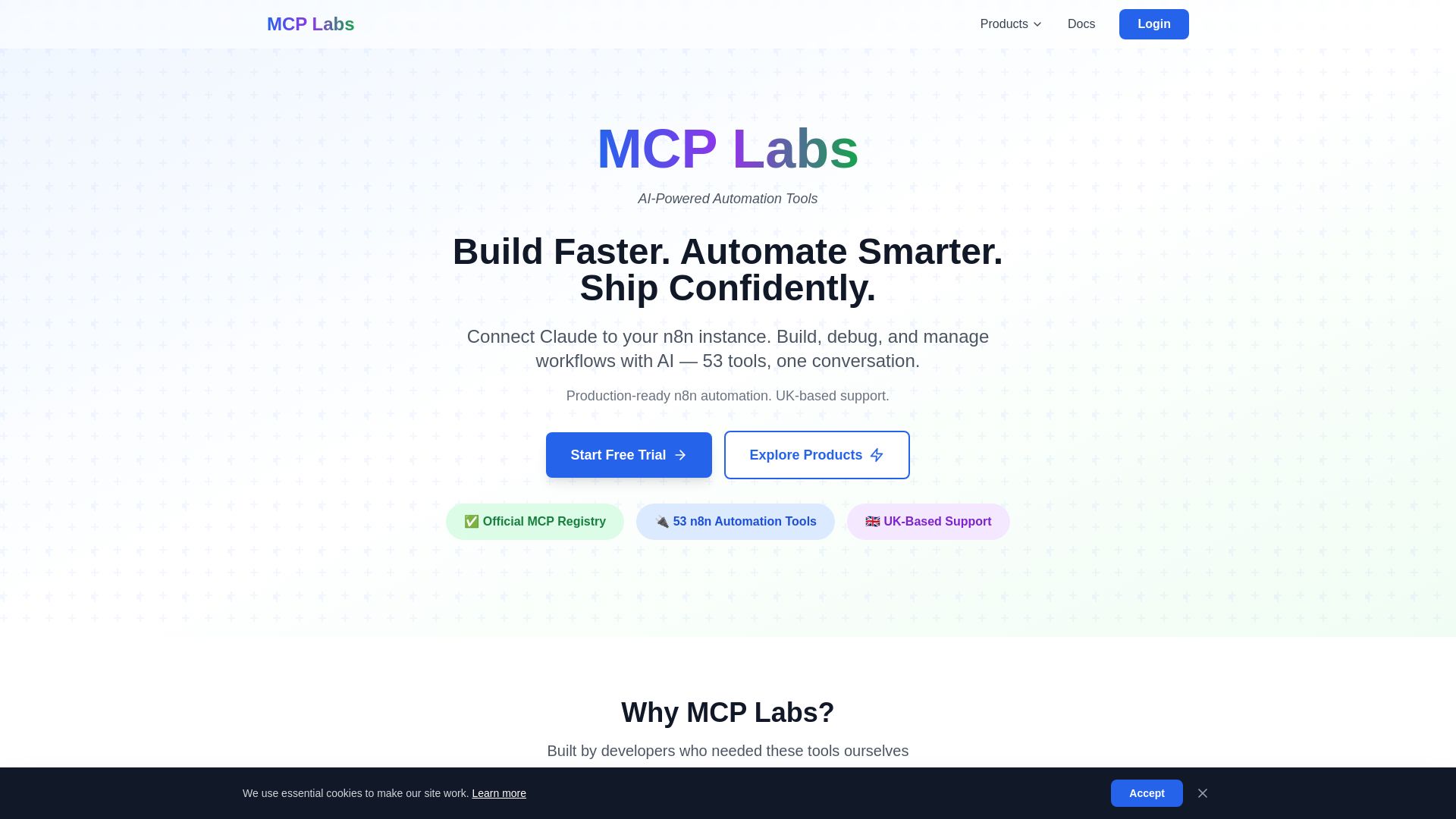
MCP Labs
Connect Claude to n8n & GitHub. 165+ automation tools. 98% token reduction. UK support. Official MCP Registry. Start free trial.
ℹ️ Curation Disclosure: The overview and features of Magai were synthesized using AI and fact-checked by our curation team to ensure accuracy.
