
ChromePilot
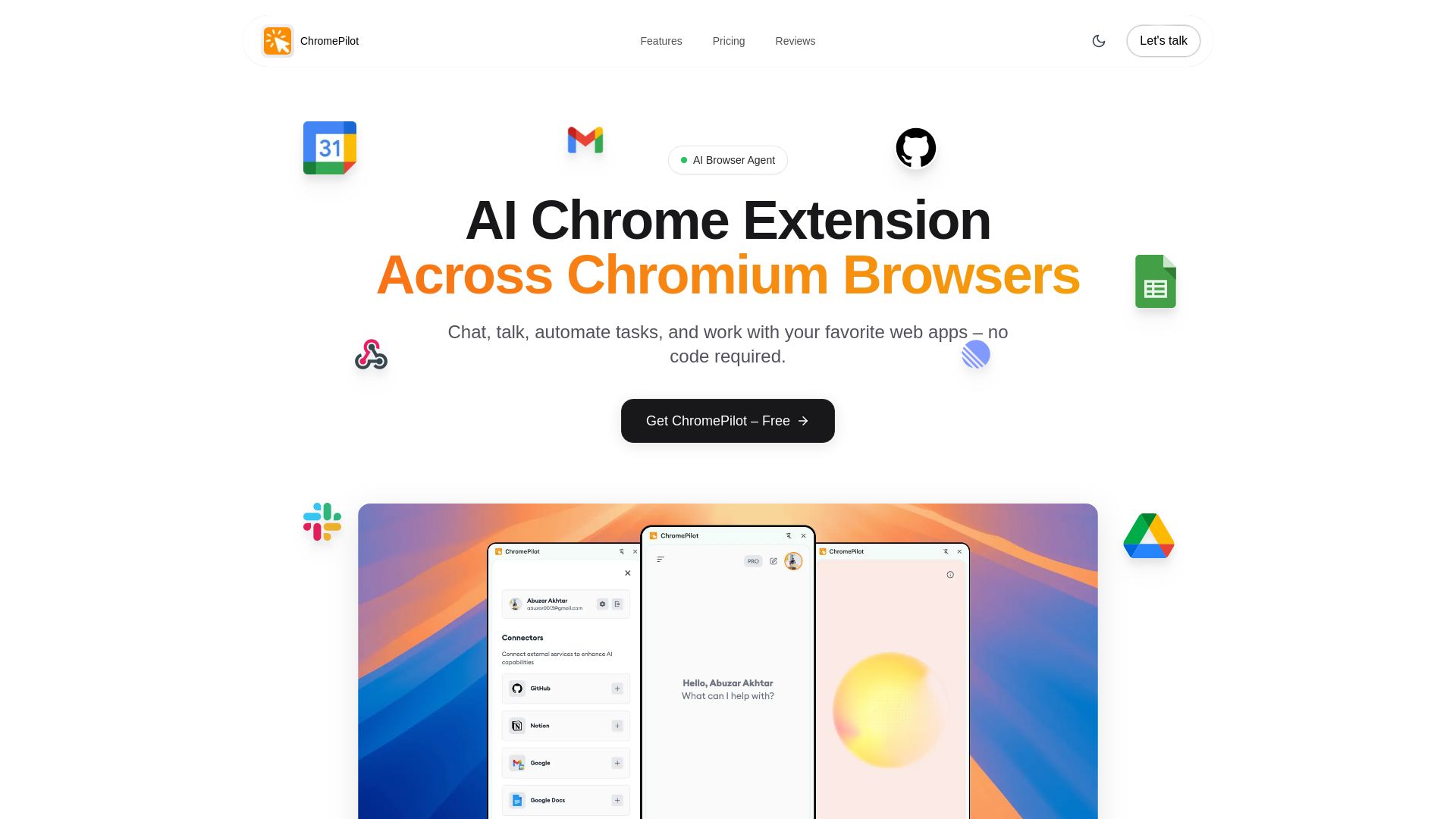
Free AI browser extension for task automation, voice commands, form filling, PDF chat & more. Works on Chrome, Edge, Brave. $9 lifetime upgrade.
Editor's Verdict
Key Takeaways
- AI Browser Automation Agent
- Real-Time AI Web Search
- AI Auto Form Filler
- Chat with PDFs & Documents (RAG)
In-Depth Review: What is ChromePilot?
ChromePilot is an AI-powered browser extension that revolutionizes how you interact with the web. It autonomously automates complex tasks, fills forms, searches in real-time, and lets you chat with PDFs. With voice and vision capabilities, you can talk to your browser and it sees your screen. Privacy-first: your data stays in your Google Drive. Free basic features with a one-time $9 lifetime access for all advanced features. Works seamlessly on Chrome, Edge, Brave, Arc, and all Chromium browsers.
Core Features
AI Browser Automation Agent
Automate complex browser tasks autonomously: navigate websites, extract data, and complete workflows hands-free.
Real-Time AI Web Search
Get accurate, up-to-date answers with live Google search grounding, citations, and source summaries.
AI Auto Form Filler
Intelligently fill complex web forms using AI; upload a resume or document to auto-populate fields.
Chat with PDFs & Documents (RAG)
Upload PDFs, Word docs, or spreadsheets and ask questions; RAG searches semantically and cites exact answers.
AI Image Generator
Generate high-resolution images from text prompts, supports text-to-image, editing, and custom dimensions.
AI Voice & Vision Assistant
Talk to an AI that sees your screen in real time; get voice-guided help, visual pointers, and hands-free browsing.
Text-to-Speech Web Reader
Listen to articles with natural voices, real-time word highlighting, auto-scroll, adjustable speed, and 30+ voices.
Voice-to-Text Typing
Type hands-free on any website by dictating; ChromePilot transcribes speech to text instantly.
Zapier, Make & n8n Integration
Connect via custom webhook to trigger powerful automation workflows from your browser with one command.
Chat with Open Browser Tabs
Attach open tabs to AI chat; reads pages locally (including paywalled or private ones) for Q&A and data extraction.
Database Connector
Connect PostgreSQL, MySQL, or Neon for AI-powered data insights using read-only SQL queries.
GitHub Connector
Manage repositories, issues, and pull requests directly from the browser sidebar using AI.
Google Workspace Connector
Connect Gmail and Google Calendar to send emails, manage schedule, and automate workspace tasks.
Google Sheets Connector
Read, write, and automate spreadsheets with AI for data extraction, batch updates, and dynamic reporting.
Privacy First & Universal
Data stays yours; chat history syncs to your Google Drive, not our servers. Works on Chrome, Edge, Brave, Arc, and all Chromium browsers.
Pricing
Free
- Basic Features, Always Free
- No Sign-In Required
- No Credit Card Required
Lifetime Access
- All Advanced Features Unlocked
- Full-Screen Pro Mode
- All Future Updates Included
Pros and Cons
Pros
- Autonomous Task AutomationChromePilot can automate multi-step browser tasks like form filling, data extraction, and email sending from simple natural language commands.
- Voice & Vision CapabilitiesVoice mode with screen vision allows hands-free browsing, real-time assistance, and natural conversational interaction.
- Cross-Browser CompatibilityWorks on Chrome, Edge, Brave, Arc, and all Chromium browsers without requiring a switch to a new browser.
- Privacy-Focused DesignData syncs to your own Google Drive; no server storage. Uses your own API key (BYOK) for AI processing.
- Extensive IntegrationsConnects to Gmail, Google Sheets, GitHub, databases, and automation tools like Zapier, Make, and n8n.
Cons
- Requires Own API Key for Advanced FeaturesTo unlock full functionality, users must bring their own Gemini API key, which may add complexity and potential costs.
- Free Tier LimitedThe free plan includes only basic features; advanced automation and integrations require the $9 lifetime license.
- No Native App for Non-Chromium BrowsersNot available on Firefox, Safari, or other non-Chromium browsers, limiting reach for some users.
- Learning Curve for Advanced FeaturesUsers may need time to understand how to effectively use connectors, custom webhooks, and RAG capabilities.
- Dependence on Google ServicesChat history sync relies on Google Drive, and connectivity to Google Workspace may be required for some features.
Use Cases & Recommended Professions
Digital Marketing Manager→ View Toolkit
Automates follow-up emails, form submissions, and data extraction from web tools, saving hours of manual work.
Software Developer→ View Toolkit
Uses GitHub connector to manage repos, issues, and PRs; voice mode helps explain screen content and navigate coding environments.
Data Analyst→ View Toolkit
Extracts and processes data from web pages, PDFs, and spreadsheets; uses database connector for SQL insights.
Product Manager→ View Toolkit
Automates reporting, calendar management, and competitor research; voice commands streamline daily workflow.
Operations Coordinator→ View Toolkit
Automates morning routine: email checks, project board updates, report generation; natural language processing simplifies complex tasks.
Freelance Writer→ View Toolkit
Uses text-to-speech to listen to articles, voice typing for hands-free writing, and RAG to query documents for research.
Frequently Asked Questions
Alternative AI Tools
View Detailed Comparison →
Scuti AI
We specialize in generative AI, AI-OCR, RAG, and offshore development. Combining Vietnam's speed with Japan's quality to automate tasks and boost business.


Making AI think and act: my approach to the Hugging Face AI ...
Experienced AI engineer specializing in medical imaging and LLM-powered agents. Built globally deployed radiology AI at AZmed. Now building AI agents at Matrix One.


Zapier
Connect AI to 9,000+ apps. Build AI agents, chatbots, and workflows without code. Trusted by Fortune 500. Start free.


Agentic Workers
Automate tasks with 100+ pre-built AI workflows. Connect 800+ tools, save 10+ hours/week. No coding needed. Join 13,000+ professionals.


Wizr AI
Build autonomous enterprises with AI-powered automation. Accelerate software delivery by 50% with production-ready AI systems. Trusted by world-class enterprises.

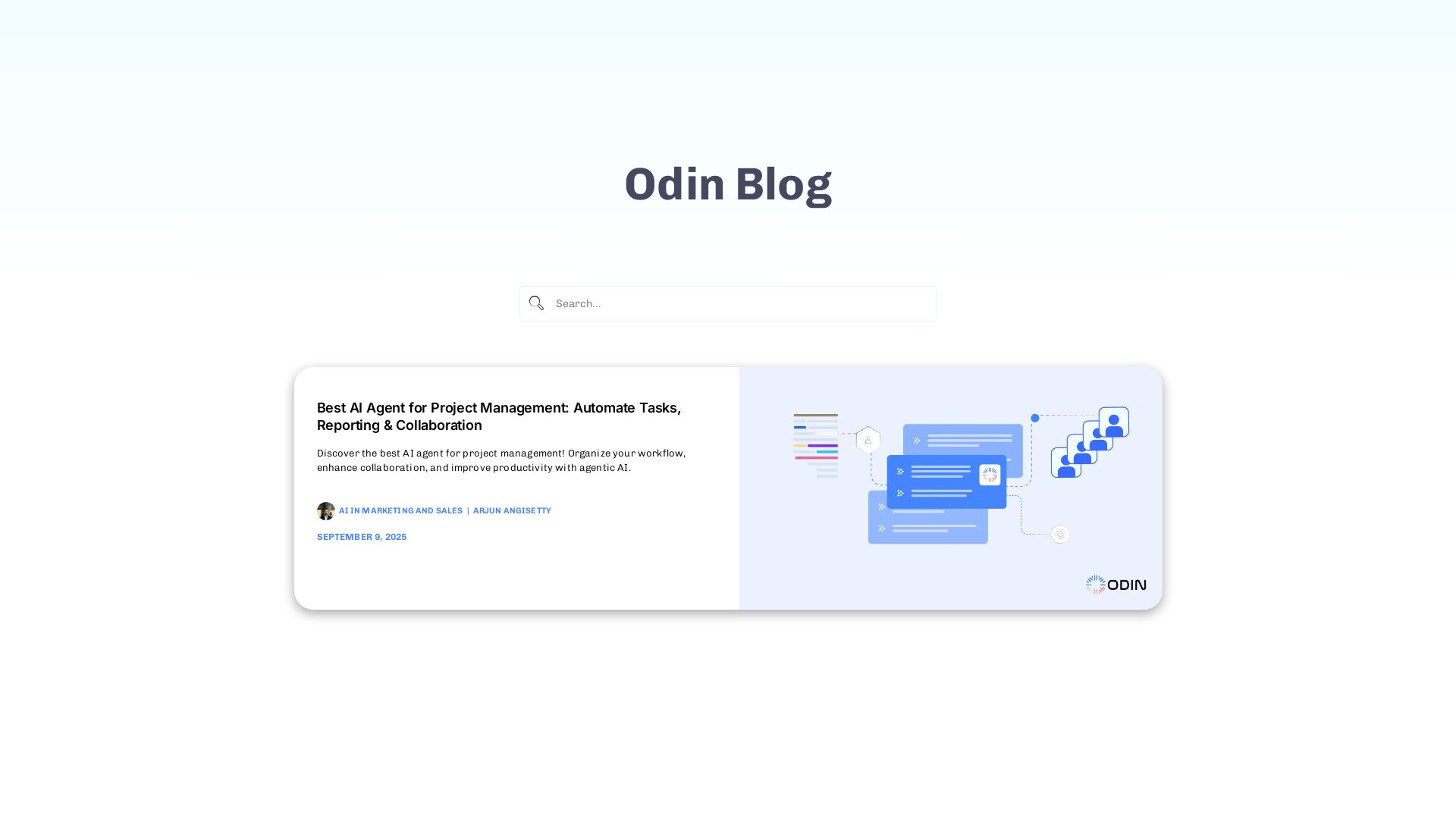
Odin AI
Automate tasks, document summarization, and collaboration with Odin AI's no-code platform. Boost productivity with intelligent AI agents.

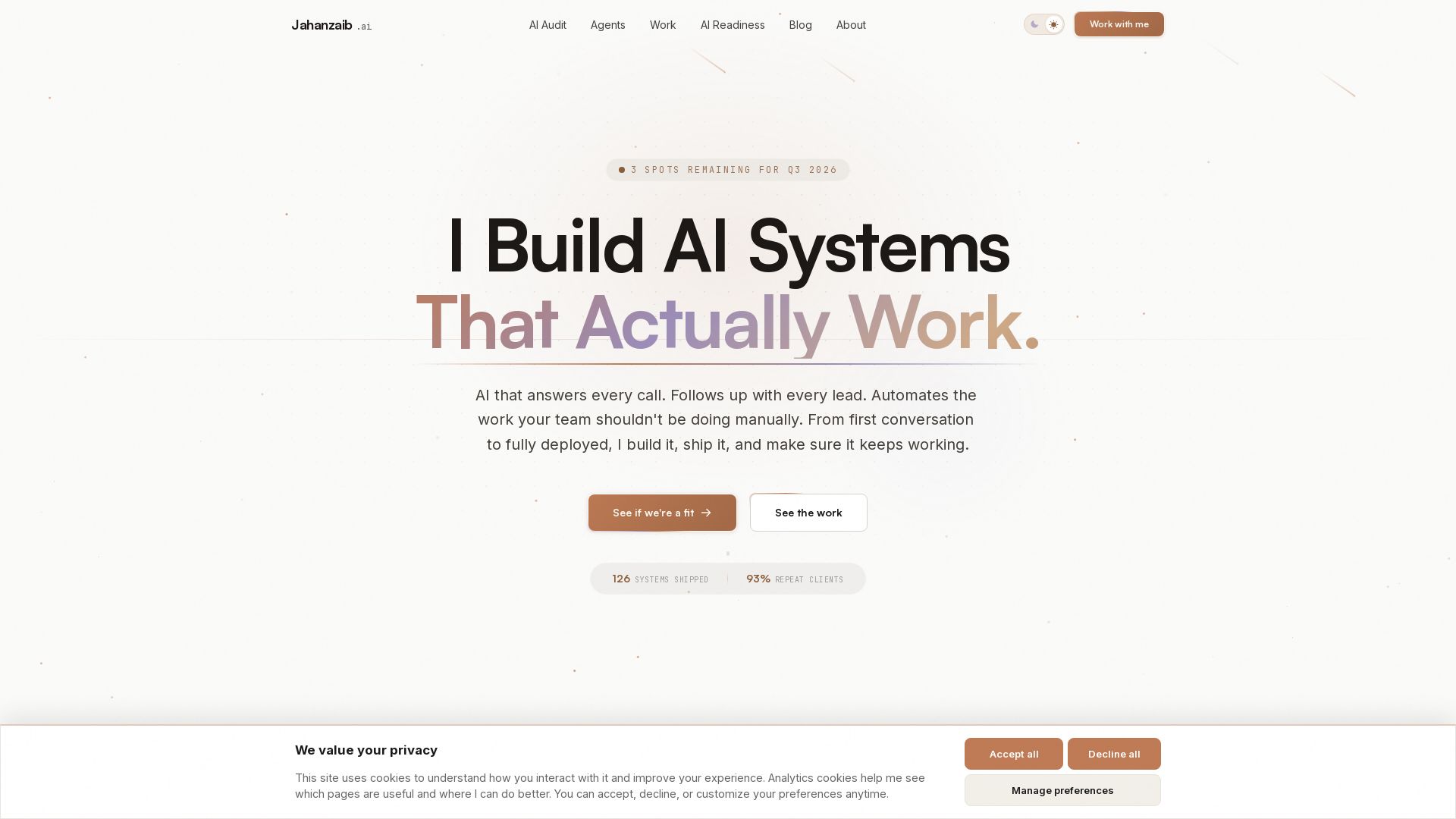
Pydantic AI Tutorial: Type-Safe Agents in Production
Production-ready AI voice agents, automation, and chatbots. 126 systems shipped. 21-day live guarantee. Book a free AI audit.


Section AI
Turn AI investment into workforce transformation with Section. Command center, coaching, and strategic support to drive measurable ROI.

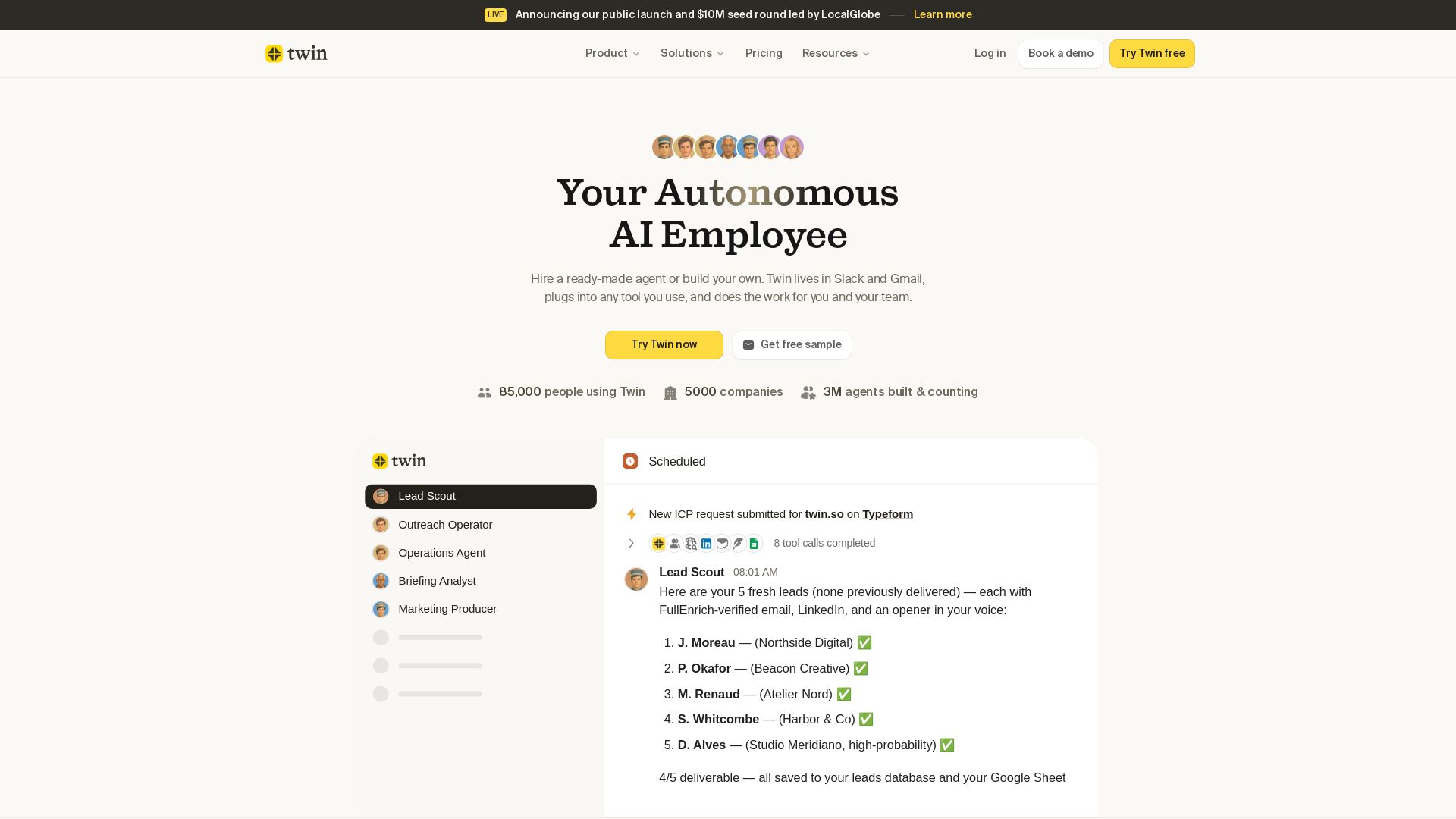
Twin
Twin: ready-made AI agents that work in Slack & Gmail. Automate prospecting, outreach, and more. Trusted by 85,000 users. Start free.


SF AI Labs
End-to-end AI services from strategy to launch. Proven delivery framework, expert network in San Francisco. Maximize ROI with custom AI solutions for modern companies.

Askimo
Use ChatGPT, Claude, Gemini & more in one desktop app. AI knows your files, runs multi-step workflows, and keeps data private.

Hypotenuse AI
Enhance product data, generate SEO-optimized descriptions, and perfect images with AI. Trusted by global brands. Try free.

ℹ️ Curation Disclosure: The overview and features of ChromePilot were synthesized using AI and fact-checked by our curation team to ensure accuracy.
