
LMSA
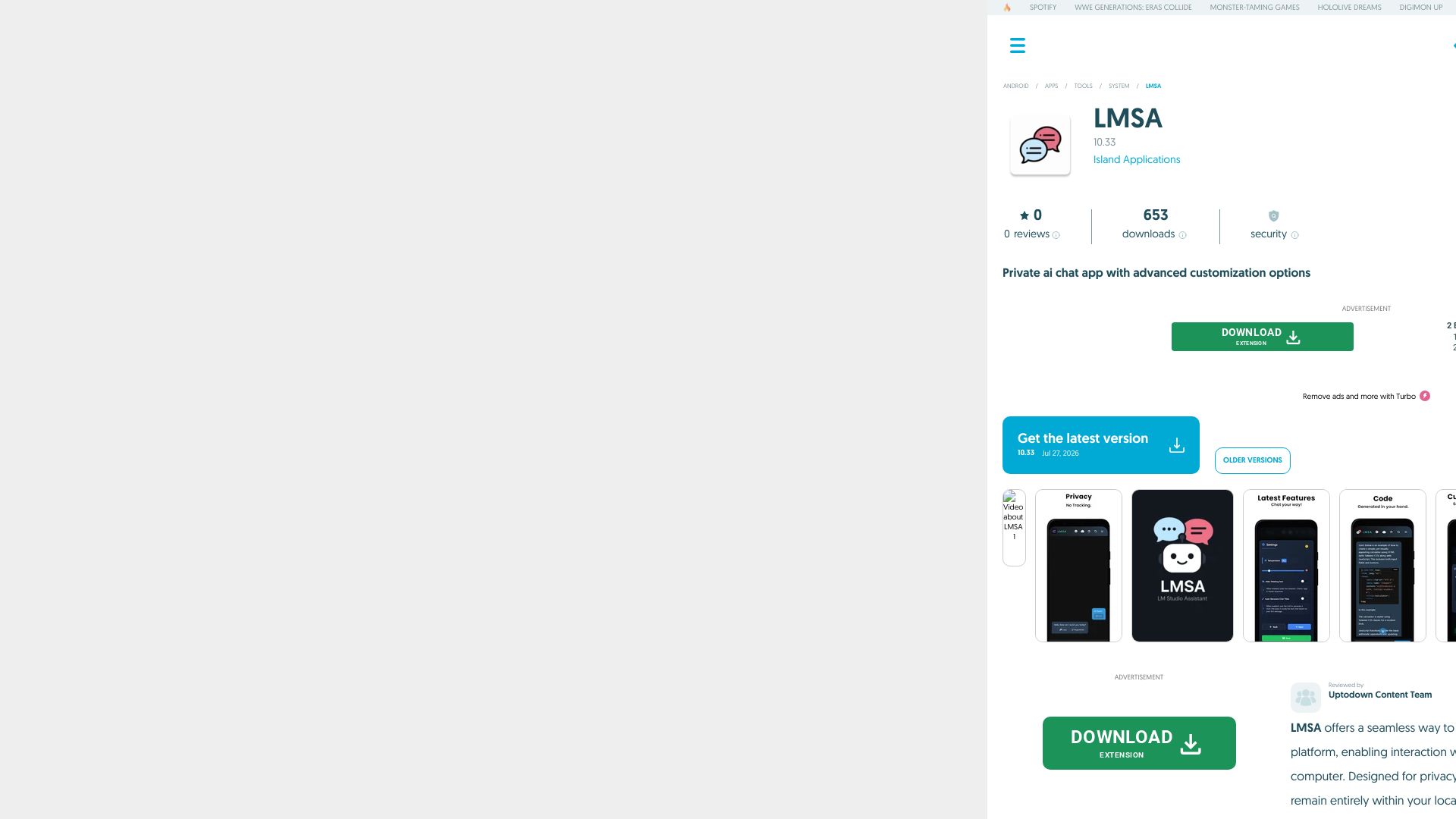
Privately chat with AI models from your Android device via LM Studio. Customize personalities, manage conversations, all locally. Free download on Uptodown.


Editor's Verdict
Key Takeaways
- Private AI Chat
- Model Switching
- Personality Customization
- Chat Organization
In-Depth Review: What is LMSA?
LMSA is a free Android app that lets you remotely interact with AI language models running on your computer through LM Studio. All data stays on your local network, ensuring complete privacy. With features like model switching, custom personalities, chat threads, and file attachments, LMSA provides a secure, customizable AI chat experience. Optimized for mobile and tablet.
Core Features
Private AI Chat
All conversations run on your local network, ensuring no data is tracked or accessed by third parties.
Model Switching
Easily switch between any AI models loaded in LM Studio directly from your Android device.
Personality Customization
Create, import, or export unique AI personalities with adjustable parameters like temperature and system prompts.
Chat Organization
Organize conversations into separate threads for different topics and securely save or migrate history.
File Attachment Support
Attach files to your chats for richer interactions with the AI.
Dark Mode
Comfortable viewing experience with a dark theme, optimized for mobile and tablet use.
Pricing
Free
- Private AI chat
- Model switching
- Personality customization
- Chat organization
- File attachment
- Dark mode
Turbo
- Remove ads
- Additional features (not detailed)
Pros and Cons
Pros
- Privacy FirstAll AI interactions remain on your local network with no data tracking or third-party access.
- High CustomizabilityAdjust model parameters, create unique personalities, and switch between models effortlessly.
- Convenient Mobile InterfaceOptimized for Android mobile and tablet, with intuitive chat organization and dark mode.
- Seamless LM Studio IntegrationConnects directly to LM Studio running on your computer for advanced AI capabilities.
- Free Core FeaturesThe basic app is free to use with no upfront cost.
Cons
- Requires Computer SetupYou need a computer running LM Studio on the same local network to use the app.
- Android OnlyCurrently only available for Android devices (iOS not supported).
- Limited to Local NetworkCannot access models remotely; must be on the same Wi-Fi network as the host computer.
- Technical Knowledge NeededSetting up LM Studio and connecting may require some technical familiarity.
- Unclear Turbo PricingThe Turbo subscription for ad removal lacks transparent pricing details.
Use Cases & Recommended Professions
AI Researcher→ View Toolkit
Test and compare different language models locally without sending data to the cloud.
Software Developer→ View Toolkit
Integrate AI chat capabilities into apps or workflows using a private, customizable interface.
Privacy Advocate→ View Toolkit
Use AI assistants while maintaining full control over data and avoiding third-party servers.
Student→ View Toolkit
Explore AI models for learning and projects with a free, private chat app.
Tech Enthusiast→ View Toolkit
Experiment with custom AI personalities and models from an Android device.
Remote Worker→ View Toolkit
Access local AI models securely while working from home or on a private network.
Frequently Asked Questions
Alternative AI Tools
View Detailed Comparison →
Expo AI Chatbot
Build AI chatbot apps for iOS, Android & web with Expo SDK 54, AI SDK 5, voice, long-term memory, and more. Open-source codebase.


Figr
Ship better UX faster. Figr builds a living understanding of your product, maps flows, finds edge cases, and generates high-fidelity prototypes from your actual design system.

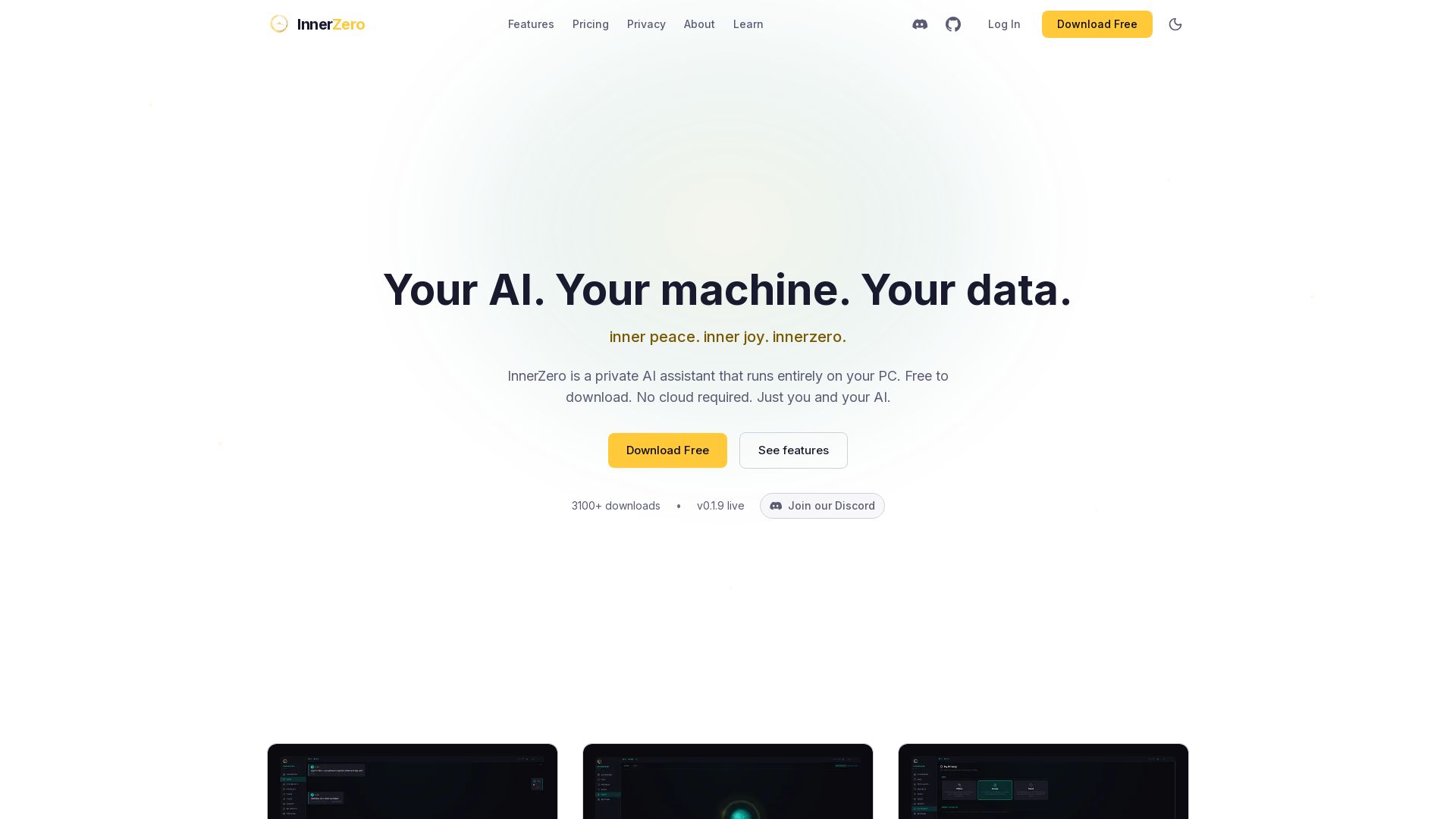
InnerZero
Experience a private AI that runs 100% on your PC. No cloud, no tracking. Voice, memory, multilingual, and free to download. Your data stays yours.

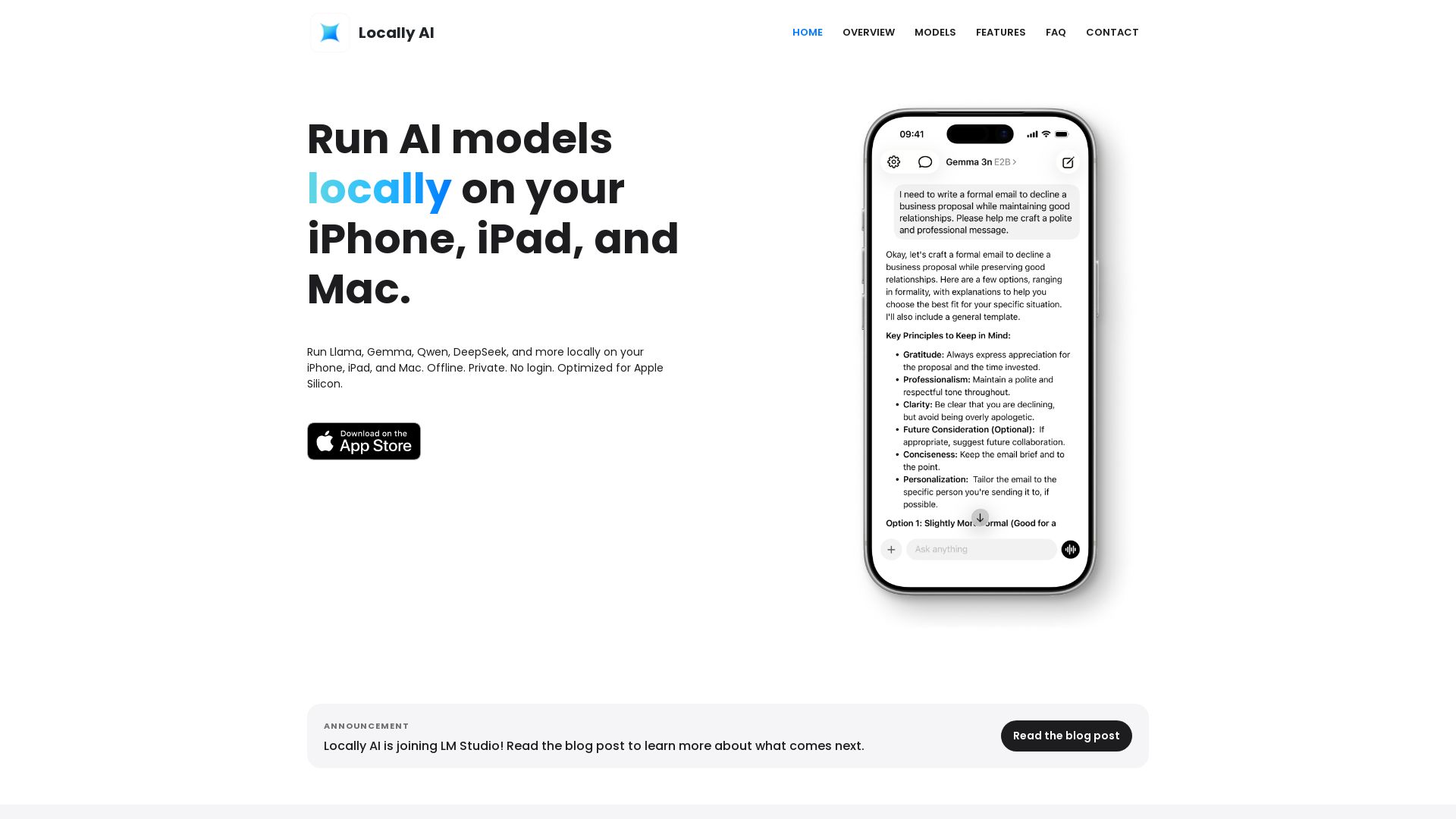
Locally AI
Run Llama, Gemma, DeepSeek & more locally on iPhone, iPad & Mac. Offline, private, no login. Apple Silicon optimized. Download now.

Chatbot Builder
Build an AI chatbot in minutes without coding. 24/7 customer support, sales automation, and seamless integrations. Start your free 14-day trial today!

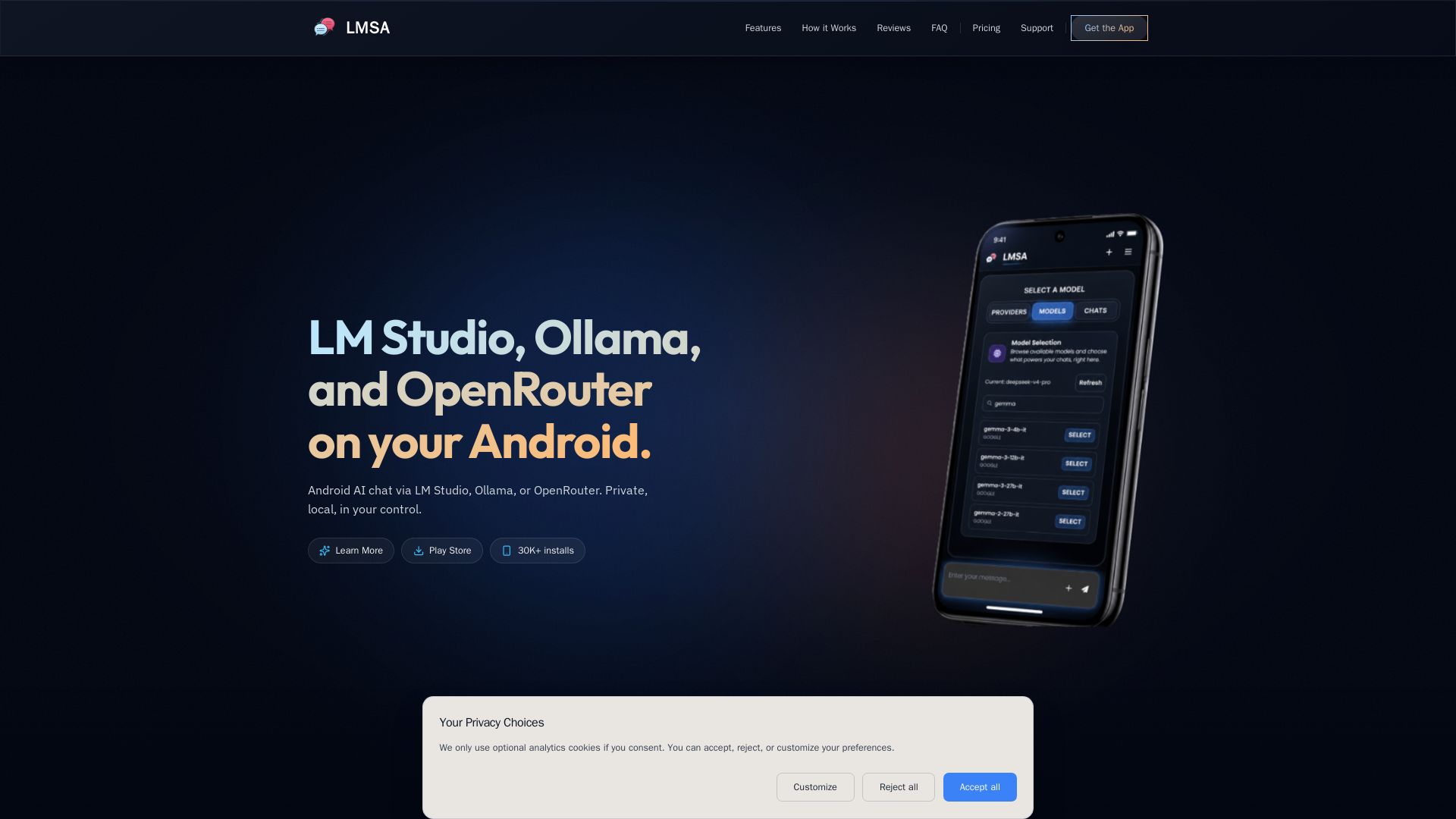
LMSA
Chat privately with AI on Android using local LM Studio/Ollama or cloud OpenRouter. Zero data retention, AES-256 encryption, voice mode. No subscriptions.

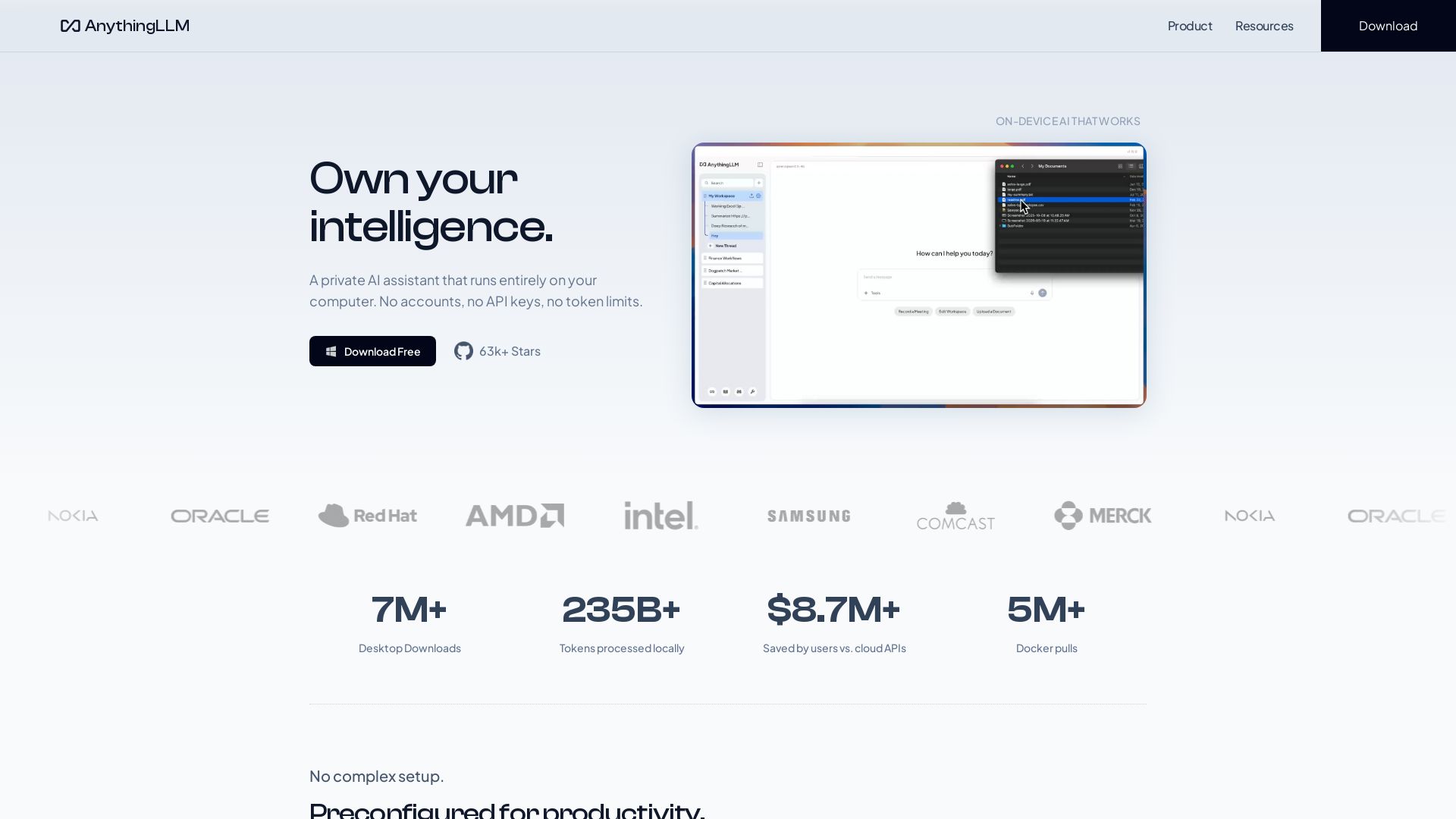
AnythingLLM
Free, open-source private AI assistant. Runs locally on your computer. No cloud, no accounts. Includes document knowledge, meeting assistant, and more.

Arsturn
Build a custom GPT chatbot without coding. Train with your data, embed on website, boost engagement and lead generation. Free plan available.

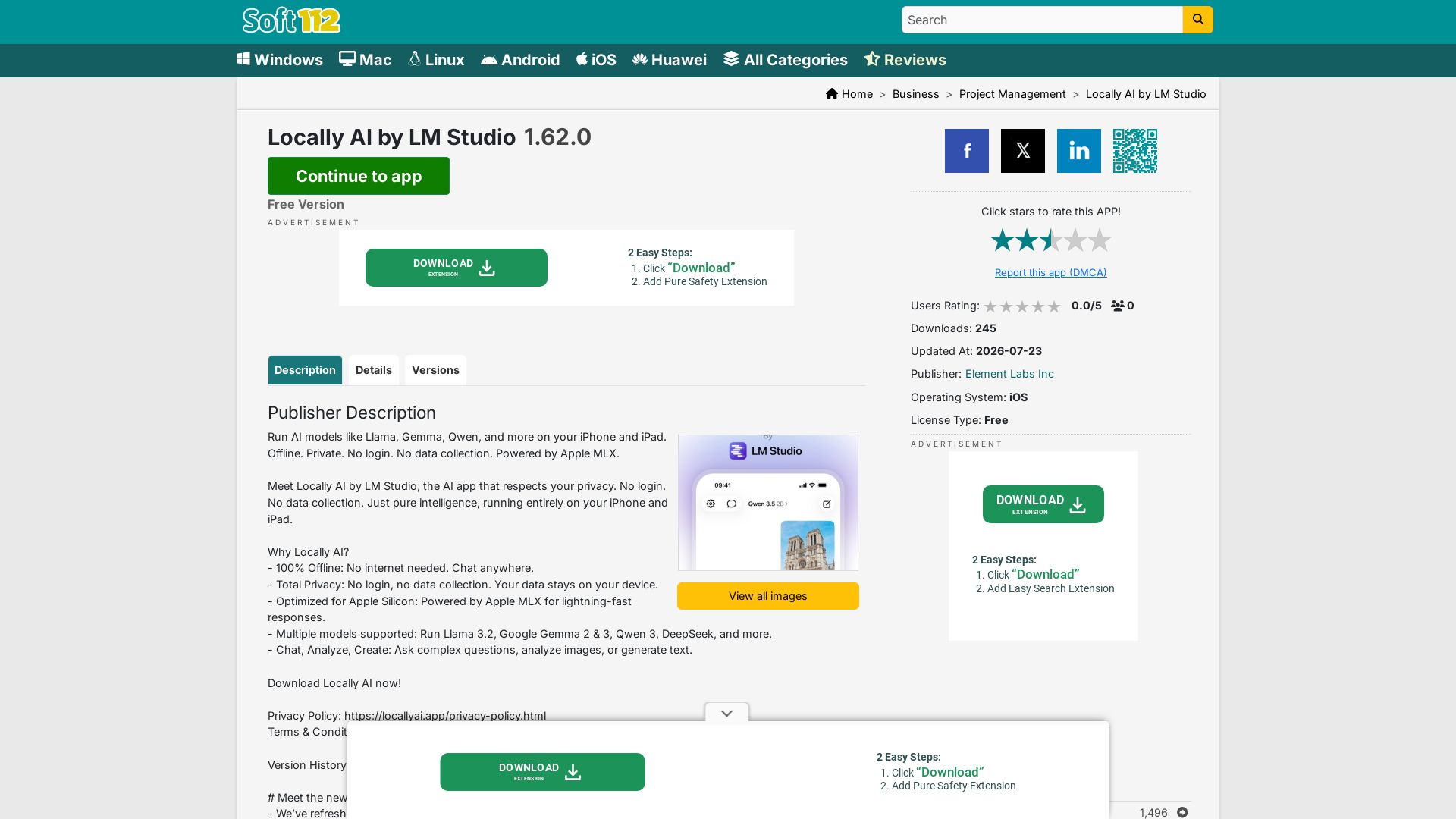
Locally AI
Run AI models like Llama, Gemma, Qwen offline on iPhone/iPad. Private, no login, no data collection. Powered by Apple MLX.

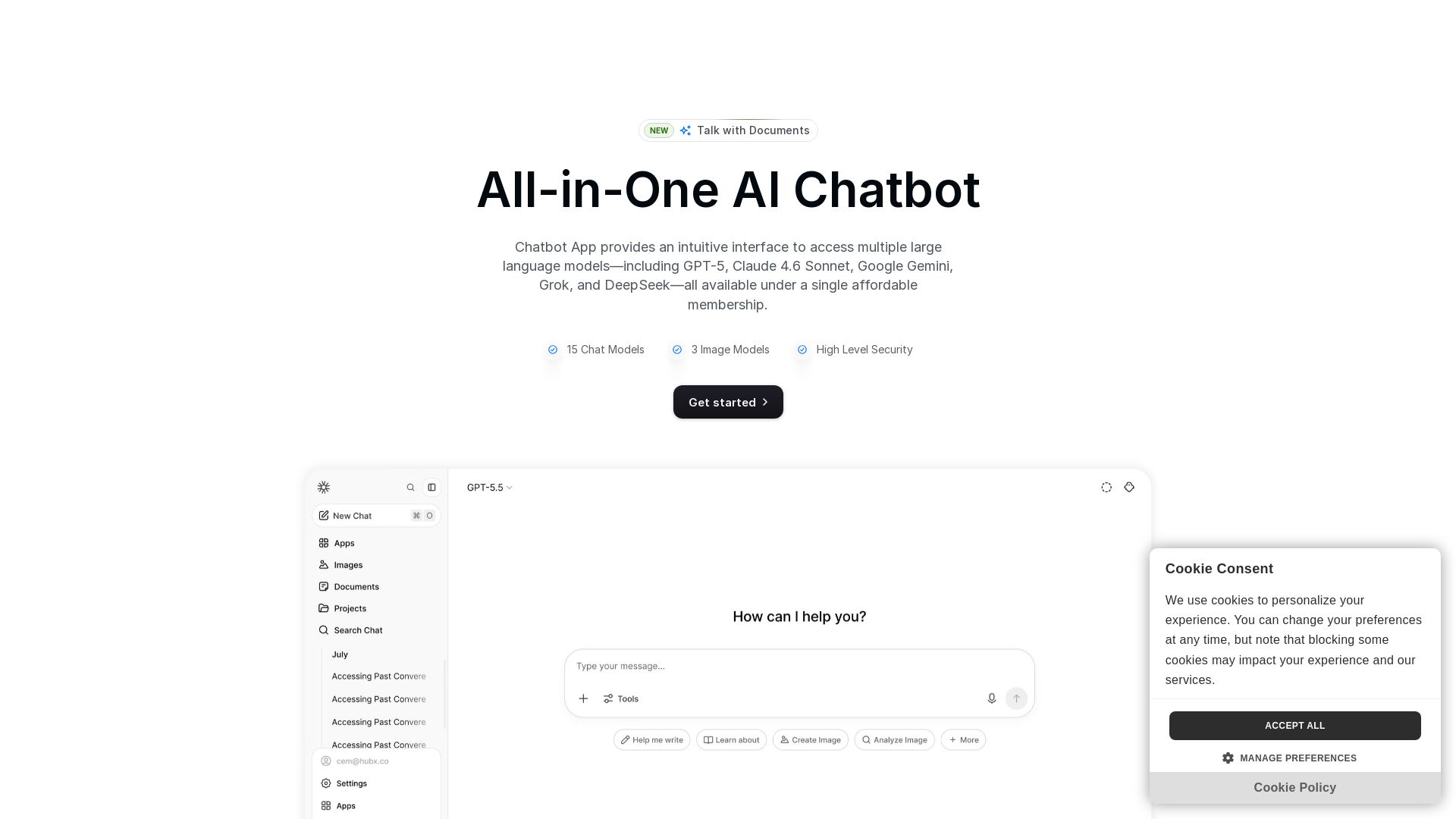
Chatbot App
Access 15+ top AI models including GPT-5, Claude 4.6, Gemini, DeepSeek in one app. Affordable membership, chat, image generation, PDF support, and more. Save 70%.

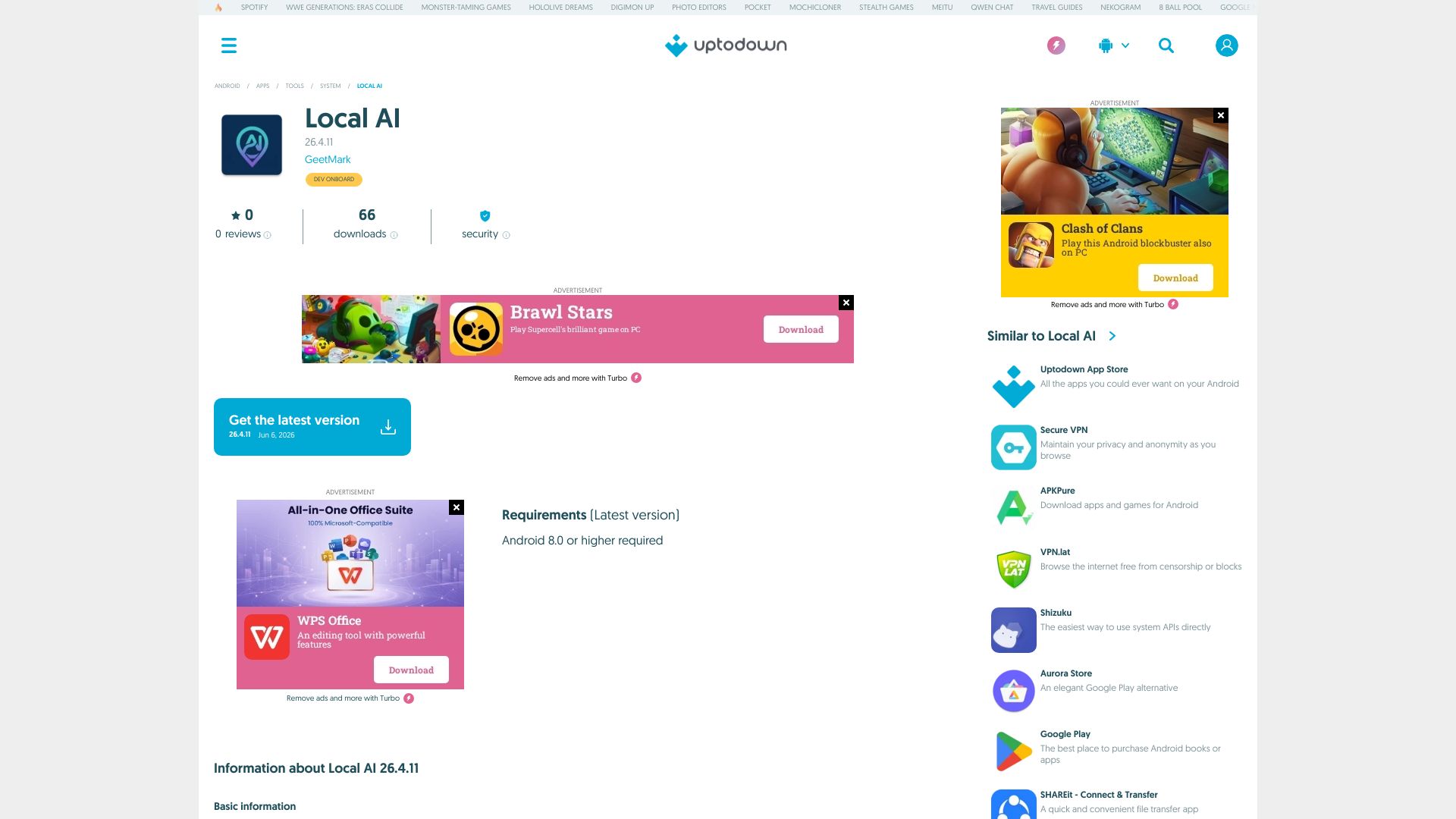
Local AI
Download Local AI for Android. Private, offline AI chat with on-device LLM. No internet needed. Free and secure on Uptodown.

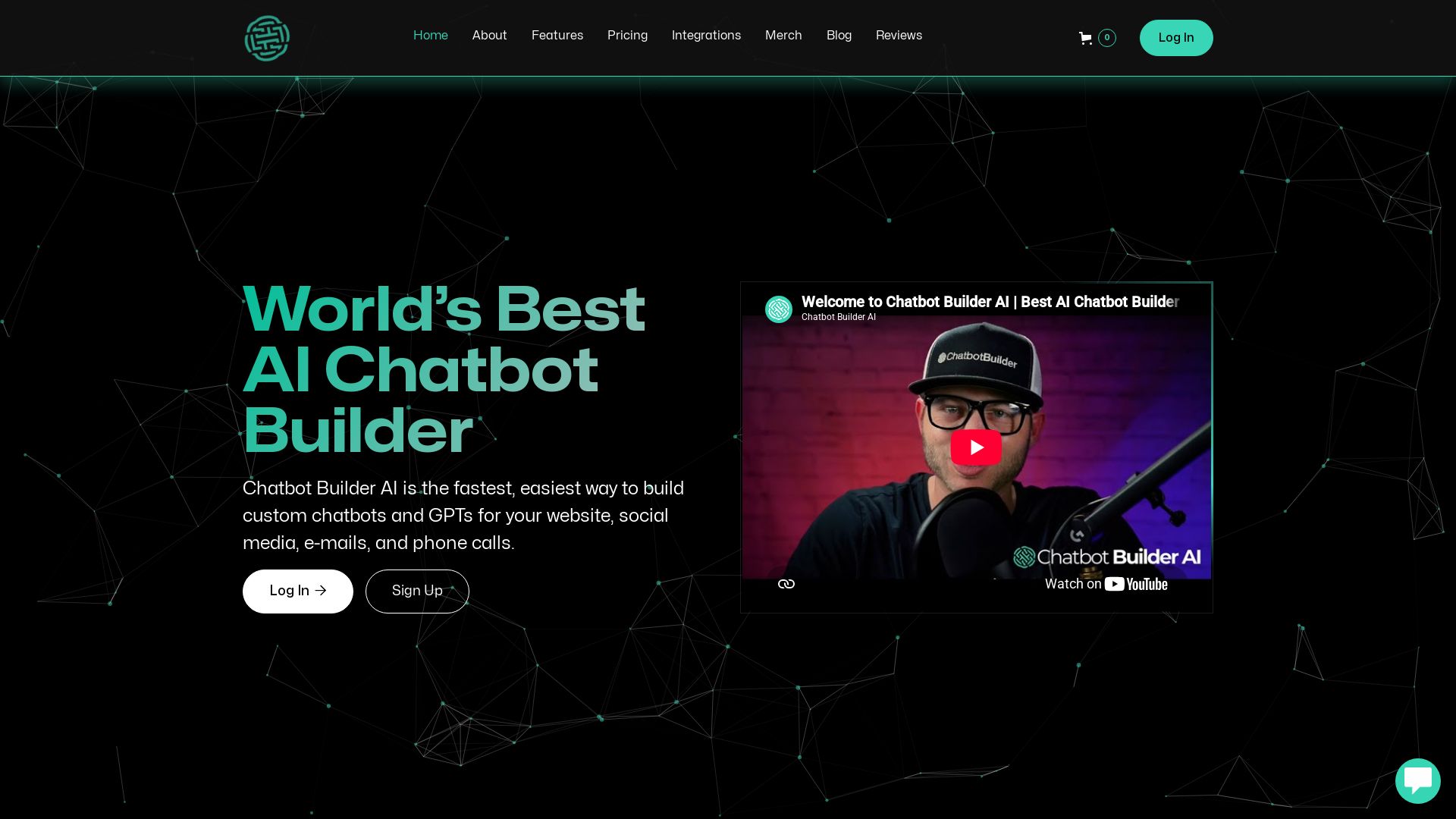
ChatBotBuilderai
Create powerful AI chatbots and GPTs for your business. Integrate with 1000+ apps, support multi-channel, and automate customer service. 14-day free trial. No credit card required.

ℹ️ Curation Disclosure: The overview and features of LMSA were synthesized using AI and fact-checked by our curation team to ensure accuracy.
