
imgtovideo.ai
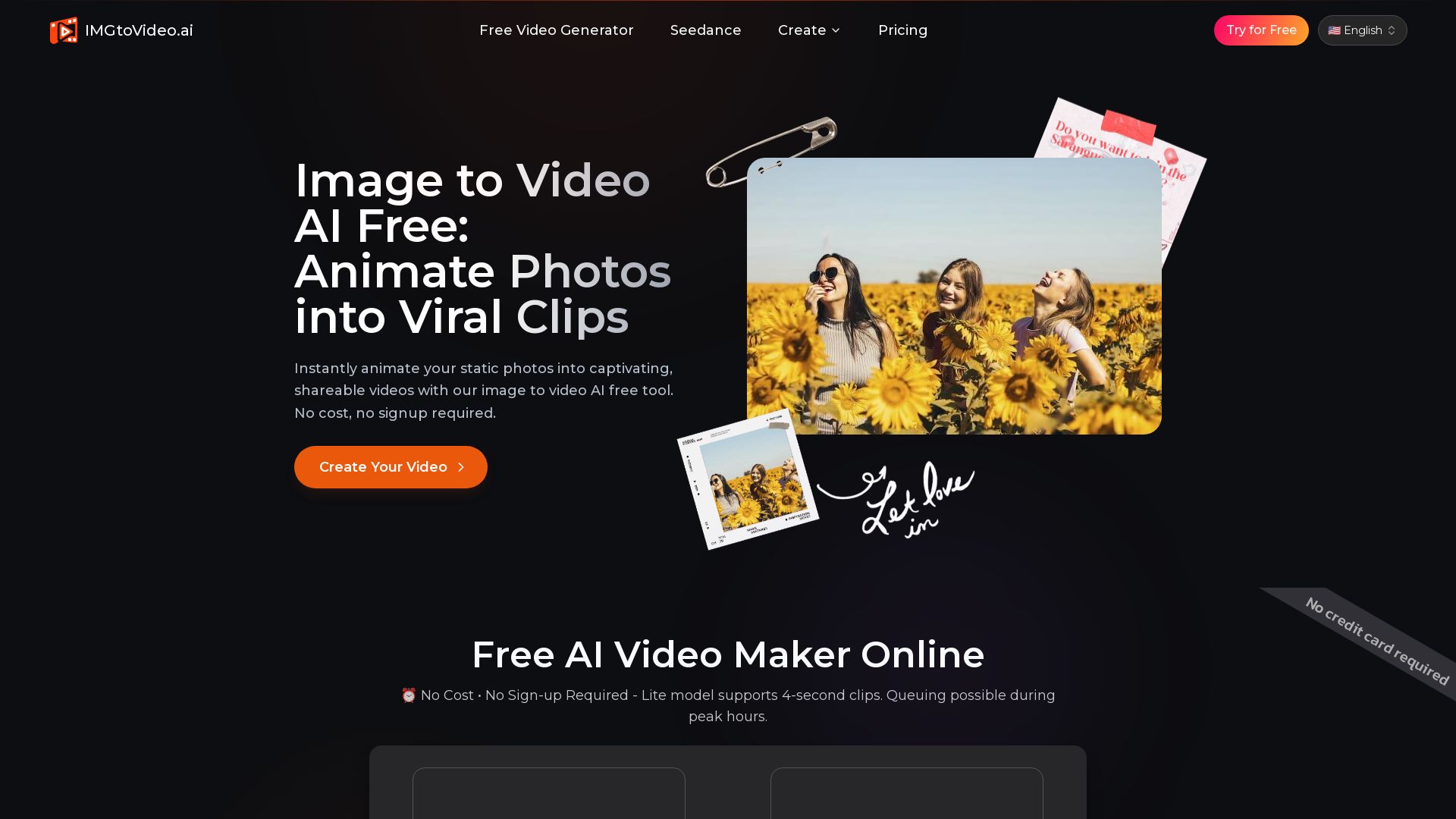
Turn static photos into captivating videos with our free AI tool. No cost, no signup. Upload, prompt, and share in seconds.
Editor's Verdict
Key Takeaways
- Instant AI Motion Filters
- Cinematic Camera Control
- Lightning-Fast Creation
- One-Click AI Image to Video
In-Depth Review: What is imgtovideo.ai?
ImgtoVideo.ai is a free AI-powered image-to-video generator that lets you animate any photo into a short video clip in seconds. No signup, no credit card required. Simply upload your image, describe the motion via text prompt or choose a one-click filter, and get a 4-second MP4 video (360p free, higher res paid). Ideal for social media content, marketing, and creative projects. Easy enough for beginners, with options like cinematic camera control and instant motion filters. Upgrade for longer clips, commercial rights, and HD quality.
Core Features
Instant AI Motion Filters
Instantly animate faces, landscapes, and objects with a library of pre-set effects, bringing static images to life with one click.
Cinematic Camera Control
Add professional pan, tilt, and zoom effects to guide viewer attention and enhance storytelling.
Lightning-Fast Creation
Optimized AI engine transforms static images into dynamic videos in about 30 seconds, reducing wait time.
One-Click AI Image to Video
Upload an image, choose a motion style with a single click, and let the AI animate it automatically.
Pricing
Free
- Daily Video Limits: 2-3 videos/day
- Video Resolution: 360p
- Video Duration: Up to 4 seconds
- Commercial Usage: Personal use only
- Watermark: imgtovideo.ai watermark
- Generation Speed: Standard queue
- Advanced AI Models: Lite model only
- Lip Sync & Audio: Not available
- Support: Basic support
Pro
- Daily Video Limits: Unlimited videos
- Video Resolution: 768p (HD)
- Video Duration: 6 or 10 seconds
- Commercial Usage: Full commercial rights
- Watermark: No watermark
- Generation Speed: Priority fast generation
- Advanced AI Models: Access to all pro models (Seedream, etc.)
- Lip Sync & Audio: Built-in lip sync + AI sound generation (Seedream)
- Support: Priority 24/7 support
Pros and Cons
Pros
- Fast and EfficientGenerate captivating videos in about 30 seconds, allowing you to produce a week's worth of content in a single afternoon.
- No Skills RequiredAny user can create professional-looking animations with simple text prompts or one-click filters, eliminating the need for video editing expertise.
- Drives Real ResultsHelps boost social media engagement, reduce ad costs, and increase revenue for creative projects.
- Free Plan AvailableCore features are available for free with no credit card required, making it accessible for testing and casual use.
- Privacy and SecurityAll images are processed in encrypted containers and deleted within 24 hours, with no use for AI training.
Cons
- Free Plan LimitationsFree plan includes watermark, 360p resolution, 4-second clips, standard queue, and no commercial rights.
- Credits Do Not Roll OverMonthly credit allowance resets at the end of each billing cycle, unused credits are lost.
- No One-Time Credit PacksExtra credits cannot be purchased separately; users must upgrade to a higher-tier plan for more capacity.
- Limited Video Duration on Free PlanFree plan only allows 4-second videos, which may be too short for some storytelling needs.
- No Lip Sync on Free PlanAdvanced features like lip sync and AI sound generation are only available on paid plans.
Use Cases & Recommended Professions
Social Media Manager→ View Toolkit
Create engaging video content quickly from static images to boost engagement and follower growth across platforms.
Digital Marketer→ View Toolkit
Produce scroll-stopping ad creatives and product demos without expensive video production, reducing campaign costs.
Content Creator / Influencer→ View Toolkit
Transform personal photos and artwork into viral video clips for platforms like TikTok, Instagram, and YouTube Shorts.
E-commerce Owner→ View Toolkit
Animate product images to showcase features and create compelling marketing videos for online stores.
Graphic Designer→ View Toolkit
Add motion to static designs and illustrations to create dynamic presentations or social media assets.
Small Business Owner→ View Toolkit
Easily generate professional-looking video content for branding, promotions, and customer engagement without hiring editors.
Frequently Asked Questions
Alternative AI Tools
View Detailed Comparison →
AI Video - AI Video Generator
Create animated videos from text or images with AI. Drag-and-drop editing, lip-sync, HD export. No skills needed. Download free!

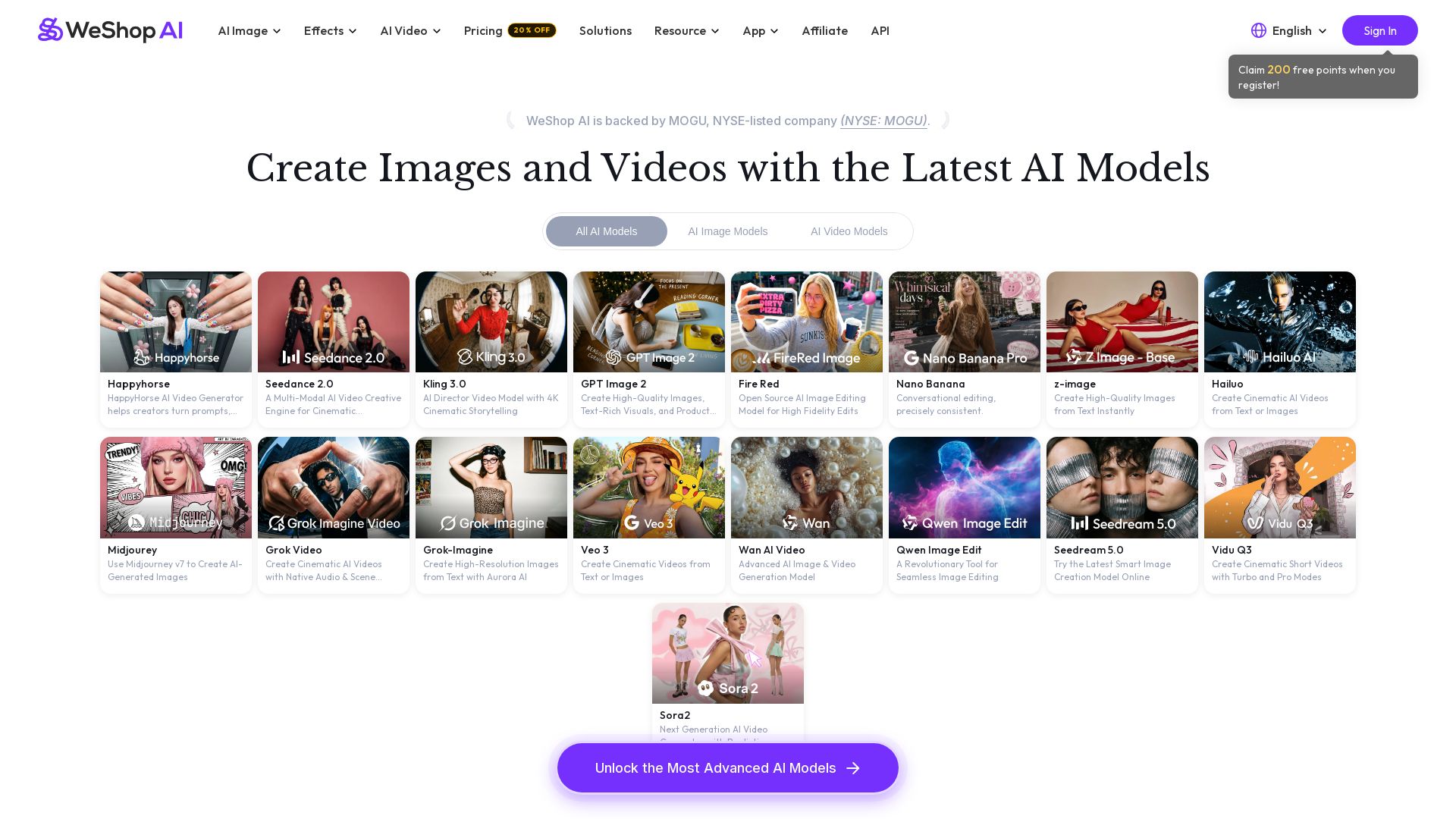
WeShop AI
Generate high-quality AI images and videos using top models like Midjourney, Kling, and Seedance. Try virtual try-on, AI fashion models, and more. Trusted by 3M+ users. Start with 200 free points!

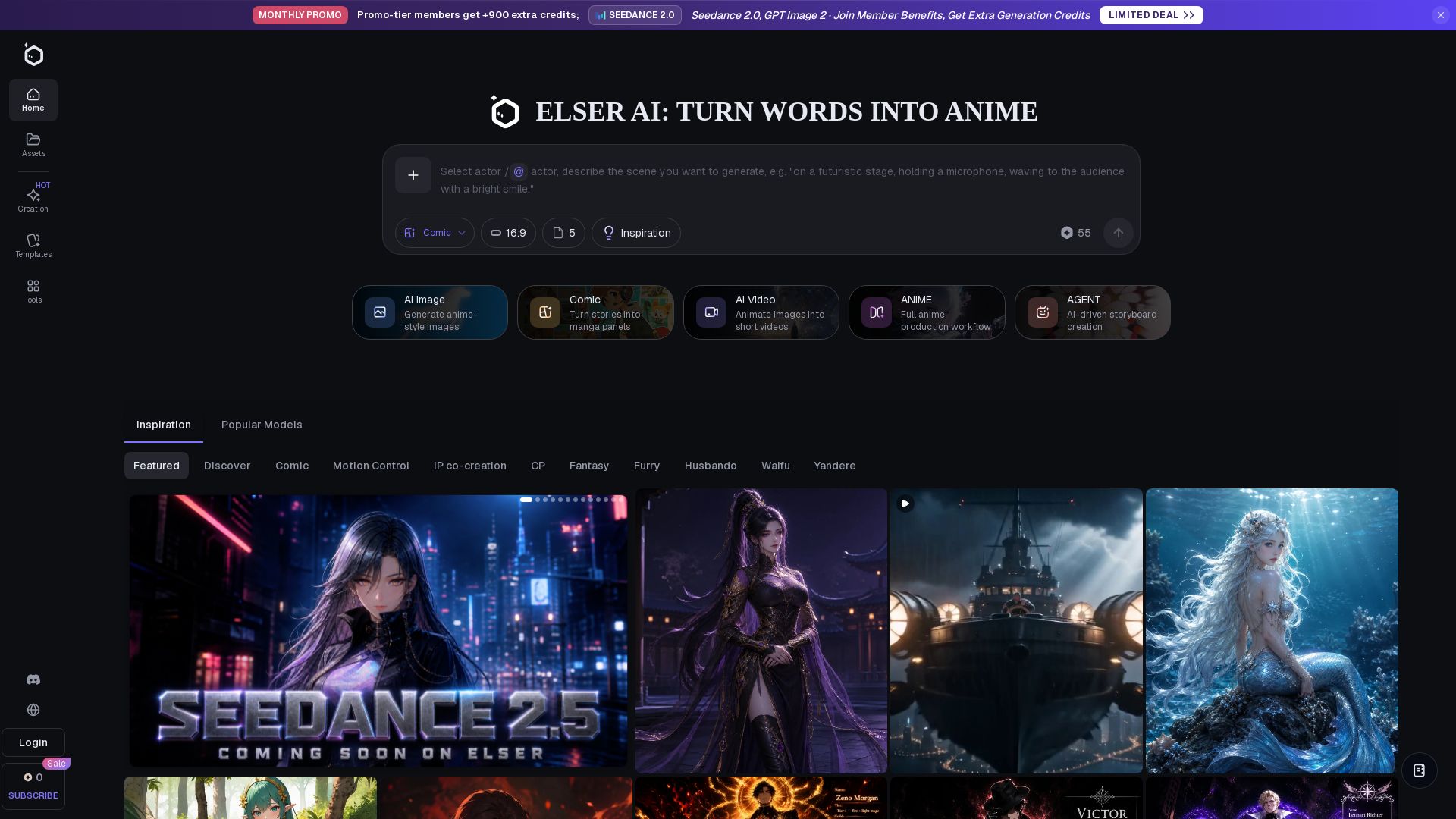
Elser AI
Create anime characters, fanart, and videos with Elser AI. Studio-grade generator with 200+ templates, 40+ tools, and free plan.

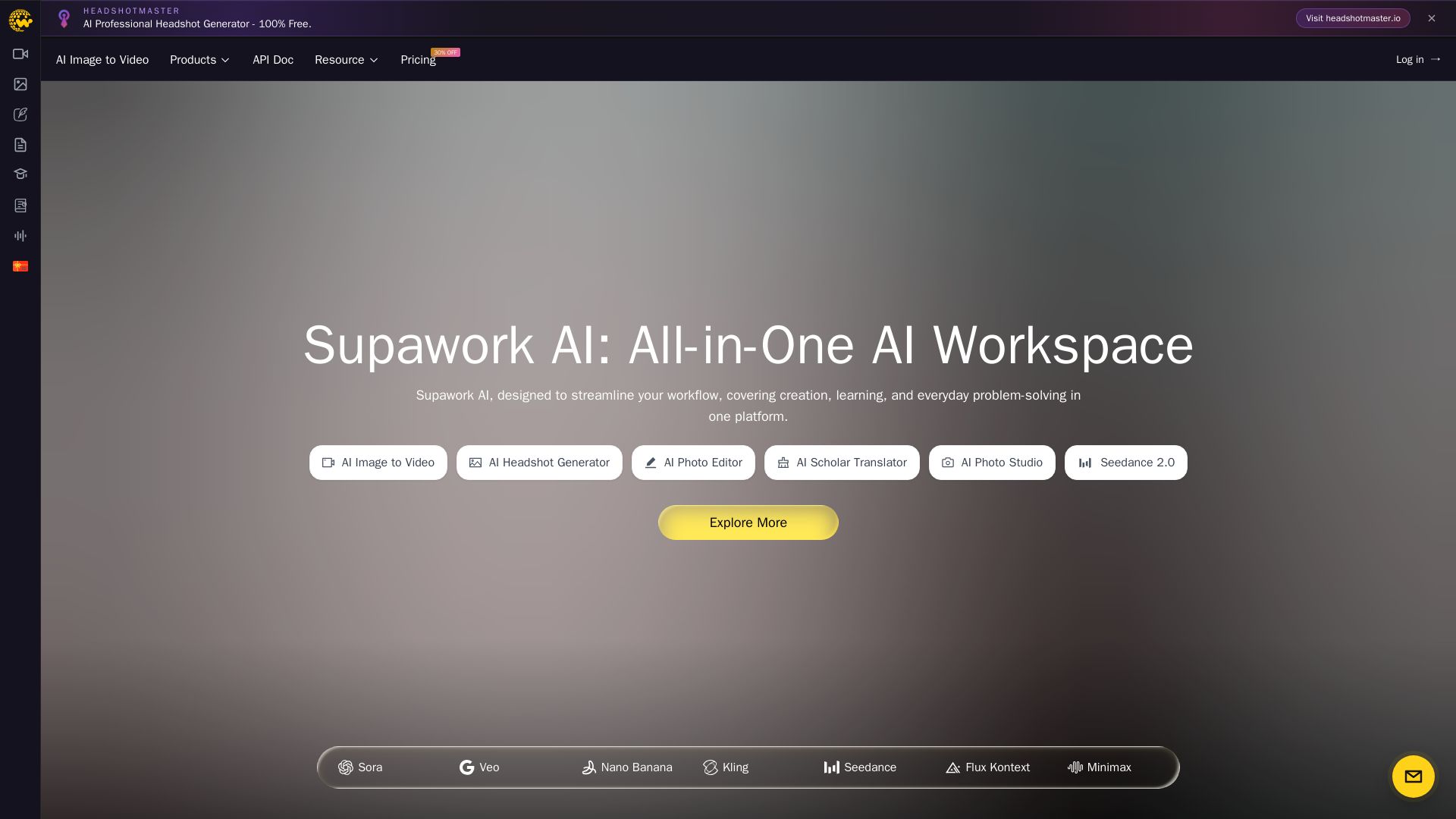
Supawork AI
Create stunning AI headshots, videos, and effects. Free tools for creators, filmmakers, and professionals. Visit headshotmaster.io.

Yollo AI
Free, no sign-up. Chat with 200K+ characters, create NSFW AI art & videos. Ultimate creative freedom.

Flyne AI
Create stunning AI images and videos with Flyne AI. Free tools, cutting-edge models like Veo 3.1, Kling 3.0, and Seedance 2.0. Start free!


SeaArt AI
Turn ideas into stunning images and cinematic videos with SeaArt AI. Free tools, community, and advanced models like Seedance 2.0.

Mango AI
Create professional AI talking avatar videos from text and portrait. Perfect for business, education, personal use. Easy, fast, and affordable.

SuperMaker AI
Create stunning cinema-quality videos with SuperMaker's AI Video Generator. All-in-one suite for video, image, music, and voice. Start free.

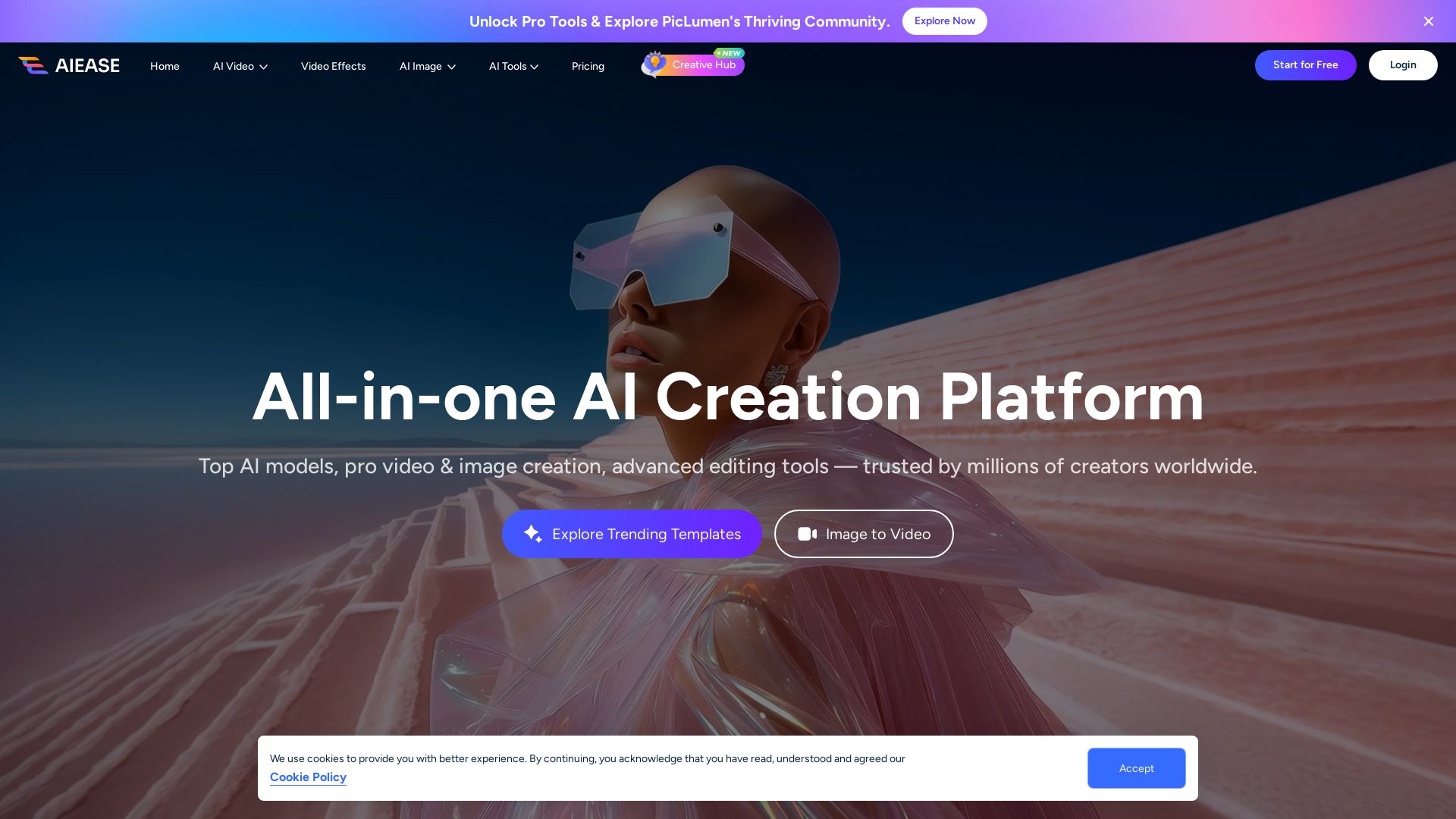
AI Ease
Create stunning AI videos and images with top models. Free tools for text-to-video, image generation, editing, and more. Trusted by millions.

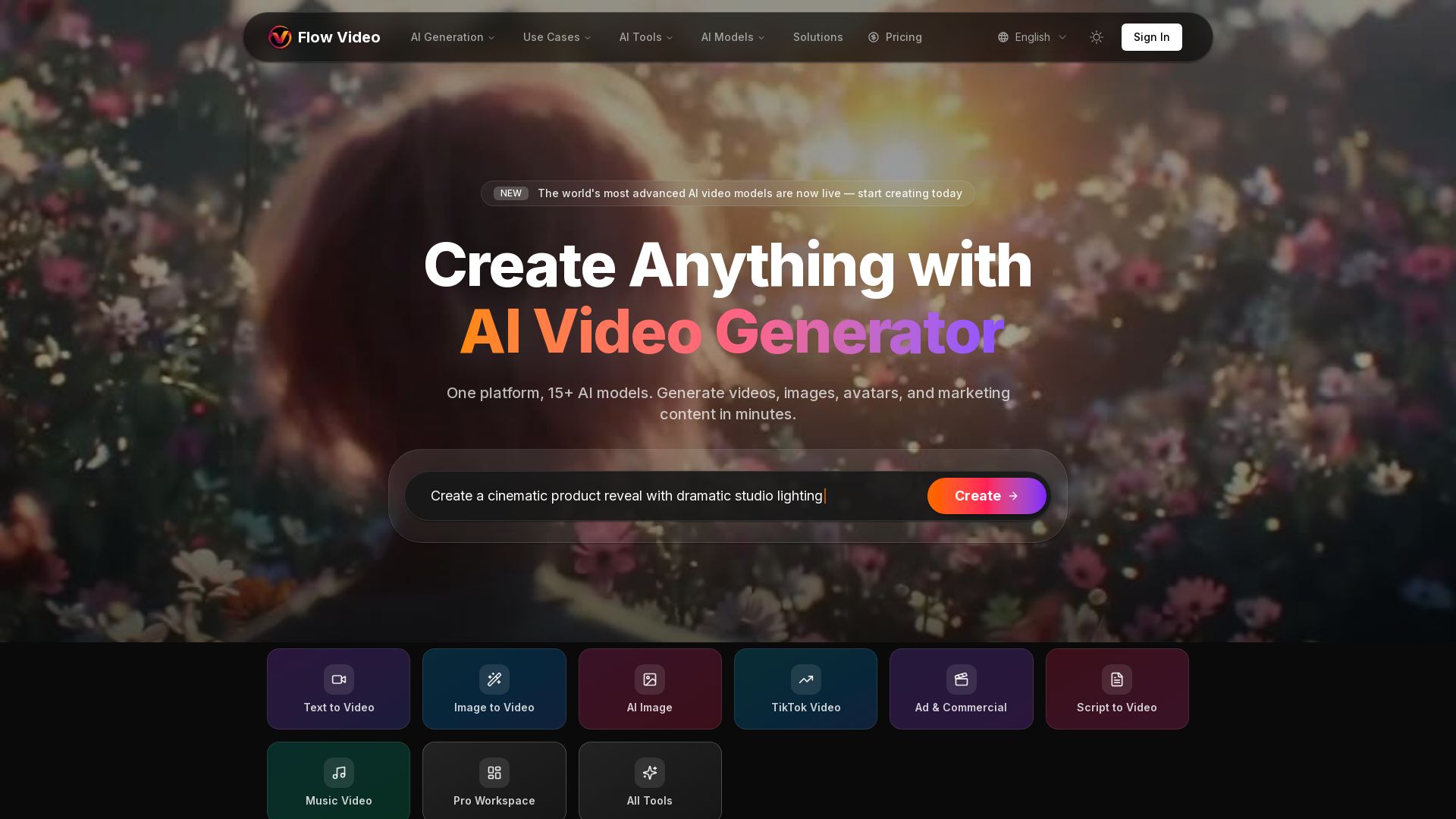
Flow Video AI
Create stunning AI videos, images, and marketing content with 15+ models. Text to video, image to video, and more. Start free!


Section AI
Turn AI investment into workforce transformation with Section. Command center, coaching, and strategic support to drive measurable ROI.

ℹ️ Curation Disclosure: The overview and features of imgtovideo.ai were synthesized using AI and fact-checked by our curation team to ensure accuracy.
