
Kai
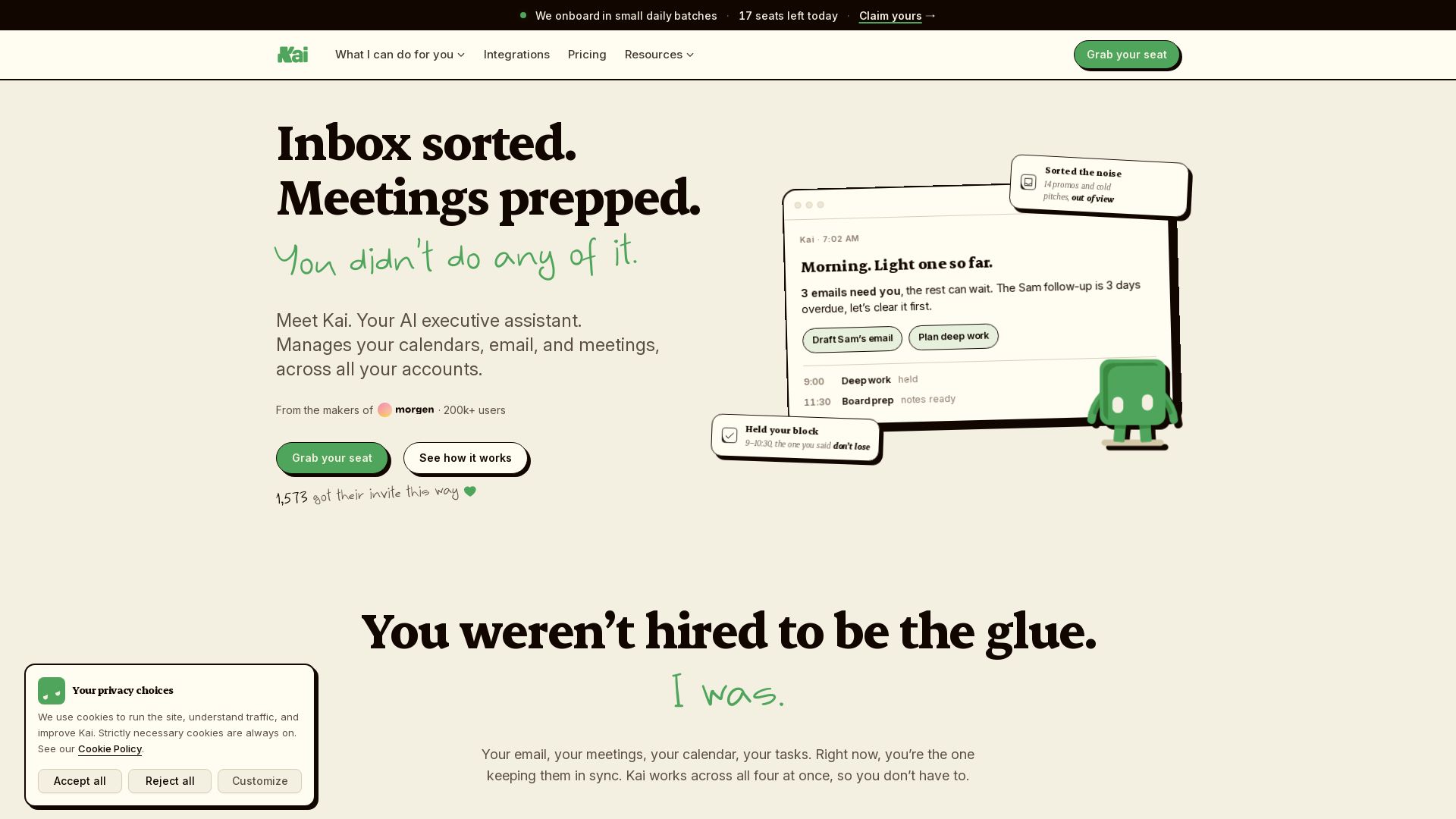
Kai sorts your inbox, drafts replies, manages calendars, and captures meeting action items. You approve everything. Save hours daily.

Editor's Verdict
Key Takeaways
- Email triage and drafting
- Meeting action items
- Calendar conflict management
- Daily planning
In-Depth Review: What is Kai?
Kai is an AI executive assistant that works across your email, calendar, meetings, and tasks. It reads your inbox, drafts replies in your voice, holds focus time, resolves scheduling conflicts, and turns meeting discussions into action items—all in one place. Built by the makers of Morgen, Kai lets you review and approve everything before it sends or syncs, so you stay in control while cutting the busywork. Join 1,500+ early users and claim your seat today.
Core Features
Email triage and drafting
Kai automatically sorts inbox into 'Needs Reply', 'FYI', 'Waiting Reply', and drafts personalized replies in your voice, so you only review what matters.
Meeting action items
Kai captures decisions, action items, and follow-ups from every call (Zoom, Meet, Teams) without a bot joining, turning conversations into work you can sign off.
Calendar conflict management
Kai syncs all your calendars, detects conflicts, protects your focus time, and suggests rescheduling options—keeping your schedule realistic and under control.
Daily planning
Kai builds a daily plan by prioritizing emails, meetings, and tasks, holding deep work blocks and ensuring critical follow-ups are not missed.
Task automation
Kai extracts action items from emails and meetings, creates tasks, and prepares due dates and reminders, all in one shared task list.
Proactive briefings
Kai sends proactive briefings and follow-up tracking, summarizing what needs attention and what can wait.
Ask Kai chat and voice mode
You can chat or use voice mode to ask Kai anything about your work, attach files, or issue commands like 'draft reply' or 'block time' in natural language.
Integrations with Google and Outlook
Kai connects to your Google and Microsoft email and calendar accounts, and captures calls from Zoom, Google Meet, and Teams with no bot joining.
Triage workspace (human oversight)
Nothing sends, deletes, or moves without your approval. Kai presents suggestions in a triage workspace where you can accept, edit, or dismiss each item.
MCP access
Kai provides MCP access for the AI tools you already use, enabling you to bring Kai's context into your preferred AI workflows.
Pricing
Founding Member
- Meeting notes, summaries & action items
- Email triage & draft replies in your voice
- Daily planning, scheduling & focus time
- Proactive briefings & follow-up tracking
- Chat with Kai about anything on your plate
- Connect your Google & Microsoft email and calendar accounts
- MCP access for the AI tools you already use
Free Trial
- Trial based on usage, not days
- No credit card required
- Full Kai features during trial
Pros and Cons
Pros
- All-in-one assistantReplaces scattered tools: meeting notetaker, email assistant, daily planner, and task manager in one seamless system.
- Time savingsAutomates email drafting, meeting action items, and calendar conflict resolution, saving hours each week.
- Human oversightEvery AI action goes through a triage step, so you stay in control before anything is sent or moved.
- No meeting botKai captures meeting insights without joining the call, keeping meetings natural and bot-free.
- Founding rate lockedEarly users lock a $50/user/month rate for life, even after launch price rises to $100.
Cons
- Beta stage limitationsAs a new AI assistant, there may be occasional bugs or missed context, though Kai learns from corrections.
- Task sync limitationsTasks created by Kai live only in Kai's own list; they don't sync to teammates' project management tools.
- Requires full account accessTo function properly, Kai needs read/write access to your email, calendar, and meeting tools, which may raise privacy concerns.
- Subscription costAt $50/user/month, it's cheaper than a human assistant but still a recurring cost for individuals or small teams.
- No free tier after trialThere's no permanent free plan; after the trial, you must subscribe to continue using Kai.
Use Cases & Recommended Professions
Startup Founder→ View Toolkit
Founders juggle emails, meetings, and investor follow-ups. Kai helps manage the chaos, ensuring nothing falls through the cracks.
Product Manager→ View Toolkit
PMs coordinate across teams, capture decisions from meetings, and track action items. Kai automates the busywork.
Sales Executive→ View Toolkit
Sales pros need quick email replies, meeting prep, and follow-up tracking to close deals faster. Kai handles the follow-ups.
Consultant→ View Toolkit
Consultants juggle multiple client calendars, emails, and deliverables. Kai keeps everything in sync and tracks action items from client calls.
Marketing Director→ View Toolkit
Marketing leaders review approvals, attend team meetings, and manage campaigns. Kai triages emails and captures decisions.
Operations Manager→ View Toolkit
Ops managers handle many workflows, meetings, and coordination tasks. Kai automates administrative tasks and protects focus time.
Frequently Asked Questions
Alternative AI Tools
View Detailed Comparison →
PrometAI
Generate investor-ready business plans in minutes with PrometAI's AI. Trusted by 100,000+ founders. Start for free, no guesswork.


AIGenerator
Plan, launch, and grow your business with AI. Generate business plans, ads, and content in minutes. Free to start.


Figr
Ship better UX faster. Figr builds a living understanding of your product, maps flows, finds edge cases, and generates high-fidelity prototypes from your actual design system.

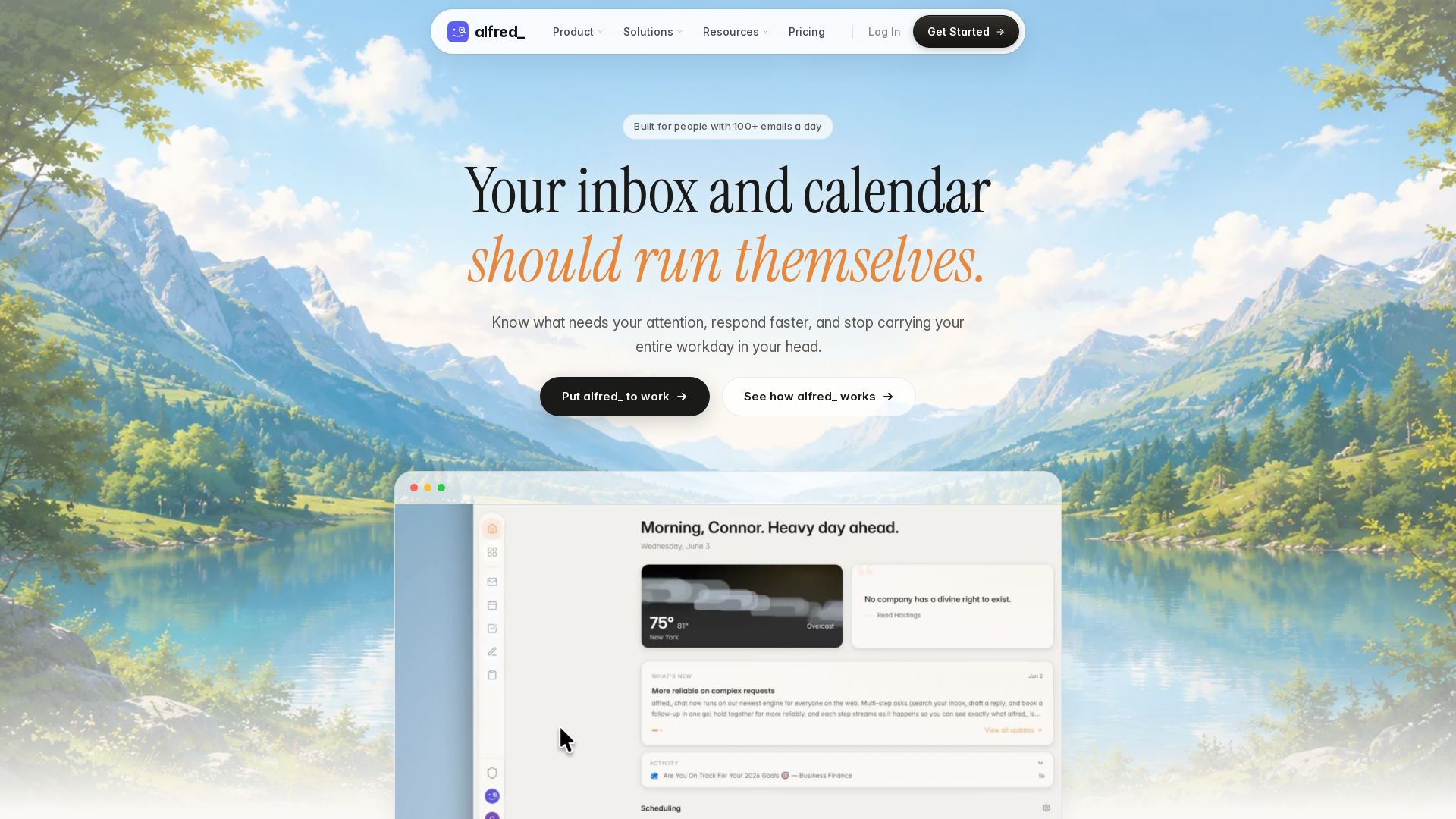
alfred_ ai
alfred_ is an always-on AI executive assistant that triages your inbox, manages your calendar, and automates follow-ups. Works with Gmail, Outlook, and more. Save hours weekly.

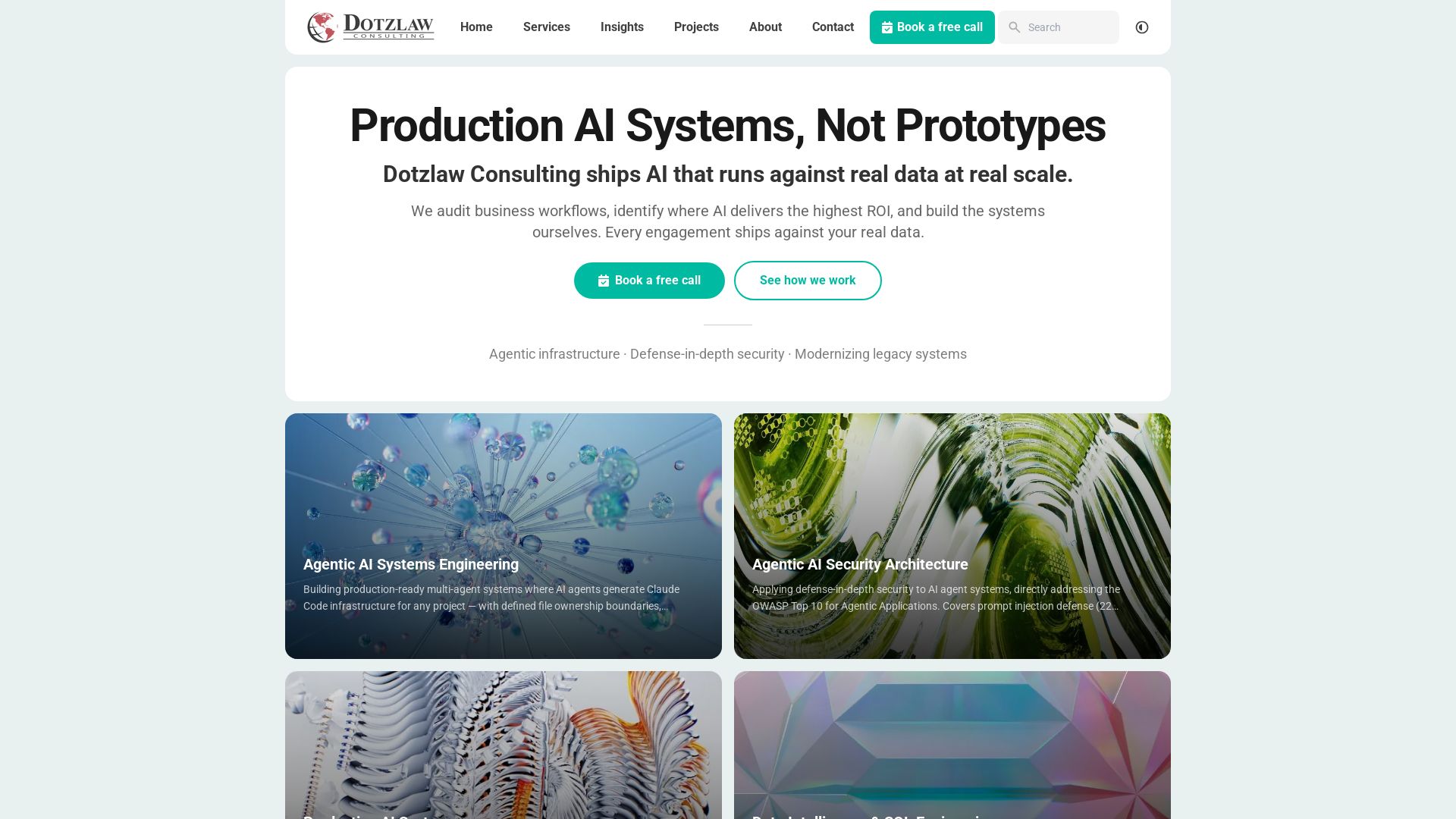
Dotzlaw Consulting
We build production-ready AI systems, multi-agent workflows, and secure architectures. Real data, real scale. Expert SQL & data intelligence.

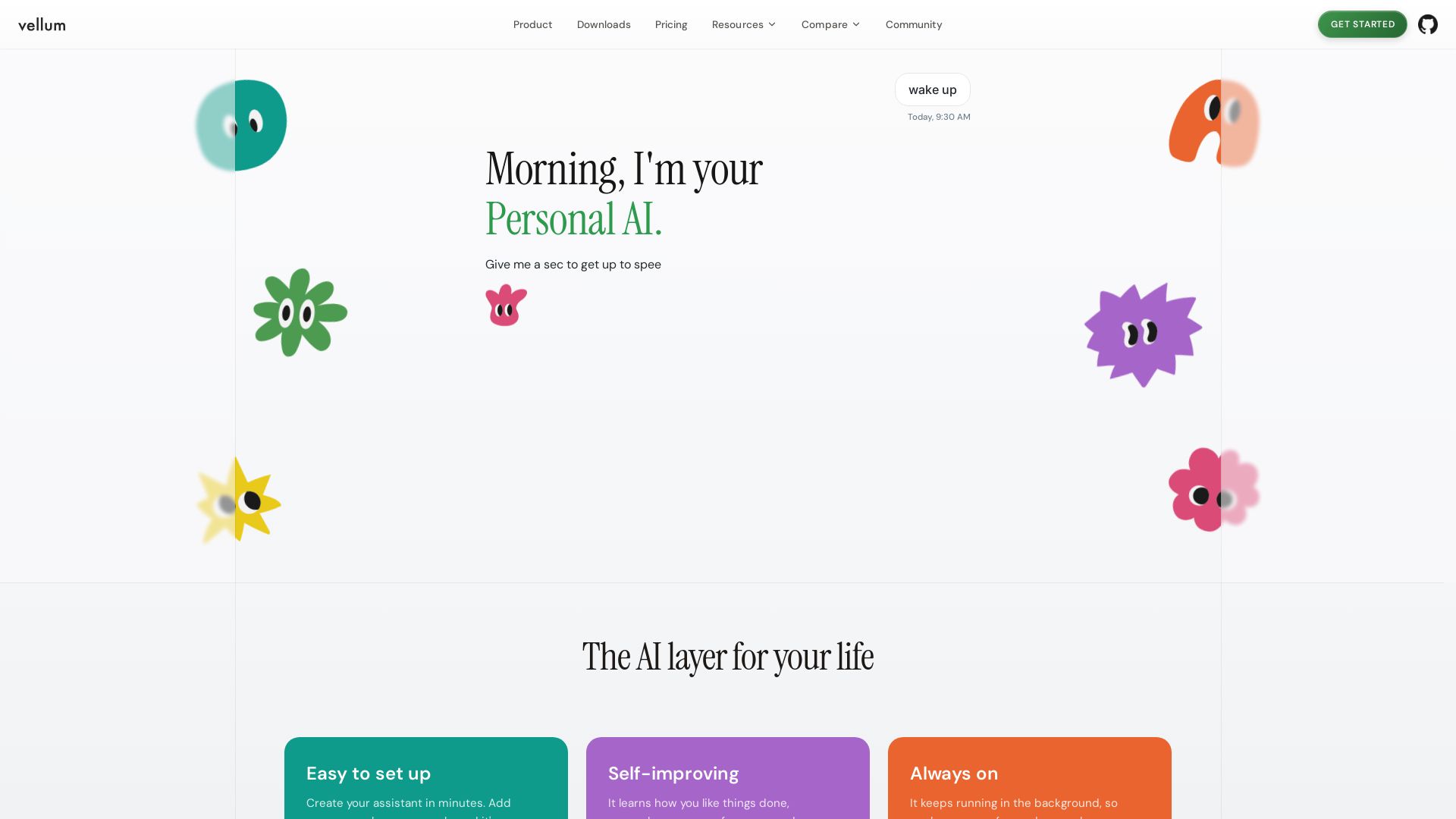
Vellum
Vellum is your personal AI assistant that learns preferences, triages emails, manages calendar, and automates tasks. Easy setup, always on, secure.


Lightrise Consulting
Scale your business with managed cloud IT & HR services. Fixed price, impact-focused. Get your free IT & HR Savings Profile today.

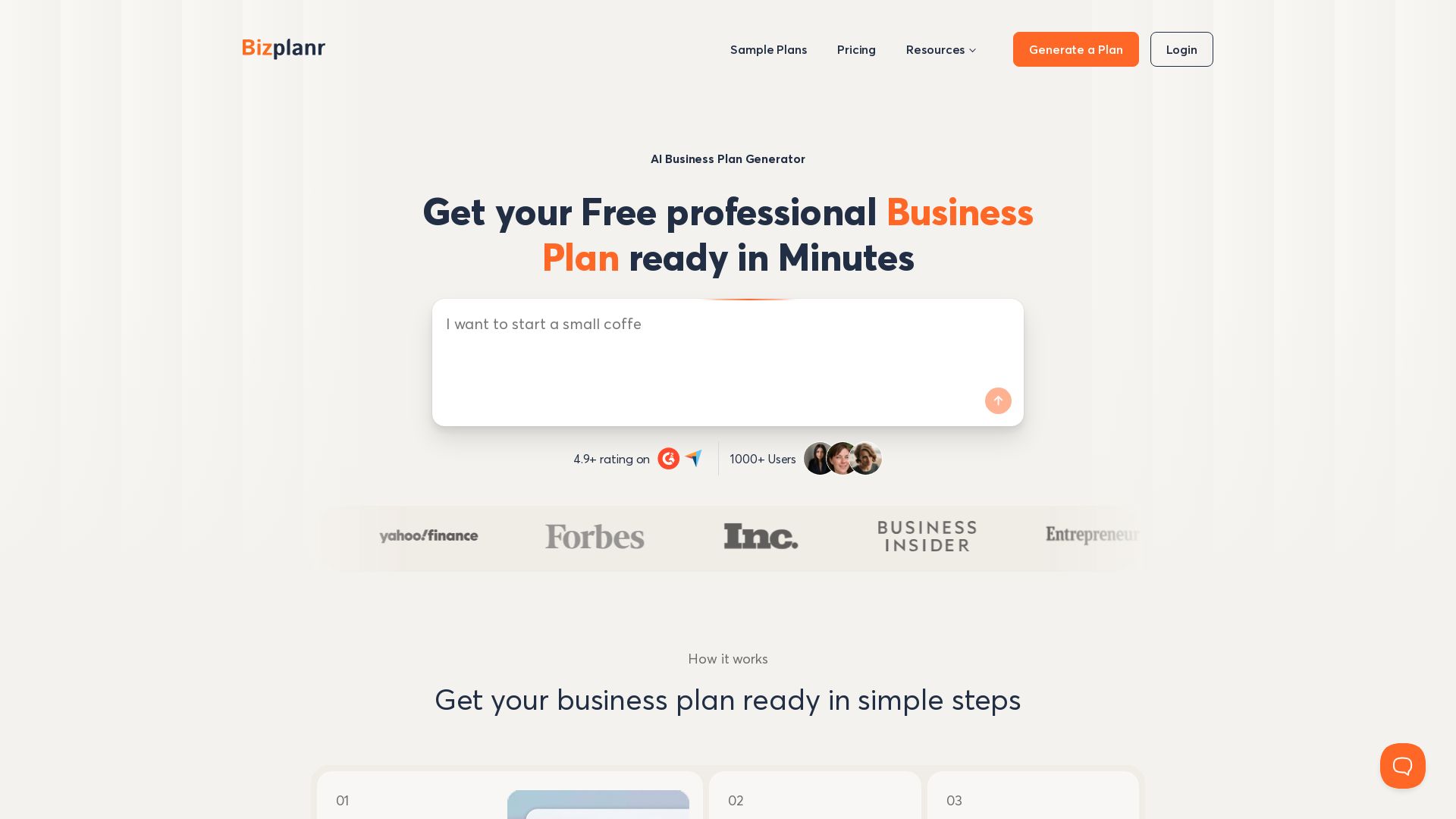
BizPlanr
Create a professional business plan in minutes with our free AI-powered generator. Used by 1000+ users. Get your free draft now!

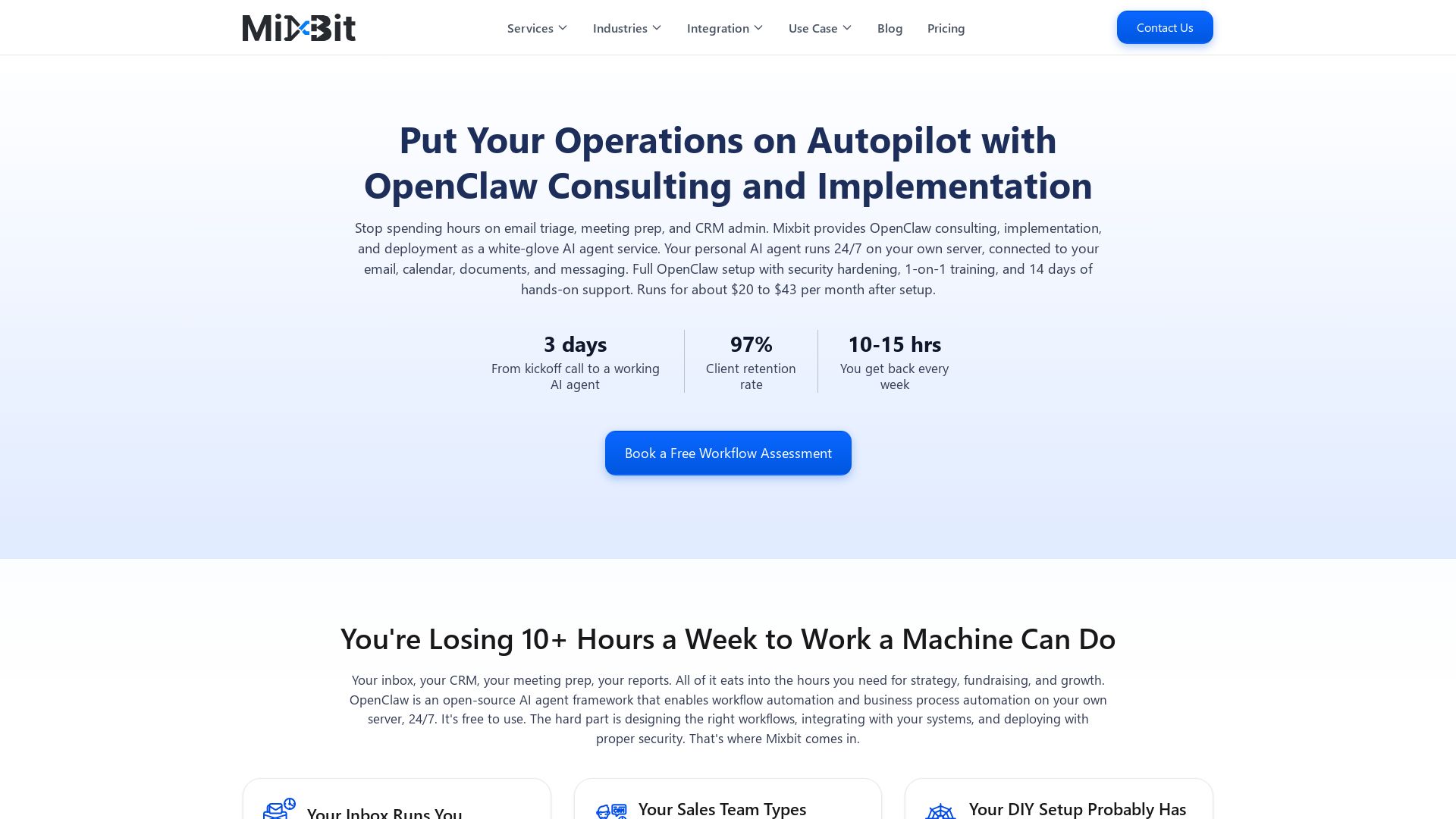
Mixbit
Deploy secure OpenClaw AI agents in 3 days. Save 10-15 hrs/week on email, CRM, and reports. White-glove setup, training, and support from $20/mo.


ProductCrafters
Get a free 2-week trial sprint for your AI product. Working prototype in 30 days, production-ready in 90. No contract, no credit card. Test your dev team risk-free.

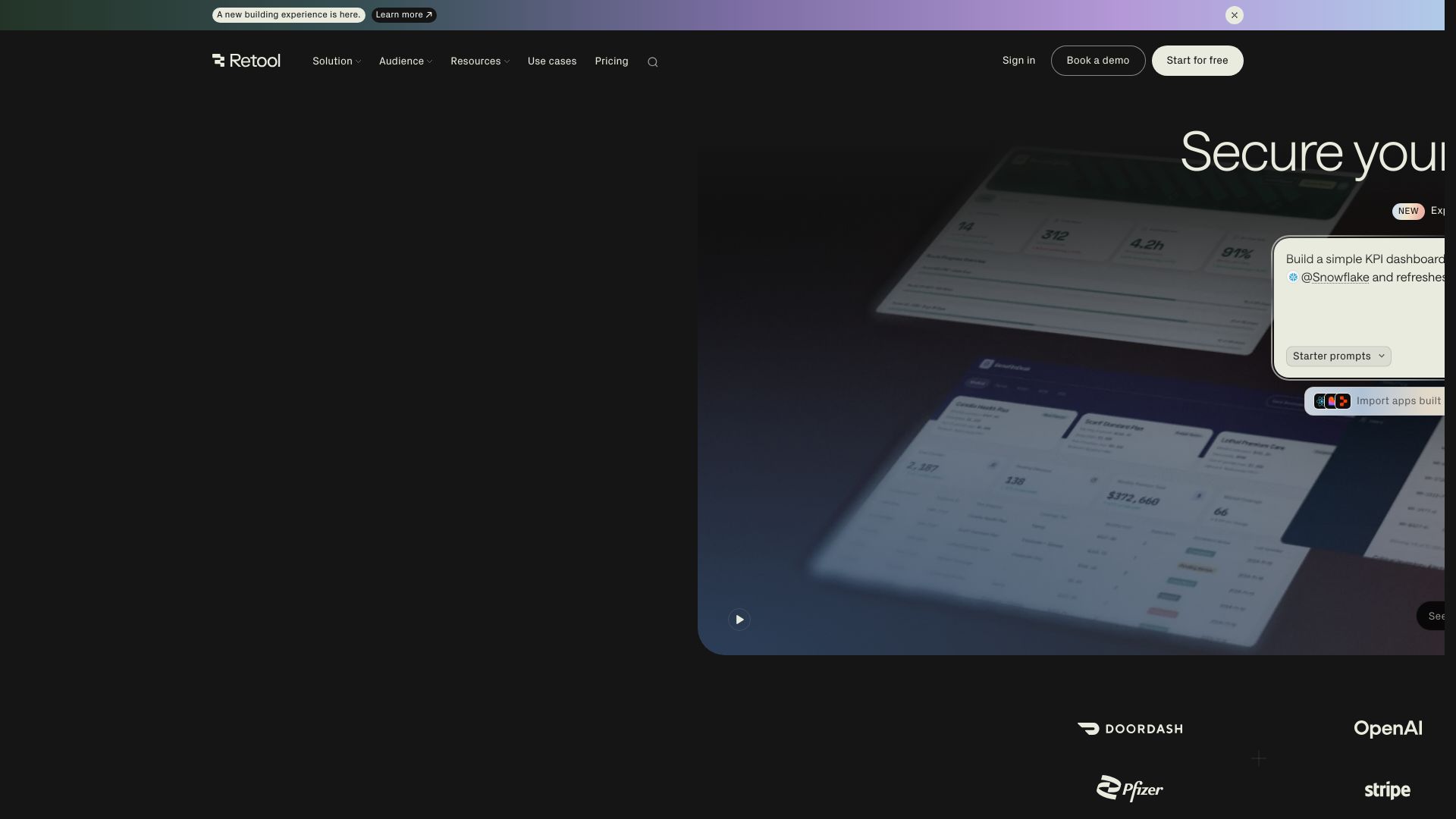
Retool
Build powerful, secure apps on your data with Retool's AI-powered app builder. Connect to any data source, deploy with governance, and scale across your enterprise.

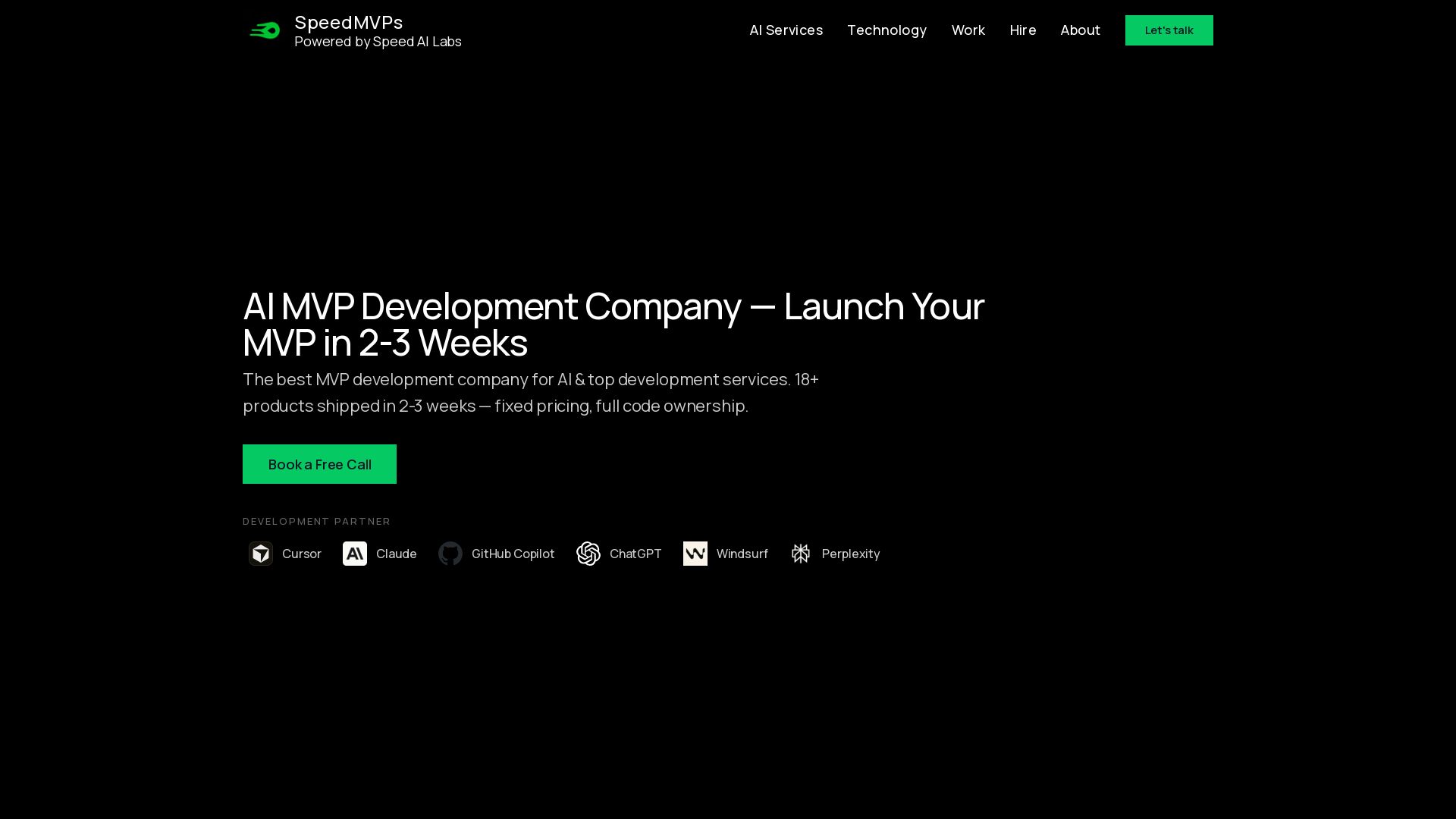
SpeedMVPs
Launch production-ready AI MVPs in 2-3 weeks. Fixed pricing, full code ownership, direct developer access. 18+ AI products shipped globally. Book a free call.

ℹ️ Curation Disclosure: The overview and features of Kai were synthesized using AI and fact-checked by our curation team to ensure accuracy.
