
alfred_ ai
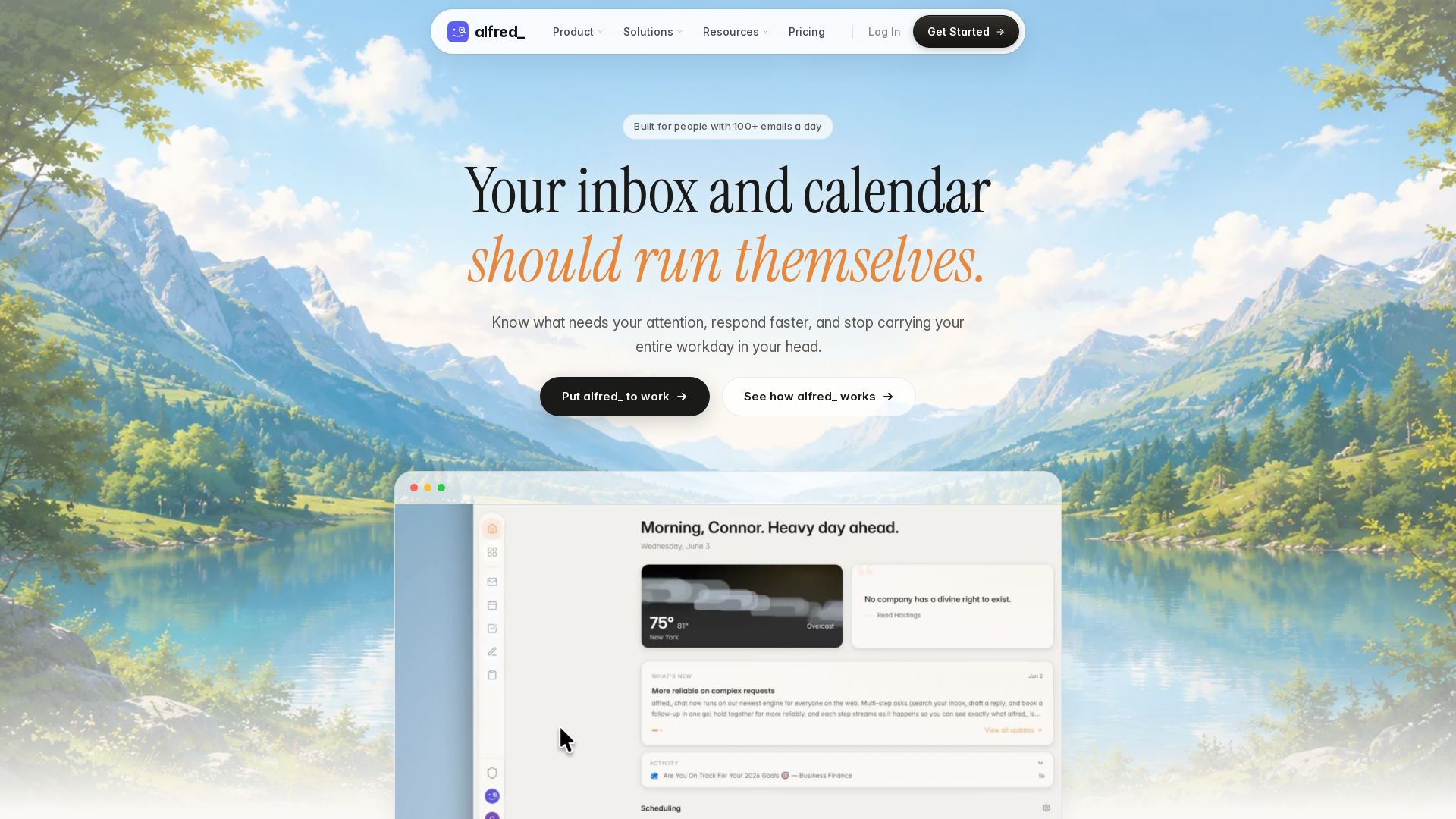
alfred_ is an always-on AI executive assistant that triages your inbox, manages your calendar, and automates follow-ups. Works with Gmail, Outlook, and more. Save hours weekly.

Editor's Verdict
Key Takeaways
- Email Intelligence
- Calendar Intelligence
- Unified Task Management
- Kanban Boards
In-Depth Review: What is alfred_ ai?
alfred_ is an AI-powered executive assistant designed for professionals who bill for their time—founders, lawyers, real estate agents, educators, and accountants. It runs in the background, monitoring your email and calendar, triaging important messages, drafting replies, extracting tasks, and scheduling focus time. You can interact via text (SMS) or in-app commands. It integrates seamlessly with Gmail, Outlook, Google Calendar, iMessage, and more, requiring no migration. Key benefits: reclaim hours of admin time each week, never miss a critical follow-up, and reduce mental overhead. Starting at $24.99/month with a 7-day free trial.
Core Features
Email Intelligence
Automatically triages emails by urgency and type, drafts personalized replies, extracts tasks from emails, and tracks follow-ups so nothing gets missed.
Calendar Intelligence
Analyzes meeting load, conflicts, and focus time; provides schedule health scoring and protects deep work blocks by identifying gaps.
Unified Task Management
Converts emails into tasks with linked source, connects deadlines to calendar, and supports natural language input for quick task creation.
Kanban Boards
Offers visual project boards with templates (Weekly Planner, Daily Tasks, Goal Tracker), drag-and-drop cards, checklists, priorities, due dates, and labels.
Notes
Rich text editor with slash commands, tables, code blocks; AI summarization and task extraction from meeting notes; export to Markdown or PDF.
Daily Brief
Overnight processing triages everything; presents a priority summary of 3-5 items with context and suggested next steps each morning.
SMS Integration
Text your assistant to draft emails, check your day, add tasks, and capture follow-ups on the go via iMessage or SMS.
Multi-Platform Integrations
Connects seamlessly with Gmail, Outlook, Google Calendar, iMessage, Google Drive, OneDrive, Apple devices, and Microsoft 365.
Pricing
alfred_
- Works 24/7, always on
- Never write another email from scratch
- Inbox triaged and prioritized automatically
- Start saving time in 10 minutes
- Your voice, your standards, your control
Teams
- Everything in alfred_
- One bill, simple seat management
- Members keep their data private
- Add or remove people anytime
- Set up your team
Pros and Cons
Pros
- Always-On AI AssistantWorks 24/7 without breaks, PTO, or holidays, ensuring constant support for email, calendar, and tasks.
- Seamless IntegrationPlugs into Gmail, Outlook, Google Calendar, iMessage, Drive, and OneDrive with one click; no migration needed.
- Proactive Task ManagementAutomatically extracts tasks from emails, creates calendar events, and sends SMS alerts so follow-ups never slip.
- Quick Setup and No OnboardingStart saving time in 10 minutes without lengthy training or configuration; learn your voice quickly.
- Cost-EffectiveAt $24.99/month, it pays for itself with one reclaimed billable hour, far cheaper than hiring a virtual assistant.
Cons
- Limited to Digital WorkflowsPrimarily handles email, calendar, and task management; does not perform physical or highly complex strategic tasks.
- Requires Internet ConnectionAll features depend on cloud connectivity; offline functionality is minimal.
- AI Context LimitationsMay misinterpret nuanced or ambiguous requests, especially in specialized domains without fine-tuning.
- No Phone or Video SupportCommunication is limited to text, email, and integration channels; no voice or video interaction.
- Data Privacy ConcernsRelies on cloud processing; users must trust the platform with sensitive email and calendar data.
Use Cases & Recommended Professions
Founders→ View Toolkit
Run the company, not the inbox — alfred_ handles email triage, scheduling, and follow-ups so founders can focus on growth.
Real Estate Agents→ View Toolkit
Close from the car, not the desk — manage emails, calendar conflicts, and tasks via SMS while on the go.
Lawyers→ View Toolkit
Bill the hours, not the follow-ups — automatically capture action items from client emails and track deadlines.
Educators & Coaches→ View Toolkit
Teach more, admin less — triage parent/student emails, reschedule sessions via text, and reduce administrative overhead.
Accountants→ View Toolkit
Bill for the numbers, not the chase — stay on top of client requests and deadlines without manual follow-up.
Frequently Asked Questions
Alternative AI Tools
View Detailed Comparison →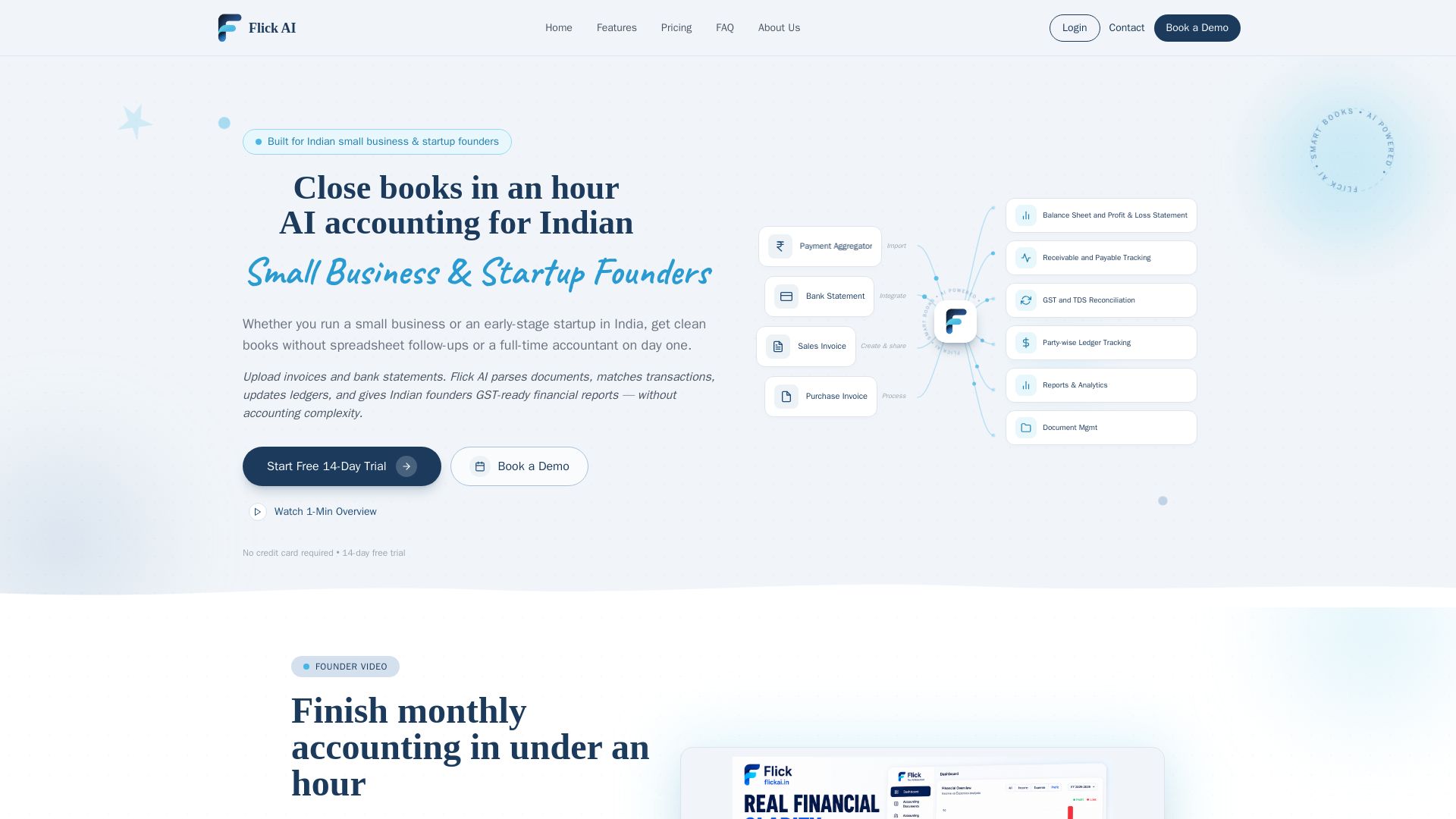
Flick AI
AI accounting for Indian small business & startup founders. Upload invoices & bank statements, get GST-ready reports. Close books in an hour with automated reconciliation. Free trial.


PrometAI
Generate investor-ready business plans in minutes with PrometAI's AI. Trusted by 100,000+ founders. Start for free, no guesswork.


Figr
Ship better UX faster. Figr builds a living understanding of your product, maps flows, finds edge cases, and generates high-fidelity prototypes from your actual design system.

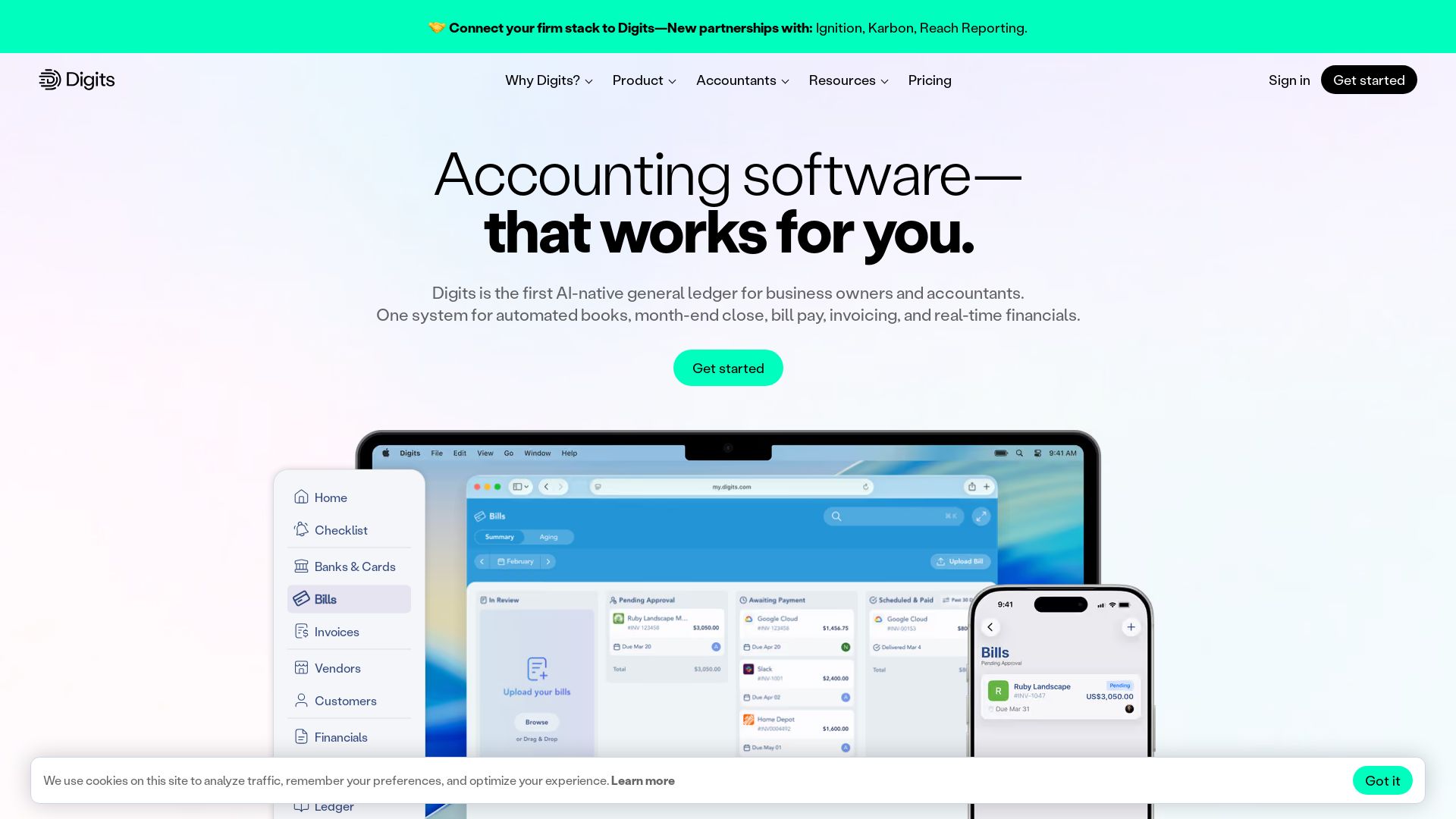
Digits
Automate bookkeeping, close, bill pay, and invoicing with Digits. AI-powered real-time financials trusted by 7,000+ accountants.


AIGenerator
Plan, launch, and grow your business with AI. Generate business plans, ads, and content in minutes. Free to start.

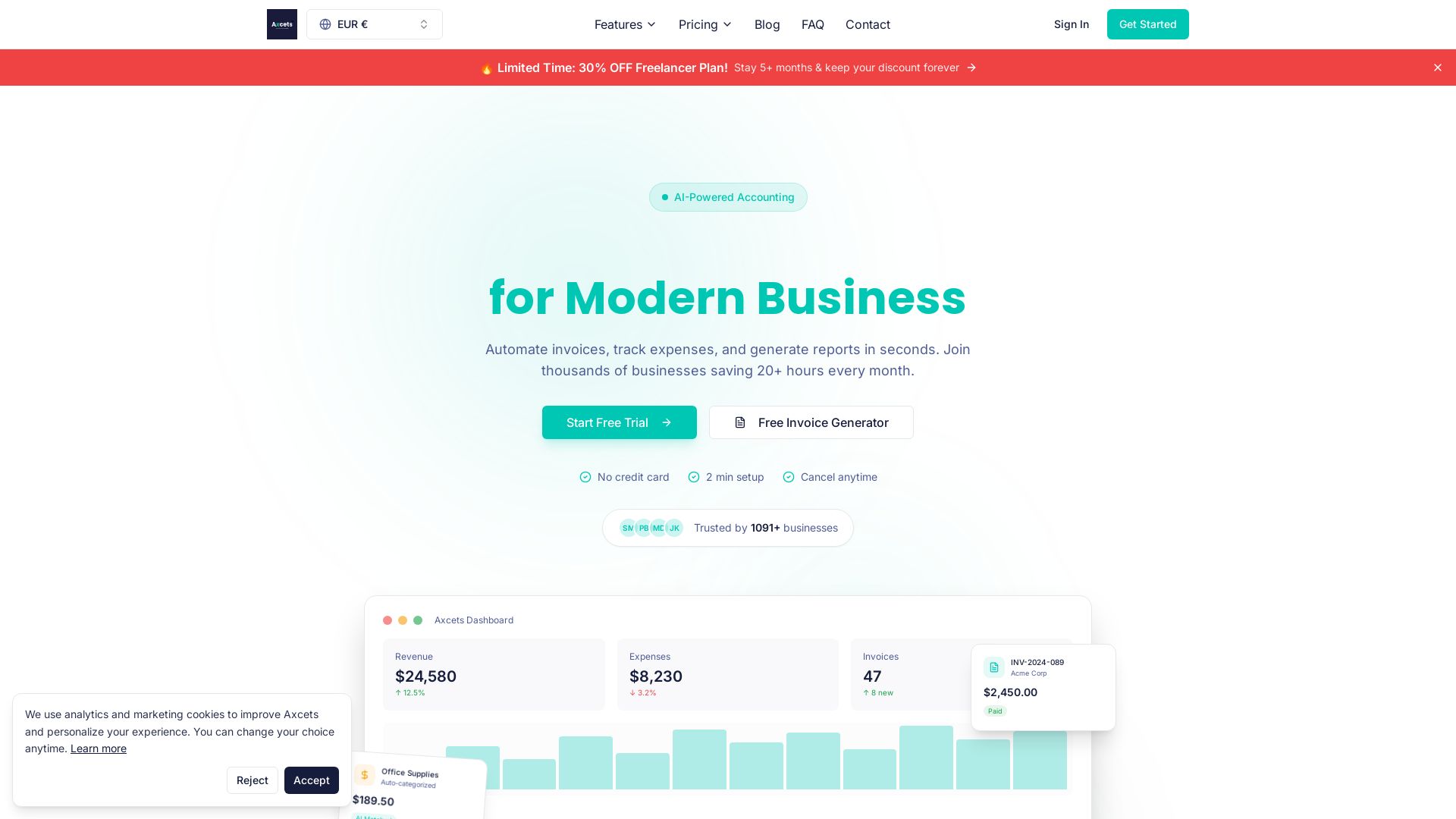
Axcets
Axcets automates invoicing, expense tracking, and financial reports with AI. Trusted by 960+ businesses. Try free — no credit card needed.

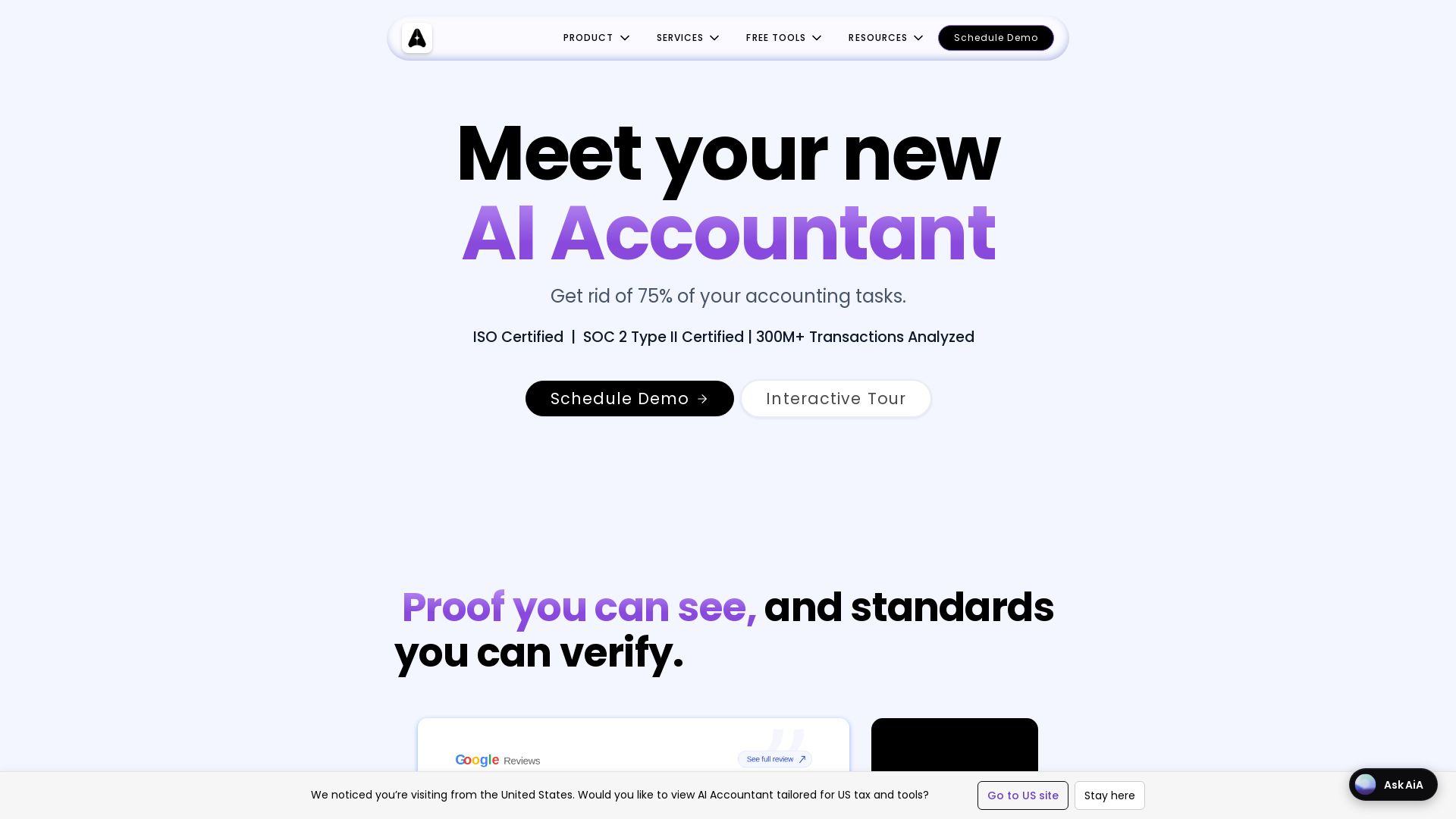
AI Accountant
AI-powered accounting automation with Tally sync, ITC matching, bank statement processing, and dashboards. Get rid of manual entry. ISO & SOC 2 certified.

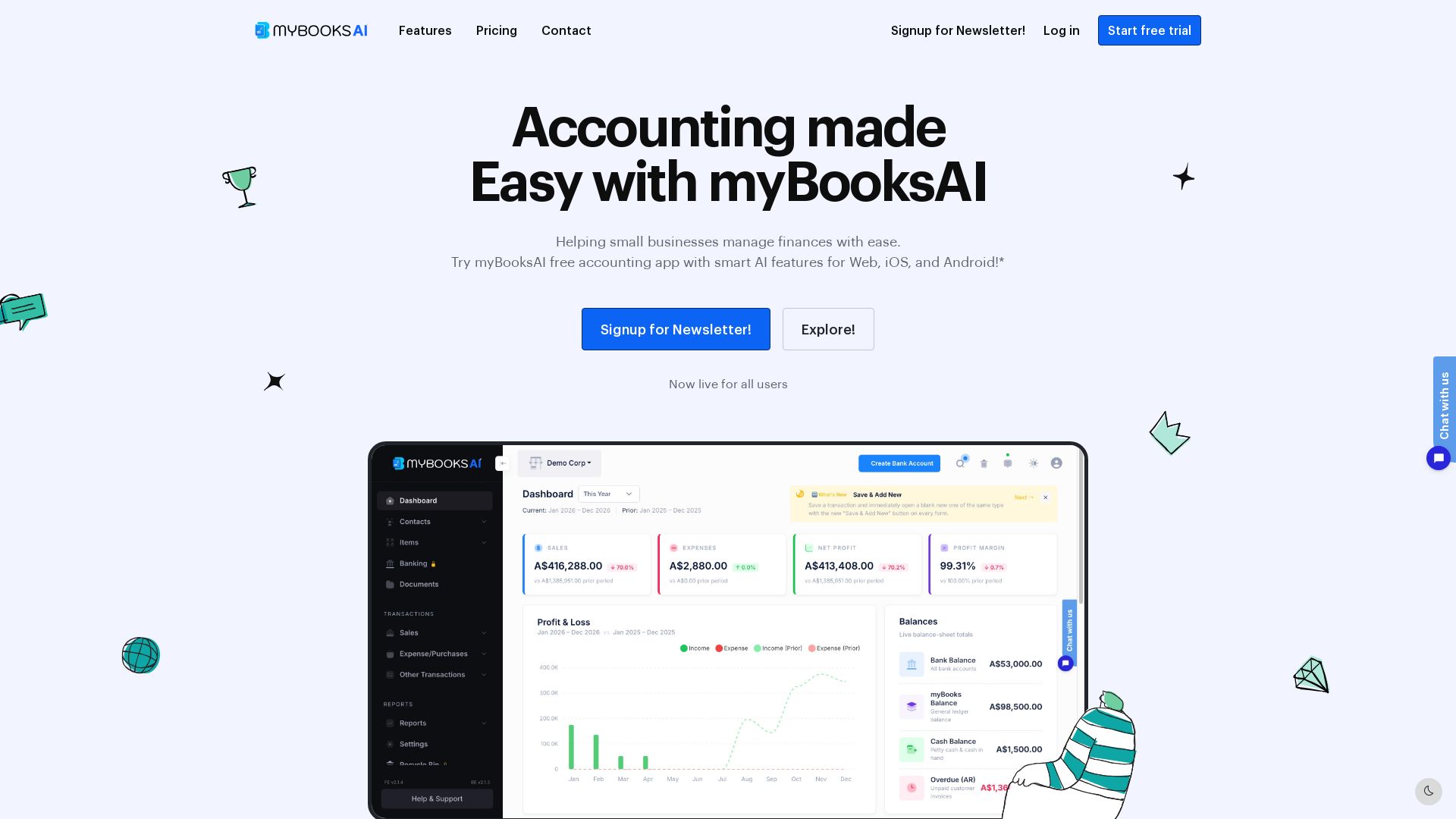
myBooks AI
Simplify your business finances with myBooksAI. Free trial available. Manage invoicing, inventory, bank sync, and GST compliance effortlessly.


ProductCrafters
Get a free 2-week trial sprint for your AI product. Working prototype in 30 days, production-ready in 90. No contract, no credit card. Test your dev team risk-free.

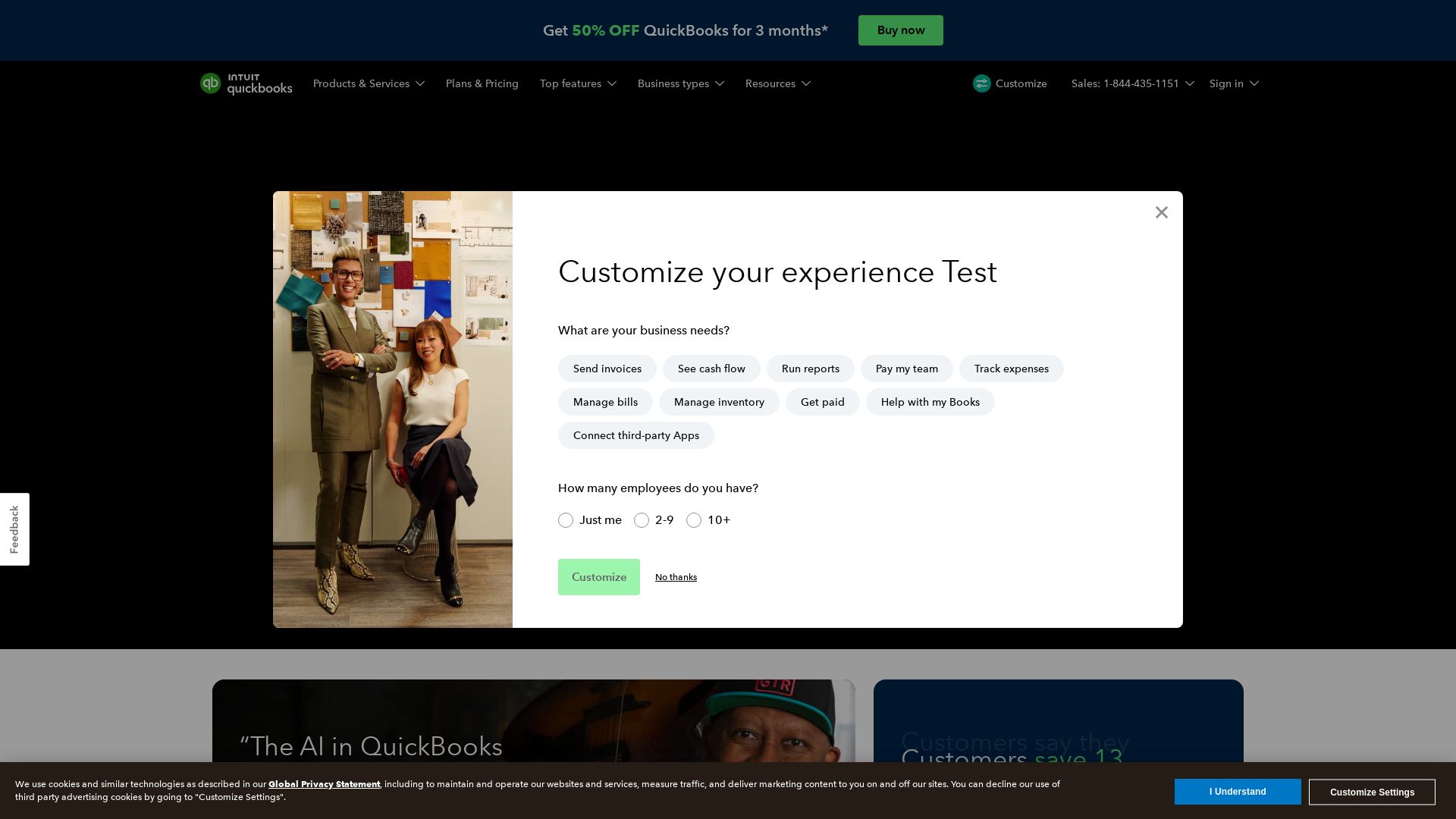
QuickBooks
Save 13 hours/month on average. AI-driven bookkeeping, payroll, and insights to grow revenue and reduce costs. Try 50% off for 3 months.

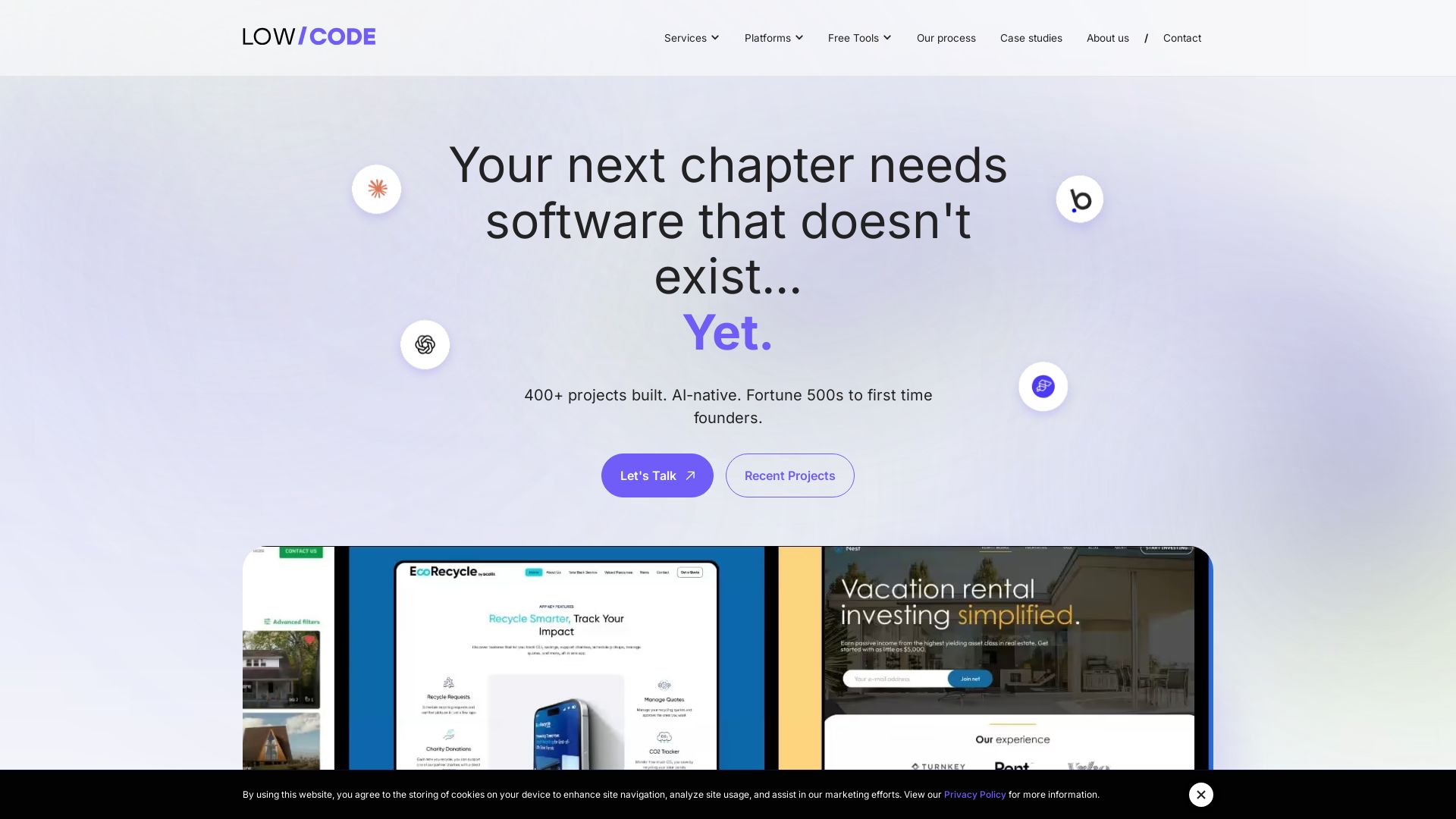
Claude Code vs LangGraph: Agent vs Workflow
Low-code development agency building custom apps, AI automations, and MVPs for businesses and startups. 400+ projects delivered. Trusted by Fortune 500s and founders.

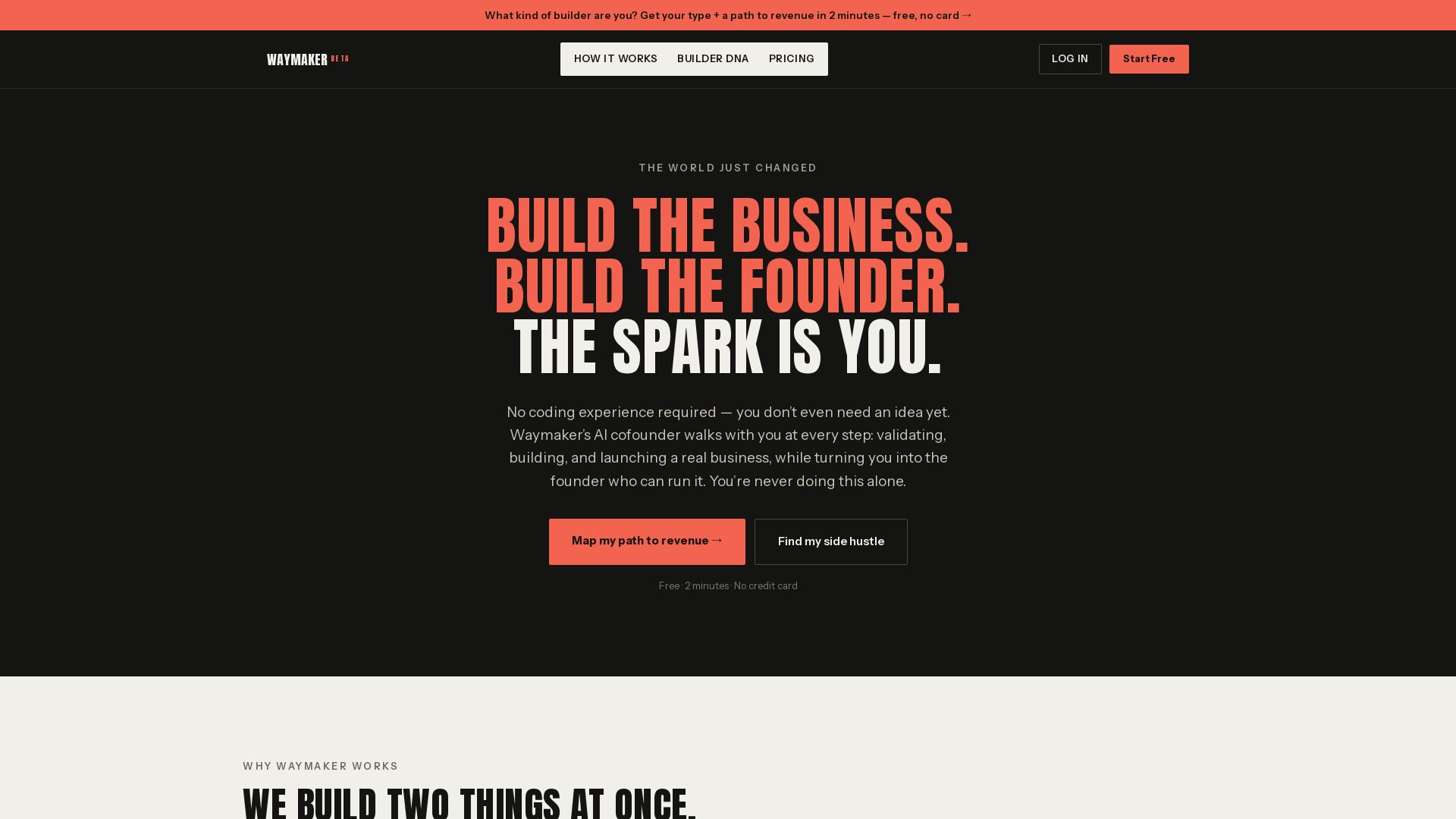
Waymaker AI
Free 2-minute assessment. Discover your Builder DNA and get a personalized path to revenue. No coding or idea needed. Start your side hustle today.

ℹ️ Curation Disclosure: The overview and features of alfred_ ai were synthesized using AI and fact-checked by our curation team to ensure accuracy.