
QuickBooks
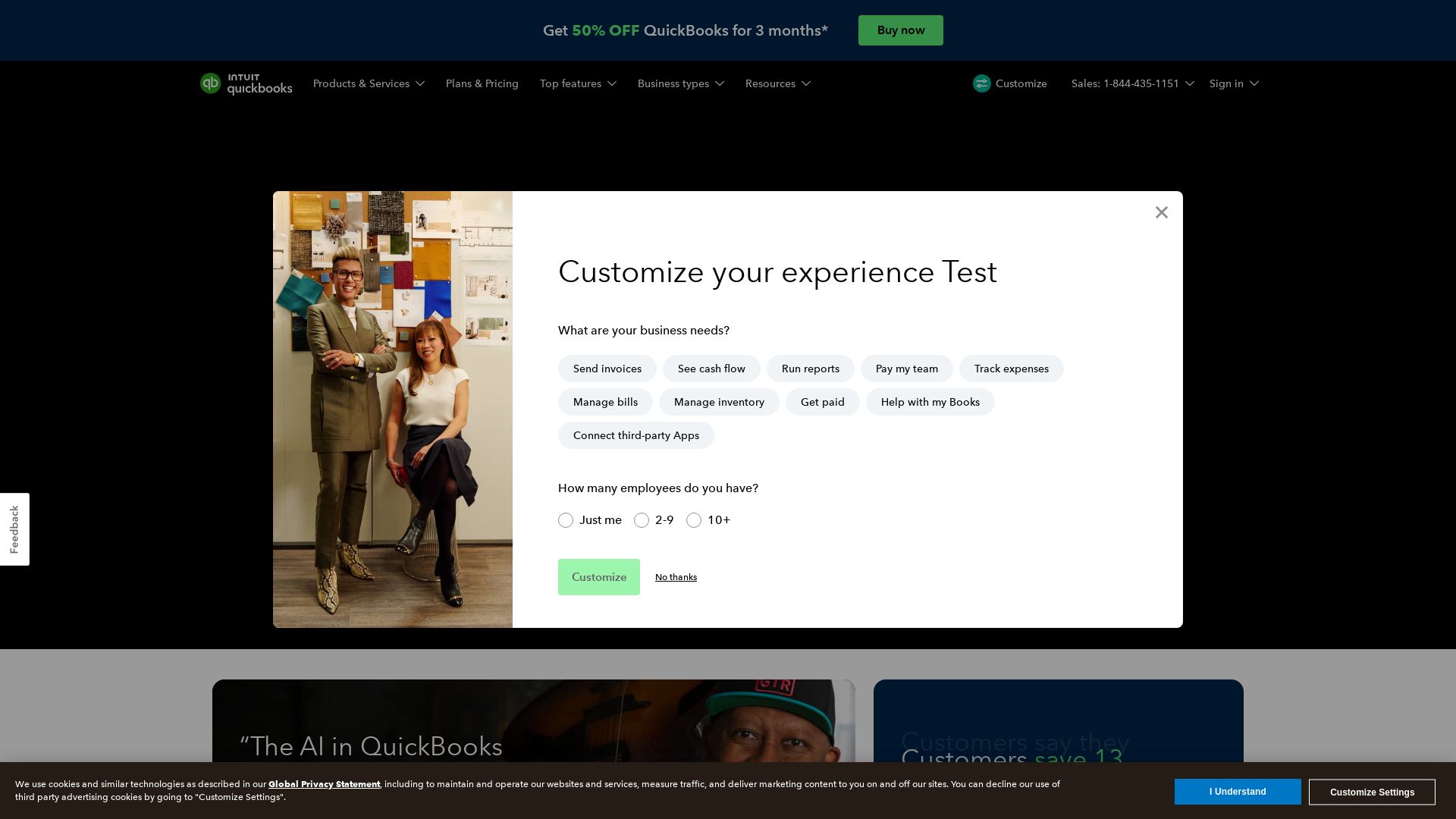
Save 13 hours/month on average. AI-driven bookkeeping, payroll, and insights to grow revenue and reduce costs. Try 50% off for 3 months.
Editor's Verdict
Key Takeaways
- Intuit Intelligence AI Chat
- Accounting AI
- Payments AI
- Business Tax AI
In-Depth Review: What is QuickBooks?
QuickBooks Online, powered by Intuit Intelligence, is the leading accounting software for small businesses. With AI agents, automated bookkeeping, payroll, and payment strategies, you can save time, reduce operating costs by 15%, and grow revenue by 18% on average. Manage bills, track cash flow, run reports, and access over 800 integrations—all from one intuitive dashboard. Trusted by millions, QuickBooks adapts to your business, giving you control with AI suggestions you can approve. Start with 50% off for 3 months.
Core Features
Intuit Intelligence AI Chat
Get instant, contextual answers to business questions like 'What’s driving my profit?' or 'How are my invoices doing?'
Accounting AI
Automatically categorizes and reconciles transactions, combines data, and spots inconsistencies for review.
Payments AI
Recommends personalized invoice reminders and payment strategies to collect faster and improve cash flow.
Business Tax AI
Suggests ways to optimize tax savings year-round and find more deductions.
Payroll AI
Proactively collects time and attendance data, spots inconsistencies, and streamlines payroll processing.
Business Feed
Keeps you in control with a consolidated view of all business transactions and AI agent activity.
Cash Flow Forecasting
See all bank and card transactions in one place and forecast 90 days ahead with customizable dashboards.
Bill Management
Manage bills, vendor records, and automate bill pay with free ACH—just forward or upload bills.
Custom Reports & Dashboards
Run a range of customizable reports and tailor KPIs to highlight the insights that matter most.
Integrations
Connect with over 800 third-party apps, including Mailchimp, to keep all tools working together.
Pricing
Simple Start
- Intuit Intelligence (25 AI Chat questions/mo)
- Expert-guided setup and onboarding
- Categorizes expenses and maximizes tax deductions
- Run general business reports
- Automated bookkeeping
- Invoice and get paid
- Automate bill pay with free ACH
Essentials
- Everything in Simple Start
- Accounting AI and Payments AI
- Run enhanced reports
- Add employee time to invoices
- Get customer referrals, feedback, and work requests
- Collect leads from a custom website form
- Link calendar for customer scheduling
Plus
- Everything in Essentials
- Reconciles books with profit & loss insights
- Finds and fixes anomalies, Sales Tax AI, Customer AI
- Run comprehensive reports
- Plan budgets and track project profitability
- Track and manage inventory
- Track classes and locations (40)
Advanced
- Everything in Plus
- Project Management AI and Finance AI
- Custom dashboards with personalized KPIs
- Unlimited classes, locations, and custom KPIs
- Build custom management-ready reports
- Automate workflows and sync with Excel
- Custom user permissions and access
- Forecast cash flow and profit
- Batch invoices and expenses
- Backup and restore data
- Priority support and training
Pros and Cons
Pros
- AI-Powered EfficiencyIntuit Intelligence automates bookkeeping, categorizes transactions, and provides instant insights, saving users an average of 13 hours per month.
- Revenue Growth & Cost ReductionCustomers report an average 18% revenue growth and 15% reduction in operating costs when using QuickBooks with Intuit Intelligence.
- Seamless IntegrationsOver 800 integrations with popular apps like Mailchimp, payroll systems, and CRM tools keep all business functions connected.
- Scalable PlansFrom Simple Start for freelancers to Advanced for larger teams, plans grow with your business and include up to 25 users and 3 accountants.
- User Control & AccuracyAI suggestions are reviewed and approved by the user, ensuring you remain the final decision-maker while benefiting from automated accuracy.
Cons
- Pricing for Small BudgetsEven with discounts, recurring monthly costs can add up for very small businesses or solopreneurs compared to free alternatives.
- Learning Curve for AI FeaturesNew users may need time to understand and trust the AI suggestions, especially for complex accounting tasks.
- Limited AI Chat in Lower TiersSimple Start and Essentials include only 25 AI Chat questions per month, which may be insufficient for heavy users.
- Add-on Costs for Payroll and PaymentsFull payroll and advanced payment features may require additional fees beyond the base plan price.
- Internet DependencyQuickBooks Online is cloud-based, so reliable internet is required; offline functionality is limited.
Use Cases & Recommended Professions
Small Business Owner→ View Toolkit
Manage finances, invoicing, and cash flow in one place with AI-driven insights to make informed decisions.
Freelancer / Solopreneur→ View Toolkit
Track expenses, send invoices, and maximize tax deductions with an easy-to-use mobile app and automated bookkeeping.
Accountant / Bookkeeper→ View Toolkit
Leverage AI to reconcile transactions, generate reports, and collaborate with multiple clients using accountant access features.
IT Services Company→ View Toolkit
Track project costs, manage invoices, and snap receipts on the go to keep service teams organized and profitable.
Retail / Inventory Business→ View Toolkit
Use inventory management, sales tax AI, and purchase order features to streamline operations and reduce manual work.
Project Manager→ View Toolkit
Monitor project profitability, automate workflows, and allocate costs with project management AI in the Advanced plan.
Frequently Asked Questions
Alternative AI Tools
View Detailed Comparison →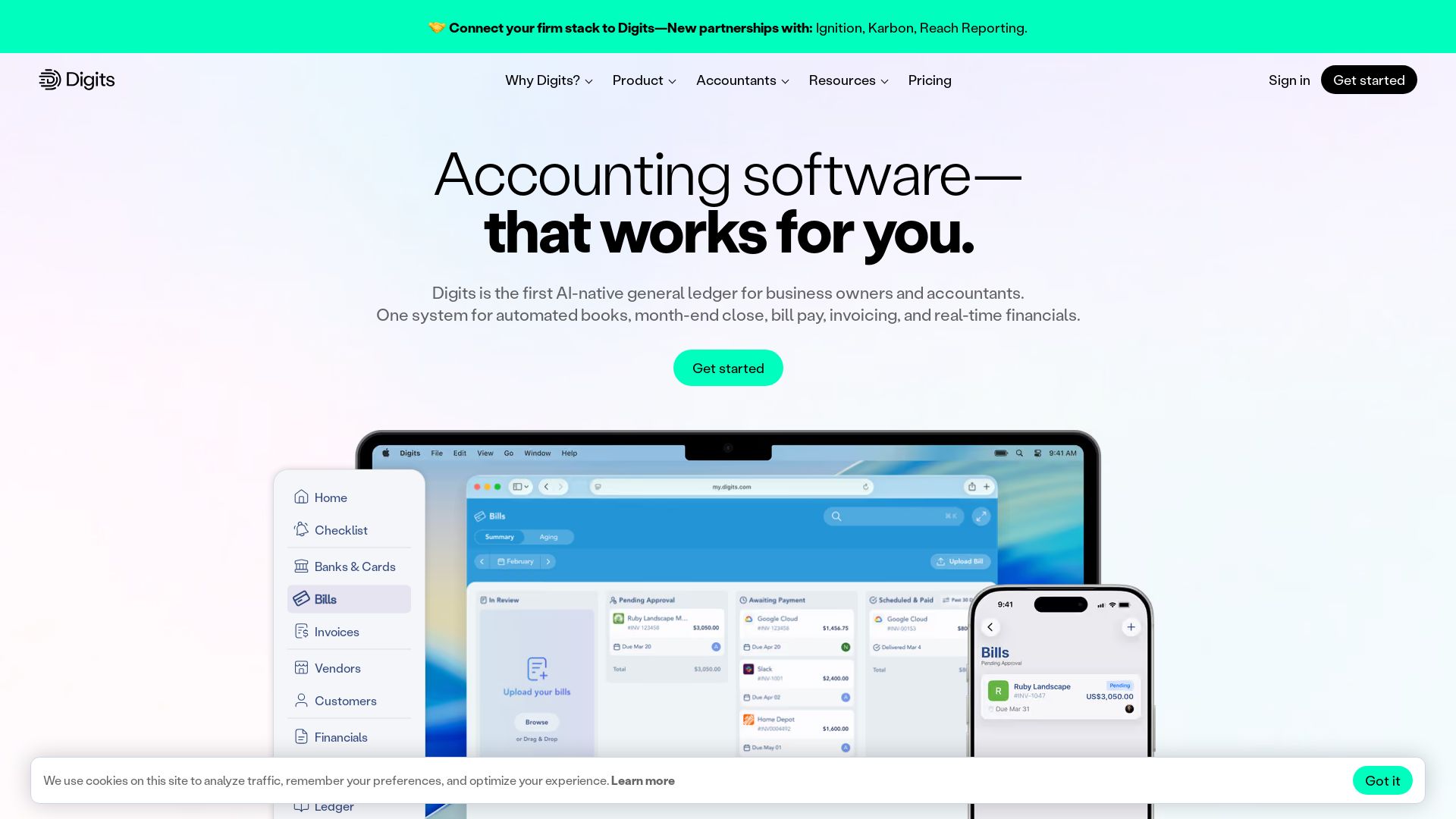
Digits
Automate bookkeeping, close, bill pay, and invoicing with Digits. AI-powered real-time financials trusted by 7,000+ accountants.

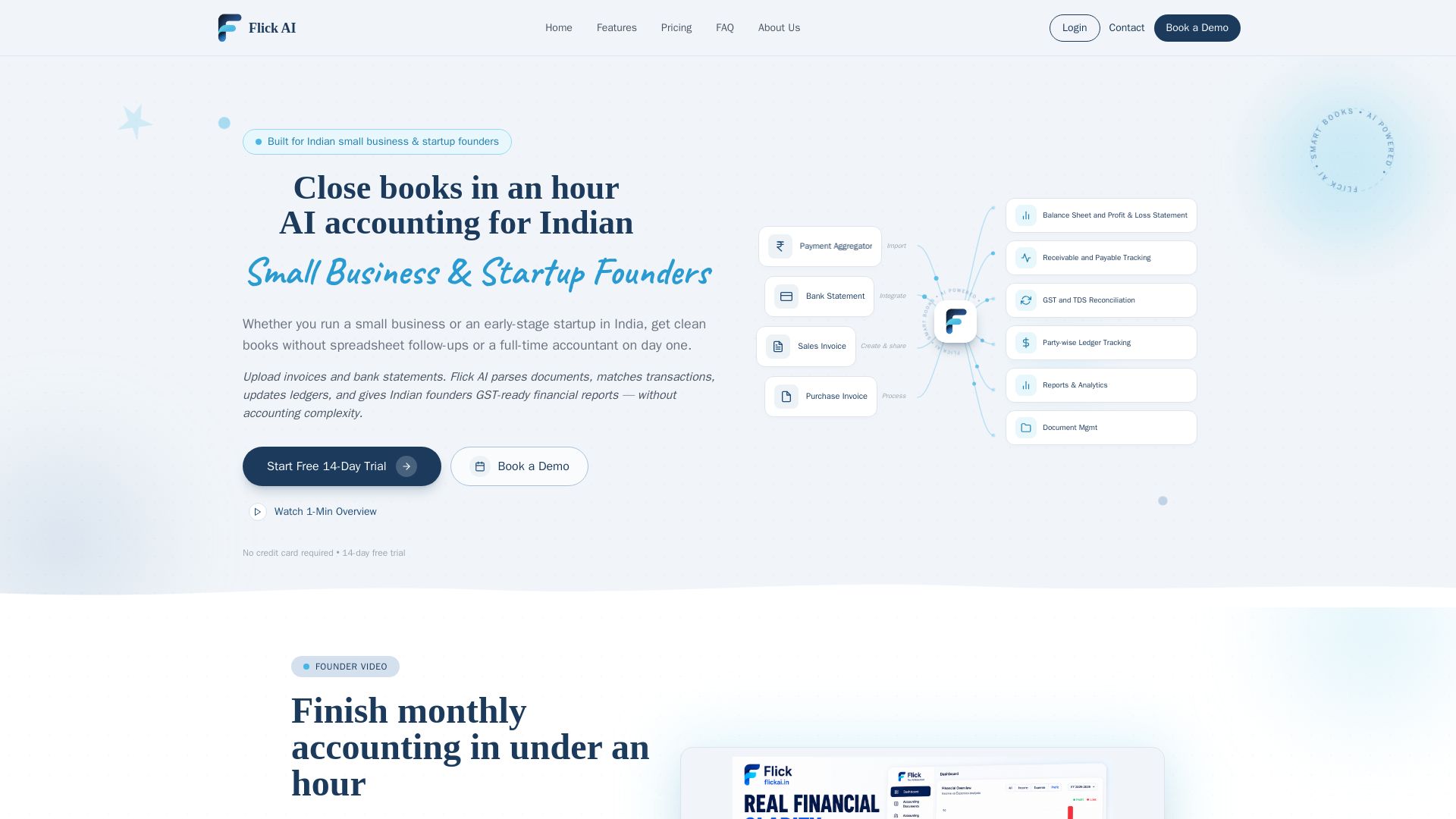
Flick AI
AI accounting for Indian small business & startup founders. Upload invoices & bank statements, get GST-ready reports. Close books in an hour with automated reconciliation. Free trial.


Section AI
Turn AI investment into workforce transformation with Section. Command center, coaching, and strategic support to drive measurable ROI.


SF AI Labs
End-to-end AI services from strategy to launch. Proven delivery framework, expert network in San Francisco. Maximize ROI with custom AI solutions for modern companies.


Making AI think and act: my approach to the Hugging Face AI ...
Experienced AI engineer specializing in medical imaging and LLM-powered agents. Built globally deployed radiology AI at AZmed. Now building AI agents at Matrix One.


Cequence AI Gateway
Safely connect AI agents to business apps with enterprise-grade security, OAuth 2.1, and MCP. Unlock agentic AI productivity.

Leanware
We build custom AI agents, ship AI products, and assess AI ROI. Milestone-billed, lean teams, no handoffs. Trusted by startups and businesses.

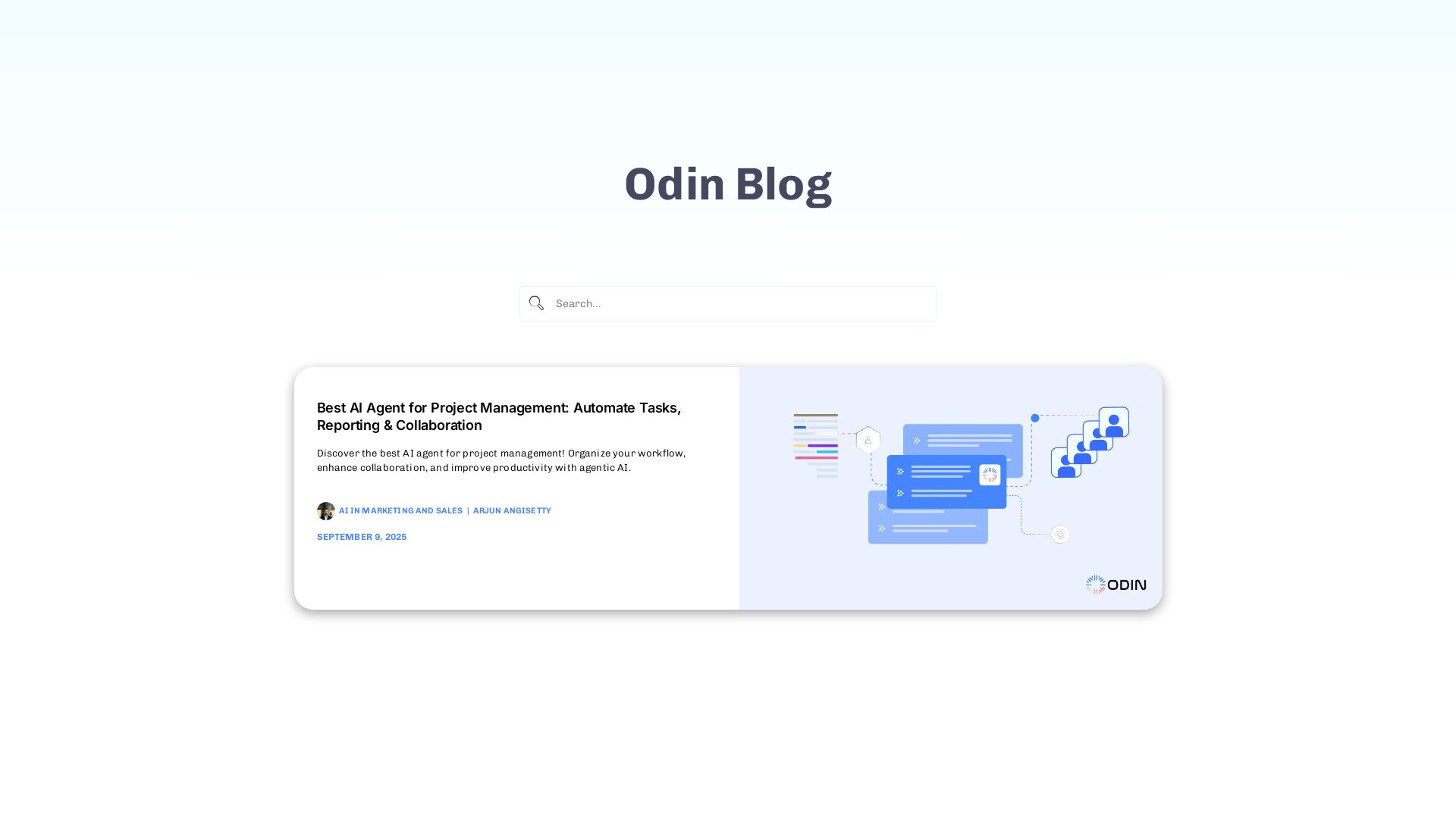
Odin AI
Automate tasks, document summarization, and collaboration with Odin AI's no-code platform. Boost productivity with intelligent AI agents.


Scuti AI
We specialize in generative AI, AI-OCR, RAG, and offshore development. Combining Vietnam's speed with Japan's quality to automate tasks and boost business.

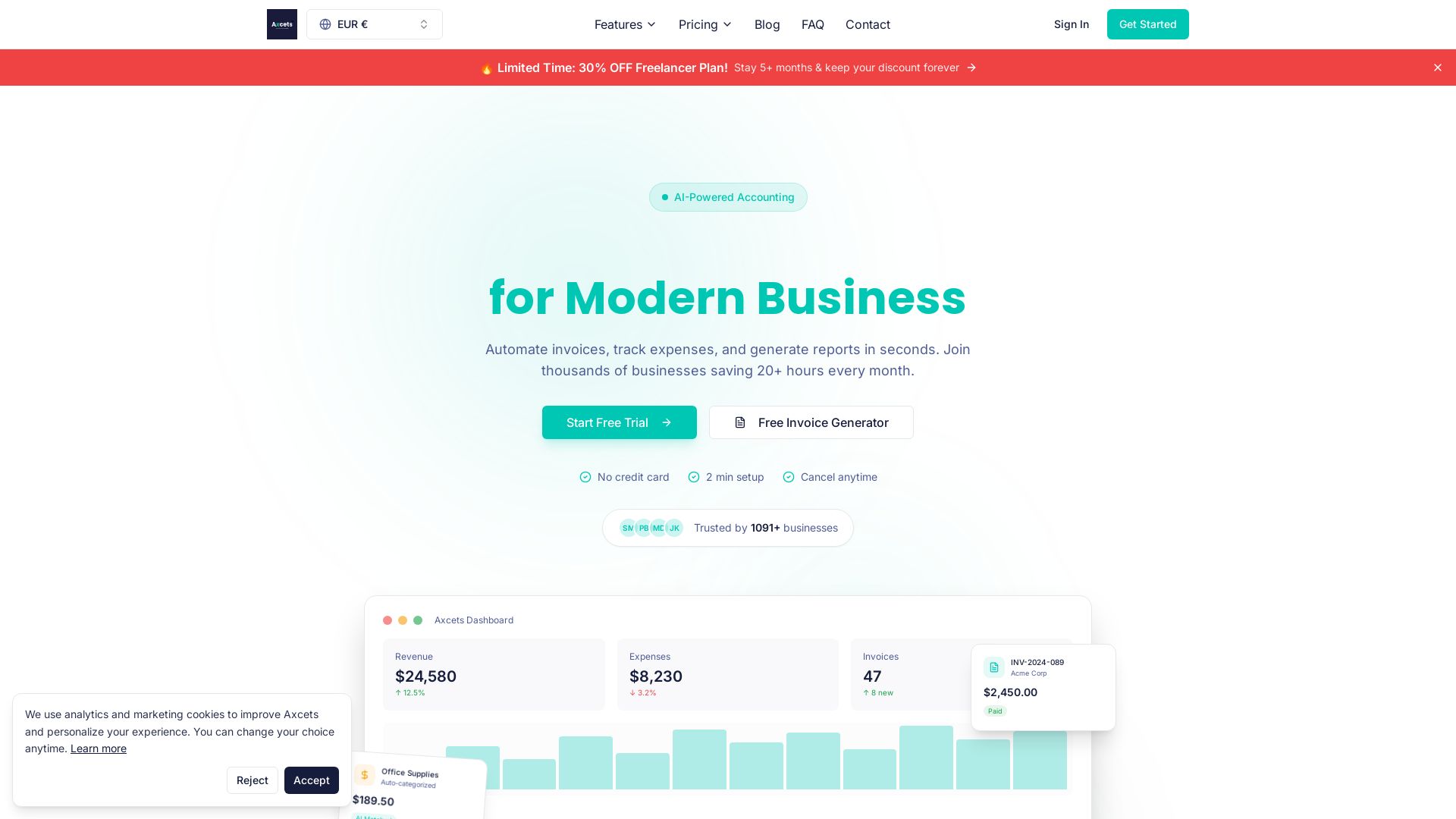
Axcets
Axcets automates invoicing, expense tracking, and financial reports with AI. Trusted by 960+ businesses. Try free — no credit card needed.


Wizr AI
Build autonomous enterprises with AI-powered automation. Accelerate software delivery by 50% with production-ready AI systems. Trusted by world-class enterprises.

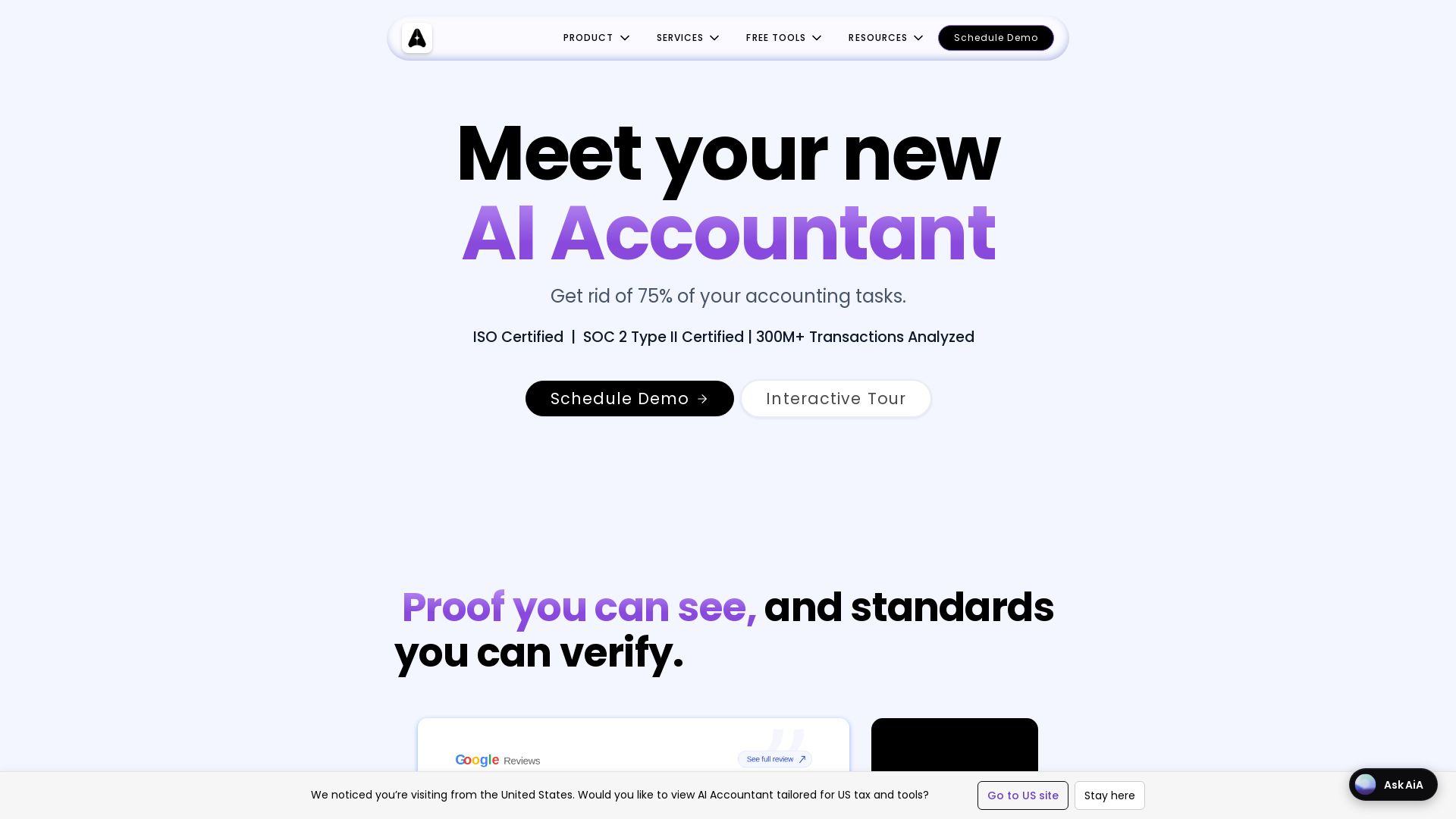
AI Accountant
AI-powered accounting automation with Tally sync, ITC matching, bank statement processing, and dashboards. Get rid of manual entry. ISO & SOC 2 certified.

ℹ️ Curation Disclosure: The overview and features of QuickBooks were synthesized using AI and fact-checked by our curation team to ensure accuracy.
