
Masset
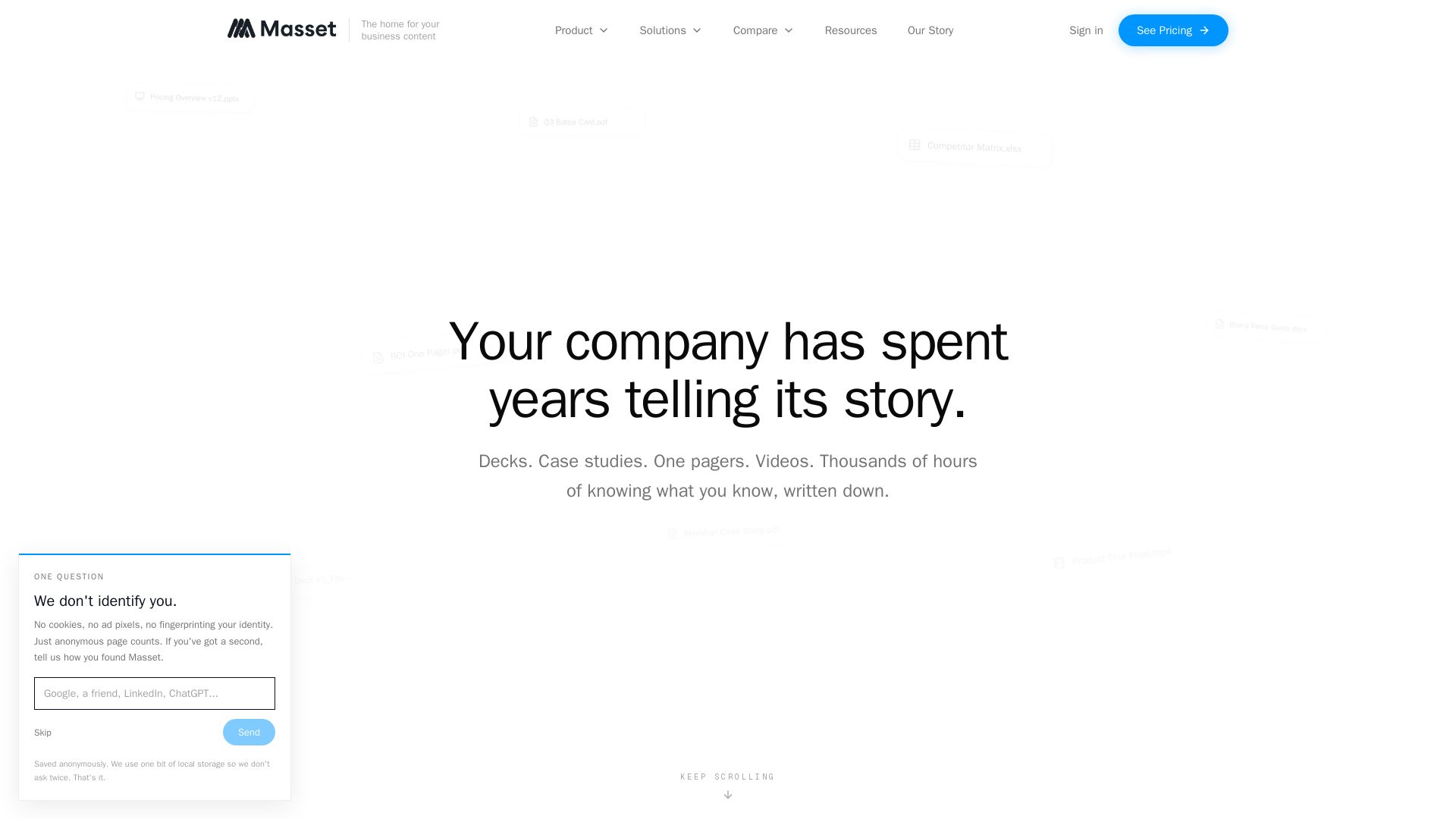
Stop storing content in scattered drives. Masset centralizes, updates, and AI-enables all your decks, videos, and docs. Unlimited seats, one place.
Editor's Verdict
Key Takeaways
- Central Library
- Myca AI Assistant
- MCP Server
- Version Control
In-Depth Review: What is Masset?
Masset is a content management platform that unifies all your business content—decks, case studies, videos, and more—into a single, searchable home. It replaces scattered folders and drives with a central library that keeps versions current, integrates with AI tools via MCP, and allows everyone to find and use the right content instantly. With unlimited seats, version control, analytics, and security, Masset ensures your team tells your story accurately every time.
Core Features
Central Library
A single, searchable repository for all business content with natural-language search, making it easy to find the right version instantly.
Myca AI Assistant
An AI assistant integrated in Slack and Microsoft Teams that answers questions and retrieves the latest approved content in seconds.
MCP Server
Allows AI tools like Claude, ChatGPT, and Copilot to read from and write to your approved content library, ensuring AI outputs are grounded in your company's knowledge.
Version Control
Automatically updates all references (shared links, boards, AI drafts) when a file is updated, eliminating version confusion.
Trackable Shares
Shares content with analytics to track who opened it and how often, providing engagement insights.
Workflows
Automates content approval and flagging of stale content, ensuring your library stays current.
Training
Creates daily two-minute quizzes in Slack and Teams, generated from approved content to reinforce team knowledge.
Unlimited Seats
No per-user pricing; every employee can access the platform at one flat price.
AI Data Privacy
Customer content never trains AI models, with SOC 2 compliance and encrypted data at rest and in transit.
Pricing
Standard
- Unlimited users
- Central Library with natural-language search
- Myca AI assistant in Slack and Microsoft Teams
- MCP server (reads and writes from 32 AI tools)
- Boards and Trackable Shares
- Version Control and Workflows
- Analytics and CRM revenue attribution
- HubSpot and Salesforce writeback
- Google Drive, SharePoint, Notion, YouTube, Dropbox connectors
- 1 TB content storage
- Guided move-in and email support
- Month-to-month, cancel anytime
Enterprise
- Everything in Standard
- Higher usage tiers (storage and platform limits sized to library)
- Training (daily quizzes in Slack and Teams)
- SSO and advanced permissions
- SOC 2 report and security documentation package
- Security questionnaires completed by our team
- Dedicated support via private Slack channel with founders
- Annual invoicing available
Pros and Cons
Pros
- Unlimited Users at Flat PriceNo per-seat pricing; a single monthly fee covers the entire company, making it cost-effective for teams of any size.
- AI-Ready Content HubIntegrates with major AI tools via MCP, ensuring AI outputs are based on approved, up-to-date content, reducing 'story drift'.
- Automatic Version ControlUpdating a file in the library automatically refreshes every linked share, board, and AI draft, eliminating manual version management.
- Fast Retrieval with MycaMyca AI assistant in Slack/Teams finds and delivers the latest content in seconds, saving time and reducing errors.
- Robust Security and PrivacySOC 2 compliant, encrypted, and customer data never trains AI models, appealing to security-conscious organizations.
Cons
- Price Point for Small TeamsAt $500/month, it may be expensive for very small teams (e.g., under 10 people) compared to free or cheaper alternatives.
- Limited Storage on Standard PlanStandard plan caps at 1 TB storage, which may be insufficient for larger libraries without upgrading to Enterprise.
- Enterprise Pricing OpaqueCustom pricing for Enterprise requires contact, lacking transparency compared to the fixed Standard price.
- No Free TierNo free plan or trial is mentioned, making it harder for potential users to test the full product before committing.
- Potential Overlap with Existing ToolsOrganizations already using platforms like Google Drive, SharePoint, or dedicated enablement tools may face migration friction.
Use Cases & Recommended Professions
Sales Enablement Manager→ View Toolkit
Needs to ensure sales teams have instant access to the latest decks, case studies, and battle cards, while onboarding new hires efficiently.
VP of Marketing→ View Toolkit
Responsible for consistent brand messaging across channels; needs a central repository to maintain version control and prevent story drift.
Revenue Operations Manager→ View Toolkit
Requires analytics on content usage and attribution to revenue, plus integrations with CRM and enablement tools.
Content Marketer→ View Toolkit
Creates and updates content frequently; needs version control and a system to distribute approved versions to all channels.
Customer Success Manager→ View Toolkit
Uses onboarding decks, FAQs, and product tours; needs quick retrieval of current materials to assist clients.
Product Marketer→ View Toolkit
Manages product launch materials and battle cards; requires a platform to keep content current and accessible by sales and partners.
Frequently Asked Questions
Alternative AI Tools
View Detailed Comparison →
PrometAI
Generate investor-ready business plans in minutes with PrometAI's AI. Trusted by 100,000+ founders. Start for free, no guesswork.


Figr
Ship better UX faster. Figr builds a living understanding of your product, maps flows, finds edge cases, and generates high-fidelity prototypes from your actual design system.


AIGenerator
Plan, launch, and grow your business with AI. Generate business plans, ads, and content in minutes. Free to start.

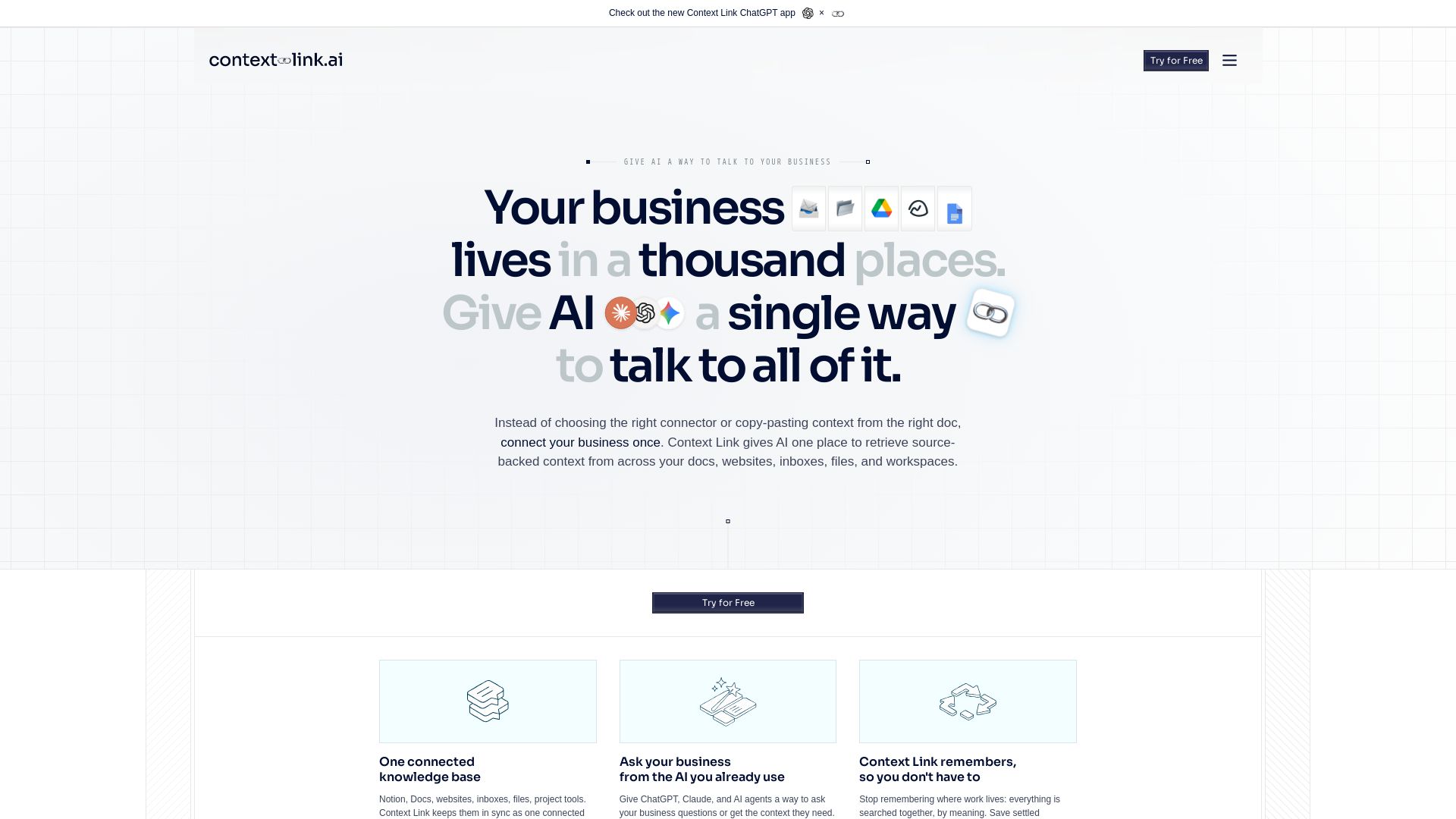
Context Link
Connect all your business sources into one AI-readable knowledge base. Get source-backed answers in ChatGPT and Claude. Auto-syncs daily.



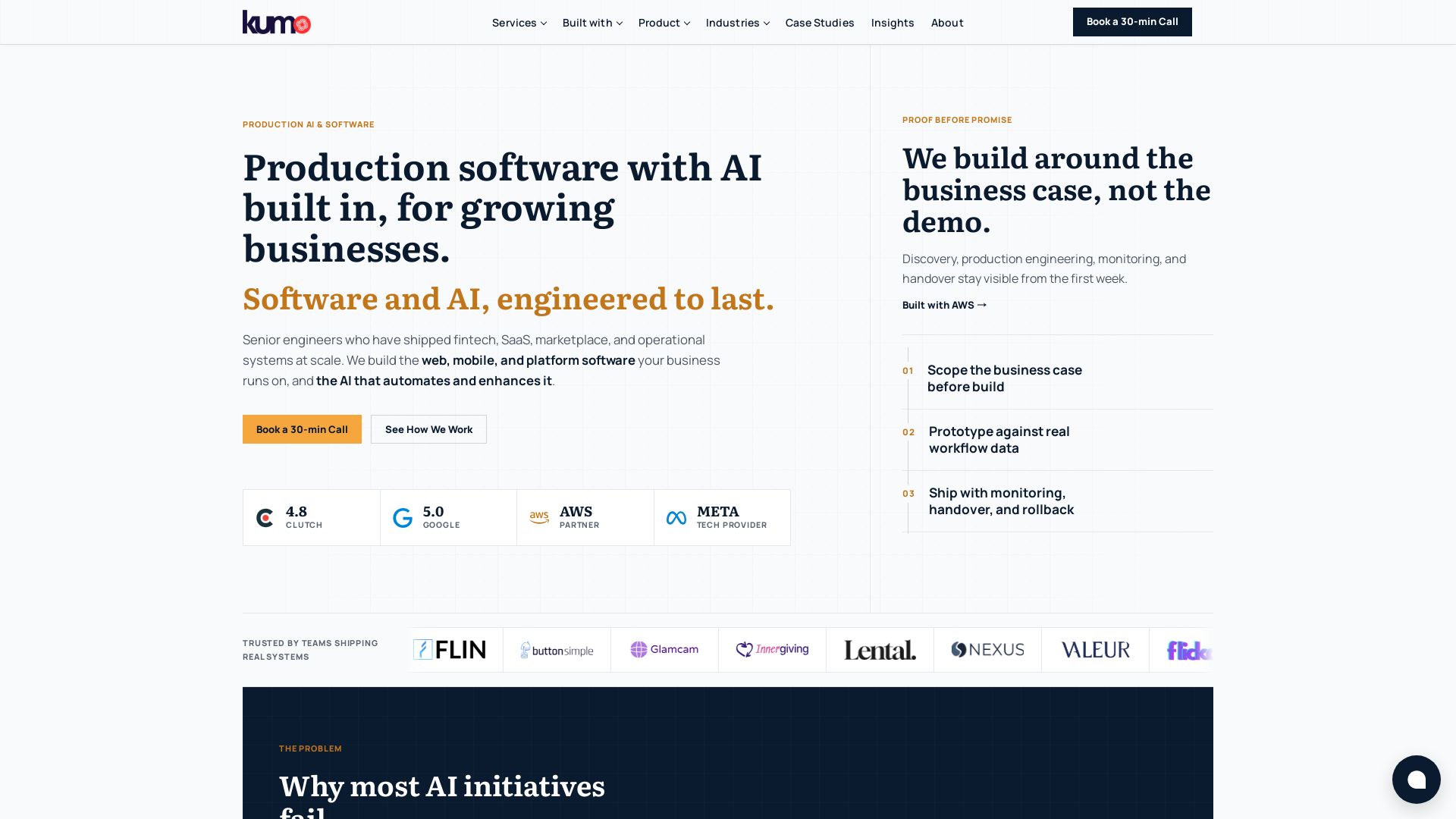
KUMO
Senior engineers build AI-powered software that lasts. Trusted by teams shipping real systems. Book a 30-min call to start building.

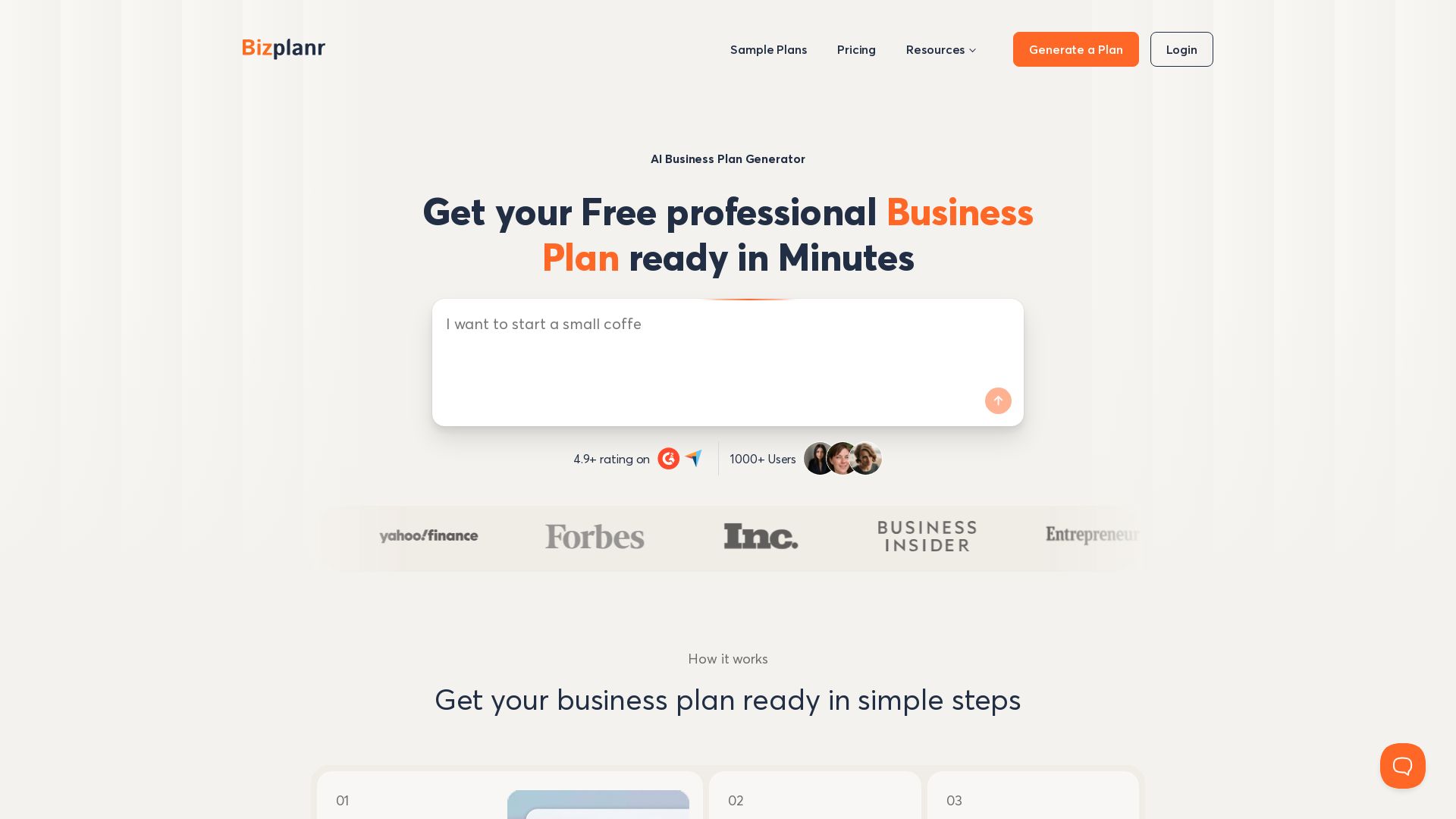
BizPlanr
Create a professional business plan in minutes with our free AI-powered generator. Used by 1000+ users. Get your free draft now!

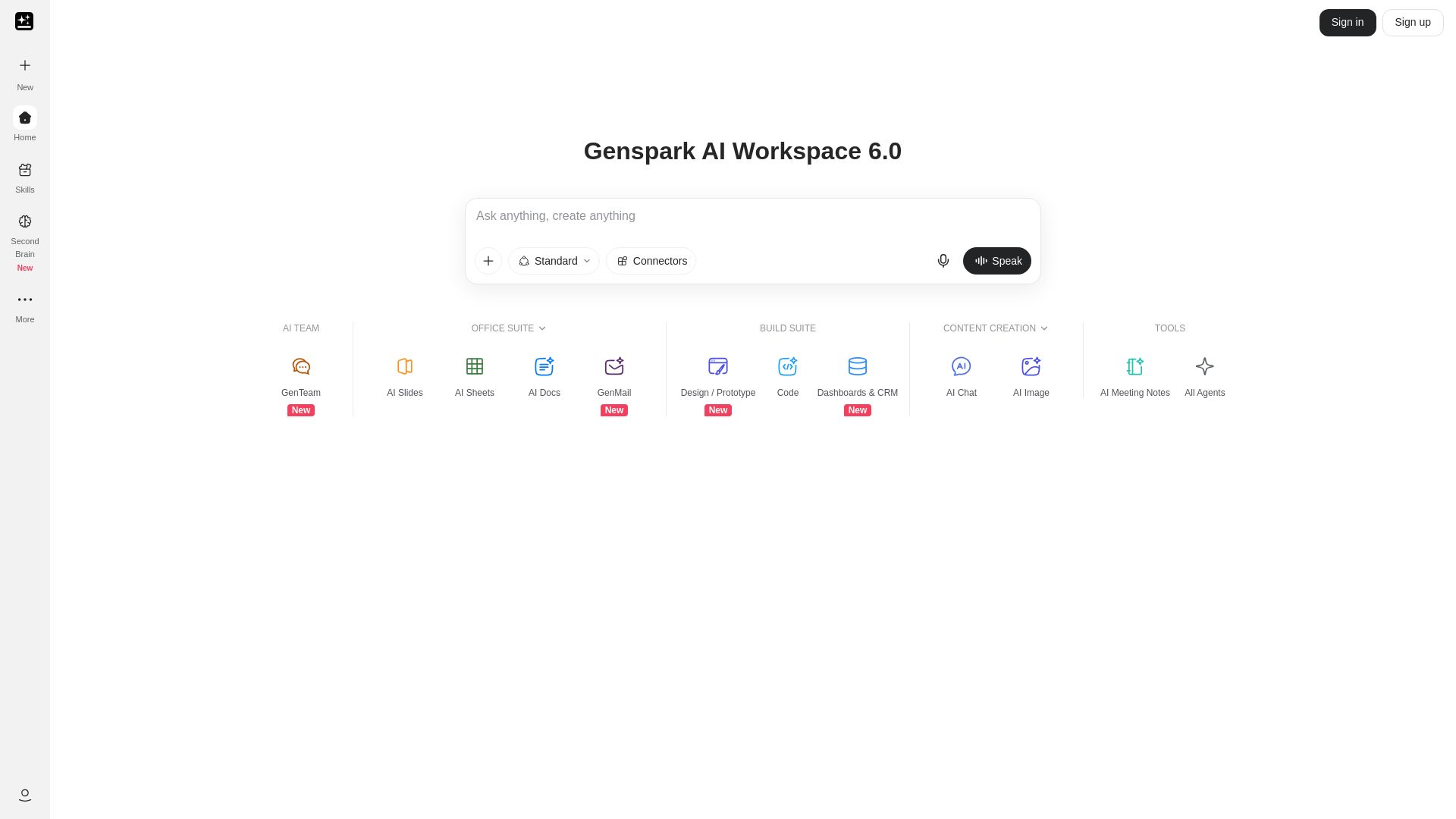
Genspark
Unlock hundreds of AI tools for writing, design, video, business, and more. Your ultimate workspace for creativity and productivity.


ProductCrafters
Get a free 2-week trial sprint for your AI product. Working prototype in 30 days, production-ready in 90. No contract, no credit card. Test your dev team risk-free.

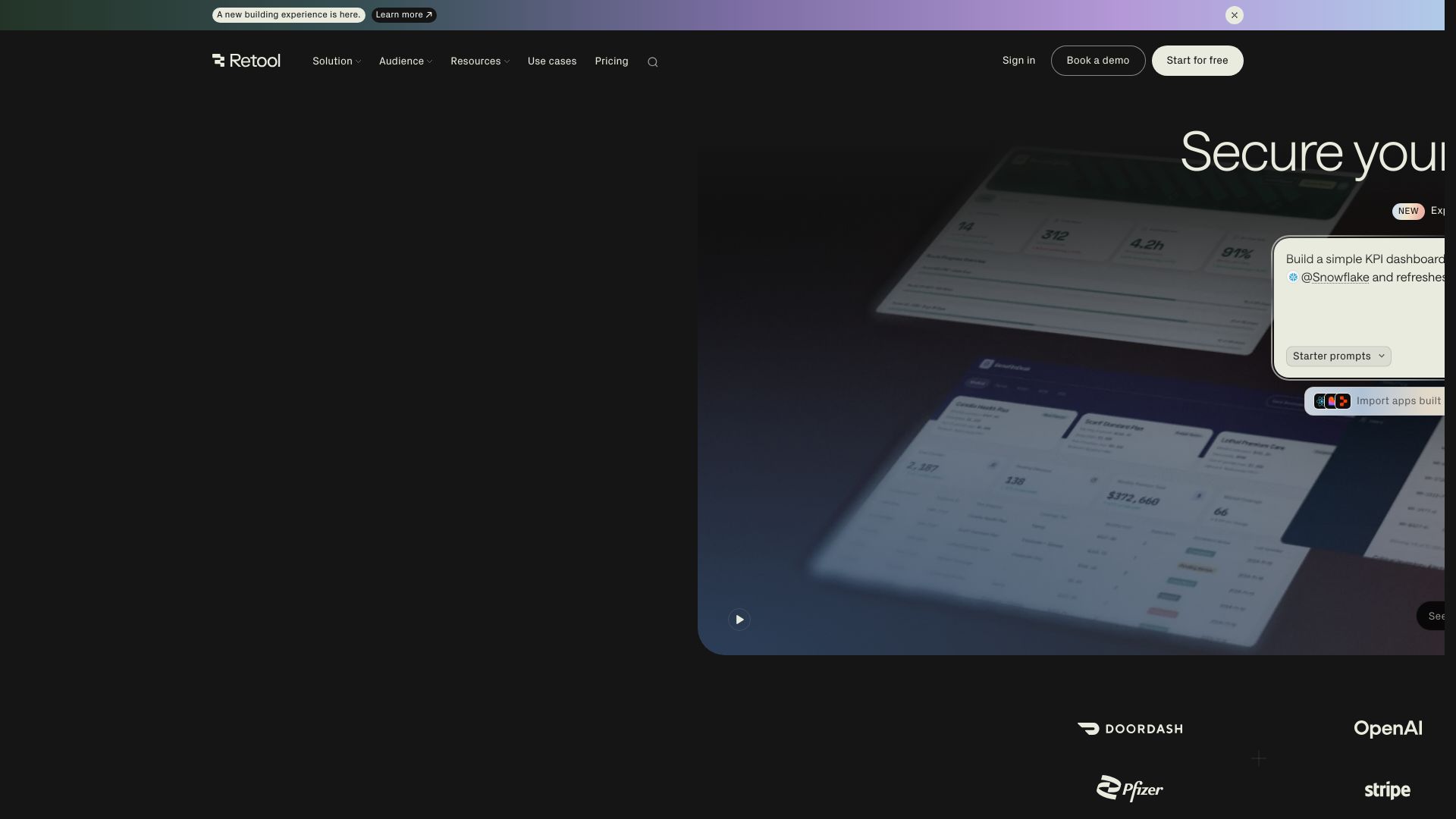
Retool
Build powerful, secure apps on your data with Retool's AI-powered app builder. Connect to any data source, deploy with governance, and scale across your enterprise.

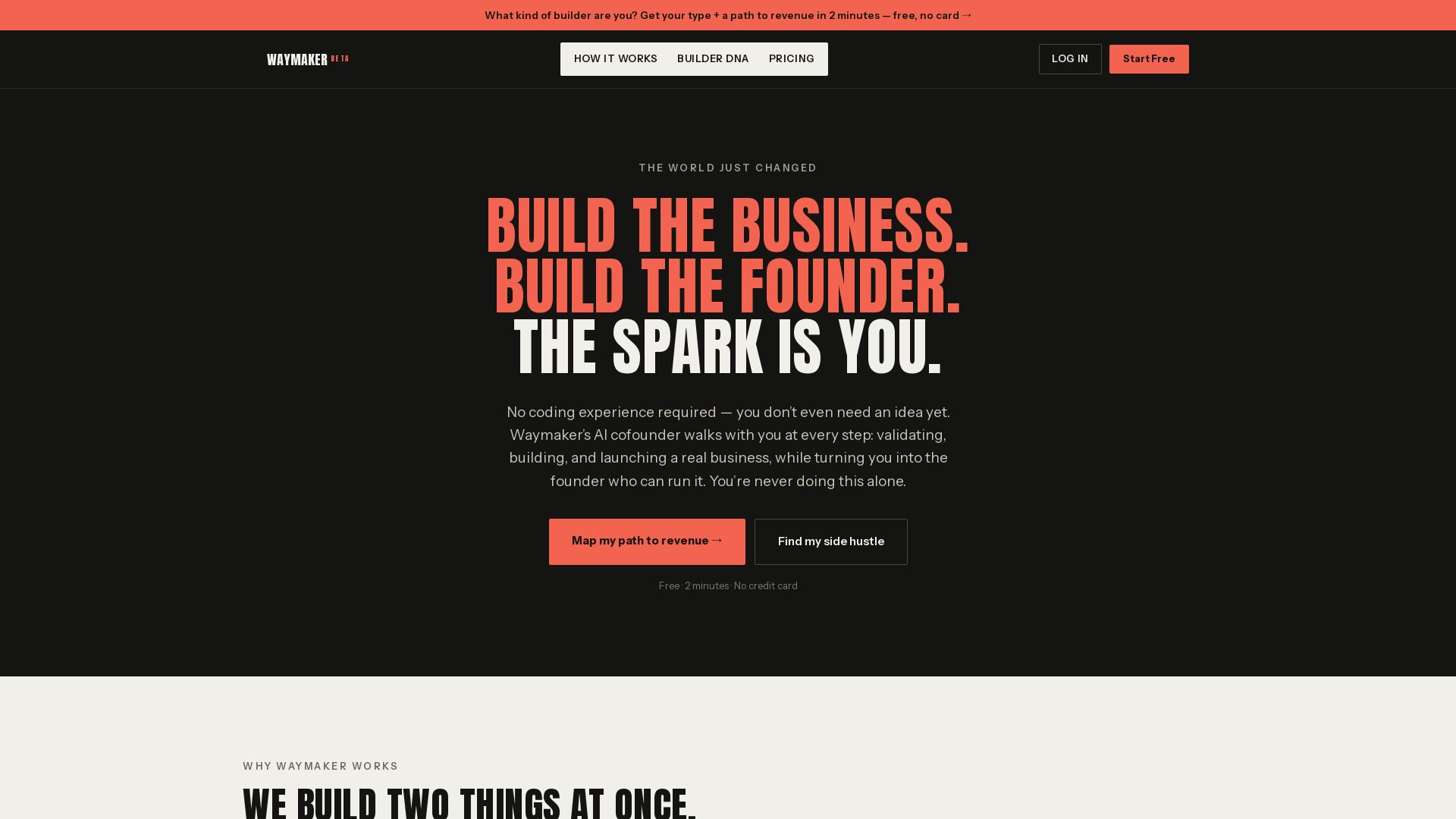
Waymaker AI
Free 2-minute assessment. Discover your Builder DNA and get a personalized path to revenue. No coding or idea needed. Start your side hustle today.

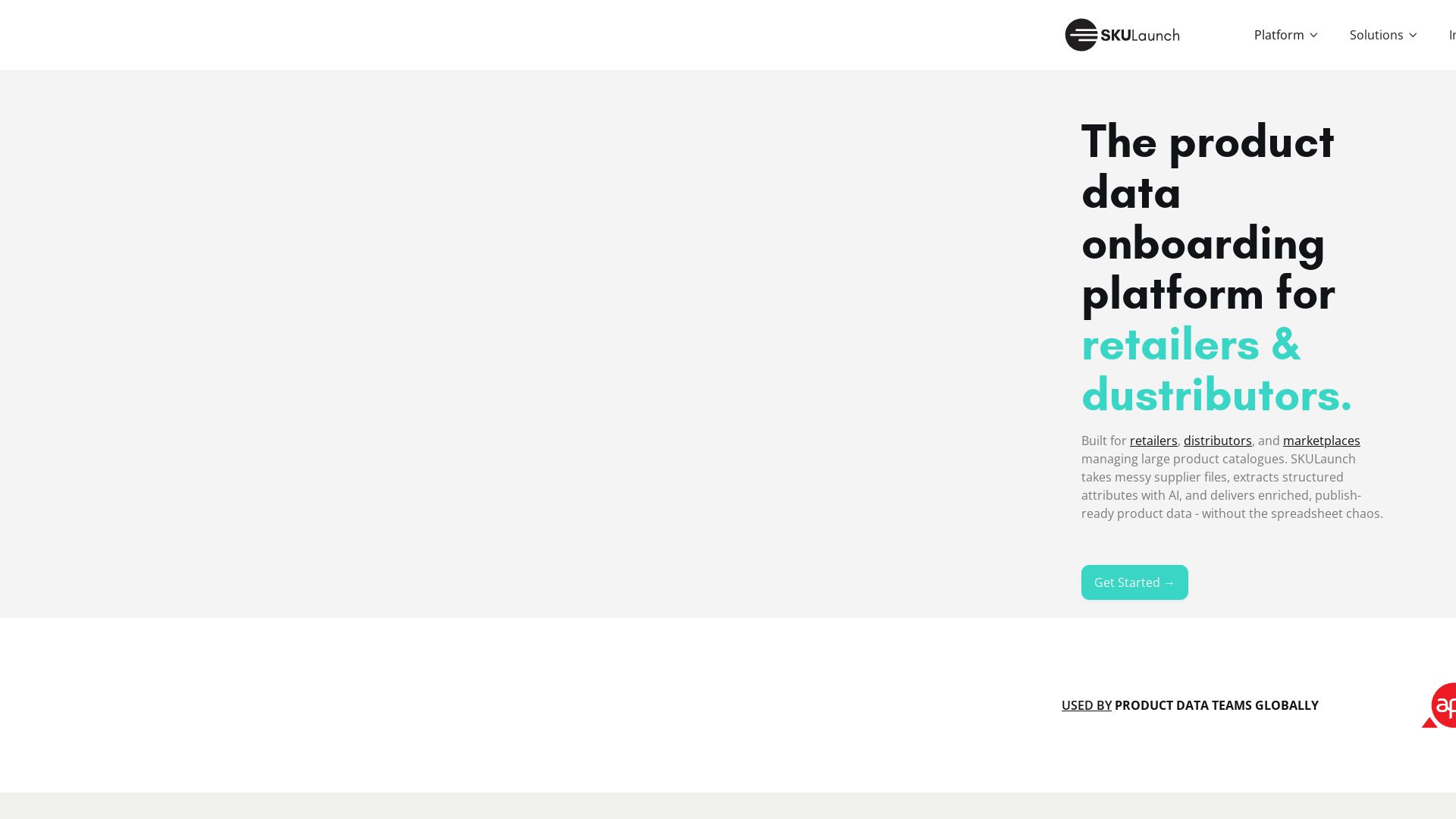
SKULaunch
Automate supplier data onboarding, AI extracts attributes, enrich product catalogs, and publish ready data. From messy files to filterable search.

ℹ️ Curation Disclosure: The overview and features of Masset were synthesized using AI and fact-checked by our curation team to ensure accuracy.
