Google Gemini

Experience Google's AI on your device. Generate content, analyze images, and replace Google Assistant. Free download.


Editor's Verdict
Key Takeaways
- AI-Powered Assistant
- Content Generation
- Code Correction & Generation
- Multi-Modal Understanding
In-Depth Review: What is Google Gemini?
Google Gemini is the official app for Google's AI assistant, formerly Bard. It is multi-modal, able to process text, images, and more. You can generate emails, poems, code, translate, plan trips, or get museum info. Replace Google Assistant with voice activation. Requires Android 9+ and Google app.
Core Features
AI-Powered Assistant
Replace Google Assistant with Google Gemini, activated by voice or button, appearing in a floating window for multitasking.
Content Generation
Generate emails, poems, scripts, and images from text prompts using advanced AI.
Code Correction & Generation
Correct errors in programming code and generate code snippets for tasks, saving hours of searching.
Multi-Modal Understanding
Analyze and combine information from different formats, such as describing images or understanding complex data.
Personal Assistant
Organize schedules, set reminders, and add events to your calendar using natural language commands.
Educational & Travel Aid
Prepare for job interviews, plan trips, learn about museum pieces, and translate text accurately.
Pricing
Free
- Access to standard AI model
- Voice activation and floating window
- Content generation, translation, code help
- Personal assistant features
Premium
- Advanced AI model for better results
- All free features
- Priority access to new features
Pros and Cons
Pros
- Versatile and PowerfulCan generate content, analyze images, correct code, and assist with daily tasks, making it a comprehensive AI tool.
- Easy IntegrationSeamlessly replaces Google Assistant and can be used over any app via floating window.
- Positive User FeedbackUsers rate it 4.2 stars, with many calling it 'great' and 'excellent.'
- Multi-Modal CapabilitiesUnderstands and combines text, images, and other formats for deeper analysis.
- Free Core FeaturesThe basic version is free and includes many useful functions like content generation and code help.
Cons
- Requires Google AppThe Google app must be installed for Gemini to function.
- Premium Subscription NeededAdvanced AI model and features require a paid subscription.
- Android OnlyCurrently only available on Android 9+, with no iOS or desktop versions mentioned.
Use Cases & Recommended Professions
Content Creator→ View Toolkit
Use Gemini to generate ideas, write scripts, create images, and translate content quickly.
Software Developer→ View Toolkit
Get help with debugging, code generation, and understanding complex programming concepts.
Student→ View Toolkit
Assist with research, homework, language translation, and preparing for exams or interviews.
Travel Planner→ View Toolkit
Plan itineraries, get travel tips, and learn about landmarks using AI-generated insights.
Project Manager→ View Toolkit
Organize schedules, set reminders, and manage tasks through voice commands and AI assistance.
Researcher→ View Toolkit
Analyze data, summarize articles, and explore complex topics with multi-modal AI support.
Frequently Asked Questions
Alternative AI Tools
View Detailed Comparison →
Expo AI Chatbot
Build AI chatbot apps for iOS, Android & web with Expo SDK 54, AI SDK 5, voice, long-term memory, and more. Open-source codebase.

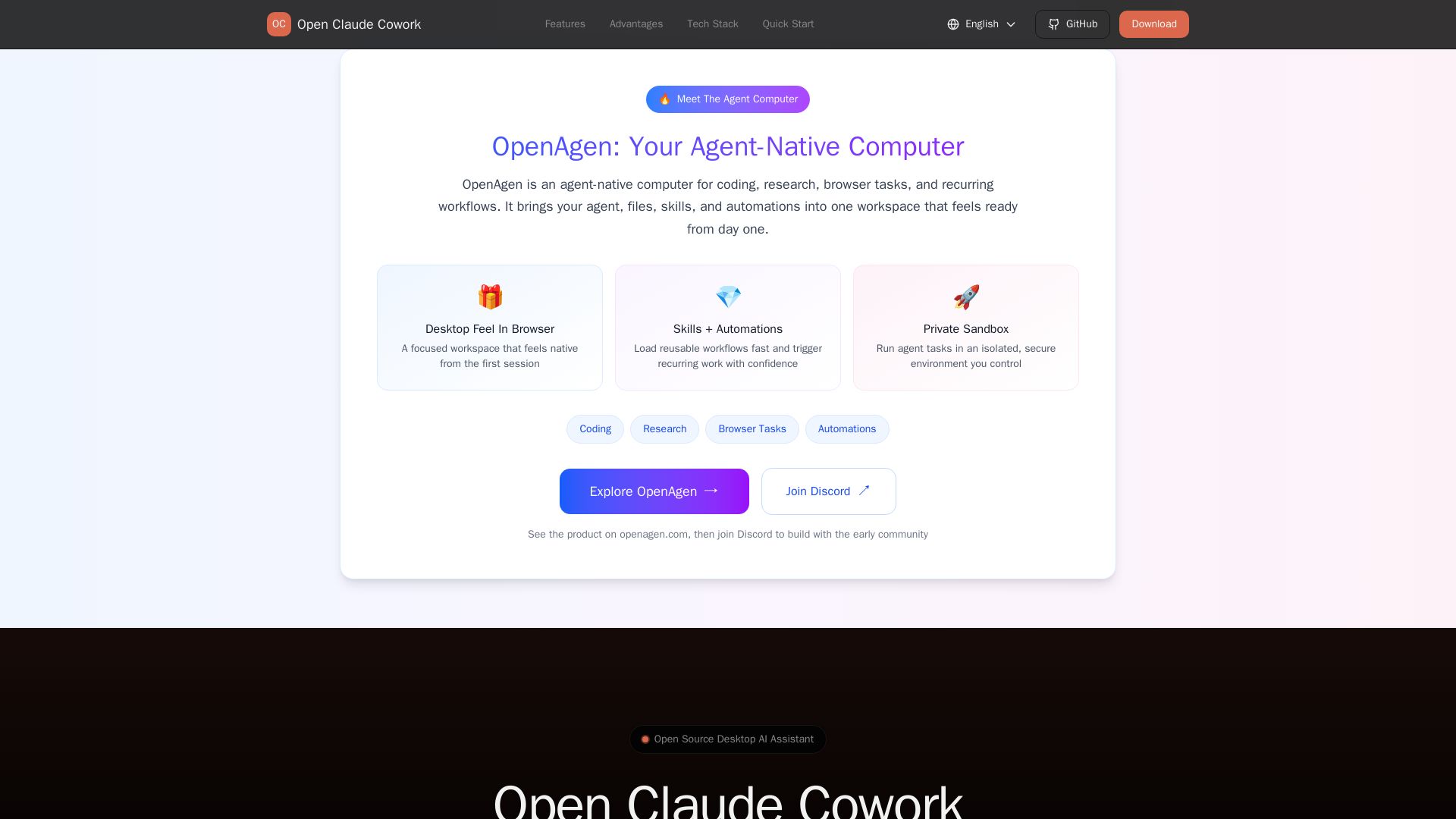
Open Claude Cowork
Bring Claude Code to desktop with visual AI collaboration. Open source assistant for coding, research, browser tasks. Supports Chinese LLMs, session management, and tool control.

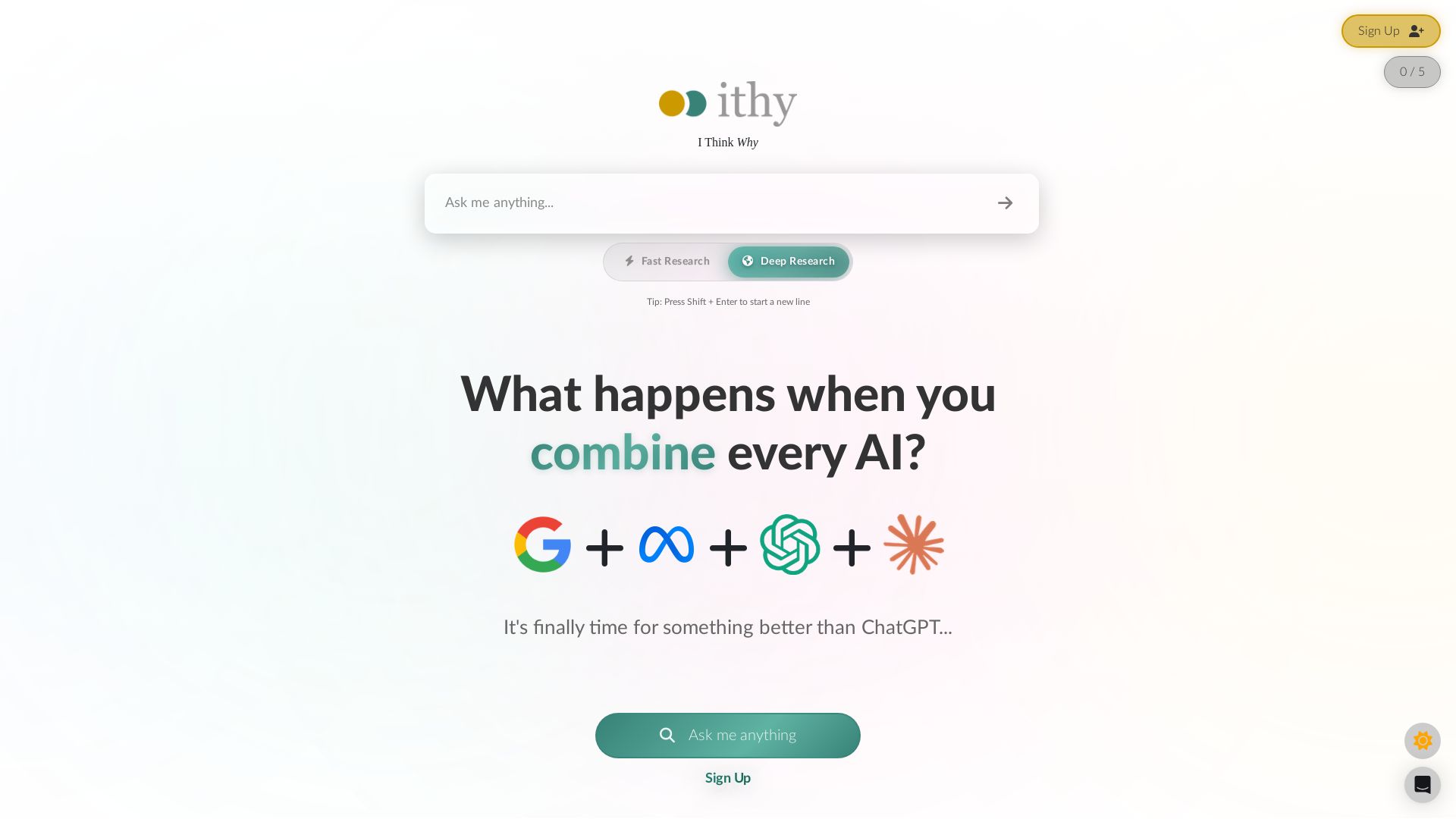
Ithy
Ithy aggregates top AIs (ChatGPT, Gemini, Perplexity) for 1-minute deep research. Interactive articles, rewards, #1 GPQA score. Try free.

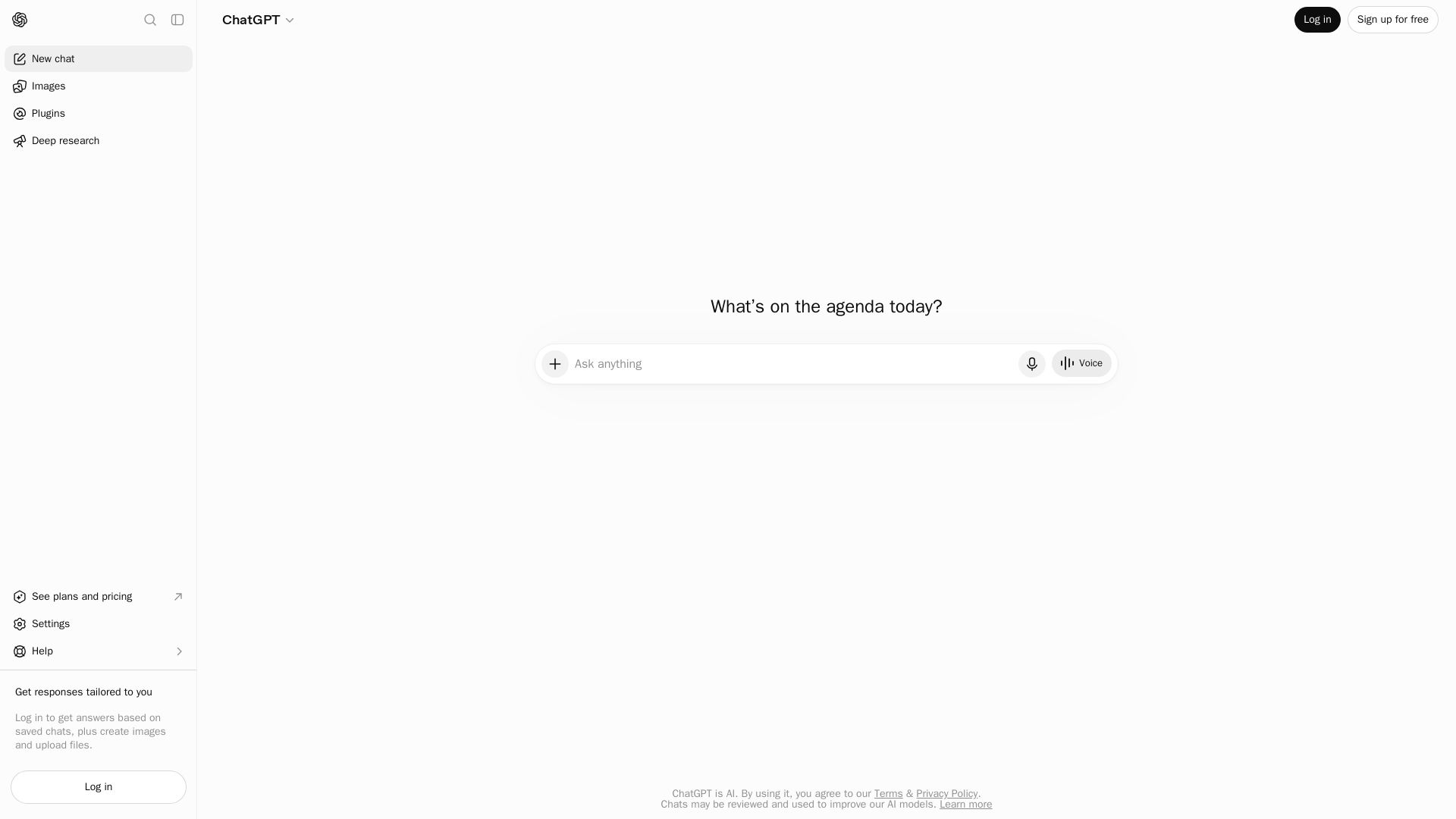
ChatGPT
ChatGPT is an AI assistant that lets you chat, generate images, do deep research, and more. Sign up for free.

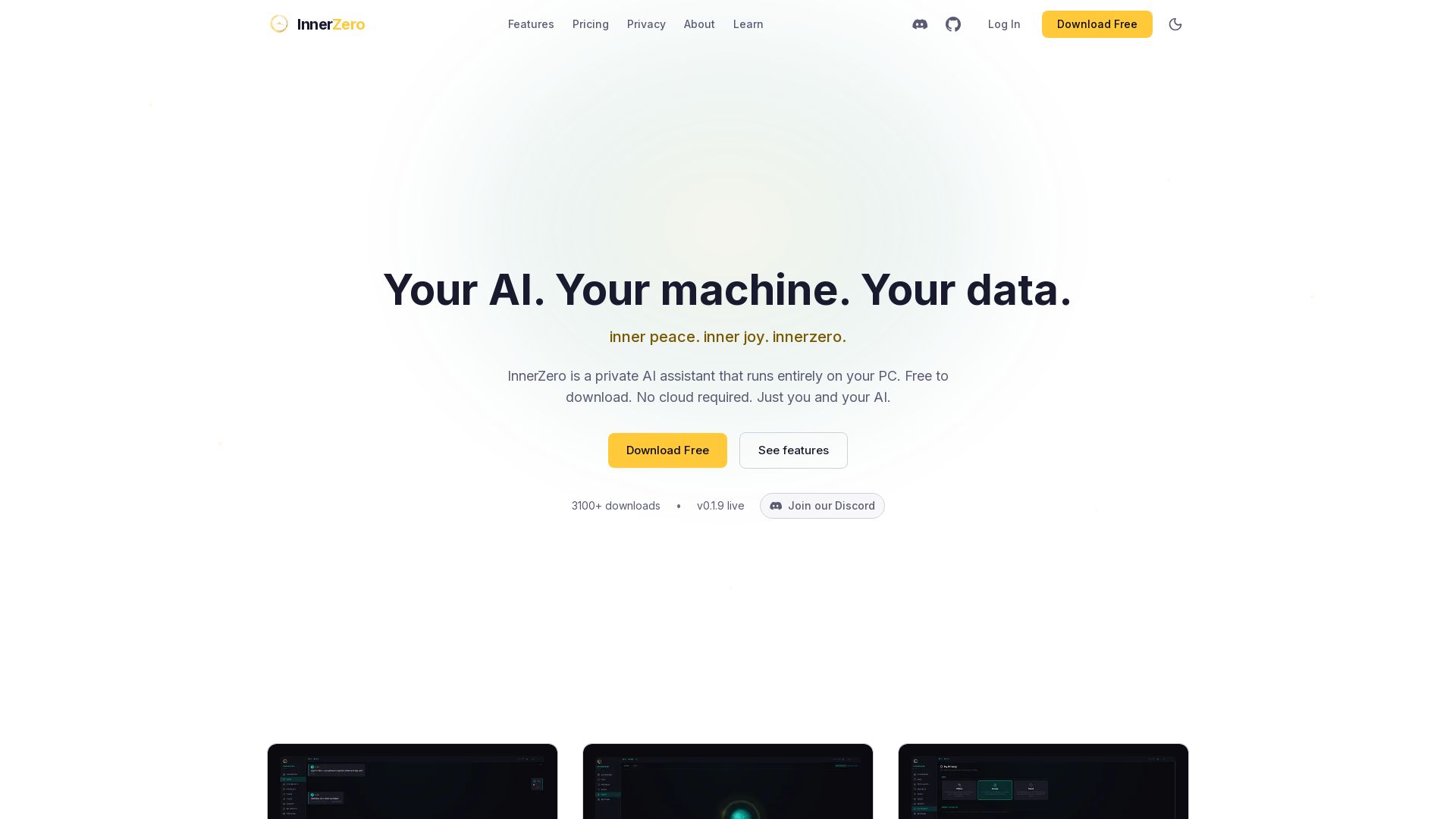
InnerZero
Experience a private AI that runs 100% on your PC. No cloud, no tracking. Voice, memory, multilingual, and free to download. Your data stays yours.

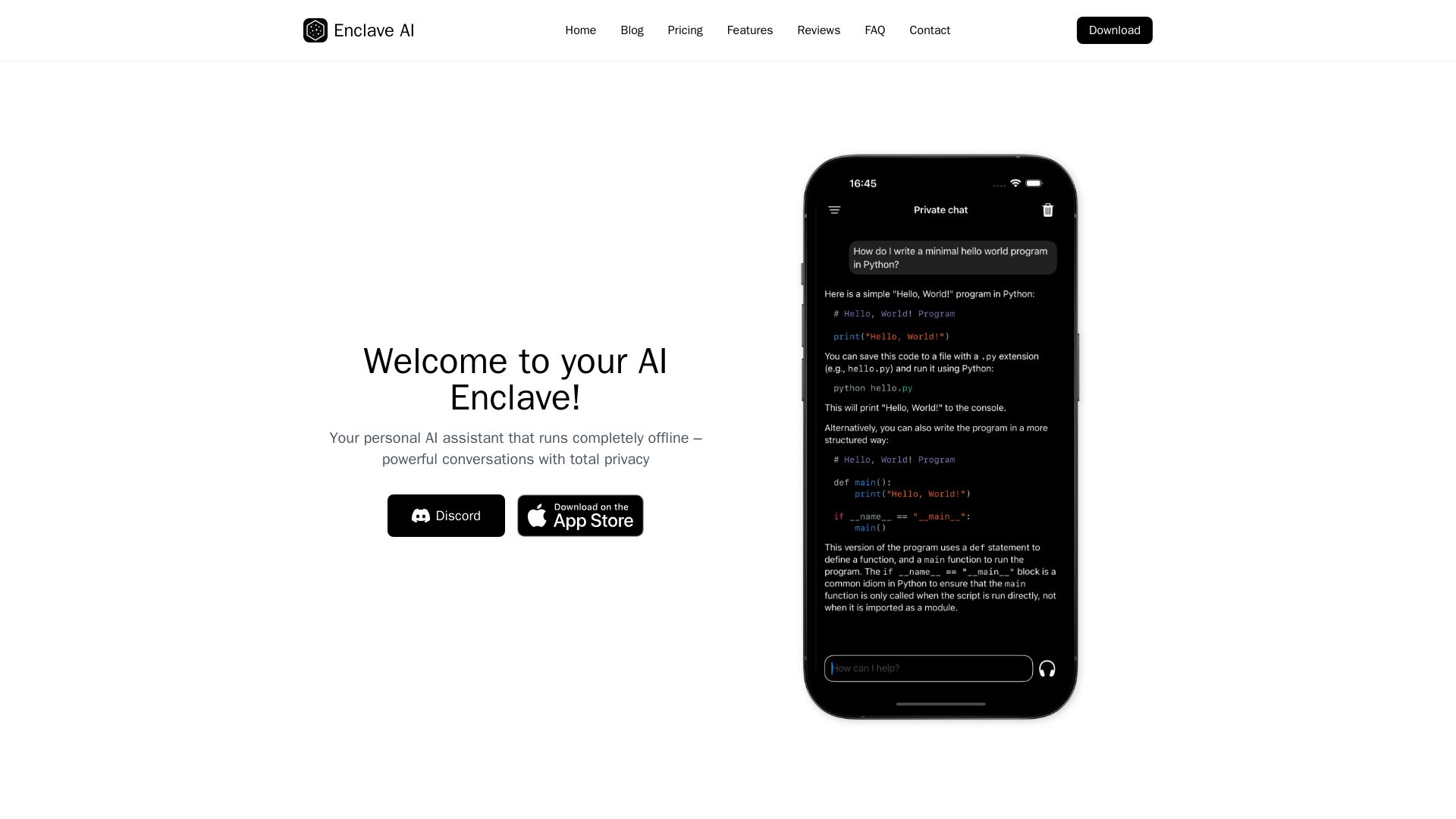
Enclave AI
Private offline AI assistant for iPhone & Mac. Voice chat, document support, custom AI. No cloud needed.

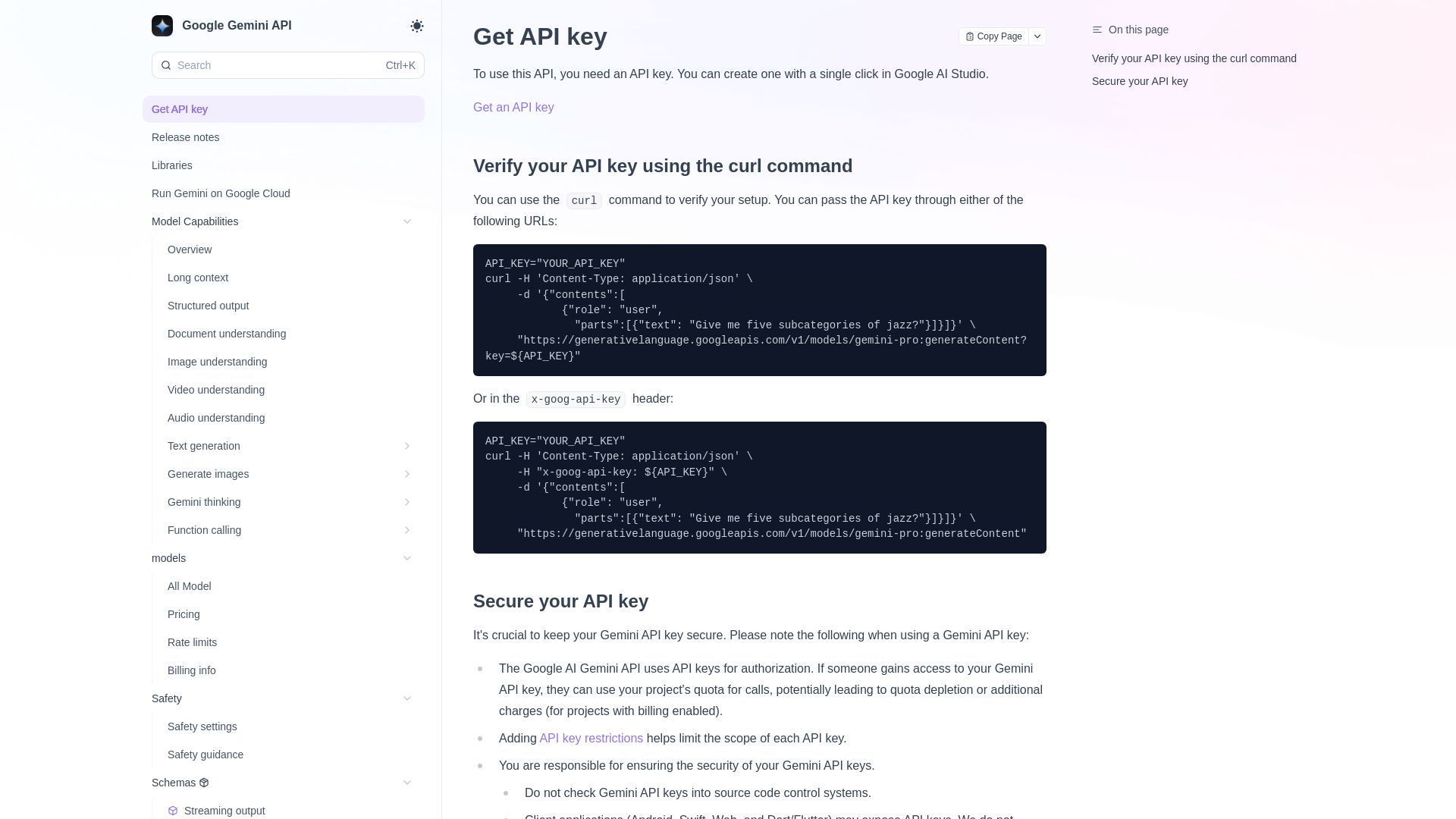
Google Gemini API
Access Google Gemini models via API. Get API key, integrate with curl, explore capabilities like long context, structured output, and more.

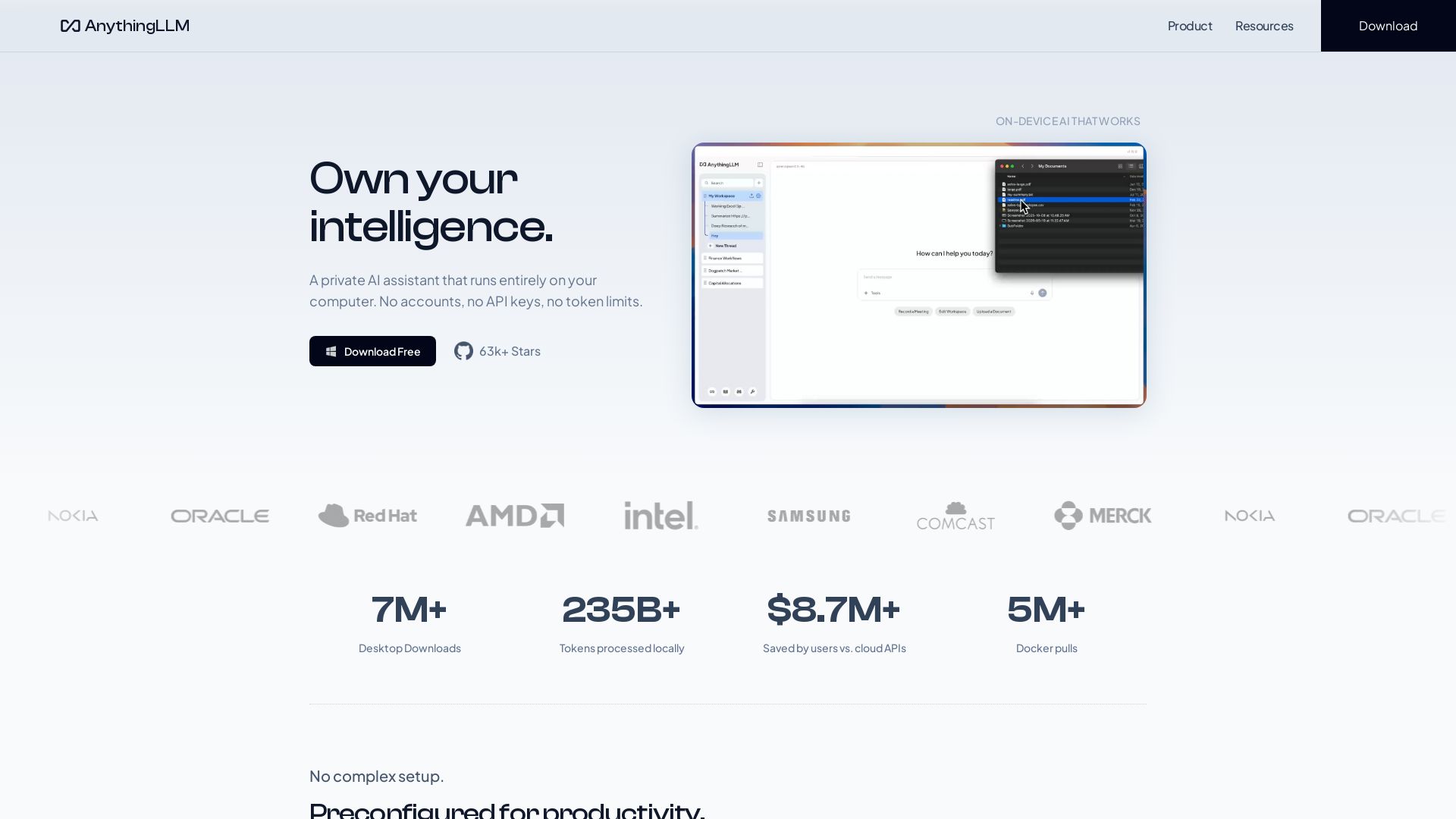
AnythingLLM
Free, open-source private AI assistant. Runs locally on your computer. No cloud, no accounts. Includes document knowledge, meeting assistant, and more.


HIX AI
HIX AI is an AI agent workspace that lets you research, create slides, videos, images, and more with one tool. Boost productivity with deep research and automated content creation.


Figr
Ship better UX faster. Figr builds a living understanding of your product, maps flows, finds edge cases, and generates high-fidelity prototypes from your actual design system.

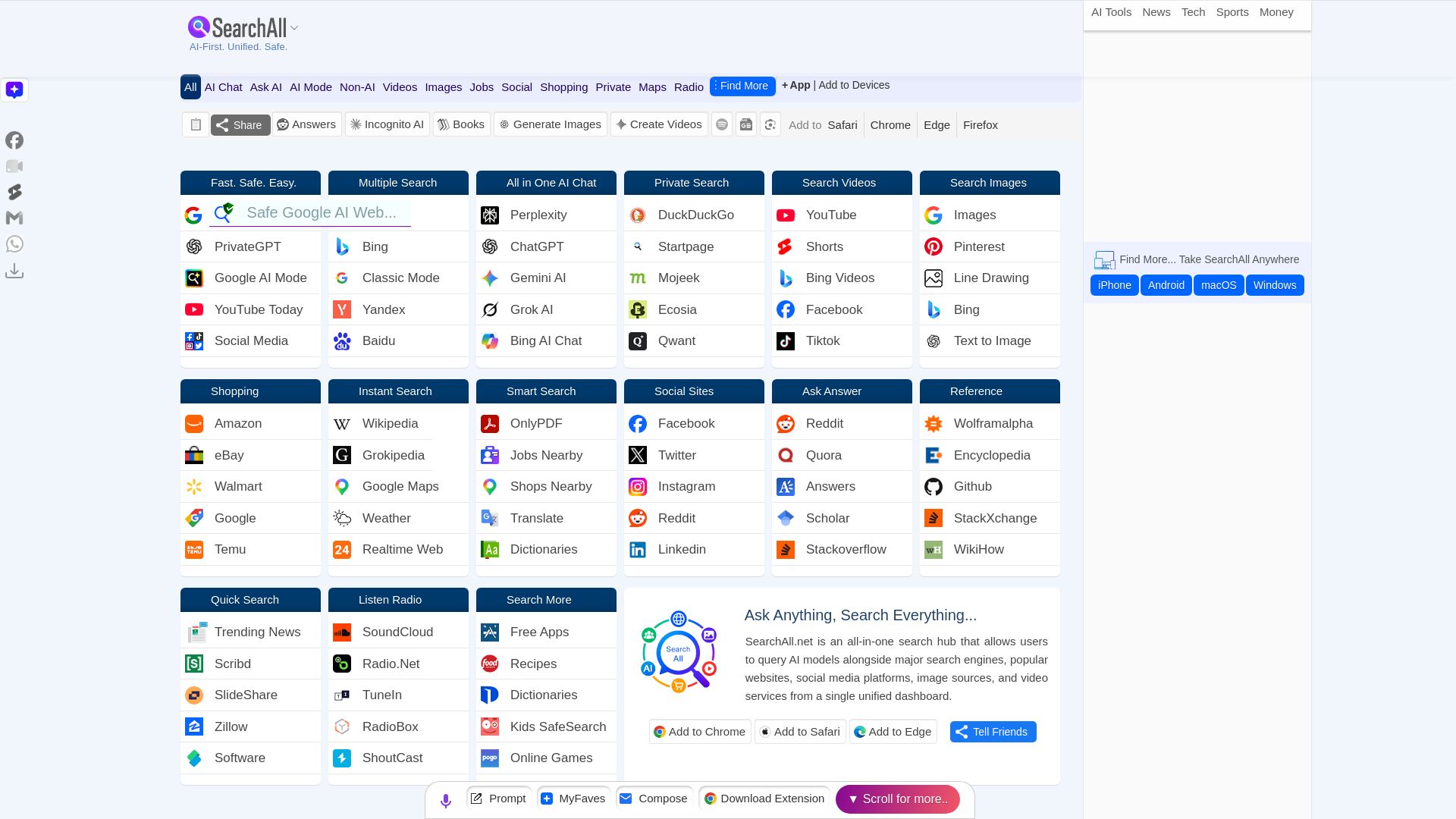
Search All
Access AI chatbots, search engines, social media, videos, images, shopping from one dashboard. Voice search, private, fast, unified search.

Chat Smith
Unlock powerful AI tools for image creation, deep research, web search, writing, and work. Sign in for unlimited chats and history.

ℹ️ Curation Disclosure: The overview and features of Google Gemini were synthesized using AI and fact-checked by our curation team to ensure accuracy.
