
Copilot Circle
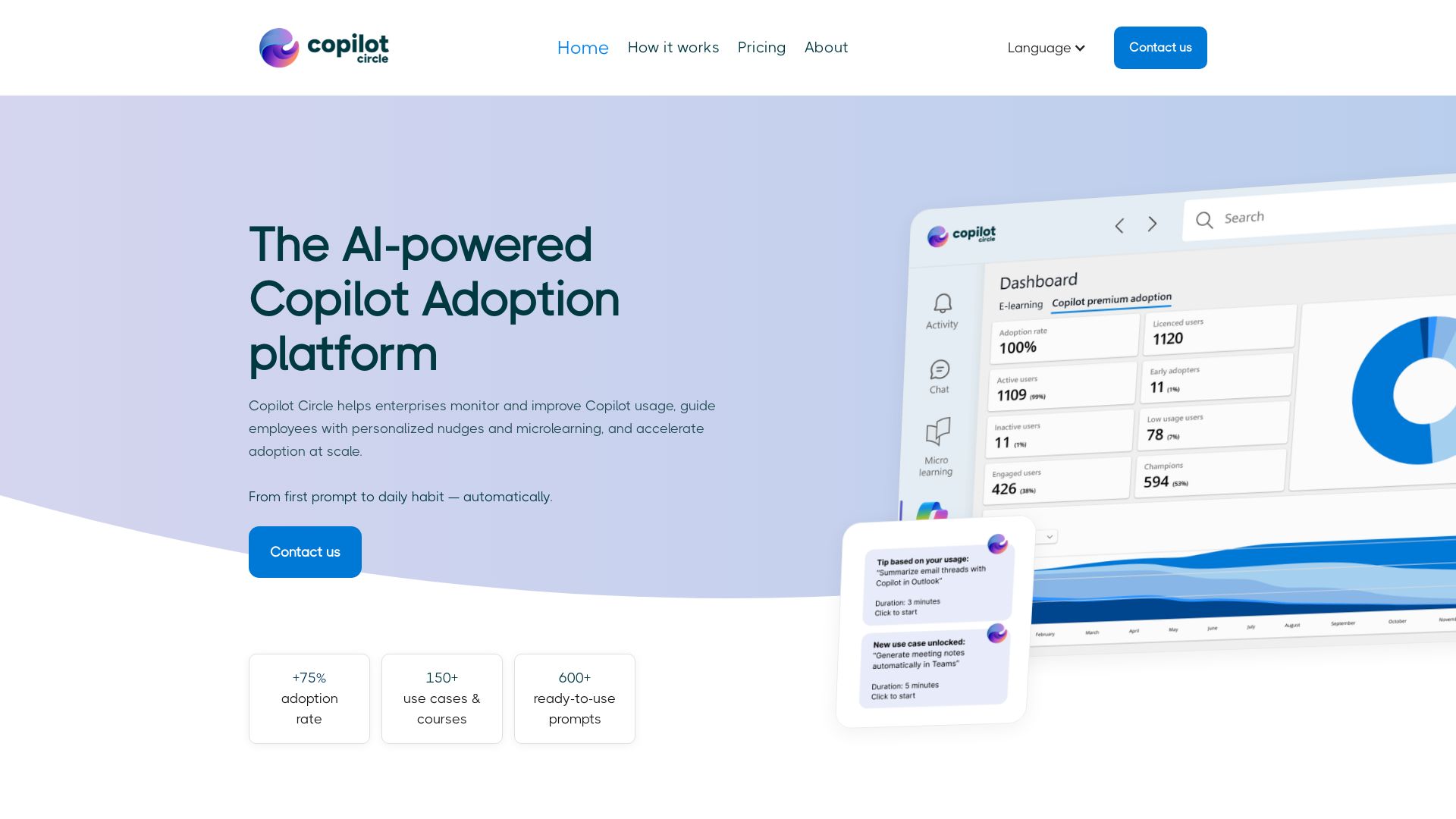
Drive real Microsoft Copilot adoption with AI Agent monitoring, personalized training, and live expert sessions. Trusted by leading companies.
Editor's Verdict
Key Takeaways
- AI Agent Core
- Automatic Usage Monitoring
- Smart User Classification
- Continuous Learning Loop
In-Depth Review: What is Copilot Circle?
Copilot Circle is an AI-powered platform that maximizes Microsoft Copilot ROI. Its AI Agent automatically monitors usage, classifies users by maturity, and delivers personalized nudges, adaptive microlearning (150+ courses), and 600+ ready-to-use prompts via Microsoft Teams. Combined with live expert training and Microsoft Jumpstart Partner status, it turns licenses into habits—boosting adoption to over 96%.
Core Features
AI Agent Core
An AI Agent continuously analyzes user interactions with Copilot and triggers personalized actions at the right time.
Automatic Usage Monitoring
Connects to Microsoft 365 to track real-time Copilot usage per employee, app, and feature without surveys.
Smart User Classification
Automatically classifies users as inactive, beginner, regular, or power user based on actual behavior, updating continuously.
Continuous Learning Loop
Adapts content and prompts as users progress, creating a self-reinforcing adoption cycle.
Adoption Analytics & Smart Classification
Provides real-time visibility into adoption rates and identifies inactive users needing intervention.
Personalized Nudges via Teams
Delivers contextual notifications in Microsoft Teams tailored to user maturity, role, and usage patterns.
Adaptive Microlearning
Offers 150+ e-learning courses with quizzes and certificates that adapt to user level, covering fundamentals to department-specific training.
600+ Prompt Library
A curated library of ready-to-use prompts organized by role, scenario, and M365 app, eliminating blank page syndrome.
Live Training with Experts
Certified trainers deliver hands-on sessions, including monthly 'What's New' updates, on-demand training, and 'Find Your Use Case' workshops.
Data Security & GDPR Compliance
Operates within Microsoft 365 security perimeter, never storing corporate data outside the environment, and is GDPR compliant.
Pricing
Enterprise
- AI Agent core
- Automatic usage monitoring
- Smart user classification
- Continuous learning loop
- Adoption analytics
- Personalized nudges
- Adaptive microlearning (150+ courses)
- 600+ prompt library
- Live training sessions
- Monthly 'What's New' updates
- On-demand training catalog
- Find Your Use Case workshops
- Data security & GDPR compliance
Pros and Cons
Pros
- High Adoption RatesAchieves over 96% monthly active usage through continuous AI-driven adoption, far exceeding the typical <30% after initial training.
- Personalized User ExperienceEach user receives tailored nudges, courses, and prompts based on their maturity level and behavior, increasing engagement.
- Comprehensive Training & SupportCombines adaptive microlearning (150+ courses) with live expert sessions to cover all learning needs.
- Data SecurityOperates within Microsoft 365 security perimeter, ensuring no corporate data leaves the environment; GDPR compliant.
- Ready-to-Use PromptsOver 600 curated prompts help users immediately apply Copilot across various roles and scenarios, reducing friction.
Cons
- Requires Microsoft 365 & CopilotThe platform is built exclusively for Microsoft Copilot within M365, so organizations without these subscriptions cannot use it.
- No Transparent PricingPricing is not publicly listed; interested users must contact sales, which may be a barrier for small businesses.
- Dependence on AI Agent AccuracyThe effectiveness relies on the AI Agent correctly classifying users and delivering timely nudges; misclassifications could lead to irrelevant content.
Use Cases & Recommended Professions
IT Director→ View Toolkit
Oversees technology adoption and needs to maximize ROI on Copilot licenses while ensuring data security and user engagement.
Digital Transformation Manager→ View Toolkit
Drives digital workplace initiatives and requires a platform to monitor, guide, and accelerate AI tool adoption across departments.
HR Manager→ View Toolkit
Manages employee training and onboarding; benefits from adaptive microlearning and personalized nudges to upskill staff on Copilot.
Marketing Manager→ View Toolkit
Uses Copilot for content generation and analytics; needs prompt libraries and department-specific training to leverage AI effectively.
Sales Manager→ View Toolkit
Relies on Copilot for customer insights and communication; requires contextual prompts and usage tracking to improve team productivity.
Communication Specialist→ View Toolkit
Creates internal communications; uses Copilot for drafts and needs the platform to ensure consistent adoption and feedback.
Frequently Asked Questions
Alternative AI Tools
View Detailed Comparison →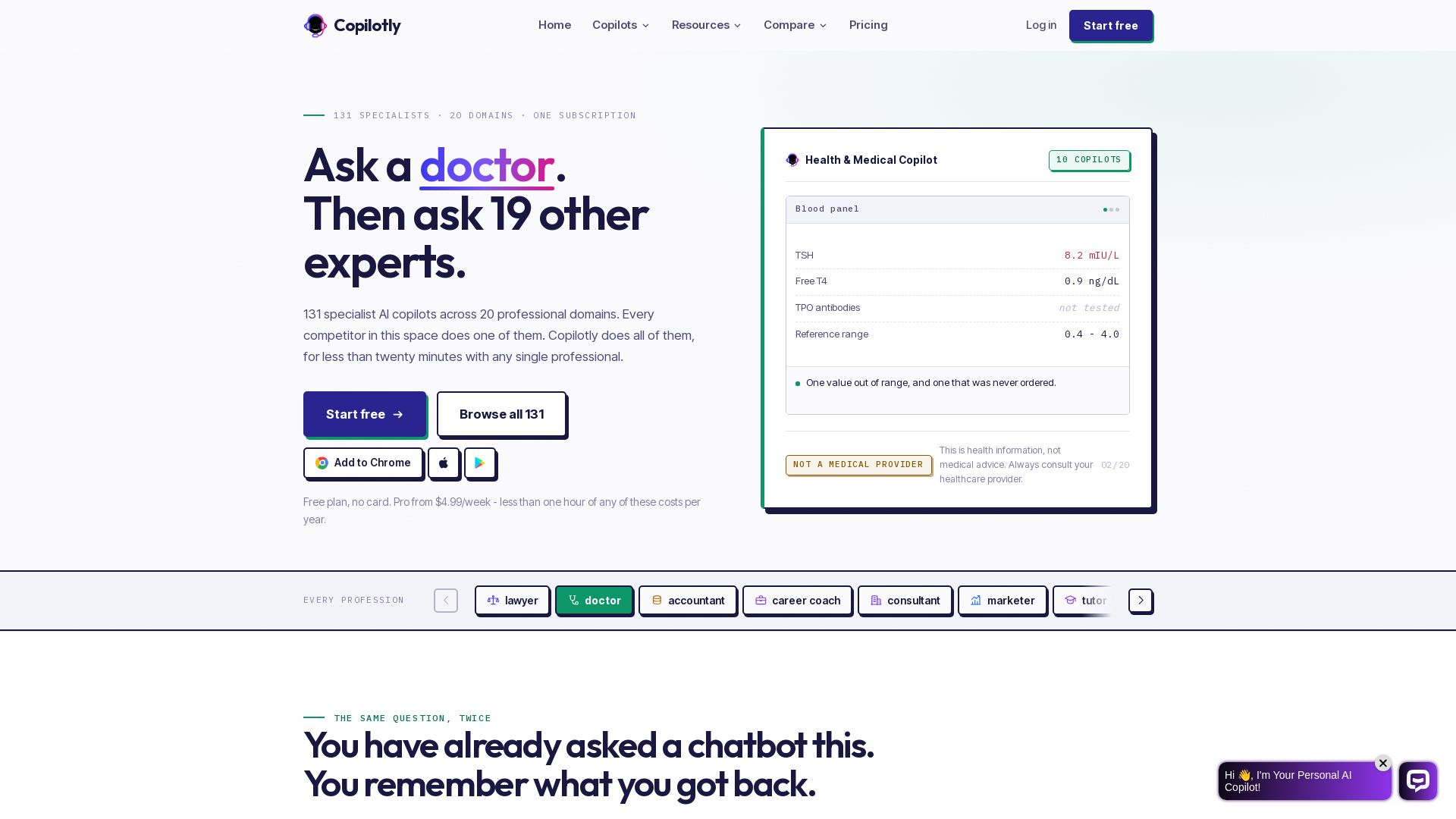
Copilotly
Get expert AI guidance from 131 specialized copilots for legal, health, finance, career & more. One subscription, free plan available.


PrometAI
Generate investor-ready business plans in minutes with PrometAI's AI. Trusted by 100,000+ founders. Start for free, no guesswork.


Figr
Ship better UX faster. Figr builds a living understanding of your product, maps flows, finds edge cases, and generates high-fidelity prototypes from your actual design system.

Axify
Get clear visibility into AI usage, cost, and impact across your engineering teams. Flat fee, no per-seat pricing. Start free trial.




AIGenerator
Plan, launch, and grow your business with AI. Generate business plans, ads, and content in minutes. Free to start.


Microsoft Copilot
Chat, create, and get answers with Microsoft 365 Copilot. Find info, draft content, and work smarter. Download for desktop or mobile.

BizPlanr
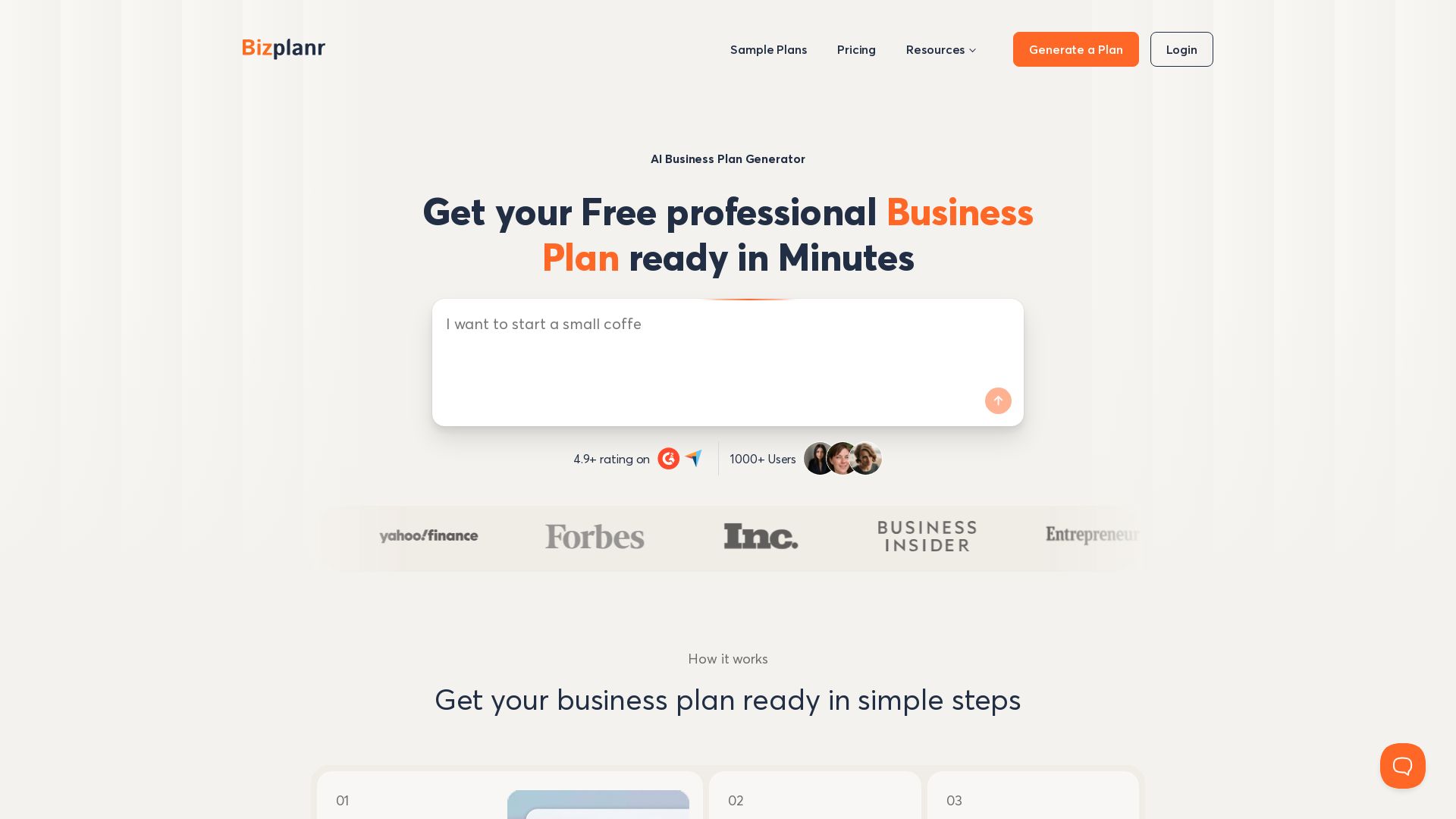
Create a professional business plan in minutes with our free AI-powered generator. Used by 1000+ users. Get your free draft now!

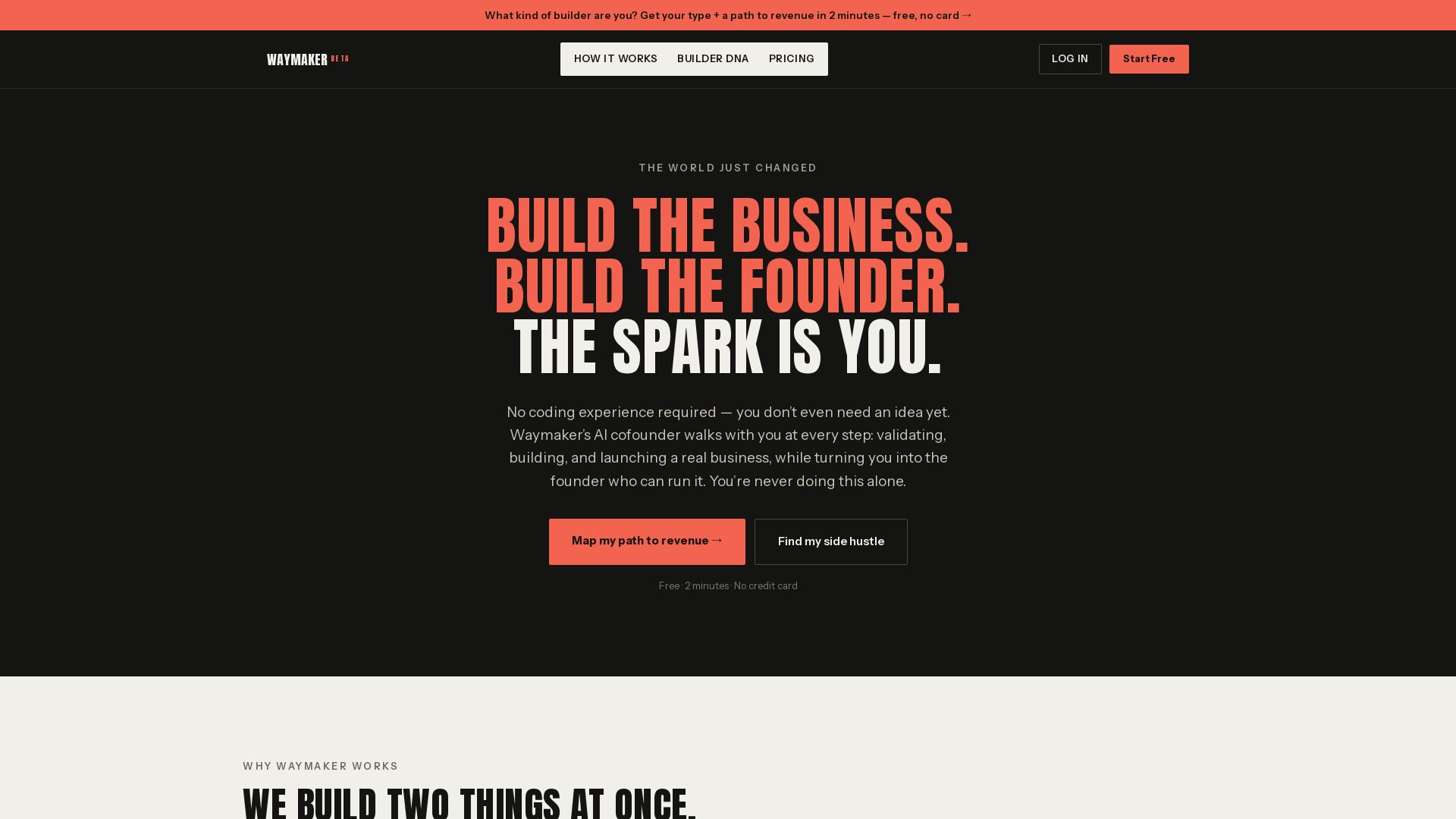
Waymaker AI
Free 2-minute assessment. Discover your Builder DNA and get a personalized path to revenue. No coding or idea needed. Start your side hustle today.

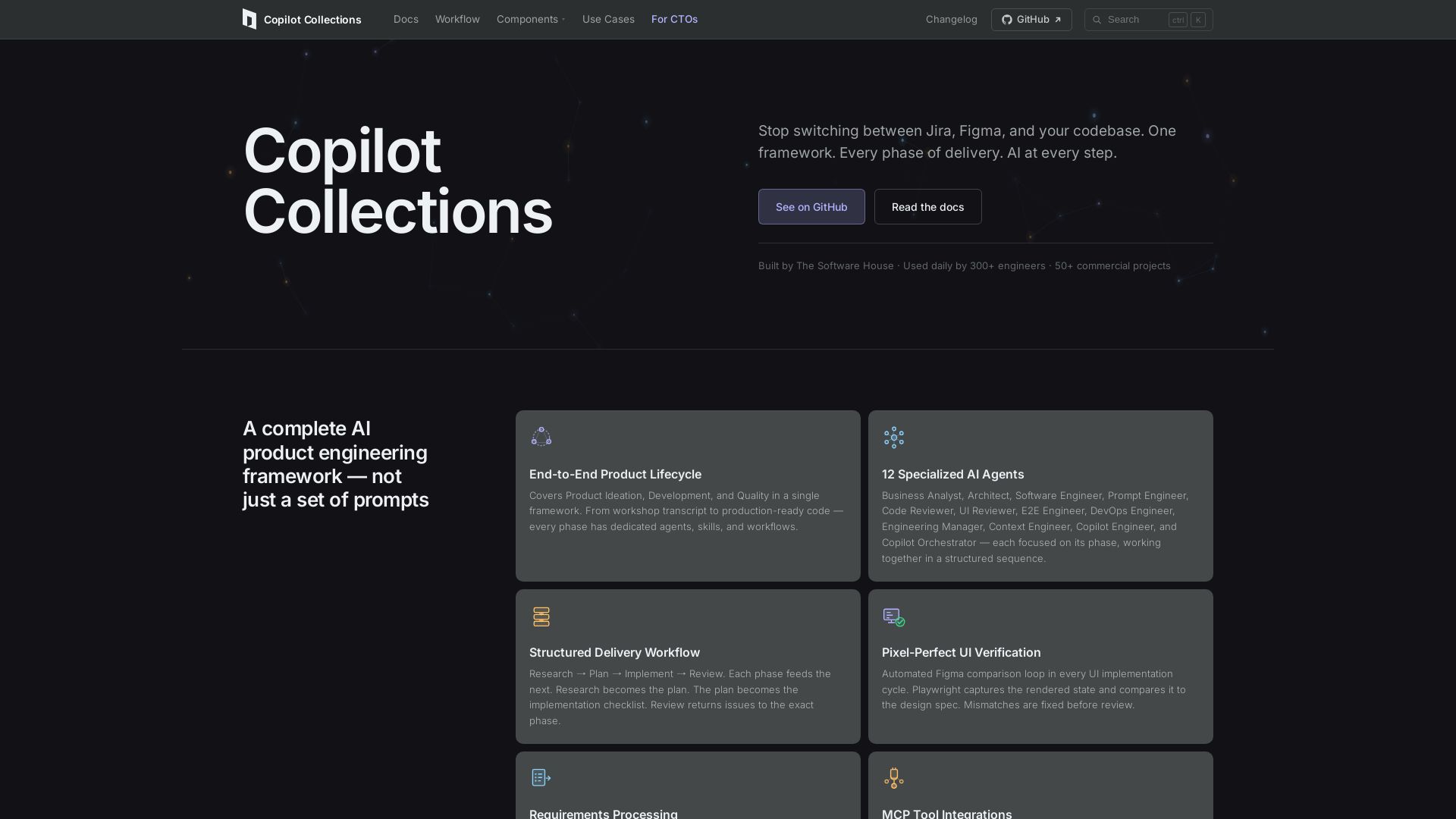
Copilot Collections
Turn ideas into production code with 12 AI agents, MCP integrations, and pixel-perfect UI verification. Used by 300+ engineers. Reduce lead time by 30%.

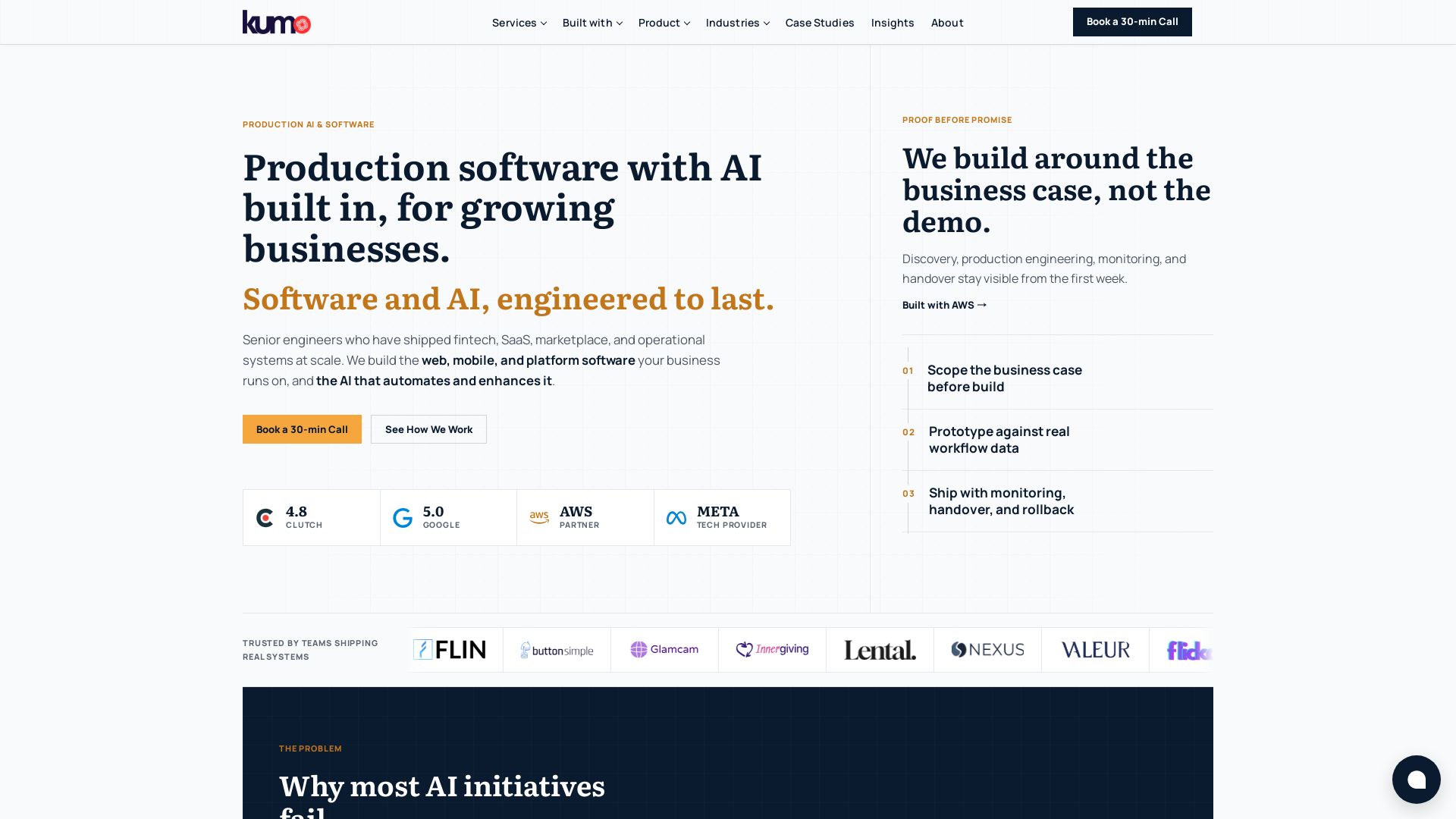
KUMO
Senior engineers build AI-powered software that lasts. Trusted by teams shipping real systems. Book a 30-min call to start building.

SKULaunch
Automate supplier data onboarding, AI extracts attributes, enrich product catalogs, and publish ready data. From messy files to filterable search.

ℹ️ Curation Disclosure: The overview and features of Copilot Circle were synthesized using AI and fact-checked by our curation team to ensure accuracy.
