
Microsoft Copilot

Chat, create, and get answers with Microsoft 365 Copilot. Find info, draft content, and work smarter. Download for desktop or mobile.
Editor's Verdict
Key Takeaways
- AI-powered chat
- Grounded answers
- Content creation
- Microsoft 365 app integration
In-Depth Review: What is Microsoft Copilot?
Microsoft 365 Copilot is your AI-powered assistant for work, life, and school. Chat naturally to explore projects, get grounded answers with search, and create polished content, images, and more. Designed for secure, seamless collaboration, it works across your apps and devices—available for desktop and mobile. Whether you're catching up on priorities, summarizing information, or turning ideas into action, Copilot helps you move forward faster. Available to Microsoft 365 subscribers in supported regions and languages.
Core Features
AI-powered chat
Chat to find answers, create content, and complete tasks with AI that understands your work.
Grounded answers
Get grounded answers and quickly find the information, files, and insights you need to get work done.
Content creation
Draft content, generate images, and turn ideas into polished work faster.
Microsoft 365 app integration
Copilot works in Word, Excel, PowerPoint, Outlook, and Microsoft Teams to boost productivity.
Work IQ
Use Work IQ to ground AI responses in your business data, including documents, emails, and meetings.
Reasoning AI
Access advanced reasoning AI for research and data analysis.
Pre-built agents
Leverage Microsoft agents such as Researcher, Analyst, and Facilitator to handle complex tasks.
Enterprise security
Benefit from enterprise data protection, compliance controls, and identity management.
Multi-platform access
Use Copilot on web, mobile, and desktop, including a dedicated desktop app.
Adoption analytics
Measure adoption, usage, and business impact with built-in analytics.
Pricing
Microsoft 365 Business Premium with Copilot
- Microsoft 365 Copilot in apps such as Word, Excel, PowerPoint, Outlook, and Microsoft Teams
- AI-powered chat connected to your work data and access to reasoning AI for research and data analysis
- Advanced identity and access management for up to 300 users
- Web, mobile, and desktop versions of Word, Excel, PowerPoint, Outlook, and other apps
- Custom business email
- Chat, call, and video conference with Microsoft Teams
- 1 TB of cloud storage per user
- 10+ additional apps for your business needs (including Microsoft Loop, Clipchamp, Bookings, Planner, and Forms)
- Enhanced cyberthreat protection against viruses and phishing attacks
- Discovery, classification, and protection of sensitive data
- Anytime phone and web support
Microsoft 365 Business Standard with Copilot
- Microsoft 365 Copilot in apps such as Word, Excel, PowerPoint, Outlook, and Microsoft Teams
- AI-powered chat connected to your work data and access to reasoning AI for research and data analysis
- Identity and access management for up to 300 users
- Web, mobile, and desktop versions of Word, Excel, PowerPoint, Outlook, and other apps
- Custom business email
- Experience enterprise-grade security, privacy, and compliance
- Chat, call, and video conference with Microsoft Teams
- 1 TB of cloud storage per user
- 10+ additional apps for your business needs (including Microsoft Loop, Clipchamp, Bookings, Planner, and Forms)
- Automatic spam and malware filtering
- Anytime phone and web support
Microsoft 365 Copilot Business
- Microsoft 365 Copilot in apps such as Word, Excel, PowerPoint, Outlook, and Microsoft Teams
- AI-powered chat powered by Work IQ
- Reasoning AI for research and data analysis
- Pre-built Microsoft agents, including Researcher, Analyst, and Facilitator
- Analytics to measure adoption, usage, and business impact
- LLM model choice
Pros and Cons
Pros
- Seamless Microsoft 365 integrationCopilot works directly in Word, Excel, PowerPoint, Outlook, and Teams, so you can stay in your workflow.
- Grounded in work dataAI responses are based on your files, emails, and meetings, providing relevant and accurate answers.
- Advanced reasoning and agentsIncludes reasoning AI and pre-built agents like Researcher and Analyst to handle complex tasks efficiently.
- Enterprise-grade securityComes with enterprise data protection, compliance controls, and identity management to keep business data safe.
- Flexible plan optionsOffers various business plans, including add-on options, to fit different organizational needs.
Cons
- Requires existing Microsoft 365 subscriptionThe add-on plan is only available to existing Microsoft 365 customers with an eligible business plan.
- Annual commitmentPricing is based on yearly billing and auto-renews, which may require a longer-term commitment.
- Cost per user can be highWith prices ranging from $18 to $32 per user per month, it can be expensive for larger teams or small businesses.
- Limited regional and language supportAvailability is subject to currently supported regions and languages, which may restrict access for some organizations.
- Promotional pricing is temporaryThe discounted $18 price for Copilot Business applies only to the first year and may not be combined with other offers.
Use Cases & Recommended Professions
Business Analyst→ View Toolkit
Use Copilot to analyze data in Excel, summarize reports, and turn business questions into actionable insights.
Project Manager→ View Toolkit
Draft project plans, summarize meeting notes, and track action items in Teams and Outlook.
Marketing Manager→ View Toolkit
Generate content ideas, draft copy, create images, and analyze campaign performance with AI.
Sales Professional→ View Toolkit
Research prospects, draft personalized emails, and prepare for client meetings in Outlook and Teams.
HR Manager→ View Toolkit
Create job descriptions, summarize employee feedback, and manage HR documents securely.
Operations Manager→ View Toolkit
Streamline workflows, create SOPs, and access operational insights with grounded AI.
Frequently Asked Questions
Alternative AI Tools
View Detailed Comparison →
HIX AI
HIX AI is an AI agent workspace that lets you research, create slides, videos, images, and more with one tool. Boost productivity with deep research and automated content creation.


Figr
Ship better UX faster. Figr builds a living understanding of your product, maps flows, finds edge cases, and generates high-fidelity prototypes from your actual design system.

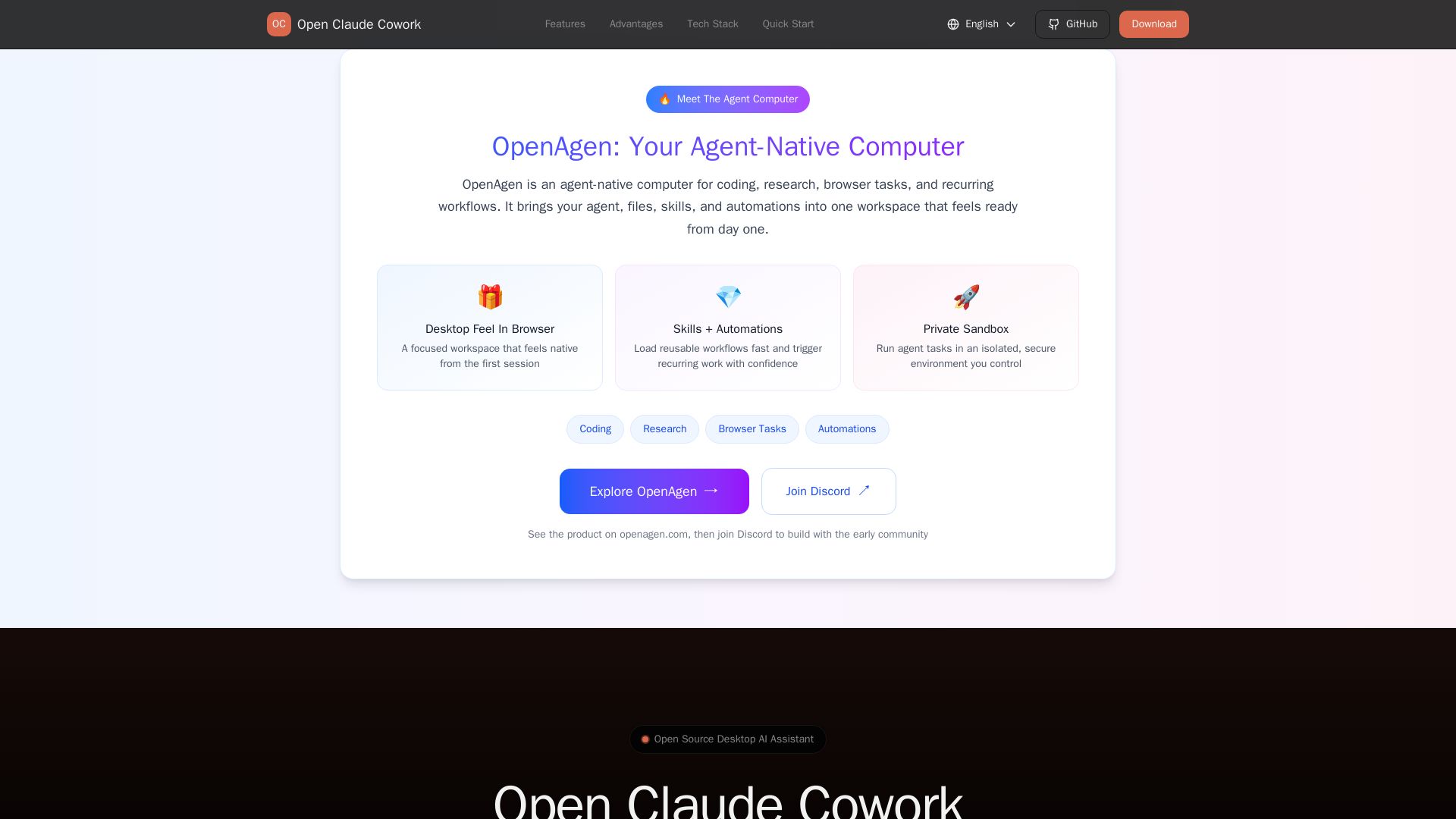
Open Claude Cowork
Bring Claude Code to desktop with visual AI collaboration. Open source assistant for coding, research, browser tasks. Supports Chinese LLMs, session management, and tool control.

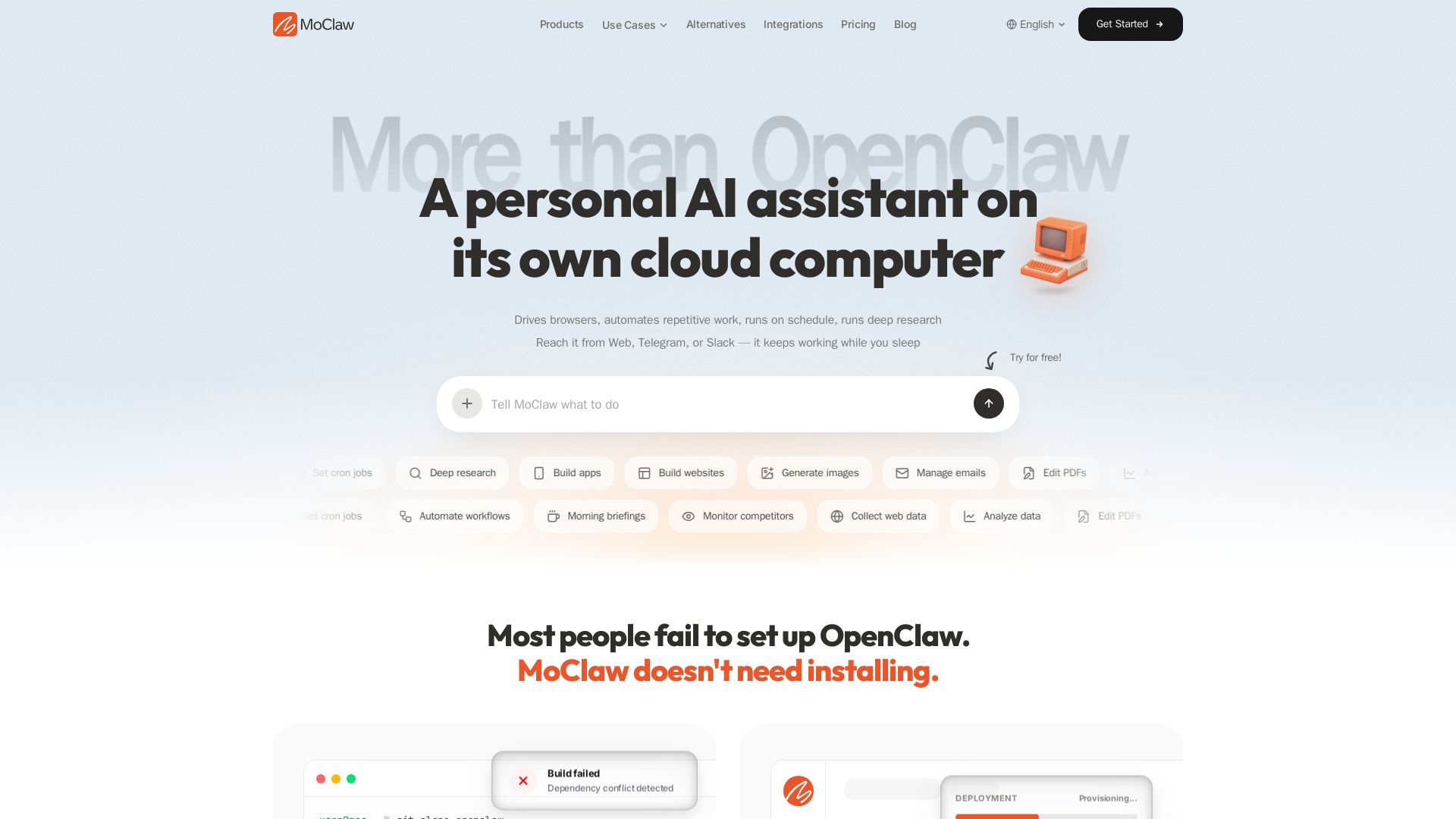
MoClaw
Automate tasks, research, and workflows with MoClaw's always-on AI computer. No setup, no crashes. Deep research, browser control, scheduling. Try free.

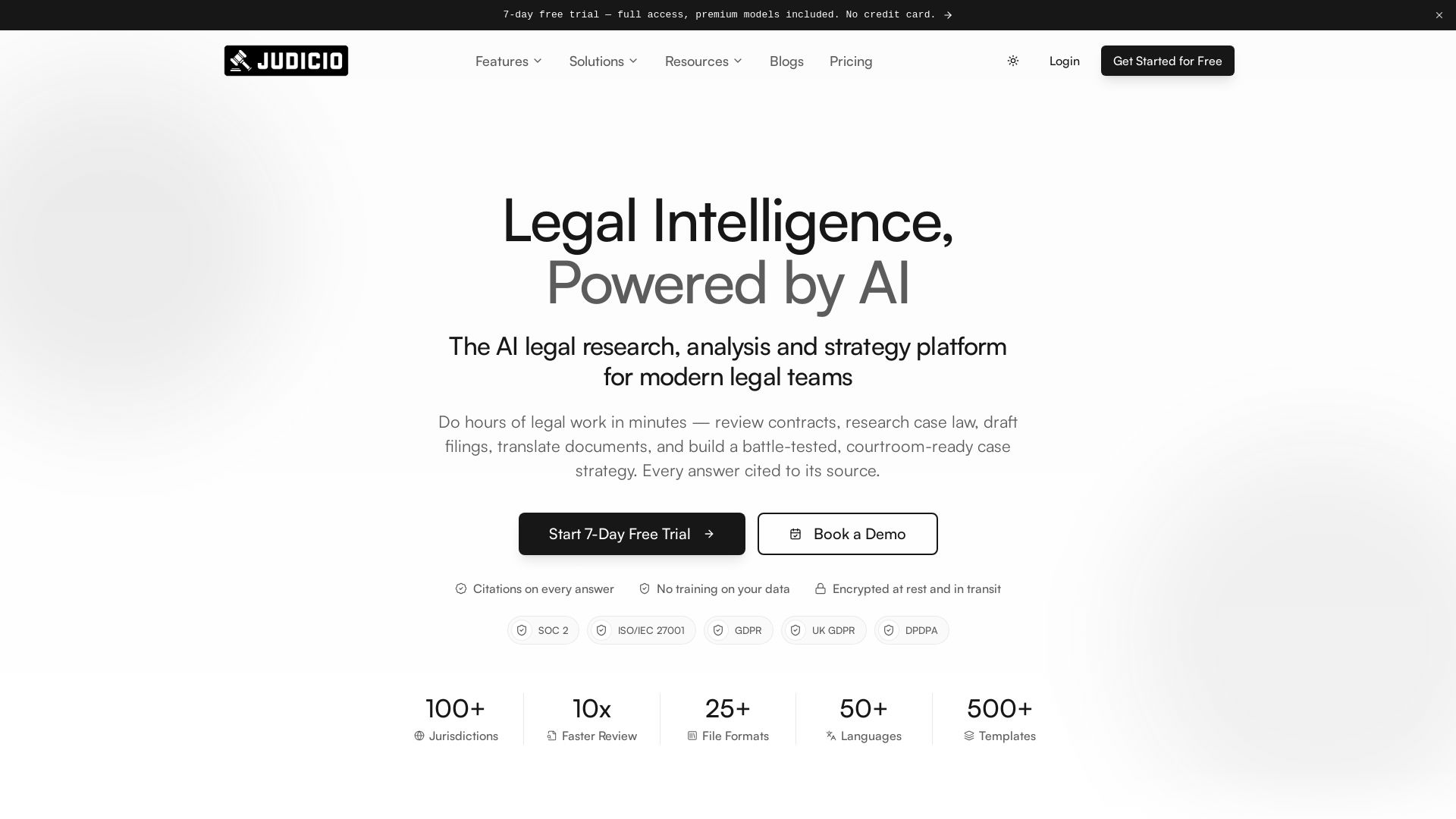
Judicio
AI-powered legal research and document analysis for modern legal teams. Review contracts, research case law, draft filings, and more — every answer cited.

Chat Smith
Unlock powerful AI tools for image creation, deep research, web search, writing, and work. Sign in for unlimited chats and history.

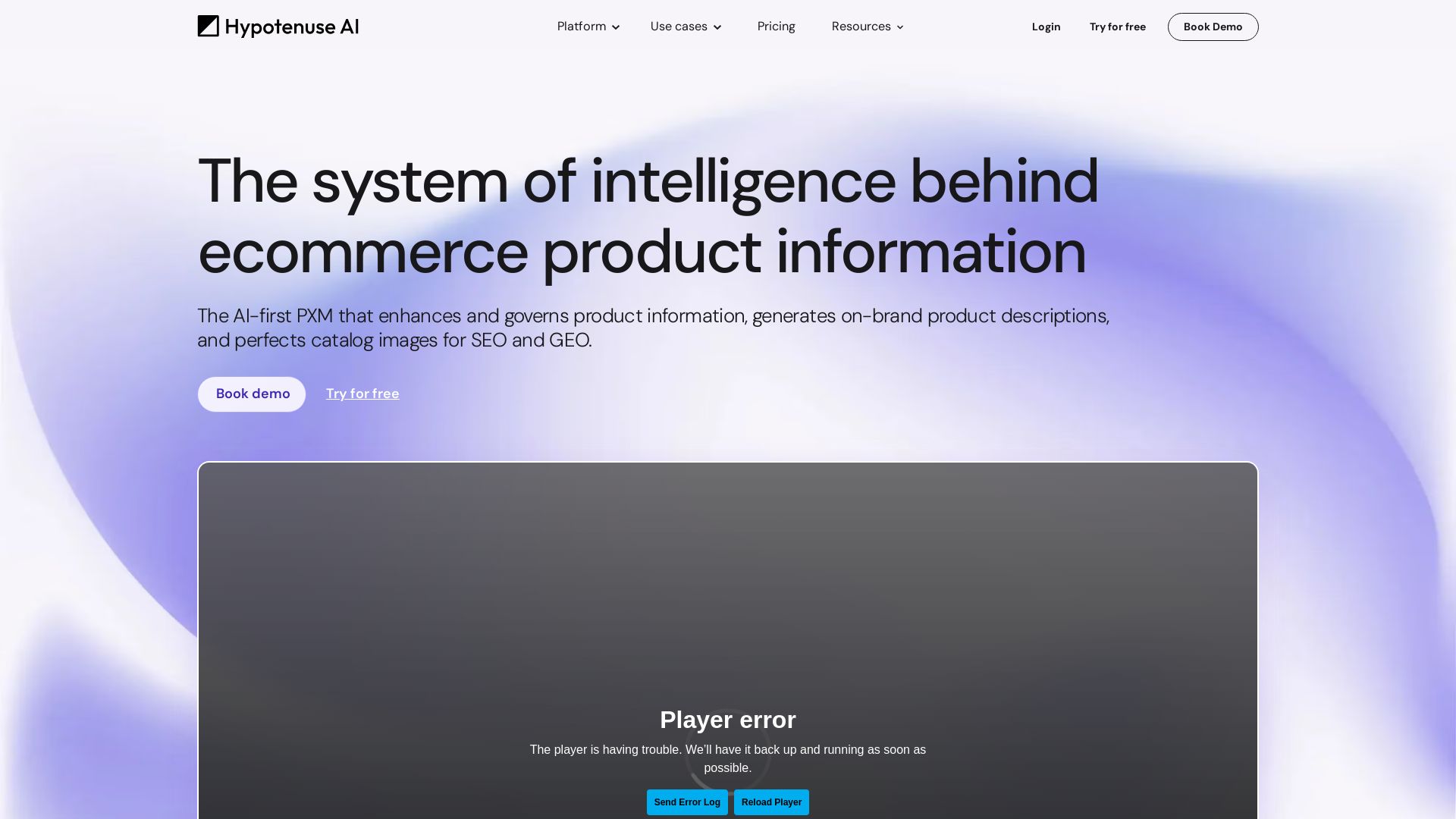
Hypotenuse AI
Enhance product data, generate SEO-optimized descriptions, and perfect images with AI. Trusted by global brands. Try free.

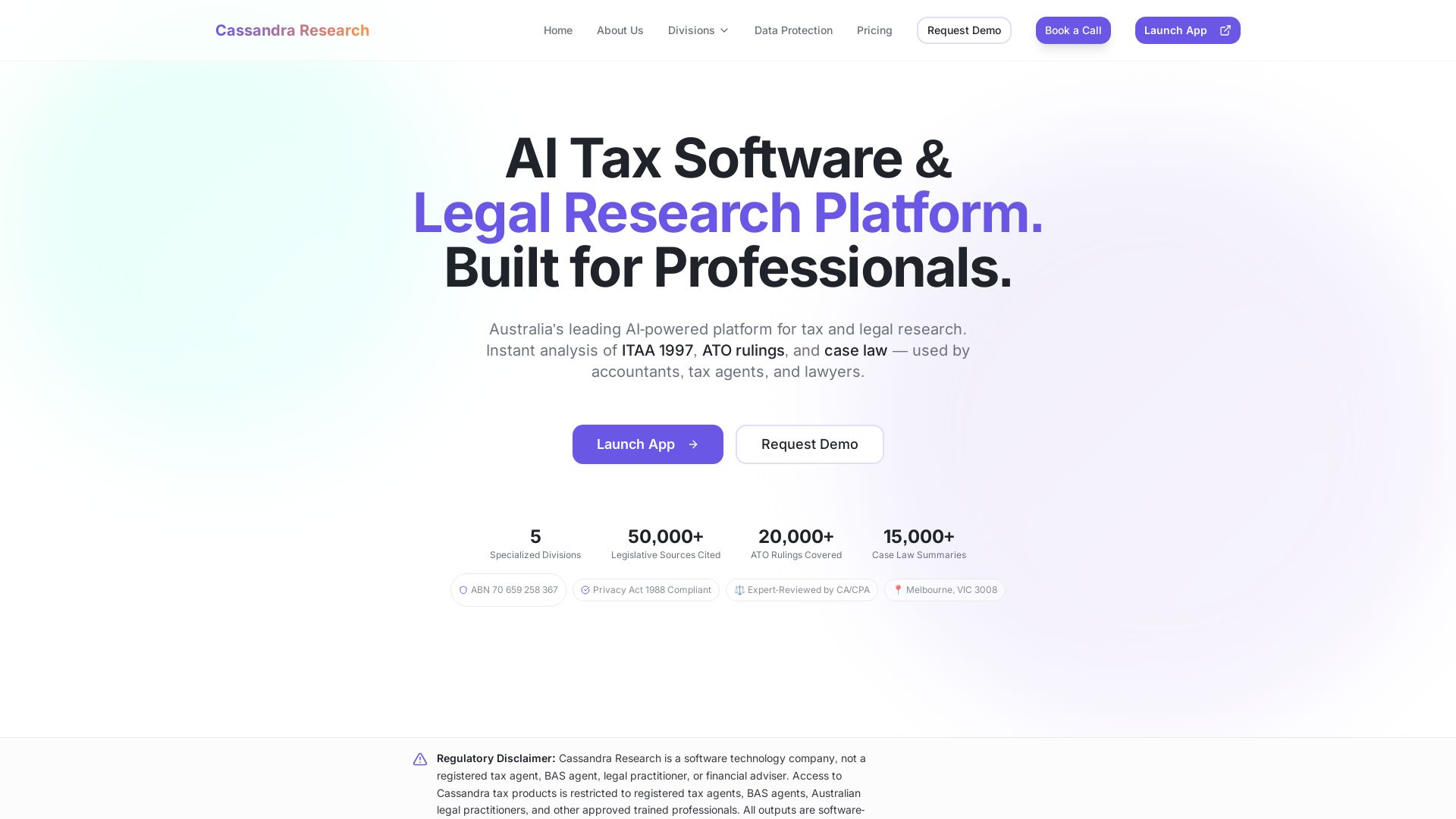
Cassandra Research
Australia's leading AI-powered tax and legal research platform. Instant analysis of ITAA 1997, ATO rulings, and case law for professionals.

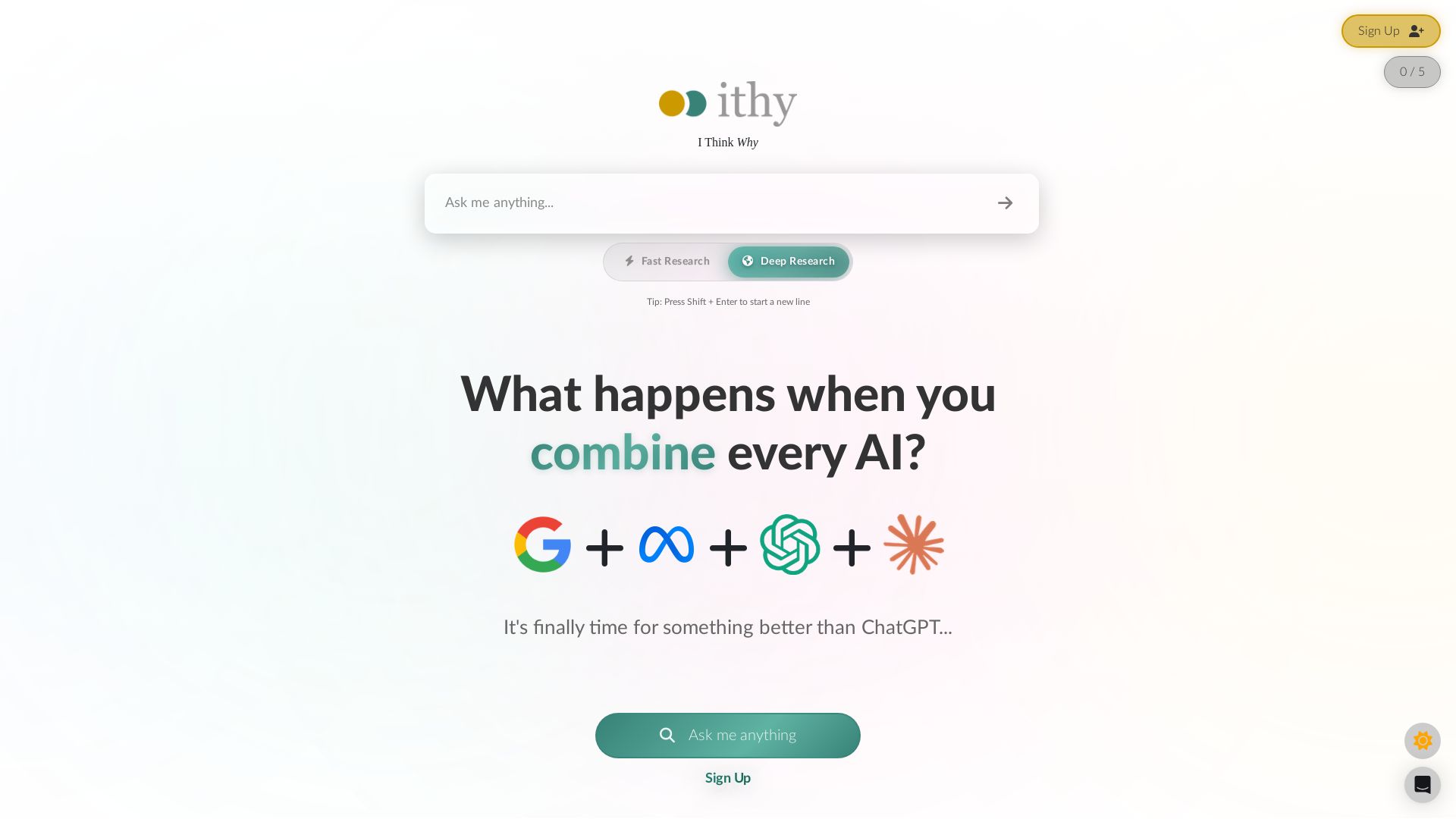
Ithy
Ithy aggregates top AIs (ChatGPT, Gemini, Perplexity) for 1-minute deep research. Interactive articles, rewards, #1 GPQA score. Try free.

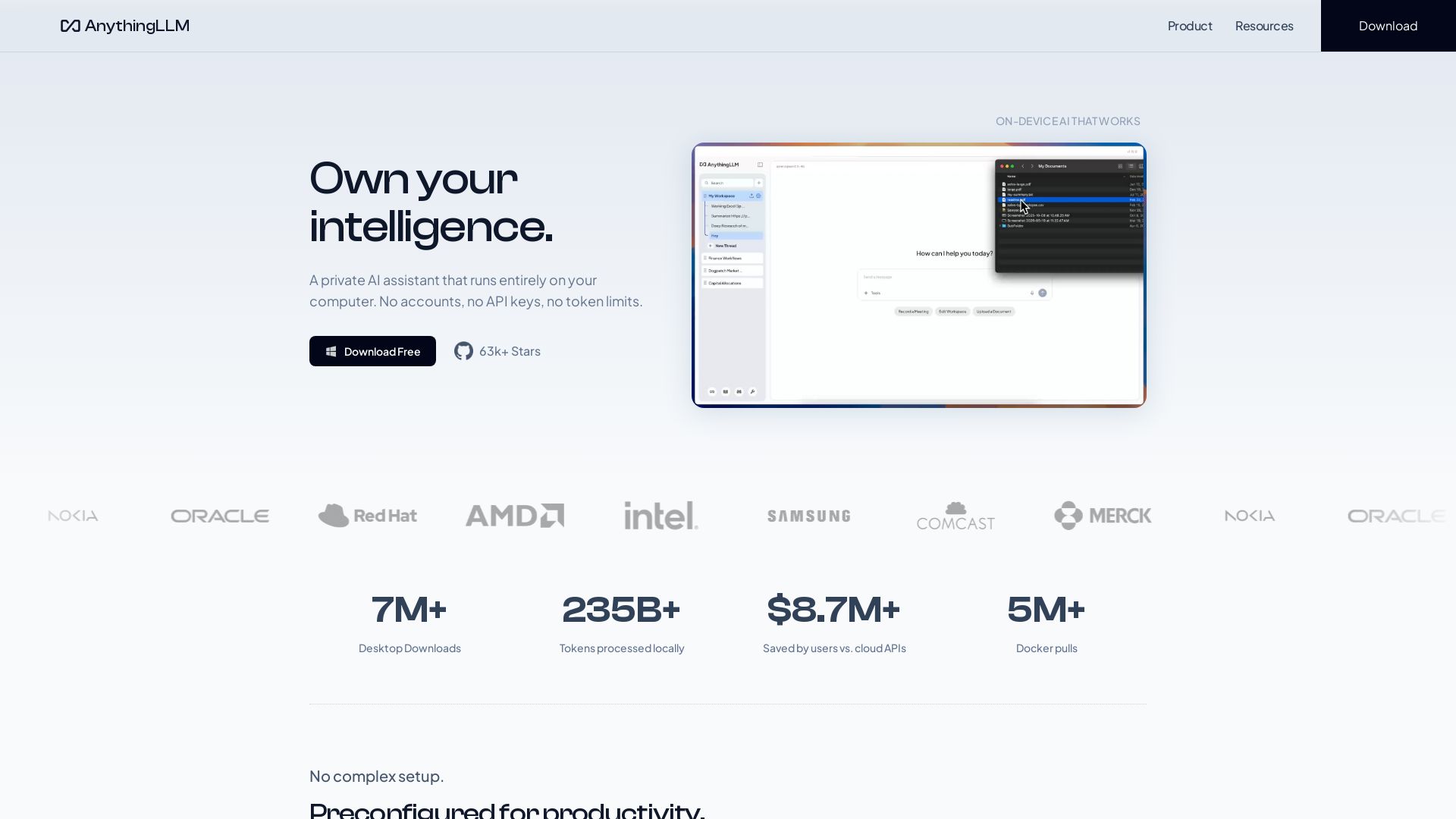
AnythingLLM
Free, open-source private AI assistant. Runs locally on your computer. No cloud, no accounts. Includes document knowledge, meeting assistant, and more.

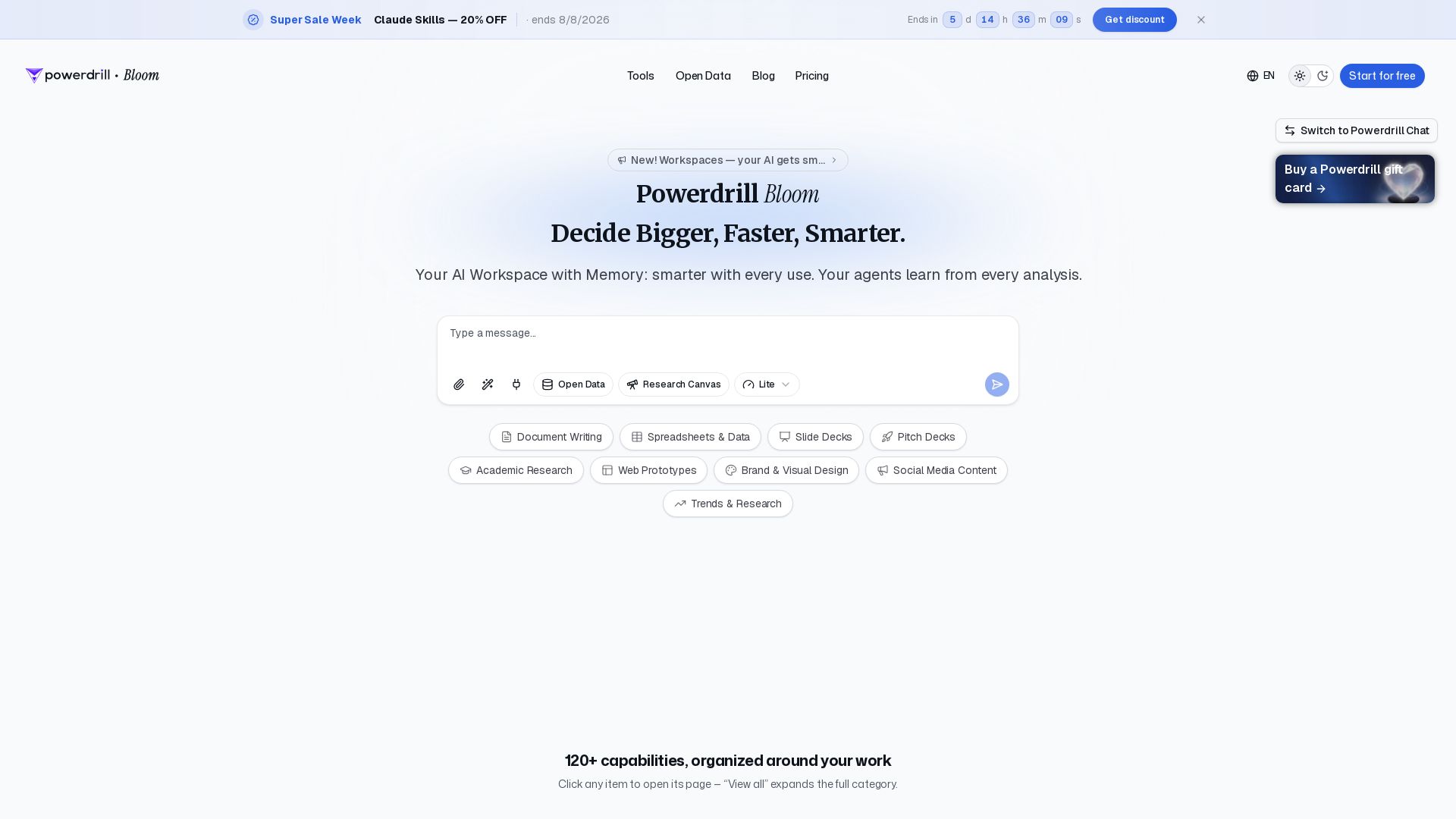
Powerdrill Bloom
Powerdrill Bloom: AI workspace with memory for data analysis, docs, research & more. Smarter with every use. Start free.

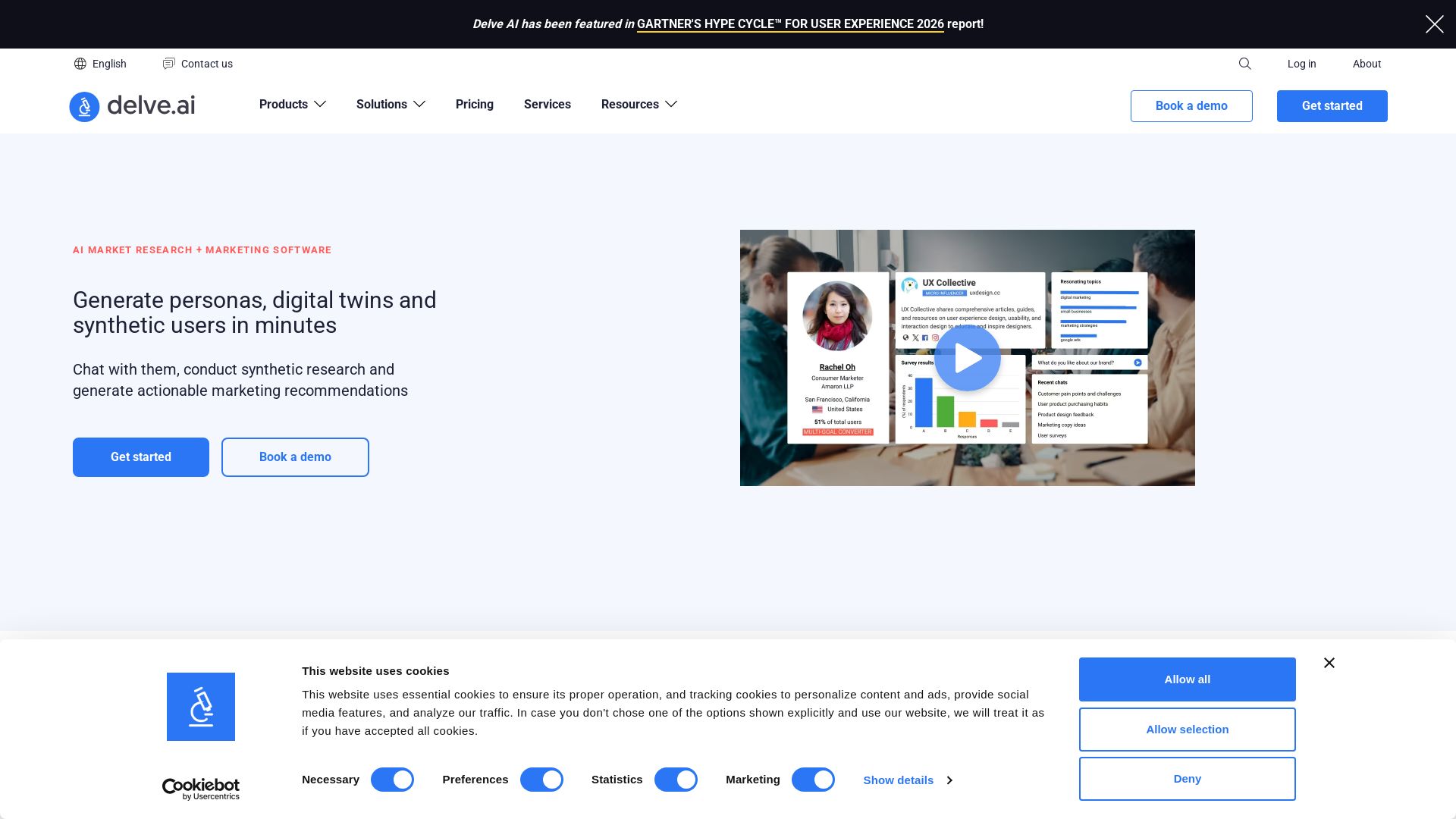
Delve AI
Create AI-driven customer personas, digital twins, and synthetic users for market research. Generate actionable insights in minutes.

ℹ️ Curation Disclosure: The overview and features of Microsoft Copilot were synthesized using AI and fact-checked by our curation team to ensure accuracy.
