
ClickUp
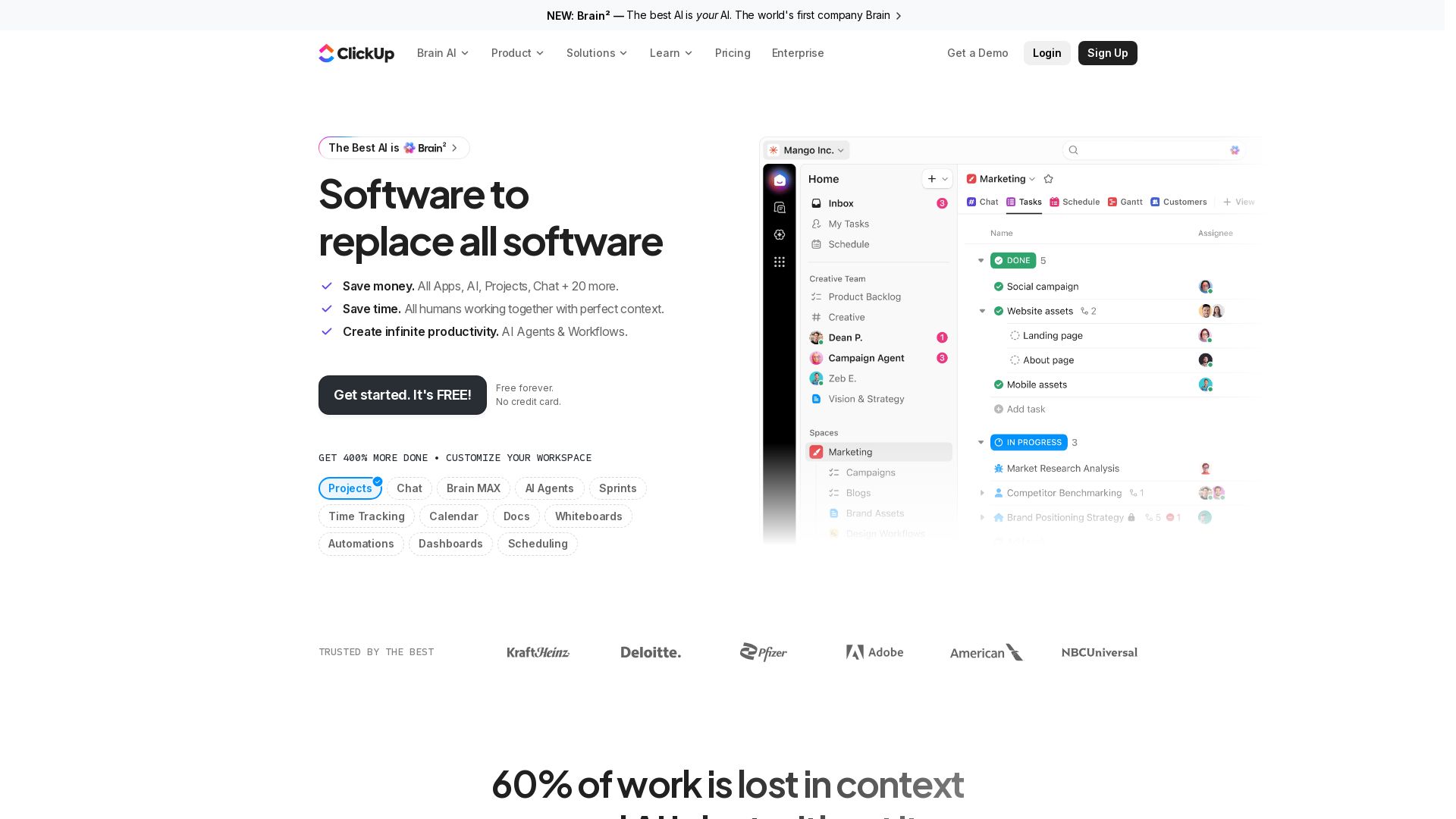
Save time and money with Brain². The only AI that knows your work, replaces 100+ tools, and boosts productivity by 400%. Get started free! No credit card required.



Editor's Verdict
Key Takeaways
- Projects
- AI Agents
- Brain AI
- Chat
In-Depth Review: What is ClickUp?
Brain² is the world's first AI-powered platform that replaces all your software with one intelligent workspace. It combines project management, chat, docs, AI agents, and more into a single, context-aware system. Brain² learns your team's preferences, connects with your apps, and selects the best AI model for each task. Trusted by 85% of Fortune 500 companies, it delivers 384% ROI and saves over 92,000 hours per year. Experience the best AI—your AI—with unlimited models, deep search, and ambient intelligence. Get started for free.
Core Features
Projects
Manage projects with tasks, dependencies, milestones, and Gantt charts to deliver on time.
AI Agents
Automate workflows with AI agents that intake, assign, track, and answer questions.
Brain AI
Personal AI assistant with full context of your work, using multiple models like GPT, Claude, Gemini.
Chat
Team communication with integrated chat, context-aware AI, and multiplayer capabilities.
Docs & Wikis
Collaborative documents and knowledge bases with real-time editing and AI writing.
Time Tracking
Native time tracking and timesheets to log hours and manage billable work.
Automations
No-code automations to eliminate repetitive tasks and streamline processes.
Dashboards
Customizable dashboards with advanced cards to visualize progress and metrics.
Whiteboards
Visual collaboration spaces for brainstorming, planning, and diagramming.
Sprint Management
Agile sprint planning with points, reporting, and backlog management.
Enterprise Search
Deep search across workspace, apps, and web with AI-powered answers.
Ambient Intelligence
AI surfaces relevant context and suggestions proactively without being asked.
Pricing
Free Forever
- 60MB Storage
- Unlimited Tasks
- Unlimited Free Plan Members
- Two-Factor Authentication
- Collaborative Docs
- Kanban Boards
- Sprint Management
- Calendar View
- Basic Custom Field Manager
- In-App Video Recording
- 24/7 Support
- 1 Form
Unlimited
- Everything in Free Forever
- Unlimited Spaces, Folders, and Forms
- Unlimited Gantt Charts
- Unlimited Integrations
- Unlimited Storage
- Unlimited Custom Fields
- Native Time Tracking
- Goals & Portfolio Management
- Guests With Permission Control
- Resource Management
- ClickUp Chat
- Email in ClickUp
- Integrations like Slack, Hubspot, Google Drive, and more
Business
- Everything in Unlimited
- Unlimited Dashboards with Advanced Cards
- Unlimited Message History
- Unlimited Activity Views
- Unlimited Timeline Views
- Webhooks & Automation Integrations
- 5K Automations Per Month
- Mind Mapping
- Private Whiteboards
- Custom Exporting
- Sprint Points & Reporting
- Portfolio Workload Management
- Google SSO
- SMS 2-Factor Authentication
- Unlimited Proofing
Enterprise
- Everything in Business
- Enterprise Permissions and Governance
- Unlimited Custom Roles
- SAML SSO & SCIM Provisioning
- Audit Log
- Session Management
- Enterprise API
- 250K Automations Per Month
- Custom Branding
- Default Personal Views
- MSA & HIPAA Available
- Data Residency
- Enterprise-Scale Automations & Integrations
- Enterprise-Scale API Usage
- Live Onboarding Training
- Customer Success Manager
- Access to Managed Services
Free AI
- Try AI across chat, tasks and docs
- Trial access to advanced AI features
Brain AI
- Unlimited Brain Assistant
- Unlimited @Brain Agent
- Unlimited AI chat
- Claude, ChatGPT, Gemini
- Expanded use of Premium AI Models
- Unlimited AI writing
- Enterprise Search
- Workspace +1,500 AI Super Credits user/mo
Everything AI
- Unlimited Ambient Answers
- Unlimited AI Notetaker
- Unlimited Image Generation
- Unlimited AI Fields
- Unlimited AI Automations & Dashboards
- Unlimited AI Assign & Prioritize
- 3X more usage of Super Agents
- Enterprise Search Private & Workspace
- +5,000 AI Super Credits user/mo
Pros and Cons
Pros
- All-in-One PlatformReplaces multiple tools with 100+ products for projects, chat, docs, dashboards, and AI, reducing software sprawl.
- AI with Full ContextBrain AI understands your tasks, docs, and conversations, providing intelligent answers and automations without needing manual briefs.
- Multiplayer AITeam-wide AI that learns everyone's preferences, improving as more people use it, creating a shared intelligence.
- Ambient IntelligenceAI proactively surfaces relevant tasks, context, and suggestions, saving time and reducing manual search.
- Free Forever PlanGenerous free tier with unlimited tasks, members, and core features, perfect for small teams and individuals.
Cons
- Learning CurveWith hundreds of features, new users may find it overwhelming to set up and navigate effectively.
- AI Costs Add UpAdvanced AI features require a paid add-on (Brain AI or Everything AI), and heavy usage may incur Super Credits costs.
- Dependency on PlatformOnce deeply integrated, migrating away from ClickUp can be complex due to data lock-in and custom workflows.
- Performance IssuesSome users report slowdowns with large workspaces or complex automations, though improvements are ongoing.
- Limited Offline CapabilityThe desktop app requires internet for most features, limiting productivity in low-connectivity environments.
Use Cases & Recommended Professions
Project Manager→ View Toolkit
Needs to track deliverables, manage sprints, assign tasks, and communicate with teams; ClickUp provides dashboards, Gantt charts, and AI agents to automate project administration.
Software Engineer→ View Toolkit
Requires sprint management, bug tracking, integration with GitHub, and AI for code-related questions; ClickUp's Dev tools and Brain AI with context help streamline development.
Marketing Manager→ View Toolkit
Manages campaigns, content calendars, and reporting; ClickUp offers marketing-specific templates, AI writing, and dashboards to track ROI and performance.
HR Manager→ View Toolkit
Handles onboarding, performance reviews, and employee documentation; ClickUp's forms, wikis, and AI agents can automate HR processes and maintain knowledge bases.
IT Manager→ View Toolkit
Oversees projects, service requests, and compliance; ClickUp provides IT-specific workflows, enterprise security, and AI for ticket resolution and incident tracking.
Executive / Leadership→ View Toolkit
Needs high-level visibility into company goals, progress, and risks; ClickUp's dashboards, portfolio views, and AI summaries enable data-driven decision-making.
Frequently Asked Questions
Alternative AI Tools
View Detailed Comparison →
Agentic Workers
Automate tasks with 100+ pre-built AI workflows. Connect 800+ tools, save 10+ hours/week. No coding needed. Join 13,000+ professionals.

Automation Anywhere
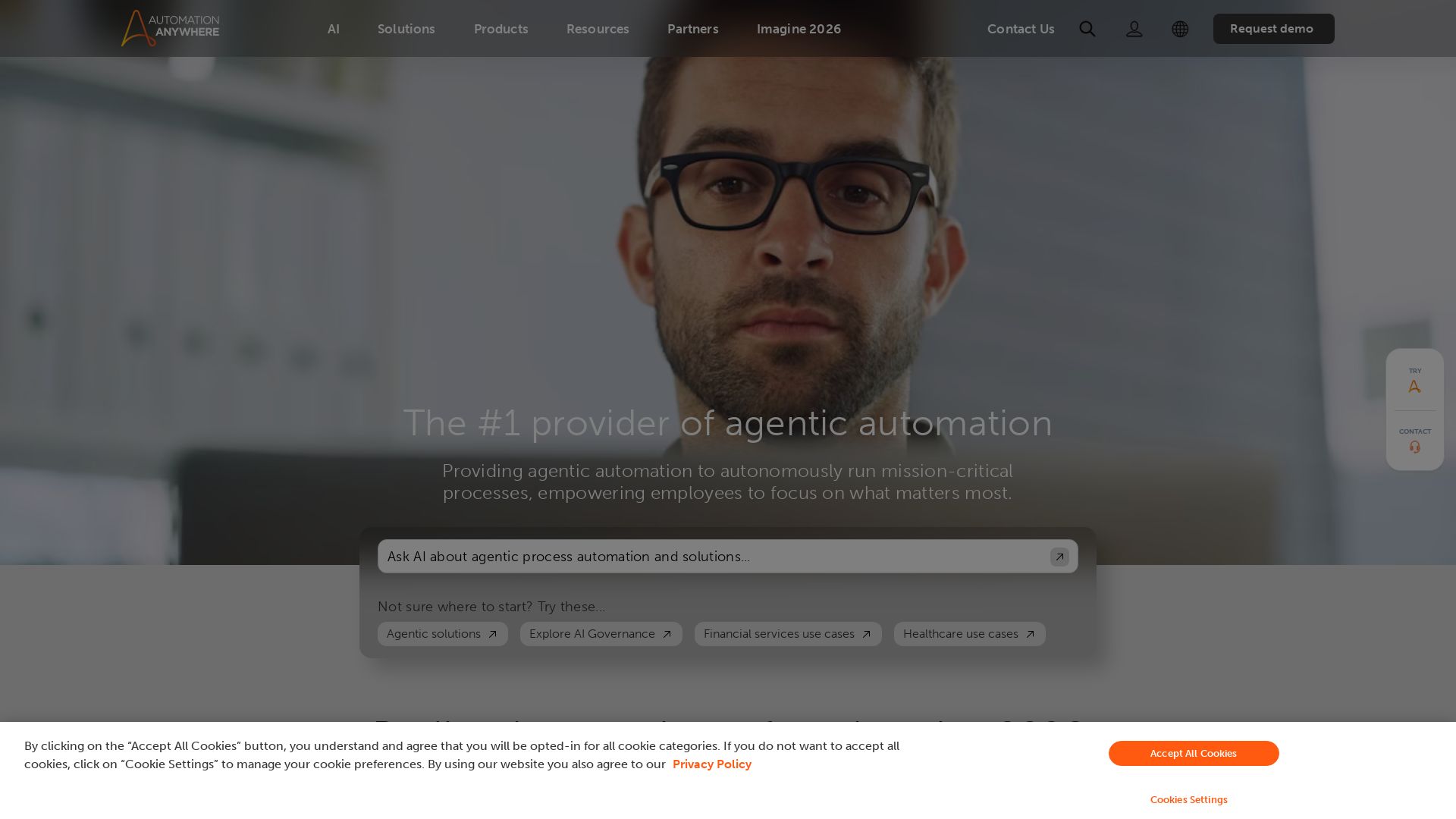
Automate mission-critical processes with agentic AI. Trusted by global leaders. Boost efficiency, ensure compliance. Request a demo.


Zapier
Connect AI to 9,000+ apps. Build AI agents, chatbots, and workflows without code. Trusted by Fortune 500. Start free.

Kroolo
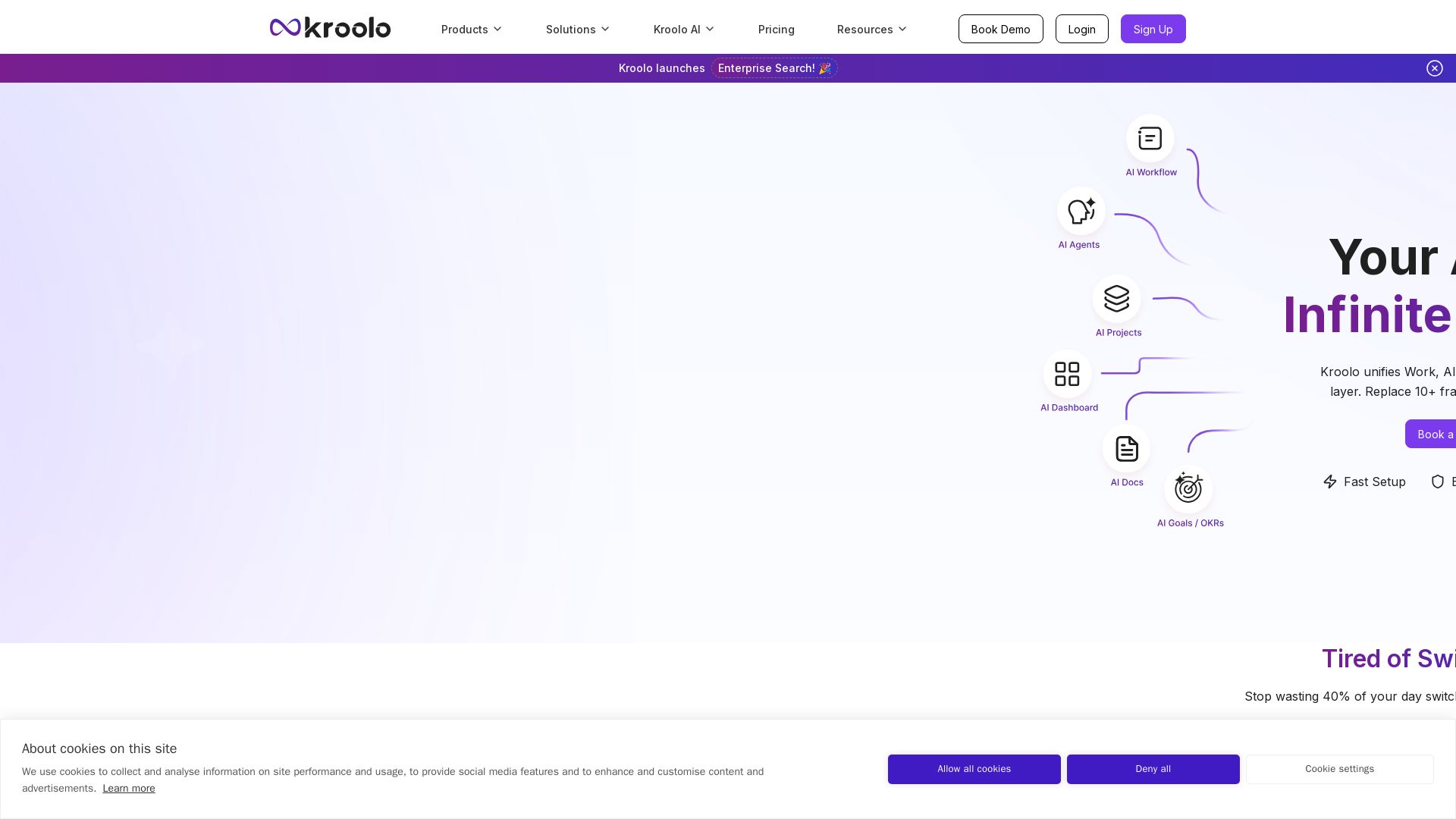
Replace 10+ fragmented apps with one AI-native platform. Kroolo unifies work, AI agents, and enterprise search to boost productivity up to 70%.

Leiga
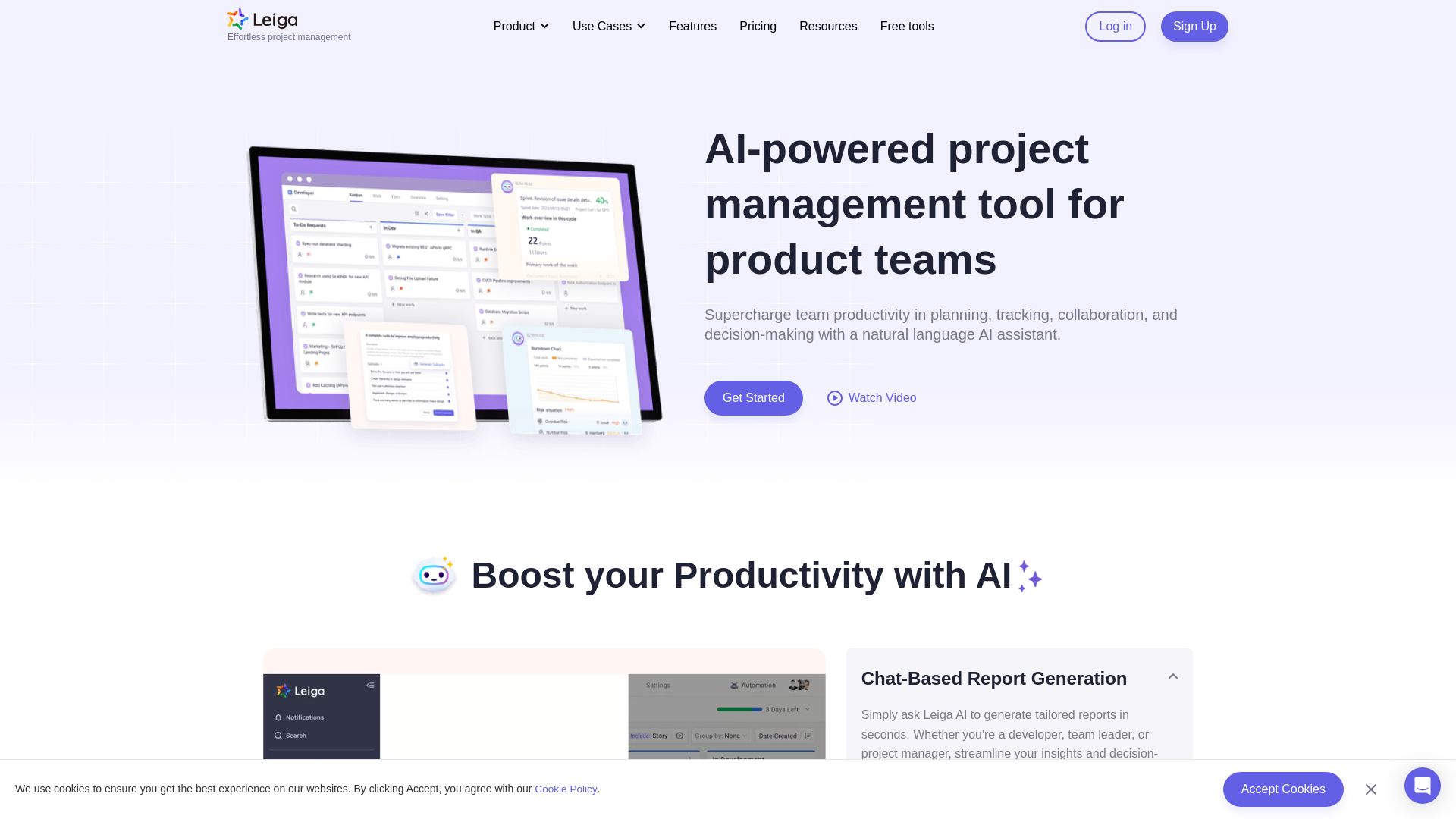
Supercharge team productivity with AI-driven planning, tracking, and collaboration. Chat-based reports, automated workflows, and risk warnings. Free forever.

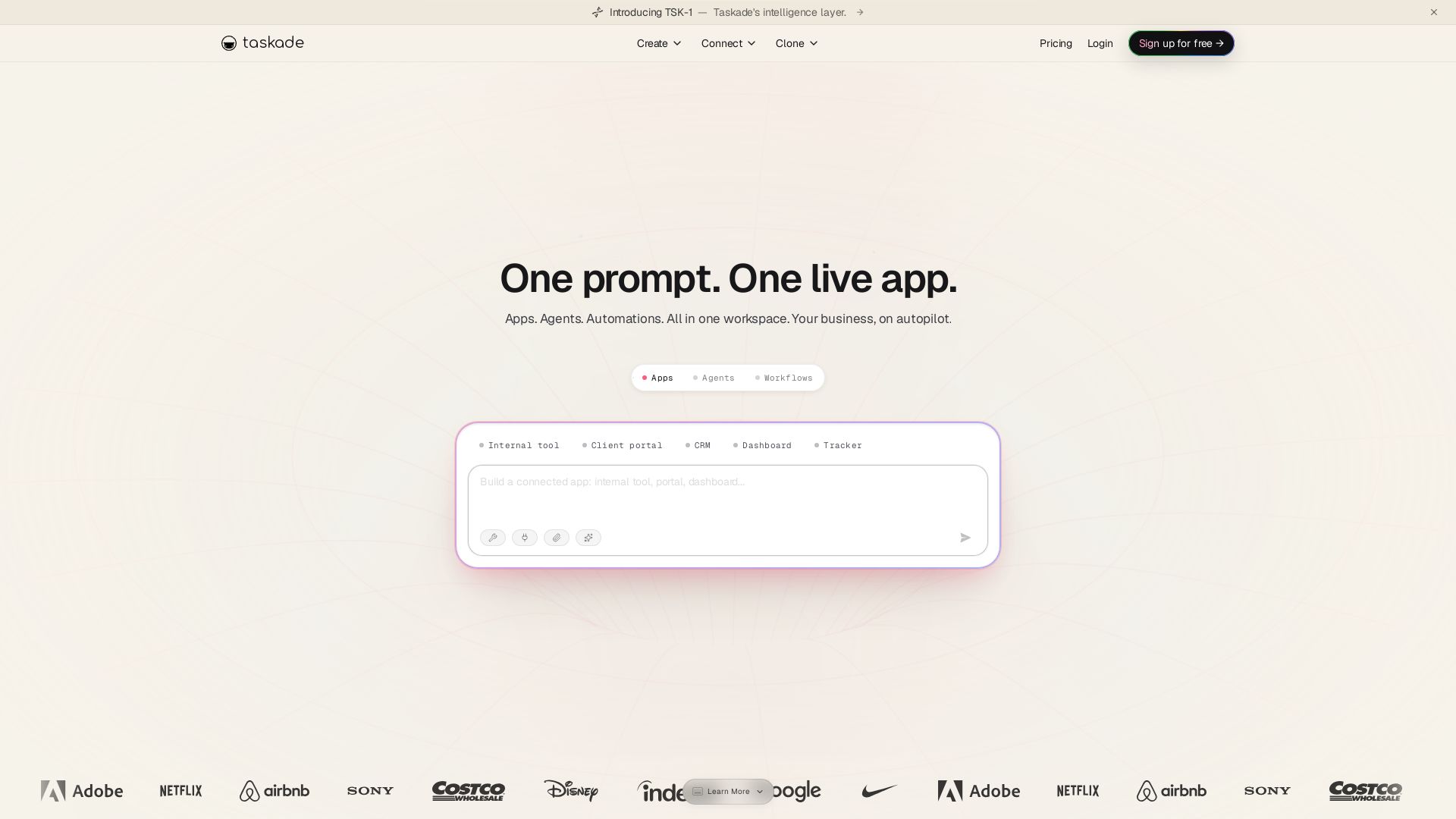
Taskade
Turn one prompt into living apps with AI agents and automations. Clone CRMs, dashboards, portals. No code. Your business on autopilot.

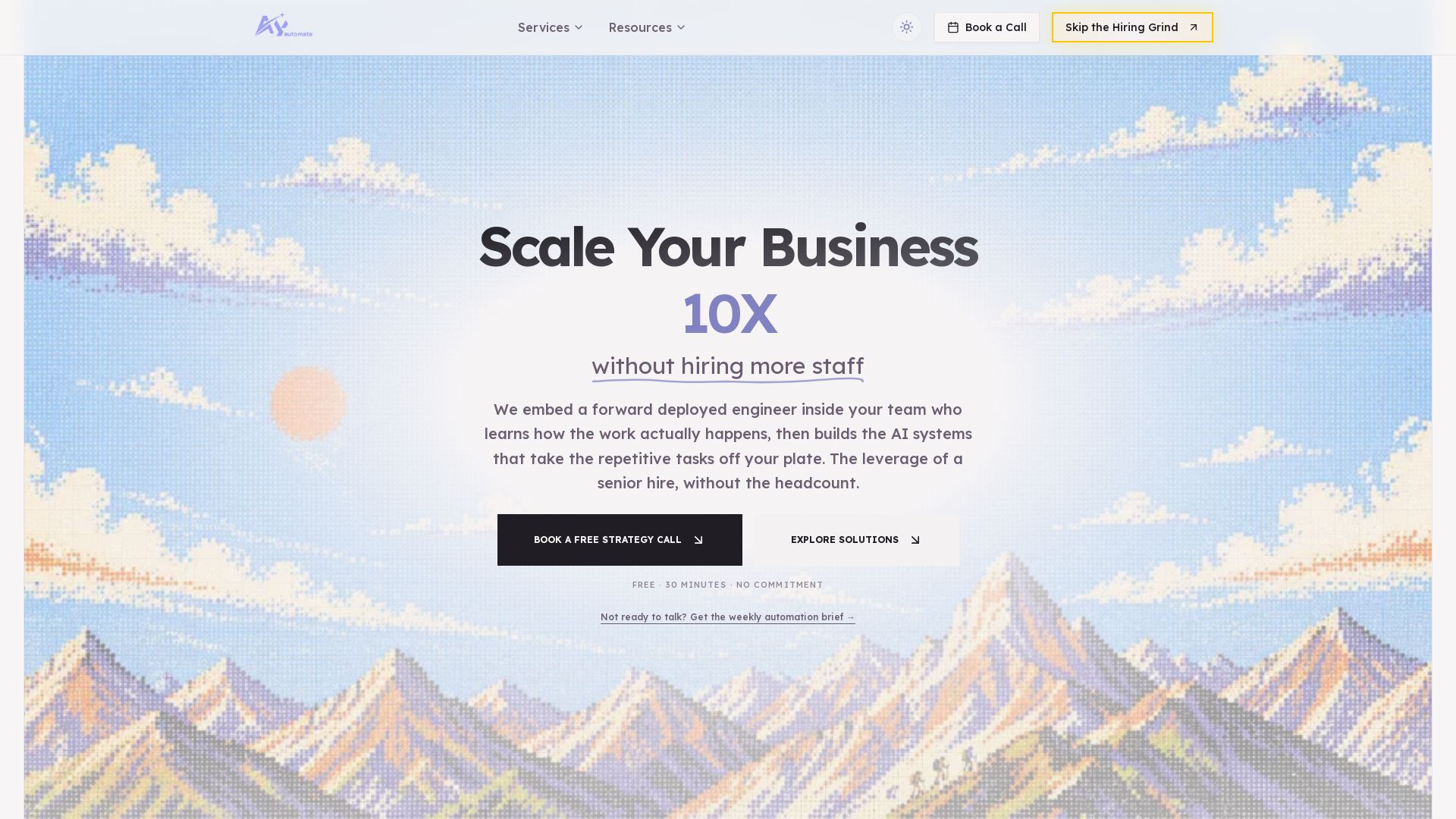
AY Automate
AI automation agency embedding engineers to build custom AI agents. Automate workflows with n8n, Claude Code. Month one refundable. Free strategy call.

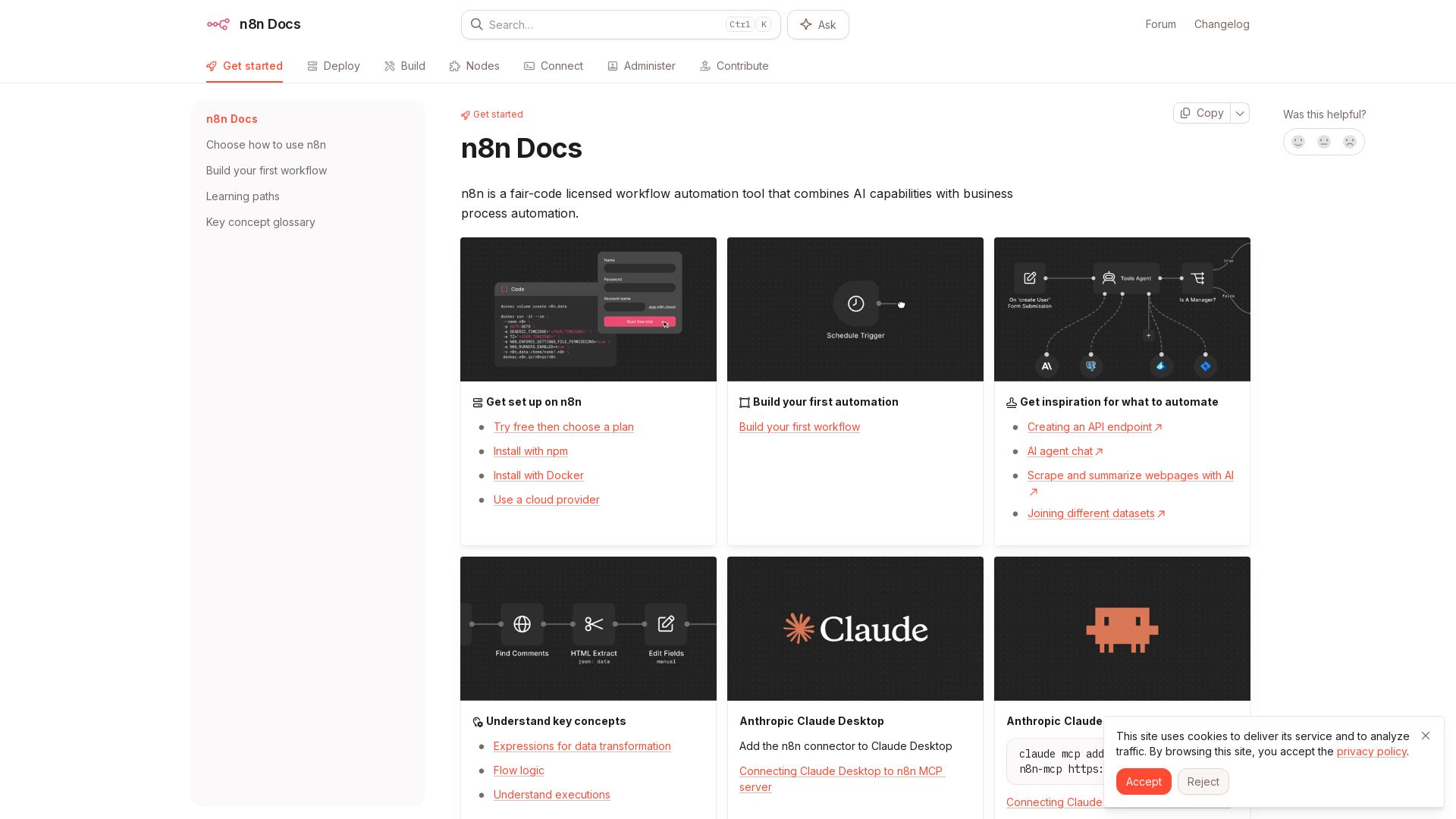
n8n
n8n is a fair-code licensed workflow automation tool that combines AI capabilities with business process automation. Get started with npm, Docker, or cloud.

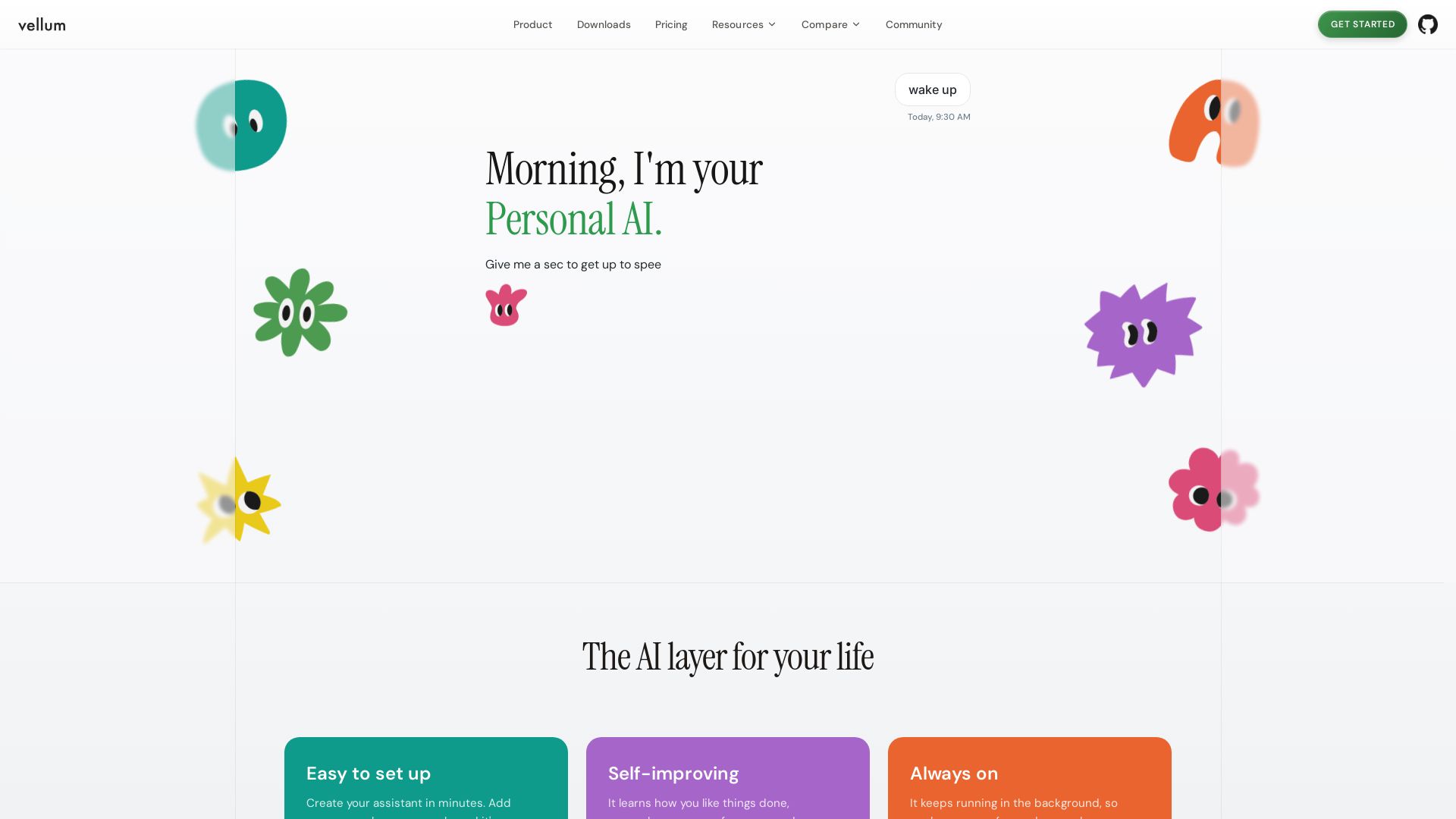
Vellum
Vellum is your personal AI assistant that learns preferences, triages emails, manages calendar, and automates tasks. Easy setup, always on, secure.

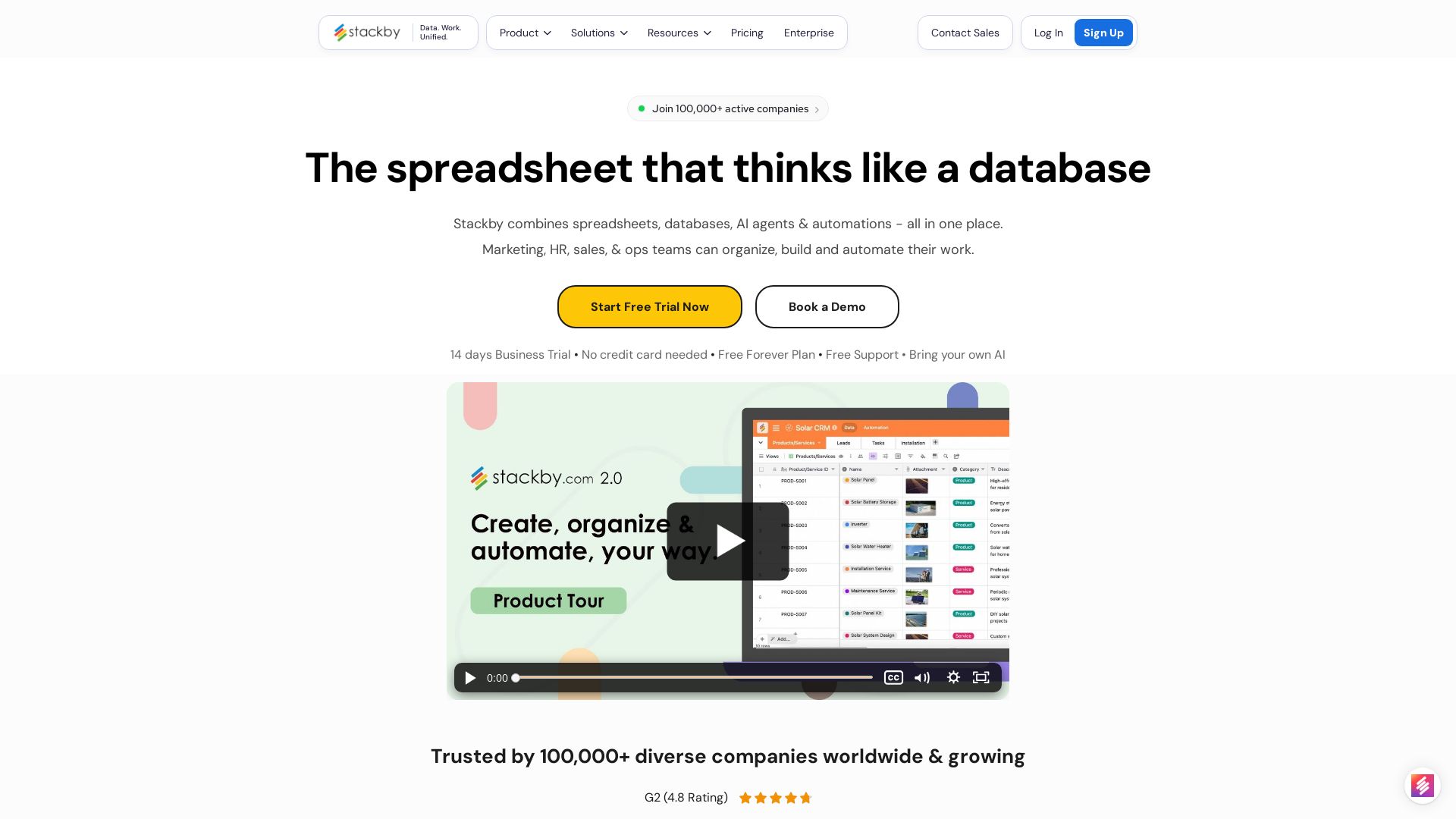
Stackby
Stackby combines spreadsheets, databases, AI agents & automations. Build custom workflows, forms, dashboards & more. Trusted by 100,000+ teams.

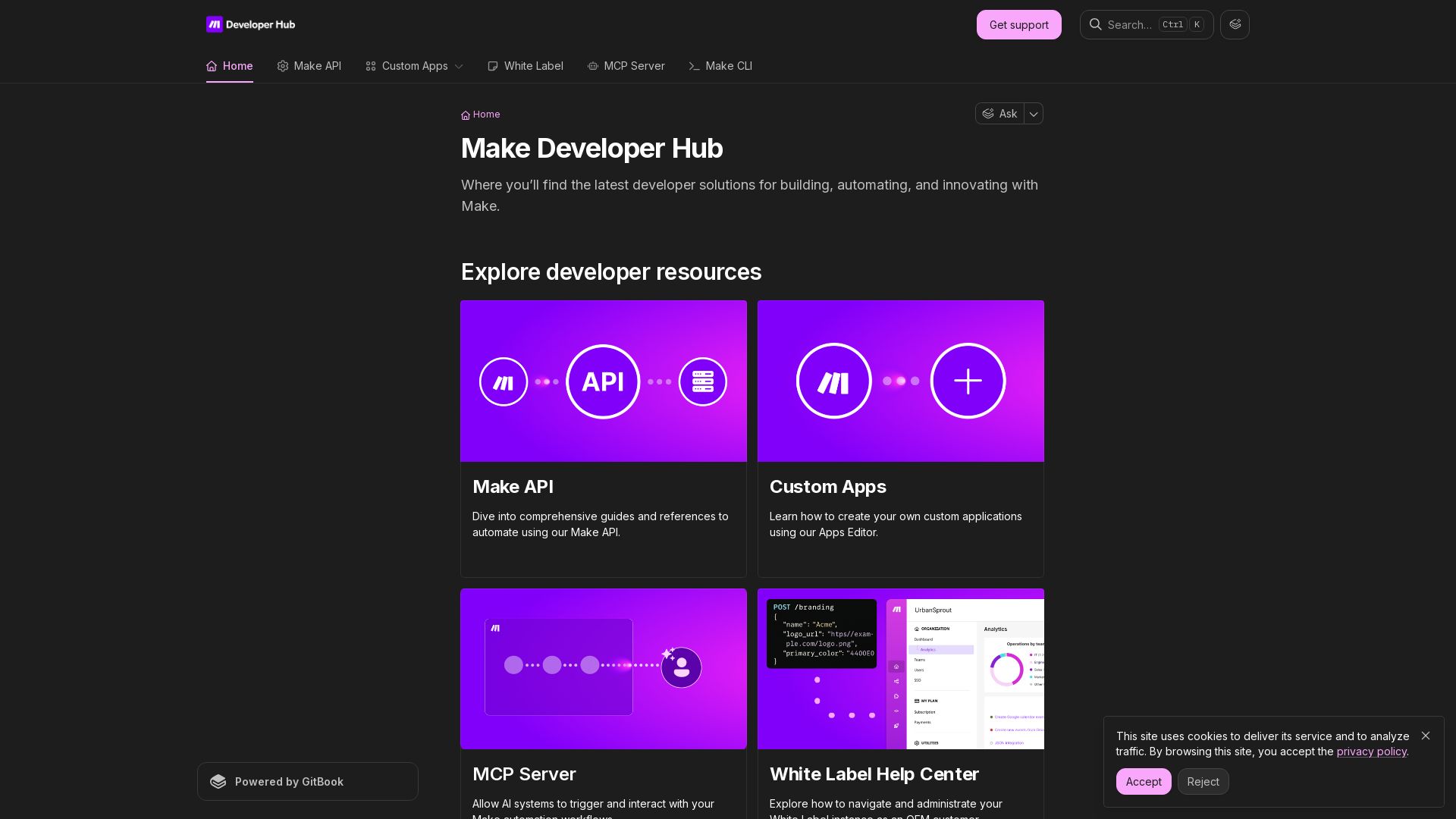
Make
Build, automate, and innovate with Make. Explore Make API, Custom Apps, MCP Server, White Label, and CLI. Get developer resources for automation.

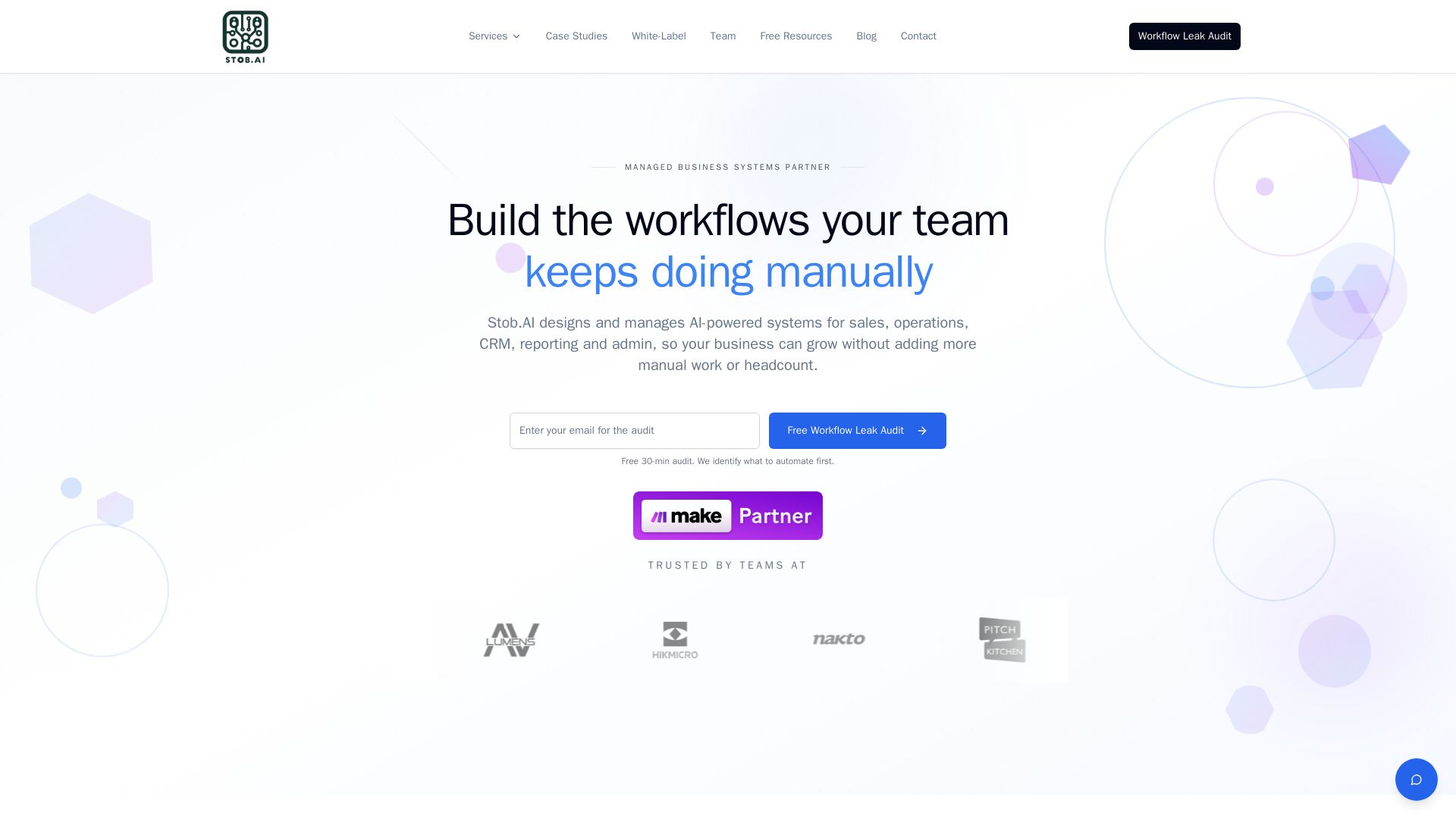
Stob.AI
AI-powered systems for sales, ops, CRM & reporting. Remove manual work, boost efficiency. Free audit identifies what to automate first.

ℹ️ Curation Disclosure: The overview and features of ClickUp were synthesized using AI and fact-checked by our curation team to ensure accuracy.