
ClaudeUsageBar
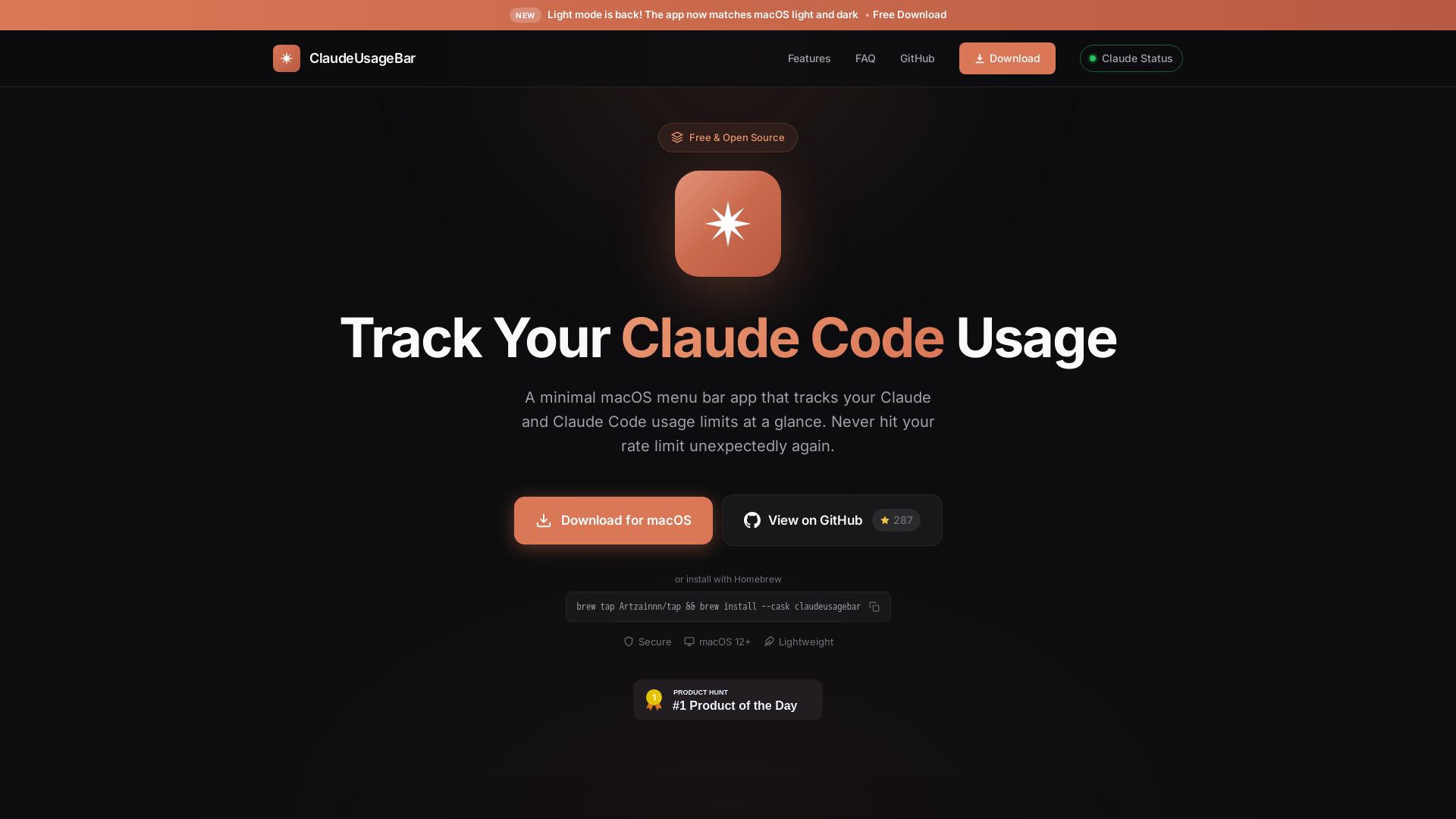
Free, open-source macOS app to track Claude & Claude Code usage limits. See usage %, resets, and get notified before hitting rate limits.
Editor's Verdict
Key Takeaways
- Menu Bar Native
- Smart Notifications
- Live Claude Status
- Privacy First
In-Depth Review: What is ClaudeUsageBar?
ClaudeUsageBar is a minimal, lightweight macOS menu bar app that helps you monitor your Claude and Claude Code usage limits in real time. It displays your current usage percentage, session and weekly resets, and sends smart notifications at 25%, 50%, 75%, and 90% thresholds. The app is privacy-first (no data collection) and fully open source. Works with both Free and Pro plans, lives quietly in your menu bar, and even shows live Claude service status. Built for Apple Silicon and Intel Macs, under 5MB.
Core Features
Menu Bar Native
Lives quietly in your menu bar. One click to see your current usage. Use the Cmd+U shortcut to open from anywhere.
Smart Notifications
Get notified when you're approaching your limit at 25%, 50%, 75%, and 90% usage thresholds.
Live Claude Status
Know when Claude.ai, the API, or Code is down. Color-coded indicator in the popup with smart alerts for the services you use.
Privacy First
No data collection. No analytics. Your usage data stays on your machine – always.
Open Source
Fully open source and free forever. Inspect the code, contribute, or fork it for yourself.
Lightweight
Under 5MB. Minimal CPU and memory footprint. Built native for Apple Silicon and Intel Macs.
Pricing
Free
- Track usage limits for Claude and Claude Code
- Smart notifications
- Live Claude status
- Privacy-first (no data collection)
- Open source
- Lightweight
Pros and Cons
Pros
- Free and Open SourceThe app is completely free to download and use, with full source code available for inspection or modification.
- Lightweight and NativeUnder 5MB, minimal CPU and memory footprint, built for both Apple Silicon and Intel Macs.
- Privacy FirstNo data collection, analytics, or telemetry. Usage data stays on your machine.
- Smart NotificationsAlerts at 25%, 50%, 75%, and 90% usage thresholds to prevent hitting limits unexpectedly.
- Live Status UpdatesColor-coded indicator shows if Claude services are operational, with alerts for downtime.
Cons
- Requires Manual Cookie SetupUsers must manually extract and paste their session cookie from claude.ai, which may be cumbersome for non-technical users.
- macOS OnlyThe app is only available for macOS (12+), excluding Windows and Linux users.
- Global Shortcut Needs Accessibility PermissionsThe Cmd+U shortcut requires granting Accessibility permissions, which may raise security concerns for some users.
Use Cases & Recommended Professions
AI Developer→ View Toolkit
Developers using Claude API or Claude Code need to monitor usage limits to avoid unexpected interruptions in their workflow.
Content Writer→ View Toolkit
Writers relying on Claude for content generation can track their session and weekly limits to plan their work.
Researcher→ View Toolkit
Researchers using Claude for analysis can stay informed about usage caps, especially when working with large datasets.
Software Engineer→ View Toolkit
Engineers integrating Claude into applications need real-time usage monitoring to manage costs and rate limits.
Freelancer→ View Toolkit
Freelancers using Claude for various tasks benefit from visibility into usage to avoid hitting limits during client projects.
Tech Enthusiast→ View Toolkit
Tech enthusiasts who experiment with Claude and Claude Code can keep track of their usage patterns and service status.
Frequently Asked Questions
Alternative AI Tools
View Detailed Comparison →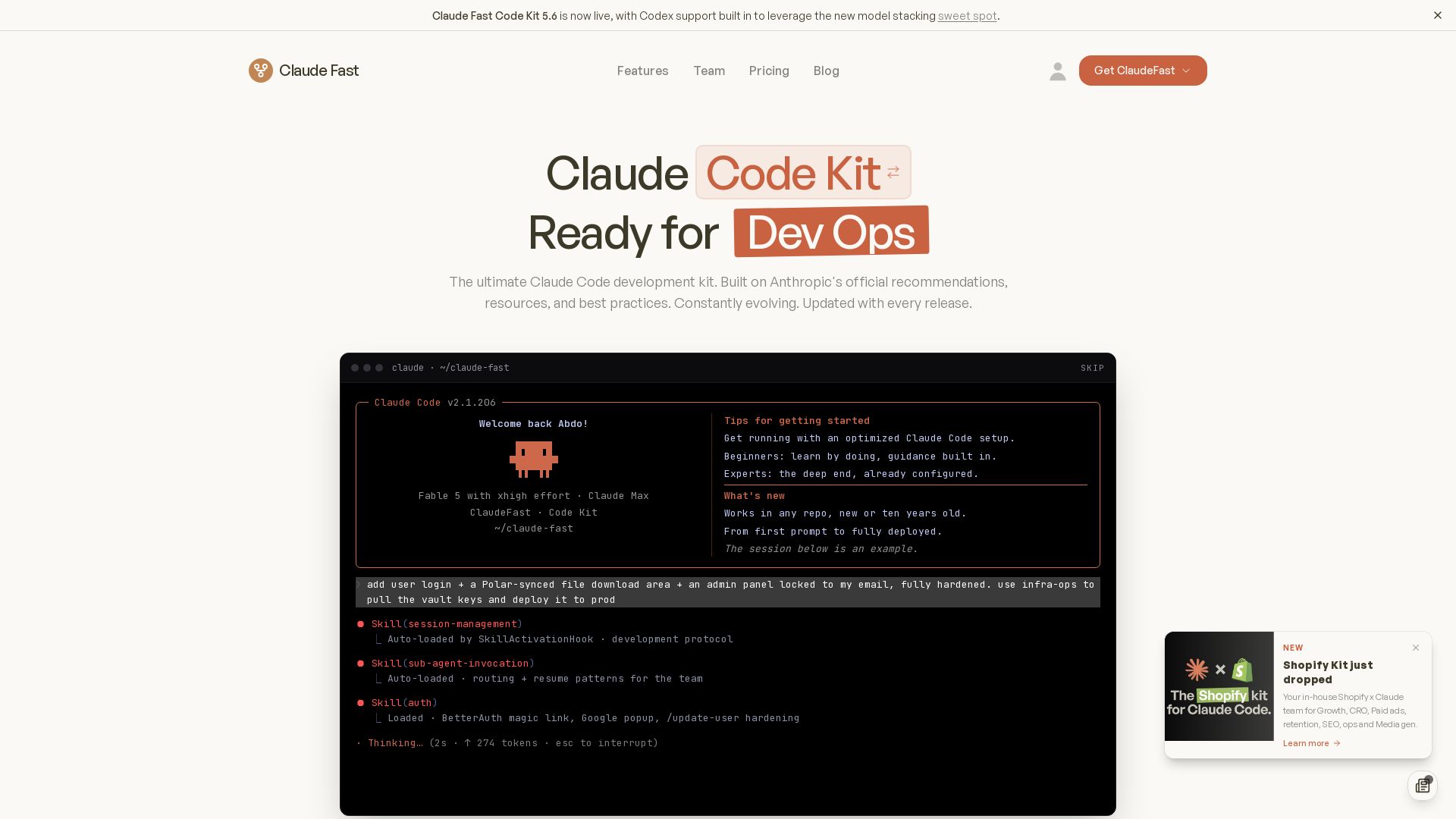
Claude Fast
Enhance Claude Code with Claude Fast kits: intelligent routing, skill activation, session management. Save time on setup and debugging. Lifetime access.

Anthropic
Anthropic is a public benefit AI company building safe, powerful systems like Claude. Explore our research, products, and commitments to responsible AI.

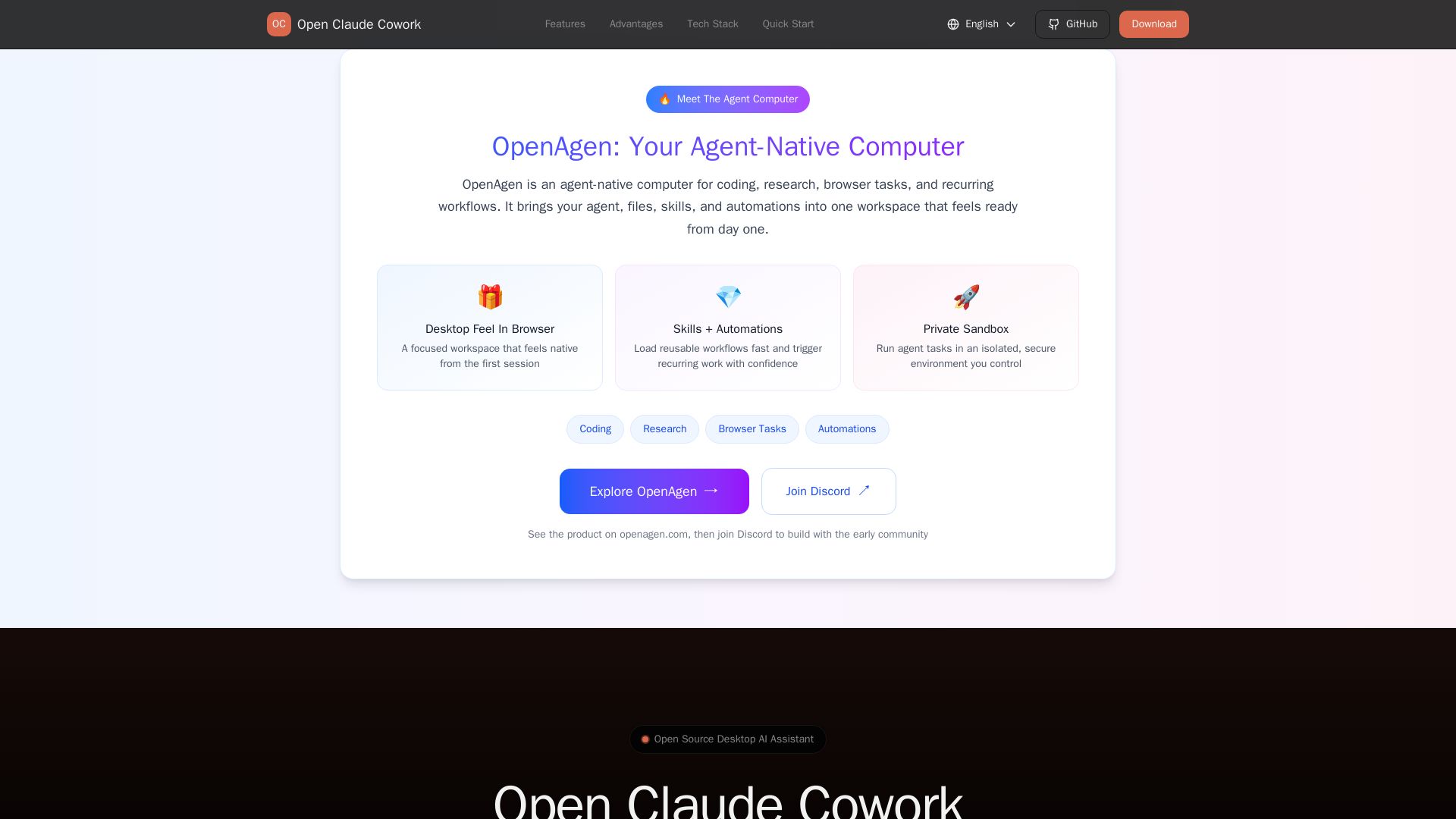
Open Claude Cowork
Bring Claude Code to desktop with visual AI collaboration. Open source assistant for coding, research, browser tasks. Supports Chinese LLMs, session management, and tool control.

Claude
Find documentation, guides, and support for Claude AI by Anthropic. Explore plans for consumers and businesses. Get started today.


Figr
Ship better UX faster. Figr builds a living understanding of your product, maps flows, finds edge cases, and generates high-fidelity prototypes from your actual design system.

Claude
Find answers, guides, and documentation for Claude AI, including plans, API, desktop apps, and enterprise features.

Claude
Claude is a safe, accurate AI assistant for brainstorming, coding, data analysis, and collaboration. Free plan available. Try Claude on web, mobile, or desktop.

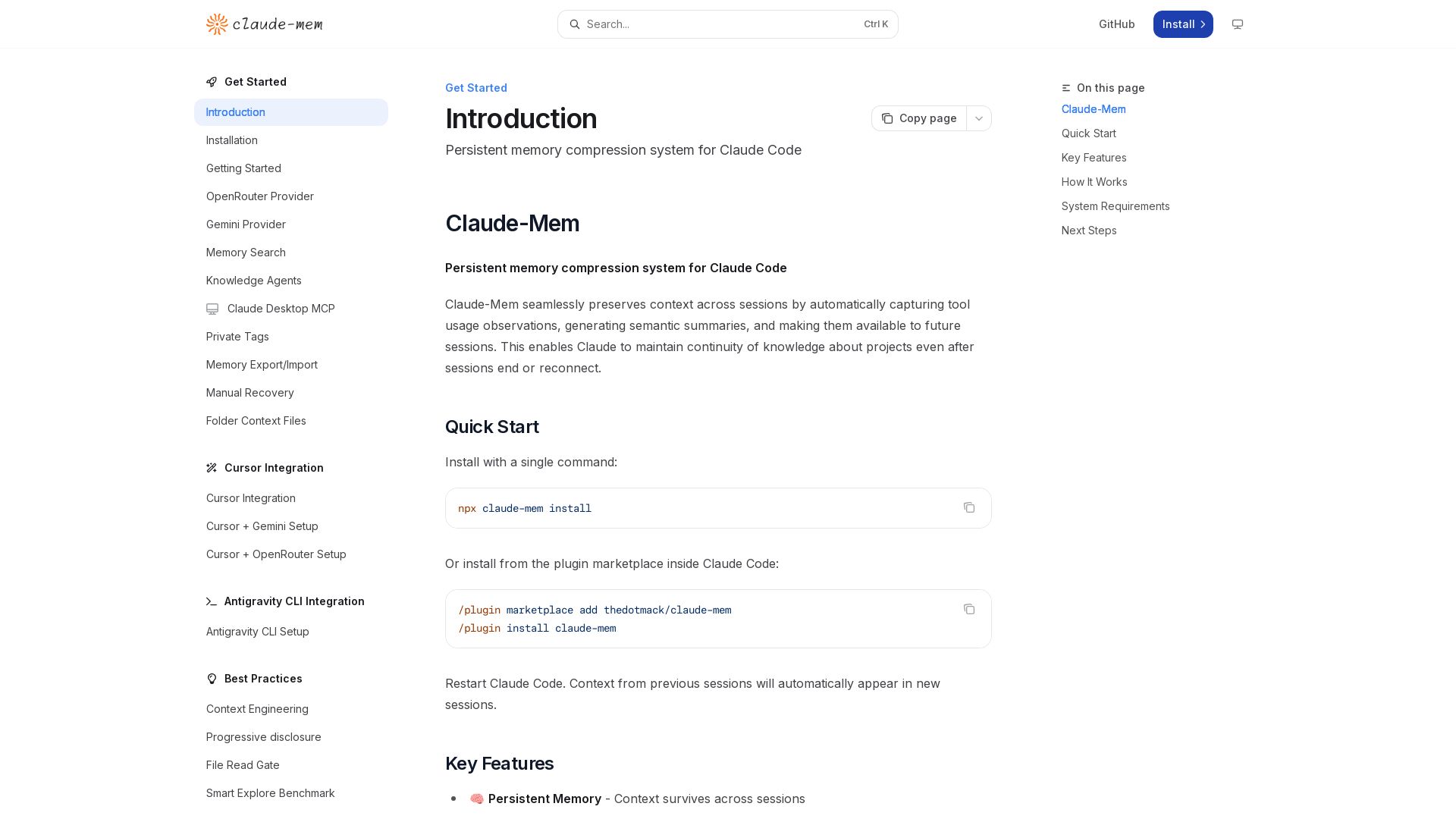
Claude-Mem
Seamlessly preserve context across sessions with automatic observation capture, semantic summaries, and multilingual support. Boost your Claude Code productivity.

claude-devtools
Open-source tool to view hidden details from Claude Code sessions: thinking steps, tool calls, context window, subagent trees. No API keys needed. Works with logs already on your machine.


HIX AI
HIX AI is an AI agent workspace that lets you research, create slides, videos, images, and more with one tool. Boost productivity with deep research and automated content creation.


Claude Skills Marketplace
4,045+ free open-source Claude skills for Claude Code & AI agents. Library for automation, data analysis, DevOps, compatible with Anthropic Claude & MCP.

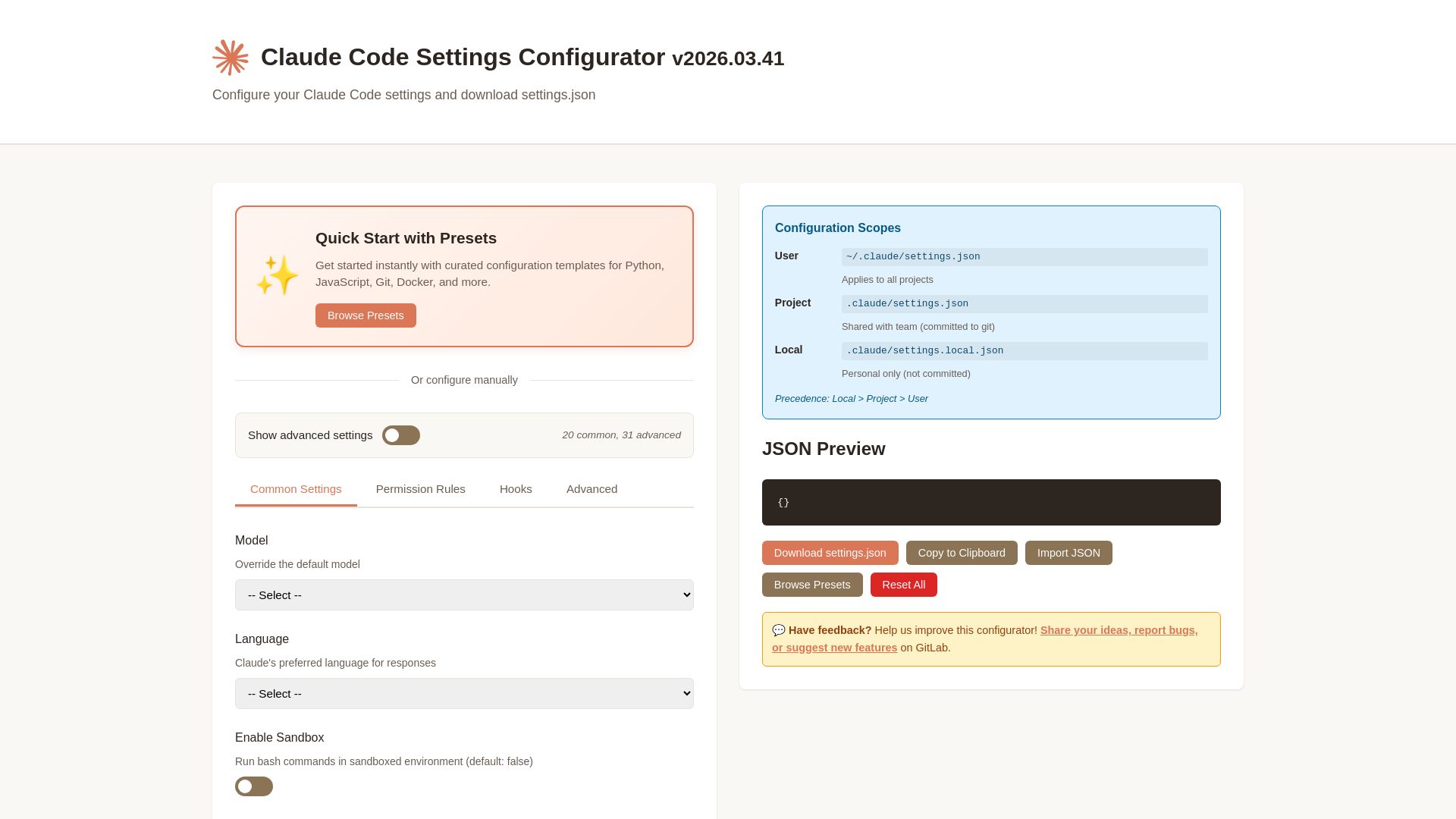
Claude Code Settings Configurator
Easily configure Claude Code settings with presets, permissions, hooks, and more. Download your custom settings.json file.

ℹ️ Curation Disclosure: The overview and features of ClaudeUsageBar were synthesized using AI and fact-checked by our curation team to ensure accuracy.
