
CGNET Services International
Since 1983, CGNET delivers IT, cybersecurity, cloud & AI solutions to 200+ NGOs and foundations globally. Focus on your mission, we handle your IT.

Editor's Verdict
Key Takeaways
- Microsoft Forms
- Version History
- Microsoft Bookings
- Microsoft Planner
In-Depth Review: What is CGNET Services International?
CGNET has been providing comprehensive IT solutions to world-changing organizations since 1983. With a focus on nonprofits, foundations, and relief agencies, we offer IT assessments, cybersecurity, managed cloud services (Microsoft 365, Azure, Dynamics 365), and generative AI integration. Our team has supported over 200 organizations in 130 countries, ensuring secure, stable, and productive environments so they can concentrate on their impactful missions. From strategic planning to day-to-day support, we customize our services to meet each client's unique needs.
Core Features
Microsoft Forms
Build surveys, registrations, quizzes, and request forms quickly. Automatically collect and organize responses, eliminating manual email counting.
Version History
Automatically saves previous versions of files in OneDrive/SharePoint, allowing you to view, compare, and restore earlier versions without cluttering with multiple file copies.
Microsoft Bookings
Eliminates scheduling back-and-forth by letting people choose available times on your calendar with automatic confirmations and reminders.
Microsoft Planner
Assign tasks, set due dates, and organize projects into simple boards for shared visibility. Integrates with Teams for seamless collaboration.
Microsoft Loop
Create shared workspaces where lists, notes, and project updates stay synchronized across Teams, Outlook, and Loop—updating everywhere when changed in one place.
Pricing
Microsoft 365 Business Basic
- Web and mobile versions of Office apps
- Business email
- 1 TB cloud storage
- Microsoft Teams
- Standard security
Microsoft 365 Business Standard
- Desktop versions of Office apps
- Business email
- 1 TB cloud storage
- Microsoft Teams
- Advanced security
- Bookings
- Planner
Microsoft 365 Business Premium
- All Standard features
- Advanced security and compliance
- Intune for device management
- Azure Information Protection
Pros and Cons
Pros
- Hidden valueMany useful tools are already included in your subscription, saving money on additional software.
- Time savingsAutomates repetitive tasks like scheduling, surveying, and version management.
- Collaboration boostTools like Loop and Planner keep teams synchronized without email chaos.
- Easy to useFeatures like Forms and Bookings are intuitive and require minimal training.
- IntegrationAll features integrate seamlessly with Microsoft Teams and other M365 apps.
Cons
- UnderutilizationMost organizations only use a fraction of available features, wasting potential value.
- Learning curveSome features like Loop may require adjustment for teams used to traditional workflows.
- License dependencyAccess to advanced features depends on the subscription tier.
- Over-relianceHeavy use of built-in tools may lead to neglecting specialized software that could be better.
- Change resistanceTeams may be reluctant to adopt new features, sticking with familiar but inefficient methods.
Use Cases & Recommended Professions
IT Manager→ View Toolkit
Ensures the organization maximizes its Microsoft 365 investment and users adopt hidden productivity tools.
Office Administrator→ View Toolkit
Manages scheduling, surveys, and task assignments using Bookings, Forms, and Planner.
Project Manager→ View Toolkit
Uses Planner and Loop to organize tasks, share updates, and keep teams aligned without email chains.
Nonprofit Coordinator→ View Toolkit
Leverages forms for registrations and surveys, and bookings for donor meetings.
HR Specialist→ View Toolkit
Creates employee surveys with Forms, schedules interviews with Bookings, and tracks onboarding with Planner.
Team Lead→ View Toolkit
Uses Version History to recover document changes and Loop to collaborate on agendas and notes in real time.
Frequently Asked Questions
Alternative AI Tools
View Detailed Comparison →
ManageEngine
Total visibility and control. Manage identity, endpoints, IT services, security, and more with AI-powered tools. Trusted by enterprises. Free 30-day trials.




PrometAI
Generate investor-ready business plans in minutes with PrometAI's AI. Trusted by 100,000+ founders. Start for free, no guesswork.

Assembled
Streamline scheduling, people management, and reports with Assembled. Integrate your platforms and deploy AI agents to boost team productivity.

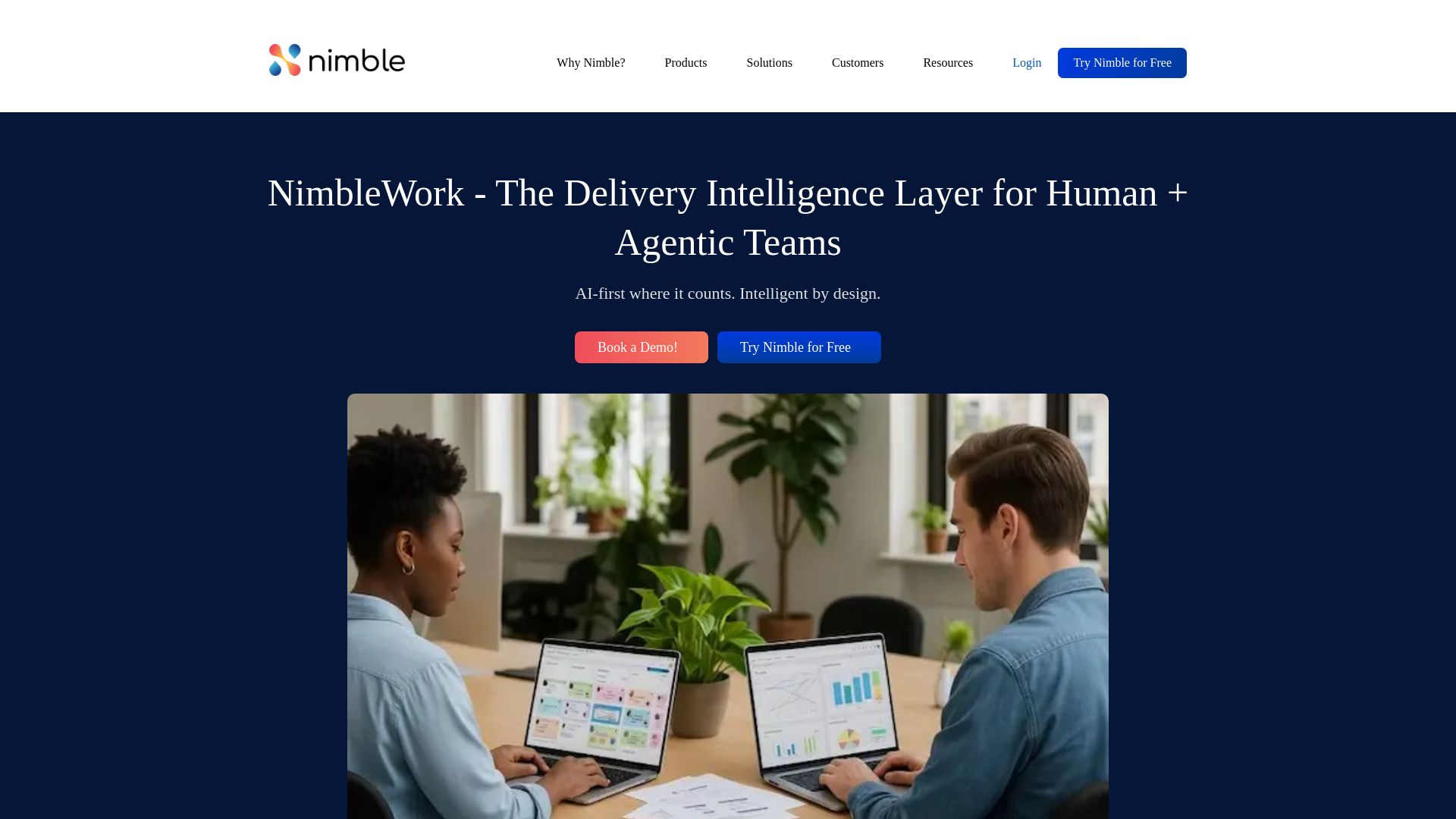
NimbleWork
Boost productivity with AI-driven work management. Visual boards, agile tools, and analytics trusted by industry leaders. Try for free!

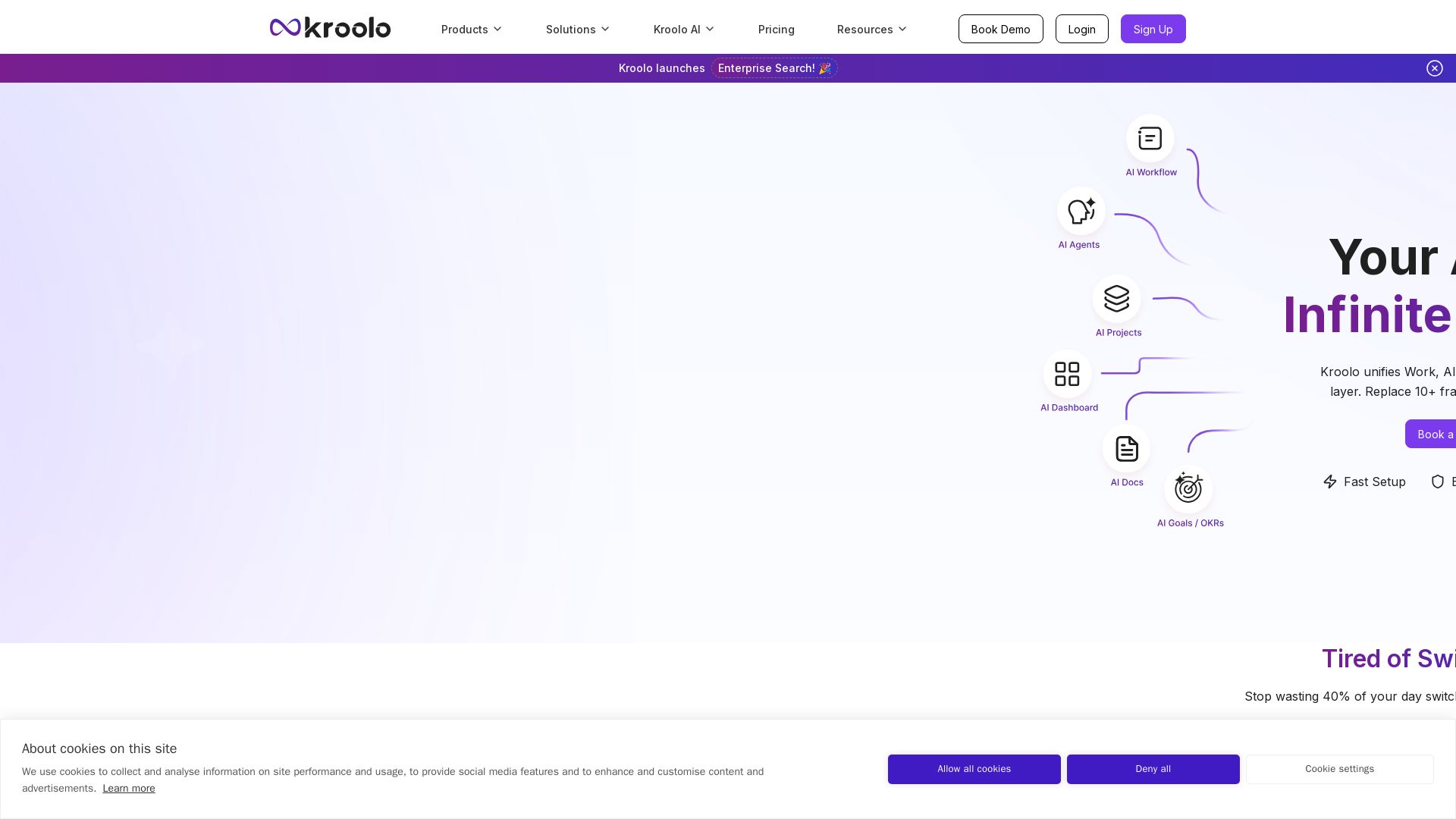
Kroolo
Replace 10+ fragmented apps with one AI-native platform. Kroolo unifies work, AI agents, and enterprise search to boost productivity up to 70%.

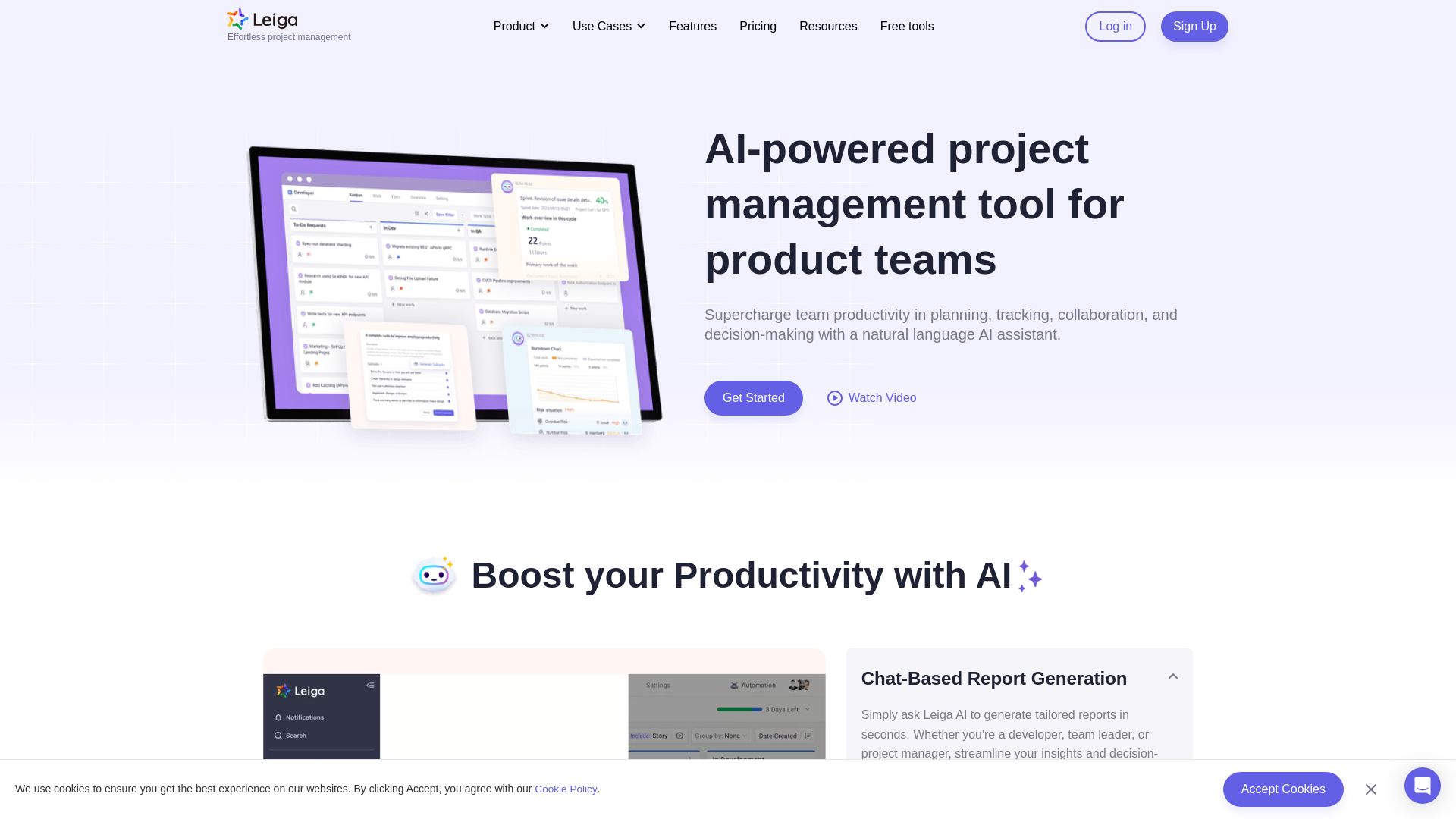
Leiga
Supercharge team productivity with AI-driven planning, tracking, and collaboration. Chat-based reports, automated workflows, and risk warnings. Free forever.

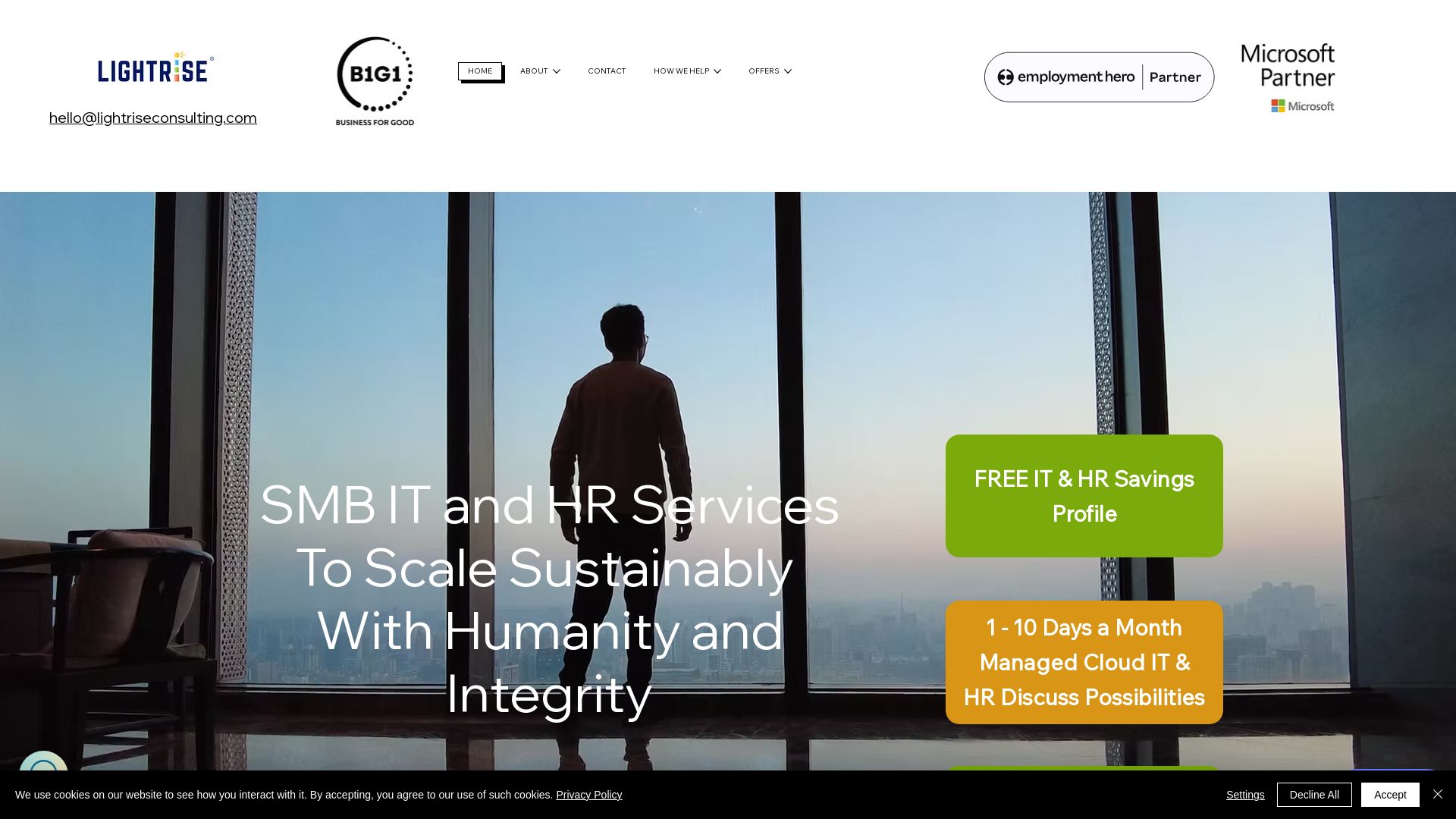
Lightrise Consulting
Scale your business with managed cloud IT & HR services. Fixed price, impact-focused. Get your free IT & HR Savings Profile today.
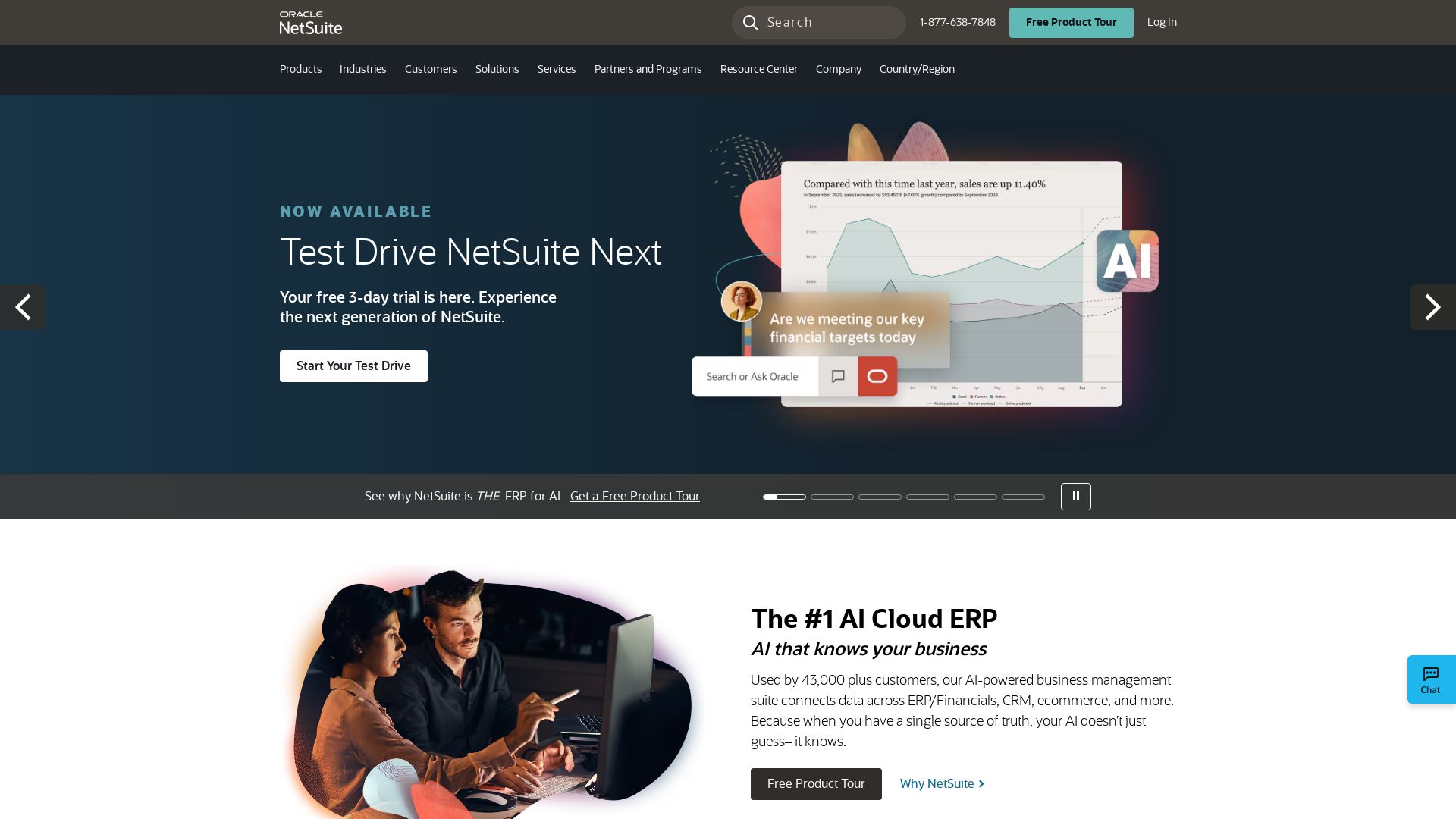
NetSuite
AI-powered ERP suite used by 43,000+ customers. Connect data across finance, CRM, ecommerce & more. Try NetSuite Next free for 3 days.

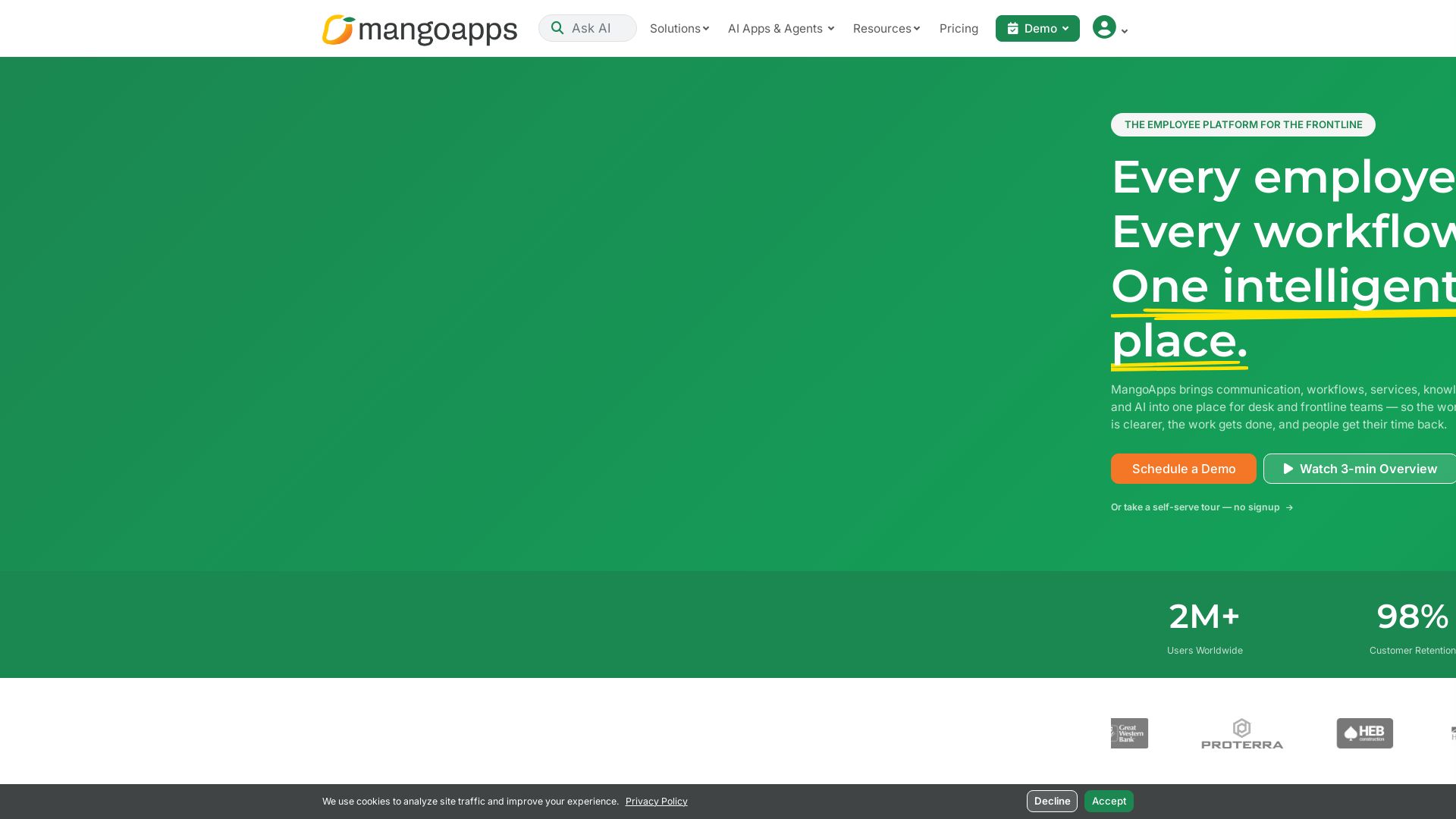
MangoApps
Unify communication, workflows, HR, and AI in one intelligent platform. Trusted by 2M+ users. 98% retention. HITRUST & SOC 2 certified.


Figr
Ship better UX faster. Figr builds a living understanding of your product, maps flows, finds edge cases, and generates high-fidelity prototypes from your actual design system.

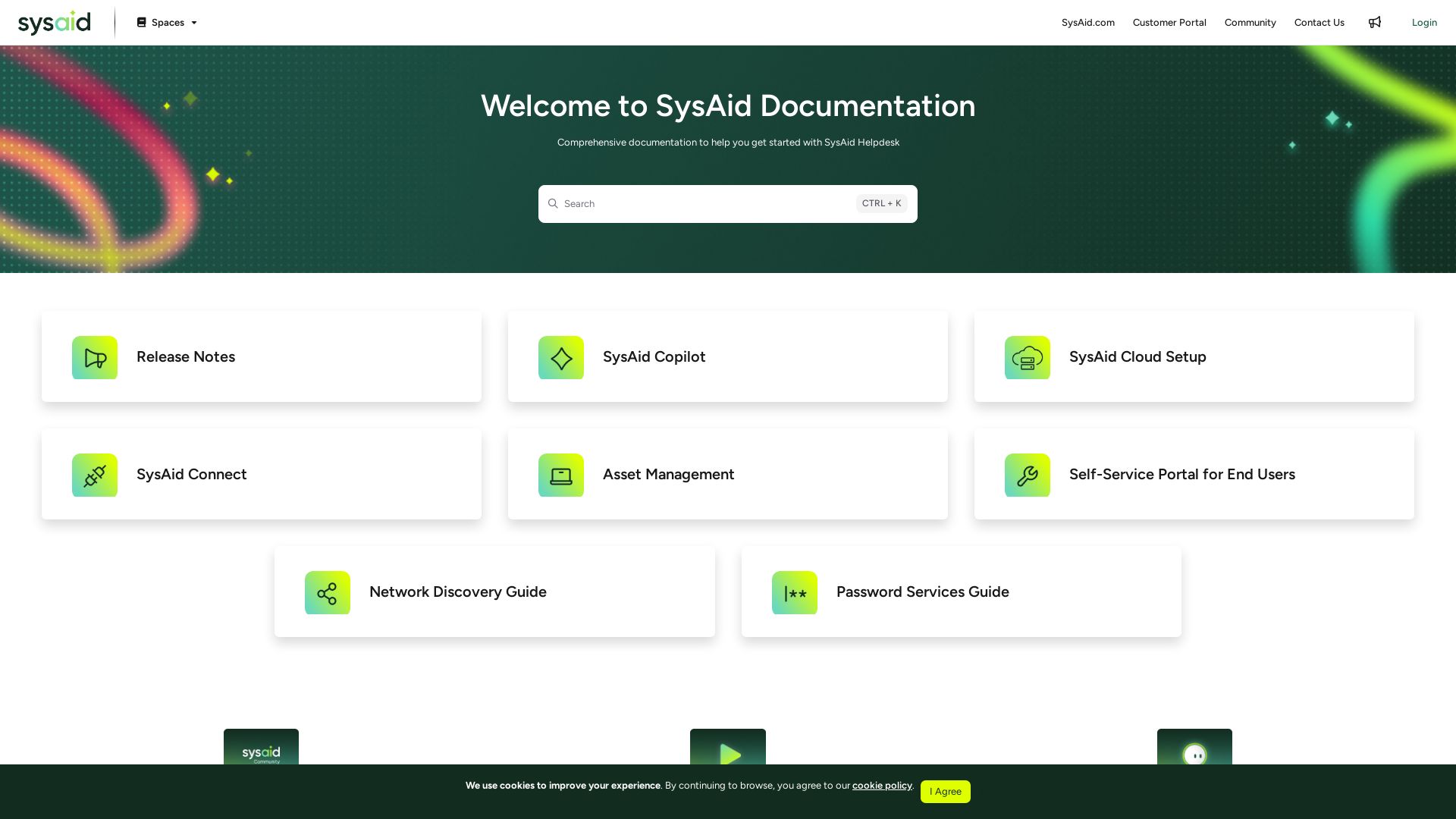
SysAid
Explore comprehensive guides, release notes, and tutorials for SysAid Helpdesk, ITSM, asset management, and more. Optimize your IT service delivery.

ℹ️ Curation Disclosure: The overview and features of CGNET Services International were synthesized using AI and fact-checked by our curation team to ensure accuracy.