
SysAid
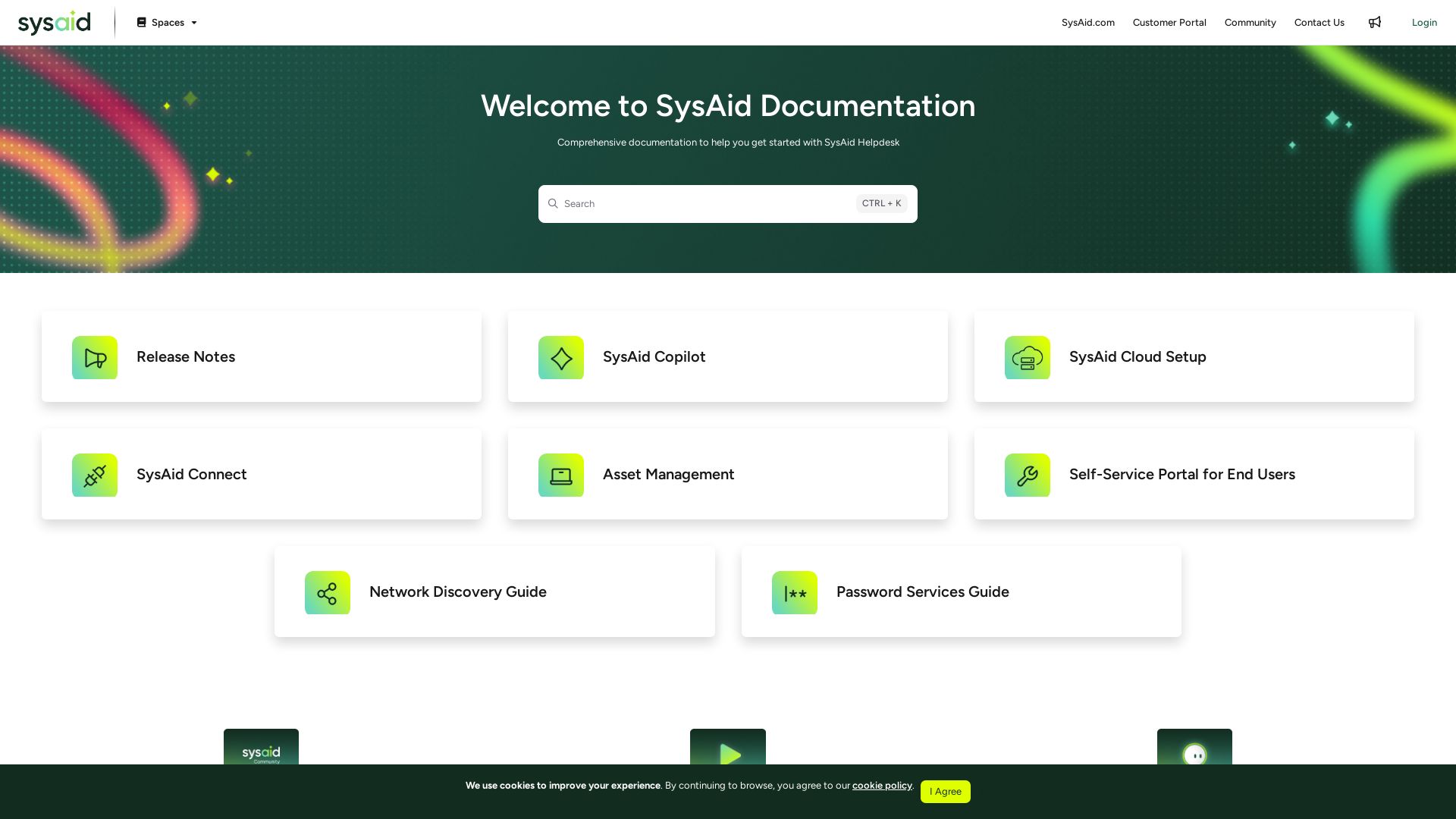
Explore comprehensive guides, release notes, and tutorials for SysAid Helpdesk, ITSM, asset management, and more. Optimize your IT service delivery.


Editor's Verdict
Key Takeaways
- SysAid Copilot
- Asset Management
- Self-Service Portal
- Network Discovery
In-Depth Review: What is SysAid?
SysAid is a powerful IT service management platform offering help desk, ITSM, asset management, and automation. This documentation hub provides all resources needed to set up, configure, and optimize SysAid for your organization, including release notes, copilot features, cloud setup, and self-service portal guides.
Core Features
SysAid Copilot
AI-powered assistant to automate workflows and enhance IT support efficiency.
Asset Management
Track, manage, and optimize IT assets throughout their lifecycle.
Self-Service Portal
Empower end users to resolve issues and request services independently.
Network Discovery
Automatically discover and inventory devices on your network.
Password Services
Simplify password management and reset processes for users.
ITSM and ITMS+
Comprehensive IT service management with advanced capabilities.
Pricing
Contact Sales
- Help Desk
- ITSM
- ITSM+
- Integrations & Add-ons
Pros and Cons
Pros
- Comprehensive DocumentationExtensive guides and video tutorials help users quickly learn and troubleshoot.
- Integrated AI AssistantSysAid Copilot automates repetitive tasks, boosting productivity.
- Flexible DeploymentCloud-based setup with easy integration to Microsoft Entra ID and other tools.
- Asset Lifecycle ManagementFull asset tracking from discovery to retirement.
- Self-Service CapabilitiesPortal reduces IT ticket volume by enabling users to resolve common issues.
Cons
- Pricing TransparencyNo public pricing details; requires contacting sales for quotes.
- Complex Setup for Small TeamsAdvanced features may be overwhelming for very small organizations.
- Learning CurveExtensive feature set requires time to master.
Use Cases & Recommended Professions
IT Help Desk Technician→ View Toolkit
Uses SysAid to manage and resolve support tickets efficiently.
System Administrator→ View Toolkit
Leverages asset management and network discovery to maintain infrastructure.
IT Manager→ View Toolkit
Oversees IT service delivery and uses analytics for decision making.
Service Desk Agent→ View Toolkit
Relies on self-service portal and automation to handle user requests.
IT Support Specialist→ View Toolkit
Benefits from password services and copilot to speed up resolution.
IT Operations Analyst→ View Toolkit
Uses network discovery and ITSM processes to ensure system reliability.
Frequently Asked Questions
Alternative AI Tools
View Detailed Comparison →
ManageEngine
Total visibility and control. Manage identity, endpoints, IT services, security, and more with AI-powered tools. Trusted by enterprises. Free 30-day trials.




PrometAI
Generate investor-ready business plans in minutes with PrometAI's AI. Trusted by 100,000+ founders. Start for free, no guesswork.

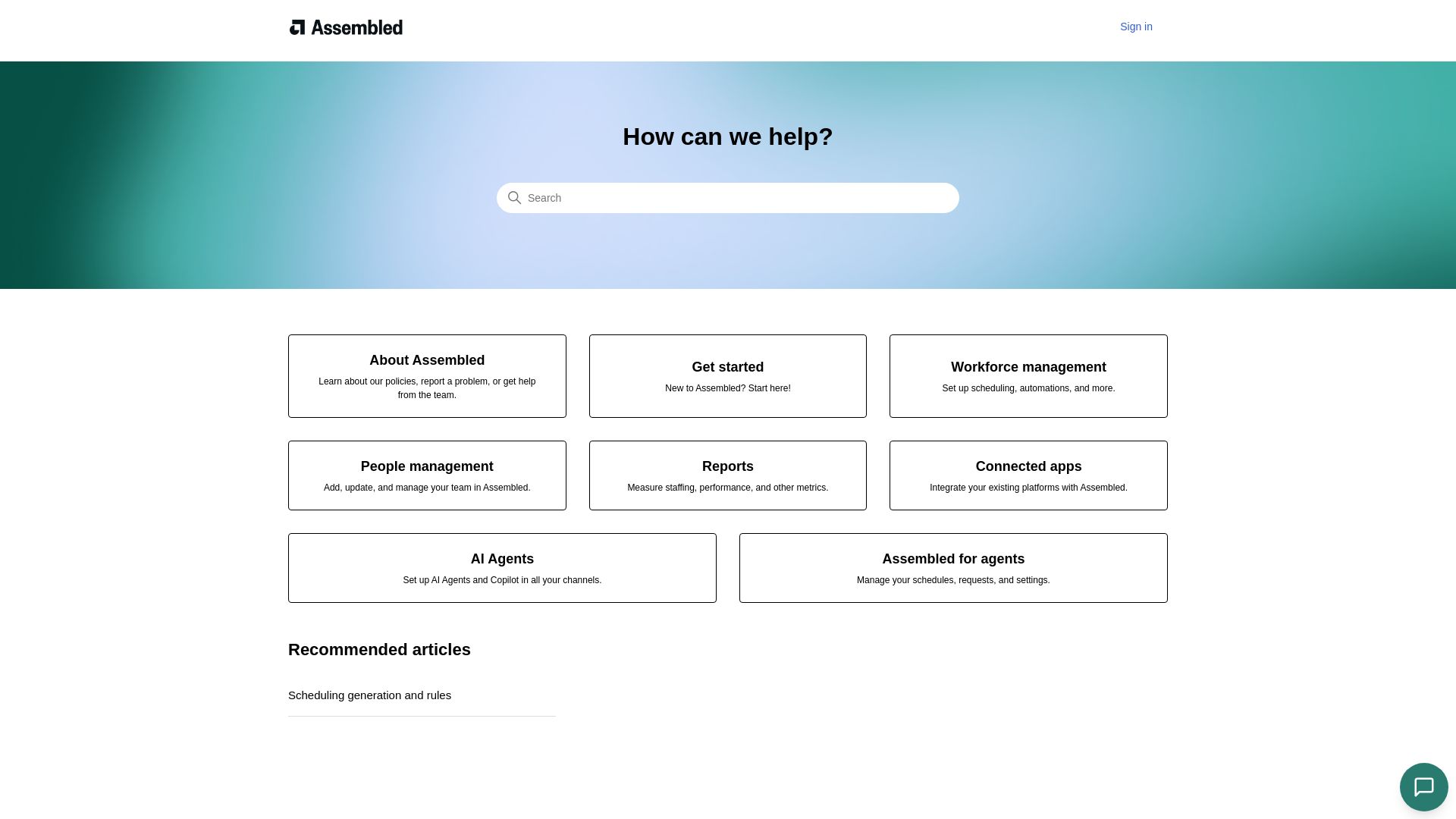
Assembled
Streamline scheduling, people management, and reports with Assembled. Integrate your platforms and deploy AI agents to boost team productivity.

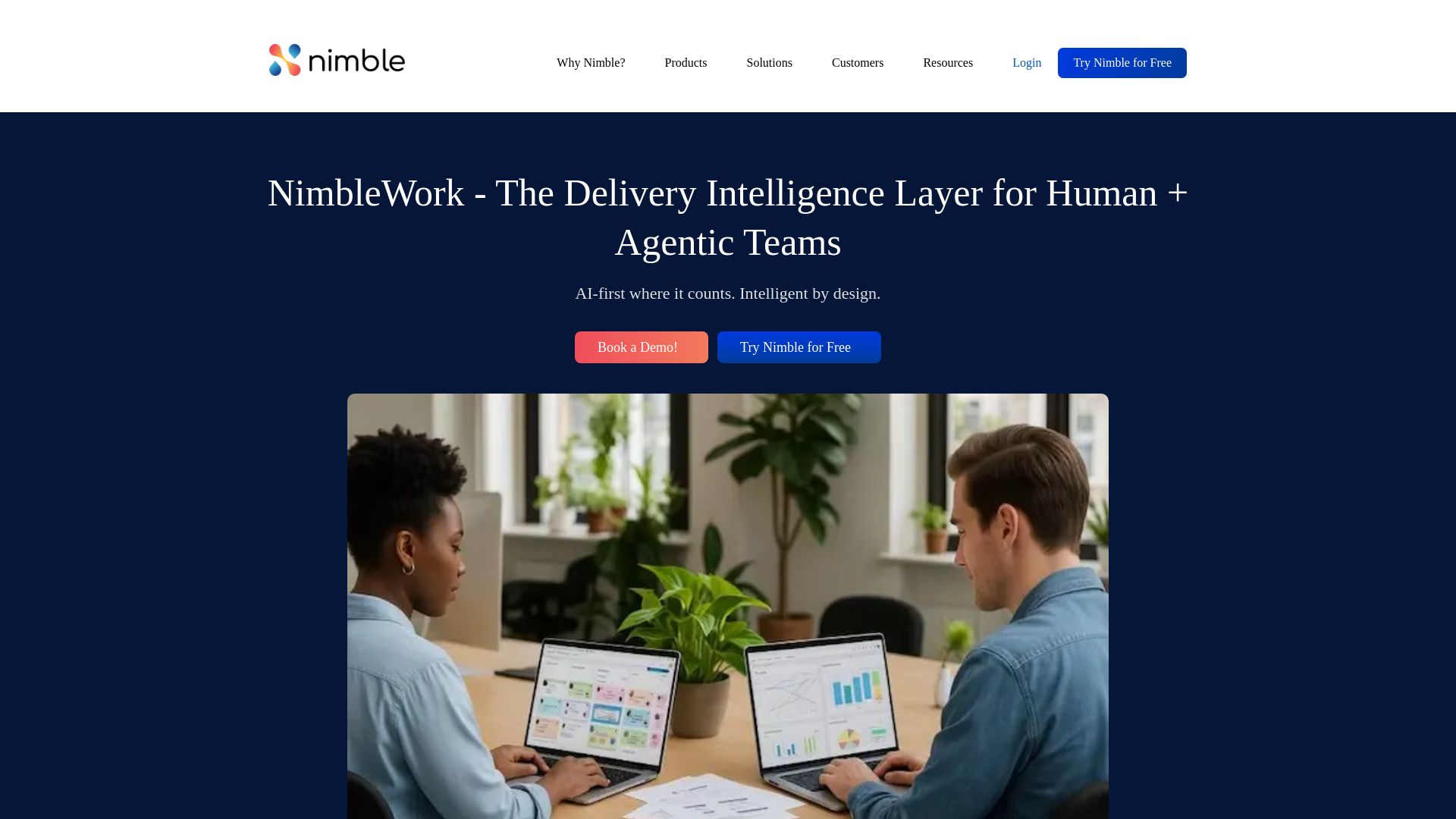
NimbleWork
Boost productivity with AI-driven work management. Visual boards, agile tools, and analytics trusted by industry leaders. Try for free!

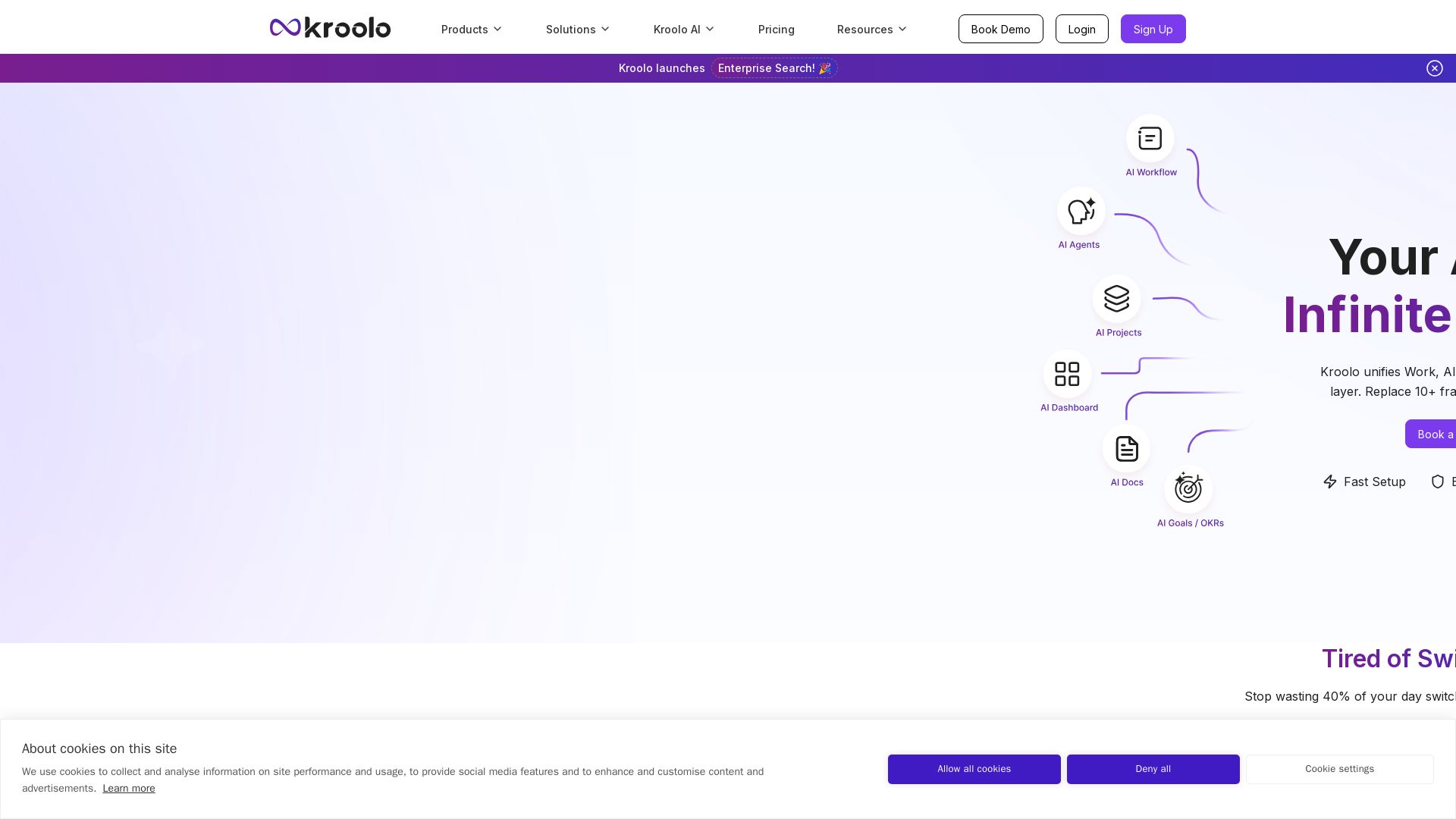
Kroolo
Replace 10+ fragmented apps with one AI-native platform. Kroolo unifies work, AI agents, and enterprise search to boost productivity up to 70%.

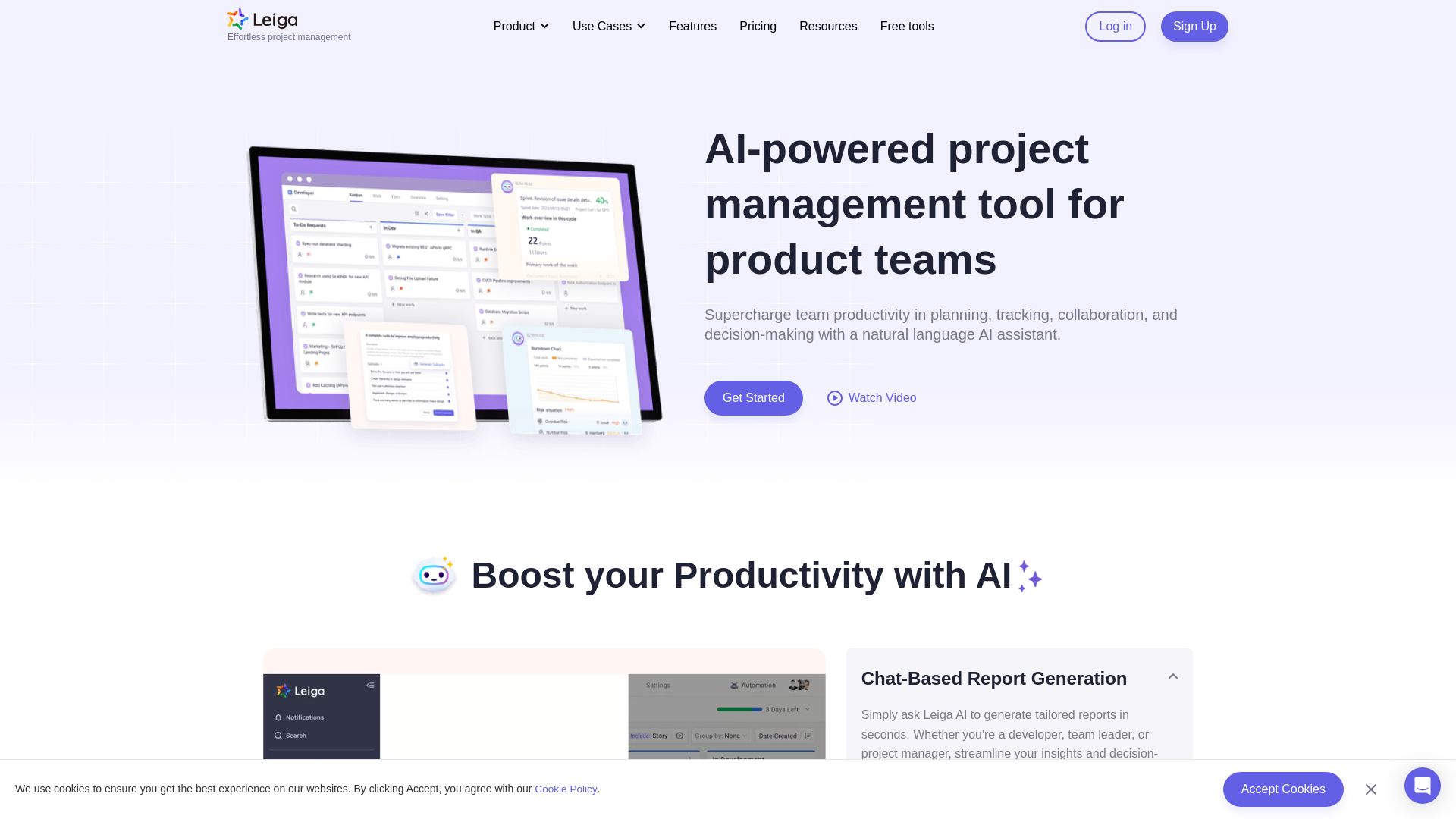
Leiga
Supercharge team productivity with AI-driven planning, tracking, and collaboration. Chat-based reports, automated workflows, and risk warnings. Free forever.

Sintra
Hire AI employees to automate social media, SEO, customer support, sales, and more. Get a 24/7 digital workforce that scales with your business. No extra headcount needed.


Figr
Ship better UX faster. Figr builds a living understanding of your product, maps flows, finds edge cases, and generates high-fidelity prototypes from your actual design system.

Custom Support AI
Deliver instant, accurate, multilingual customer support 24/7 with AI chatbots trained on your business data. Simple integration, no credit card required.

SupportYourApp
Scale your business with AI-enhanced customer support. 96% CSAT, 60+ languages, 24/7 omnichannel. Trusted by unicorns. Get custom pricing.


Juro
Juro's AI-native platform automates contract creation, review, and management. Chat with contracts, get answers instantly. Used by 3M contracts. Get a demo.

ℹ️ Curation Disclosure: The overview and features of SysAid were synthesized using AI and fact-checked by our curation team to ensure accuracy.