
AI.Law
AI.Law helps civil litigators manage cases from start to finish. Drafts pleadings, discovery, and motions; tracks claims and defenses; reduces stress and saves hours.
Editor's Verdict
Key Takeaways
- War Room
- Lawsuit Drafting
- Discovery Drafting
- Motion Drafting
In-Depth Review: What is AI.Law?
AI.Law is a patented litigation operating system designed for civil litigators buried in work. It provides a War Room that maps every case—connecting claims, defenses, evidence, gaps, and deadlines in one living view. Draft complaints, answers, discovery, and motions faster. Identify missing proof, track key elements, and keep cases moving without hiring additional staff. Trusted by hundreds of firms and built by a litigator, AI.Law helps you work every case like your most important one.
Core Features
War Room
A centralized 3D case map that connects claims, defenses, evidence, gaps, and next steps, enabling lawyers to see the winning strategy at a glance.
Lawsuit Drafting
Draft complete complaints and answers with AI-suggested claims and affirmative defenses, with human review and approval.
Discovery Drafting
Build complete discovery sets (interrogatories, RFPs, RFAs) in minutes, driven by actual evidence gaps from the War Room.
Motion Drafting
Draft motions and supporting memoranda with citations and argument structure ready for attorney review.
Medical Cost Extraction
Turn medical records into treatment timelines, causation narratives, and damages-ready summaries.
Deposition Analysis
Fast chronological outlining, inconsistency detection across witnesses, and expert multi-deposition analysis.
Case Management
Manage matters, deadlines, notes, and client updates in a litigation-first workspace with AI-powered task suggestions.
AI Legal Research
Court Listener integrated caselaw search with verified citations, no invented cites.
Evidence War Room
Interactive 3D map of claims, defenses, evidence, and gaps, linked to source documents for quick verification.
AI Intake & CRM
Automated client intake in English and Spanish, lead CRM, and conflict checks, all free.
Pricing
Free Forever
- CRM & client intake
- Conflict checks
- Calendar & deadlines
- Document storage
- Time tracking & billing
- Client portal
- Unlimited matters and seats
- No AI tools included
Paralegal
- Manage documents with AI auto-routing
- Extract complex information with AI
- Generate AI timelines and lists of parties
- AI Chat with any file or matter
- Case health monitoring
- Evidence War Room
Associate
- Conduct research with AI
- Find claims and defenses with AI
- Draft pleadings, motions, and discovery with AI
- Analyze filings and draft responses
- Manage case workflows
- All Paralegal features
Partner
- Advanced AI for injury cases
- Settlement correspondence packages
- Deposition preparation and multi-deposition analysis
- AI-drafted action plans
- AI-assisted trial preparation (including voir dire)
- All Associate features
Owners' Suite Add-on
- Cross-matter intelligence across firm
- Opposing counsel analysis from case history
- Portfolio analytics on every matter
- Phone support and white-glove onboarding
- Requires at least one Partner seat
Pros and Cons
Pros
- Saves Significant Drafting TimeAI drafts complaints, discovery, motions, and more, reducing hours per document (e.g., 2-8+ hours per complaint).
- Centralized Case ViewWar Room connects claims, evidence, gaps, and next steps, eliminating scattered information across folders and emails.
- Reduces Paralegal and Associate WorkloadAutomates routine tasks like document review, timeline creation, and discovery gap analysis, allowing staff to focus on higher-value work.
- Grounds AI Output in User FilesEvery citation links back to source documents, and AI does not hallucinate citations; backed by a written guarantee.
- Flexible Pricing with Free TierFree Forever plan for practice management without AI, and per-seat pricing that can be mixed across roles.
Cons
- Costly for Full Firm AdoptionPartner tier at $699/seat and Owners' Suite add-on can be expensive for large firms, especially when adding multiple users.
- Learning Curve for Non-Tech LawyersWhile designed to be simple, lawyers unfamiliar with AI tools may need time to adapt to the War Room and AI drafting workflows.
- Potential AI Hallucination Risk (Mitigated)Despite citation guarantees, there is still reliance on AI; lawyers must verify all outputs, adding oversight time.
- Dependency on Internet ConnectivityAs a cloud-based platform, offline access is limited; users need stable internet for full functionality.
- Limited to Civil Litigation FocusBuilt primarily for civil litigation; may not suit other practice areas like criminal law or transactional work without adaptation.
Use Cases & Recommended Professions
Civil Litigation Lawyer→ View Toolkit
Manages multiple cases simultaneously; needs to draft pleadings, conduct discovery, and keep track of evidence and deadlines. AI.Law streamlines these tasks and reduces stress.
Personal Injury Attorney→ View Toolkit
Handles contingency fee cases with heavy document review and medical analysis; benefits from medical cost extraction, deposition analysis, and settlement tools.
Litigation Associate→ View Toolkit
Responsible for drafting and research under partner supervision; AI.Law speeds up drafting and helps identify claims/defenses.
Paralegal→ View Toolkit
Manages document organization, timelines, and discovery; AI.Law's auto-routing and extraction features save hours of manual work.
Solo Practitioner→ View Toolkit
Runs a small firm with limited staff; needs an affordable all-in-one solution to handle case management, drafting, and client communication without hiring additional help.
Litigation Partner→ View Toolkit
Oversees firm strategy and high-stakes cases; uses advanced AI for trial preparation, deposition analysis, and cross-matter intelligence.
Frequently Asked Questions
Alternative AI Tools
View Detailed Comparison →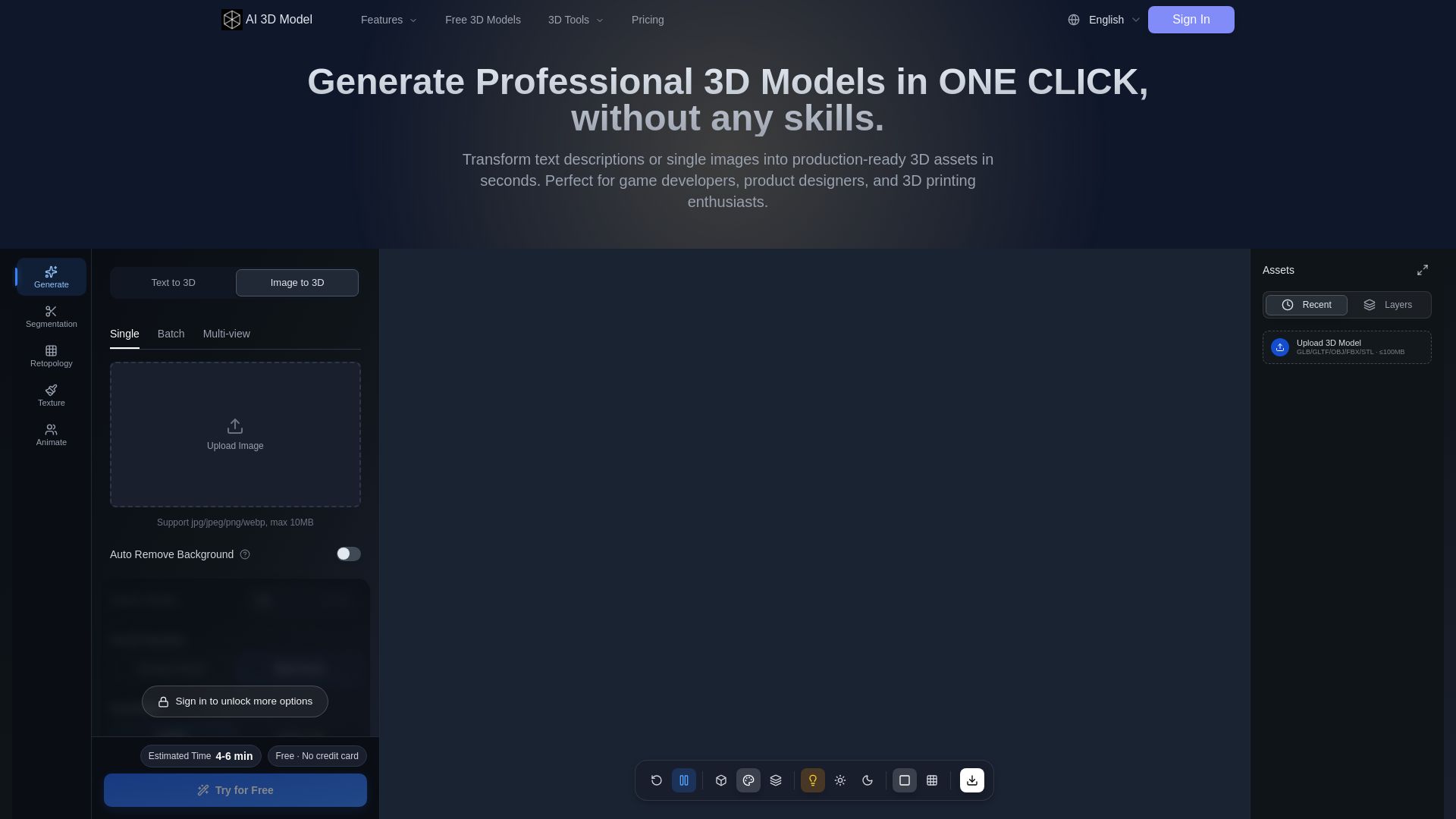
AI 3D Model Generator
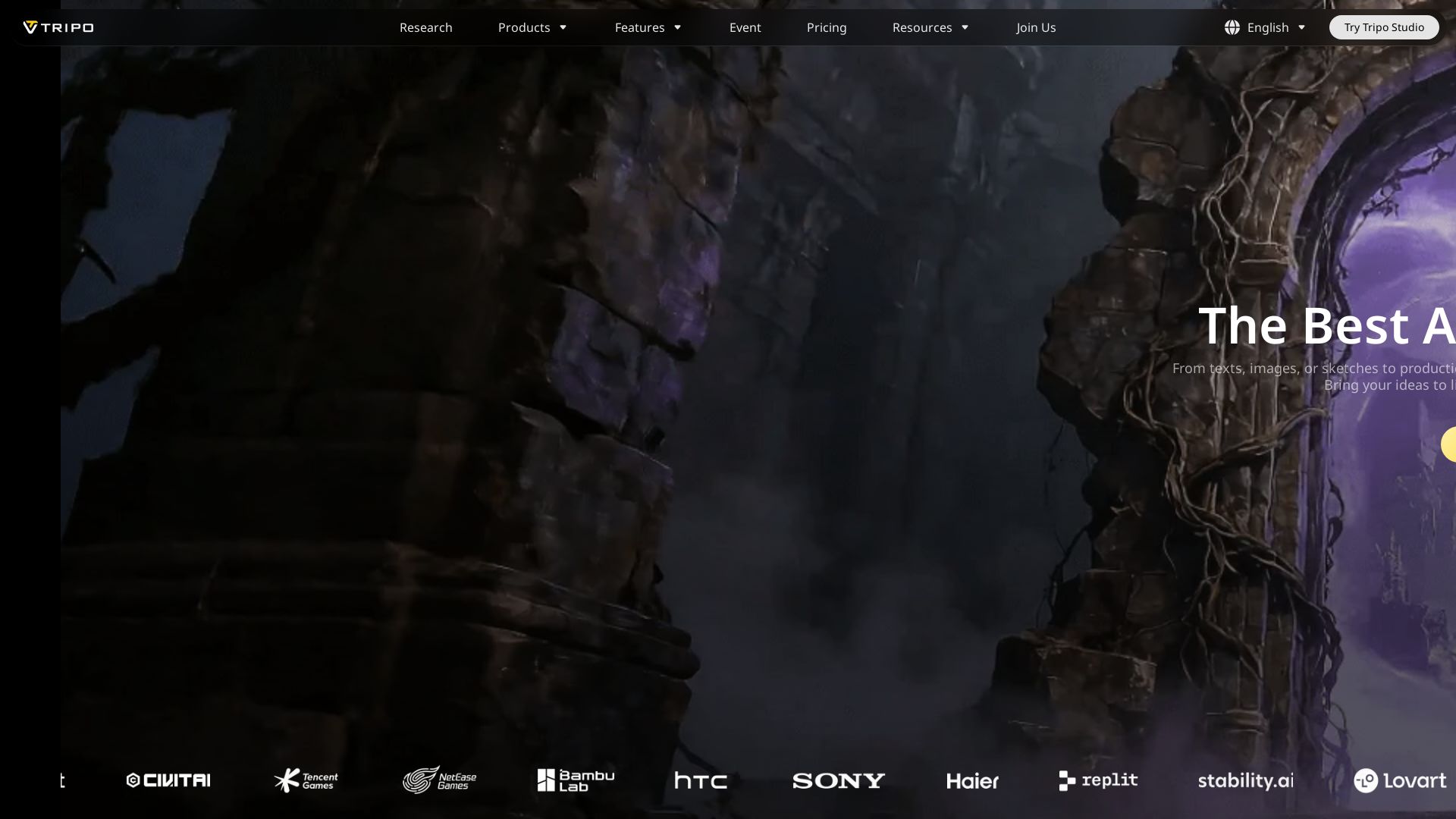
Turn text or images into production-ready 3D models in seconds. Perfect for games, product design, 3D printing. No skills needed. Try free!

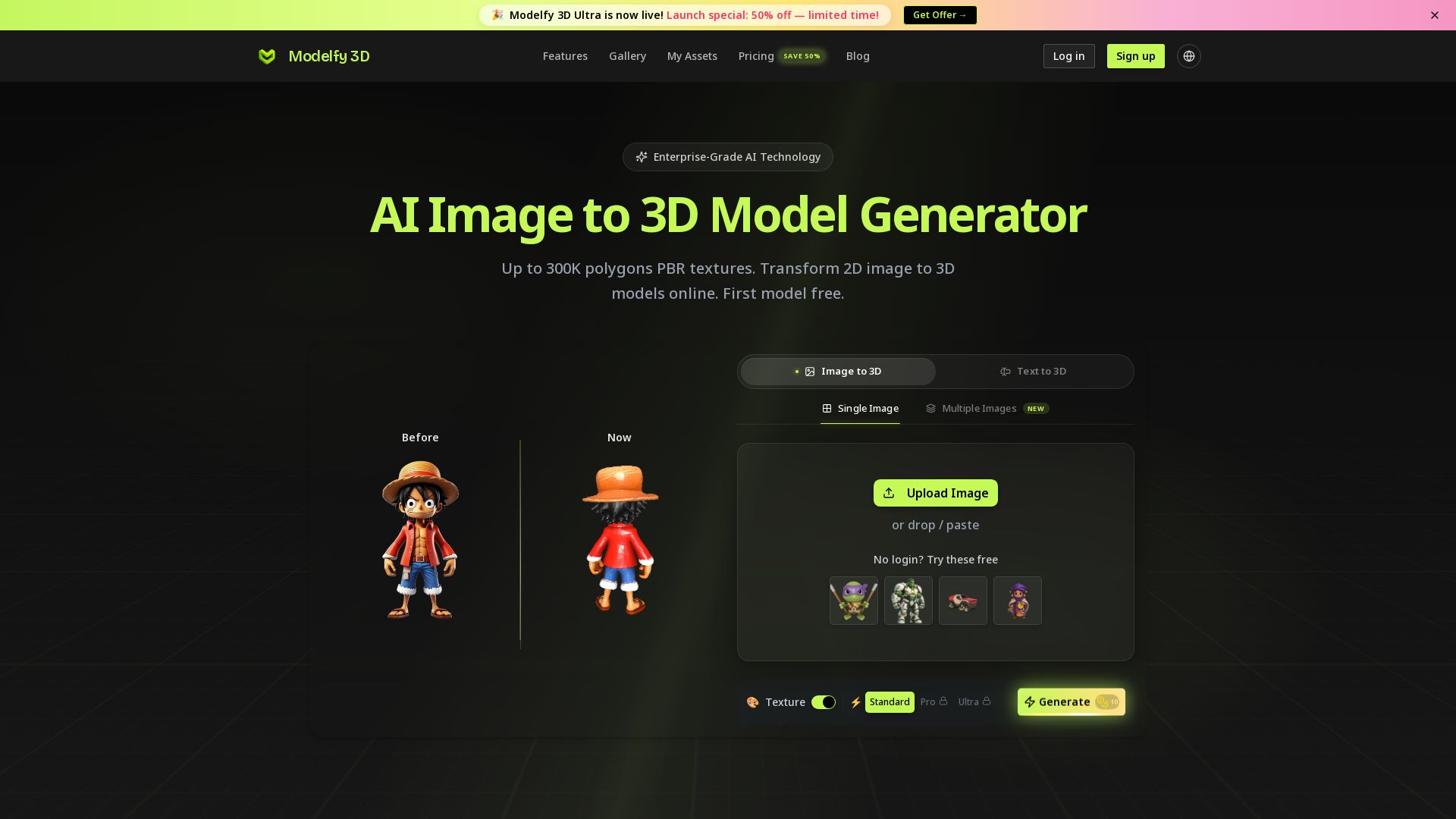
Modelfy 3D
Convert 2D images to 3D models with AI. Up to 300K polygons, PBR textures, GLB/OBJ/STL export. Free first model. Try Modelfy 3D now.

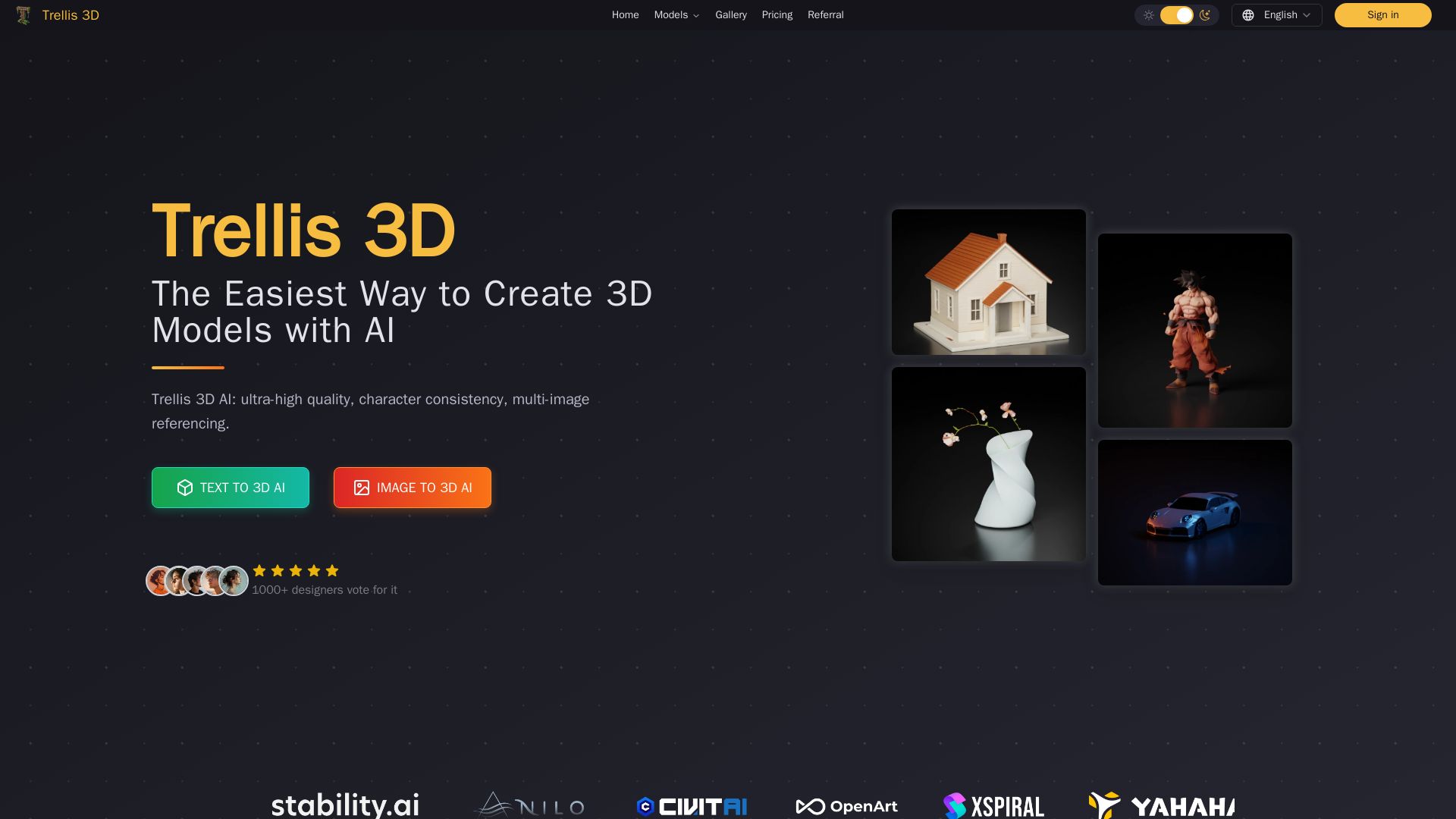
Trellis 3D AI
Create stunning 3D models from text or images using Trellis 3D AI. Ultra-high quality, multi-format output, and easy editing. Try it free!



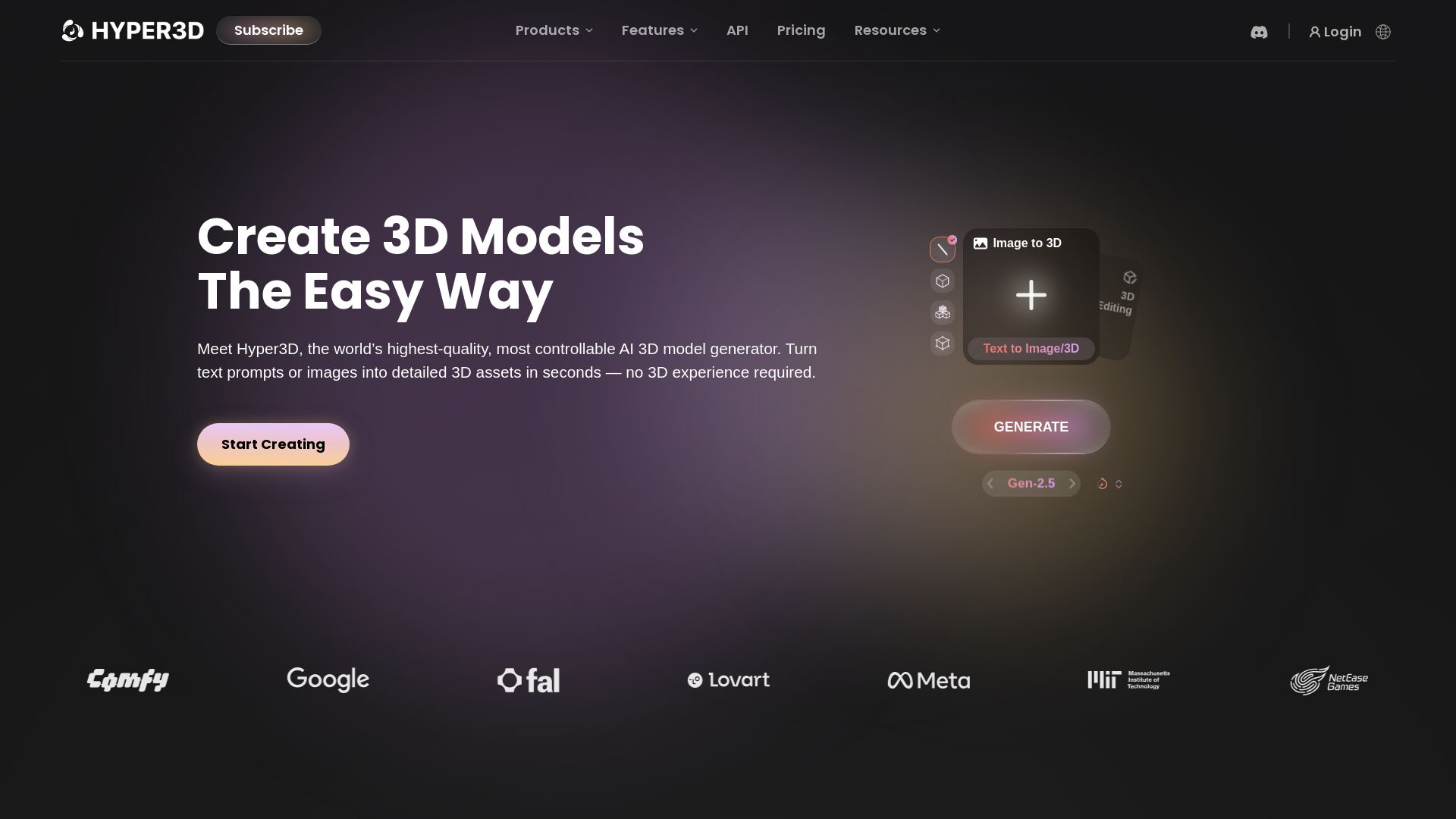
Hyper3D Rodin
Turn text or images into high-quality 3D models in seconds. No experience needed. Free trial available. Start creating now!


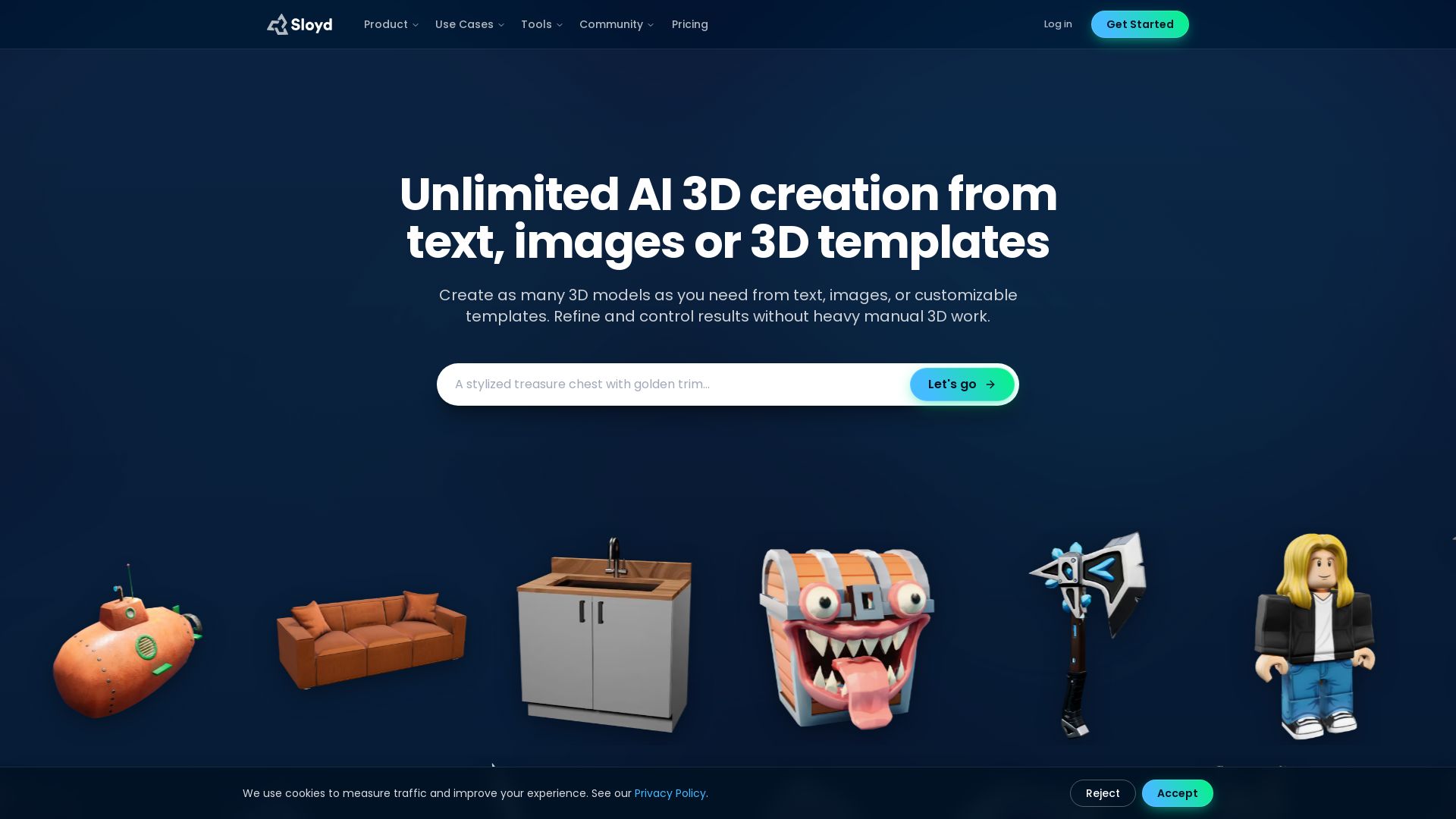
3D AI Studio
Create stunning 3D models instantly from text or images with AI. No experience required. Export to GLB, FBX, STL & more. Used by 1M+ creators.


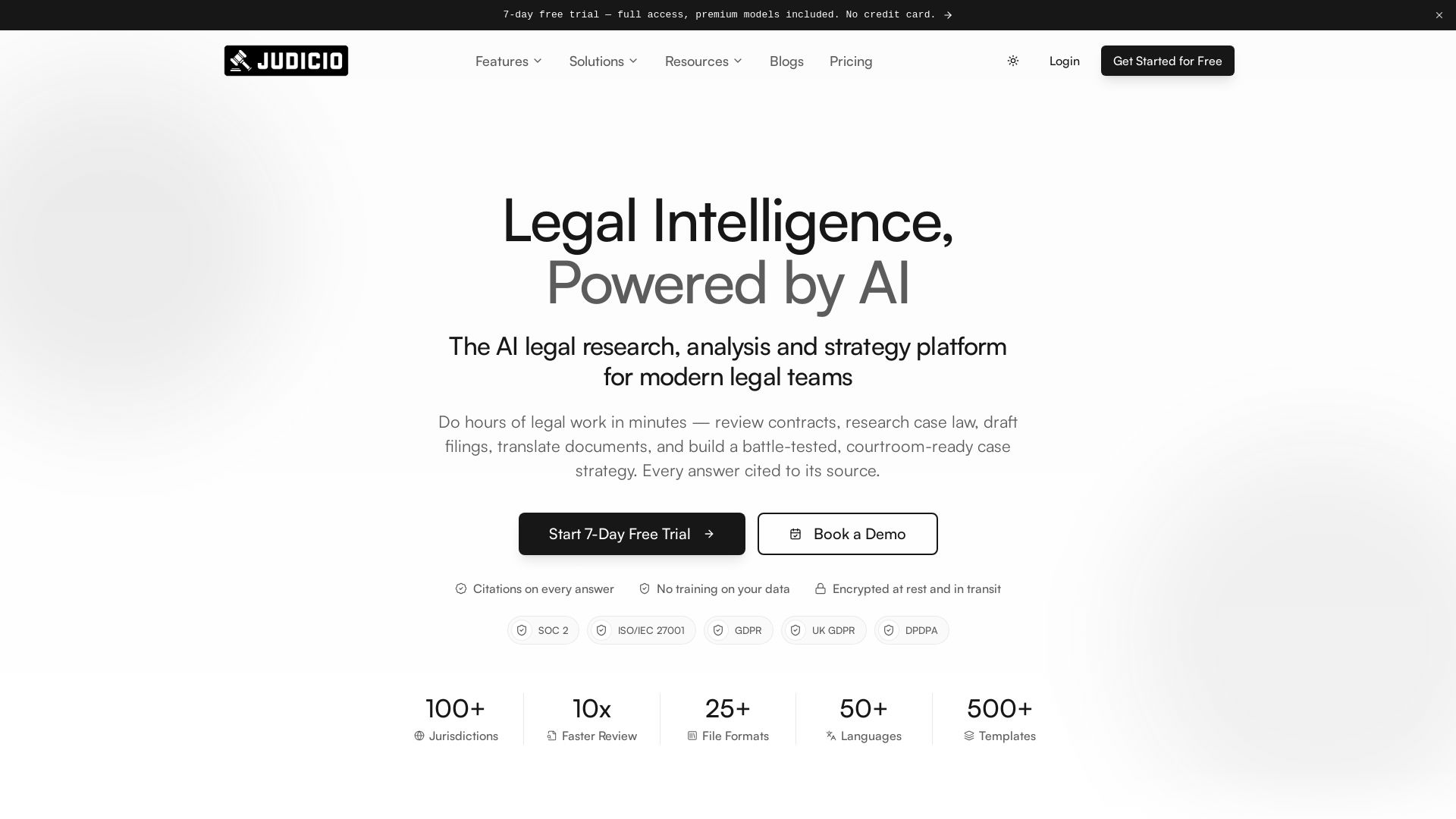
Judicio
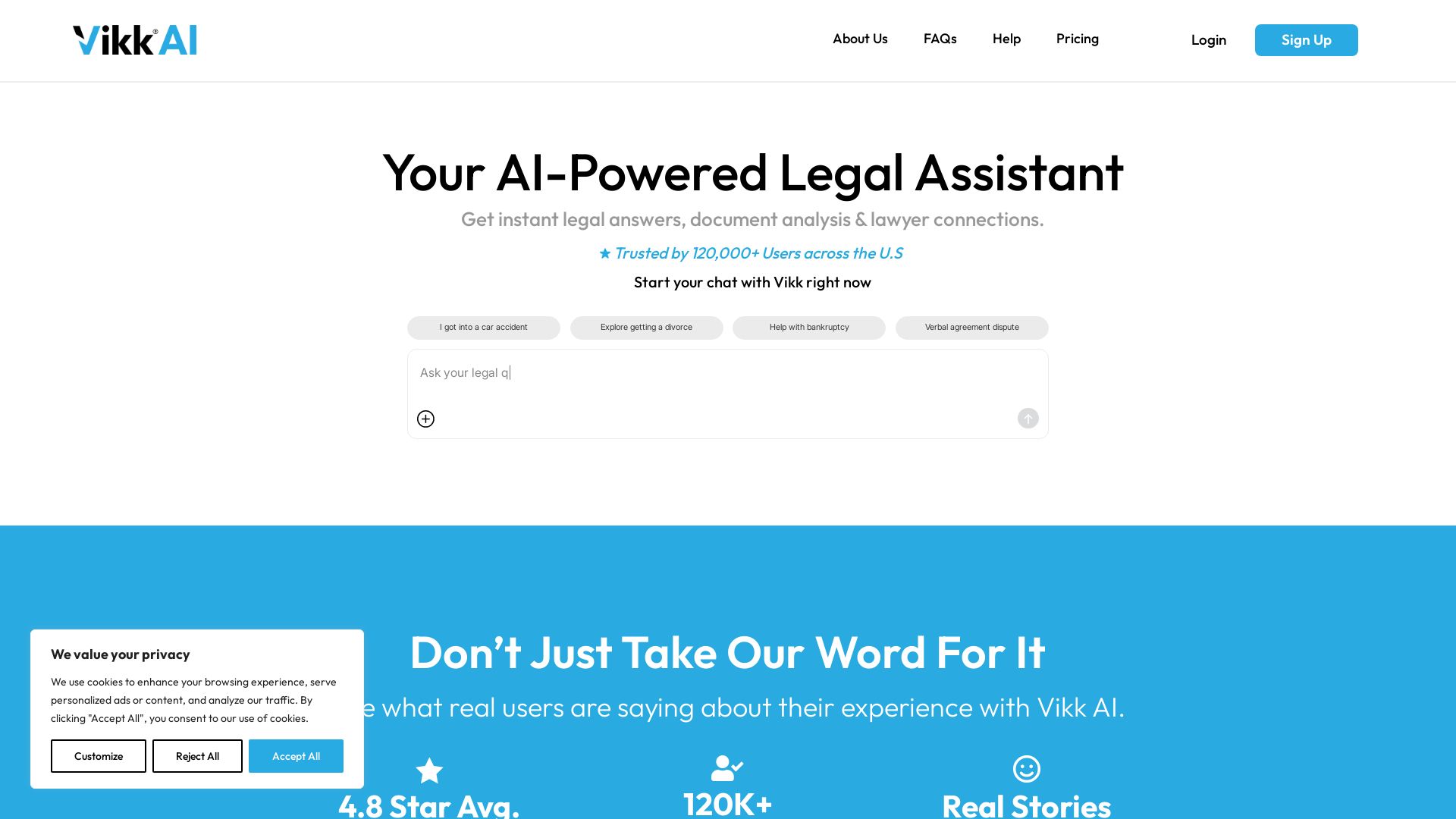
AI-powered legal research and document analysis for modern legal teams. Review contracts, research case law, draft filings, and more — every answer cited.





ℹ️ Curation Disclosure: The overview and features of AI.Law were synthesized using AI and fact-checked by our curation team to ensure accuracy.
