
Vidocu
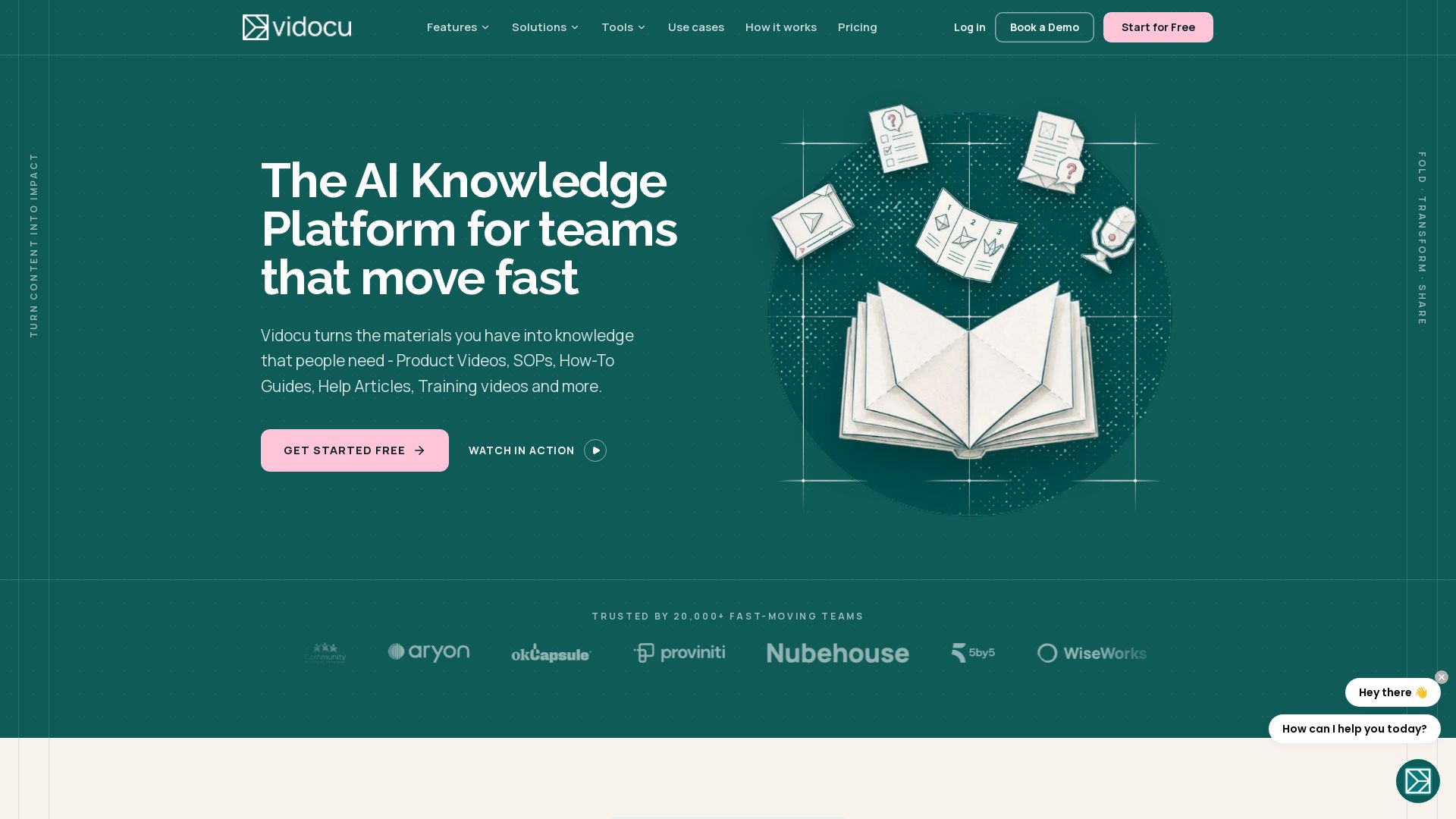
Turn your existing content into videos, SOPs, guides, articles, and training. One upload, multiple outputs, any language.

Editor's Verdict
Key Takeaways
- AI Subtitles
- AI Voiceover
- Video Translation
- AI Documentation
In-Depth Review: What is Vidocu?
Vidocu is an AI-powered knowledge platform that transforms your raw materials—videos, PDFs, slides, docs, or screen recordings—into polished, production-ready content. Create product videos, SOPs, how-to guides, help center articles, training materials, and quizzes from a single source. With AI-driven scripting, voiceovers, captions, multilingual translation, and collaborative tools, Vidocu lets you share consistent knowledge across every team and channel, saving time and replacing multiple content tools.
Core Features
AI Subtitles
Automatically generate accurate subtitles in 65+ languages, with editing, styling, SRT export, or burn-in.
AI Voiceover
Add natural-sounding AI narration in multiple languages without recording each version manually.
Video Translation
Translate subtitles and voiceover into 65+ languages, making content localizable without reshoots.
AI Documentation
Turn videos and source materials into help articles, SOPs, knowledge bases, and blog posts automatically.
AI Avatars
Add an AI presenter to videos using presets or a custom avatar created from your own photo.
Video Editor
Trim, arrange scenes, add subtitles, voiceover, and effects in an integrated editor.
Zoom & Pan
Add smooth zoom and pan effects to highlight exactly what matters in a video.
Elements & Annotations
Add callouts, arrows, highlights, and visual markers to make videos unmistakably clear.
Background Music
Browse built-in tracks, adjust volume, add fade in/out with non-destructive editing.
Watermark
Add a logo or text watermark to protect and brand video content.
API Access
Automate subtitles, voiceover, translation, and documentation programmatically via REST API and MCP for AI workflows.
Presentation Slides
Insert title cards, chapter breaks, and bullet-point slides between video scenes anchored to the script.
Studio
Advanced multi-track post-production editor for precise scene arrangement, transitions, filters, and AI-powered editing.
Knowledge Center
Hosted, branded, multilingual AI-powered help center with search across articles and video transcripts.
Remix
Turn one long video into 8 to 15 short reels, a trimmed long cut, a blog post, and social variants with AI voiceover.
AI Agent Recording
Let an AI agent open your product, navigate through UI, and record walkthroughs automatically.
Pricing
Free
- 200 credits
- 1 help article
- 1 video export
- Recordings up to 3 minutes
- AI subtitles & captions
- Auto-zoom effects
- Screenshot editor
- Share & embed pages
- 1 free tool run
Pro
- 820 credits/month
- Unlimited help articles
- Unlimited video exports
- Recordings up to 10 minutes
- Everything in Free
- Studio AI assistant (chat to edit)
- Watermark removal
- Background music & intro/outro
- Word-level captions & burn-in
- Multi-ratio export
- Video translation & AI voiceover
- Brand Kit
- Glossary & pronunciations
- Every tool, no run limits
Business
- 4,000 credits/month
- Unlimited help articles
- Unlimited video exports
- Recordings up to 30 minutes
- Everything in Pro
- Team workspace (3 editors)
- AI avatars (HeyGen)
- AI annotations & elements
- Training quizzes & scoring
- RTL & multi-language support
- Custom branding
- Priority rendering
- REST API access
Enterprise
- Custom credits
- Unlimited help articles
- Unlimited video exports
- Custom recording length
- Everything in Business
- Custom avatars (your own face)
- Custom voice cloning
- Custom seats
- Priority support
- Dedicated account manager
- Custom integrations
- Custom onboarding
Knowledge Center (Add-on)
- Unlimited articles
- 3 locales included
- 1,000 AI credits/month
- Custom domain
- Custom branding
- Magic-link gated KBs for internal docs
- RAG over articles + video transcripts
- Deep-links to video timestamps
- Mongo Atlas vector search
- SEO + sitemap per locale
- Audit log + analytics
Pros and Cons
Pros
- Versatile Content CreationOne upload can be transformed into videos, SOPs, how-to guides, articles, training materials, quizzes, and more.
- Easy to UseThe platform has a practically zero learning curve and requires no heavy software installation.
- Massive Time SavingsAI automates scripting, voiceovers, captions, documentation, and translation, reducing content production work.
- Multilingual & Global ReadySupports videos, captions, voiceovers, and documents in 65+ languages, enabling easy localization.
- Privacy & SecuritySOC 2 examined, GDPR compliant, encrypted by default, and uploaded content is never used to train AI models.
Cons
- Free Plan LimitationsThe Free plan includes a Vidocu watermark, only 1 video export, 1 help article, and a 3-minute recording limit.
- Credit-Based ConsumptionAI operations consume credits, and reaching the monthly limit requires purchasing extra credits or upgrading.
- Export Count RestrictionsEach render/download counts as an export, and re-exporting after edits consumes another export from your allowance.
- Knowledge Center Is an Add-onThe Knowledge Center costs an additional $100/month and is not included in standard plans.
- Advanced Features Require Higher TiersCustom avatars, voice cloning, and dedicated support are only available on the Enterprise plan with custom pricing.
Use Cases & Recommended Professions
Product Marketing Manager→ View Toolkit
Needs to create product videos, explainer guides, and campaign assets while keeping messaging consistent across channels.
Customer Success Manager→ View Toolkit
Needs onboarding materials, help articles, and product walkthroughs to help customers adopt and succeed.
Support Specialist→ View Toolkit
Needs help center articles, SOPs, and troubleshooting guides generated from videos and recordings.
Operations Manager→ View Toolkit
Needs standard operating procedures and process documentation that are easy to update and share.
HR & Training Manager→ View Toolkit
Needs employee training videos, onboarding guides, and knowledge-check quizzes.
Sales Professional→ View Toolkit
Needs product demo videos and sales enablement content to support deals and customer presentations.
Frequently Asked Questions
Alternative AI Tools
View Detailed Comparison →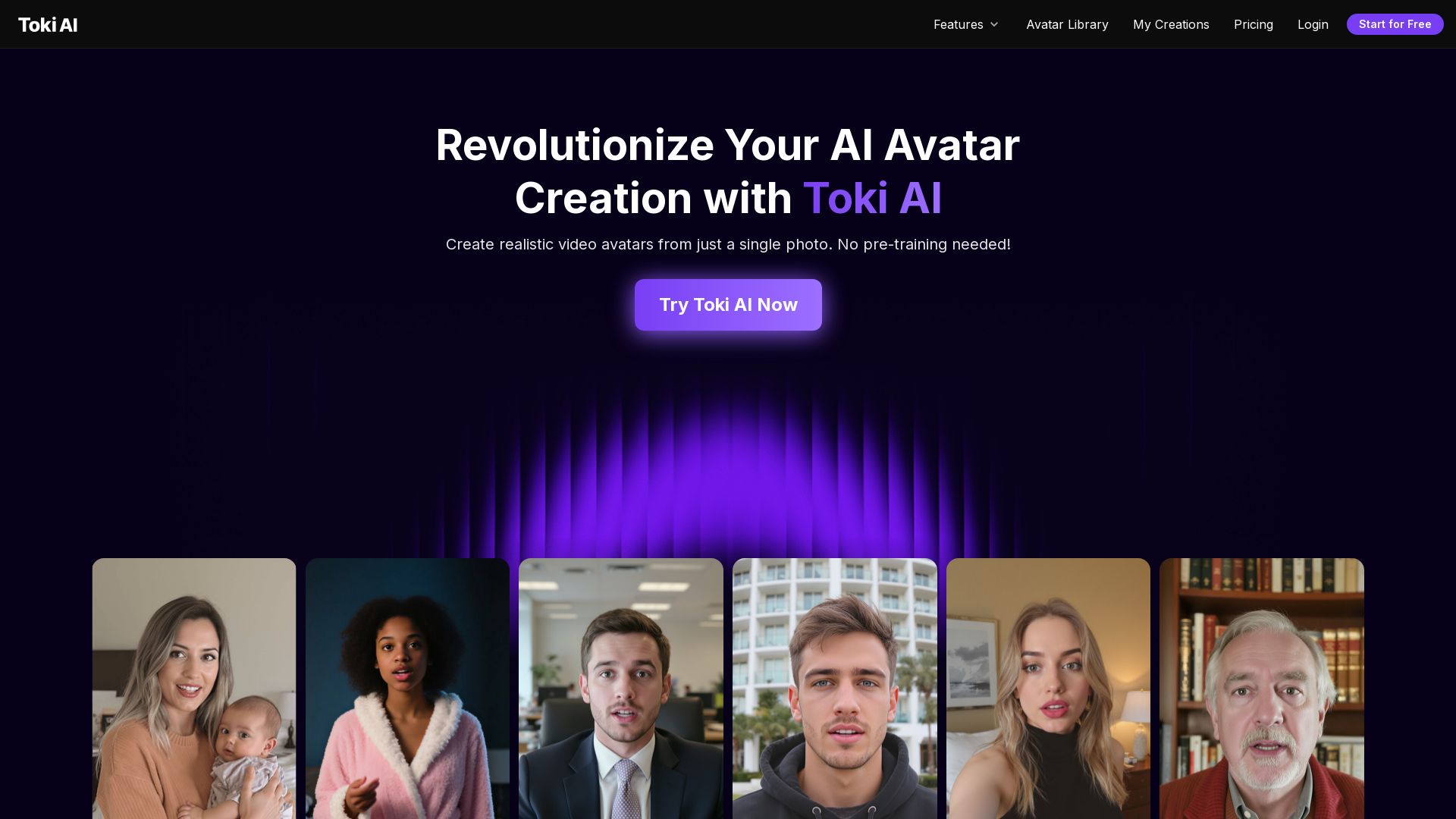
Toki AI
Transform any photo into lifelike talking avatar videos in minutes. No pre-training needed. Perfect for marketing, social media, and more. Try free!

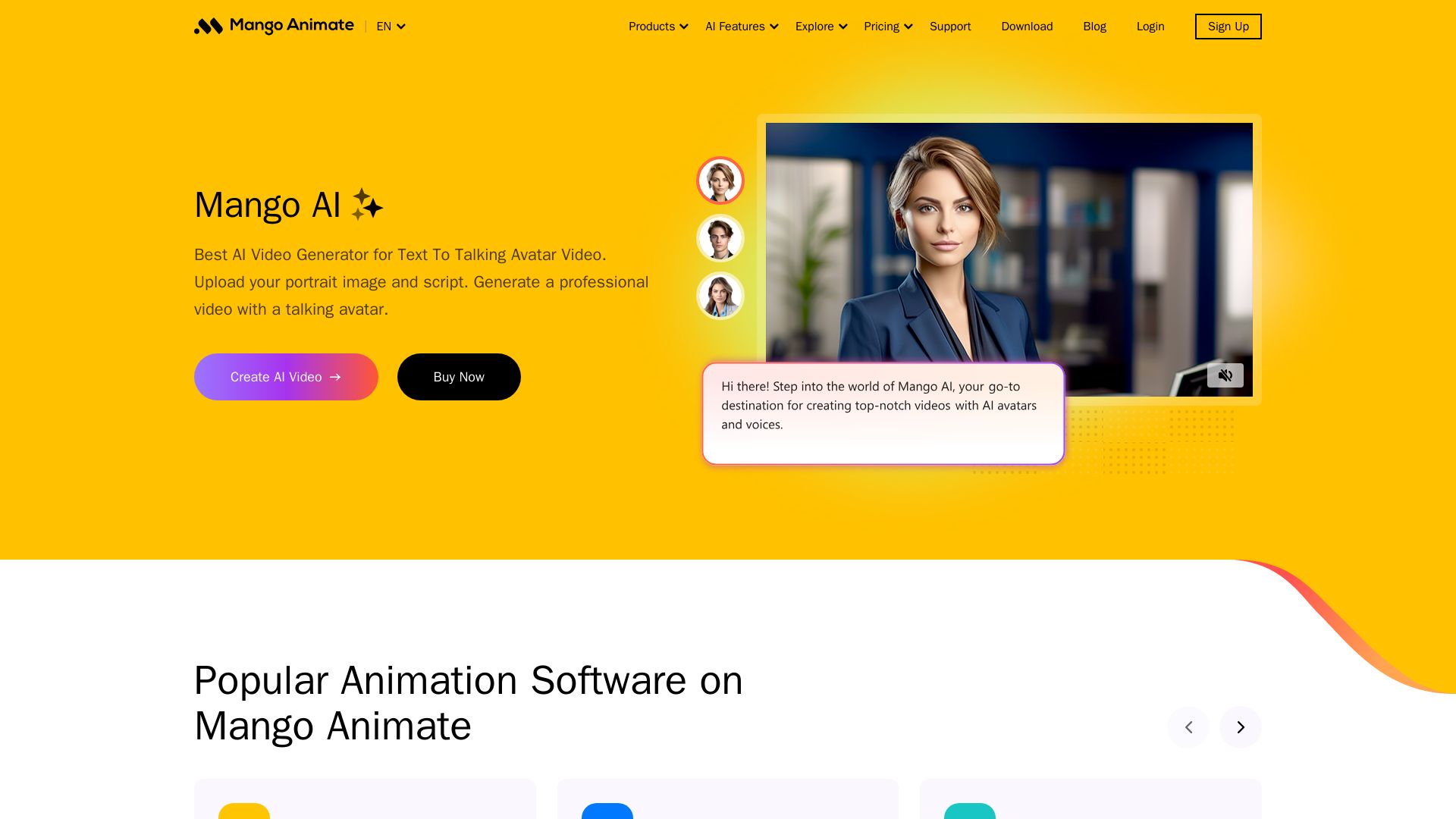
Mango AI
Create professional AI talking avatar videos from text and portrait. Perfect for business, education, personal use. Easy, fast, and affordable.

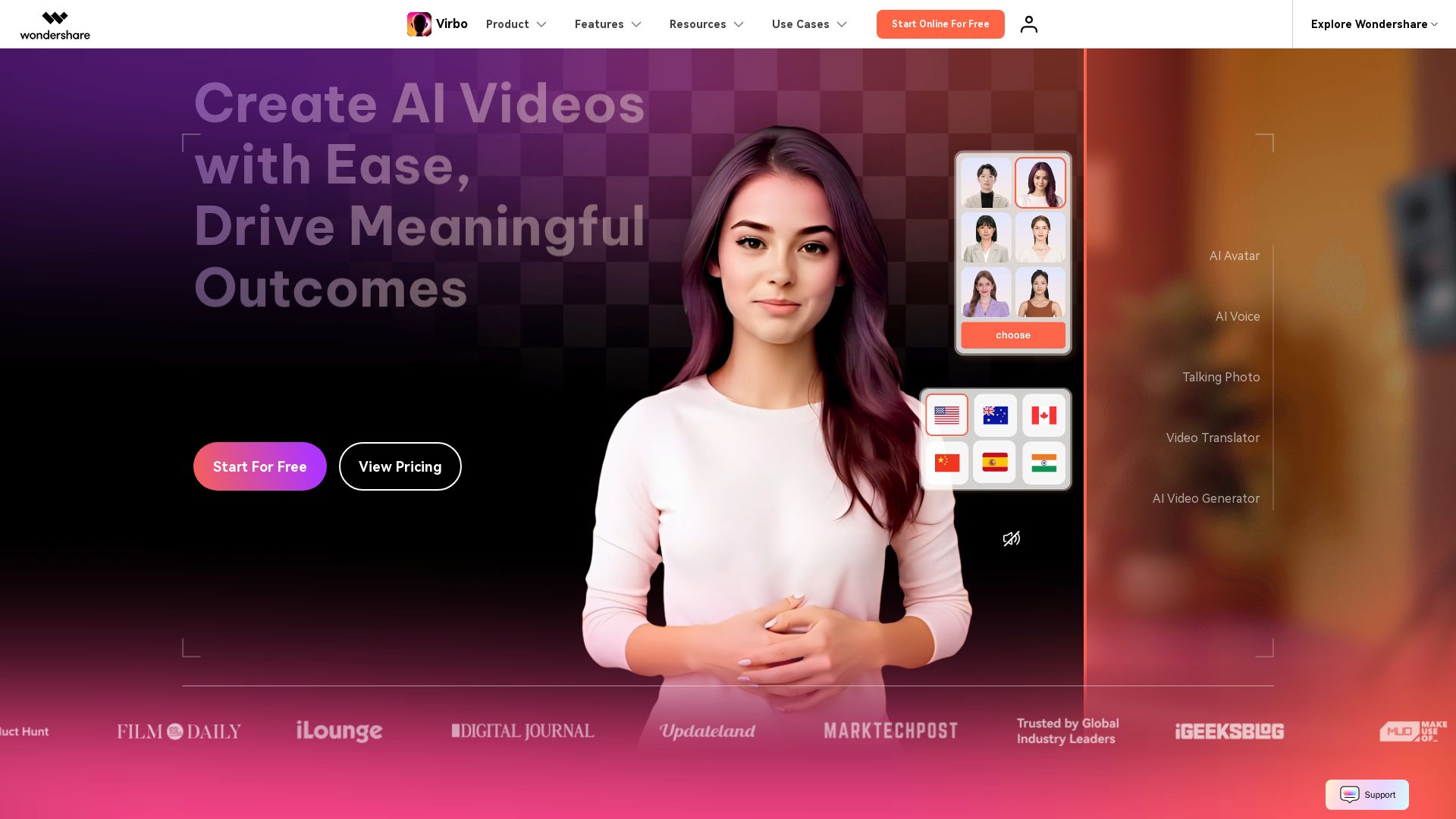
Wondershare Virbo
Create stunning AI videos with 350+ avatars, 400+ voices, and 80+ languages. Effortlessly produce professional content for marketing, education, and more.

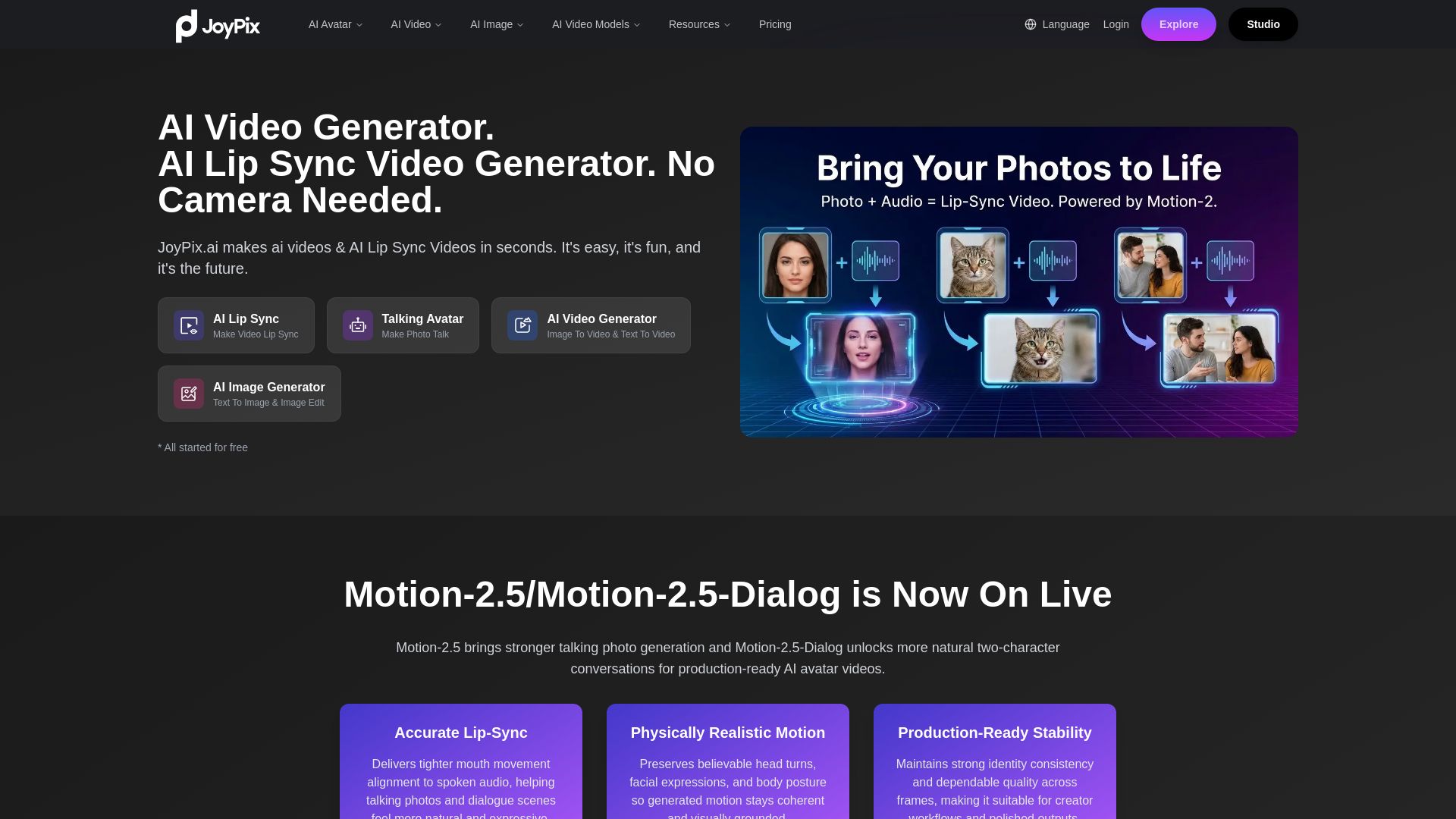
JoyPix
Create realistic AI lip-sync videos and talking avatars from photos. Free voice cloning, 40+ languages, and multiple video models. Try for free!

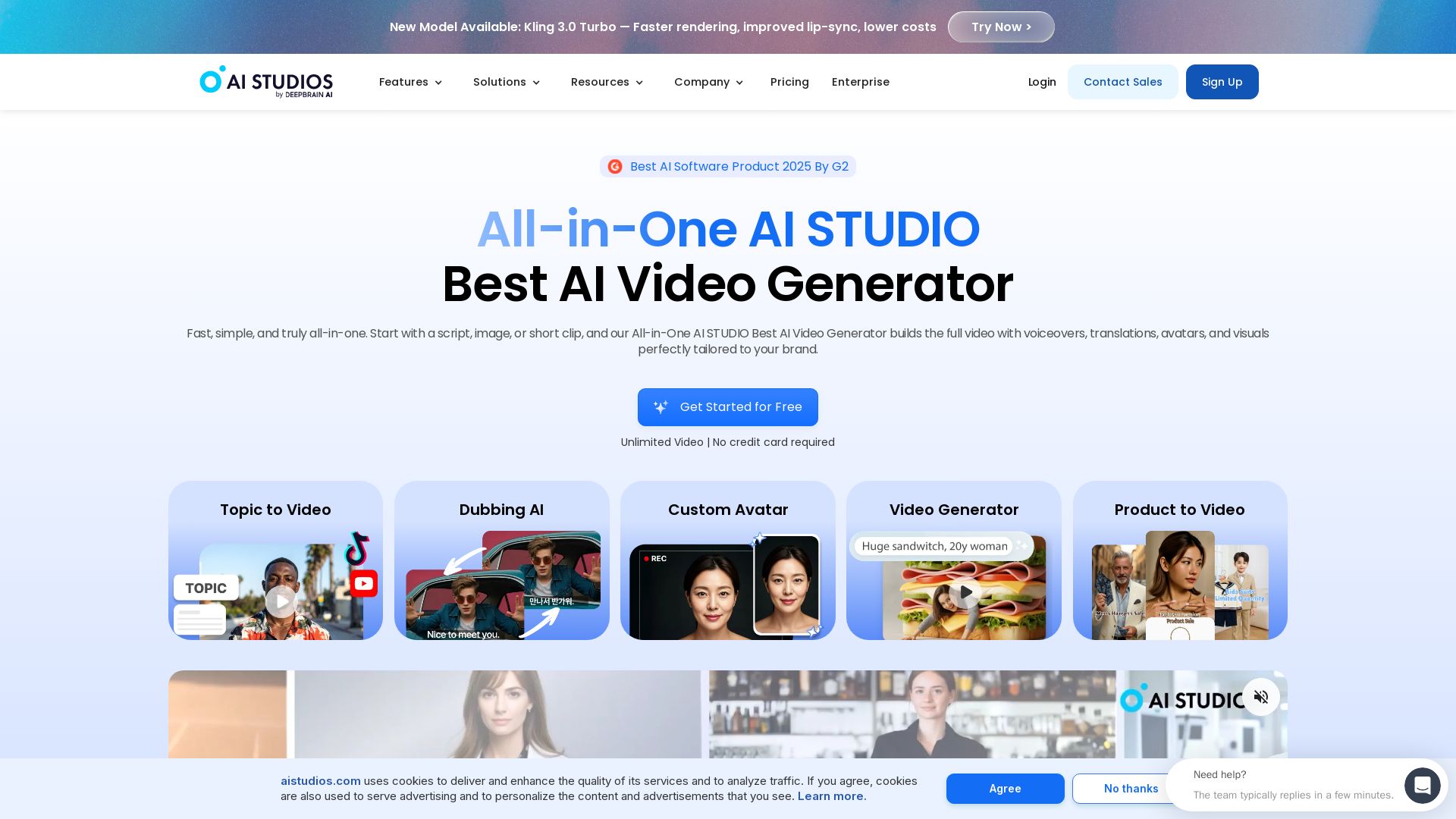
AI STUDIO
Create professional AI videos in minutes with 2000+ avatars, 150+ languages, and lifelike lip-sync. Free plan available. Trusted by 2M+ users.

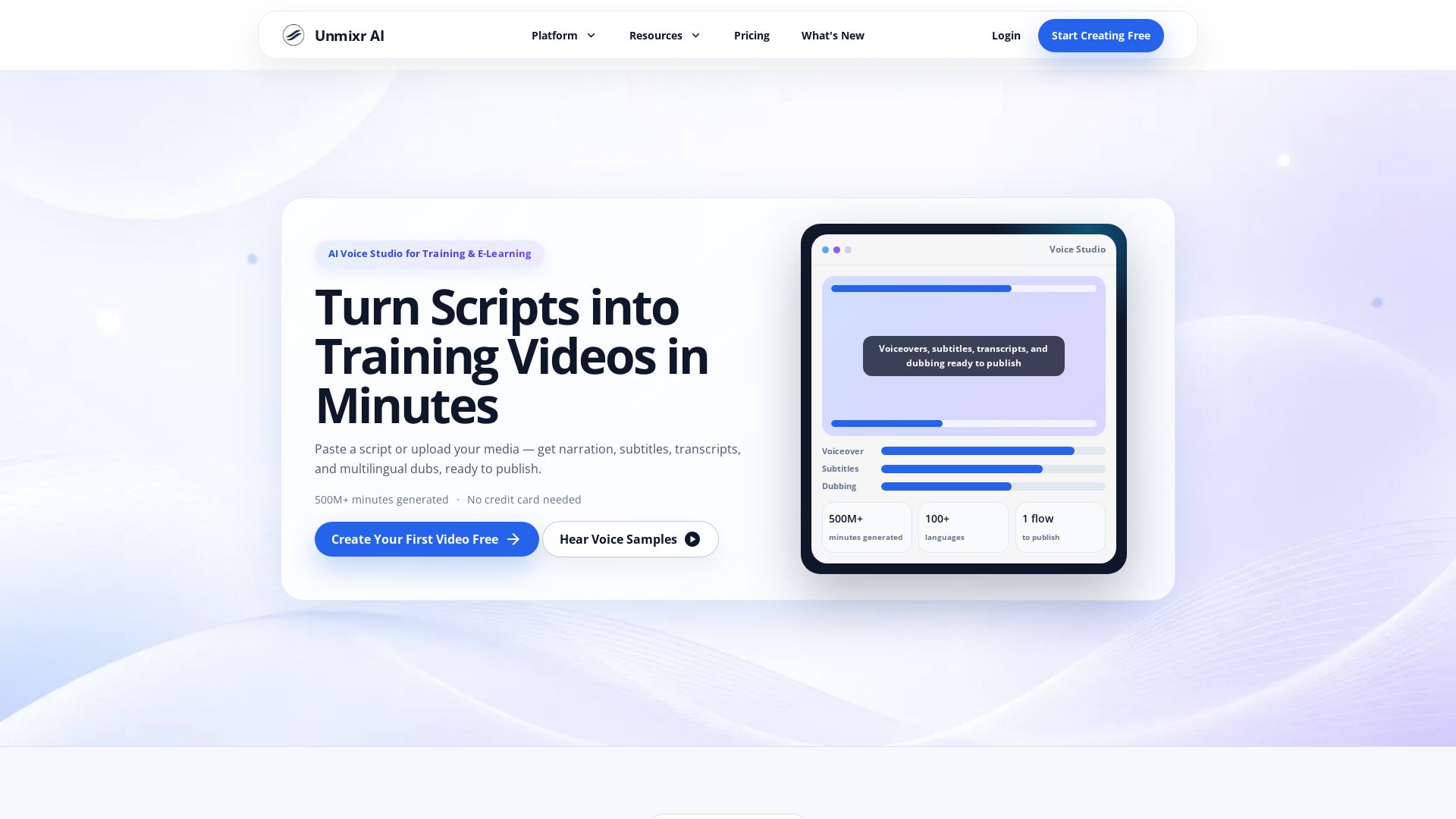
Unmixr AI
Unmixr AI turns scripts and slides into training videos, voiceovers, subtitles, and dubs in 100+ languages. Start free.

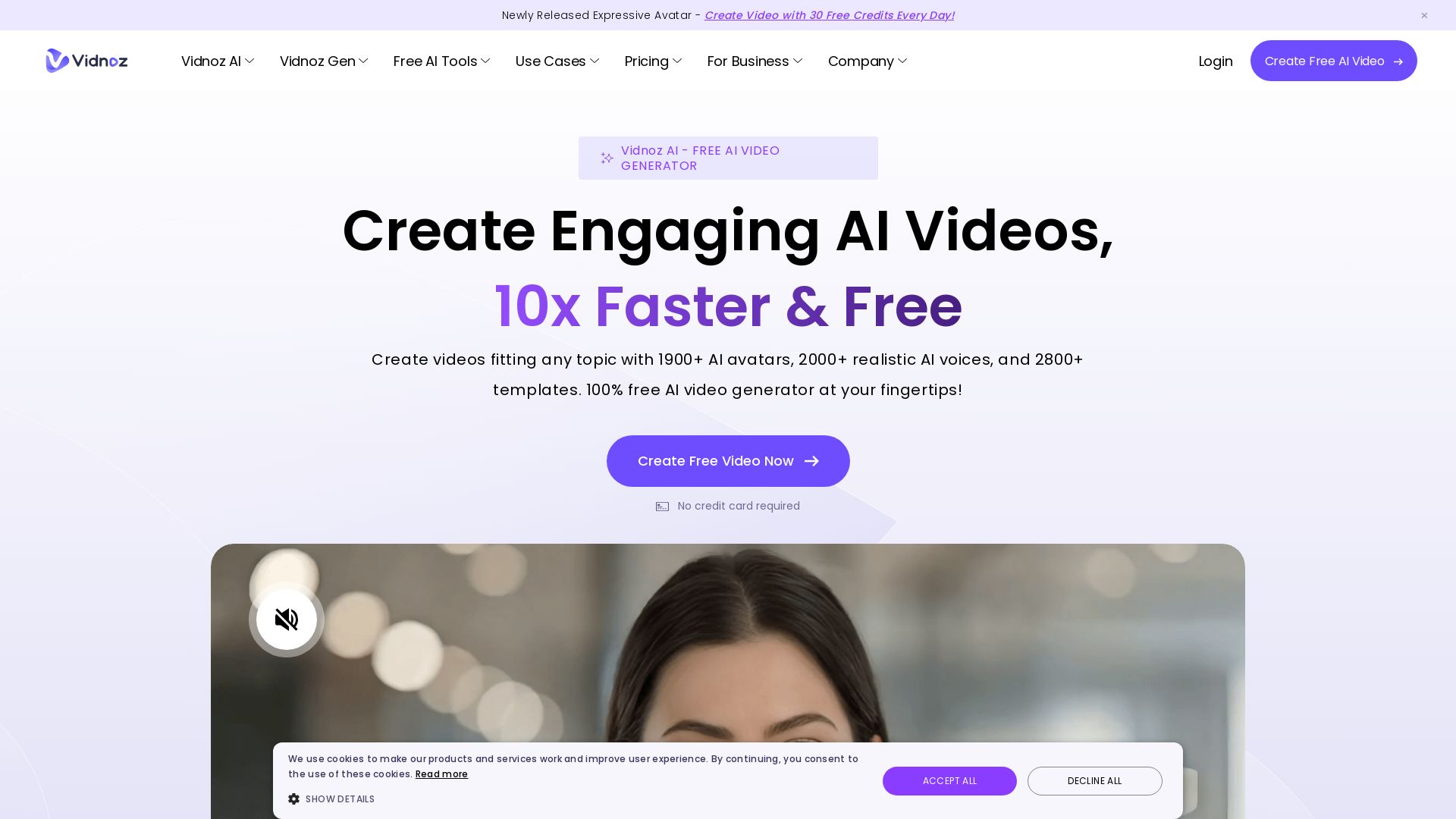
Vidnoz AI
Create free AI videos with Vidnoz AI. 1900+ avatars, 2000+ voices, 2800+ templates. 30 free credits daily. Ideal for marketing, training, and more.

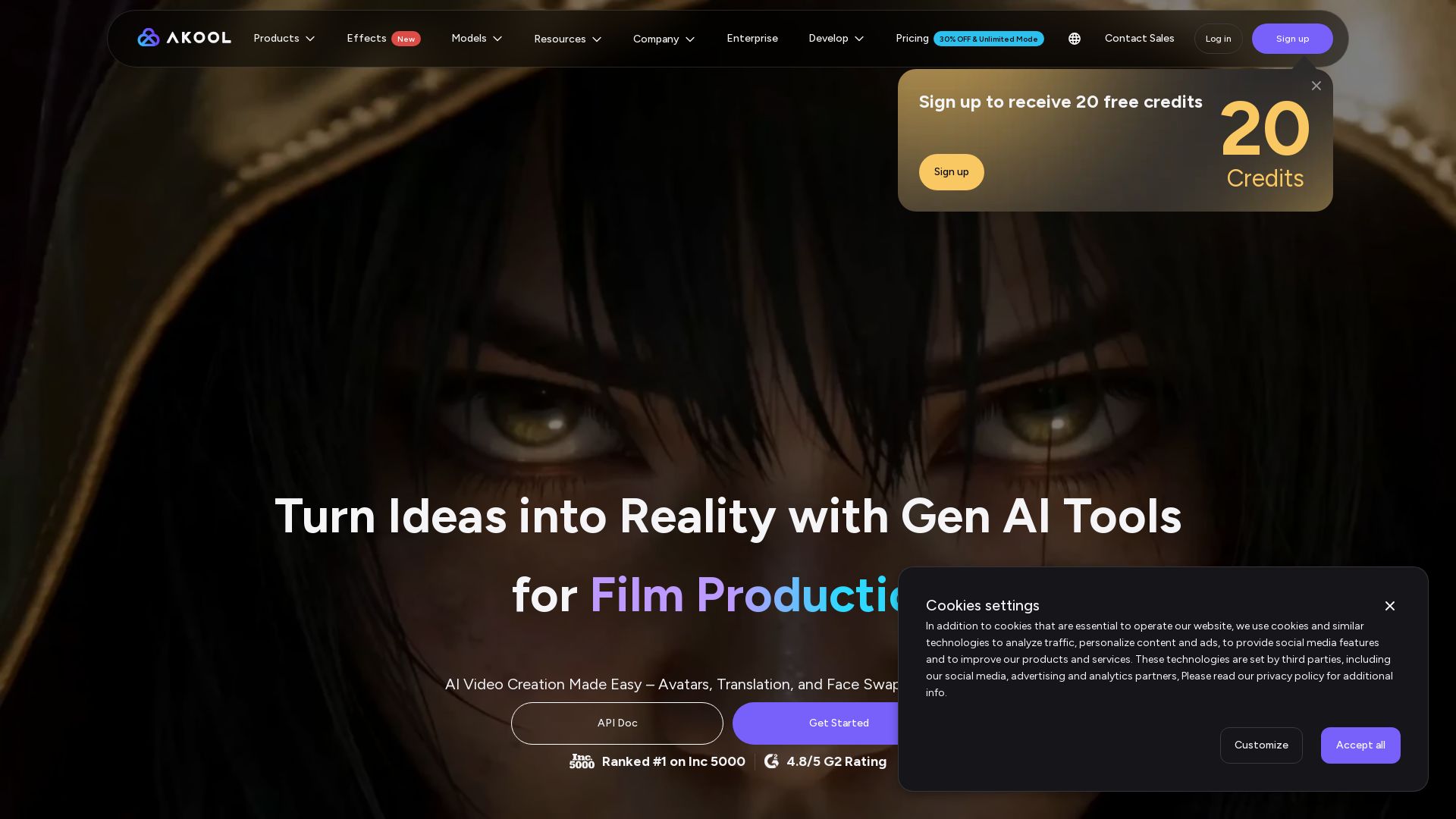
AKOOL
Create stunning AI videos, avatars, and face swaps instantly. Trusted by 73K+ companies. 4K rendering, video translation, and more. Try free.

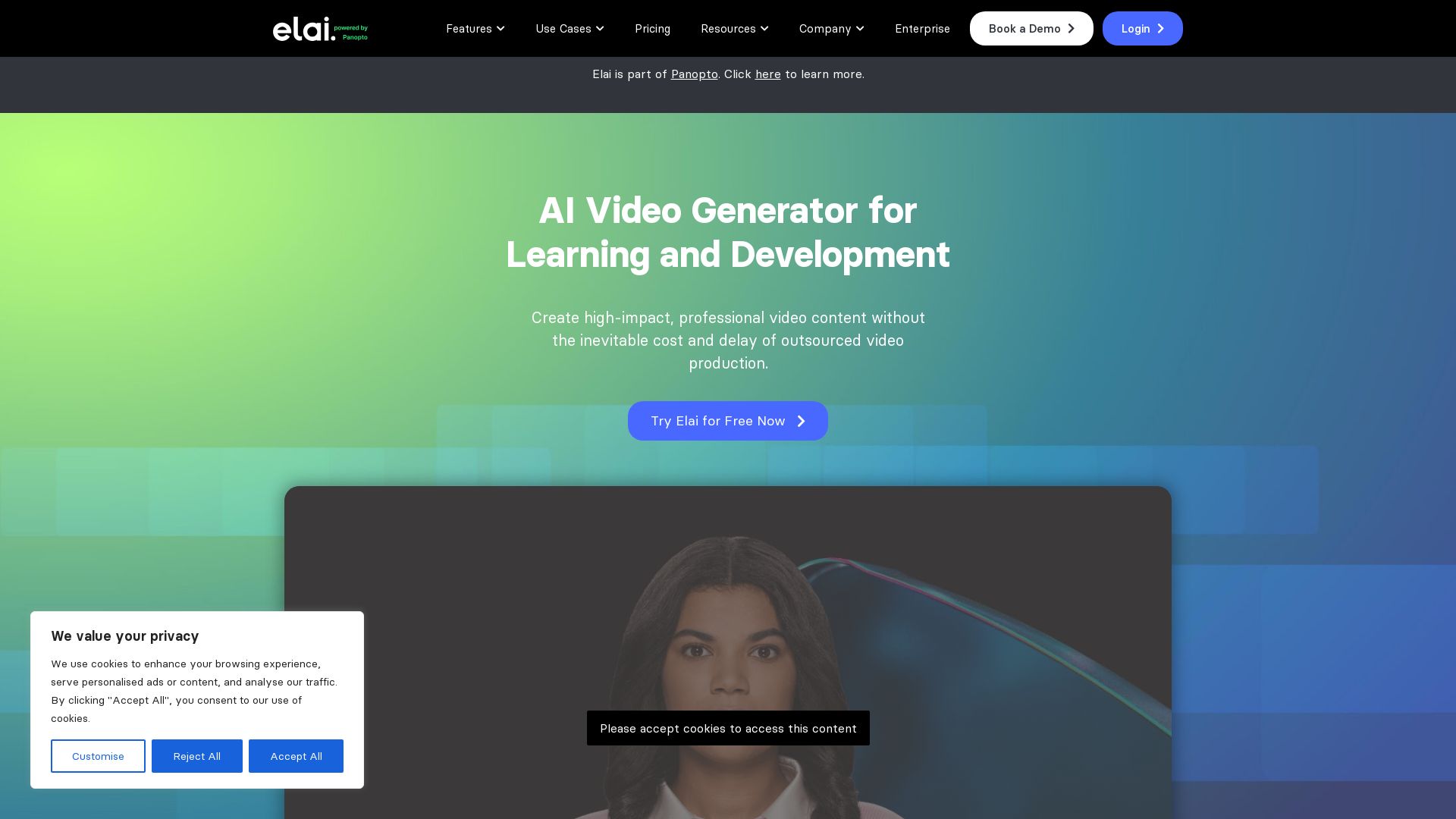
Elai
Create high-quality AI videos in minutes with realistic avatars, voice cloning, and multi-language support. Perfect for L&D teams.

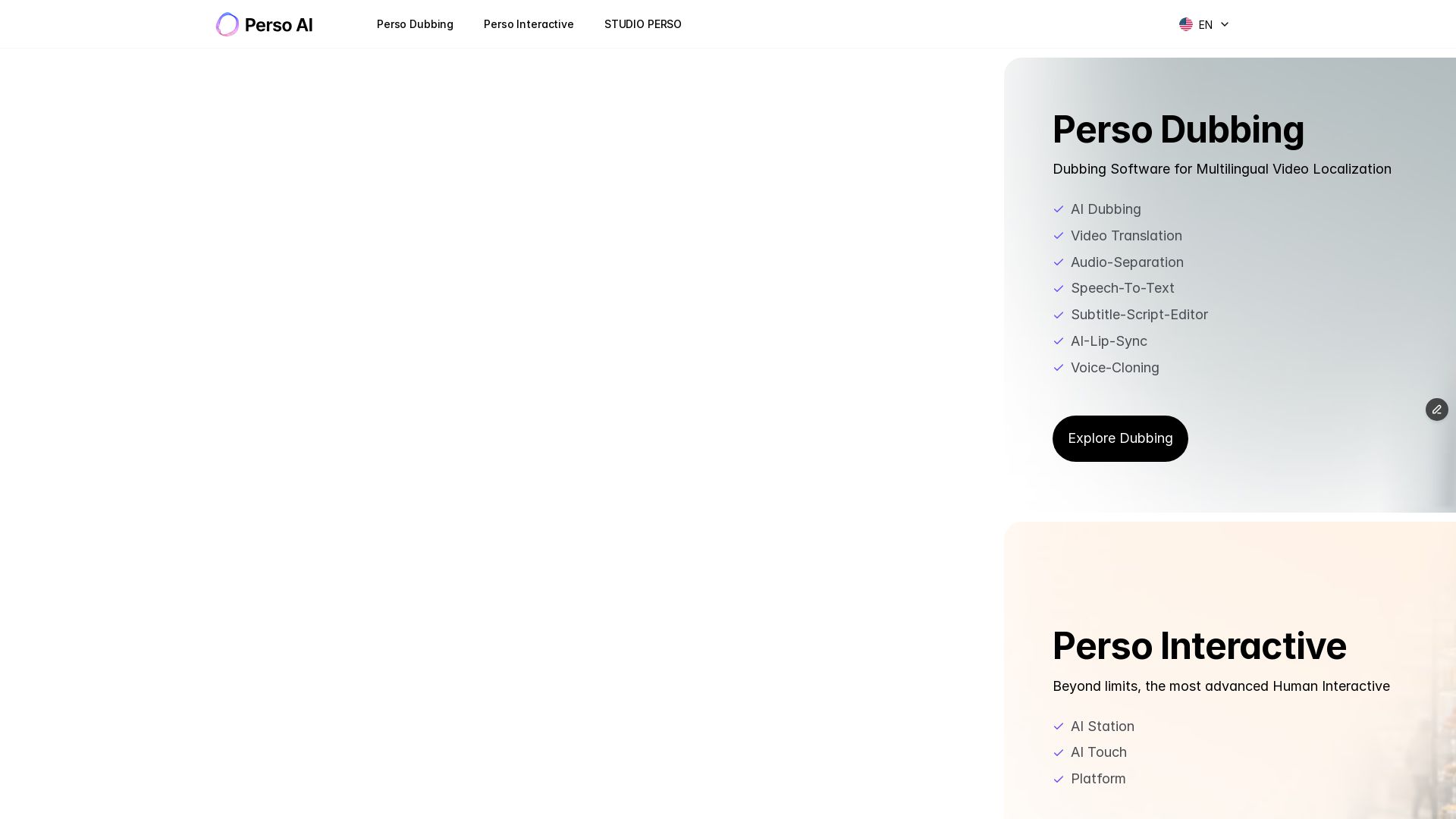
Perso AI
Discover PersoAI's AI dubbing, video translation, lip sync, voice cloning, and interactive AI avatar studio. Localize and produce videos globally.

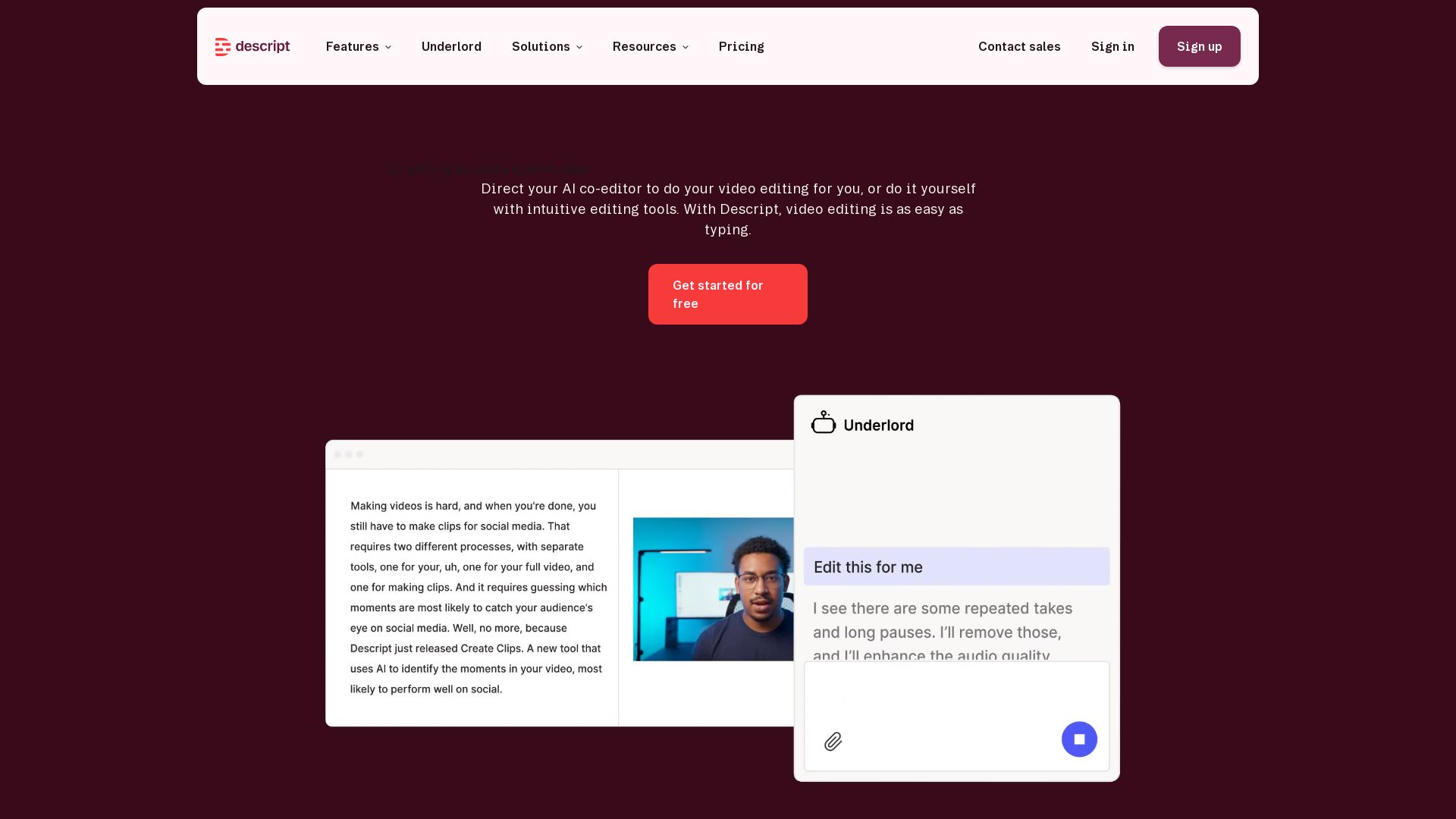
Descript
Descript is the AI video editor that lets you edit video by editing text. Transcribe, remove filler words, add captions, and more. Get started free.

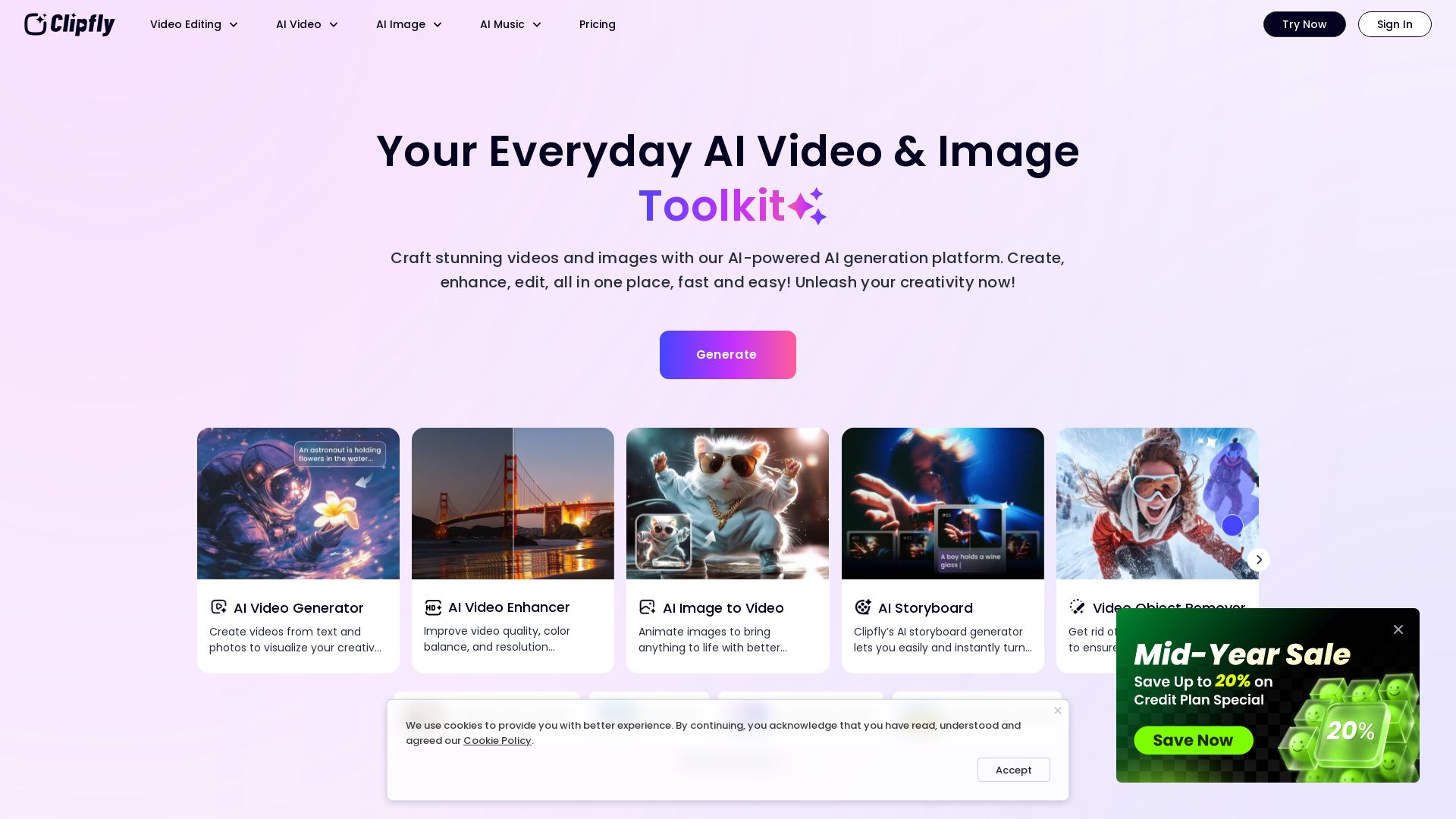
Clipfly
Transform ideas into cinematic videos with Clipfly's AI generator. Enhance, edit, and animate effortlessly. Free AI tools for all creatives.

ℹ️ Curation Disclosure: The overview and features of Vidocu were synthesized using AI and fact-checked by our curation team to ensure accuracy.
