
SessionWatcher
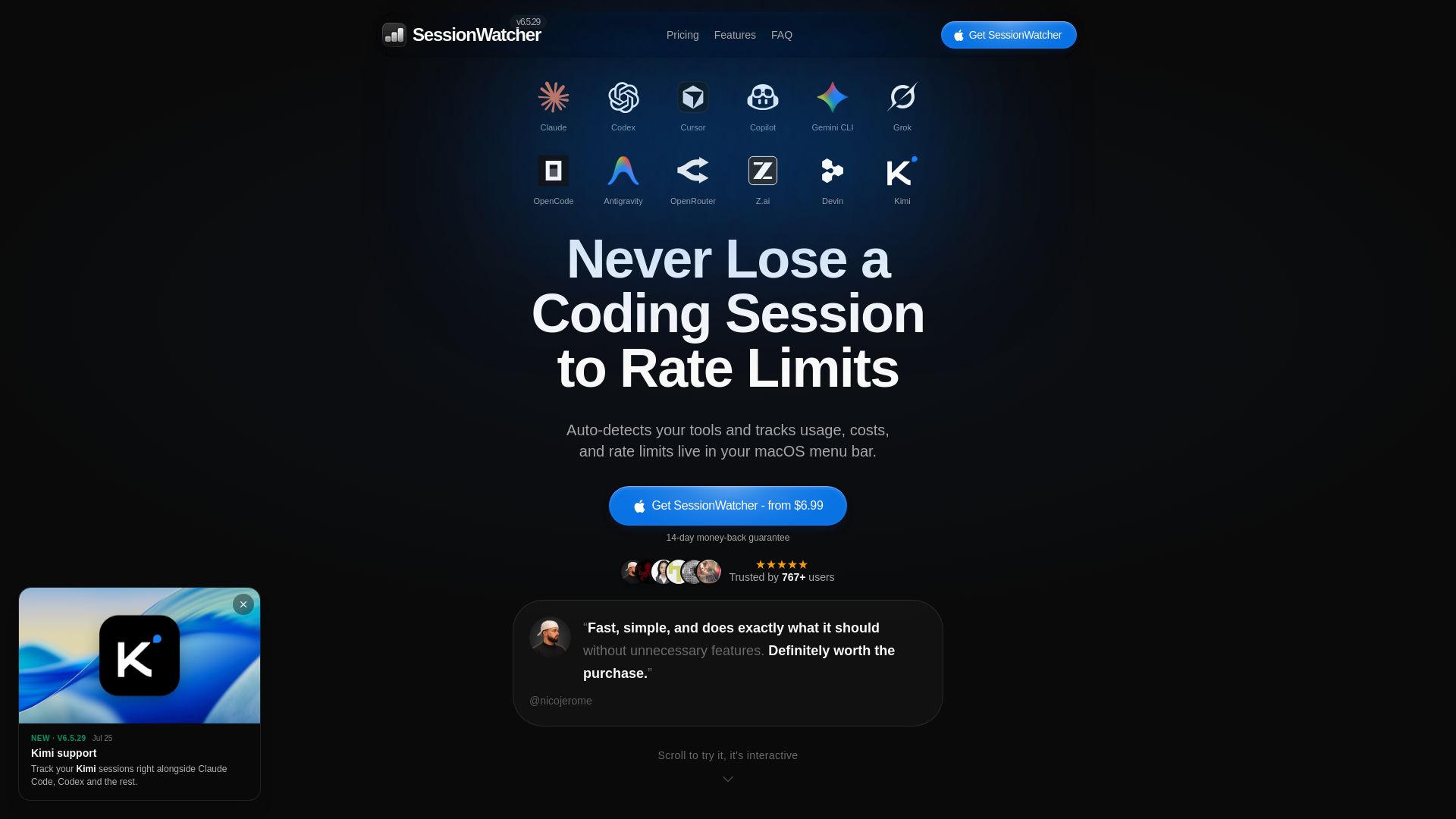
Auto-detect AI coding tools and track usage, costs, and rate limits live in your macOS menu bar. Trusted by 756+ users.
Editor's Verdict
Key Takeaways
- Auto-detect Tools
- Live Usage Tracking
- 5-Hour Rate Limits
- Usage Rate Charts
In-Depth Review: What is SessionWatcher?
SessionWatcher is a native macOS app that lives in your menu bar, automatically detects your AI coding tools (like Claude, Codex, Cursor, Copilot, Gemini), and displays real-time usage, costs, and rate limits. No more surprise lockouts—just glance at your menu bar to know when a reset is coming. Features include multi-account tracking, usage charts, cost breakdowns, and smart notifications. One-time purchase starting at $6.99, with a 14-day money-back guarantee. Lightweight, fast, and built for developers who hate interruptions.
Core Features
Auto-detect Tools
Automatically detects your AI coding tools and displays them in the menu bar without manual configuration.
Live Usage Tracking
Tracks usage, costs, and rate limits in real-time, updating every ~90 seconds and instantly when you open the menu.
5-Hour Rate Limits
Monitors rolling 5-hour rate limits for each tool, showing remaining time until reset.
Usage Rate Charts
Visual charts of usage rates over time, with 7-day history on Solo/Bundle and 90-day on Pro.
Cost Tracking
Breaks down token usage and estimated costs in USD, helping you manage spending.
BestToolNow
Suggests which tool to switch to when approaching rate limits, reducing downtime.
Smart Notifications
Alerts at customizable thresholds (default 70% and 90%) and when a limit resets, without spam.
Menu Bar App
Lives in your macOS menu bar for instant glance at all tool usage without stopping your workflow.
Multiple Accounts
Track multiple Claude or Codex accounts (e.g., work and personal) side by side with Pro.
macOS Widgets
Widget support on macOS for quick access to usage stats on your desktop (Pro only).
Native Swift App
Built natively with Swift, ensuring fast performance, low resource usage, and seamless integration with macOS.
Pricing
Solo
- Licensed for 1 Mac
- Tracks Claude only
- 5-hour, weekly & Fable 5 limits
- Usage rate chart + 7-day history
- Token + cost breakdown
- Menu bar display modes
- macOS notifications
Bundle
- Licensed for 1 Mac
- Tracks Codex, Claude & Cursor
- 5-hour, weekly & Fable 5 limits per tool
- Usage rate chart + 7-day history
- Token + cost breakdown
- Menu bar display modes
- macOS notifications
Pro (Annual)
- Up to 5 Macs, synced via iCloud
- All supported tools + future additions
- 5-hour, weekly & Fable 5 limits
- Usage rate chart + 90-day history
- Token + cost breakdown
- Menu bar display modes
- macOS notifications
- macOS widgets
- BestToolNow (switch tool suggestions)
- Multi-account for Claude & Codex
Pro (Lifetime)
- Up to 5 Macs, synced via iCloud
- All supported tools + future additions
- 5-hour, weekly & Fable 5 limits
- Usage rate chart + 90-day history
- Token + cost breakdown
- Menu bar display modes
- macOS notifications
- macOS widgets
- BestToolNow (switch tool suggestions)
- Multi-account for Claude & Codex
Pros and Cons
Pros
- Saves Time & Prevents DisruptionEliminates surprise rate-limit lockouts, saving 1-3 hours per week by showing usage at a glance in the menu bar.
- Lightweight & NativeA tiny Swift app that sips resources and integrates seamlessly with macOS, staying out of your way.
- Easy Setup & AutomationSetup takes about a minute with no API keys or vendor logins; auto-detects tools and updates every 90 seconds.
- Multi-Tool & Multi-Account SupportTrack multiple accounts for Claude/Codex and see all tools (Claude, Codex, Cursor, etc.) in one menu bar.
- Privacy-FocusedOnly reads local usage statistics – no code, conversations, or API keys leave your Mac; data stays encrypted on-device.
Cons
- macOS OnlyCurrently only available for macOS 14 (Sonoma) or later; no Windows or Linux version announced.
- Paid Service (No Free Tier)While there are free CLI alternatives like ccusage, SessionWatcher requires a one-time purchase starting at $6.99.
- Occasional Refresh ErrorsMay display 'Rate limited' briefly when the provider throttles refresh; though it resolves automatically.
- Limited Historical Data on Lower PlansSolo and Bundle plans only retain 7-day history, which may not be enough for long-term trend analysis.
Use Cases & Recommended Professions
Software Engineer→ View Toolkit
Frequently uses AI coding assistants like Claude Code or Copilot and needs to avoid surprise rate limits during deep work sessions.
AI/ML Developer→ View Toolkit
Works with multiple AI tools and needs to manage token usage and costs across different providers simultaneously.
Freelance Developer→ View Toolkit
Relies on AI tools for productivity and cannot afford downtime; needs a lightweight way to monitor usage without leaving the workflow.
Data Scientist→ View Toolkit
Uses CLI-based AI tools for code generation and analysis; wants to track rolling rate limits and cost implications.
Indie Hacker→ View Toolkit
Often uses multiple AI coding tools in parallel and needs to optimize tool switching based on remaining rate limits.
DevOps Engineer→ View Toolkit
Automates tasks with AI CLI tools and needs to monitor usage across different accounts (work/personal) in real-time.
Frequently Asked Questions
Alternative AI Tools
View Detailed Comparison →
Figr
Ship better UX faster. Figr builds a living understanding of your product, maps flows, finds edge cases, and generates high-fidelity prototypes from your actual design system.

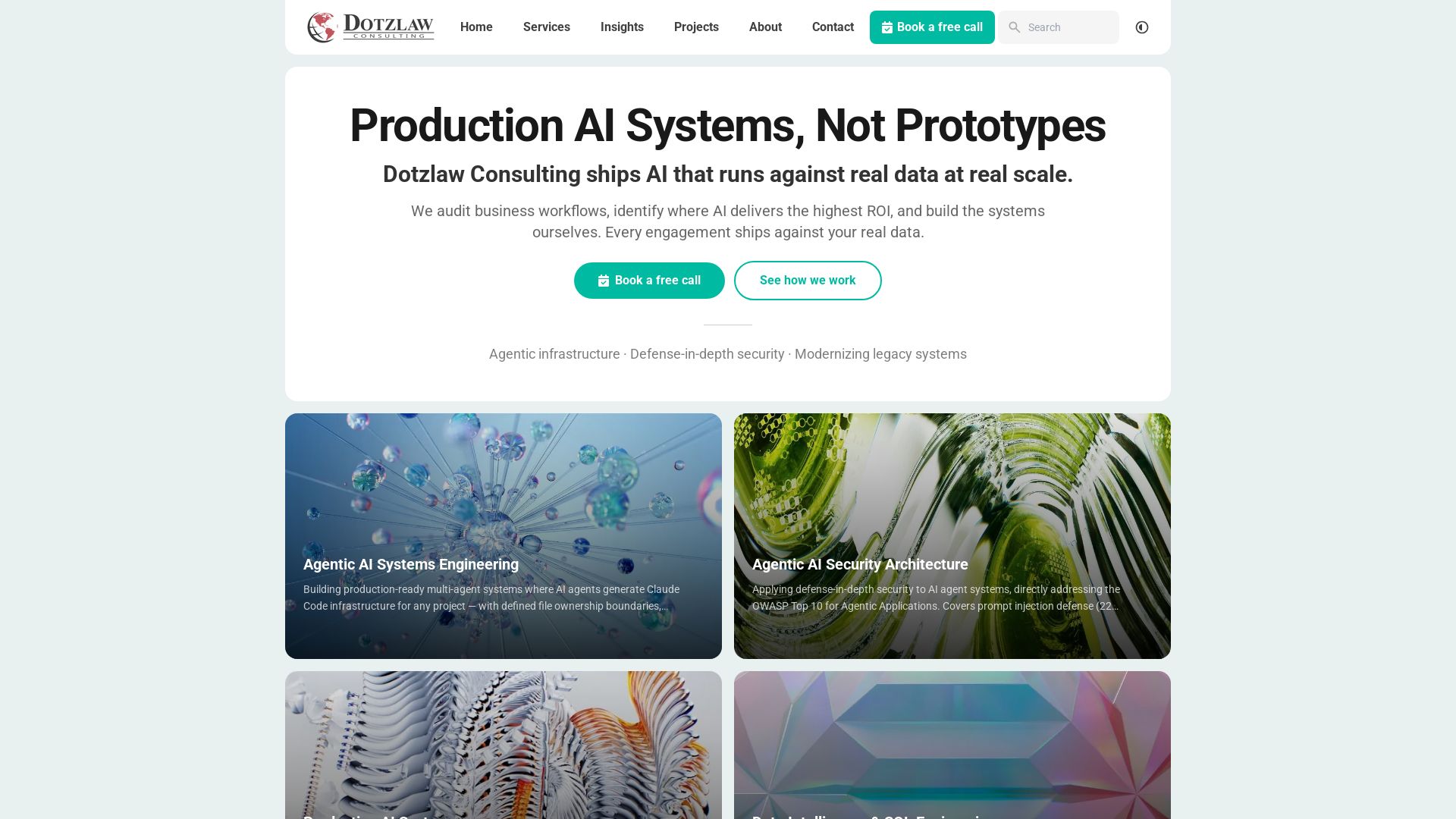
Dotzlaw Consulting
We build production-ready AI systems, multi-agent workflows, and secure architectures. Real data, real scale. Expert SQL & data intelligence.

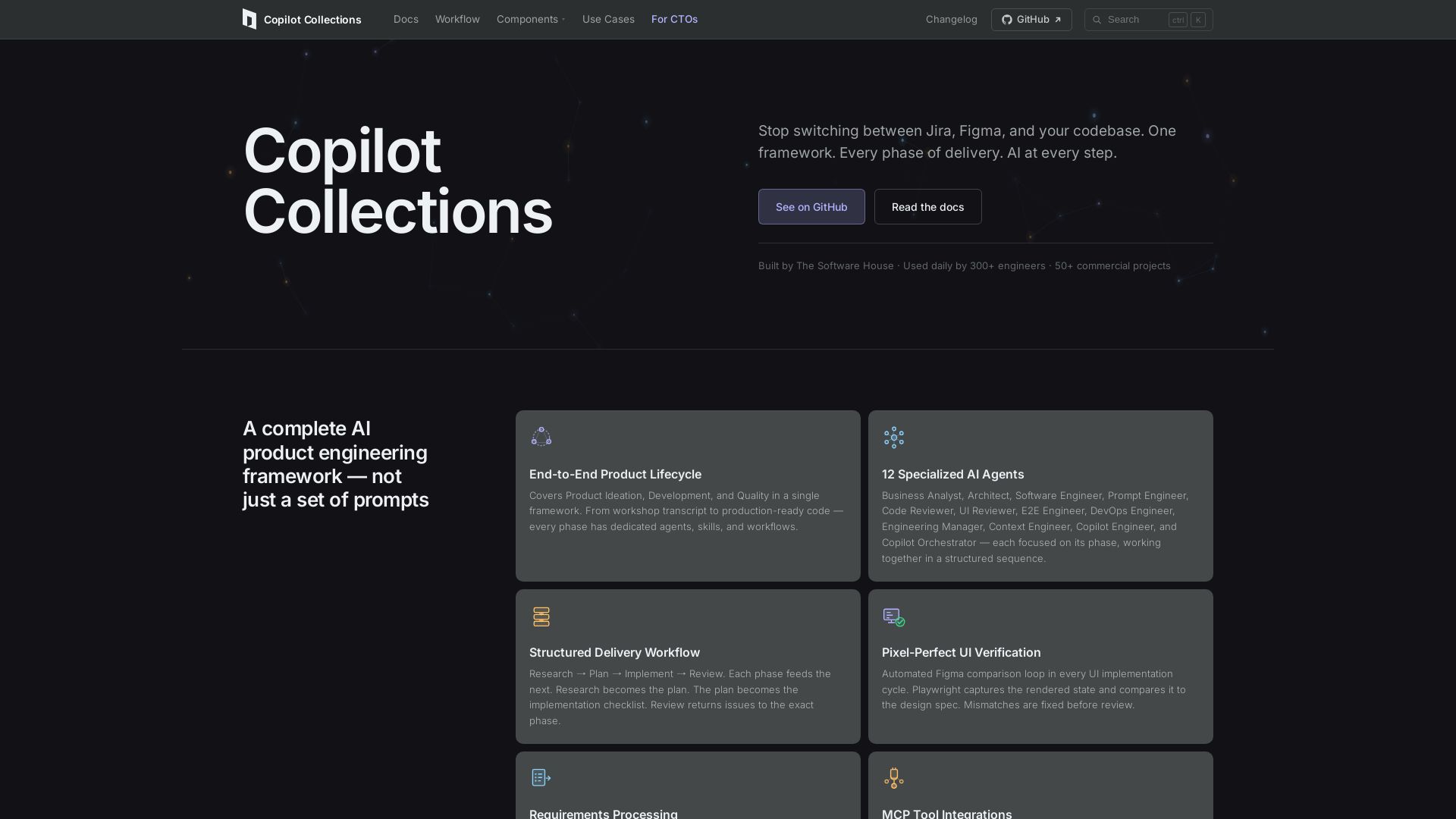
Copilot Collections
Turn ideas into production code with 12 AI agents, MCP integrations, and pixel-perfect UI verification. Used by 300+ engineers. Reduce lead time by 30%.

InvertedStone
Discover AI tools, calculate costs for OpenAI, Claude, Gemini, and more. Get scripts to connect AI to Google Sheets & Airtable.


ProductCrafters
Get a free 2-week trial sprint for your AI product. Working prototype in 30 days, production-ready in 90. No contract, no credit card. Test your dev team risk-free.

PerfectionGeeks Technologies
Trusted by IBM, ICICI & 150+ clients. Build mobile apps, web platforms, AI products & custom software. Serving USA, UK, Singapore, Netherlands.

SpeedMVPs
Launch production-ready AI MVPs in 2-3 weeks. Fixed pricing, full code ownership, direct developer access. 18+ AI products shipped globally. Book a free call.

SKULaunch
Automate supplier data onboarding, AI extracts attributes, enrich product catalogs, and publish ready data. From messy files to filterable search.

IBM
Discover how IBM's AI agents transformed operations, delivering $4.5 billion in productivity. Explore IBM Bob, watsonx Orchestrate, and more.

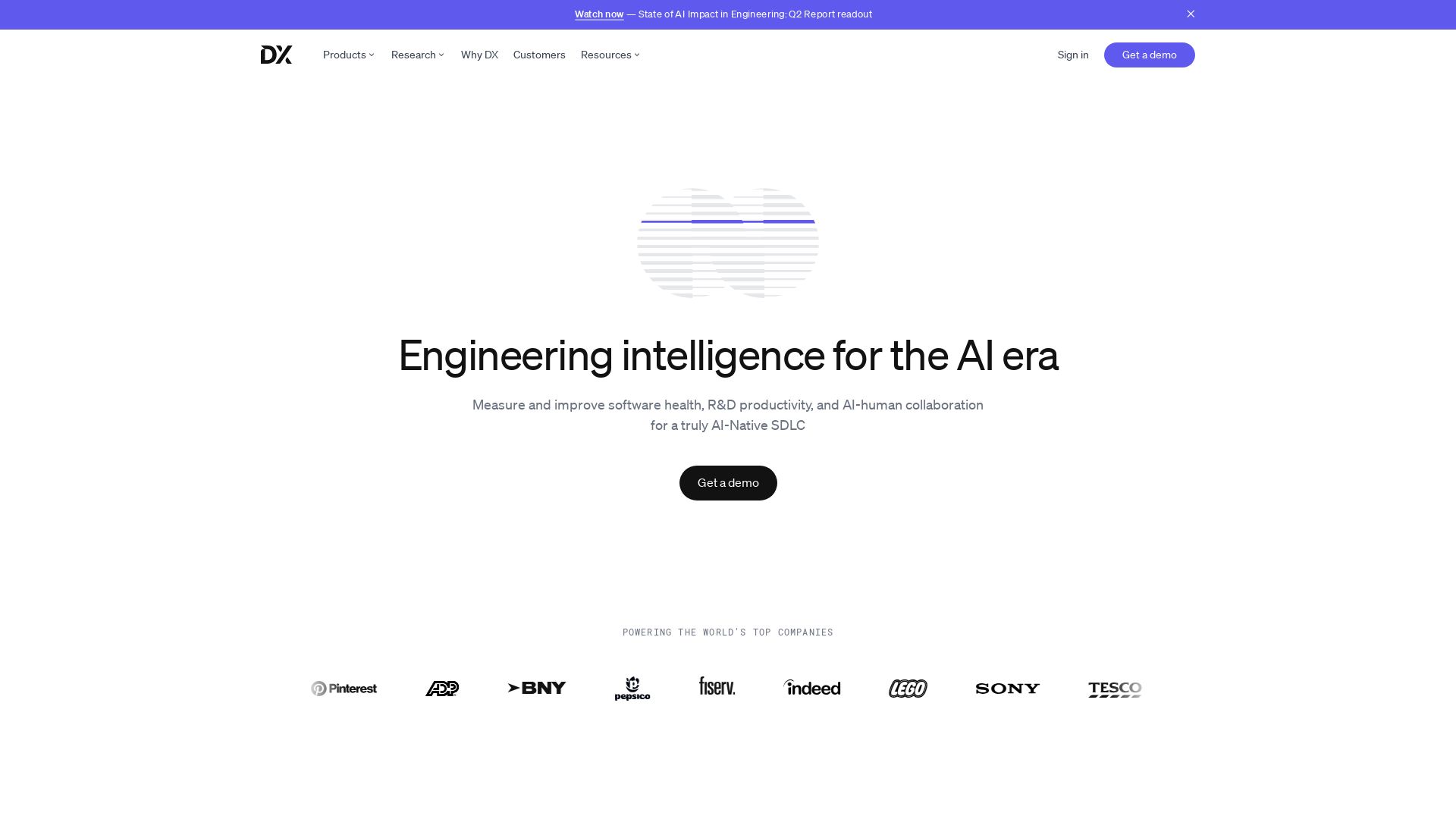
DX
Optimize developer productivity, measure AI impact, and improve software health with DX, the platform designed by researchers.

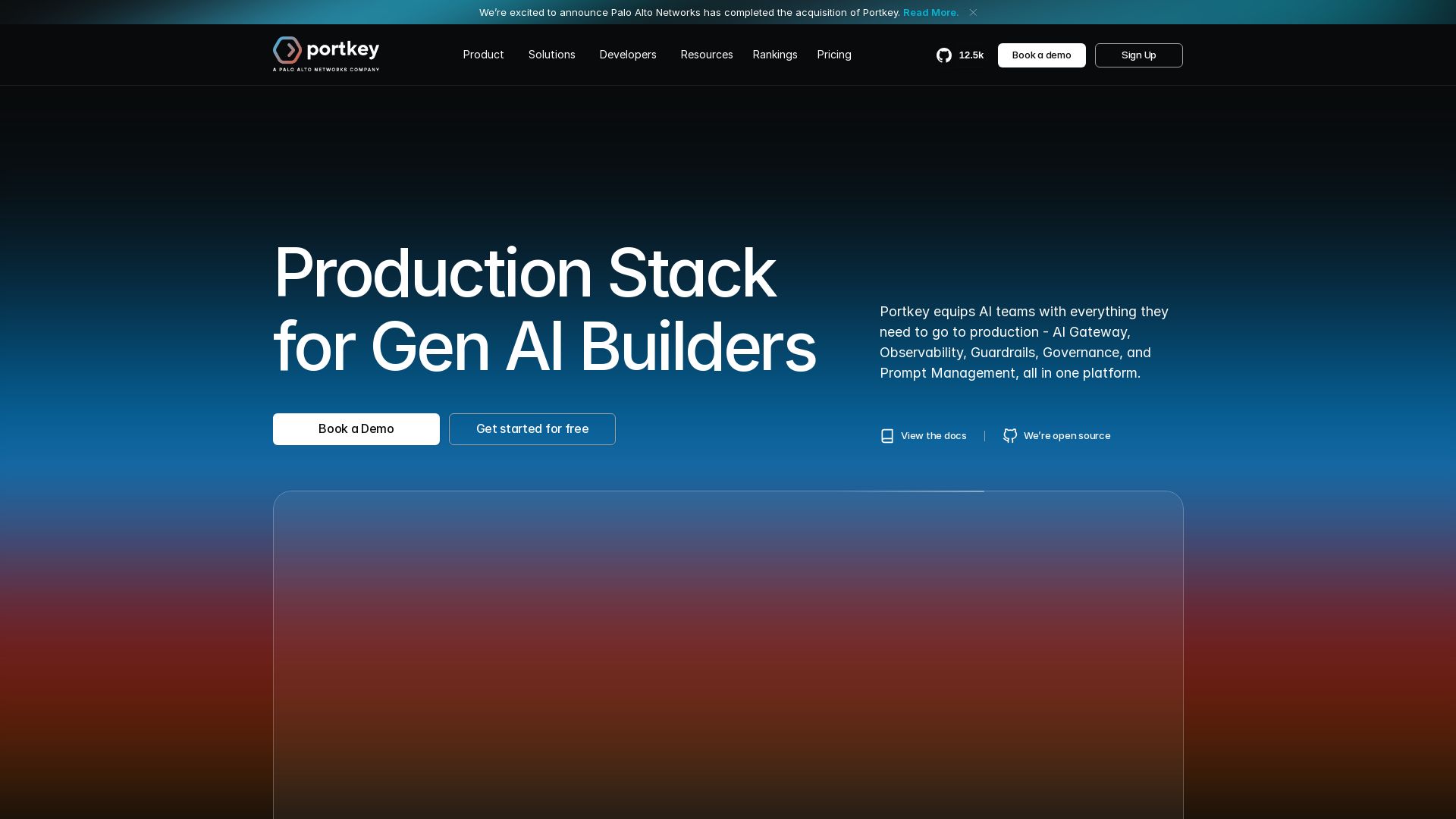
Portkey
Portkey equips AI teams with AI Gateway, Observability, Guardrails, and Prompt Management. Unified API for 1600+ LLMs. Save costs with caching. Trusted by Fortune 500s.

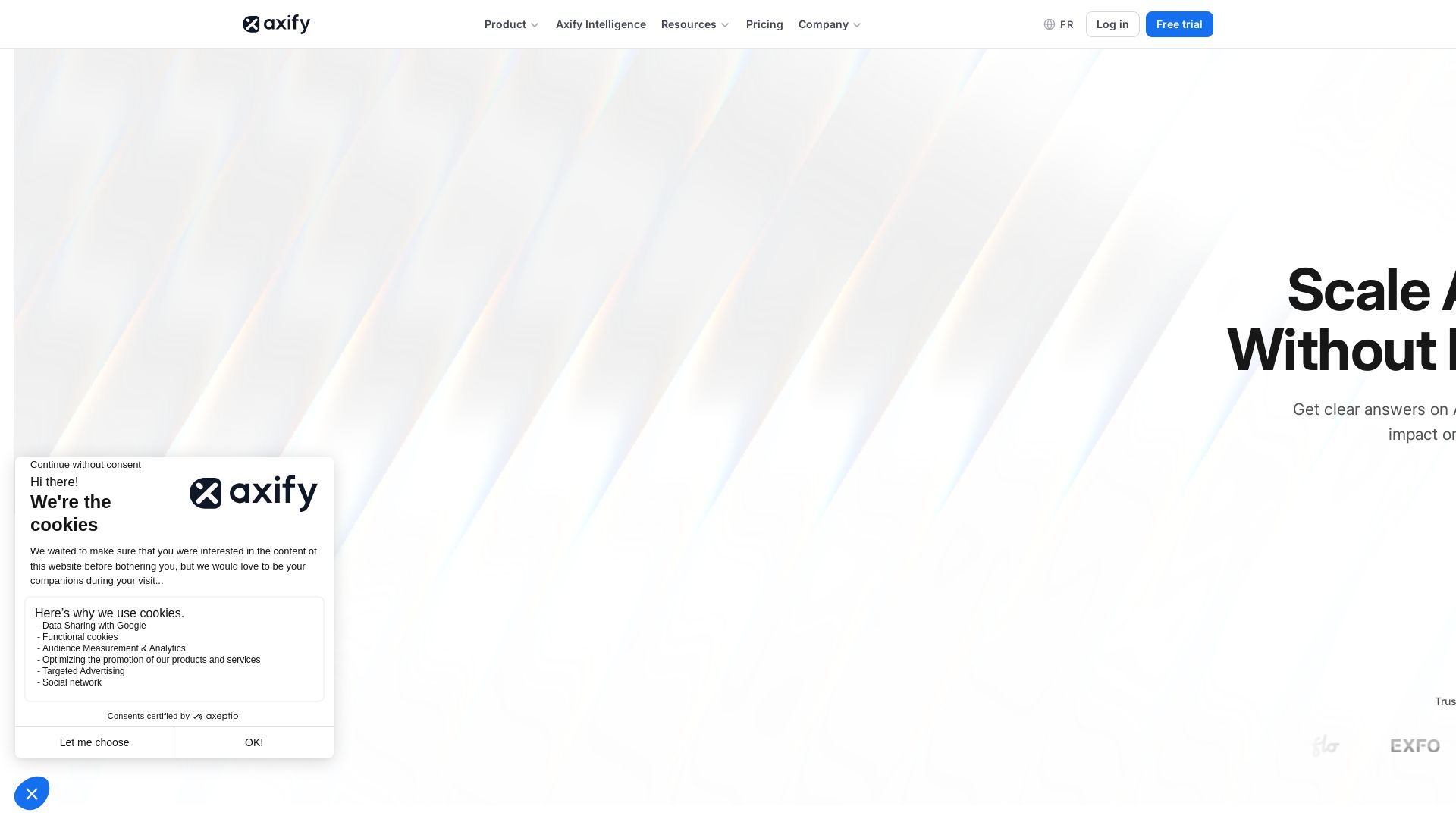
Axify
Get clear visibility into AI usage, cost, and impact across your engineering teams. Flat fee, no per-seat pricing. Start free trial.

ℹ️ Curation Disclosure: The overview and features of SessionWatcher were synthesized using AI and fact-checked by our curation team to ensure accuracy.
