
Runcell
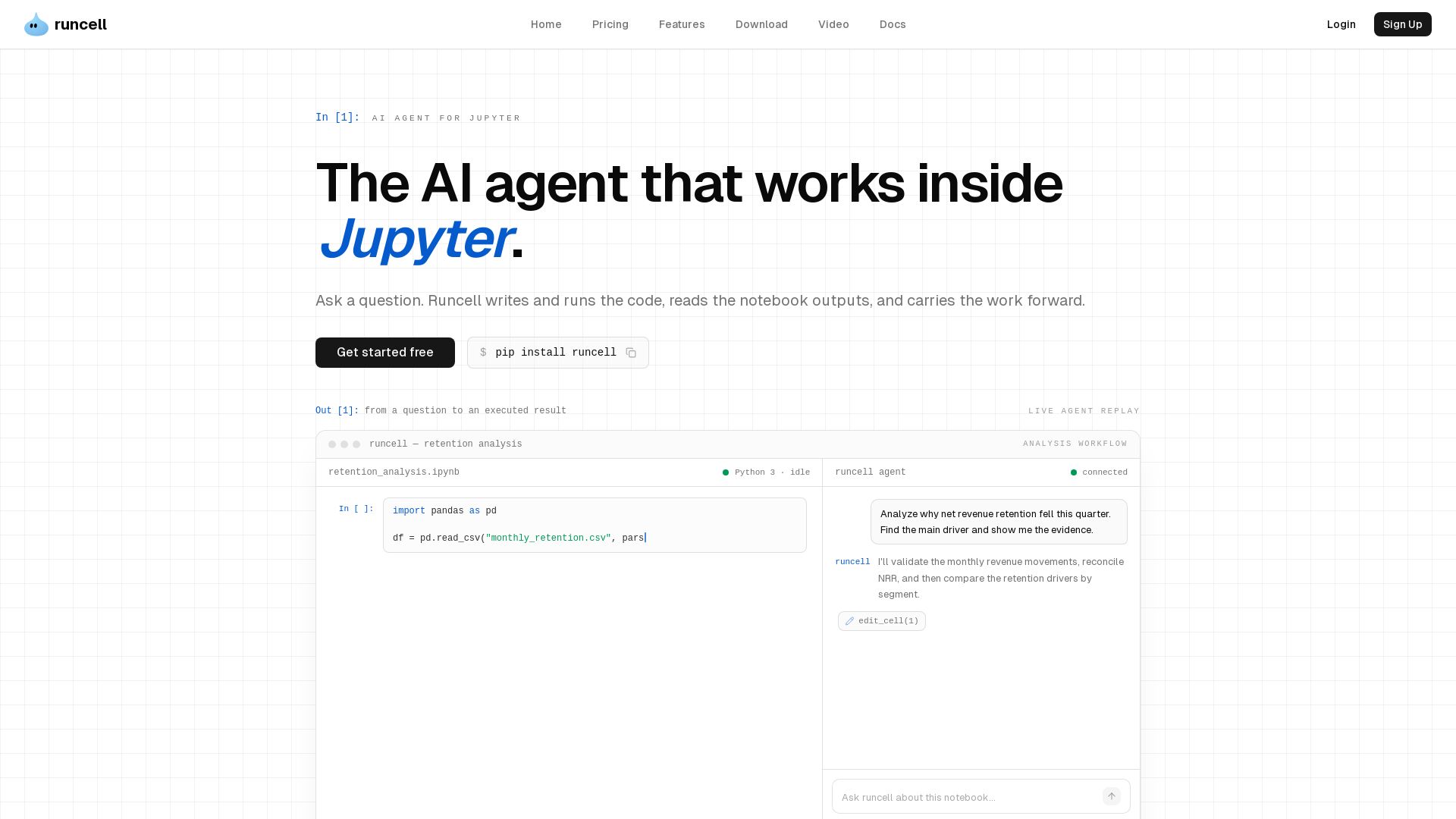
AI agent that works inside Jupyter. Turn questions into executed notebook workflows. Writes Python, runs cells, reads outputs. Multi-step analysis. Free to start.
Editor's Verdict
Key Takeaways
- Autonomous Agent
- In-Context Assist
- Learn by Doing
- Domain Expertise
In-Depth Review: What is Runcell?
Runcell is a Jupyter-native AI agent for data analysis, data science, and research. It transforms your questions into executed notebook work: plans steps, writes and debugs Python, runs cells, and reads the resulting tables, charts, and statistics. Unlike autocomplete or chat, Runcell acts on the notebook—it carries the analysis forward from what the code actually produced, keeping context across iterations. Runs inside JupyterLab on existing .ipynb files. No API key required. Get started with 'pip install runcell'.
Core Features
Autonomous Agent
Turn a question into an executed workflow. Runcell plans the notebook steps, writes the Python, executes the cells, and fixes errors as the work develops.
In-Context Assist
Inspect any cell and unblock the next step. Ask about a transformation, result, or error in context; Runcell reads the surrounding cells and outputs, applies the fix, and keeps the analysis moving.
Learn by Doing
Explore methods with runnable experiments. Try analytical approaches side by side with real notebook outputs, then use the evidence to decide which direction fits the question and data.
Domain Expertise
You bring the domain, the agent writes the code. Describe the analysis or figure you need—like a genomics circos plot—and Runcell handles the implementation, reducing boilerplate.
Pricing
Hobby
- Monthly credits for trying Runcell on a real project
Paid Plans
- More credits for heavier notebook work
- Access to advanced AI models (GPT, Claude, Gemini)
Pros and Cons
Pros
- Notebook-nativeRuns inside JupyterLab on existing .ipynb files without leaving the environment.
- Auto execution & debuggingExecutes cells, diagnoses errors, and keeps analysis moving without manual intervention.
- Output-awareReads tables, charts, and other cell outputs to reason about real results instead of guessing from code.
- Context-awareKeeps questions, decisions, and previous outputs connected across iterations, building on prior work.
- No API key requiredIncludes built-in access to leading AI models based on plan, so users can start without bringing their own API key.
Cons
- Limited to Jupyter environmentRuncell is specifically for JupyterLab; it does not work as a standalone IDE or with other editors.
- Dependency on Jupyter ecosystemUsers must have JupyterLab installed and be comfortable with notebook workflows.
- Premium features require paymentWhile a free Hobby plan exists, full advanced model access and higher credits are behind paid plans.
Use Cases & Recommended Professions
Data Analyst→ View Toolkit
Move from business or operational questions to reproducible code, clear evidence, and explainable results.
Data Scientist→ View Toolkit
Explore data, test methods, build models, and compare results without manually assembling every notebook step.
Risk & Quantitative Finance Professional→ View Toolkit
Analyze markets, portfolios, forecasts, and risk with the diagnostics needed to defend results.
Researcher→ View Toolkit
Turn research questions into code, figures, and reproducible evidence while keeping analysis in Jupyter.
Frequently Asked Questions
Alternative AI Tools
View Detailed Comparison →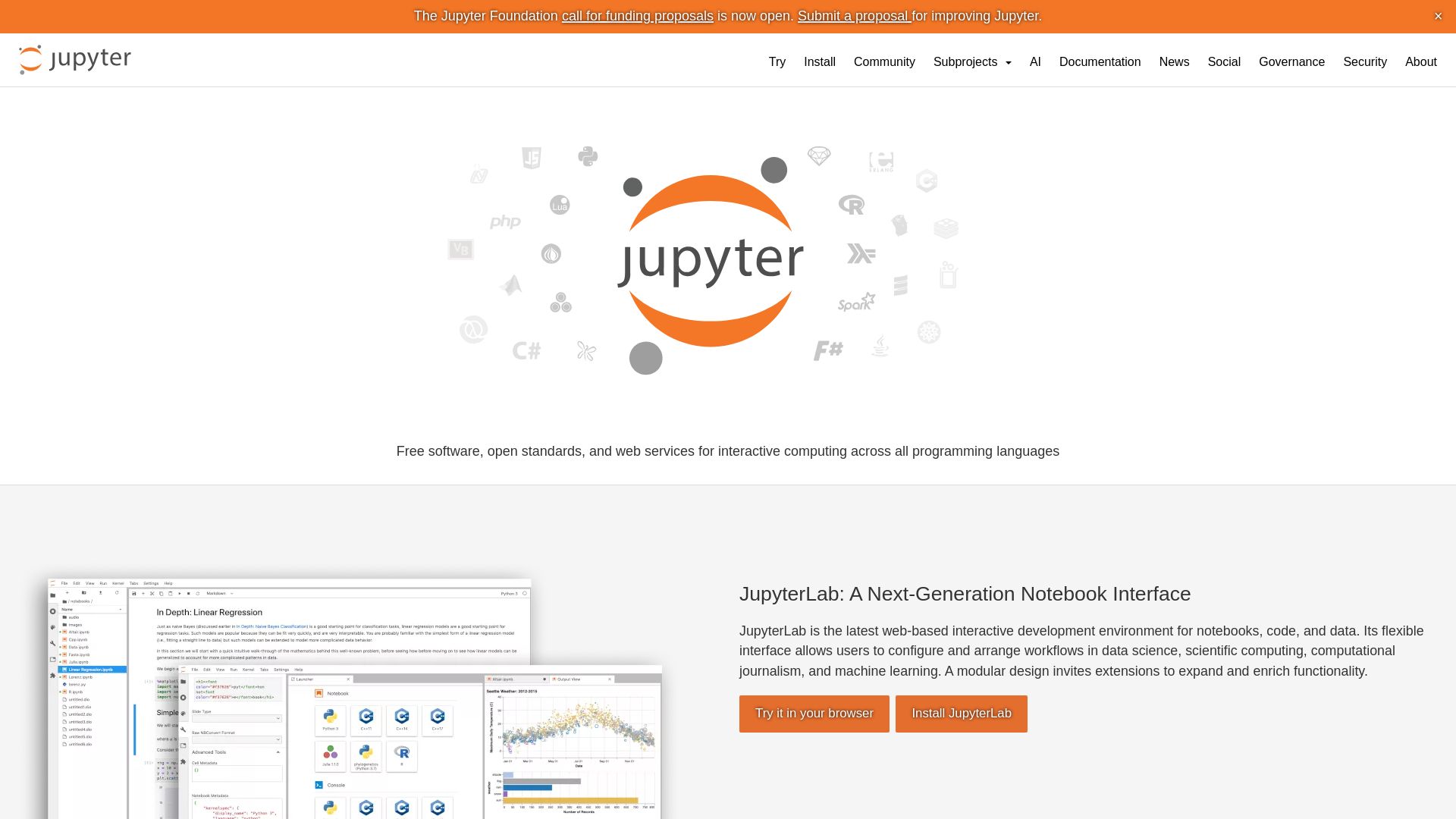
Project Jupyter
Open-source tools for interactive computing: JupyterLab, Notebook, JupyterHub, Voilà. Supports Python, R, Julia, and more. Try it now!

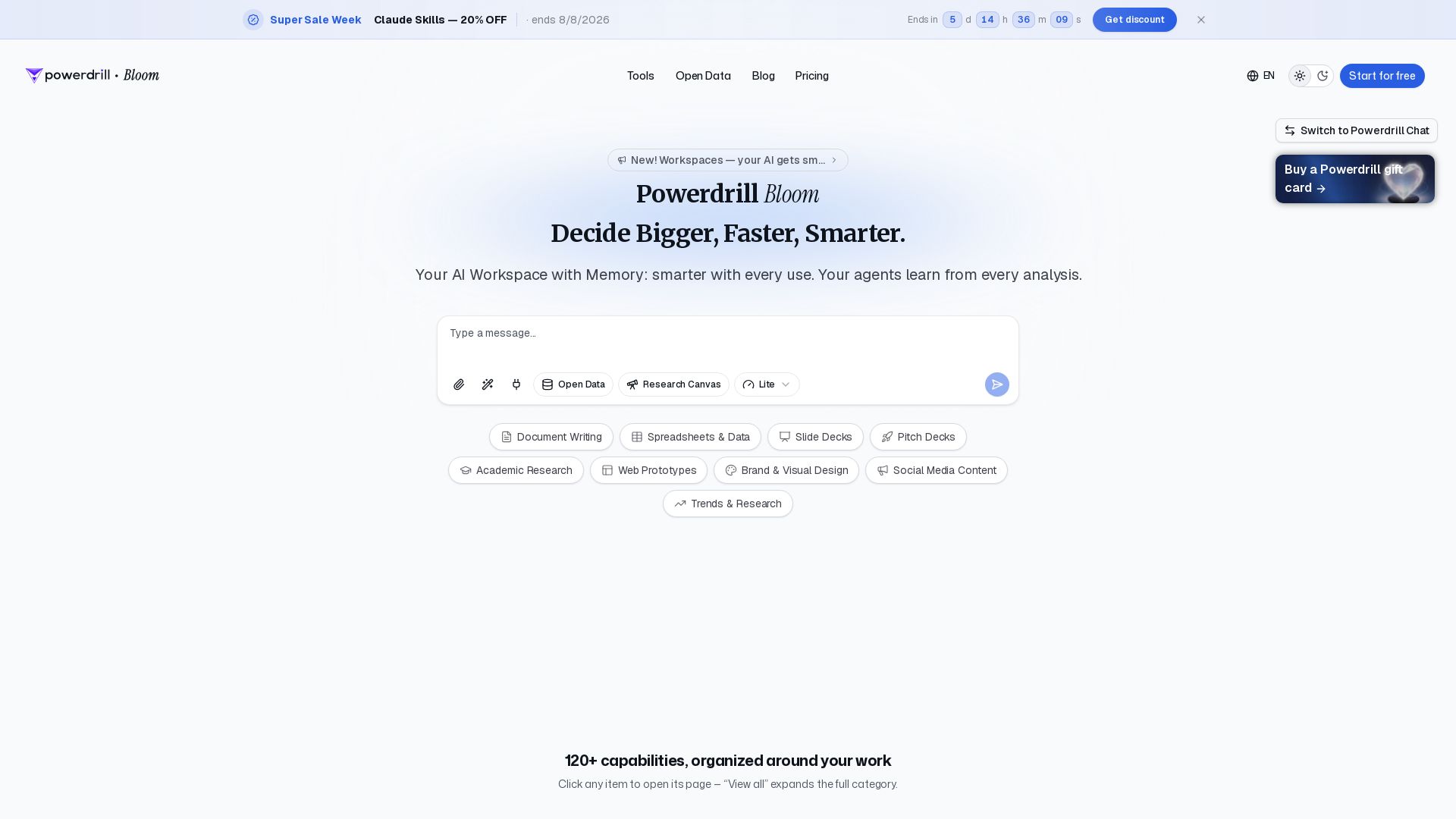
Powerdrill Bloom
Powerdrill Bloom: AI workspace with memory for data analysis, docs, research & more. Smarter with every use. Start free.

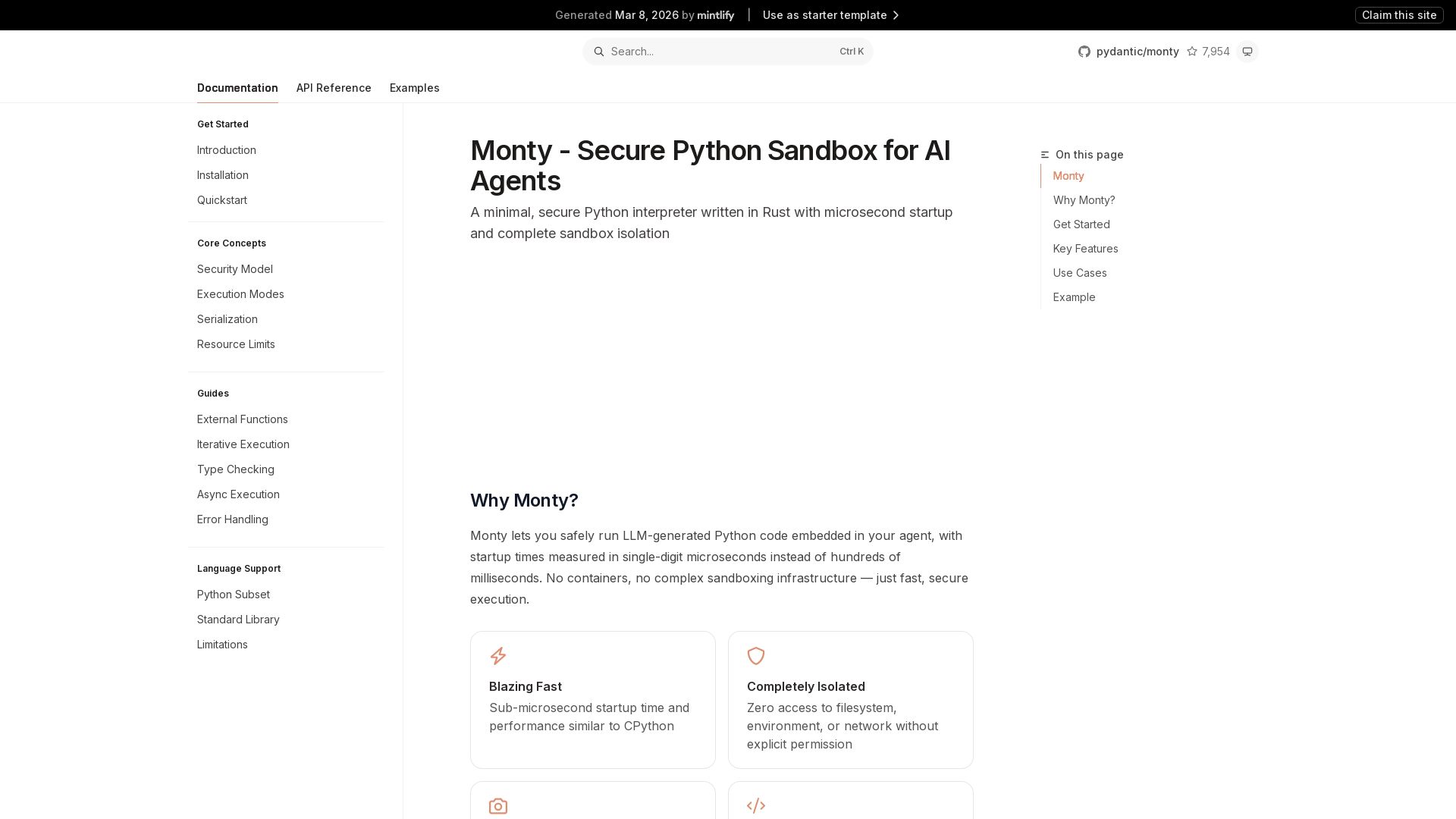
Monty
Run LLM-generated Python code securely with Monty's microsecond startup, complete isolation, and snapshot/resume. Ideal for AI agents.

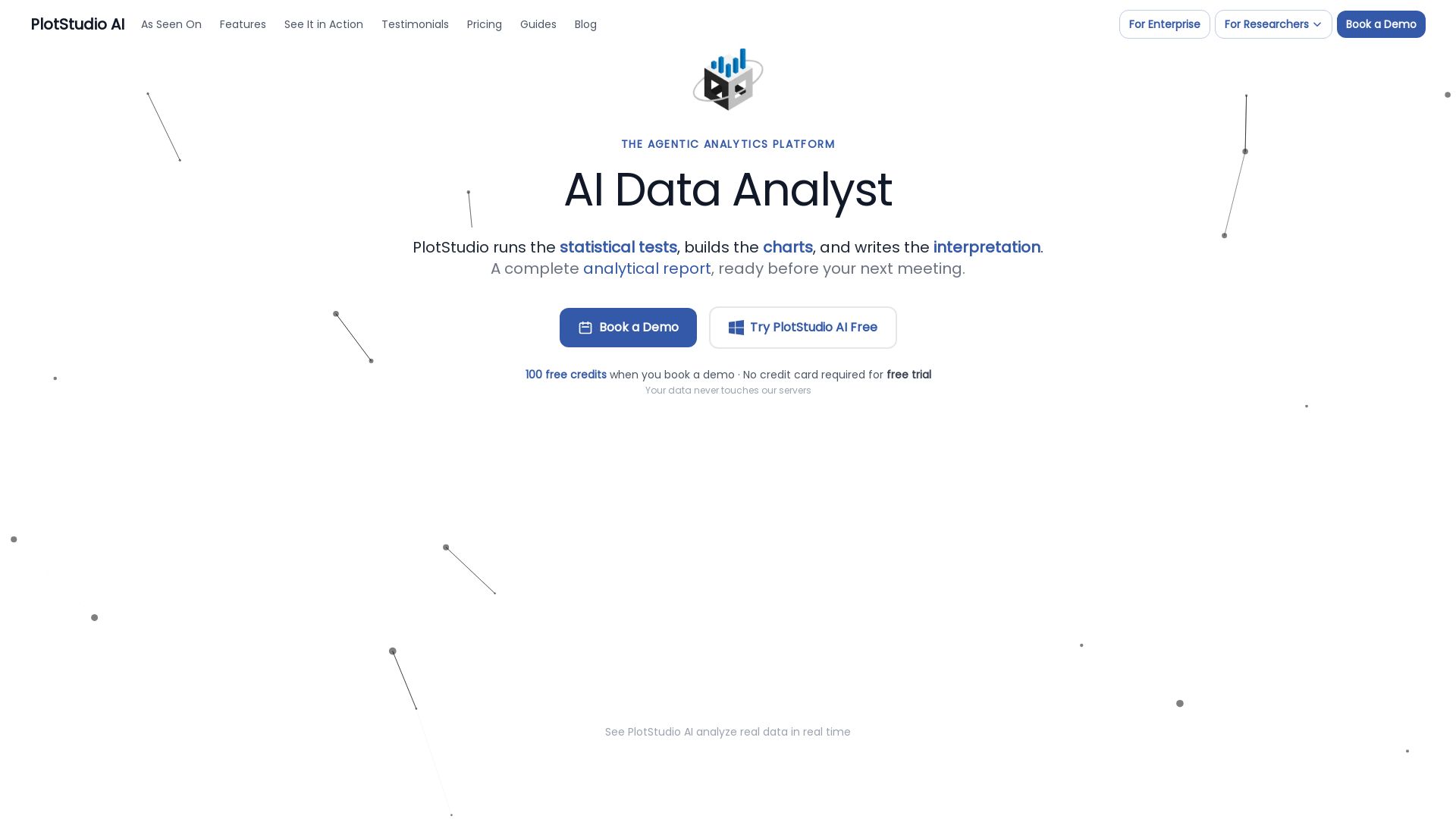
PlotStudio AI
AI-powered desktop app that plans, codes, and executes multi-step analyses in minutes. Preserves privacy, boosts productivity.

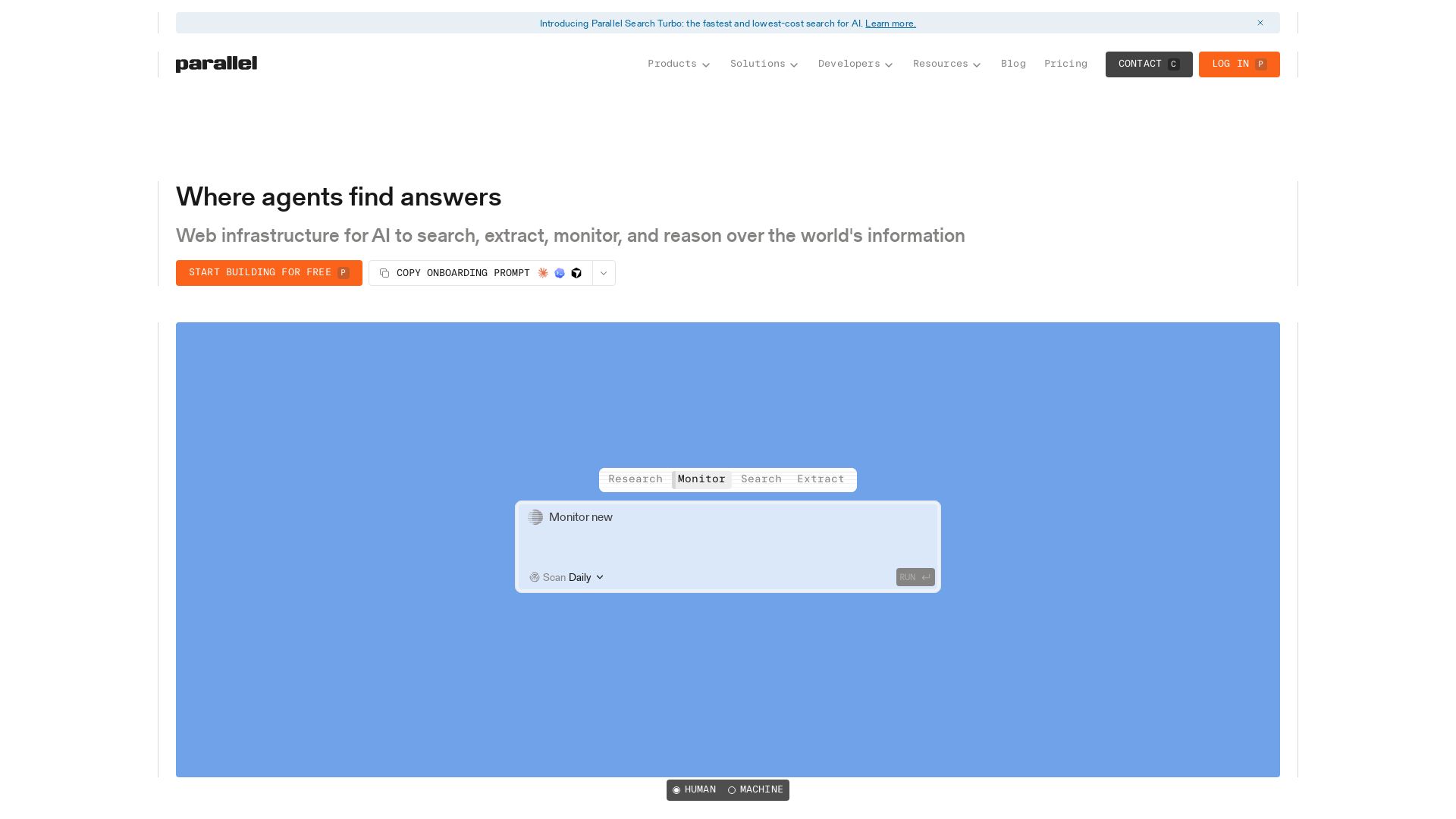
Parallel
Parallel gives AI agents real-time web search, extraction, monitoring, and deep research with cited outputs. Built for production, trusted by enterprises.

Toloka
High-quality training data for AI agents, LLMs, and coding assistants. Trusted by leading AI teams. 90+ domains, expert network.


HIX AI
HIX AI is an AI agent workspace that lets you research, create slides, videos, images, and more with one tool. Boost productivity with deep research and automated content creation.


Cassandra Research
Australia's leading AI-powered tax and legal research platform. Instant analysis of ITAA 1997, ATO rulings, and case law for professionals.

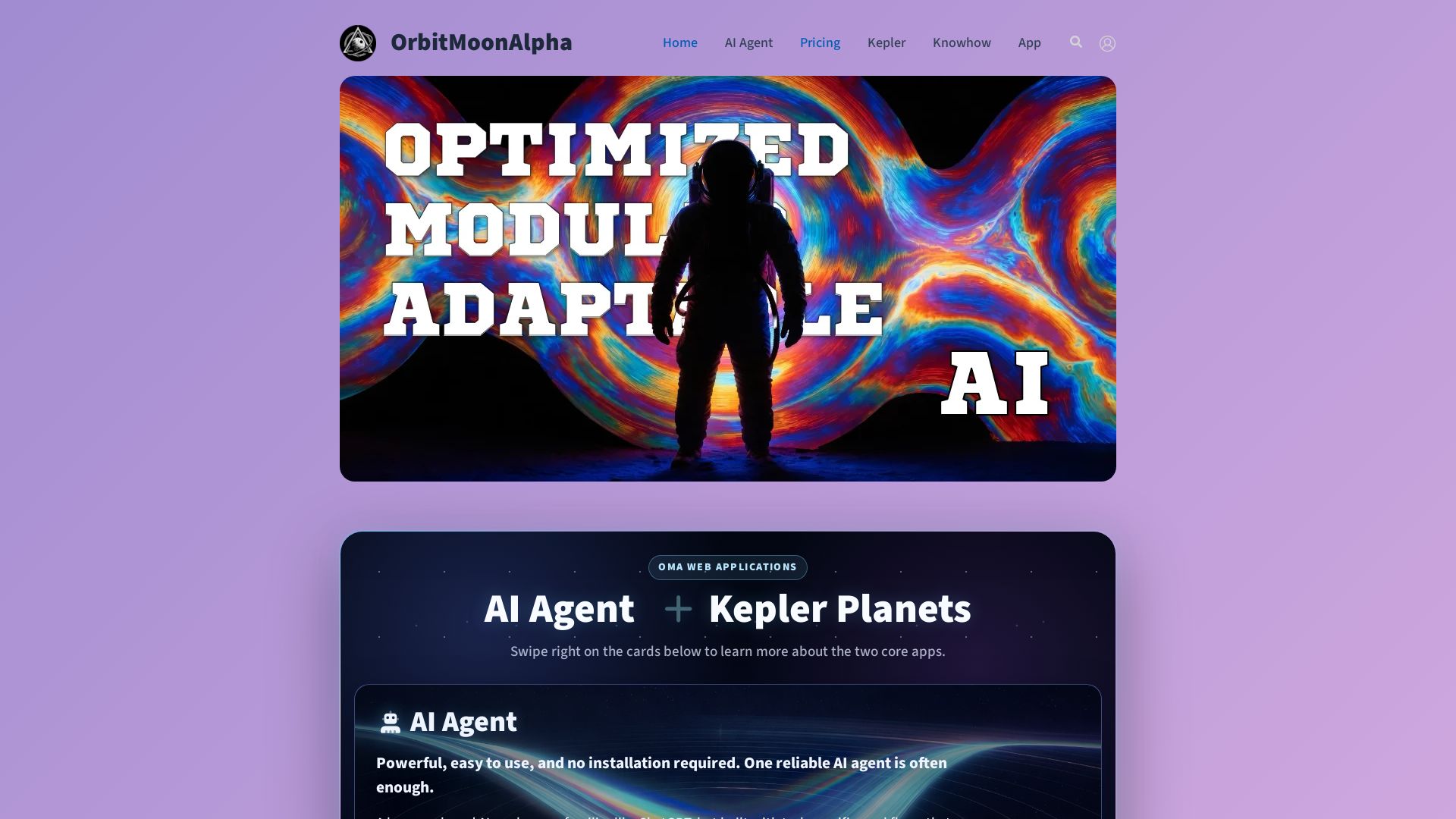
Orbit Moon Alpha
Explore AI Agent for research & creative workflows and Kepler Planets for learning & creativity. Optimized, modular, adaptable AI workspace.

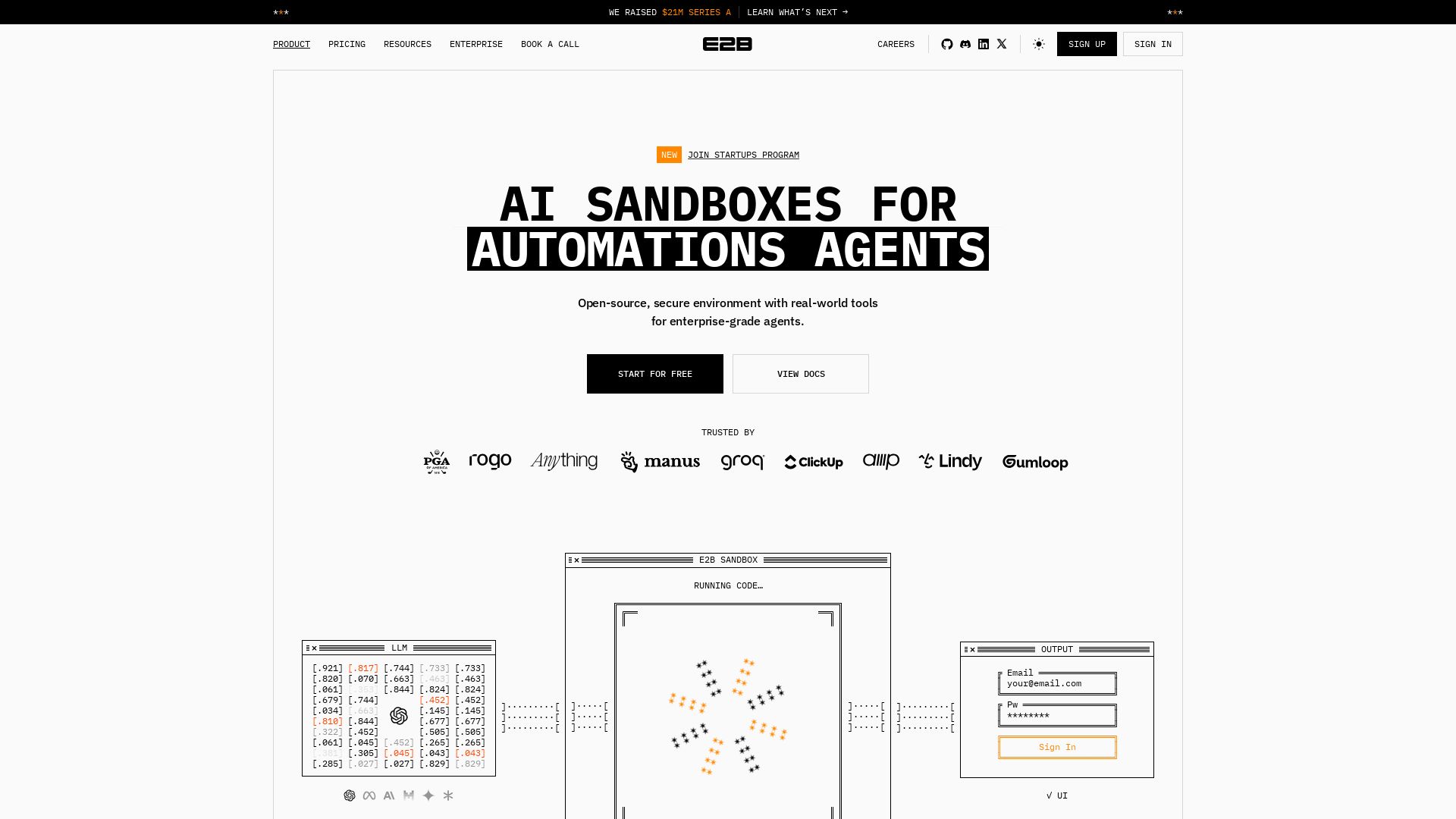
E2B
Open-source, secure sandbox for AI agents. Run code, analyze data, and deploy agents with enterprise-grade isolation. Trusted by Fortune 100.

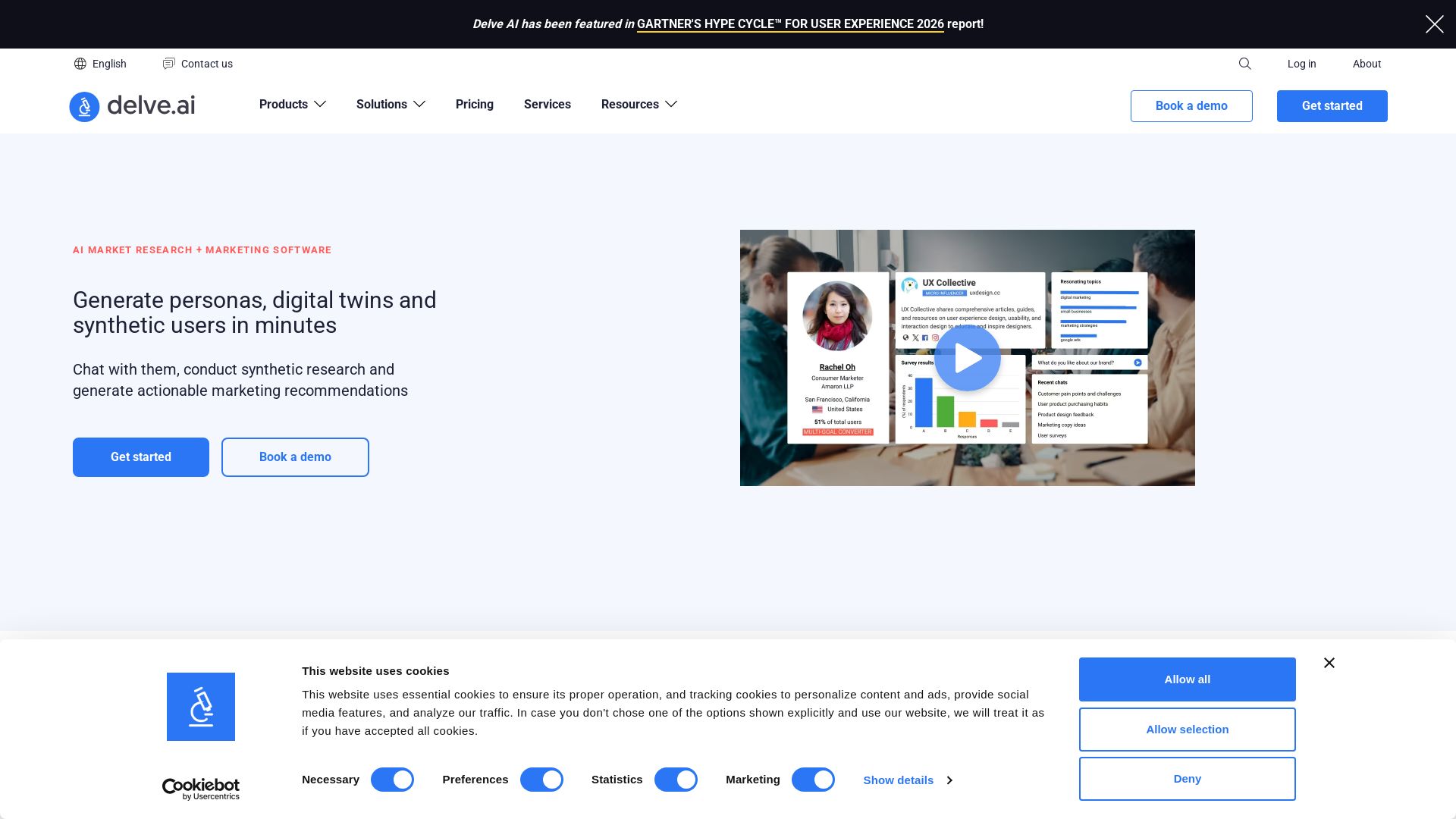
Delve AI
Create AI-driven customer personas, digital twins, and synthetic users for market research. Generate actionable insights in minutes.

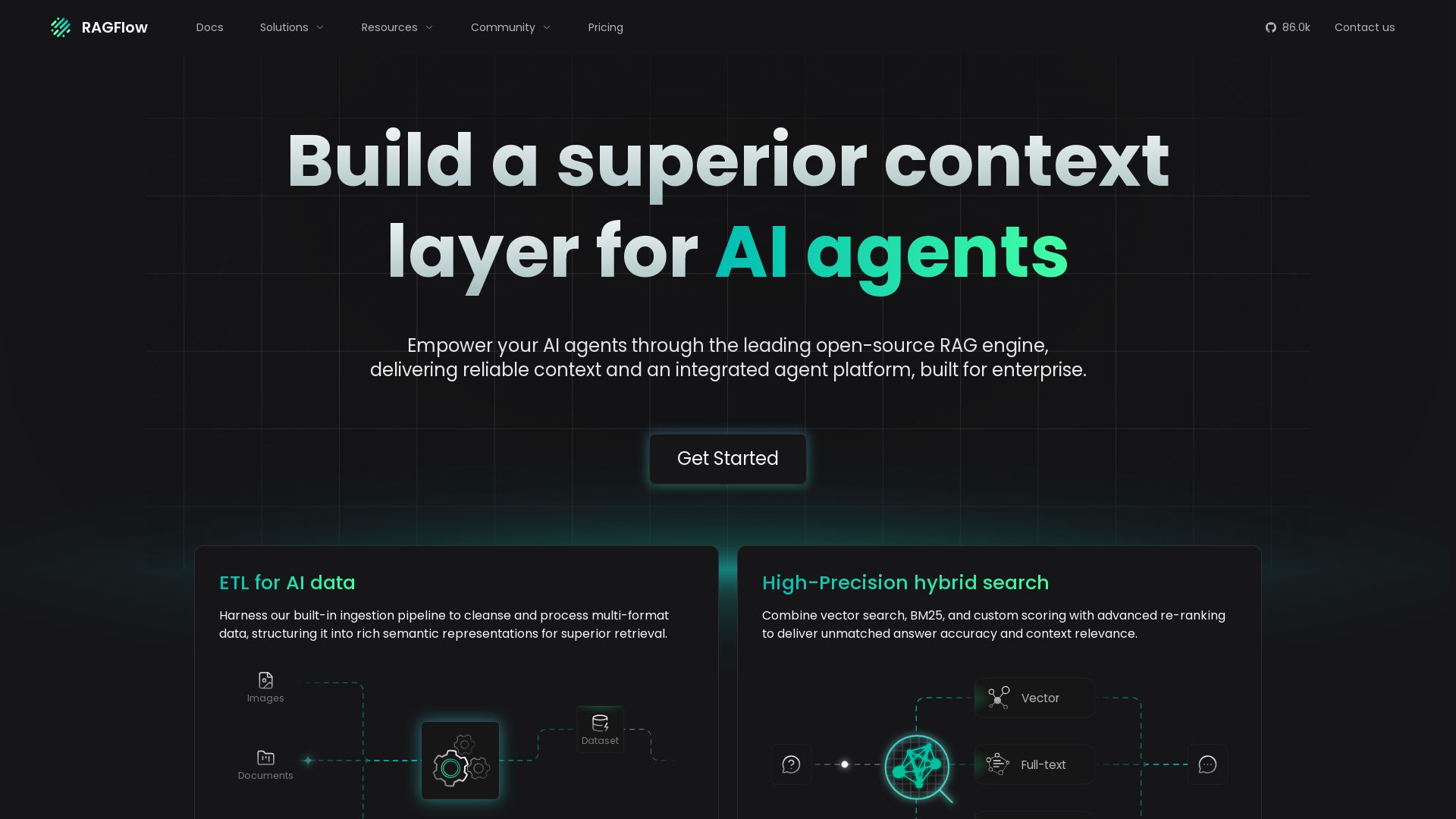
RAGFlow
Build superior context for AI agents with leading open-source RAG. ETL, hybrid search, agent orchestration. Trusted by enterprises.

ℹ️ Curation Disclosure: The overview and features of Runcell were synthesized using AI and fact-checked by our curation team to ensure accuracy.
