
Project Jupyter
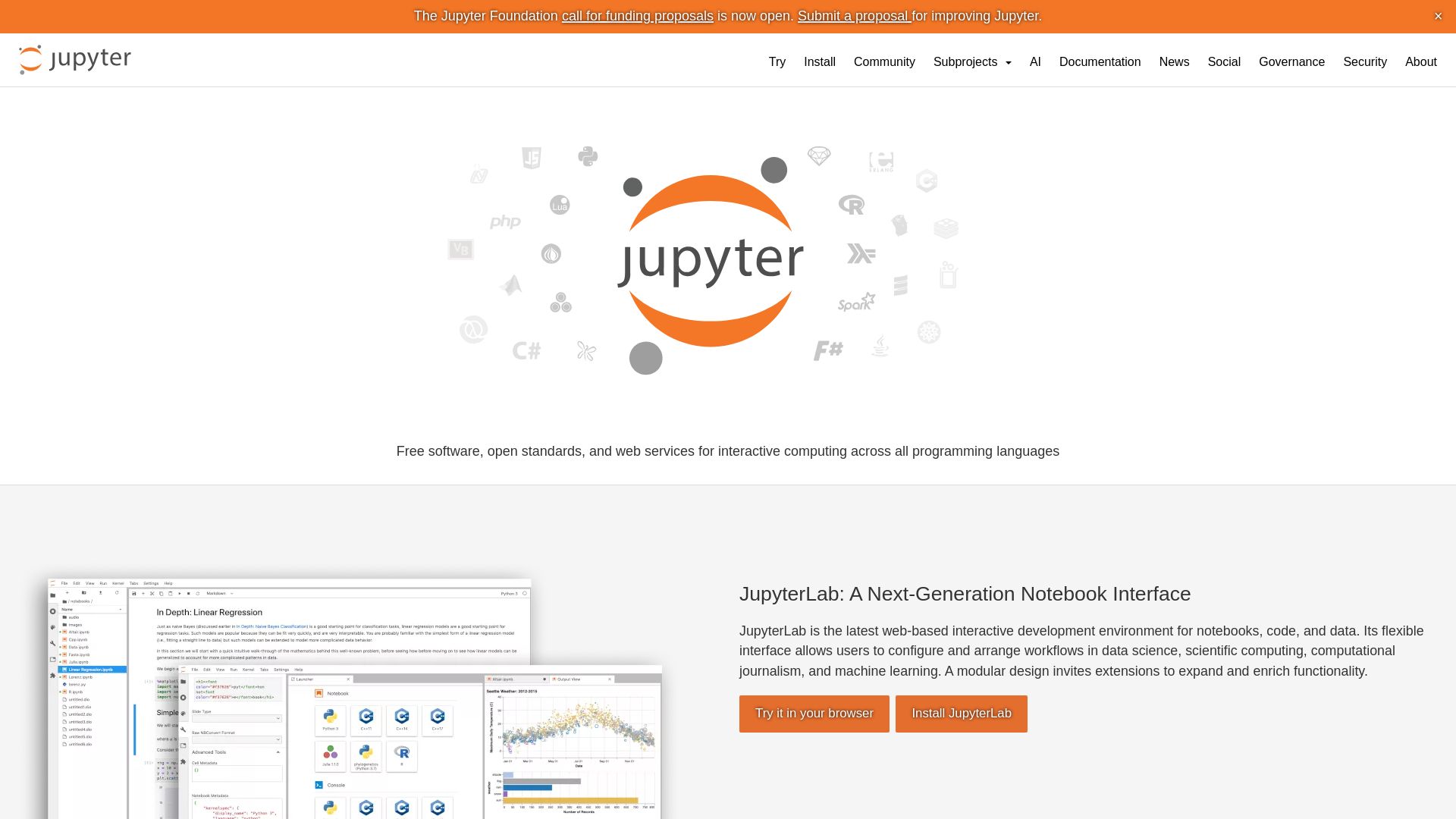
Open-source tools for interactive computing: JupyterLab, Notebook, JupyterHub, Voilà. Supports Python, R, Julia, and more. Try it now!
Editor's Verdict
Key Takeaways
- JupyterLab
- Jupyter Notebook
- Multi-language Support
- Notebook Sharing
In-Depth Review: What is Project Jupyter?
Project Jupyter offers a suite of free, open-source tools for interactive computing across 40+ programming languages. From the classic Notebook interface to the extensible JupyterLab, multi-user JupyterHub, and sharing with Voilà, Jupyter empowers data science, scientific computing, and machine learning with rich outputs, big data integration, and open standards.
Core Features
JupyterLab
A next-generation web-based interactive development environment for notebooks, code, and data with a flexible interface that supports configurable workflows in data science, scientific computing, and machine learning.
Jupyter Notebook
The original web application for creating and sharing computational documents, offering a simple, document-centric experience.
Multi-language Support
Supports over 40 programming languages including Python, R, Julia, and Scala.
Notebook Sharing
Notebooks can be shared via email, Dropbox, GitHub, and the Jupyter Notebook Viewer.
Interactive Output
Code can produce rich interactive output including HTML, images, videos, LaTeX, and custom MIME types.
Big Data Integration
Leverage big data tools like Apache Spark from Python, R, and Scala, and explore data with pandas, scikit-learn, ggplot2, and TensorFlow.
JupyterHub
A multi-user version of the notebook designed for companies, classrooms, and research labs with pluggable authentication, centralized deployment, and container support.
Voilà
Transforms notebooks into secure, stand-alone web applications that can be customized and shared.
Open Standards
Promotes open standards like the Notebook Document Format (JSON) and the Interactive Computing Protocol (JSON over ZMQ and WebSockets) for third-party developers.
Kernel Architecture
Kernels are separate processes that run interactive code in a specific programming language and provide output, tab completion, and introspection.
Pricing
Free and Open Source
- JupyterLab
- Jupyter Notebook
- JupyterHub
- Voilà
- Multi-language support
- Interactive output
- Big data integration
- Open standards
- Community support
Pros and Cons
Pros
- Free and Open SourceAll Jupyter tools are free to use and open source, allowing customization and community contributions.
- Multi-Language SupportSupports over 40 programming languages, making it versatile for various computing tasks.
- Rich Interactive OutputCode can produce HTML, images, videos, and LaTeX, enabling dynamic reports and presentations.
- Big Data ReadyIntegrates with Apache Spark, pandas, and TensorFlow, suitable for large-scale data analysis and machine learning.
- Collaborative and ShareableNotebooks can be easily shared via GitHub, email, or the Jupyter Viewer, facilitating collaboration.
Cons
- Learning CurveNew users may find the notebook interface and kernel concept unfamiliar compared to traditional IDEs.
- Browser DependentJupyter runs in a web browser, which may limit performance for very large datasets or require a stable internet connection.
- Limited Version ControlNotebook JSON format can be difficult to diff and merge, posing challenges for version control with Git.
- Security ConcernsExecuting untrusted code in notebooks can pose security risks; caution needed for multi-user deployments.
- Resource IntensiveRunning kernels and displaying rich output can consume significant memory and CPU for complex projects.
Use Cases & Recommended Professions
Data Scientist→ View Toolkit
Use Jupyter for exploratory data analysis, model development, and sharing reproducible research.
Machine Learning Engineer→ View Toolkit
Leverage Jupyter to prototype models, visualize results, and integrate with big data tools like Spark.
Researcher→ View Toolkit
Create interactive computational narratives for publications and collaborate with peers.
Educator→ View Toolkit
Teach programming and data science with live notebooks that combine code, text, and visuals.
Software Engineer→ View Toolkit
Use Jupyter for prototyping, documentation, and running interactive code snippets.
Data Analyst→ View Toolkit
Perform data cleaning, analysis, and visualization using Python, R, or other supported languages.
Frequently Asked Questions
Alternative AI Tools
View Detailed Comparison →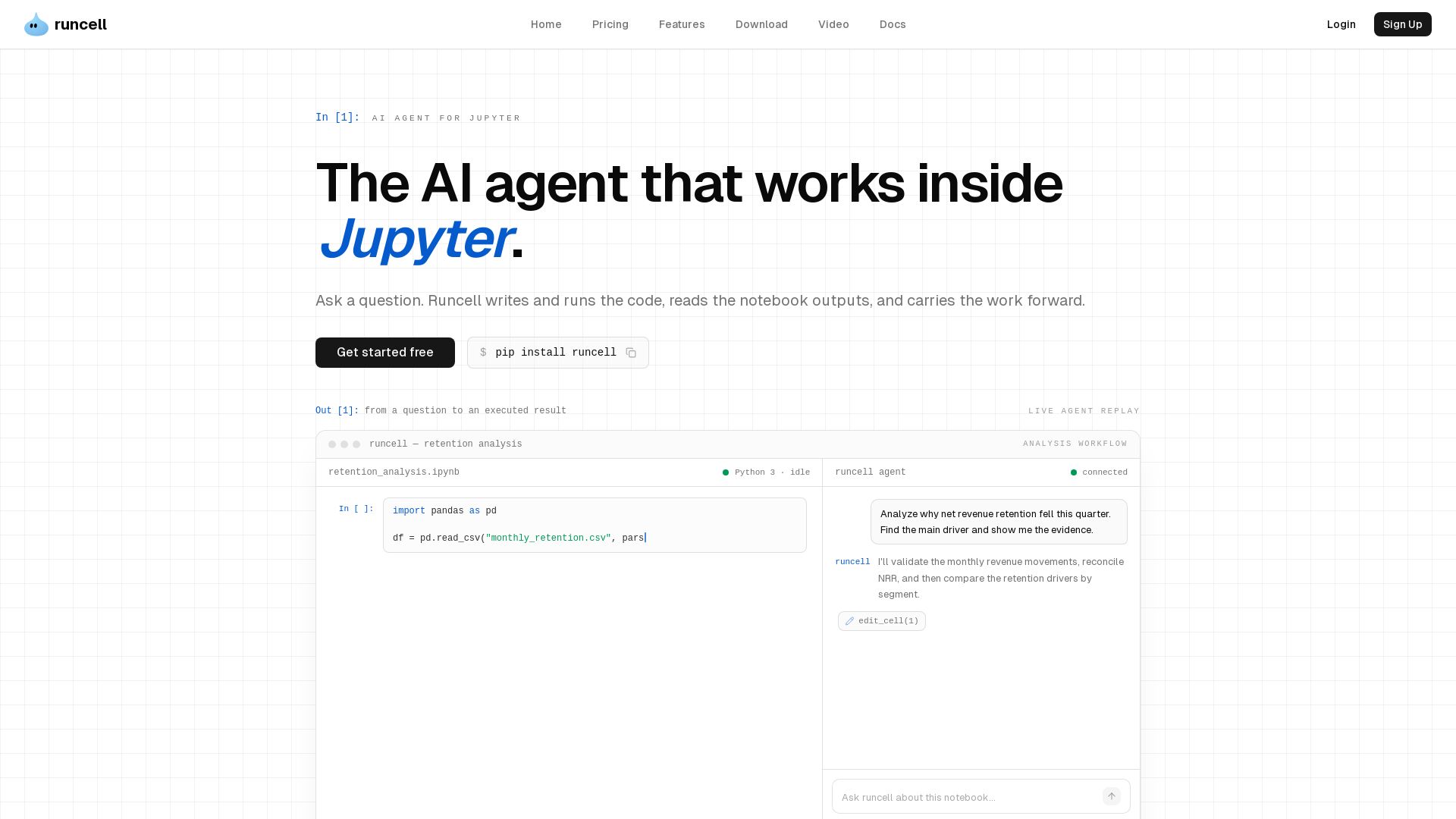
Runcell
AI agent that works inside Jupyter. Turn questions into executed notebook workflows. Writes Python, runs cells, reads outputs. Multi-step analysis. Free to start.

HyperAI
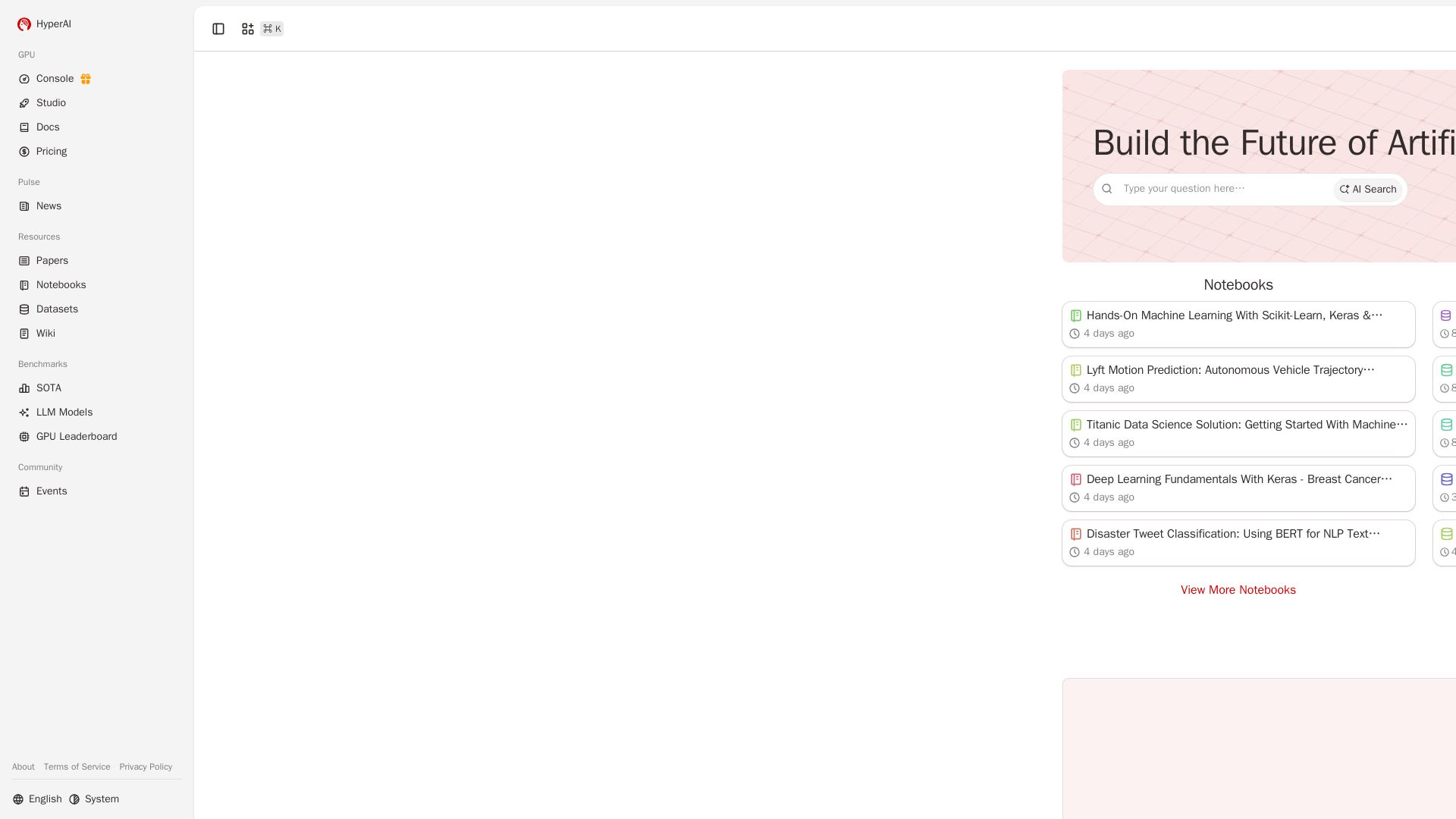
Accelerate AI development with free co-coding, top GPUs, cutting-edge papers, and hands-on tutorials. Start building today.

Powerdrill Bloom
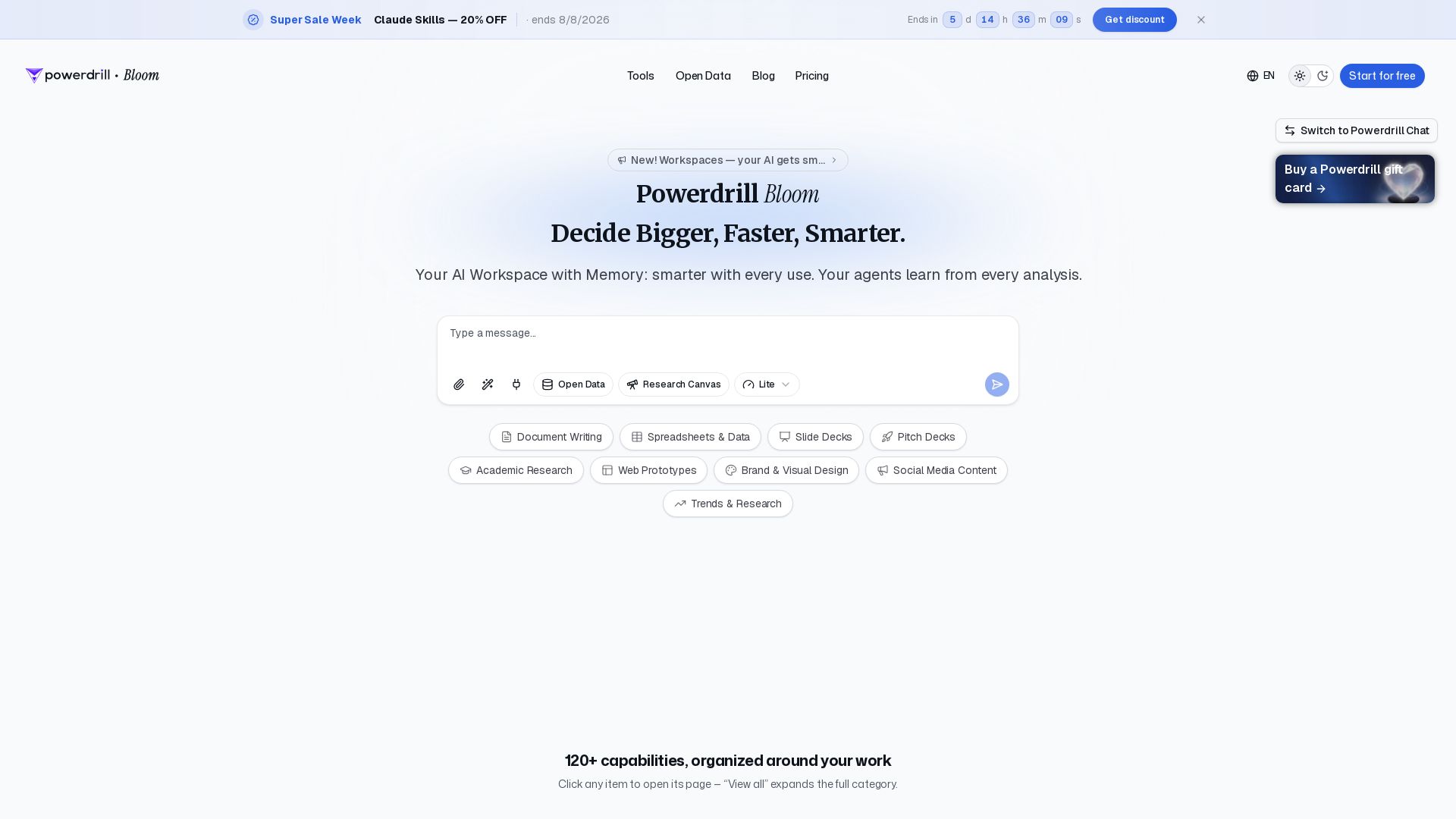
Powerdrill Bloom: AI workspace with memory for data analysis, docs, research & more. Smarter with every use. Start free.

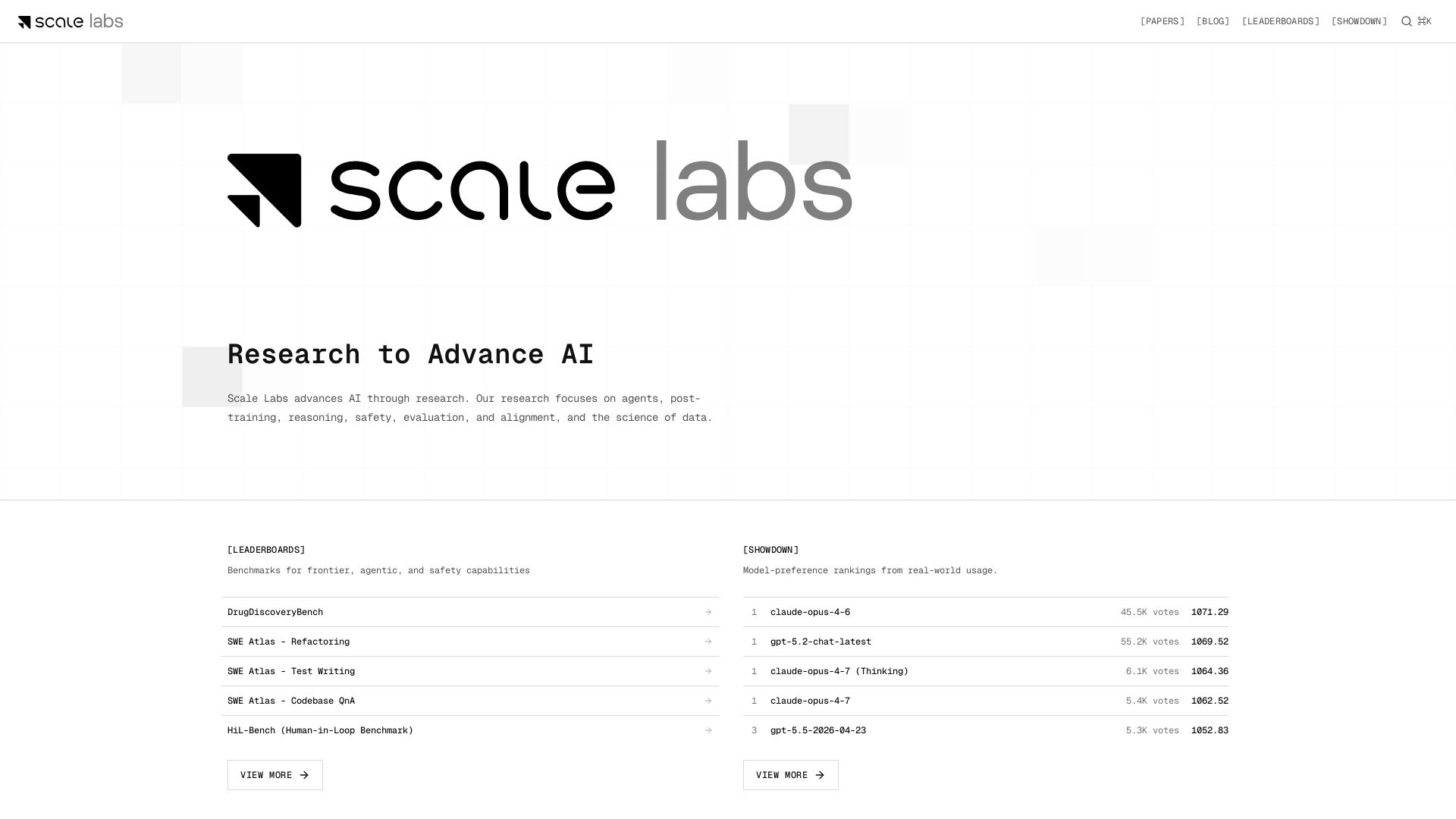
Scale Labs
Your hub for cutting-edge AI research on agents, safety, and evaluation. Explore leaderboards, model showdown rankings, and insightful blogs.

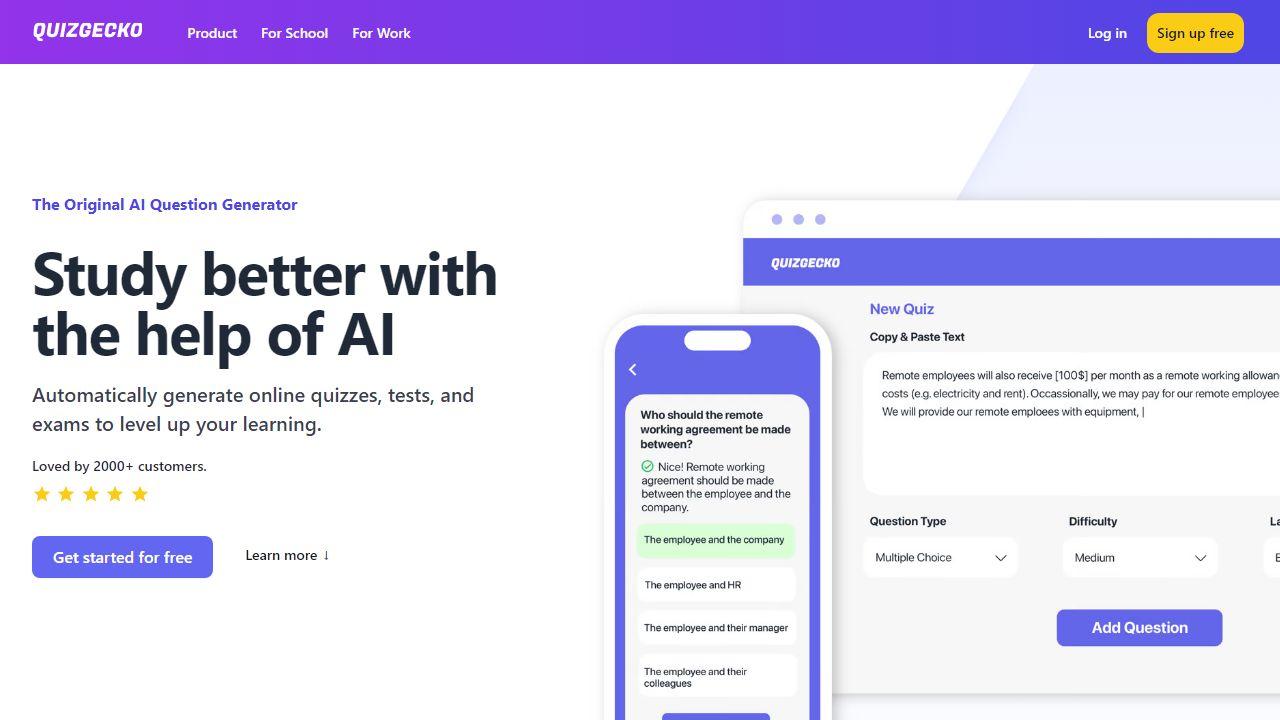
Deep Kondah
In-depth technical blog on AI, LLMs, cybersecurity, eBPF, and software engineering. Stay informed and ahead.


Cassandra Research
Australia's leading AI-powered tax and legal research platform. Instant analysis of ITAA 1997, ATO rulings, and case law for professionals.


Hugging Face
Explore hands-on notebooks for MLOps, LLMs, CV, diffusion, agents & more. Open-source tools, community-driven recipes.
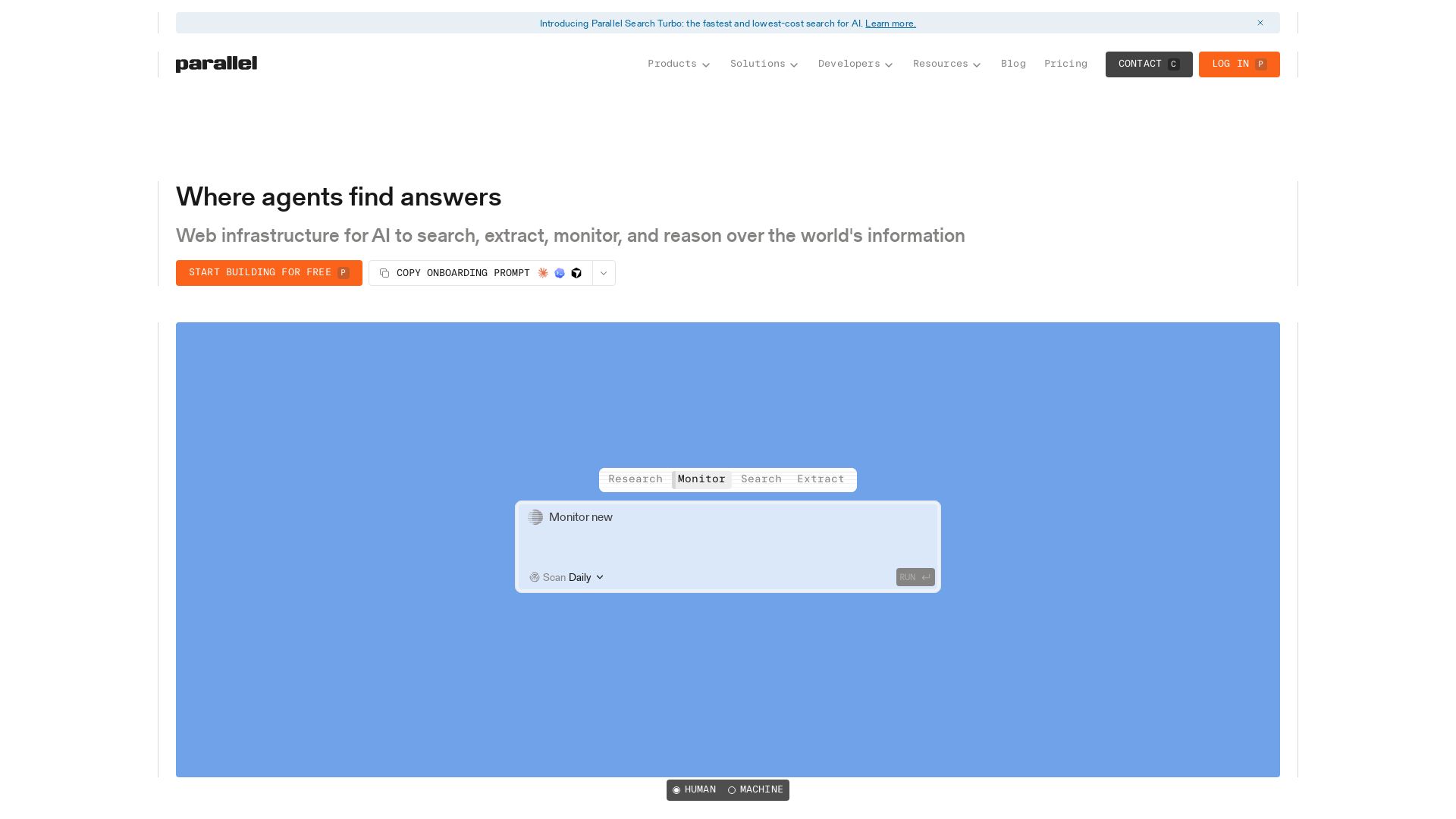
Parallel
Parallel gives AI agents real-time web search, extraction, monitoring, and deep research with cited outputs. Built for production, trusted by enterprises.

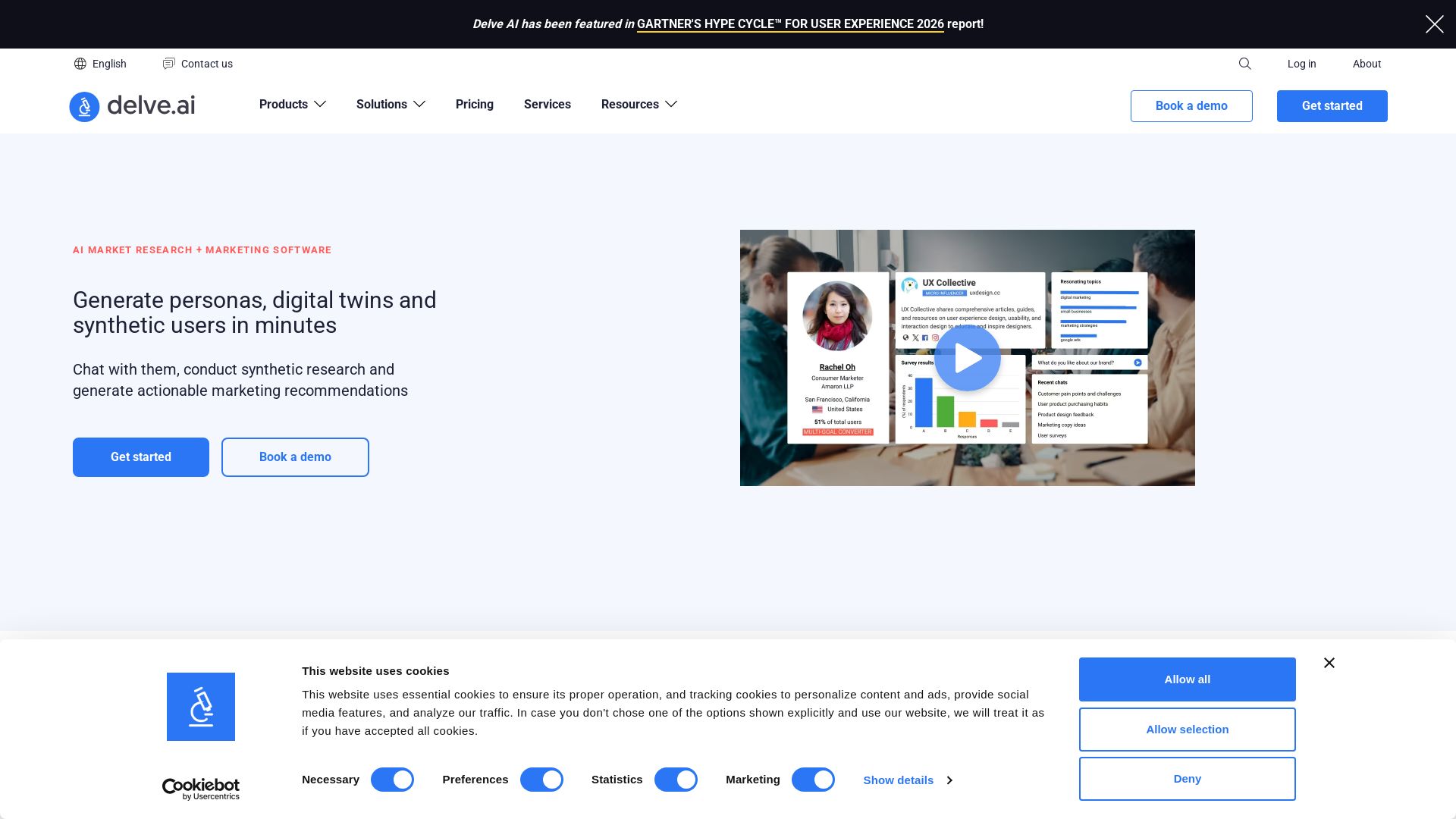
Delve AI
Create AI-driven customer personas, digital twins, and synthetic users for market research. Generate actionable insights in minutes.


IBM demonstrates extreme scale with a 100B vector ...
IBM Research invents the future of computing with quantum supercomputing, AI, and hybrid cloud. Explore breakthroughs, open-source tools like Qiskit and Granite models, and more.

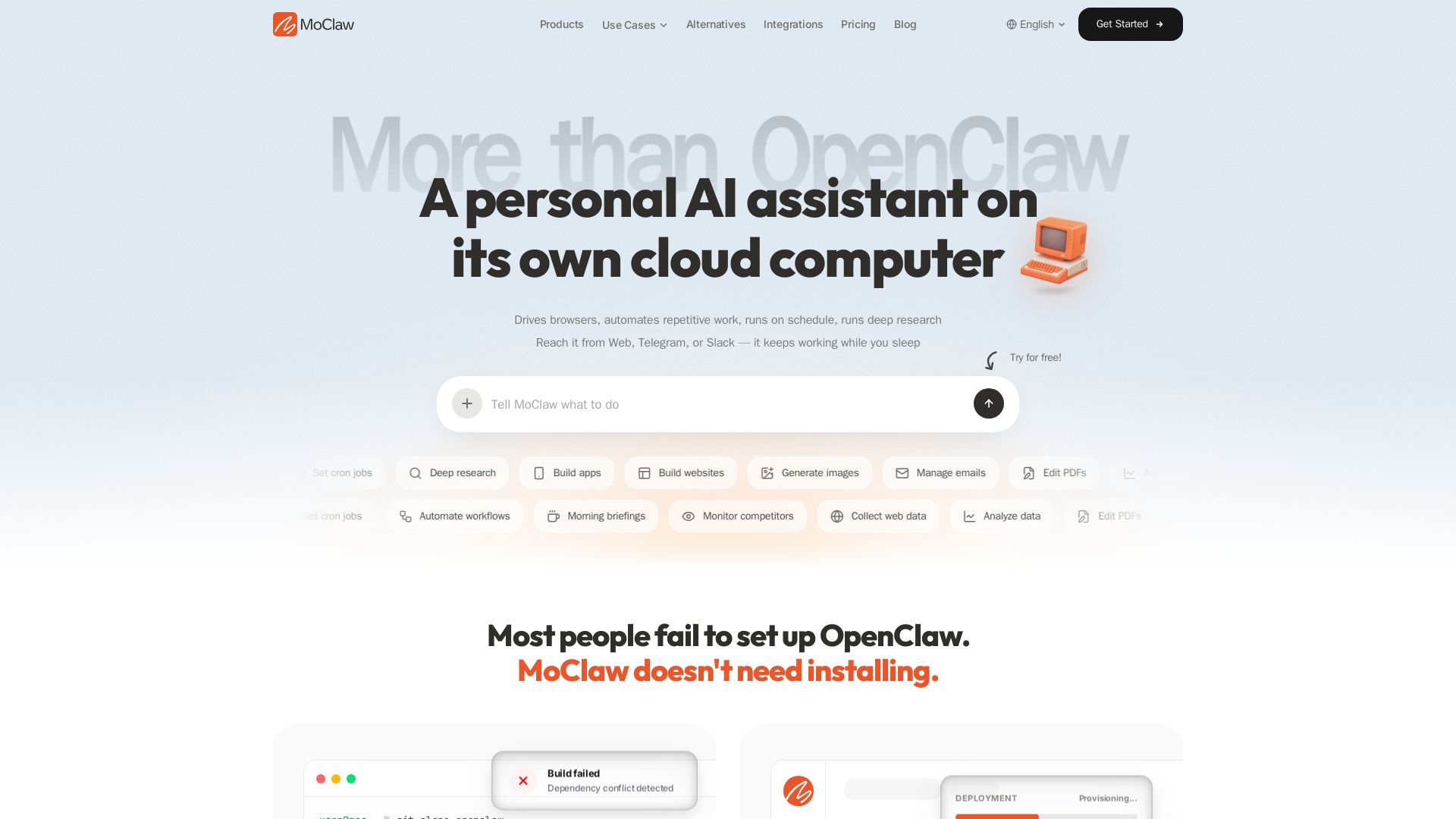
MoClaw
Automate tasks, research, and workflows with MoClaw's always-on AI computer. No setup, no crashes. Deep research, browser control, scheduling. Try free.

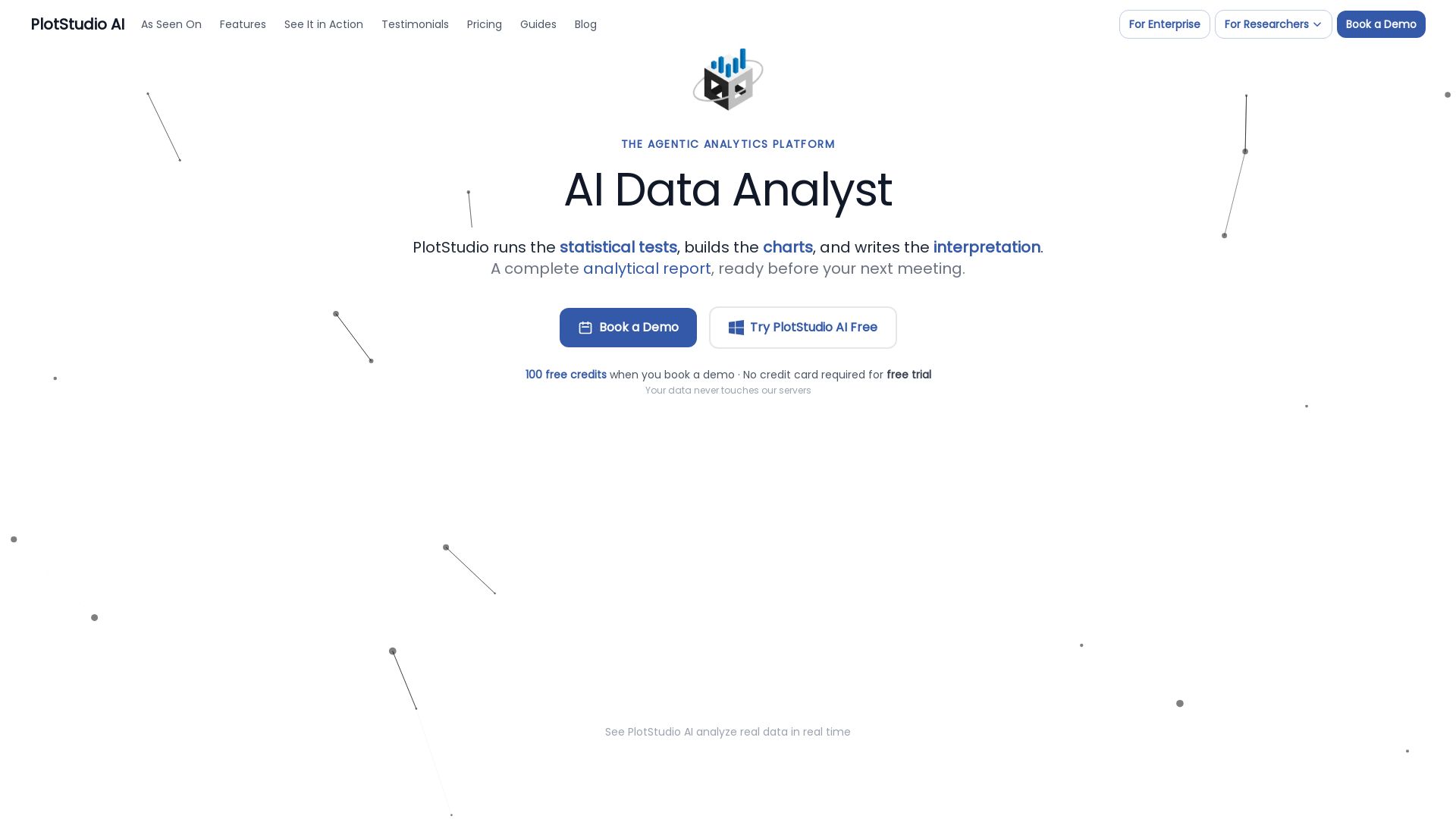
PlotStudio AI
AI-powered desktop app that plans, codes, and executes multi-step analyses in minutes. Preserves privacy, boosts productivity.

ℹ️ Curation Disclosure: The overview and features of Project Jupyter were synthesized using AI and fact-checked by our curation team to ensure accuracy.
