
PlotStudio AI
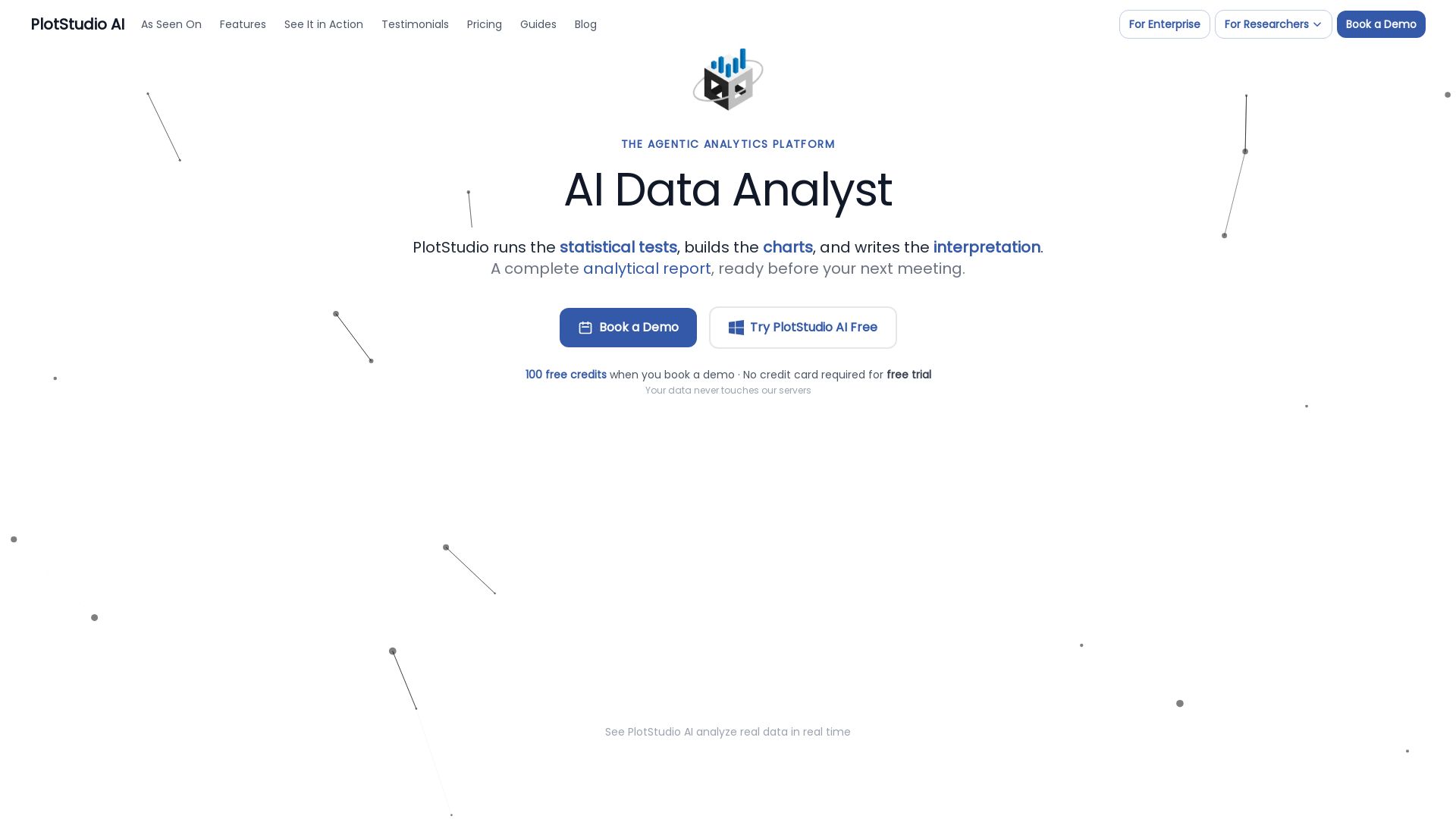
AI-powered desktop app that plans, codes, and executes multi-step analyses in minutes. Preserves privacy, boosts productivity.
Editor's Verdict
Key Takeaways
- Data Profiling
- Agentic Analysis
- Analysis Pages
- Domain Intelligence
In-Depth Review: What is PlotStudio AI?
PlotStudio AI is a desktop application for agentic data analytics that replaces your entire analytics stack. Upload a dataset, ask questions in plain English, and a team of specialized AI agents collaboratively plans, codes, executes, and interprets multi-step analyses—delivering publication-ready reports with code, charts, statistics, and narrative in minutes. Key capabilities include automatic data profiling, domain-specific methods (e.g., IV/2SLS for econometrics, Cox for survival analysis), verification mode to review and edit the AI's plan, and full data privacy—your data never leaves your machine. Built for business analysts, data scientists, researchers, and consultants, PlotStudio is the analytical second brain that compounds knowledge over time.
Core Features
Data Profiling
Data quality scored as Clean, Usable, or Needs Cleaning on upload; AI writes cleaning plan and executive summary with story angles before any question.
Agentic Analysis
AI plans, codes, executes, and interprets multi-step analyses with chain-of-thought transparency; generates live plots, tables, and derived datasets.
Analysis Pages
Each question produces a permanent, structured analysis page (tables, charts, tests, interpretation) that the AI builds upon, creating a compounding knowledge base.
Domain Intelligence
Auto-detects field from data or lets you select up to 2 domains from 12 specializations; applies domain-specific methods like IV/2SLS, GARCH, Cox PH.
Data Privacy
PlotStudio never sees, stores, or accesses your data; AI calls go directly from your machine to SOC 2 certified providers; enterprise can use own Azure OpenAI.
Export
One-click PDF export with embedded charts and LaTeX; export as Jupyter notebook with full code and outputs for reproducibility.
Pricing
Bring Your Own Key - Monthly
- Unlimited queries against your own OpenAI API key
- No markup on tokens
- Direct access to the team
- Onboarding support
- Feature requests
Bring Your Own Key - Annual
- Unlimited queries against your own OpenAI API key
- No markup on tokens
- Direct access to the team
- Onboarding support
- Feature requests
Pros and Cons
Pros
- Saves Hours of Analyst WorkWhat used to take an analyst days, PlotStudio does in minutes, allowing focus on interpretation rather than mechanics.
- No Data Upload RequiredData never leaves your machine; AI calls go directly to the API provider, ensuring privacy and compliance.
- Agentic Multi-Step AnalysisA team of AI agents plans, codes, executes, and interprets, producing complete analytical reports with code and reasoning.
- Domain-Specific MethodsAutomatically applies the right statistical models for your field (econometrics, healthcare, finance) without manual setup.
- Permanent Analysis PagesEvery question creates a searchable, reproducible page that compounds knowledge, unlike chat-based tools.
Cons
- Requires Internet ConnectionAI calls go to external model providers; no offline mode available for fully air-gapped environments.
- Dependency on API KeyUsers must provide their own OpenAI or Azure OpenAI API key, incurring token costs separate from subscription.
- Limited File FormatsSupported formats are standard data files (CSV, Excel, etc.); may not handle proprietary database connections directly.
- Learning Curve for Advanced FeaturesWhile basic use is simple, leveraging verification mode, domain selection, and cross-analysis may require some data literacy.
- No Built-in CollaborationWorkspaces are individual; team sharing requires exporting PDFs or notebooks, lacking real-time multi-user editing.
Use Cases & Recommended Professions
Business Analyst→ View Toolkit
Stop waiting on the data team for one question; get charts, statistical tests, and written interpretation before your next standup.
Data Scientist→ View Toolkit
Skip pandas boilerplate and focus on judgment; review methodology in verification mode and override what you disagree with.
Product Manager→ View Toolkit
Every question becomes a permanent analysis page; run ten analyses over a quarter to build a searchable knowledge base for the team.
Researcher / Academic→ View Toolkit
IRB won't approve uploading data to the cloud; PlotStudio runs on your machine, code is visible, methodology auditable.
Consultant / Freelancer→ View Toolkit
Upload client data, run analysis, export publication-ready PDF with charts and findings; no DPA needed per engagement.
Teams Without a Data Team→ View Toolkit
Type a question in plain English and get the kind of analysis a data team would produce: statistical tests, charts, interpretation, board-ready report.
Frequently Asked Questions
Alternative AI Tools
View Detailed Comparison →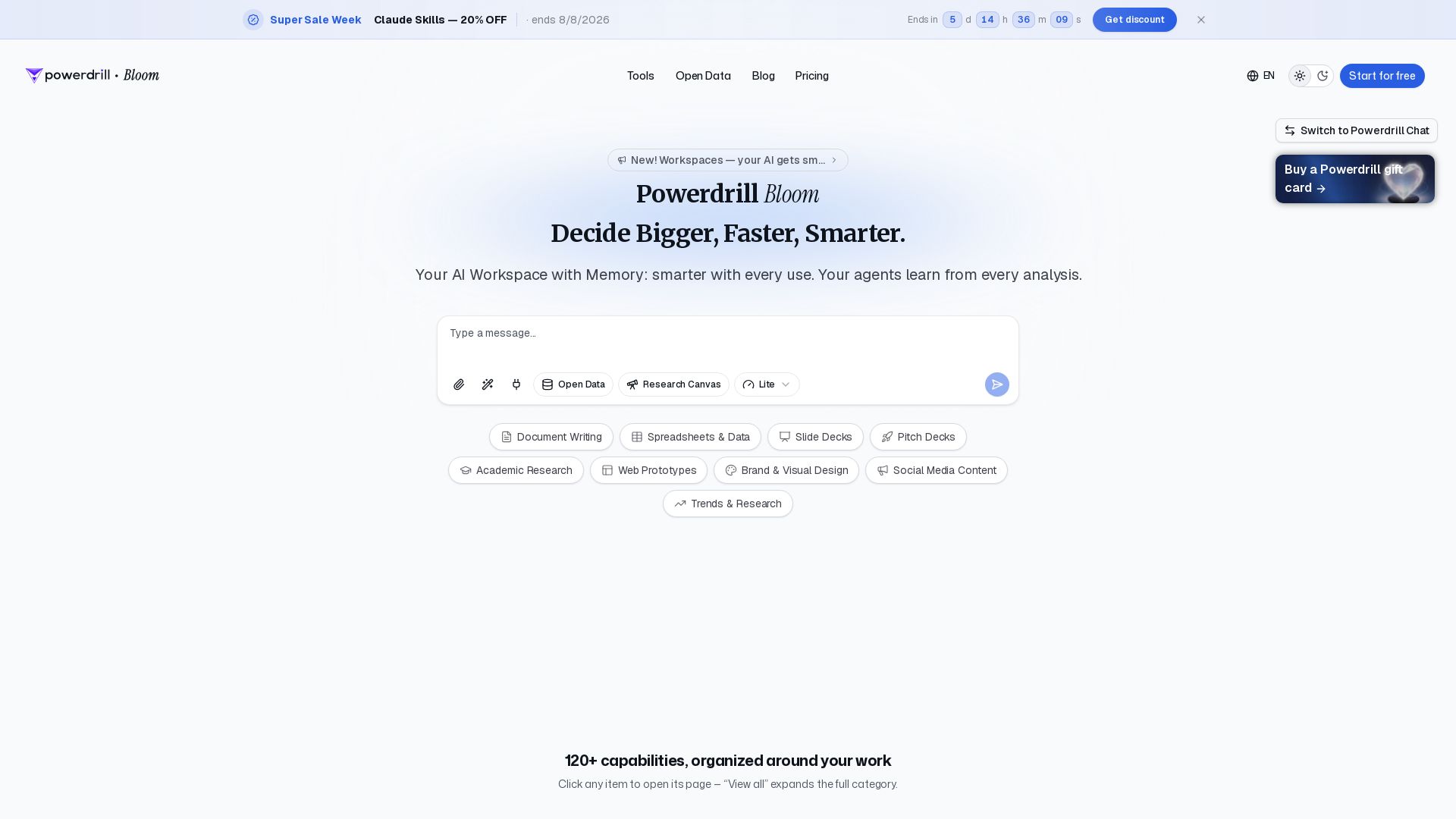
Powerdrill Bloom
Powerdrill Bloom: AI workspace with memory for data analysis, docs, research & more. Smarter with every use. Start free.

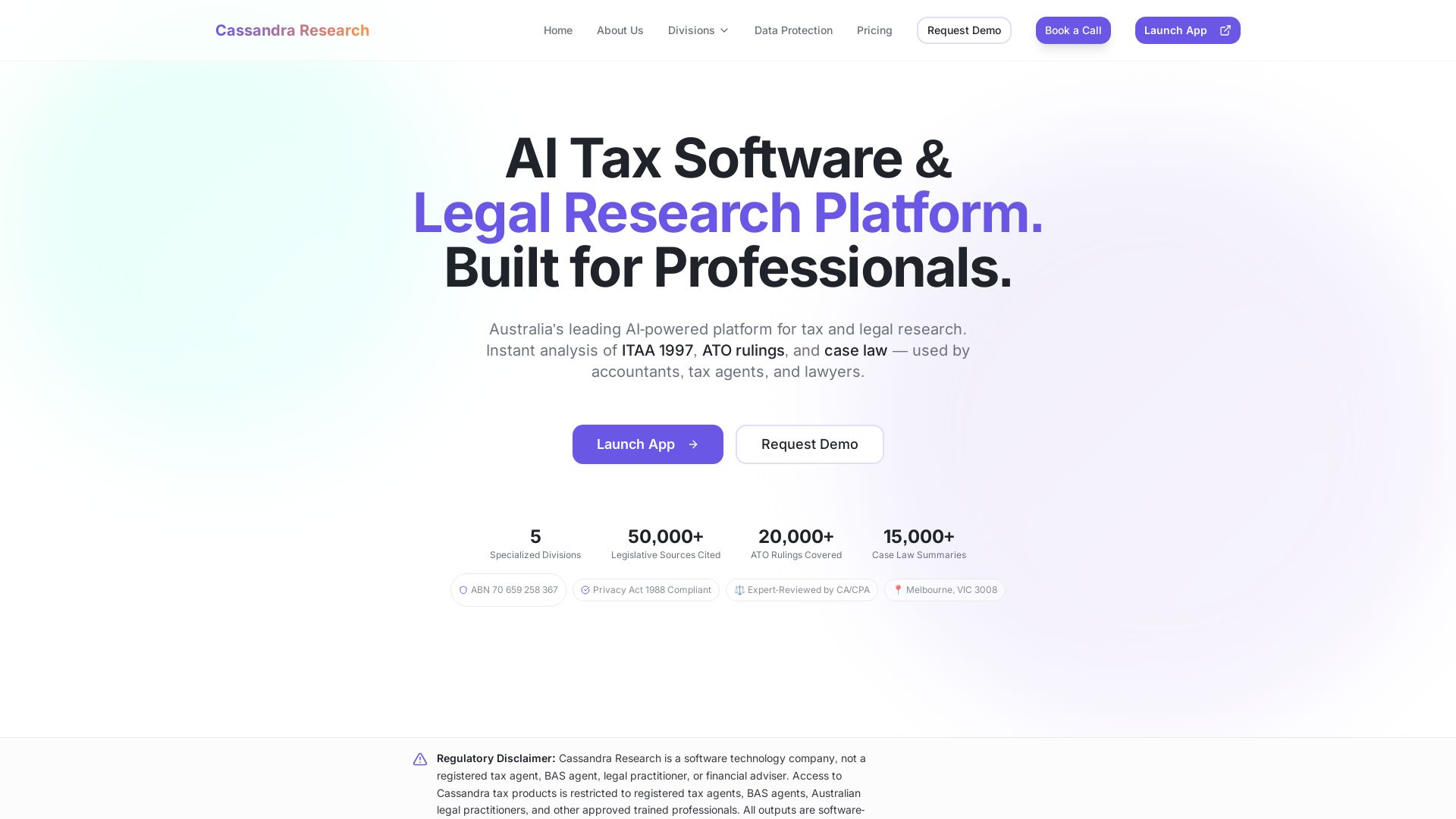
Cassandra Research
Australia's leading AI-powered tax and legal research platform. Instant analysis of ITAA 1997, ATO rulings, and case law for professionals.


PrometAI
Generate investor-ready business plans in minutes with PrometAI's AI. Trusted by 100,000+ founders. Start for free, no guesswork.


AIGenerator
Plan, launch, and grow your business with AI. Generate business plans, ads, and content in minutes. Free to start.

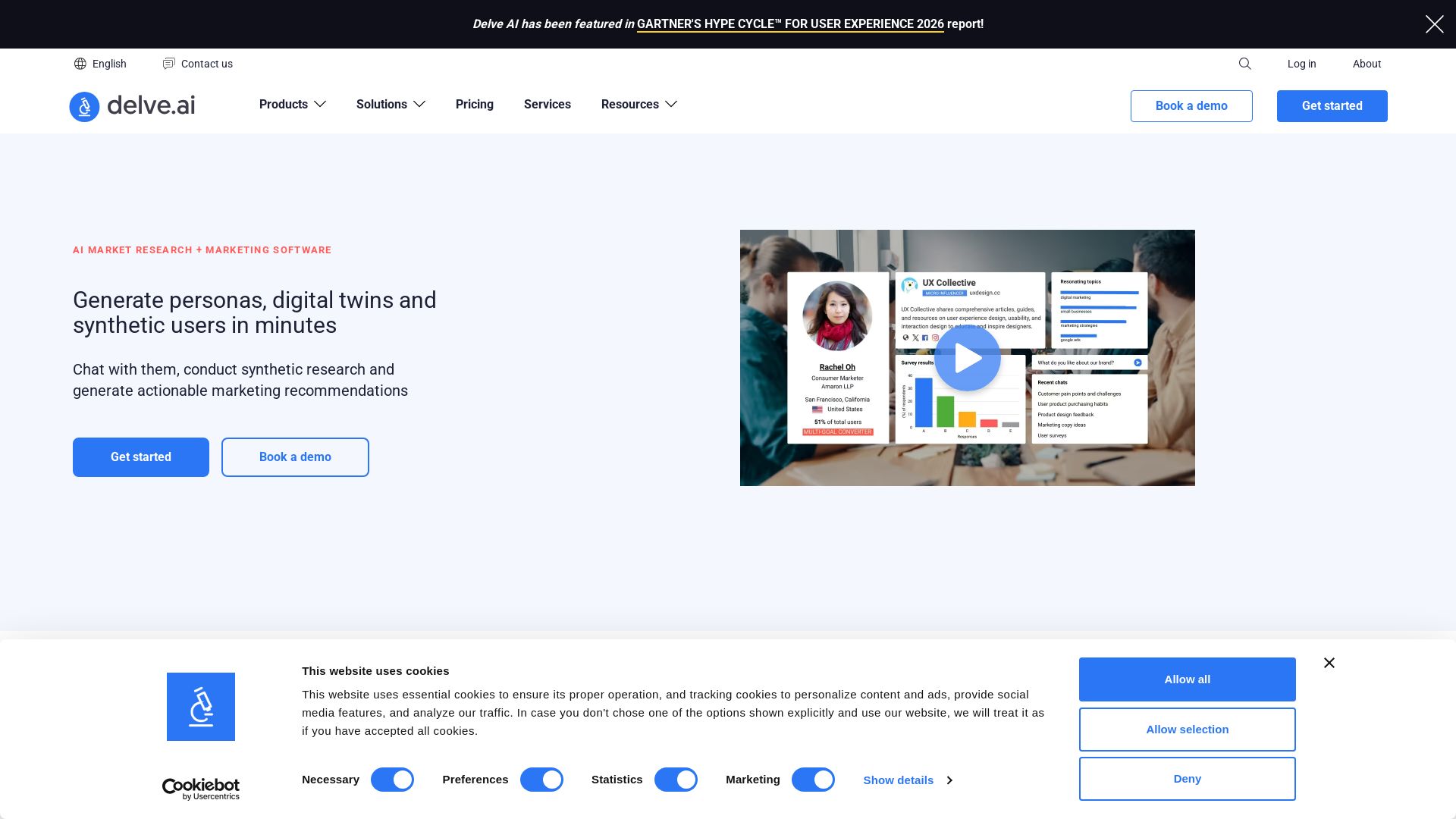
Delve AI
Create AI-driven customer personas, digital twins, and synthetic users for market research. Generate actionable insights in minutes.

Vertex AI Fundamentals: Introduction to Google Cloud's ...
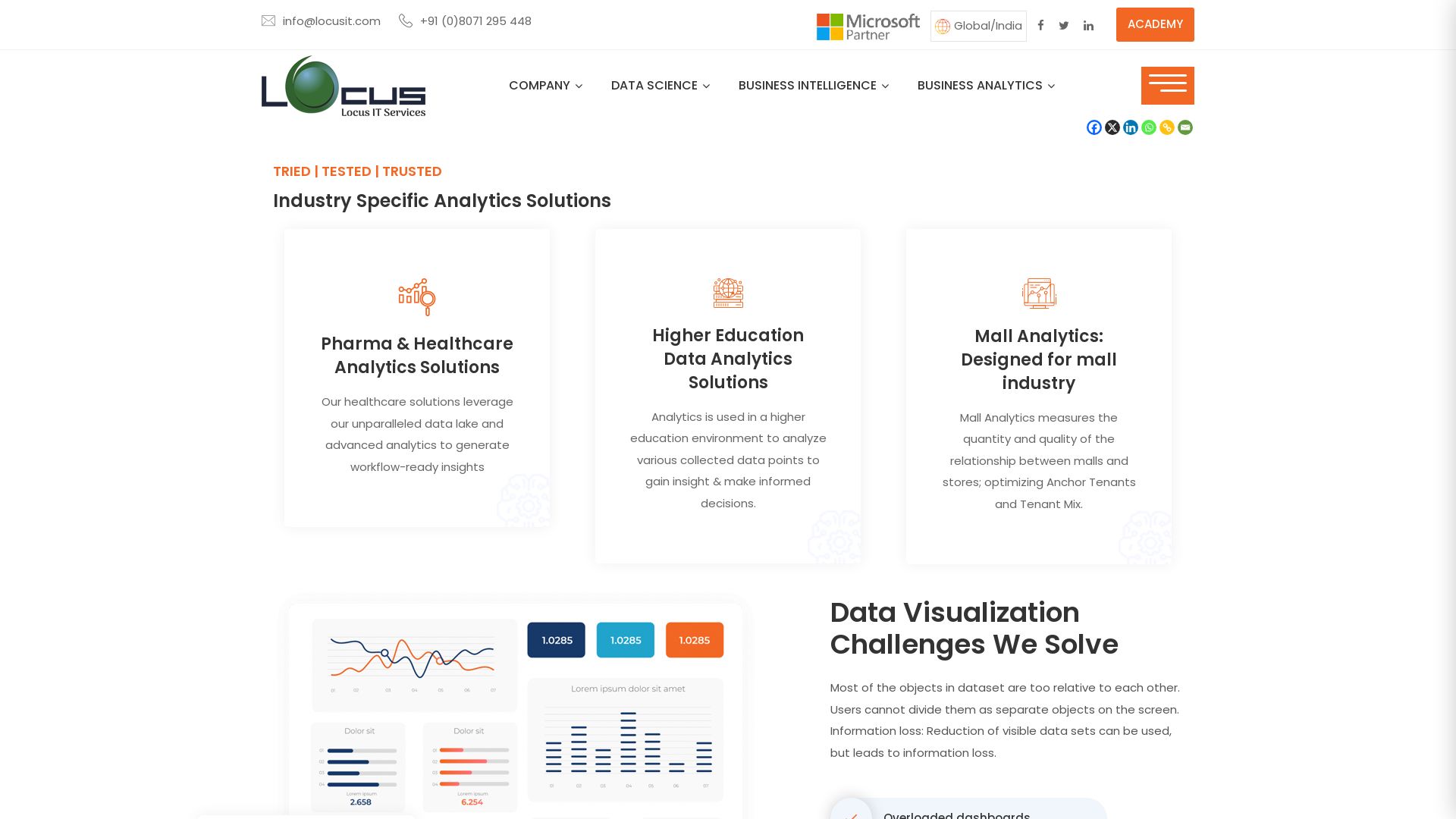
Expert data science, business intelligence, and analytics services for Pharma, Education, Retail. Global delivery from India & Sweden. Tried, tested, trusted.

Datapad
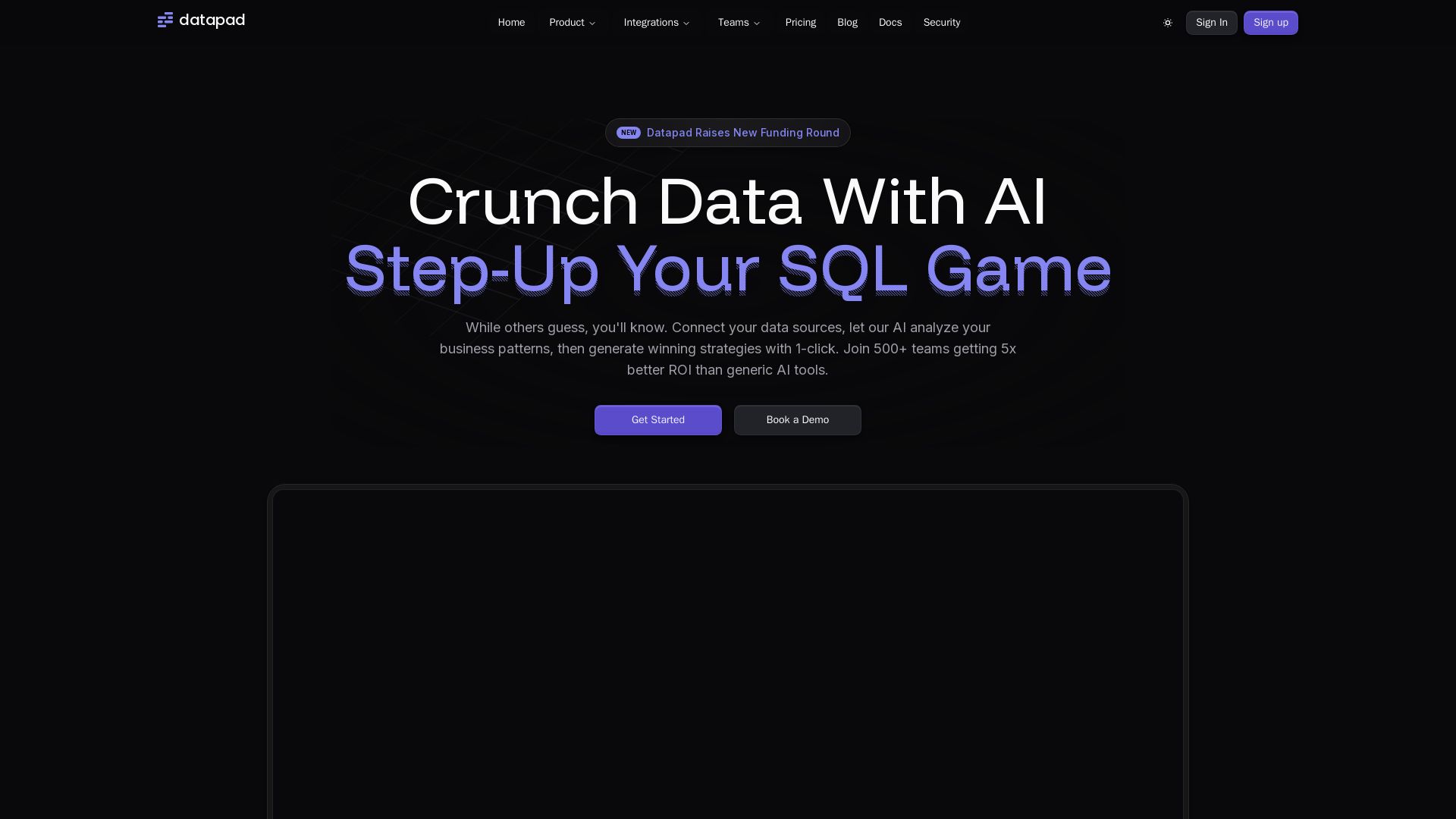
Connect any data source, ask questions in plain English. Datapad's AI generates instant insights, dashboards, and strategies. Join 500+ teams getting 5x better ROI.

Scale Labs
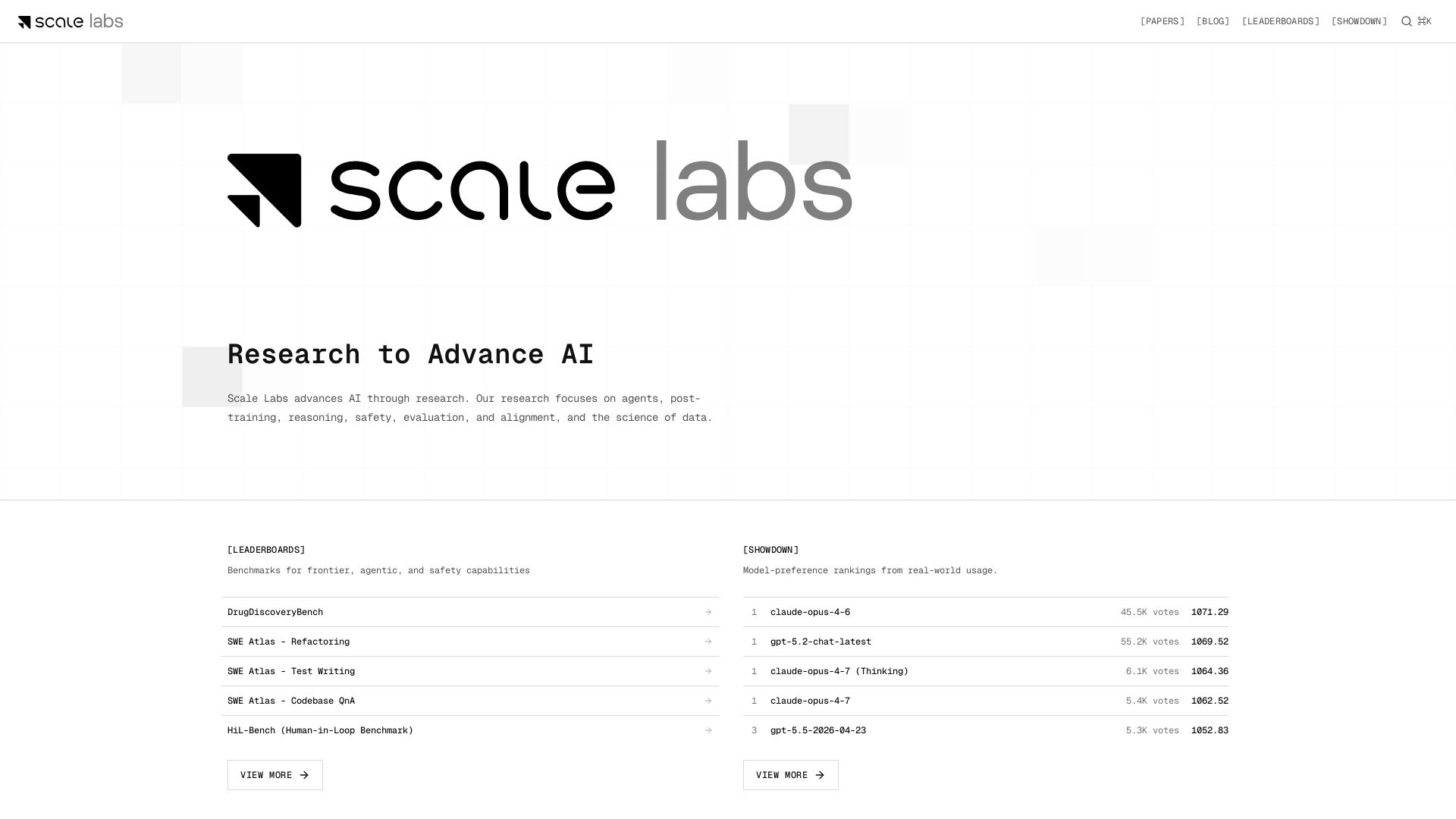
Your hub for cutting-edge AI research on agents, safety, and evaluation. Explore leaderboards, model showdown rankings, and insightful blogs.

Judicio
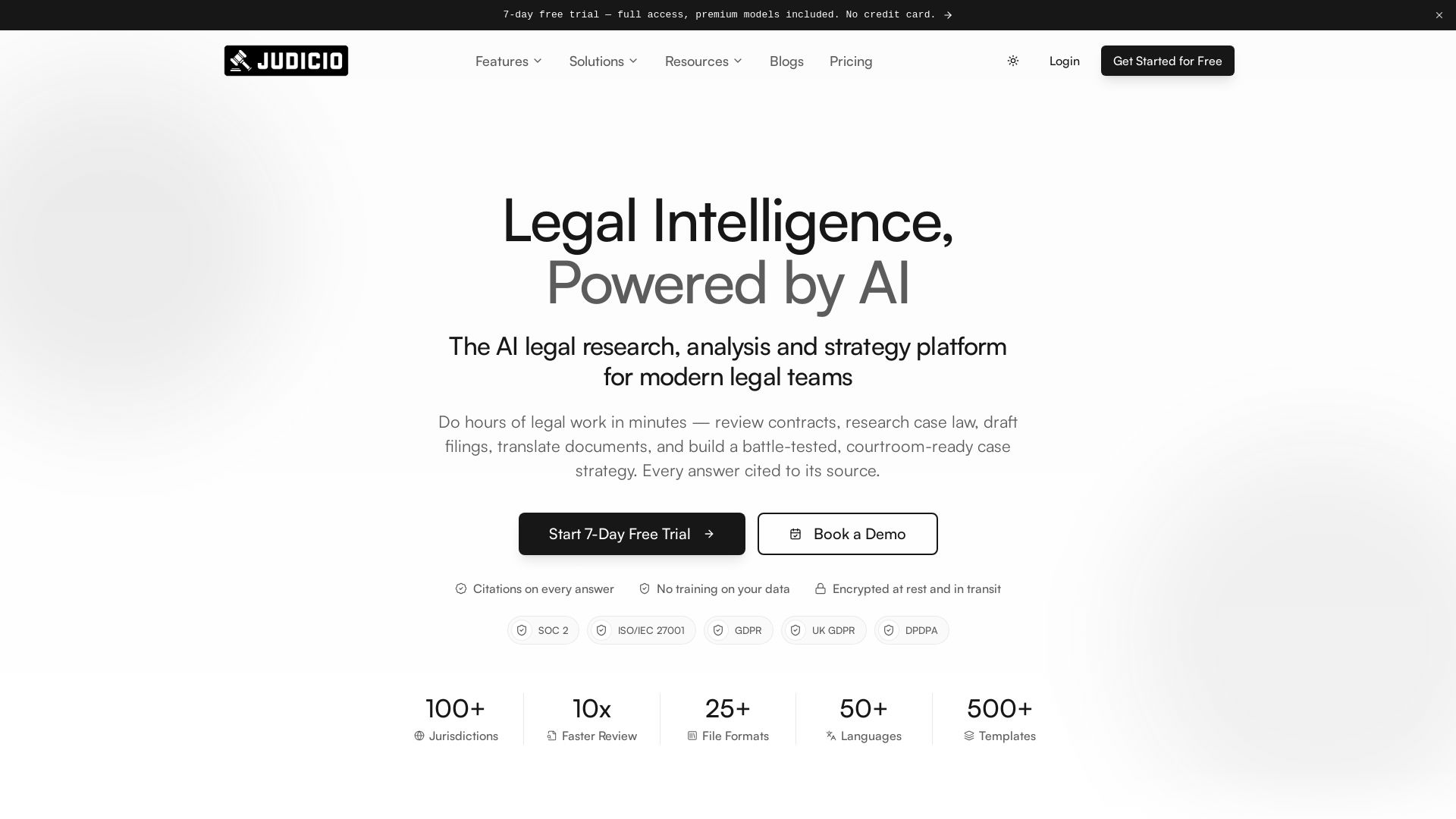
AI-powered legal research and document analysis for modern legal teams. Review contracts, research case law, draft filings, and more — every answer cited.

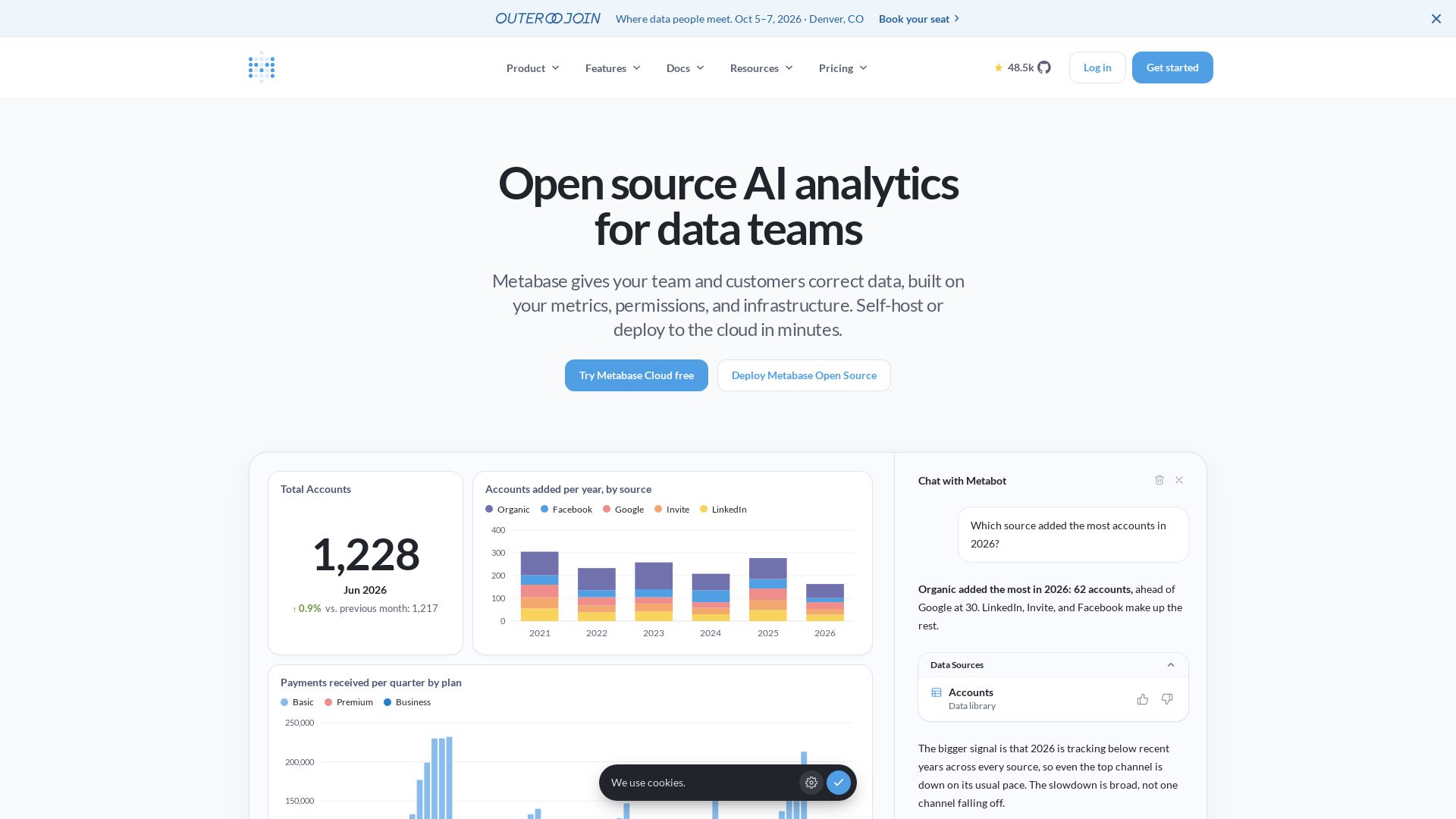
Metabase
Metabase offers self-service analytics, embedded analytics, and AI-powered querying. Open source, deploy in minutes. Trusted by 100k+ companies.


Holistics
Holistics offers self-service AI analytics with a governed semantic layer. Define metrics once; AI, dashboards, and explorations all pull from the same source of truth.

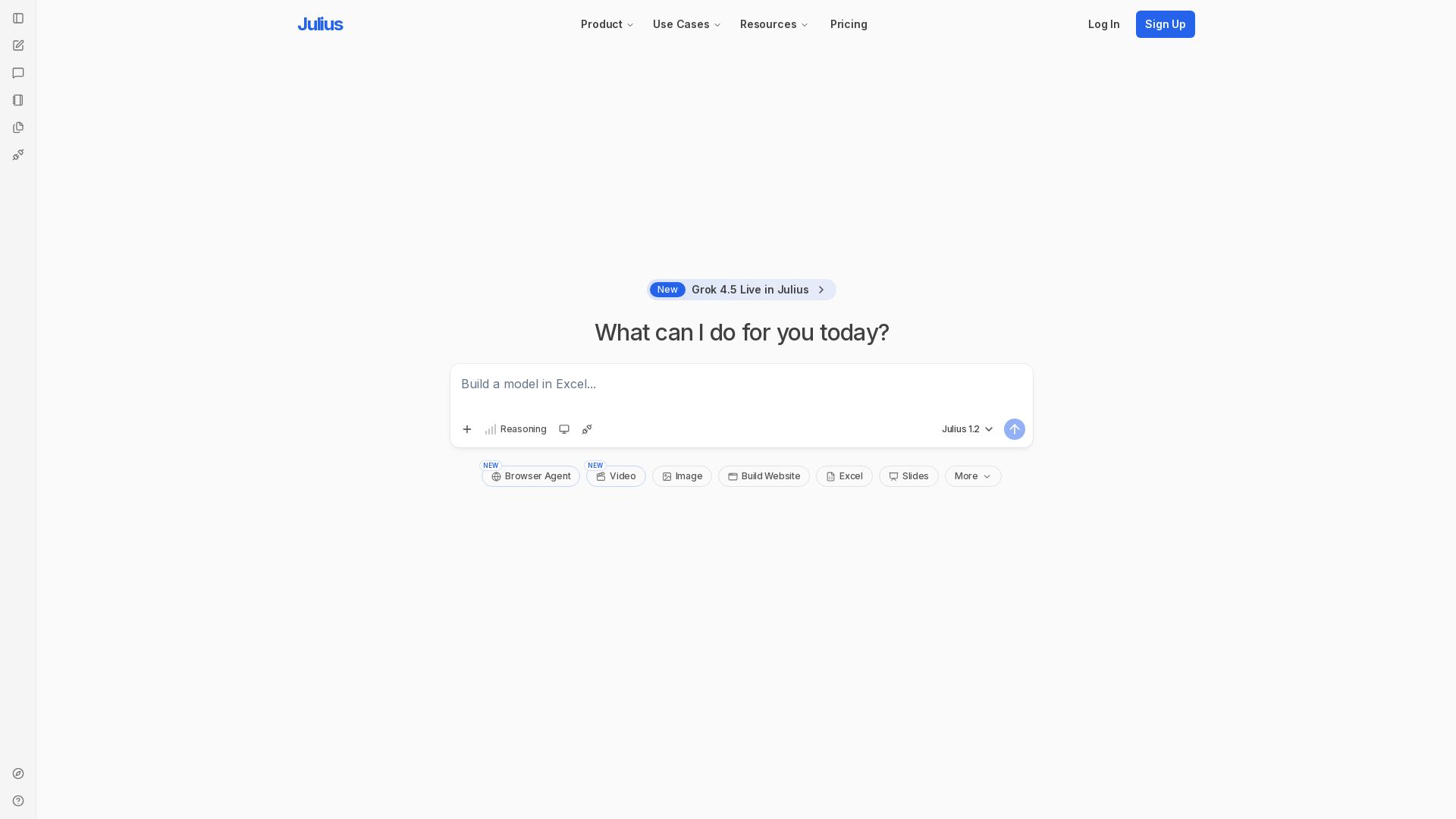
Julius AI
Unlock insights with Julius - AI assistant for data analysis, Excel models, website building, and more. Sign up free.

ℹ️ Curation Disclosure: The overview and features of PlotStudio AI were synthesized using AI and fact-checked by our curation team to ensure accuracy.
