
Holistics
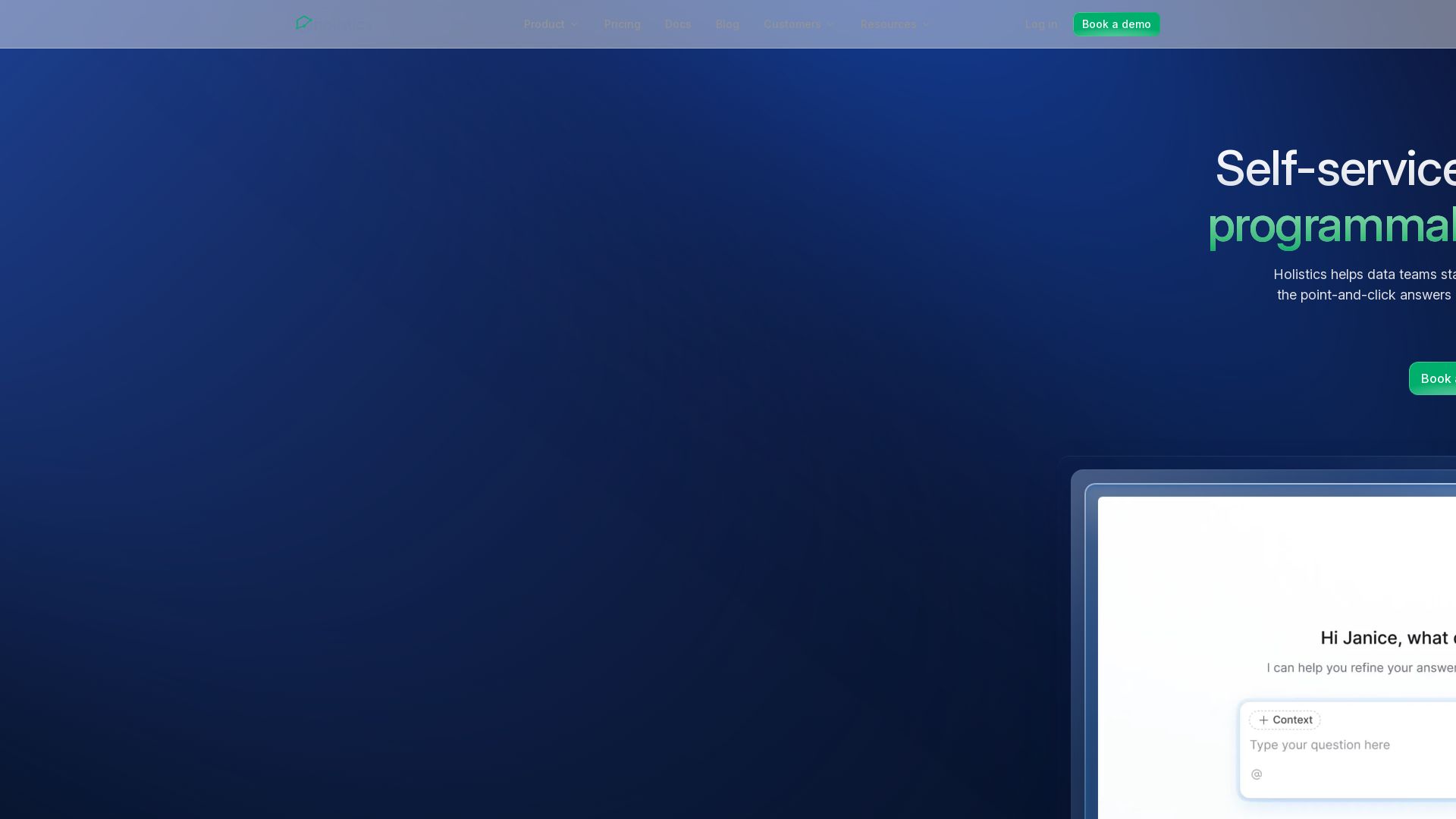
Holistics offers self-service AI analytics with a governed semantic layer. Define metrics once; AI, dashboards, and explorations all pull from the same source of truth.


Editor's Verdict
Key Takeaways
- Self-Service AI Analytics
- Governed Semantic Model
- Analytics as Code
- AI Dashboard Summarization
In-Depth Review: What is Holistics?
Holistics empowers data teams to stand up self-service BI where AI answers and point-and-click explorations match because both read from metrics defined once in a programmable semantic layer. With analytics as code, version control, and AI that reasons over governed definitions, Holistics ensures reliable, scalable analytics for business users.
Core Features
Self-Service AI Analytics
AI-powered analytics that lets business users ask questions in plain language and get reliable answers from governed metric definitions.
Governed Semantic Model
Centralized layer where metrics and logic are defined once, ensuring consistency across dashboards, AI answers, and explorations.
Analytics as Code
Define models, metrics, and dashboards as code with Git version control, enabling branch, review, and deployment workflows.
AI Dashboard Summarization
AI automatically generates plain-English summaries of dashboards, highlighting changes and areas to investigate.
Clarifying AI
When user requests are ambiguous, the AI asks clarifying questions with suggested options to ensure accurate responses.
Self-Service BI Exploration
Business users can drag-and-drop metrics to explore data without SQL, with drill-down and underlying data views.
Composable Metrics
Metrics can be built on top of existing ones (e.g., ARPU = revenue / users) and reused across all surfaces.
AQL Query Language
A proprietary query language that treats metrics as objects, enabling complex calculations while compiling to native SQL.
AI Integration via MCP & APIs
Access semantic layer from Claude, ChatGPT, Cursor, or custom apps using Model Context Protocol and APIs.
Embedded Analytics
White-label dashboards and AI analytics that can be embedded into customer products with per-tenant security.
Pricing
Entry
- 100 reports
- First 10 users
- Core self-service analytics
- Canvas dashboard
- All data delivery destinations
- Git version control (Holistics hosted)
- dbt integration
- Private Slack channel
Standard
- Unlimited reports
- First 10 users
- Everything in Entry plan
- Custom charts
- Custom dataset view
- Git version control (connect to your own repository)
- Google SSO
Security Compliance Suite
- Unlimited reports
- First 10 users
- Everything in Standard plan
- Records-based access control (RBAC)
- Pass-through authentication
- Enterprise SSO/SAML
- SCIM account provisioning
- User activity monitoring
- IP access whitelisting
- Disable user exports
- Enforce password for shareable links
Custom Plan
- Custom Usage Monitoring
- Custom Supplier/Infosec/Legal Paperwork (Enterprise Plan only)
- Bank Payments & Custom Payment Terms
- Embedded Analytics (optional)
Pros and Cons
Pros
- Governed Semantic LayerMetrics defined once ensure consistency across AI answers, dashboards, and ad-hoc queries, reducing data mistrust.
- AI That ClarifiesWhen user requests are unclear, the AI asks for specification, reducing guesswork and wrong answers.
- Analytics as CodeGit-based version control for BI definitions enables review, rollback, and collaboration familiar to software teams.
- Self-Service for Non-Technical UsersBusiness users can explore data via drag-and-drop or natural language without needing SQL, reducing dependency on analysts.
- Composable MetricsComplex metrics like running totals and rolling windows are first-class citizens within the semantic layer, not afterthoughts.
Cons
- Pricing for Small TeamsStarting at $800/month for 10 users may be steep for very small companies or startups without a dedicated data team.
- No Free TierWhile a free trial is offered, there is no perpetual free plan, which may discourage evaluation for smaller projects.
- Learning Curve for AML/AQLAnalytics as code requires familiarity with AML and AQL, which could be a barrier for less technical users or pure business analysts.
- Limited Warehouse SupportOnly connects to Snowflake, BigQuery, Databricks, Redshift, and dbt; lacks support for other databases like Postgres or MySQL.
- Requires Setup by Data TeamSemantic layer and models need to be initially defined by a data analyst or engineer, making it not truly out-of-the-box for raw data.
Use Cases & Recommended Professions
Data Analyst→ View Toolkit
Needs to govern metrics and enable self-service for business users without repeated ad-hoc requests.
Data Engineer→ View Toolkit
Responsible for building and maintaining the semantic layer, version control, and analytics pipelines.
Head of Data→ View Toolkit
Seeks to democratize data access while maintaining governance and reducing the data request backlog.
Business Intelligence (BI) Analyst→ View Toolkit
Uses the semantic layer to create dashboards and metrics that are reusable and consistent across the organization.
Product Manager→ View Toolkit
Needs to embed analytics into the product and offer self-service data exploration to customers.
Non-Technical Business User→ View Toolkit
Wants to answer data questions independently using natural language or drag-and-drop without SQL knowledge.
Frequently Asked Questions
Alternative AI Tools
View Detailed Comparison →
GoodData.AI
Accelerate AI adoption with a governed semantic layer. Deliver agentic analytics, embedded BI, and real-time decisions at enterprise scale. #1 on TrustRadius.

Strategy
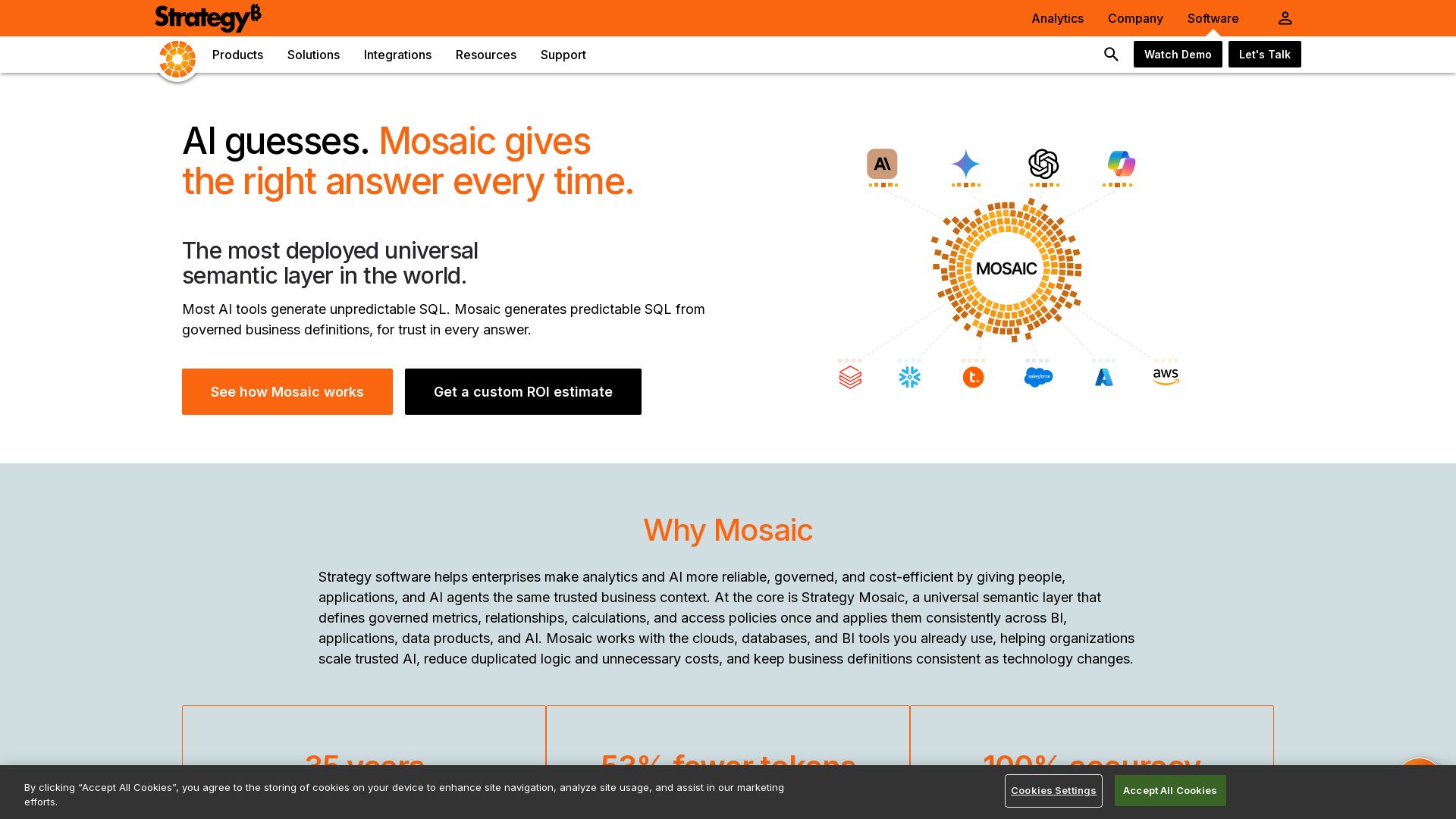
Mosaic is a universal semantic layer that grounds AI with governed business definitions, enabling trusted, consistent answers every time.

Metabase
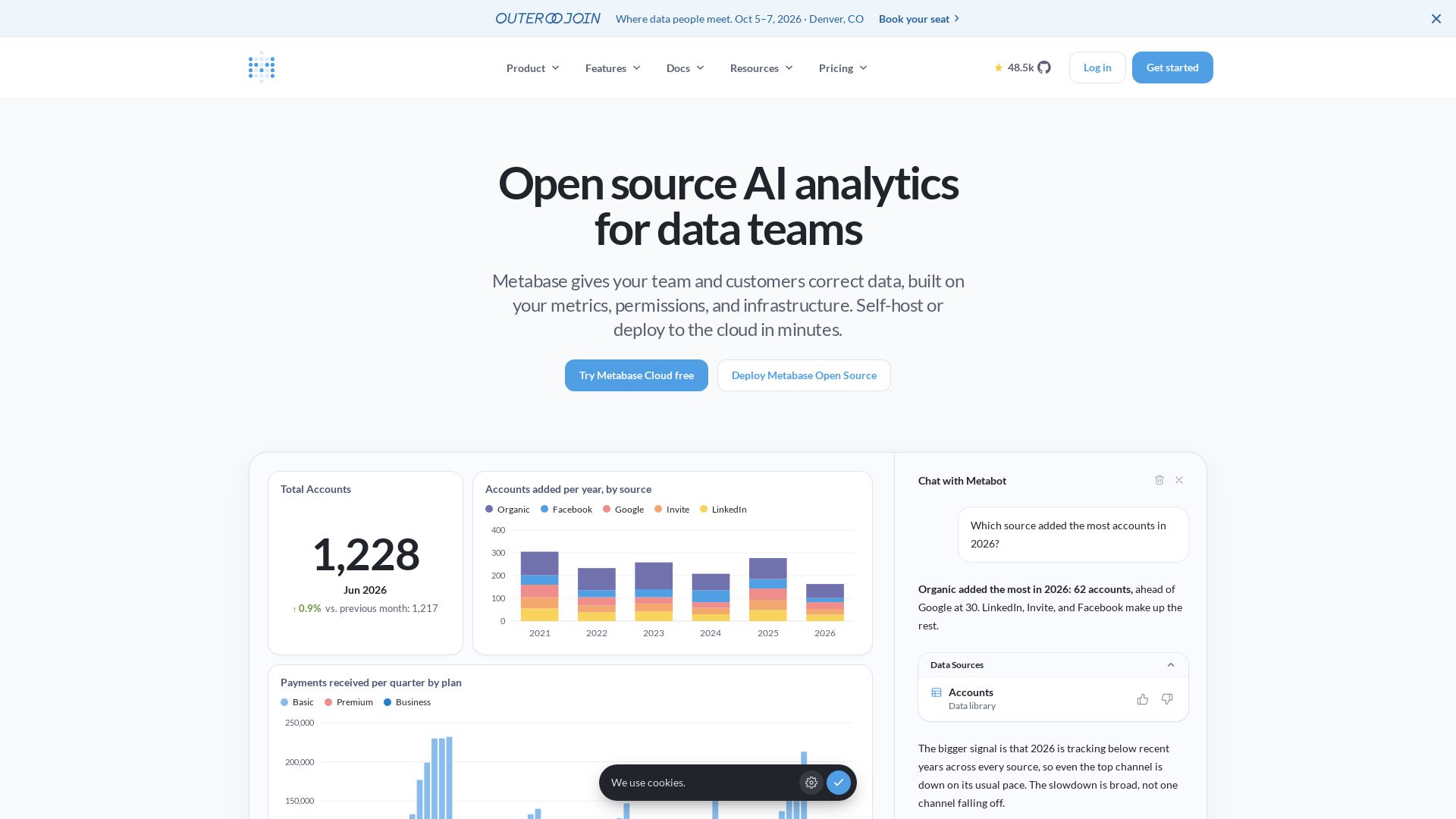
Metabase offers self-service analytics, embedded analytics, and AI-powered querying. Open source, deploy in minutes. Trusted by 100k+ companies.



SF AI Labs
End-to-end AI services from strategy to launch. Proven delivery framework, expert network in San Francisco. Maximize ROI with custom AI solutions for modern companies.


Section AI
Turn AI investment into workforce transformation with Section. Command center, coaching, and strategic support to drive measurable ROI.


Scuti AI
We specialize in generative AI, AI-OCR, RAG, and offshore development. Combining Vietnam's speed with Japan's quality to automate tasks and boost business.

Addepto
Transform your business with custom AI, generative AI, and data engineering services. Trusted by leading companies worldwide.

Leanware
We build custom AI agents, ship AI products, and assess AI ROI. Milestone-billed, lean teams, no handoffs. Trusted by startups and businesses.

Qlik
Unify data integration, trusted AI, and analytics. Qlik empowers organizations with agentic AI, real-time insights, and smarter decisions.


Cequence AI Gateway
Safely connect AI agents to business apps with enterprise-grade security, OAuth 2.1, and MCP. Unlock agentic AI productivity.

Xebia
Xebia helps enterprises become AI-first with consulting, engineering, and training. Specializing in agentic data foundations, AI-native engineering, and building AI-ready leaders.

ℹ️ Curation Disclosure: The overview and features of Holistics were synthesized using AI and fact-checked by our curation team to ensure accuracy.