
PlayPlay
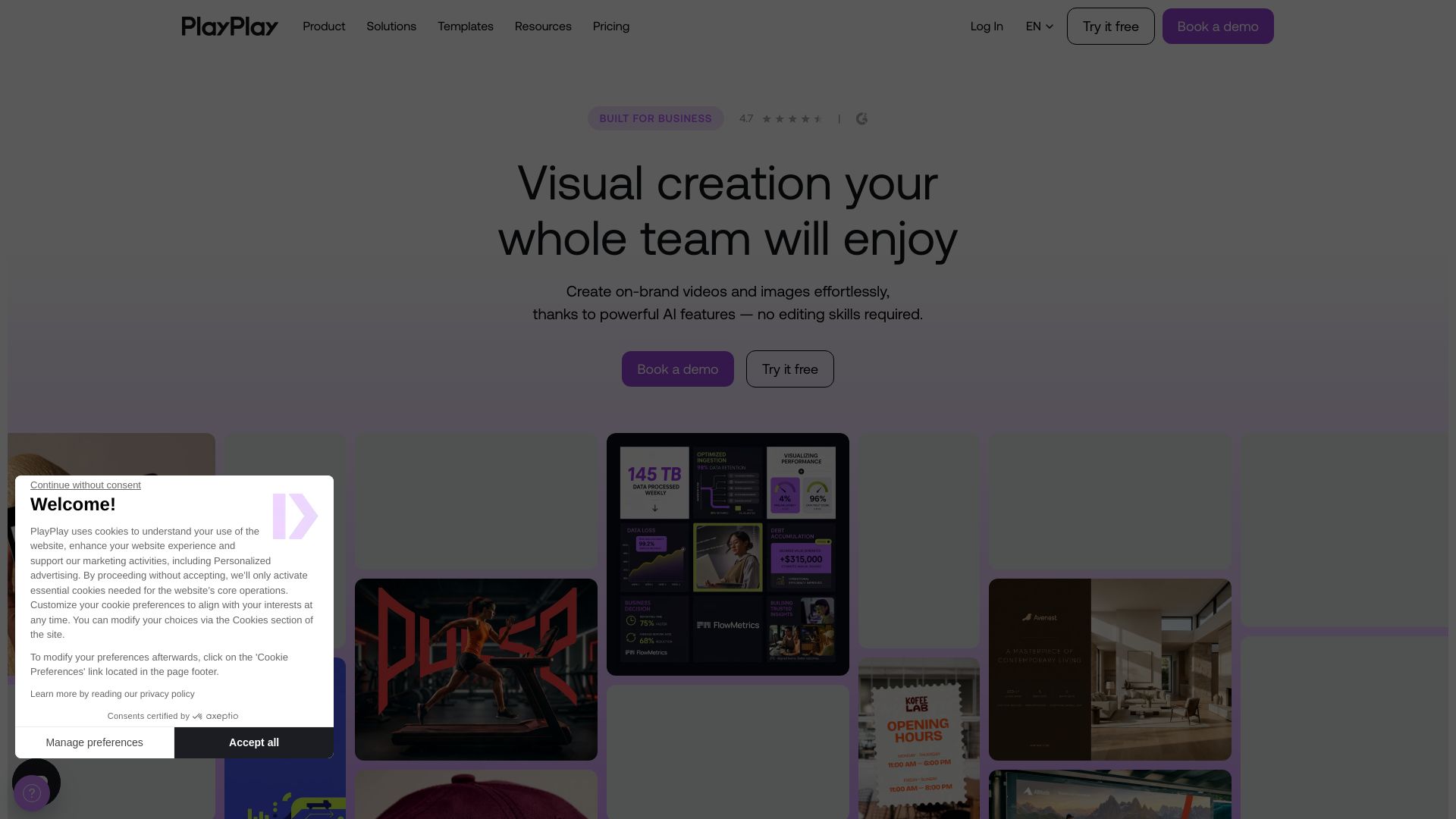
Create on-brand videos and visuals effortlessly with powerful AI. No editing skills required. Trusted by 3,000+ companies.
Editor's Verdict
Key Takeaways
- AI URL to Video
- AI Text to Video
- AI Image Generator
- AI Avatars
In-Depth Review: What is PlayPlay?
PlayPlay is a visual creation platform built for business teams. With drag-and-drop simplicity and AI-powered features like text-to-video, image generation, and translation, anyone can produce professional videos and graphics quickly. It provides brand control, collaboration tools, and templates for corporate comms, marketing, social media, and more. Users report 10x budget savings and 5x faster production compared to agencies. Perfect for teams wanting to scale content without design expertise.
Core Features
AI URL to Video
Paste any URL and let AI transform it into a video with structure, copy, and visuals.
AI Text to Video
Turn a text prompt into a full video with script, scenes, and style.
AI Image Generator
Create custom visuals from text prompts. Generate up to 4 images at once.
AI Avatars
Generate a lifelike presenter from text without filming or gear.
AI Voice Over
Convert script into natural-sounding voiceovers in multiple languages.
AI Automatic Subtitles
Automatically transcribe video audio into accurate subtitles.
Auto Video Resizer
Resize video to square, vertical, or landscape formats with one click.
300+ Customizable Templates
Start from a library of templates for tutorials, promotions, recruitment, and more.
Storyboard Timeline
Drag, drop, and arrange scenes like slides for intuitive video editing.
Dynamic Elements
Add animated captions, stickers, and illustrations to enhance engagement.
AI Copywriting
Generate captions, titles, and summaries optimized for different platforms.
Premium Stock Library
Access thousands of licensed clips, images, and soundtracks from Getty Images and Pexels.
AI Background Remover
Remove image backgrounds with one click for clean, studio-ready visuals.
AI Video Clipping
Automatically identify and extract the best moments from long videos.
Screen & Camera Recording
Record screen or webcam directly inside the editor for tutorials or updates.
AI Audio Cleaner
Clean up noisy or echoey audio with one click for clear sound.
AI Video Translator
Translate video text and subtitles into multiple languages automatically.
Collaboration
Share drafts, leave comments, and edit in real time with team members.
Company Asset Library
Store and share logos, fonts, media, and templates for brand consistency.
Advanced Branding
Lock in logos, colors, fonts, and backgrounds to maintain brand identity.
Pricing
Free Trial
- Unlimited videos
- Unlimited storage
- Access to music library
- Upload own media
- Help Center
- Chat & email support
- 7-day free trial
Subscription (Standard)
- Unlimited videos
- Unlimited storage
- Download in mp4 HD
- AI URL to Video
- AI Text to Video
- AI Voice Over
- AI Automatic Subtitles
- Auto Video Resizer
- 300+ Customizable Templates
- AI Copywriting
- AI Video Clipping
- AI Avatars
- AI Image Generator
- Screen & Camera Recording
- Access to GettyImages/Pexels
- Custom share page
- Approval Process
- Save own team templates
- Shared video access between team members
Enterprise
- All Standard features
- Unlimited logos and colors
- Custom fonts
- Custom animated outro
- Custom backgrounds
- Dedicated Video Expert
- Priority support
- Single Sign-On (SSO)
- Two-Factor Authentication
- GDPR compliance
Pros and Cons
Pros
- AI-Powered EfficiencyAutomate video creation with AI features like text-to-video, voiceover, and subtitles, reducing production time to minutes.
- Brand ConsistencyCentralized brand assets and approval workflows ensure all videos adhere to brand guidelines without stifling creativity.
- User-Friendly InterfaceIntuitive drag-and-drop timeline and storyboard layout make video editing accessible to non-designers.
- Collaboration ToolsReal-time sharing, commenting, and team templates streamline teamwork and feedback loops.
- Extensive Media LibraryAccess to millions of stock videos, images, and music tracks from Getty Images and Pexels.
Cons
- Free Trial LimitationsFree trial includes a PlayPlay watermark and lacks advanced features like custom branding and collaboration tools.
- No SSO on Standard PlanSingle Sign-On is only available on the Enterprise plan, which may be a security concern for larger teams.
- Price Not TransparentPricing for paid plans is not displayed on the website, requiring users to contact sales for a quote.
- Limited Customization on Standard PlanCustom backgrounds, animated outros, and unlimited brand presets are restricted to Enterprise.
- No Offline EditingThe tool is web-based, requiring internet access for video creation and editing.
Use Cases & Recommended Professions
Corporate Communications Officer→ View Toolkit
Need to produce on-brand internal and external videos quickly, such as press updates, CSR reports, and executive messages.
Content Marketing Manager→ View Toolkit
Require scalable video production to drive traffic and leads, turning blog posts, slides, and URLs into engaging visual content.
Social Media Manager→ View Toolkit
Need to create scroll-stopping videos for platforms like LinkedIn and TikTok, with auto-resize and AI copywriting.
Internal Communications Manager→ View Toolkit
Seek to engage employees with authentic videos for all-hands meetings, HR updates, and milestones, using AI translation and avatars.
Employer Brand Manager→ View Toolkit
Aim to attract talent by showcasing company culture through employee testimonials and job offer videos.
Sales Manager→ View Toolkit
Need to create custom sales presentations and product visuals quickly to address prospect needs, with on-brand consistency.
Frequently Asked Questions
Alternative AI Tools
View Detailed Comparison →
AI Video - AI Video Generator
Create animated videos from text or images with AI. Drag-and-drop editing, lip-sync, HD export. No skills needed. Download free!


SeaArt AI
Turn ideas into stunning images and cinematic videos with SeaArt AI. Free tools, community, and advanced models like Seedance 2.0.

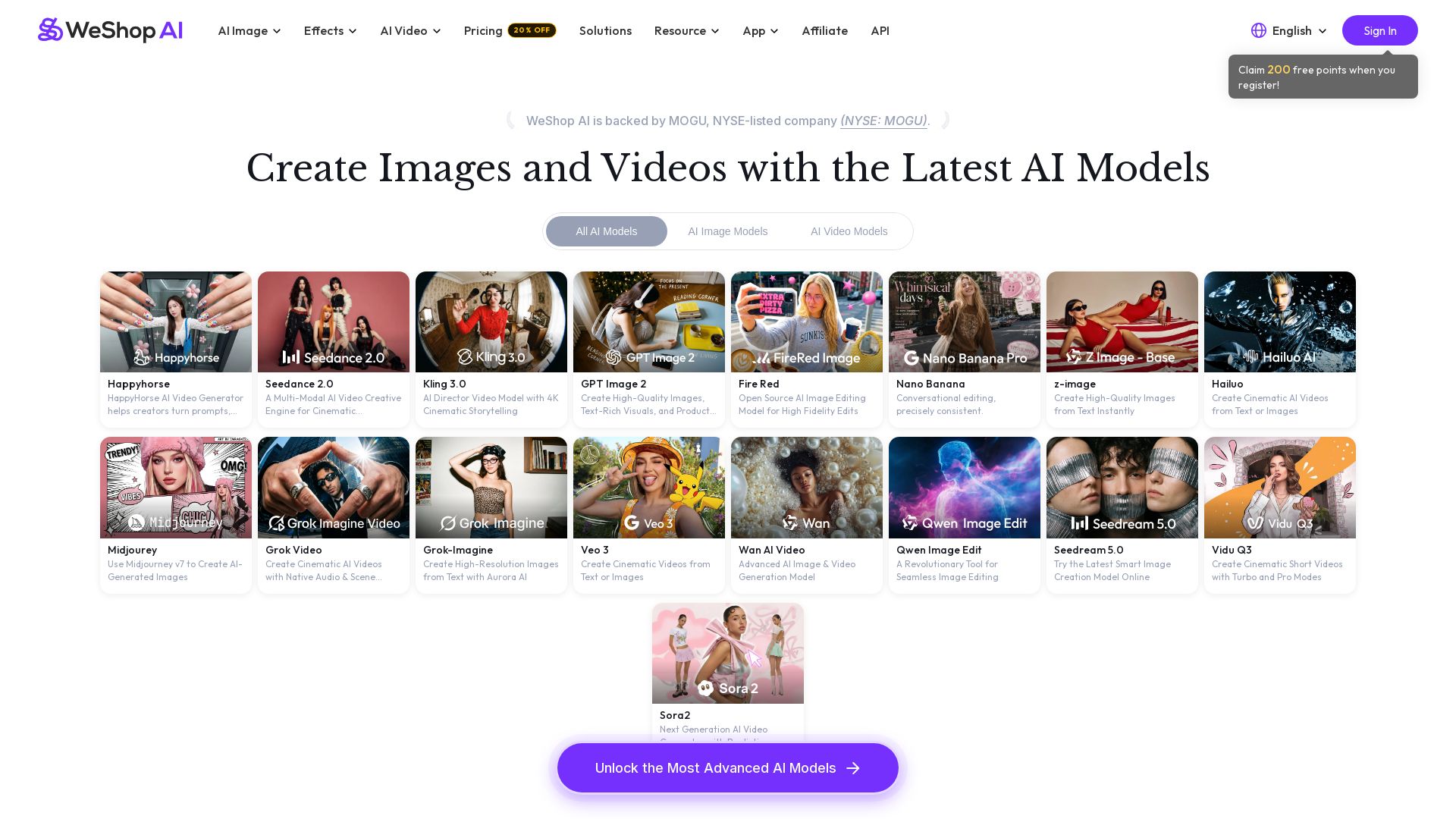
WeShop AI
Generate high-quality AI images and videos using top models like Midjourney, Kling, and Seedance. Try virtual try-on, AI fashion models, and more. Trusted by 3M+ users. Start with 200 free points!


Flow AI Video Generator
Create stunning 4K AI videos with Flow AI Video. Text-to-video, image-to-video, multi-shot storytelling. Get 50% OFF now!

Yollo AI
Free, no sign-up. Chat with 200K+ characters, create NSFW AI art & videos. Ultimate creative freedom.


Section AI
Turn AI investment into workforce transformation with Section. Command center, coaching, and strategic support to drive measurable ROI.

Hailuo AI MiniMax
Create stunning videos from text prompts or images with Hailuo AI MiniMax. Free, fast, and no login needed. High-quality AI video generation.

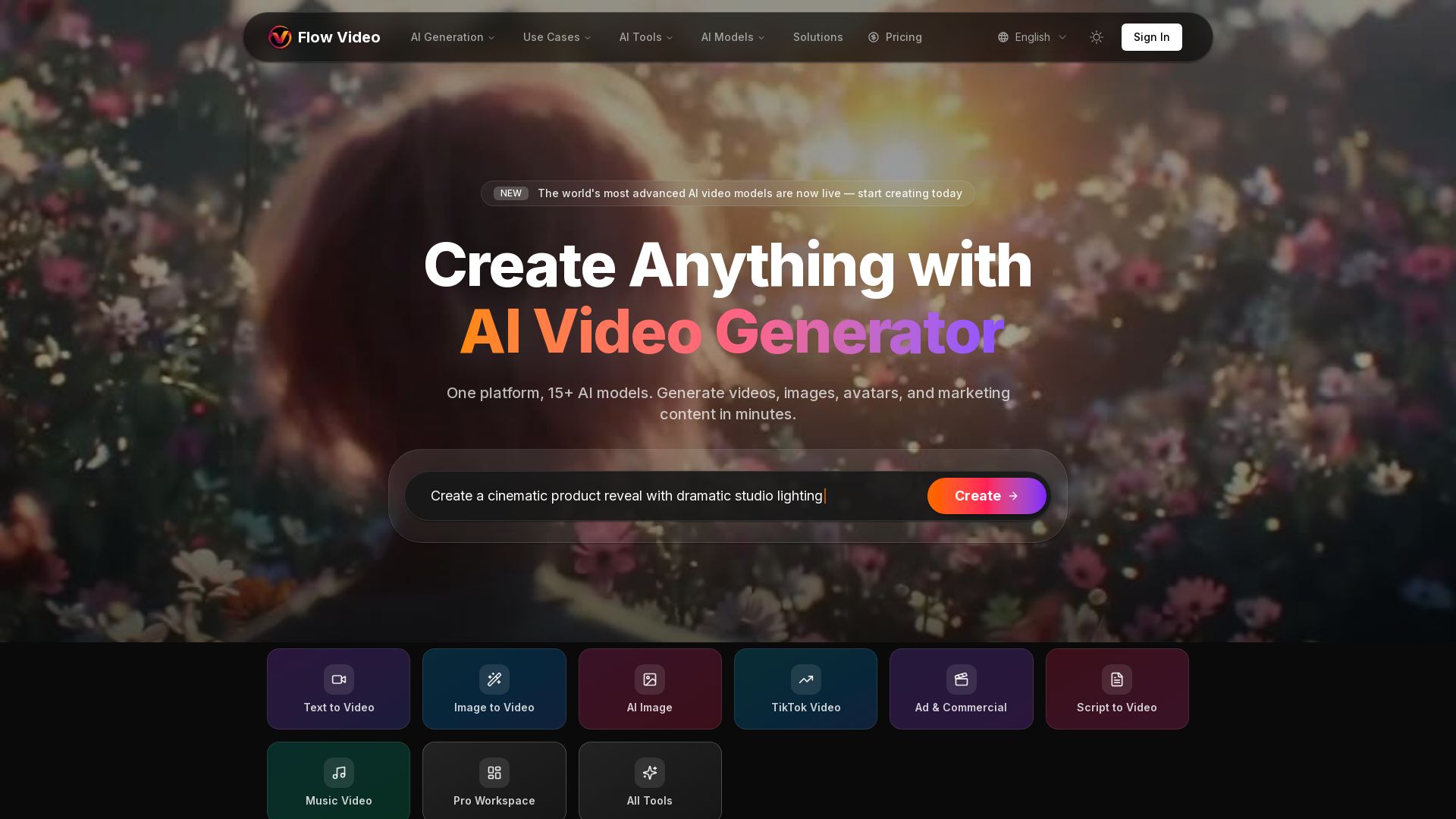
Flow Video AI
Create stunning AI videos, images, and marketing content with 15+ models. Text to video, image to video, and more. Start free!

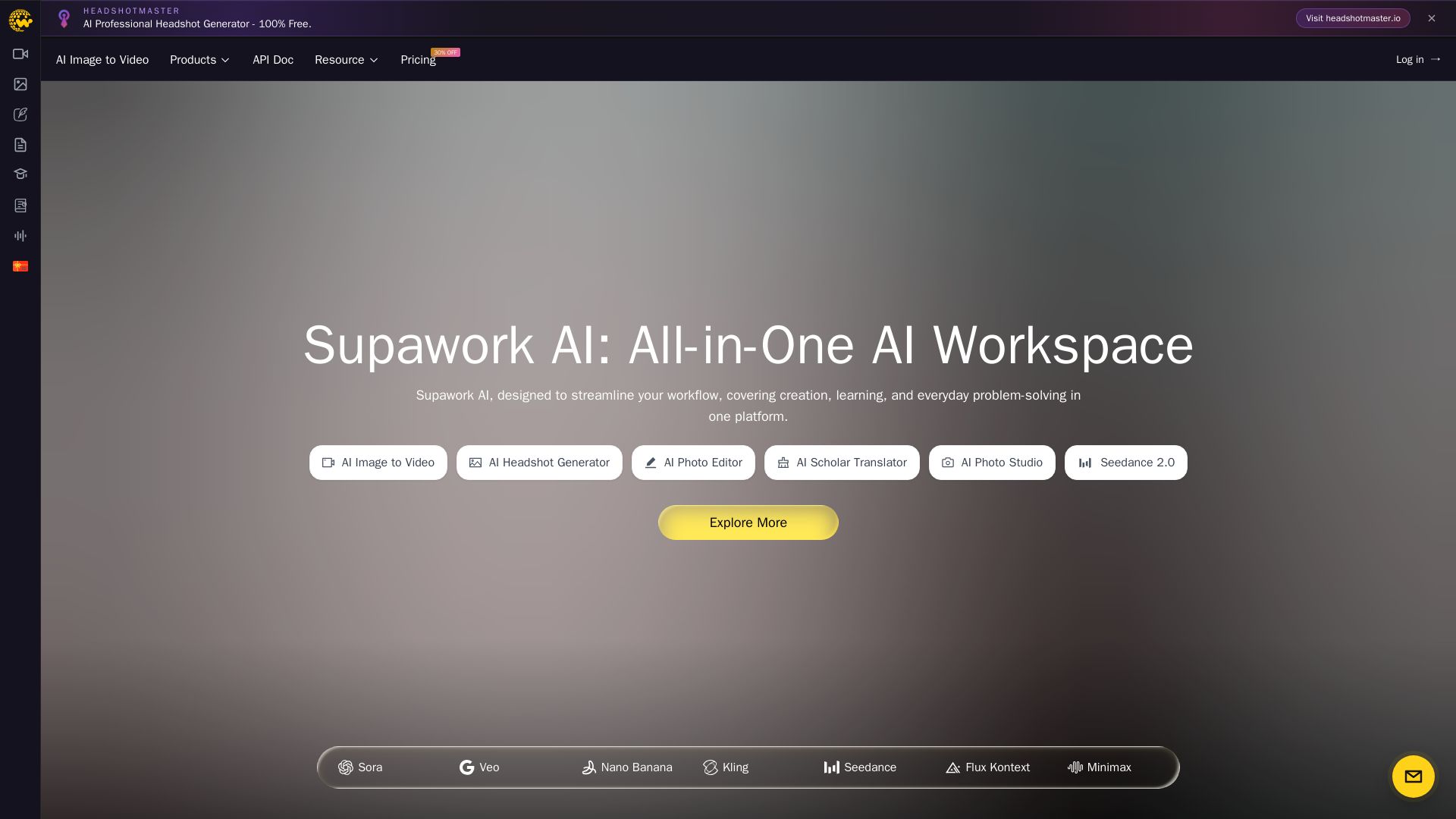
Supawork AI
Create stunning AI headshots, videos, and effects. Free tools for creators, filmmakers, and professionals. Visit headshotmaster.io.


Making AI think and act: my approach to the Hugging Face AI ...
Experienced AI engineer specializing in medical imaging and LLM-powered agents. Built globally deployed radiology AI at AZmed. Now building AI agents at Matrix One.

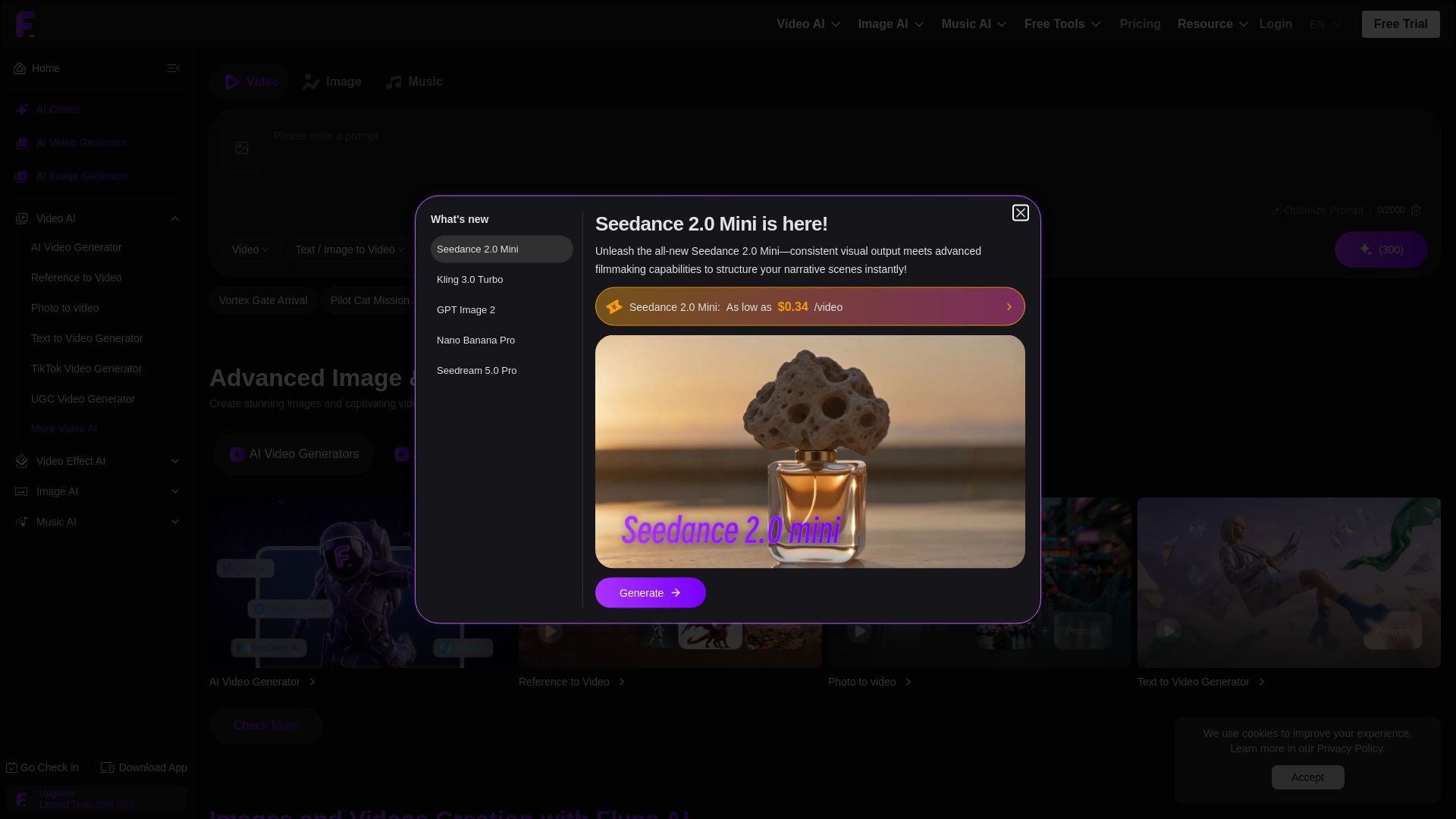
Flyne AI
Create stunning AI images and videos with Flyne AI. Free tools, cutting-edge models like Veo 3.1, Kling 3.0, and Seedance 2.0. Start free!

Digen AI
Create stunning AI videos in seconds. Generate from text, images, lip sync, and more. Explore tools like video upscaler, watermark remover, and FPS booster.

ℹ️ Curation Disclosure: The overview and features of PlayPlay were synthesized using AI and fact-checked by our curation team to ensure accuracy.
