
PhotoCut AI
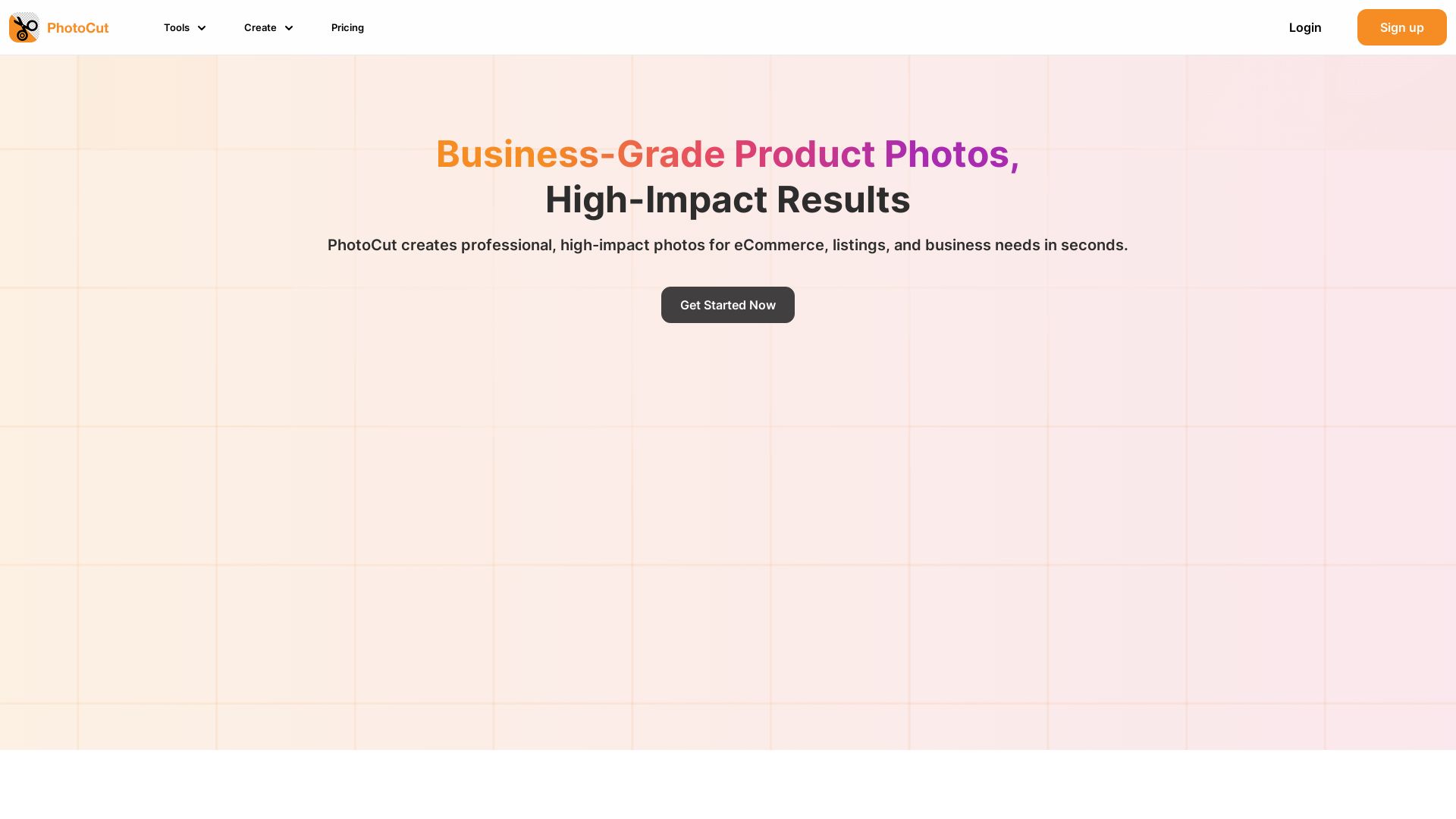
Create professional eCommerce photos in seconds. Remove backgrounds, replace scenes, and use templates. Try free!


Editor's Verdict
Key Takeaways
- AI Background Removal
- Background Replacement
- Add White Background
- Add Text to Photo
In-Depth Review: What is PhotoCut AI?
PhotoCut is an AI-powered tool for creating high-impact product photos for eCommerce, listings, and business needs. Remove backgrounds, replace with custom designs, and access hundreds of royalty-free templates. Simple, fast, and affordable—no design skills required.
Core Features
AI Background Removal
Precisely remove backgrounds from photos using AI, enabling quick and accurate cutouts for professional product images.
Background Replacement
Replace removed backgrounds with custom images, colors, or templates to fit any marketing need.
Add White Background
Instantly add a clean white background to product photos, ideal for eCommerce listings.
Add Text to Photo
Easily overlay text on images for social media posts, ads, or promotional materials.
Profile Picture Maker
Create professional profile pictures with background removal and customizable templates.
Product Photoshoot
Generate market-ready product photos with studio-quality backgrounds and lighting effects.
Customizable Templates
Access hundreds of royalty-free templates across industries, fully customizable for branding.
Batch Editing
Edit multiple photos in seconds with automated background removal and replacements.
Pricing
Starter
- Access to photo editor tools
- Access to all free design templates
- Access to free assets
- Create templates in all social sizes
- Cloud storage up to 1GB
- Royalty-free images
Pro Subscription
- Unlimited access to remove and change background
- Access to all premium design templates
- Unlimited access to all assets
- No watermark on projects
- Unlimited cloud storage
- Create multiple projects and folders
Pros and Cons
Pros
- Easy to UseSimple and intuitive interface that anyone can use without prior editing skills.
- No AdsEnjoy an ad-free experience, as highlighted by user testimonials.
- Fast ProcessingAI-powered tools process photos in seconds, saving time on repetitive tasks.
- Professional ResultsHigh-quality output suitable for eCommerce, listings, and marketing materials.
- Cost-EffectiveEliminates the need for expensive photographers or editing software.
Cons
- Premium Features Require PaymentAdvanced features like unlimited background removal and no watermark are behind a paid subscription.
- Limited Free StorageFree plan only offers 1GB cloud storage, which may be insufficient for heavy users.
- Possible Watermark on FreeFree plan may include watermark on projects, as premium plan highlights 'No watermark'.
- Subscription Auto-RenewalPro subscription renews automatically unless cancelled, which may lead to unexpected charges.
- Limited Free TemplatesFree plan only accesses free templates; premium templates require upgrade.
Use Cases & Recommended Professions
E-commerce Manager→ View Toolkit
Needs to create consistent, professional product photos for online listings quickly and affordably.
Product Photographer→ View Toolkit
Can streamline batch editing and background replacement for client projects.
Social Media Manager→ View Toolkit
Requires fast, branded image creation for posts without design skills.
Small Business Owner→ View Toolkit
Needs cost-effective photo editing to maintain a professional online store.
Fashion Designer→ View Toolkit
Uses flatlays and model shots for lookbooks and eCommerce listings.
Graphic Designer→ View Toolkit
Leverages customizable templates and background cutouts for advertising materials.
Frequently Asked Questions
Alternative AI Tools
View Detailed Comparison →
Marketing Titan
Replace HubSpot, ZoomInfo, Hootsuite & Jasper with 180+ AI agents & Darwin AI. Save $50K+/yr. Start free trial.

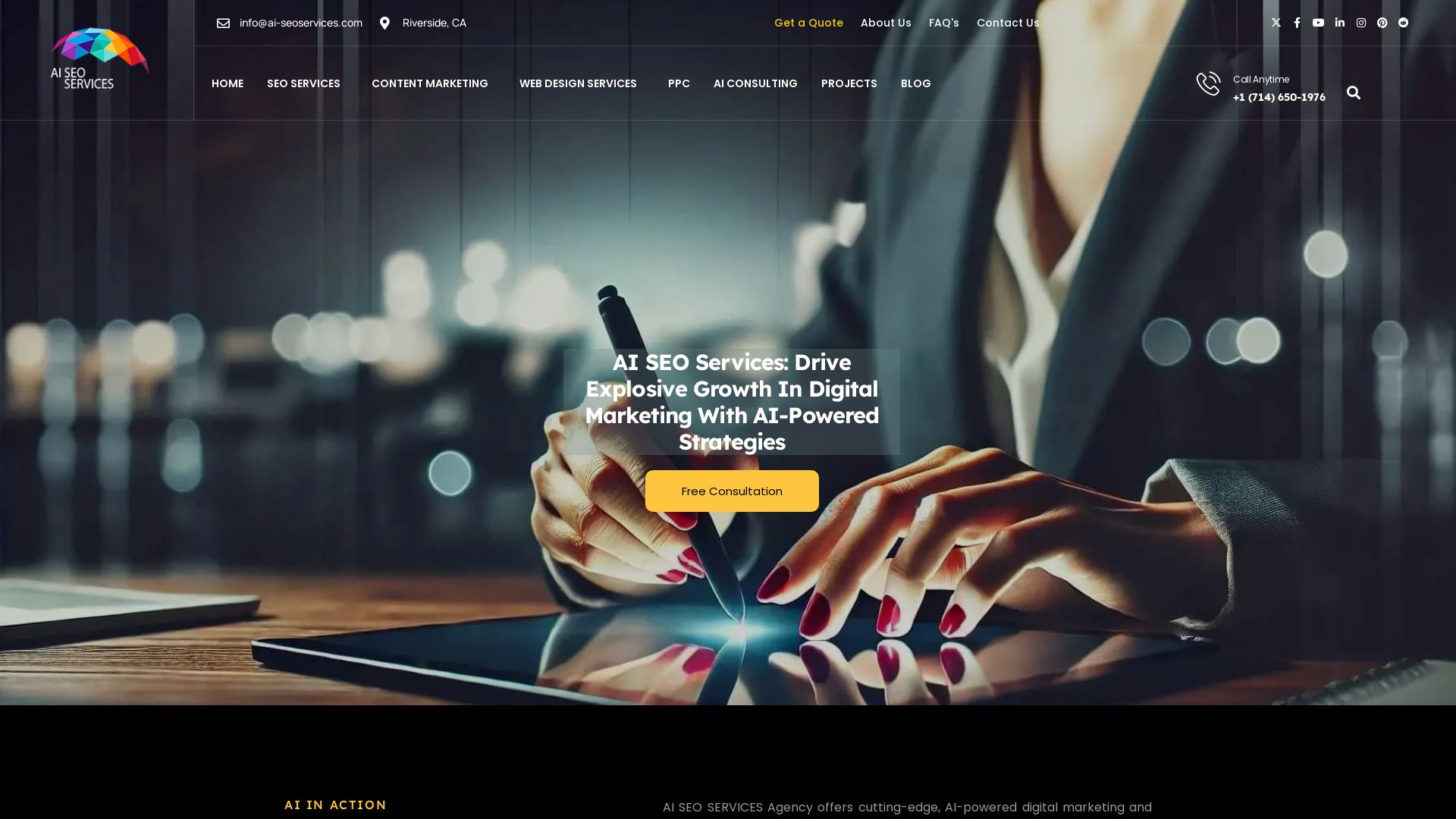
AI SEO Services
Boost your online presence with AI-driven SEO, content marketing, PPC & web design. 19+ years experience. Get a free consultation today!


Superdesign
Create stunning designs with AI. Iterate quickly using natural language. Export production-ready code. Browse design prompts and styles.

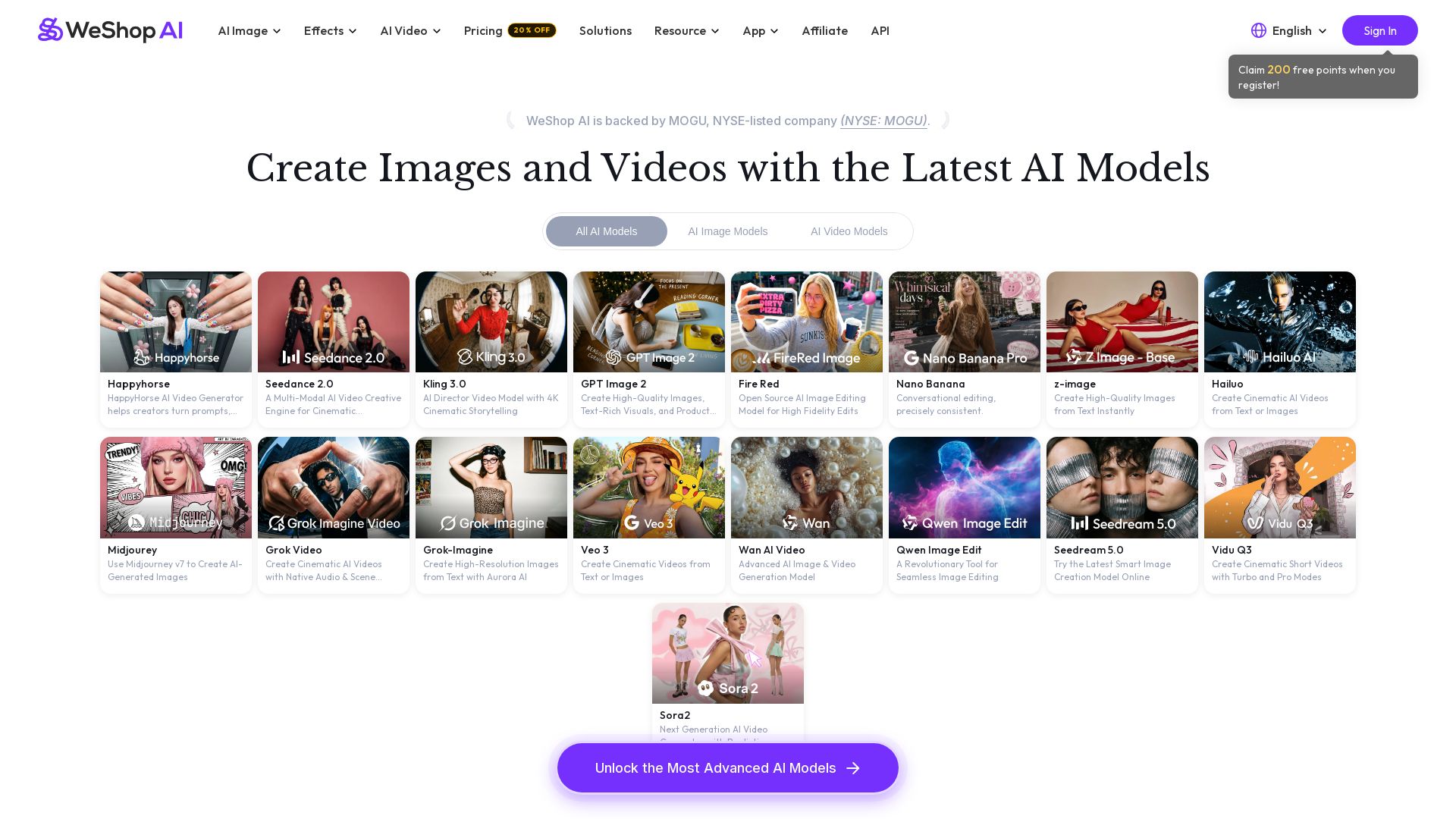
WeShop AI
Generate high-quality AI images and videos using top models like Midjourney, Kling, and Seedance. Try virtual try-on, AI fashion models, and more. Trusted by 3M+ users. Start with 200 free points!

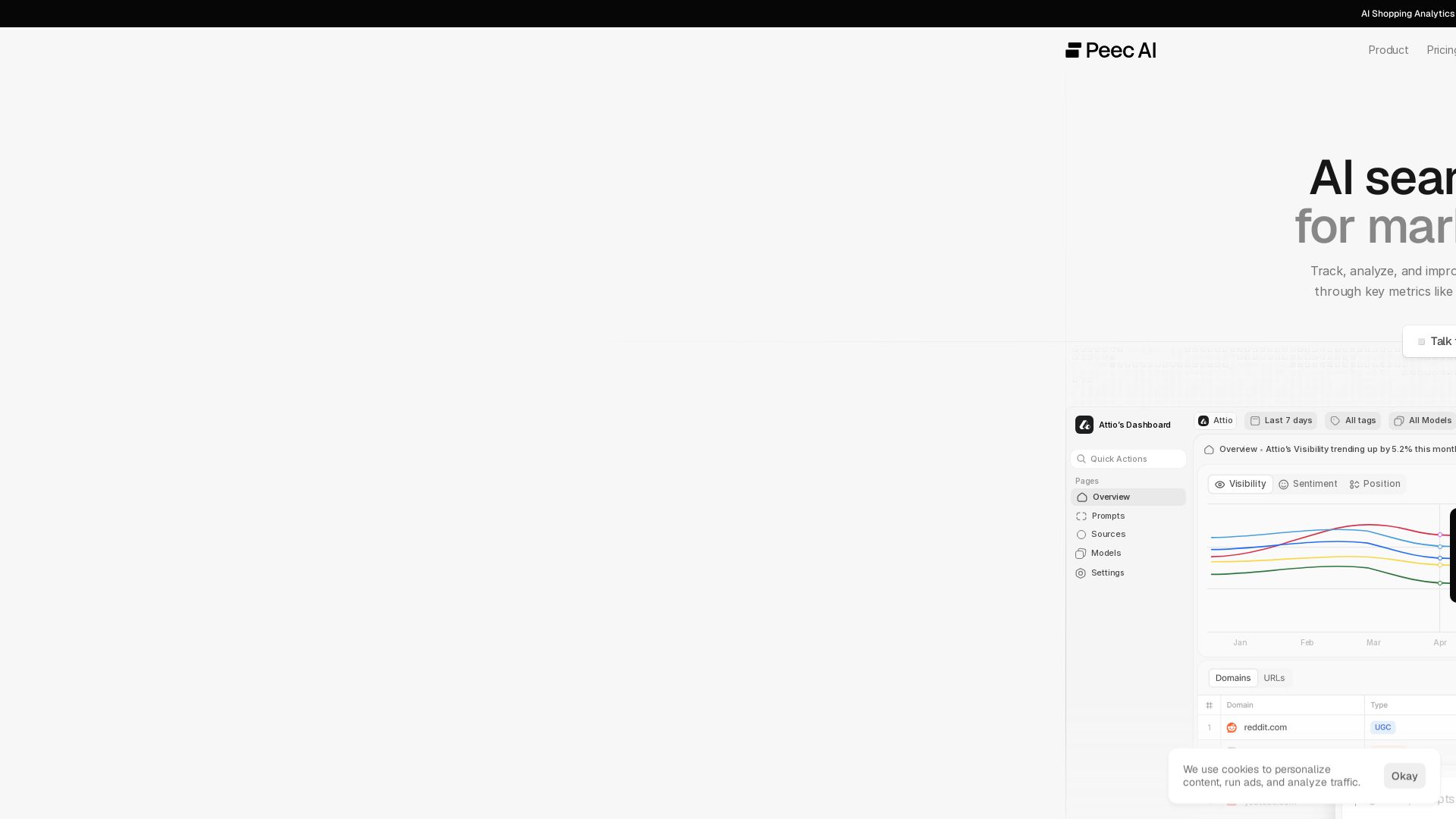

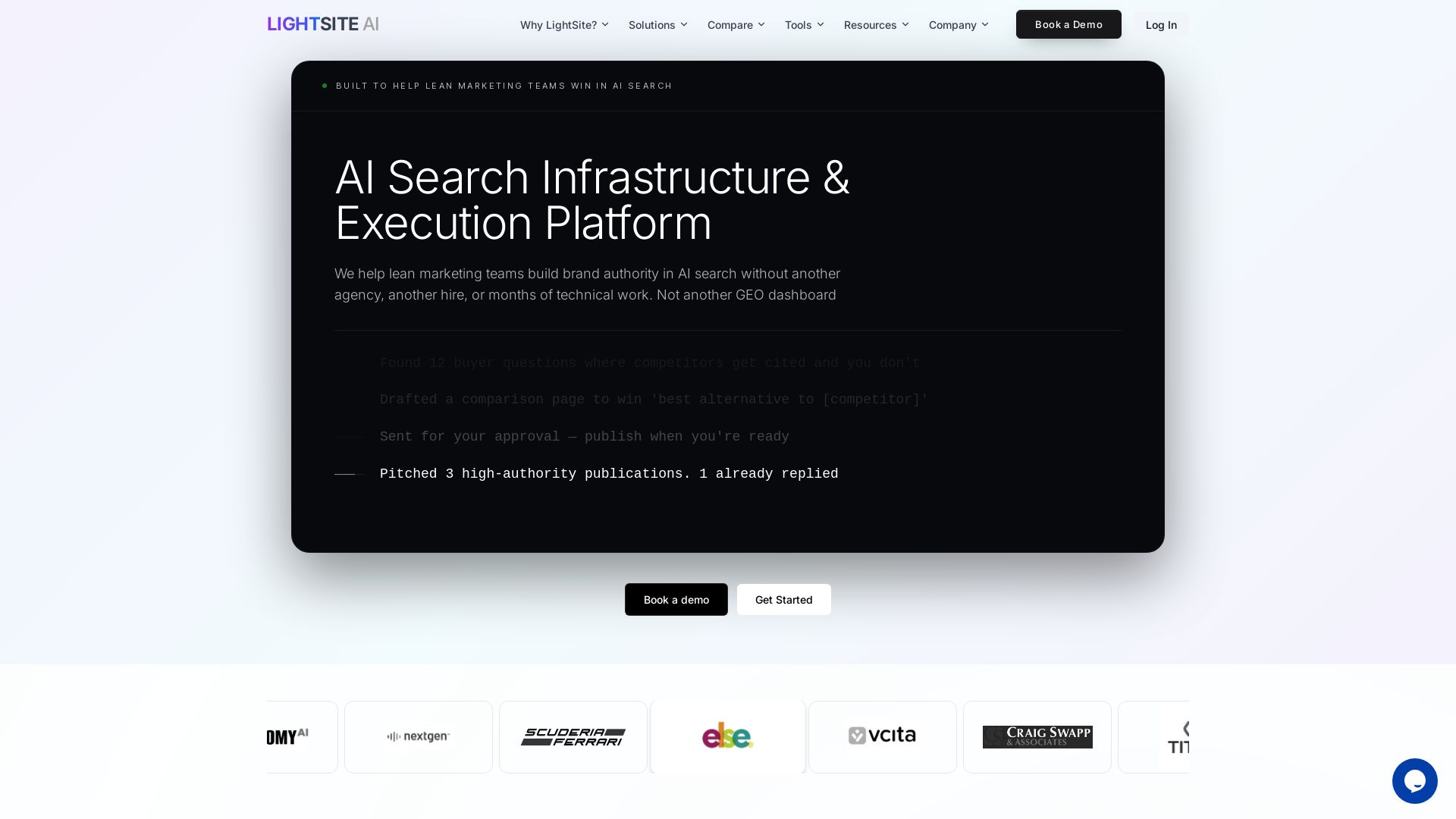
LightSite AI
Boost brand authority in AI search without extra hires. Fix technical SEO, execute GEO tasks, and measure AI bot behavior. #1 GEO Platform 2025.


Figma
Figma is the intelligent, AI-native canvas for designing, prototyping, and building products together. Trusted by 95% of Fortune 500. Explore design and dev tools.


Marketing Mary
Unify research, creation, publishing & optimization with one AI Co-Pilot. Works in your existing stack. Join 500+ leaders on the waitlist.

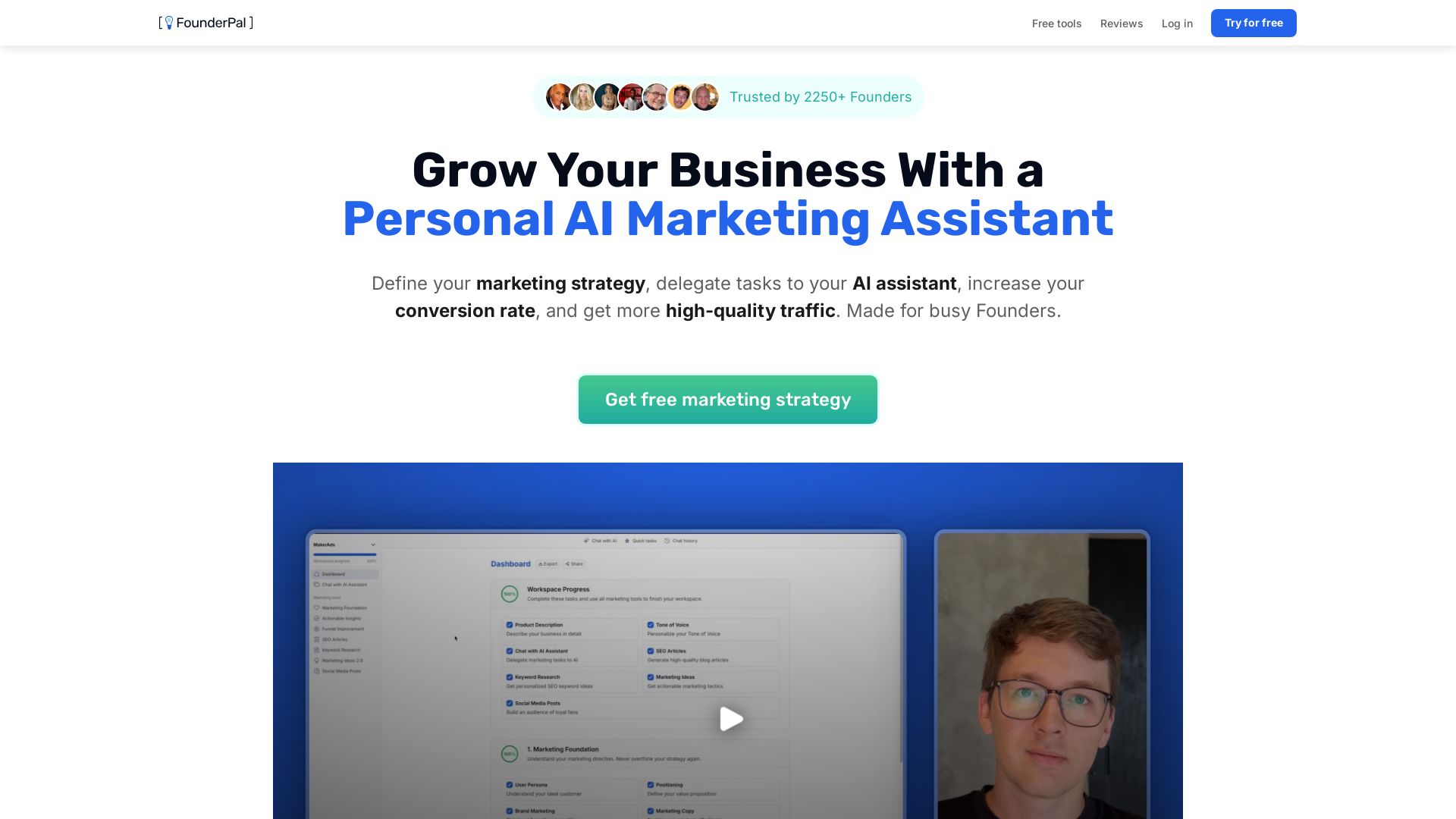
FounderPal
Trusted by 2250+ founders. Get a personal AI marketing assistant to define strategy, delegate tasks, boost conversions. Save 100+ hours/month. Try free.

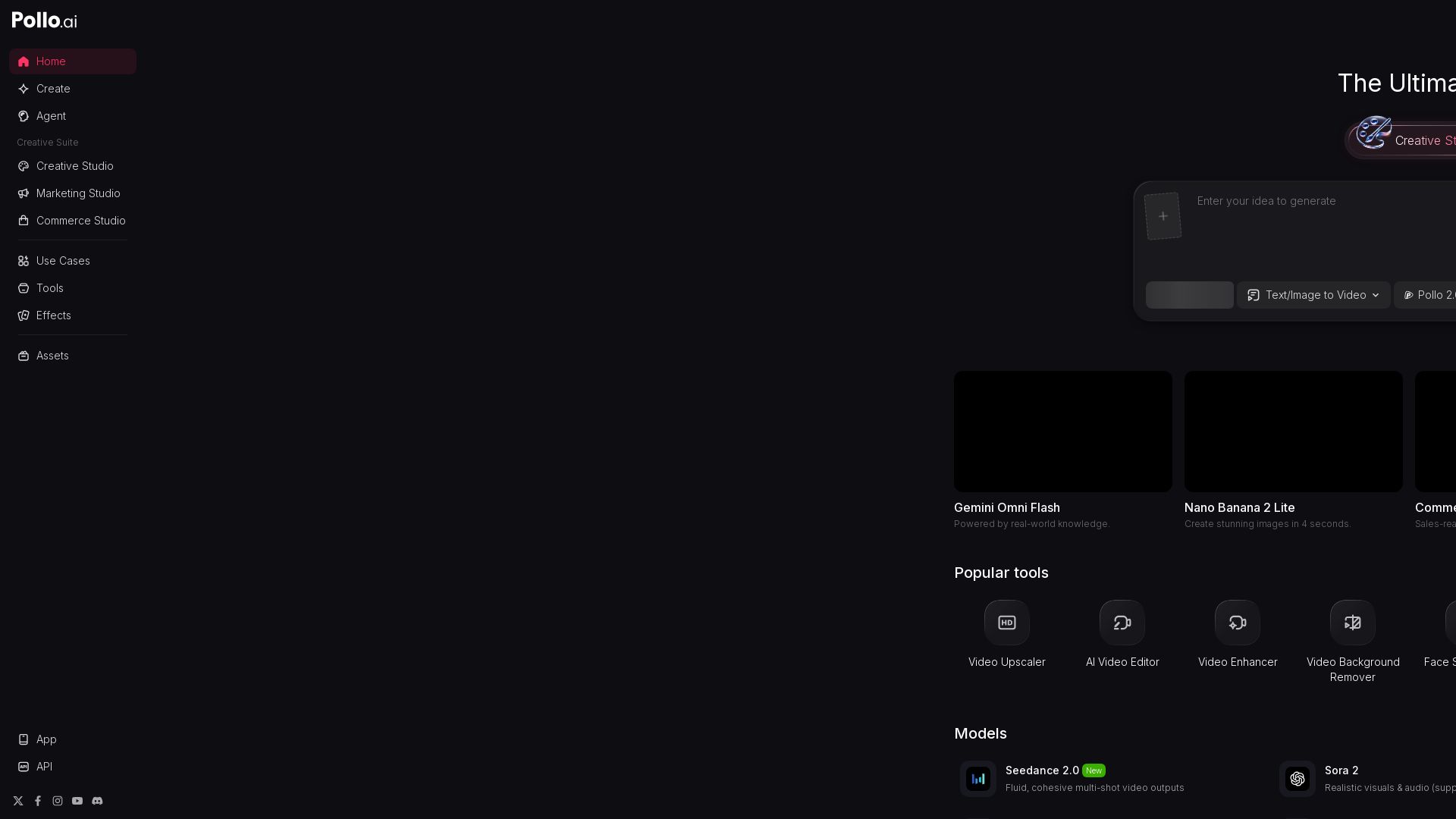
Pollo AI
Create stunning AI videos and images with Pollo.ai. Tools for video generation, editing, upscaling, and marketing. Models like Pollo 2.5, Sora 2, Kling 3.0.

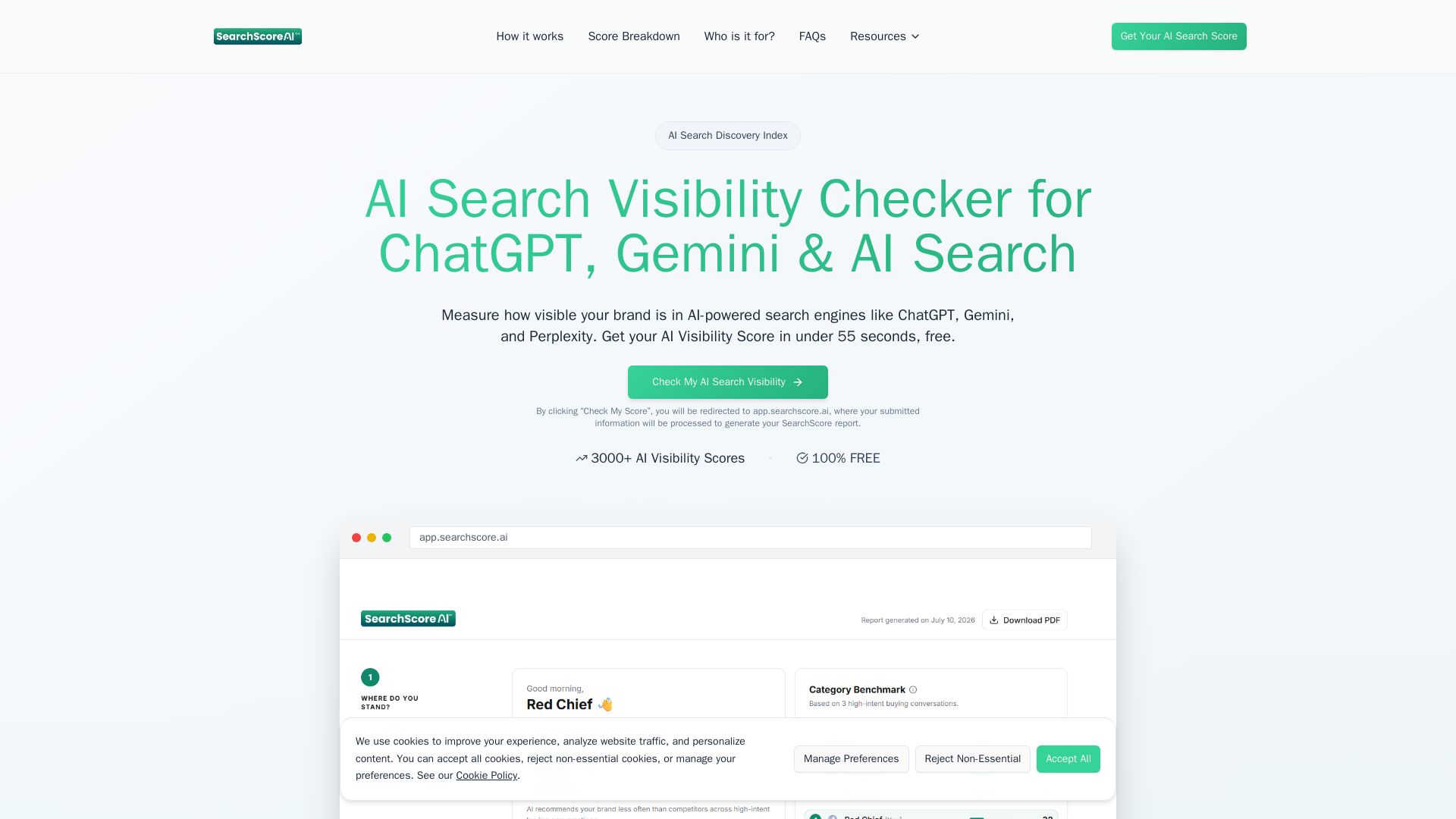
SearchScore AI
Get your AI Visibility Score in under 55 seconds. See how your brand appears in ChatGPT, Gemini & more. Free AI search visibility checker.

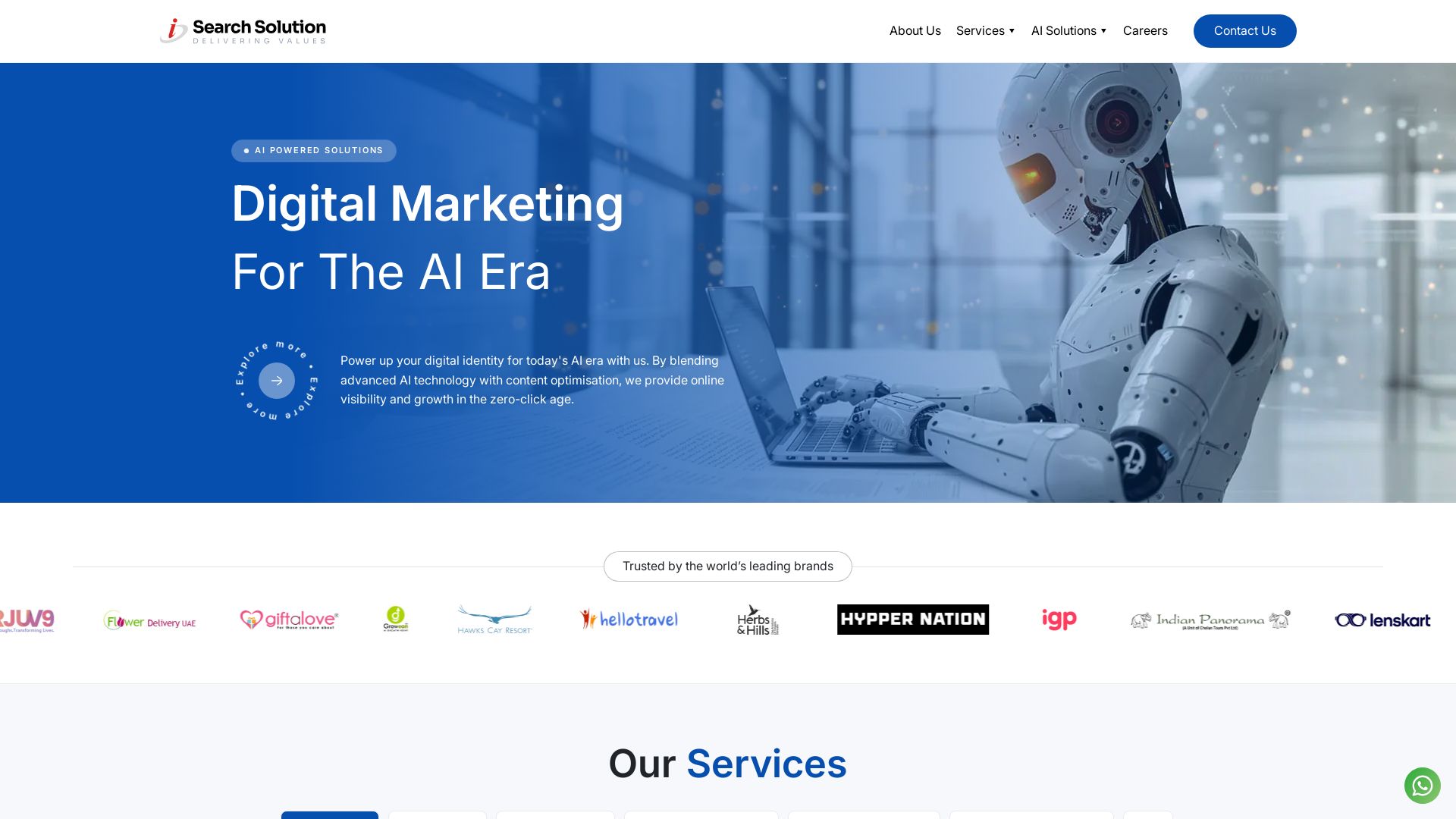
AI SEO Services | Delhi AI SEO Agency, Improve Visibility ...
Leading AI-driven SEO & digital marketing agency with 15+ years experience. Boost rankings, grow traffic, and dominate search results with data-driven solutions.

ℹ️ Curation Disclosure: The overview and features of PhotoCut AI were synthesized using AI and fact-checked by our curation team to ensure accuracy.
