
OpenClaw
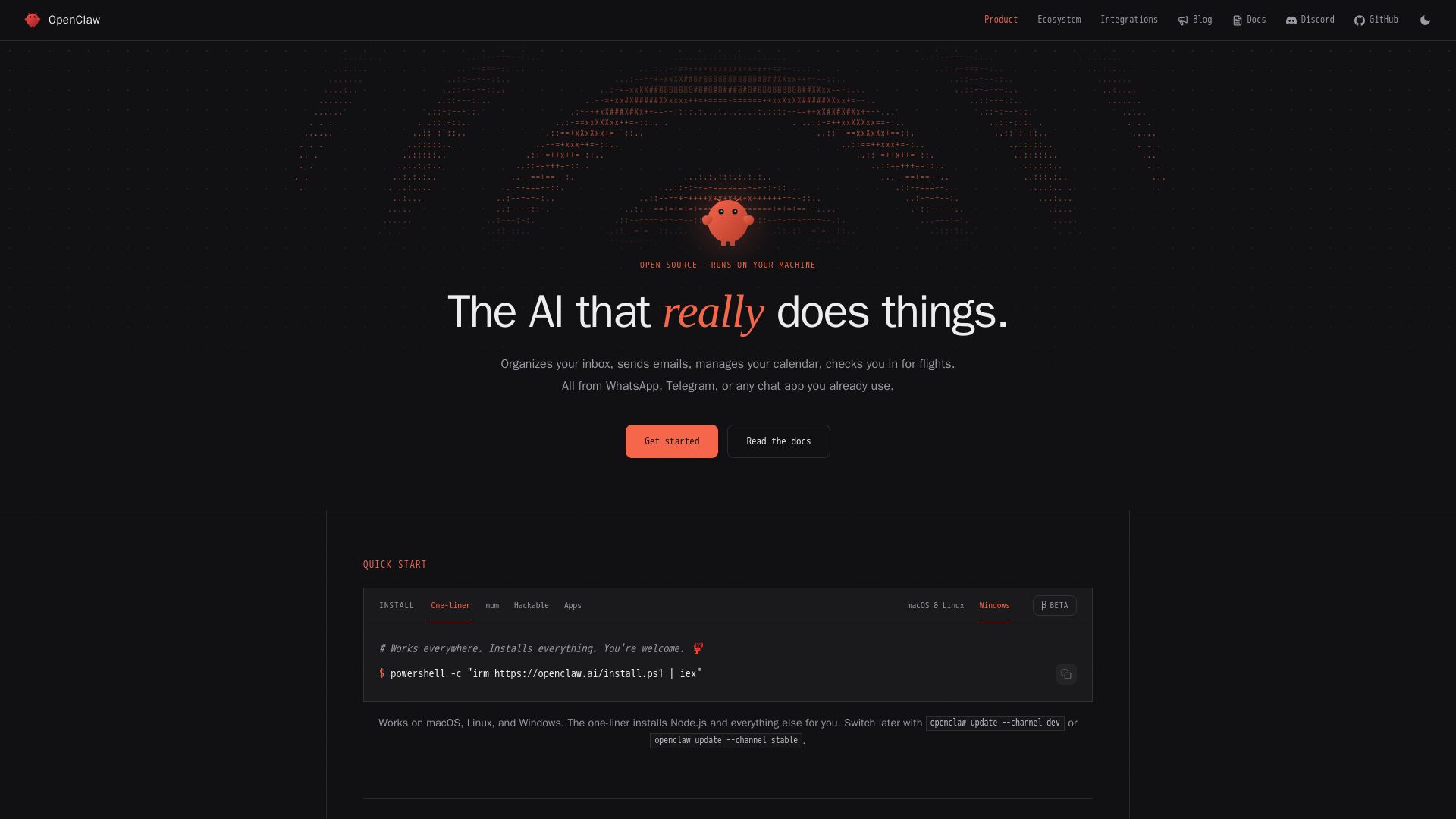
OpenClaw is a free, open-source personal AI agent that runs on your machine. Chat via WhatsApp, Telegram, etc. Manages email, calendar, files, and more.
Editor's Verdict
Key Takeaways
- Runs on your machine
- Multi-channel chat
- Persistent memory
- Browser control
In-Depth Review: What is OpenClaw?
OpenClaw is an open-source personal AI agent that runs locally on your Mac, Windows, or Linux machine. It connects to chat apps like WhatsApp, Telegram, Discord, and iMessage, allowing you to delegate tasks naturally. The agent can manage your inbox, calendar, browse the web, control your system, and execute custom skills. With persistent memory and plugin support, OpenClaw adapts to your workflow. No cloud dependency—your data stays on your machine. Get started with a one-liner install.
Core Features
Runs on your machine
OpenClaw runs locally on your Mac, Windows, or Linux computer, keeping your data and state on your own machine rather than a vendor cloud.
Multi-channel chat
Interact with OpenClaw via WhatsApp, Telegram, Discord, Slack, iMessage, Signal, and 29 other channels, both in DMs and group chats.
Persistent memory
OpenClaw remembers your preferences, projects, and people across conversations, providing a continuous and personalized experience.
Browser control
It can browse the web, fill forms, and extract data from any website, enabling web-based automation.
Full system access
Read and write files, run shell commands, execute scripts. Optionally sandboxed for security.
Skills & plugins
Extend functionality with community-built skills or create your own; the agent can even write new skills on its own.
Proactive automation
OpenClaw can run cron jobs, reminders, background tasks, and proactively reach out via heartbeats, checking in on you.
Integration ecosystem
Integrates with Gmail, GitHub, Obsidian, Spotify, Hue, and many other services to manage your digital life.
Pricing
Free
- All features included
- Runs on your machine
- Multi-channel chat
- Persistent memory
- Browser control
- Full system access
- Skills & plugins
- Proactive automation
Pros and Cons
Pros
- Open Source & TransparentFull source code available on GitHub, allowing community contributions, audits, and self-hosting without vendor lock-in.
- Local PrivacyAll data and state remain on your own machine, ensuring privacy and control over your information.
- Wide Channel SupportWorks with 29+ chat platforms including WhatsApp, Telegram, Discord, Slack, iMessage, and Signal, integrating seamlessly into existing workflows.
- Extensible & HackableSkill system and plugin architecture allow users and the community to add new functionality easily; the agent can even write its own skills.
- Proactive & PersistentRemembers context across conversations, runs background tasks, and can proactively check in or execute scheduled actions.
Cons
- Requires Technical SetupInstallation involves command line and may be challenging for non-technical users, though one-liner install scripts are provided.
- Update Stability IssuesSome users experienced instability with updates in the past, though recent versions have improved significantly.
- No Hosted Cloud OptionCurrently only runs on local machines; there is no official cloud-hosted version for those who prefer not to self-manage infrastructure.
- Limited Mobile App SupportNative mobile apps are in beta or recently launched; the primary interface is via chat apps or command line.
- Learning Curve for CustomizationBuilding custom skills or deep integrations may require programming knowledge, although the agent can assist in creating them.
Use Cases & Recommended Professions
Software Engineer→ View Toolkit
Automate coding tasks, manage pull requests, run tests, and use agent to speed up development workflows across multiple projects.
Product Manager→ View Toolkit
Synthesize meeting notes, track project status, generate reports, and manage communications across teams.
Content Creator→ View Toolkit
Draft social media posts, research topics, manage content pipelines, and automate publishing from chat.
Business Owner→ View Toolkit
Automate expense reports, manage calendars, handle customer inquiries, and run company operations via chat.
Student→ View Toolkit
Organize assignments, research topics, manage schedules, and get reminders from a personal AI assistant.
Executive Assistant→ View Toolkit
Delegate email management, calendar coordination, flight check-ins, and other administrative tasks to the agent.
Frequently Asked Questions
Alternative AI Tools
View Detailed Comparison →
Zapier
Connect AI to 9,000+ apps. Build AI agents, chatbots, and workflows without code. Trusted by Fortune 500. Start free.

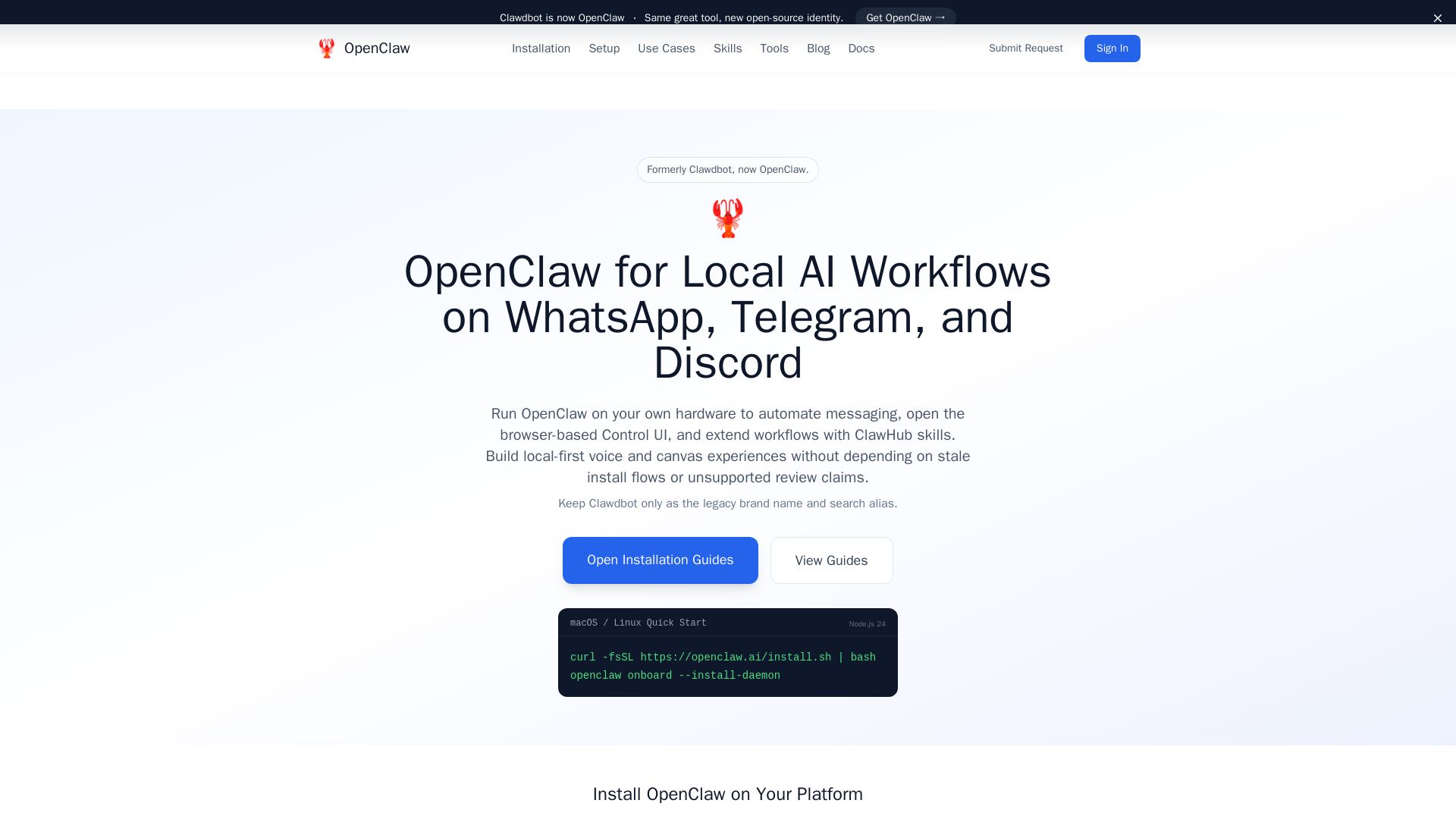
OpenClaw
Run OpenClaw on your hardware for automated messaging, voice, canvas, and skills. Formerly Clawdbot, now open-source.

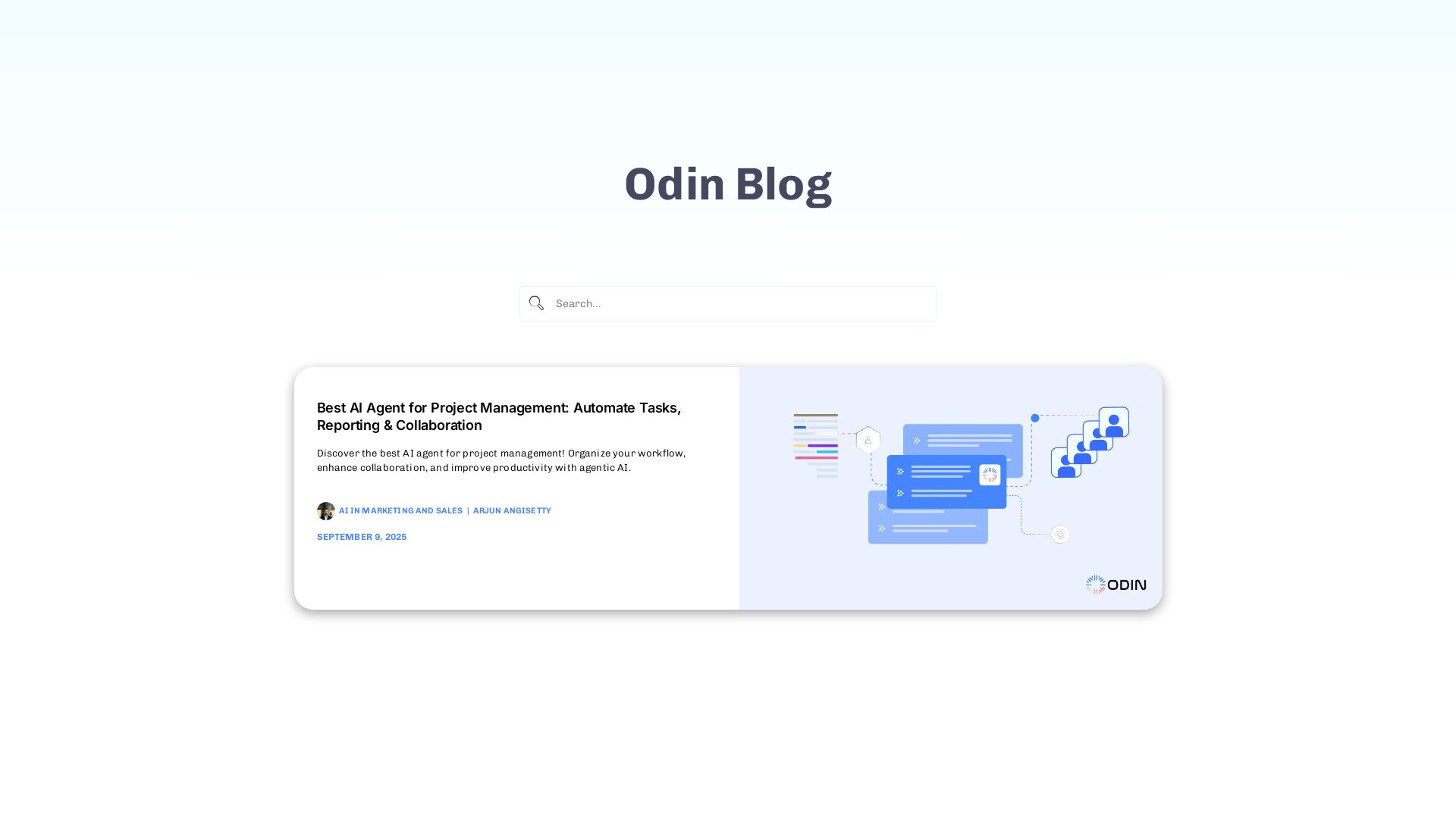
Odin AI
Automate tasks, document summarization, and collaboration with Odin AI's no-code platform. Boost productivity with intelligent AI agents.


Agentic Workers
Automate tasks with 100+ pre-built AI workflows. Connect 800+ tools, save 10+ hours/week. No coding needed. Join 13,000+ professionals.

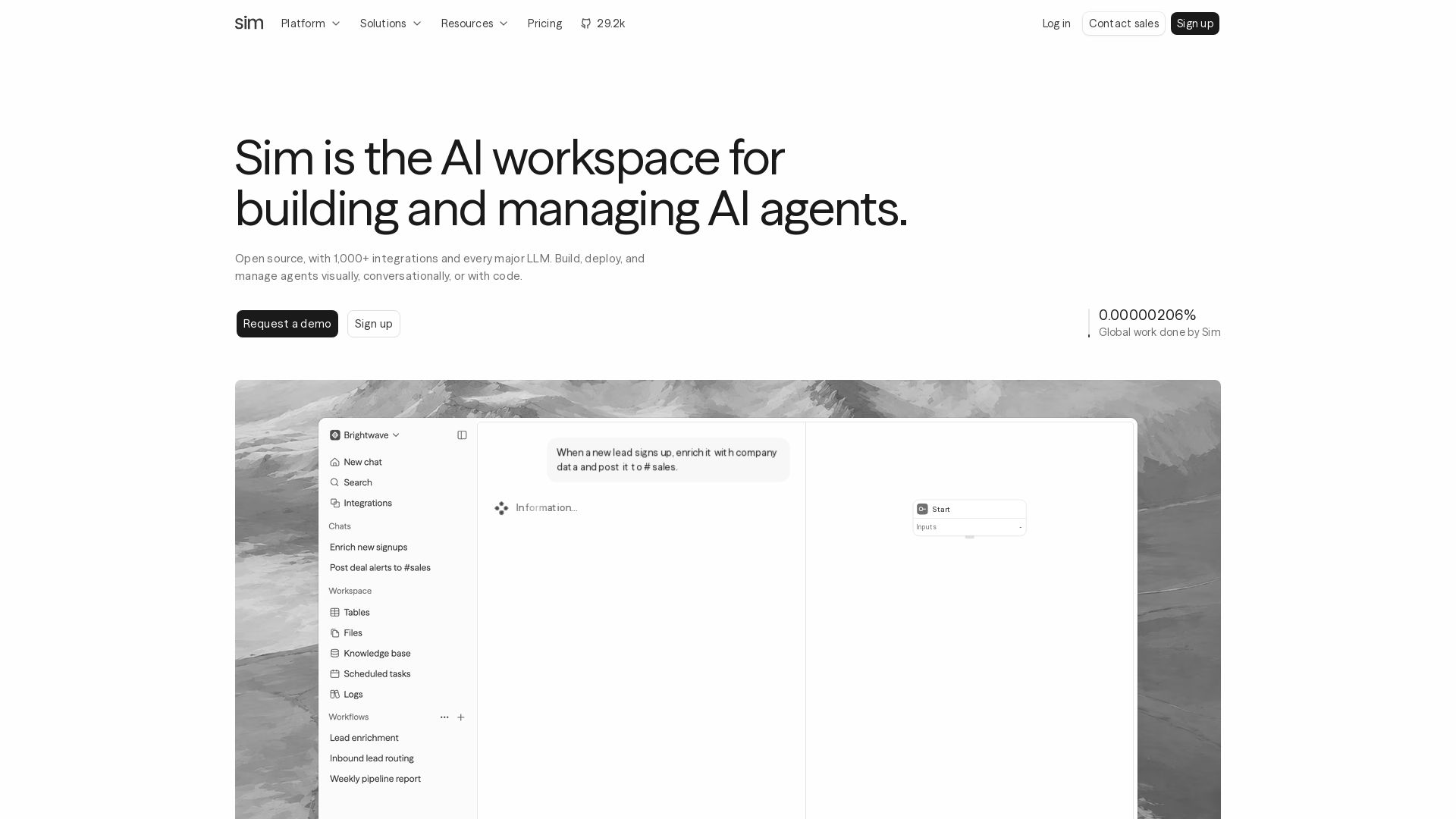
Sim
Build, deploy, and manage AI agents with 1,000+ integrations and every major LLM. Visually, conversationally, or with code. Get started free.

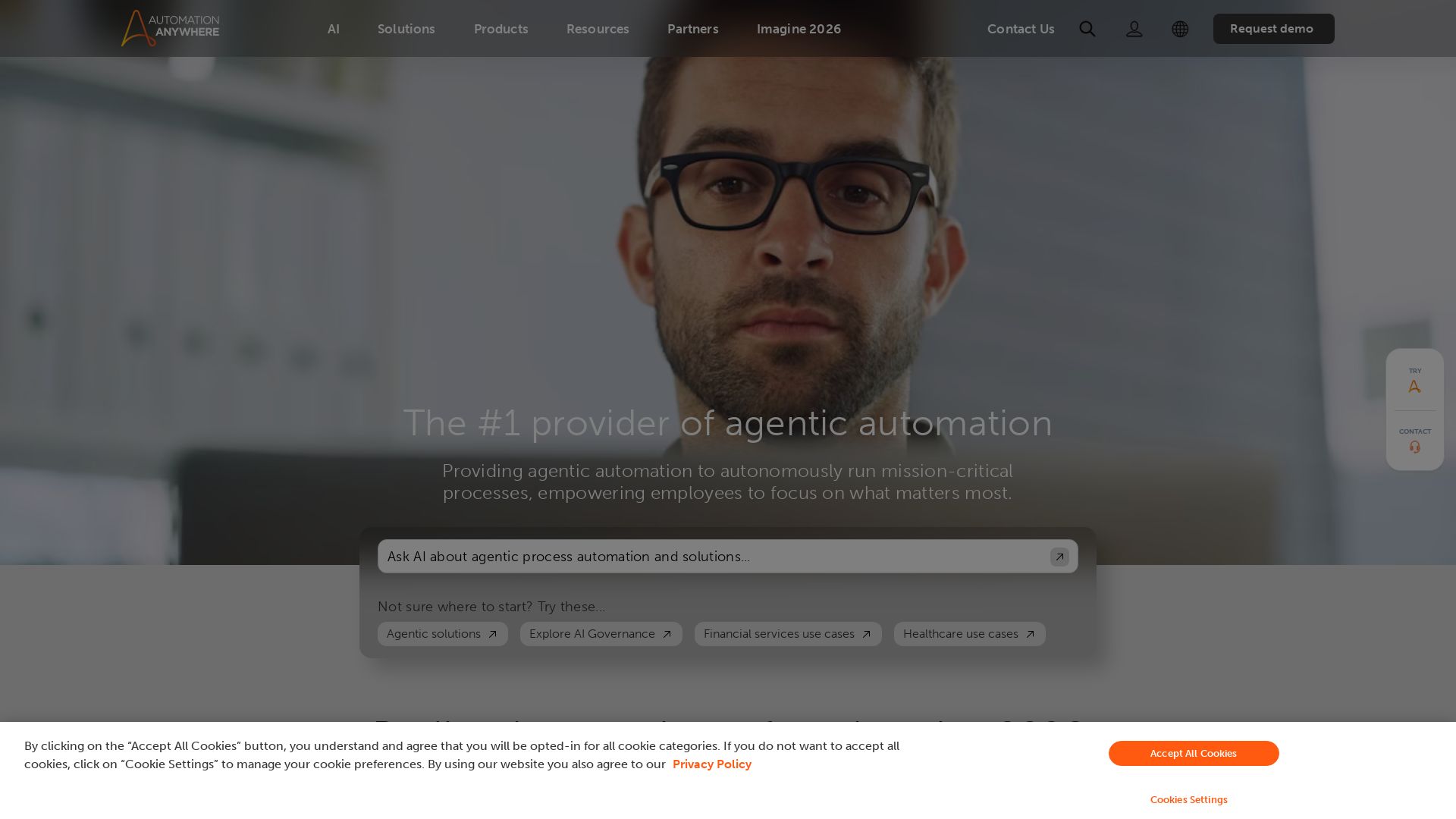
Automation Anywhere
Automate mission-critical processes with agentic AI. Trusted by global leaders. Boost efficiency, ensure compliance. Request a demo.

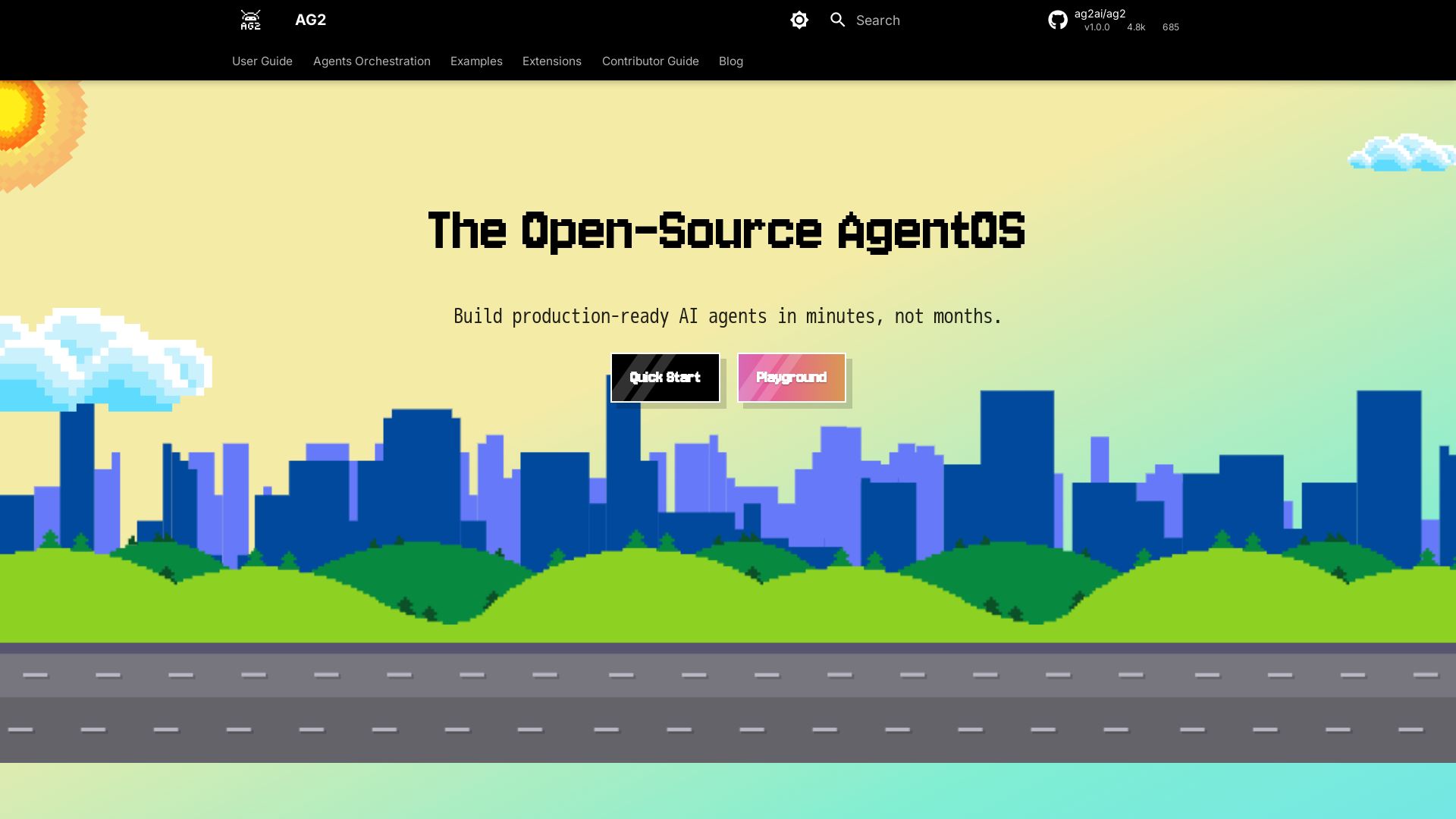
AG2
Build production-ready AI agents in minutes with AG2. Simple syntax, built-in patterns, human-AI collaboration. Open-source multi-agent framework.

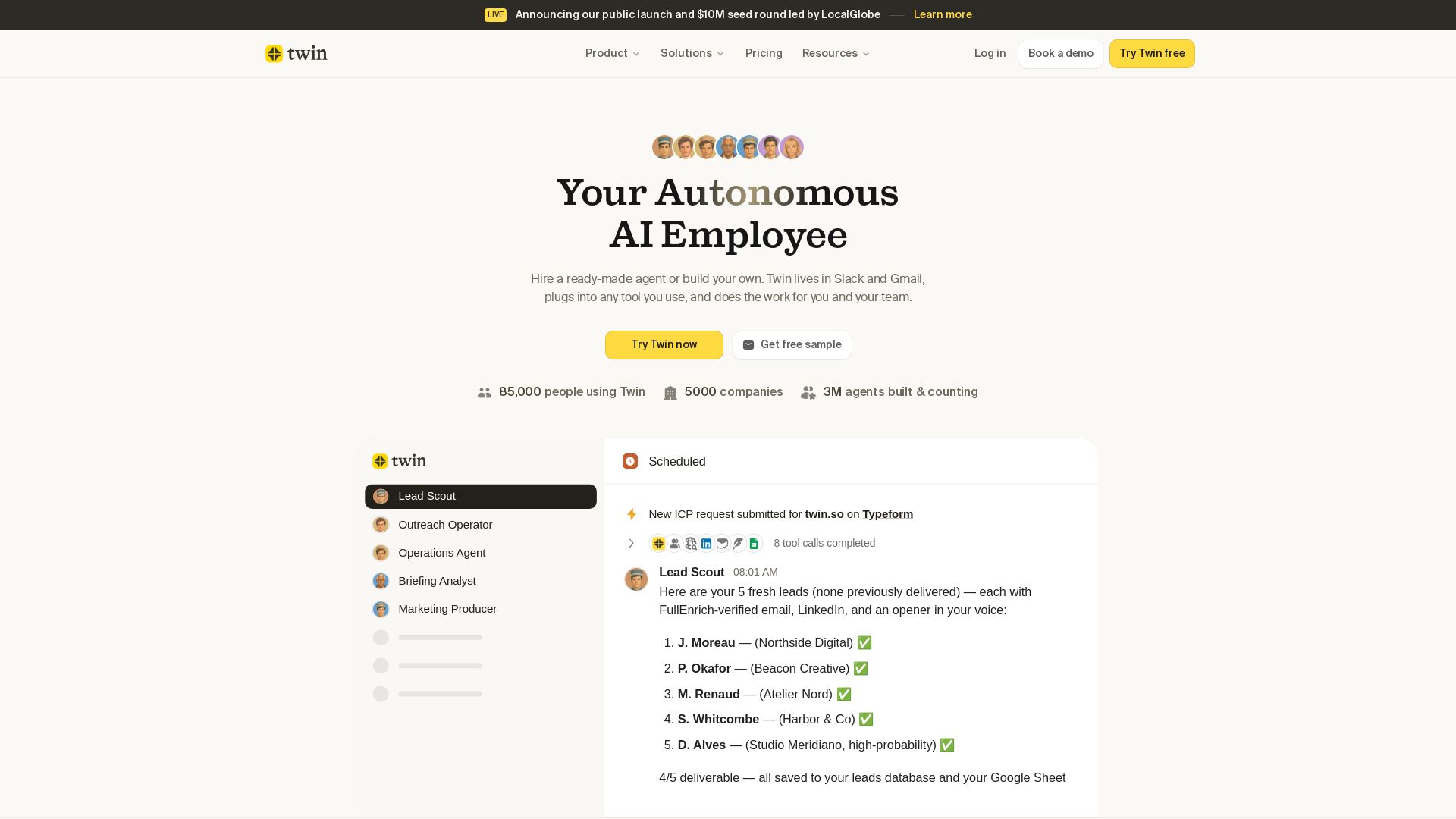
Twin
Twin: ready-made AI agents that work in Slack & Gmail. Automate prospecting, outreach, and more. Trusted by 85,000 users. Start free.


Chatbot Builder
Build an AI chatbot in minutes without coding. 24/7 customer support, sales automation, and seamless integrations. Start your free 14-day trial today!


Expo AI Chatbot
Build AI chatbot apps for iOS, Android & web with Expo SDK 54, AI SDK 5, voice, long-term memory, and more. Open-source codebase.

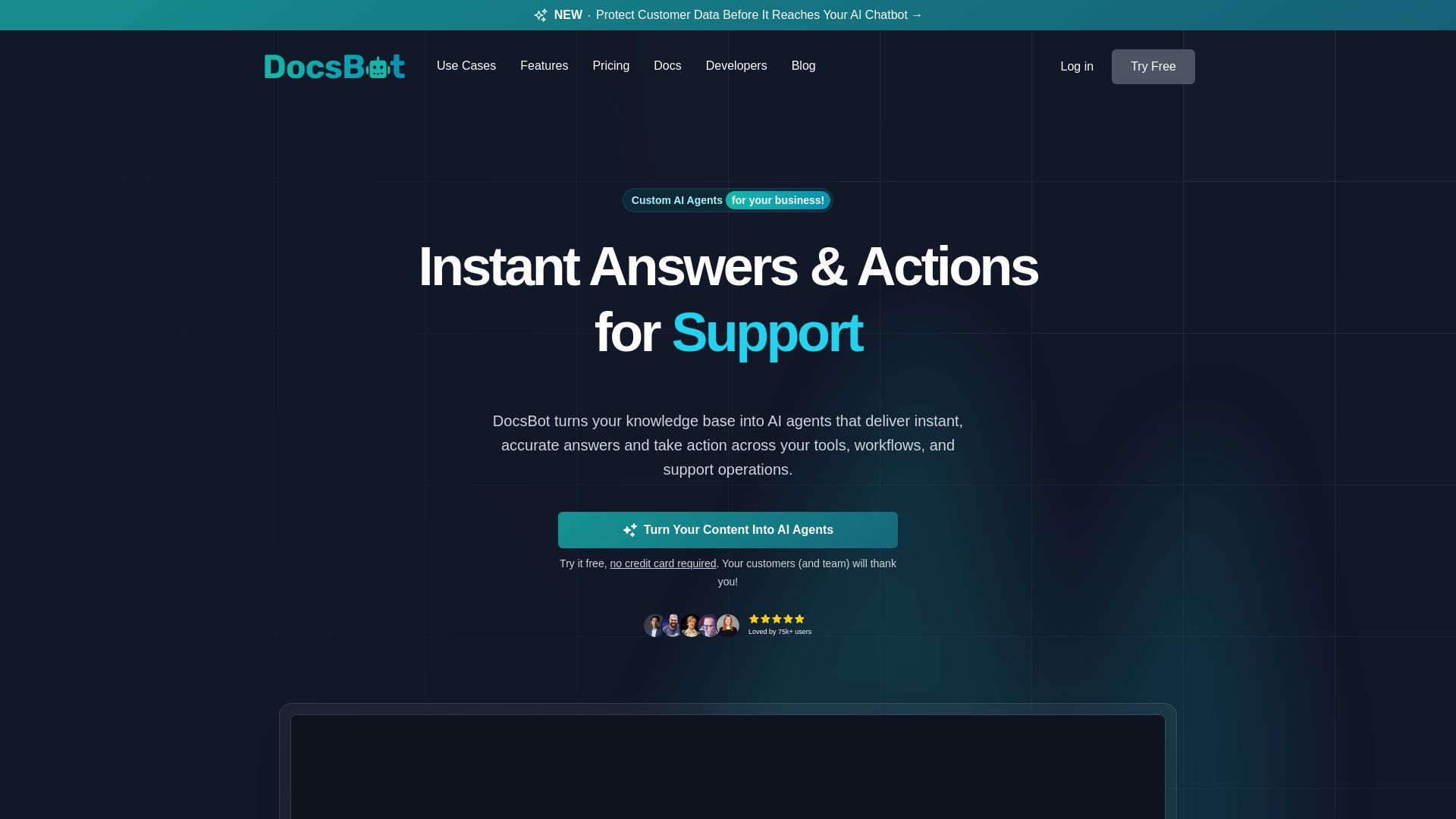
DocsBot
Turn your knowledge base into AI chatbots. Automate support, capture leads, and boost productivity with secure, SOC 2 compliant AI agents. Try free.

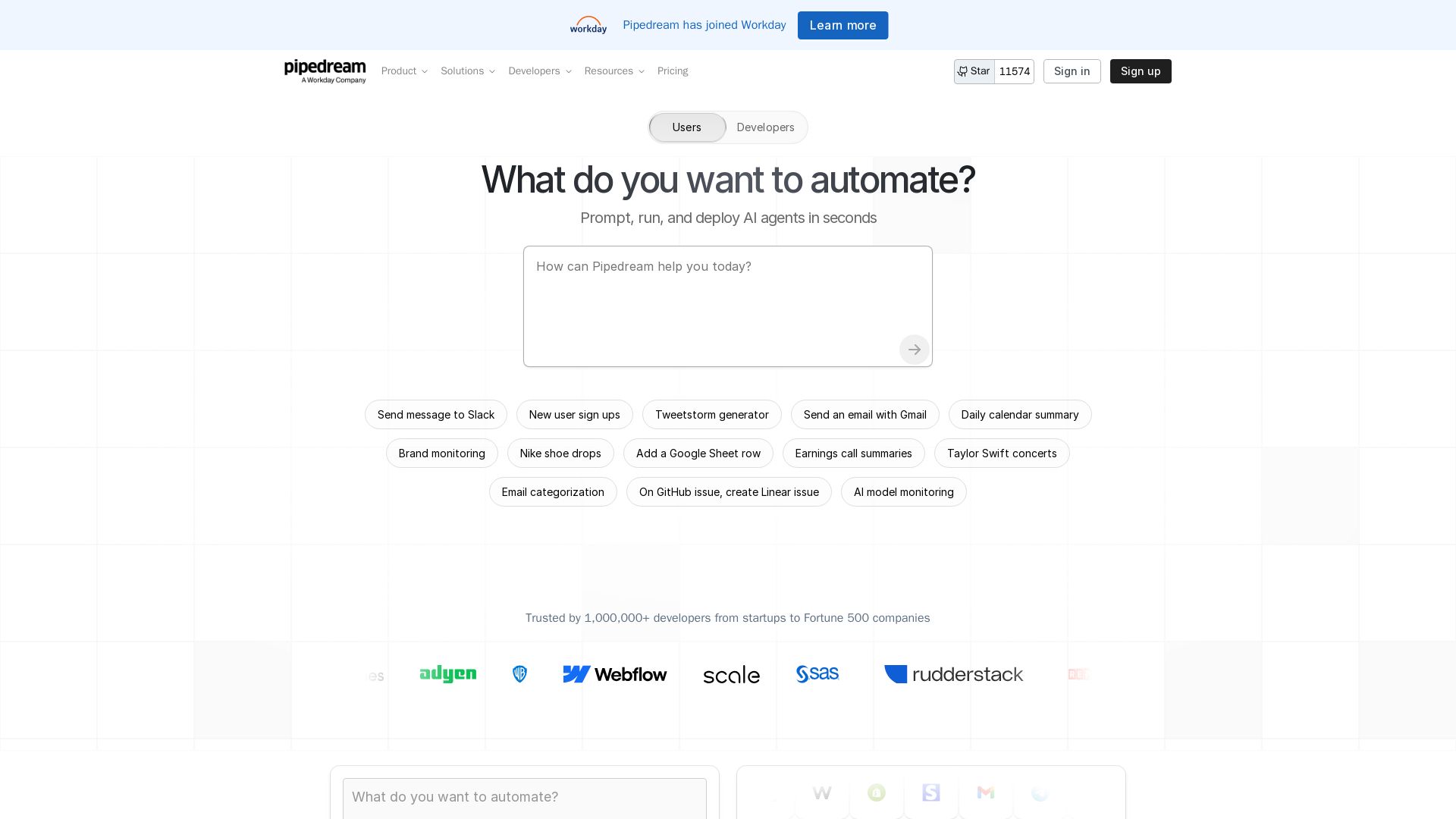
Pipedream
Automate any process with Pipedream. Build AI agents, connect 3,000+ apps, and run workflows in seconds. Secure, scalable, and developer-friendly.

ℹ️ Curation Disclosure: The overview and features of OpenClaw were synthesized using AI and fact-checked by our curation team to ensure accuracy.
