
DocsBot
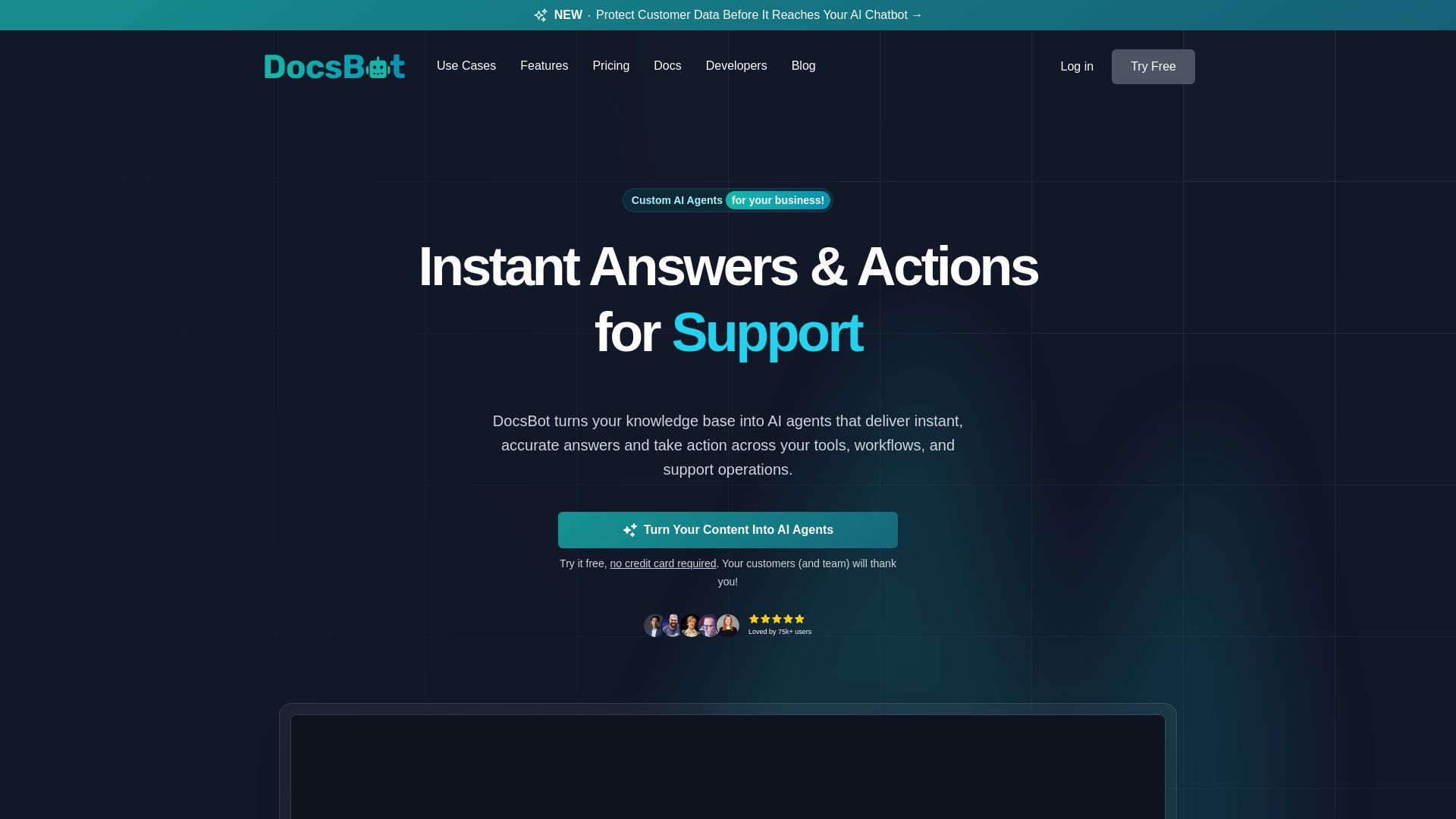
Turn your knowledge base into AI chatbots. Automate support, capture leads, and boost productivity with secure, SOC 2 compliant AI agents. Try free.
Editor's Verdict
Key Takeaways
- Custom AI Agents
- 37+ Content Sources
- Deploy Anywhere
- AI Actions
In-Depth Review: What is DocsBot?
DocsBot enables businesses to create custom AI agents trained on their own content. It offers instant answers for customers and teams, automates workflows, and integrates with 37+ data sources. Trusted by over 3,000 companies, it provides secure, GDPR-ready deployment with granular controls and end-to-end encryption. Use cases include customer support bots, pre-sales chat, internal knowledge retrieval, and research assistance. Deploy easily via widgets, APIs, or integrations with Slack, Zendesk, and more.
Core Features
Custom AI Agents
Create AI agents trained on your knowledge base to deliver instant, accurate answers and take actions across tools and workflows.
37+ Content Sources
Import content from websites, documents, cloud storage, help desk tickets, YouTube, and more to train your chatbot.
Deploy Anywhere
Embed chat widgets on websites, integrate via API, Zapier, Slack, Microsoft Teams, or use as a standalone chat interface.
AI Actions
Automate processes by connecting to external systems like billing, booking, and CRM directly from the chatbot.
Security & Compliance
SOC 2 Type II certified, GDPR compliant, end-to-end encryption, and client-side PII redaction for data protection.
Multi-Language Support
Understands and responds in over 100 languages, even with English-only documentation.
Pre-Sales Chat
Engage visitors instantly with AI sales agents to capture leads and increase conversions.
Research Assistant
Deep research and verified source-aware insights by combining knowledge base with web search and code interpreter.
Analytics & Insights
Track usage, conversation topics, sentiment, resolution rates, and identify gaps in documentation.
Pricing
Free
- 1 DocsBot
- 50 Source Pages
- 100 monthly AI credits
- 1 Team user
- Basic source types
- 30-day bot lifetime
Personal
- 1 DocsBot
- 5,000 Source Pages
- 5,000 monthly AI credits
- 3 Actions per bot
- 1 Team user
- Remote MCP connections
- Lead collection forms
- Scheduling tools
- Slack integration
- Basic analytics
Standard
- 3 DocsBots
- 15,000 Source Pages
- 15,000 monthly AI credits
- 8 Actions per bot
- 5 Team users
- Skills builder
- Escalation ticket creation
- Web search
- Help Scout integration
- Conversation analytics
- Question analytics
Business
- 10 DocsBots
- 100,000 Source Pages
- 60,000 monthly AI credits
- 12 Actions per bot
- 10 Team users
- Client-side PII redaction
- Unbranded widgets
- Rate limiting
- Per-bot roles
- Priority support
Enterprise
- Custom limits for bots, pages, credits
- Custom team size
- Azure OpenAI Service
- Self-hosted options
- SSO and IP logging
- Custom contracts and SLAs
- HIPAA available
- Data residency options
Pros and Cons
Pros
- High Resolution RateWith reported 80% resolution rate on customer inquiries, DocsBot effectively reduces support tickets.
- Easy to Set UpNo coding required; create a bot in minutes using a simple 4-step process and intuitive interface.
- Multi-Language SupportSupports over 100 languages, allowing global teams to serve customers in their native language.
- Secure & CompliantSOC 2 Type II certified, GDPR compliant, and offers client-side PII redaction for data privacy.
- Extensive IntegrationsIntegrates with 7,000+ apps via Zapier and supports major platforms like Slack, Zendesk, and Google Drive.
Cons
- Free Plan LimitationsThe free plan is limited to 50 source pages, 100 AI credits per month, and a 30-day bot lifetime.
- Advanced Features Require Higher TiersFeatures like skills builder, unbranded widgets, and advanced analytics are only available on Standard and Business plans.
- Credit System Can Be ComplexAI credits consumption varies by model and action, making it difficult to predict monthly usage costs.
- Enterprise Features Need Custom QuoteHIPAA compliance, self-hosting, and custom SLAs require contacting sales; no transparent pricing.
- No Native Phone SupportSupport is limited to docs, AI, and email; phone support is not mentioned for any plan.
Use Cases & Recommended Professions
Customer Support Manager→ View Toolkit
Automates Tier 1 support queries, reduces ticket volume, and provides 24/7 instant answers to customers.
Marketing Lead→ View Toolkit
Captures leads via pre-sales chatbots trained on product information and sales playbooks to increase conversions.
Knowledge Manager→ View Toolkit
Centralizes internal documentation and makes it accessible via AI chat, improving employee productivity and knowledge retrieval.
Product Manager→ View Toolkit
Analyzes user questions and chatbot analytics to identify gaps in documentation and improve product understanding.
Software Developer→ View Toolkit
Integrates DocsBot into apps or websites via API and uses skills to automate workflows like billing or scheduling.
Educator / Trainer→ View Toolkit
Creates AI tutors for students to access course materials, assignments, and instant explanations for enhanced learning.
Frequently Asked Questions
Alternative AI Tools
View Detailed Comparison →
ChatBot
Train an AI agent on your website in minutes. Answer questions, recommend products, and close sales 24/7. Free 14-day trial, no credit card.

Chatbot Builder
Build an AI chatbot in minutes without coding. 24/7 customer support, sales automation, and seamless integrations. Start your free 14-day trial today!

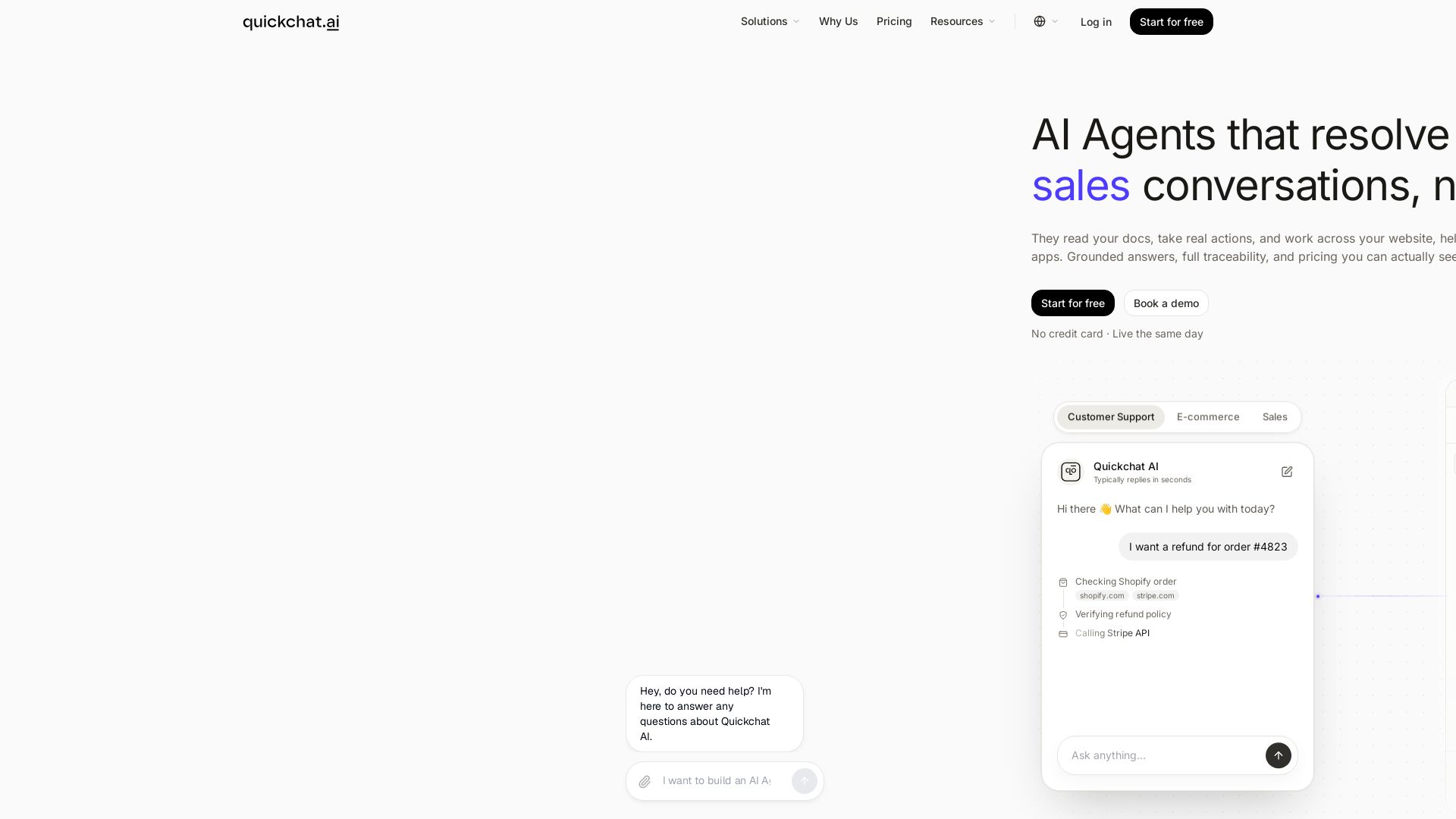
Quickchat AI
Replace customer support and sales teams with AI agents that read your docs, take actions, and deploy across channels. $0.50/resolution. Start free.

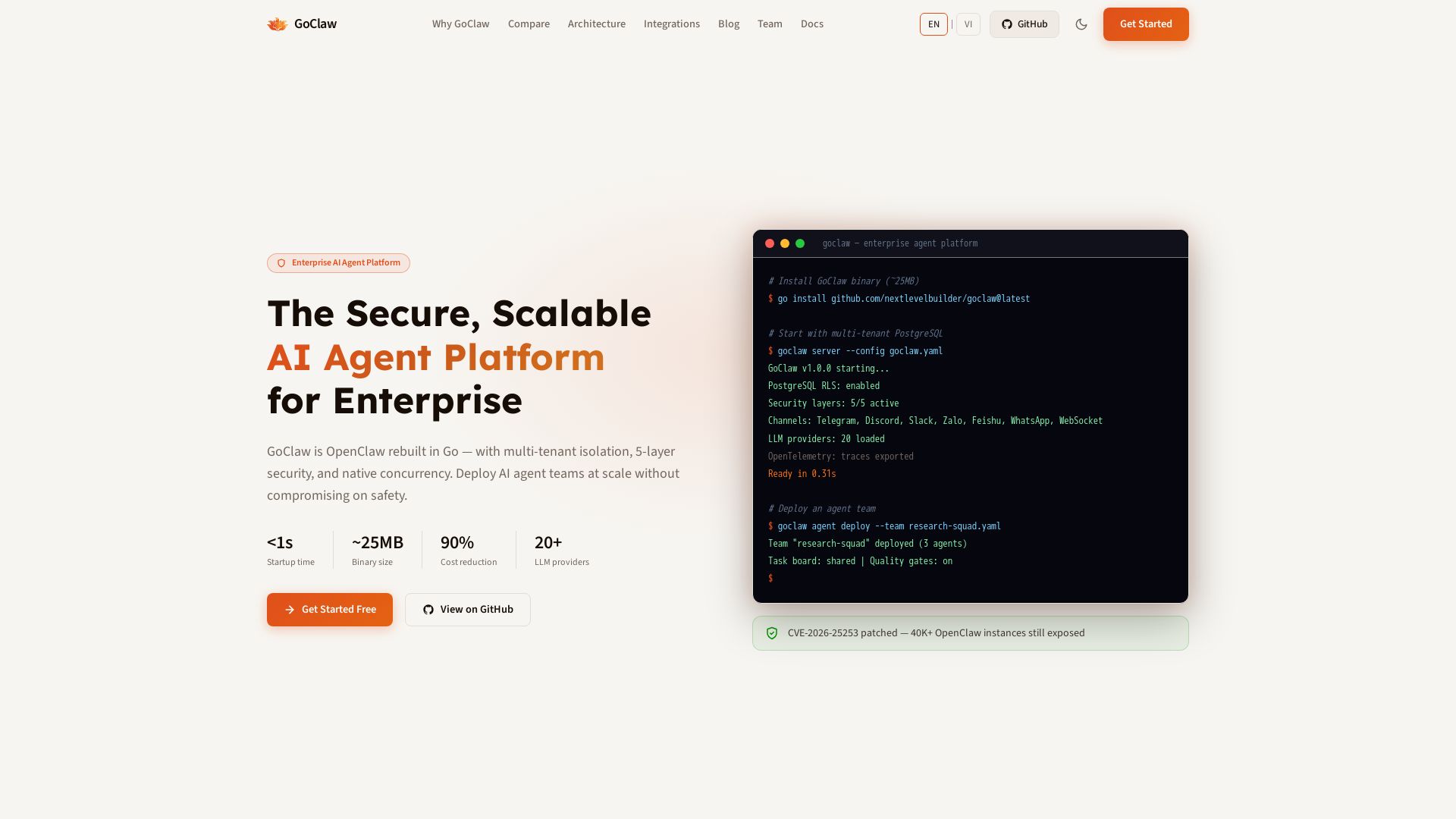
GoClaw
Deploy AI agent teams at scale with multi-tenant isolation, 5-layer security, and 90% cost reduction. Fast startup, ~25MB binary, 20+ LLMs.

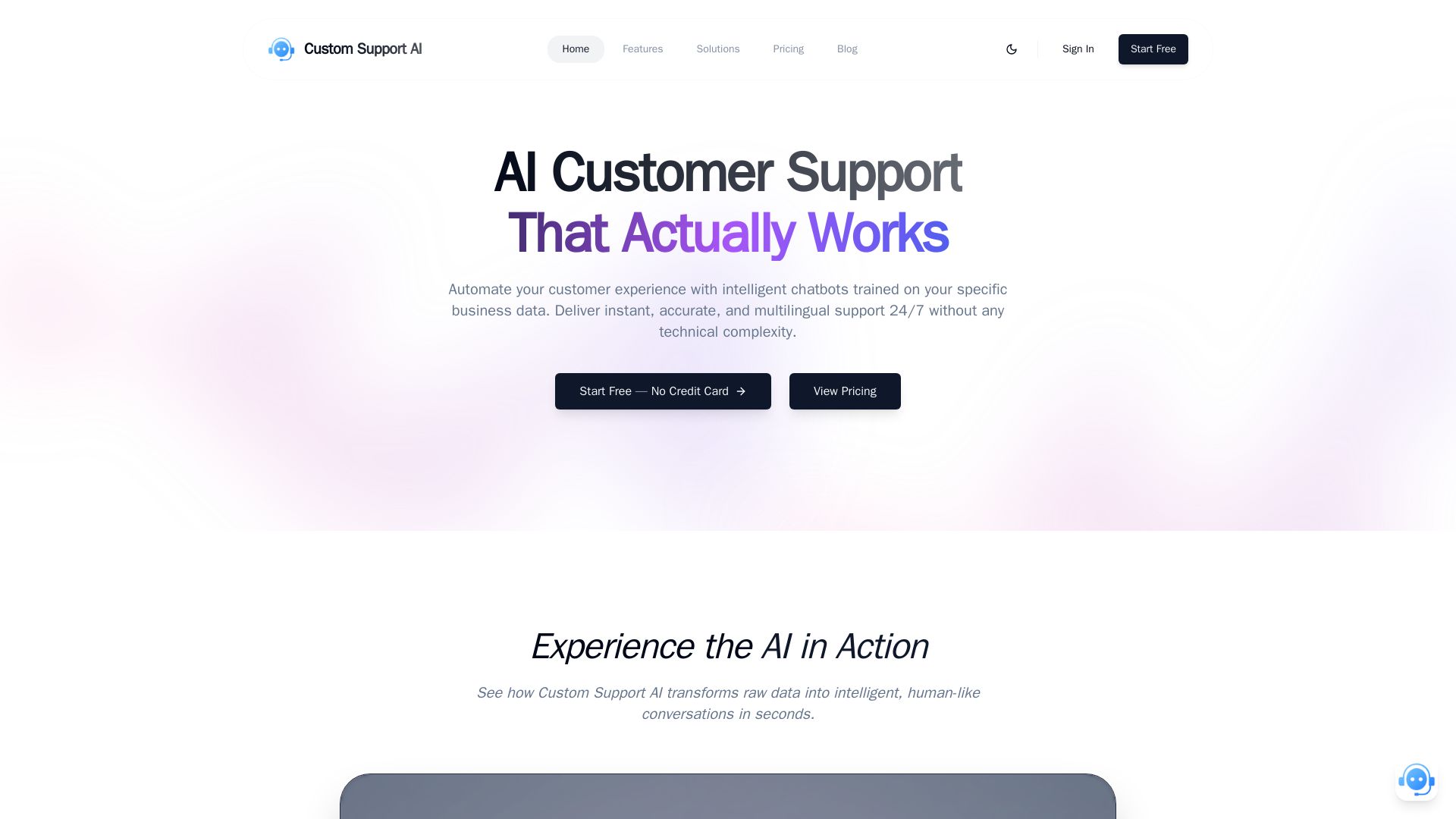
Custom Support AI
Deliver instant, accurate, multilingual customer support 24/7 with AI chatbots trained on your business data. Simple integration, no credit card required.

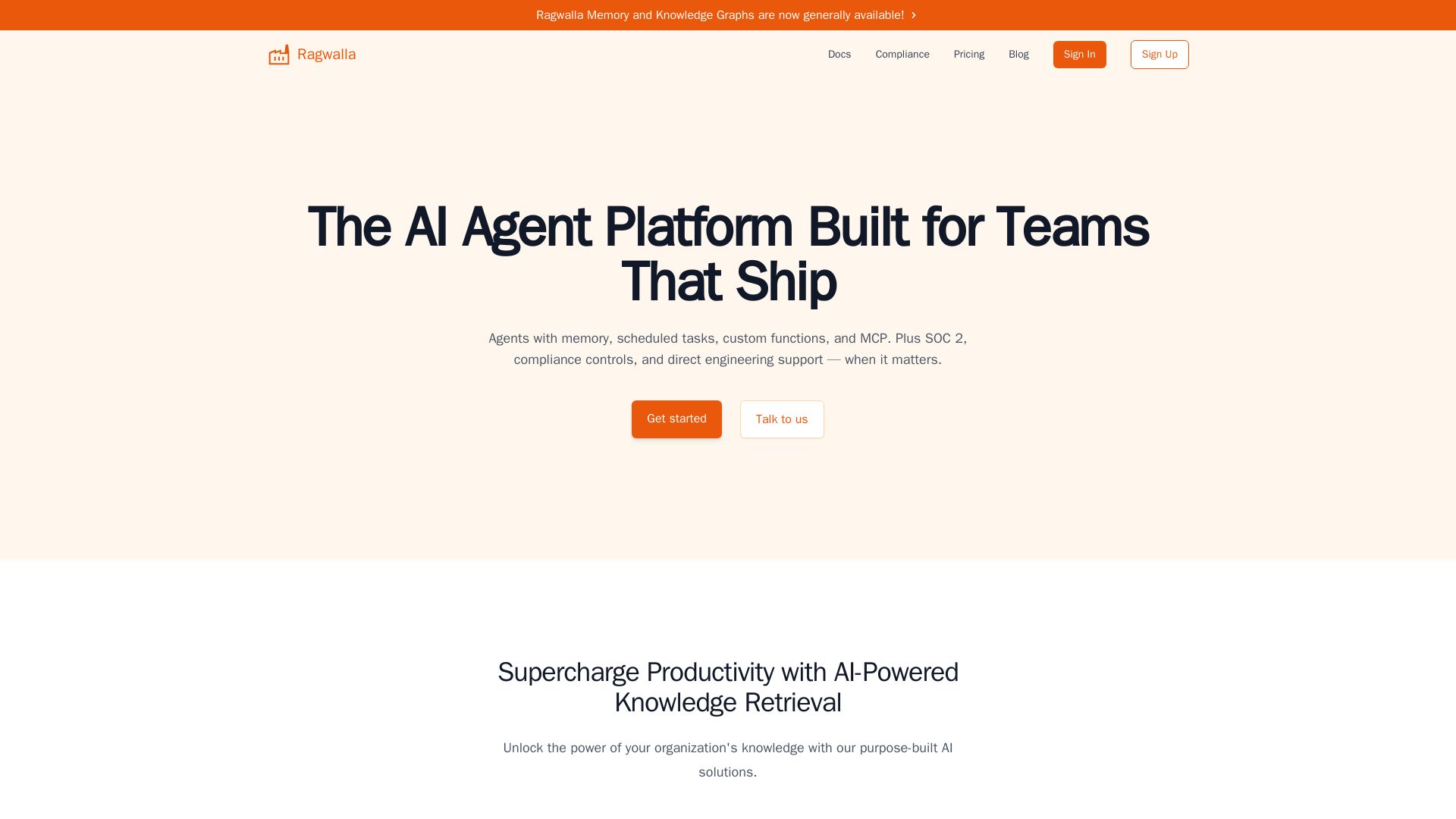
Ragwalla
Ragwalla: AI agent platform for teams. Build agents with memory, scheduled tasks, custom functions, and MCP. SOC 2 compliant, enterprise security.

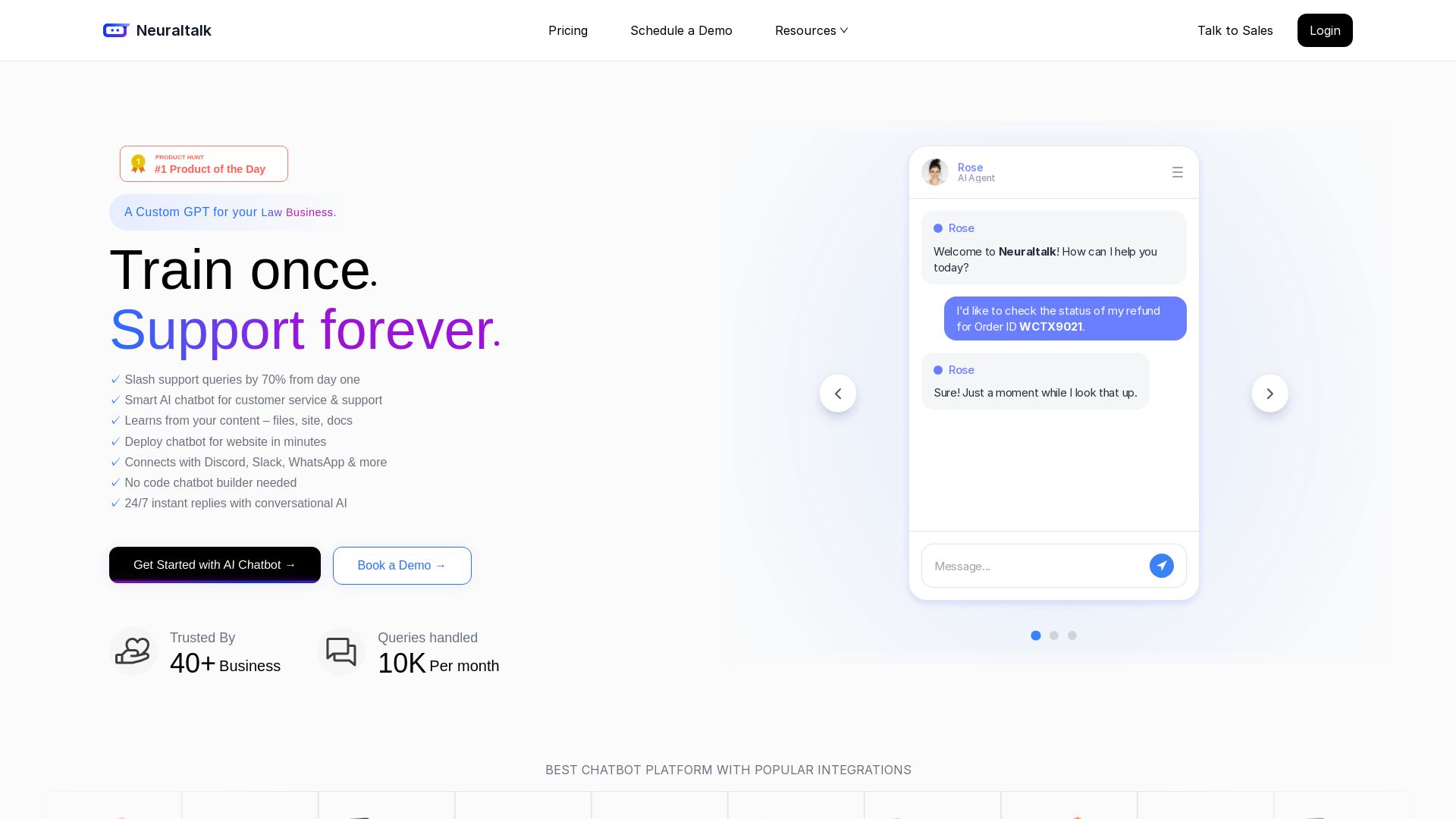
NeuralTalk AI
Create your own AI chatbot for free. Train on your data, deploy on website, and automate customer service 24/7 with no coding. Best chatbot platform.
Noma Security
Discover, govern, and protect AI and agents across your enterprise with Noma's holistic security platform. Continuous discovery, runtime protection, and compliance management.

Kaily
Meet Fynd Kaily, the AI agent that sells, resolves, and automates tasks. Deploy on WhatsApp, website, voice, and more. Try free!

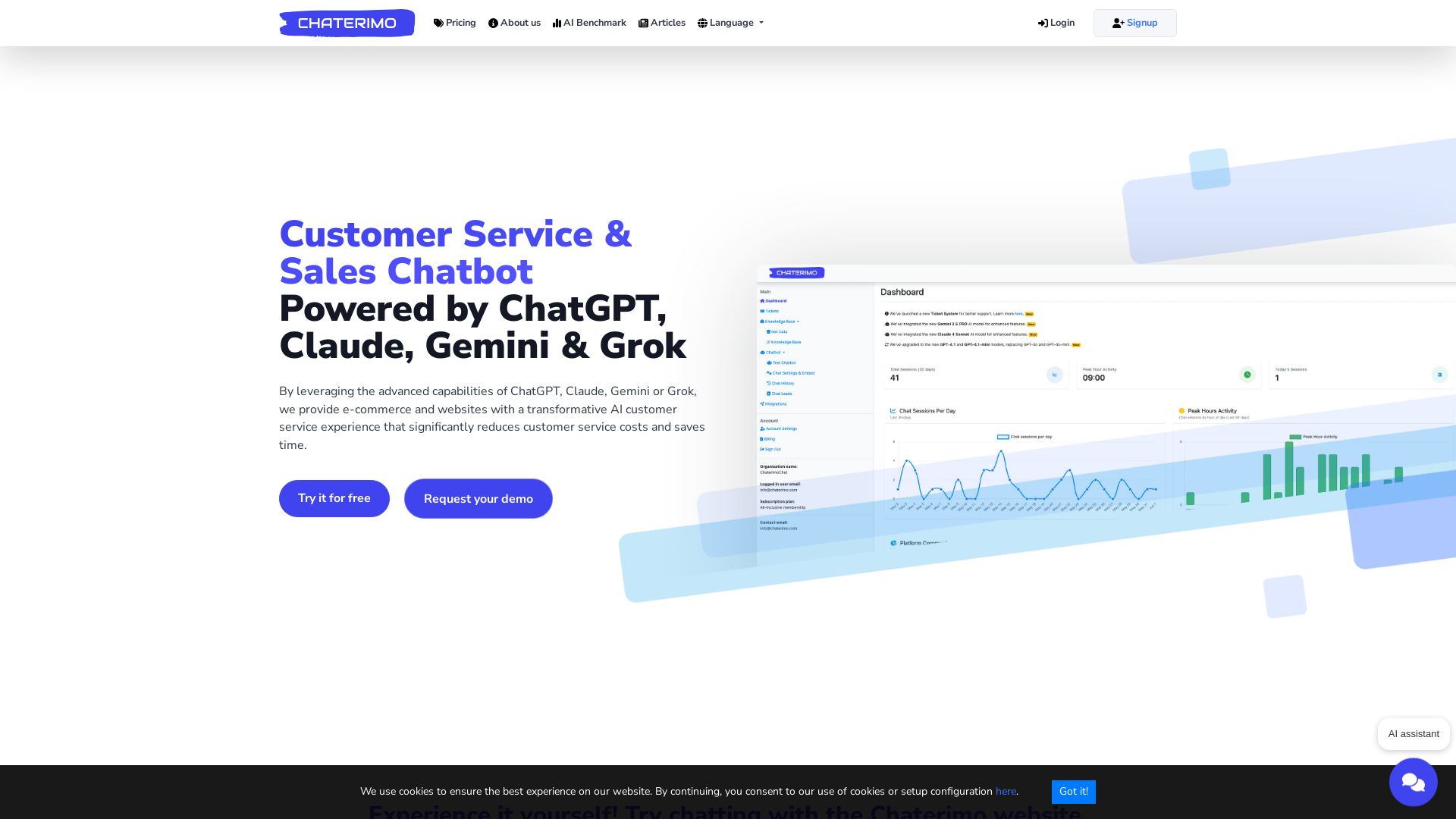
Chaterimo
Deploy AI chatbots using ChatGPT, Claude, Gemini, Grok in minutes. Save 70-90% with BYO API keys. Smart handoff, proactive sales, and e-commerce integration.

Rep AI
Boost conversion rates, reduce support tickets, and unify sales & support across all channels with the #1 commerce-trained AI agent.

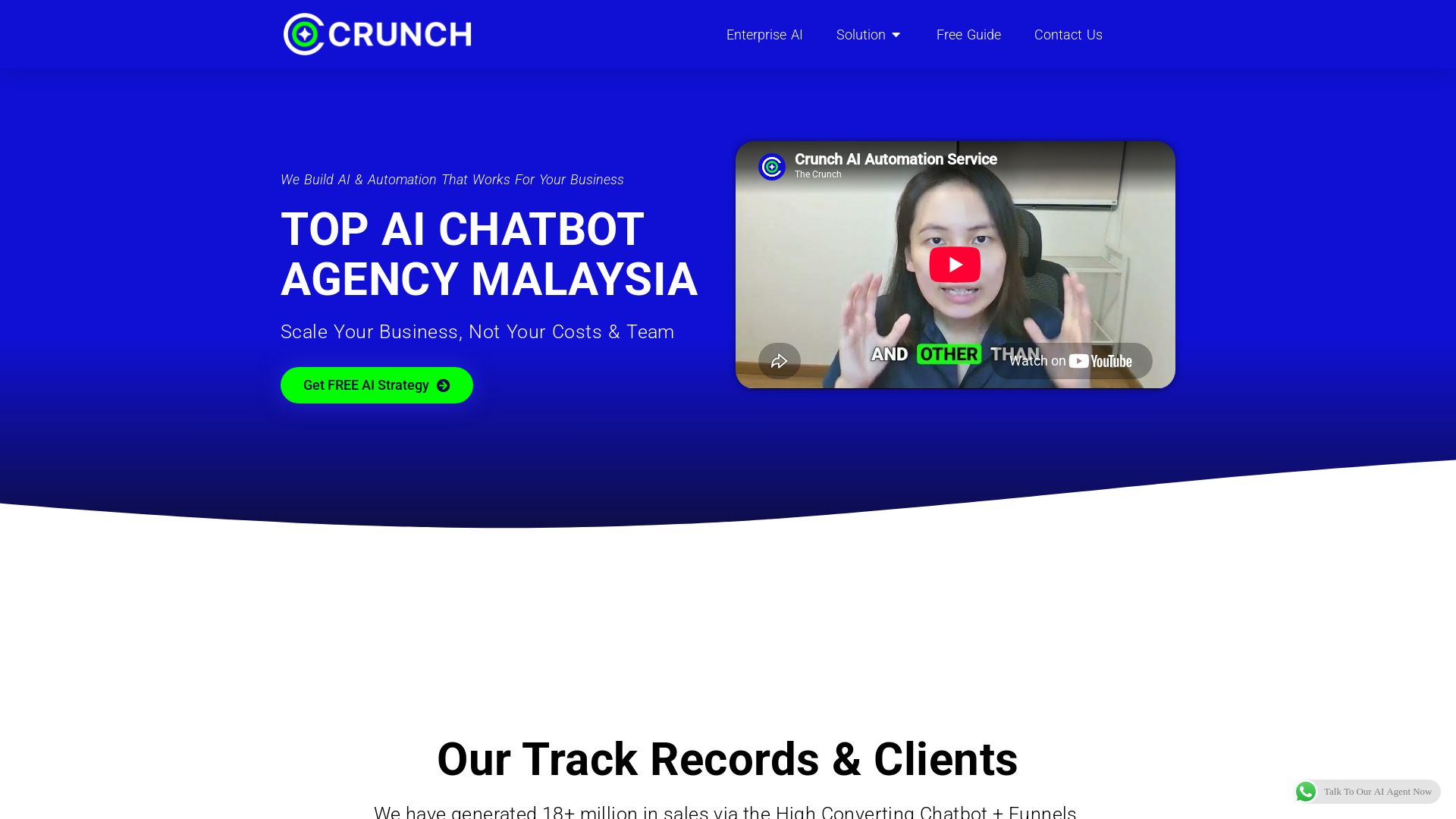
The Crunch
We build custom AI chatbots & agents for Malaysian businesses. Generate more sales, reduce costs, and automate 24/7. Get a free strategy session!

ℹ️ Curation Disclosure: The overview and features of DocsBot were synthesized using AI and fact-checked by our curation team to ensure accuracy.
