
Narakeet
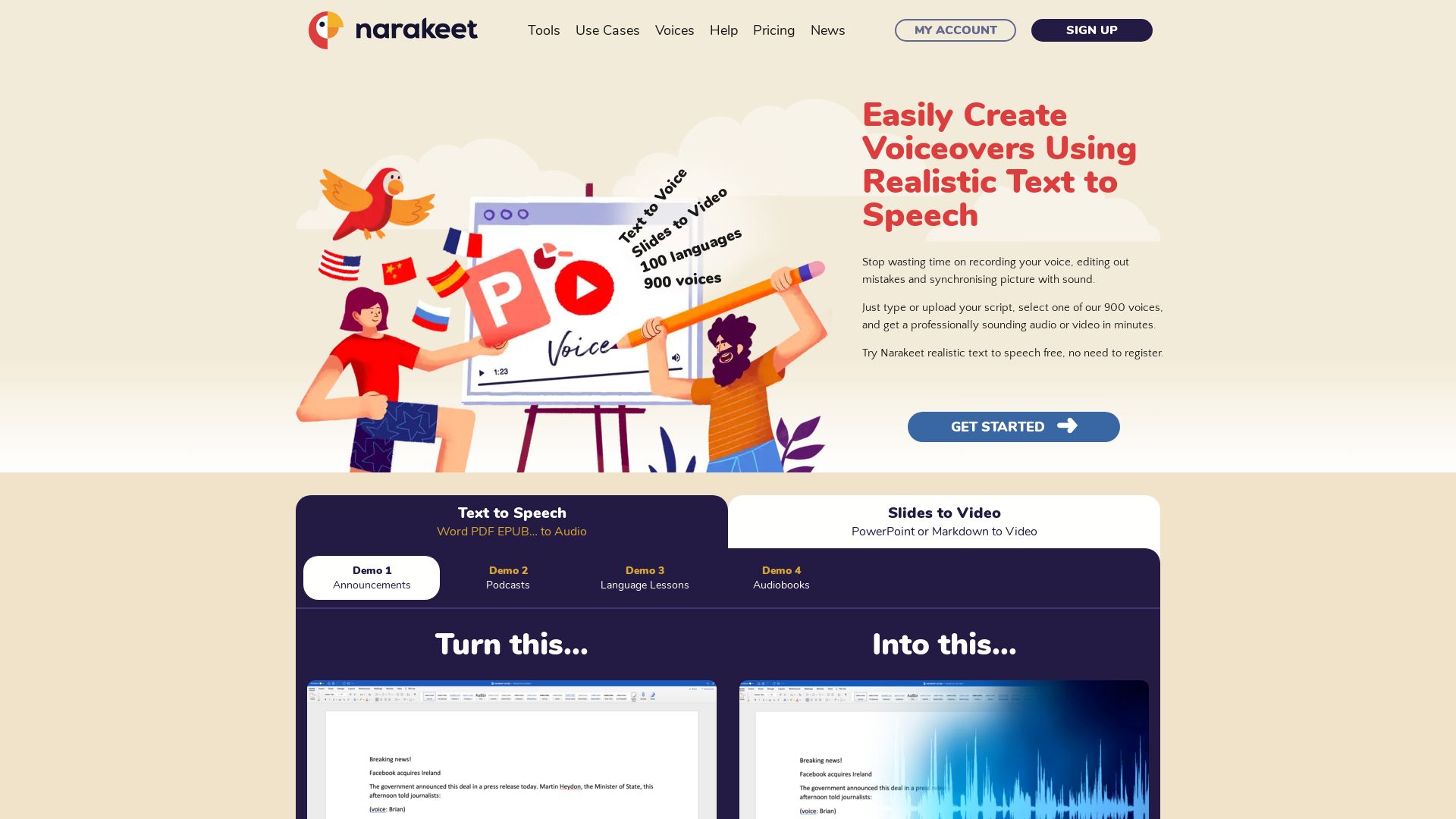
Convert text to speech in 100 languages with 900 voices. Create narrated videos from slides or scripts easily. Free to try.



Editor's Verdict
Key Takeaways
- Text to Speech
- Slides to Video
- Subtitle to Audio
- Video from Images & Audio
In-Depth Review: What is Narakeet?
Narakeet is a powerful text-to-speech and video creation platform that lets you produce professional voiceovers and narrated videos in minutes. With 900 realistic AI voices across 100 languages, you can convert Word documents, PDFs, subtitles, or scripts into audio and video content. Turn PowerPoint slides into engaging videos, add synchronized subtitles, and automate video production for marketing, training, or social media. No recording or editing hassle—just type or upload and get studio-quality results. Try it free without registration.
Core Features
Text to Speech
Convert text into realistic speech using 900 voices across 100 languages without manual recording.
Slides to Video
Turn PowerPoint or Markdown slides into narrated videos with automatic synchronization.
Subtitle to Audio
Upload SRT or WebVTT files to generate synchronized audio dubbing for multilingual content.
Video from Images & Audio
Create videos by combining scripts, images, screen recordings, and video clips using Markdown.
Automated Video Production
Generate multiple versions of videos in different languages or resolutions via API for CI/CD pipelines.
Pricing
30 Minutes
- Audio or video duration up to 30 minutes
- One-time payment
300 Minutes
- Audio or video duration up to 300 minutes
- One-time payment
1000 Minutes
- Audio or video duration up to 1000 minutes
- One-time payment
2500 Minutes
- Audio or video duration up to 2500 minutes
- One-time payment
10000 Minutes
- Audio or video duration up to 10000 minutes
- One-time payment
Pros and Cons
Pros
- Saves TimeEliminates manual recording, editing, and synchronization, reducing production time from hours to minutes.
- Easy to UseNon-techies can create professional voiceovers and videos by simply typing or uploading a script.
- Multilingual Support100 languages with 900 realistic voices enable global content creation without language barriers.
- Flexible Input FormatsSupports Word, PDF, EPUB, PowerPoint, Markdown, and subtitle files for diverse workflows.
- Automation CapabilitiesAPI and CLI allow integration into automated pipelines for batch video production.
Cons
- One-Time Payment ModelPlans are based on duration, which may be costly for frequent small projects compared to subscription models.
- Duration Estimation NeededUsers must estimate audio/video duration upfront to choose the right plan, which can be tricky.
- No Recurring SubscriptionLacks the flexibility of monthly subscriptions for users with variable usage patterns.
- Limited Free TierFree use is available but likely with restrictions, and no specific free plan details are provided.
- Internet DependentCloud-based tool requires stable internet connection for text-to-speech and video generation.
Use Cases & Recommended Professions
Content Creator / YouTuber→ View Toolkit
Create narrated videos, tutorials, and voiceovers quickly without expensive recording equipment.
Teacher / Educator→ View Toolkit
Produce multilingual lecture videos, audiobooks, and training materials for remote learning.
Marketer→ View Toolkit
Generate promotional videos, product demos, and social media content in multiple languages.
Developer→ View Toolkit
Automate video production in CI/CD pipelines using API to create documentation videos.
E-Learning Specialist→ View Toolkit
Localize e-learning courses by converting subtitles to synchronized audio dubbing.
Podcaster / Audiobook Narrator→ View Toolkit
Convert scripts into realistic audio files for podcasts or audiobooks without voice recording.
Frequently Asked Questions
Alternative AI Tools
View Detailed Comparison →
Marketing Mary
Unify research, creation, publishing & optimization with one AI Co-Pilot. Works in your existing stack. Join 500+ leaders on the waitlist.


Marketing Titan
Replace HubSpot, ZoomInfo, Hootsuite & Jasper with 180+ AI agents & Darwin AI. Save $50K+/yr. Start free trial.

Marketing Copilot
Boost AI visibility, engage buyers, and manage data with expert-led marketing. Trusted by tech companies. Claim your AI Visibility Assessment.


FounderPal
Trusted by 2250+ founders. Get a personal AI marketing assistant to define strategy, delegate tasks, boost conversions. Save 100+ hours/month. Try free.

JSON2Video
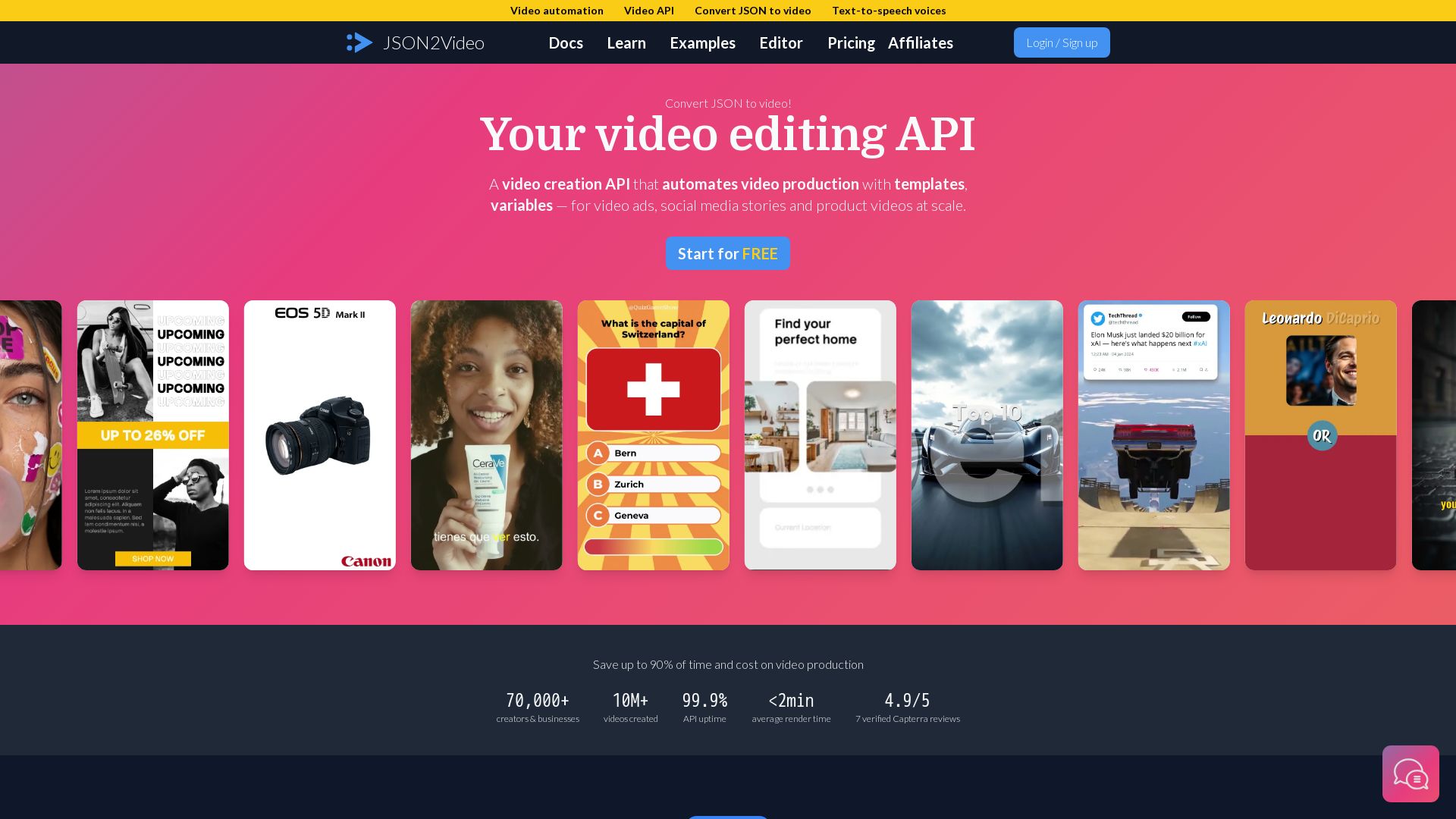
Create videos from JSON with our video editing API. Automate production, add voiceovers, captions & scale. Save 90% time & cost. Start free.

Sparkco
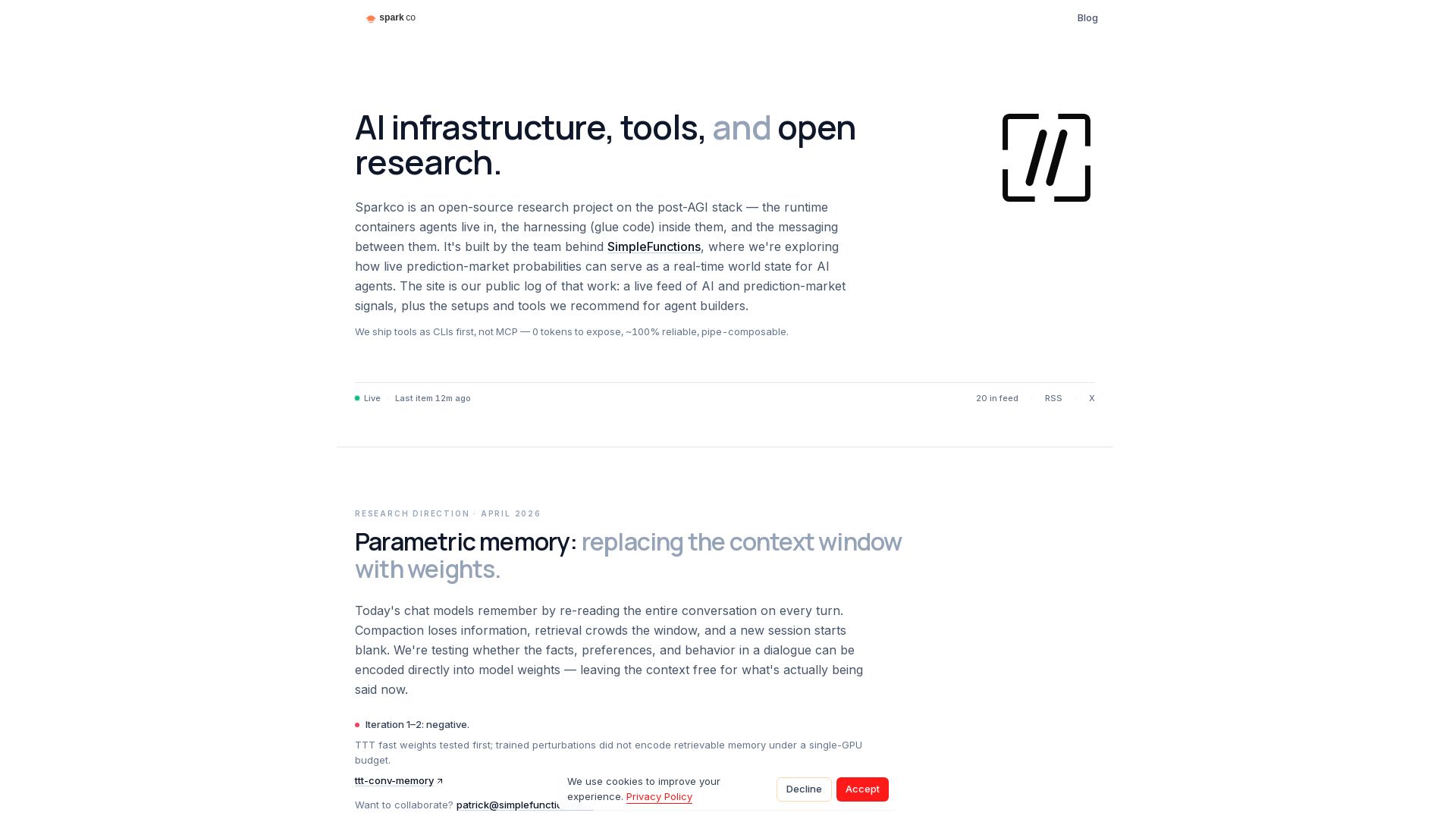
Open-source research on post-AGI stack, prediction market signals, and CLI-first tools for AI agents. Build smarter agents with Sparkco.

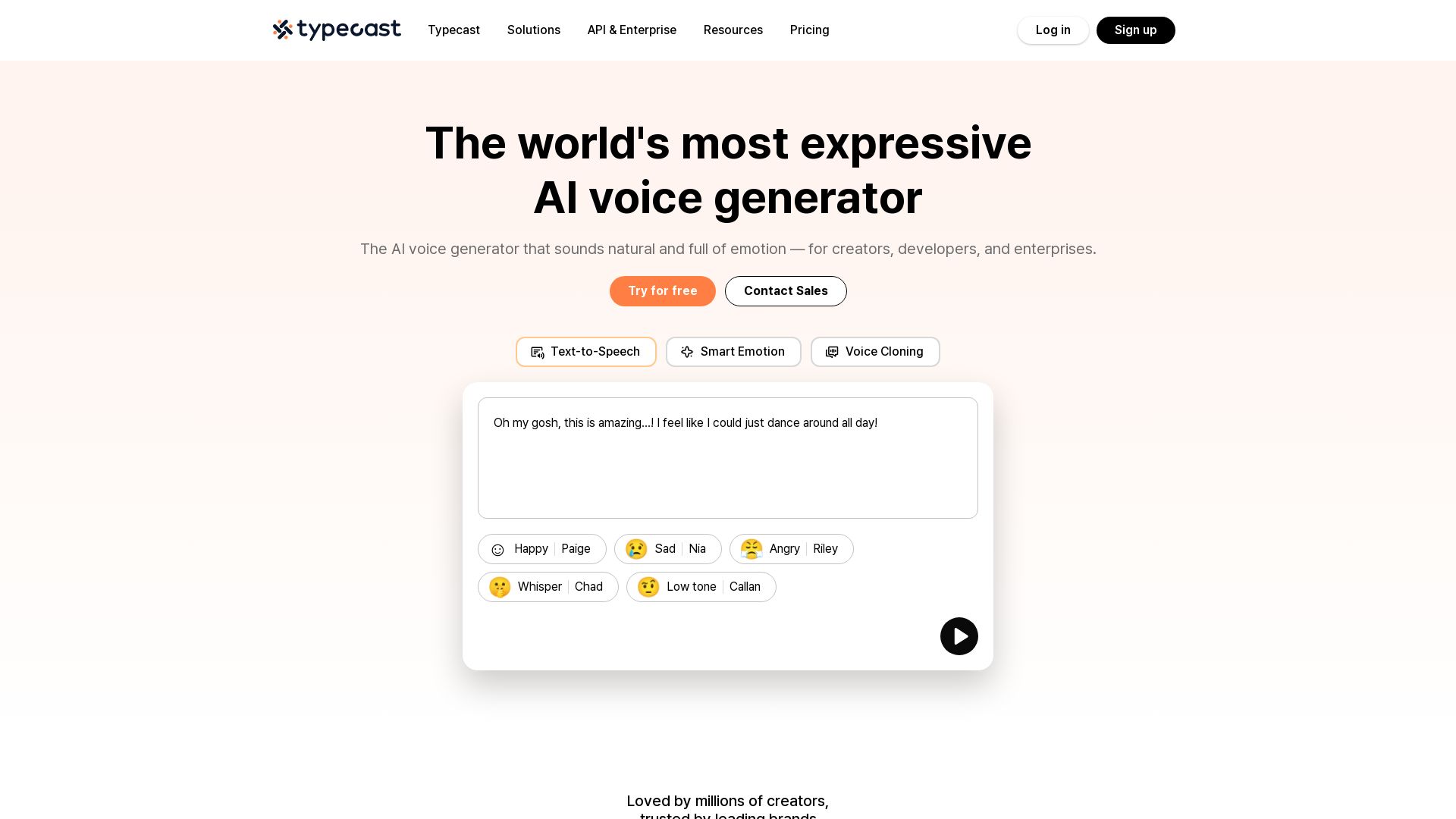
Typecast
Create natural, emotional AI voices with 700+ options. Text-to-speech, voice cloning, and API for any project. Loved by millions.


SlideSpeak
Turn PDFs, Word docs, and ideas into professional PowerPoint slides in minutes. AI-powered editor, video, and branding. Trusted by 1M+ users.

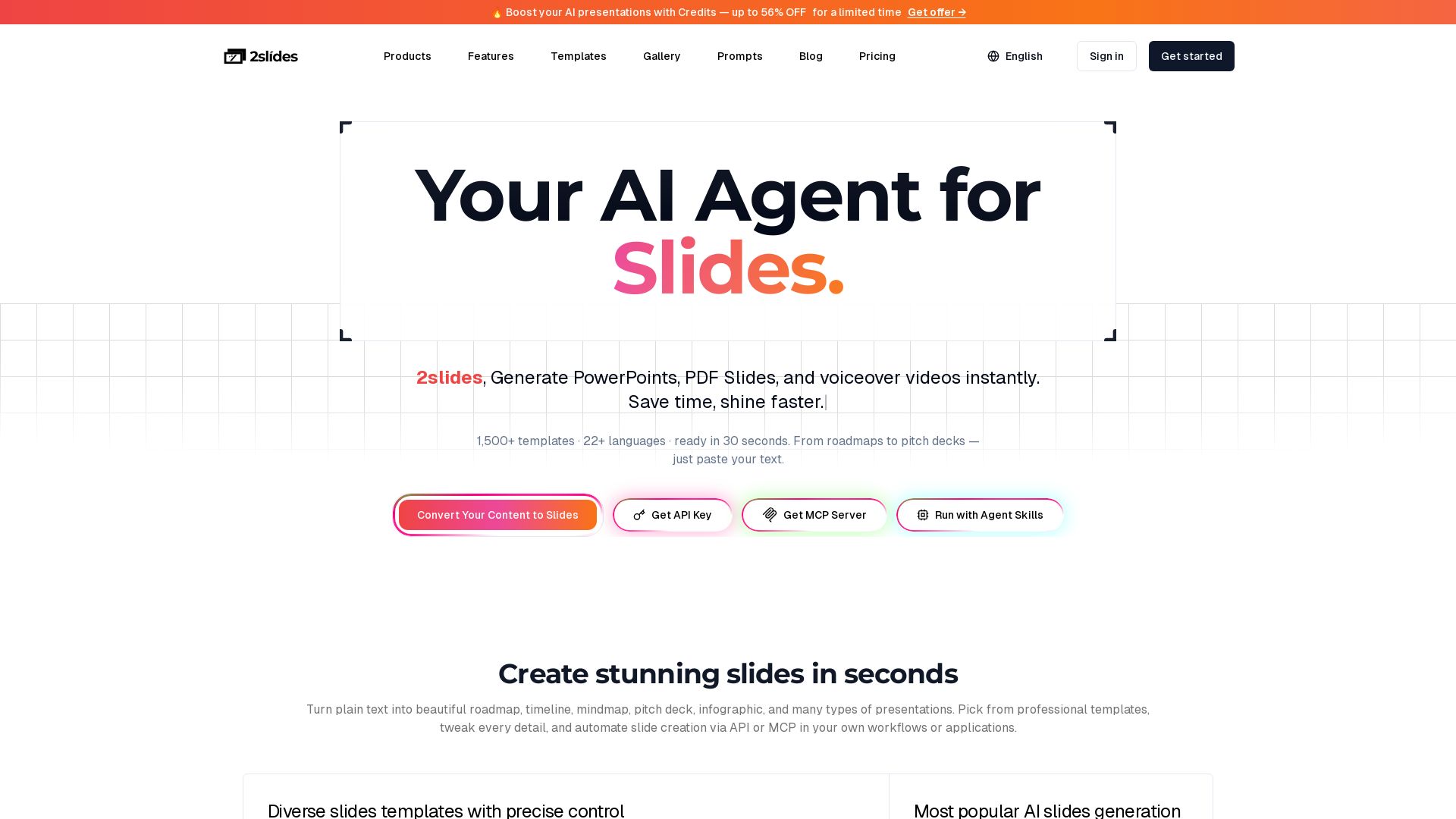
2slides
Turn text into stunning slides. 1500+ templates, 22 languages, 30 seconds. API & MCP for automation. Try free.

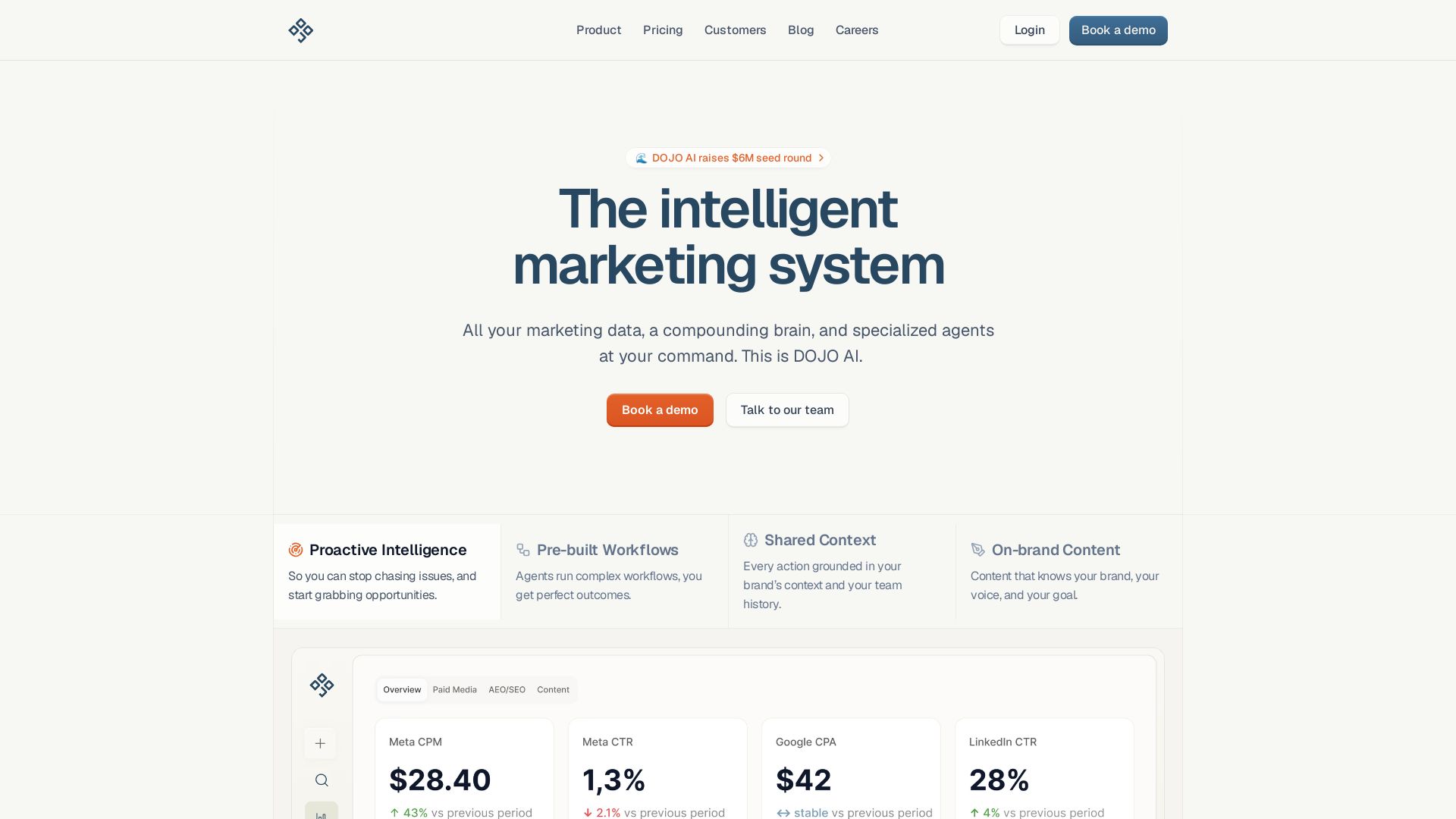
DOJO AI
All your marketing data, a compounding brain, and specialized agents at your command. Reduce CPA, boost efficiency. Book a demo.


SlidesAI
Create beautiful presentations from notes, prompts, or docs with SlidesAI. Works in Google Slides, PowerPoint, ChatGPT & web. Save 85% time.

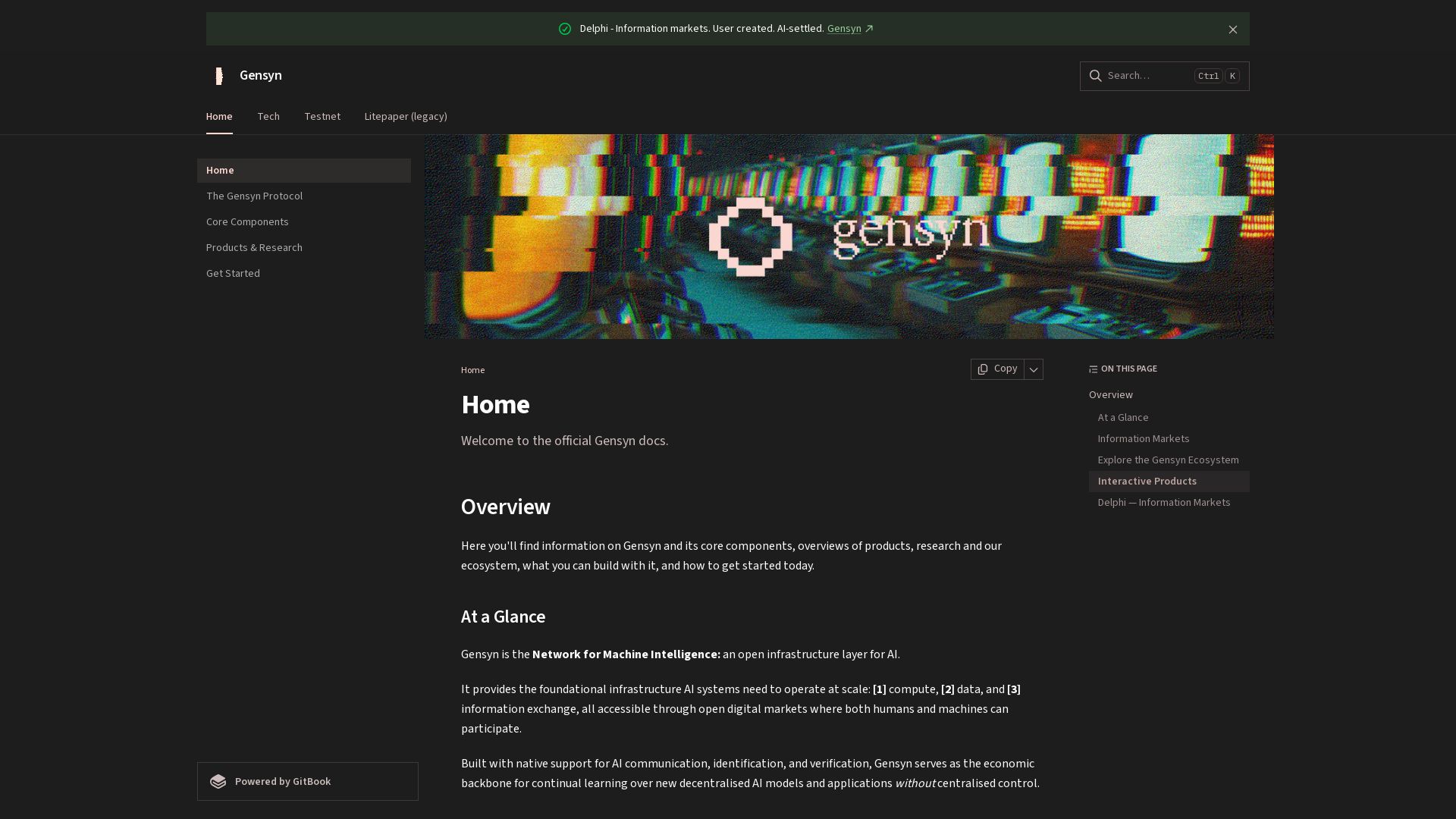
Gensyn
Decentralized infrastructure for AI compute, data, and information markets. Deploy autonomous markets, trade signals, and scale machine intelligence.

ℹ️ Curation Disclosure: The overview and features of Narakeet were synthesized using AI and fact-checked by our curation team to ensure accuracy.