
Lifestack
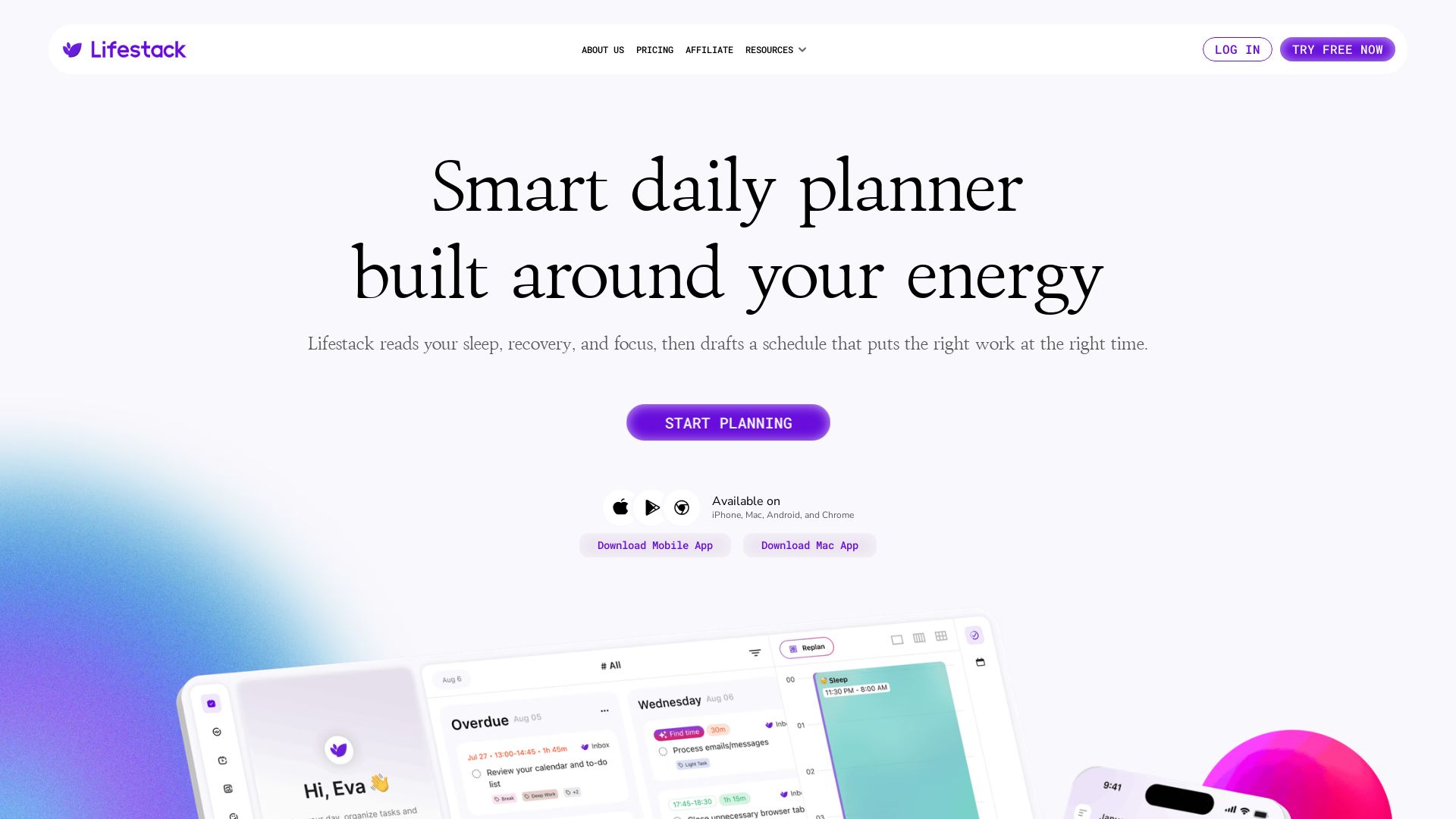
Lifestack reads your sleep, recovery, and focus to schedule tasks at your peak energy. Syncs with wearables, plans meals & sleep. Try free.

Editor's Verdict
Key Takeaways
- Energy-based daily planning
- Energy Zones
- Meals and Sleep planning
- Wearable Insights integration
In-Depth Review: What is Lifestack?
Lifestack is a smart daily planner that uses AI and your wearable data to build a schedule around your body's natural energy rhythms. By analyzing sleep, recovery, and focus levels, it aligns important work with peak performance times, plans meals and rest, and integrates seamlessly with your calendar. Loved by over 30,000 users, Lifestack keeps your health data private and secure, helping you stop overriding your body and start achieving more with less effort.
Core Features
Energy-based daily planning
Lifestack reads your sleep, recovery, and focus to schedule the right work at the right time, aligning important tasks with peak energy levels.
Energy Zones
Automatically align important work with your peak energy for maximum productivity, reducing wasted focus.
Meals and Sleep planning
AI maps meals and rest around your daily demands, ensuring balanced energy throughout the day.
Wearable Insights integration
See your health data in context integrated directly with your calendar and plans, providing a holistic view of your body and schedule.
24/7 Copilot (Chat with Lifestack)
An AI assistant for daily decisions, always in context and adaptive, helping you manage your schedule and energy on the fly.
Privacy First
Your health and calendar data stays private, never sold or shared, with security standards trusted by professionals.
Secure by Design
Built with enterprise-grade security to protect your information.
Cross-platform availability
Available on iPhone, Mac, Android, and Chrome, with mobile and desktop apps for seamless access.
Pros and Cons
Pros
- Boosts ProductivityBy scheduling tasks based on energy levels, users report significant improvements in effectiveness and satisfaction.
- Holistic PlanningIntegrates sleep, meals, and health data into calendar planning, leading to better work-life balance.
- User-FriendlyEasy to use with a clean interface and helpful AI copilot for daily decisions.
- Privacy FocusedStrong emphasis on data privacy and security, giving users peace of mind.
- Cross-Platform SyncWorks across iPhone, Mac, Android, and Chrome, ensuring access anywhere.
Cons
- Wearable Dependency for Full FeaturesOptimal insights may require a wearable device, which is an additional cost.
- Learning CurveNew users may need time to understand energy zone concepts and adapt to AI planning.
- Limited Integration DetailsExact third-party app integration (e.g., Trello) may be limited; not all task managers are supported.
- Free Tier LimitationsWhile a free trial is available, full functionality may require a paid subscription.
- Requires Consistent Data InputTo maintain accurate energy tracking, users must consistently sync wearable data or manually input habits.
Use Cases & Recommended Professions
Productivity Consultant→ View Toolkit
Helps optimize daily schedules for clients, focusing on peak performance periods.
Software Engineer→ View Toolkit
Needs to align deep focus work with energy peaks to write high-quality code efficiently.
Freelancer/Remote Worker→ View Toolkit
Manages multiple projects and needs to balance energy across tasks without burnout.
Executive/Manager→ View Toolkit
Requires optimal meeting scheduling and task prioritization based on mental and physical energy.
Student→ View Toolkit
Balances study, classes, and personal life; energy-aware scheduling improves academic performance.
Health-Conscious Professional→ View Toolkit
Wants to integrate wellness tracking into daily planning for better overall health and productivity.
Frequently Asked Questions
Alternative AI Tools
View Detailed Comparison →
Figr
Ship better UX faster. Figr builds a living understanding of your product, maps flows, finds edge cases, and generates high-fidelity prototypes from your actual design system.

KANINI
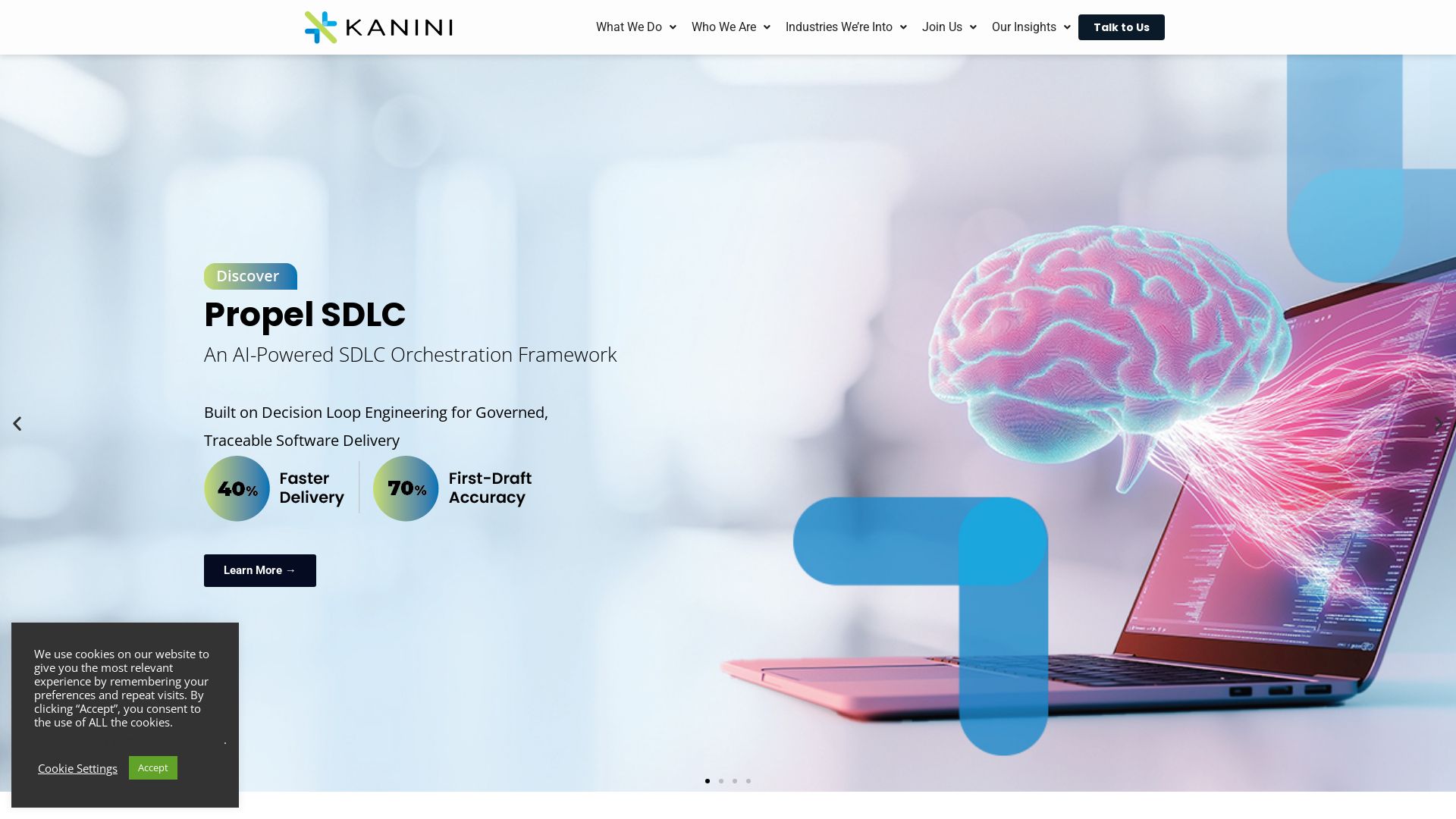
Unlock business value with AI-driven SDLC orchestration, connected care, and cloud solutions. Agile, scalable, and industry-focused digital engineering.

HelloAI
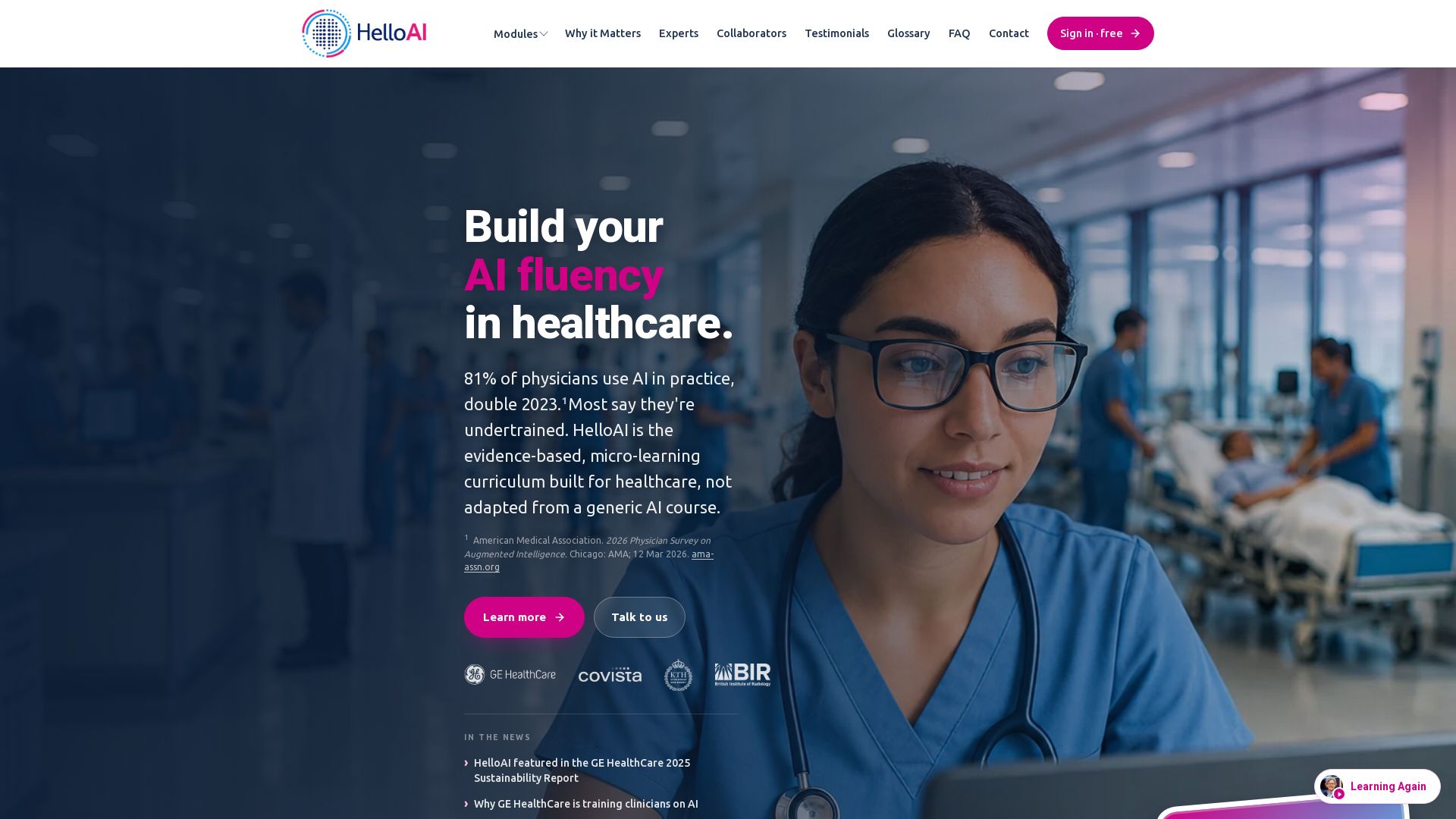
Evidence-based AI education for healthcare professionals. 20+ hours of micro-learning, real-world cases, and expert guidance. Start free.


ProductCrafters
Get a free 2-week trial sprint for your AI product. Working prototype in 30 days, production-ready in 90. No contract, no credit card. Test your dev team risk-free.

Dotzlaw Consulting
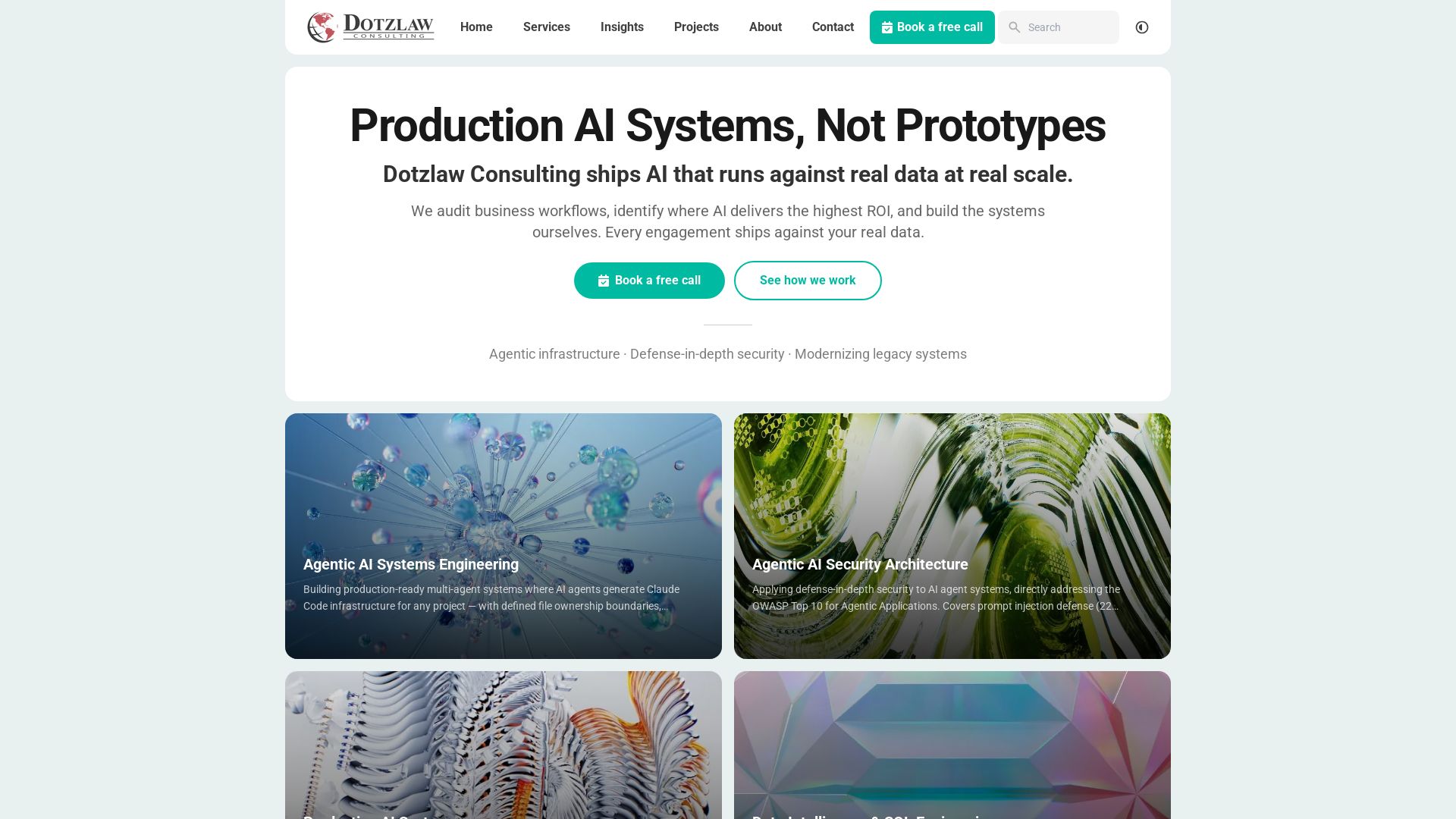
We build production-ready AI systems, multi-agent workflows, and secure architectures. Real data, real scale. Expert SQL & data intelligence.



SKULaunch
Automate supplier data onboarding, AI extracts attributes, enrich product catalogs, and publish ready data. From messy files to filterable search.

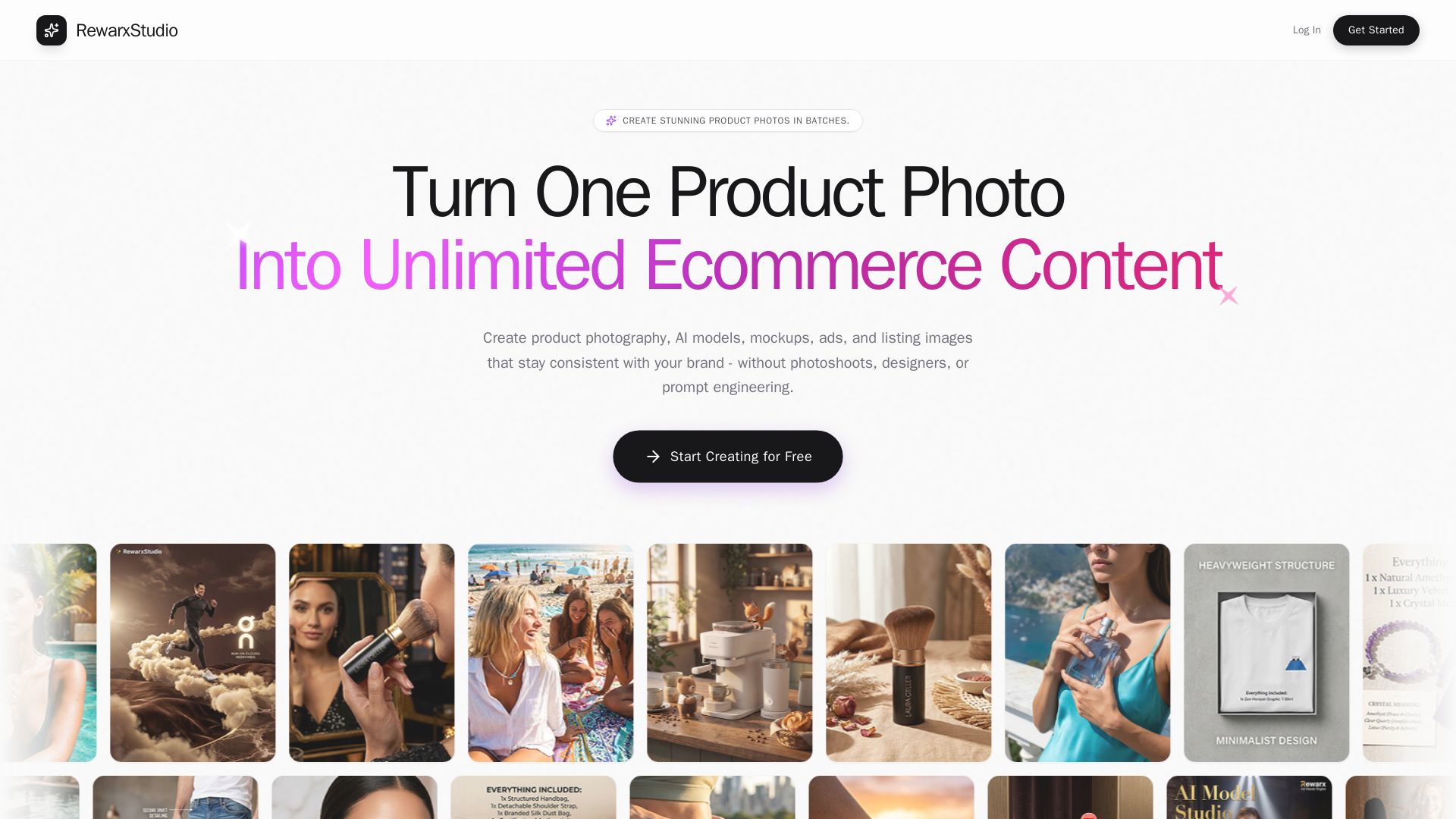
Rewarx Studio
Create professional product photos, AI models, and mockups in batches. Save 90% on content costs. Trusted by 5M+ sellers.

Hypotenuse AI
Enhance product data, generate SEO-optimized descriptions, and perfect images with AI. Trusted by global brands. Try free.

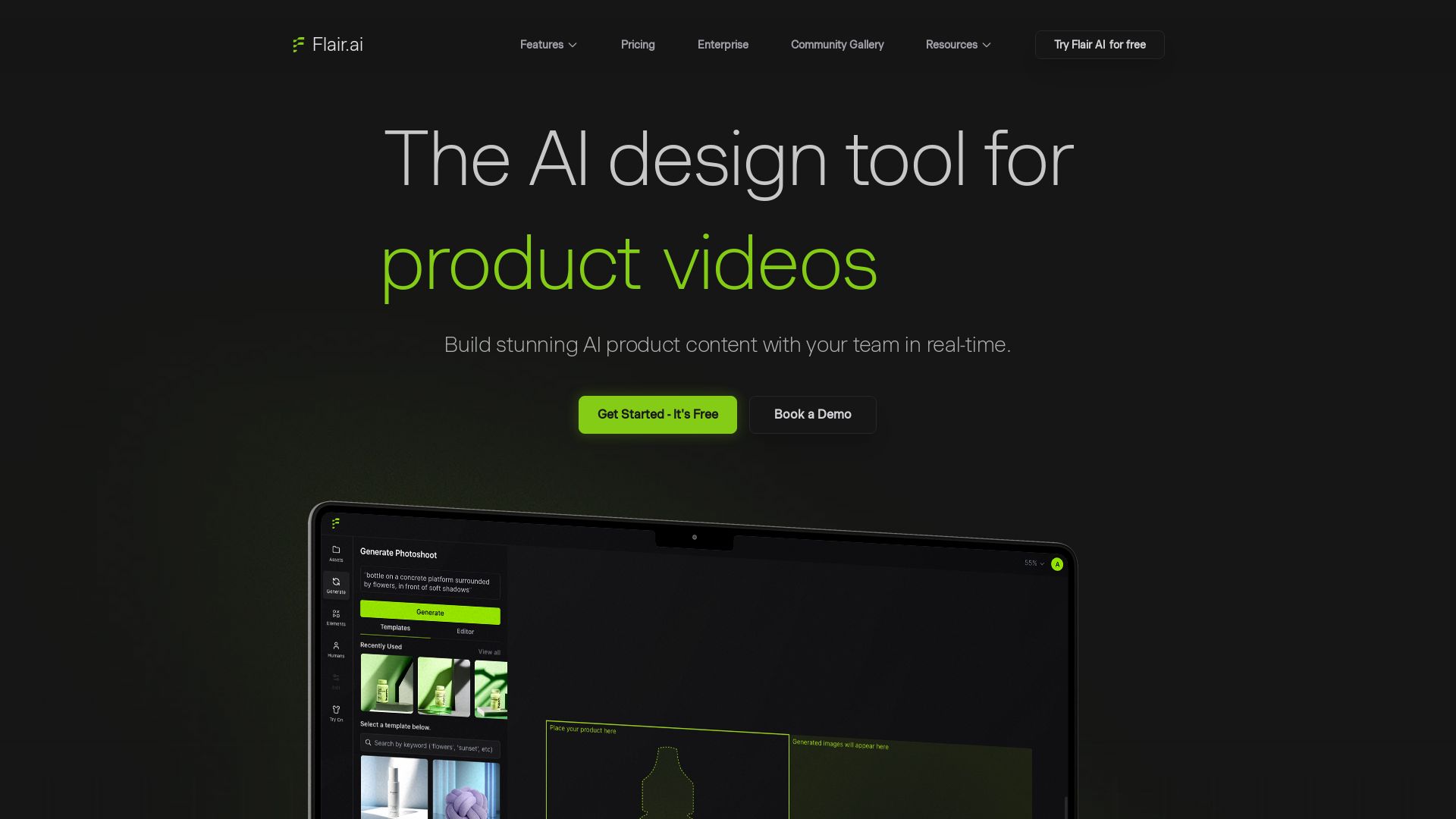
Flair.ai
Create stunning AI product content with on-model photography, videos, ads, and 3D scenes. Used by brands of all sizes. Get started free!

PerfectionGeeks Technologies
Trusted by IBM, ICICI & 150+ clients. Build mobile apps, web platforms, AI products & custom software. Serving USA, UK, Singapore, Netherlands.
AI App Development Cost in 2026 | Pricing Breakdown and Key Factors
Build AI-powered digital products from idea to scale. 10+ years, 700+ products. Strategy, design, engineering, AI integration. Book free strategy call.

ℹ️ Curation Disclosure: The overview and features of Lifestack were synthesized using AI and fact-checked by our curation team to ensure accuracy.