
Kerlig
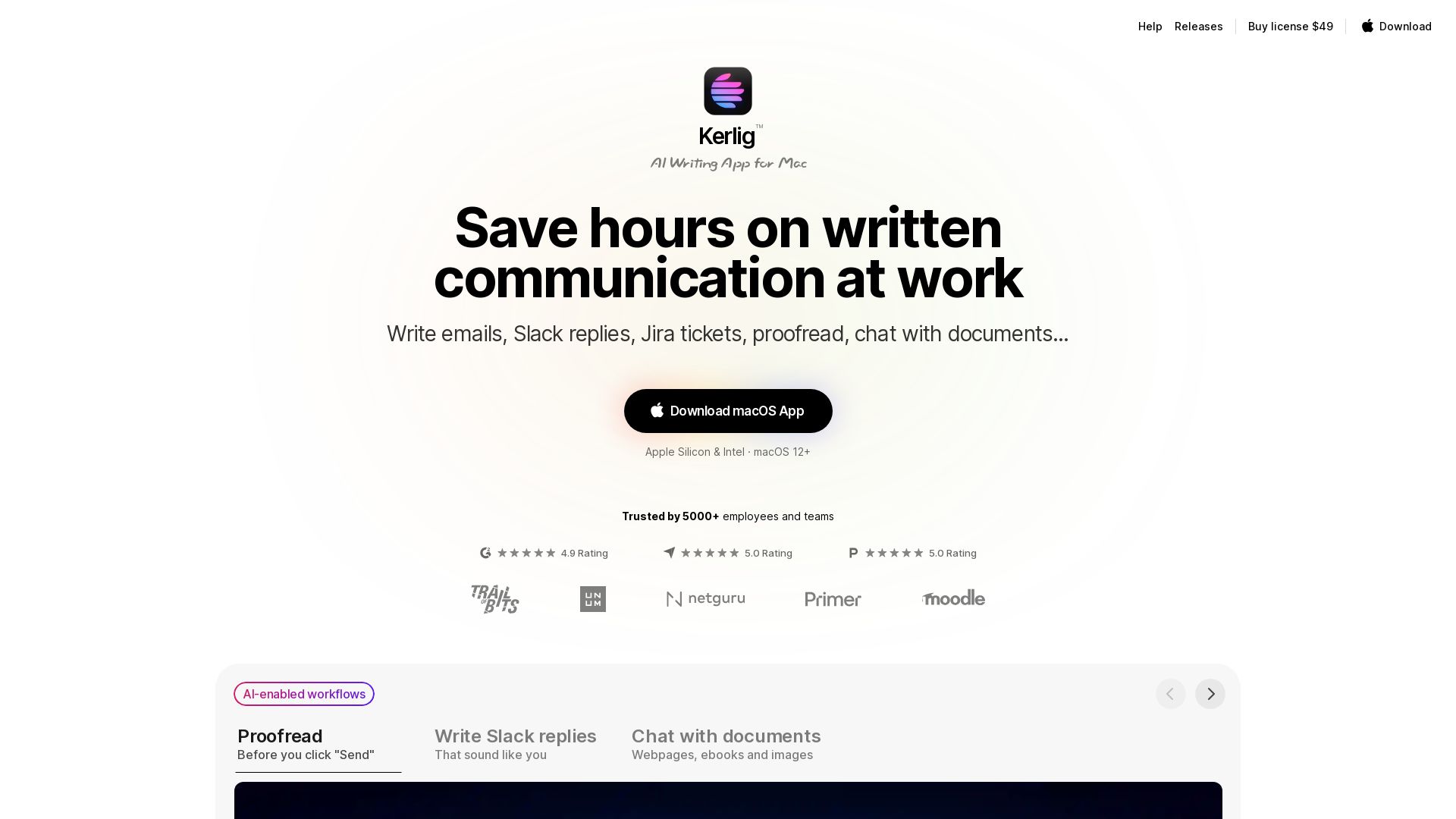
Boost productivity with Kerlig: AI-powered writing assistant for Mac. Write emails, Slack replies, proofread, chat with documents. One-time payment, 350+ models.
Editor's Verdict
Key Takeaways
- Proofread
- AI Workflows
- Chat with Documents
- Personalization
In-Depth Review: What is Kerlig?
Kerlig is a native macOS app that integrates AI seamlessly into your workflow. Use it to draft replies, fix grammar, summarize documents, and more—all without switching apps. Supports over 350 AI models, custom actions, and deep research. No subscription, just a one-time purchase with lifetime updates.
Core Features
Proofread
Fix spelling and grammar errors before sending messages, with a single hotkey.
AI Workflows
Automate writing tasks like drafting replies, summarizing, and improving text across apps.
Chat with Documents
Analyze, summarize, and chat with webpages, ebooks, images, and other documents.
Personalization
Tailor writing style and tone using custom actions and presets for different situations.
350+ AI Models
Access models from OpenAI, Anthropic, Google, Groq, OpenRouter, and local models via Ollama/LM Studio.
Deep Research
Use reasoning models for multi-step research leveraging online data.
Integrations
Connect with preferred AI providers using API keys and run actions in any macOS app.
Privacy
Messages sent directly to AI providers, then stored and encrypted on your Mac.
Shortcuts & Hotkeys
Perform actions faster with global hotkeys and keyboard shortcuts.
Team Deployment
Remote deployment for teams via CLI commands.
Pricing
Basic License
- 1 Mac (1 seat)
- Lifetime 1 year app updates
- Vision, Attachments, Presets
- Use your tone of voice
- 350+ models: OpenAI, Anthropic, Google, Groq, OpenRouter with your own API key
- Apple Foundation Models, Ollama, LM Studio
- 48h email support
Pro License
- 2 Macs (2 seats)
- Lifetime 1 year app updates
- Vision, Attachments, Presets
- Use your tone of voice
- 350+ models with your own API key
- Apple Foundation Models, Ollama, LM Studio
- 24h email support
Team License
- 10 Macs (10 seats)
- Vision, Attachments, Presets
- Use your tone of voice
- 350+ models with your own API key, plus Apple Foundation Models, Ollama, LM Studio
- Remote team deployment using CLI commands
- One year of app updates
- Priority Zoom & email support
Pros and Cons
Pros
- Seamless macOS IntegrationWorks natively in any app without switching context, saving time and effort.
- Wide Model SupportAccess over 350 AI models including local ones, giving flexibility and choice.
- One-Time PaymentNo subscription; pay once and only for token usage, reducing ongoing costs.
- Customizable WorkflowsCreate custom actions and presets to match personal or team writing styles.
- Privacy-FocusedData sent directly to AI providers and encrypted locally on your Mac.
Cons
- macOS OnlyCurrently available only for macOS, limiting cross-platform users.
- Requires API KeysMost features require setting up API keys from AI providers, which may be complex for some.
- Token Costs Not IncludedUsers pay for AI usage (tokens) separately; ongoing costs depend on usage.
- Limited Updates After One YearLifetime license includes only one year of app updates; newer features may require upgrade.
- No Free TierNo free version available; only paid licenses with a 14-day refund policy.
Use Cases & Recommended Professions
Product Designer→ View Toolkit
Quickly draft emails, Slack messages, and feedback, and proofread in design tools without switching apps.
Software Engineer→ View Toolkit
Generate code snippets, convert types, summarize documentation, and chat with codebases using AI.
Business Owner→ View Toolkit
Handle client communication efficiently, fix grammar, and brainstorm ideas using various AI models.
Writer/Editor→ View Toolkit
Proofread, rephrase, summarize, and generate content across different tones and platforms.
PhD Student→ View Toolkit
Analyze academic papers, summarize research, and improve writing for theses and publications.
Customer Support Agent→ View Toolkit
Draft replies, fix spelling, shorten or expand messages, and ensure consistent tone in customer interactions.
Frequently Asked Questions
Alternative AI Tools
View Detailed Comparison →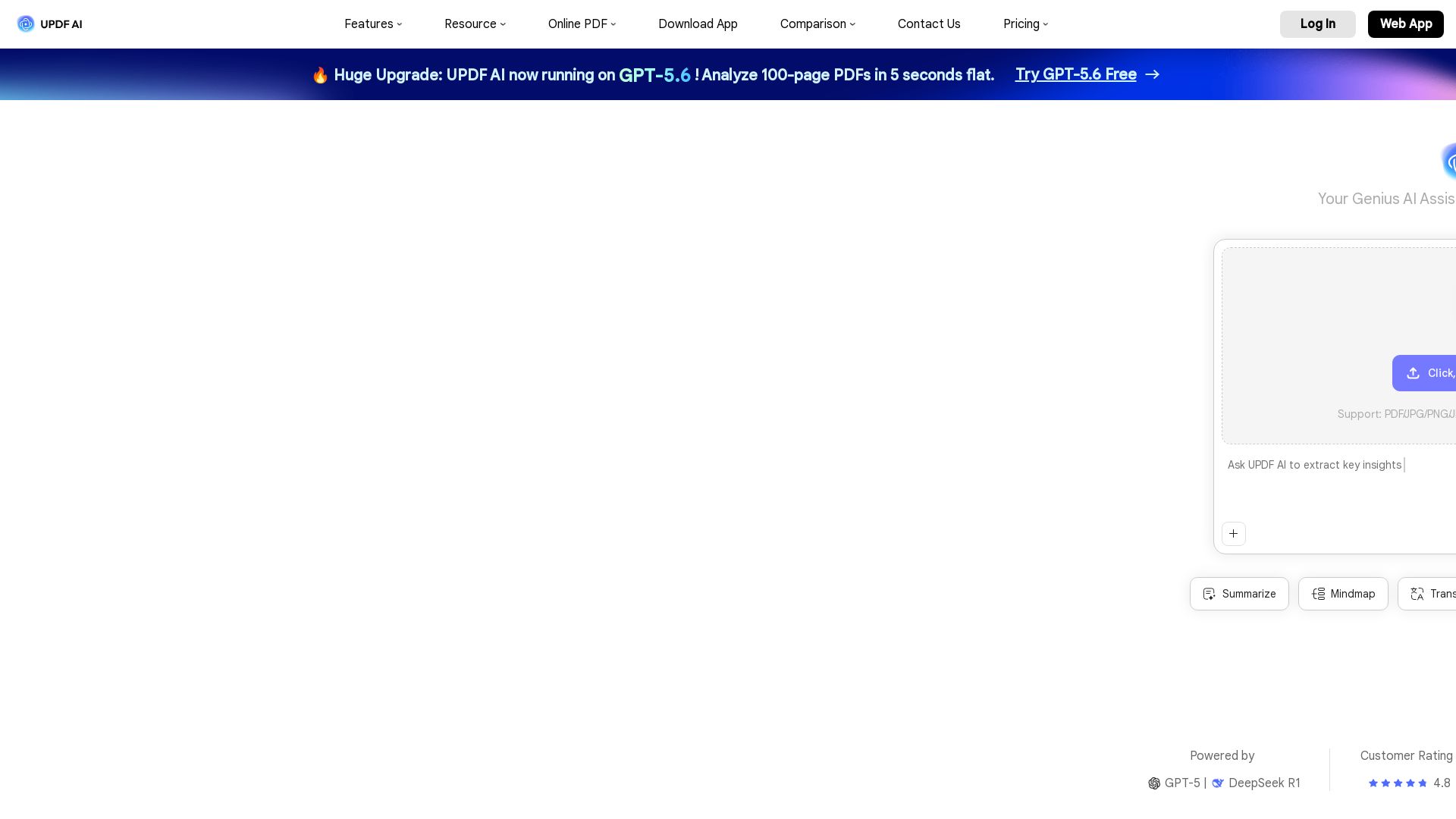
UPDF AI
Boost productivity with UPDF AI. Chat, summarize, translate PDFs, and create mind maps. Powered by GPT-5 & DeepSeek R1. Try free!

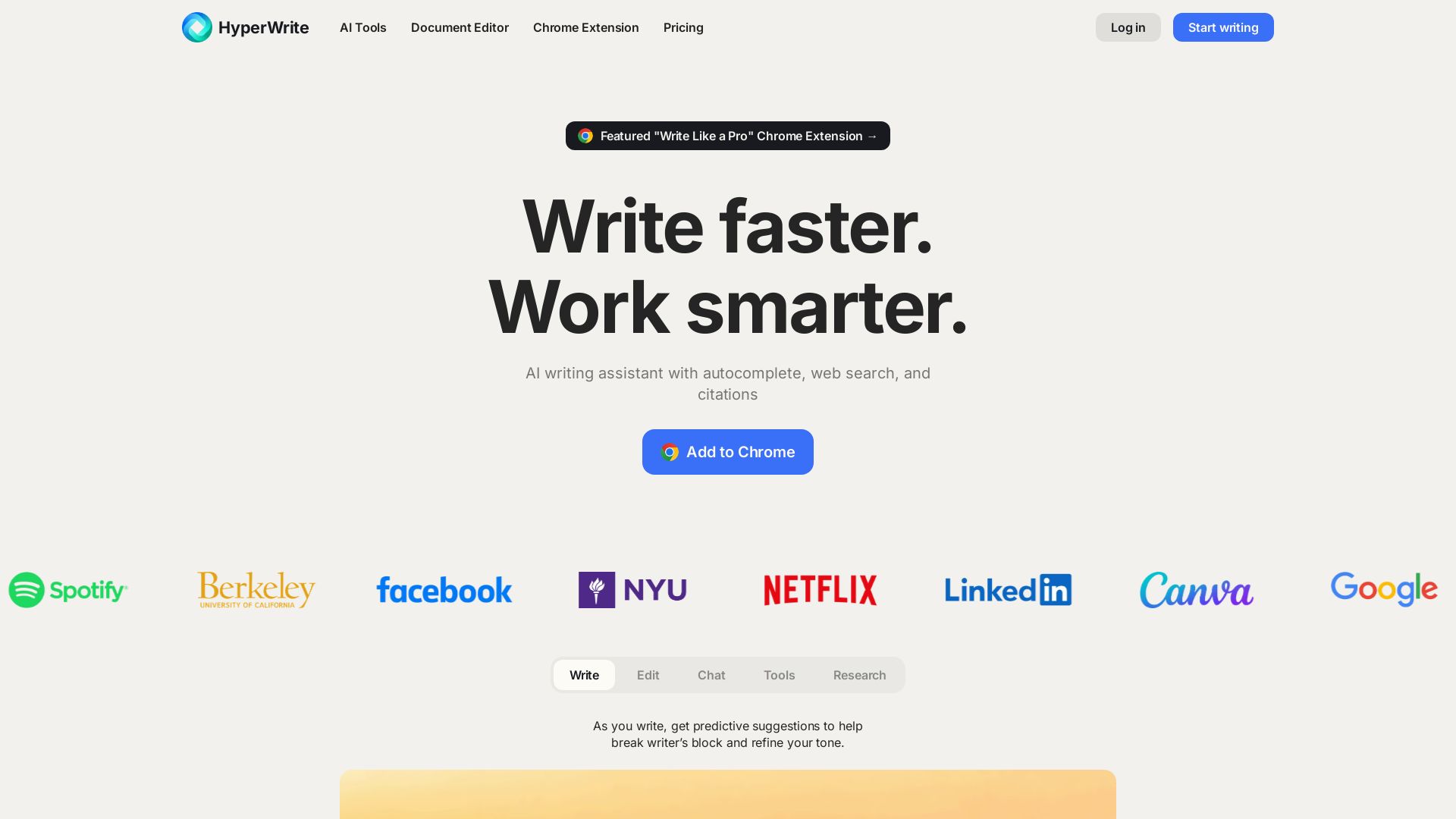
HyperWrite
Write faster, smarter with HyperWrite's AI. Get predictive suggestions, citations, and hundreds of writing tools. Free Chrome extension available.


HIX AI
HIX AI is an AI agent workspace that lets you research, create slides, videos, images, and more with one tool. Boost productivity with deep research and automated content creation.


Figr
Ship better UX faster. Figr builds a living understanding of your product, maps flows, finds edge cases, and generates high-fidelity prototypes from your actual design system.

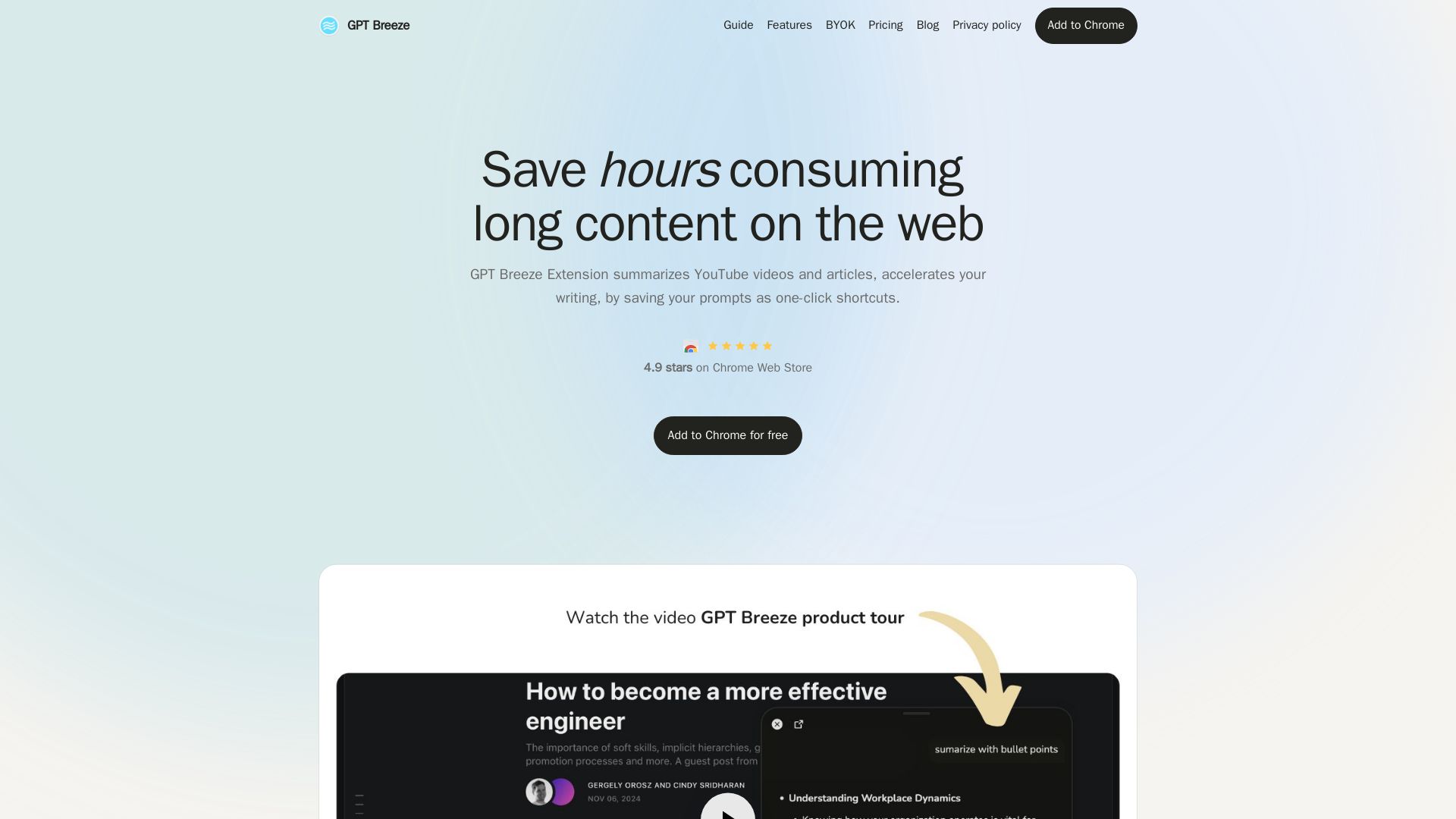
GPT Breeze
Summarize YouTube videos, articles, and chat with AI on any page. Use your own API key or free model. One-click shortcuts for writing, translation, and more.


Cassandra Research
Australia's leading AI-powered tax and legal research platform. Instant analysis of ITAA 1997, ATO rulings, and case law for professionals.

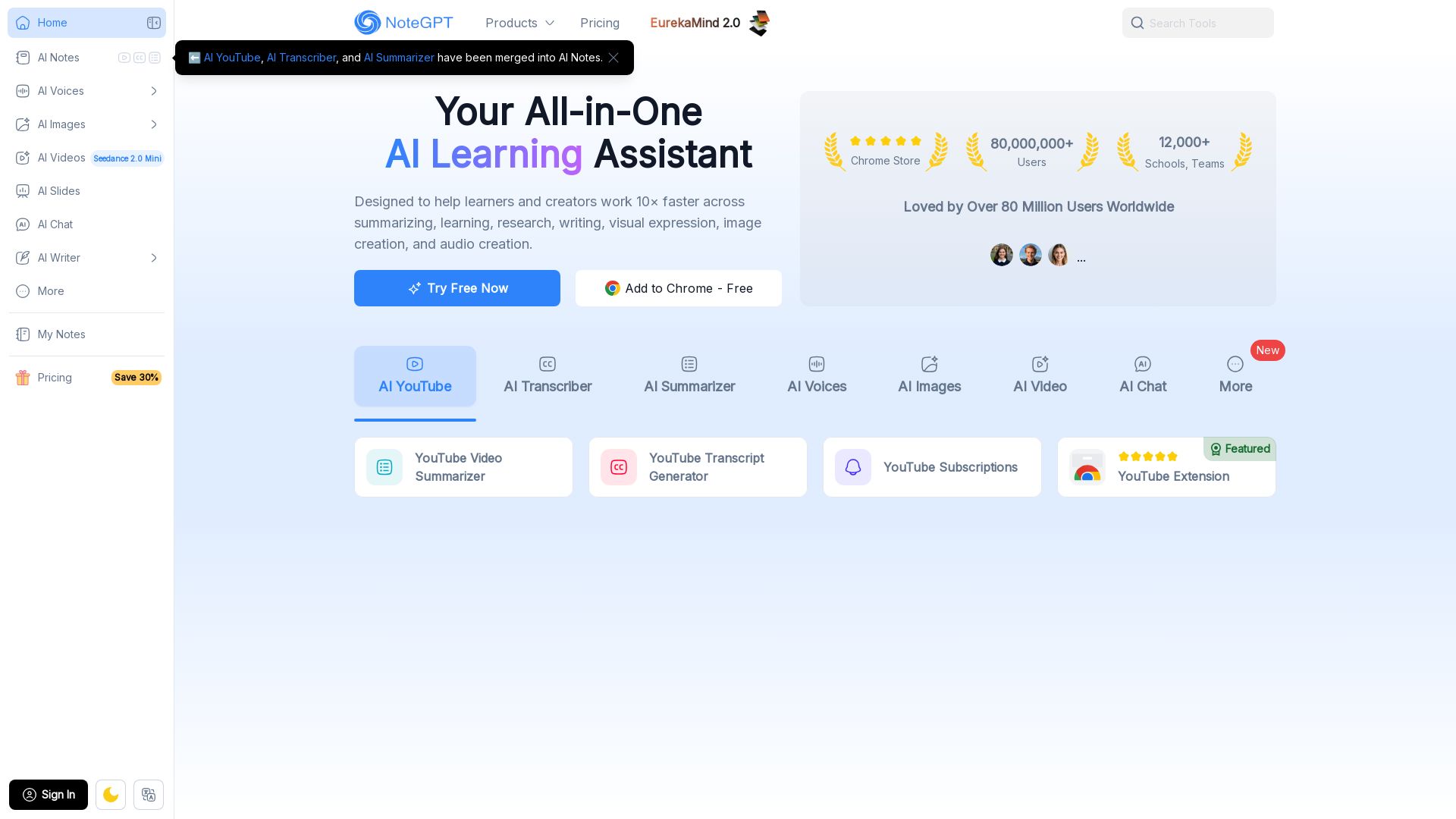
NoteGPT
Supercharge your learning with NoteGPT. Summarize videos, transcribe audio, generate images, voices, and slides. Used by 80M+ users. Try free.

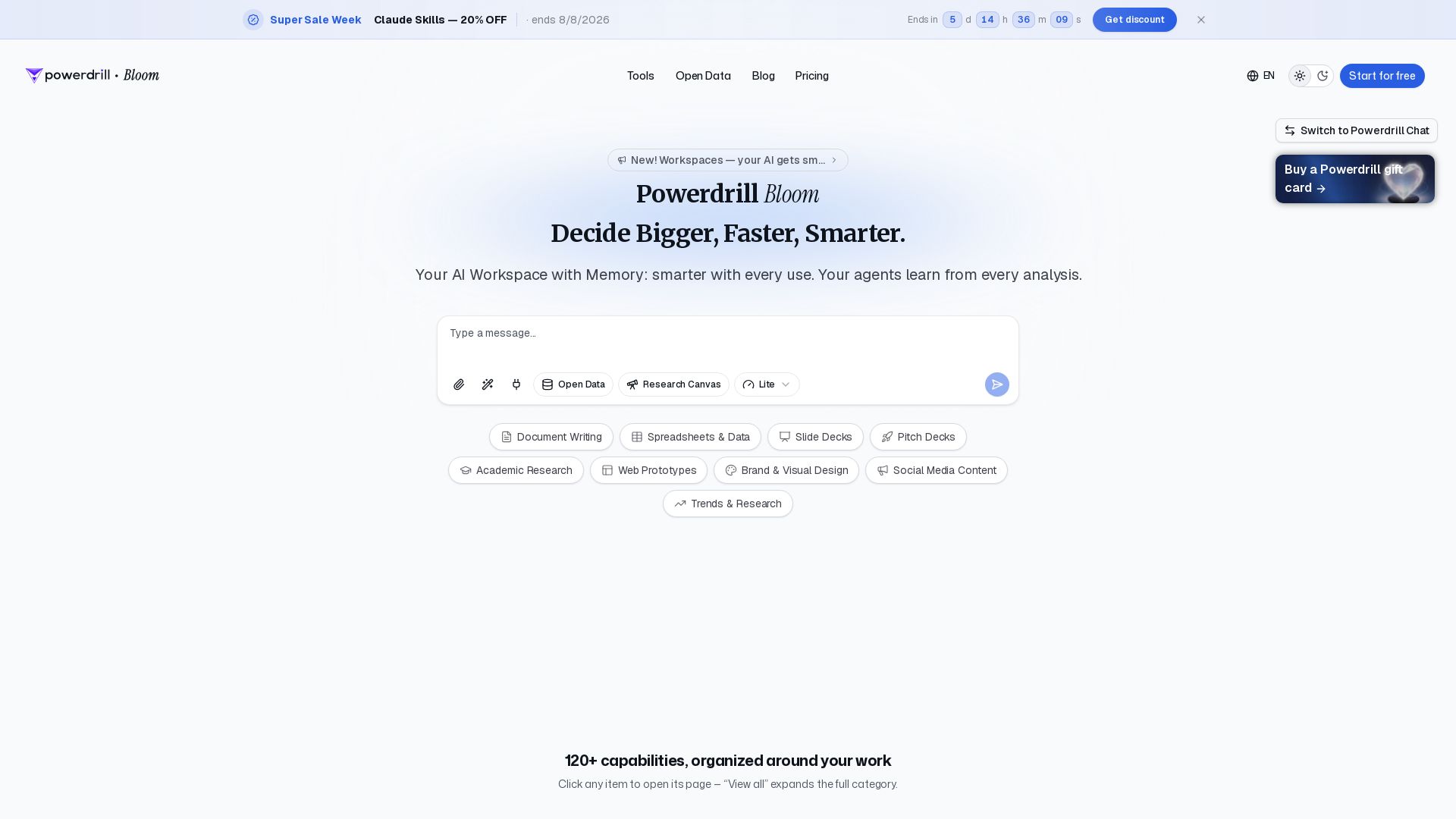
Powerdrill Bloom
Powerdrill Bloom: AI workspace with memory for data analysis, docs, research & more. Smarter with every use. Start free.

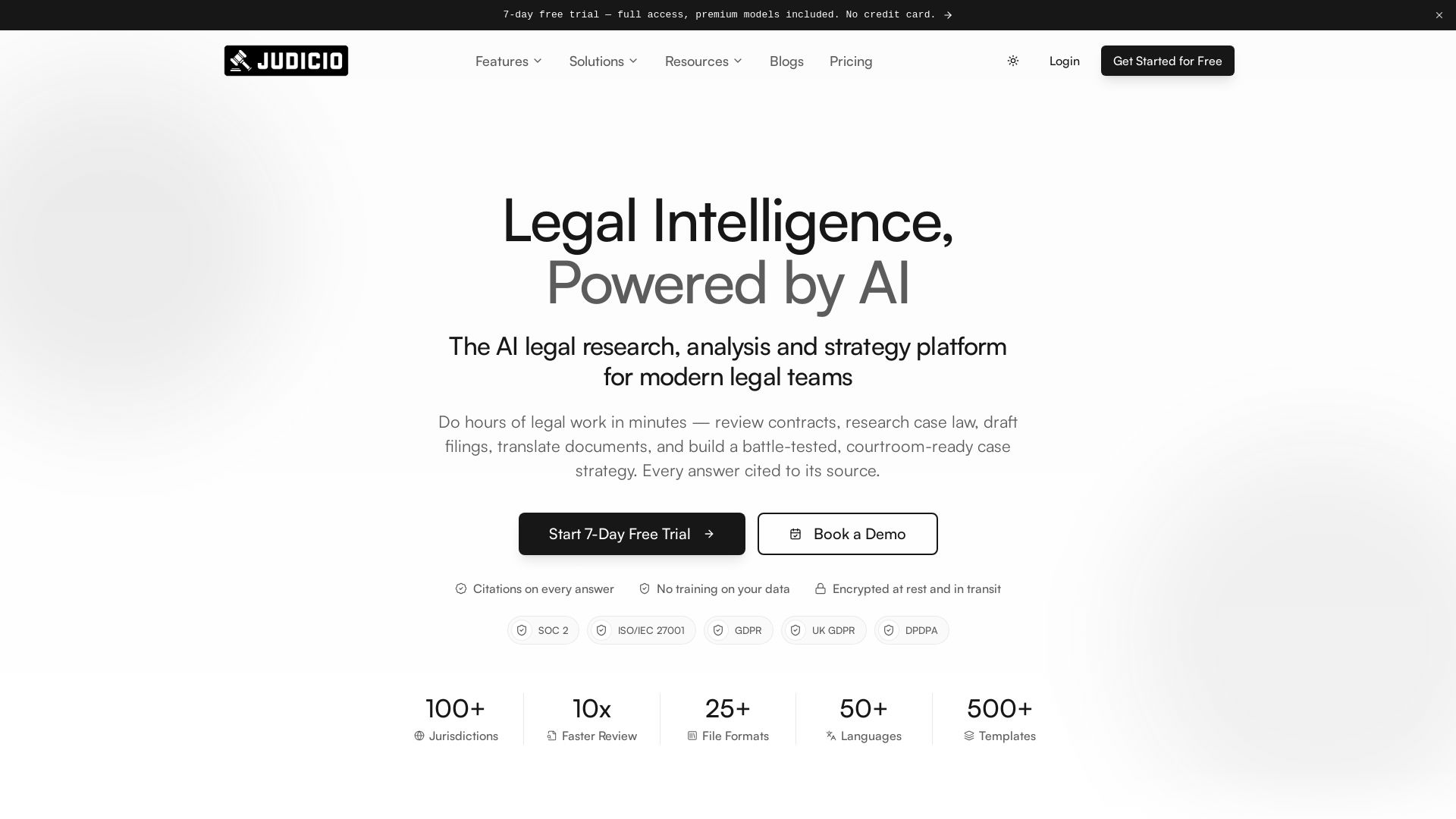
Judicio
AI-powered legal research and document analysis for modern legal teams. Review contracts, research case law, draft filings, and more — every answer cited.

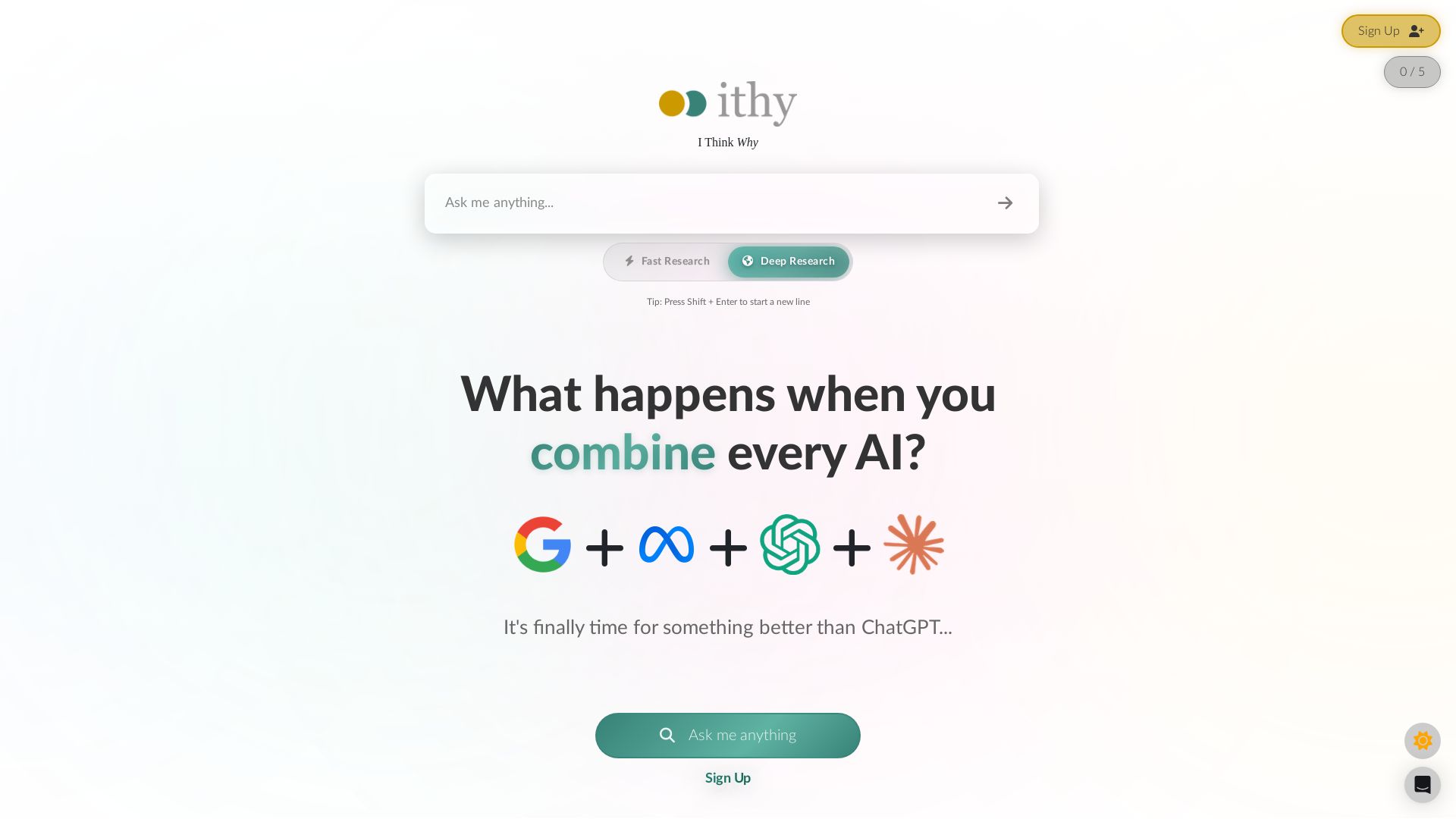
Ithy
Ithy aggregates top AIs (ChatGPT, Gemini, Perplexity) for 1-minute deep research. Interactive articles, rewards, #1 GPQA score. Try free.

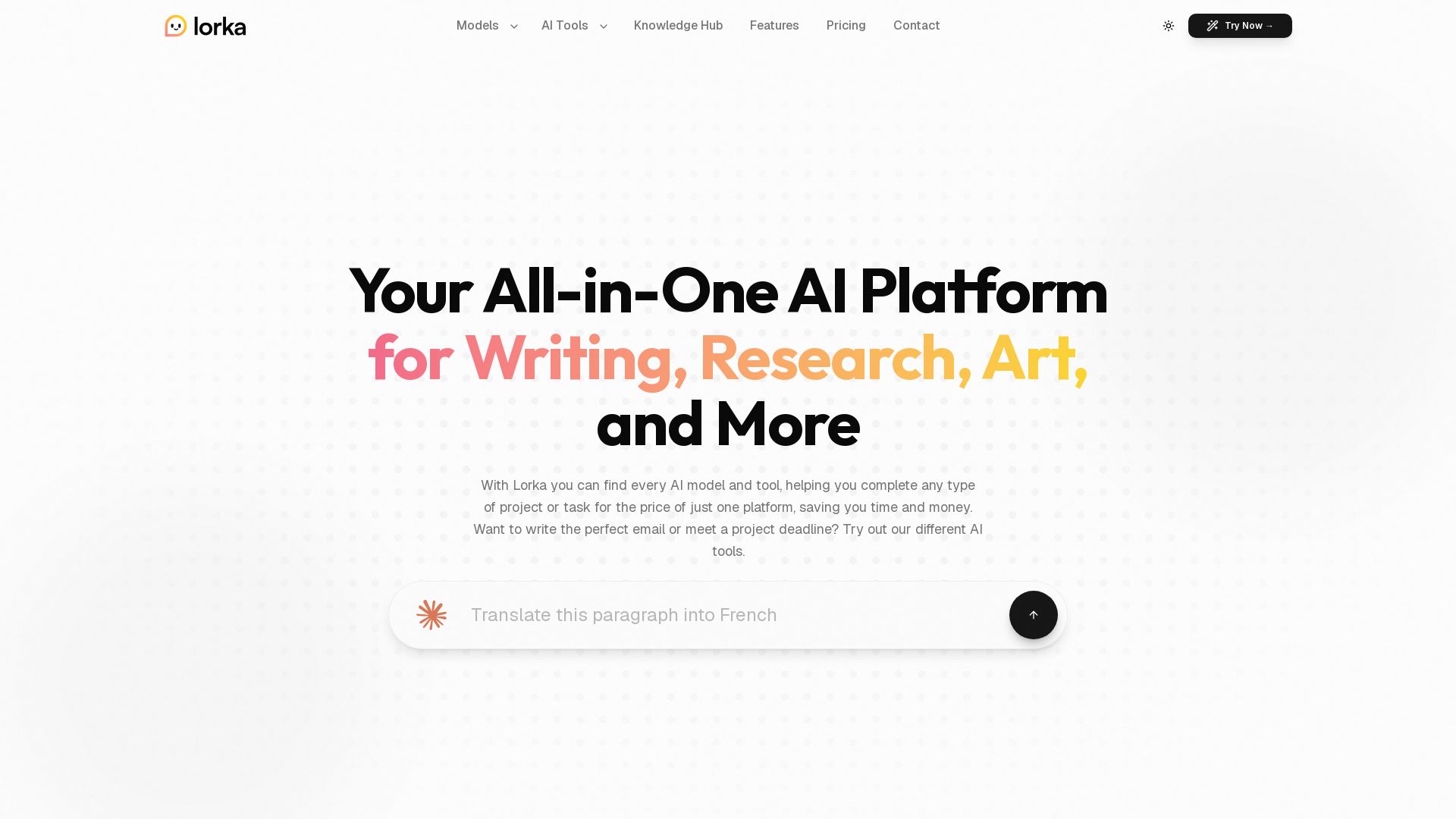
Lorka AI
Access ChatGPT, Claude, Gemini, and more in one platform. Save $123/mo. Write, research, create art, analyze data, and chat with PDFs. Try Lorka AI today.

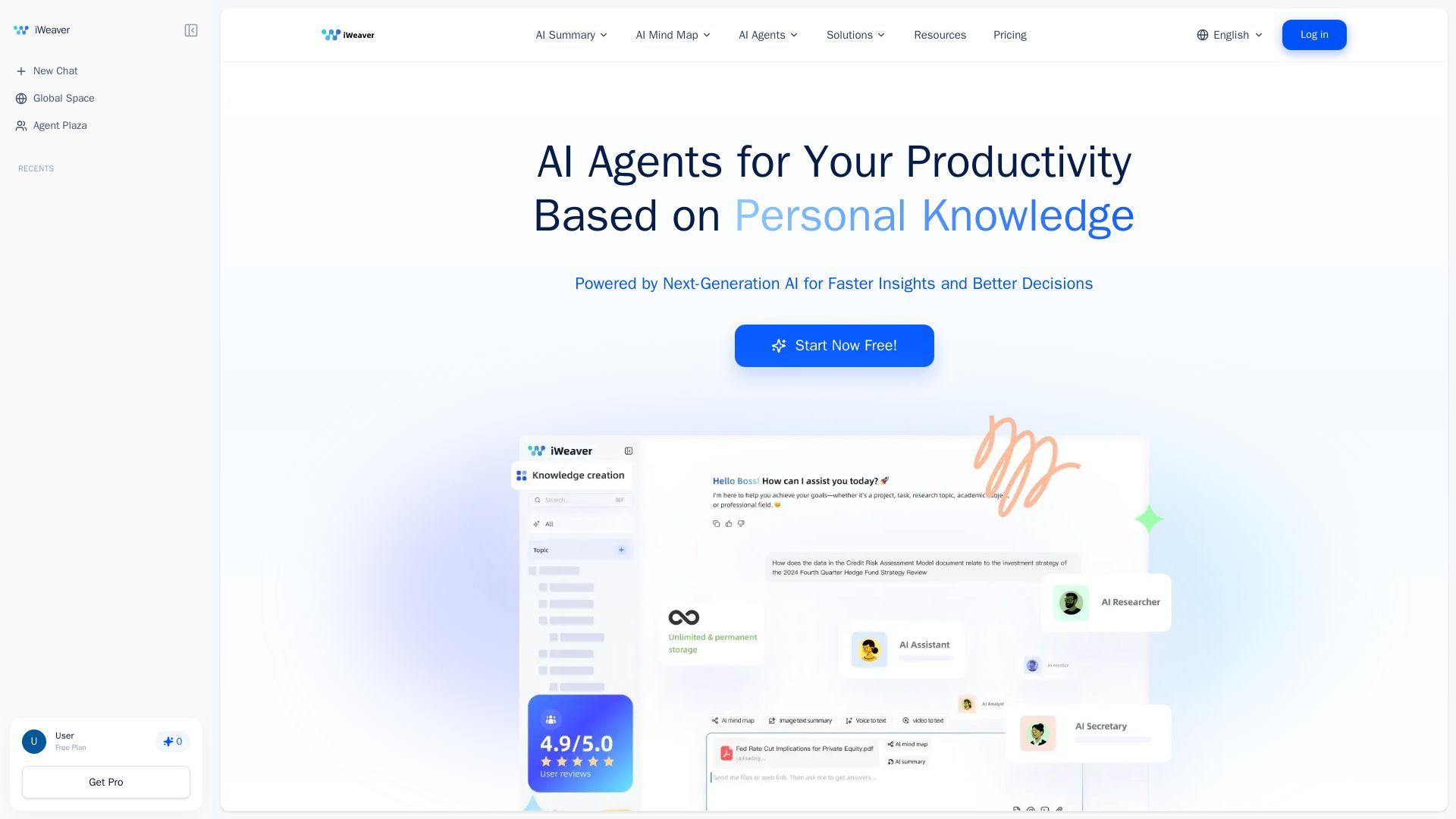
iWeaver AI
iWeaver automates 70% of tasks with AI agents, summarizes documents, creates mind maps, and analyzes multiple formats. Boost your productivity with your personal knowledge base.

ℹ️ Curation Disclosure: The overview and features of Kerlig were synthesized using AI and fact-checked by our curation team to ensure accuracy.
