
HoverNotes
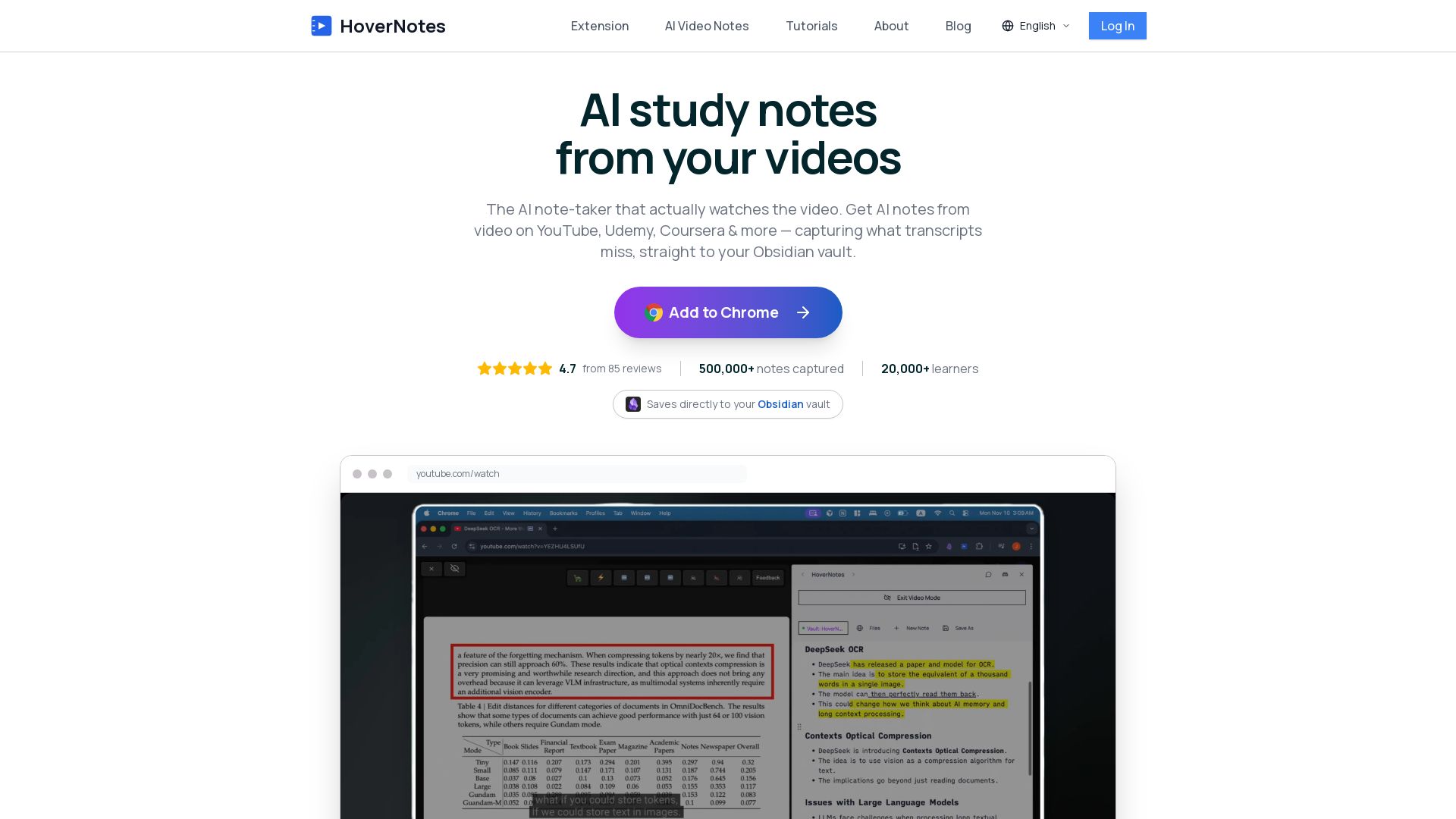
AI note-taker that actually watches videos. Capture code, diagrams, equations from YouTube, Udemy, Coursera & more. Saves directly to your Obsidian vault.
Editor's Verdict
Key Takeaways
- AI-Powered Note Taking
- Obsidian Integration
- Timestamped Screenshots
- Multi-Platform Support
In-Depth Review: What is HoverNotes?
HoverNotes is the first AI note-taker that watches the video alongside you, capturing what transcripts miss—code snippets, equations, and diagrams on screen. It works on 20+ platforms (YouTube, Udemy, Coursera, Bilibili, local files, and more) and instantly generates clean, structured markdown notes that sync directly to your Obsidian vault. With timestamped screenshots, syntax-highlighted code blocks, and support for any language, HoverNotes transforms passive video watching into active, lasting learning. Trusted by thousands of students, developers, and professionals.
Core Features
AI-Powered Note Taking
HoverNotes uses visual AI to watch videos with you and generate structured notes, capturing code, equations, and on-screen details that transcripts miss.
Obsidian Integration
Notes are saved as pure Markdown files directly to your Obsidian vault, ensuring local storage and compatibility with Logseq, Roam, and other tools.
Timestamped Screenshots
One-click screenshot capture inserts images at the exact video timestamp, perfect for diagrams and demos.
Multi-Platform Support
Works on 20+ platforms including YouTube, Udemy, Coursera, Bilibili, university LMS, and local video files.
Ad-Free Workspace
A focused, distraction-free split-view mode opens beside any video, blocking ads and clutter for uninterrupted learning.
Advanced Video Controls
Playback speed from 0.1x to 16x with audio pitch preservation, timestamp jumping, and full keyboard shortcut support.
Pricing
Free Starter
- 20 minutes of AI notes per month
- Basic note-taking features
- Cloud storage
- Obsidian sync
Pros and Cons
Pros
- Visual AI Captures On-Screen ContentUnlike transcript-only tools, HoverNotes watches the video to capture code, diagrams, equations, and handwritten notes exactly as they appear.
- Seamless Obsidian IntegrationNotes are saved as local Markdown files, making them immediately usable in Obsidian, Logseq, or any Markdown editor.
- Saves Time and Reduces RewindingAI generates structured summaries and captures screenshots automatically, eliminating the need to constantly pause and rewind.
- Works on 20+ PlatformsSupports YouTube, Udemy, Coursera, Bilibili, university LMS, local files, and more without per-site setup.
- Language FlexibilityGenerates notes in your preferred language, breaking language barriers for international learners.
Cons
- Limited Free AI CreditsThe free tier includes only 20 minutes of AI notes per month, which may be insufficient for heavy users.
- Requires Folder Path Selection Each TimeUsers must manually specify the Obsidian vault folder each session, which can be cumbersome.
- No Marking of Already Noted VideosThere is no visual indicator on video thumbnails that a note has been taken, risking duplicate notes.
- Occasional Duplications in AI NotesSome users report duplicated sections due to video segmentation, though it's preferable to missing content.
- Video Mode Error ReportedA user experienced an error when entering Video Mode, suggesting occasional bugs.
Use Cases & Recommended Professions
Software Developer→ View Toolkit
Capture code snippets, diagrams, and key commands from coding tutorials without manual rewinding.
University Student→ View Toolkit
Take organized notes from recorded lectures on Canvas, Blackboard, or YouTube for exam preparation.
Online Course Learner→ View Toolkit
Efficiently take notes on platforms like Udemy, Coursera, and Skillshare with visual context.
Language Learner→ View Toolkit
Generate notes in a desired language from videos in any language, enhancing comprehension.
Medical Student→ View Toolkit
Capture diagrams, procedures, and annotations from video lectures for study and review.
Lifelong Learner→ View Toolkit
Build a personal knowledge base from TED Talks, MasterClass, and educational YouTube channels.
Frequently Asked Questions
Alternative AI Tools
View Detailed Comparison →
Figr
Ship better UX faster. Figr builds a living understanding of your product, maps flows, finds edge cases, and generates high-fidelity prototypes from your actual design system.

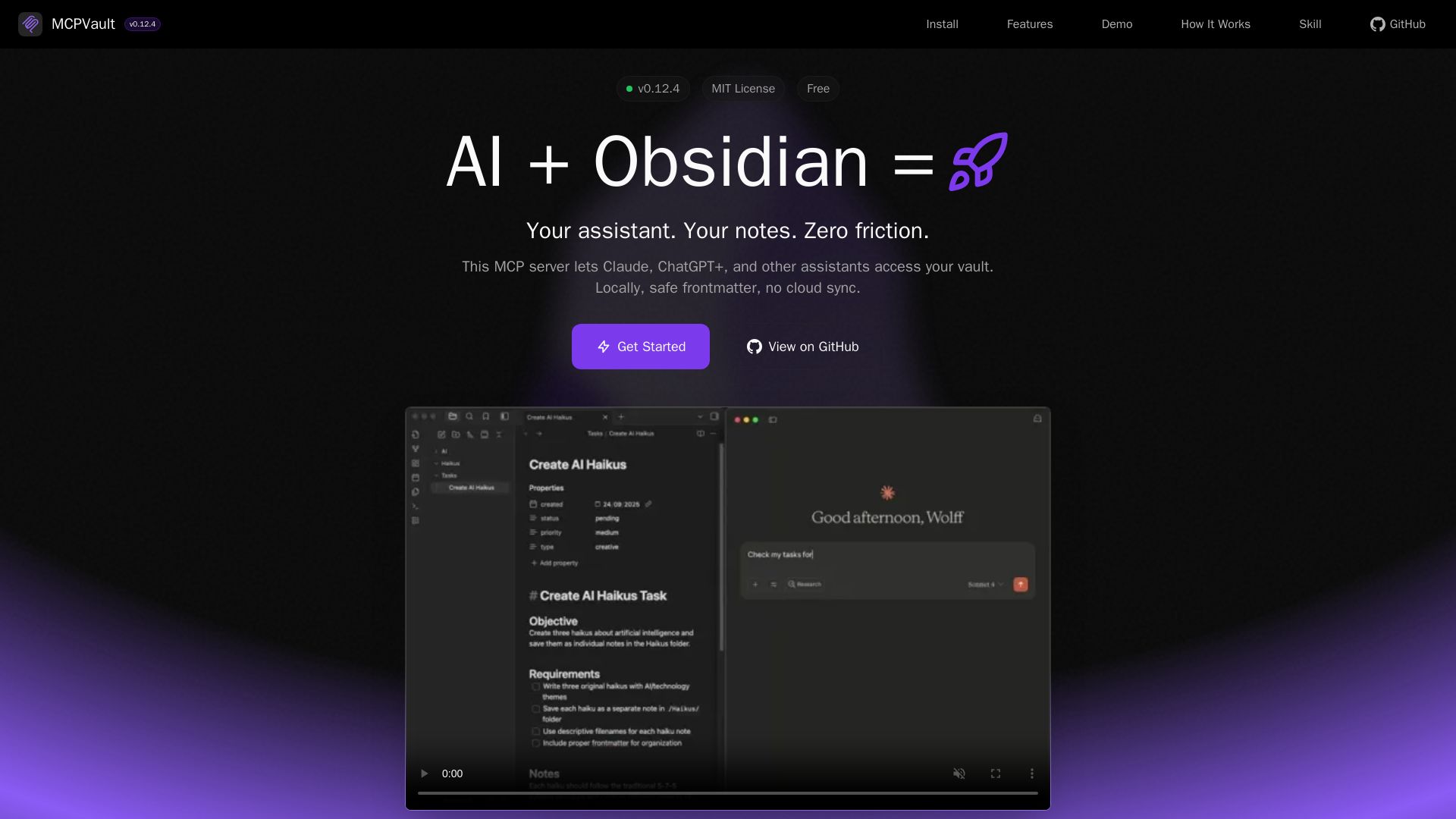
MCPVault
Give Claude, ChatGPT+ safe local access to your Obsidian vault. Zero cloud sync, frontmatter-aware tools for seamless AI note management.

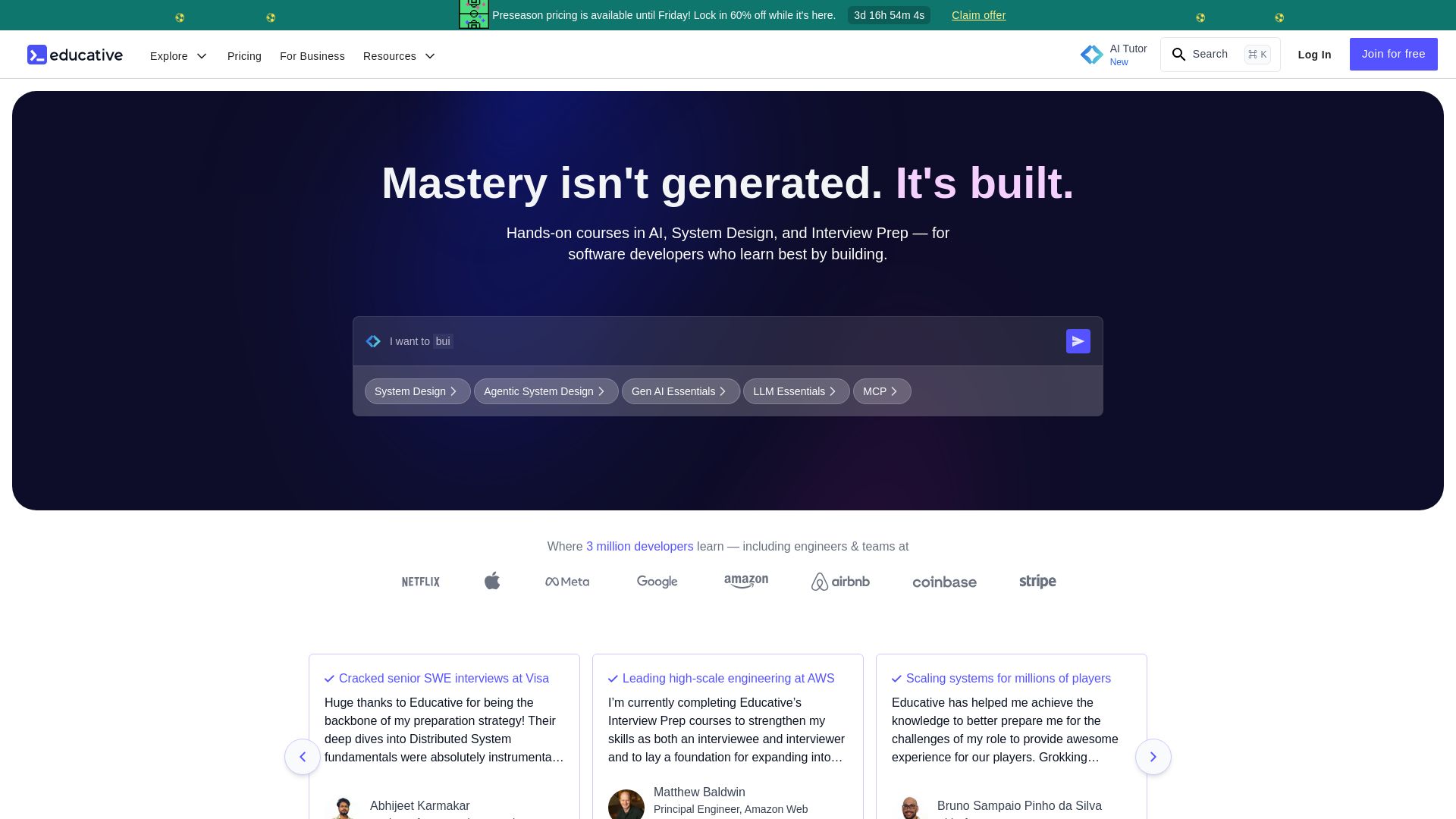
Educative
Master AI, system design, and coding interviews with interactive, text-based courses. Learn by building with real-time AI feedback. Trusted by 3M+ developers.


ProductCrafters
Get a free 2-week trial sprint for your AI product. Working prototype in 30 days, production-ready in 90. No contract, no credit card. Test your dev team risk-free.

DX
Optimize developer productivity, measure AI impact, and improve software health with DX, the platform designed by researchers.



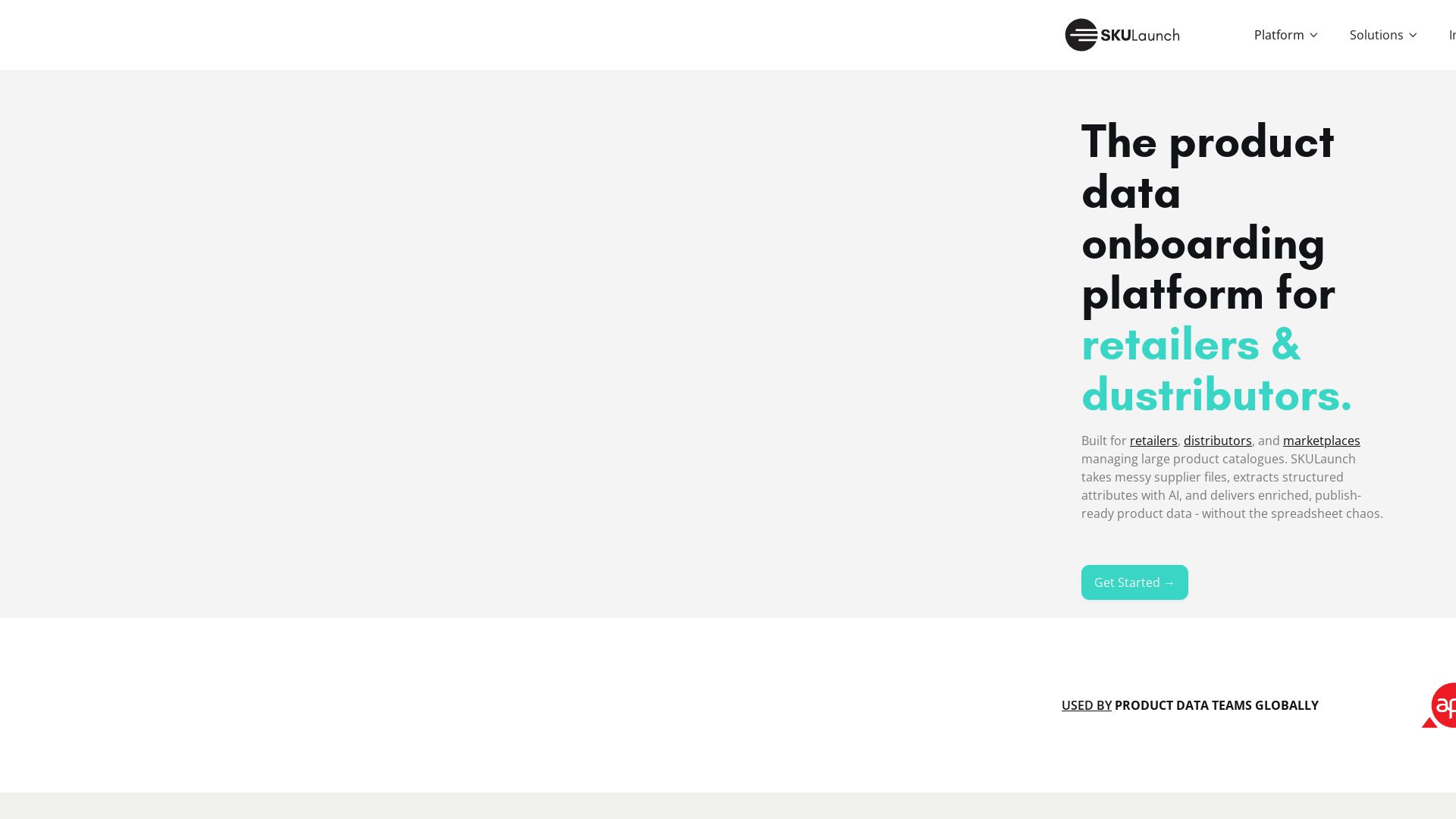
SKULaunch
Automate supplier data onboarding, AI extracts attributes, enrich product catalogs, and publish ready data. From messy files to filterable search.

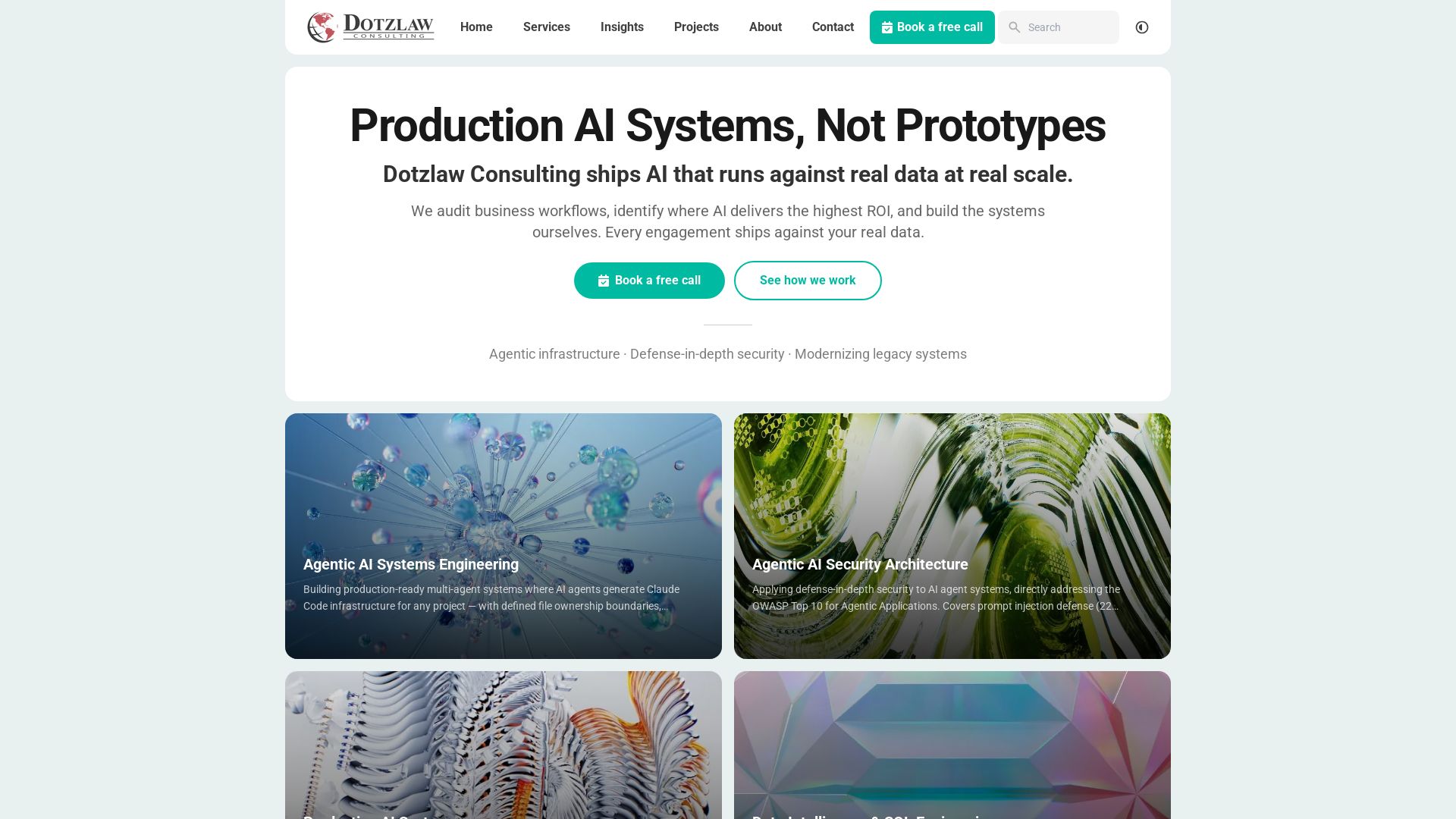
Dotzlaw Consulting
We build production-ready AI systems, multi-agent workflows, and secure architectures. Real data, real scale. Expert SQL & data intelligence.

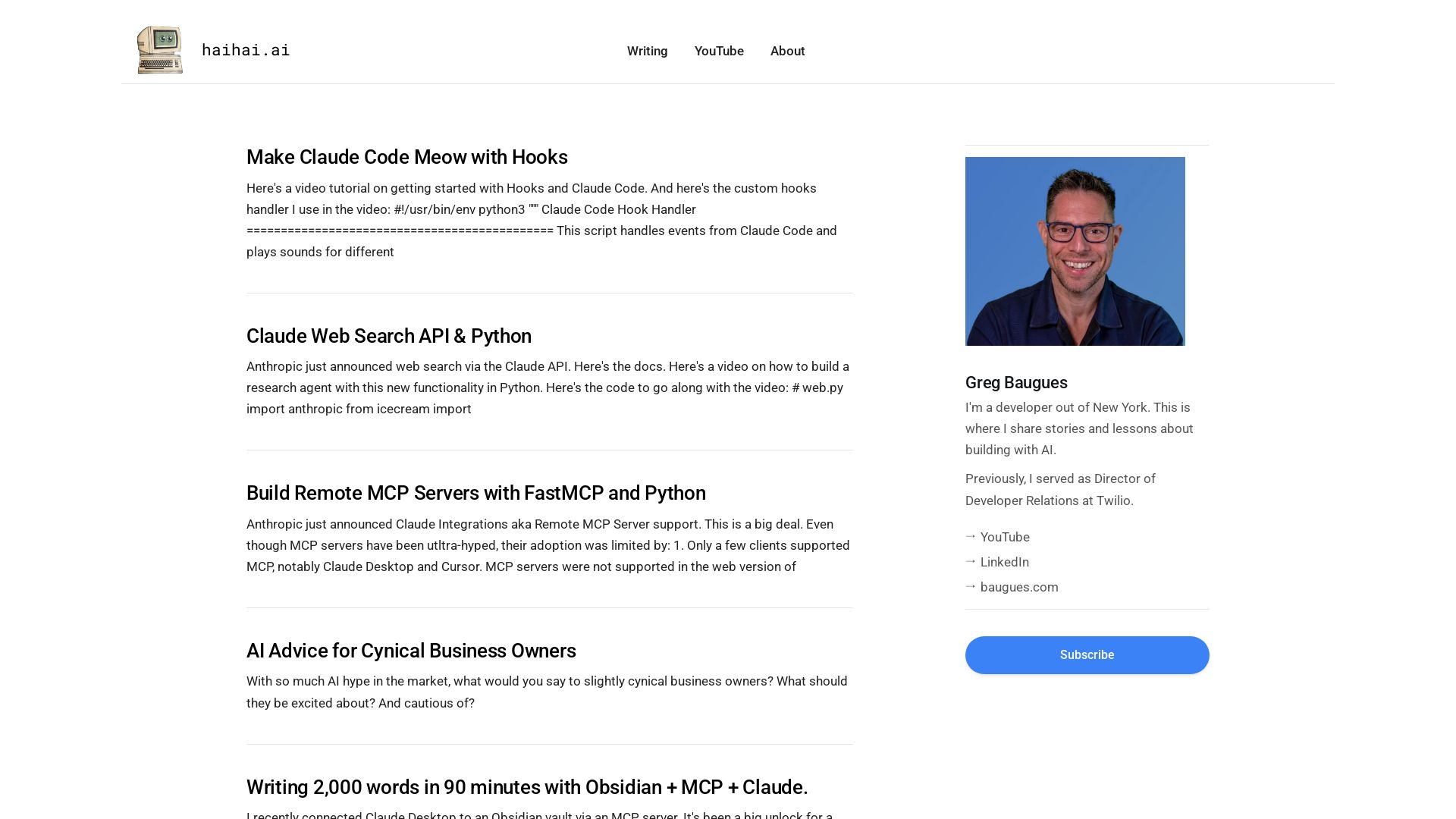
HaiHai Labs
Learn AI development with tutorials on Claude Code, MCP servers, Cursor, and more. Insights from a Twilio alum and NY developer.

Axify
Get clear visibility into AI usage, cost, and impact across your engineering teams. Flat fee, no per-seat pricing. Start free trial.

SpeedMVPs
Launch production-ready AI MVPs in 2-3 weeks. Fixed pricing, full code ownership, direct developer access. 18+ AI products shipped globally. Book a free call.

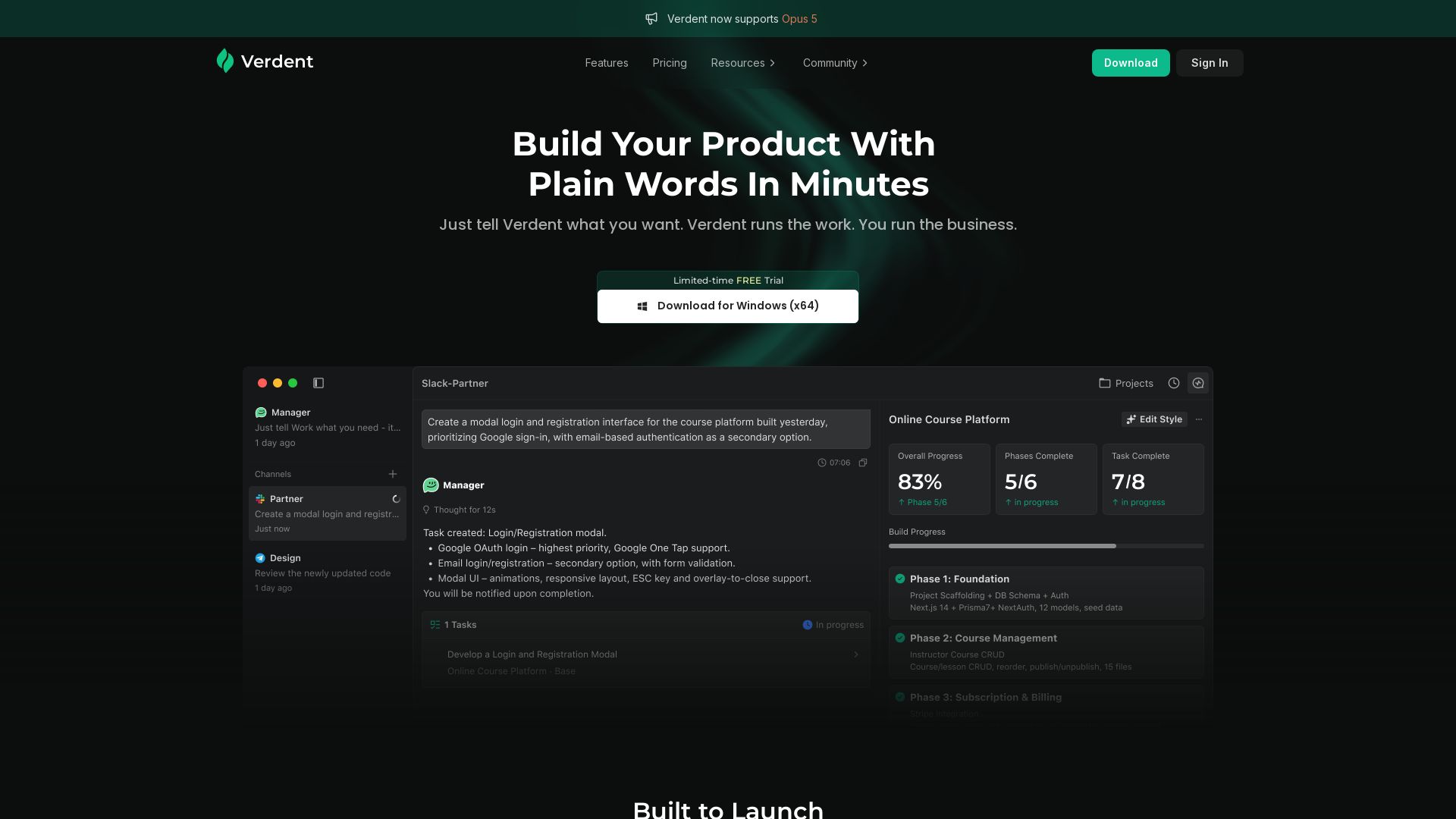
Verdent AI
Describe your product in plain words, and Verdent builds it — complete with login, payments, and admin tools. No coding required. Try free for Windows.

ℹ️ Curation Disclosure: The overview and features of HoverNotes were synthesized using AI and fact-checked by our curation team to ensure accuracy.
