
GPT for Work
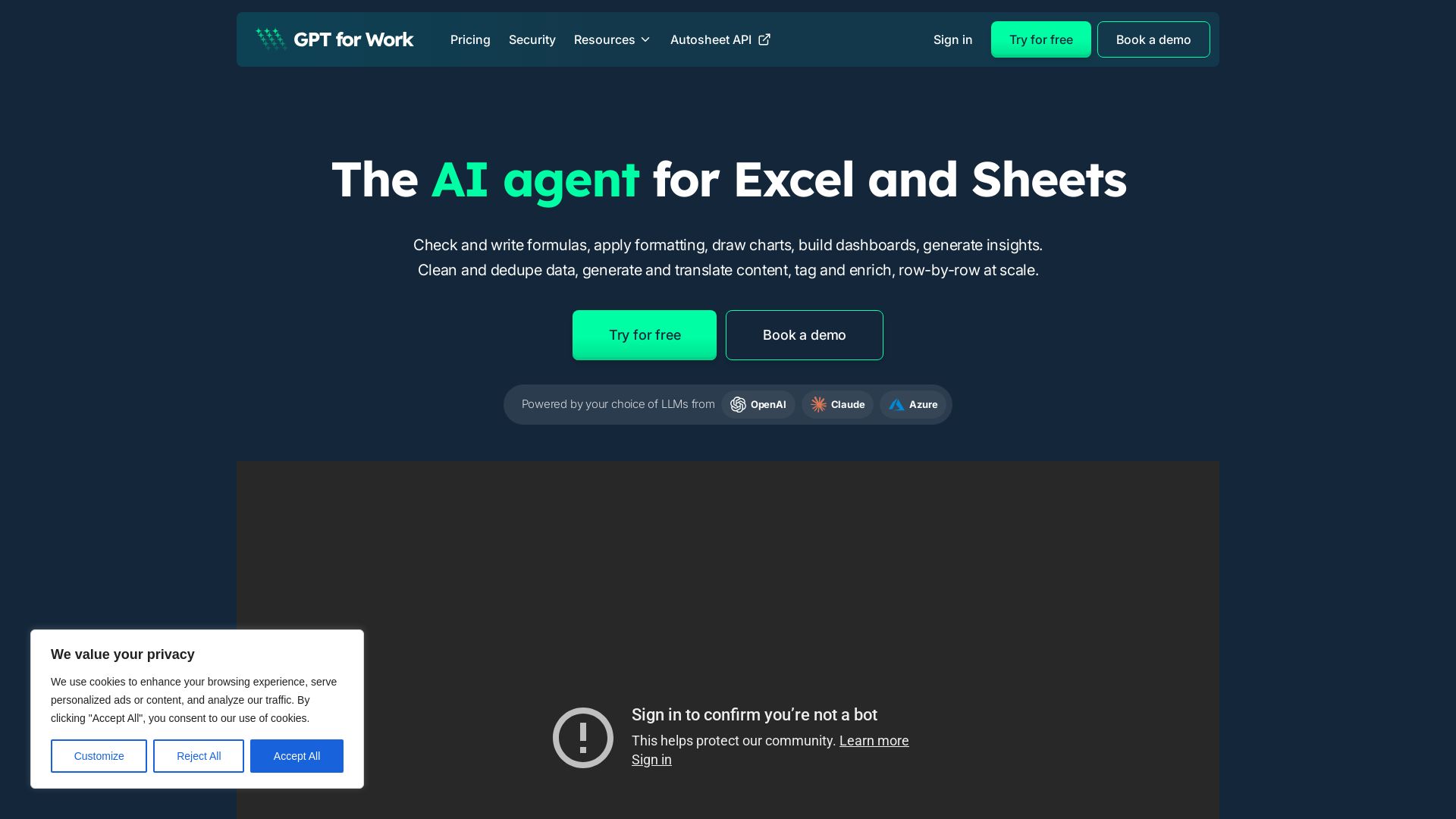
Automate spreadsheets with AI: write formulas, clean data, and bulk process row-by-row. 7M+ installs. Try free.


Editor's Verdict
Key Takeaways
- AI Agent for Excel & Sheets
- Bulk AI Processing
- GPT Functions
- Autosheet API
In-Depth Review: What is GPT for Work?
GPT for Work is the leading AI agent for Excel and Google Sheets. It allows you to automate repetitive spreadsheet tasks by simply typing what you need in plain language. The agent can write and fix formulas, format cells, clean and dedupe data, generate content, translate, analyze trends, build pivot tables and charts, and enrich data row-by-row at scale—processing up to 1,000 rows per minute. It supports a choice of LLMs (OpenAI, Claude, Azure) and offers an API for programmatic access. Trusted by over 7 million users, it features zero data retention, ISO 27001 certification, and real human support with sub-hour response times.
Core Features
AI Agent for Excel & Sheets
An AI agent that can write formulas, apply formatting, draw charts, build dashboards, and generate insights directly in Excel and Google Sheets.
Bulk AI Processing
Process thousands of rows at scale using AI for tasks like data cleaning, translation, content generation, enrichment, and scoring, with speeds up to 1,000 rows per minute.
GPT Functions
Use =GPT() and other specialized functions to generate content, translate, classify, extract, and more, with dynamic prompts that reference cells and ranges.
Autosheet API
Run GPT for Sheets agents on a Google Sheet via API, automating spreadsheet workflows with a simple HTTP request.
Multi-Model Support & No AI Lock-in
Choose from OpenAI, Claude, Azure, and other LLMs, or bring your own API key to avoid vendor lock-in.
Real Human Support
98% CSAT with human support response times averaging under 1 hour (outside nights/weekends), no AI chatbots.
Pricing
Starter
- Pay-as-you-go credits
- Pooled team balance
- 12-month credit validity
- Spend controls
Essential
- Pay-as-you-go credits
- Pooled team balance
- 12-month credit validity
- Spend controls
Pro
- Pay-as-you-go credits
- Pooled team balance
- 12-month credit validity
- Spend controls
Scale
- Pay-as-you-go credits
- Pooled team balance
- 12-month credit validity
- Spend controls
Pros and Cons
Pros
- Fast bulk processingProcesses up to 1,000 rows per minute and handles hundreds of thousands of rows per run, far faster than competitors.
- No AI lock-inSupports multiple AI providers (OpenAI, Claude, Azure) and allows you to bring your own API key or custom endpoint.
- Real human support98% customer satisfaction with human responses averaging under 1 hour, unlike competitors using AI chatbots.
- Cross-platformWorks seamlessly in both Excel and Google Sheets, unlike many tools limited to one platform.
- Pay-as-you-go pricingNo per-seat fees, no monthly commitment; buy credits and use them when needed, with team pooling and spending controls.
Cons
- Credit expirationCredits expire 12 months after the last purchase, which may pressure users to use them within a window.
- Minimum purchasePay-as-you-go requires a minimum purchase of $29, so micro-transactions are not possible.
- Complex cost estimationBulk processing costs vary by task and model, making it hard to predict exact spending without usage estimation.
- Free trial limitedFree credits are provided initially, but after the trial, users must choose a paid plan, and no always-free tier exists.
- No subscription for some usersSubscription plans are rolling out gradually and may not be available for all spaces, limiting predictability.
Use Cases & Recommended Professions
Consultant→ View Toolkit
Restructure datasets, run research, produce decision-ready summaries, and speed up repetitive spreadsheet tasks.
Finance & Accounting Professional→ View Toolkit
Close faster, standardize exports, reconcile data, validate formulas, and build forecast models using AI.
Sales Operations (SalesOps)→ View Toolkit
Clean pipeline data, enrich records, score leads, and project growth directly in spreadsheets.
E-commerce Manager→ View Toolkit
Generate and translate catalog content, enrich product attributes, and scale metadata workflows across thousands of rows.
SEO Specialist→ View Toolkit
Perform content generation, translation, and data enrichment for SEO optimization tasks at scale.
HR Manager→ View Toolkit
Analyze headcount, build compensation models, clean employee data, and streamline people ops tasks.
Frequently Asked Questions
Alternative AI Tools
View Detailed Comparison →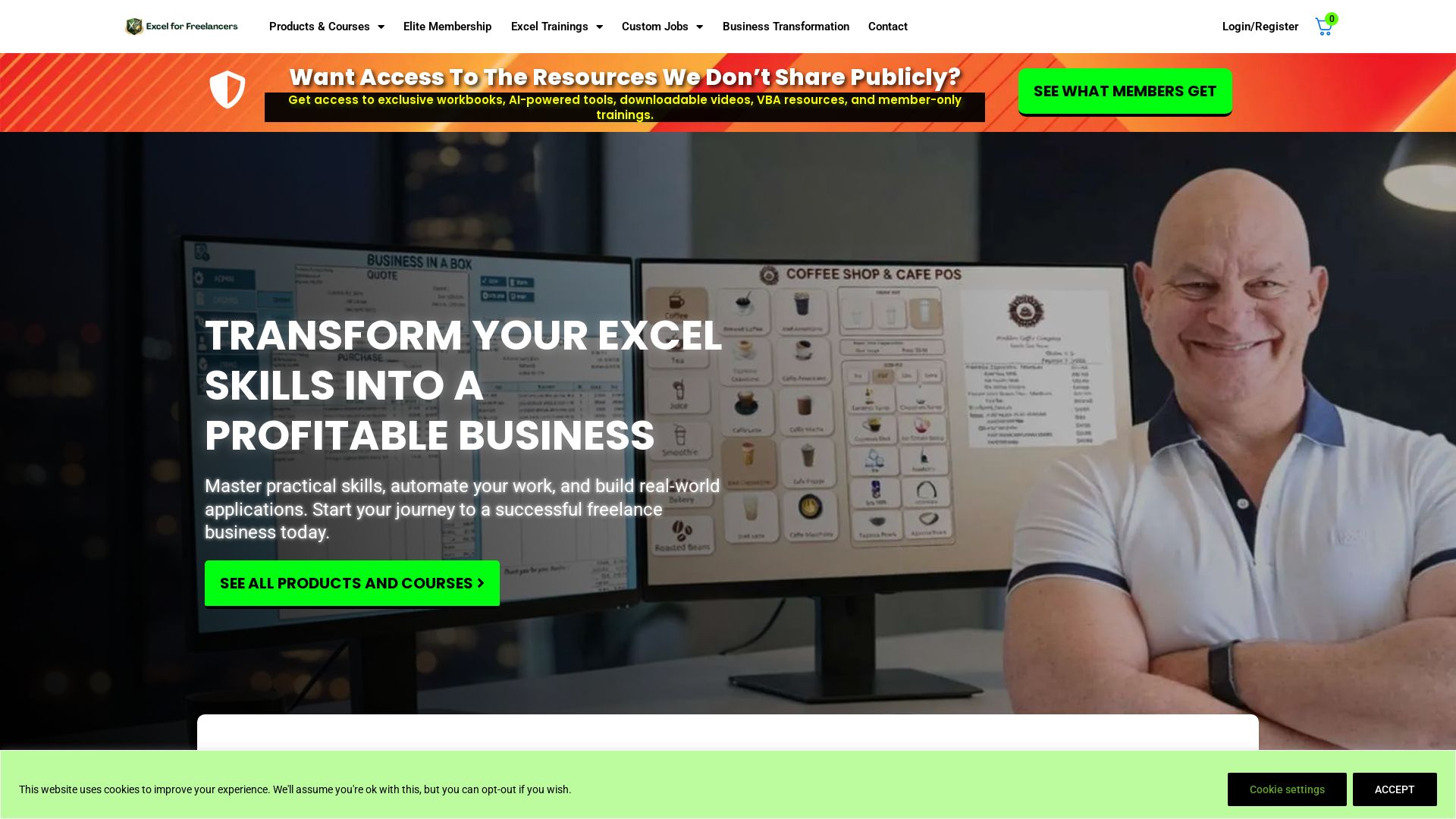
Excel For Freelancers
Master Excel with expert Randy Austin. Get free training, templates, and courses to automate work, build apps, and grow your freelance business. Start today!


Agentic Workers
Automate tasks with 100+ pre-built AI workflows. Connect 800+ tools, save 10+ hours/week. No coding needed. Join 13,000+ professionals.

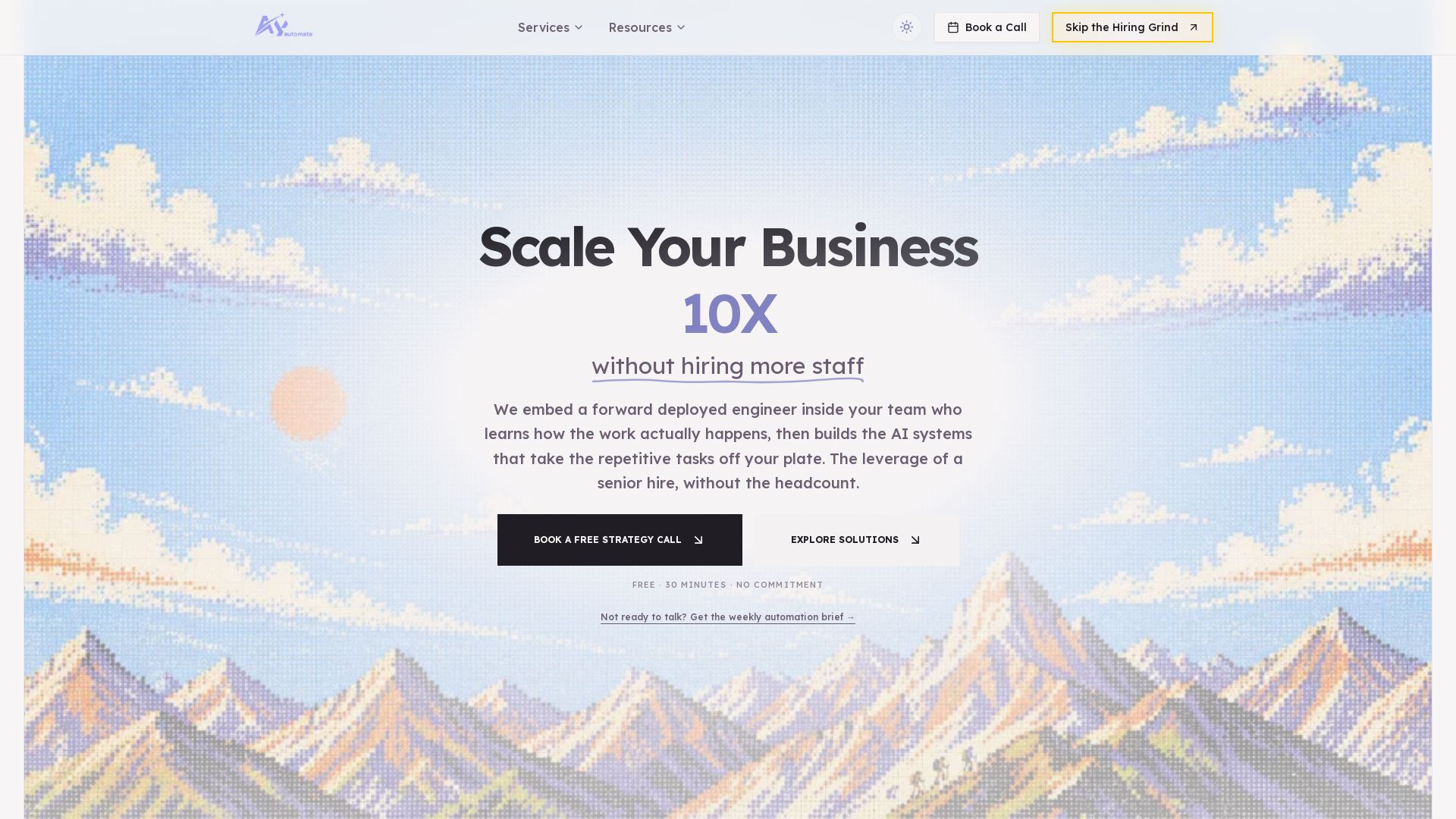
AY Automate
AI automation agency embedding engineers to build custom AI agents. Automate workflows with n8n, Claude Code. Month one refundable. Free strategy call.

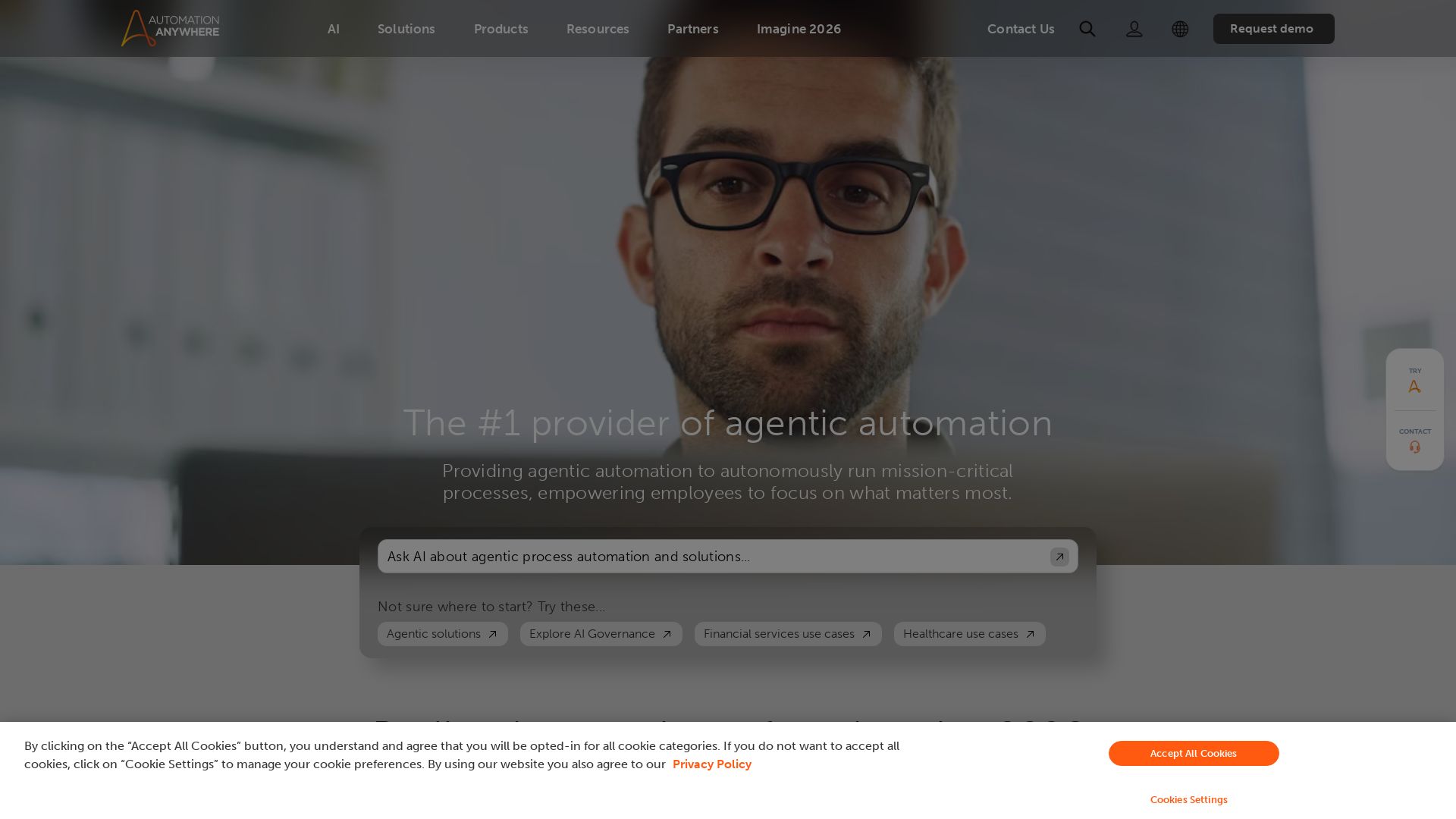
Automation Anywhere
Automate mission-critical processes with agentic AI. Trusted by global leaders. Boost efficiency, ensure compliance. Request a demo.

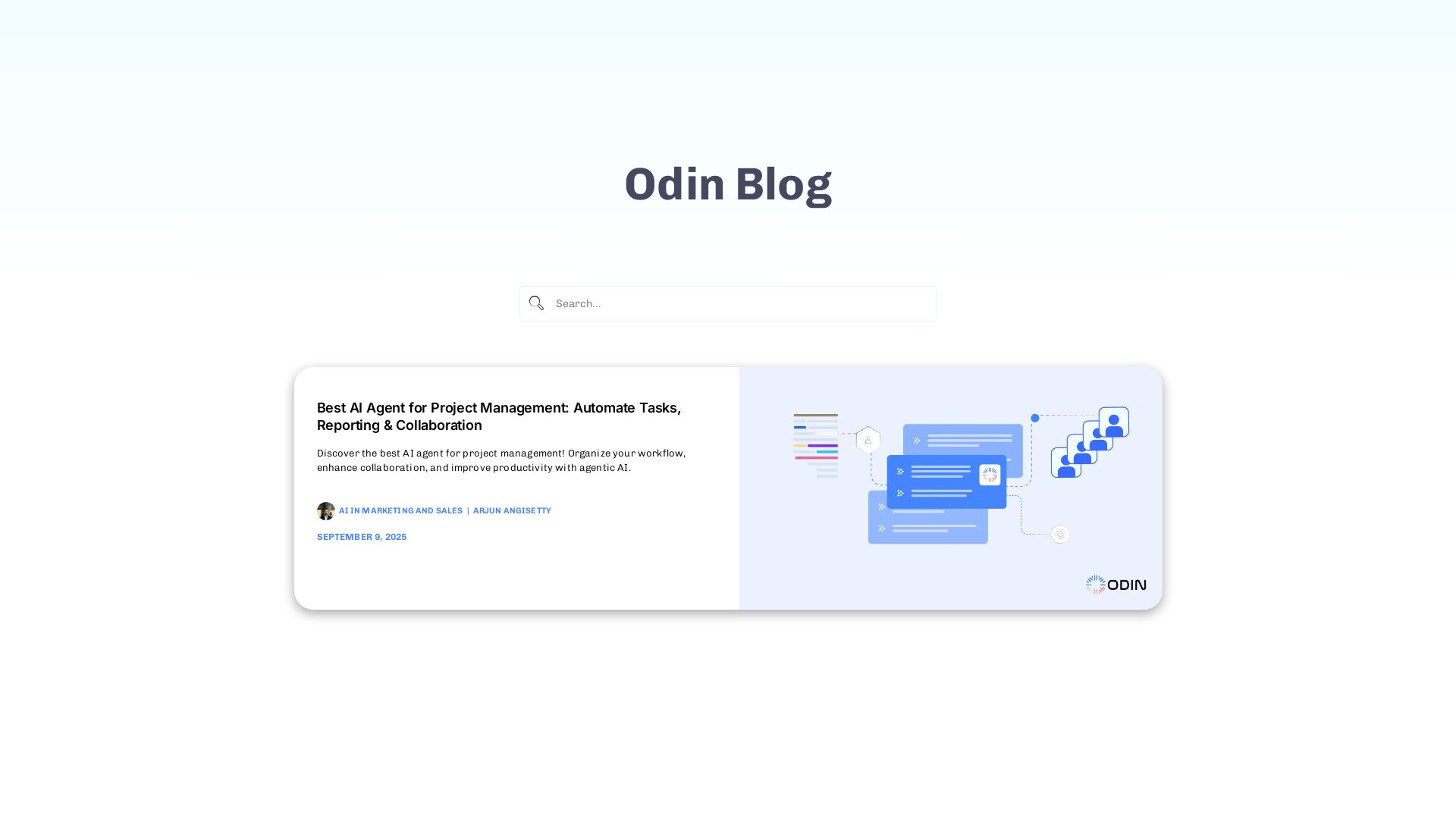
Odin AI
Automate tasks, document summarization, and collaboration with Odin AI's no-code platform. Boost productivity with intelligent AI agents.

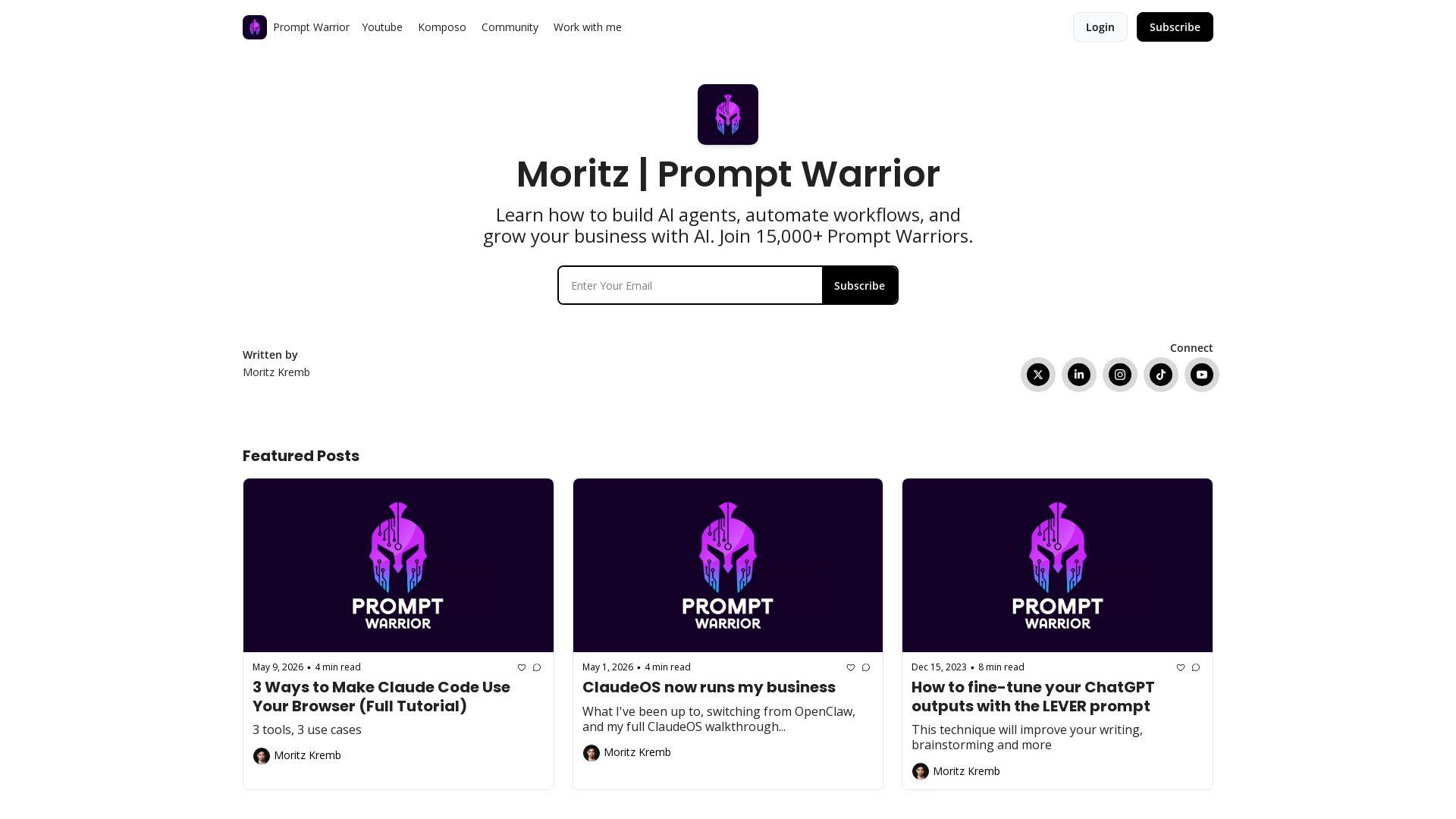
Prompt Warrior
Learn to build AI agents, automate workflows, and grow your business with AI. Join 20,000+ Prompt Warriors for tutorials on Claude Code, content agents, and more.

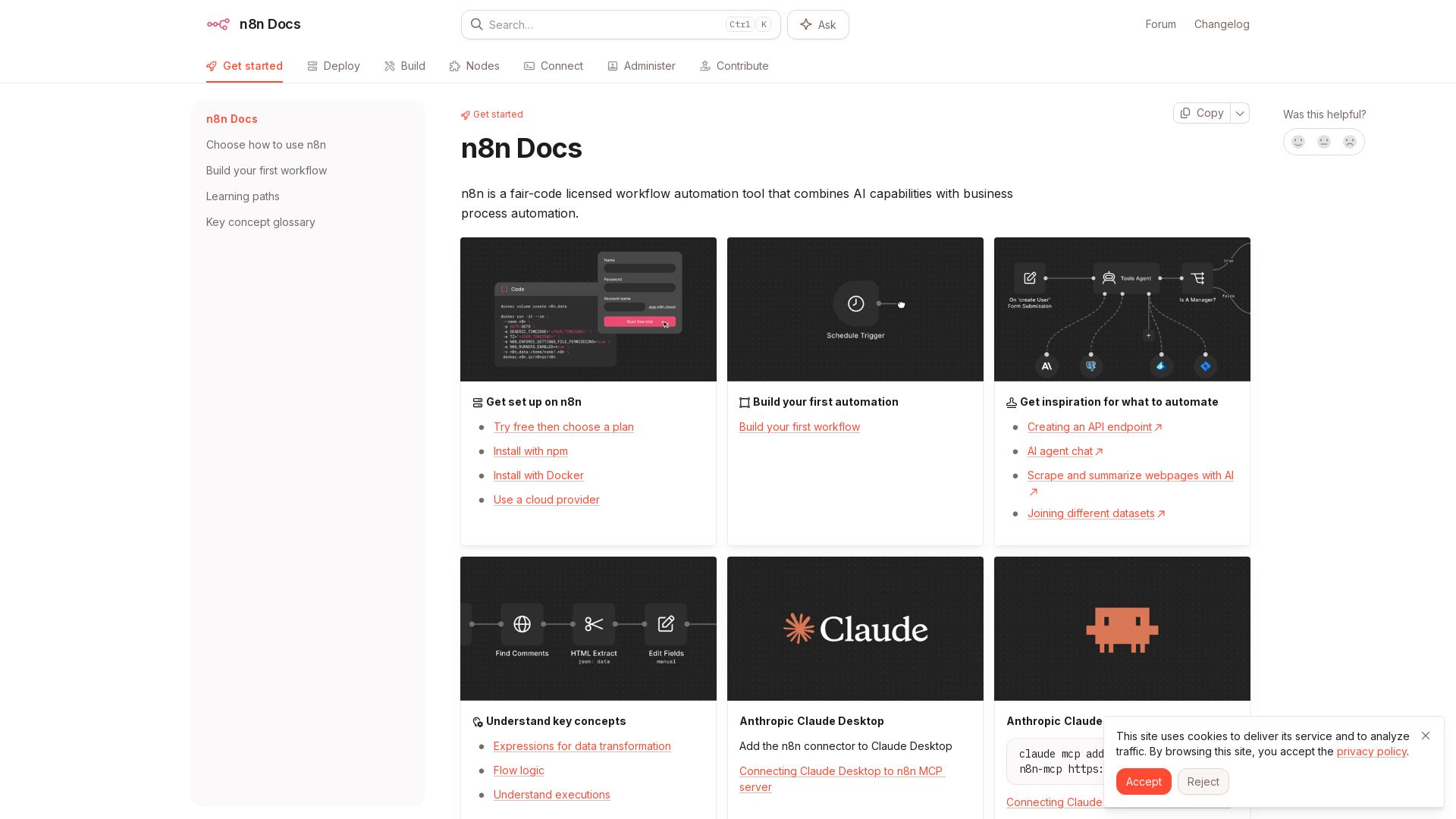
n8n
n8n is a fair-code licensed workflow automation tool that combines AI capabilities with business process automation. Get started with npm, Docker, or cloud.

What is crewAI?
Discover how IBM's AI agents unlocked $4.5B in productivity gains. Explore watsonx, IBM Bob, and hybrid cloud to drive smarter business outcomes.

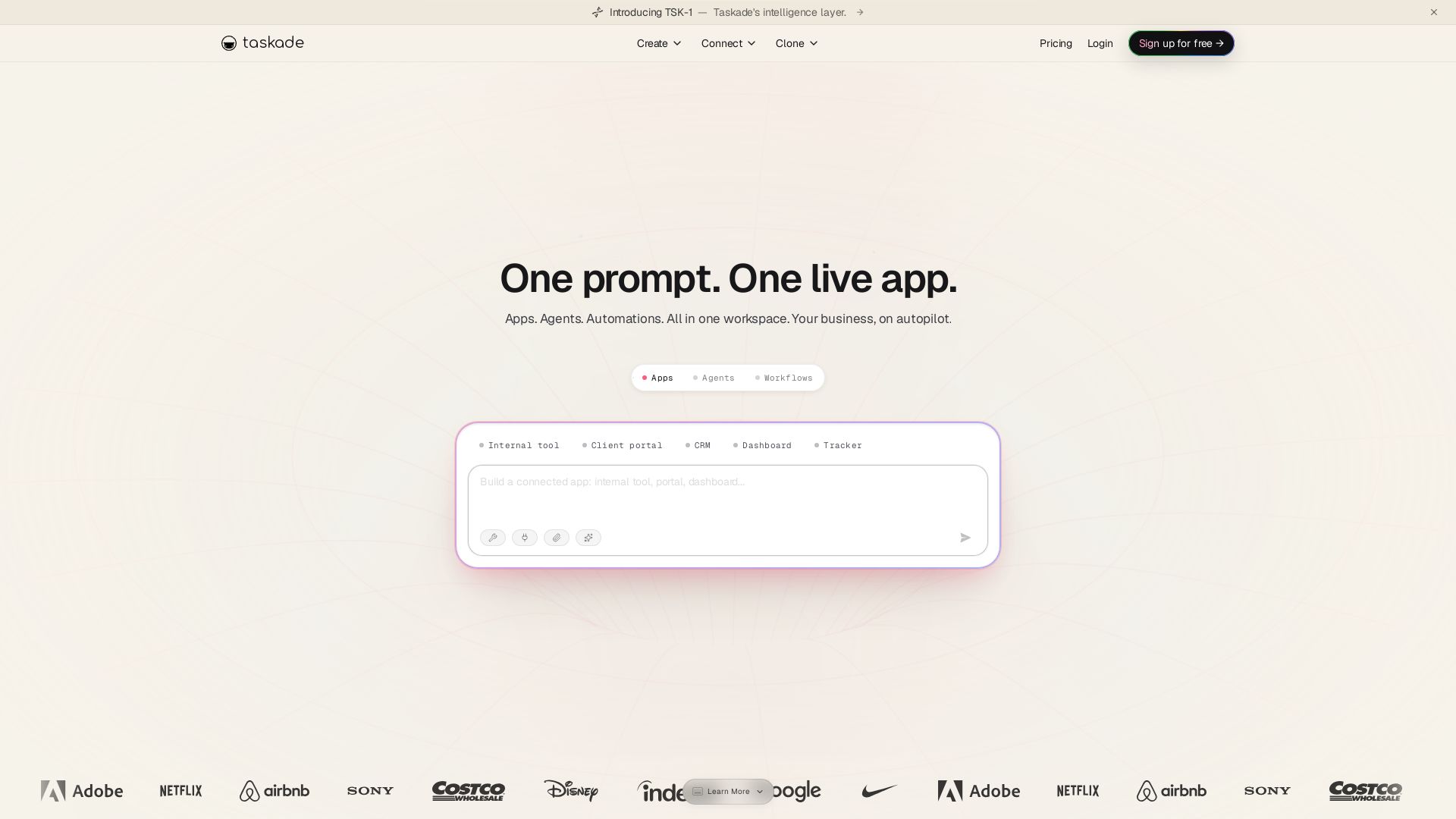
Taskade
Turn one prompt into living apps with AI agents and automations. Clone CRMs, dashboards, portals. No code. Your business on autopilot.


Zapier
Connect AI to 9,000+ apps. Build AI agents, chatbots, and workflows without code. Trusted by Fortune 500. Start free.

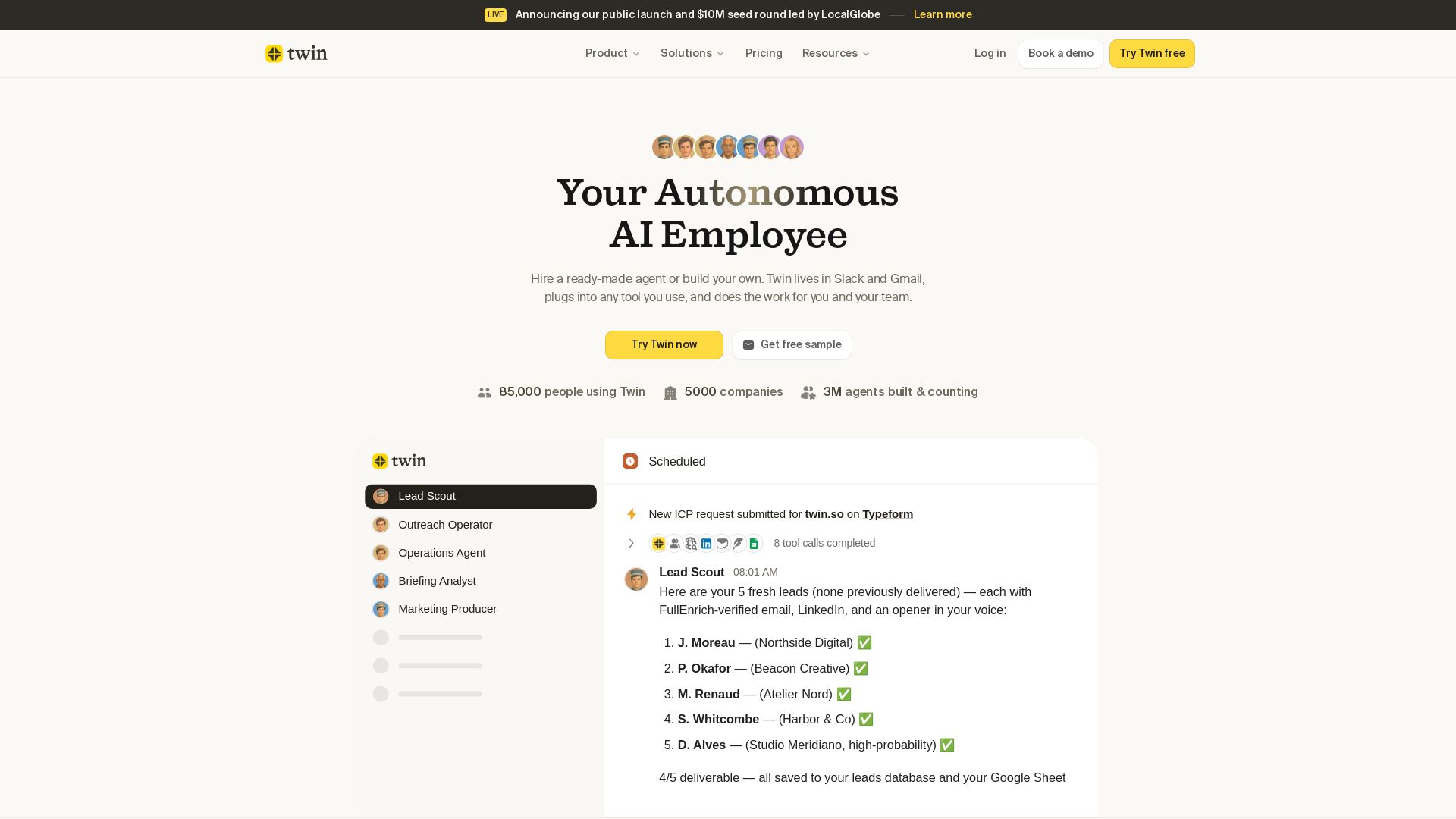
Twin
Twin: ready-made AI agents that work in Slack & Gmail. Automate prospecting, outreach, and more. Trusted by 85,000 users. Start free.

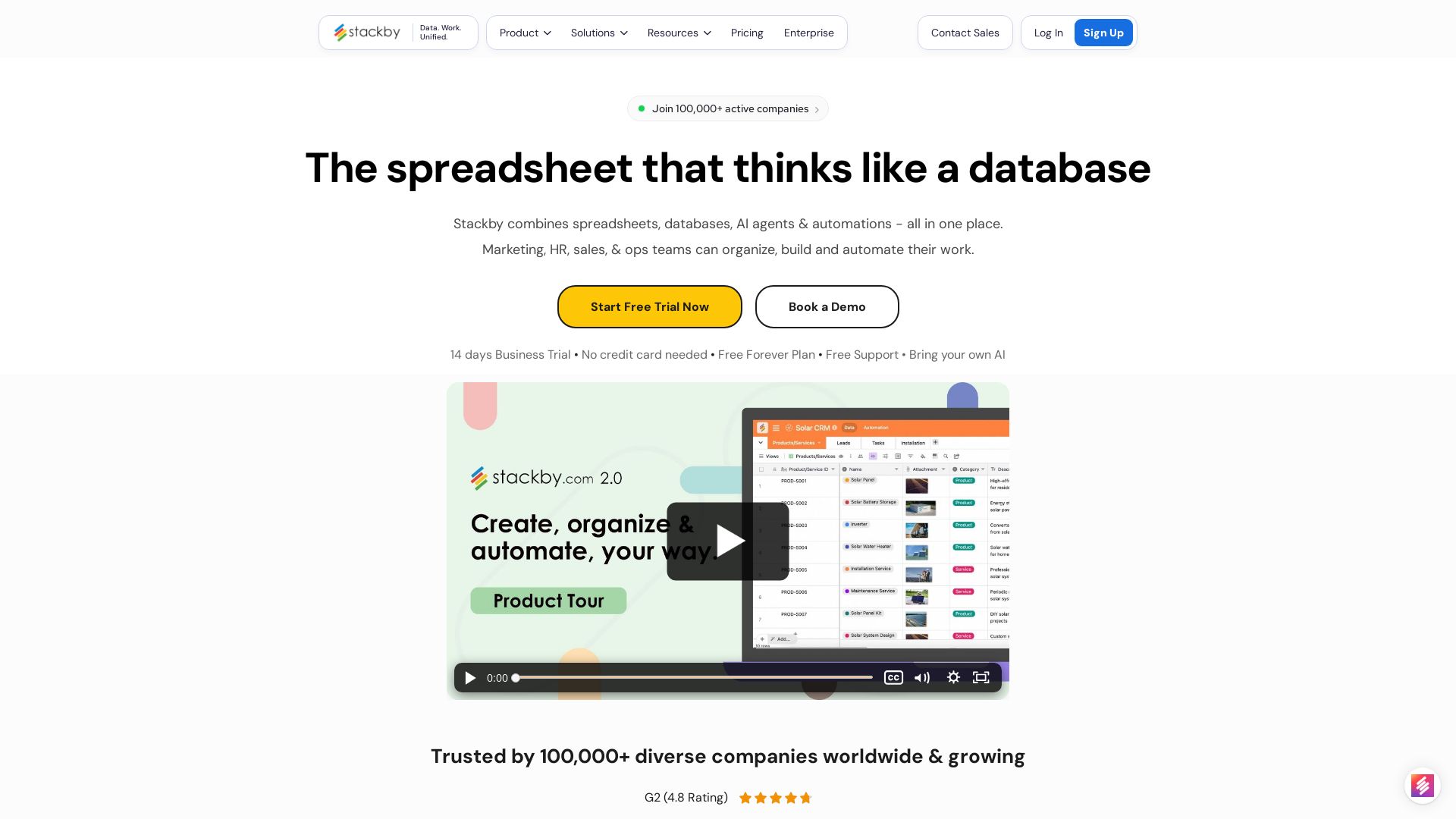
Stackby
Stackby combines spreadsheets, databases, AI agents & automations. Build custom workflows, forms, dashboards & more. Trusted by 100,000+ teams.

ℹ️ Curation Disclosure: The overview and features of GPT for Work were synthesized using AI and fact-checked by our curation team to ensure accuracy.