
Free AI Photo Editor - Edit Images with Prompts, No Sign-Up - EzRemove
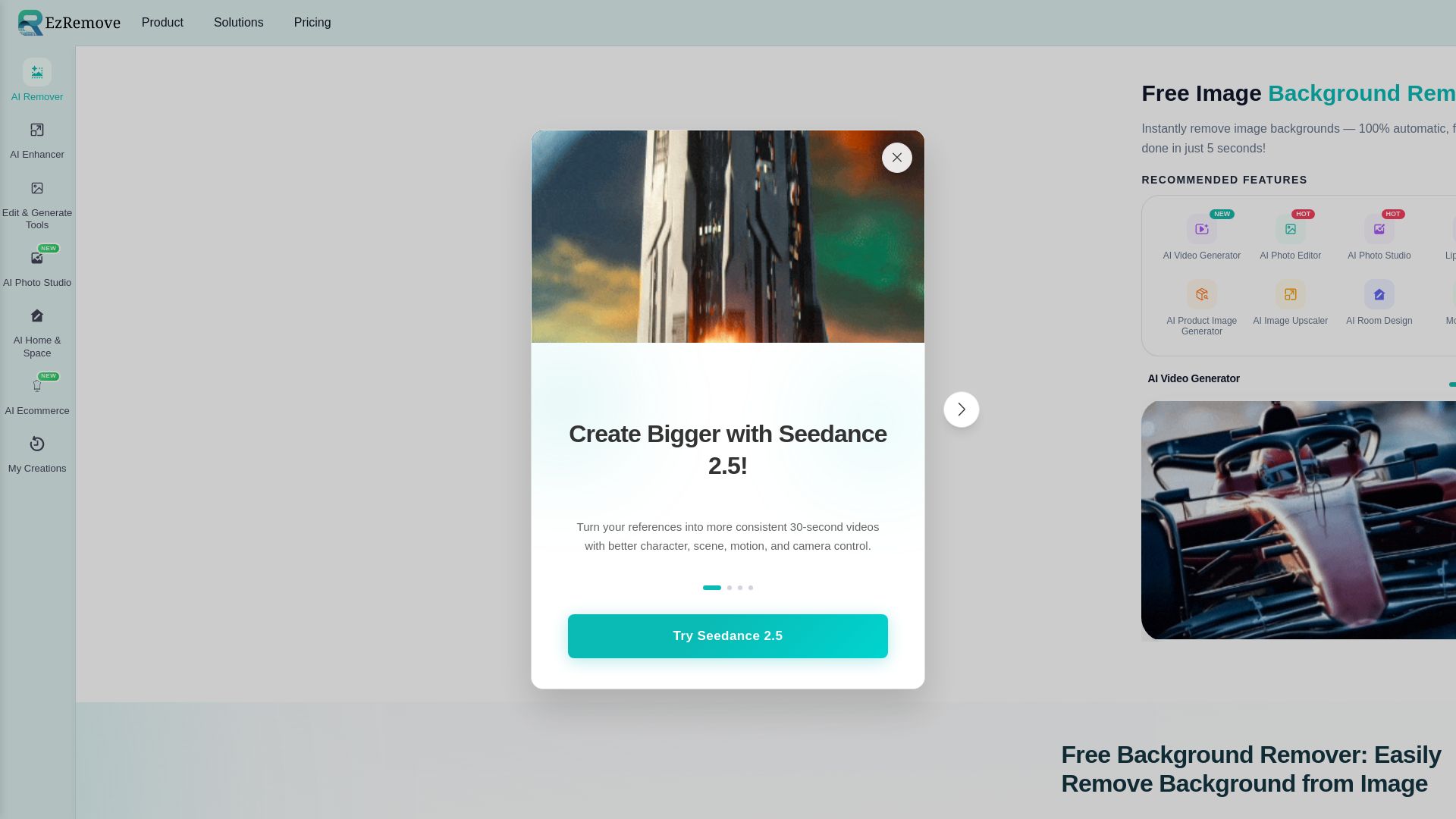
Instantly remove image backgrounds with EzRemove AI. 100% automatic, free, done in 5 seconds. Create transparent PNGs, edit photos, and more.
Editor's Verdict
Key Takeaways
- Instant Background Removal
- High Precision & Detail
- Multiple Removal Modes
- Batch Background Removal
In-Depth Review: What is Free AI Photo Editor - Edit Images with Prompts, No Sign-Up - EzRemove?
EzRemove is an AI-powered online platform that makes photo editing effortless. Its flagship feature is a fast, accurate background remover that handles complex edges like hair and details. Beyond that, it offers batch processing, AI photo enhancement, generative fill, background replacement, and a suite of creative tools for individuals, photographers, eCommerce sellers, and marketers—all without needing professional software.
Core Features
Instant Background Removal
Automatically remove image backgrounds in under 5 seconds using AI, with results ready for download.
High Precision & Detail
AI accurately detects subjects and handles hair, thin borders, and small details for clean, natural cutouts.
Multiple Removal Modes
Choose from General, Logo, Text, Anime, or Custom modes, each tuned for specific image types to improve edge quality.
Batch Background Removal
Remove backgrounds from multiple images at once, saving time and ensuring consistency across a full set of photos.
AI Background Generator
Replace backgrounds with solid colors, white, or styled scenes generated by AI, without reshooting.
Transparent PNG Export
Download high-quality PNG files with transparent backgrounds, ideal for product shots, logos, and design assets.
Magic Eraser
Remove unwanted objects, clutter, or photobombers from images to keep the subject clean and focused.
Free & No Learning Curve
Start with free uploads and basic features; no Photoshop skills or software installation required.
API Access
Integrate background removal capabilities into your own applications and workflows via a developer API.
Mobile-Friendly
Use the background remover directly on smartphones and tablets via browser, perfect for on-the-go editing.
Pricing
Free
- Upload image for free
- Basic background removal
- Transparent PNG download
2000 Credits
- 2000 credits
- Batch background removal
- AI background generator
- Priority processing
- Commercial use
Pros and Cons
Pros
- Lightning-Fast ProcessingRemoves backgrounds in as fast as 5 seconds, saving significant time compared to manual editing.
- Accurate AI TechnologyAutomatically detects subjects with high accuracy, handling hair and complex edges cleanly.
- Free and AccessibleOffers a free tier with no software installation, usable directly from any browser on any device.
- Batch ProcessingProcesses multiple images at once, ideal for volume tasks like product photo prep and design asset creation.
- Versatile Output OptionsProvides transparent PNGs, background replacement, and AI-generated scenes for maximum flexibility.
Cons
- Limited Bulk CustomizationSome users note that batch mode lacks advanced per-image customization options.
- Requires Internet ConnectionAs an online tool, stable internet access is necessary to upload and process images.
- Credit Limitations for Free UsersHeavy usage may require purchasing credit packs, which could be a limitation for high-volume workflows.
- Complex Edges May Need RefinementExtremely intricate details may occasionally require manual adjustments to achieve a perfect cutout.
- Privacy ConsiderationsUploading sensitive or confidential images to a cloud-based service may be a concern for some users.
Use Cases & Recommended Professions
Graphic Designer→ View Toolkit
Needs quick background removal for product shots, advertising creatives, and layered design assets.
Photographer→ View Toolkit
Edits portrait backgrounds, creates collages, and prepares client photos without labor-intensive manual masks.
E-commerce Seller→ View Toolkit
Removes backgrounds from product photos to create clean, consistent listings with white or transparent backgrounds.
Marketer→ View Toolkit
Produces uniform visual content for ads, social media, and landing pages by standardizing image backgrounds.
Developer→ View Toolkit
Integrates background removal functionality into apps, websites, or automation workflows via the API.
Social Media Influencer→ View Toolkit
Enhances profile pictures, posts, and content by removing distractions or replacing backgrounds without professional editing skills.
Frequently Asked Questions
Alternative AI Tools
View Detailed Comparison →
Marketing Mary
Unify research, creation, publishing & optimization with one AI Co-Pilot. Works in your existing stack. Join 500+ leaders on the waitlist.


Marketing Titan
Replace HubSpot, ZoomInfo, Hootsuite & Jasper with 180+ AI agents & Darwin AI. Save $50K+/yr. Start free trial.

Marketing Copilot
Boost AI visibility, engage buyers, and manage data with expert-led marketing. Trusted by tech companies. Claim your AI Visibility Assessment.


FounderPal
Trusted by 2250+ founders. Get a personal AI marketing assistant to define strategy, delegate tasks, boost conversions. Save 100+ hours/month. Try free.

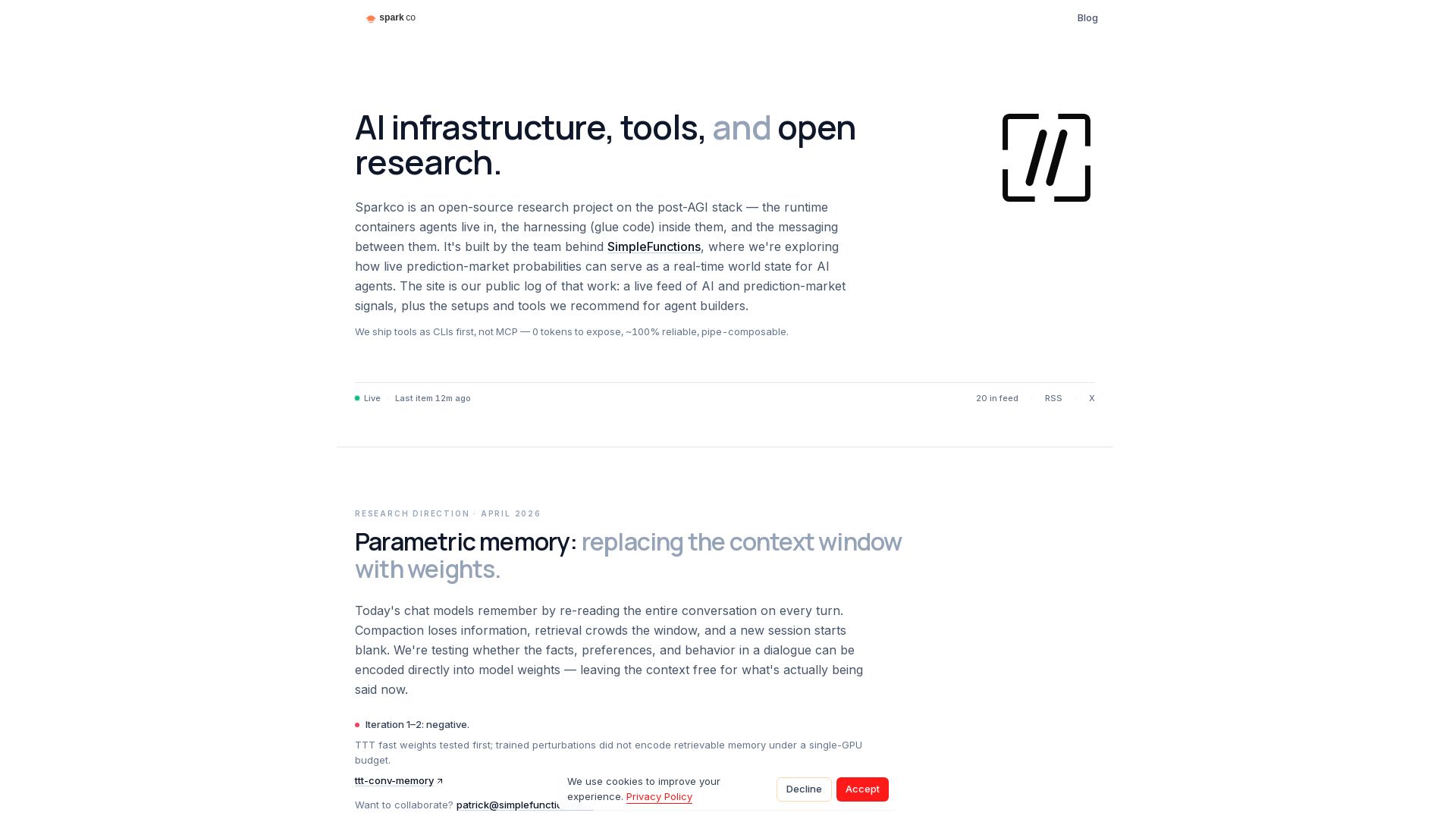
Sparkco
Open-source research on post-AGI stack, prediction market signals, and CLI-first tools for AI agents. Build smarter agents with Sparkco.
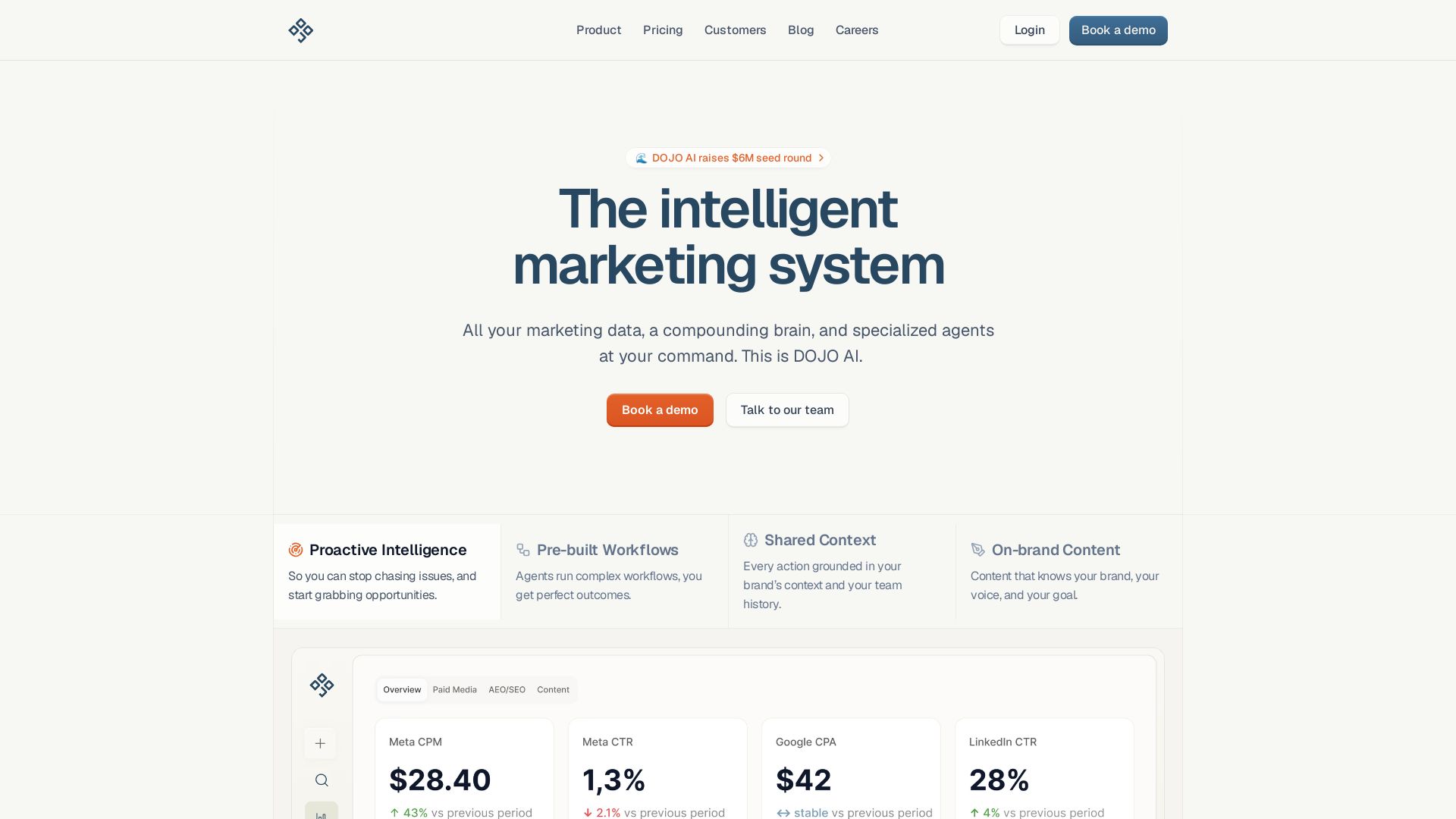
DOJO AI
All your marketing data, a compounding brain, and specialized agents at your command. Reduce CPA, boost efficiency. Book a demo.

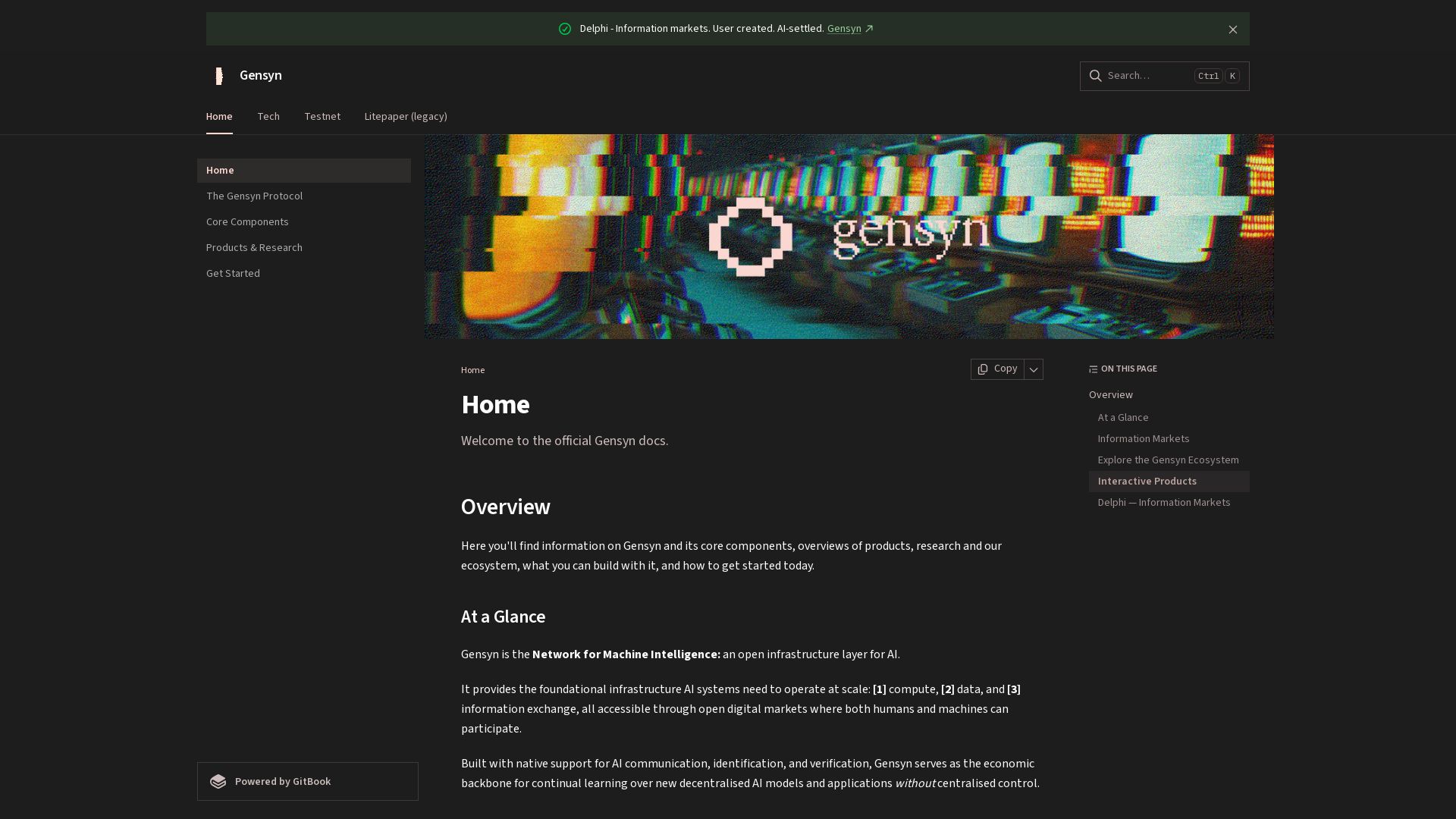
Gensyn
Decentralized infrastructure for AI compute, data, and information markets. Deploy autonomous markets, trade signals, and scale machine intelligence.

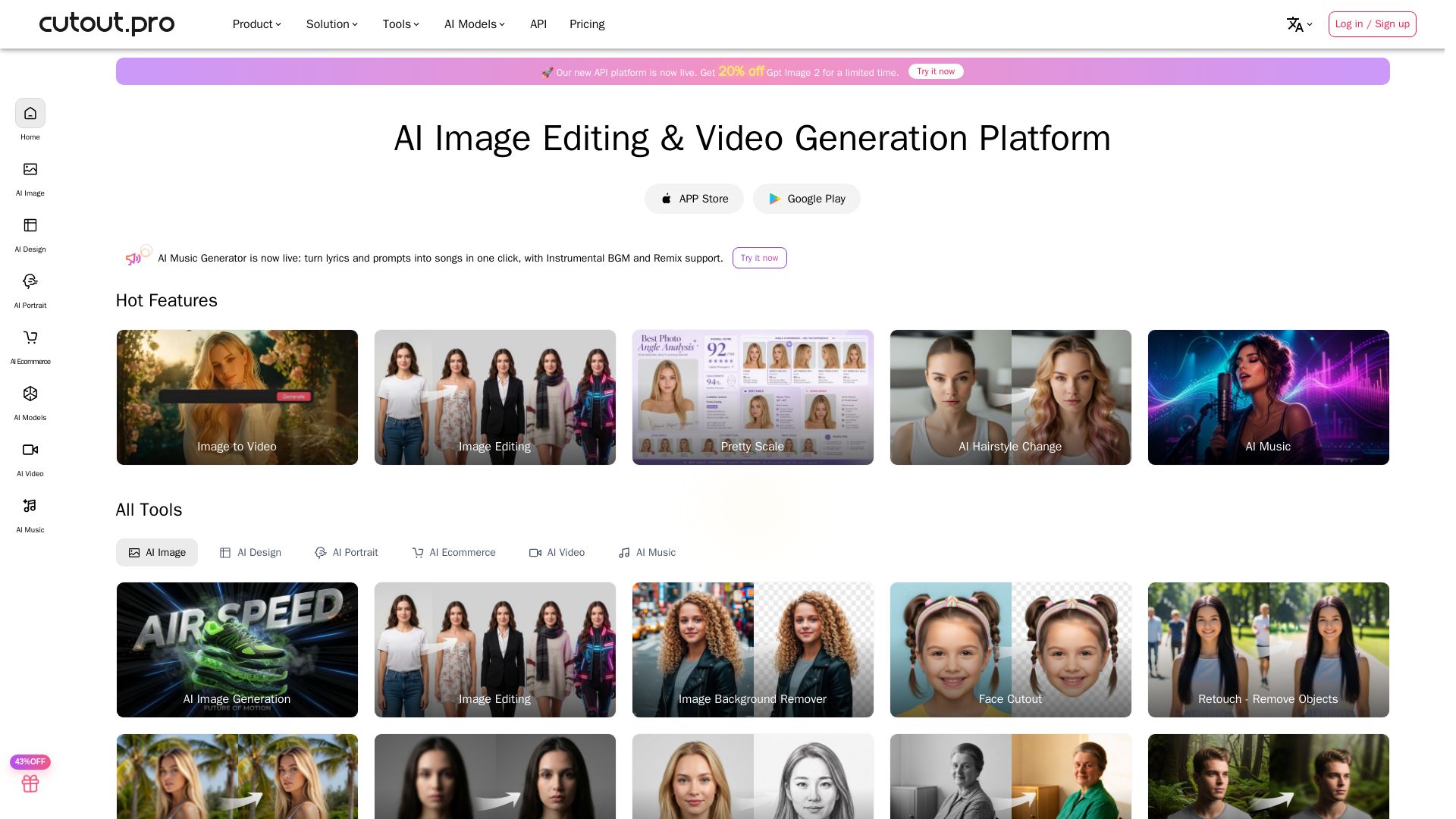
Cutout.Pro
Cutout.Pro offers AI image editing, video generation, background removal, and API integration. Trusted by 25K+ businesses. Get started for free.

Jasper
Jasper is the AI-powered execution platform for marketing teams. Orchestrate 100+ agents to automate campaigns, scale content, and maintain brand voice. Get cited by AI search.

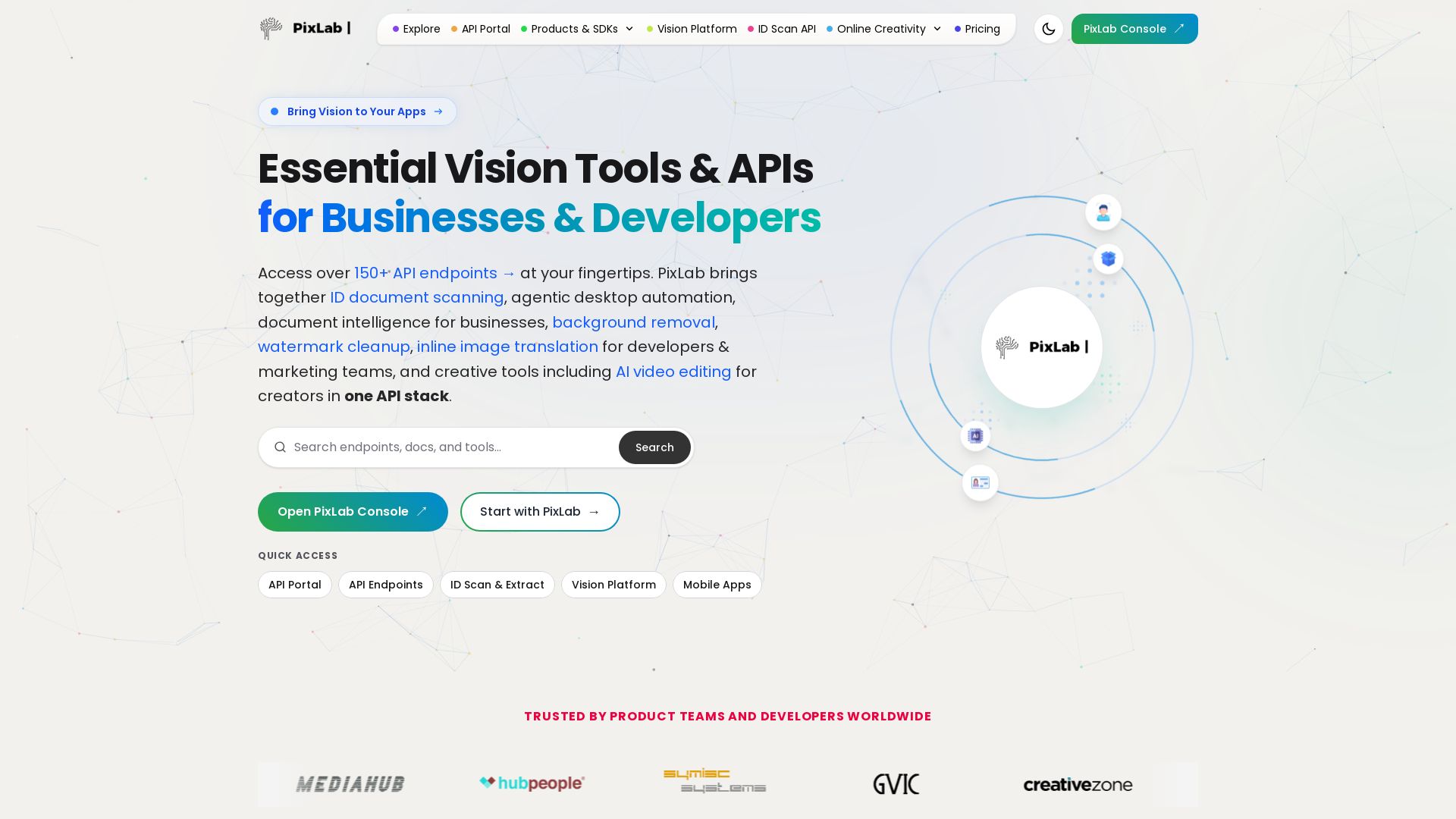
PixLab
Access 150+ API endpoints for ID scanning, document intelligence, background removal, AI video editing & more. Trusted by developers worldwide. Start with PixLab.

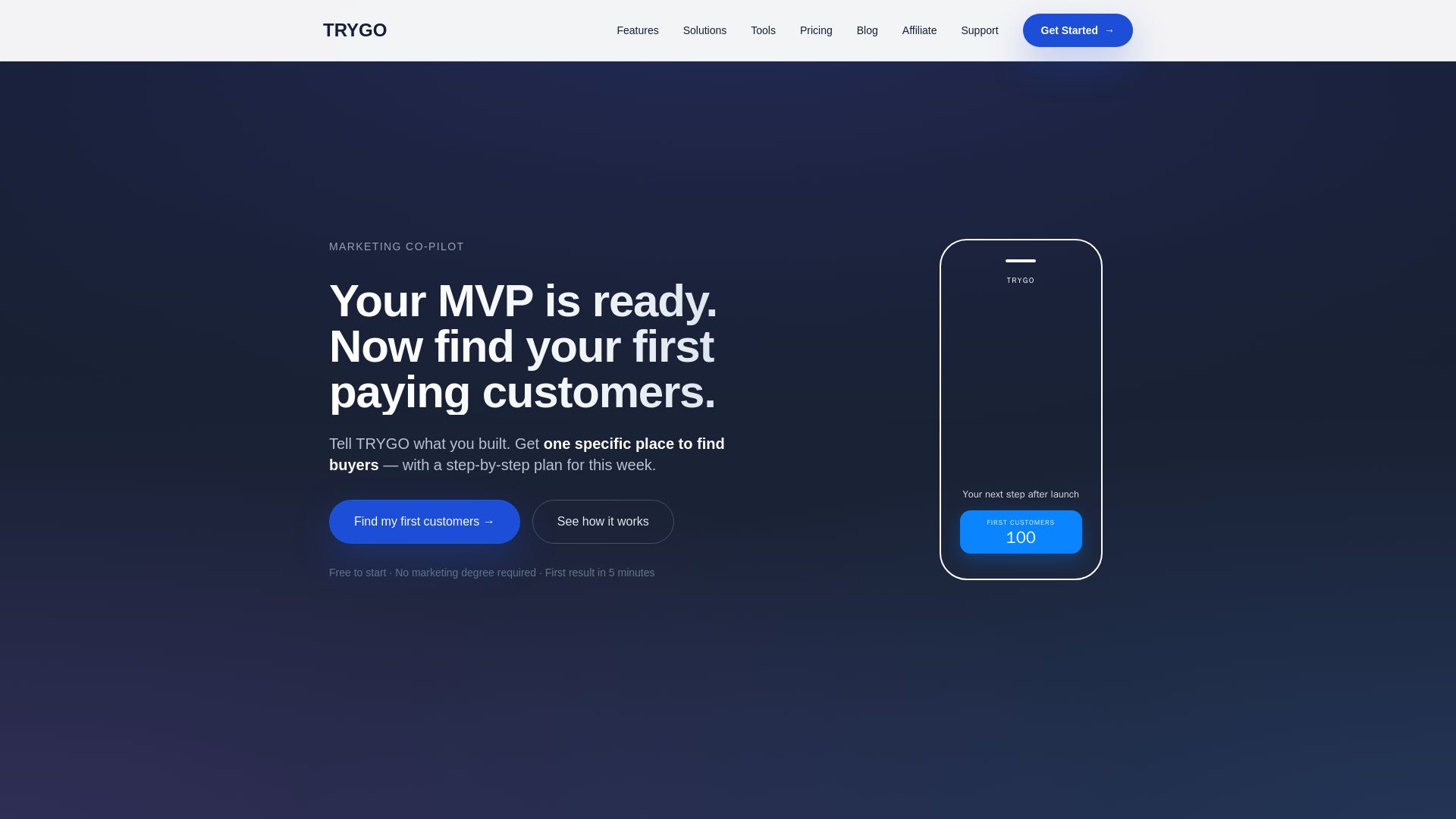
TRYGO
Find your first paying customers with AI-driven marketing strategy, channel recommendations, and GTM plans. Free to start.

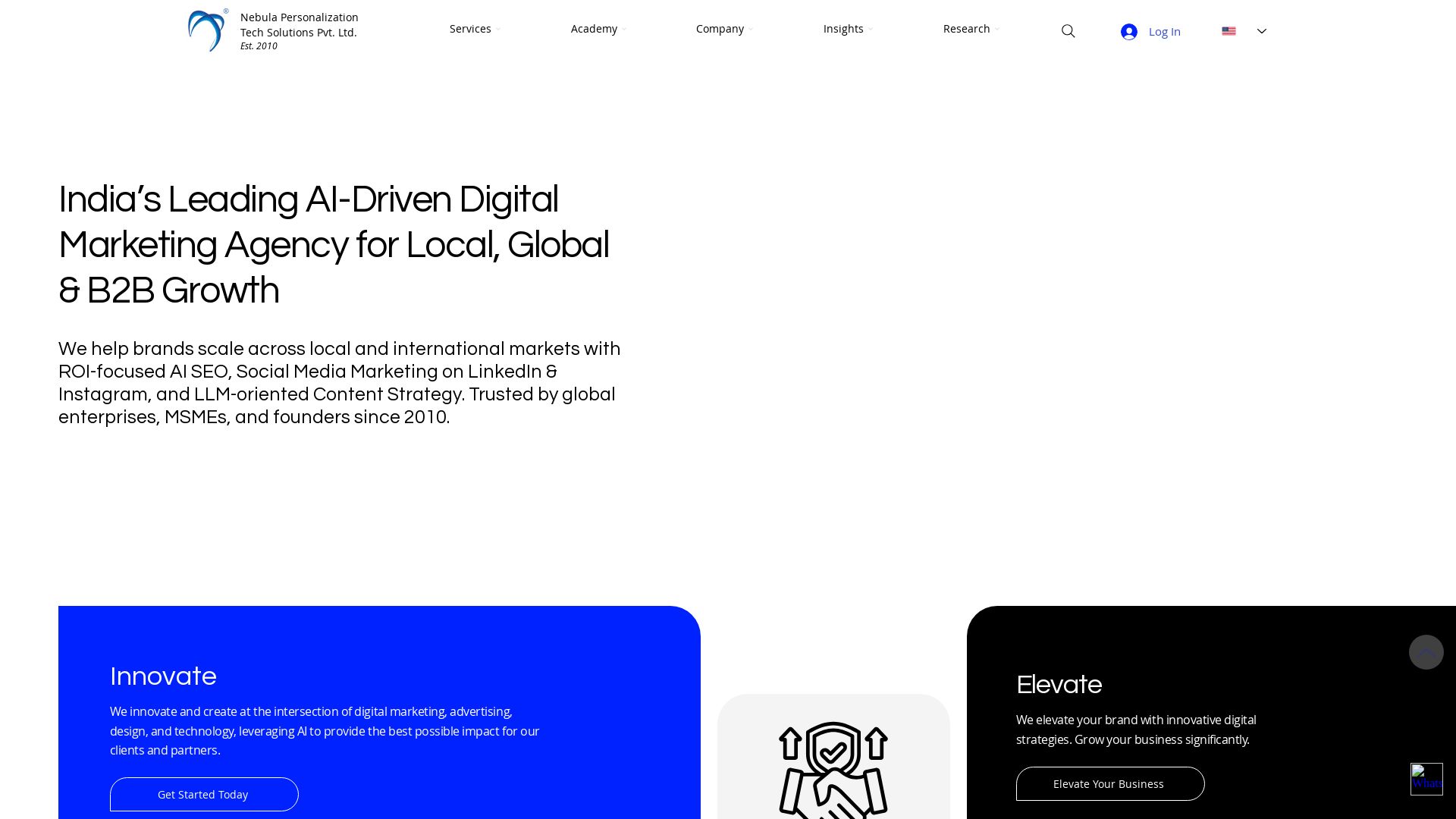
Nebula
India's leading AI digital marketing agency since 2010. We boost ROI with AI SEO, social media, and LLM content strategy for B2B and global brands.
ℹ️ Curation Disclosure: The overview and features of Free AI Photo Editor - Edit Images with Prompts, No Sign-Up - EzRemove were synthesized using AI and fact-checked by our curation team to ensure accuracy.
