
Elephas
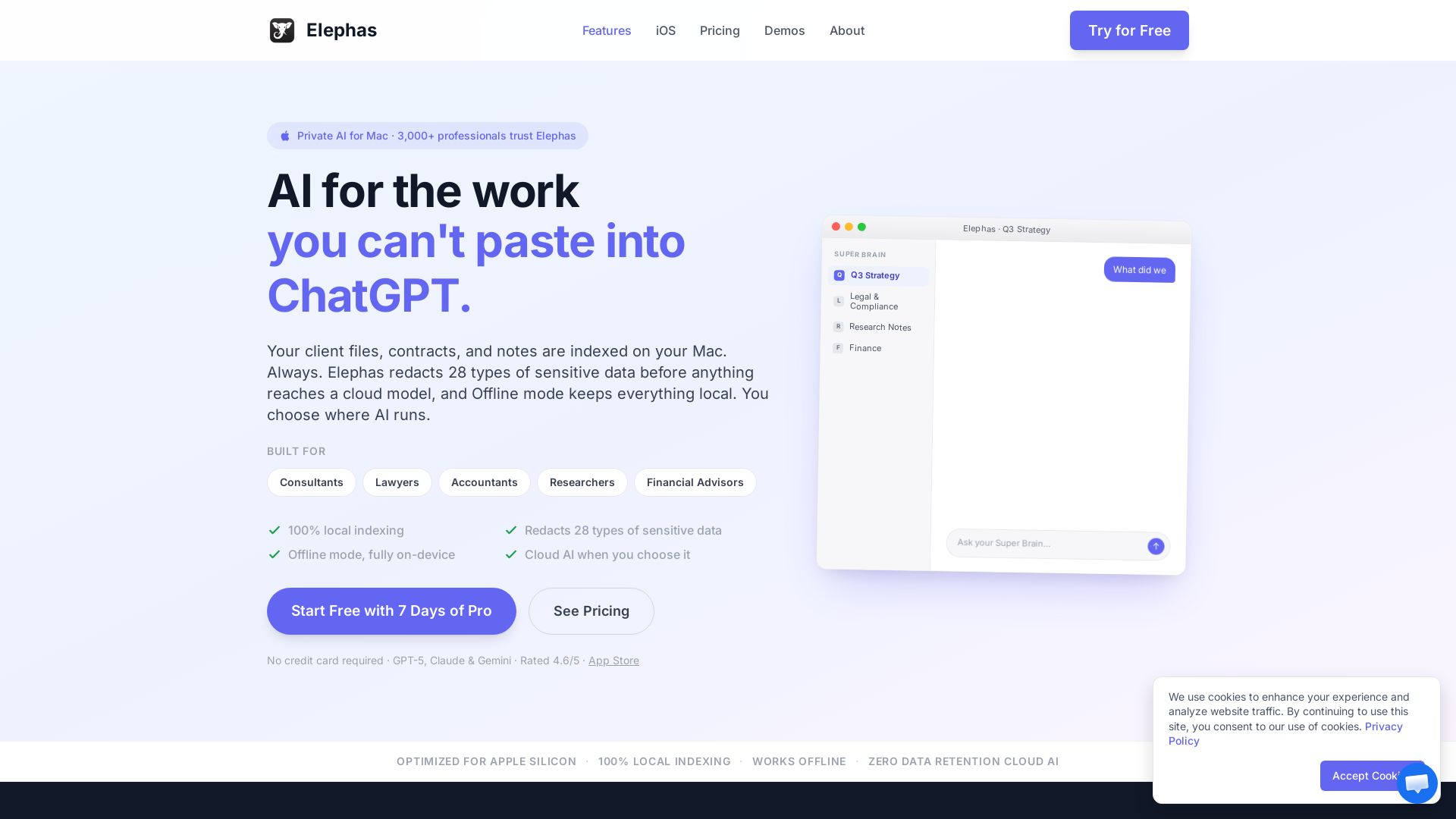
Local-first AI that redacts 28 types of sensitive data. Works offline. Grounded in your documents. Trusted by 3,000+ professionals.


Editor's Verdict
Key Takeaways
- Local-first indexing
- PII redaction (28 types)
- Offline mode
- Super Brain
In-Depth Review: What is Elephas?
Elephas is a private AI assistant for Mac designed for professionals handling sensitive documents. It indexes files locally, redacts PII before cloud processing, and offers offline mode. With Super Brain, you can create knowledge bases from your PDFs, notes, and contracts, and get answers grounded in your sources. Used by consultants, lawyers, accountants, and researchers. Start free with 7 days of Pro.
Core Features
Local-first indexing
All your documents, contracts, and notes are indexed directly on your Mac, ensuring data never leaves your device.
PII redaction (28 types)
Automatically detects and redacts 28 types of sensitive data (names, SSNs, credit cards, etc.) before any cloud AI processing.
Offline mode
Run AI entirely on your Mac with no internet connection; answers still rely on your local documents.
Super Brain
Create persistent knowledge workspaces from your files (PDFs, notes, contracts) and chat with them using citations.
Super Command
AI writing assistant accessible via keyboard shortcut in any Mac app for summarization, rewriting, translation, and more.
Zero data retention cloud AI
When using built-in cloud AI, providers do not log, store, or train on your requests.
Multi-device sync
Access your Super Brains across Mac, iPhone, and iPad using the same Apple account.
Integrations
Works with Apple Notes, Notion, Obsidian, Zoom transcripts, PDFs, Word, Excel, and 20+ other formats.
Pricing
Free
- 20 credits per month with built-in Elephas AI engine
- Limited usage
- Basic document workflows
Standard
- AI chat and writing across your Mac
- Basic document and note workflows
- Works with PDFs, notes, and files
- Cloud AI with zero data retention
- Sensitive data protected automatically
- Local-first indexing of your files
- 100 credits per month
Professional
- Everything in Standard
- Higher AI usage limits
- Integrations (Apple Notes, Notion, Obsidian, etc.)
- Super Brain (chat with your own knowledge)
- Access Super Brains on iPhone and iPad
- View redaction activity (basic visibility)
- See types of data redacted
- 500 credits per month
Pro+
- Everything in Professional
- Full redaction inspector (see exact entities redacted)
- Detailed visibility into redaction per message
- Advanced redaction configuration control
- Optional offline AI workflows
- Maximum AI usage limits (1000 credits per month)
- 1-on-1 onboarding call
- Priority support and early access
Pros and Cons
Pros
- Strong data privacyLocal-first indexing and automatic PII redaction ensure sensitive information stays protected, even when using cloud AI.
- Versatile AI toolsCombines a knowledge workspace (Super Brain) with a system-wide writing assistant (Super Command) for seamless productivity.
- Grounded answers with citationsEvery AI response is based on your uploaded documents and cites sources, reducing hallucination risk.
- Offline capabilityFully offline AI mode allows work without internet, ideal for confidential or air-gapped environments.
- Cross-device accessPro and Pro+ plans sync Super Brains across Mac, iPhone, and iPad for a unified experience.
Cons
- Mac onlyCurrently available only on macOS and iOS; no Windows or Linux support.
- Limited free tierFree plan offers only 20 credits per month, which may be insufficient for heavy users.
- App Store limitationsThe Mac App Store version lacks Super Command and AI writing features due to sandbox restrictions.
- Requires Apple ecosystem for syncMulti-device sync requires the same Apple account across devices, limiting cross-platform use.
- Cloud AI requires trustEven with zero data retention, some users may prefer fully on-premise solutions for maximum control.
Use Cases & Recommended Professions
Consultant→ View Toolkit
Handle NDA-covered client engagements, proposals, and deliverables with AI that redacts sensitive information.
Lawyer→ View Toolkit
Work on legal research, contracts, and sensitive clauses while keeping client data local and redacted.
Accountant→ View Toolkit
Manage tax memos, audit prep, and client returns with protected processing of financial data.
Researcher→ View Toolkit
Organize and query unpublished papers, peer-review materials, and reference PDFs with local indexing.
Financial Advisor→ View Toolkit
Access client portfolios, suitability memos, and planning documents securely with AI assistance.
Knowledge Worker→ View Toolkit
Any professional dealing with confidential internal docs, meeting transcripts, or personal notes benefits from local-first AI.
Frequently Asked Questions
Alternative AI Tools
View Detailed Comparison →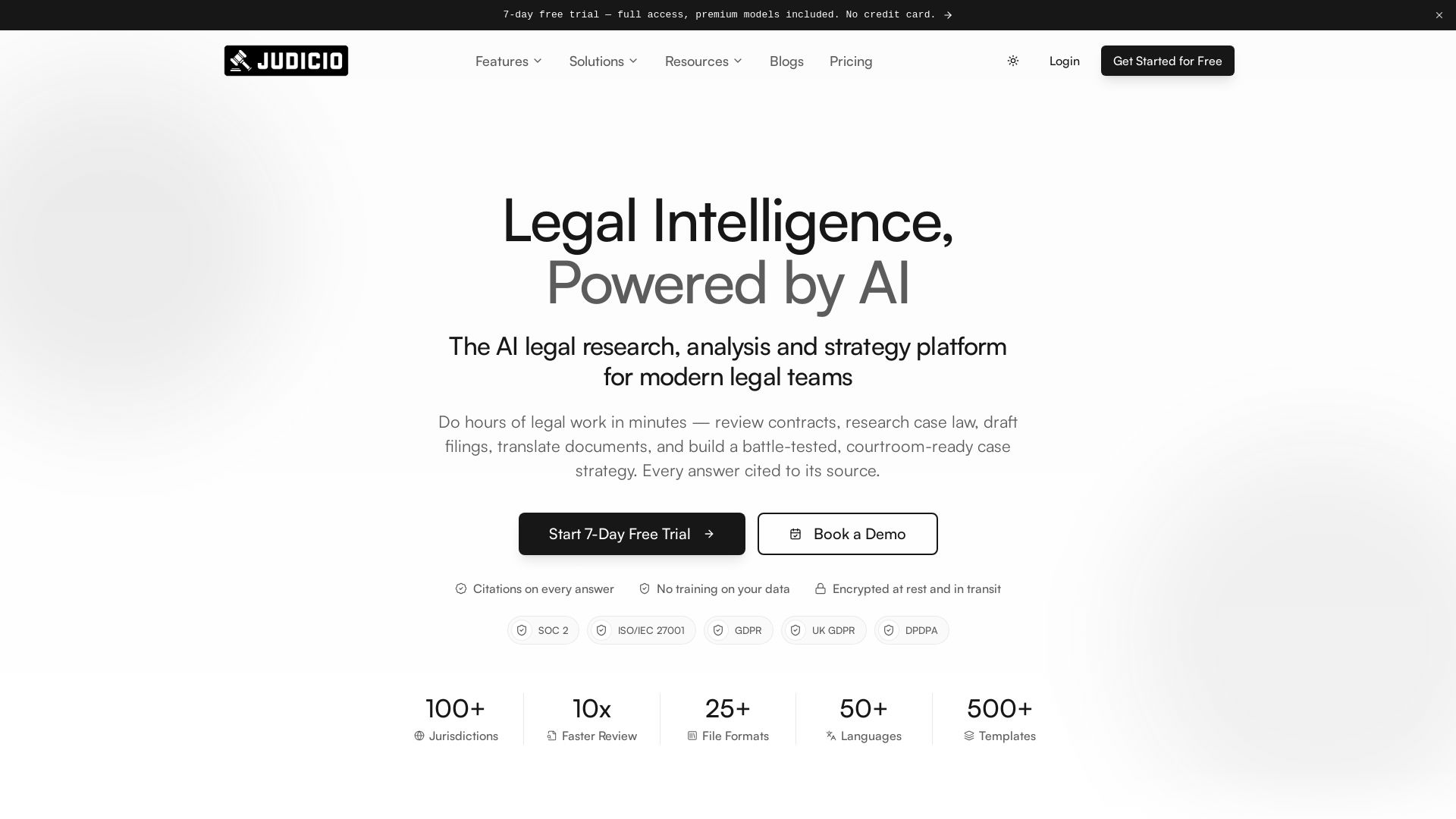
Judicio
AI-powered legal research and document analysis for modern legal teams. Review contracts, research case law, draft filings, and more — every answer cited.

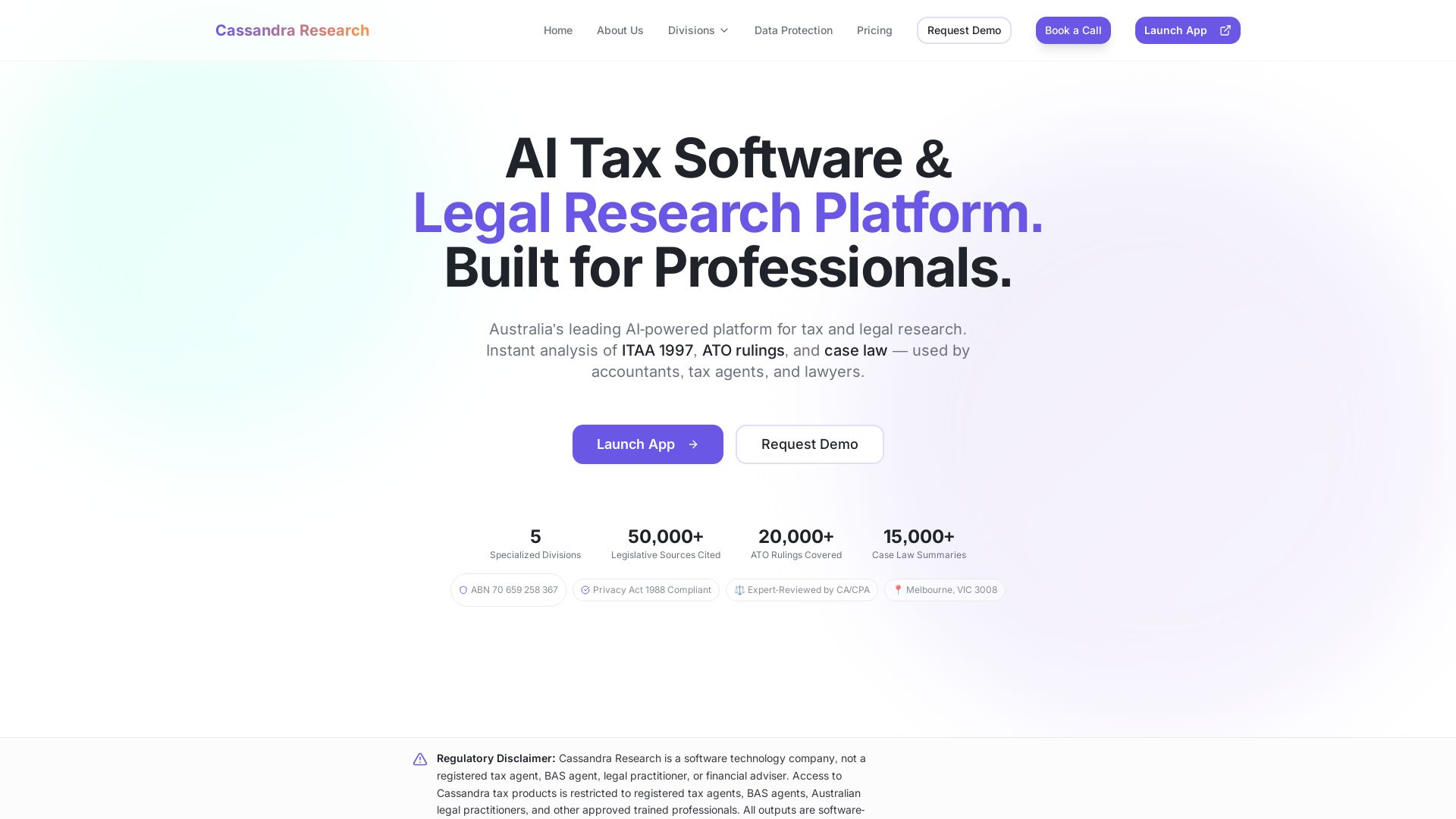
Cassandra Research
Australia's leading AI-powered tax and legal research platform. Instant analysis of ITAA 1997, ATO rulings, and case law for professionals.


HIX AI
HIX AI is an AI agent workspace that lets you research, create slides, videos, images, and more with one tool. Boost productivity with deep research and automated content creation.


Figr
Ship better UX faster. Figr builds a living understanding of your product, maps flows, finds edge cases, and generates high-fidelity prototypes from your actual design system.


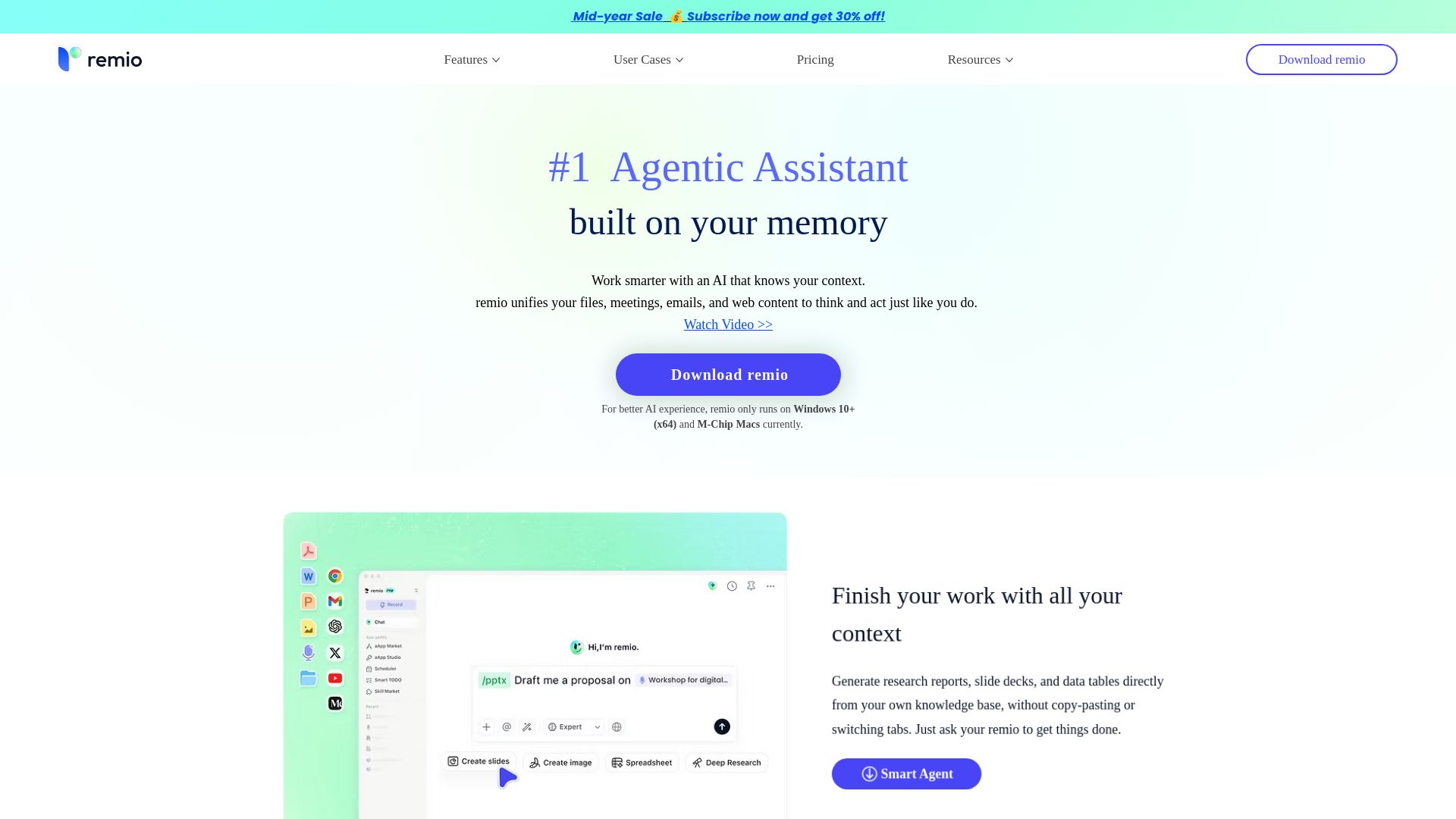
remio
remio captures files, meetings, emails, and web content to build a personal knowledge base. Ask questions, get answers, and work smarter with context-aware AI.

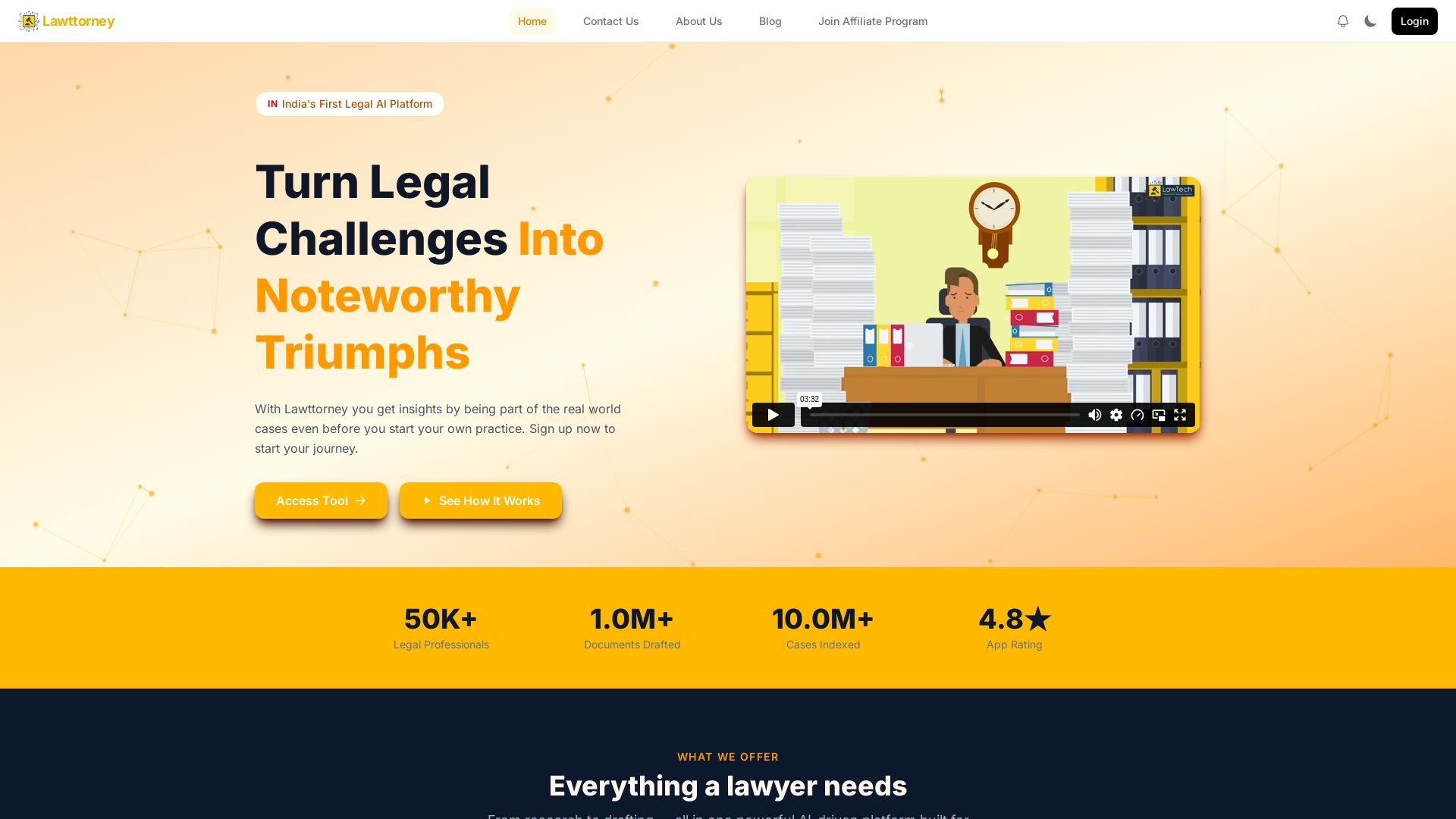
Lawttorney
AI-powered legal research, document drafting, and Indian case law database. Save 90% time. Trusted by 1K+ professionals. Sign up free.

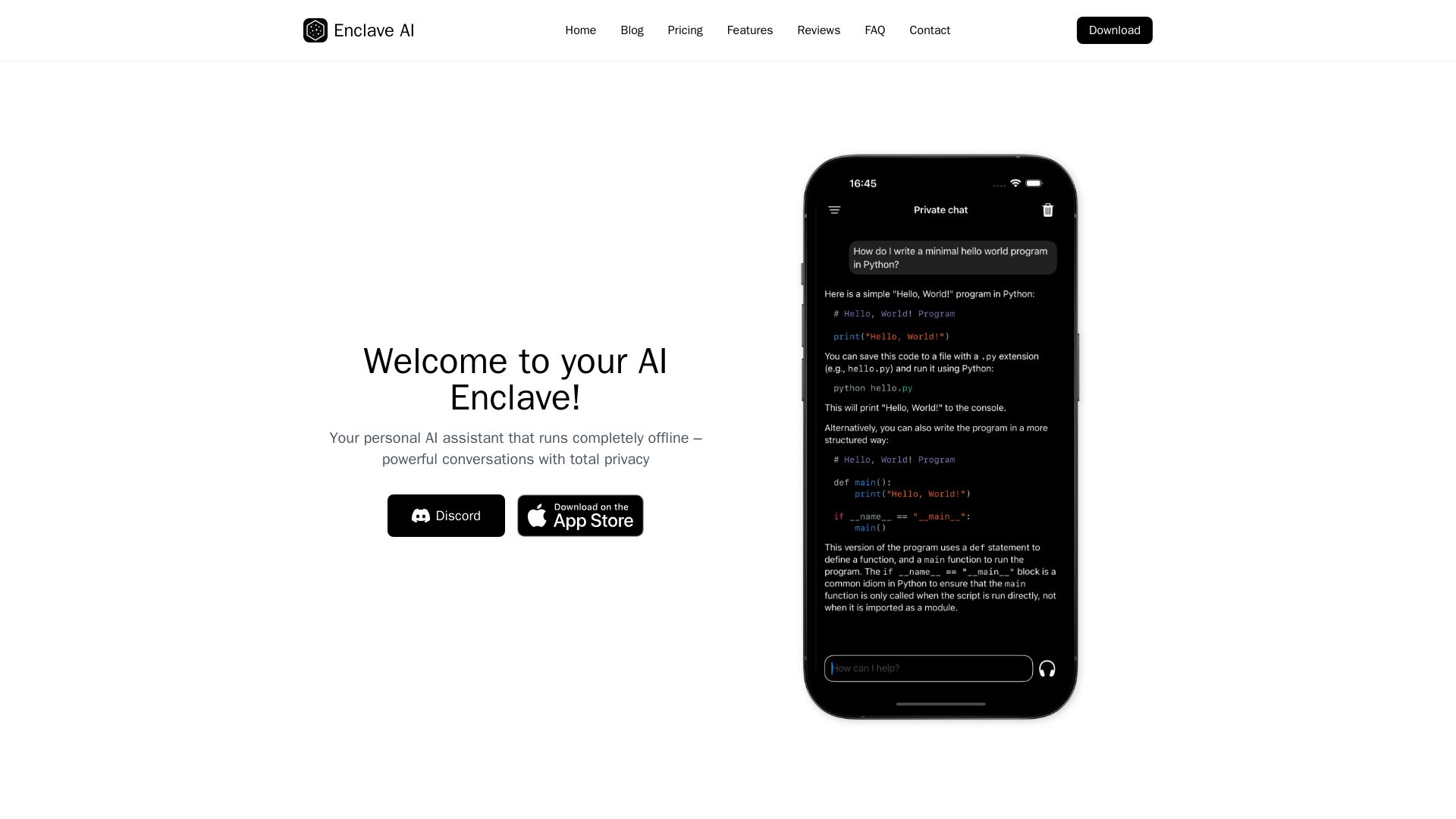
Enclave AI
Private offline AI assistant for iPhone & Mac. Voice chat, document support, custom AI. No cloud needed.

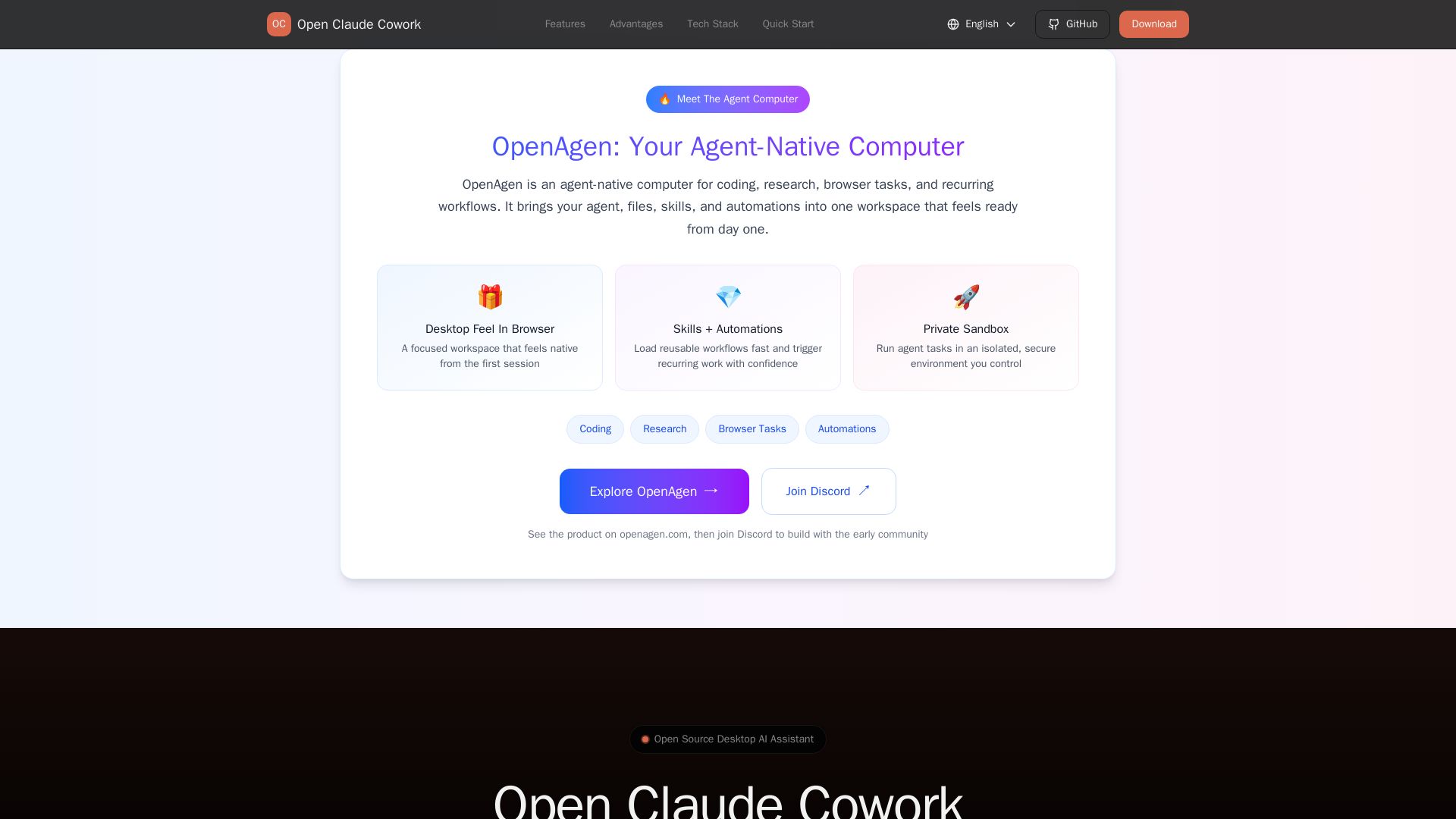
Open Claude Cowork
Bring Claude Code to desktop with visual AI collaboration. Open source assistant for coding, research, browser tasks. Supports Chinese LLMs, session management, and tool control.

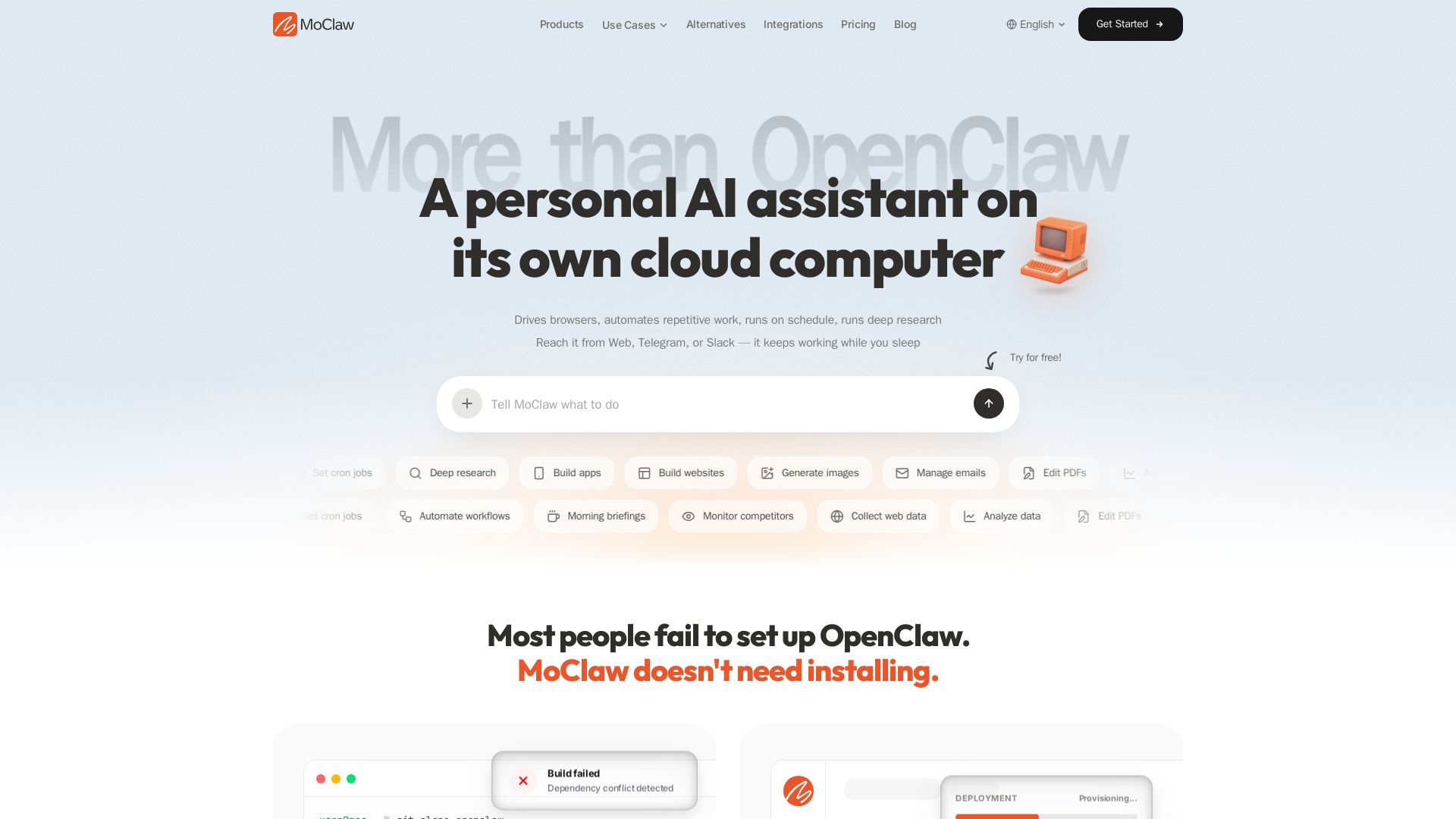
MoClaw
Automate tasks, research, and workflows with MoClaw's always-on AI computer. No setup, no crashes. Deep research, browser control, scheduling. Try free.

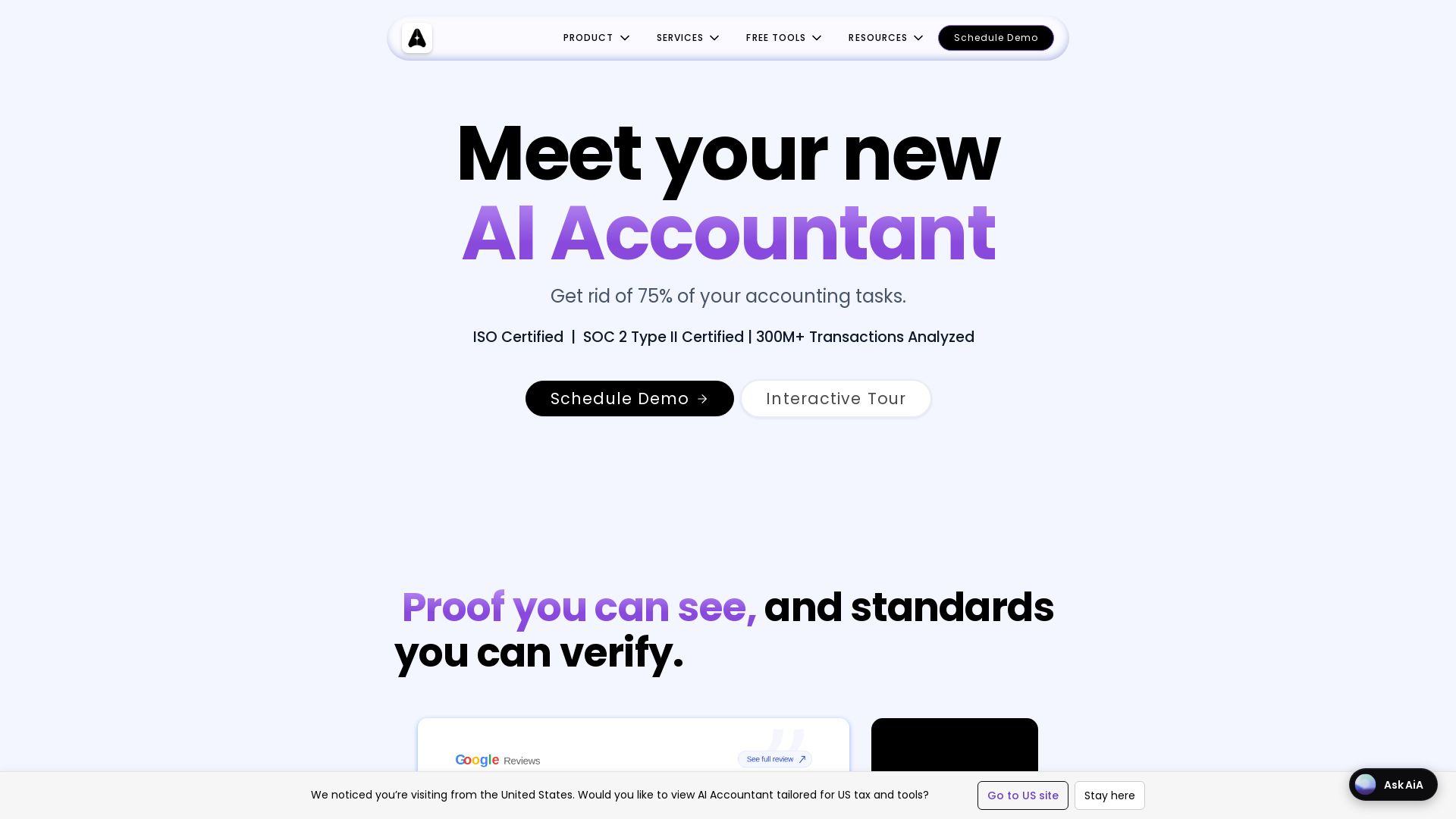
AI Accountant
AI-powered accounting automation with Tally sync, ITC matching, bank statement processing, and dashboards. Get rid of manual entry. ISO & SOC 2 certified.

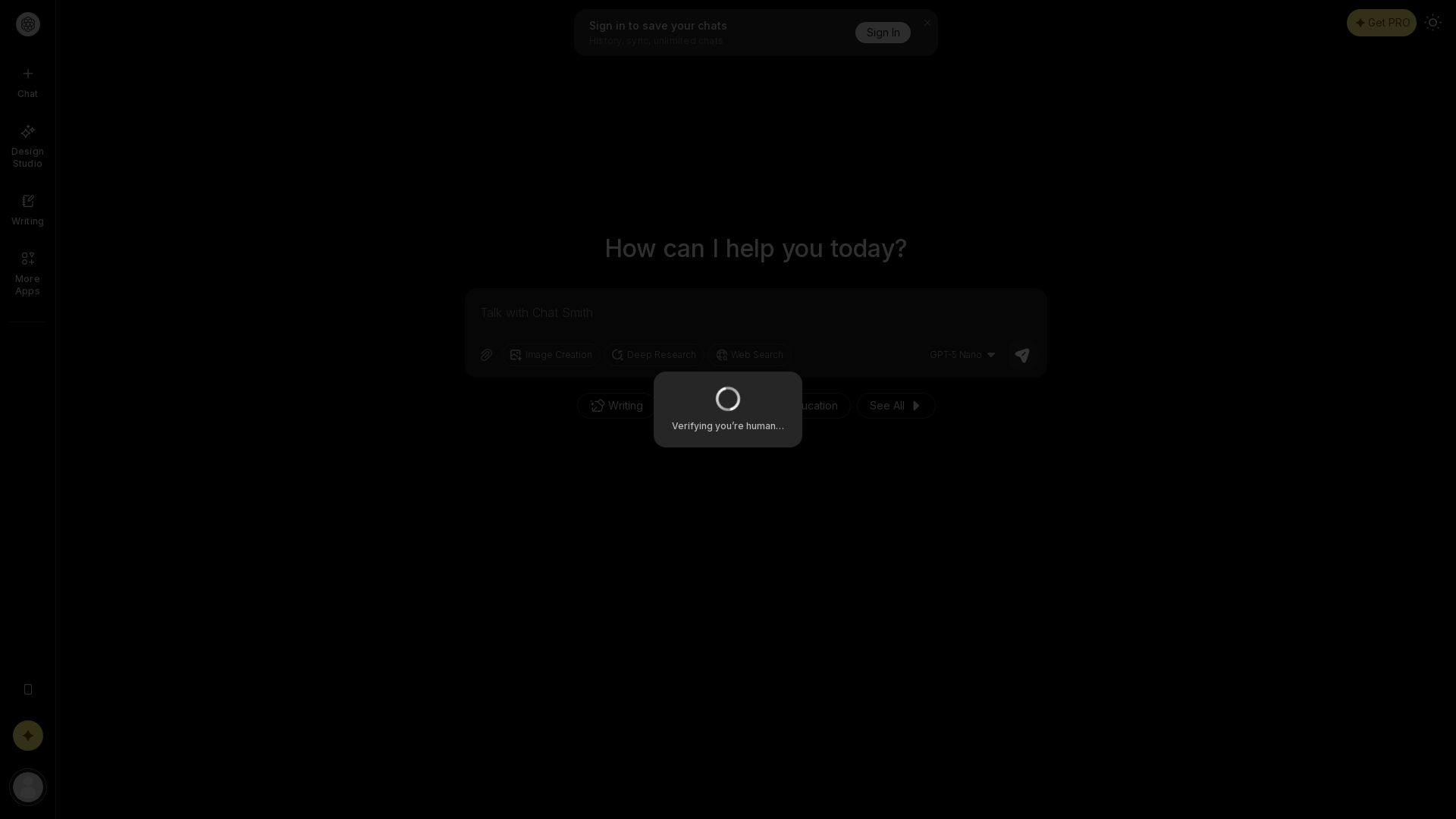
Chat Smith
Unlock powerful AI tools for image creation, deep research, web search, writing, and work. Sign in for unlimited chats and history.

ℹ️ Curation Disclosure: The overview and features of Elephas were synthesized using AI and fact-checked by our curation team to ensure accuracy.