
Open Interpreter
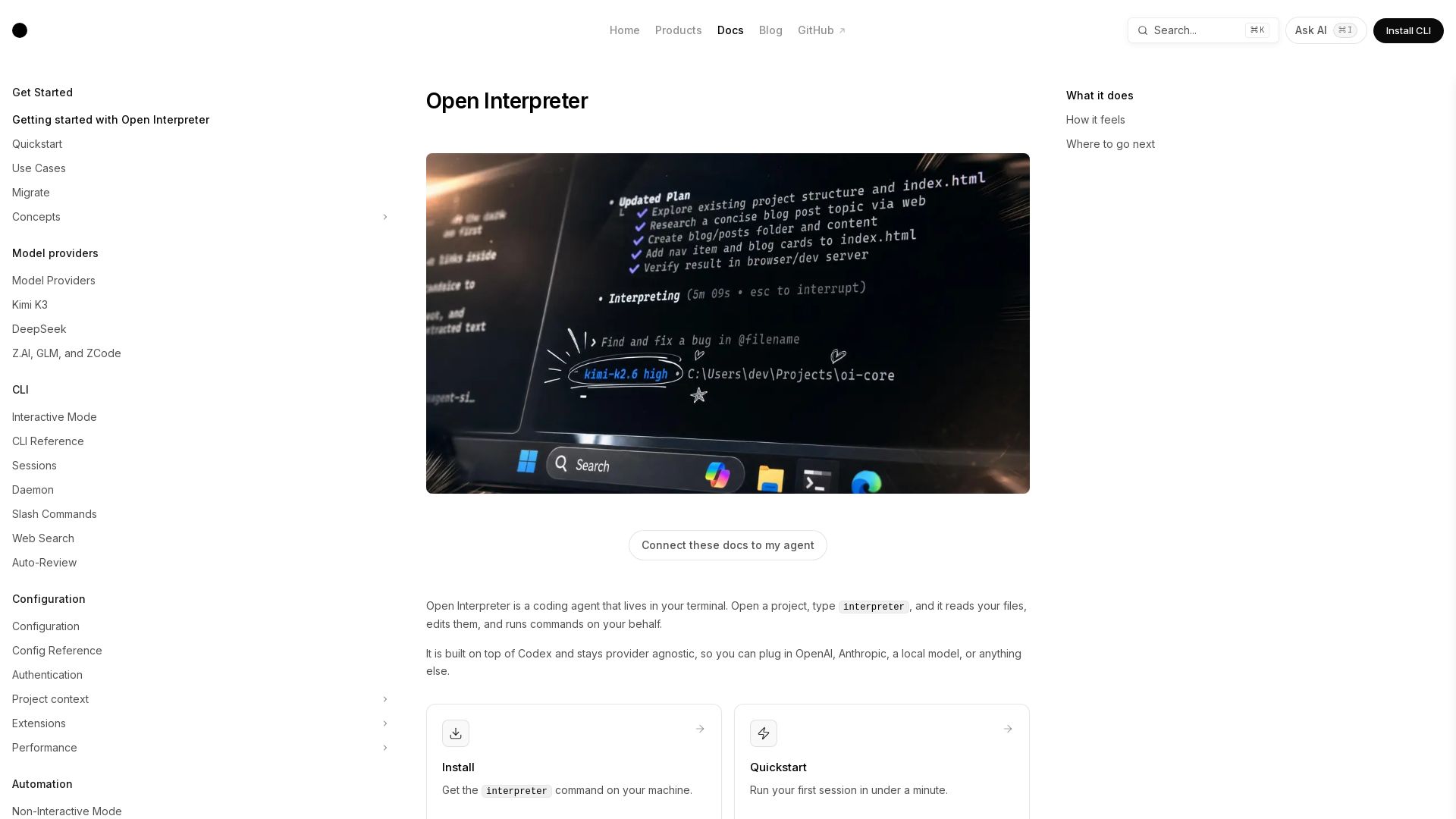
Open Interpreter brings AI-powered code editing and command execution to your terminal. Provider-agnostic, sandboxed, and ready to boost your workflow.
Editor's Verdict
Key Takeaways
- In-place code editing
- Command guardrails
- Bring your own model
- Session resume
In-Depth Review: What is Open Interpreter?
Open Interpreter is a powerful coding agent that lives in your terminal. It reads and edits your code, runs commands with explicit guardrails, and works with any AI model provider. Get started in seconds with a simple install, then let the agent handle your development tasks, from adding endpoints to managing sessions. It's open source, customizable, and designed to keep you in control.
Core Features
In-place code editing
Ask for a change and review the diff before it lands, enabling safe and collaborative code modifications.
Command guardrails
A sandbox decides what commands are possible, and an approval mode decides when to ask first, ensuring secure execution.
Bring your own model
Pick any provider and model (OpenAI, Anthropic, local, etc.) and switch anytime with /model.
Session resume
Resume long sessions with `interpreter resume --last` to continue previous work seamlessly.
Codex surface compatibility
Supports familiar exec, sessions, MCP, AGENTS.md, skills, hooks, permissions, and subagents with a provider-agnostic model picker.
Slash commands
Switch models, manage sessions, and perform other actions directly from the composer using slash commands.
AGENTS.md guidance
Provide project-specific instructions that the agent reads automatically for context-aware behavior.
Reusable skills
Package common workflows into skills that the agent can automatically pick up and execute.
Sandbox and approvals
Define what runs automatically and what requires manual approval, balancing automation and control.
CLI reference
Access comprehensive documentation of public interpreter commands and flags for advanced usage.
Pros and Cons
Pros
- Provider AgnosticSupports any model provider including OpenAI, Anthropic, and local models, giving users flexibility.
- Safe ExecutionSandbox and approval modes prevent unintended command execution, enhancing security.
- Incremental EditingChanges are reviewed as diffs before application, reducing errors and improving collaboration.
- Session PersistenceLong sessions can be resumed, allowing work to continue across terminal sessions.
- Extensible via SkillsReusable workflows can be packaged and automatically discovered, streamlining repetitive tasks.
Cons
- Terminal-Only InterfaceLimited to command-line usage, which may be less accessible for users preferring graphical interfaces.
- Initial Setup RequiredRequires authentication and configuration of providers, sandbox, and approvals before full use.
- Dependency on Third-Party ModelsRelies on external model providers for intelligence, which may introduce latency or cost.
- Learning CurveNew users must learn slash commands, skills, and configuration options to maximize productivity.
- Not a General AssistantFocused on code editing and command execution; not suitable for non-coding tasks like chat or media generation.
Use Cases & Recommended Professions
Software Engineer→ View Toolkit
Uses Open Interpreter to edit code, run commands, and automate development tasks directly from the terminal.
DevOps Engineer→ View Toolkit
Leverages the tool to manage infrastructure, run scripts, and execute commands with safety guardrails.
Data Scientist→ View Toolkit
Needs to run data processing scripts, manage models, and automate analysis workflows in a controlled environment.
System Administrator→ View Toolkit
Benefit from automated command execution, session resumption, and sandboxed operations for system maintenance.
AI/ML Engineer→ View Toolkit
Uses the provider-agnostic model support to experiment with different AI models for code generation and assistance.
Technical Writer→ View Toolkit
Can use the agent to generate code examples, edit documentation files, and run consistency checks.
Frequently Asked Questions
Alternative AI Tools
View Detailed Comparison →
AI Hero
Master AI-assisted coding with proven engineering fundamentals. Learn to make codebases agents love, control AI output quality, and build real skills. Join 70k+ developers.

I Turned My Android Phone Into an MCP Server
Practical insights on agentic DevOps, AI workflows, and building with GitHub Copilot. Learn from software engineer Hector Flores.

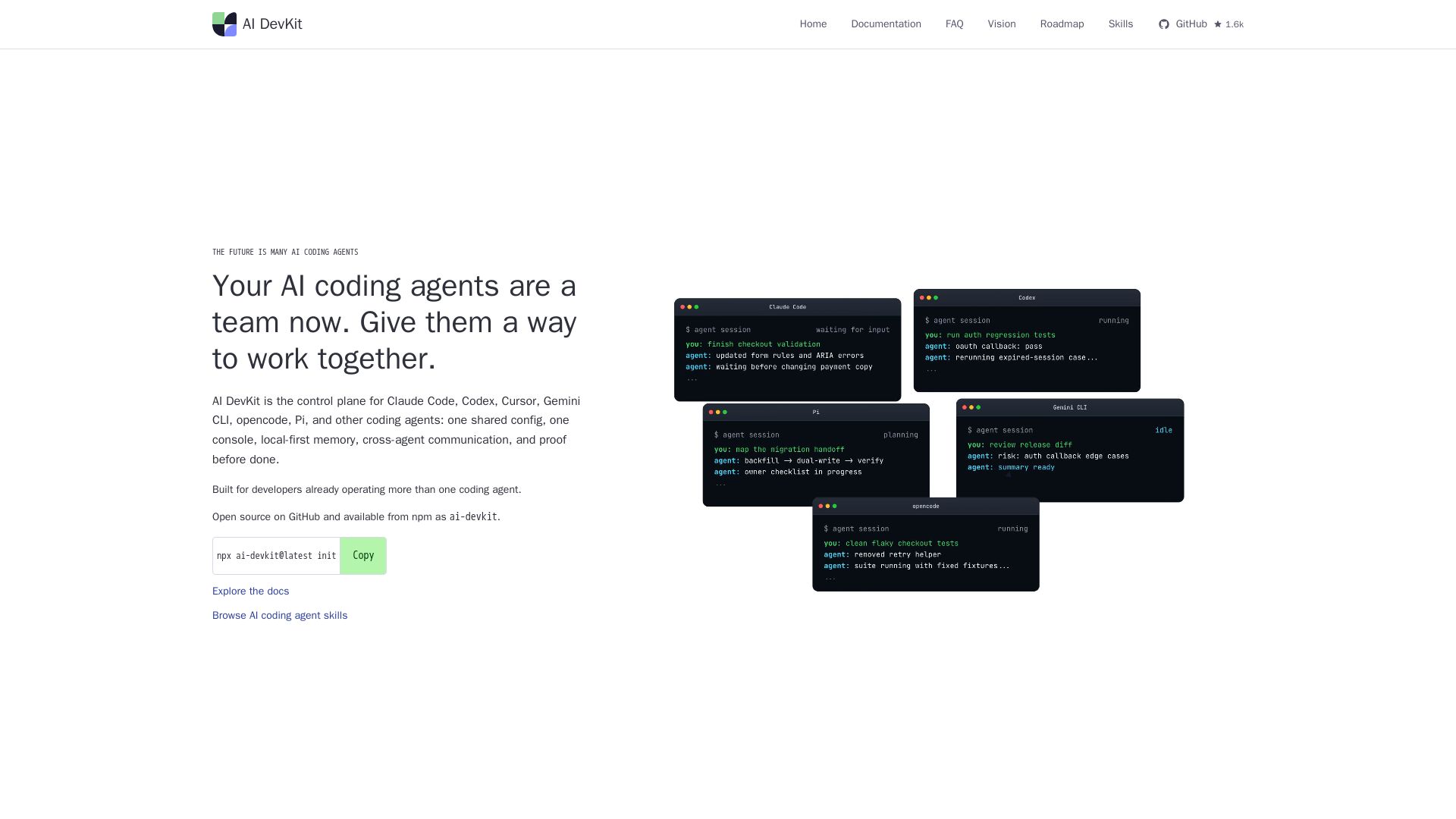
AI DevKit
One shared config, console, memory, and verification for Claude Code, Codex, Cursor & more. Local-first, open source.


SF AI Labs
End-to-end AI services from strategy to launch. Proven delivery framework, expert network in San Francisco. Maximize ROI with custom AI solutions for modern companies.

OpenCode
OpenCode is an open-source, terminal-native AI coding assistant supporting Claude, GPT-4, Gemini, and local models. Boost productivity with agent mode and seamless CLI integration.

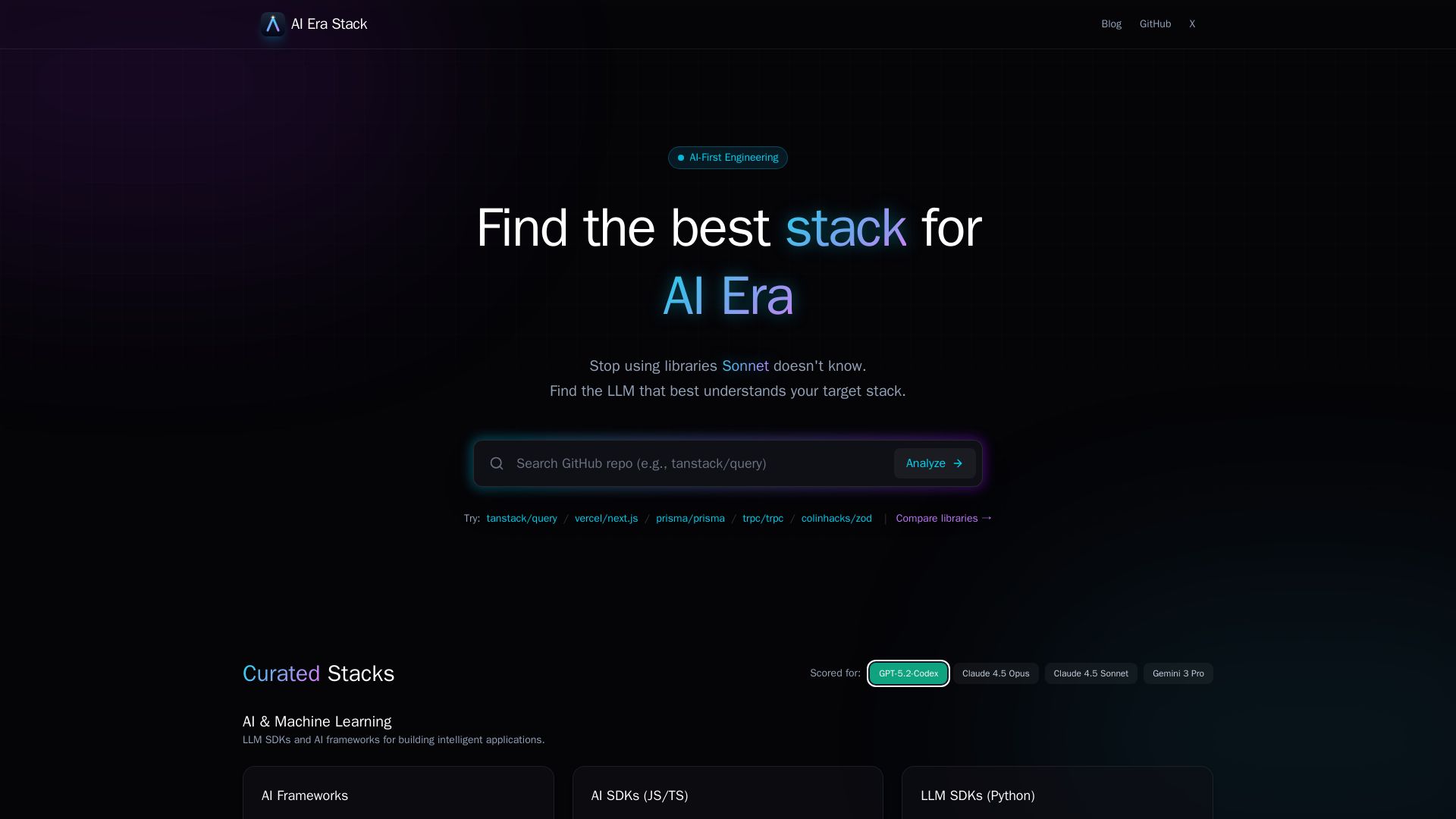
AI Era Stack
Discover which GitHub projects are best understood by LLMs like GPT, Claude, Gemini. Score based on AI coverage, adoption, and more. Choose stacks AI knows.

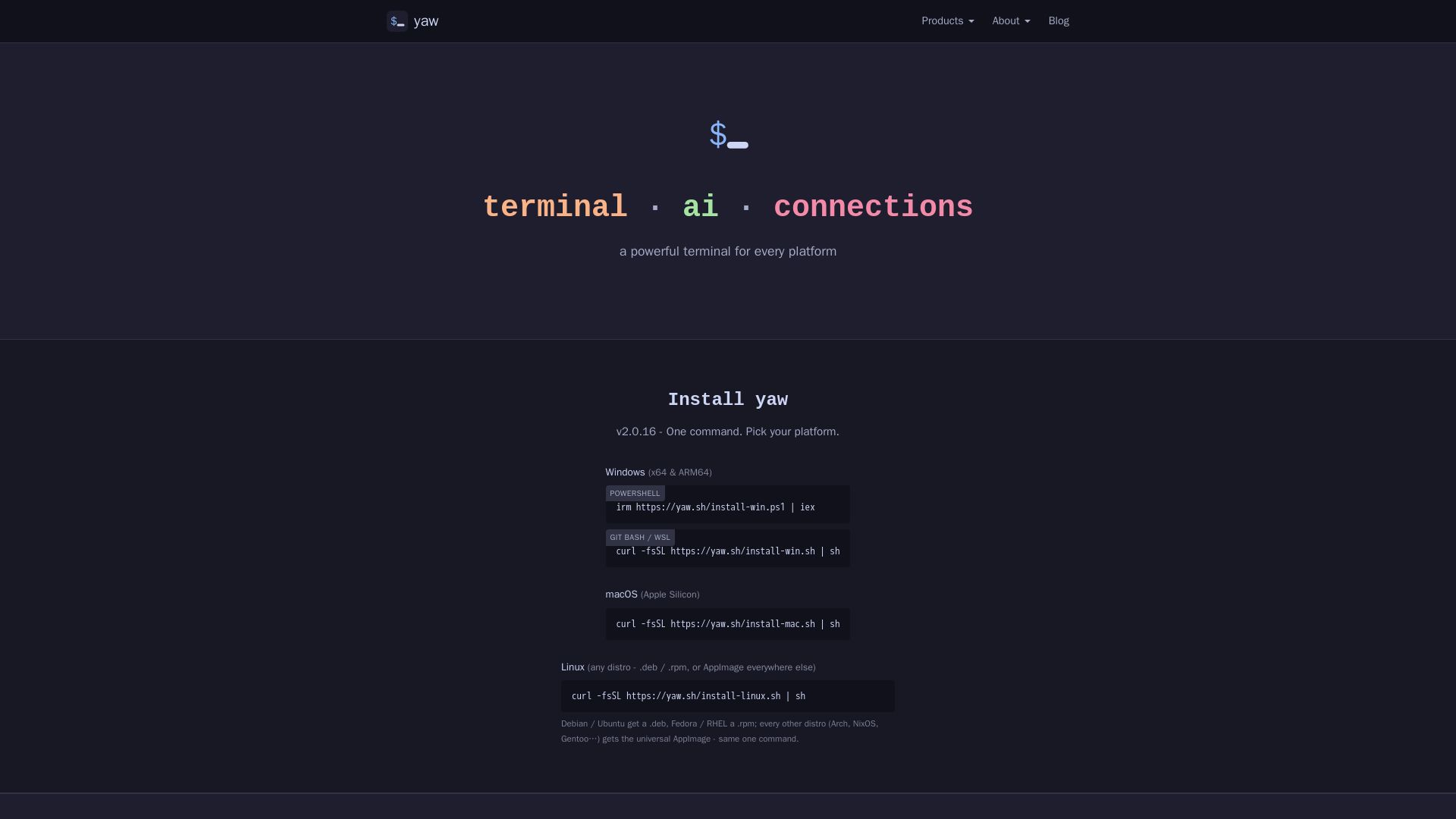
yaw
A powerful terminal for Windows, macOS, and Linux. Features AI CLI tools, built-in file editor, and Claude Code Yaw Mode. Install with one command.

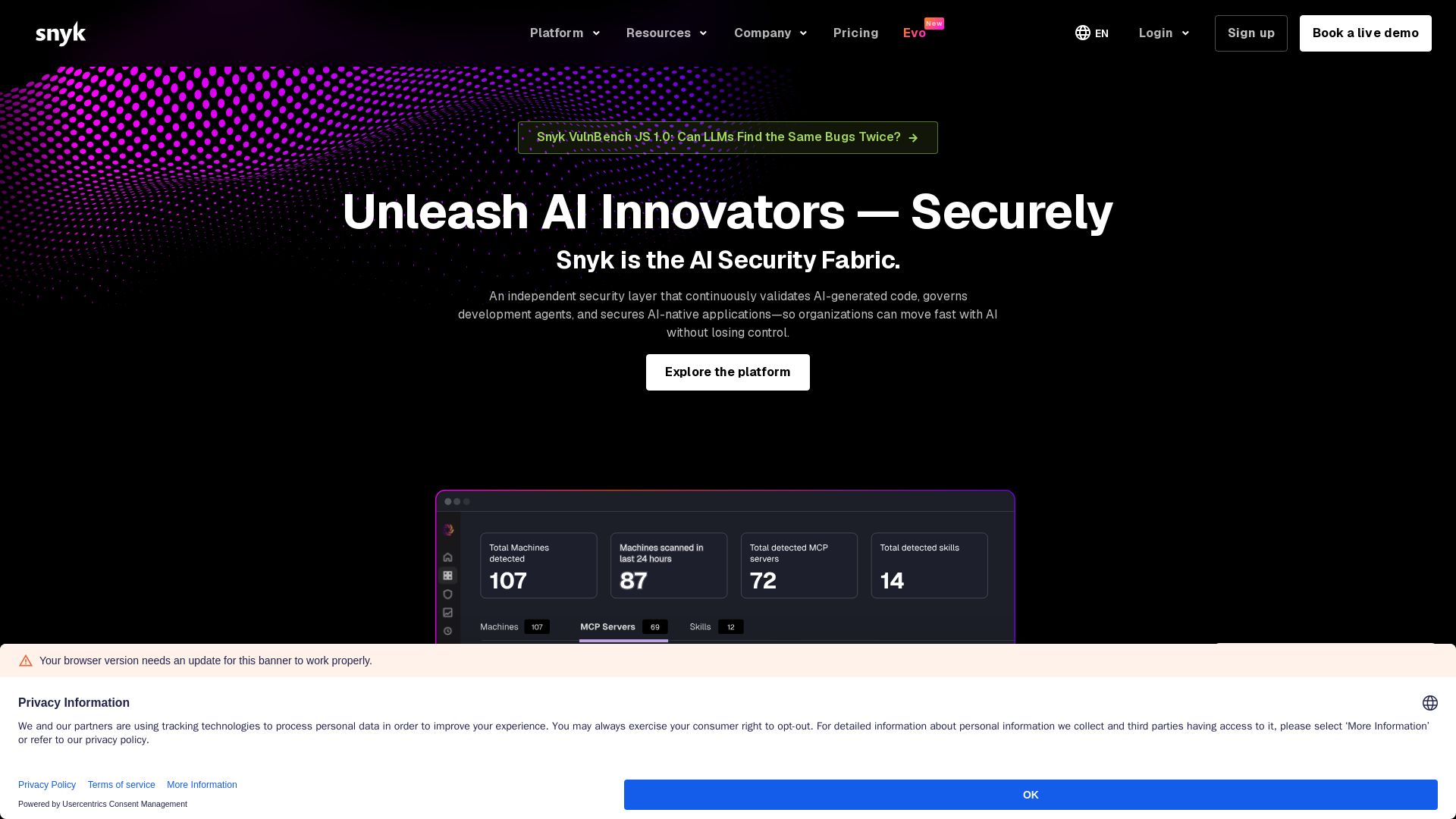
Snyk
Snyk secures AI-generated code, governs development agents, and protects AI-native applications. Trusted by leading enterprises.


AI SDK AGENTS
The toolkit for AI engineers. Install, copy, or export 125 AI SDK patterns for agents, tool calling, human-in-the-loop, and generative UI. Full source code, own your stack.


Scuti AI
We specialize in generative AI, AI-OCR, RAG, and offshore development. Combining Vietnam's speed with Japan's quality to automate tasks and boost business.

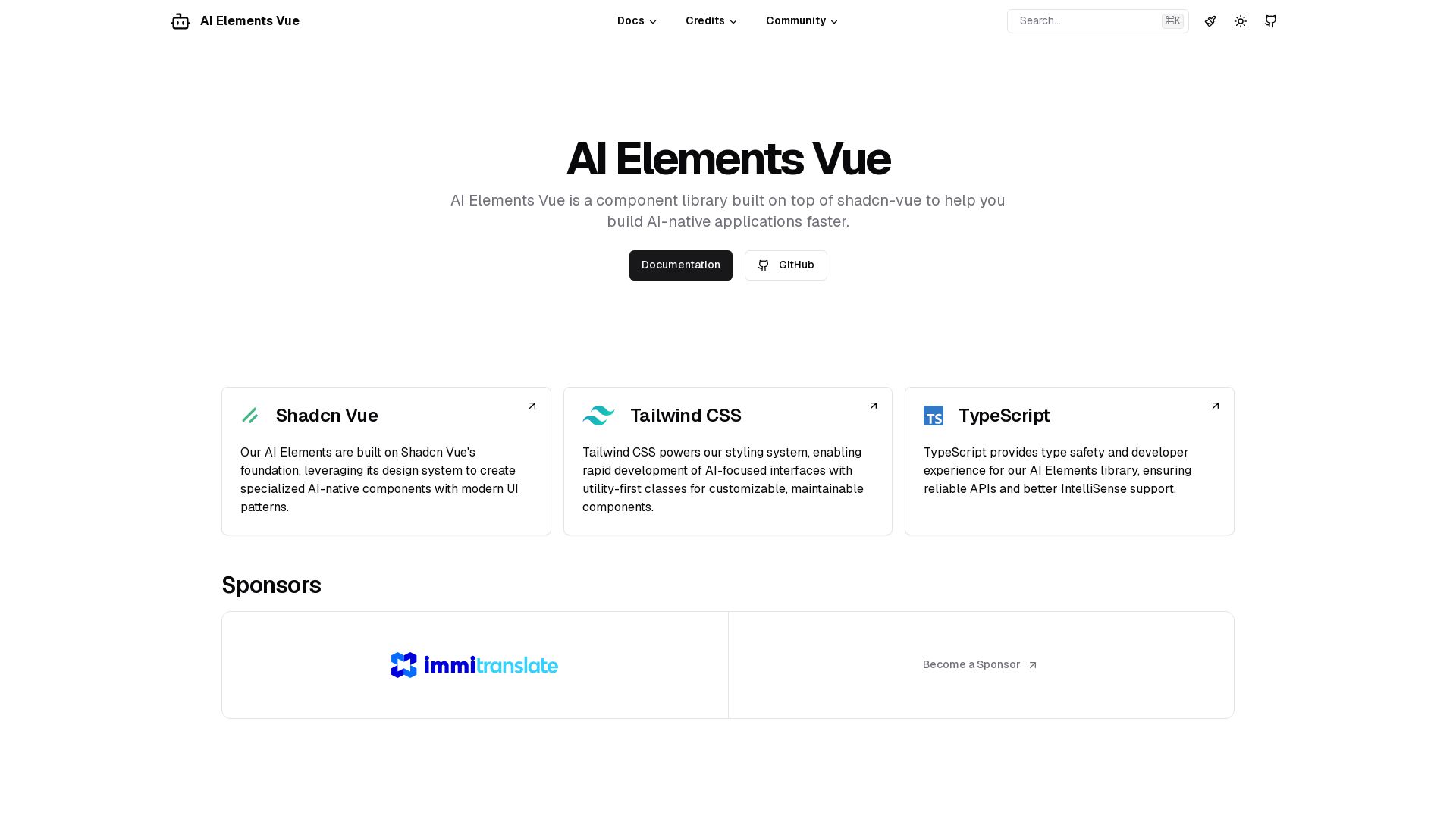
AI Elements Vue
Build AI-native apps faster with AI Elements Vue: a component library on shadcn-vue with Tailwind CSS & TypeScript. Pre-built AI components.

Toloka
High-quality training data for AI agents, LLMs, and coding assistants. Trusted by leading AI teams. 90+ domains, expert network.

ℹ️ Curation Disclosure: The overview and features of Open Interpreter were synthesized using AI and fact-checked by our curation team to ensure accuracy.
