
devActivity
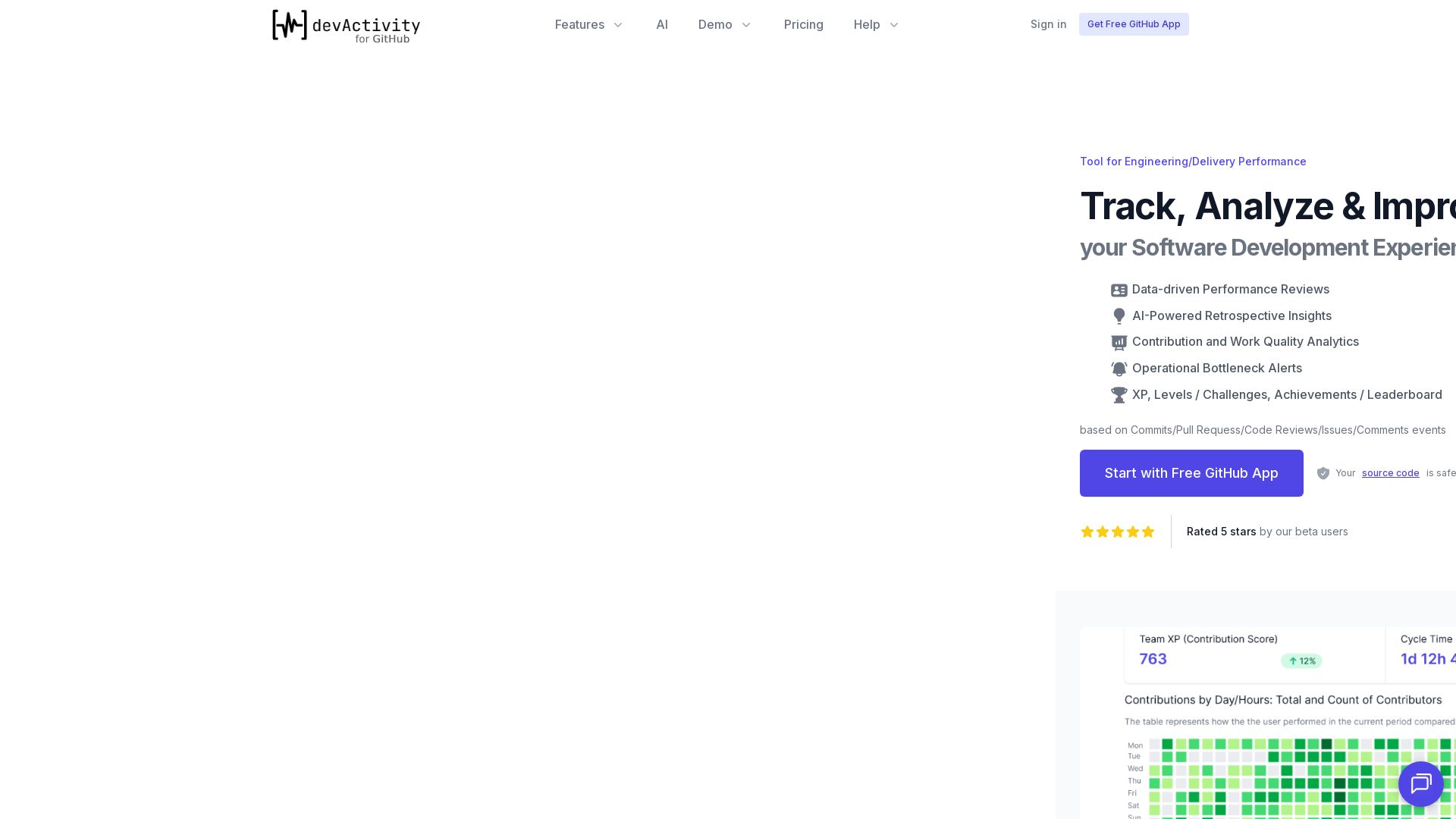
Boost engineering performance with AI-driven insights, gamified motivation, and data-driven reviews. Free GitHub app, no source code access.



Editor's Verdict
Key Takeaways
- Data-driven Performance Reviews
- AI-Powered Retrospective Insights
- Contribution and Work Quality Analytics
- Operational Bottleneck Alerts
In-Depth Review: What is devActivity?
devActivity is a powerful tool for engineering teams to track, analyze, and improve software development performance. It integrates seamlessly with GitHub, using commit, pull request, code review, and issue events to provide actionable metrics, AI-powered retrospective insights, and gamification features like levels and leaderboards. Designed for roles from team leads to CTOs, it helps identify bottlenecks, enhance productivity, and drive data-driven performance reviews. Start with a free GitHub app installation—no source code access required.
Core Features
Data-driven Performance Reviews
Automated performance review summaries based on Git metadata, saving time and providing unbiased insights.
AI-Powered Retrospective Insights
Unlock rich-context AI-driven insights and recommendations with just two clicks to improve team retrospectives.
Contribution and Work Quality Analytics
Track contributions, work quality, and identify operational bottlenecks to optimize engineering processes.
Operational Bottleneck Alerts
Receive alerts when bottlenecks are detected, enabling proactive management and faster delivery.
Gamification: XP, Levels, Achievements, Leaderboard
Engage developers with gamified elements like experience points, levels, challenges, and leaderboards to boost motivation and productivity.
Peer Recognition Awards
Enable team members to recognize each other's contributions, fostering a positive and collaborative culture.
Pricing
Free
- Up to 7 Active Contributors
- 90-days Data Retention
- Contributions and Work Quality Analytics
- Operational Bottleneck Alerts
- Automated Performance Review
- Retrospective Insights
- Peer Recognition Awards
- XP, Levels, Achievements, Leaderboard
Premium
- Unlimited Active Contributors
- External Managers
- Contributions, Work Quality Analytics + AI Insights
- Operational Bottleneck Alerts
- AI-Powered Performance Review
- AI-Powered Retrospective Insights
- Peer Recognition Awards
- XP, Levels, Achievements, Leaderboard
Pros and Cons
Pros
- Easy and Fast SetupInstall the free GitHub app in minutes with zero manual input required to start tracking.
- Fully AutomatedNo manual data entry; the tool automatically collects Git metadata and generates insights.
- AI-Powered InsightsLeverage AI to generate contextual retrospective insights and performance reviews with just a few clicks.
- Engaging GamificationXP, levels, achievements, and leaderboards motivate developers and improve engagement.
- Data Privacy FocusOnly non-sensitive Git metadata is collected; source code is never accessed, ensuring security.
Cons
- Limited to GitHubCurrently only supports GitHub; GitLab and Bitbucket are on the roadmap but not yet available.
- Free Plan Contributor LimitFree plan is capped at 7 active contributors; exceeding this requires an upgrade.
- Short Data Retention on Free PlanFree plan retains only 90 days of data, which may be insufficient for long-term trend analysis.
- Pricing Unclear for PremiumPremium pricing is listed as a range ($10-20/contributor) without explicit billing cycle details.
- No Annual Discount YetAnnual billing with discount is planned but not yet available, increasing cost for long-term commitment.
Use Cases & Recommended Professions
Product Manager / Tech Program Manager→ View Toolkit
Optimize engineering processes, identify bottlenecks, and track team performance with actionable insights to keep projects on track.
Engineering Manager / Delivery Manager / Team Lead→ View Toolkit
Empower your team with actionable insights, gamified motivation, and clear performance metrics to increase engagement and productivity.
Engineering VP / CTO / Delivery Director→ View Toolkit
Get 360-degree visibility into engineering team performance, identify bottlenecks, and make data-driven decisions to optimize delivery and drive growth.
Software Developer→ View Toolkit
Track personal contributions, earn rewards and achievements, and receive feedback to improve coding skills and collaboration.
HR Director / People Manager→ View Toolkit
Use data-driven performance reviews and retrospective insights to evaluate developer contributions and team dynamics.
DevOps / Platform Engineer→ View Toolkit
Monitor operational bottlenecks and cycle time to improve CI/CD pipelines and overall delivery efficiency.
Frequently Asked Questions
Alternative AI Tools
View Detailed Comparison →
Figr
Ship better UX faster. Figr builds a living understanding of your product, maps flows, finds edge cases, and generates high-fidelity prototypes from your actual design system.


ProductCrafters
Get a free 2-week trial sprint for your AI product. Working prototype in 30 days, production-ready in 90. No contract, no credit card. Test your dev team risk-free.

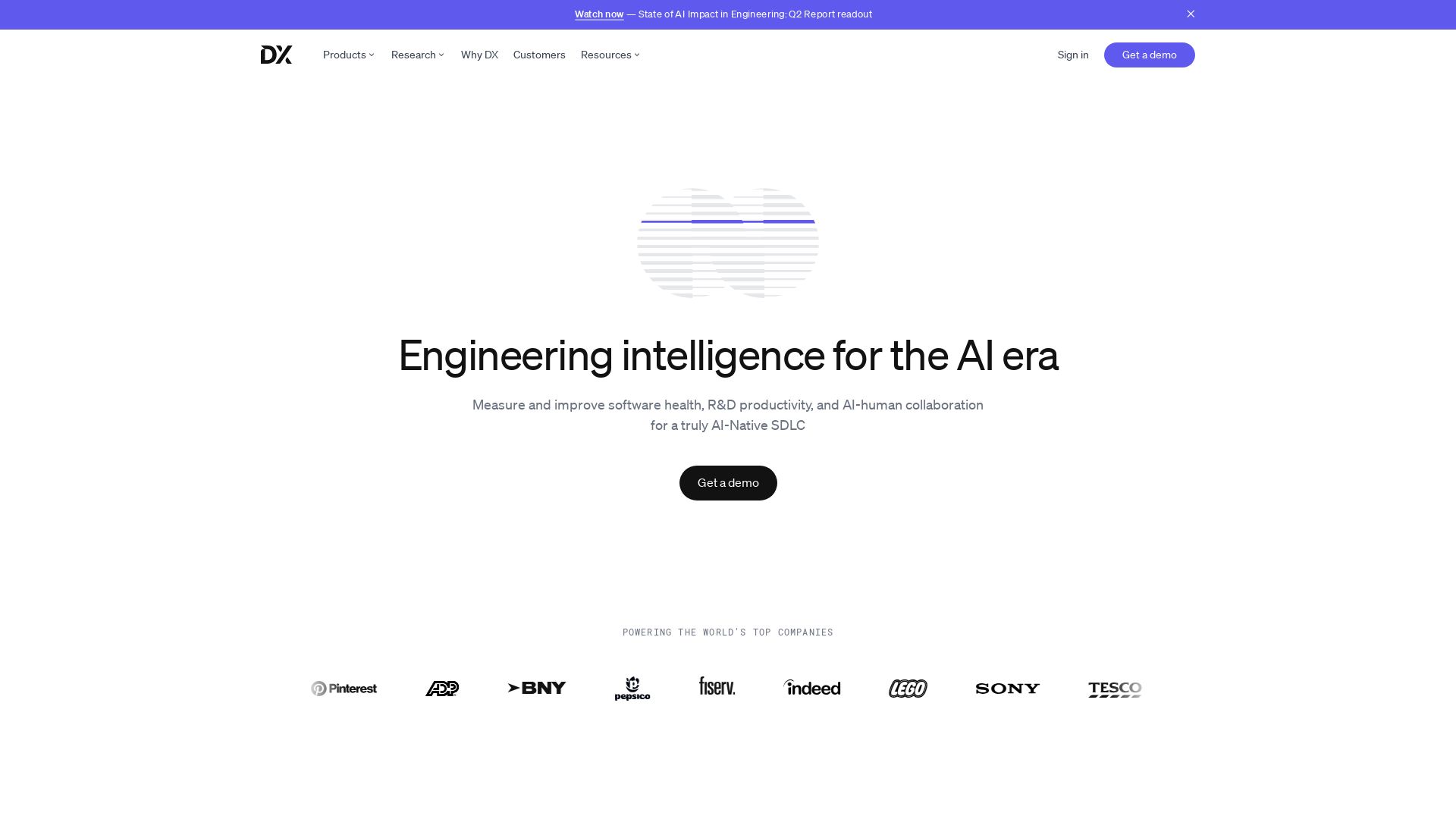
DX
Optimize developer productivity, measure AI impact, and improve software health with DX, the platform designed by researchers.

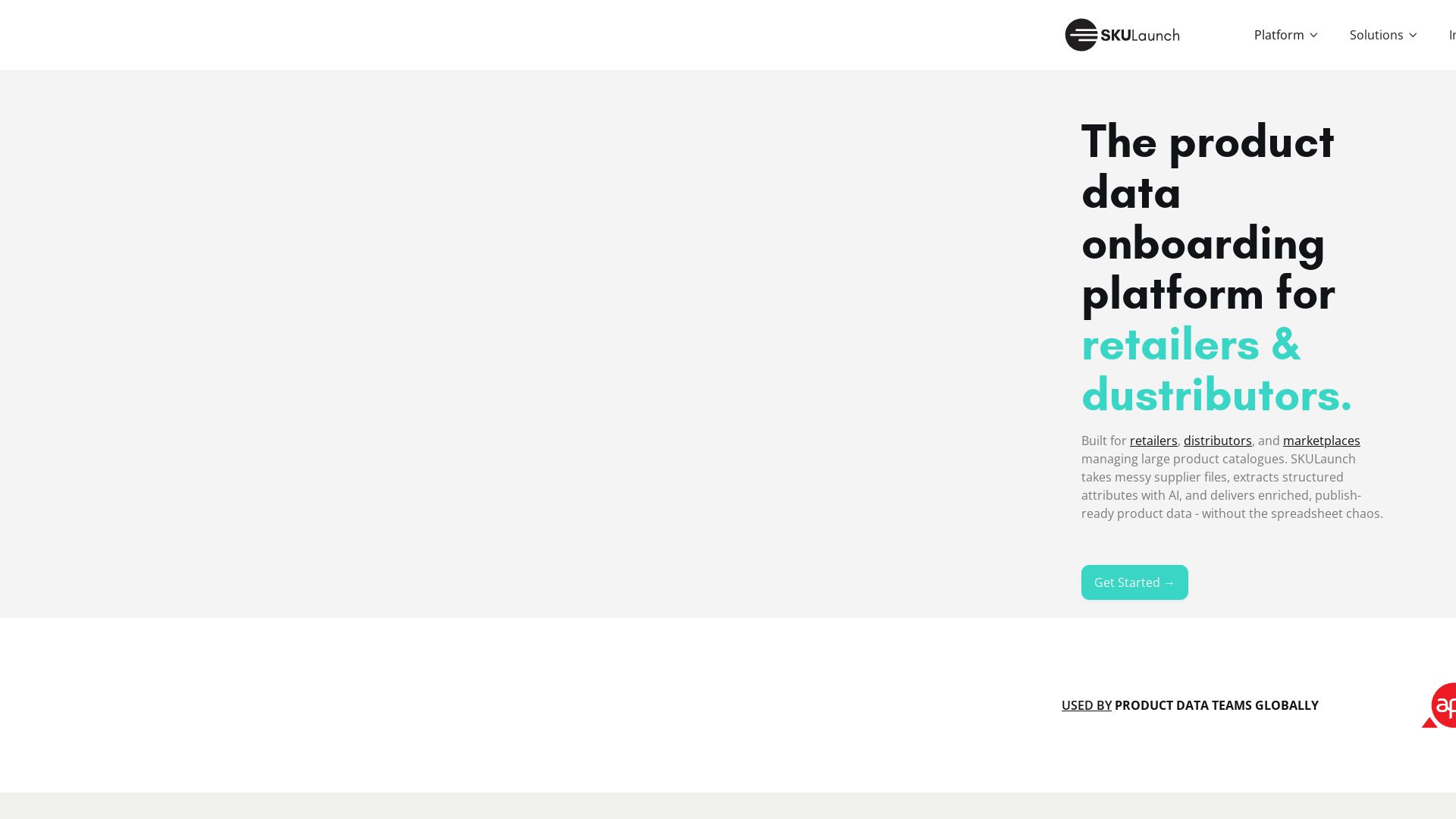
SKULaunch
Automate supplier data onboarding, AI extracts attributes, enrich product catalogs, and publish ready data. From messy files to filterable search.

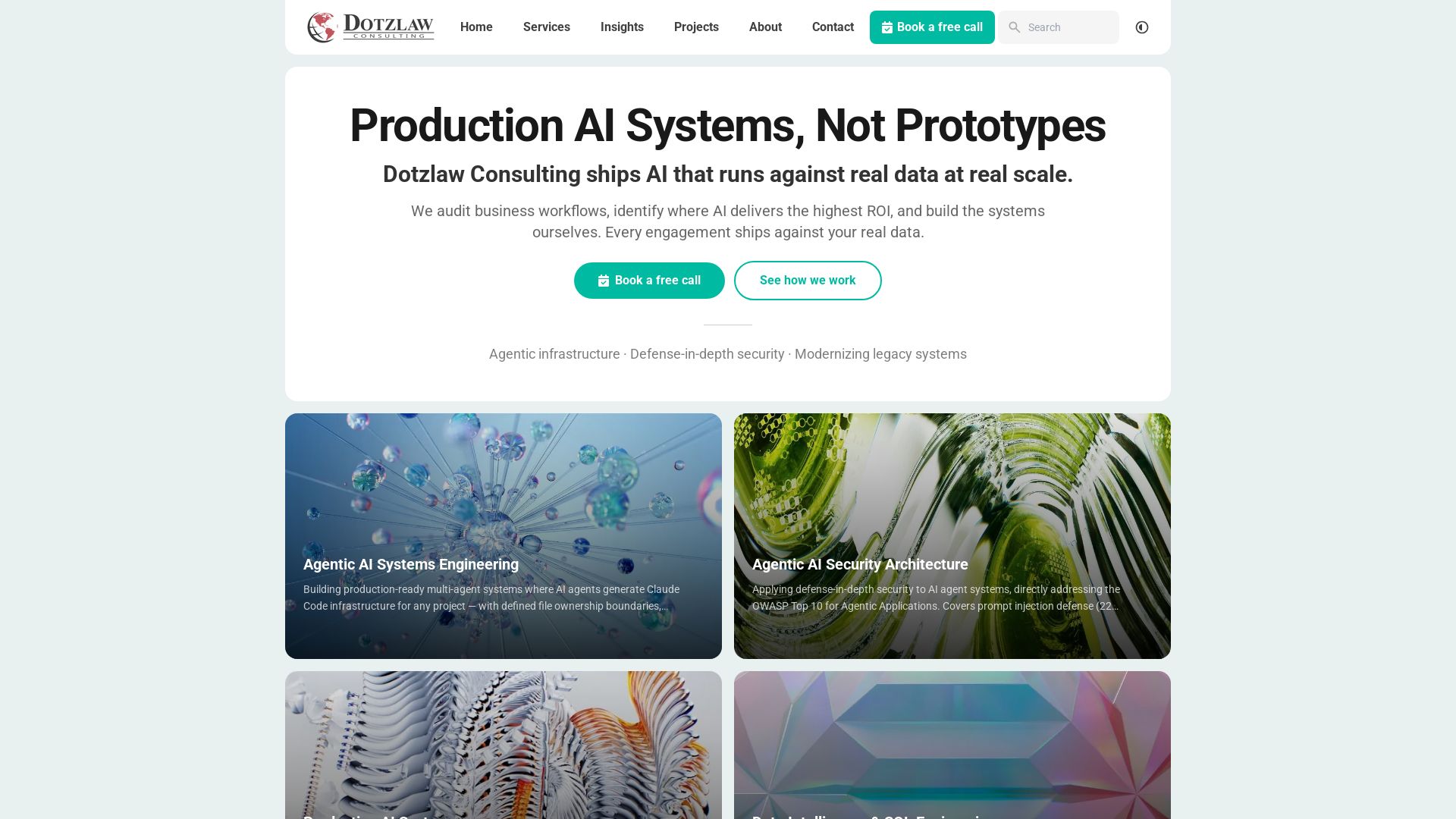
Dotzlaw Consulting
We build production-ready AI systems, multi-agent workflows, and secure architectures. Real data, real scale. Expert SQL & data intelligence.

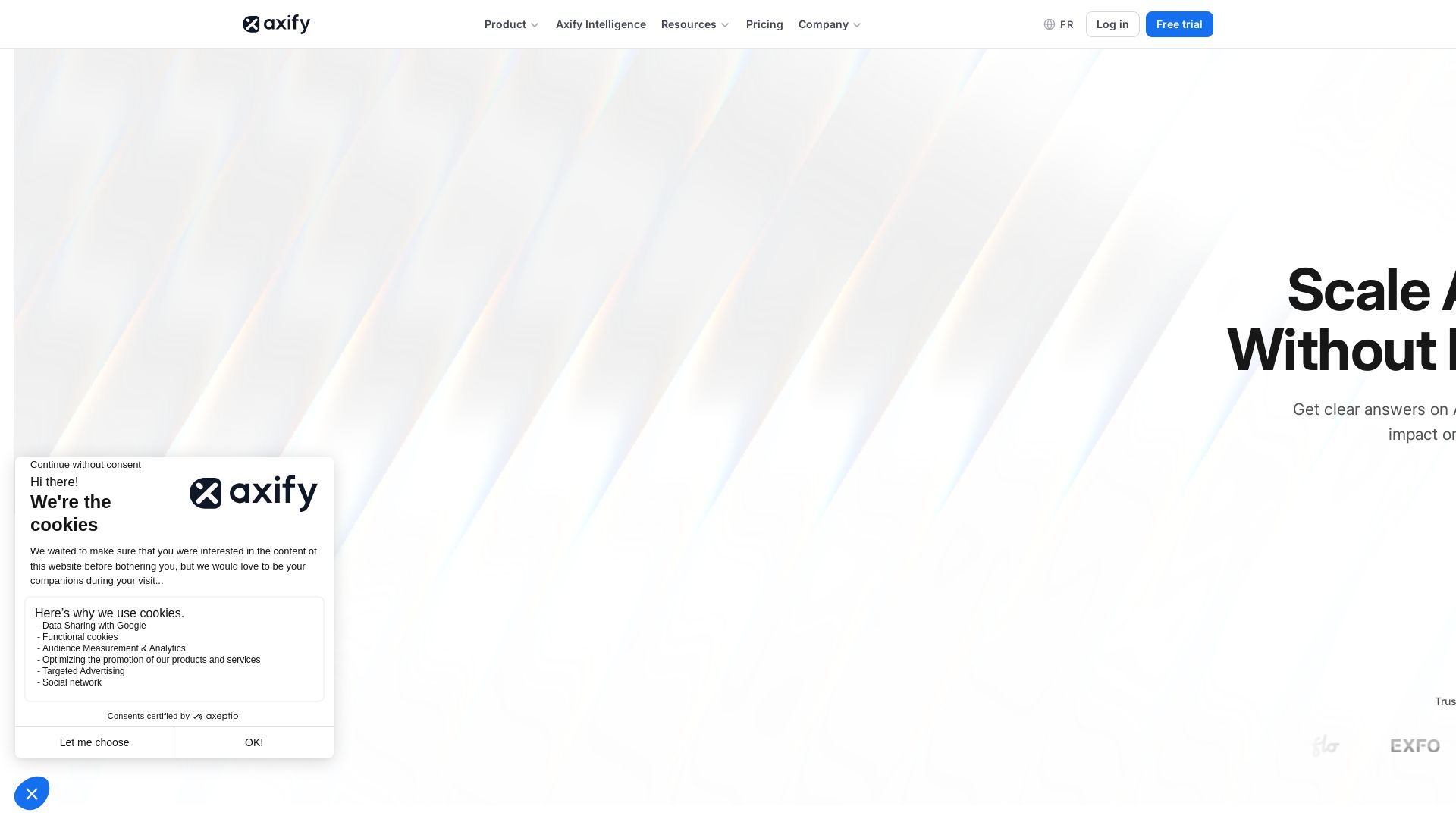
Axify
Get clear visibility into AI usage, cost, and impact across your engineering teams. Flat fee, no per-seat pricing. Start free trial.

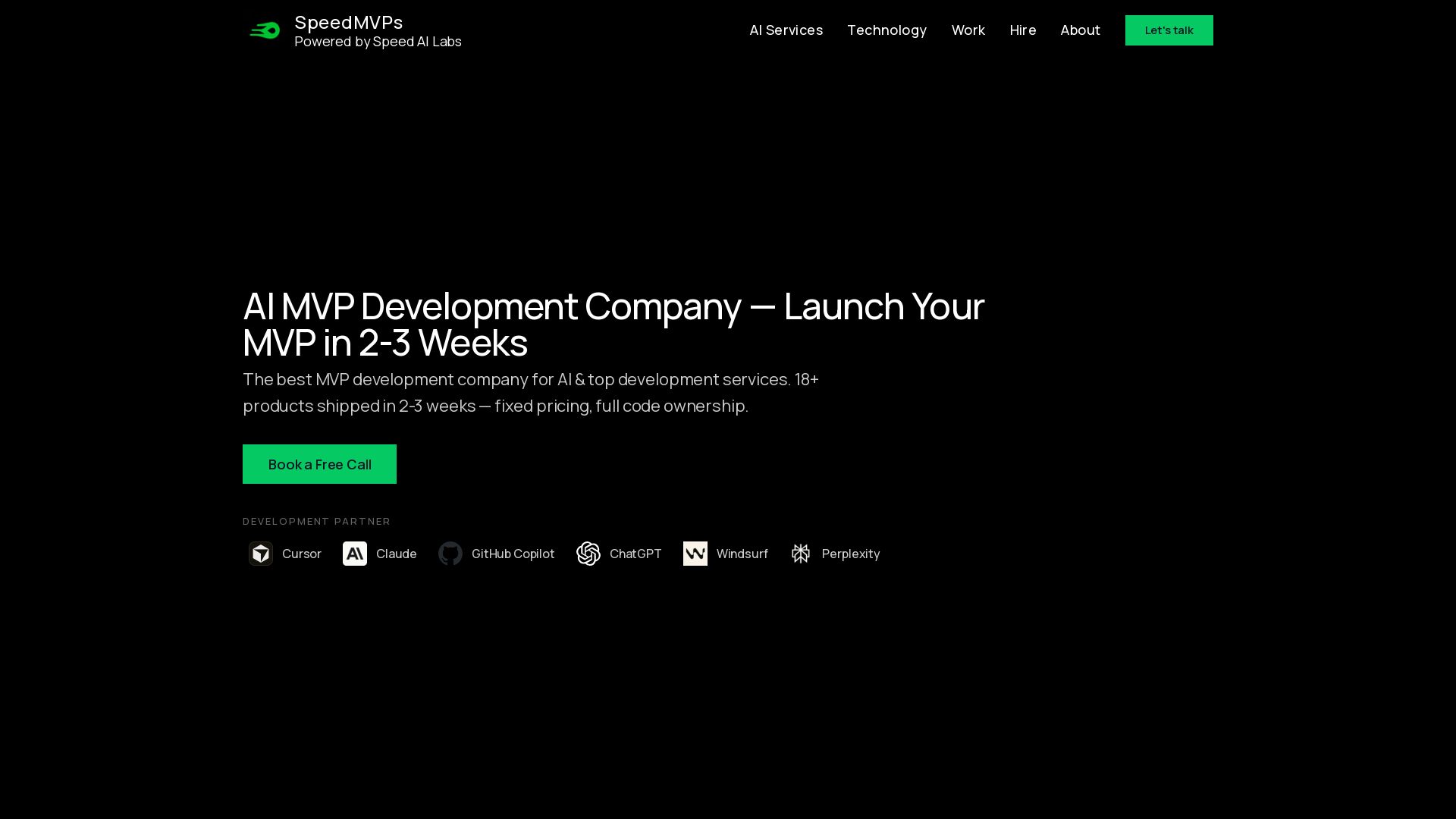
SpeedMVPs
Launch production-ready AI MVPs in 2-3 weeks. Fixed pricing, full code ownership, direct developer access. 18+ AI products shipped globally. Book a free call.

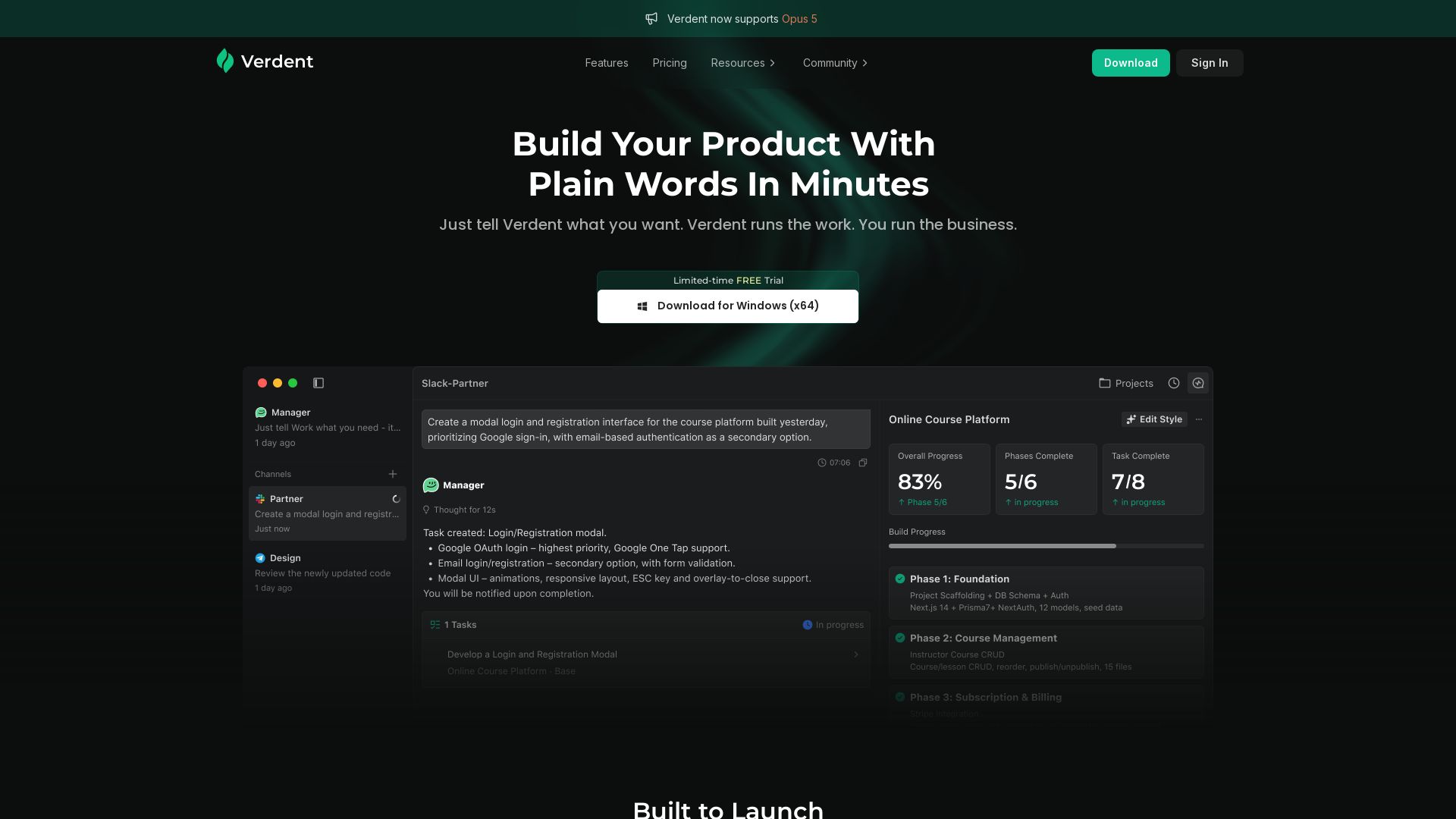
Verdent AI
Describe your product in plain words, and Verdent builds it — complete with login, payments, and admin tools. No coding required. Try free for Windows.

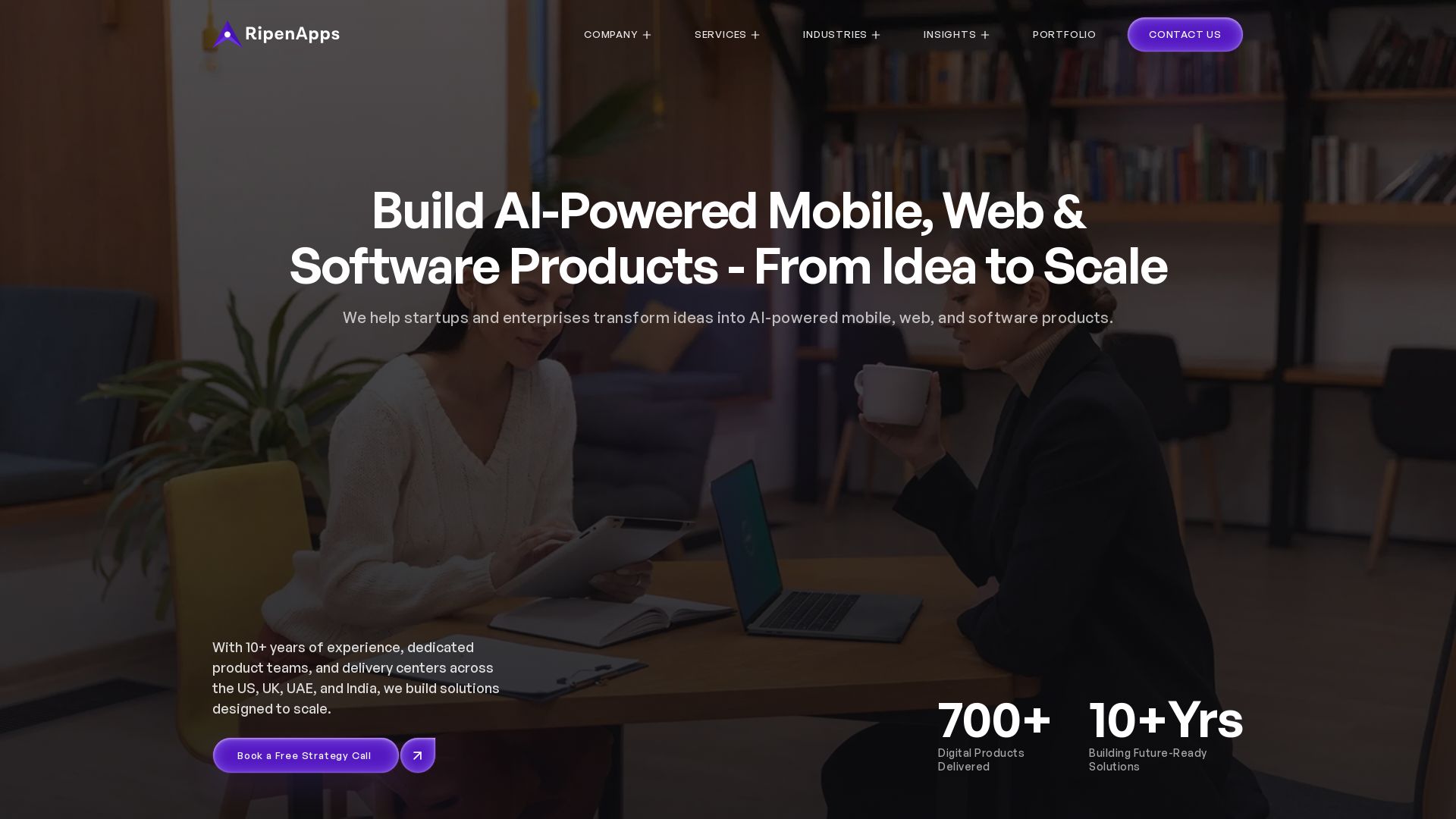
AI App Development Cost in 2026 | Pricing Breakdown and Key Factors
Build AI-powered digital products from idea to scale. 10+ years, 700+ products. Strategy, design, engineering, AI integration. Book free strategy call.

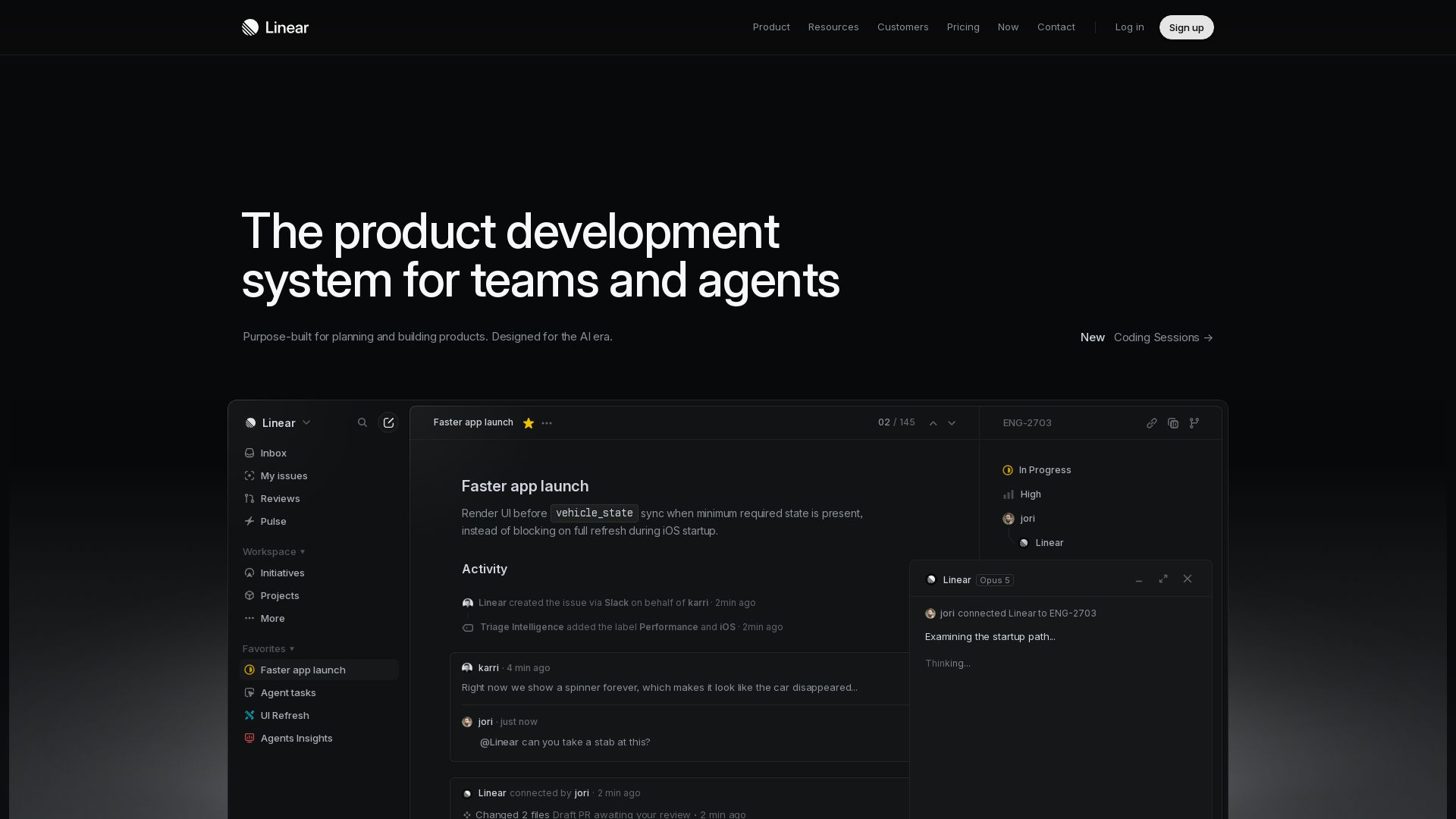
Linear
Purpose-built for modern teams with AI workflows. Plan, build, and ship faster with agents. Trusted by OpenAI, Ramp, and 37,000+ teams.

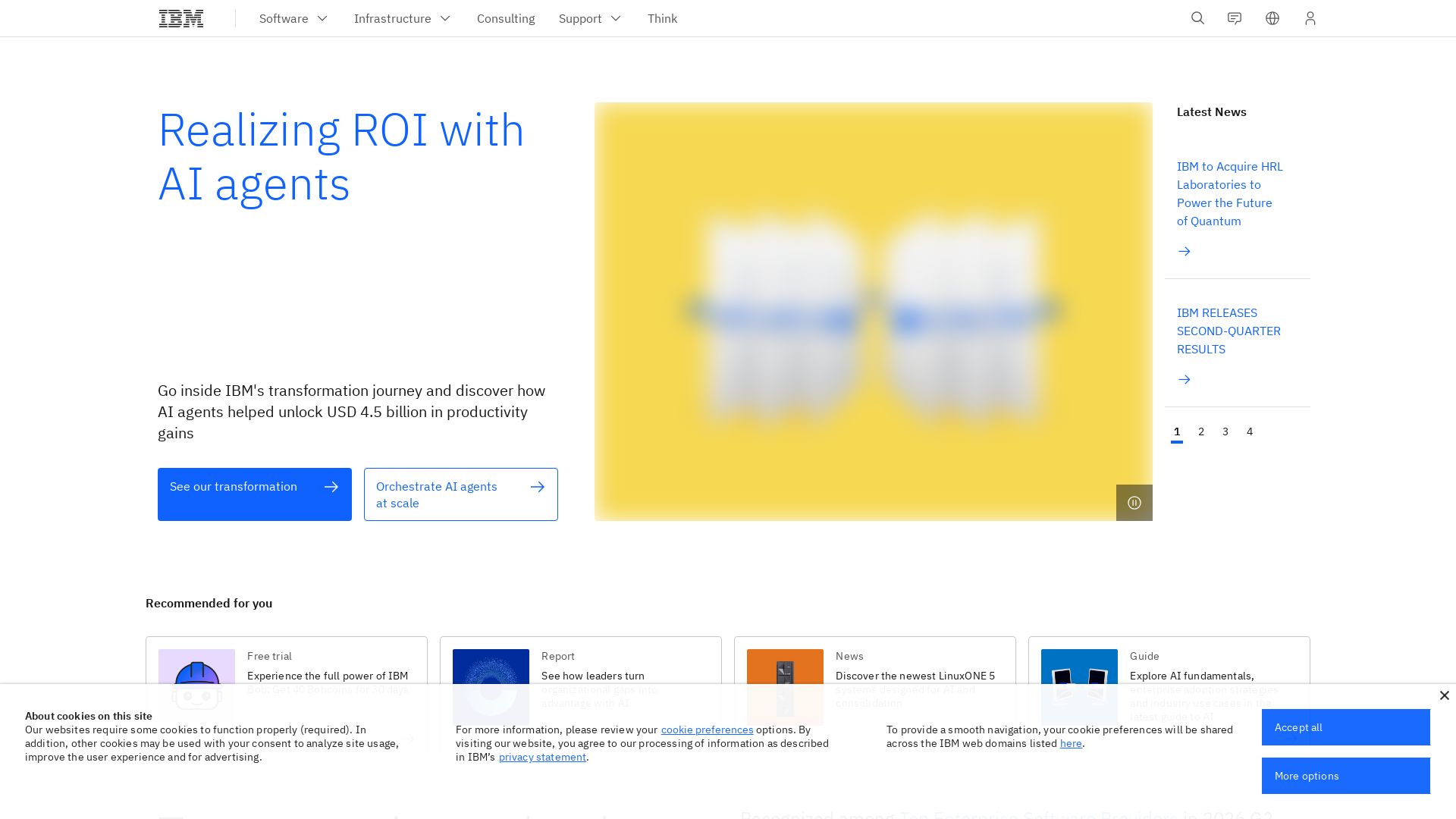
IBM
Discover how IBM's AI agents transformed operations, delivering $4.5 billion in productivity. Explore IBM Bob, watsonx Orchestrate, and more.

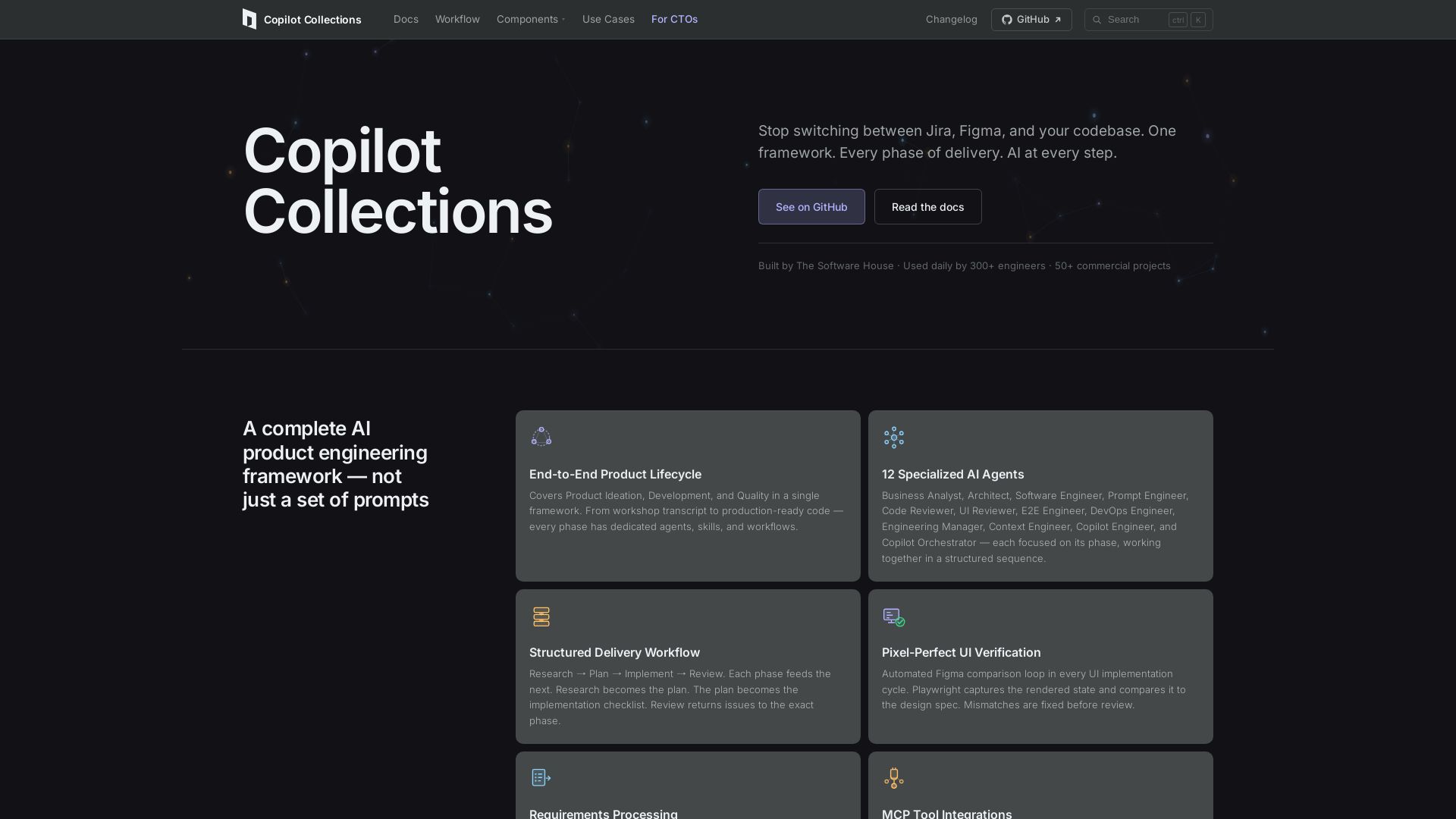
Copilot Collections
Turn ideas into production code with 12 AI agents, MCP integrations, and pixel-perfect UI verification. Used by 300+ engineers. Reduce lead time by 30%.

ℹ️ Curation Disclosure: The overview and features of devActivity were synthesized using AI and fact-checked by our curation team to ensure accuracy.