
Pickaxe
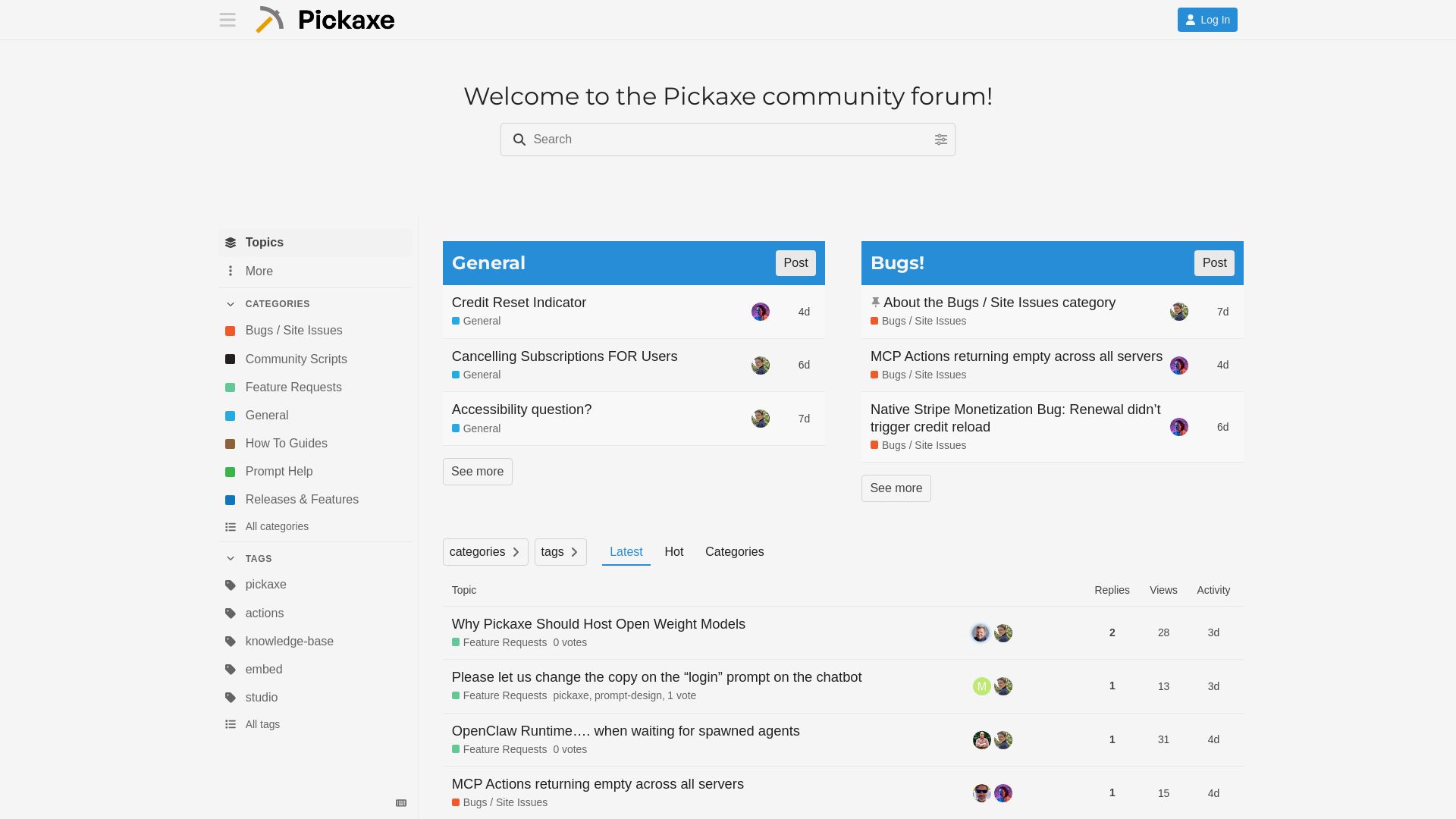
Join the Pickaxe community to discuss AI agents, report bugs, request features, get prompt help, and share guides. Connect with builders!
Editor's Verdict
Key Takeaways
- Pickaxe Studio
- Knowledge Base
- Actions
- Embed
In-Depth Review: What is Pickaxe?
Welcome to the Pickaxe community forum, the central hub for AI agent builders and enthusiasts. Here you can troubleshoot bugs, suggest new features, share custom scripts, and get help with prompts and actions. Whether you're a beginner or an expert, our active community is here to support you. Dive into topics like MCP connections, Stripe monetization, embedded agents, and more. Join the conversation and help shape the future of Pickaxe!
Core Features
Pickaxe Studio
Build custom AI agents and assistants with a visual builder and no-code interface.
Knowledge Base
Upload documents and data to create a custom knowledge base for your AI.
Actions
Integrate external APIs and tools to let your AI perform actions like sending emails or updating databases.
Embed
Embed your AI chatbot on any website or web app for seamless user interaction.
MCP Support
Connect to Model Context Protocol servers for dynamic tool calling and extended functionality.
Stripe Monetization
Monetize your AI agent with built-in Stripe integration for subscription and credit-based billing.
Form Builder
Create custom forms with checkbox, multiple choice, and other fields to collect user input.
Multi-Model Support
Access various AI models including OpenAI GPTs, Gemini Flash, and open-weight models.
Pros and Cons
Pros
- Easy to UseNo-code builder allows anyone to create powerful AI agents without programming skills.
- ExtensibleSupports actions, MCP, and integrations to connect with external systems.
- Monetization ReadyBuilt-in Stripe support makes it straightforward to charge users.
- Multi-Platform EmbeddingAgents can be embedded on websites, WordPress, and custom code pages.
- Active CommunityA vibrant forum with regular updates and responsive support from the developer team.
Cons
- Bugs and StabilityUsers report issues like connected agents not running, MCP actions returning empty, and workspace duplication problems.
- Limited Model HostingDoes not host open-weight models natively; users request support for more models.
- Mobile IssuesSome users experience problems with the mobile interface, such as embedded chats jumping.
- Billing ConfusionIncorrect invoice details and unclear subscription cancellation process have been noted.
- Accessibility GapsQuestions raised about accessibility features for end users, including multifactor authentication.
Use Cases & Recommended Professions
AI Developer→ View Toolkit
Use Pickaxe to rapidly prototype and deploy custom AI agents without writing backend code.
Product Manager→ View Toolkit
Quickly build and iterate on AI-powered features for products, using the no-code interface.
Customer Support Lead→ View Toolkit
Create intelligent chatbots that integrate with knowledge bases to automate support tickets.
Content Creator→ View Toolkit
Embed AI assistants on blogs or courses to engage audiences and provide personalized help.
SaaS Founder→ View Toolkit
Monetize AI agents directly with Stripe integration, ideal for building AI-based SaaS products.
Freelance Developer→ View Toolkit
Leverage Pickaxe to deliver custom AI solutions for clients without heavy infrastructure.
Frequently Asked Questions
Alternative AI Tools
View Detailed Comparison →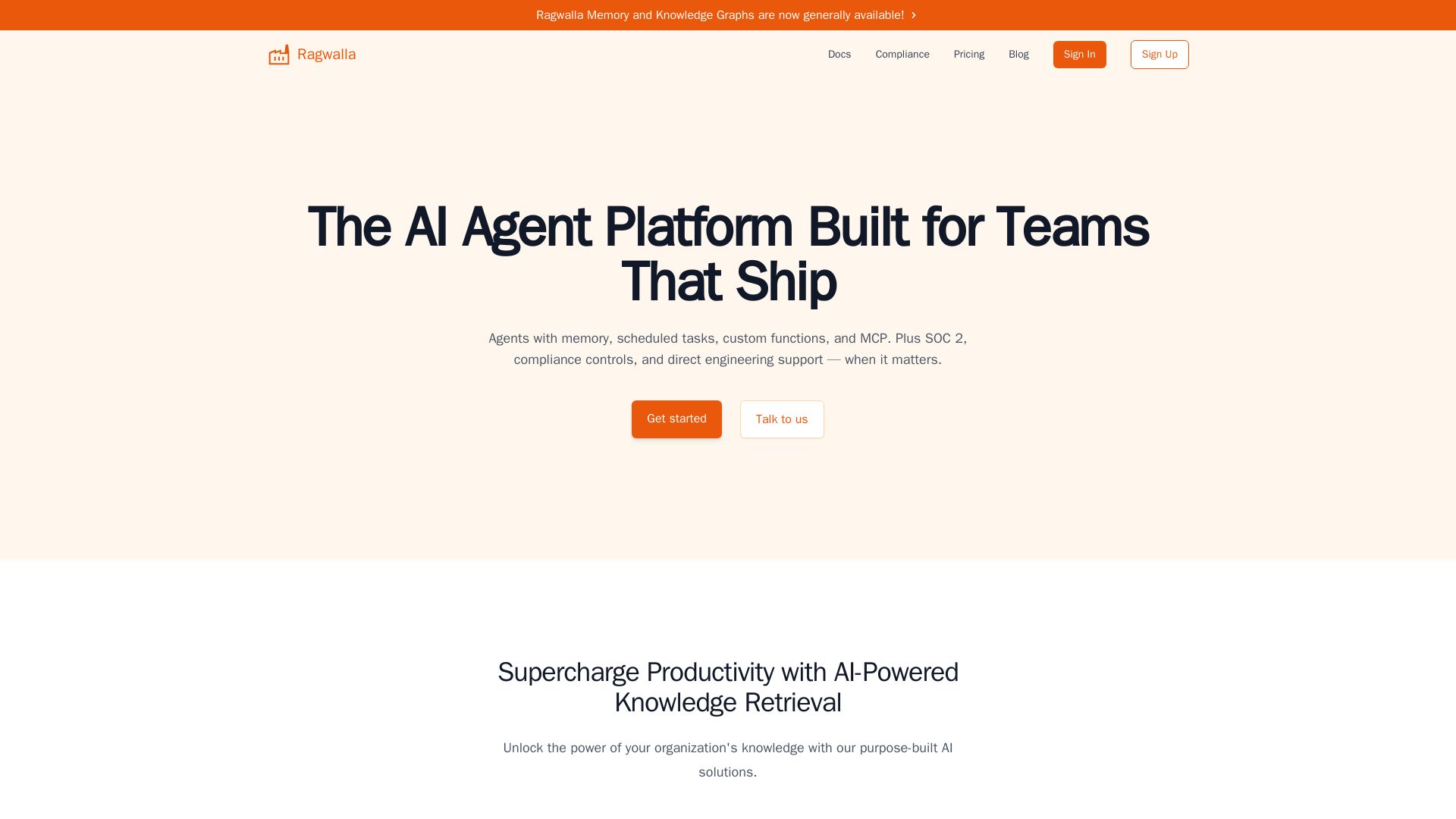
Ragwalla
Ragwalla: AI agent platform for teams. Build agents with memory, scheduled tasks, custom functions, and MCP. SOC 2 compliant, enterprise security.

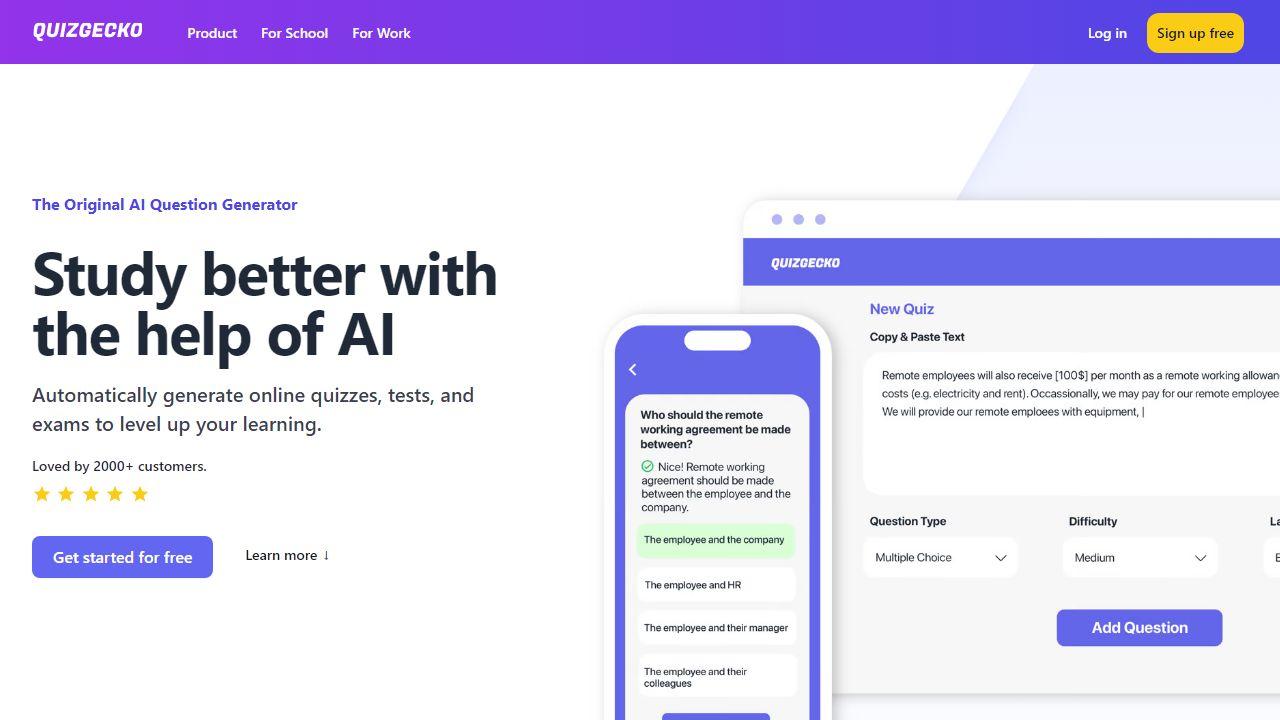
Pickaxe
Create, deploy, and sell custom AI agents with no coding. Branded portals, billing, and integrations built-in. Start free.

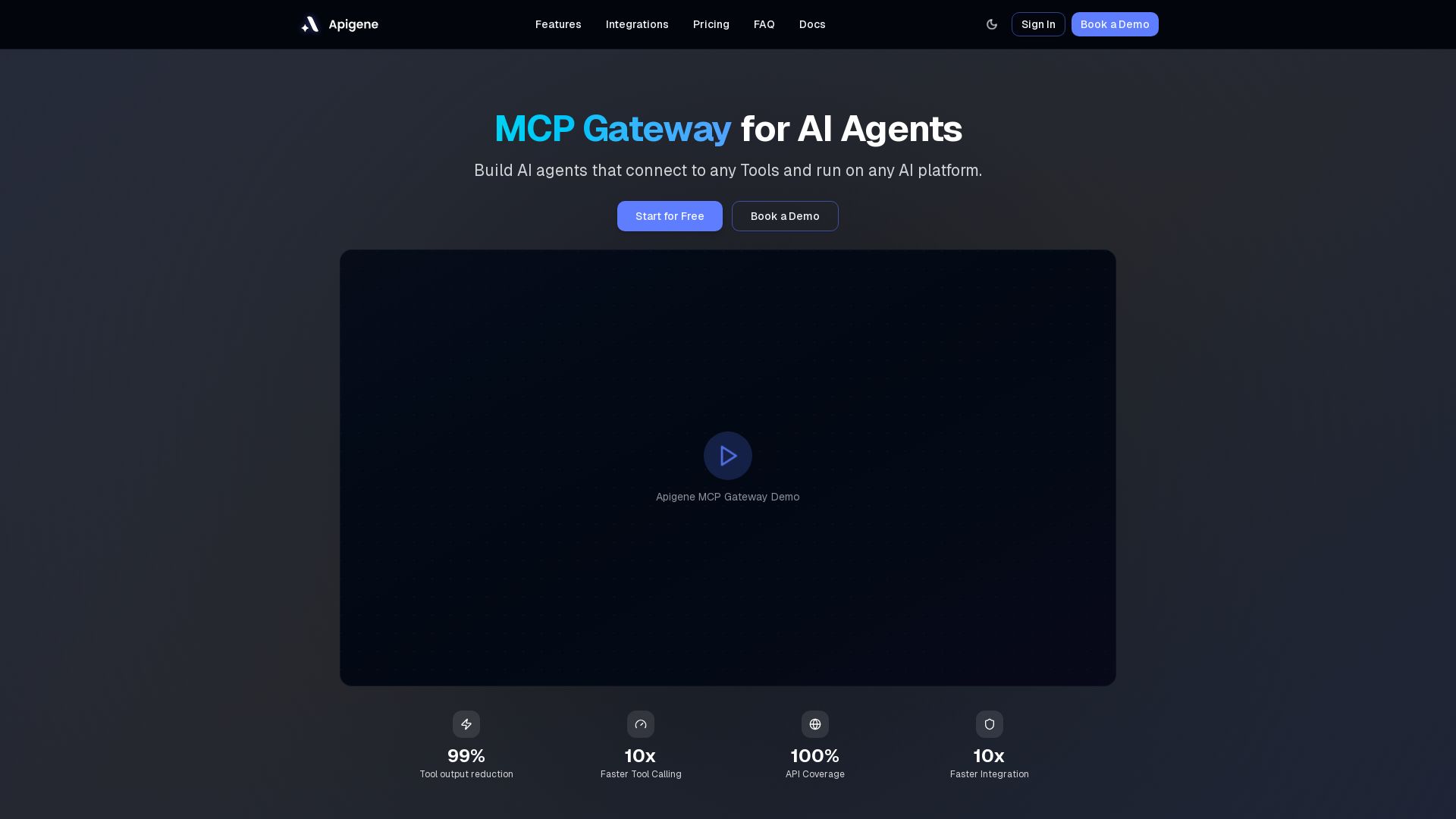
Apigene MCP Gateway
Build AI agents that connect to any API or MCP server. Reduce tool call costs by 99%, deploy on any platform. No-code builder, centralized governance.

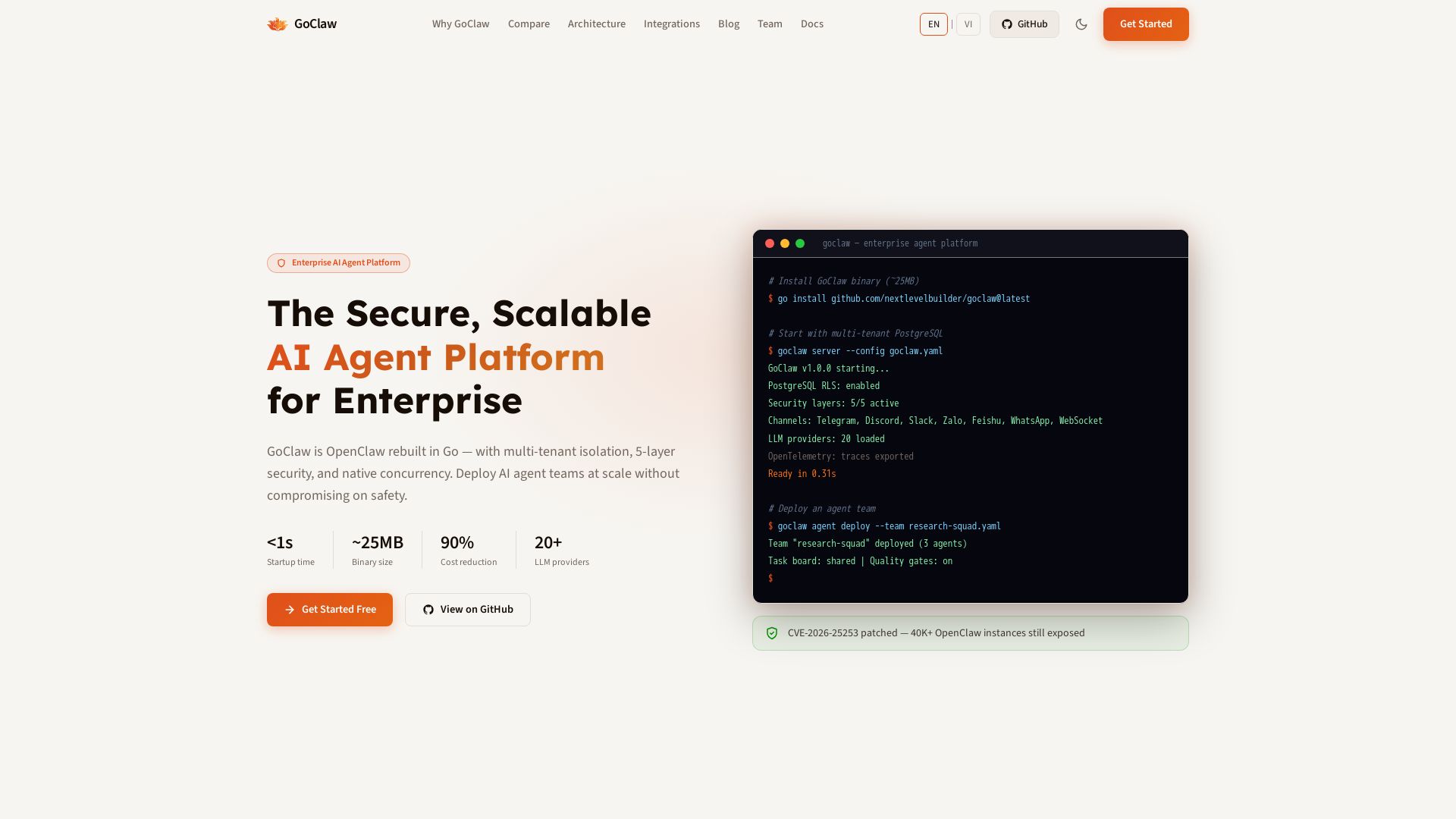
GoClaw
Deploy AI agent teams at scale with multi-tenant isolation, 5-layer security, and 90% cost reduction. Fast startup, ~25MB binary, 20+ LLMs.

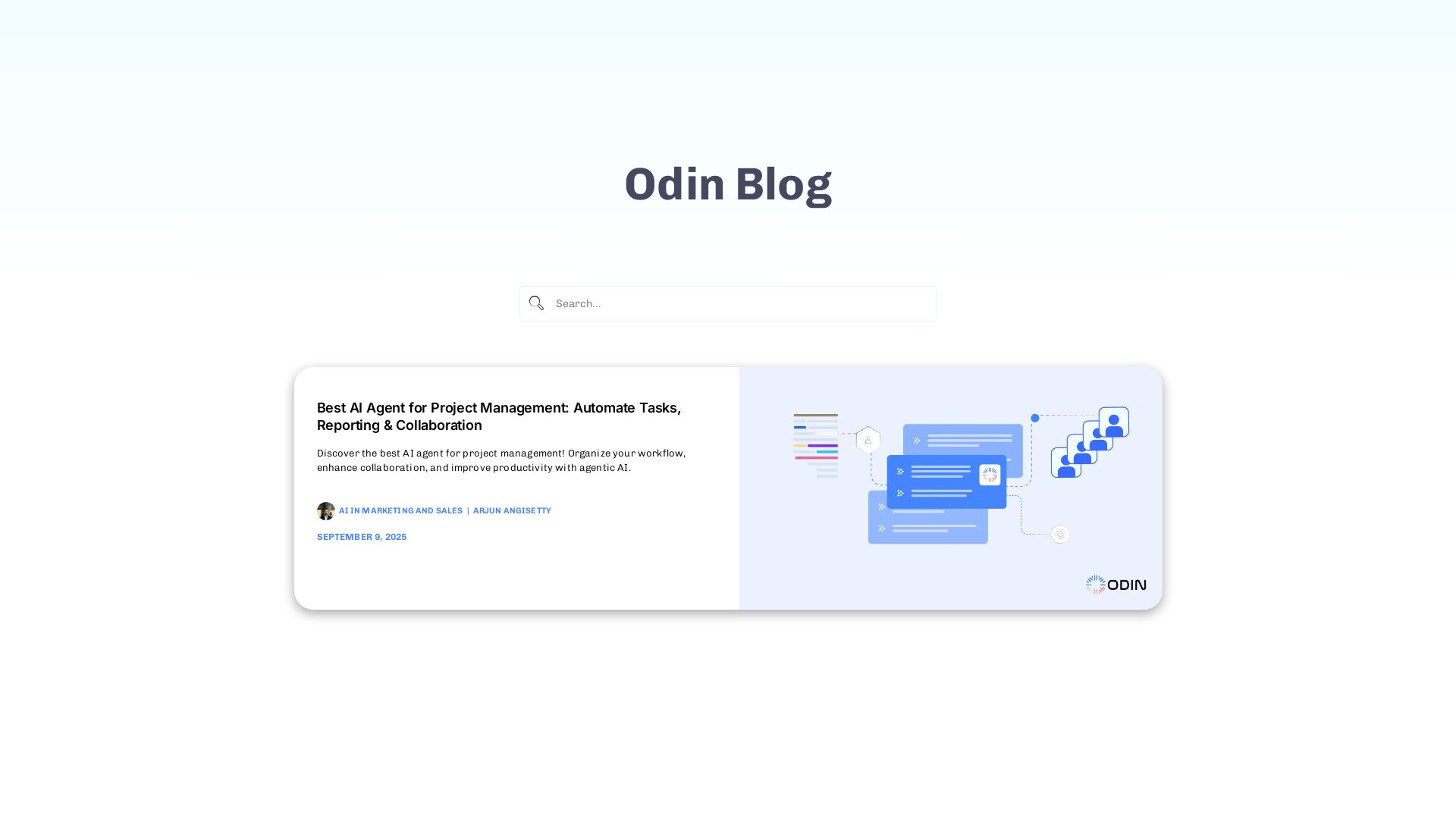
Odin AI
Automate tasks, document summarization, and collaboration with Odin AI's no-code platform. Boost productivity with intelligent AI agents.

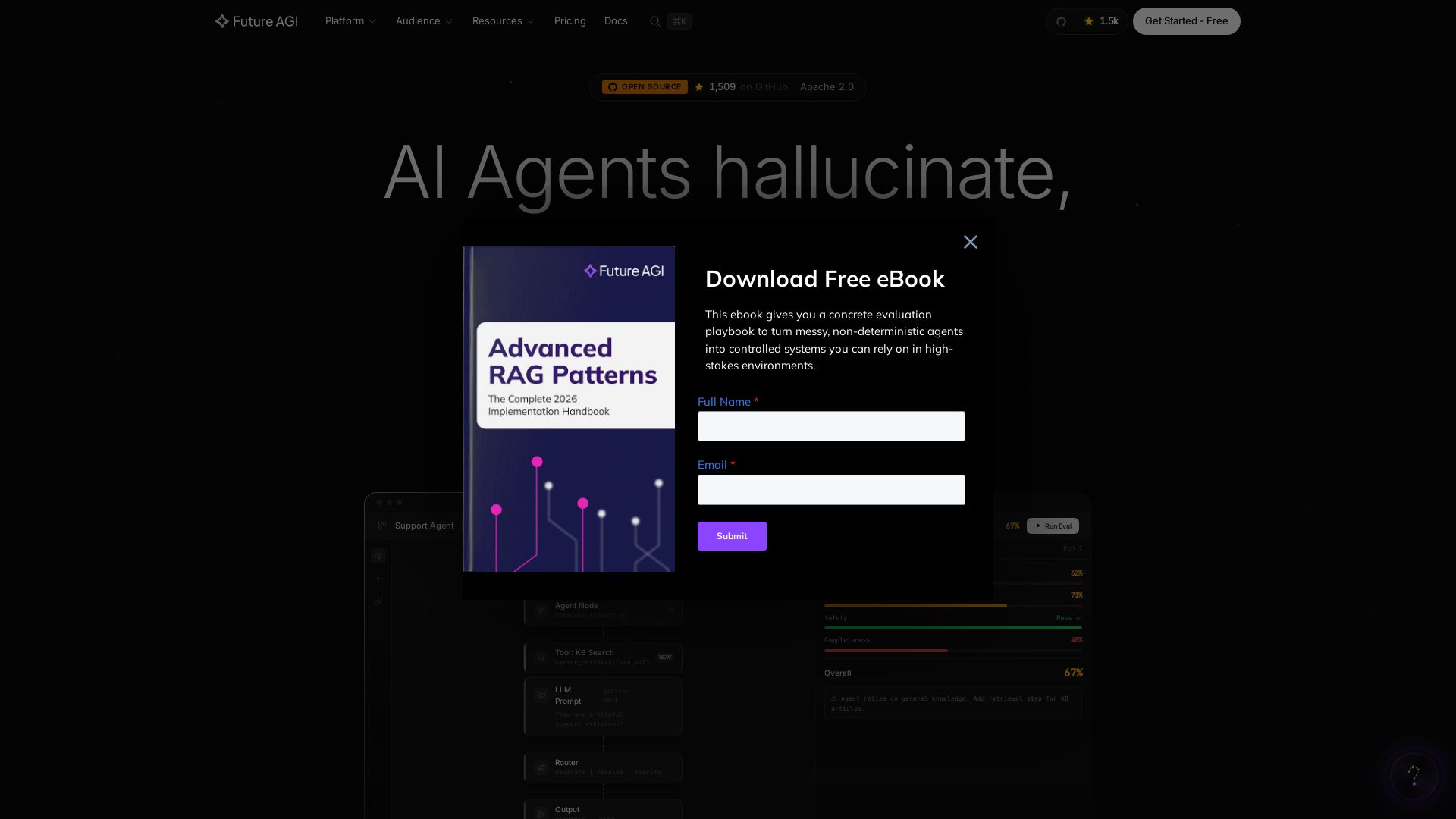
Future AGI
Catch AI hallucinations, evaluate accuracy, and deploy guardrails. Open-source platform to simulate, test, and monitor AI agents in production.

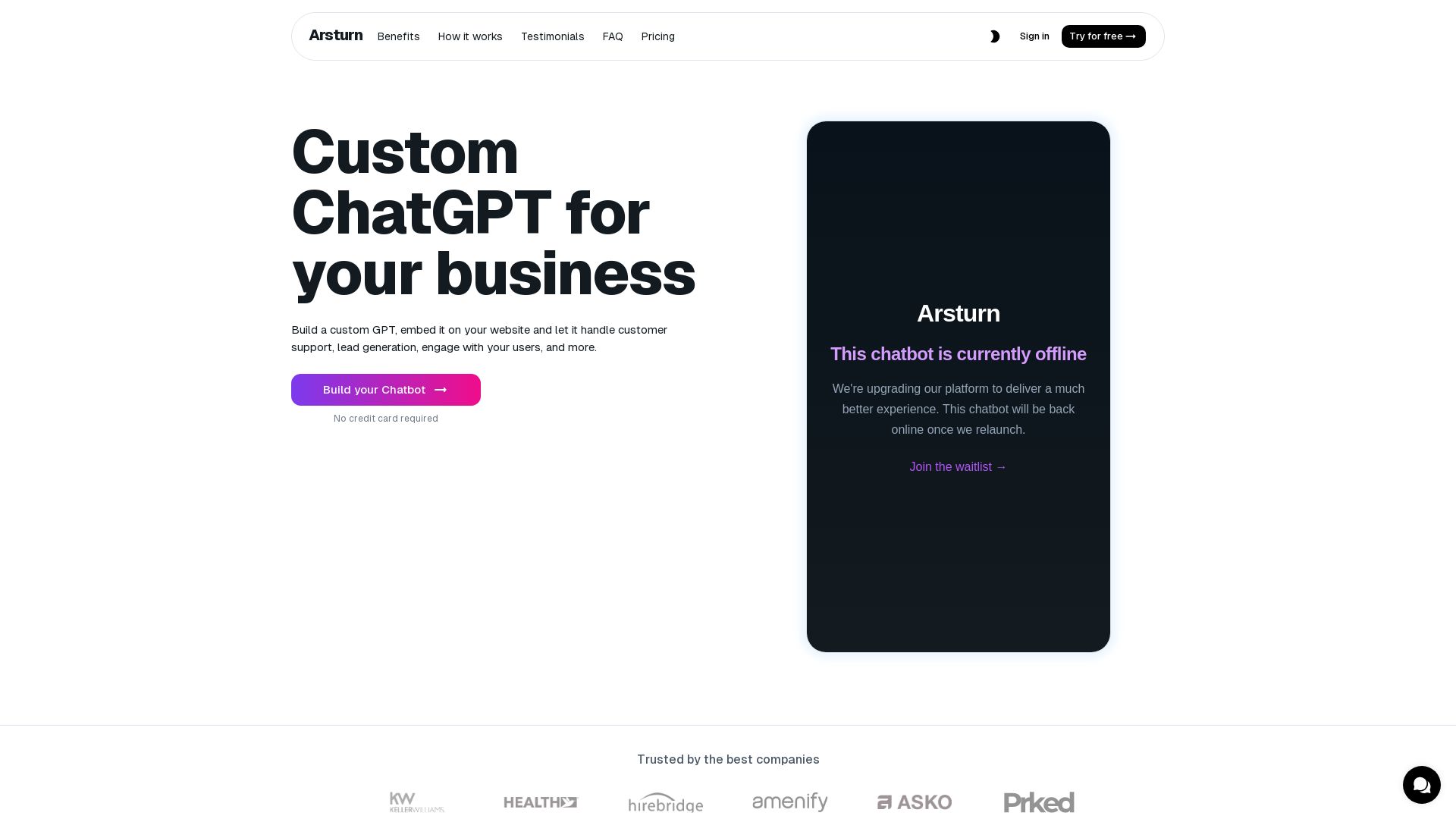
Arsturn
Build a custom GPT chatbot without coding. Train with your data, embed on website, boost engagement and lead generation. Free plan available.

Chatbot Builder
Build an AI chatbot in minutes without coding. 24/7 customer support, sales automation, and seamless integrations. Start your free 14-day trial today!

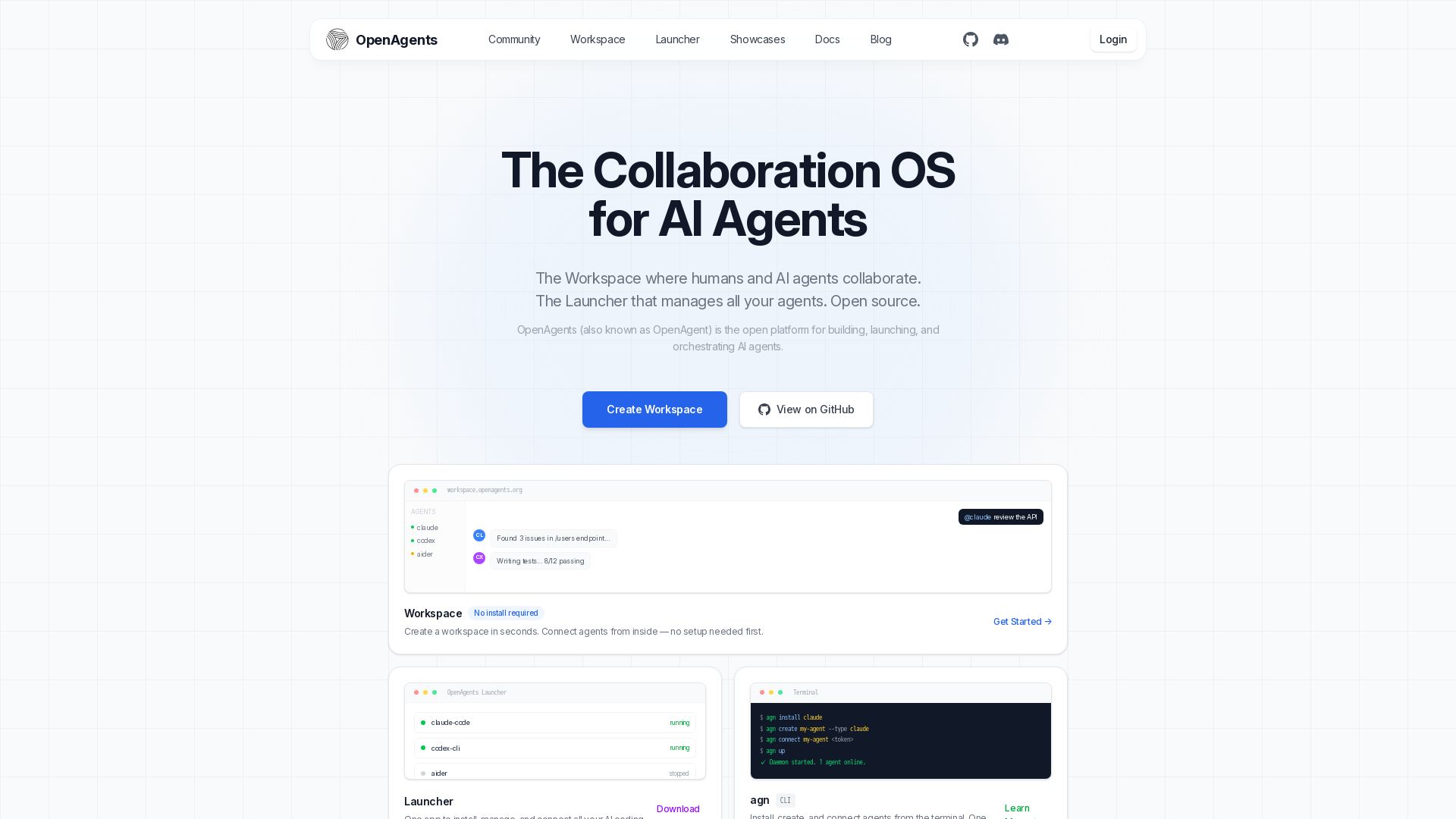
OpenAgents
Open-source AI agent platform: Collaborate with agents in a shared workspace. Manage Claude, Codex, Aider & more with the Launcher. Free, MIT license.


Expo AI Chatbot
Build AI chatbot apps for iOS, Android & web with Expo SDK 54, AI SDK 5, voice, long-term memory, and more. Open-source codebase.

Shinkai
Shinkai launches v1.0 with onchain AI agents, USDC payments via x402. Build private, local AI agents. Join the agent economy.

ChatBotBuilderai
Create powerful AI chatbots and GPTs for your business. Integrate with 1000+ apps, support multi-channel, and automate customer service. 14-day free trial. No credit card required.

ℹ️ Curation Disclosure: The overview and features of Pickaxe were synthesized using AI and fact-checked by our curation team to ensure accuracy.
