
VEED
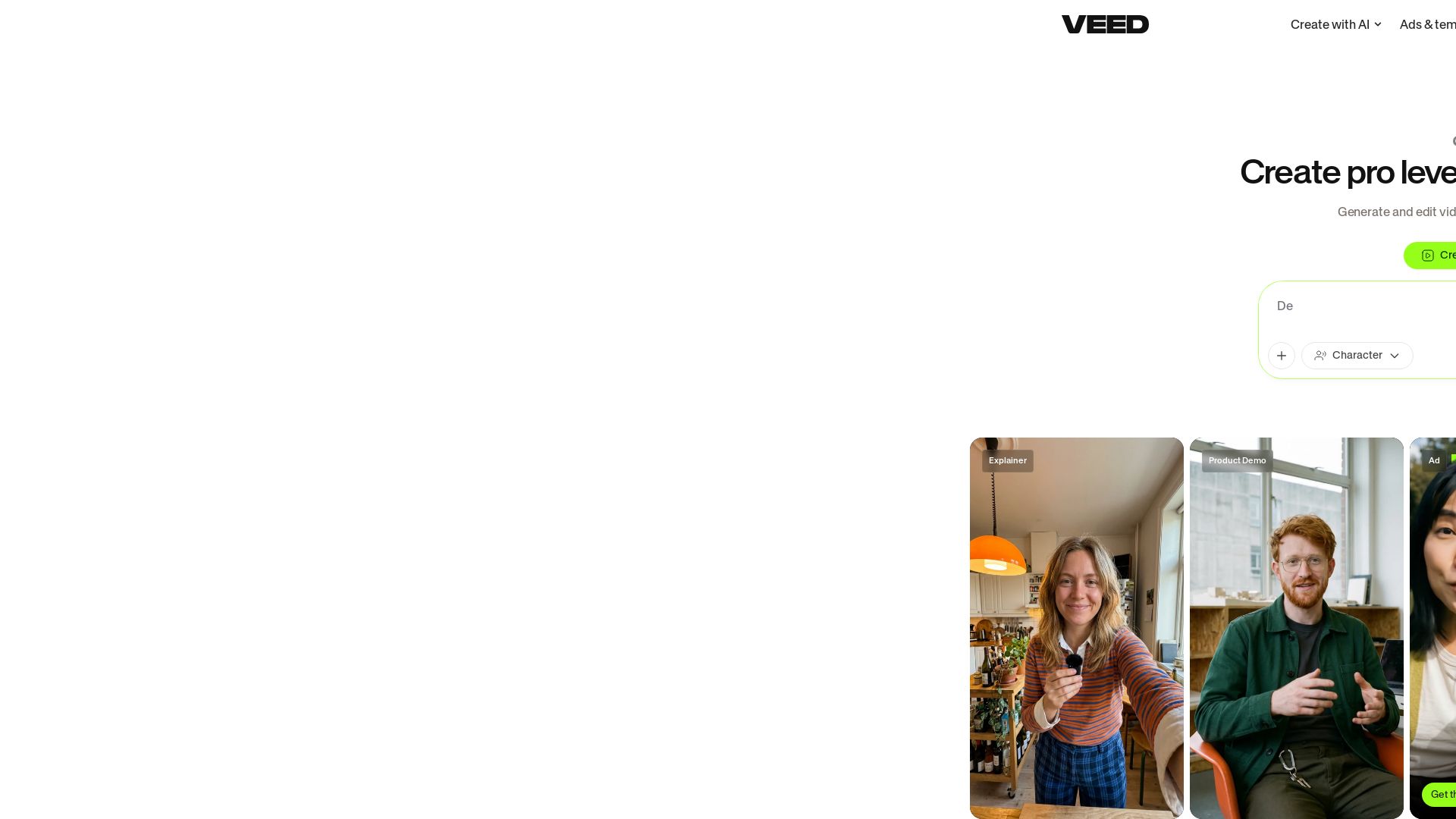
Create stunning AI videos with VEED. Auto-subtitles, branding, and easy editing. Trusted by millions. Turn any idea into a video worth posting.


Editor's Verdict
Key Takeaways
- AI Video Generator
- Subtitles
- Brand Customization
- AI Avatars
In-Depth Review: What is VEED?
VEED is an AI-powered video creation and editing platform that enables users to generate professional-looking videos in minutes. With features like automatic subtitles, brand kits, AI avatars, and eye contact correction, VEED simplifies video production. It offers AI video generation, text-to-video, dubbing, and a full suite of editing tools including background removal, noise reduction, and teleprompter. Trusted by over 1500+ five-star reviews and used by teams globally, VEED helps marketers, content creators, and businesses produce engaging videos for social media, ads, and thought leadership.
Core Features
AI Video Generator
Create videos from text or images using AI, enabling quick content creation without a camera.
Subtitles
Automatically generate high-quality subtitles that keep viewers engaged and make videos unskippable.
Brand Customization
Apply your brand's colors, fonts, logos, and voice instantly to every video for consistent branding.
AI Avatars
Use realistic AI avatars to present your content without needing to appear on camera.
Background Noise Removal
Remove unwanted background noise from audio or video to improve clarity.
Eye Contact Correction
AI-powered tool that adjusts eye contact in videos to make you appear more engaging.
Video Translation
Translate videos into multiple languages with AI, expanding your global reach.
Dynamic Subtitles
Styled subtitles that enhance viewer retention and add a professional touch.
Pros and Cons
Pros
- Fast Video CreationCreate professional-looking videos in minutes using AI templates and tools.
- Easy to UseNo steep learning curve; users can jump straight in and start editing.
- High-Quality OutputVideos look polished and can generate significant engagement on social media.
- Brand ConsistencyEasily apply brand elements across all videos to maintain a cohesive identity.
- Comprehensive ToolsetOffers subtitles, translation, noise removal, eye contact correction, and more in one platform.
Cons
- AI LimitationsAI-generated content may sometimes lack nuance or require manual adjustments.
- Free Plan RestrictionsThe free plan has limited features and AI credits, which may not suffice for heavy users.
- Learning Curve for Advanced FeaturesWhile basic editing is easy, advanced AI features may require some experimentation.
- Internet DependentOnline tool requires stable internet connection; offline use is not available.
- Pricing UnclearDetailed plan pricing is not explicitly listed on the page, requiring users to sign up to see costs.
Use Cases & Recommended Professions
VP of Marketing→ View Toolkit
Need to quickly produce promotional videos for campaigns without relying on external production teams.
Founder→ View Toolkit
Require cost-effective video creation to build brand awareness and engage audiences.
Videographer→ View Toolkit
Seek efficient editing tools that speed up post-production while maintaining quality.
Head of Growth Marketing→ View Toolkit
Needs to generate high-conversion video ads for platforms like LinkedIn and Instagram.
Demand Gen Manager→ View Toolkit
Wants to create a large volume of videos for lead generation and nurture campaigns.
Senior Content Producer→ View Toolkit
Looks for AI-powered tools to scale content production and maximize social media impressions.
Frequently Asked Questions
Alternative AI Tools
View Detailed Comparison →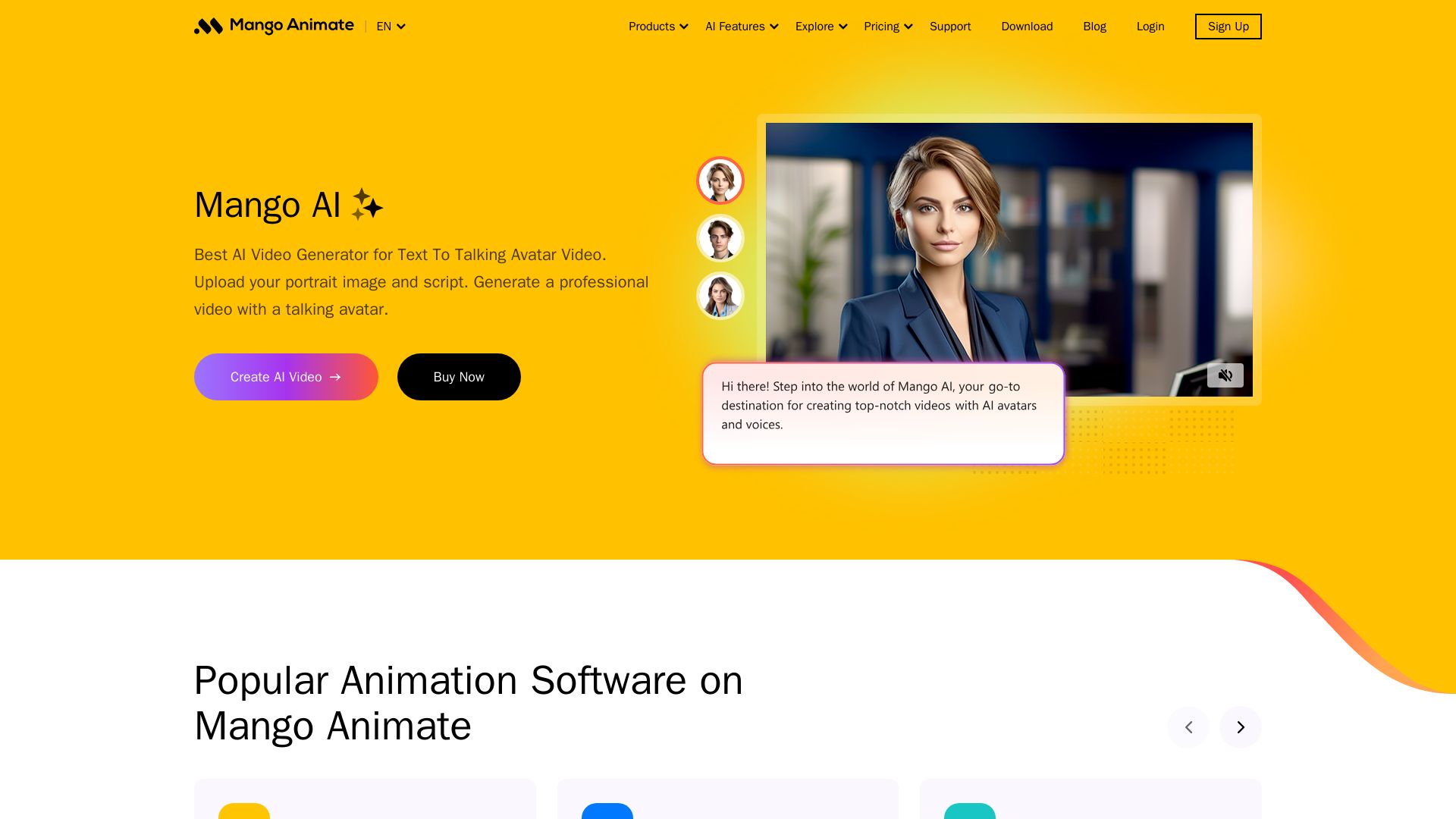
Mango AI
Create professional AI talking avatar videos from text and portrait. Perfect for business, education, personal use. Easy, fast, and affordable.

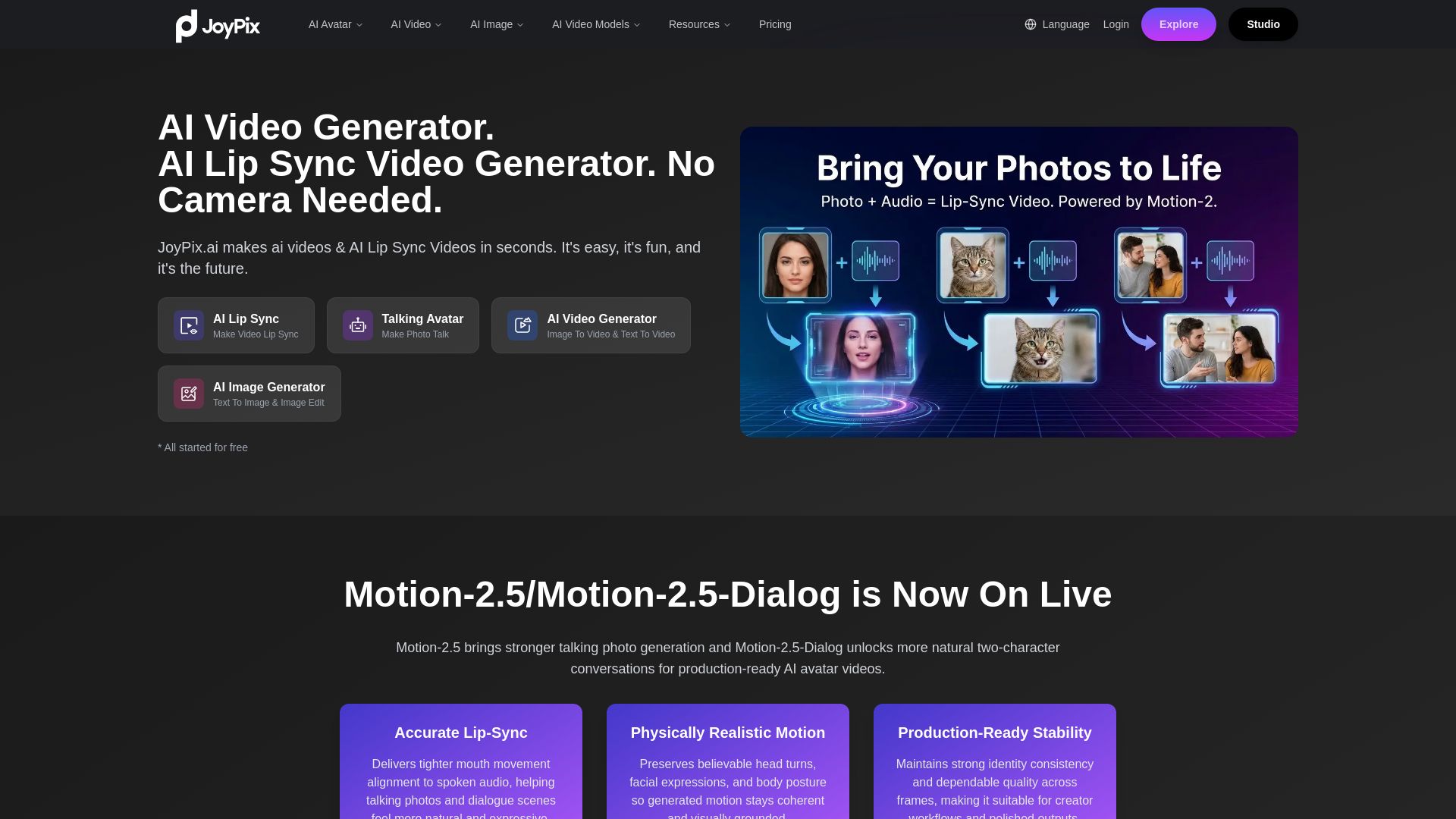
JoyPix
Create realistic AI lip-sync videos and talking avatars from photos. Free voice cloning, 40+ languages, and multiple video models. Try for free!

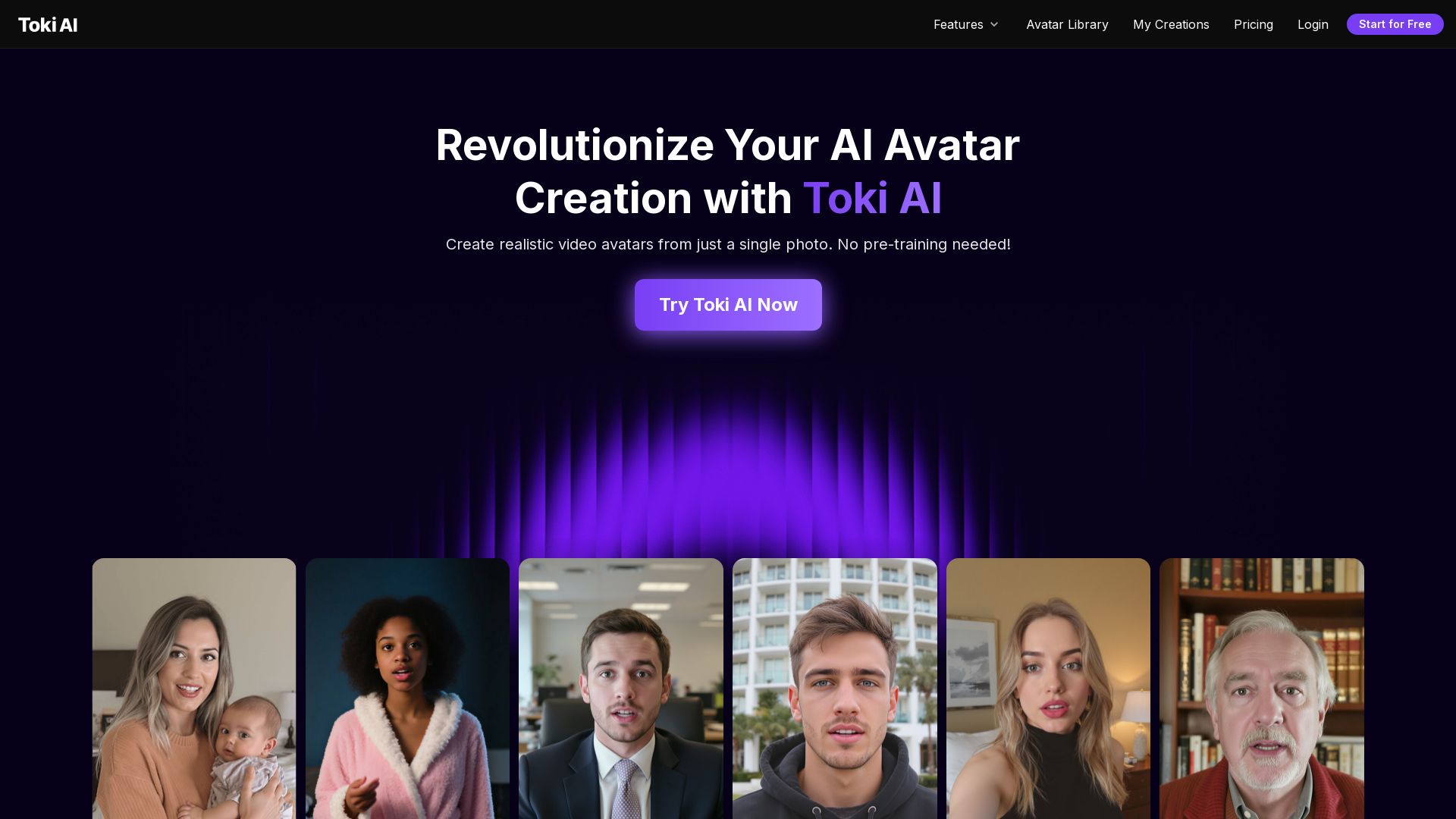
Toki AI
Transform any photo into lifelike talking avatar videos in minutes. No pre-training needed. Perfect for marketing, social media, and more. Try free!

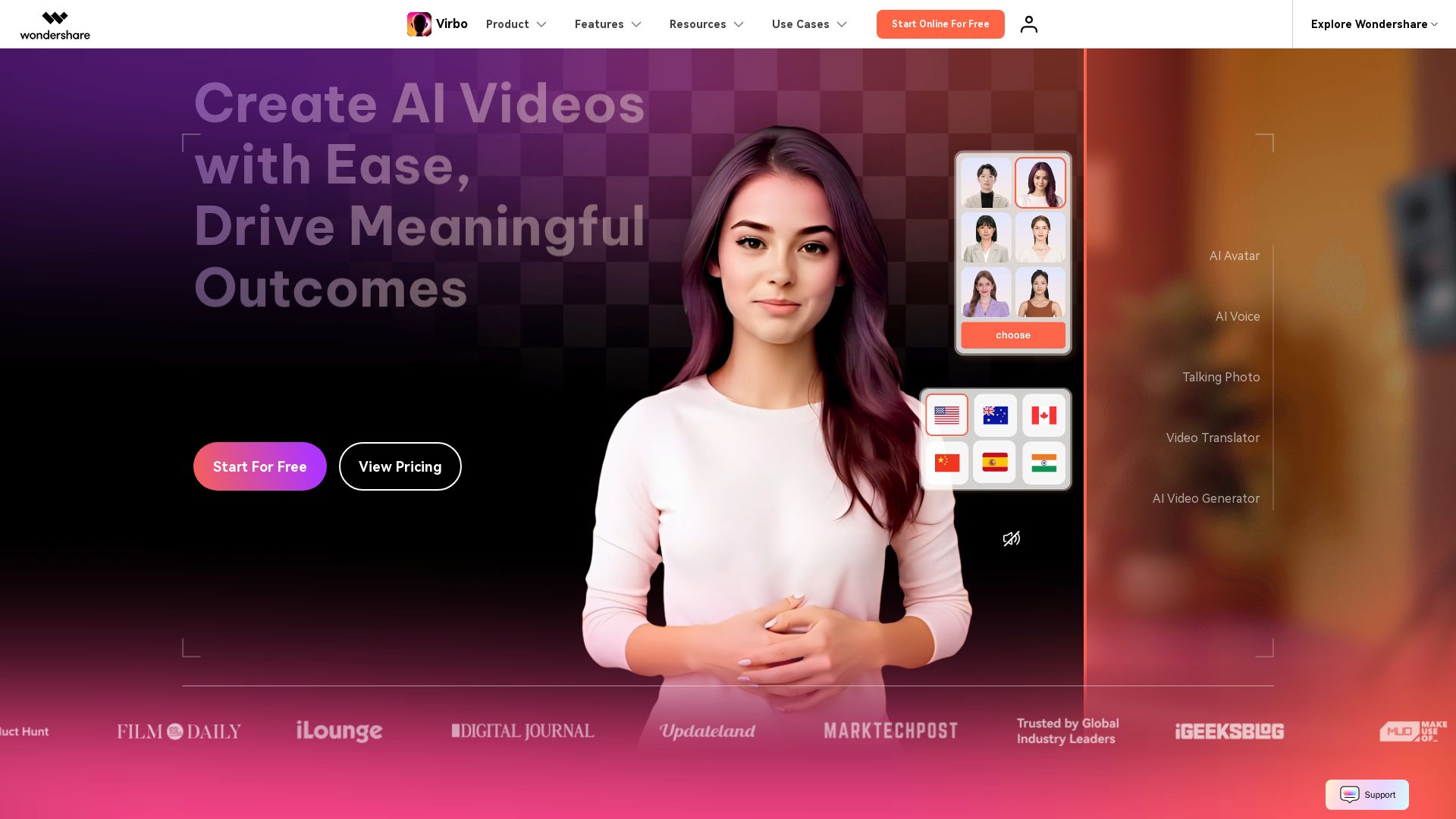
Wondershare Virbo
Create stunning AI videos with 350+ avatars, 400+ voices, and 80+ languages. Effortlessly produce professional content for marketing, education, and more.

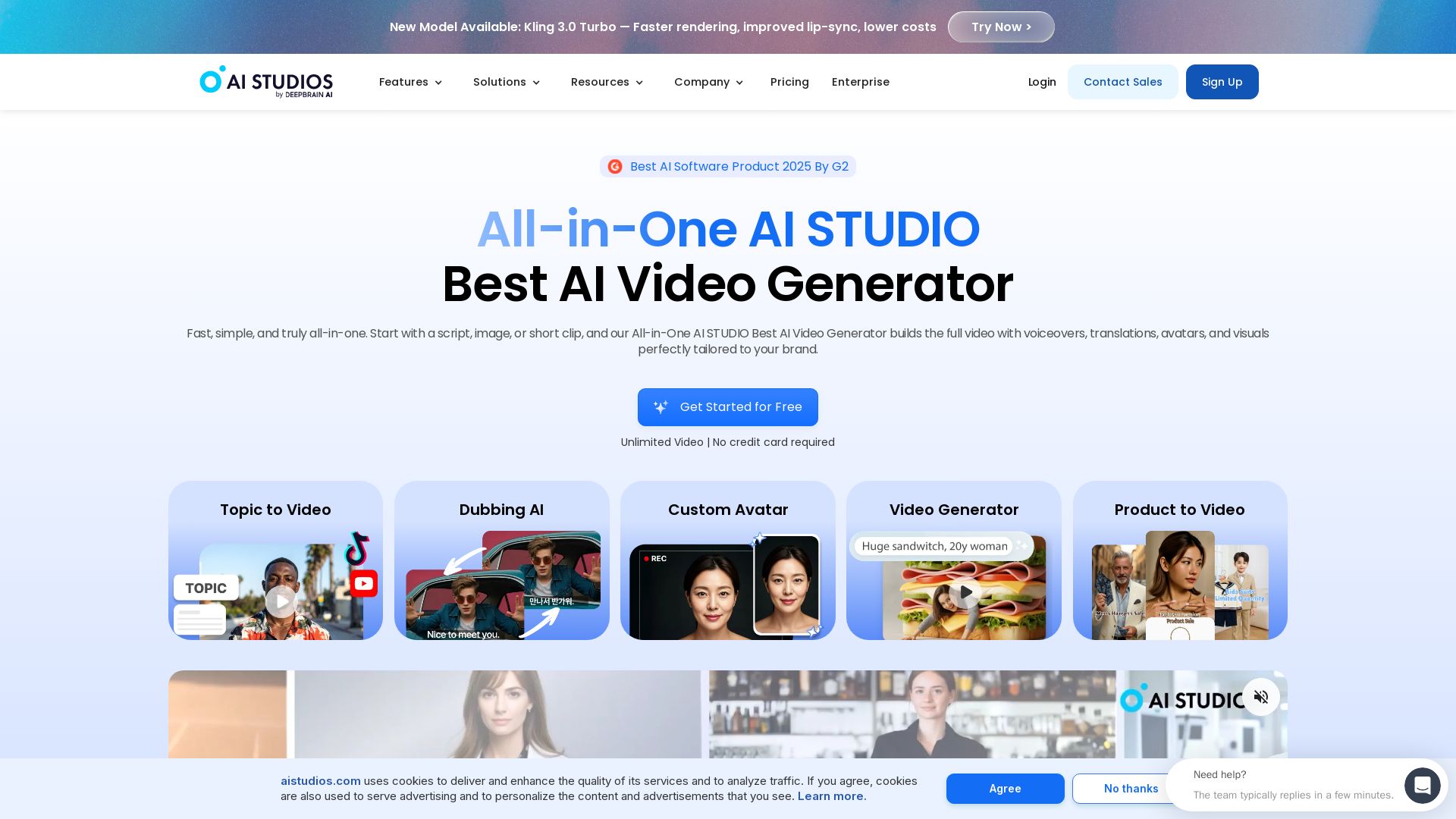
AI STUDIO
Create professional AI videos in minutes with 2000+ avatars, 150+ languages, and lifelike lip-sync. Free plan available. Trusted by 2M+ users.

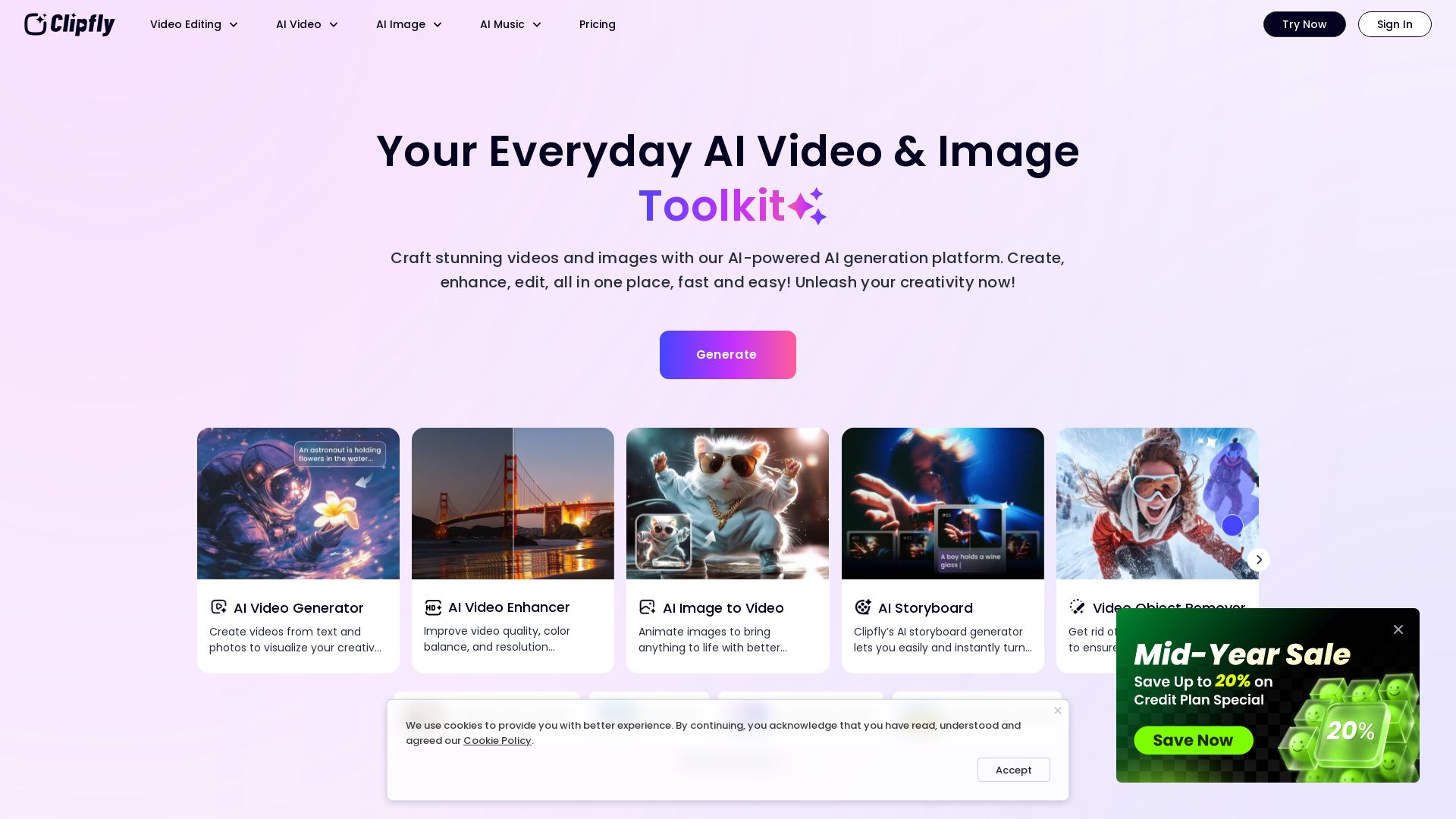
Clipfly
Transform ideas into cinematic videos with Clipfly's AI generator. Enhance, edit, and animate effortlessly. Free AI tools for all creatives.

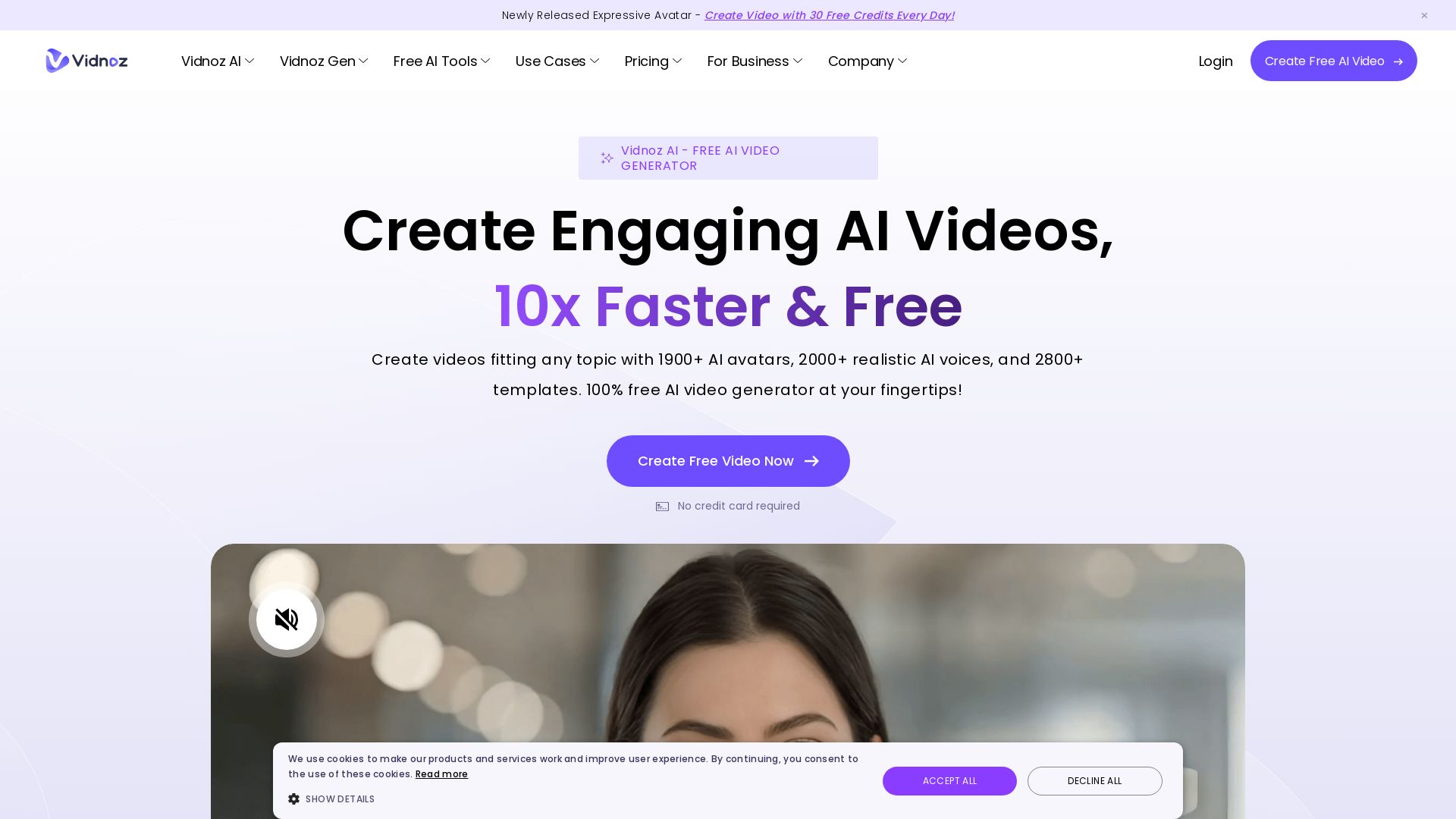
Vidnoz AI
Create free AI videos with Vidnoz AI. 1900+ avatars, 2000+ voices, 2800+ templates. 30 free credits daily. Ideal for marketing, training, and more.

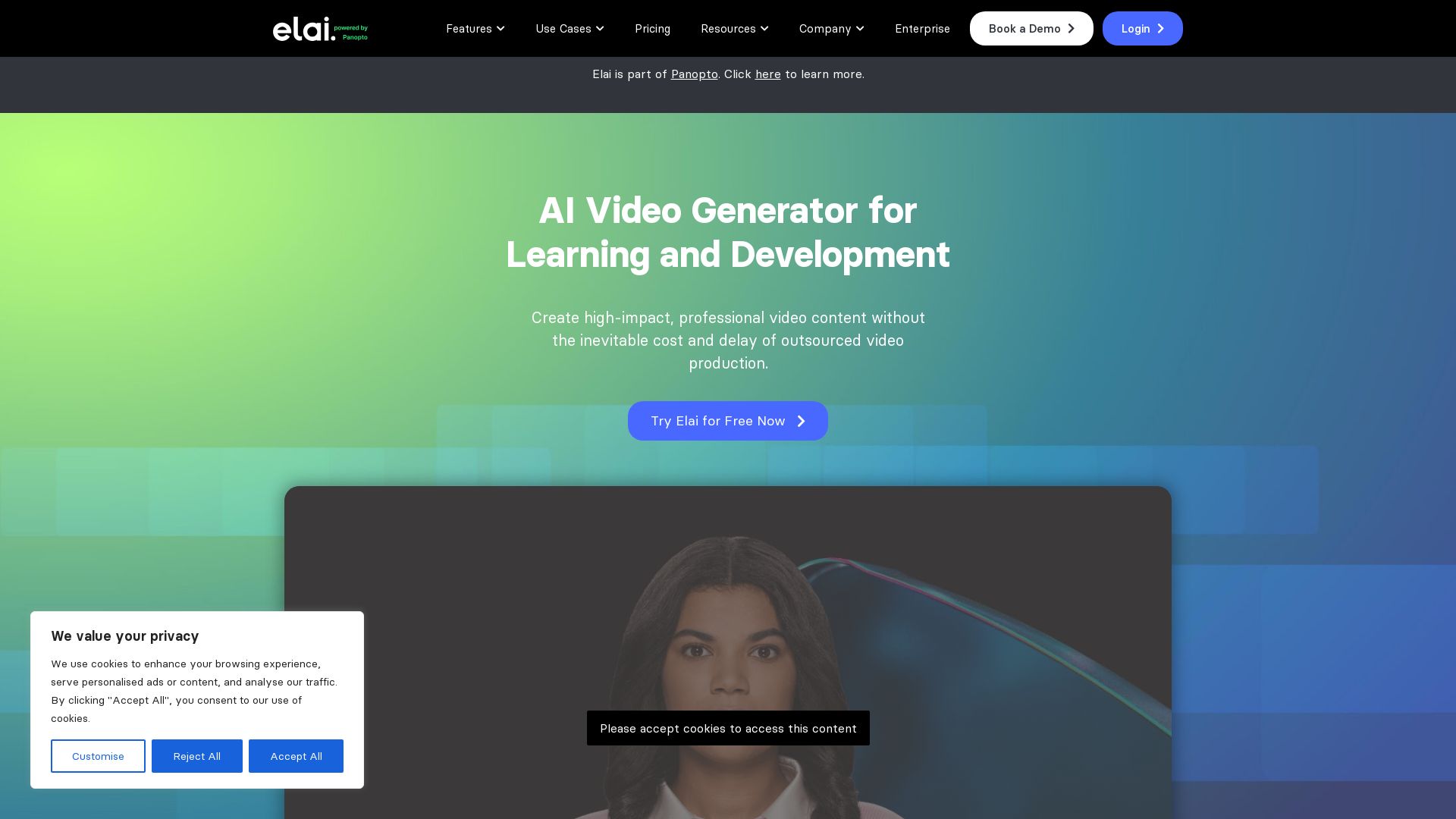
Elai
Create high-quality AI videos in minutes with realistic avatars, voice cloning, and multi-language support. Perfect for L&D teams.

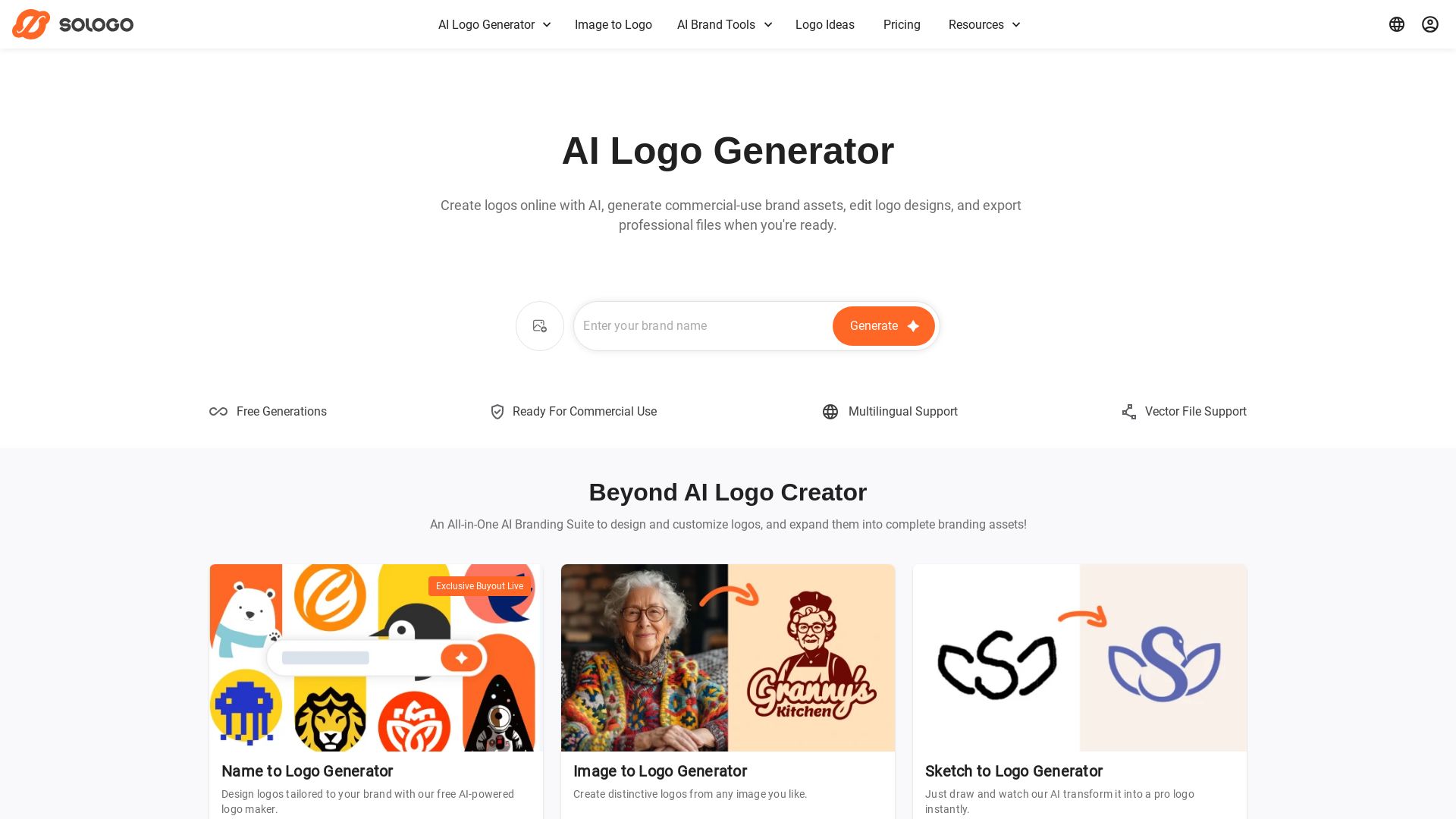
SologoAI
Create unique logos with AI from text, image, or sketch. Get vector exports, brand kits, mockups, and commercial use. Trusted by 100K+ customers.

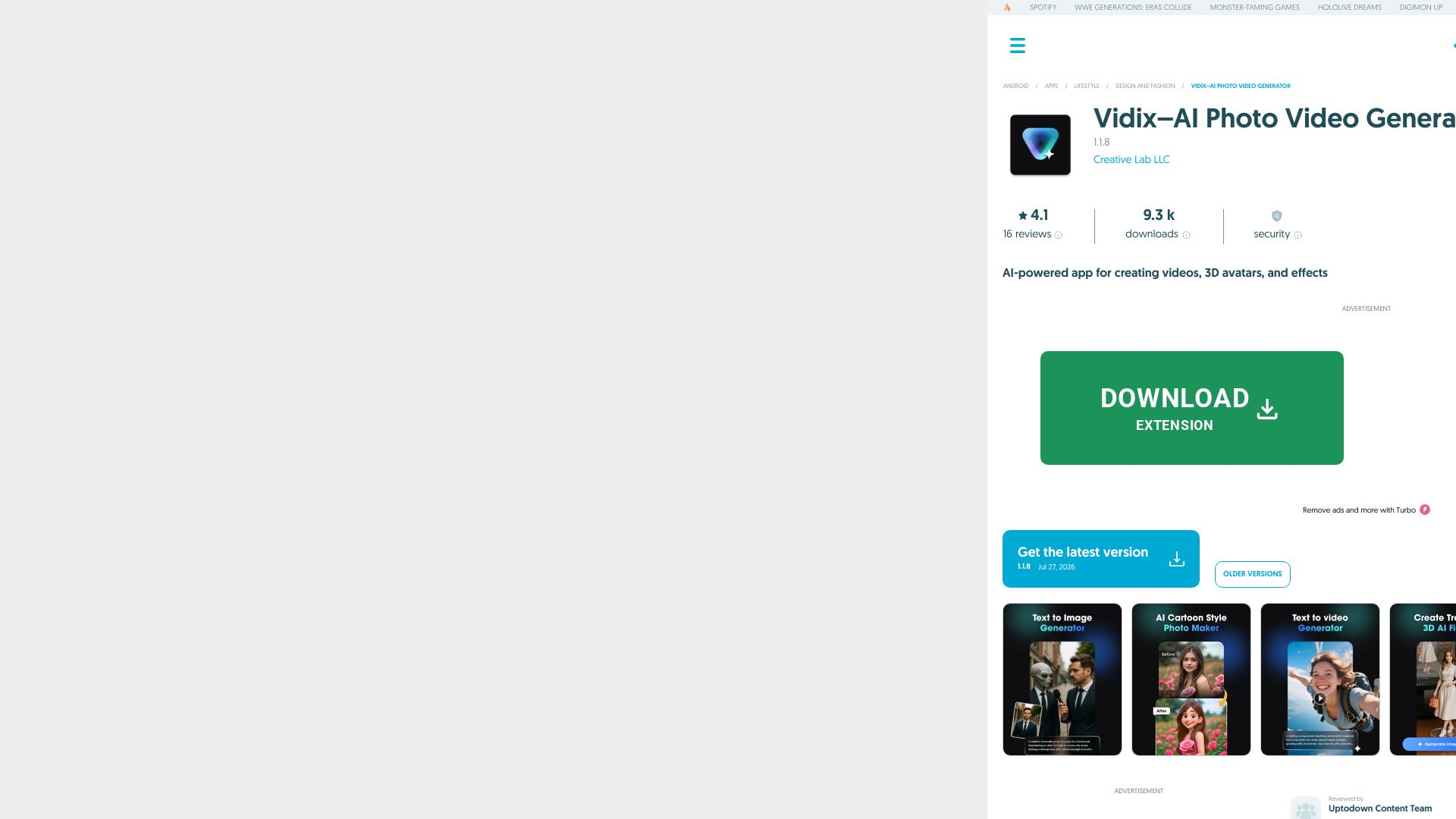
Vidix–AI Photo Video Generator
Transform photos into AI videos, 3D avatars, and cinematic effects. Free AI-powered app for creative content. Download now!

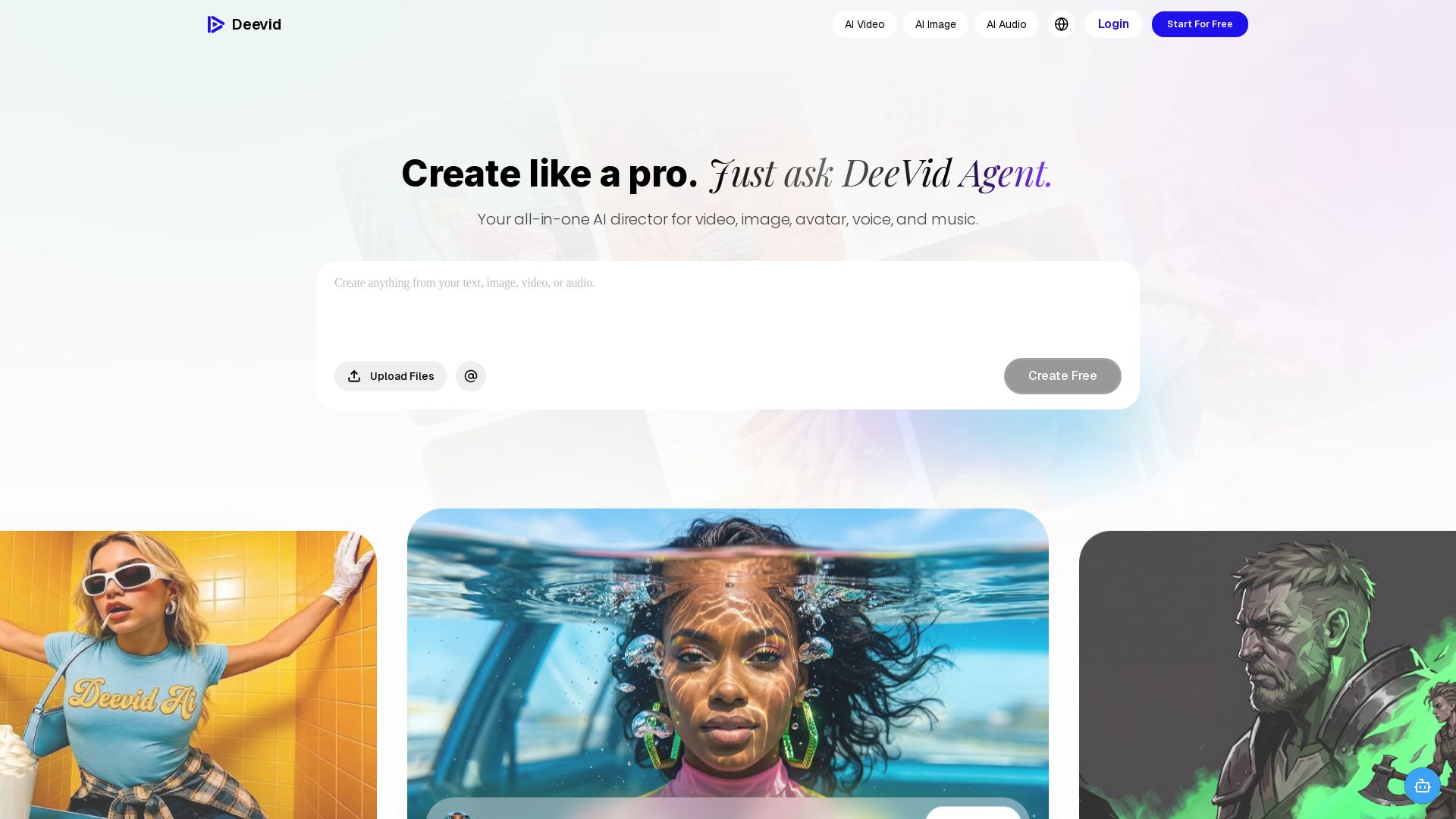
DeeVid AI
Create professional videos, images, avatars, and music with one AI. Text to video, image to video, AI ads, and more. Trusted by 30M+ creators.

Turbologo
Create a professional logo and full brand identity online with AI. No design skills needed. Free to start, pay only when you download. 90M+ logos created.

ℹ️ Curation Disclosure: The overview and features of VEED were synthesized using AI and fact-checked by our curation team to ensure accuracy.