
Transkriptor
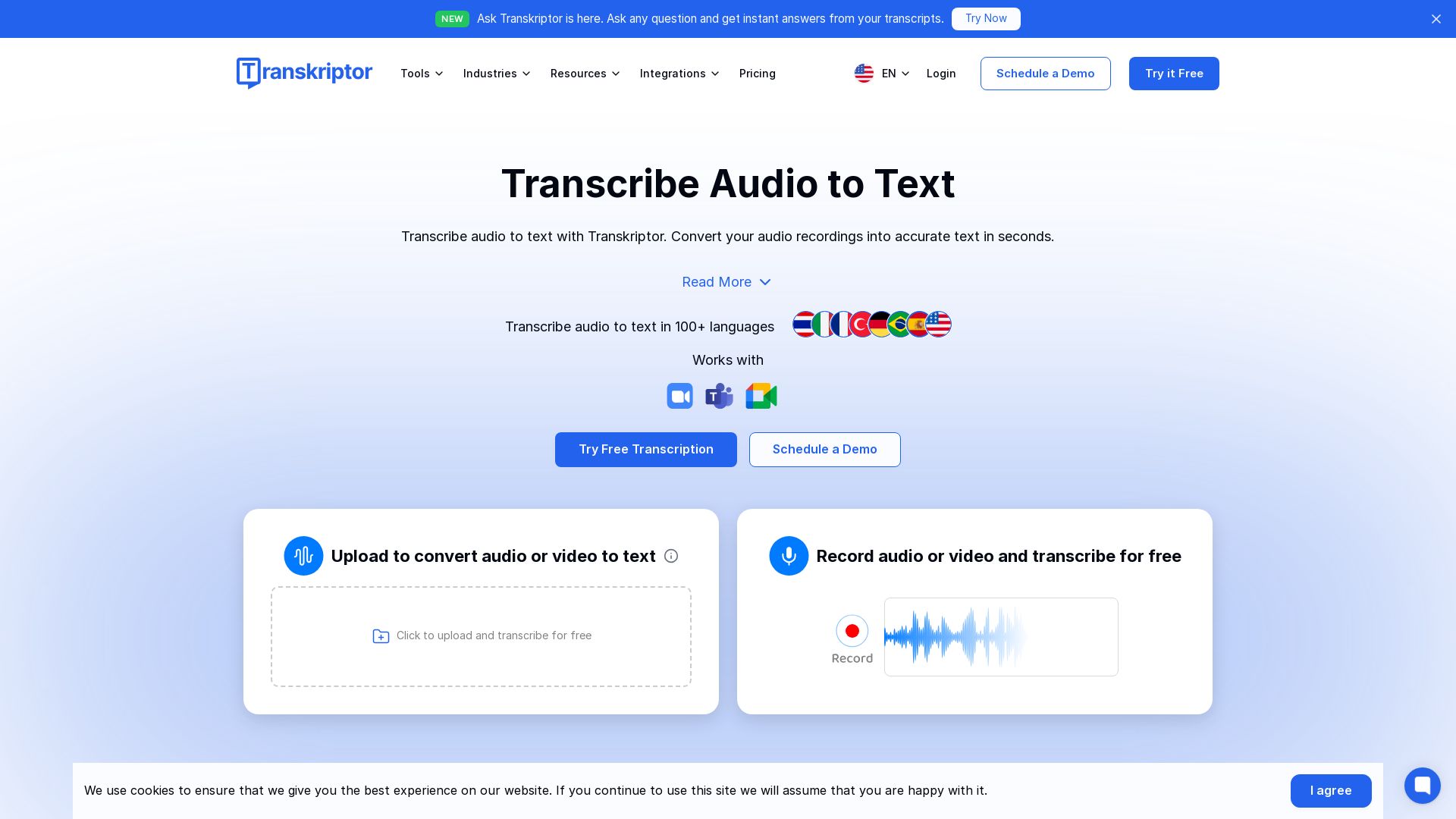
Transcribe audio to text with 99% accuracy. AI-powered transcription for meetings, lectures, and more. Try Transkriptor free!

Editor's Verdict
Key Takeaways
- Audio/Video Transcription
- 100+ Language Support
- AI Summaries & Action Items
- Ask Transkriptor AI Chat
In-Depth Review: What is Transkriptor?
Transkriptor is the leading AI transcription software that converts audio and video to text in 100+ languages with 99% accuracy. Automatically transcribe meetings, lectures, interviews, and podcasts, generate summaries, action items, and sentiment analysis, and chat with your transcripts. Trusted by 5M+ users, it integrates with Zoom, Google Meet, Teams, and more. Start for free today.
Core Features
Audio/Video Transcription
Convert MP3, MP4, WAV and other audio/video formats to accurate text in seconds with 99% accuracy.
100+ Language Support
Transcribe and translate audio in 100+ languages including English, Spanish, Portuguese, German, French, Turkish, and Thai.
AI Summaries & Action Items
Automatically generate summaries, action items, and executive summaries from meetings to save time and focus on decisions.
Ask Transkriptor AI Chat
Ask questions across your transcript library and get cited answers with specific meeting moments and original source links.
Speaker Diarization
Automatically identify and label speakers in meetings so you know exactly who said what.
AI Sentiment Analysis
Analyze tone and emotions across meetings to understand participant sentiment and improve collaboration.
Meeting Bot for Zoom/Google Meet/Teams
Record and transcribe virtual meetings live with custom bot names and avatars, capturing every conversation.
Searchable Transcripts
Search within transcriptions and jump to playback recordings to find key moments without re-listening.
Subtitle Generator
Create SRT subtitles from video content automatically for accessibility and engagement.
Cloud Sync & Integrations
Sync transcripts across devices and connect Google Drive, Dropbox, OneDrive, Slack, Notion, Salesforce, and more via Zapier.
Cross-Platform Access
Use Transkriptor on web, desktop, Android, iOS, and as a Chrome extension for transcription anywhere.
Organization & Collaboration
Create folders, workspaces, and shared team spaces to organize files and collaborate on transcripts easily.
Multi-Format Export
Export transcripts as TXT, SRT, Word, or plain text with editable text and speaker tags.
Enterprise-Grade Security
Comply with SOC 2, GDPR, ISO 27001, and SSL standards to keep your audio and video data fully protected.
Voice Notes to Text
Record voice notes and instantly convert them into written content for brainstorming and content creation.
Pricing
Pro
- 2,400 minutes of transcription time per month
- Access to AI summary
- Custom meeting summary templates
- Access to AI chat
- Access to knowledge base
- Your data will not be used for training purposes
Team
- Includes everything in Pro, plus:
- 3,000 minutes of transcription time per seat per month
- Custom vocabulary for specialized terms
- Call analysis: speaker talk time, AI filters, sentiment detection
- Advanced analytics to track and measure usage
- Centralized team plan management
- Custom bot name & avatar for meetings
Bulk 100 Hours
- 100 hours of transcription per month
- 50% off annual billing
- Suitable for high-volume transcription needs
Bulk 250 Hours
- 250 hours of transcription per month
- 50% off annual billing
- Suitable for high-volume transcription needs
Bulk 500 Hours
- 500 hours of transcription per month
- 50% off annual billing
- Suitable for high-volume transcription needs
Bulk 1000 Hours
- 1000 hours of transcription per month
- 50% off annual billing
- Suitable for high-volume transcription needs
Pros and Cons
Pros
- High Transcription Accuracy99% accuracy even with longer audio files or background noise, ensuring reliable transcripts.
- AI-Powered Meeting InsightsAutomatically generates summaries, action items, sentiment analysis, and speaker metrics to save time.
- Multilingual SupportTranscribes and translates in 100+ languages, breaking language barriers for global teams.
- Extensive IntegrationsWorks with Zoom, Google Meet, Teams, Google Drive, Dropbox, Slack, Notion, Salesforce, and more via Zapier.
- Time and Cost SavingsSpeeds up note-taking by 90% and increases productivity, reducing manual transcription costs.
Cons
- No Permanent Free PlanOnly a free trial is offered; paid subscriptions are required for continued use.
- Annual Billing for DiscountsThe best prices require yearly commitment, which may not suit users wanting month-to-month flexibility.
- Lower-Tier Minute LimitsThe Pro plan includes 2,400 minutes per month, which may be insufficient for very heavy users.
- Potential Audio Quality DependencyAlthough robust, strongly accented or extremely low-quality audio may still require manual corrections.
- Advanced Features Learning CurveSome users may need time to fully explore AI chat, knowledge bases, and integrations.
Use Cases & Recommended Professions
Student→ View Toolkit
Transcribe lectures, generate automatic summaries and quizzes from notes, and study more efficiently.
Journalist→ View Toolkit
Convert interviews, press conferences, and voice notes into accurate text quickly for articles.
Sales Manager→ View Toolkit
Capture sales calls, extract action items, track sentiment, and improve follow-ups.
Lawyer & Attorney→ View Toolkit
Securely transcribe consultations and depositions, organize notes, and maintain case documentation.
Psychologist→ View Toolkit
Focus completely on clients while therapy sessions are transcribed and summarized with secure, organized notes.
Consultant→ View Toolkit
Document client meetings, build searchable knowledge bases, and automate meeting insights.
Frequently Asked Questions
Alternative AI Tools
View Detailed Comparison →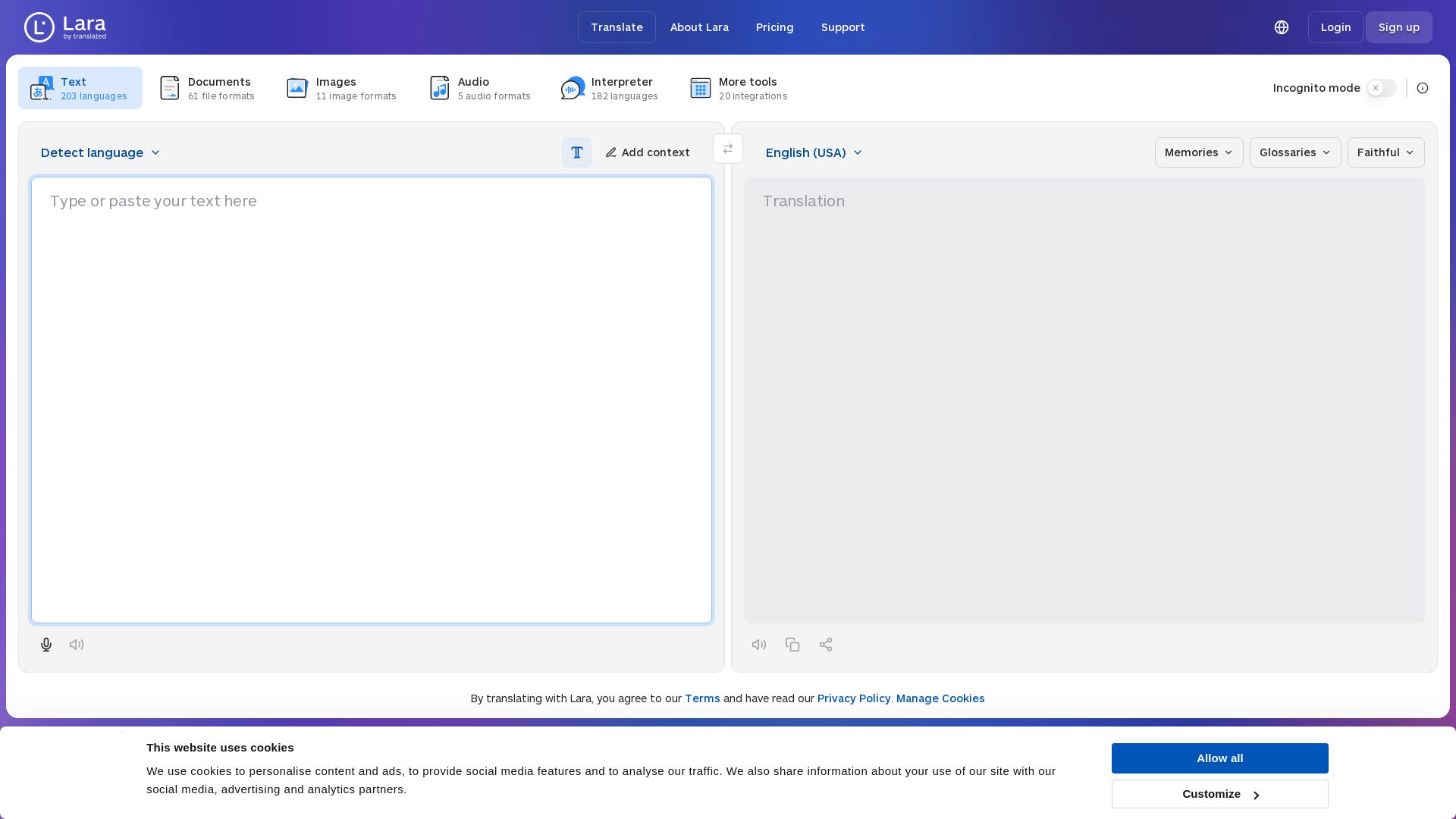
Lara Translate
Translate text, documents, images, and audio instantly in 200+ languages. Trusted by 350,000+ professionals. AI-powered by Translated since 1999.

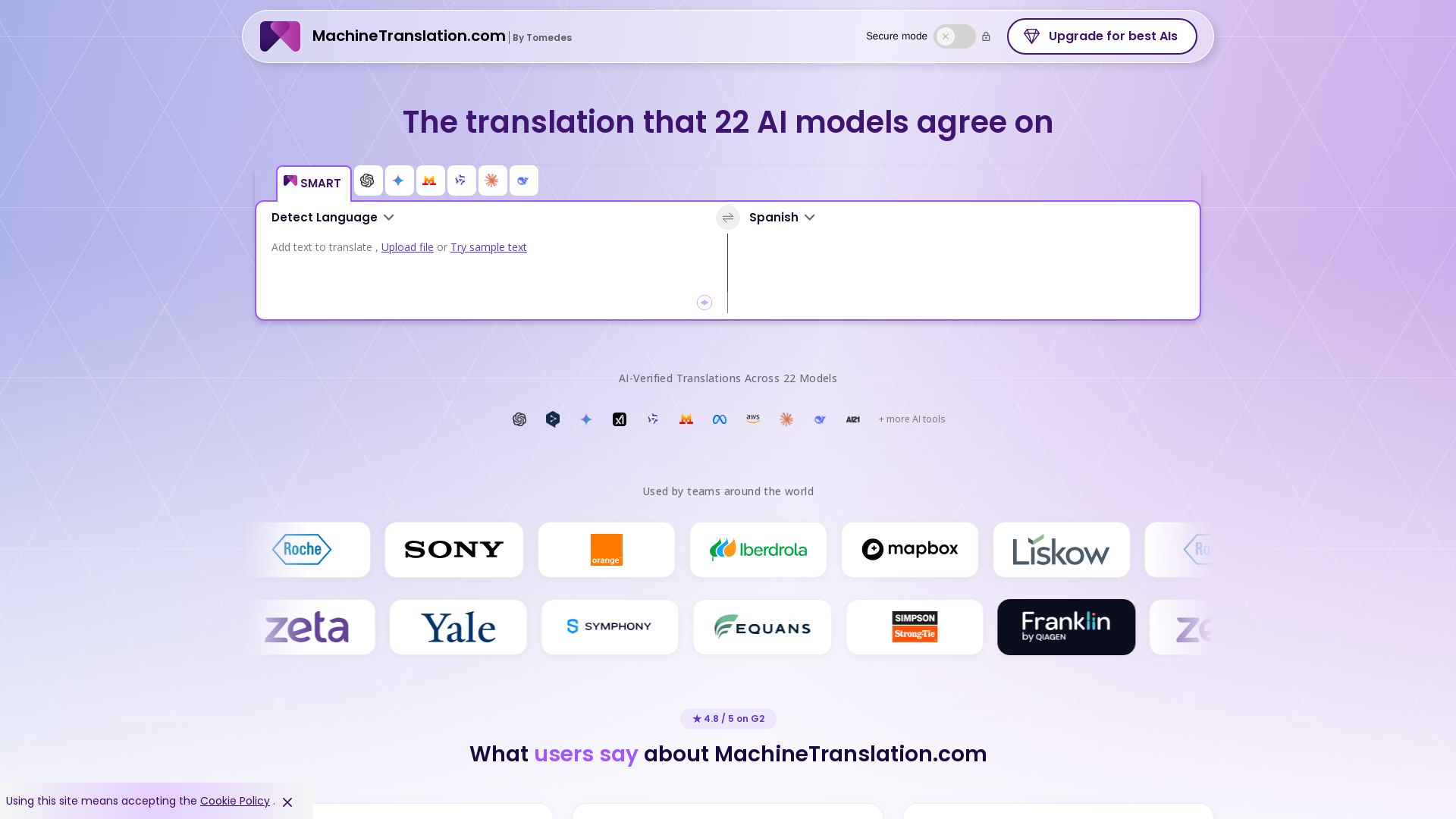
Free AI Translator
Translate with confidence using 22 AI models. SMART picks the most agreed translation, cutting errors by 90%. Human review optional. Secure & affordable.

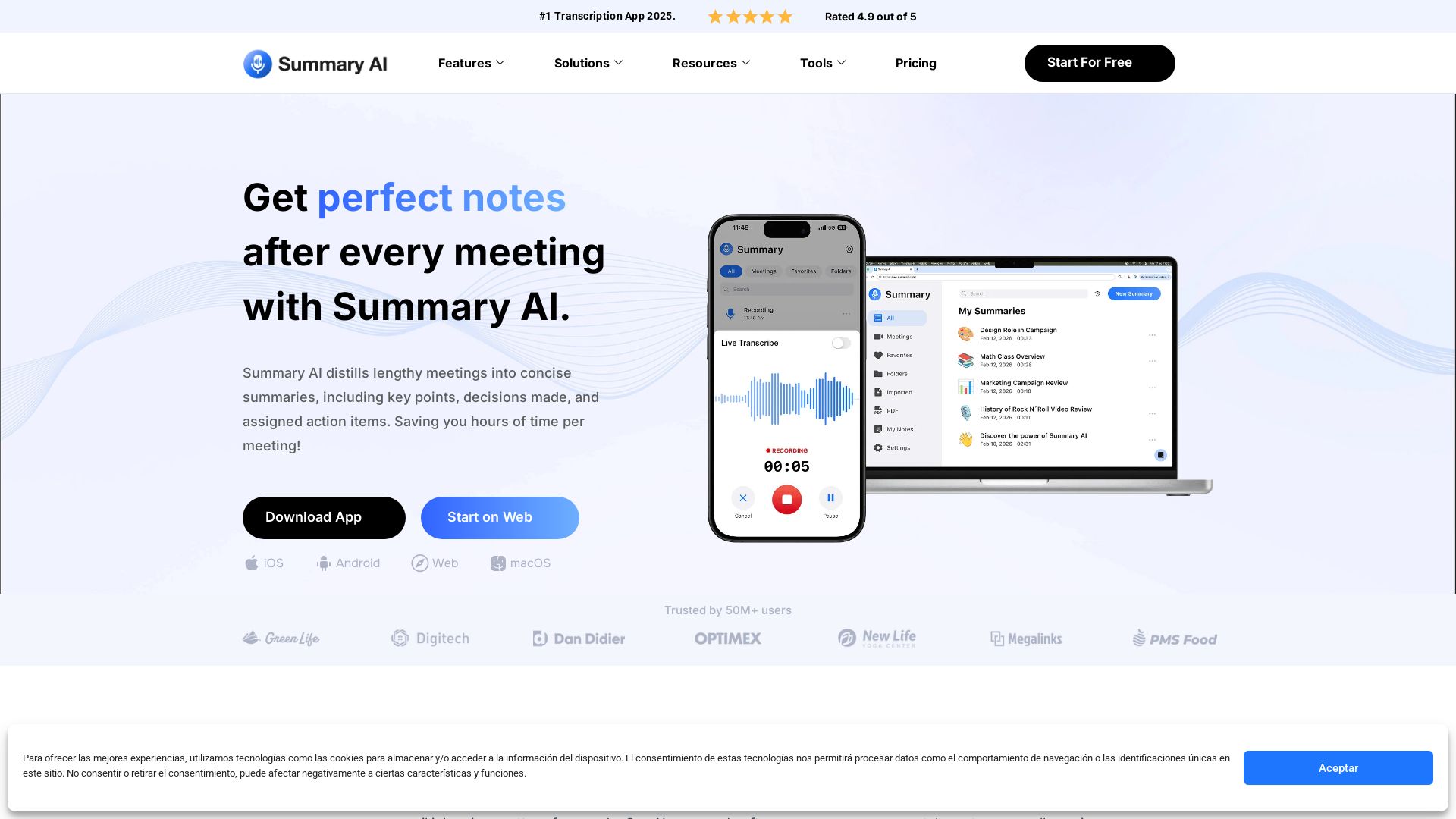
Summary AI
Automatically transcribe, summarize, and translate meetings with Summary AI. Save hours, get perfect notes, and boost productivity. Trusted by 50M+ users.

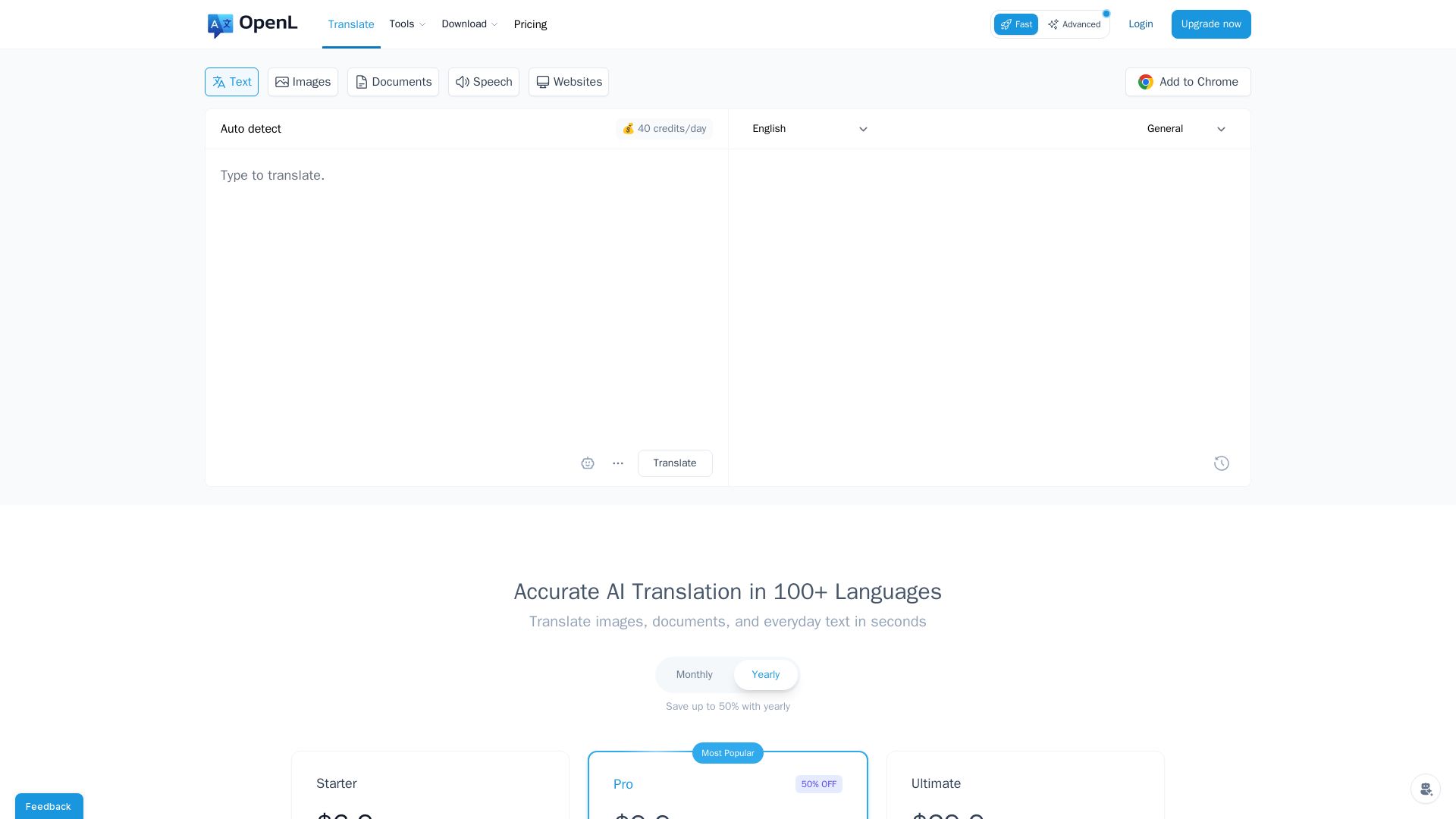
OpenL Translate
Fast, accurate AI translations for text, images, documents, and websites. Supports 100+ languages. Try free!

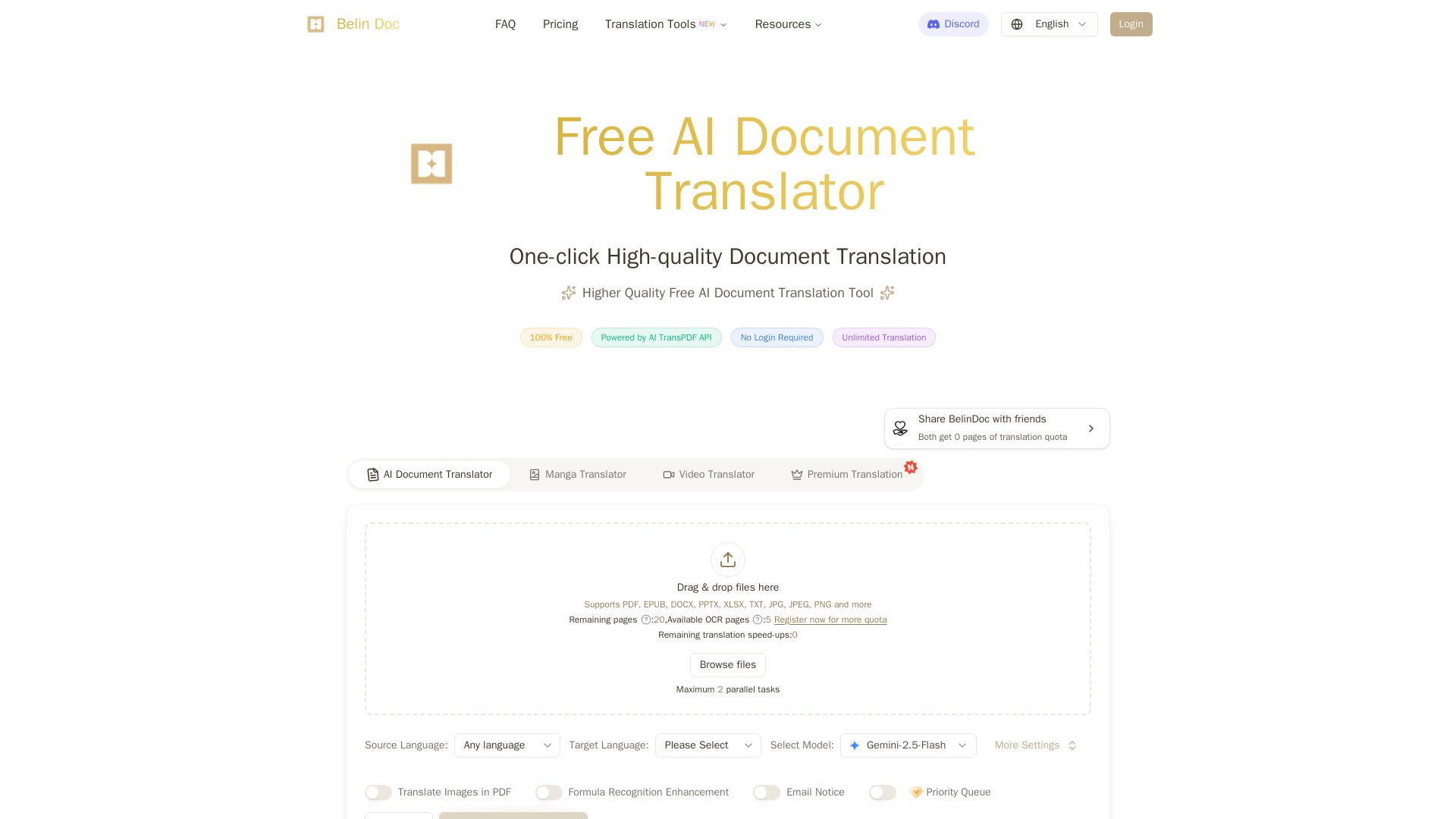
Belindoc
Translate documents online for free! AI-powered PDF, Word, Excel, PPT translation with original layout preserved. No login, unlimited pages.


Figr
Ship better UX faster. Figr builds a living understanding of your product, maps flows, finds edge cases, and generates high-fidelity prototypes from your actual design system.

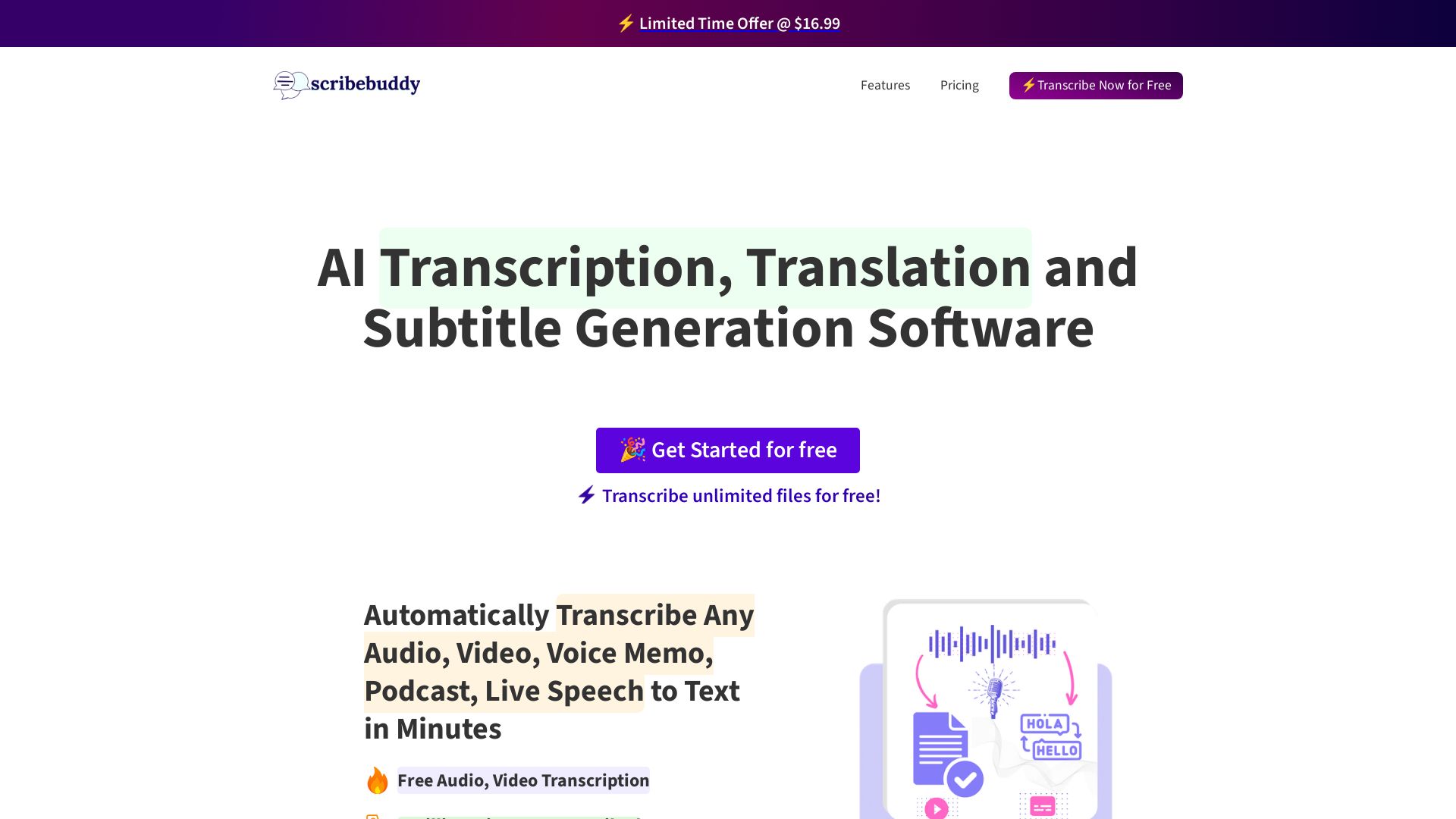
ScribeBuddy
Transcribe audio/video to text with 98% accuracy. Supports 100+ languages. Free unlimited files up to 5 min. Pay-as-you-go available.

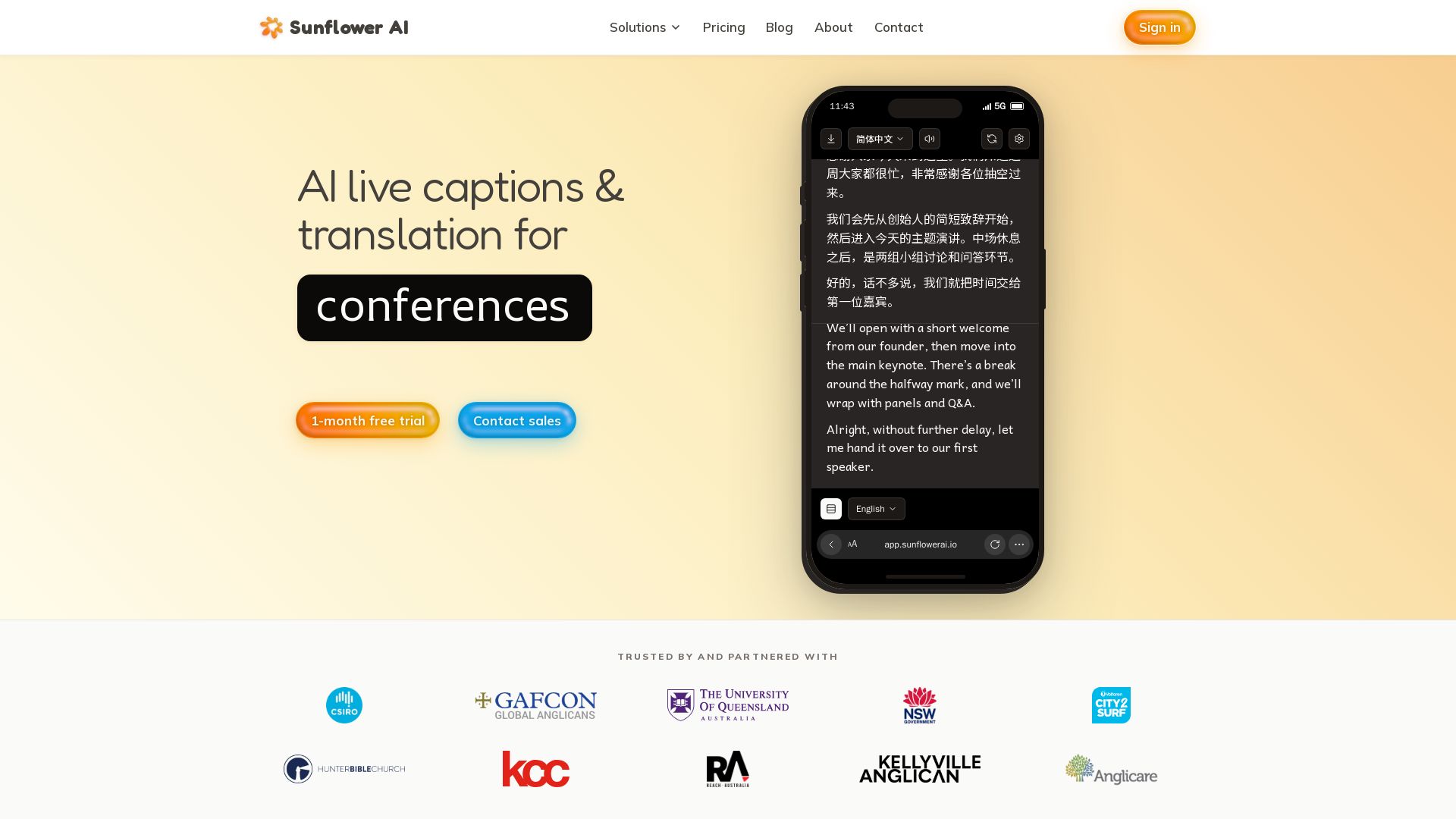
Sunflower AI
AI-powered live captions and real-time translation for multilingual audiences. One QR code, 83 languages. Trusted by churches and events. Start free trial.

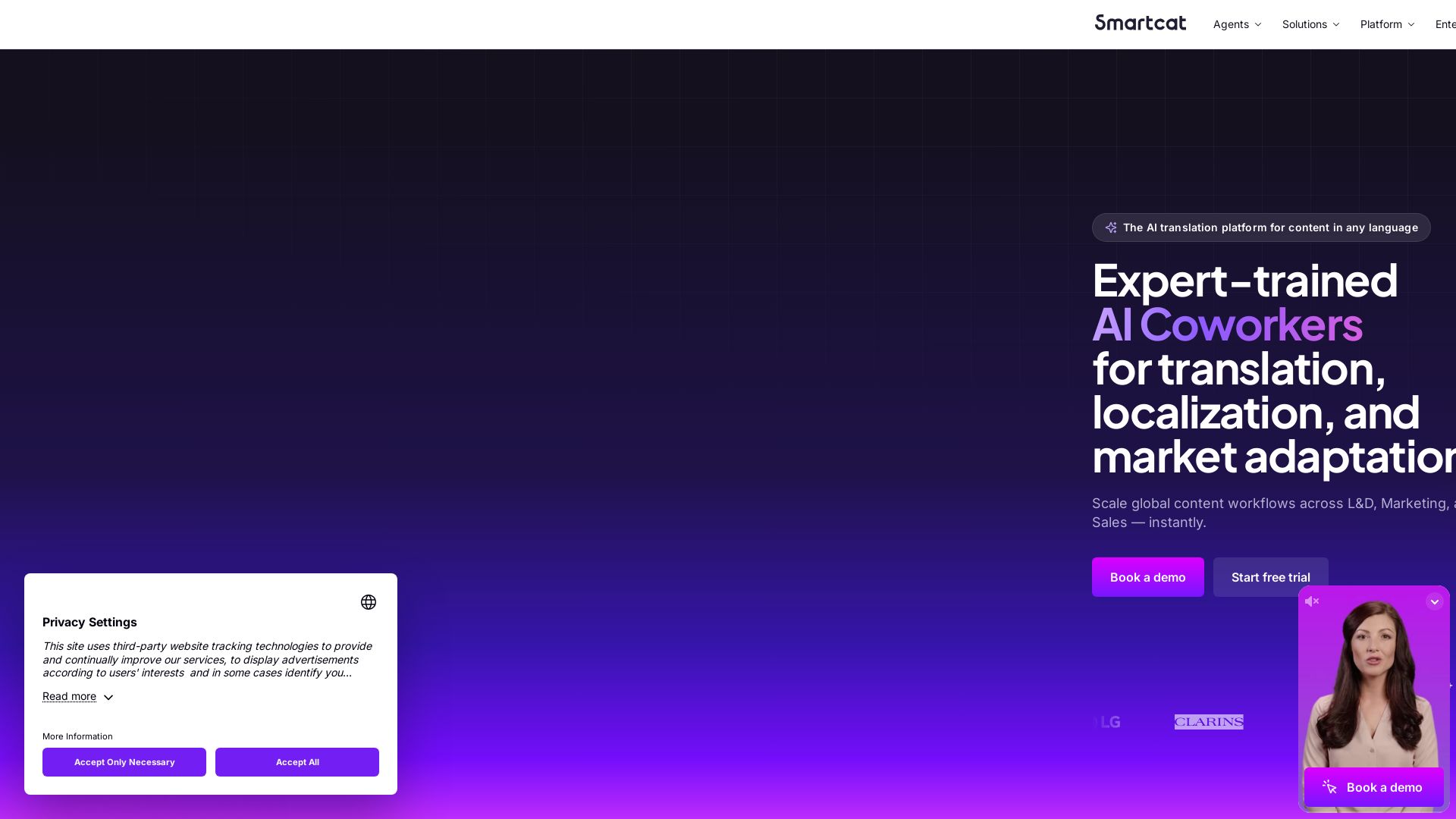
Smartcat
Translate content into 280+ languages with near-human accuracy. Scale global workflows for L&D, Marketing, and Sales. Trusted by 1,000+ enterprise brands

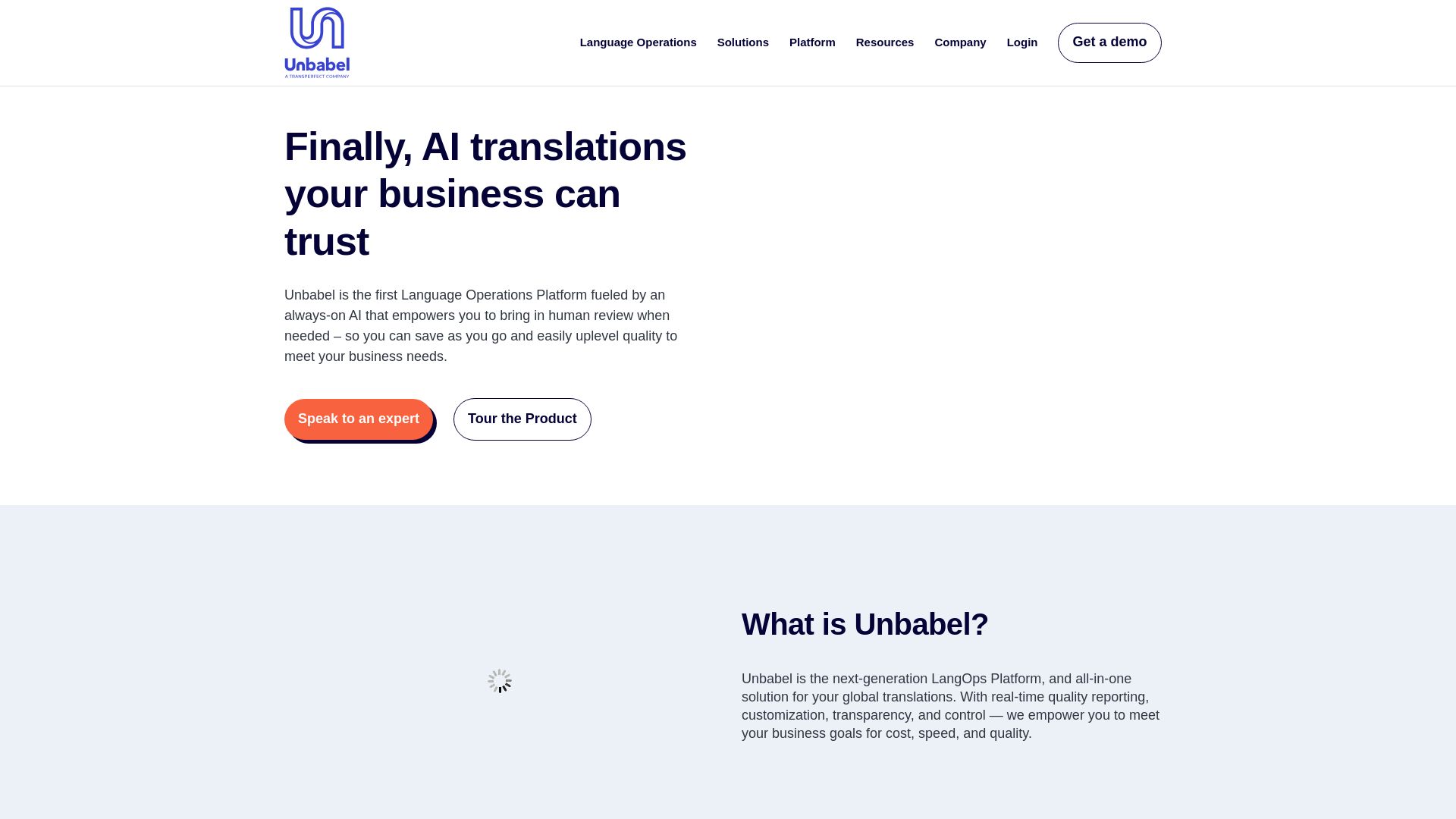
Unbabel
Unbabel's LangOps Platform: AI-driven translations with human review. Reduce costs, customize workflows, and ensure quality with real-time estimation. Trusted by leading brands.

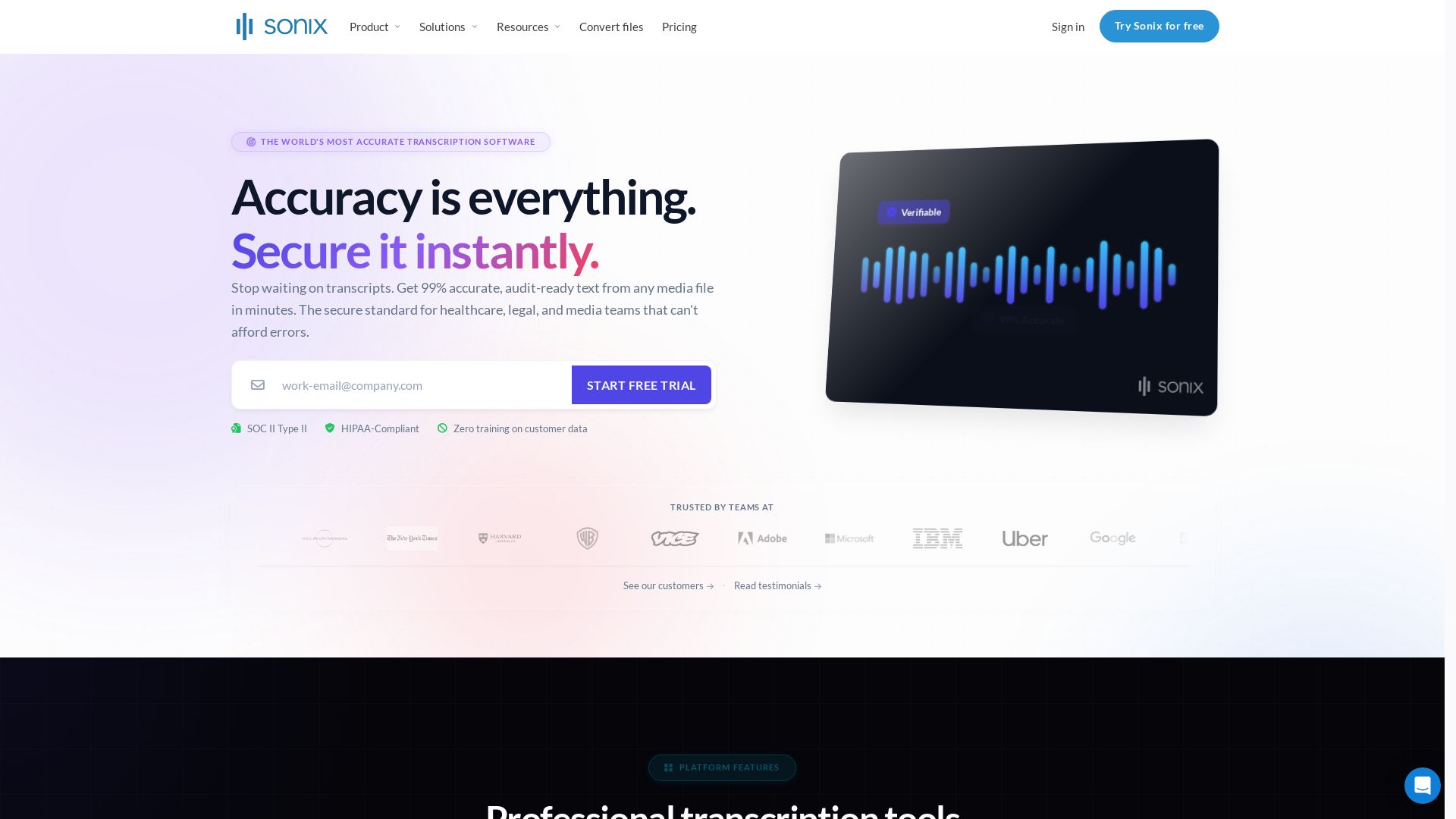
Sonix
Get 99% accurate transcripts from audio/video in minutes. Trusted by 6.2M+ users. HIPAA & SOC 2 compliant. Start free trial.

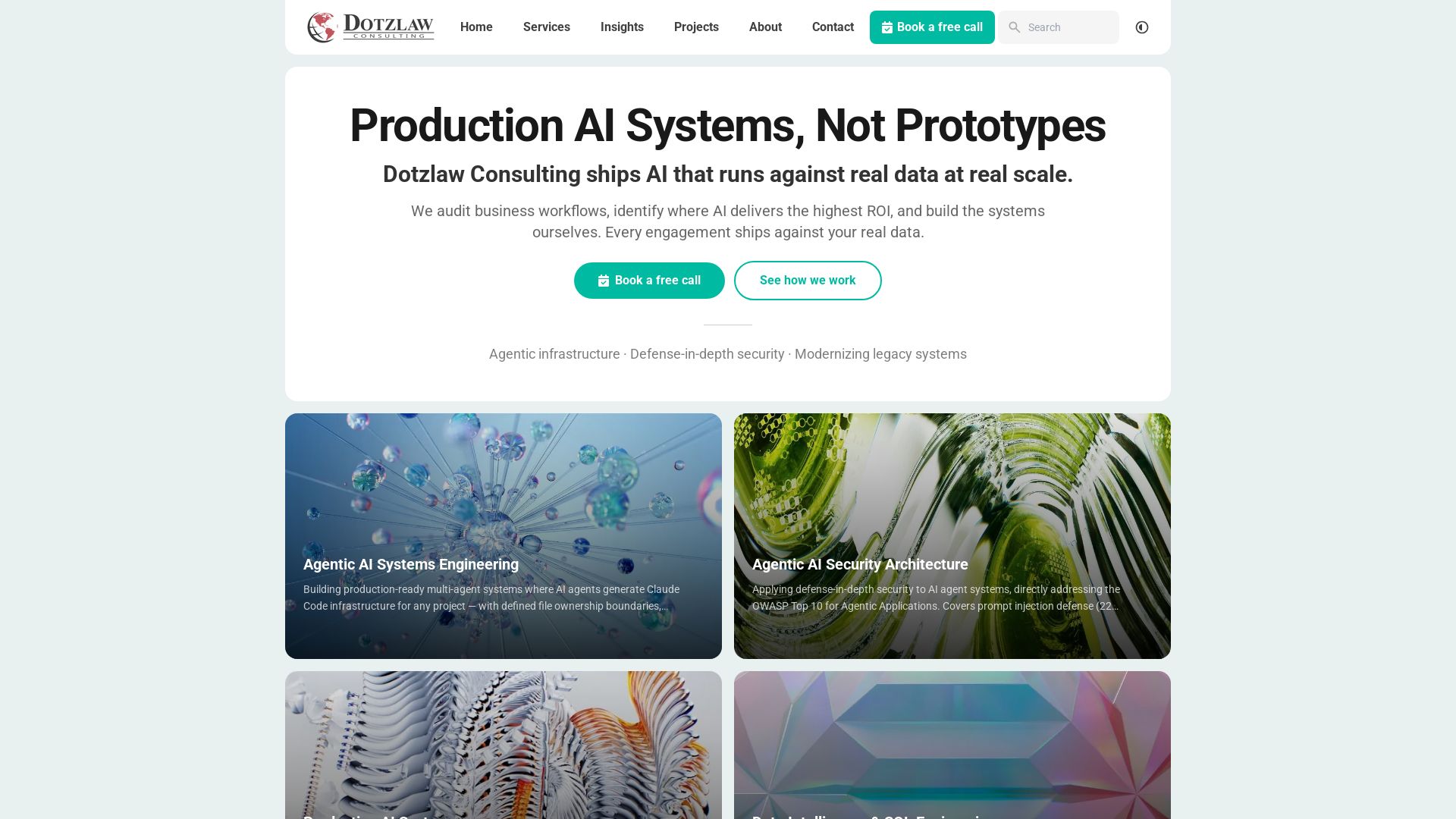
Dotzlaw Consulting
We build production-ready AI systems, multi-agent workflows, and secure architectures. Real data, real scale. Expert SQL & data intelligence.

ℹ️ Curation Disclosure: The overview and features of Transkriptor were synthesized using AI and fact-checked by our curation team to ensure accuracy.
