
Sider AI
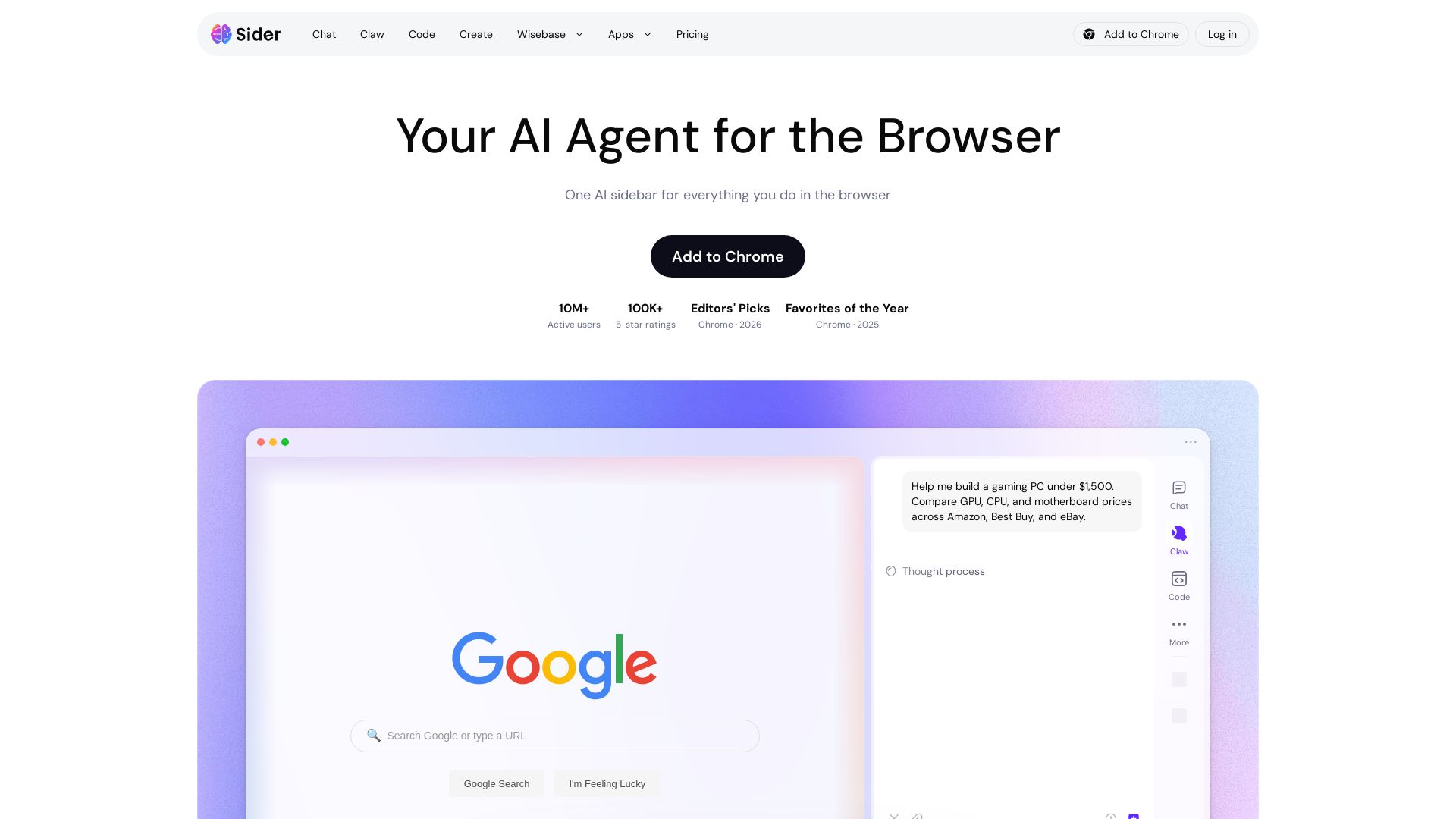
One AI sidebar for every browser task: summarize videos, compare prices across sites, customize pages. Trusted by 10M+ users.

Editor's Verdict
Key Takeaways
- Chat with Multiple AI Models
- Claw Browser Automation
- Code Website Customization
- Create Images, Videos, Slides
In-Depth Review: What is Sider AI?
Sider is an AI-powered browser extension that transforms how you interact with the web. With three core features—Chat, Claw, and Code—it lets you understand any content, automate multi-step tasks across real websites, and customize pages using plain language. Supports GPT, Claude, and Gemini. Works on Chrome, Edge, macOS, Windows, iOS, and Android.
Core Features
Chat with Multiple AI Models
Access GPT, Claude, Gemini, Grok, and more in one place to summarize articles, translate webpages, and explain concepts.
Claw Browser Automation
Automate tasks like comparing prices, filling forms, researching across websites, and triaging Gmail inbox.
Code Website Customization
Customize any webpage's appearance and functionality, and add AI features to websites.
Create Images, Videos, Slides
Generate images with models like GPT Image 2 and Nano Banana Pro, and create slides, documents, and videos.
Premium Features
Includes YouTube Summary, AI Creative Studio, ChatPDF, translation, data analysis, thinking mode, artifacts, smart web access, AI writer, audio to text, and commercial use.
Pricing
Free
- Chat with frontier models (limited credits)
- Claw automation (limited credits)
- Code customization (limited credits)
- Create (limited credits)
Paid
- All features included
- More credits and stronger cloud computer
- Commercial use allowed
- Priority support
Pros and Cons
Pros
- All-in-One AI ToolAccess multiple AI models (ChatGPT, Claude, Gemini) in one sidebar for chat, automation, and customization.
- Browser AutomationClaw automates repetitive tasks like price comparison and form filling across real websites.
- Customizable WebsitesCode lets you modify any webpage's look and functionality using plain language.
- Positive User FeedbackOver 100K 5-star ratings and positive reviews highlighting its usefulness and ease of use.
Cons
- Credit LimitationsFree plan has limited credits; heavy usage requires a paid plan.
- Browser-OnlyCurrently available as a browser extension; no standalone desktop app.
- Learning CurveNew users may need time to understand the different modes (Chat, Claw, Code, Create).
Use Cases & Recommended Professions
Student→ View Toolkit
Use Chat to summarize articles, explain concepts, and translate content for research and learning.
Developer→ View Toolkit
Use Code to customize websites and add AI features, and Chat for debugging and code explanation.
Online Shopper→ View Toolkit
Use Claw to compare prices across Amazon, Best Buy, eBay and fill forms automatically.
Researcher→ View Toolkit
Automate data extraction, summarize long papers, and organize information across multiple sites.
Content Creator→ View Toolkit
Generate images, slides, and videos with Create, and repurpose content using translation and summarization.
Translator→ View Toolkit
Translate webpages, PDFs, and images instantly using Chat and Create tools.
Frequently Asked Questions
Alternative AI Tools
View Detailed Comparison →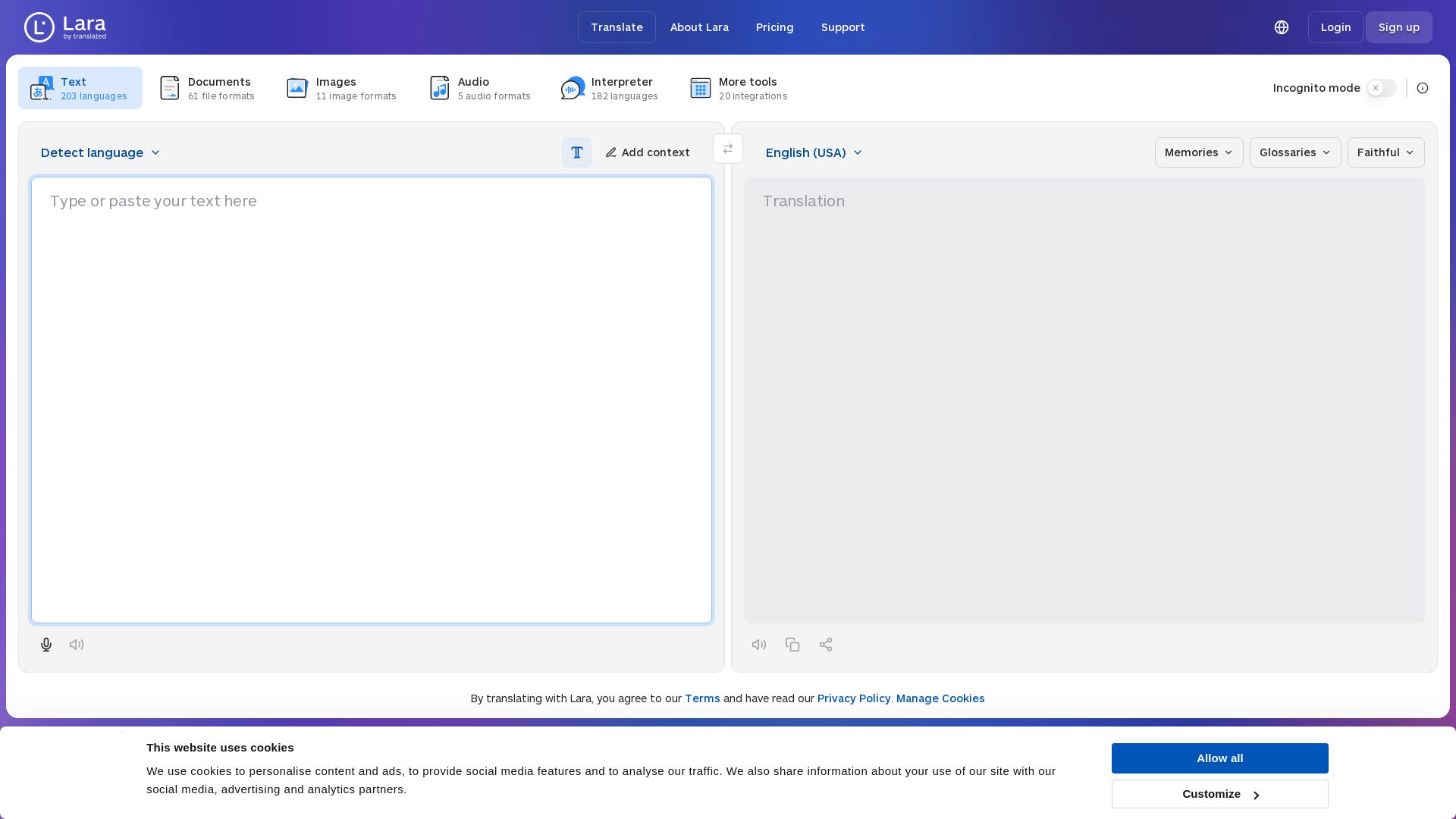
Lara Translate
Translate text, documents, images, and audio instantly in 200+ languages. Trusted by 350,000+ professionals. AI-powered by Translated since 1999.

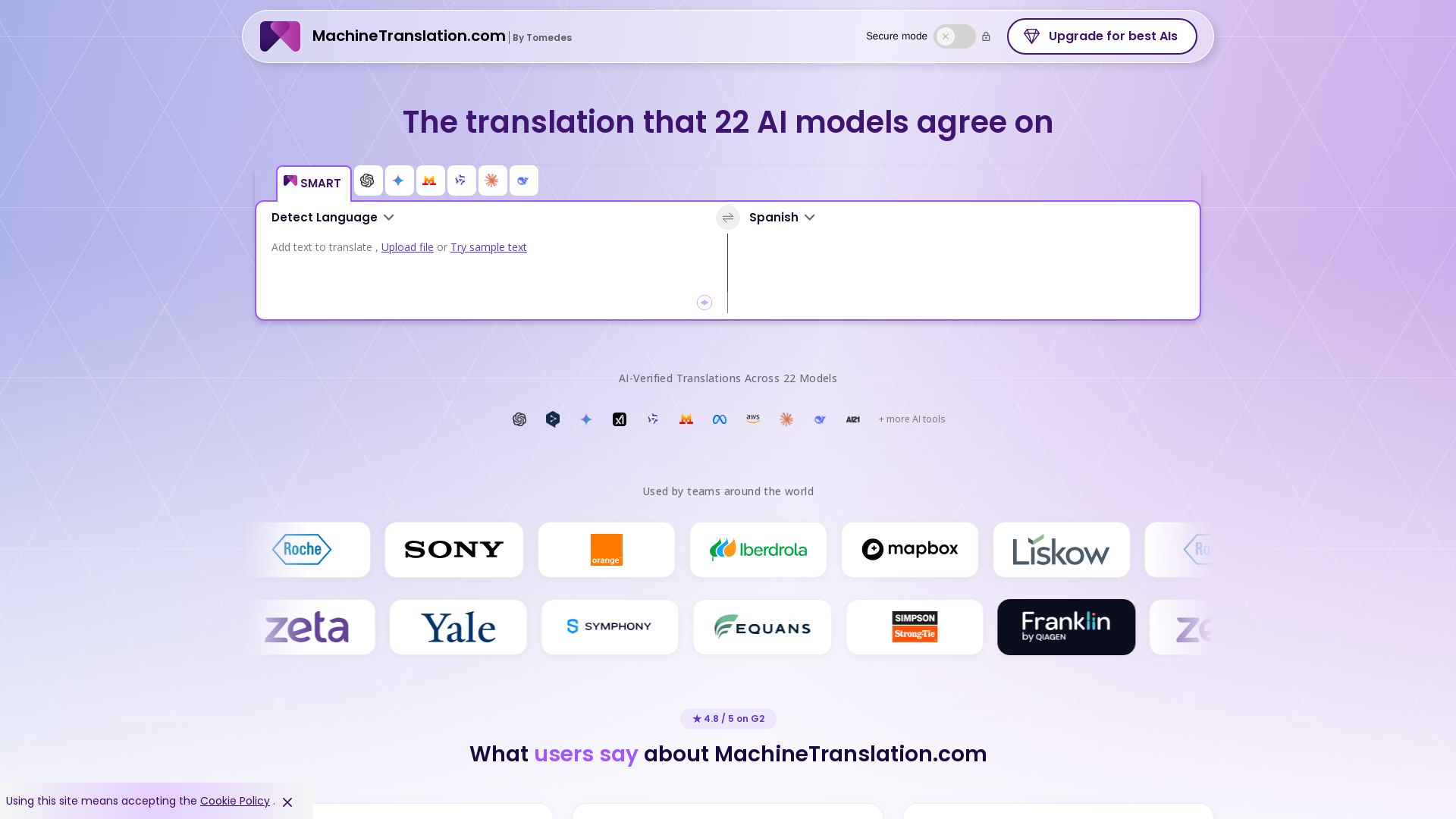
Free AI Translator
Translate with confidence using 22 AI models. SMART picks the most agreed translation, cutting errors by 90%. Human review optional. Secure & affordable.

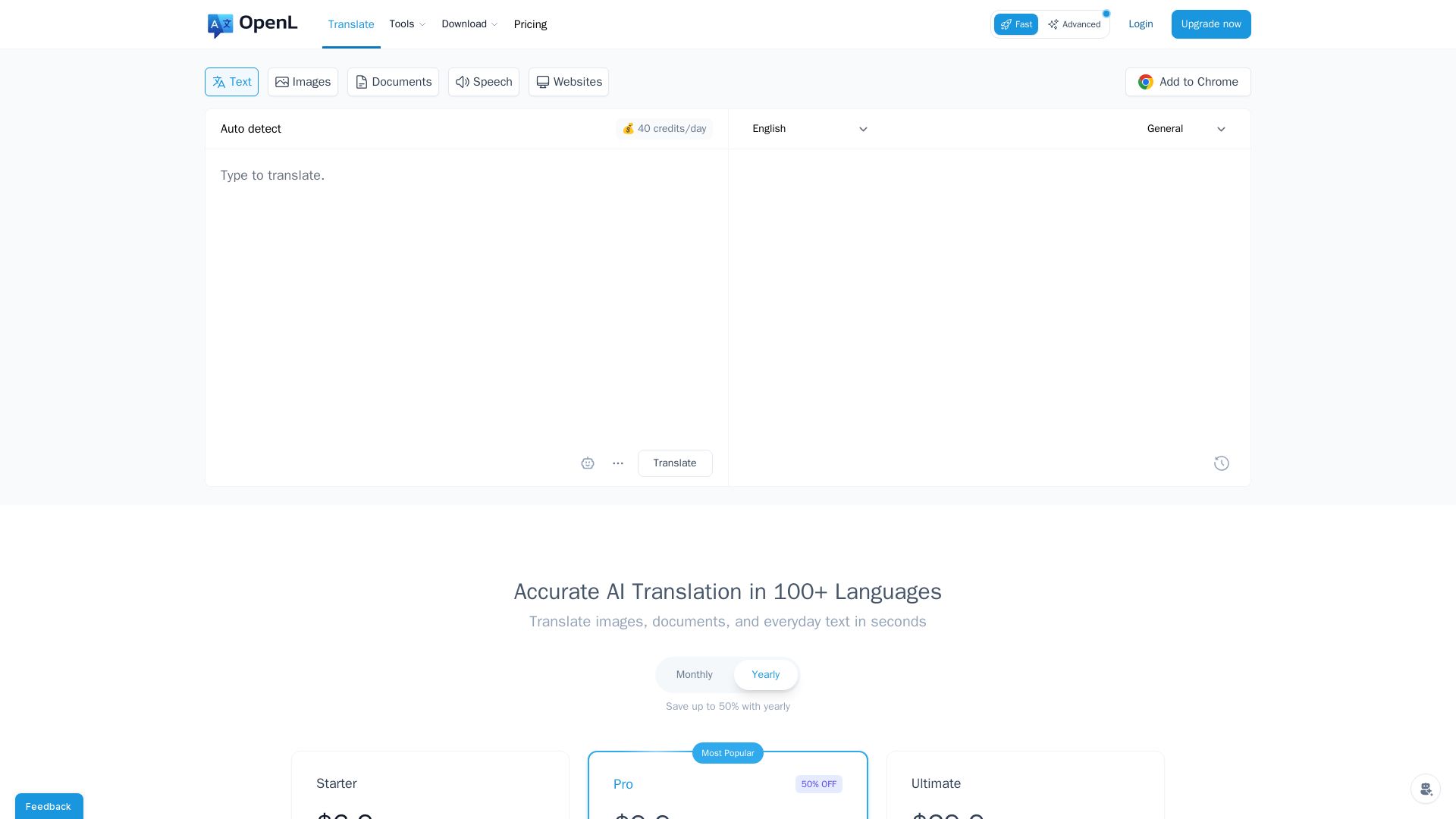
OpenL Translate
Fast, accurate AI translations for text, images, documents, and websites. Supports 100+ languages. Try free!


Expo AI Chatbot
Build AI chatbot apps for iOS, Android & web with Expo SDK 54, AI SDK 5, voice, long-term memory, and more. Open-source codebase.


Zapier
Connect AI to 9,000+ apps. Build AI agents, chatbots, and workflows without code. Trusted by Fortune 500. Start free.


Agentic Workers
Automate tasks with 100+ pre-built AI workflows. Connect 800+ tools, save 10+ hours/week. No coding needed. Join 13,000+ professionals.


AI Chat - Smart Chatbot
Download AI Chat - Smart Chatbot for Android. Powered by ChatGPT, it offers human-like conversations, multilingual support, and easy-to-use interface. Free download.

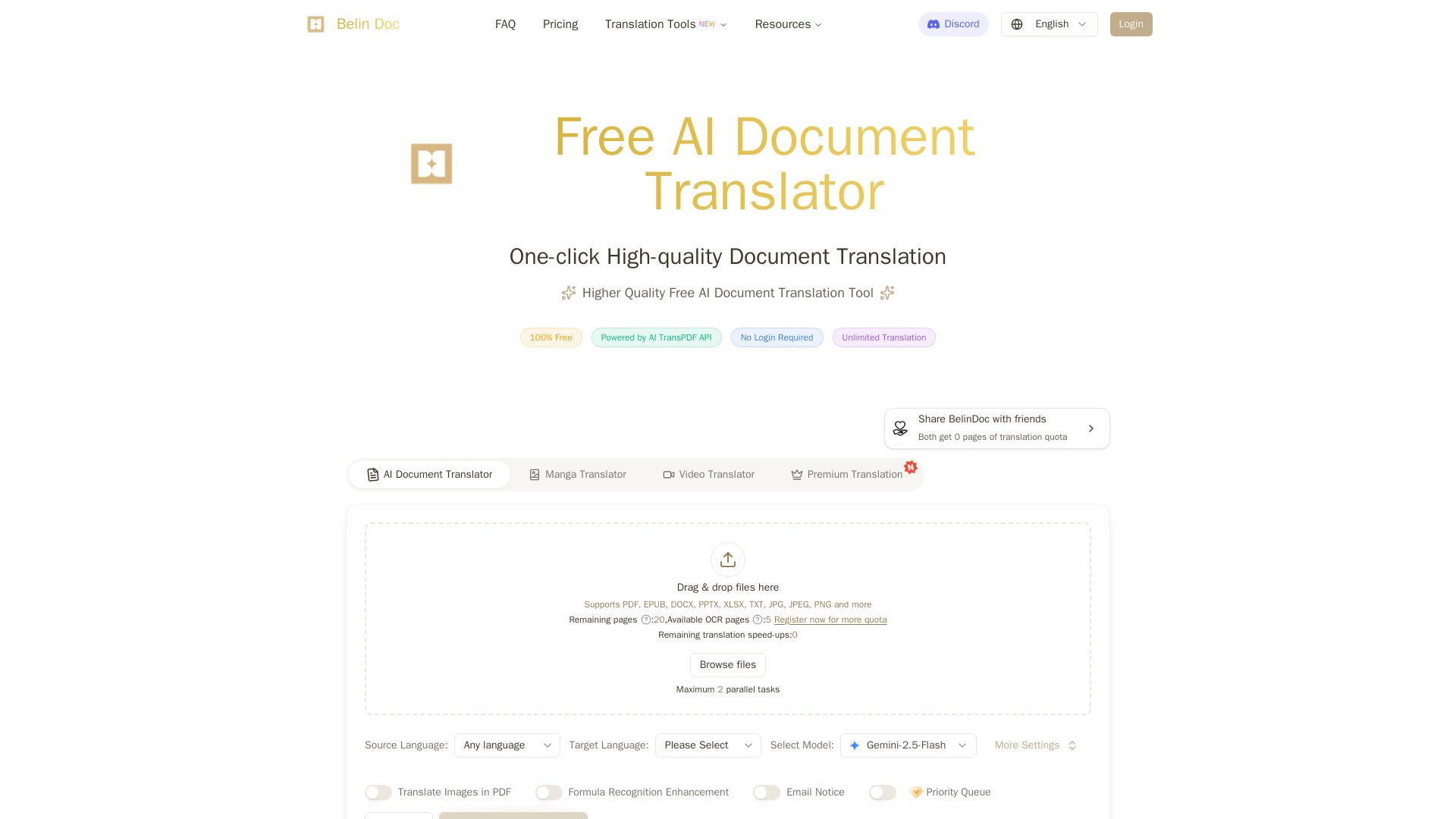
Belindoc
Translate documents online for free! AI-powered PDF, Word, Excel, PPT translation with original layout preserved. No login, unlimited pages.


ProductCrafters
Get a free 2-week trial sprint for your AI product. Working prototype in 30 days, production-ready in 90. No contract, no credit card. Test your dev team risk-free.


HIX AI
HIX AI is an AI agent workspace that lets you research, create slides, videos, images, and more with one tool. Boost productivity with deep research and automated content creation.

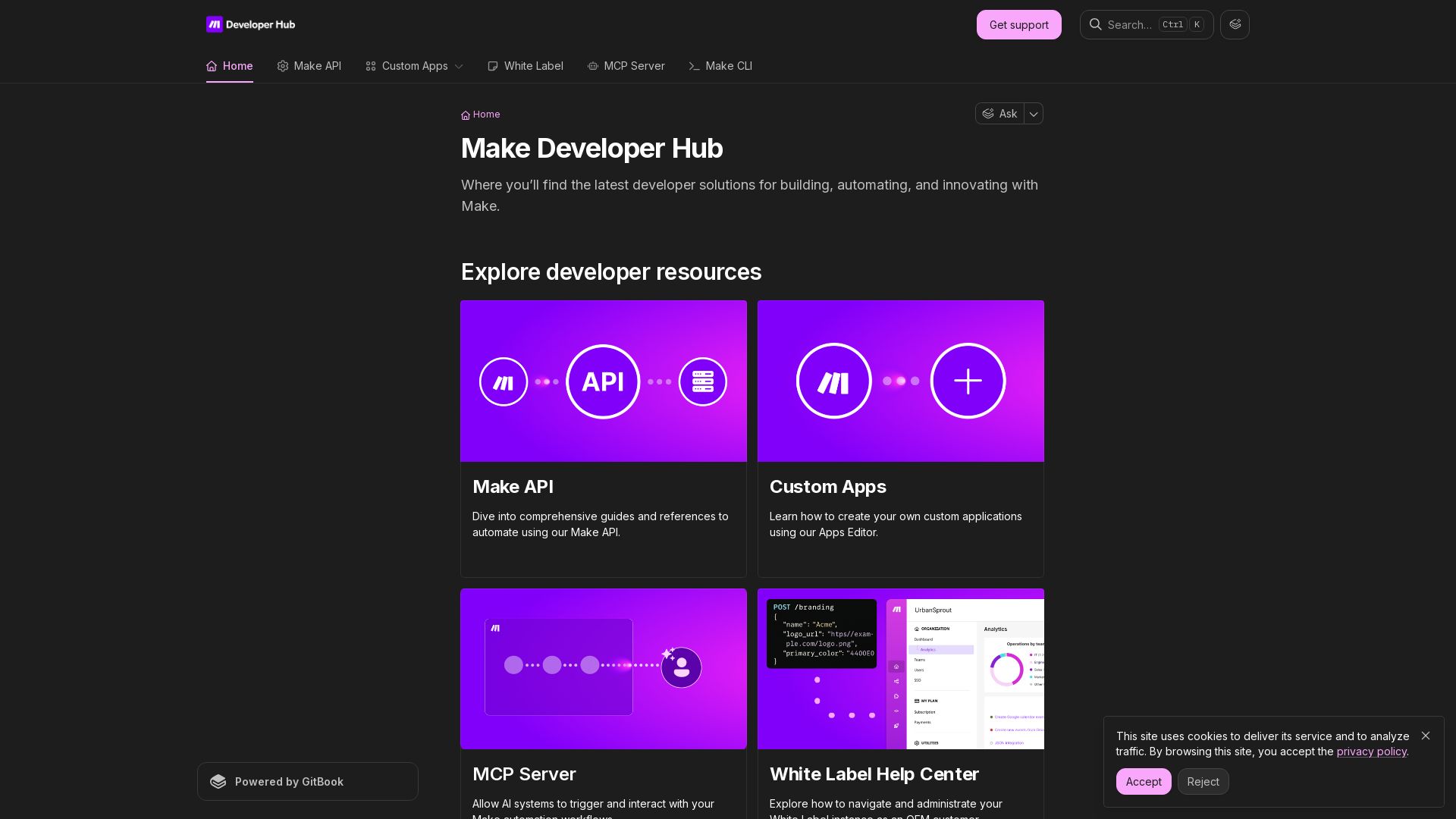
Make
Build, automate, and innovate with Make. Explore Make API, Custom Apps, MCP Server, White Label, and CLI. Get developer resources for automation.


Figr
Ship better UX faster. Figr builds a living understanding of your product, maps flows, finds edge cases, and generates high-fidelity prototypes from your actual design system.

ℹ️ Curation Disclosure: The overview and features of Sider AI were synthesized using AI and fact-checked by our curation team to ensure accuracy.
