FastMCP
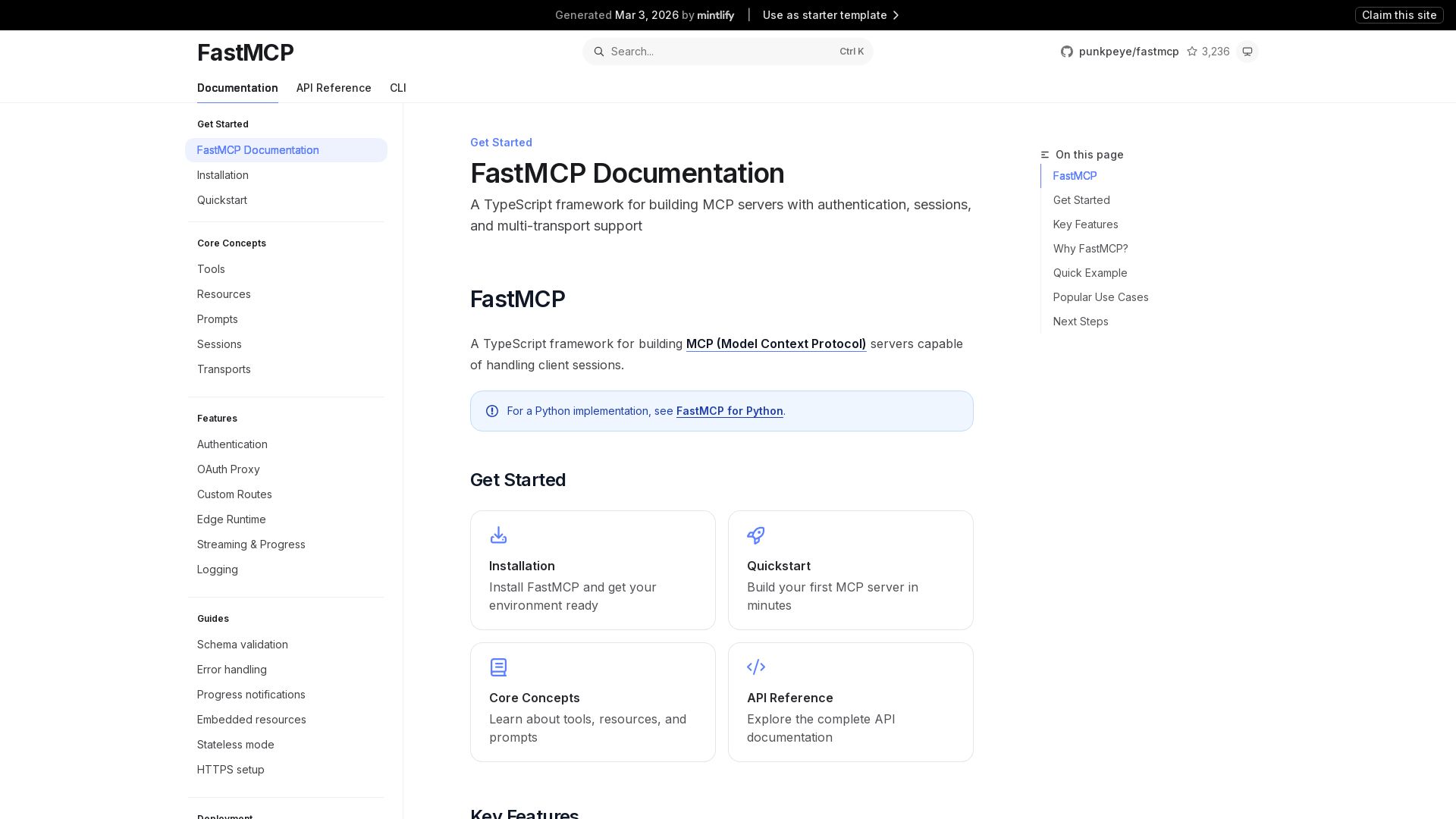
Build MCP servers quickly with authentication, sessions, and multi-transport support. Simple, type-safe, and production-ready.
Editor's Verdict
Key Takeaways
- Simple Definitions
- Type-Safe Schemas
- Built-in Authentication
- Session Management
In-Depth Review: What is FastMCP?
FastMCP is a TypeScript framework for building Model Context Protocol (MCP) servers that handle client sessions. It offers simple definitions for tools, resources, and prompts; type-safe schemas with Zod, Valibot, or ArkType; built-in OAuth 2.1 authentication; session management; rich content support; multiple transports (stdio, HTTP streaming, SSE, edge); streaming output; and custom routes. Ideal for API integration, data access, automation, and edge deployment.
Core Features
Simple Definitions
Define tools, resources, and prompts with minimal boilerplate
Type-Safe Schemas
Use Zod, Valibot, or ArkType for parameter validation
Built-in Authentication
OAuth 2.1 with Google, GitHub, Azure, and custom providers
Session Management
Track sessions with IDs and maintain client state
Rich Content
Return images, audio, and embedded resources
Multiple Transports
stdio, HTTP streaming, SSE, and edge runtime support
Streaming Output
Stream partial results and report progress
Custom Routes
Add REST APIs, webhooks, and admin interfaces
Pros and Cons
Pros
- Reduced BoilerplateOpinionated framework built on official MCP SDK eliminates repetitive code and handles common patterns automatically.
- Fast DevelopmentAllows you to build MCP servers quickly without dealing with low-level implementation details.
- Multi-Transport SupportSupports stdio, HTTP streaming, SSE, and edge runtime out of the box.
- Built-in AuthenticationIncludes OAuth 2.1 integration with popular providers for secure access.
- Type SafetyUses Zod, Valibot, or ArkType for robust parameter validation and schema enforcement.
Cons
- Less ControlProvides less control compared to using the official MCP SDK directly, which may be needed for specific architectural requirements.
- Limited Language SupportPrimarily a TypeScript framework; Python version is separate and may have differences.
Use Cases & Recommended Professions
AI Engineer→ View Toolkit
Needs to build MCP servers for integrating LLMs with external APIs and services.
Backend Developer→ View Toolkit
Creates APIs and services that require MCP protocol support for AI interactions.
Automation Engineer→ View Toolkit
Builds workflow automation tools that leverage MCP for AI-driven tasks.
Software Developer→ View Toolkit
Develops MCP servers for various applications requiring session management and multi-transport support.
DevOps Engineer→ View Toolkit
Deploys and manages MCP servers in production, including serverless and edge environments.
QA Engineer→ View Toolkit
Tests MCP server functionality, authentication, and streaming behavior.
Frequently Asked Questions
Alternative AI Tools
View Detailed Comparison →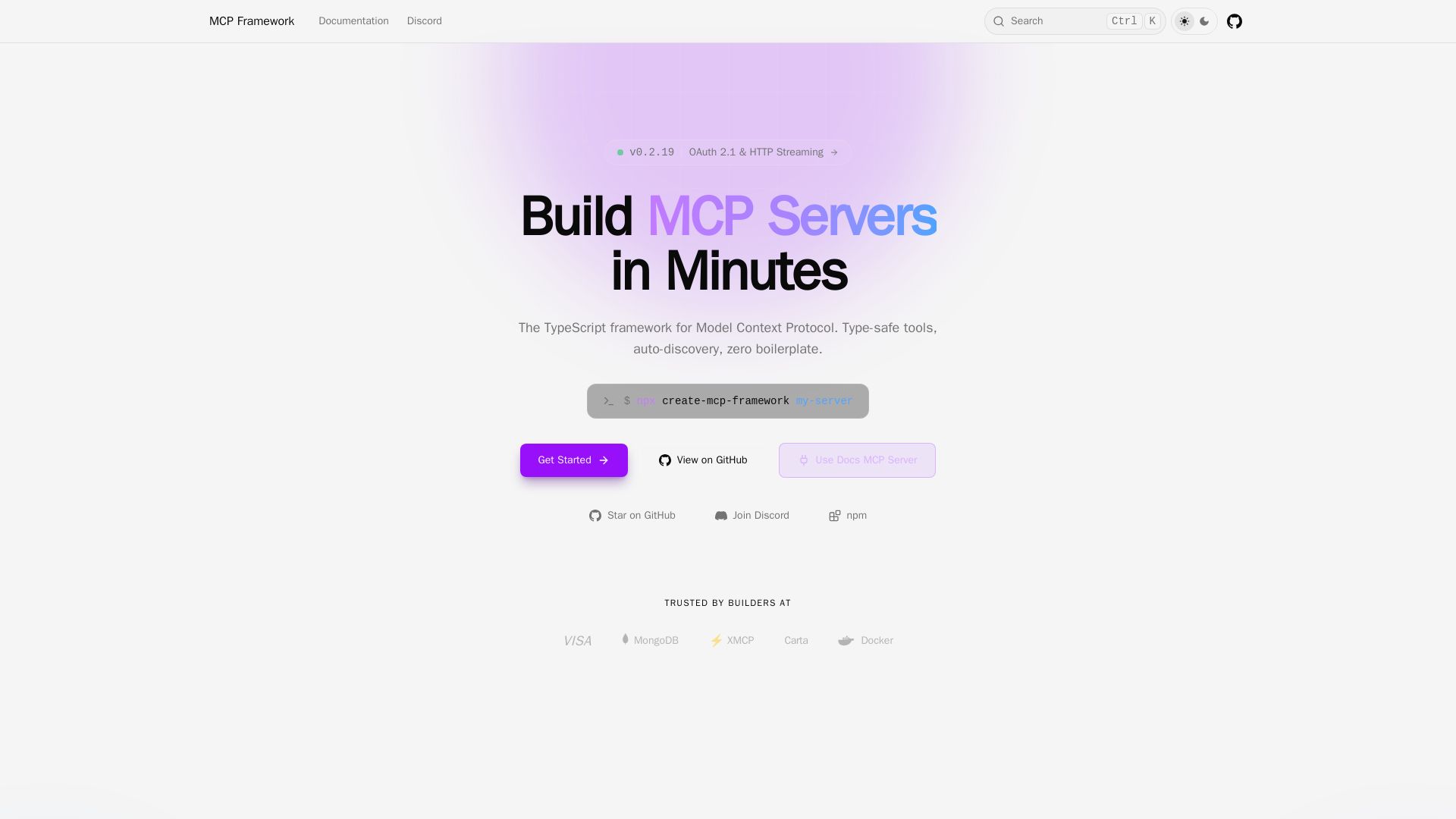
MCP Framework
A batteries-included TypeScript framework for Model Context Protocol. Zero-config auto-discovery, type-safe tools with Zod, OAuth 2.1, and multiple transports.

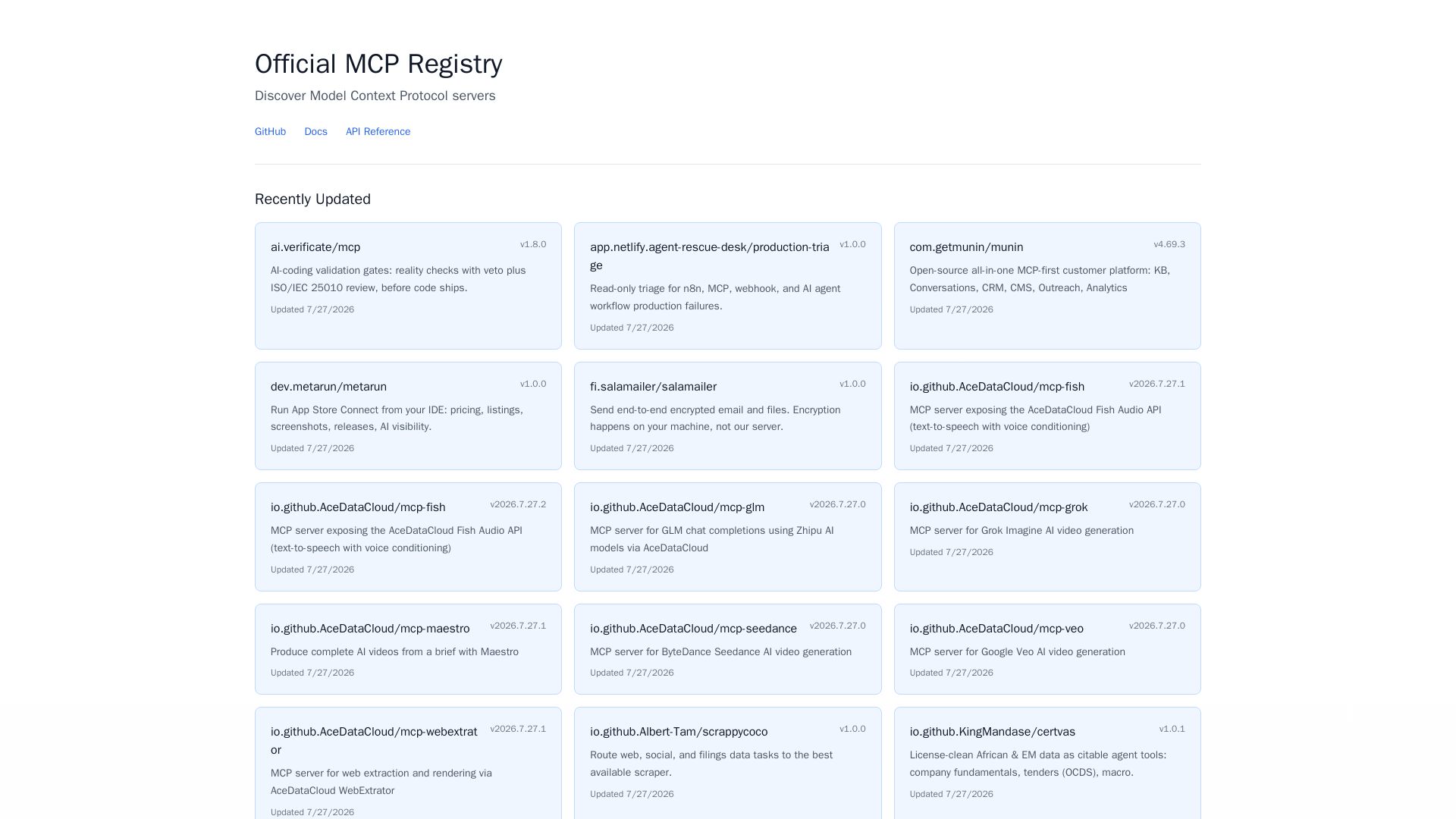
MCP Registry
Explore the official directory of MCP servers for AI integration, data processing, automation, and more. Find vetted servers with descriptions and updates.

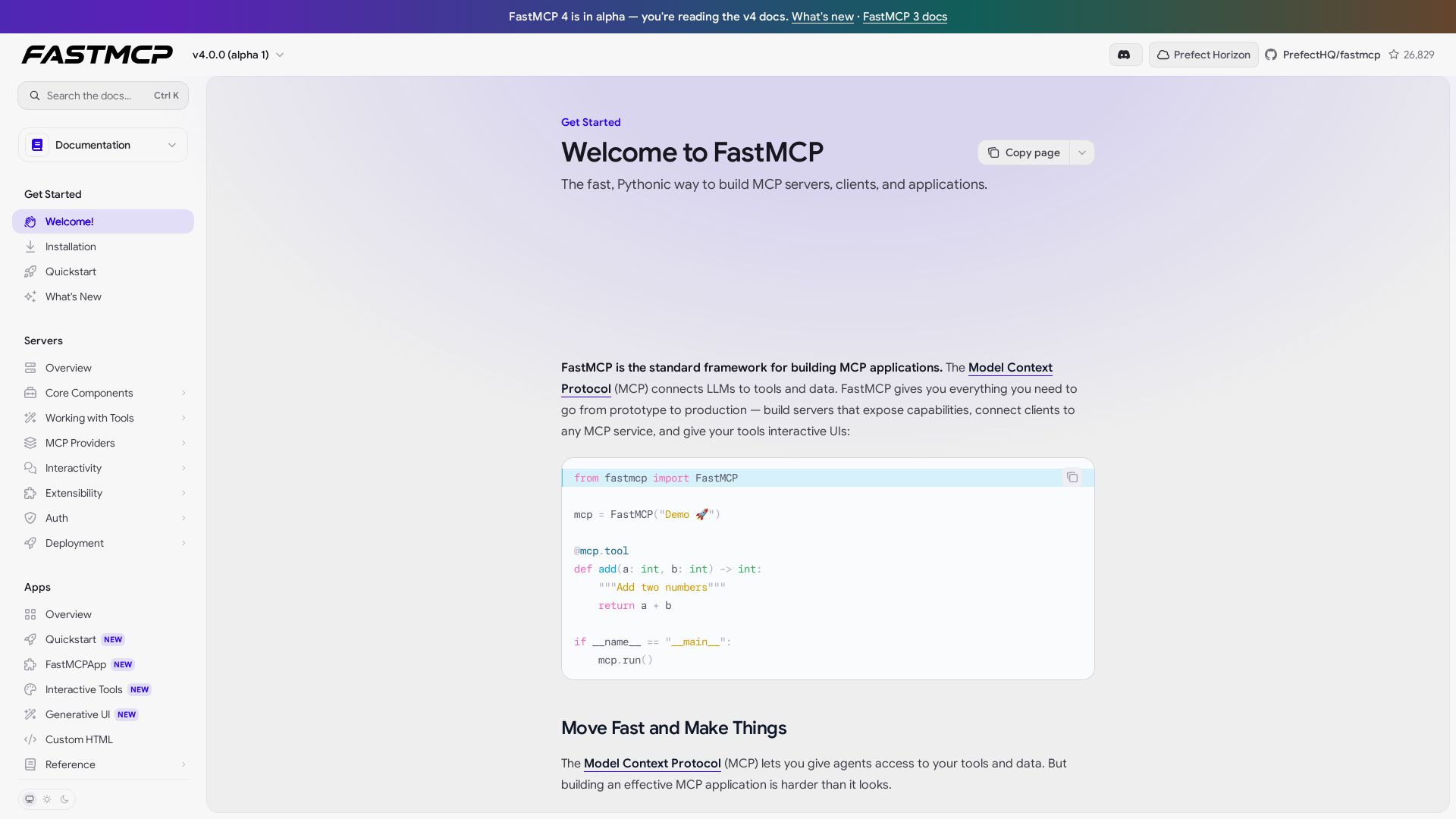
FastMCP
Build MCP servers, clients, and apps with ease. FastMCP handles schema, transport, auth, and interactive UIs. Get started in minutes.

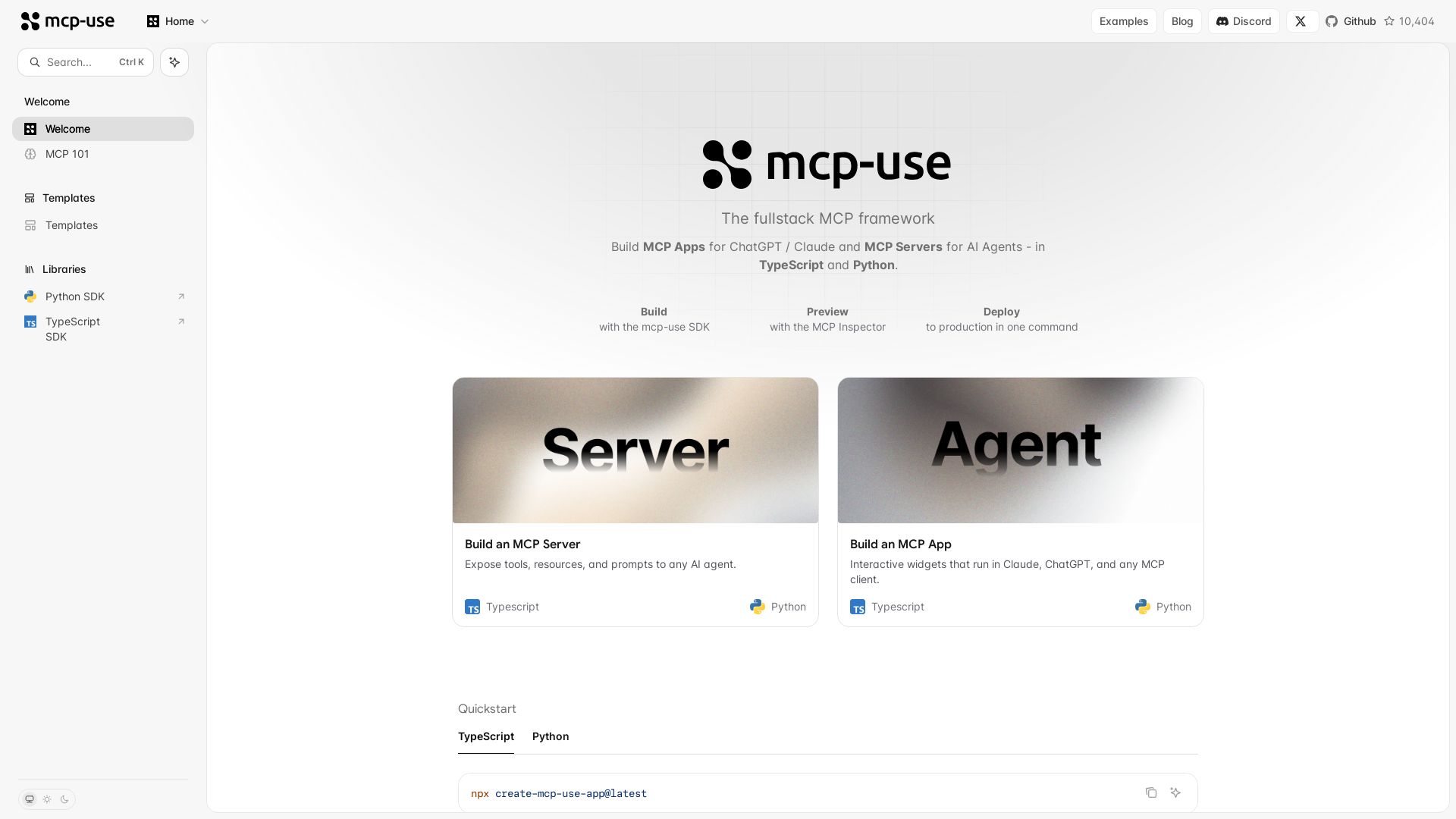
mcp-use
Build MCP apps for ChatGPT/Claude and MCP servers for AI agents. TypeScript & Python. Deploy in one command.

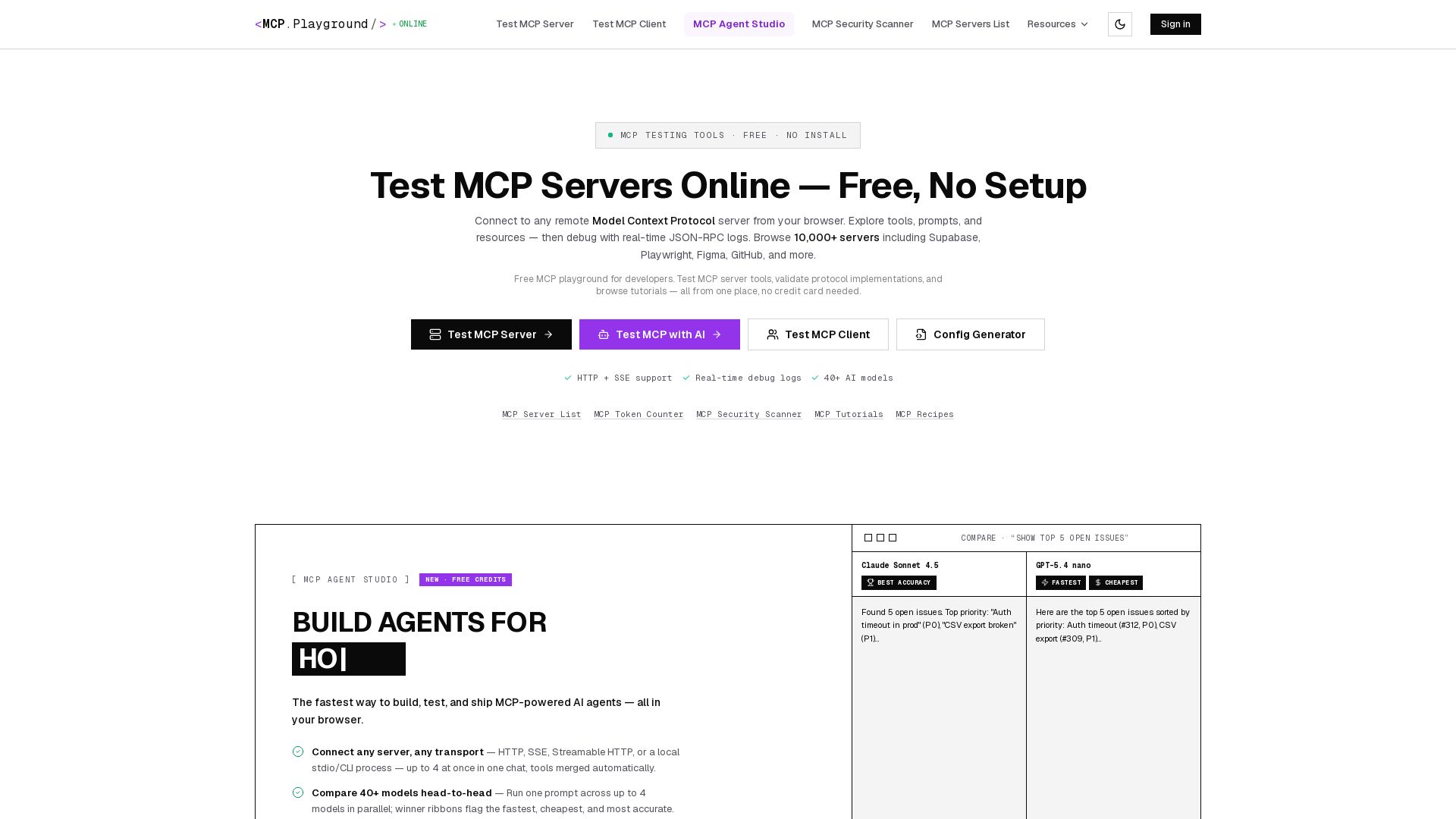
MCP Playground Online
Free browser-based MCP testing tool. Connect to any server, browse tools, execute commands, and view live JSON-RPC logs. No install required.

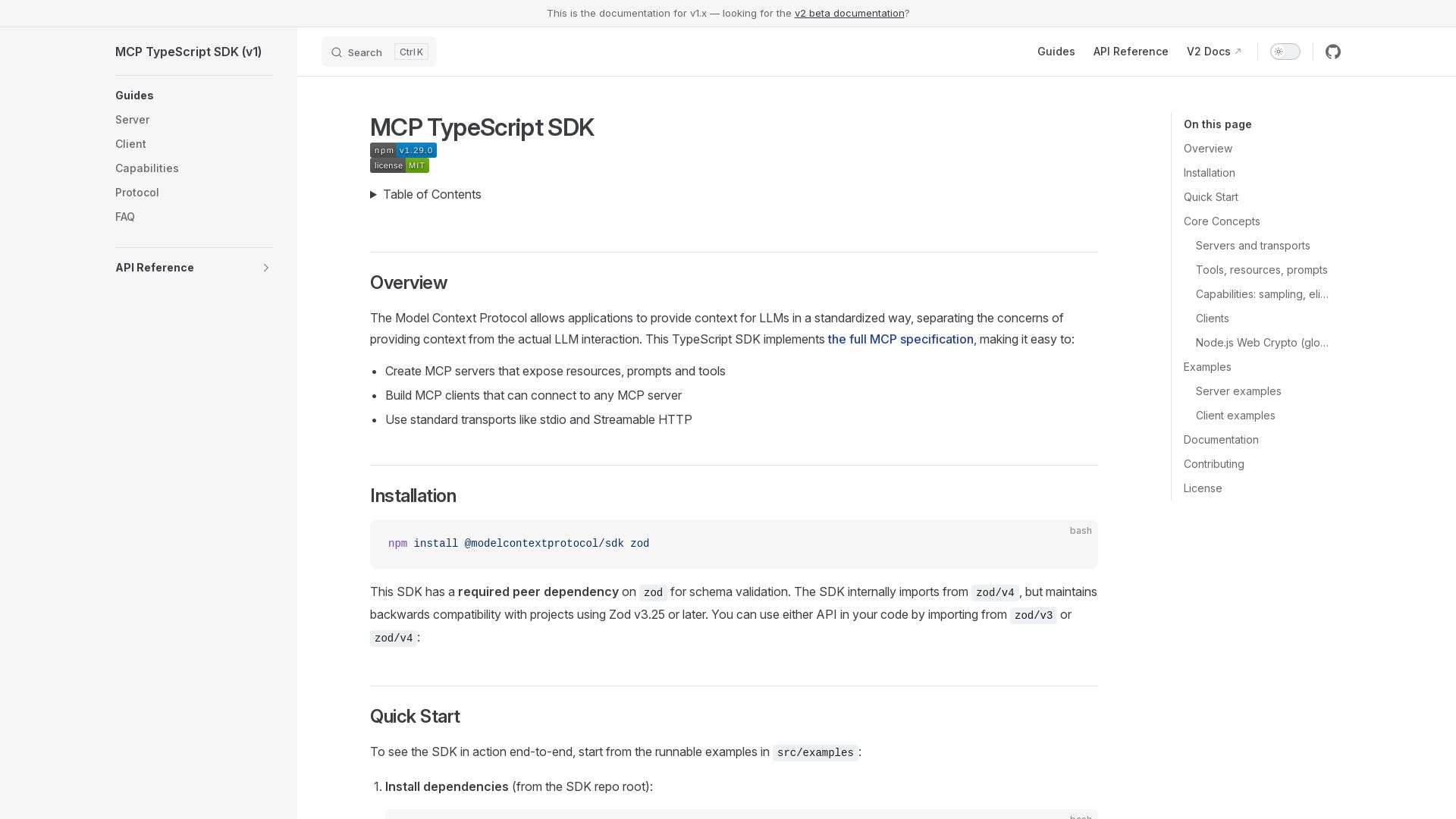
MCP TypeScript SDK
Create MCP servers and clients with TypeScript. Expose resources, prompts, and tools using stdio or Streamable HTTP.

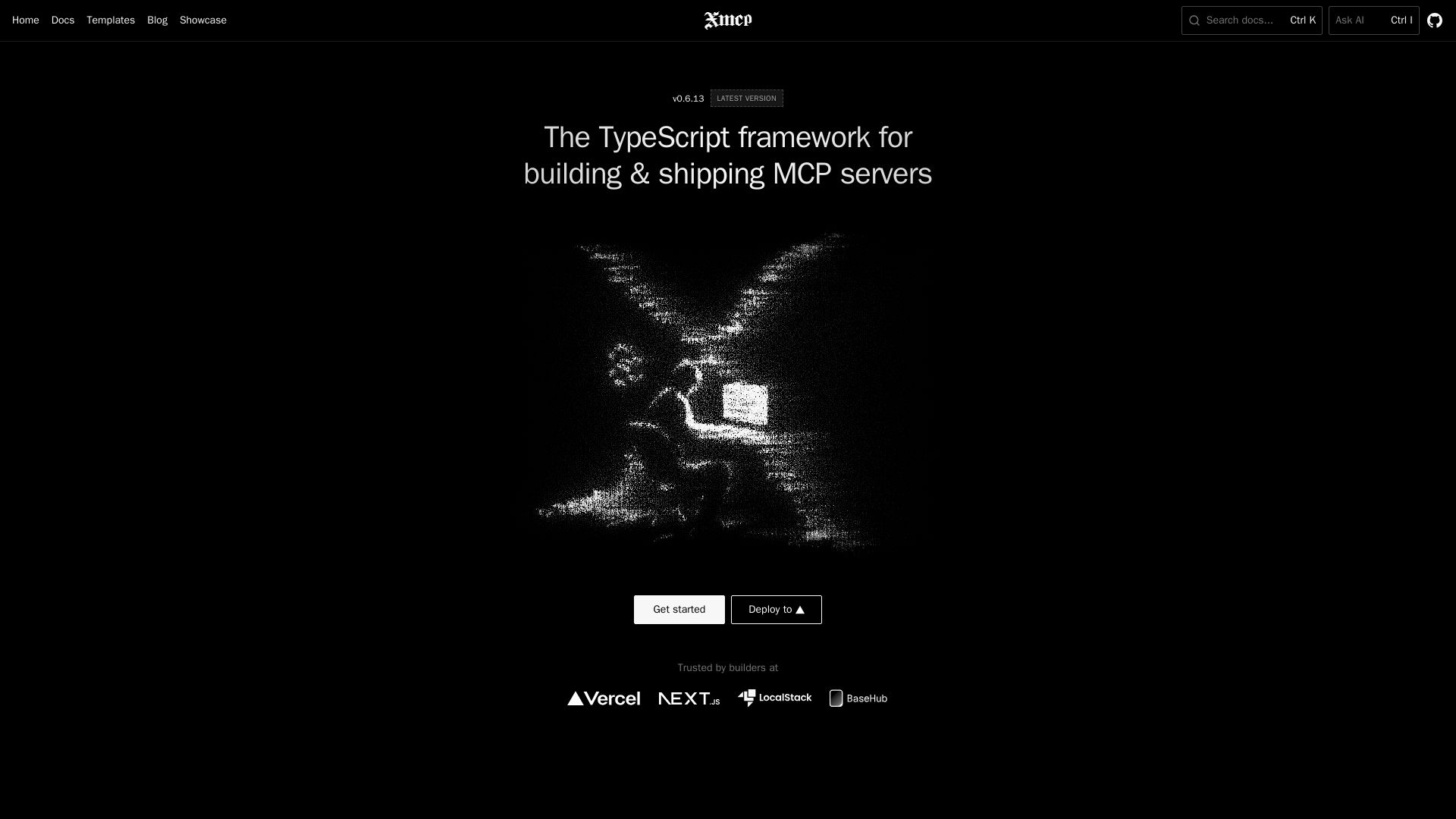
xmcp
Zero-config TypeScript framework to build, deploy, and monetize MCP servers. Auto-discover tools, resources, prompts. Supports HTTP/STDIO.

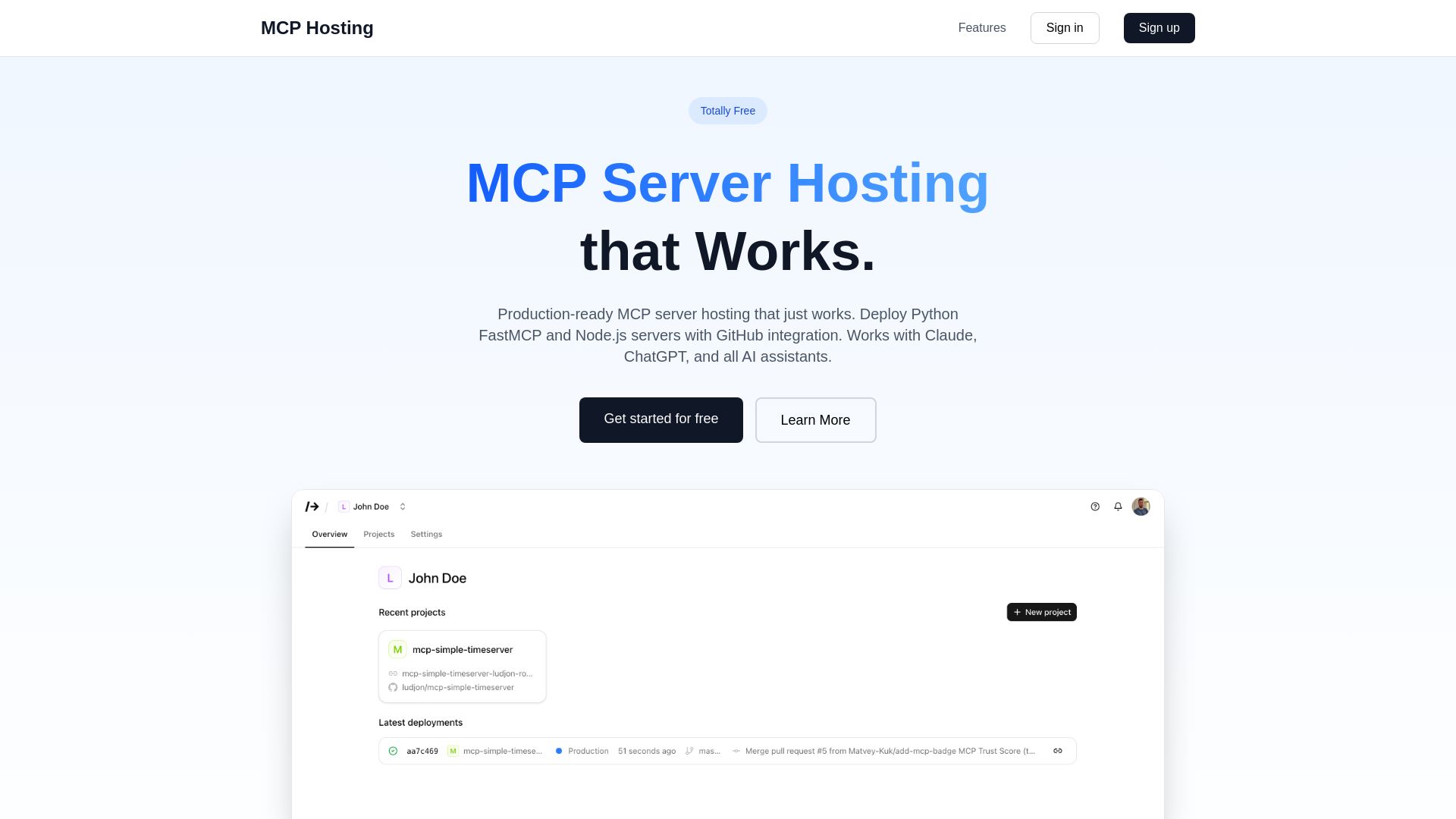
MCP Hosting
Production-ready MCP server hosting with GitHub integration. Deploy Python FastMCP & Node.js servers instantly. Free tier available. Works with Claude, ChatGPT, and all AI assistants.
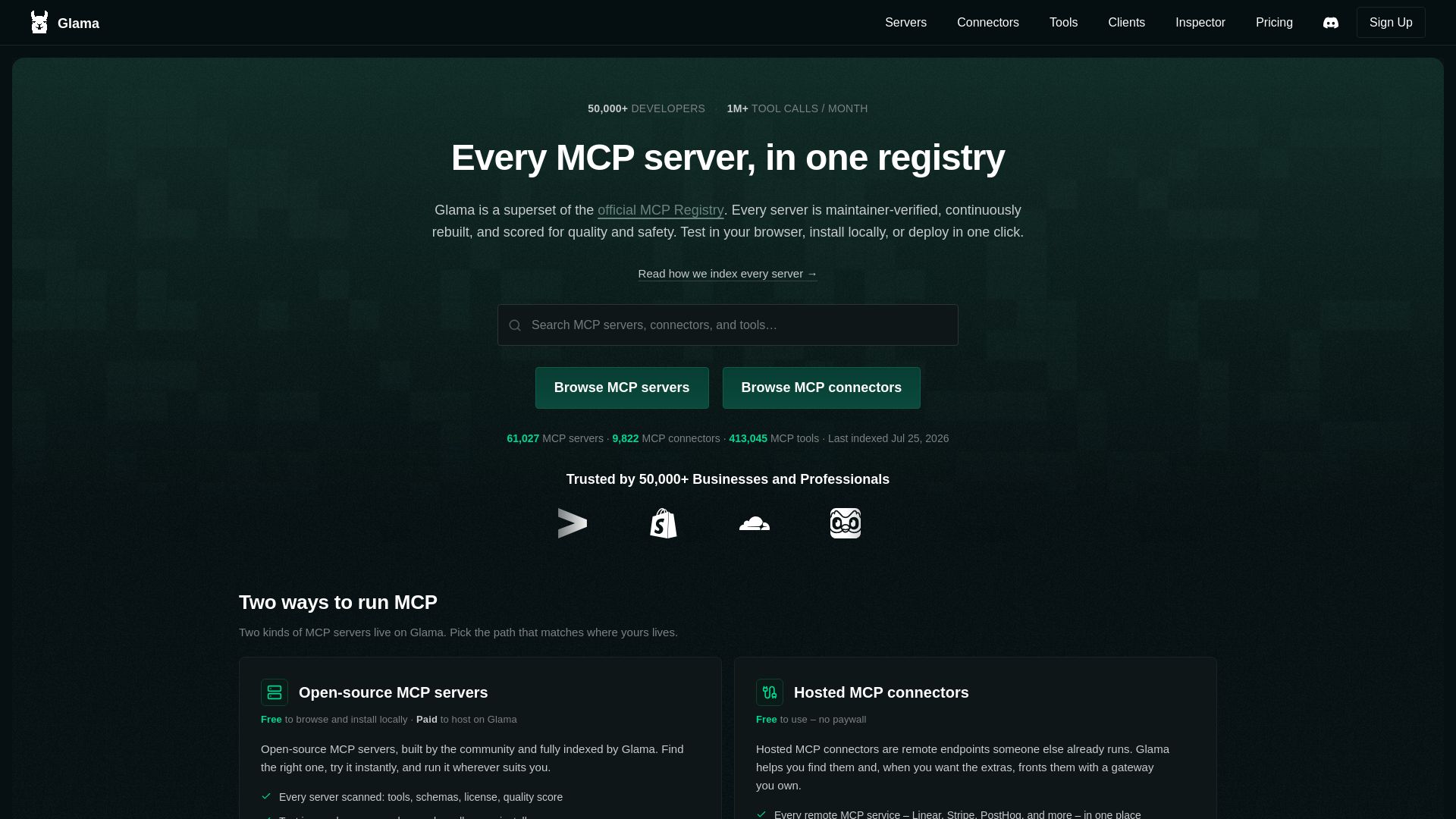
Glama
The largest MCP server registry with 60K+ servers and 9K+ connectors. Browse, test in browser, and host with the Glama Gateway. Trusted by 50K+ developers.

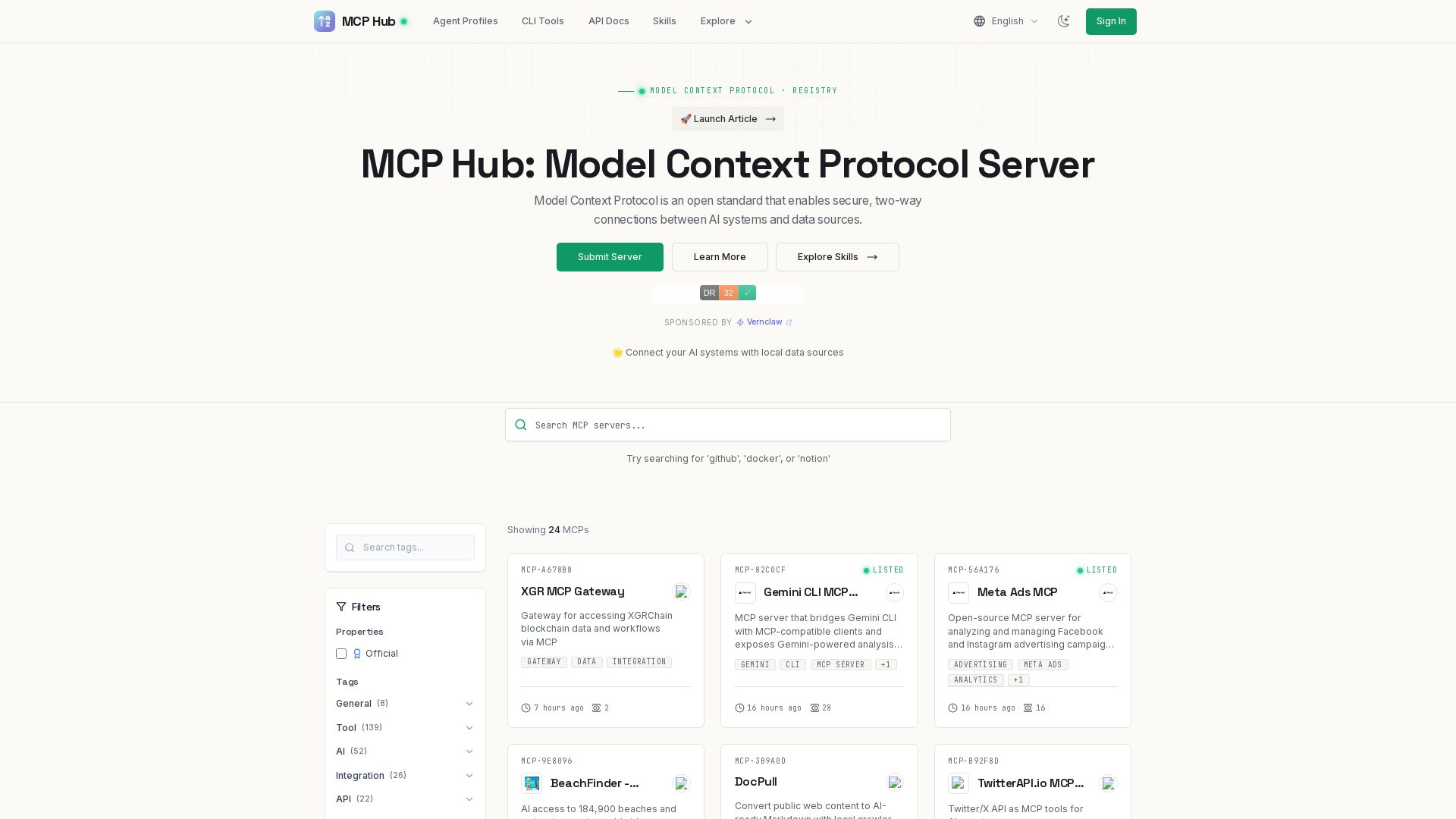
MCP Hub
Explore hundreds of MCP servers for secure AI-data connections. Find tools for GitHub, Docker, Notion, and more. Submit your own MCP implementation.

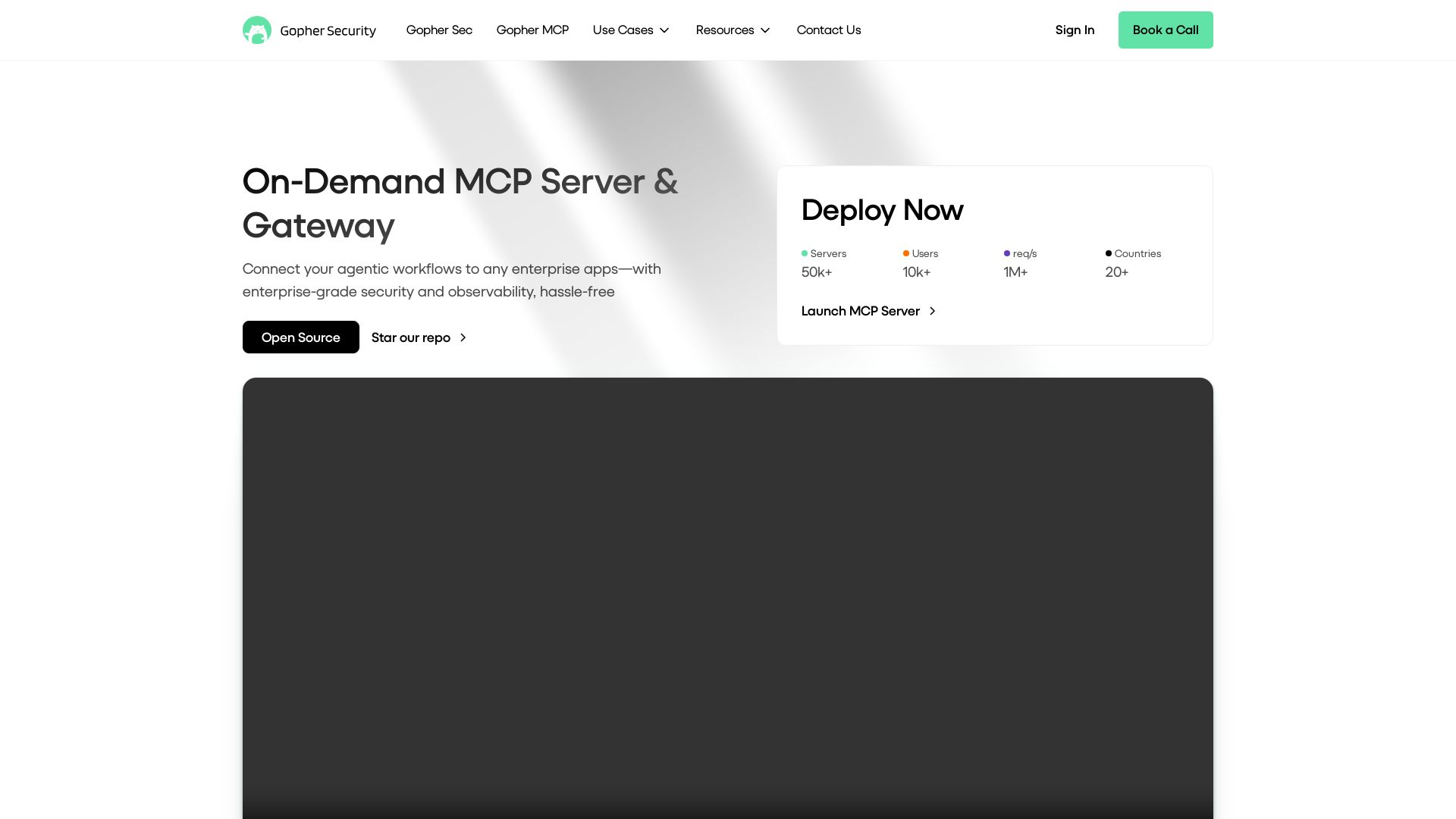
Gopher-MCP
Deploy secure MCP servers in minutes with 4D security: deep inspection, zero-trust access, granular policies, and post-quantum encryption.

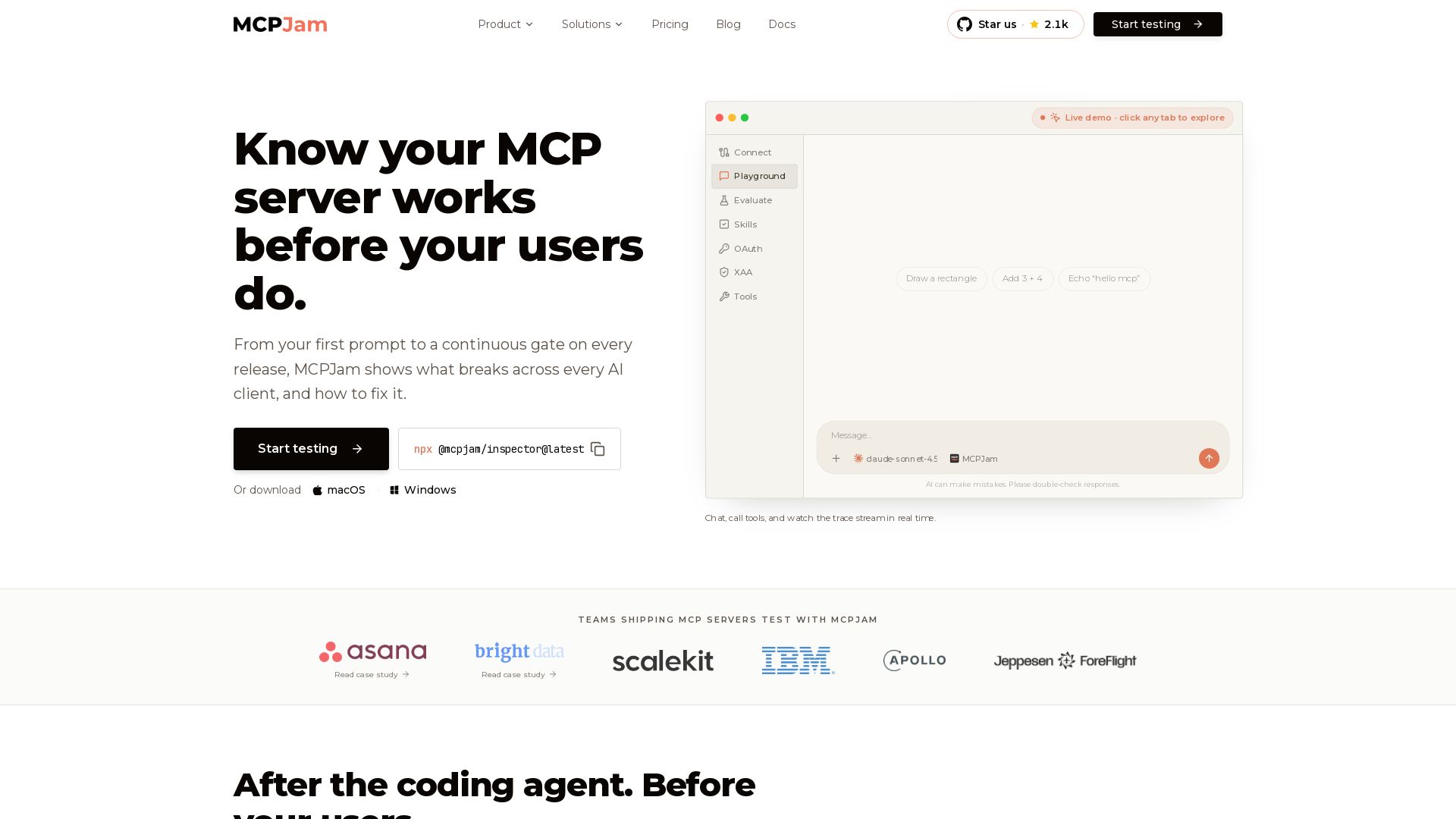
MCPJam
Pre-production testing for MCP servers. Reproduce failures, check behavior across ChatGPT, Claude, Copilot, and more, then gate merges with evals.
ℹ️ Curation Disclosure: The overview and features of FastMCP were synthesized using AI and fact-checked by our curation team to ensure accuracy.
