
NodeTool
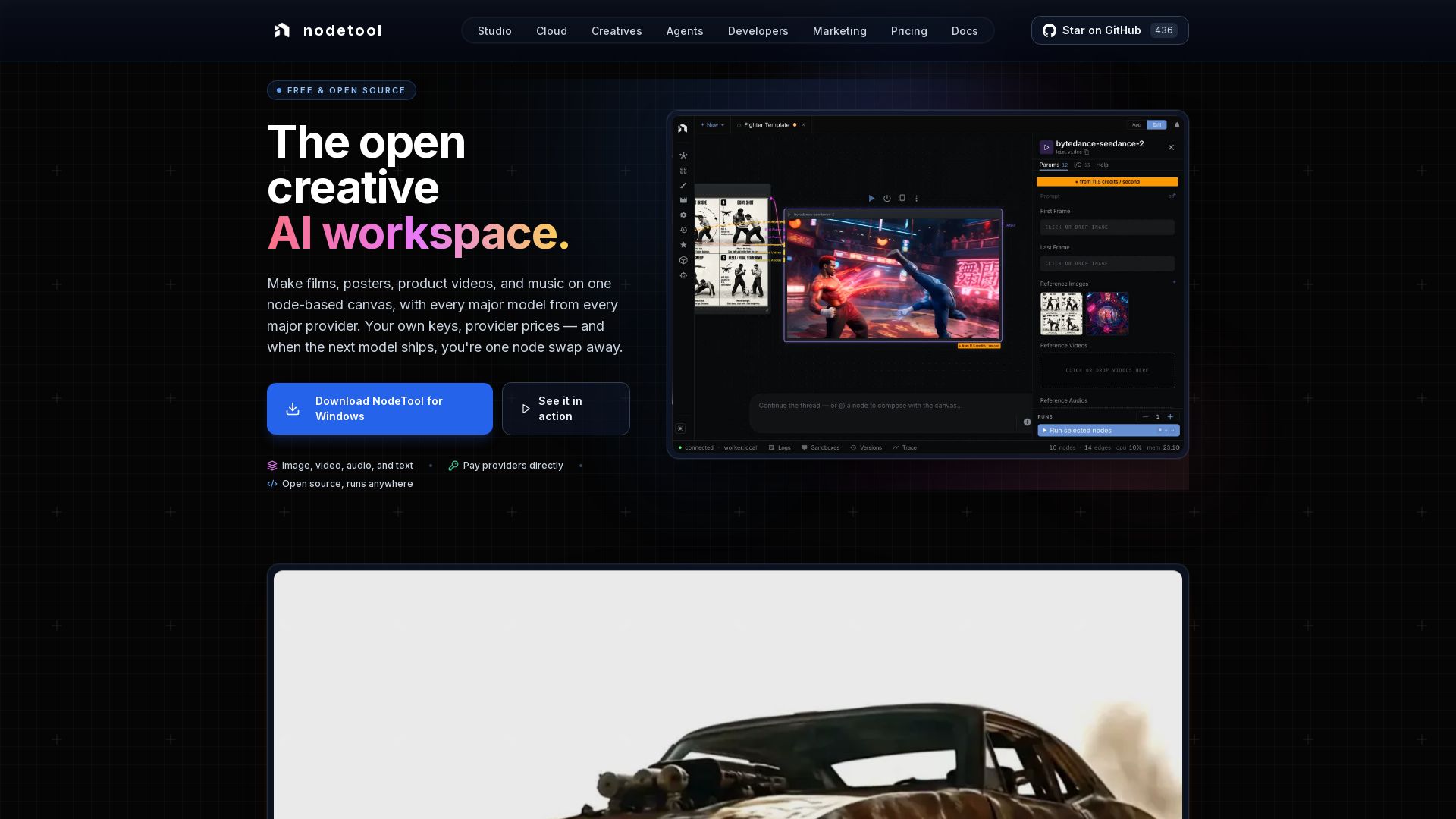
Free, open-source node-based workspace for AI film, posters, videos, music. Use your own keys, pay providers directly. Image, video, audio, text on one canvas.
Editor's Verdict
Key Takeaways
- Unified Node-Based Canvas
- Bring Your Own Keys (BYOK)
- Open Source (AGPL-3.0)
- Built-in Video Editor
In-Depth Review: What is NodeTool?
NodeTool is a free, open-source node-based creative AI workspace that unifies image, video, audio, and text generation on a single canvas. It supports every major model from every major provider—Flux, Seedance, Wan, GPT, Claude, Gemini, and more—letting you bring your own API keys and pay providers directly with zero markup. Built-in editors for video and image allow seamless editing without leaving the app. Run workflows locally or in the cloud, organize assets, and track costs per node. Open source (AGPL-3.0) and always yours.
Core Features
Unified Node-Based Canvas
Create films, posters, product videos, and music on a single node-based canvas that integrates image, video, audio, and text models and editors.
Bring Your Own Keys (BYOK)
Use your own API keys for providers like OpenAI, Anthropic, FAL, and KIE. Pay providers directly at their list price with no markup from NodeTool.
Open Source (AGPL-3.0)
Both Studio (desktop) and Cloud (hosted) share the same open-source codebase, allowing self-hosting and full transparency.
Built-in Video Editor
Multi-track timeline with AI generation at the playhead, trimming, splitting, and exporting without leaving the canvas.
Built-in Sketch Editor
Layer-based image editor with real brush engine, blend modes, and the ability to generate AI images directly onto layers.
Cost Transparency Dashboard
Track the cost of every node execution grouped by provider, model, or workflow. Export data to CSV for billing or client invoices.
Chat Assistant
Run workflows by typing plain English commands instead of building nodes manually.
Asset Manager
Import, organize, and preview files (images, audio, video, documents) with drag-and-drop and tagging.
Extensive Model & Provider Support
Access hundreds of models including Flux, Seedance, Wan, ControlNet, Whisper, ElevenLabs, and auto-generated nodes for every Replicate, FAL, and Kie.ai model.
Local Model Execution
Run models locally via Ollama, MLX, llama.cpp, vLLM, and LM Studio for offline use.
Pricing
Studio
- Desktop app for macOS, Windows, Linux
- Local models via Ollama, MLX, llama.cpp
- Use your own API keys for cloud providers
- Workflows and files stay on your machine
- Open source (AGPL-3.0)
Cloud
- Runs in browser, no install or GPU needed
- Use your own API keys for cloud providers
- Same open-source codebase (AGPL-3.0)
- Pay providers directly at provider prices
- Self-host any time
Pros and Cons
Pros
- No Vendor Lock-InUse any model from any provider with your own keys. Switch models without being tied to a single ecosystem.
- Cost EfficiencyPay only the provider's list price with no markup. Track every penny with the cost dashboard.
- Open Source & Self-HostableAGPL-3.0 licensed, both editions share the same code. Self-host anytime and ensure data privacy.
- Integrated Creative SuiteBuilt-in video and image editors eliminate the need for separate applications. Edit where you generate.
- Future-Proof Model AccessNew models become available as nodes immediately. Swap nodes instead of changing tools.
Cons
- Requires API Keys from ProvidersYou need to set up and manage API keys for each provider, which may involve additional accounts and billing.
- Cloud Pricing Not FinalizedCloud is in alpha with subscription pricing to be determined, making long-term cost planning uncertain.
- Learning Curve for Node-Based InterfaceNew users may need time to adapt to the node-based workflow, especially if coming from traditional linear editing software.
- Desktop Studio Requires InstallationThe free Studio version must be downloaded and installed, which may be a barrier for quick access or on restricted machines.
- Reliance on Third-Party Model ProvidersWhile NodeTool doesn't mark up, the quality and availability of models depend on external providers, who may change pricing or terms.
Use Cases & Recommended Professions
Filmmaker / Video Creator→ View Toolkit
Create cinematic trailers, key art, and animations in one workflow, from script to finished video with AI generation and multi-track editing.
Graphic Designer→ View Toolkit
Design posters, advertisements, and visual concepts using AI image generation, layer-based editing, and typography within a single canvas.
Marketing Professional→ View Toolkit
Generate product videos and promotional assets from briefs using AI agents and text-to-video, all while tracking costs per campaign.
AI / ML Developer→ View Toolkit
Test and compare models from different providers, build custom workflows, and integrate local models for offline experimentation.
Motion Designer→ View Toolkit
Combine AI-generated video with traditional animation, use node-based compositing, and edit timelines without leaving the app.
Musician / Audio Producer→ View Toolkit
Generate music, sound effects, and voiceovers using models like Suno, ElevenLabs, and Whisper, and synchronize with video on a unified timeline.
Frequently Asked Questions
Alternative AI Tools
View Detailed Comparison →
Section AI
Turn AI investment into workforce transformation with Section. Command center, coaching, and strategic support to drive measurable ROI.


Making AI think and act: my approach to the Hugging Face AI ...
Experienced AI engineer specializing in medical imaging and LLM-powered agents. Built globally deployed radiology AI at AZmed. Now building AI agents at Matrix One.

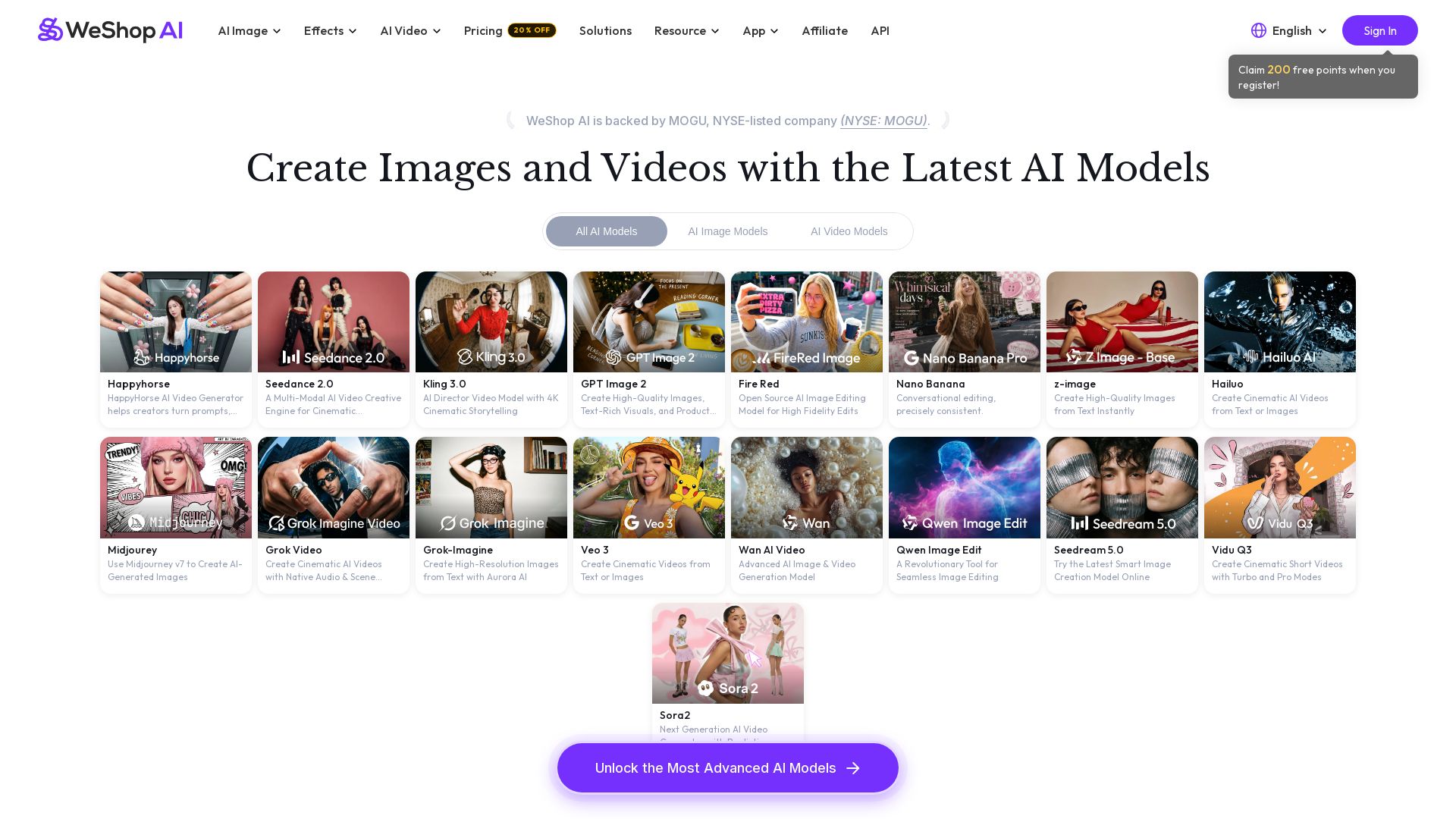
WeShop AI
Generate high-quality AI images and videos using top models like Midjourney, Kling, and Seedance. Try virtual try-on, AI fashion models, and more. Trusted by 3M+ users. Start with 200 free points!

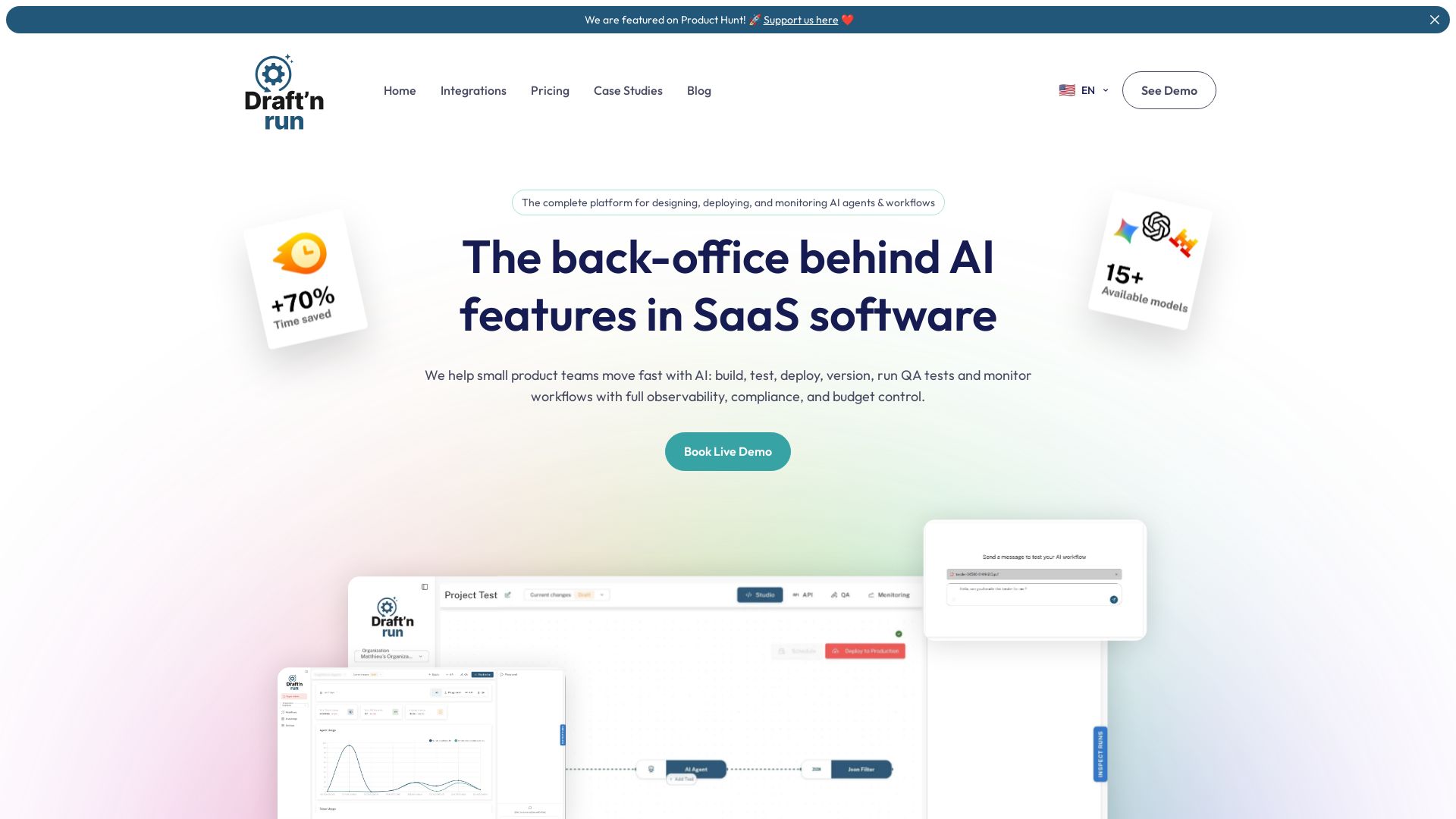
Draft'n run
Design, deploy, and monitor production-ready AI workflows without coding. Open-source with full observability, cost control, and zero vendor lock-in. Trusted by teams.
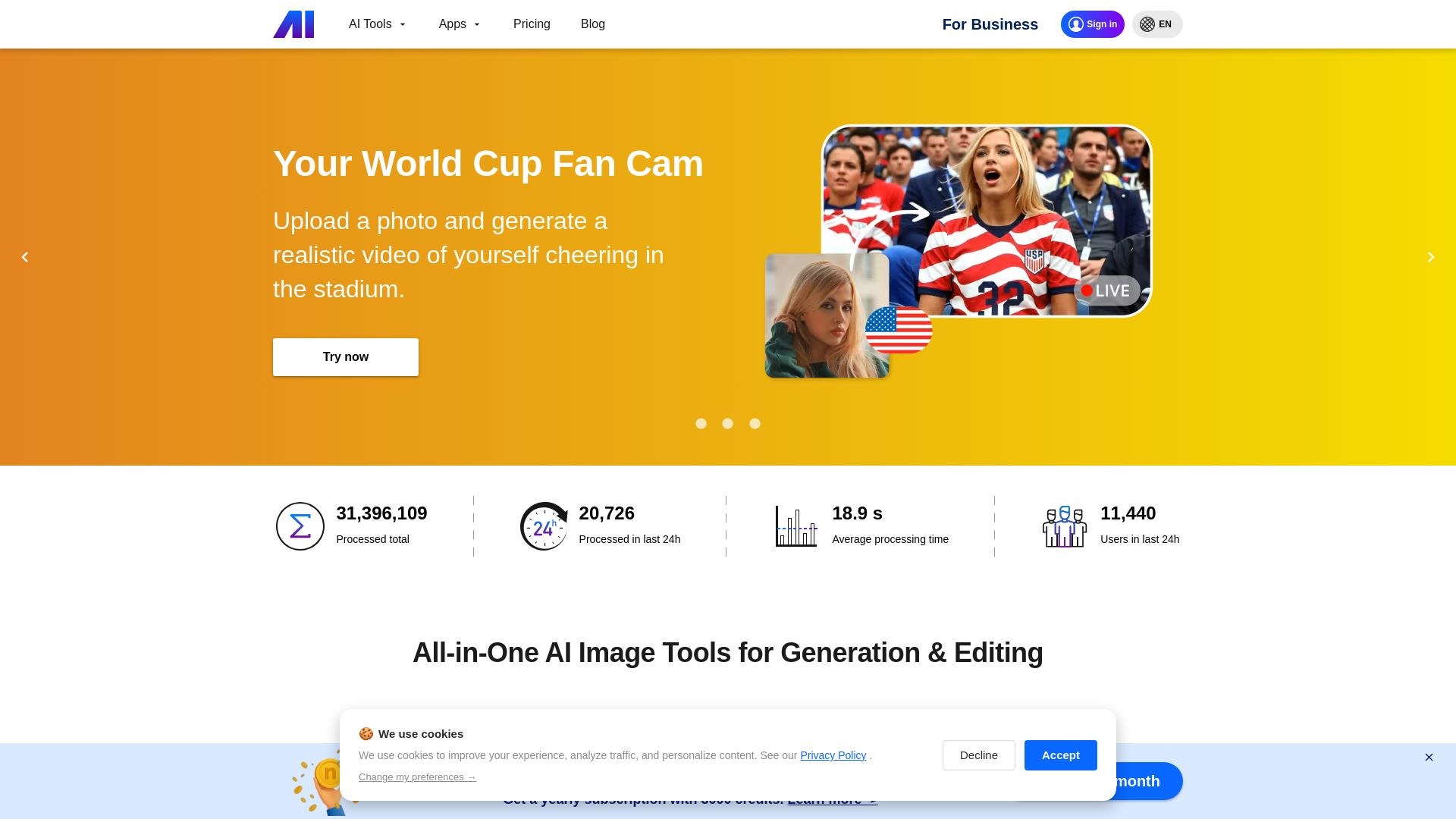
Nero AI
Upload photos, restore old images, upscale videos, generate AI effects. Free AI tools for designers, e-commerce, and more. Try now!


AI SDK AGENTS
The toolkit for AI engineers. Install, copy, or export 125 AI SDK patterns for agents, tool calling, human-in-the-loop, and generative UI. Full source code, own your stack.

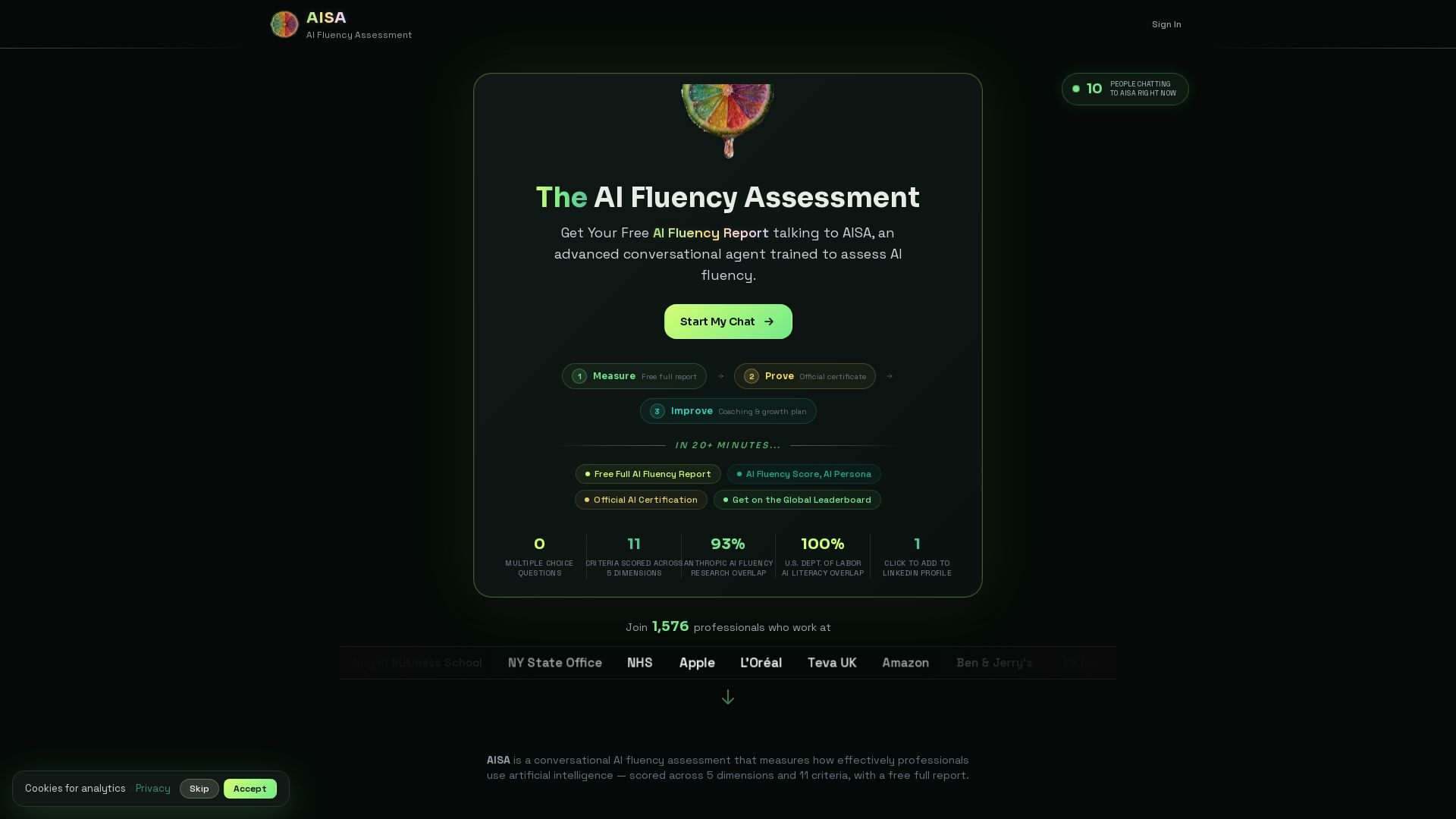

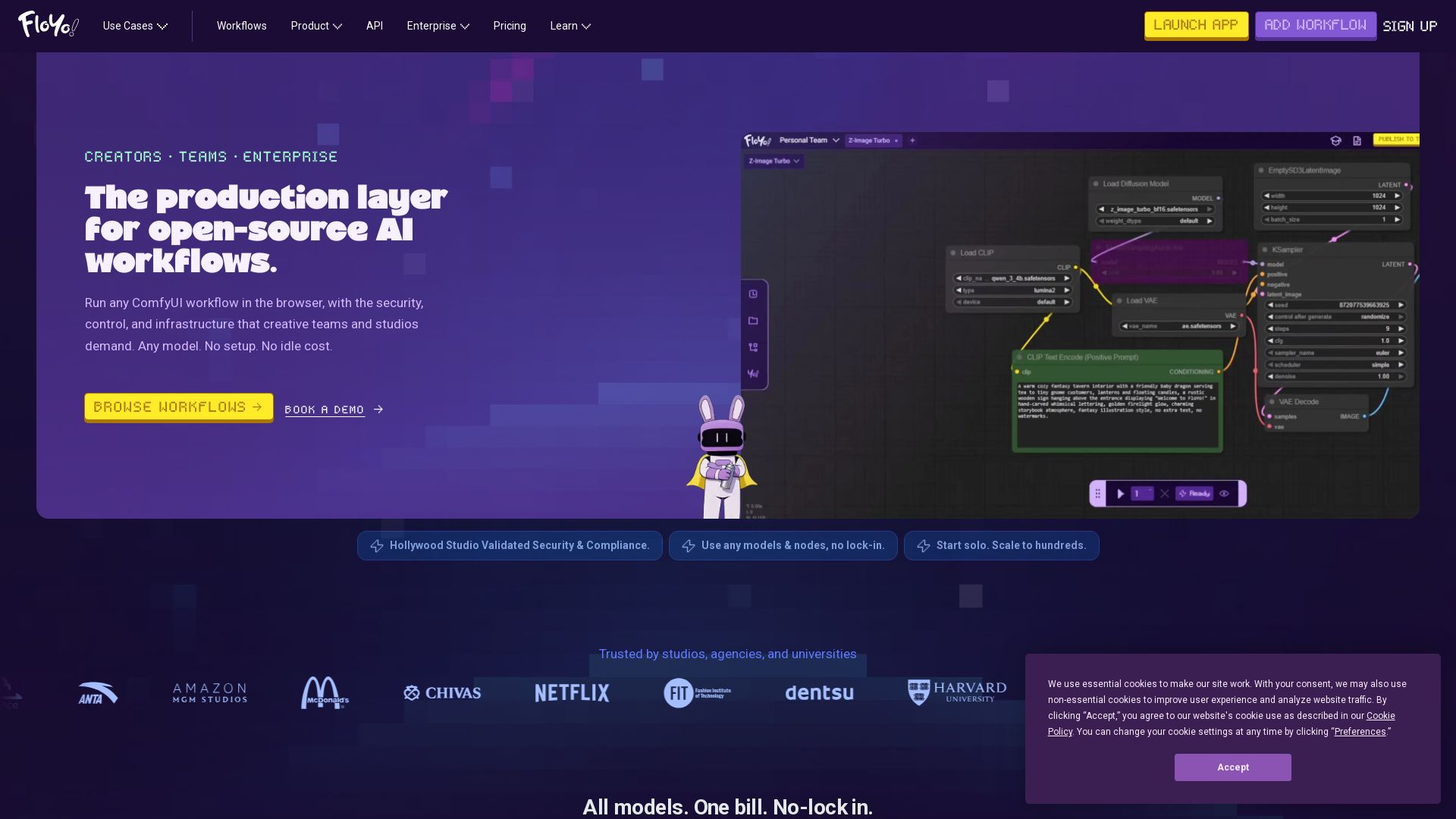
Floyo
Run any ComfyUI workflow in the browser with security and zero idle cost. Model-agnostic, team-ready, enterprise-grade. Trusted by studios.

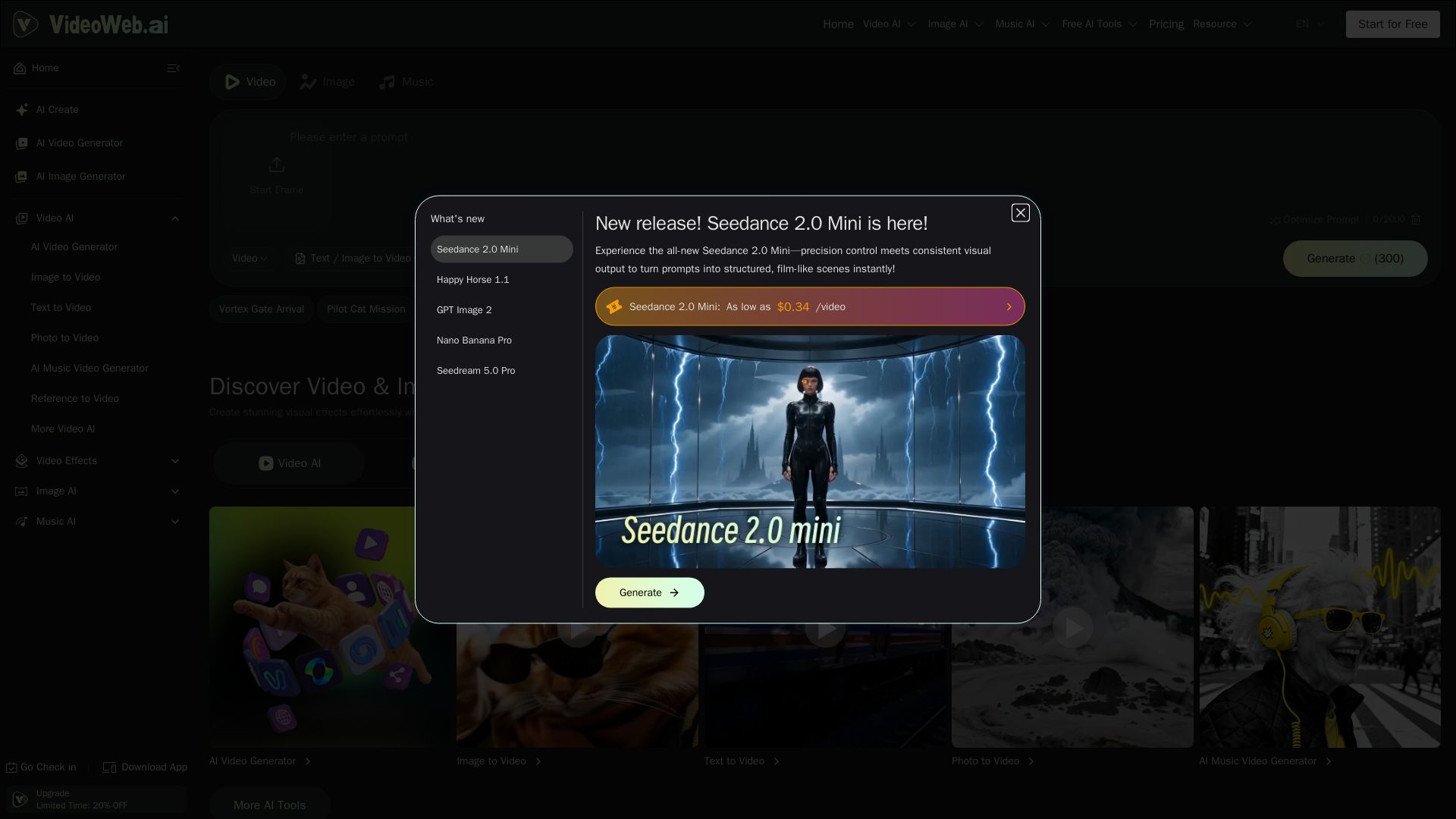
VideoWeb AI
Transform your ideas into amazing AI-generated videos, images, and music. Free tools, premium models, no watermark. Start for free!

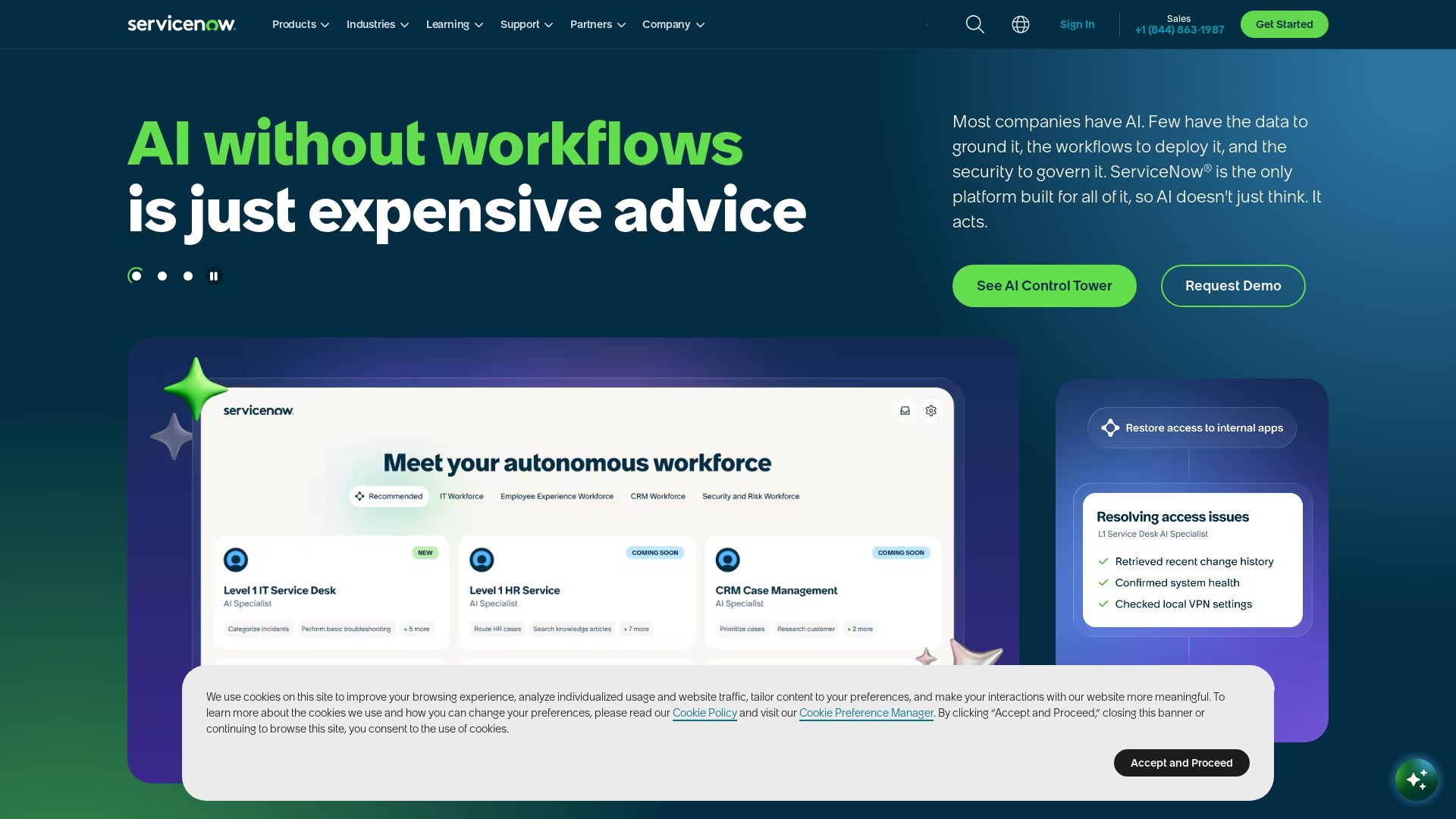
ServiceNow
ServiceNow combines AI, data, and workflows to automate business processes. Secure, scalable platform for IT, customer service, and more. Trusted by Fortune 500.

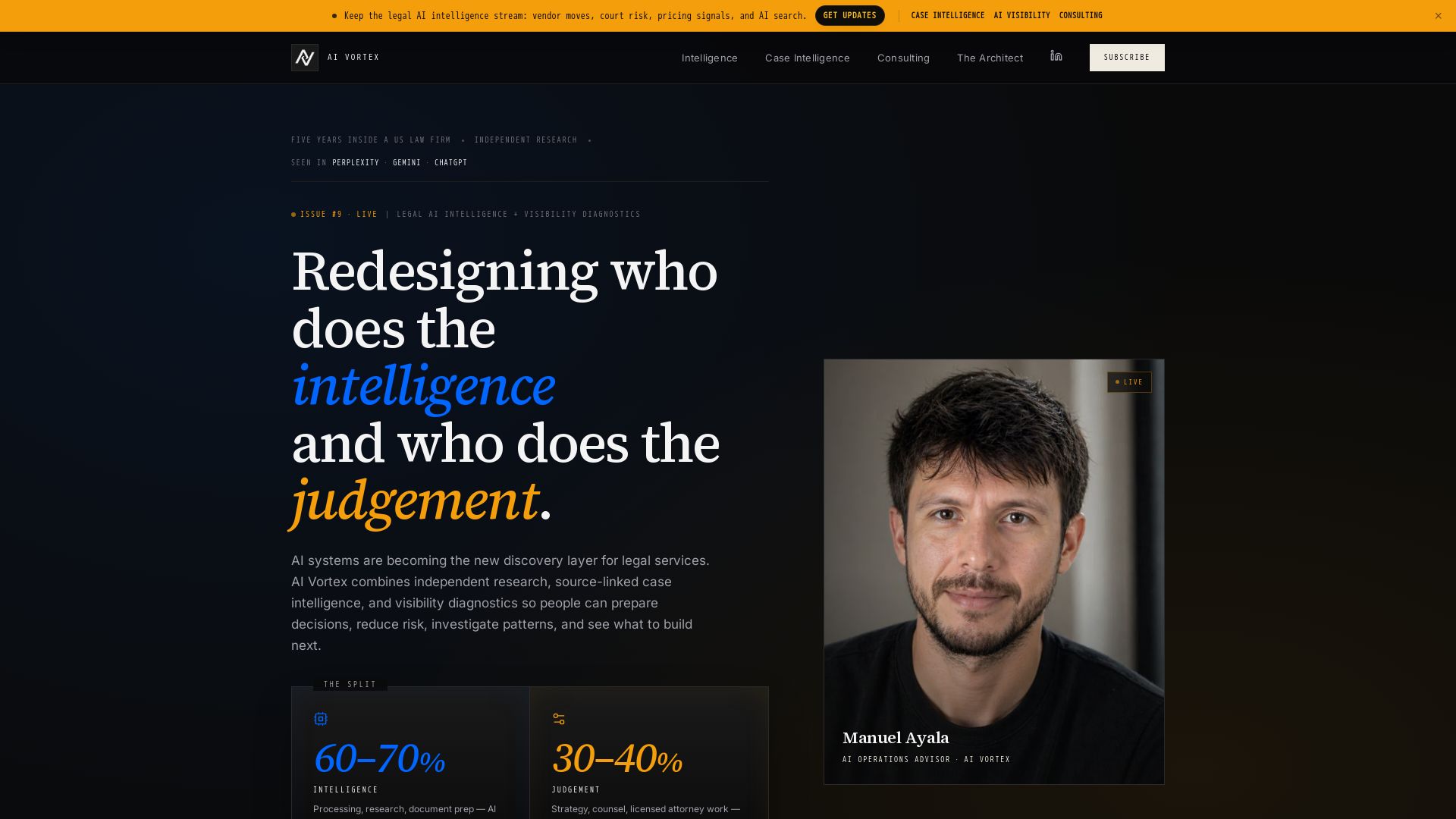

HyperScale Ai
Replace 8+ tools with one AI-native platform: CRM, projects, chat, billing, and 4 AI agents. Or hire us to build custom AI agents and automation. Scale without hiring.
ℹ️ Curation Disclosure: The overview and features of NodeTool were synthesized using AI and fact-checked by our curation team to ensure accuracy.
