Logo Diffusion
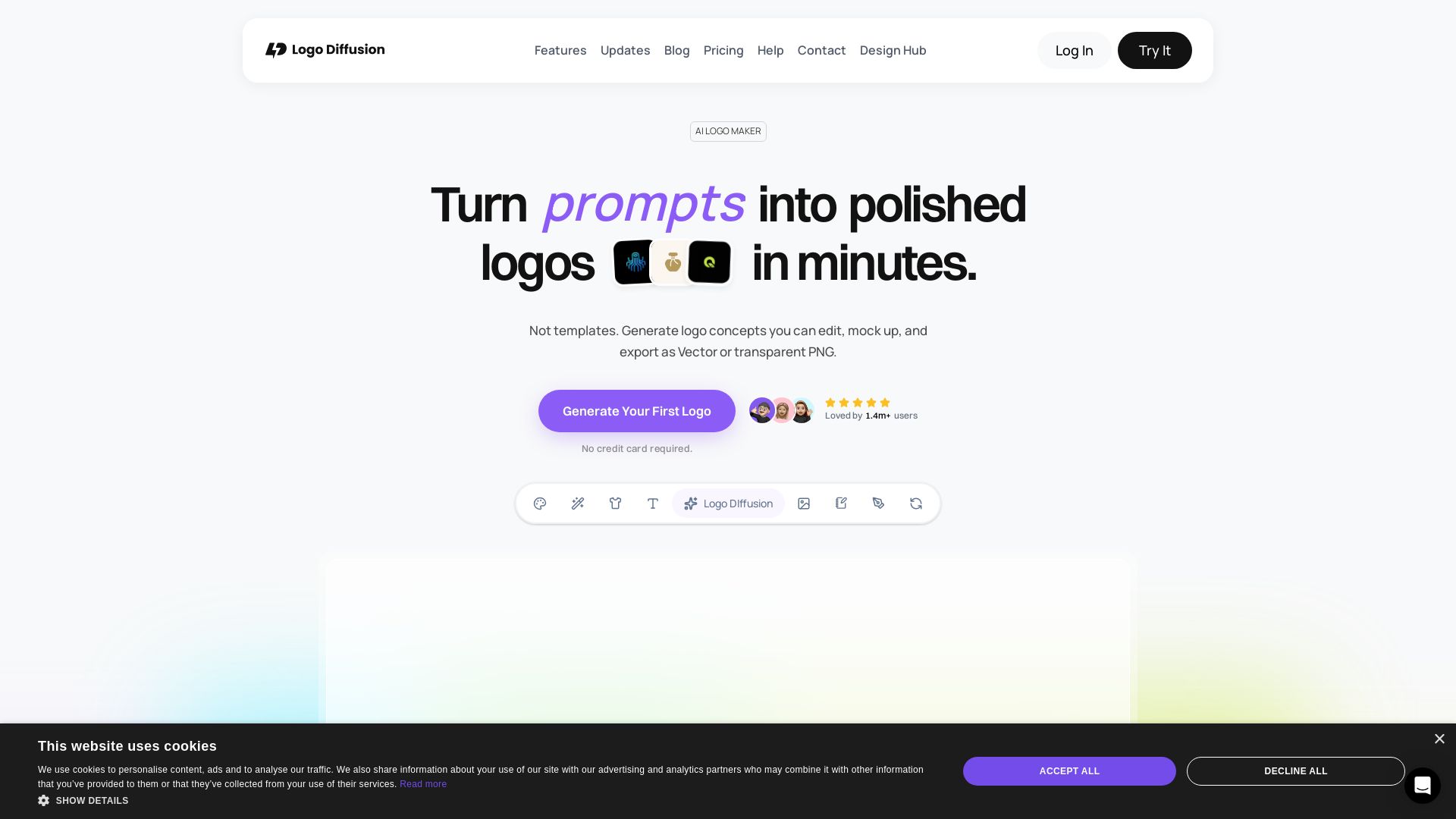
Turn prompts, sketches, or images into polished logos with AI. Edit, vectorize & export. Free to start. Loved by 1.4M+ users.


Editor's Verdict
Key Takeaways
- Text to Logo
- Sketch to Logo
- Image to Logo
- Magic Editor
In-Depth Review: What is Logo Diffusion?
Logo Diffusion is an all-in-one AI platform that transforms text prompts, sketches, or images into professional, customizable logos. Unlike template-based tools, it uses a proprietary AI model trained specifically for logo design, producing unique, editable outputs. Features include 45+ styles, Magic Editor, vector export, background removal, and mockup generation. Ideal for freelancers, agencies, and non-designers, it streamlines logo creation from concept to production-ready files in minutes. Start free with no credit card required.
Core Features
Text to Logo
Generate up to 4 unique logo options from a text prompt using AI. Select from 45+ styles and iterate until perfect.
Sketch to Logo
Convert a rough sketch into a polished logo with AI refinement and in-app editing tools.
Image to Logo
Transform an existing image or logo into new variations or styles using AI.
Magic Editor
Edit logos without losing design. Swap text, generate variations, build logo systems, and create icon sets.
Vector Export
Export clean SVG files with real layers, compatible with Illustrator and Figma. No auto-traced junk.
Background Remover
One-click transparent background removal optimized for graphics and logos.
Custom Colors
Match existing brand palettes or explore new color directions with full color control.
Mockup Generator
AI-generated mockups from scratch with adjustable lighting, camera angle, and material. Export up to 4K.
Sketching Tools
Draw directly on the canvas with brushes, shapes, and fonts to guide the AI.
Style Transfer
Apply different artistic styles to your logo or design quickly using AI.
Pricing
Free
- 24 credits per month (~12 logo generations)
- Image to Logo (3 of 8 styles)
- Magic Editor & Mockup Generator (Base models)
- Public generations
- No vector export
- No downloads
- No commercial rights
Basic
- 1,000 credits per month (~500 logos)
- Unlimited downloads
- Vectorizer up to 200 exports
- Background remover & in-app editor
- Magic Editor & Mockup Generator (all models)
- Commercial license & private generation
Pro
- 2,500 credits per month (~1,250 logos)
- 3 generations at the same time
- Vectorizer up to 500 exports
- 2× and 4× creative upscales
- Magic Editor & Mockup Generator (all models)
- Commercial license & private generation
Elite
- 6,000 credits per month (~3,000 logos)
- 4 generations at the same time
- Vectorizer up to 1,200 exports
- 2× and 4× creative upscales
- Magic Editor & Mockup Generator (all models)
- Commercial license & private generation
Pros and Cons
Pros
- Fast and EfficientGenerate logo concepts in seconds, and finish projects 4x faster than traditional design workflows.
- All-in-One ToolkitCombines generation, editing, vector export, background removal, and mockups in one platform, replacing multiple subscriptions.
- No Design Skills RequiredUser-friendly interface with guided tools, making it accessible for beginners and non-designers.
- Customizable OutputsFull control over colors, styles, and editing with sketching tools. Vector exports are production-ready.
- Commercial Rights on Paid PlansPaid plans include a commercial license, allowing use of logos for business and client projects.
Cons
- Limited Free PlanFree plan offers only 24 credits per month and no downloads, vector export, or commercial rights.
- Credit System ComplexityDifferent tools consume varying credits (e.g., Text to Logo costs 2 credits per generation), which may be confusing.
- No Offline AccessLogo Diffusion is a web-based app; requires internet connection to use.
- Potential Learning Curve for Advanced FeaturesWhile basic generation is easy, mastering Magic Editor and detailed customization may take time.
- Dependence on AI for CreativityUsers who prefer full manual control may find the AI-driven approach limiting.
Use Cases & Recommended Professions
Freelance Graphic Designer→ View Toolkit
Accelerate logo design projects, generate multiple concepts quickly, and deliver vector files to clients without needing multiple subscriptions.
Small Business Owner→ View Toolkit
Create a professional brand logo without hiring a designer. Easily iterate and customize to match the brand's identity.
Marketing Manager→ View Toolkit
Produce marketing materials with consistent branding, including logos, icons, and mockups, all within one tool.
Startup Founder→ View Toolkit
Quickly develop a logo and brand assets during early stages to test market fit and attract investors.
Product Designer→ View Toolkit
Design logo systems and icon sets for apps and websites, with vector export ready for development handoff.
Agency Owner→ View Toolkit
Handle high-volume logo projects for multiple clients efficiently, saving 18 hours monthly per agency on average.
Frequently Asked Questions
Alternative AI Tools
View Detailed Comparison →
Turbologo
Create a professional logo and full brand identity online with AI. No design skills needed. Free to start, pay only when you download. 90M+ logos created.

Brandmark Logo Maker
Kickstart your brand with AI-powered logo design, business cards, social media graphics, and more. No designer needed. Pay once, use forever.

LogoMakr
Create a custom logo with AI. Get original concepts, edit on canvas, download PNG/SVG/PDF. Trusted by 300k+ businesses.

Logomakerr.ai
Create stunning AI-generated logos for free with Logomakerr.AI. Customize thousands of templates, build your brand with full kits. No design skills needed!

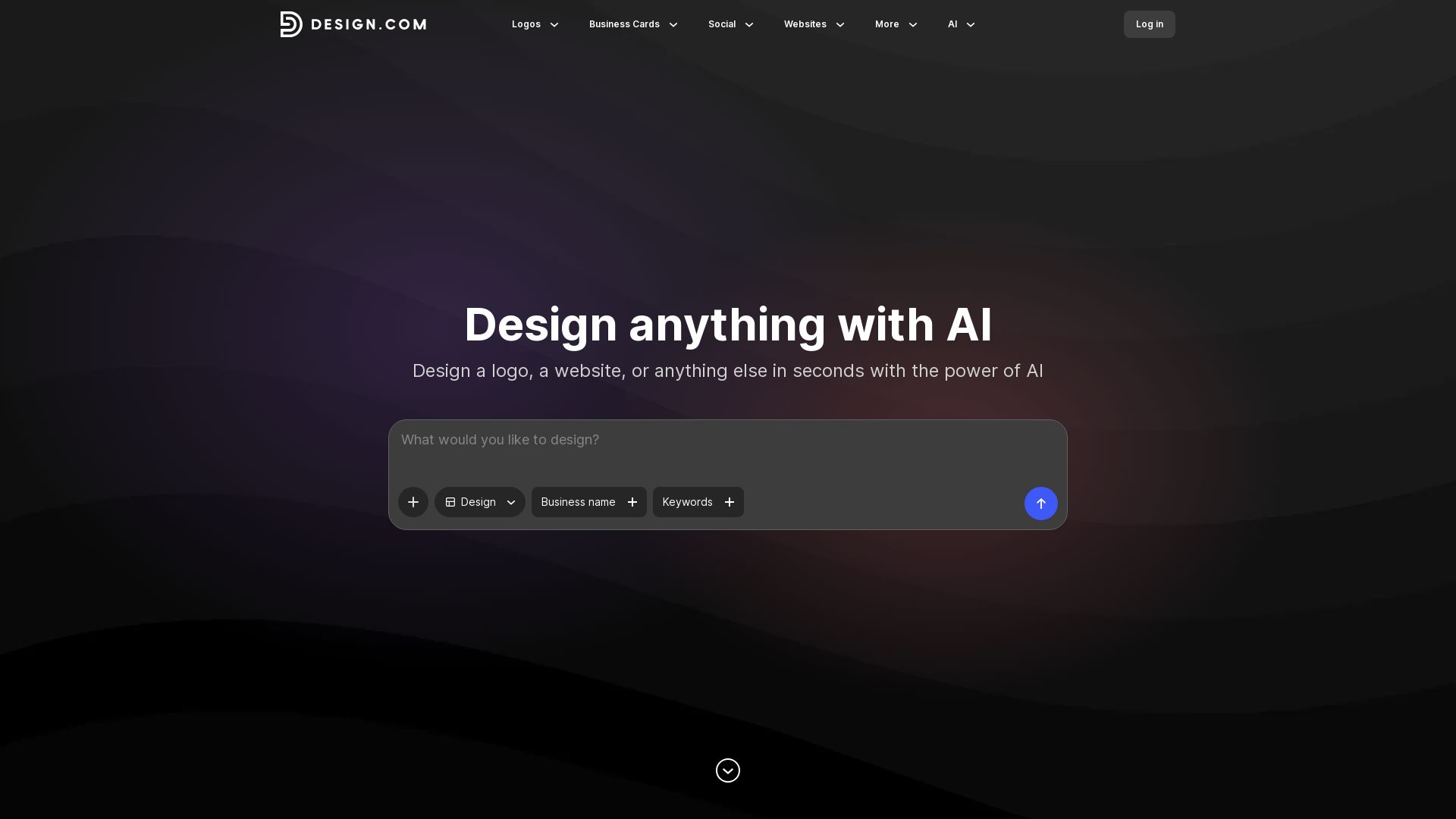
Design.com
Create logos, business cards, social media graphics, and more in seconds with Design.com's AI-powered design tools. Customize fonts, colors, and layouts easily.

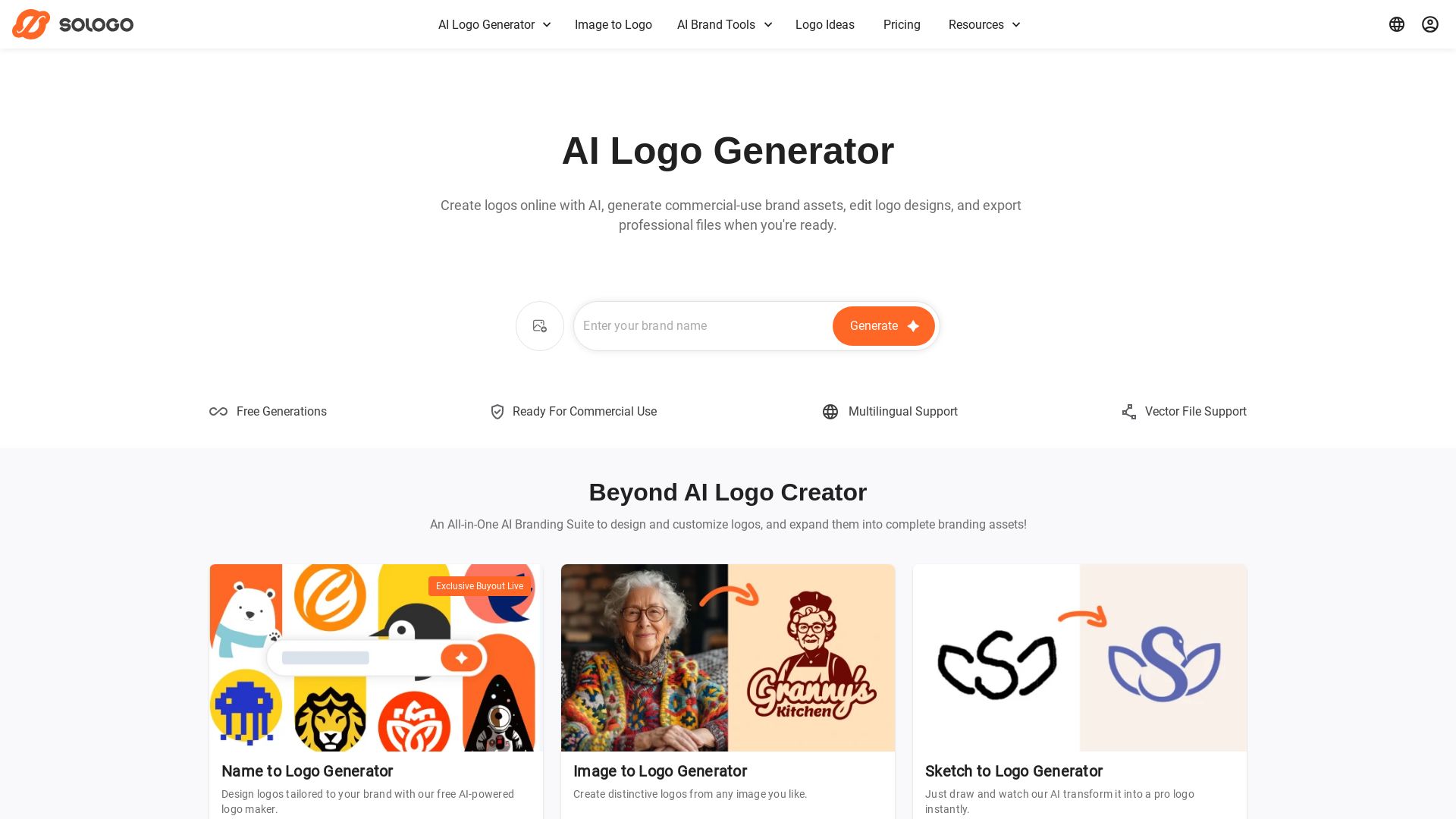
SologoAI
Create unique logos with AI from text, image, or sketch. Get vector exports, brand kits, mockups, and commercial use. Trusted by 100K+ customers.


Superdesign
Create stunning designs with AI. Iterate quickly using natural language. Export production-ready code. Browse design prompts and styles.

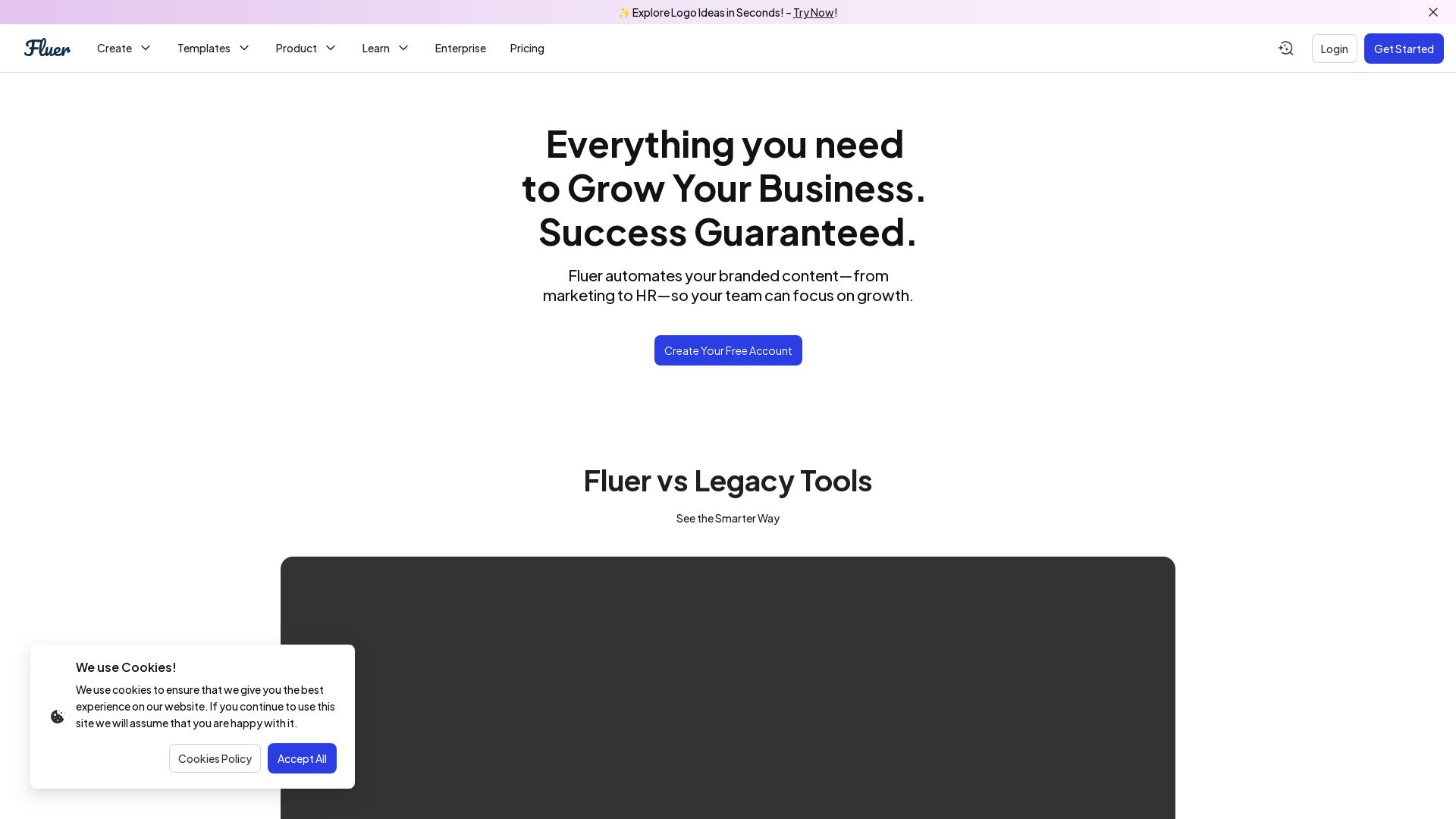
Fluer
Create, automate, and manage branded content in seconds. Save up to 90% on tools. Start free!
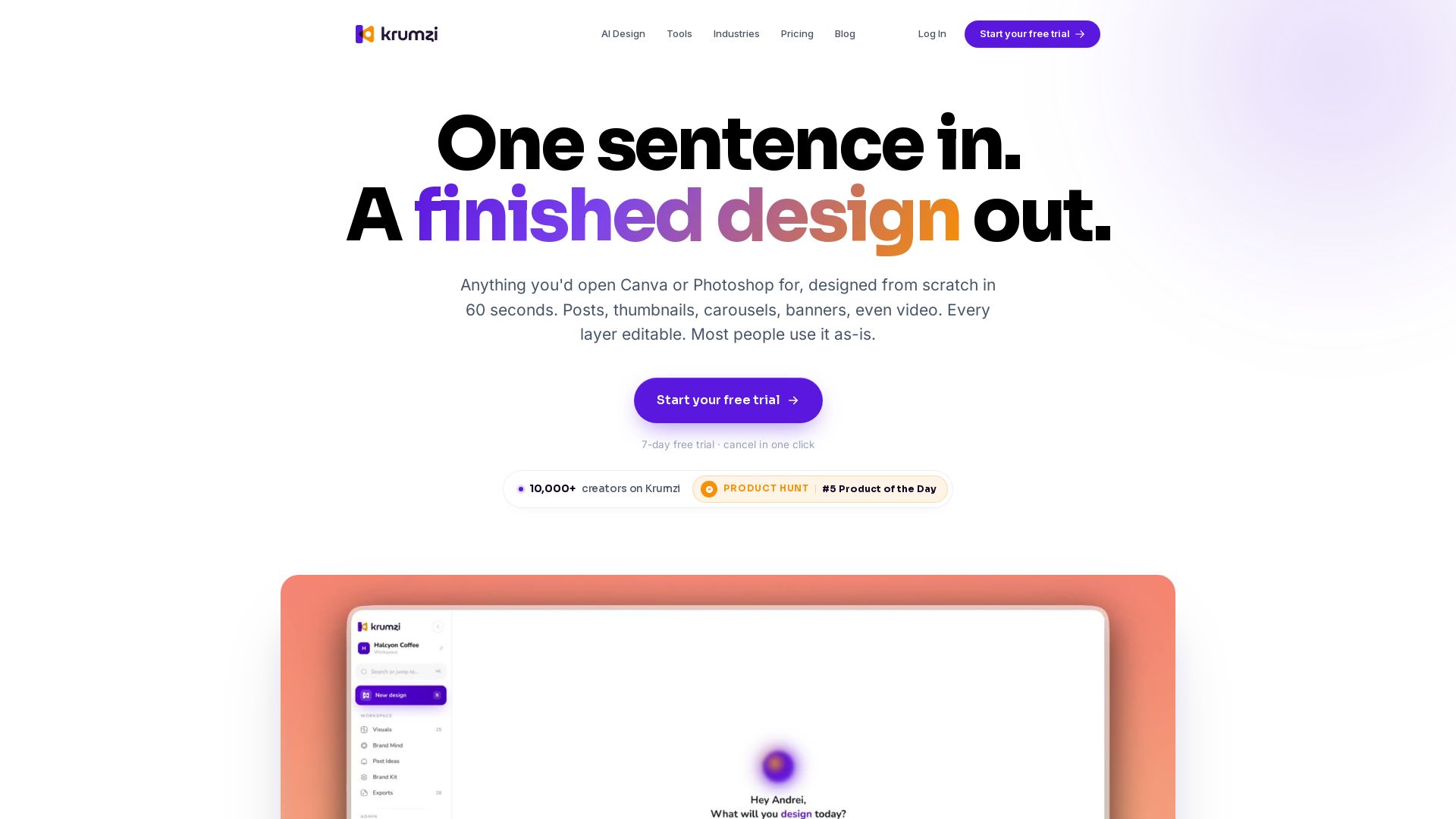


AIDesigner
Create premium UI, logos, brand kits, and more with AIDesigner. No design experience needed. Free to try, no credit card required. Join 15,000+ users.

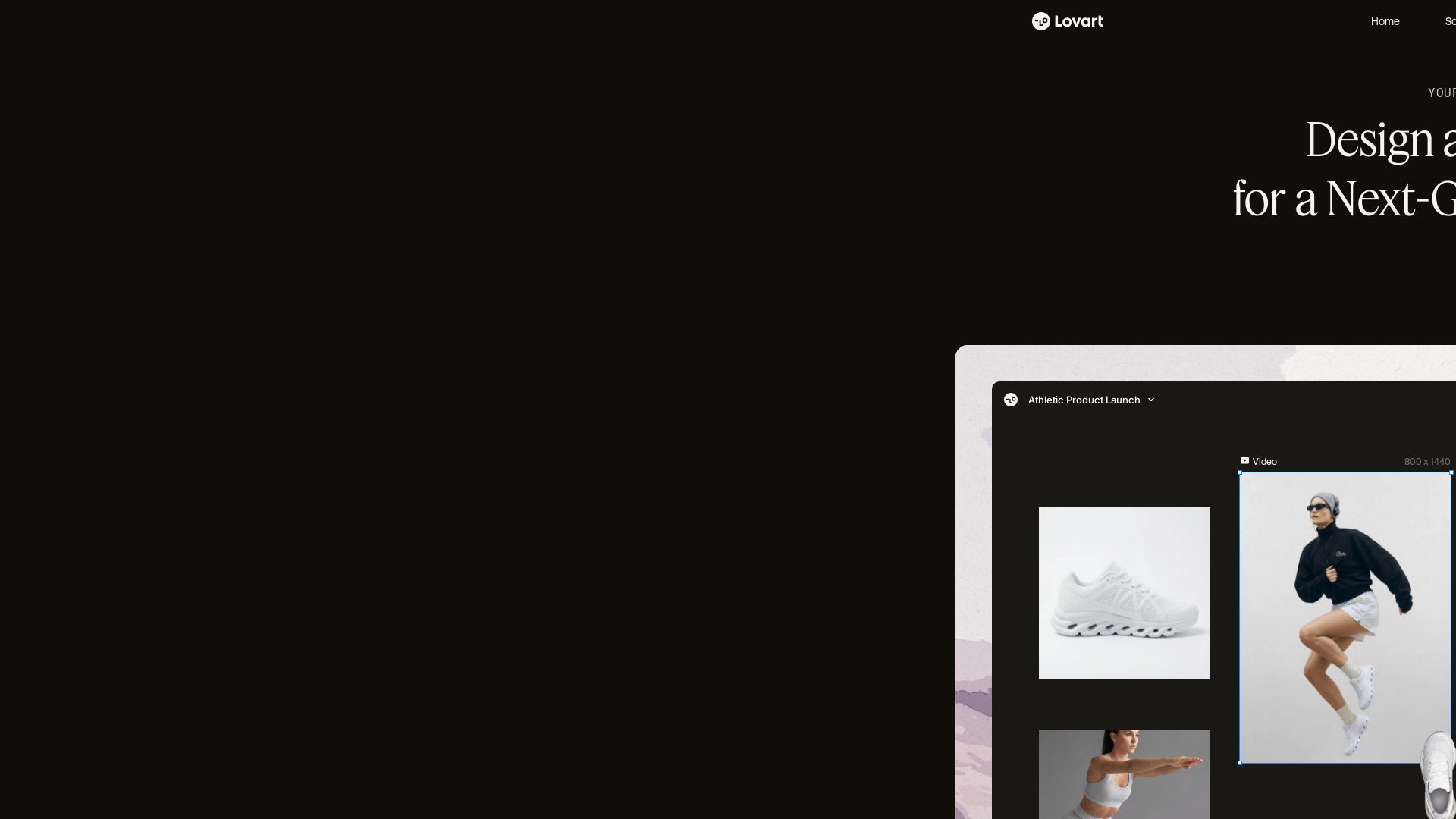
Lovart
Design stunning product pages, campaign visuals, and brand assets with Lovart's AI. Edit precisely, maintain style, and optimize for SEO. Get started free!

ℹ️ Curation Disclosure: The overview and features of Logo Diffusion were synthesized using AI and fact-checked by our curation team to ensure accuracy.
