
ChatGPT
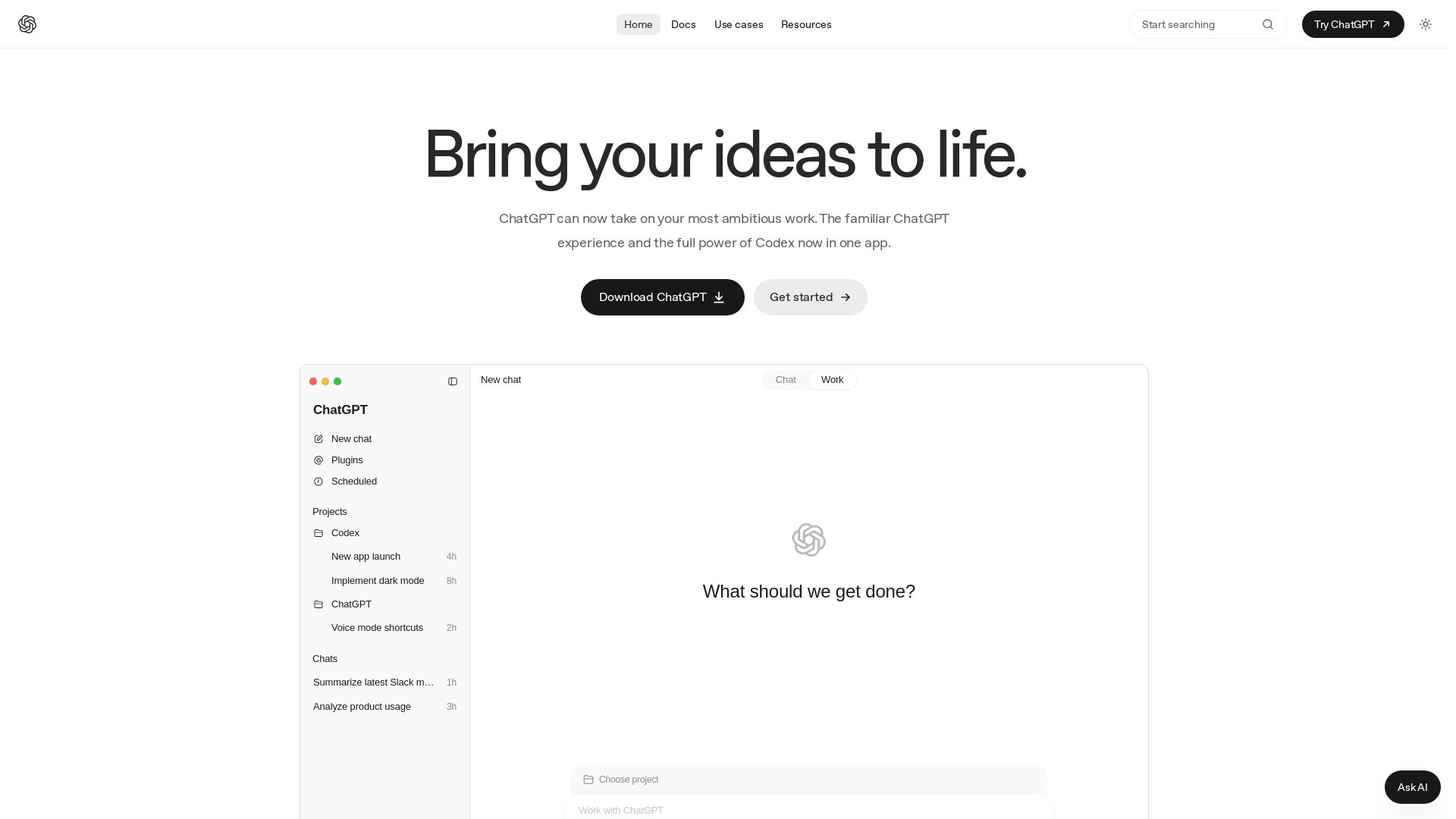
Unify ChatGPT's conversational AI with Codex's coding power. Explore ideas, create documents, analyze data, and build software—all in one app.
Editor's Verdict
Key Takeaways
- Conversational AI
- Work Automation
- Codex Code Assistance
- Multiple AI Models
In-Depth Review: What is ChatGPT?
ChatGPT now integrates Codex, enabling you to converse, create, and code seamlessly. Use Chat for brainstorming, research, and planning. Use Work for generating documents, spreadsheets, and presentations from files. Use Codex to navigate codebases, build features, and ship changes. Download the app to bring your ideas to life with the power of AI.
Core Features
Conversational AI
Use Chat to ask questions, get explanations, brainstorm ideas, and compare options through natural conversation.
Work Automation
Turn goals, files, and context into documents, spreadsheets, presentations, and other deliverables with ChatGPT Work.
Codex Code Assistance
Understand codebases, build features, fix bugs, and review changes using Codex integrated in CLI, IDE, and cloud.
Multiple AI Models
Choose from GPT-5.6 Sol, Terra, Luna, and other models to balance quality, speed, and cost.
Integrations and Automation
Manage inbox, automate workflows, and connect with Slack, GitHub, Linear, and other tools.
Computer Use
Let ChatGPT click, type, and navigate apps on your Mac for automated tasks.
Pricing
Free
- Explore Codex capabilities on quick coding tasks
Go
- Use Codex for lightweight coding tasks
Plus
- Power a few focused coding sessions each week
- Codex on web, CLI, IDE extension, and iOS
- Cloud-based integrations like automatic code review and Slack
- GPT-5.6 model family
- GPT-5.6 Luna for higher usage limits
- Flexibly extend with ChatGPT credits
- Other ChatGPT Plus features
Pro 5x
- 5x higher rate limits than Plus
- Access to GPT-5.3-Codex-Spark (research preview)
- Unlimited ChatGPT Voice on $200/month tier
- Other Pro features
Pro 20x
- 20x higher rate limits than Plus
- Access to GPT-5.3-Codex-Spark
- Unlimited ChatGPT Voice
- Other Pro features
Business
- SAML SSO, MFA, and user management
- Cloud-managed config policies
- No training on data by default
- Analytics dashboard
- Sites beta included
Enterprise / Edu
- Flexible pricing with credits
- SCIM, EKM, domain verification
- Retention and residency controls
- Compliance API and audit logs
- Codex Security
API Key
- Codex in CLI, SDK, or IDE extension
- No cloud-based features
- Model availability follows API
- Pay only for tokens used
Pros and Cons
Pros
- Versatile Coding AssistantCodex supports multiple environments (CLI, IDE, web) and can handle code understanding, feature building, bug fixing, and reviews.
- Multiple Model OptionsChoose from GPT-5.6 Sol, Terra, Luna, and others to optimize for quality, speed, or cost.
- Integration EcosystemSeamlessly integrates with GitHub, Slack, Linear, and other tools, enabling automation and code review workflows.
- Flexible Pricing TiersFrom free to enterprise plans, with credits and pay-as-you-go options to scale usage.
- Cloud and Local SupportRun tasks locally or in the cloud, with the ability to extend usage via API keys.
Cons
- Complex Usage LimitsUsage is counted in tokens and credits with varying costs per model, making it hard to predict consumption.
- Limited Free PlanFree plan only allows quick coding tasks and lacks cloud features.
- Regional RestrictionsSome features like Computer Use and Memories are limited to specific regions.
- Credit System ComplexityCredits are consumed at different rates for image generation, fast mode, and different models, requiring careful management.
- Feature Gaps in Lower TiersPlans below Pro lack GPT-5.3-Codex-Spark, Sites, and some cloud integrations.
Use Cases & Recommended Professions
Software Engineer→ View Toolkit
Use Codex to navigate codebases, build features, fix bugs, and review pull requests efficiently.
Data Analyst→ View Toolkit
Leverage ChatGPT Work to analyze files, find patterns, and create reports or dashboards.
Product Manager→ View Toolkit
Brainstorm ideas, compare options, and generate documents like specs and presentations.
Researcher→ View Toolkit
Synthesize information from multiple sources and get concise summaries for literature reviews.
Content Writer→ View Toolkit
Use ChatGPT to draft, edit, and refine articles, emails, and creative content.
DevOps Engineer→ View Toolkit
Automate CI/CD pipelines, manage infrastructure as code, and use Codex for scripting.
Frequently Asked Questions
Alternative AI Tools
View Detailed Comparison →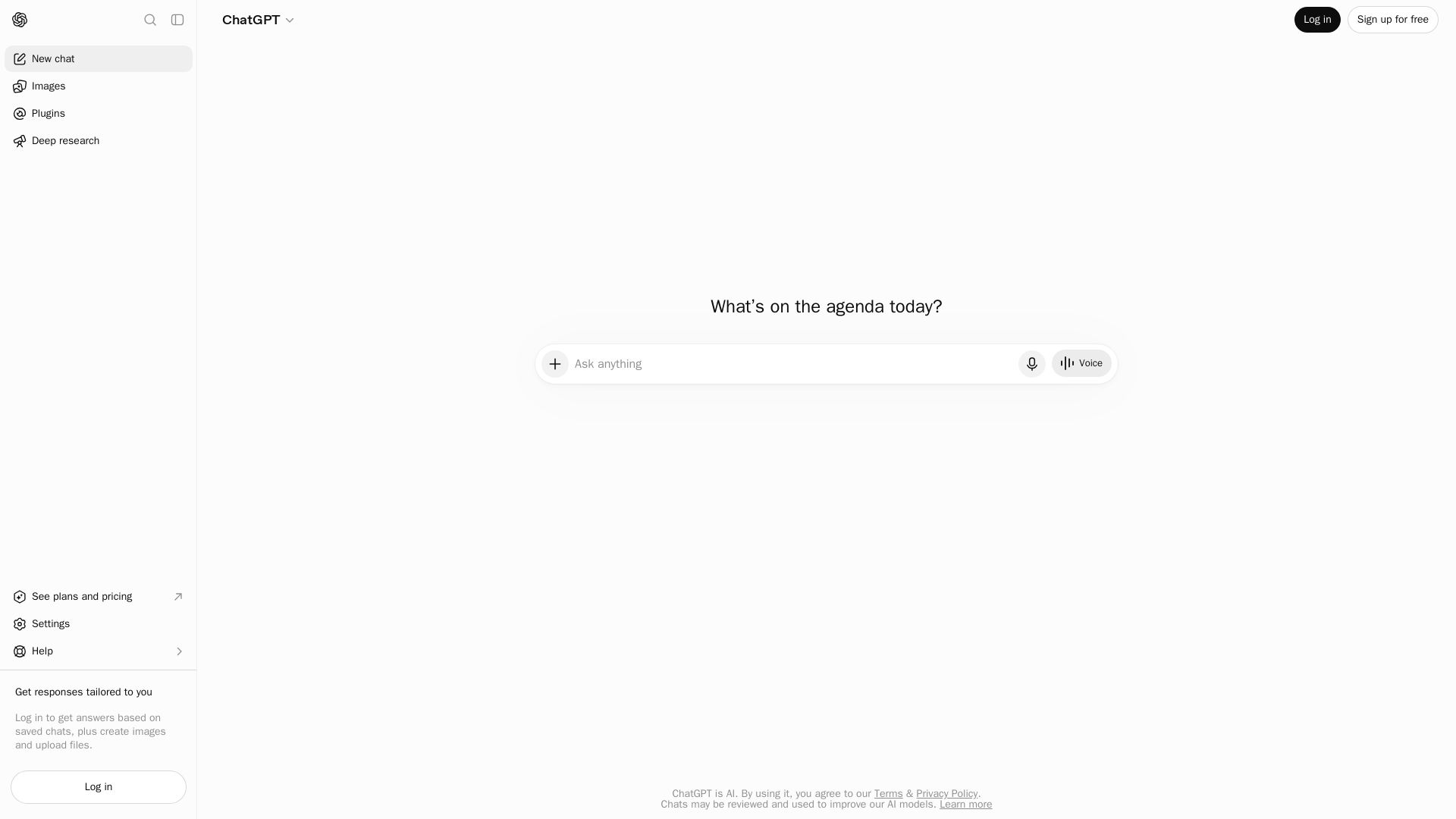
ChatGPT
ChatGPT is an AI assistant that lets you chat, generate images, do deep research, and more. Sign up for free.

MoClaw
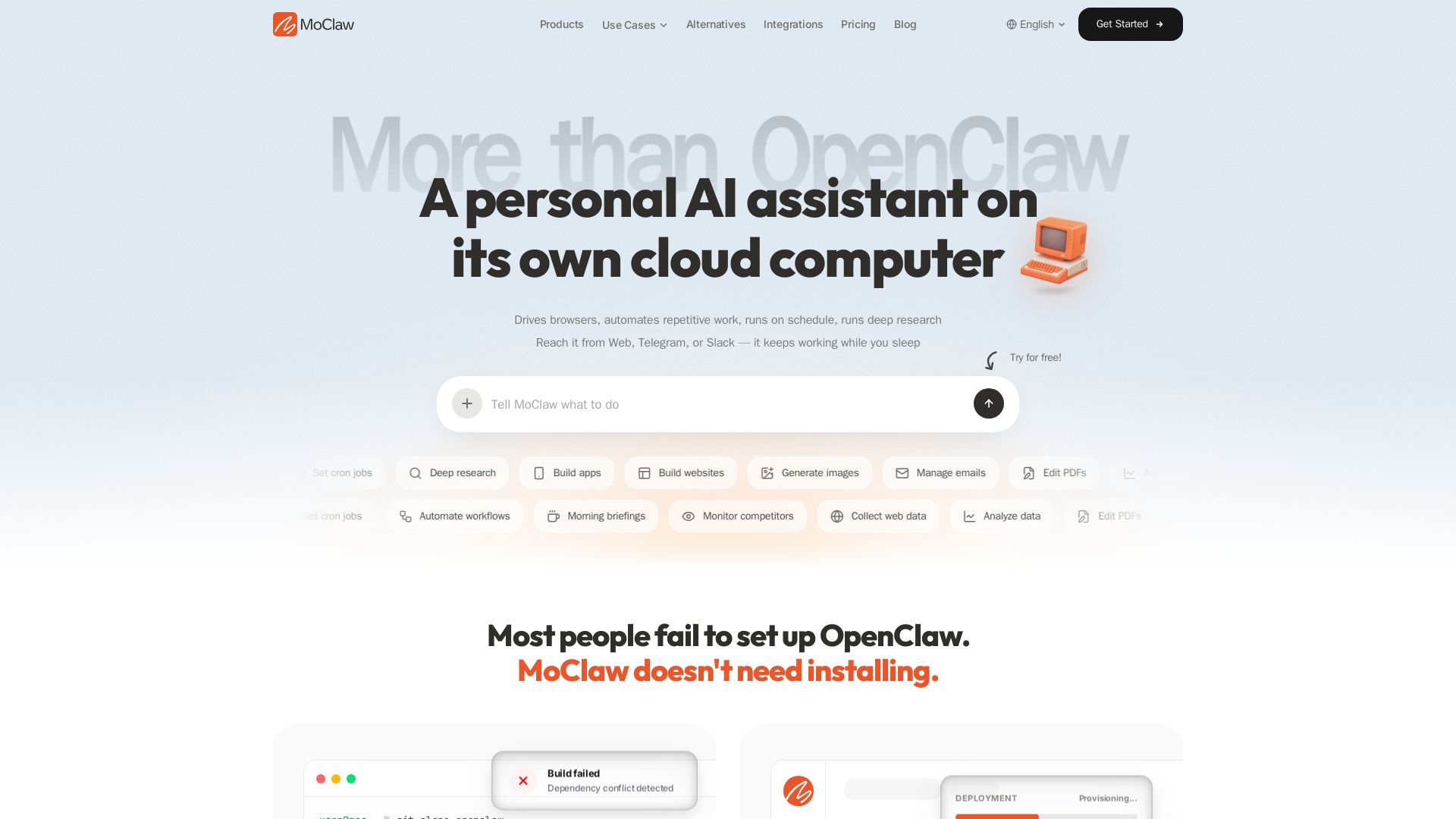
Automate tasks, research, and workflows with MoClaw's always-on AI computer. No setup, no crashes. Deep research, browser control, scheduling. Try free.


Zapier
Connect AI to 9,000+ apps. Build AI agents, chatbots, and workflows without code. Trusted by Fortune 500. Start free.

Open Claude Cowork
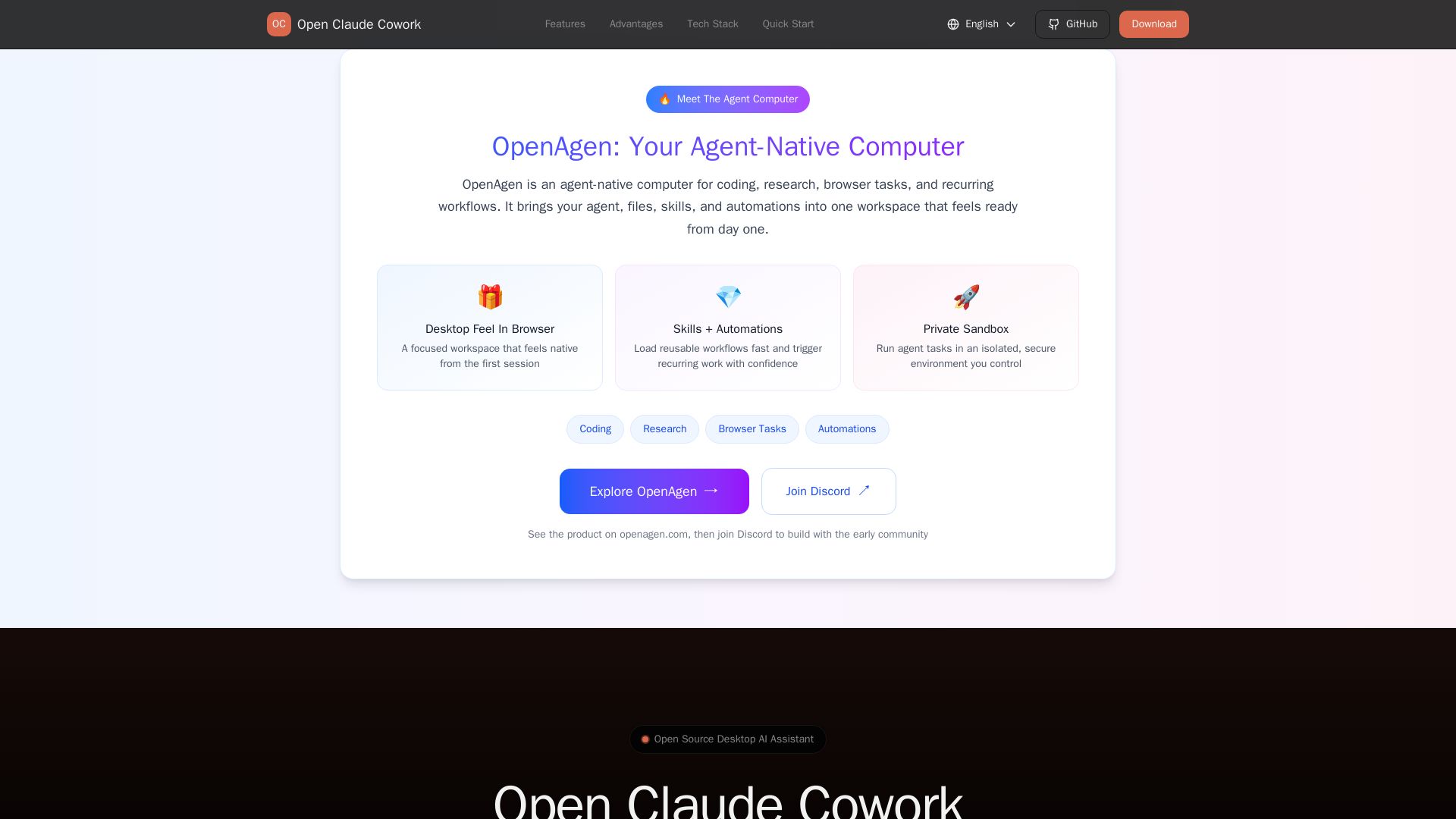
Bring Claude Code to desktop with visual AI collaboration. Open source assistant for coding, research, browser tasks. Supports Chinese LLMs, session management, and tool control.

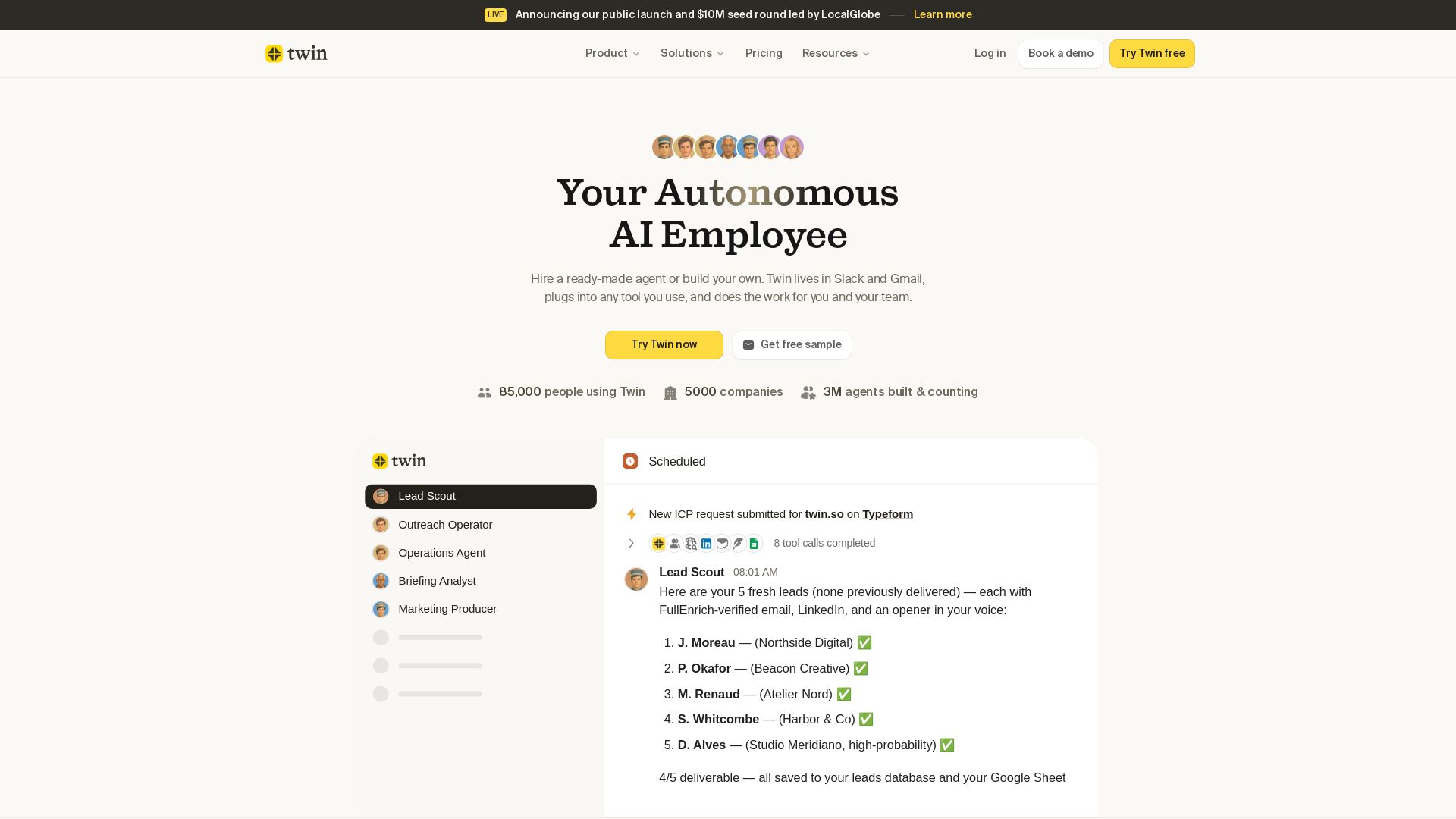
Twin
Twin: ready-made AI agents that work in Slack & Gmail. Automate prospecting, outreach, and more. Trusted by 85,000 users. Start free.


Agentic Workers
Automate tasks with 100+ pre-built AI workflows. Connect 800+ tools, save 10+ hours/week. No coding needed. Join 13,000+ professionals.


Chatbot Builder
Build an AI chatbot in minutes without coding. 24/7 customer support, sales automation, and seamless integrations. Start your free 14-day trial today!


Automation Anywhere
Automate mission-critical processes with agentic AI. Trusted by global leaders. Boost efficiency, ensure compliance. Request a demo.


HIX AI
HIX AI is an AI agent workspace that lets you research, create slides, videos, images, and more with one tool. Boost productivity with deep research and automated content creation.


OpenAI
Find answers to common questions about ChatGPT, API, billing, privacy, and enterprise accounts. Get support for all OpenAI products.


Expo AI Chatbot
Build AI chatbot apps for iOS, Android & web with Expo SDK 54, AI SDK 5, voice, long-term memory, and more. Open-source codebase.

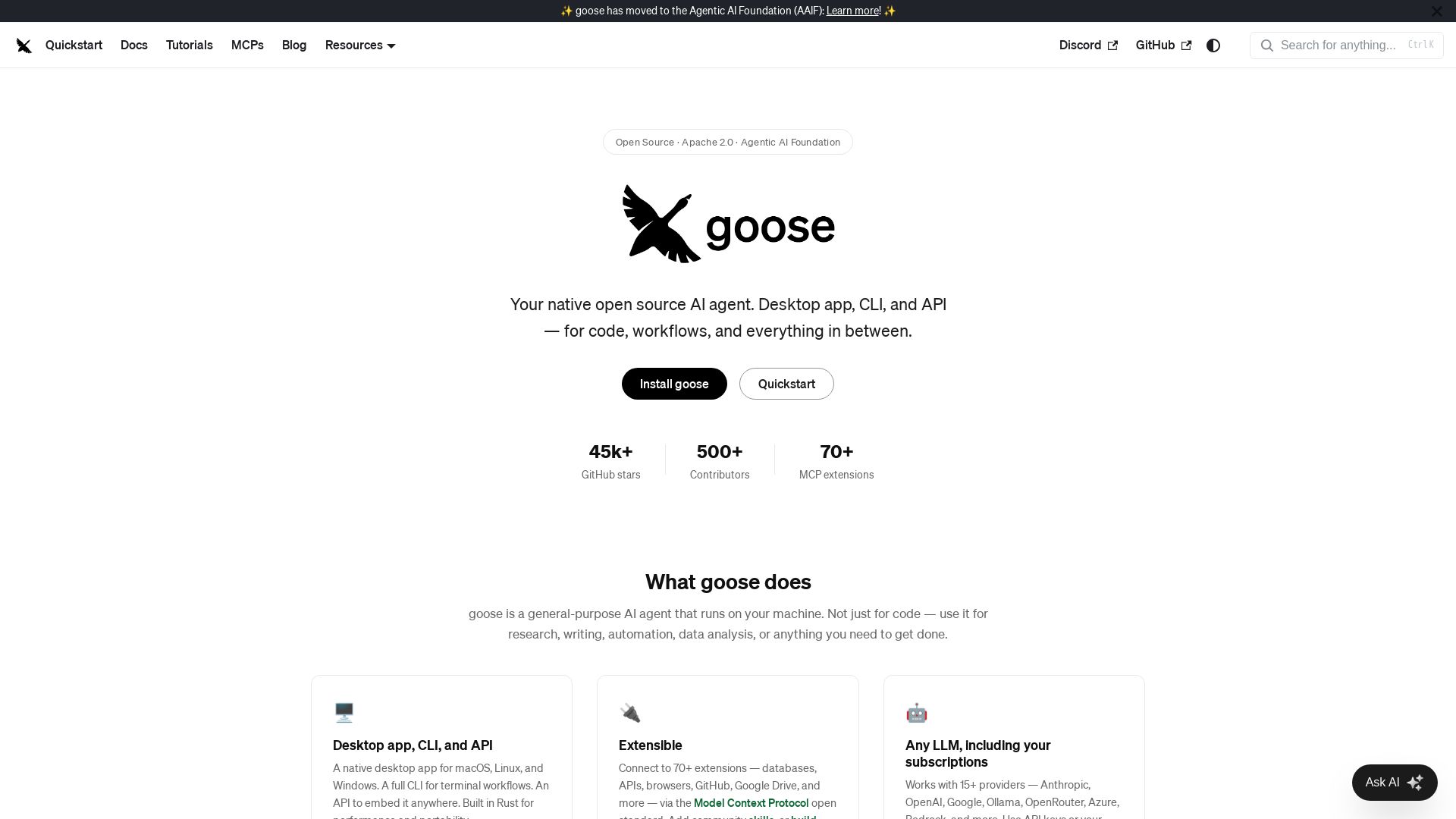
goose
Goose: open source AI agent for desktop, CLI, API. Code, research, automation. Extensible with 70+ MCP extensions, supports 15+ LLM providers.

ℹ️ Curation Disclosure: The overview and features of ChatGPT were synthesized using AI and fact-checked by our curation team to ensure accuracy.
