
GitClear
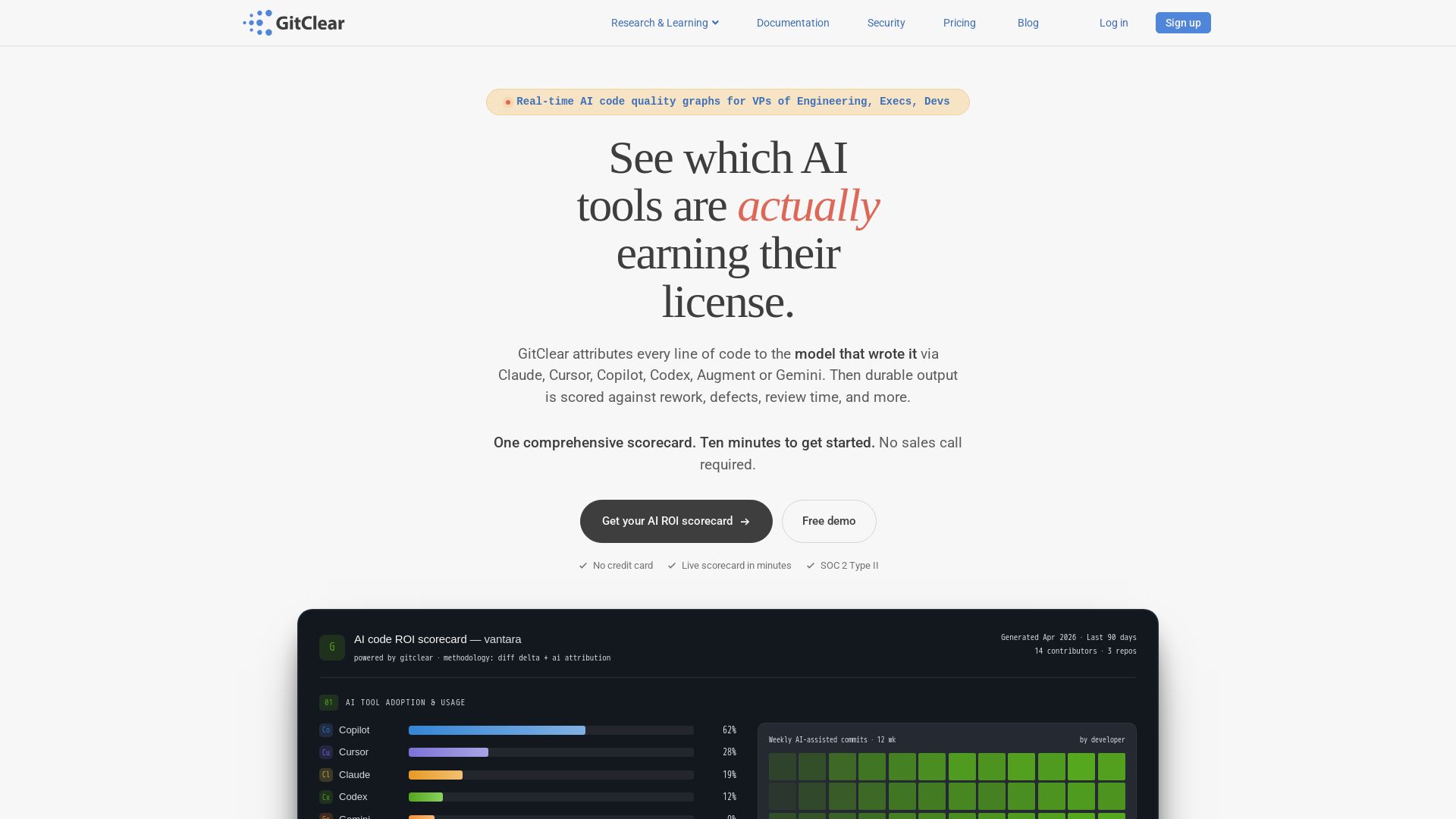
Track AI-assisted code quality & ROI. GitClear attributes lines to Copilot, Cursor, etc., measures rework & durable change. Free scorecard.

Editor's Verdict
Key Takeaways
- Line-Level AI Attribution
- Diff Delta™ Scoring
- Multi-Vendor Support
- AI ROI Scorecard
In-Depth Review: What is GitClear?
GitClear measures what your AI coding spend actually returns. It attributes every line of code to specific AI tools (Copilot, Cursor, Claude, etc.), then scores durable output versus rework, duplication, and defects. Inspired by DORA, GitClear provides a single ROI number that survives board scrutiny. Connect your repos and get a free scorecard in under 10 minutes.
Core Features
Line-Level AI Attribution
Identifies which lines of code were written by AI (Copilot, Cursor, Claude Code, etc.) with commit-grade confidence, using three signals: AI usage APIs, commit heuristics, and agent telemetry hooks.
Diff Delta™ Scoring
Measures durable change vs. churn per author, providing a single ROI number by comparing human-authored and LLM-authored lines side by side.
Multi-Vendor Support
Supports attribution and telemetry for Claude Code, Copilot, Cursor, Augment, Codex, and Gemini, plus Git hosts like GitHub, GitLab, Bitbucket, and Azure DevOps.
AI ROI Scorecard
Generates a boardroom-ready scorecard showing AI tool adoption, weekly usage, and ROI signals (durable change, rework rate, developer satisfaction) in under 10 minutes.
DORA Extension for AI
Extends the DORA framework with attribution and quality layers, enabling engineering leaders to measure AI impact on delivery and code quality.
Research-Backed Methodology
Based on the largest public study of AI's effect on code quality (211M lines, 3 years), cited by MIT Technology Review, TechCrunch, and The New Stack.
Pricing
Free
- Up to 10 contributors
- Diff Delta velocity
- PR review insights
- Basic DORA metrics
- No support
Pro
- Unlimited contributors
- Everything in Free
- AI ROI scorecard
- Line-level AI attribution
- Claude, Copilot, Cursor, Codex, Augment, Gemini
- Developer experience surveys
- Priority support
Elite
- Everything in Pro
- Up to 250 repos
- 5500-day data analysis window
- 50 AI data deep dives/month
- Up to 250,000 commits processed
- Up to 20,000 pull requests processed
- Cached data refresh every 4 hours
Enterprise
- Everything in Elite
- Unlimited repositories
- No limit on data analysis window
- 200 AI data deep dives/month
- Unlimited commits and pull requests
- Cached data refresh every 1 hour
- SSO, SOC 2, On-prem deployment
- Custom SLA
- Dedicated CSM
- DORA-compliant reports
Pros and Cons
Pros
- Unique Line-Level AttributionOnly GitClear offers line-level AI attribution across multiple models, solving a critical gap in measuring AI code output.
- Comprehensive Vendor SupportSupports all major AI coding assistants (Copilot, Cursor, Claude Code, etc.) and Git providers, making it agnostic.
- Research-Backed InsightsBased on large-scale longitudinal studies, ensuring credibility and actionable data for leadership.
- Fast SetupScorecard generated in under 10 minutes with no credit card required for free tier.
- DORA ExtensionsExtends DORA metrics to include AI attribution, filling a gap in existing frameworks.
Cons
- Dependency on AI APIsRequires access to AI vendor usage APIs and telemetry hooks, which may not be available in all environments.
- Limited Free TierFree tier supports only up to 10 contributors and 3 repositories, which may not suffice for larger teams.
- Learning Curve for SetupIntegrating multiple data sources (Git, AI APIs, telemetry) might require initial configuration effort.
Use Cases & Recommended Professions
Chief Technology Officer (CTO)→ View Toolkit
Needs to justify AI tool ROI to the board and ensure engineering investments are delivering durable code.
VP of Engineering→ View Toolkit
Responsible for understanding AI adoption across teams, measuring true productivity, and optimizing spending.
Engineering Manager→ View Toolkit
Wants to track individual and team AI usage, spot quality issues, and improve code review processes.
DevOps/Ops Leader→ View Toolkit
Needs to assess the operational impact of AI-generated code on stability, churn, and deployment frequencies.
Software Developer→ View Toolkit
Can use GitClear to get personal feedback on AI-assisted work, improve code quality, and demonstrate contribution value.
Data Scientist (Developer Analytics)→ View Toolkit
Interested in quantifying AI effects on productivity and code quality using longitudinal data.
Frequently Asked Questions
Alternative AI Tools
View Detailed Comparison →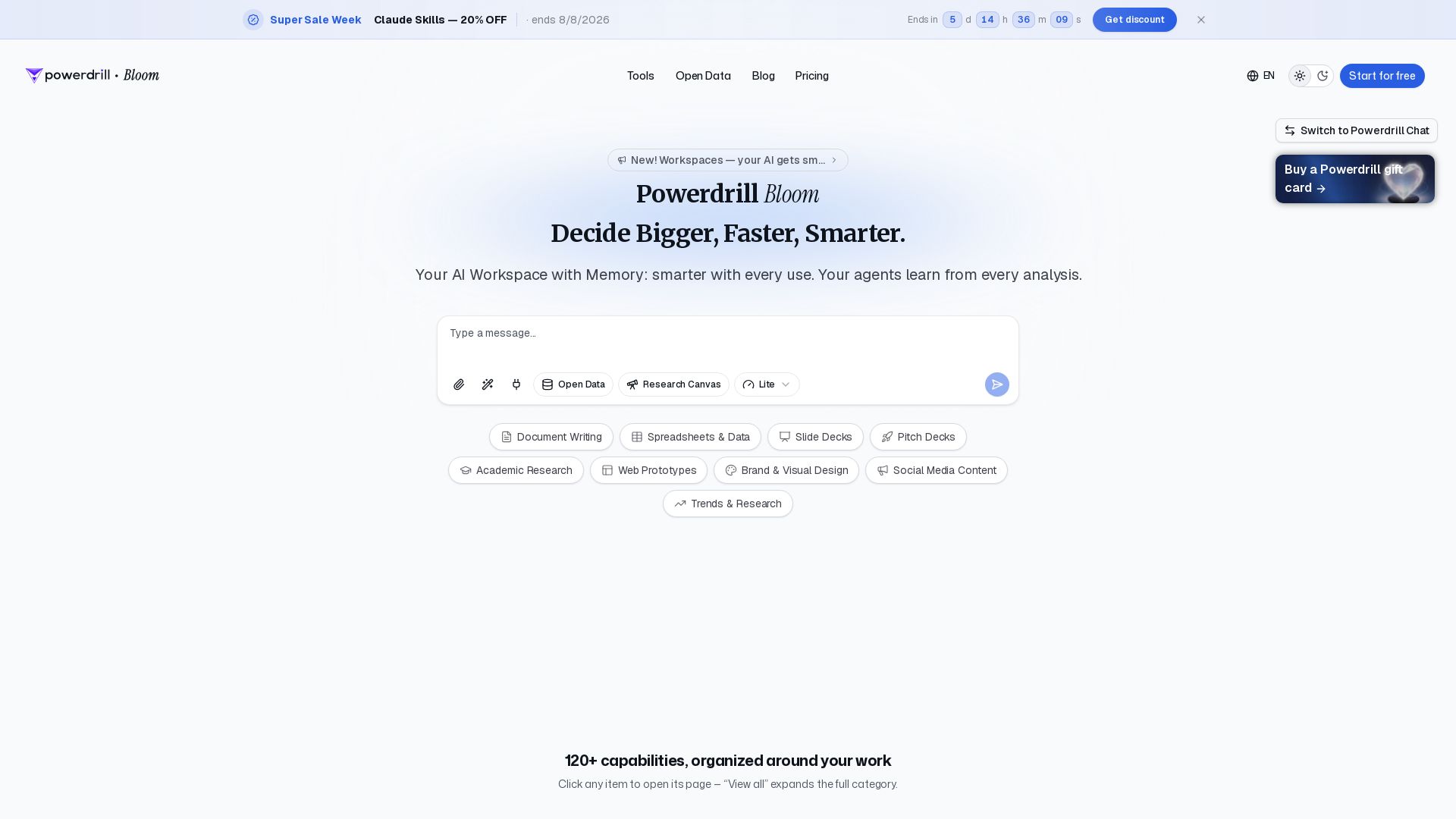
Powerdrill Bloom
Powerdrill Bloom: AI workspace with memory for data analysis, docs, research & more. Smarter with every use. Start free.

Datapad
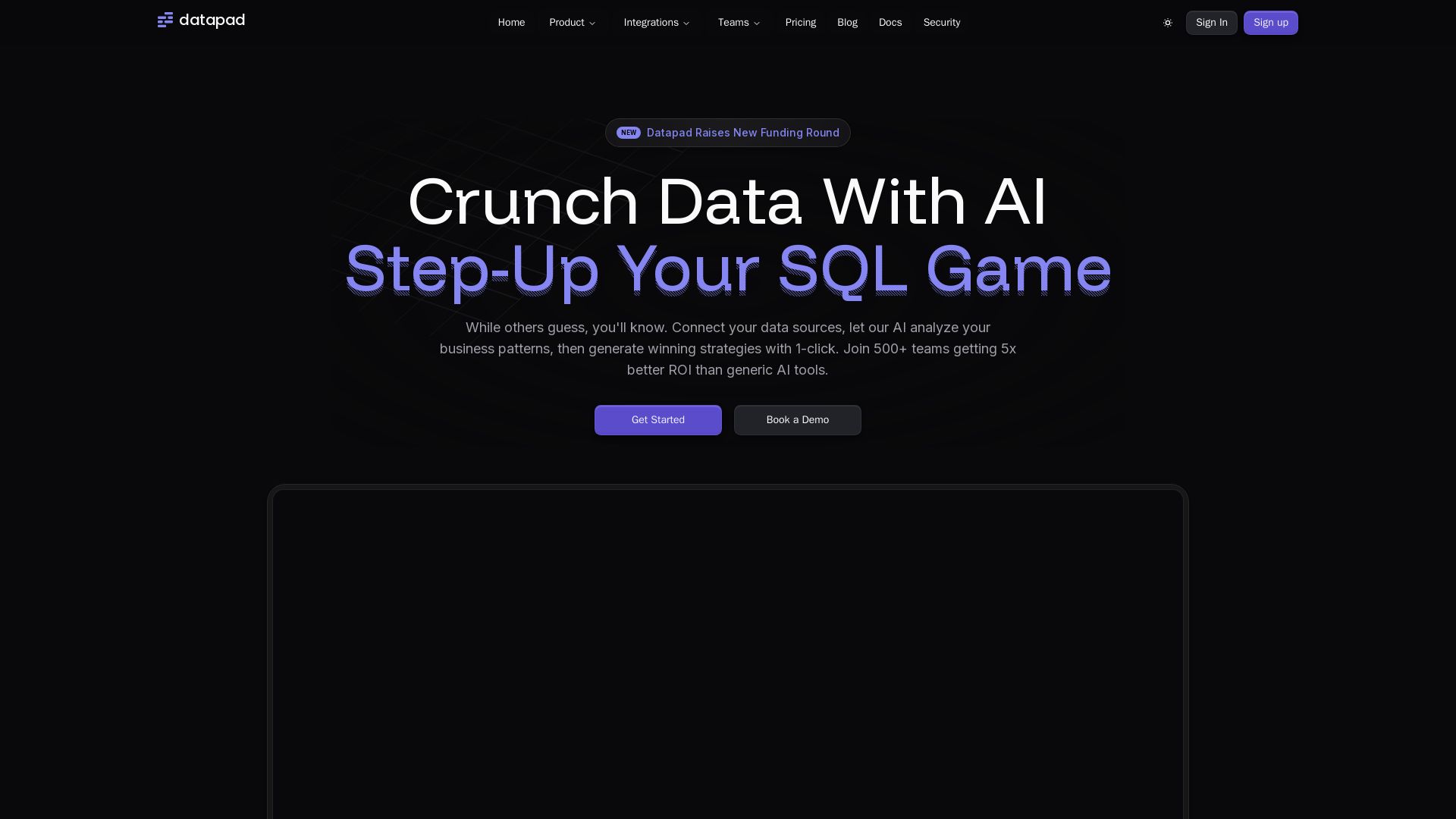
Connect any data source, ask questions in plain English. Datapad's AI generates instant insights, dashboards, and strategies. Join 500+ teams getting 5x better ROI.

Julius AI
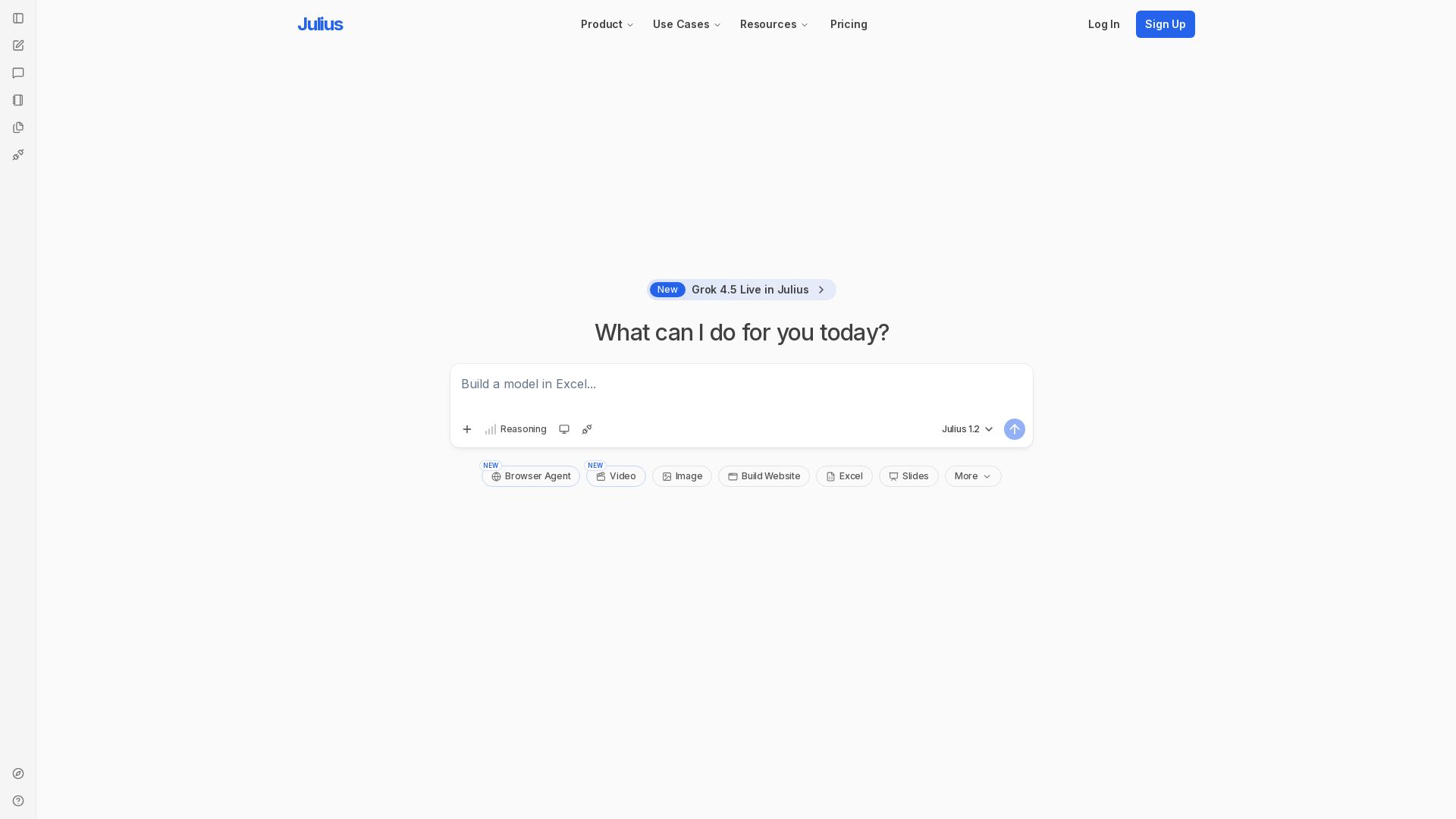
Unlock insights with Julius - AI assistant for data analysis, Excel models, website building, and more. Sign up free.

Axify
Get clear visibility into AI usage, cost, and impact across your engineering teams. Flat fee, no per-seat pricing. Start free trial.


DEV.co
End-to-end custom software development: web, mobile, SaaS, AI. Top 1% engineers, 12+ years, 390+ projects. You own 100% of code. Get in touch.

DO OK
End-to-end software development company delivering custom solutions that create measurable value. Services: Mobile, Web, IoT, AI, Product Dev. Trusted by 150+ clients.

DX
Optimize developer productivity, measure AI impact, and improve software health with DX, the platform designed by researchers.

Superluminal Software
Award-winning AI and software company. Build AI copilots, reduce cloud costs, and future-proof your business with Microsoft AI integration.

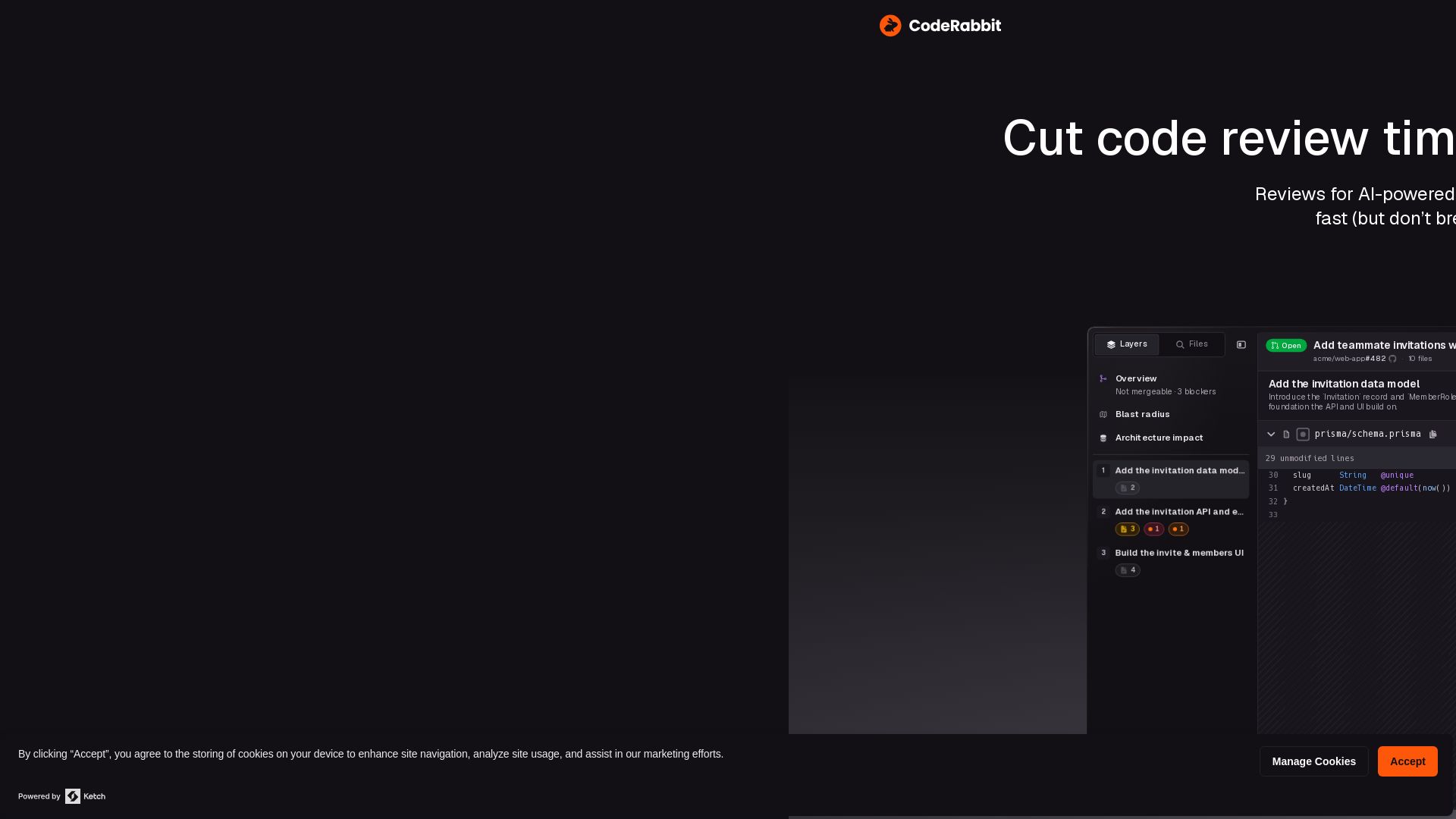
CodeRabbit
Cut code review time and bugs in half instantly. The AI code review tool trusted by NVIDIA, that learns from your feedback. Try free.

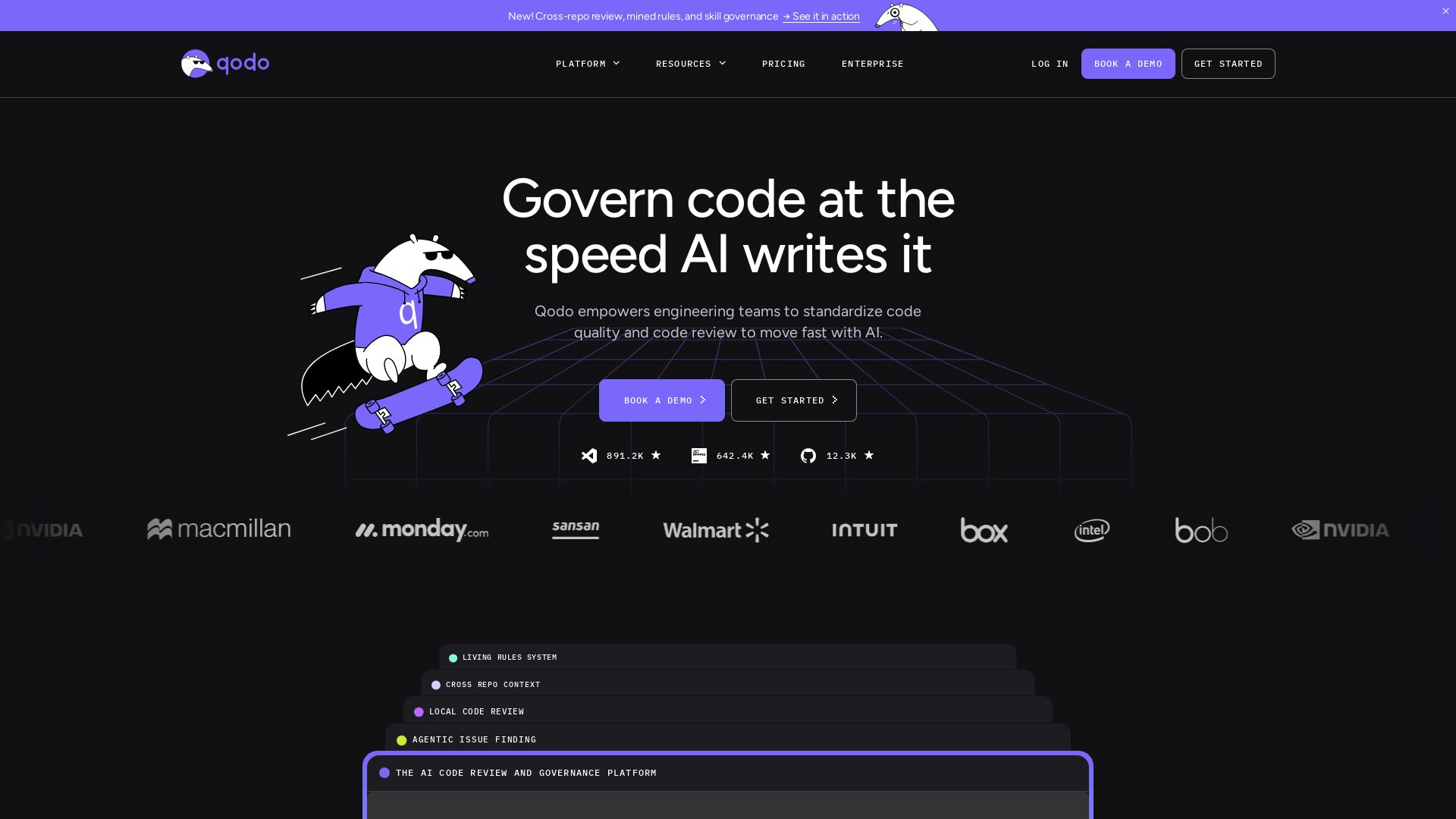
Qodo
Qodo empowers engineering teams to standardize code quality and review at AI speed. Context-aware reviews, enforceable rules, and cross-repo insights.


ZenMux
ZenMux respects your privacy with essential cookies. Optional cookies enhance your experience. Collaborate securely and manage preferences anytime.

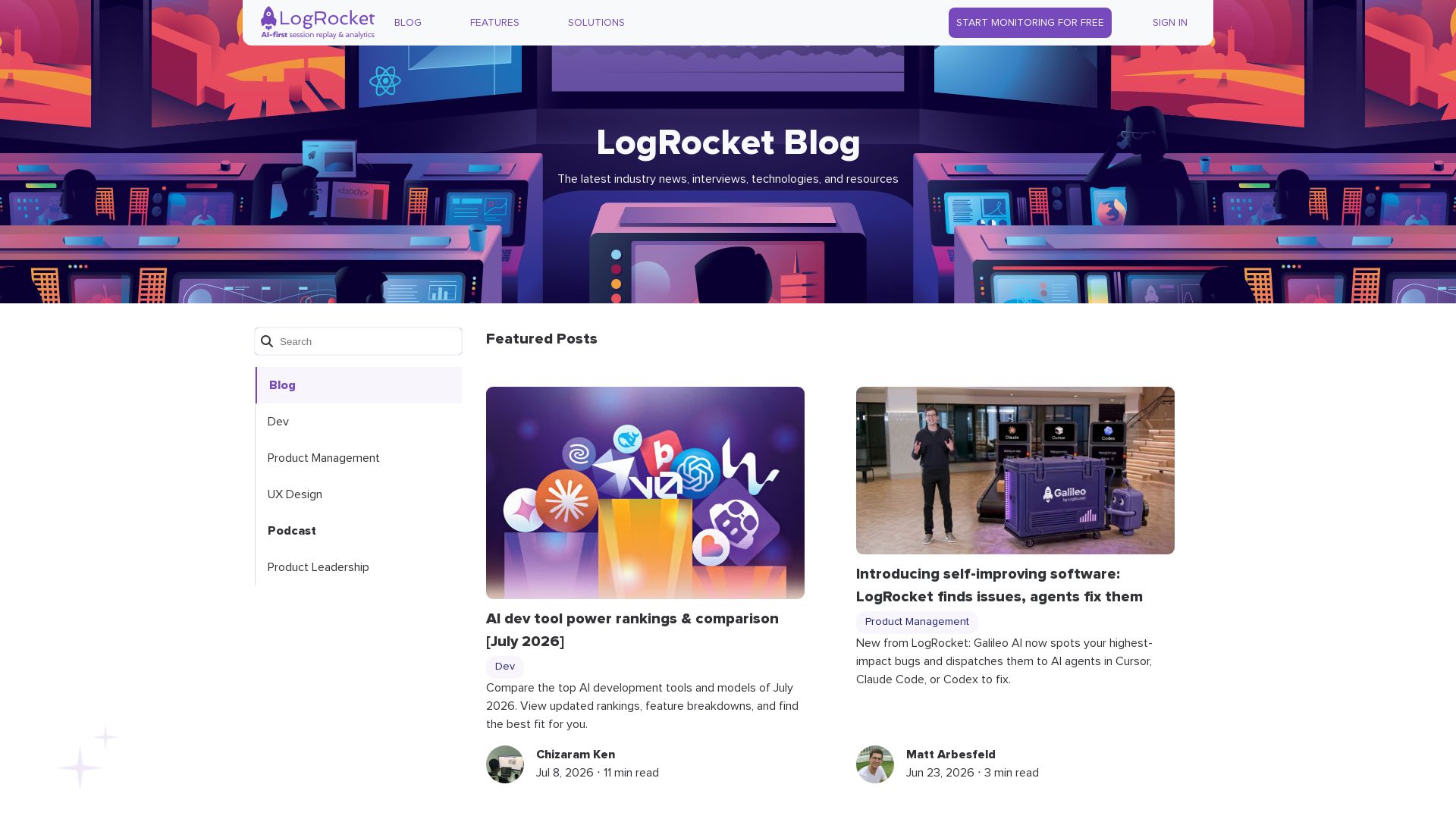
LogRocket
Explore the latest in AI dev tools, product management frameworks, UX design principles, and more. Stay ahead with expert articles, tutorials, and industry news.

ℹ️ Curation Disclosure: The overview and features of GitClear were synthesized using AI and fact-checked by our curation team to ensure accuracy.