
AI Assist for Gemini
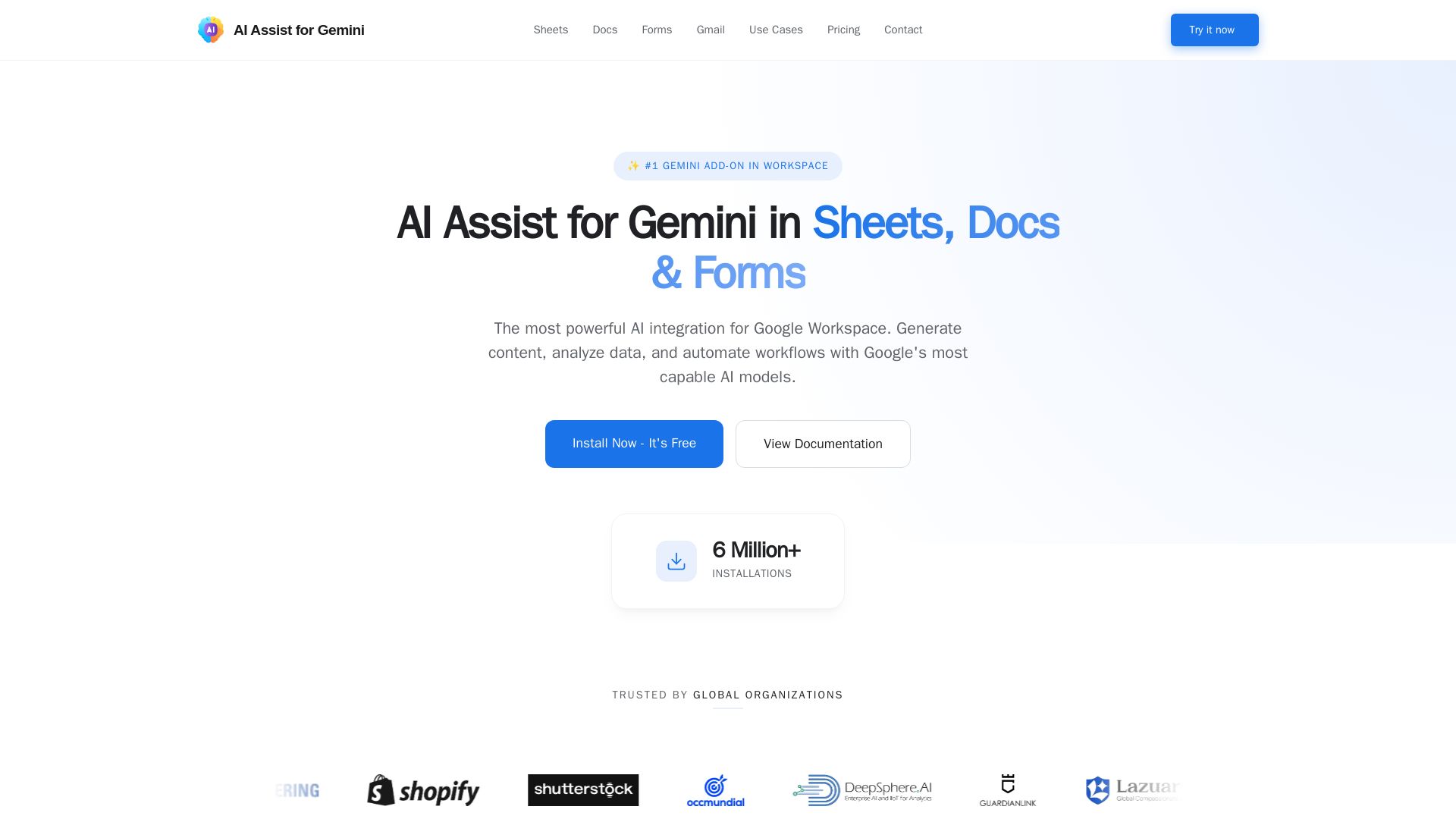
Powerful AI integration for Sheets, Docs & Forms. Generate content, analyze data, automate workflows. Free trial. 6M+ installations.
Editor's Verdict
Key Takeaways
- Data Analysis at Scale
- Creative Writing Assistant
- Intelligent Quiz Generation
- World's Largest Prompt Library
In-Depth Review: What is AI Assist for Gemini?
AI Assist for Gemini is the leading AI add-on for Google Workspace, seamlessly integrating Gemini's powerful models into Sheets, Docs, and Forms. Trusted by millions, it offers data analysis, content generation, a massive prompt library, and more. Install free and start automating your workflow.
Core Features
Data Analysis at Scale
Run logic across thousands of rows, clean data, extract sentiment, and build complex models without a single line of script using Gemini in Google Sheets.
Creative Writing Assistant
A sidebar that writes with you in Docs, summarizing long reports or rewriting paragraphs in any tone.
Intelligent Quiz Generation
Generate entire forms from a topic; AI handles questions, options, and logic in Google Forms.
World's Largest Prompt Library
Over 1,000 ready-to-use prompts for SEO, content marketing, and sales, accessible directly within Sheets.
Gemini Vision for Image Descriptions
Generate high-quality product image titles and descriptions for an entire catalog directly in your spreadsheet using Vision AI.
Full Creative Control with Temperature Settings
Precisely control creativity output to balance novel ideas with coherence, harnessing the full power of Gemini.
Interactive Sidebar Interface
An intuitive sidebar in Sheets for running functions, accessing documentation, and browsing curated AI prompts.
Pricing
Free
- Always free to use
- GEM Sheet custom function
- Custom Prompt in Sheets
- Add Question by AI in Forms
- Extensive Prompt Library
- 50 calls per day
Pro
- Everything Free has
- AI Writer in Google Docs
- GEM_LIST, GEM_TABLE functions
- Interactive Sidebar in Sheets
- Create entire Quizzes in Forms
- No rate limits in add-on*
- Priority support
Lifetime
- Everything in Pro plan
- No recurring subscriptions
- Lifetime updates included
- Priority support
- Early access to new features
- Valid forever*
Pros and Cons
Pros
- Seamless Google Workspace IntegrationWorks naturally within Sheets, Docs, and Forms without cluttering the interface, feeling like a native part of Google Workspace.
- Powerful Bulk ProcessingCan handle thousands of rows of data analysis, content generation, and categorization using custom formulas like =GEM(), saving hours of manual work.
- Comprehensive Prompt LibraryOver 1,000 ready-to-use prompts for various tasks like SEO, marketing, and sales, enabling quick automation without writing prompts from scratch.
- Flexible Pricing and Free TierA free plan with 50 calls per day and no credit card required for the 7-day Pro trial; Pro and Lifetime options are affordable compared to official Google add-ons.
- Advanced Control and CustomizationTemperature settings allow fine-tuning AI creativity; supports multiple Gemini models (Flash, Pro) for balancing speed and reasoning.
Cons
- Requires Own API KeyUsers must obtain a Gemini API key from Google AI Studio, which introduces an extra setup step and potential cost if exceeding free API quotas.
- Rate Limits on Free PlanThe free add-on plan limits to 50 calls per day, and the free Google API tier may have rate limits causing errors for heavy users.
- Google Sheets Timeout for Large DatasetsCustom functions in Sheets can time out (30 seconds limit) when processing very large datasets; workaround using sidebar execution but still a limitation.
- Permission Scope RequiredNeeds permission to 'See, edit, and create all your Google Drive files' which may raise privacy concerns, although data is only accessed when explicitly used.
- Limited Gmail and No Slides Support YetFull support is for Sheets, Docs, and Forms; Gmail integration is in beta and Slides is on the roadmap, so not fully integrated across all Workspace apps.
Use Cases & Recommended Professions
Data Analyst→ View Toolkit
Automate data cleaning, sentiment analysis, and complex modeling on large datasets without scripting, saving time and reducing errors.
Content Marketer→ View Toolkit
Generate ad copy, blog posts, and SEO-optimized content directly in Docs or Sheets using the prompt library and bulk generation features.
Teacher/Educator→ View Toolkit
Create quizzes and forms with AI-generated questions, options, and logic, streamlining assessment creation in Google Forms.
Small Business Owner→ View Toolkit
Manage product listings, write descriptions, and automate repetitive tasks in spreadsheets without hiring a freelancer, reducing operational costs.
Software Developer→ View Toolkit
Use GEM_LIST and GEM_TABLE functions for coding tasks, bulk data organization, and refactoring code snippets within Sheets.
SEO Specialist→ View Toolkit
Leverage the prompt library for keyword research, meta descriptions, and content strategies, all integrated within Google Workspace.
Frequently Asked Questions
Alternative AI Tools
View Detailed Comparison →
Agentic Workers
Automate tasks with 100+ pre-built AI workflows. Connect 800+ tools, save 10+ hours/week. No coding needed. Join 13,000+ professionals.


Scuti AI
We specialize in generative AI, AI-OCR, RAG, and offshore development. Combining Vietnam's speed with Japan's quality to automate tasks and boost business.


Making AI think and act: my approach to the Hugging Face AI ...
Experienced AI engineer specializing in medical imaging and LLM-powered agents. Built globally deployed radiology AI at AZmed. Now building AI agents at Matrix One.


Zapier
Connect AI to 9,000+ apps. Build AI agents, chatbots, and workflows without code. Trusted by Fortune 500. Start free.


Wizr AI
Build autonomous enterprises with AI-powered automation. Accelerate software delivery by 50% with production-ready AI systems. Trusted by world-class enterprises.

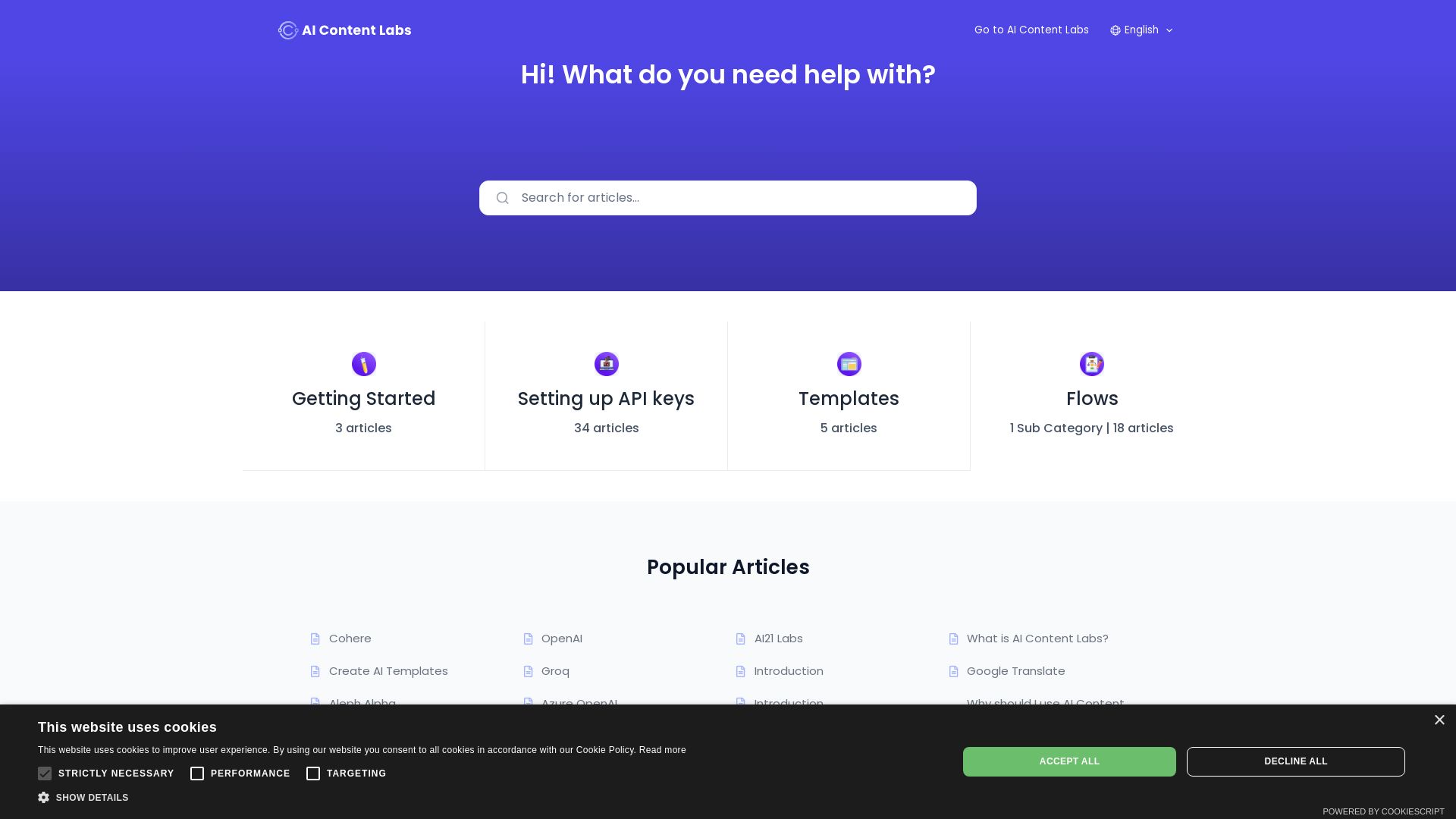
AI Content Labs
Create, manage, and optimize AI-generated content with ease. Integrate top AI models, use templates, and automate workflows.

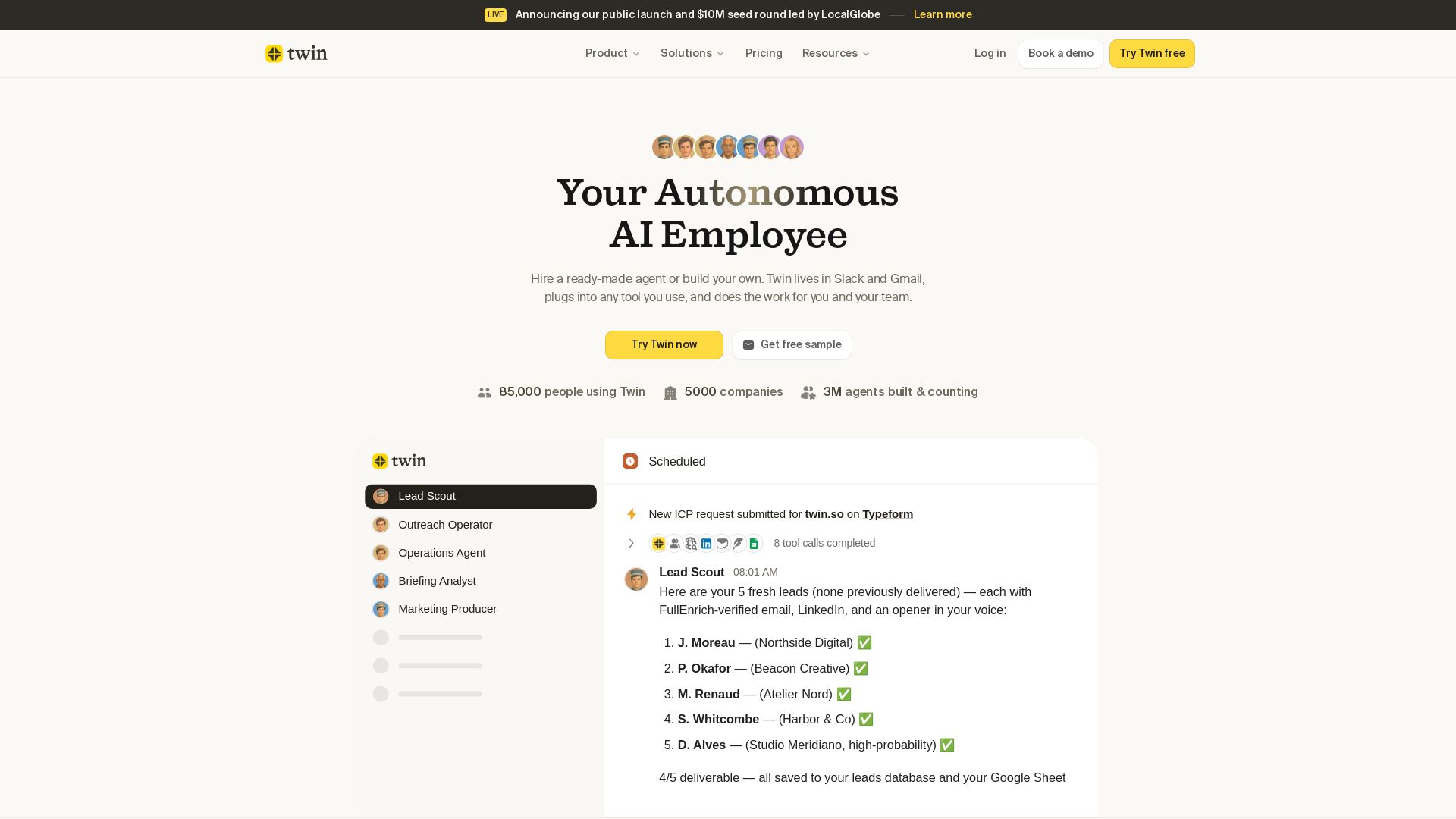
Twin
Twin: ready-made AI agents that work in Slack & Gmail. Automate prospecting, outreach, and more. Trusted by 85,000 users. Start free.

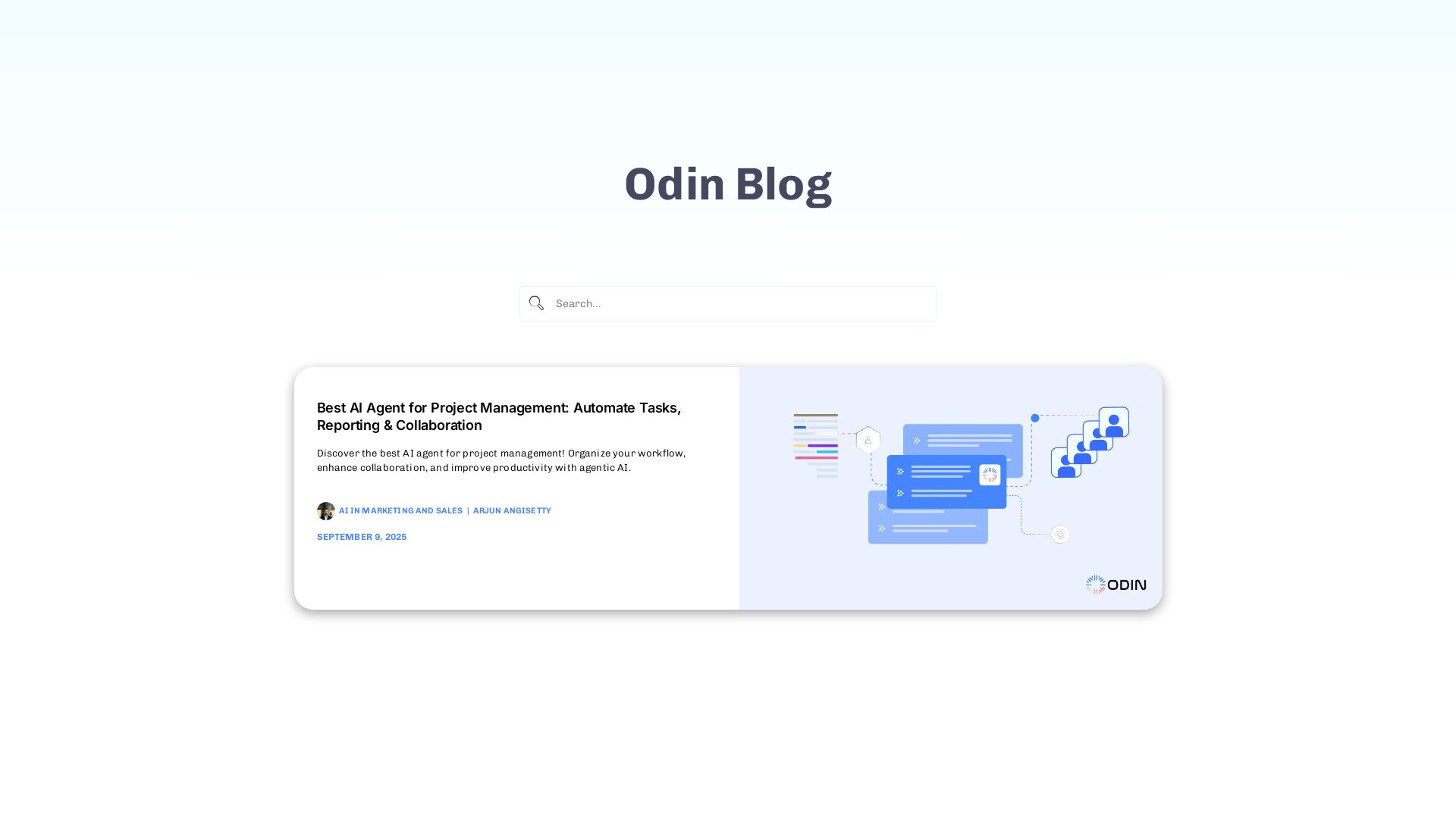
Odin AI
Automate tasks, document summarization, and collaboration with Odin AI's no-code platform. Boost productivity with intelligent AI agents.

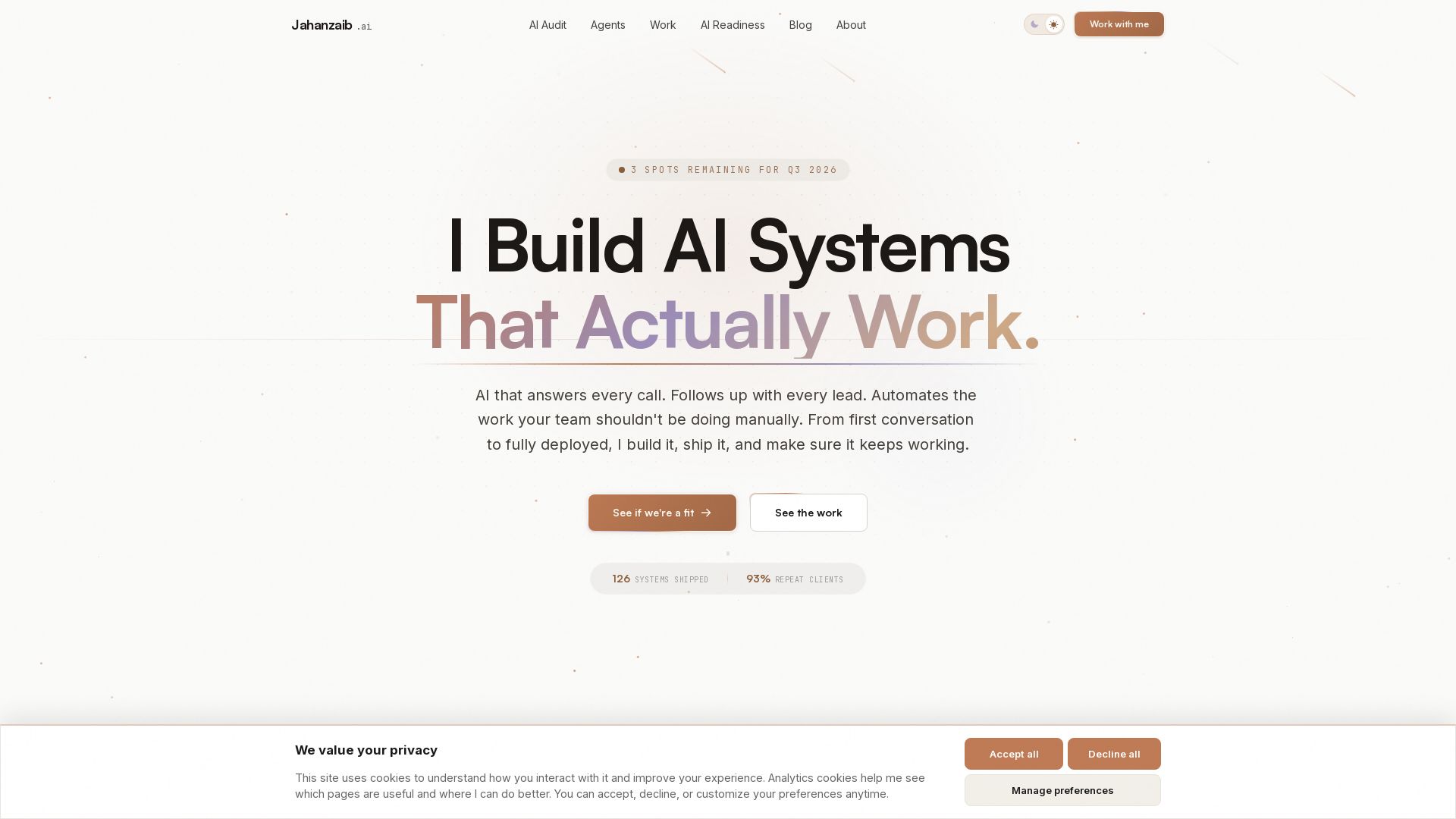
Pydantic AI Tutorial: Type-Safe Agents in Production
Production-ready AI voice agents, automation, and chatbots. 126 systems shipped. 21-day live guarantee. Book a free AI audit.


Section AI
Turn AI investment into workforce transformation with Section. Command center, coaching, and strategic support to drive measurable ROI.

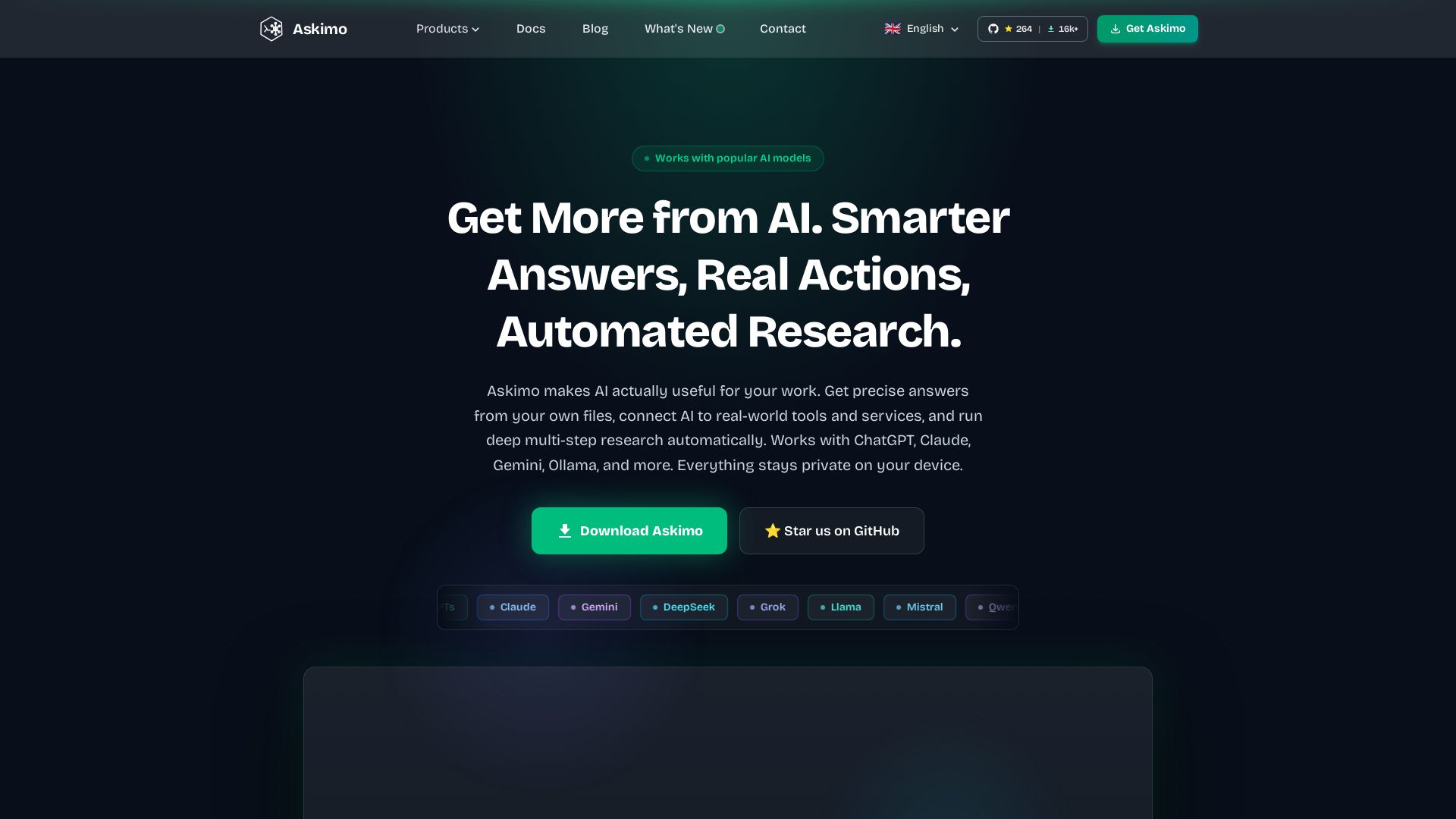
Askimo
Use ChatGPT, Claude, Gemini & more in one desktop app. AI knows your files, runs multi-step workflows, and keeps data private.

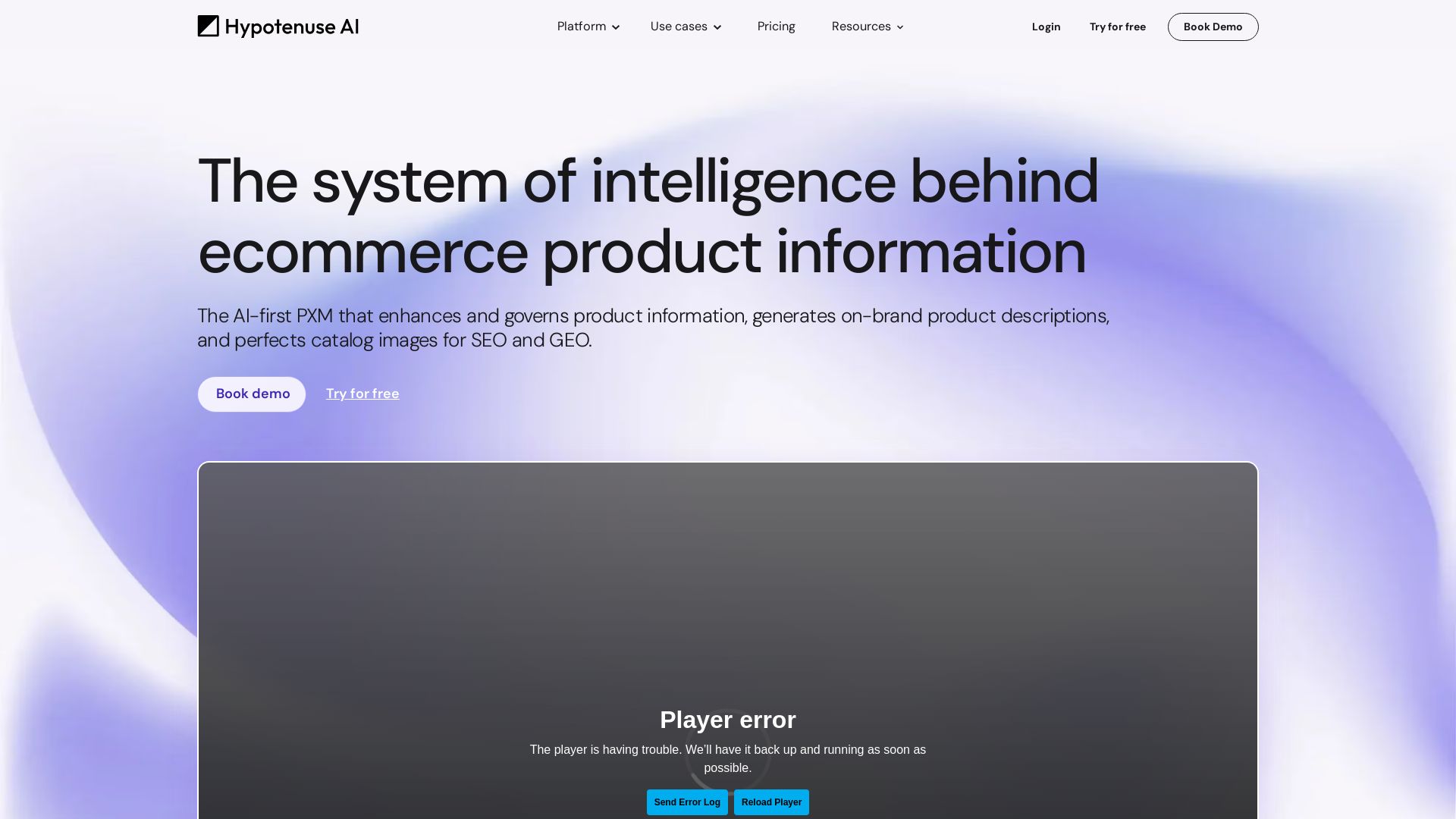
Hypotenuse AI
Enhance product data, generate SEO-optimized descriptions, and perfect images with AI. Trusted by global brands. Try free.

ℹ️ Curation Disclosure: The overview and features of AI Assist for Gemini were synthesized using AI and fact-checked by our curation team to ensure accuracy.
